Razer DeathAdder Gaming Mice
Elevate your gaming experience with a high-performance gaming mouse designed to deliver precision, speed, and comfort. Whether you're exploring vast virtual worlds or engaging in intense multiplayer battles, a quality gaming mouse can make all the difference in your performance. Discover the perfect blend of ergonomic design and responsive controls that cater to both casual gamers and esports enthusiasts alike. With customizable features and cutting-edge technology, this gaming accessory is crafted to enhance your gameplay and provide a competitive edge. Dive into the world of immersive gaming with a mouse that keeps up with your every move.
Sort
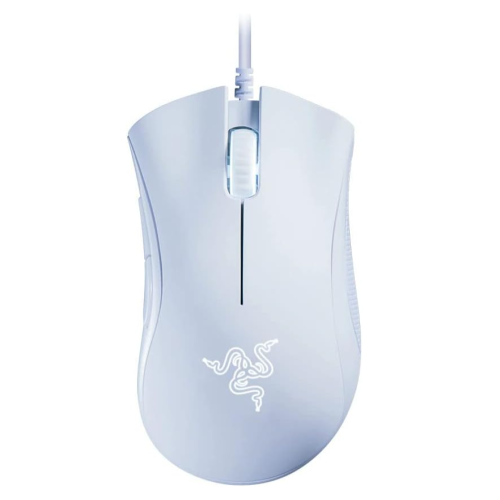
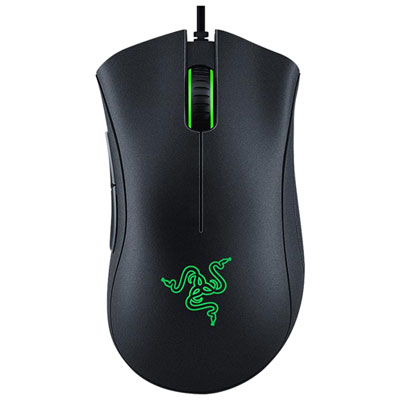
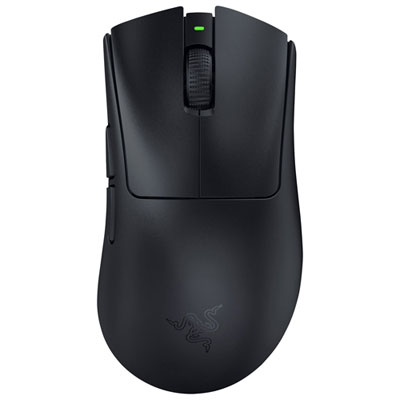
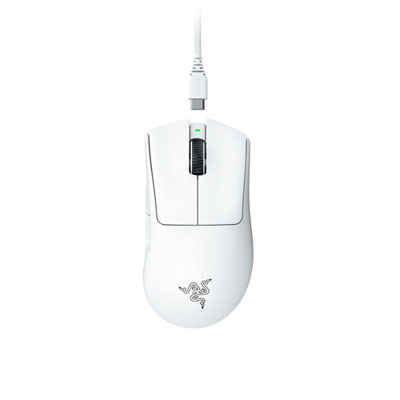
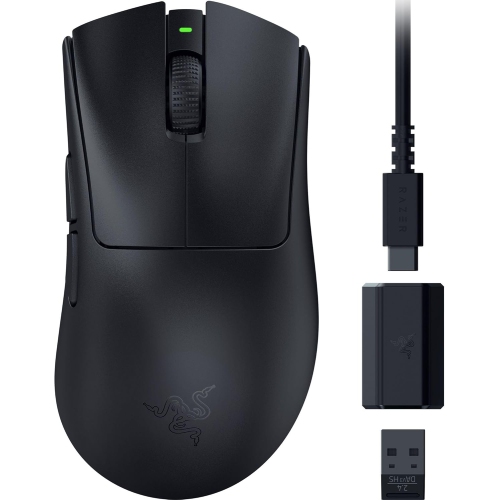
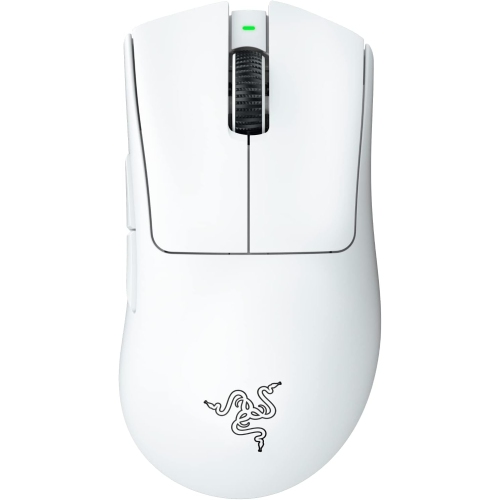
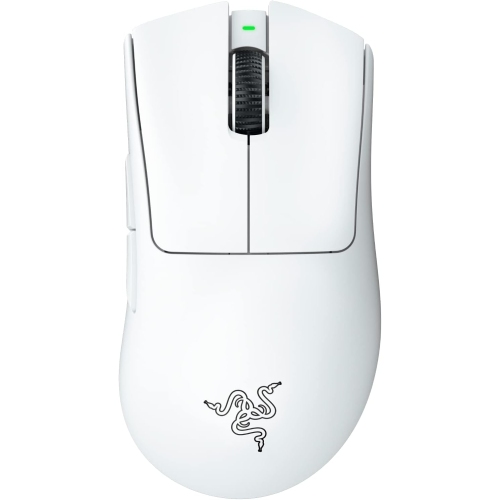
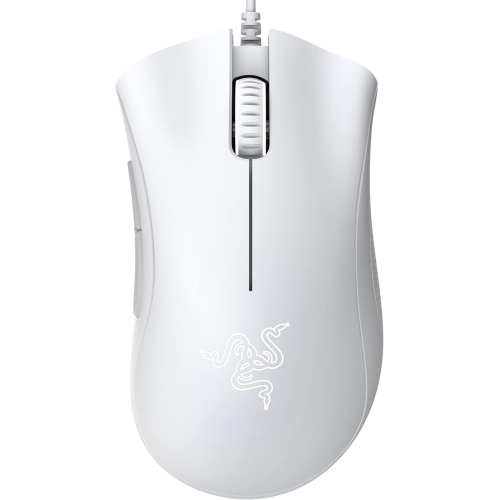
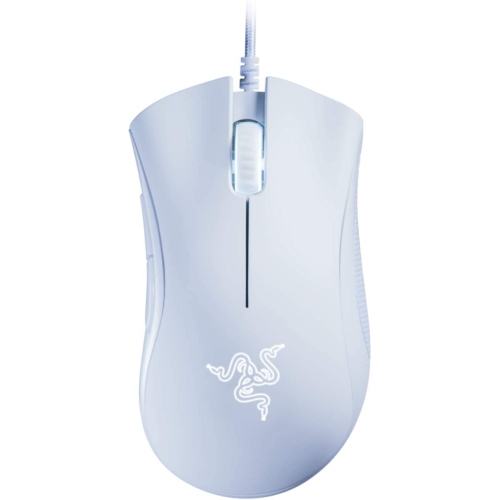
Comfort, control, and connection options for every gaming setup
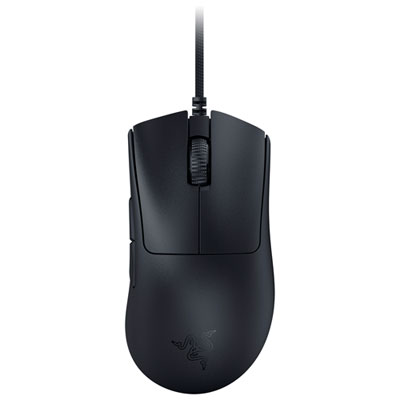
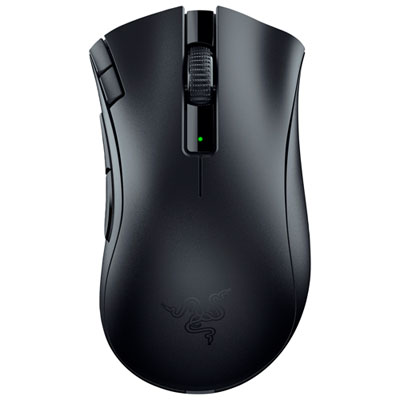
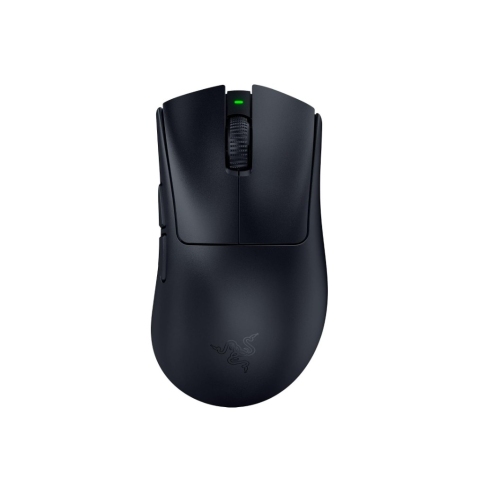
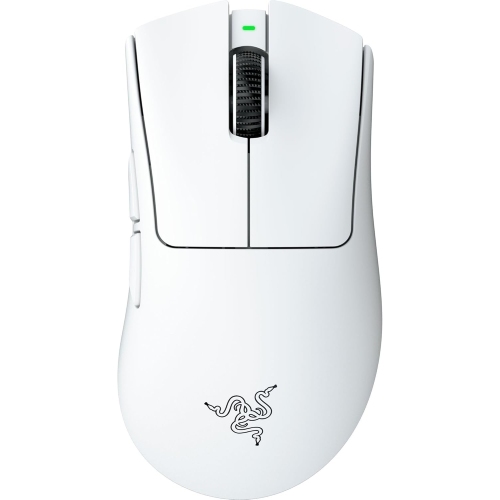
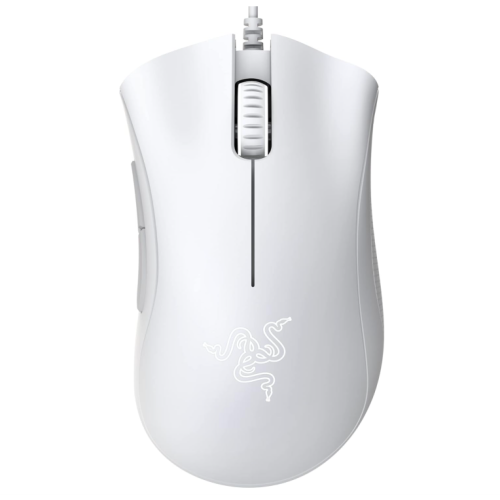
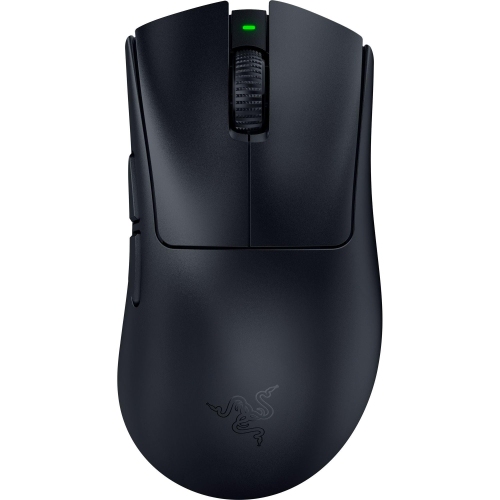
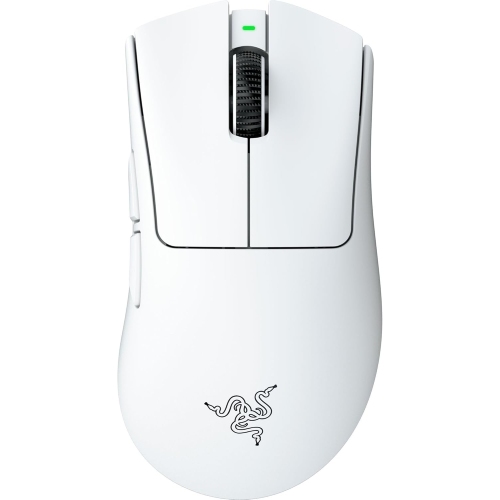
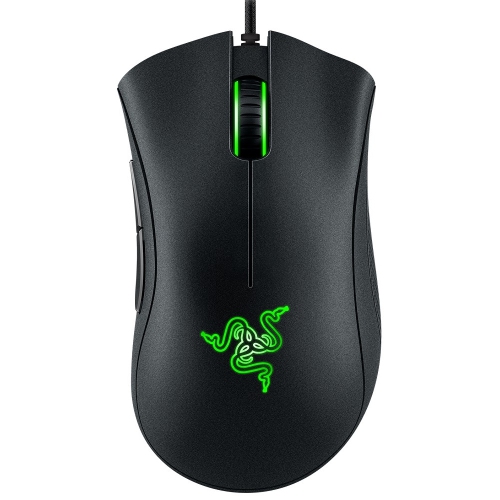
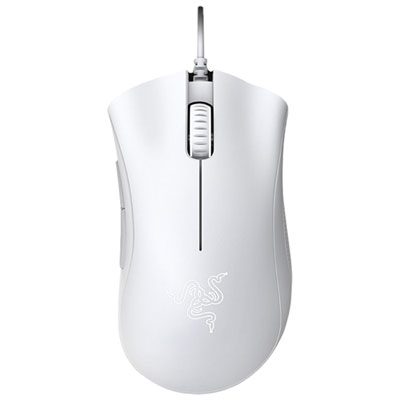
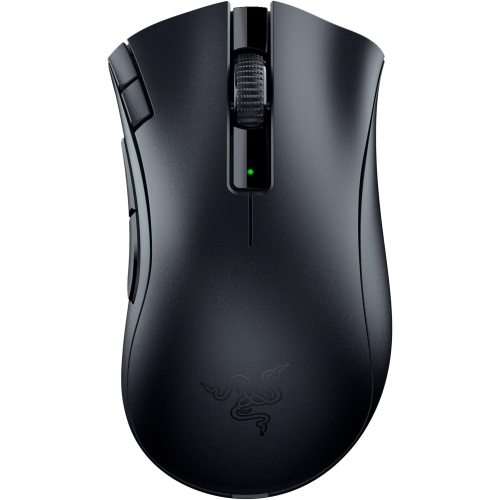
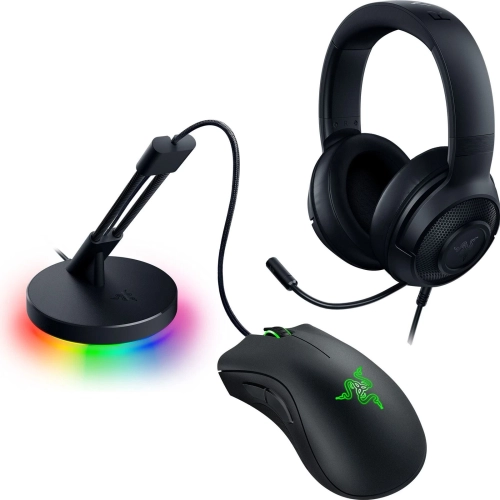
Razer DeathAdder gaming mice are designed for players who want a familiar, right-handed shape that feels natural through long sessions. Their ergonomic profile typically supports palm and claw grips, with a fuller body that helps the hand rest comfortably while leaving the fingers positioned over the primary buttons. That balance can be especially useful in first-person shooters, action games, battle royale matches, and other titles where quick, controlled movements matter. The same shape can also suit everyday computer use, including browsing, schoolwork, photo organization, and office tasks, making this style of mouse a practical choice for a gaming setup that does more than play games. When comparing options, start with the way the mouse fits your hand. A palm grip usually benefits from a longer body and a supportive hump, while claw and fingertip players may prefer a lighter design that responds quickly to smaller movements. Hand size matters as well: a mouse that feels secure rather than cramped can reduce the need to adjust your grip during a tense match. The right-handed design is intended for users who move the mouse with their right hand, so left-handed shoppers should check the shape carefully before purchasing. These mice can also make thoughtful gifts for PC gamers, students building a first desktop setup, or anyone whose current mouse feels stiff, imprecise, or uncomfortable after a few hours. A gift recipient who spends cooler months indoors gaming, studying, or working at a desk may appreciate an upgrade that improves both comfort and control without requiring a complete change to their setup. For shoppers exploring related options, the Razer Deathadder Elite page offers another place to compare this distinctive mouse family.
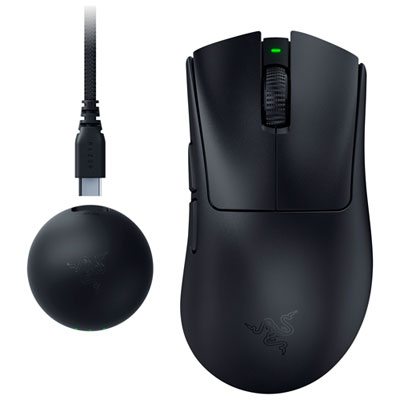
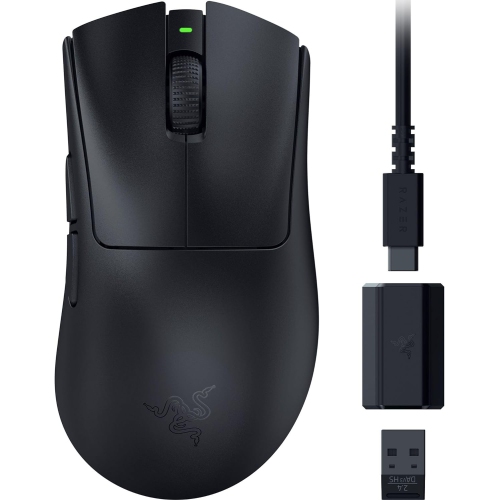
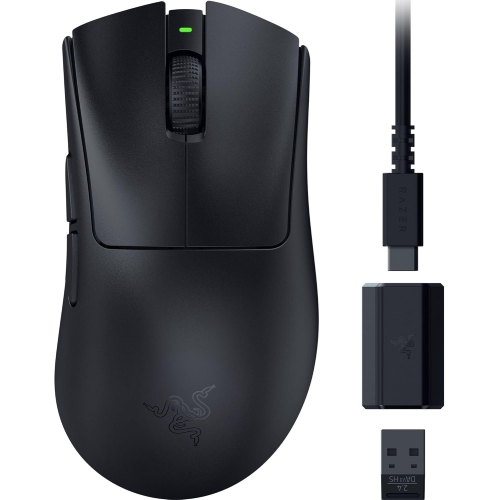
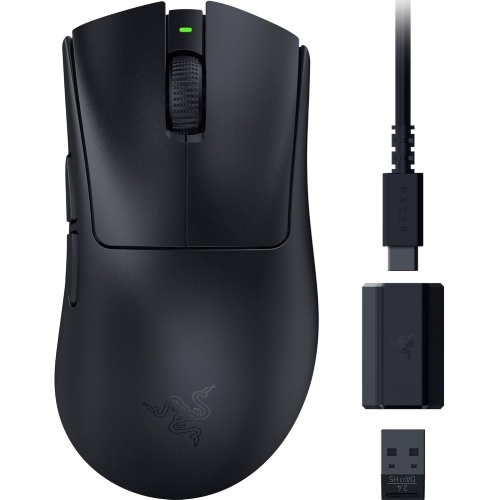
The main purchase decision is often wired versus wireless. A wired mouse provides a direct connection with no battery to charge and is usually a straightforward choice for a permanent desktop station. It can be appealing to competitive players who prefer a consistent connection and to shoppers looking for strong performance at a lower price. Entry-level wired gaming mice in this category may be available around $33, while more advanced wireless designs can cost over $200, depending on features, materials, included accessories, and performance specifications. Wireless models offer a cleaner desk and greater freedom of movement, which can be valuable when a PC is connected to a large monitor or television, or when the mouse needs to move between work and gaming areas. Dual-mode designs may support both a dedicated low-latency wireless connection and Bluetooth, giving users flexibility when pairing with different computers or compatible devices. Battery life varies widely, so check whether the stated runtime applies to Bluetooth, performance wireless mode, or a particular lighting setting. A long runtime can be convenient for a busy student or a player who does not want to interrupt a weekend gaming session, while a model with a rechargeable battery may be easier to maintain than one that relies on replaceable cells. Wired and wireless options can both provide responsive tracking; the better choice depends on how the desk is arranged, how often the mouse travels, and whether uninterrupted play or cable-free movement matters more. Also consider cable flexibility, wireless receiver storage, charging methods, and whether the mouse can be used while charging. These small details become noticeable in daily use, especially when a cable catches on the edge of a desk or a low battery warning appears during an important match.
Sensor specifications are another useful way to compare gaming mice, but higher numbers do not automatically make one option better for every player. Sensitivity is commonly expressed in DPI, and adjustable settings allow users to choose between broad, sweeping movements and faster cursor travel. A high maximum DPI can be useful for players who prefer very sensitive controls or use high-resolution displays, while many FPS players select a lower setting for deliberate aiming and steady crosshair placement. Look for an optical sensor with consistent tracking, adjustable sensitivity, and software that allows profiles to be saved for different games or applications. Programmable buttons can assign commands such as melee attacks, reloads, abilities, media controls, or shortcuts, although too many buttons may feel crowded if you prefer a simple layout. Polling rate describes how often the mouse reports its position to the computer; higher rates can produce more frequent updates, but they may also increase system workload and battery use on wireless models. Advanced gaming mice may offer polling rates reaching 8,000 Hz, while more modest settings remain suitable for many players and everyday tasks. Optical switches can provide fast actuation and are often chosen for their crisp click feel and resistance to certain forms of mechanical wear. Weight is equally personal: lightweight designs in the roughly 56-gram to 63-gram range can feel quick during rapid flicks, while a heavier mouse may feel more planted for careful aiming or general productivity. Before choosing, check the button layout, scroll-wheel texture, onboard memory, lighting controls, software compatibility, and warranty information. A well-matched gaming mouse should disappear beneath your hand, track smoothly across your preferred surface, and remain comfortable whether you are navigating a game after a long day or settling in for work during the cooler months.
The main purchase decision is often wired versus wireless. A wired mouse provides a direct connection with no battery to charge and is usually a straightforward choice for a permanent desktop station. It can be appealing to competitive players who prefer a consistent connection and to shoppers looking for strong performance at a lower price. Entry-level wired gaming mice in this category may be available around $33, while more advanced wireless designs can cost over $200, depending on features, materials, included accessories, and performance specifications. Wireless models offer a cleaner desk and greater freedom of movement, which can be valuable when a PC is connected to a large monitor or television, or when the mouse needs to move between work and gaming areas. Dual-mode designs may support both a dedicated low-latency wireless connection and Bluetooth, giving users flexibility when pairing with different computers or compatible devices. Battery life varies widely, so check whether the stated runtime applies to Bluetooth, performance wireless mode, or a particular lighting setting. A long runtime can be convenient for a busy student or a player who does not want to interrupt a weekend gaming session, while a model with a rechargeable battery may be easier to maintain than one that relies on replaceable cells. Wired and wireless options can both provide responsive tracking; the better choice depends on how the desk is arranged, how often the mouse travels, and whether uninterrupted play or cable-free movement matters more. Also consider cable flexibility, wireless receiver storage, charging methods, and whether the mouse can be used while charging. These small details become noticeable in daily use, especially when a cable catches on the edge of a desk or a low battery warning appears during an important match.
Sensor specifications are another useful way to compare gaming mice, but higher numbers do not automatically make one option better for every player. Sensitivity is commonly expressed in DPI, and adjustable settings allow users to choose between broad, sweeping movements and faster cursor travel. A high maximum DPI can be useful for players who prefer very sensitive controls or use high-resolution displays, while many FPS players select a lower setting for deliberate aiming and steady crosshair placement. Look for an optical sensor with consistent tracking, adjustable sensitivity, and software that allows profiles to be saved for different games or applications. Programmable buttons can assign commands such as melee attacks, reloads, abilities, media controls, or shortcuts, although too many buttons may feel crowded if you prefer a simple layout. Polling rate describes how often the mouse reports its position to the computer; higher rates can produce more frequent updates, but they may also increase system workload and battery use on wireless models. Advanced gaming mice may offer polling rates reaching 8,000 Hz, while more modest settings remain suitable for many players and everyday tasks. Optical switches can provide fast actuation and are often chosen for their crisp click feel and resistance to certain forms of mechanical wear. Weight is equally personal: lightweight designs in the roughly 56-gram to 63-gram range can feel quick during rapid flicks, while a heavier mouse may feel more planted for careful aiming or general productivity. Before choosing, check the button layout, scroll-wheel texture, onboard memory, lighting controls, software compatibility, and warranty information. A well-matched gaming mouse should disappear beneath your hand, track smoothly across your preferred surface, and remain comfortable whether you are navigating a game after a long day or settling in for work during the cooler months.
Top selling and popular products
-
 Your price for this item is $74.99
 -
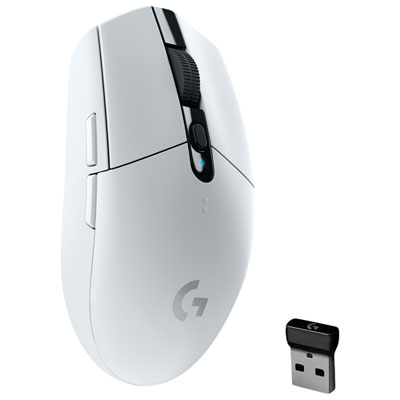 Your price for this item is $69.99
 -
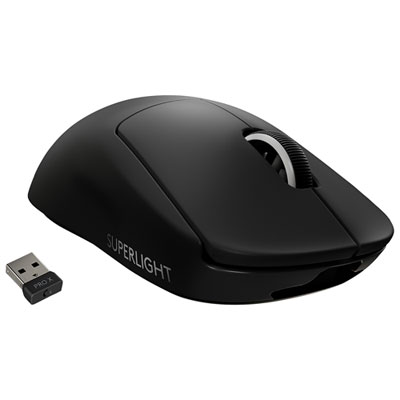 Your price for this item is $179.99
 -
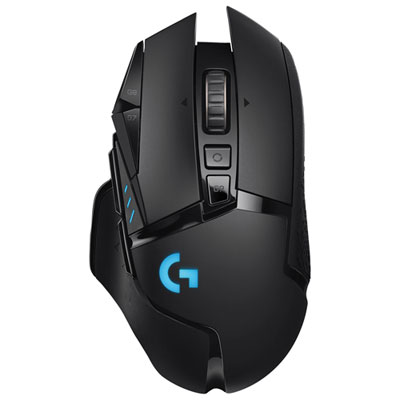 Your price for this item is $149.99
 -
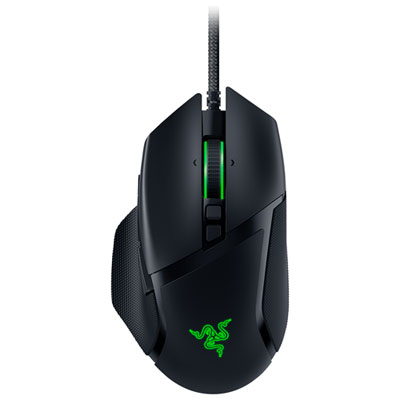 Your price for this item is $63.98
 -
 Your price for this item is $39.99
 -
 Your price for this item is $96.98
 -
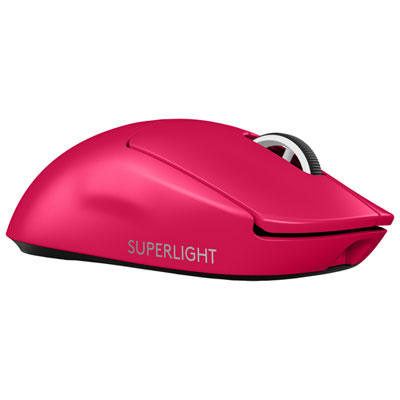 Your price for this item is $219.99
Discover more categories related to Razer DeathAdder Gaming Mice
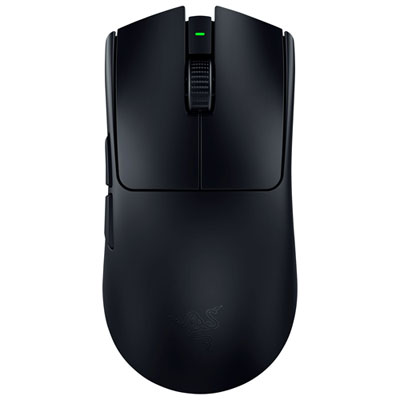
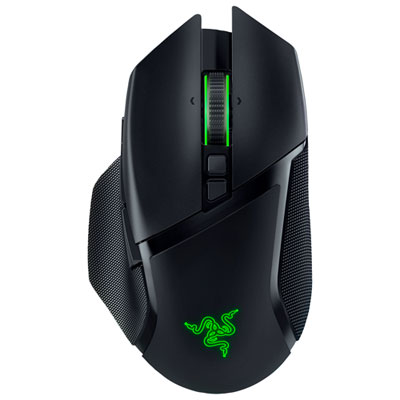
Top Collections:
Pokemon Centers, Best Cameras for Sports Photography, Kindle Devices, Samsung Galaxy Phones, Canon G7X Cameras, Pokémon 30th Celebration Cards, Refurbished Apple Laptops, iPhone 15 Apple, Laptops for Students, Budget Smartphones
Some products may be subject to Environmental Handling Fees
(EHF) depending on your province.
Learn more about EHFs.