Razer Viper Mice
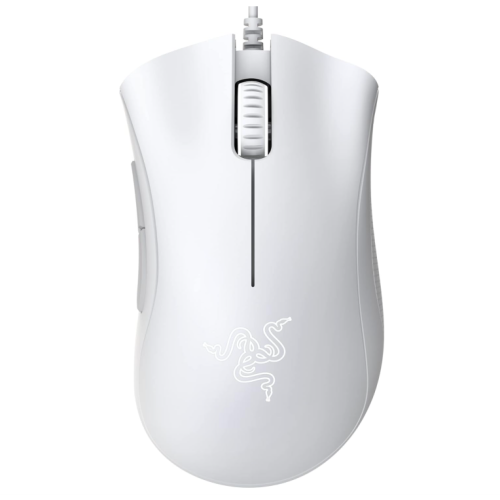
Looking for a cutting-edge gaming accessory that will take your gameplay to the next level? Look no further than our selection of high-performance gaming mice from Razer Viper. Designed with precision and speed in mind, these advanced peripherals are perfect for gamers of almost all skill levels. Whether you're a casual gamer looking to improve your accuracy or a competitive player seeking that extra edge, our range of gaming mice offers a wide variety of features and customization options to suit your unique needs. Explore our collection today and unleash the full potential of your gaming experience.
Sort
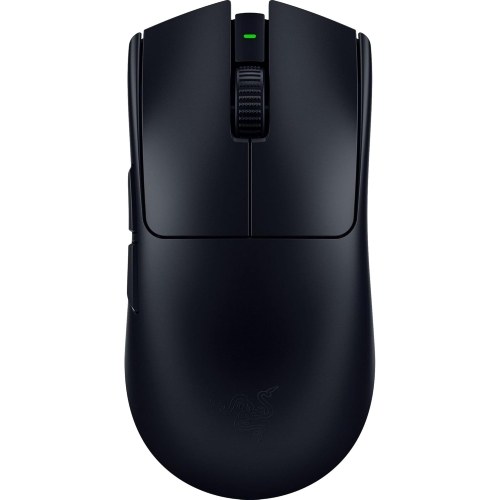
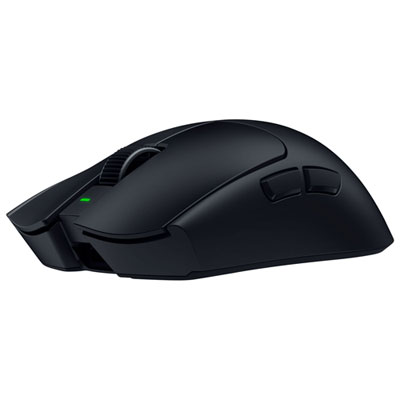
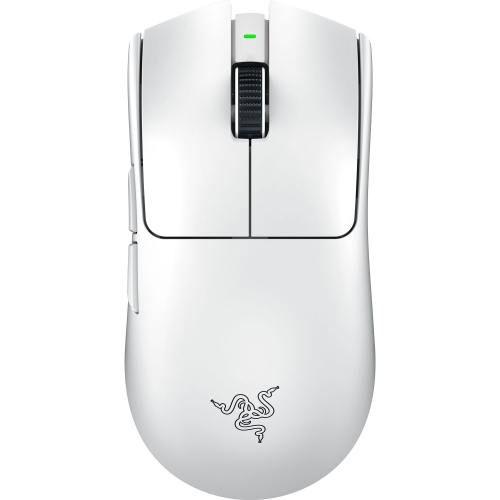
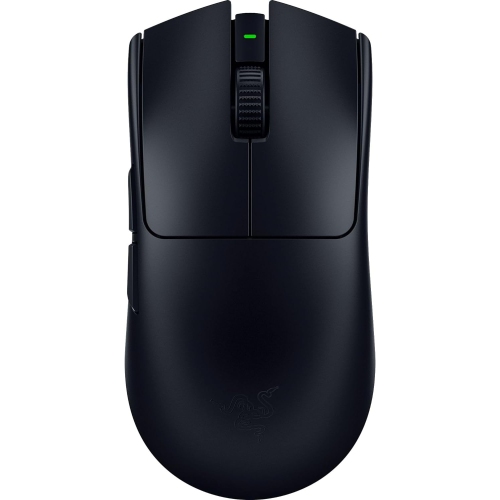
How weight, grip, sensors, and connection shape performance
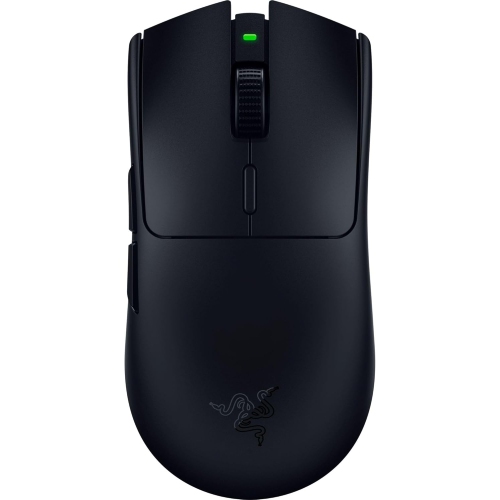
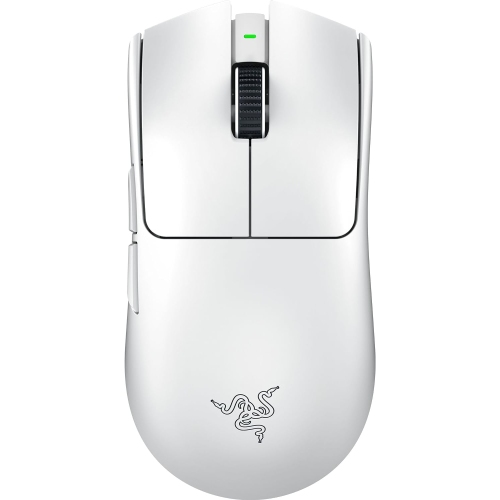
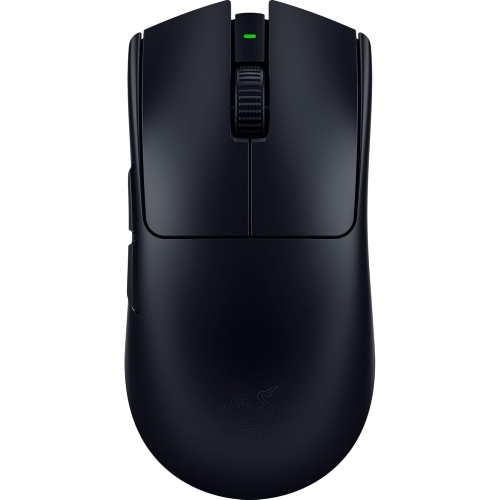
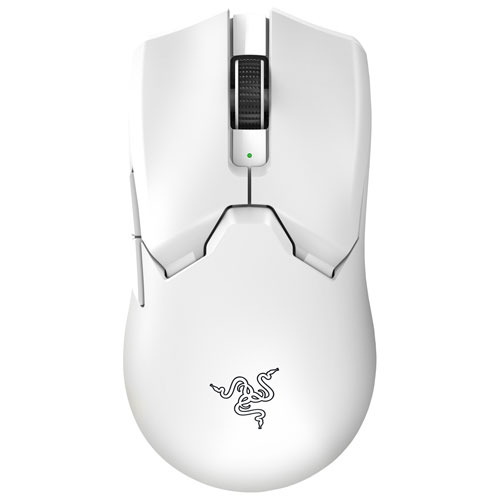
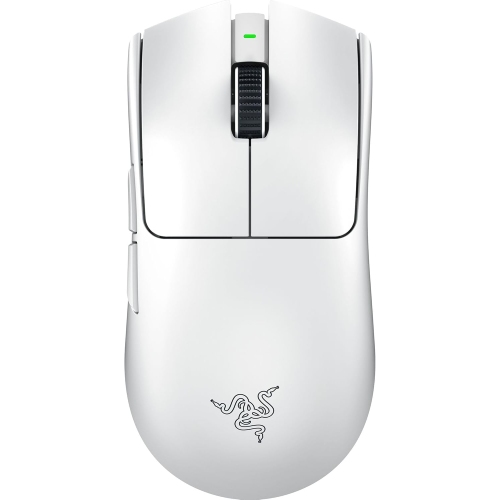
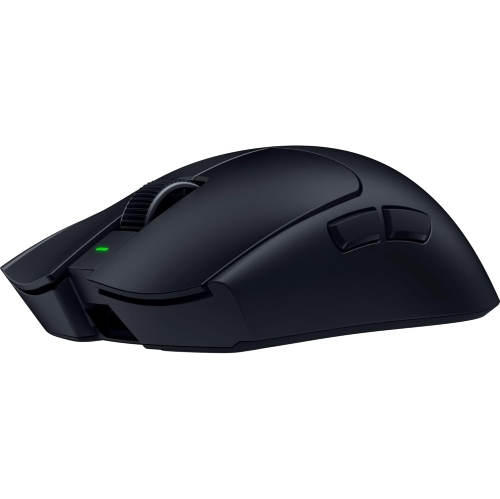
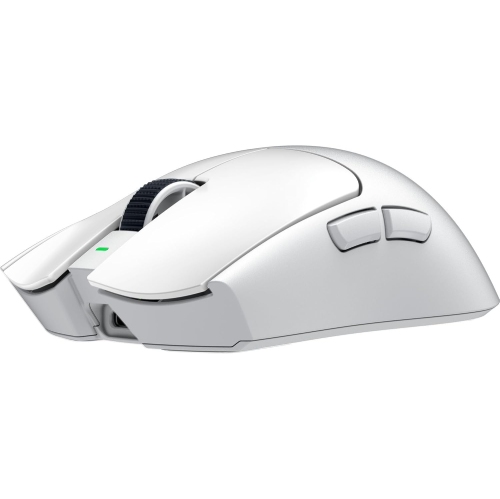
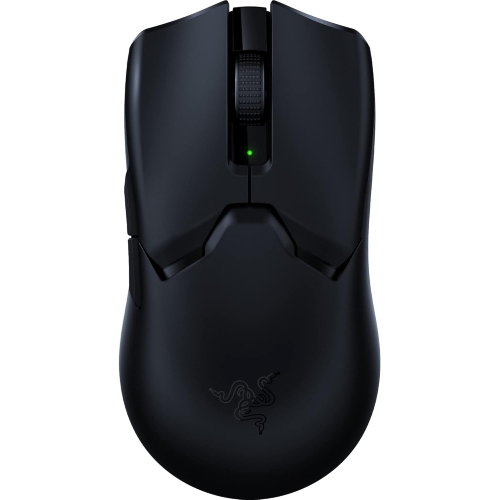
Lightweight symmetrical gaming mice are designed for players who value quick movement, accurate tracking, and a balanced shape that feels natural in either hand. A compact, low-weight design can make a noticeable difference during long gaming sessions: rapid turns take less effort, small corrections feel easier to control, and lifting the mouse to reposition it becomes less tiring. These qualities are especially useful in competitive first-person shooters, where a split-second adjustment can change the outcome of a round, but they are also helpful in strategy games, action adventures, and everyday computer use. The symmetrical shape typically appeals to fingertip, claw, and palm grip users, although the best fit depends on hand size and how much of the mouse rests beneath your palm. Fingertip users often appreciate a shorter, lighter design that responds to small movements, while claw-grip users may prefer a defined rear section that supports the curve of the hand. Palm-grip users should pay close attention to the overall length and height so the mouse provides comfortable support without forcing the wrist into an awkward angle. When comparing options in the Razer Viper mice category, consider the balance between weight, dimensions, button placement, and surface finish rather than choosing based on a single specification. A mouse that feels effortless during a brief test may feel quite different after several hours at a desk, so comfort, control, and a secure hold should remain central to the decision.
Sensor performance is another important consideration when choosing a lightweight gaming mouse. Modern optical sensors can provide highly accurate tracking across a wide range of sensitivity settings, allowing players to tailor cursor movement to their display resolution, game preferences, and available desk space. Very high DPI ratings can be useful for specific setups, but maximum sensitivity is not automatically the same as better control; many players prefer a lower setting for steadier aiming and broader arm movements. Look for a sensor that tracks consistently, starts and stops cleanly, and maintains accuracy during fast swipes. Polling rate also affects responsiveness by determining how frequently the mouse reports its position to the computer. Higher polling rates can make movement appear smoother, particularly on high-refresh-rate displays, though the practical benefit depends on the computer, monitor, game, and chosen settings. Click technology matters as well. Optical switches use light-based actuation to register clicks quickly and can help reduce the risk of unwanted double-clicking associated with mechanical wear. Some users enjoy a crisp, pronounced click for clear feedback, while others prefer quieter operation for shared spaces, late-night sessions, or a home office. Button layout should be reviewed carefully, especially for players who rely on side buttons for abilities, inventory controls, push-to-talk, or browser shortcuts. Buttons that are easy to reach without shifting your grip can improve comfort, but controls that sit too close to the thumb may lead to accidental presses. A dependable scroll wheel, a well-placed profile button, and a flexible cable on wired designs can also influence the overall experience. For additional ways to compare features and styles, browse Best Razer Mice while keeping your own grip, games, desk space, and preferred connection in mind.
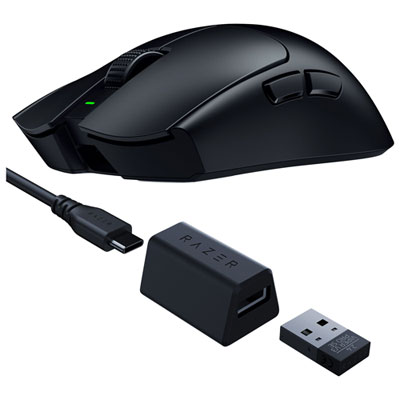
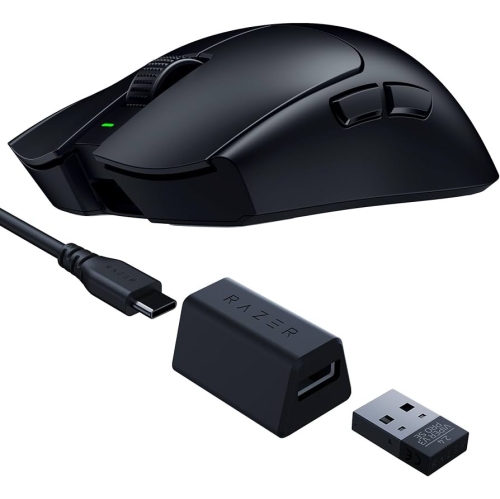
Connection type is often the deciding factor between otherwise similar gaming mice. Wired models provide continuous power and a direct connection, making them a practical choice for a permanent desktop setup or for players who prefer not to manage charging. A lightweight cable with a low-friction design can help preserve the freedom of movement that a light mouse is meant to provide, particularly when it is routed through a cable holder or positioned away from the edge of the desk. Wireless models can create a cleaner workspace and reduce cable drag, which is valuable for broad sweeping movements and compact gaming areas. Look for a reliable low-latency wireless connection, a receiver that can be positioned close to the mouse, and a battery system that fits your routine. Rechargeable designs are convenient when placed on a charging dock or connected by USB-C between sessions, while replaceable-battery models may suit users who want to return to play immediately with a spare battery available. Battery life can vary with lighting, polling rate, connection mode, and usage, so advertised figures are best treated as a guide rather than a guarantee. A model that supports both wired and wireless operation can offer useful flexibility for travel, work, and gaming at home. These mice can make thoughtful gifts for PC gamers, students setting up a first desk, or anyone replacing an older mouse that feels heavy or inconsistent. They are also useful for people who move between a home office and a gaming station, since a responsive, comfortable mouse can serve for spreadsheets, creative applications, web browsing, and play alike. Before ordering, confirm operating-system compatibility, available USB ports, receiver storage, software requirements, onboard memory, and the dimensions of your current setup. Keep the mouse surface in mind too: optical sensors generally perform well on a quality mouse pad, while some models are designed to track across additional surfaces, including smooth desks and thick glass. A tidy, evenly lit desk, a comfortable wrist position, and regular breaks will help you get more from the hardware during cooler months and throughout extended sessions.
Sensor performance is another important consideration when choosing a lightweight gaming mouse. Modern optical sensors can provide highly accurate tracking across a wide range of sensitivity settings, allowing players to tailor cursor movement to their display resolution, game preferences, and available desk space. Very high DPI ratings can be useful for specific setups, but maximum sensitivity is not automatically the same as better control; many players prefer a lower setting for steadier aiming and broader arm movements. Look for a sensor that tracks consistently, starts and stops cleanly, and maintains accuracy during fast swipes. Polling rate also affects responsiveness by determining how frequently the mouse reports its position to the computer. Higher polling rates can make movement appear smoother, particularly on high-refresh-rate displays, though the practical benefit depends on the computer, monitor, game, and chosen settings. Click technology matters as well. Optical switches use light-based actuation to register clicks quickly and can help reduce the risk of unwanted double-clicking associated with mechanical wear. Some users enjoy a crisp, pronounced click for clear feedback, while others prefer quieter operation for shared spaces, late-night sessions, or a home office. Button layout should be reviewed carefully, especially for players who rely on side buttons for abilities, inventory controls, push-to-talk, or browser shortcuts. Buttons that are easy to reach without shifting your grip can improve comfort, but controls that sit too close to the thumb may lead to accidental presses. A dependable scroll wheel, a well-placed profile button, and a flexible cable on wired designs can also influence the overall experience. For additional ways to compare features and styles, browse Best Razer Mice while keeping your own grip, games, desk space, and preferred connection in mind.
Connection type is often the deciding factor between otherwise similar gaming mice. Wired models provide continuous power and a direct connection, making them a practical choice for a permanent desktop setup or for players who prefer not to manage charging. A lightweight cable with a low-friction design can help preserve the freedom of movement that a light mouse is meant to provide, particularly when it is routed through a cable holder or positioned away from the edge of the desk. Wireless models can create a cleaner workspace and reduce cable drag, which is valuable for broad sweeping movements and compact gaming areas. Look for a reliable low-latency wireless connection, a receiver that can be positioned close to the mouse, and a battery system that fits your routine. Rechargeable designs are convenient when placed on a charging dock or connected by USB-C between sessions, while replaceable-battery models may suit users who want to return to play immediately with a spare battery available. Battery life can vary with lighting, polling rate, connection mode, and usage, so advertised figures are best treated as a guide rather than a guarantee. A model that supports both wired and wireless operation can offer useful flexibility for travel, work, and gaming at home. These mice can make thoughtful gifts for PC gamers, students setting up a first desk, or anyone replacing an older mouse that feels heavy or inconsistent. They are also useful for people who move between a home office and a gaming station, since a responsive, comfortable mouse can serve for spreadsheets, creative applications, web browsing, and play alike. Before ordering, confirm operating-system compatibility, available USB ports, receiver storage, software requirements, onboard memory, and the dimensions of your current setup. Keep the mouse surface in mind too: optical sensors generally perform well on a quality mouse pad, while some models are designed to track across additional surfaces, including smooth desks and thick glass. A tidy, evenly lit desk, a comfortable wrist position, and regular breaks will help you get more from the hardware during cooler months and throughout extended sessions.
Top selling and popular products
-
 Your price for this item is $74.99
 -
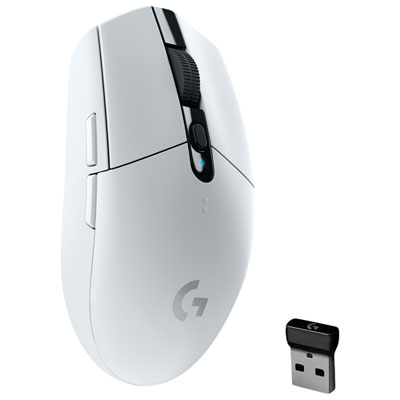 Your price for this item is $69.99
 -
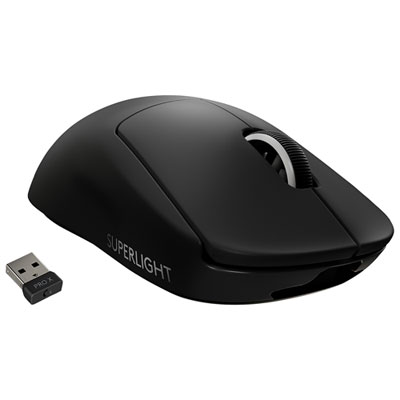 Your price for this item is $179.99
 -
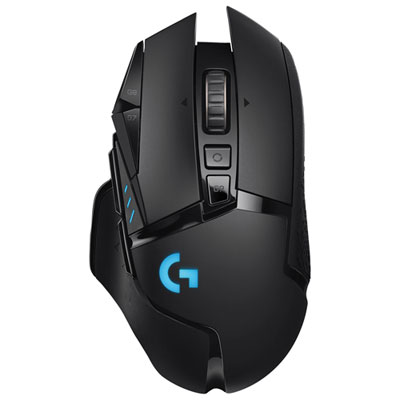 Your price for this item is $149.99
 -
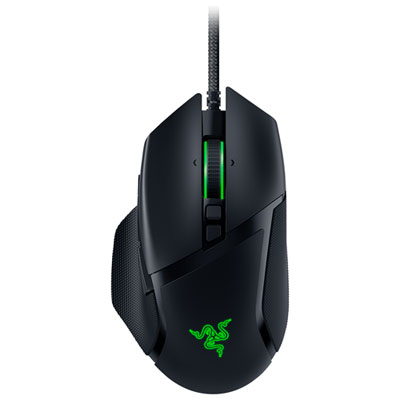 Your price for this item is $63.98
 -
 Your price for this item is $39.99
 -
 Your price for this item is $96.98
 -
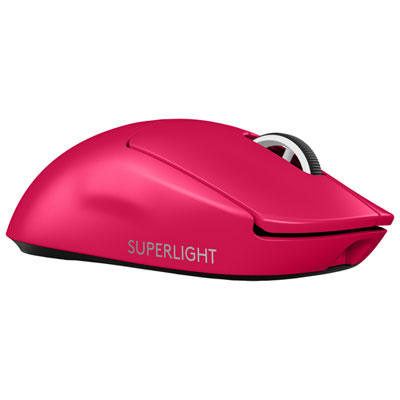 Your price for this item is $219.99
Discover more categories related to Razer Viper Mice
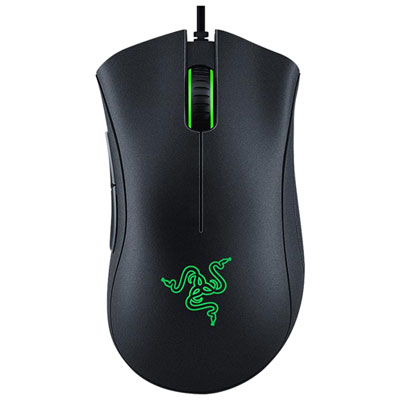
Top Collections:
Pokemon Centers, Best Cameras for Sports Photography, Kindle Devices, Samsung Galaxy Phones, Canon G7X Cameras, Pokémon 30th Celebration Cards, Refurbished Apple Laptops, iPhone 15 Apple, Laptops for Students, Budget Smartphones
Some products may be subject to Environmental Handling Fees
(EHF) depending on your province.
Learn more about EHFs.