Rj45 Shielded Plugs
If you're looking to enhance your network connectivity with reliable and secure connections, look no further than these RJ45 shielded plugs. These essential components are designed to provide superior protection against interference, ensuring optimal performance for your network. Whether you're setting up a new office space or upgrading your home network, this range of shielded plugs will help you achieve fast and stable connections, allowing you to seamlessly stream, browse, and communicate without interruptions.
Sort
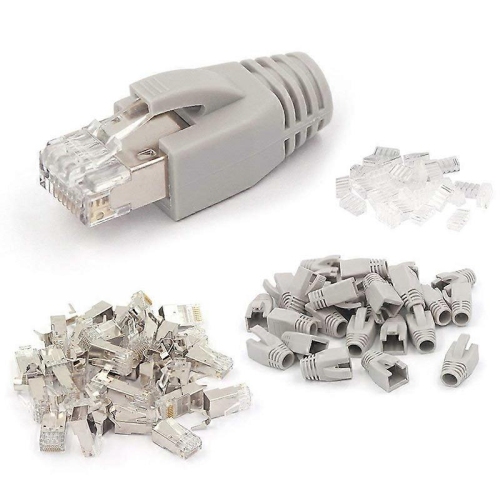
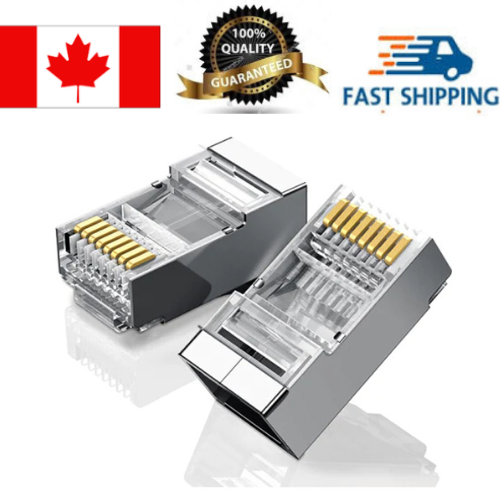
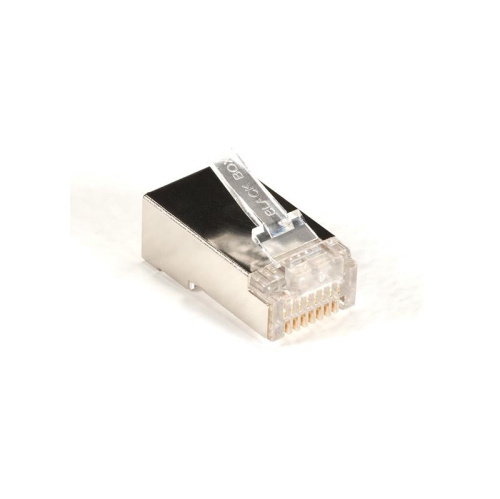
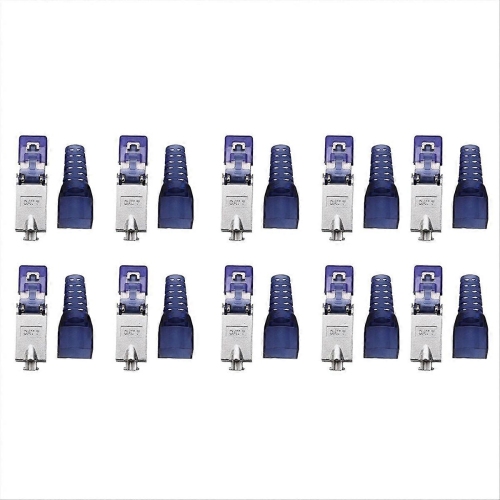
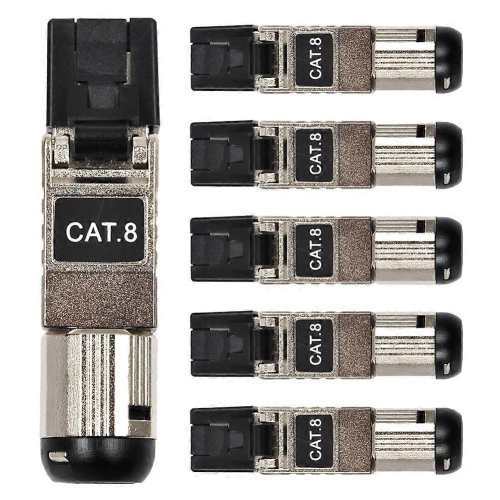
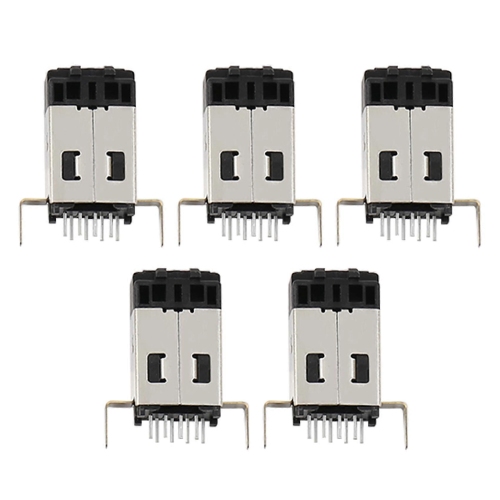
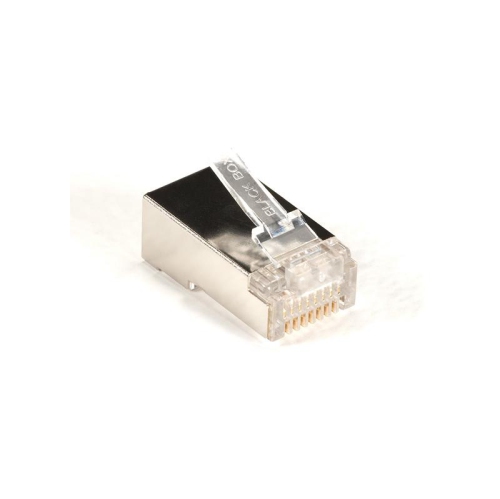
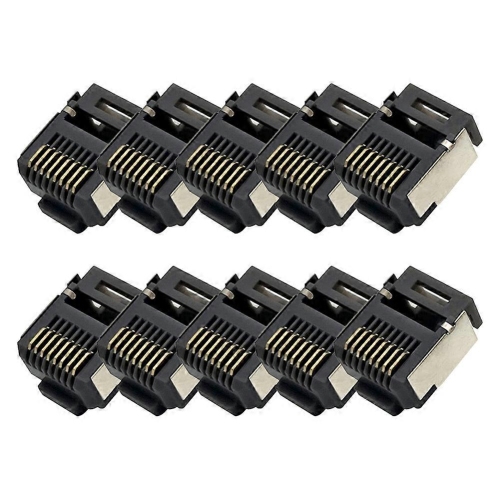
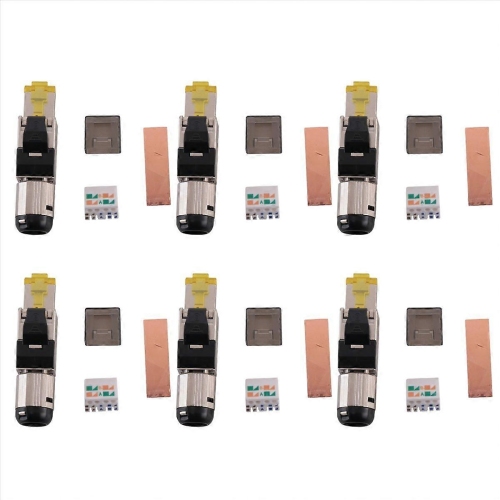
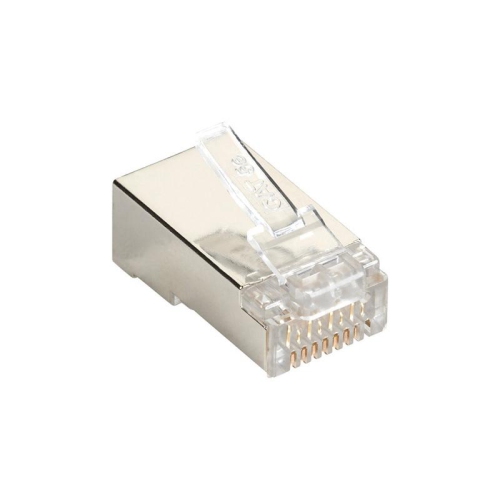
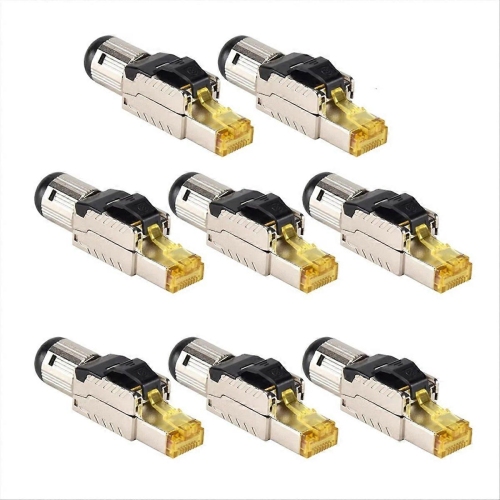
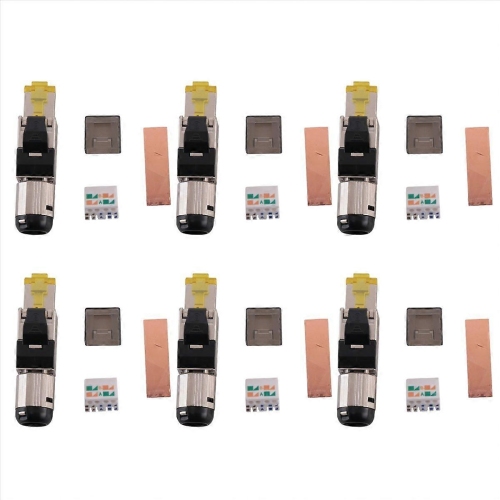
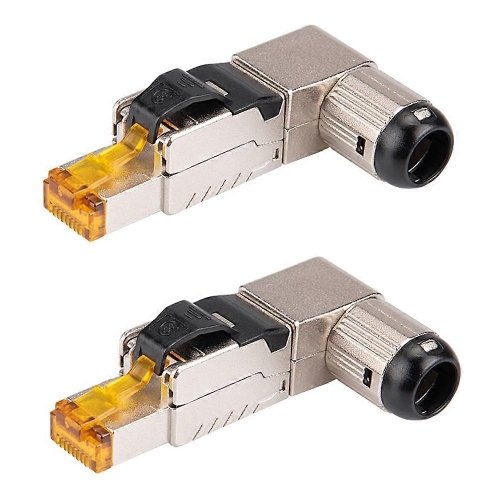
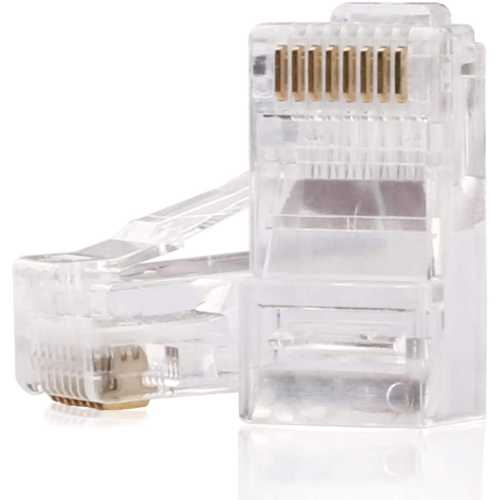
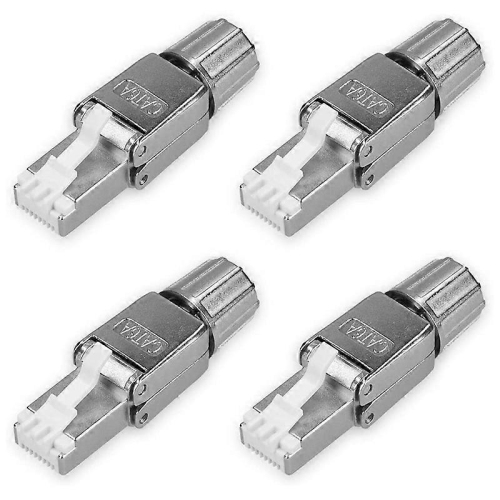
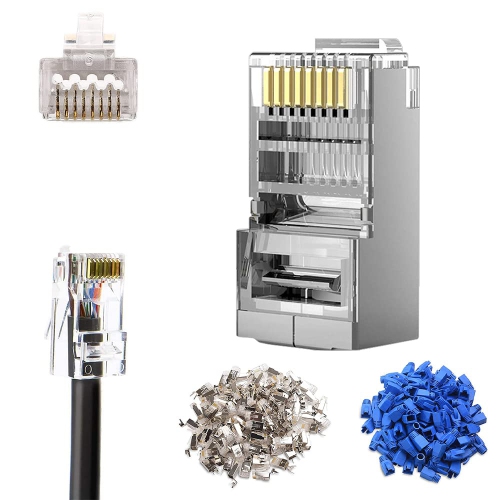
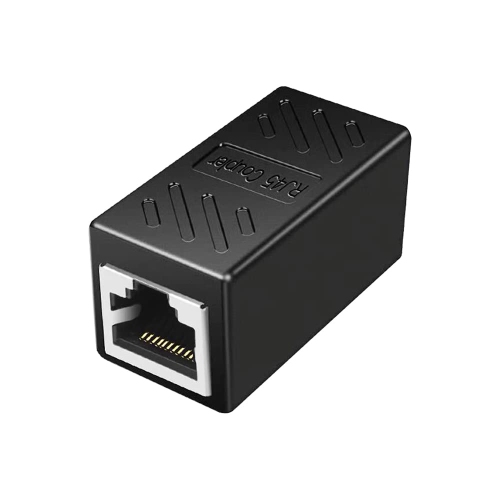
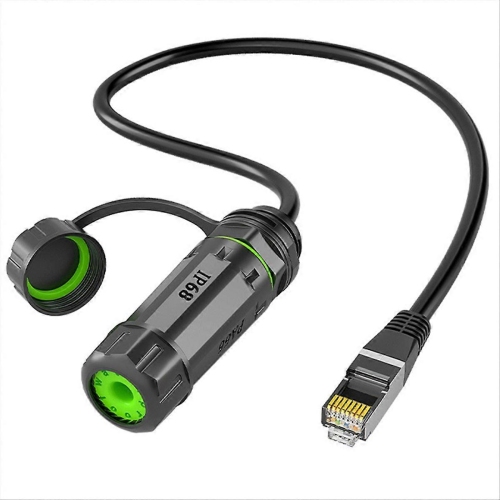
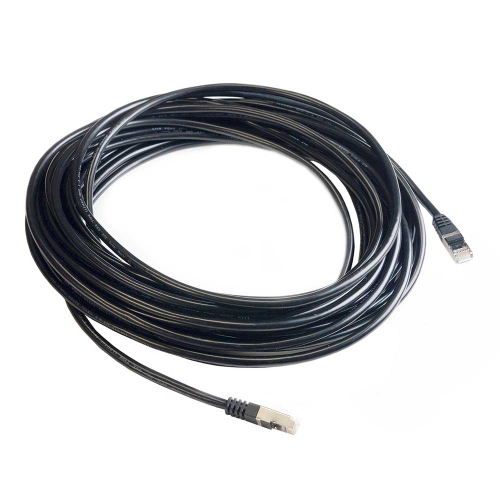
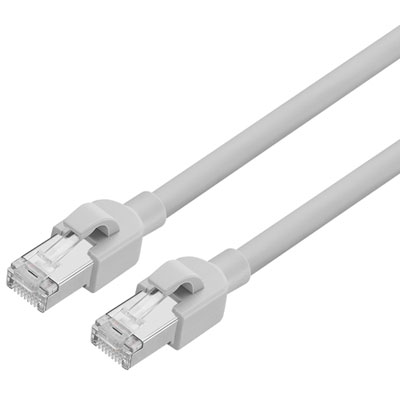
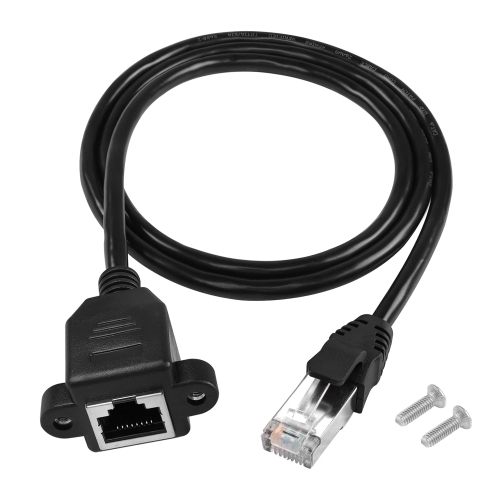
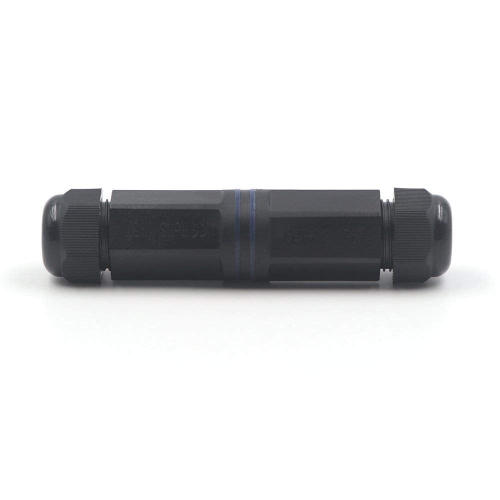
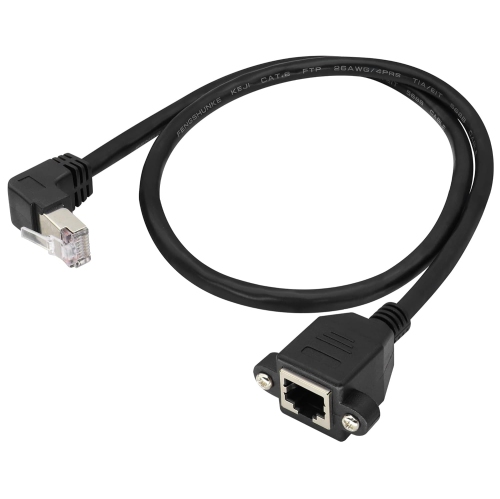
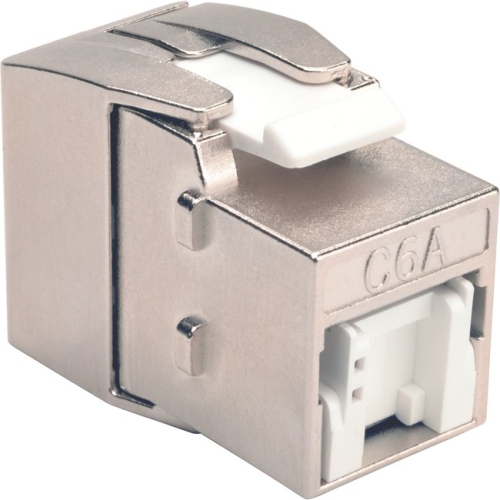
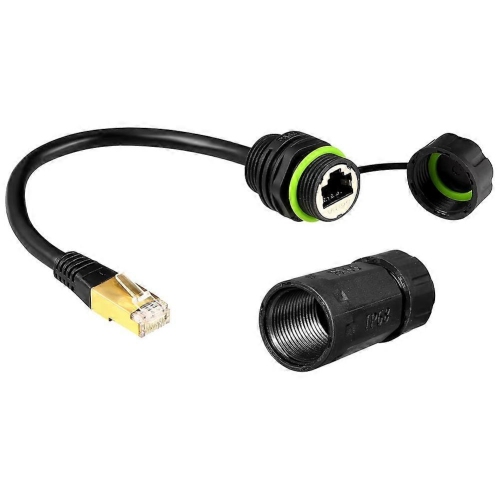
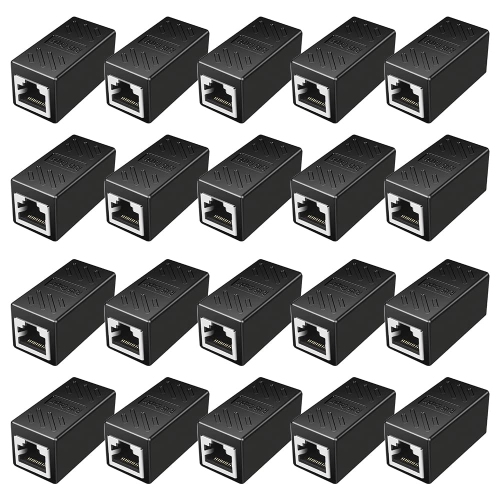
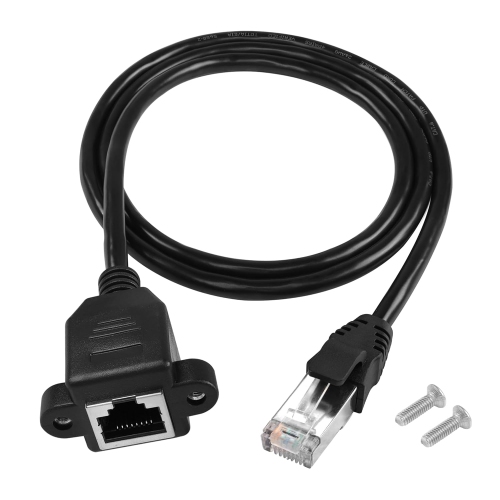
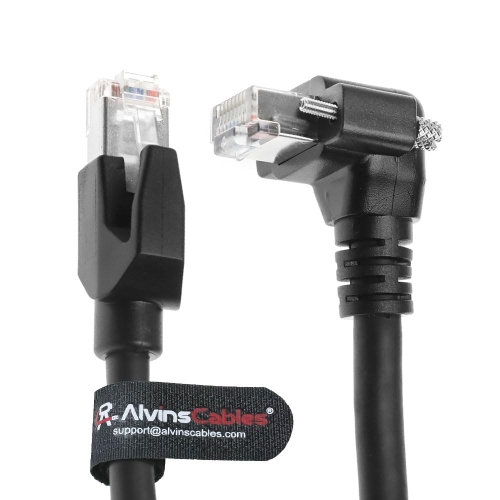
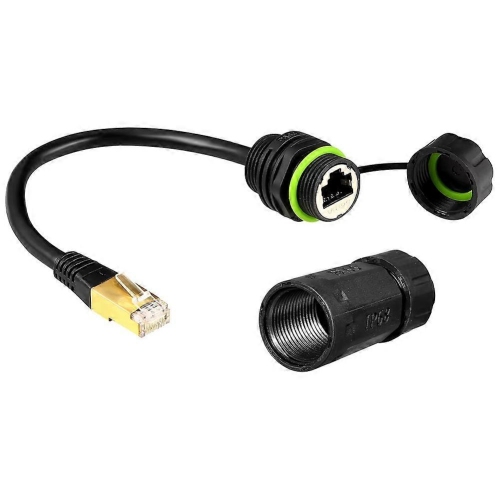
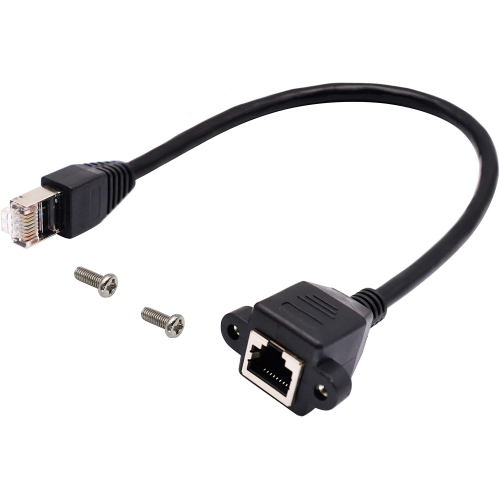
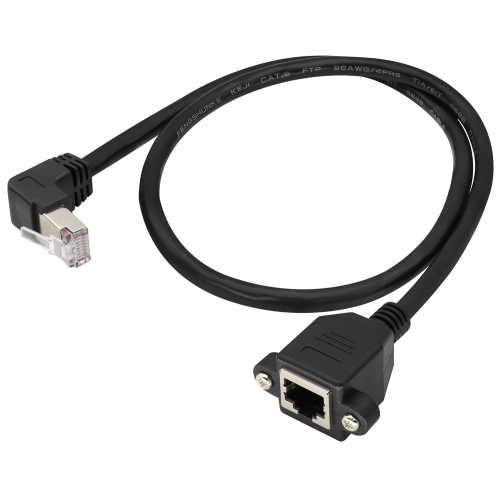
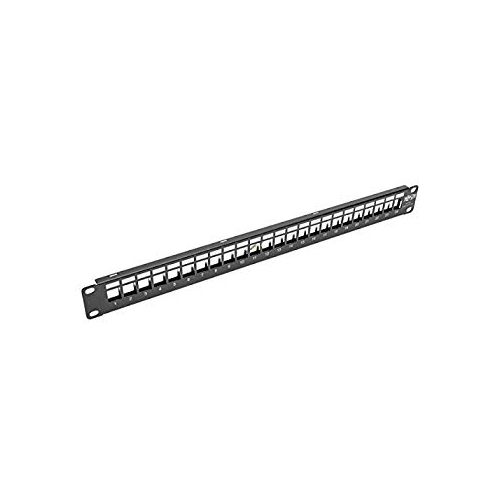
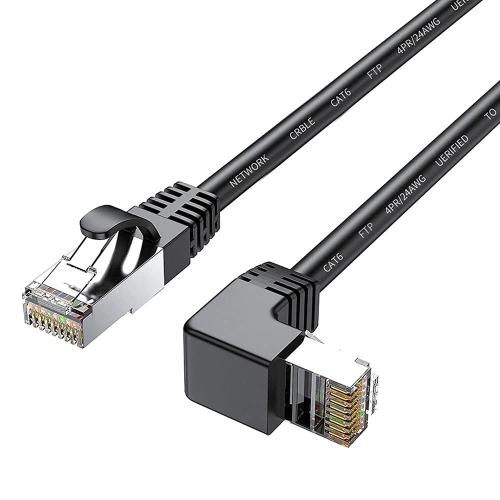
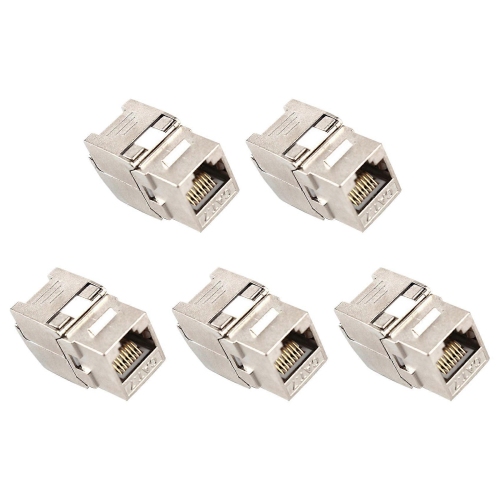
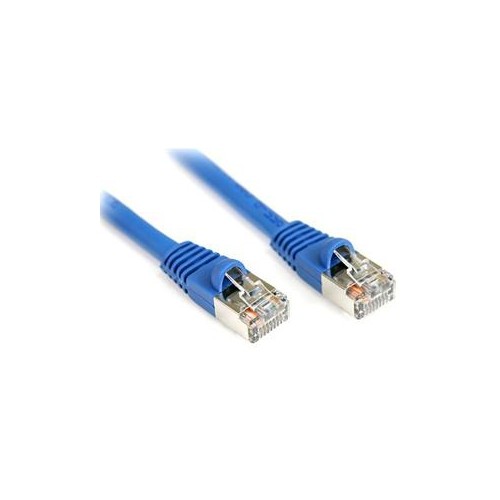
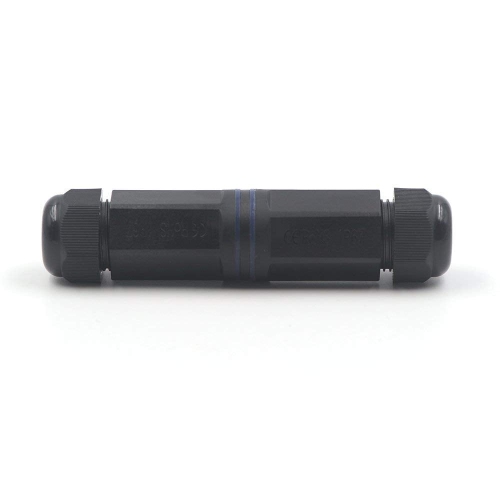
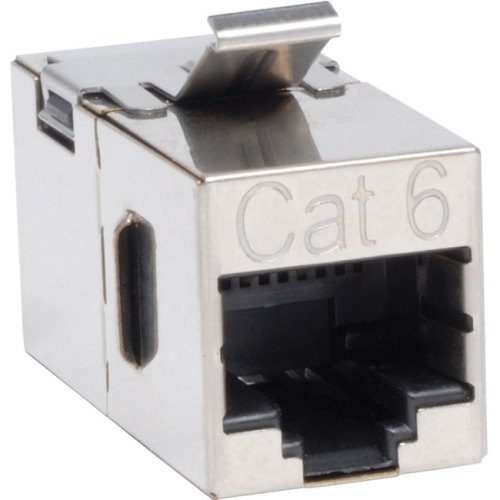
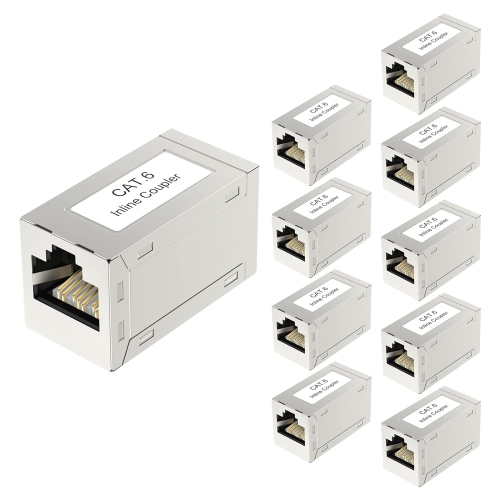
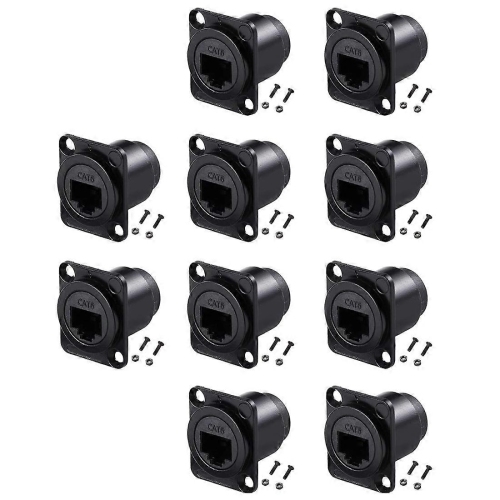
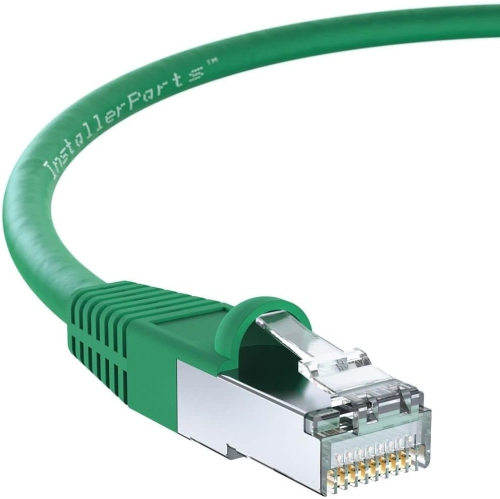
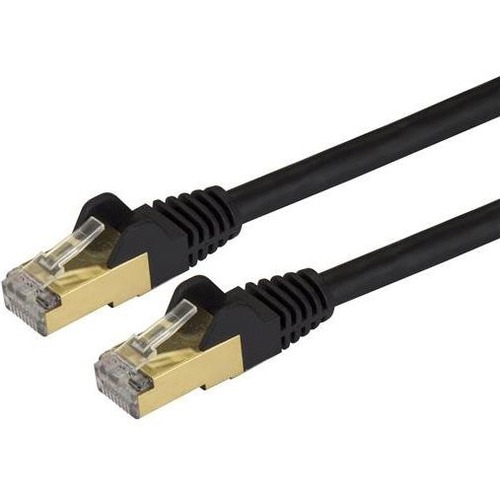
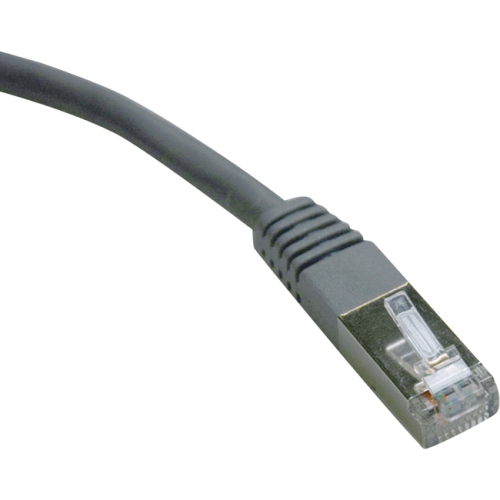
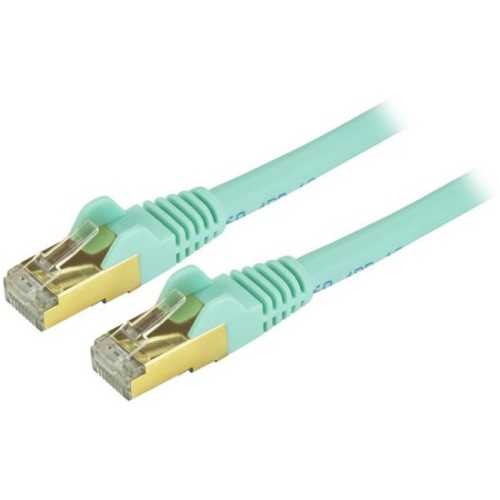
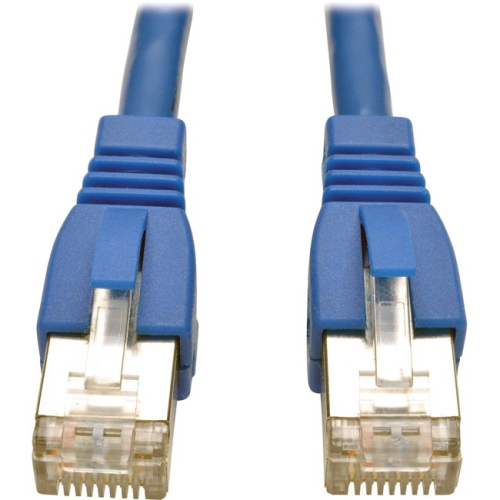
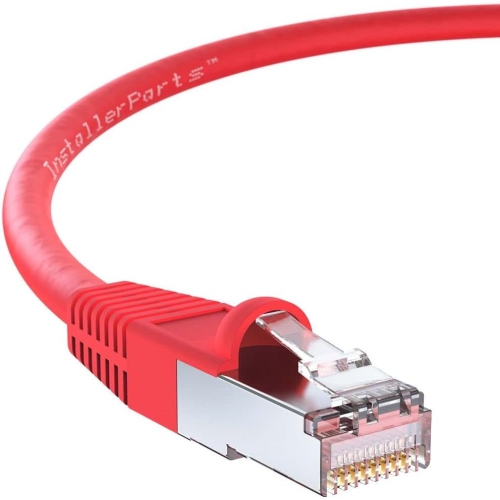
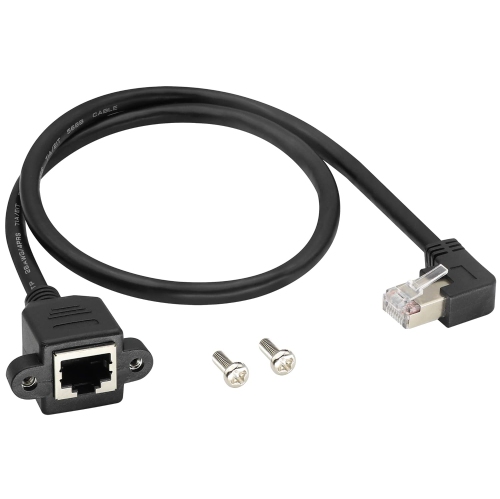
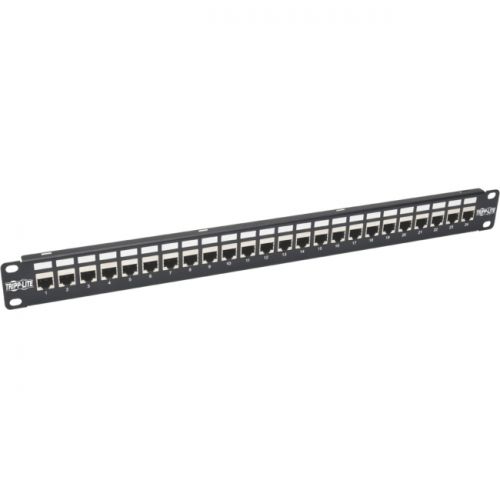
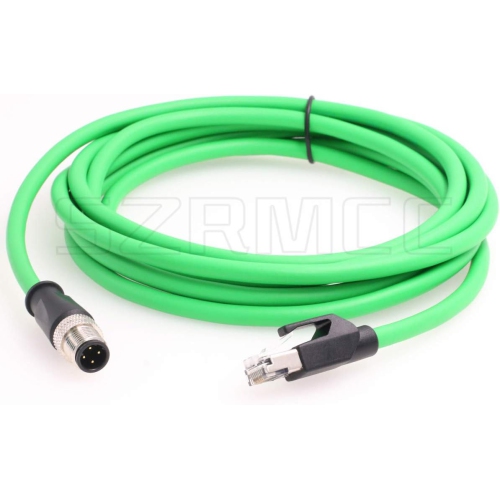

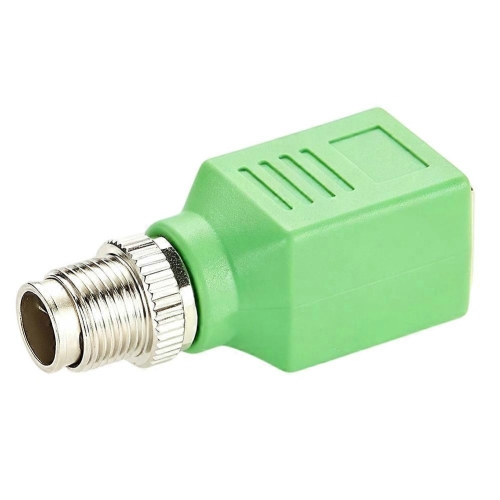
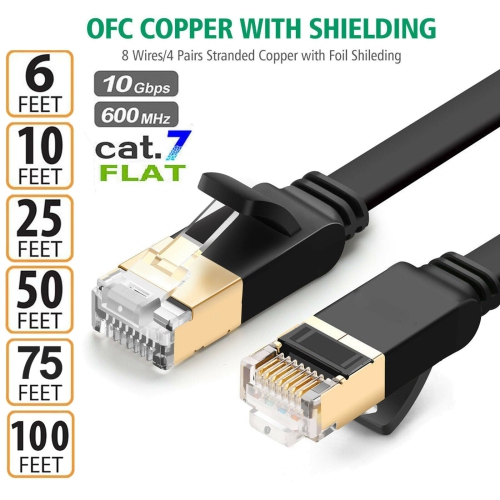
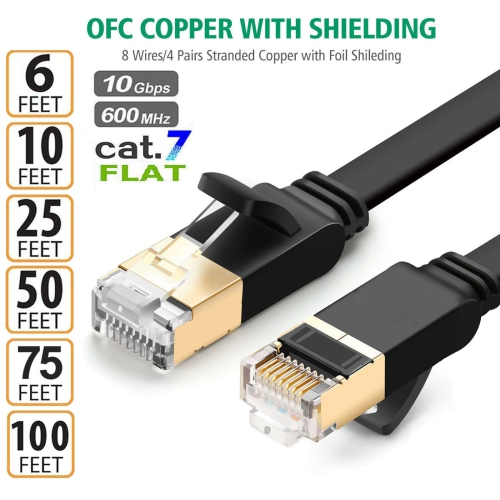
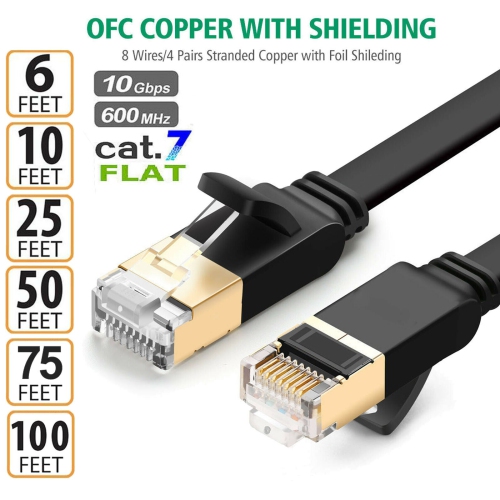
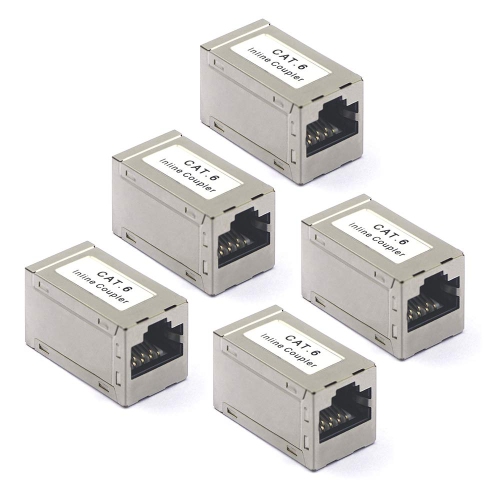
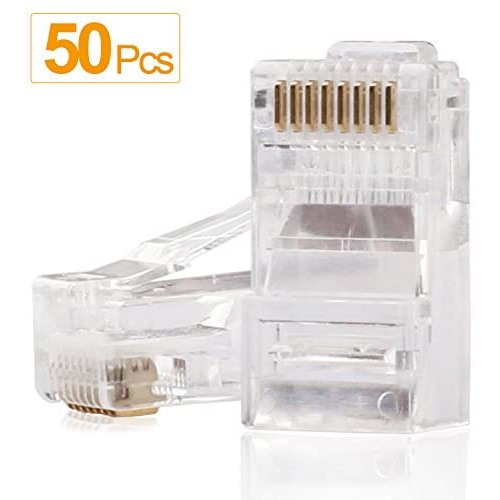
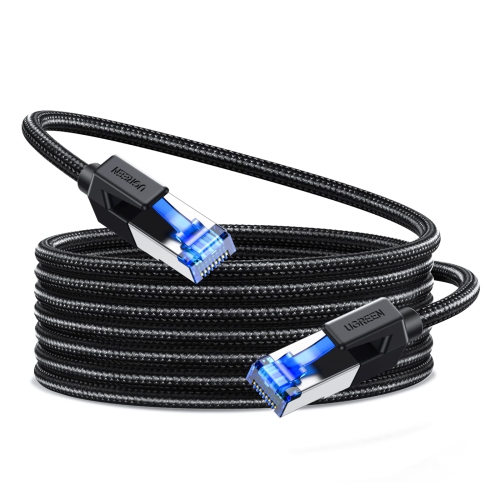
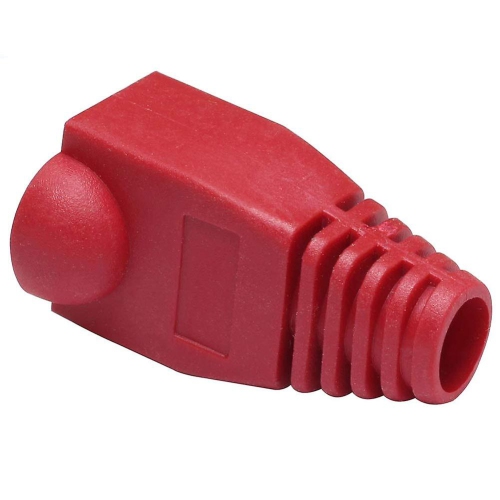
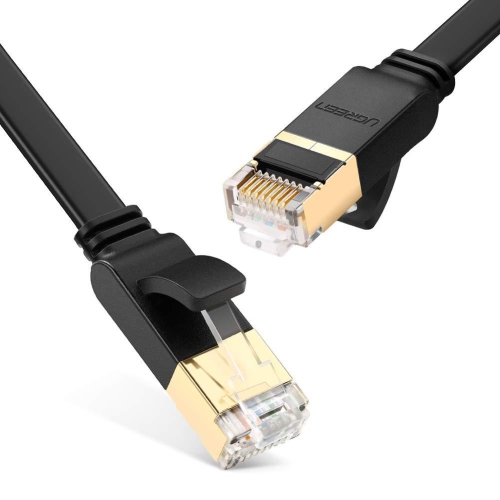
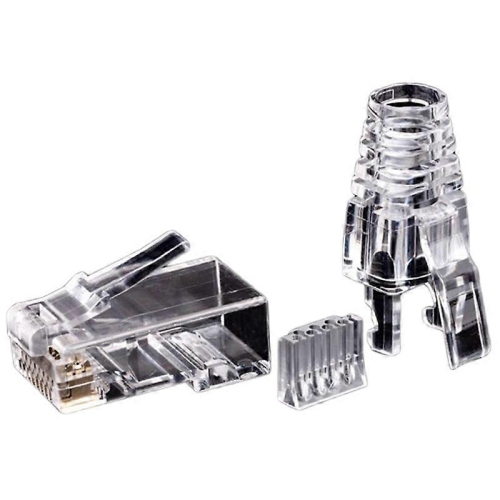
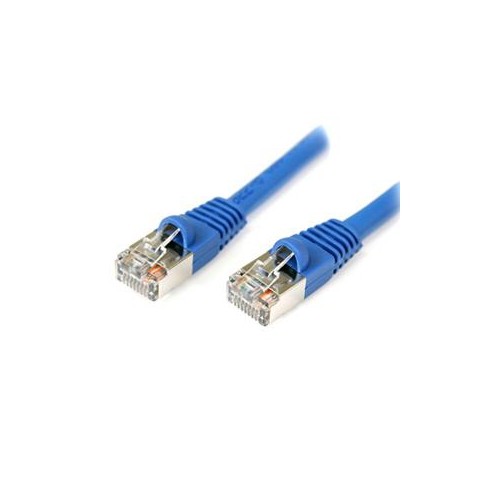
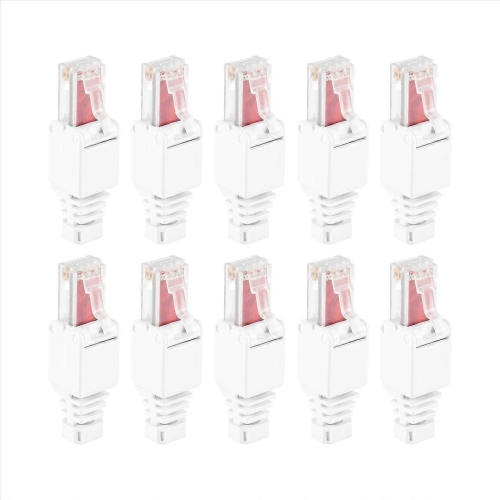
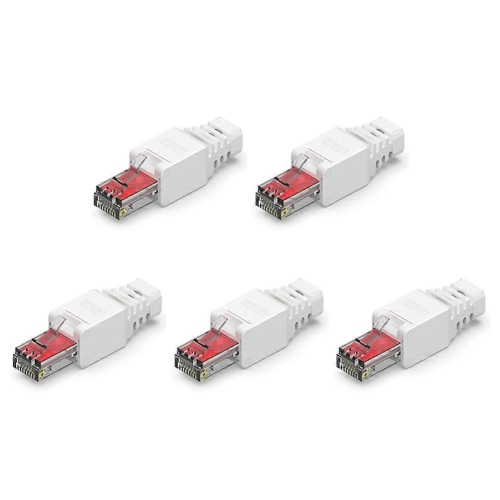
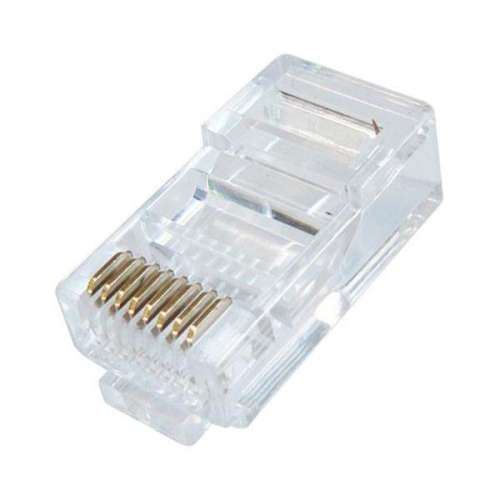

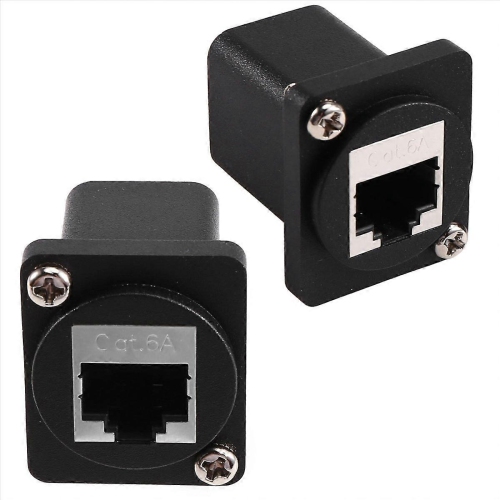
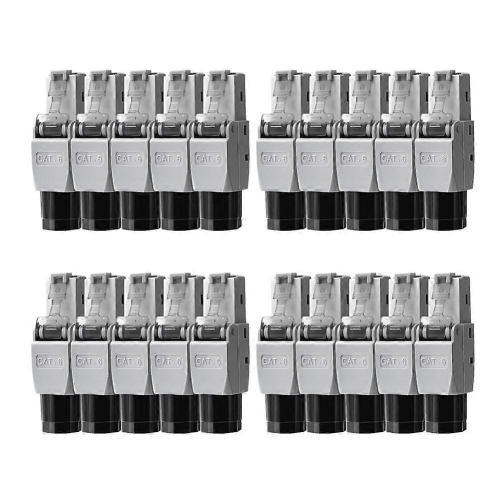
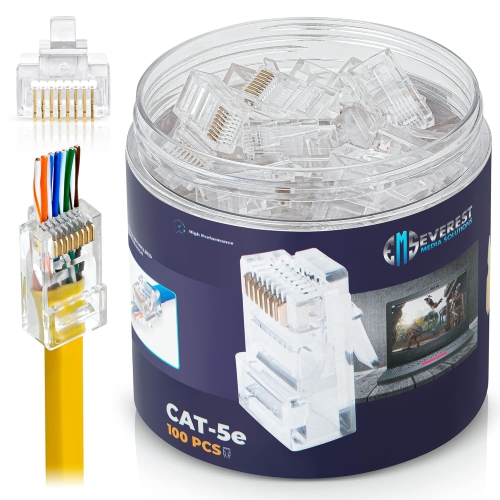
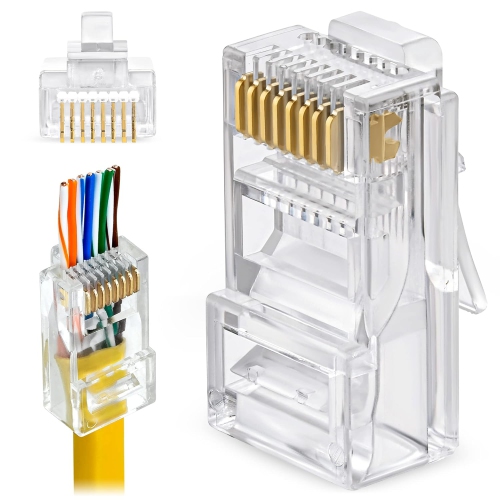
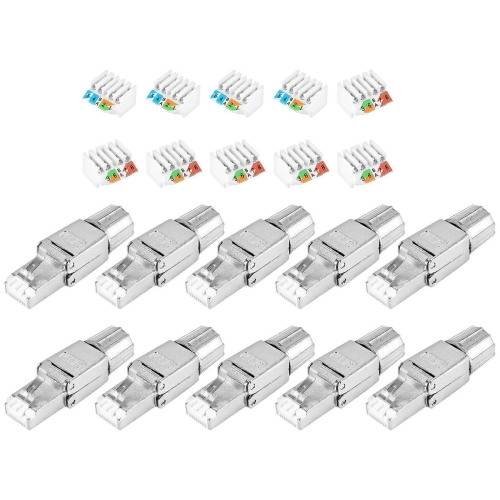
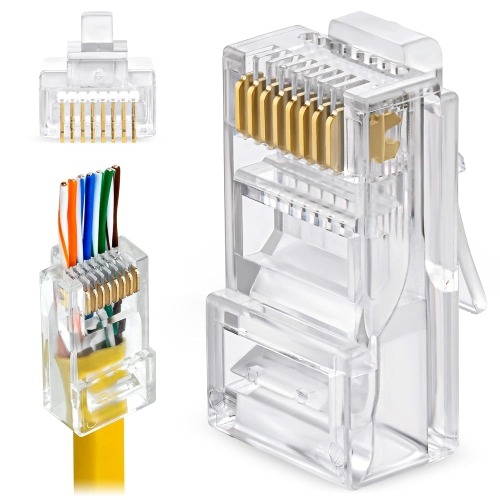
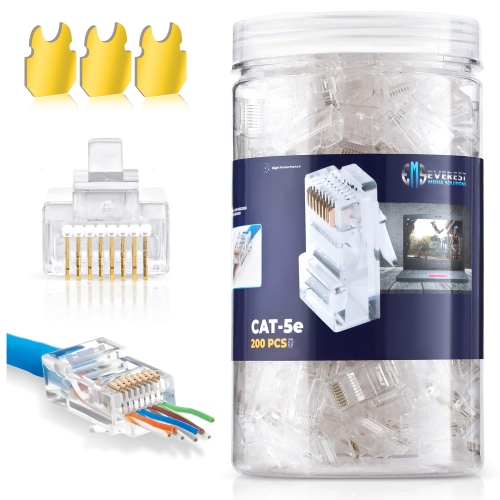
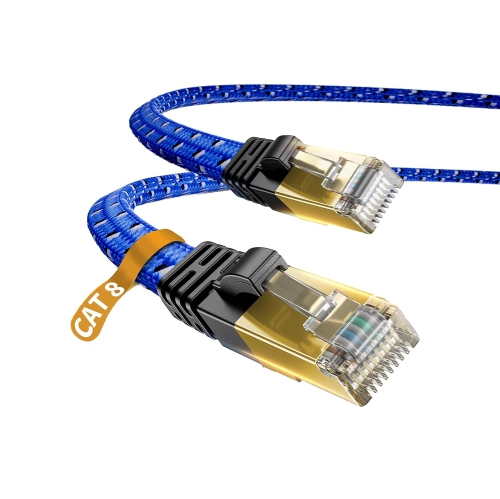
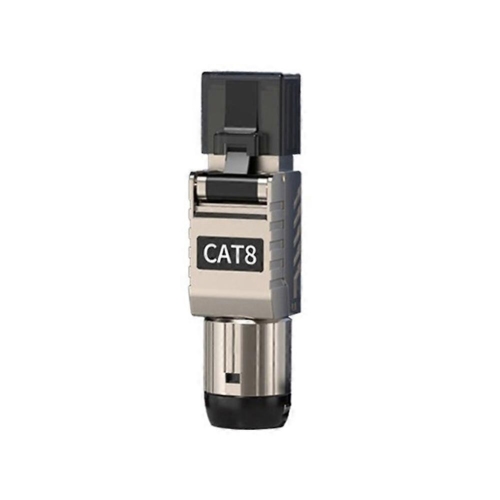
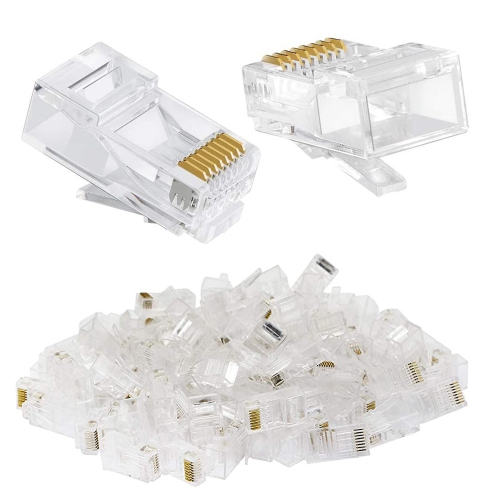
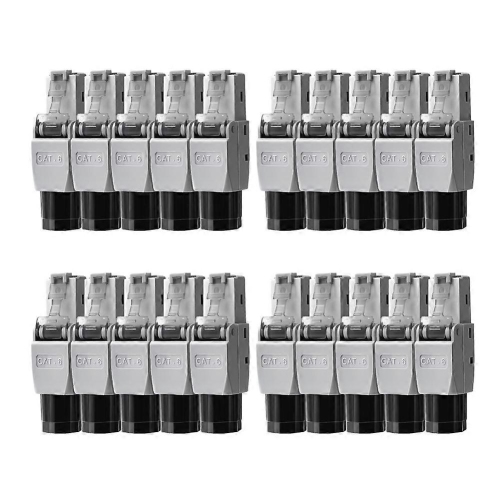
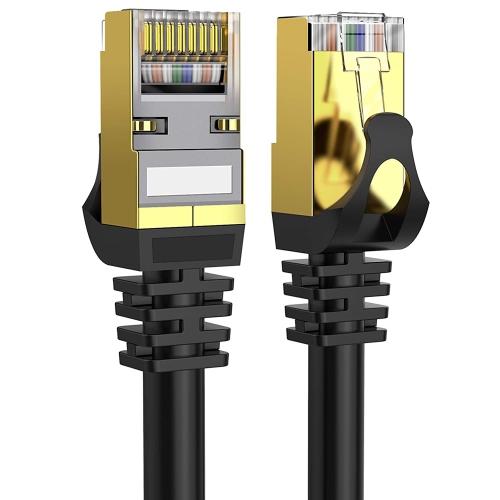
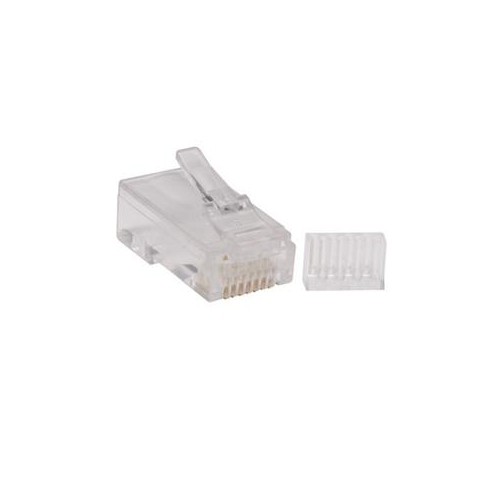

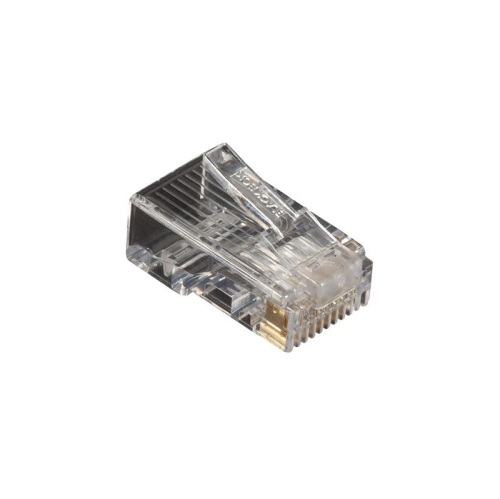
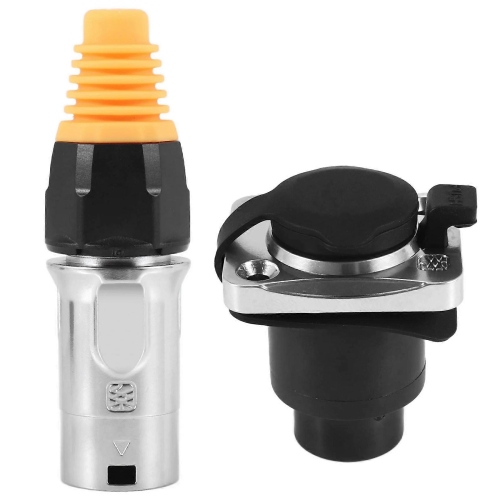
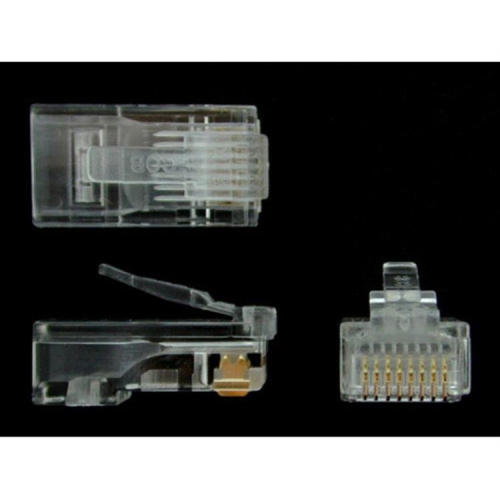
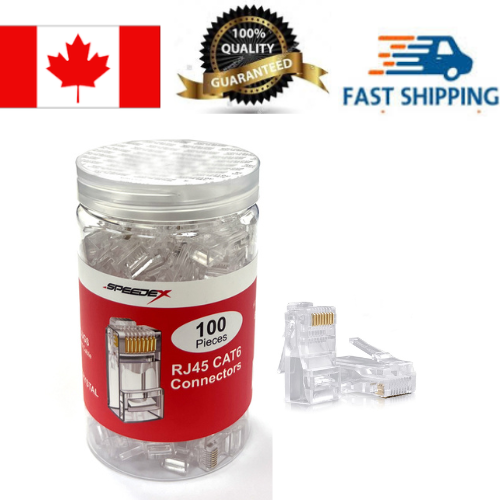
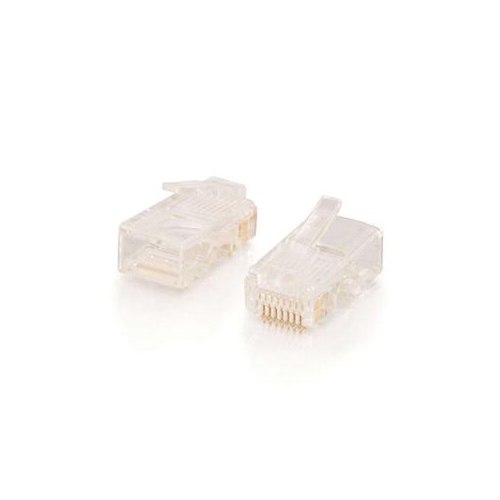
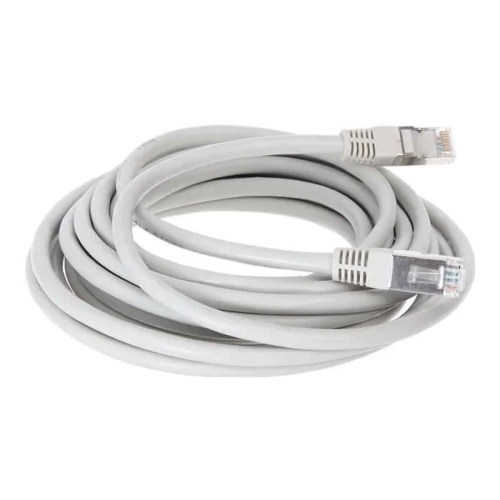
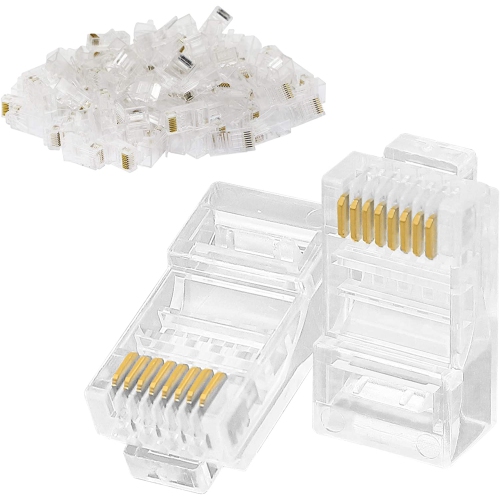
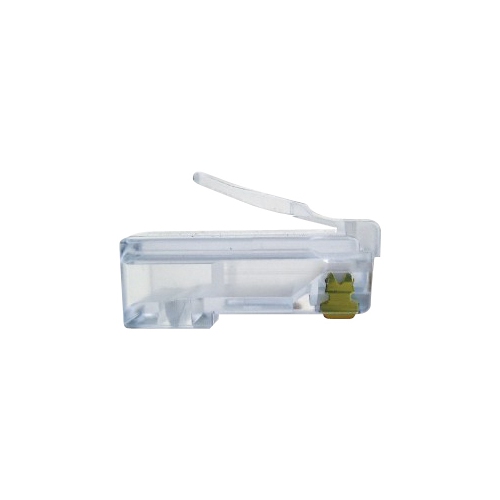
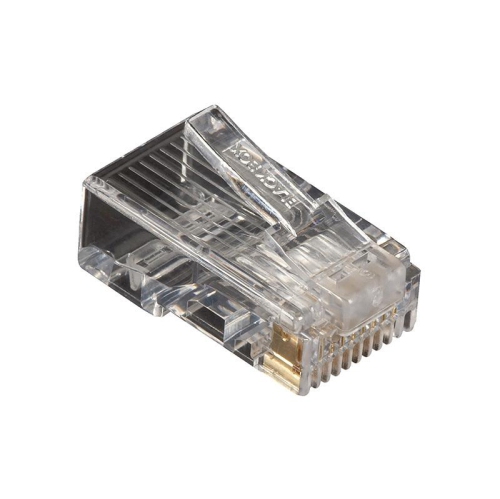
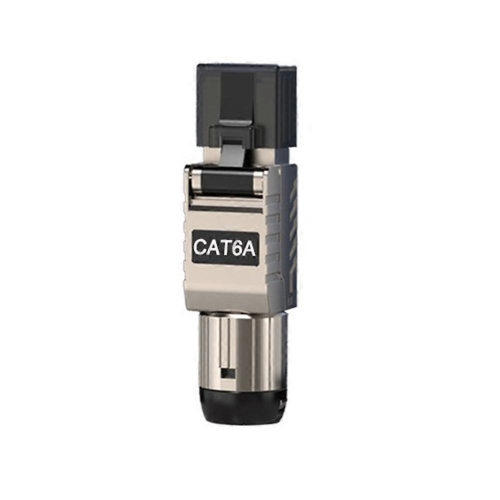
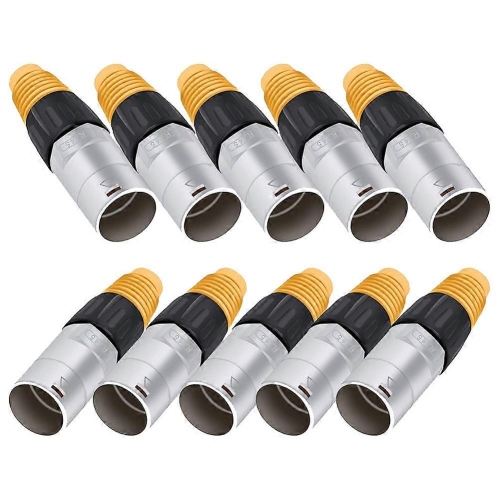
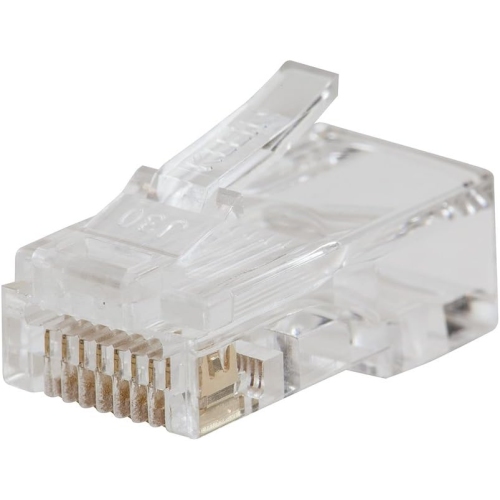
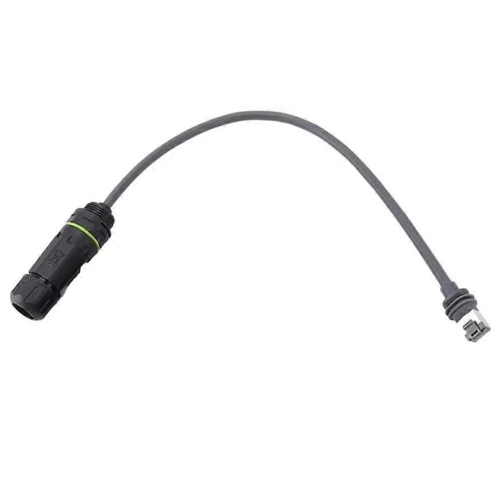
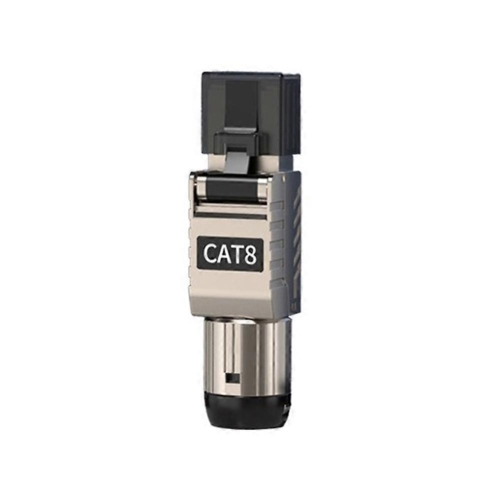
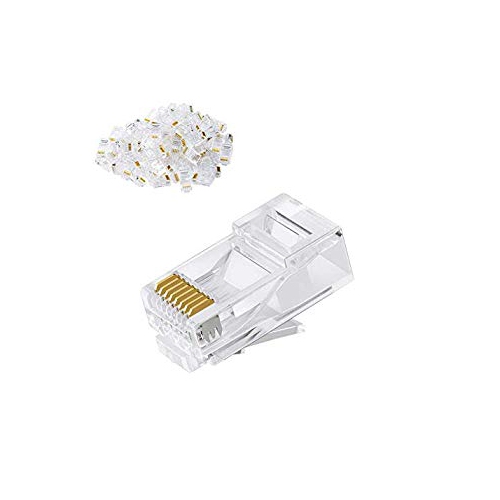
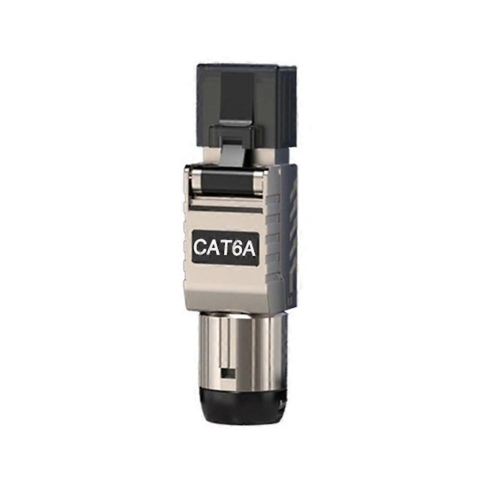

Reliable terminations for networks exposed to electrical interference
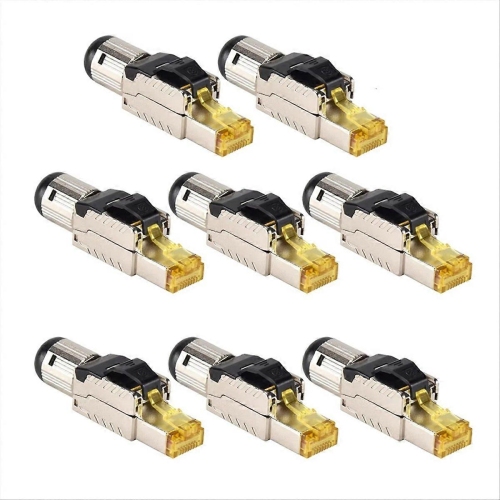
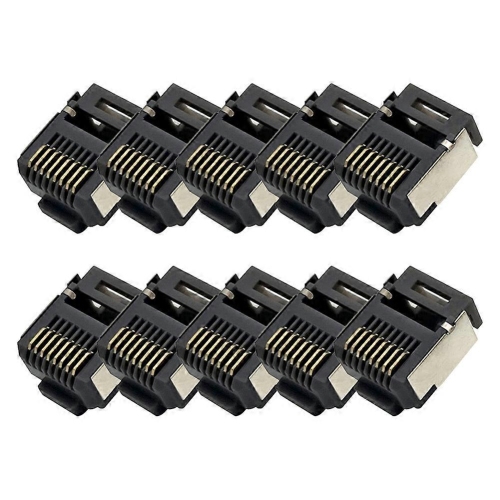
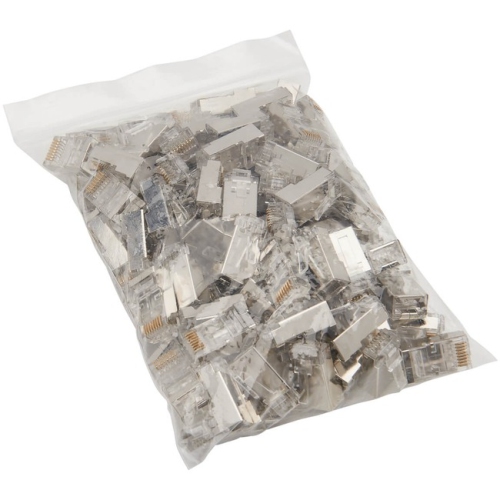
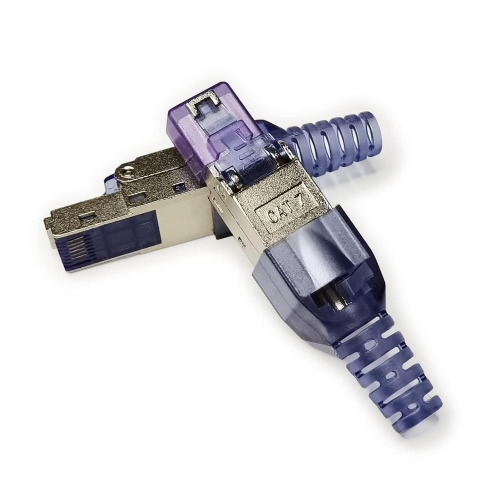
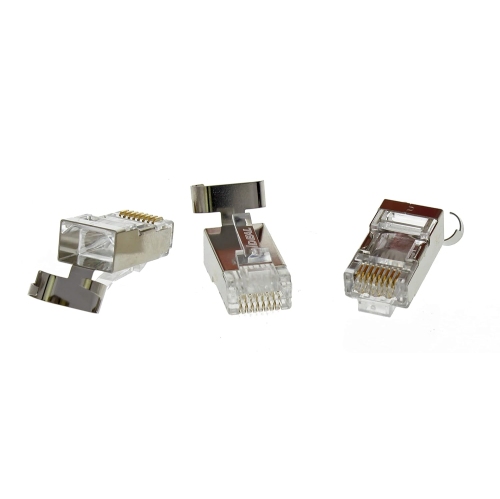
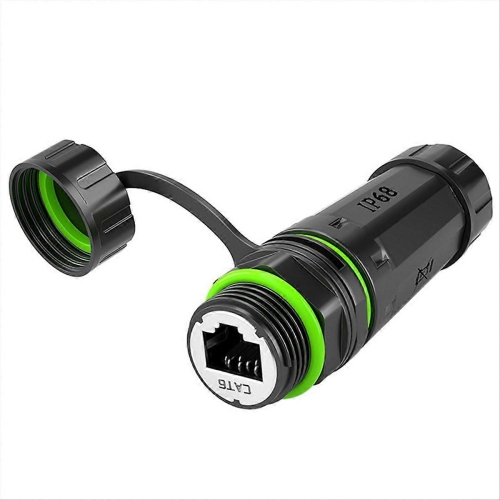
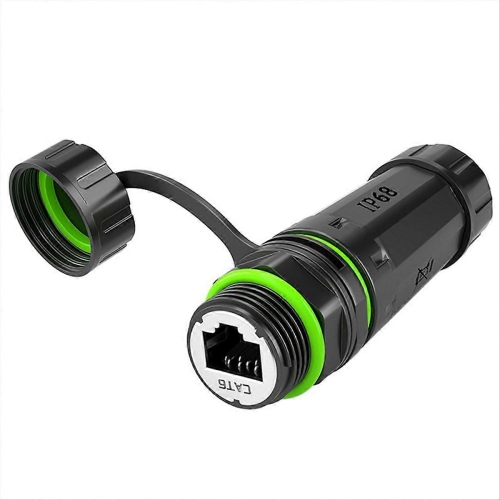
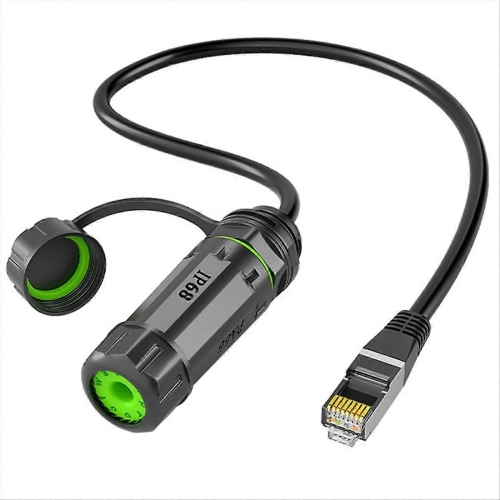
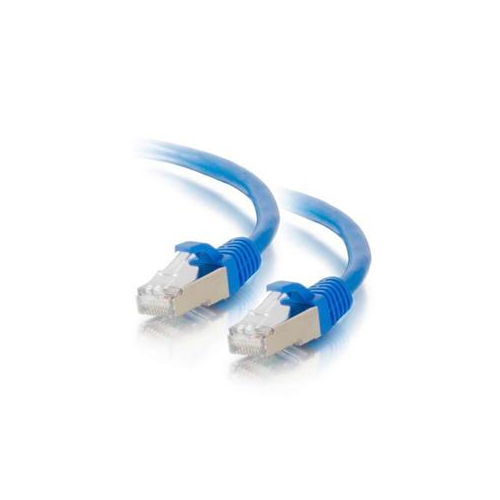
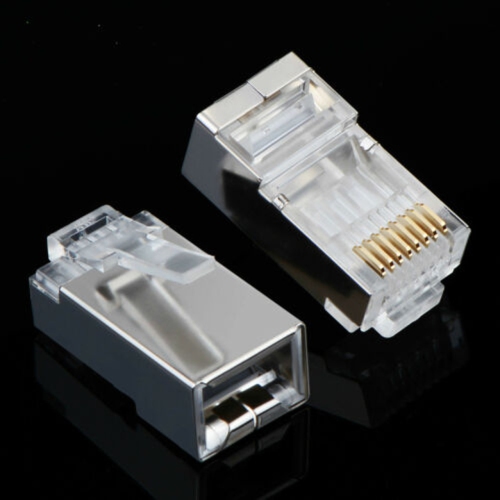
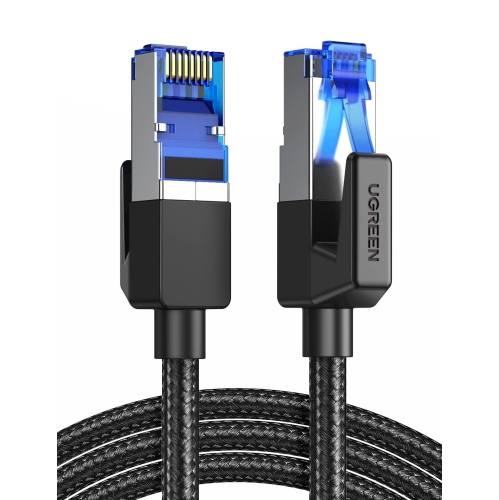
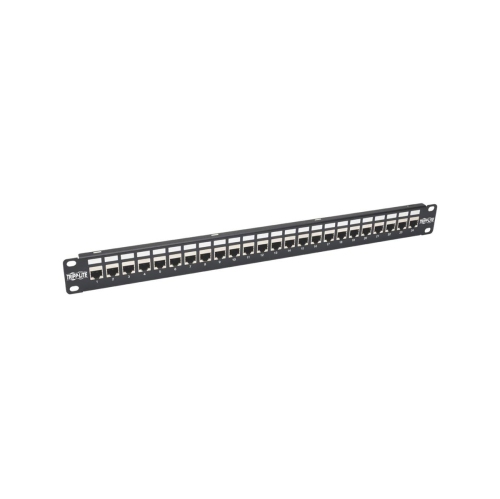
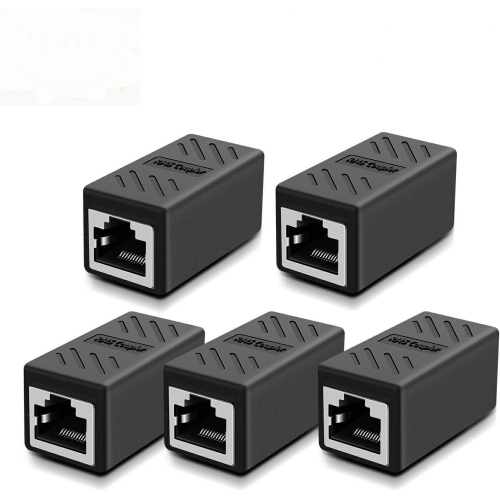
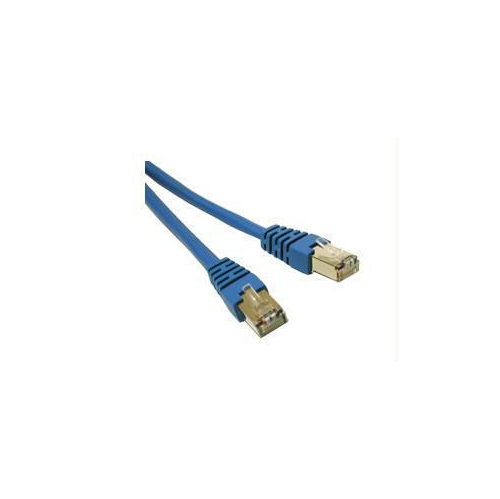
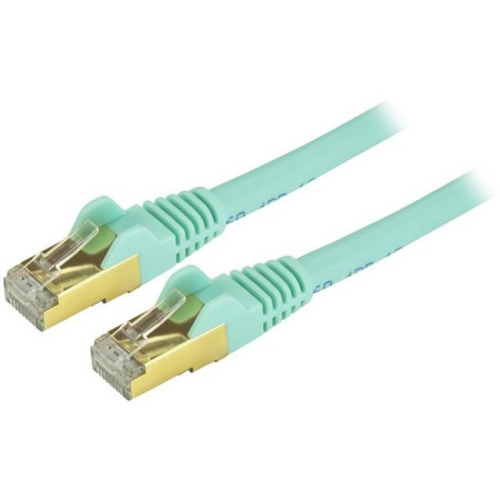
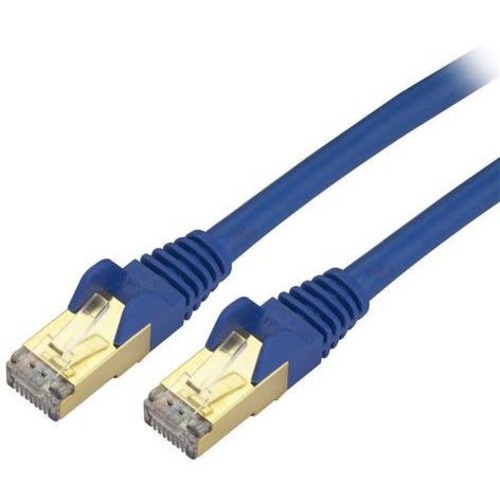
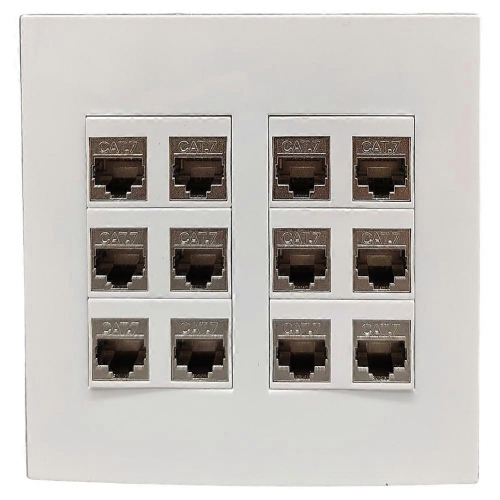
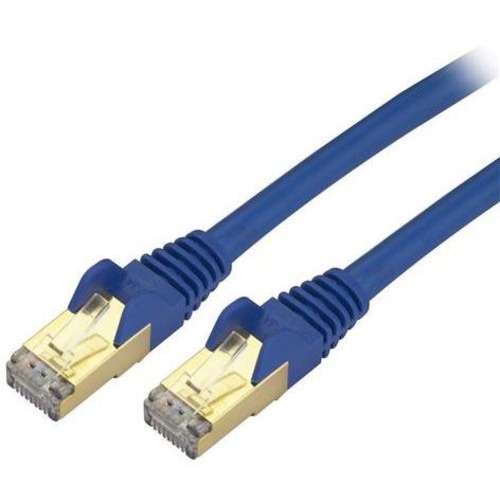
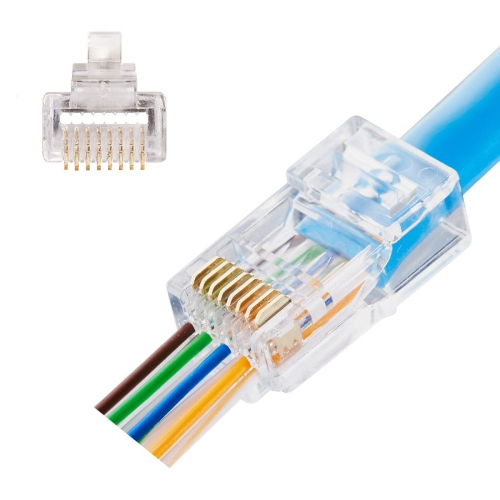
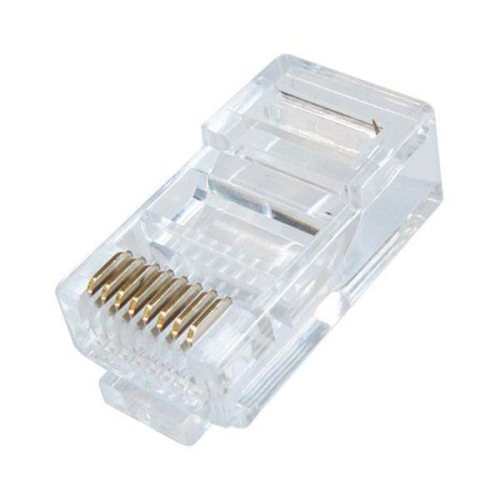
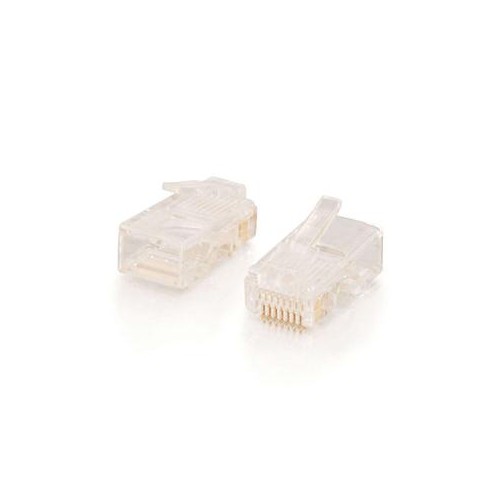
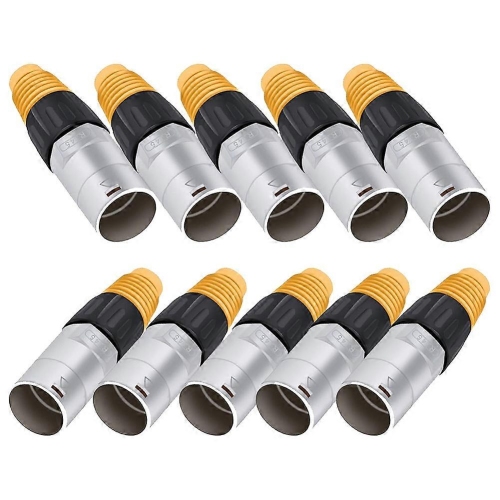
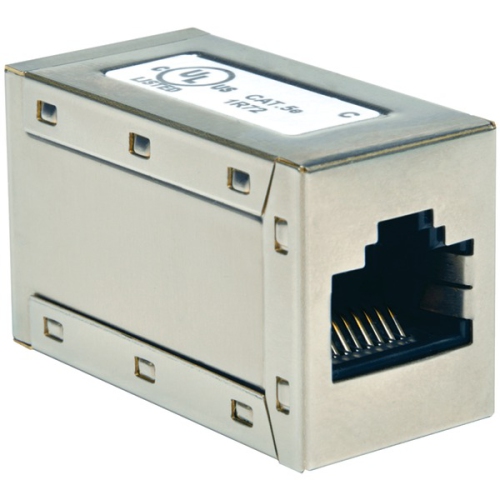
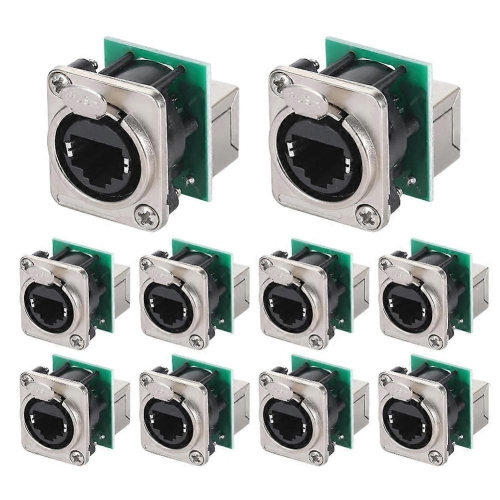
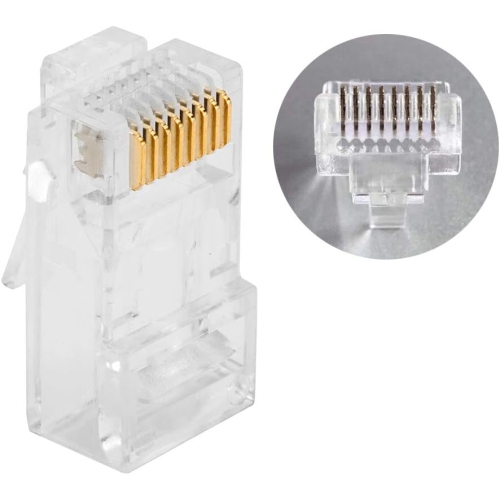
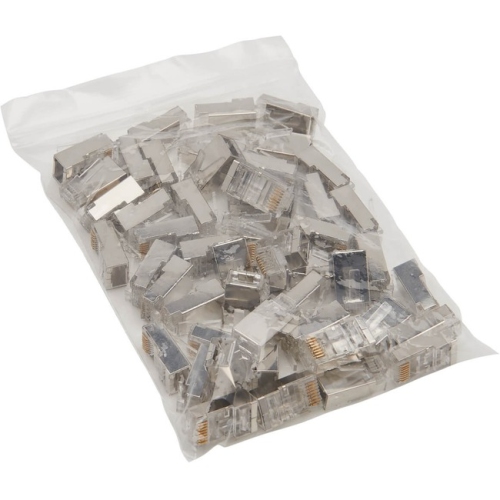
Rj45 shielded plugs are Ethernet connectors designed for network installations where electrical interference may affect signal quality. Unlike unshielded modular plugs, a shielded RJ45 plug includes a conductive metal housing that surrounds the connection point and helps reduce the effects of electromagnetic interference (EMI) and radio-frequency interference (RFI). This can be useful near fluorescent lighting, motors, power supplies, electrical panels, heavy machinery, large appliances, or long cable runs that share pathways with electrical wiring. The plug’s metal shield works with the foil or braided shield in compatible Ethernet cable, helping create a continuous protective path around the data conductors. For that reason, the cable, plug, and network hardware should be compatible with one another; adding a shielded plug to an unshielded cable does not create a fully shielded connection. Shielded RJ45 plugs can be a practical choice for home offices, workshops, security camera installations, small businesses, server rooms, audio-visual systems, and network upgrades in buildings where multiple sources of electrical noise are present. They may also suit anyone repairing or extending a wired network and looking for a tidy, purpose-built termination rather than relying on a loose coupler or an improvised connection.
Choosing the right plug starts with identifying the Ethernet cable category and construction. Check whether the cable is Cat5e, Cat6, or Cat6A, and confirm that the connector is rated for that category or higher. Cable diameter, conductor thickness, insulation design, and the arrangement of the internal separator can vary, so a plug that fits one cable may not terminate another securely. It is also important to determine whether the cable uses solid or stranded conductors. Solid-core cable is commonly used for permanent in-wall or structured wiring, while stranded cable is more flexible and often used for patch leads; connectors are not always interchangeable between the two. The cable’s shield type matters as well. A foil-shielded cable may use a drain wire, while a braided shield may require a different style of contact or grounding tab. Look for a connector designed to bond with that shield so the metal shell is electrically connected when the cable is assembled. Plug dimensions and conductor size should match the cable rather than being selected by category name alone. For a broader selection of compatible connections, shoppers may also want to browse Cat6 RJ45 Modular Plugs. Pass-through designs can make installation easier by allowing the conductors to extend through the front of the plug, making it simpler to verify the colour sequence before crimping and trim the ends cleanly. Standard plugs can provide a more traditional finish and may be preferred for particular tools or installation methods. In either case, the connector should latch firmly into an Ethernet port, maintain even contact across all eight conductors, and leave the cable jacket supported inside the plug to reduce strain on the individual wires.
Installation quality has a direct effect on network performance. Before crimping, remove only enough outer jacket to arrange the pairs without untwisting more cable than necessary. Follow the required wiring standard, commonly T568A or T568B, and use the same pinout at both ends unless a specialised crossover arrangement is needed. A compatible crimping tool is essential, particularly for shielded plugs, because the tool must press the contacts into the conductors and secure the metal strain-relief area around the cable shield. Pass-through connectors may require a cutter built into the tool, while some standard connectors are trimmed before insertion. Once assembled, inspect the plug for fully seated conductors, a closed strain relief, and a shield that makes reliable contact with the drain wire or foil. Testing the completed cable with a network tester can identify reversed pairs, open circuits, short circuits, or incomplete contact before the cable is installed behind furniture or inside a wall. Shielding also needs a suitable grounding path through compatible jacks, patch panels, or network equipment; otherwise, its interference-reduction benefit may be limited. For Power over Ethernet applications, verify the connector’s stated PoE capability and compatibility with the cable, equipment, and installation requirements. Some connectors are designed to handle higher-power PoE applications, but support should never be assumed from the RJ45 shape alone. These plugs can be useful for a careful DIY networking project, a home office refresh, or a professional installation, and a compact connector kit can make a thoughtful gift for someone who enjoys building a home lab, organizing a workshop network, or maintaining wired connections. During the cooler months, when more people spend time indoors working, studying, gaming, or managing connected devices, a dependable wired connection can make a room feel more organised and responsive, especially when network cables run close to other electrical equipment.
Choosing the right plug starts with identifying the Ethernet cable category and construction. Check whether the cable is Cat5e, Cat6, or Cat6A, and confirm that the connector is rated for that category or higher. Cable diameter, conductor thickness, insulation design, and the arrangement of the internal separator can vary, so a plug that fits one cable may not terminate another securely. It is also important to determine whether the cable uses solid or stranded conductors. Solid-core cable is commonly used for permanent in-wall or structured wiring, while stranded cable is more flexible and often used for patch leads; connectors are not always interchangeable between the two. The cable’s shield type matters as well. A foil-shielded cable may use a drain wire, while a braided shield may require a different style of contact or grounding tab. Look for a connector designed to bond with that shield so the metal shell is electrically connected when the cable is assembled. Plug dimensions and conductor size should match the cable rather than being selected by category name alone. For a broader selection of compatible connections, shoppers may also want to browse Cat6 RJ45 Modular Plugs. Pass-through designs can make installation easier by allowing the conductors to extend through the front of the plug, making it simpler to verify the colour sequence before crimping and trim the ends cleanly. Standard plugs can provide a more traditional finish and may be preferred for particular tools or installation methods. In either case, the connector should latch firmly into an Ethernet port, maintain even contact across all eight conductors, and leave the cable jacket supported inside the plug to reduce strain on the individual wires.
Installation quality has a direct effect on network performance. Before crimping, remove only enough outer jacket to arrange the pairs without untwisting more cable than necessary. Follow the required wiring standard, commonly T568A or T568B, and use the same pinout at both ends unless a specialised crossover arrangement is needed. A compatible crimping tool is essential, particularly for shielded plugs, because the tool must press the contacts into the conductors and secure the metal strain-relief area around the cable shield. Pass-through connectors may require a cutter built into the tool, while some standard connectors are trimmed before insertion. Once assembled, inspect the plug for fully seated conductors, a closed strain relief, and a shield that makes reliable contact with the drain wire or foil. Testing the completed cable with a network tester can identify reversed pairs, open circuits, short circuits, or incomplete contact before the cable is installed behind furniture or inside a wall. Shielding also needs a suitable grounding path through compatible jacks, patch panels, or network equipment; otherwise, its interference-reduction benefit may be limited. For Power over Ethernet applications, verify the connector’s stated PoE capability and compatibility with the cable, equipment, and installation requirements. Some connectors are designed to handle higher-power PoE applications, but support should never be assumed from the RJ45 shape alone. These plugs can be useful for a careful DIY networking project, a home office refresh, or a professional installation, and a compact connector kit can make a thoughtful gift for someone who enjoys building a home lab, organizing a workshop network, or maintaining wired connections. During the cooler months, when more people spend time indoors working, studying, gaming, or managing connected devices, a dependable wired connection can make a room feel more organised and responsive, especially when network cables run close to other electrical equipment.
Top selling and popular products
-
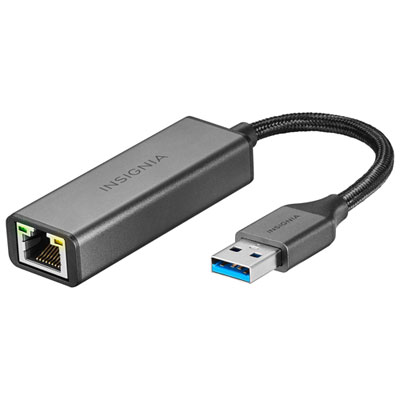 Your price for this item is $39.99
 -
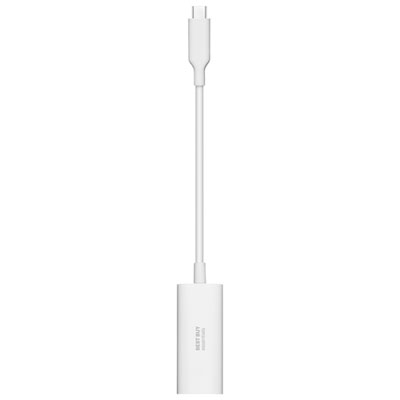 Your price for this item is $19.99
 -
 Your price for this item is $88.68
 -
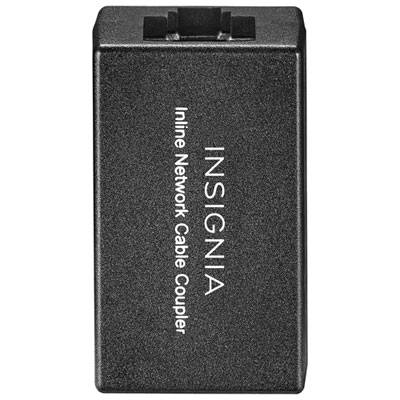 Your price for this item is $14.99
 -
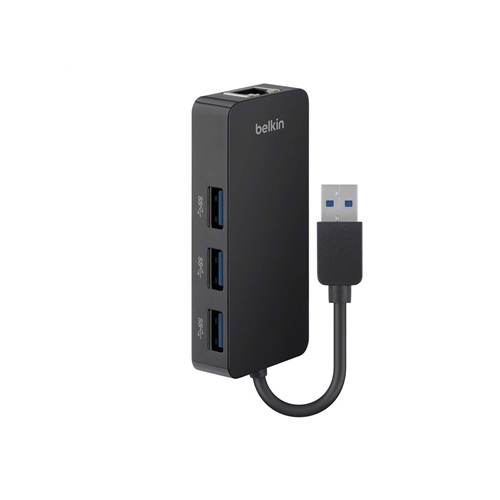 Your price for this item is $108.68
 -
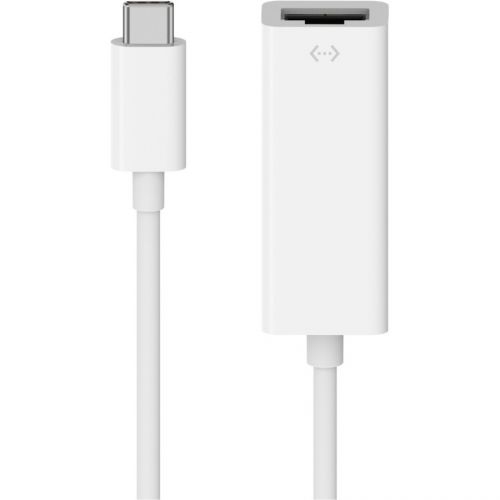 Your price for this item is $40.99
 -
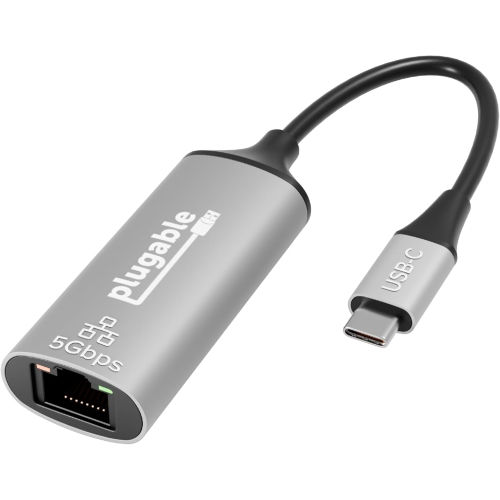 Your price for this item is $65.32
 -
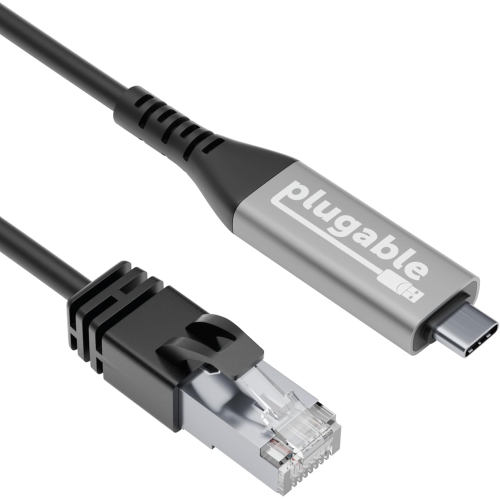 Your price for this item is $78.49
Discover more categories related to Rj45 Shielded Plugs
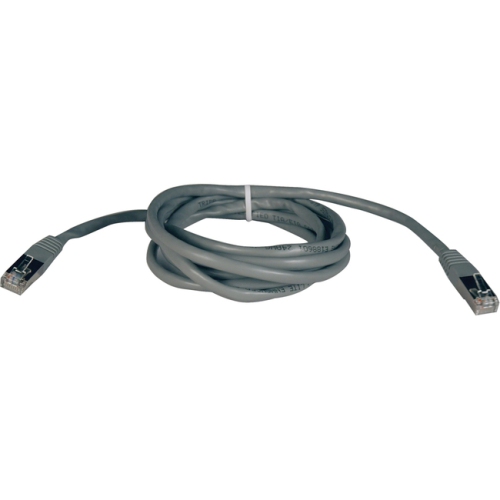
Top Collections:
Pokemon Centers, Kindle Devices, Best Cameras for Sports Photography, Pokémon 30th Celebration Cards, Apple iPhones 16, Canon G7X Cameras, iPhone 15 Apple, Flip Phones, Samsung Galaxy Phones, Alarm Clock
Some products may be subject to Environmental Handling Fees
(EHF) depending on your province.
Learn more about EHFs.