Samsung Odyssey G9 49 Curved 240Hz OLED
Experience immersive gaming and entertainment with the Samsung Odyssey G9 49 Curved 240Hz OLED. Designed for those who demand high performance and exceptional visuals, this monitor brings a new level of excitement to your setup. Whether you're battling in fast-paced games or enjoying cinematic content, the expansive curved screen delivers an engaging experience every time. Elevate your workspace or gaming station with the Samsung Odyssey G9 49 Curved 240Hz OLED and discover the difference advanced display technology can make.
Sort
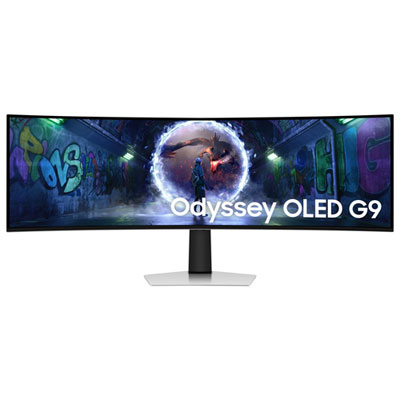
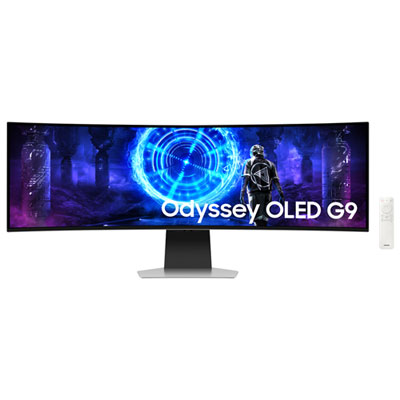
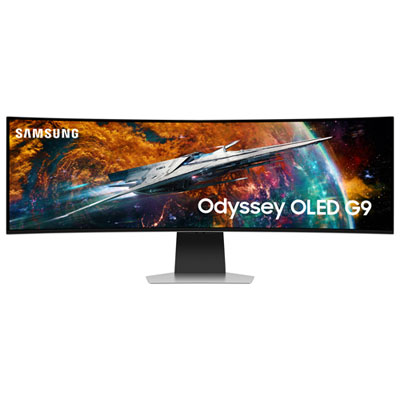
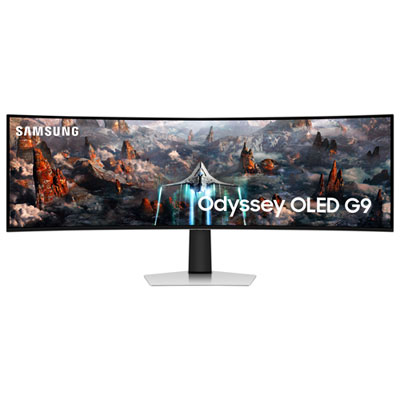
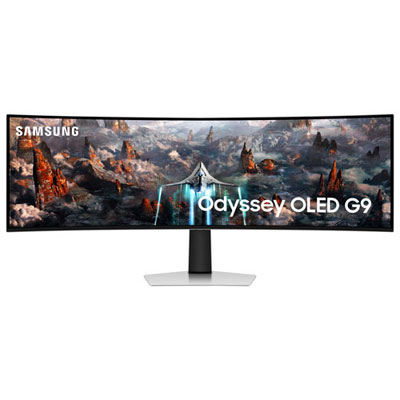
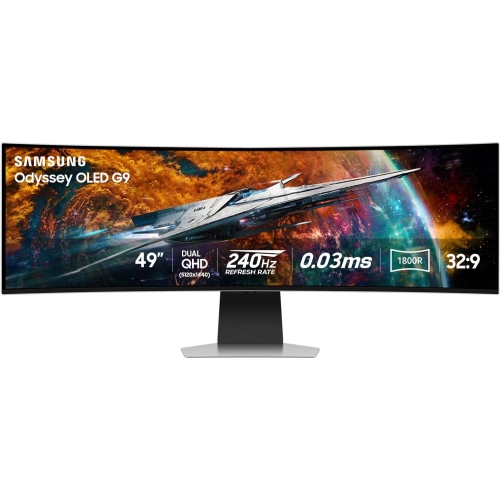
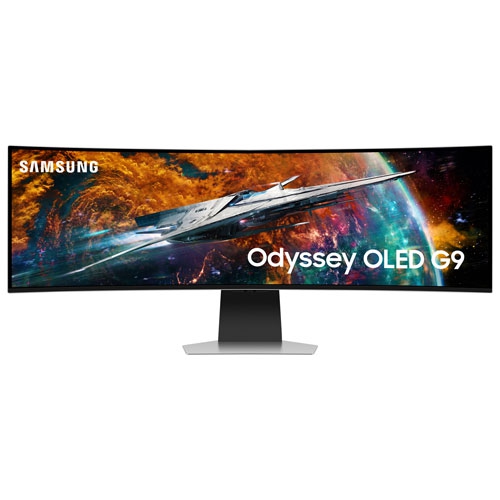
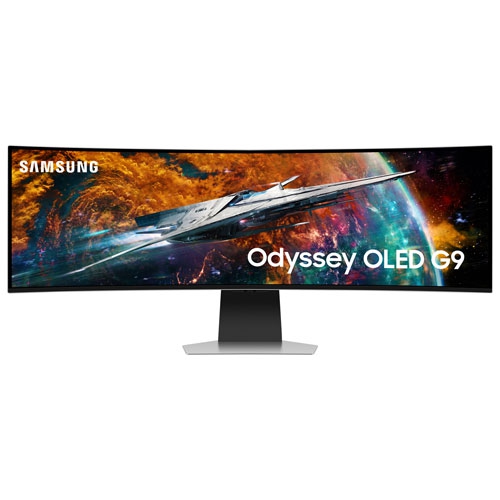
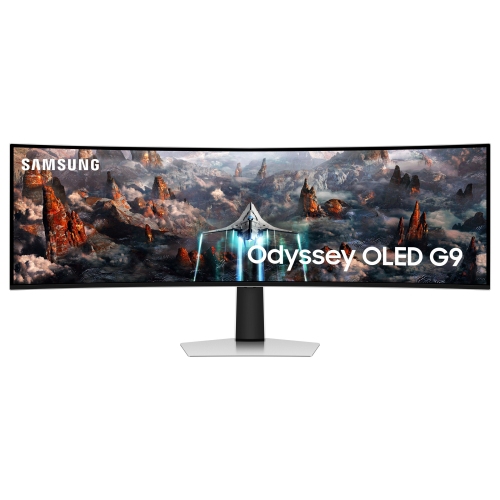

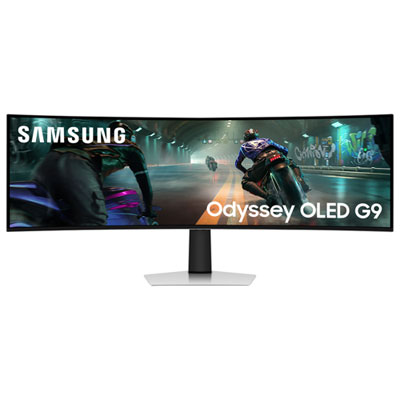
A wraparound gaming view with room to multitask
A 49-inch curved OLED gaming monitor with a 240Hz refresh rate combines a panoramic screen with fast motion handling and the deep contrast of self-lit pixels. In the common 5120 x 1440 dual QHD format, the 32:9 aspect ratio provides a workspace equivalent to two 27-inch QHD screens side by side, without a bezel interrupting the centre. The curve brings the outer edges towards the viewer, creating a wraparound view that suits racing cockpits, flight simulators, expansive role-playing worlds, and supported competitive games. OLED technology controls light at the pixel level, allowing dark areas to remain black beside illuminated details such as cockpit instruments, distant city lights, or a bright game interface. A 240Hz refresh rate means the display can refresh its image up to 240 times per second, although the fluidity visible during play also depends on the computer’s frame rate and the game itself. A rated 0.03ms grey-to-grey response time describes how quickly pixels change between measured shades; it is not the same measurement as overall input lag. Together, fast pixel transitions and a high refresh rate can help preserve definition as scenery moves past or the camera turns quickly. The Samsung 49 Odyssey OLED collection is relevant to shoppers looking for this combination of screen width, OLED contrast, and high-refresh gaming performance. The format is especially appealing when a continuous image matters more than the flexibility of separate monitors. A supported racing game can spread the dashboard and side windows across the display, while a strategy game may place maps and control panels farther apart without covering the central action. Game support remains important: some titles use the full 32:9 canvas, while others retain a narrower image with black areas at the sides. A wider panel does not automatically expand every game’s field of view, and interface placement varies between titles.
The physical fit of a 49-inch super-ultrawide monitor is a major part of its everyday appeal. Screen size is measured diagonally, so the dimensions of the panel and stand provide a better picture of how it will occupy a desk. A broad display needs room for its outer edges, but stand depth can be just as important when making space for a keyboard, mouse, controller, or steering wheel. Sufficient desk depth also allows a comfortable viewing distance, with the centre of the screen directly ahead rather than offset to one side. Curvature is commonly expressed with an R value; a smaller number indicates a tighter curve, which changes how closely the screen wraps around the seated position. Height adjustment, tilt range, and compatible mounting options affect how easily the display can sit at a suitable eye level. A monitor arm needs both the correct mounting pattern and adequate support for the display’s weight and dimensions, particularly because a very wide panel places different demands on positioning than a smaller screen. Construction typically combines a thin display assembly with a rigid rear housing and a supporting stand, with metal and plastic components varying by design. The delicate panel surface needs more care than the outer casing, and lifting points matter when moving a screen this wide. Connection requirements deserve equal attention. Driving 5120 x 1440 at a high refresh rate places substantial demands on a graphics card, and the available refresh rate can depend on the monitor input, computer output, cable, colour settings, and supported compression. A compatible connection and a capable gaming computer work together; the monitor alone cannot make a demanding game run at 240 frames per second. Console players also need to account for supported resolutions and aspect ratios, since a 32:9 screen does not mean a console will produce a full-width image. Headphone connections, USB hubs, and built-in speakers are additional conveniences where included, rather than features to assume across the category.
Beyond gaming, this screen format gives people who work across several windows a large, uninterrupted surface for organizing information. A video editor can extend a timeline across the display, a programmer can keep code beside documentation, and someone working with spreadsheets can view more columns without moving between separate screens. Window-management software helps divide the width into practical zones, such as a central work area with reference material on either side. Text appearance is worth considering for these uses because OLED subpixel layouts can render fine lettering differently from conventional LCD panels, with visibility affected by scaling, software, and viewing distance. For film and television, the display’s proportions also shape the experience: standard 16:9 video leaves unused space at the sides, while wider films may make better use of the panel without necessarily filling it completely. OLED contrast can add depth to dark scenes, but HDR performance depends on more than black levels, including brightness, tone mapping, and the content being played. Room lighting and screen finish influence how visible reflections become during both work and entertainment. Long-term care centres on protecting the panel and managing repeated static content. OLED screens can develop permanent image retention from prolonged, repeated display of fixed elements, so built-in panel-care features, sensible brightness settings, and allowing the screen to sleep during breaks are meaningful considerations. Automatic protection routines should be allowed to complete according to the manufacturer’s directions. Cleaning is best approached gently, using a clean, soft microfibre cloth and only methods approved for the screen’s coating; household glass cleaners and pressure on the panel can cause damage. For frequent moves or a future desk change, retaining the protective packaging can make handling the wide, curved screen easier. As a gift, this category is particularly suited to an enthusiast whose gaming computer, desk, and preferred games can make use of it. For regular use, the strongest fit is someone who values an immersive central screen and has room to give its width a purposeful role in both play and daily tasks.
The physical fit of a 49-inch super-ultrawide monitor is a major part of its everyday appeal. Screen size is measured diagonally, so the dimensions of the panel and stand provide a better picture of how it will occupy a desk. A broad display needs room for its outer edges, but stand depth can be just as important when making space for a keyboard, mouse, controller, or steering wheel. Sufficient desk depth also allows a comfortable viewing distance, with the centre of the screen directly ahead rather than offset to one side. Curvature is commonly expressed with an R value; a smaller number indicates a tighter curve, which changes how closely the screen wraps around the seated position. Height adjustment, tilt range, and compatible mounting options affect how easily the display can sit at a suitable eye level. A monitor arm needs both the correct mounting pattern and adequate support for the display’s weight and dimensions, particularly because a very wide panel places different demands on positioning than a smaller screen. Construction typically combines a thin display assembly with a rigid rear housing and a supporting stand, with metal and plastic components varying by design. The delicate panel surface needs more care than the outer casing, and lifting points matter when moving a screen this wide. Connection requirements deserve equal attention. Driving 5120 x 1440 at a high refresh rate places substantial demands on a graphics card, and the available refresh rate can depend on the monitor input, computer output, cable, colour settings, and supported compression. A compatible connection and a capable gaming computer work together; the monitor alone cannot make a demanding game run at 240 frames per second. Console players also need to account for supported resolutions and aspect ratios, since a 32:9 screen does not mean a console will produce a full-width image. Headphone connections, USB hubs, and built-in speakers are additional conveniences where included, rather than features to assume across the category.
Beyond gaming, this screen format gives people who work across several windows a large, uninterrupted surface for organizing information. A video editor can extend a timeline across the display, a programmer can keep code beside documentation, and someone working with spreadsheets can view more columns without moving between separate screens. Window-management software helps divide the width into practical zones, such as a central work area with reference material on either side. Text appearance is worth considering for these uses because OLED subpixel layouts can render fine lettering differently from conventional LCD panels, with visibility affected by scaling, software, and viewing distance. For film and television, the display’s proportions also shape the experience: standard 16:9 video leaves unused space at the sides, while wider films may make better use of the panel without necessarily filling it completely. OLED contrast can add depth to dark scenes, but HDR performance depends on more than black levels, including brightness, tone mapping, and the content being played. Room lighting and screen finish influence how visible reflections become during both work and entertainment. Long-term care centres on protecting the panel and managing repeated static content. OLED screens can develop permanent image retention from prolonged, repeated display of fixed elements, so built-in panel-care features, sensible brightness settings, and allowing the screen to sleep during breaks are meaningful considerations. Automatic protection routines should be allowed to complete according to the manufacturer’s directions. Cleaning is best approached gently, using a clean, soft microfibre cloth and only methods approved for the screen’s coating; household glass cleaners and pressure on the panel can cause damage. For frequent moves or a future desk change, retaining the protective packaging can make handling the wide, curved screen easier. As a gift, this category is particularly suited to an enthusiast whose gaming computer, desk, and preferred games can make use of it. For regular use, the strongest fit is someone who values an immersive central screen and has room to give its width a purposeful role in both play and daily tasks.
Top selling and popular products
-
 Your price for this item is $299
 -
 Your price for this item is $469
 -
 Your price for this item is $149.99
 -
 Your price for this item is $329.99
 -
 Your price for this item is $499
 -
 Your price for this item is $199.99
 -
 Your price for this item is $249.99
 -
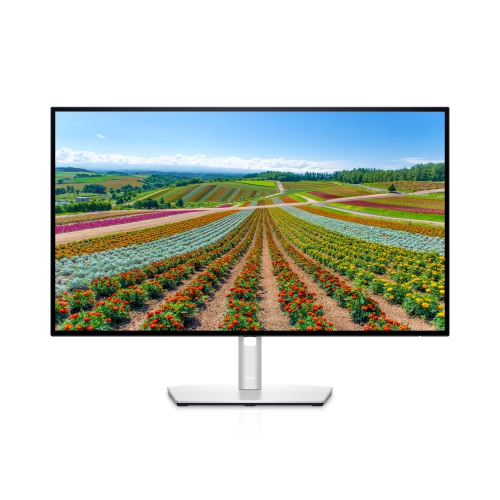 Your price for this item is $569.99
Discover more categories related to Samsung Odyssey G9 49 Curved 240Hz OLED
Top Collections:
Pokemon Centers, Best Cameras for Sports Photography, Kindle Devices, Samsung Galaxy Phones, Canon G7X Cameras, Pokémon 30th Celebration Cards, Refurbished Apple Laptops, iPhone 15 Apple, Laptops for Students, Budget Smartphones
Some products may be subject to Environmental Handling Fees
(EHF) depending on your province.
Learn more about EHFs.