Samsung Odyssey G9 OLED
Elevate your gaming and entertainment experience with the Samsung Odyssey G9 OLED. Designed for those who demand exceptional performance and immersive visuals, this monitor brings cutting-edge technology to your setup. Whether you're a dedicated gamer or a creative professional, the Samsung Odyssey G9 OLED delivers stunning picture quality and smooth operation for every task. Explore a range of options to find the perfect fit for your needs and transform the way you work and play.
Sort
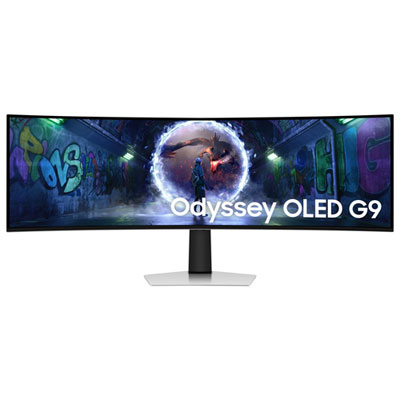
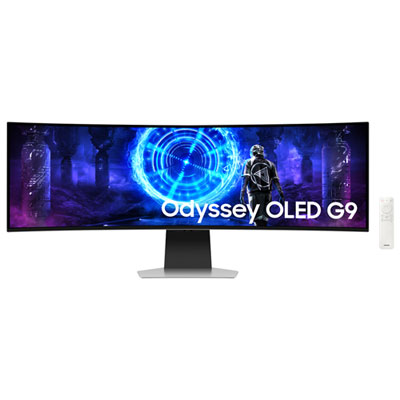
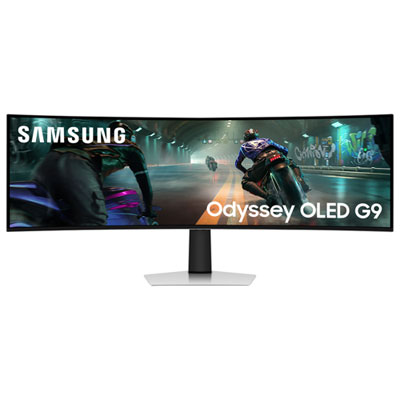
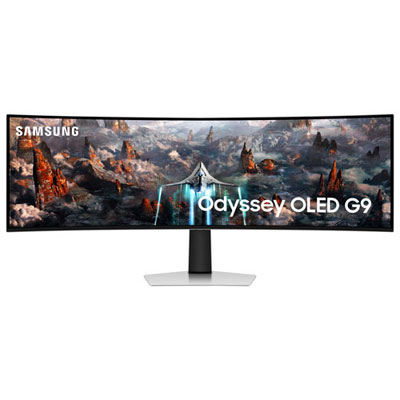
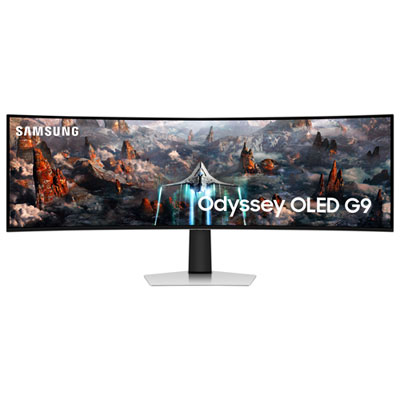
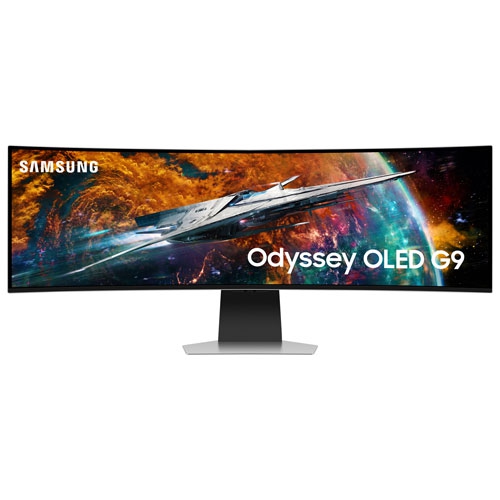
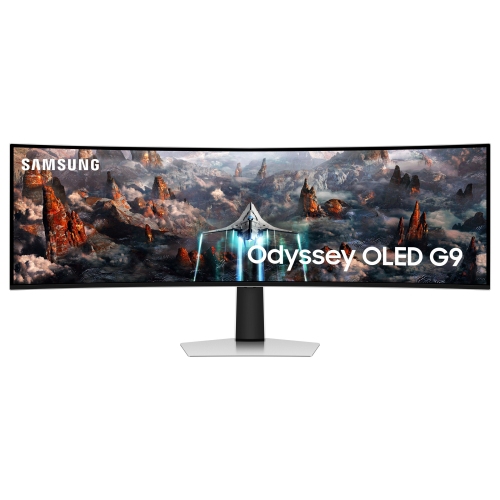
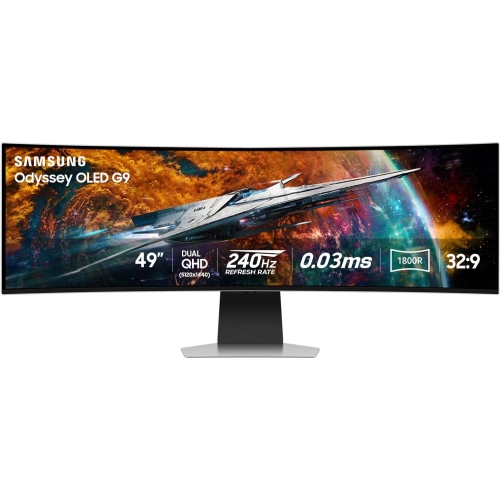
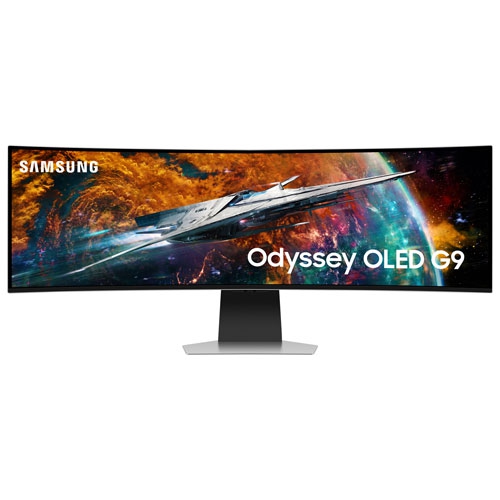
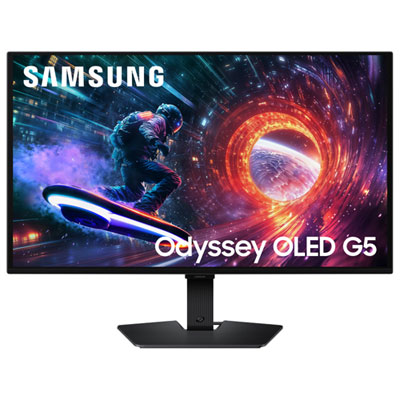
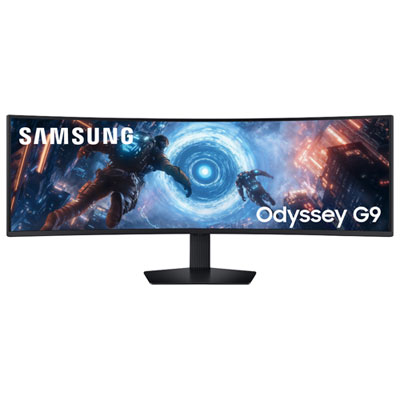

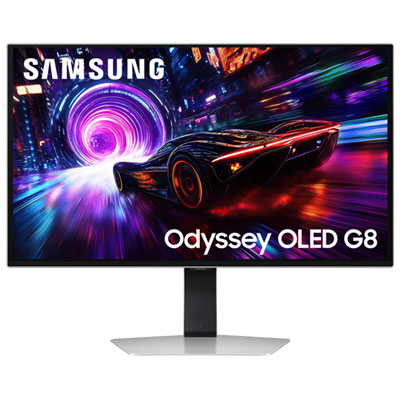
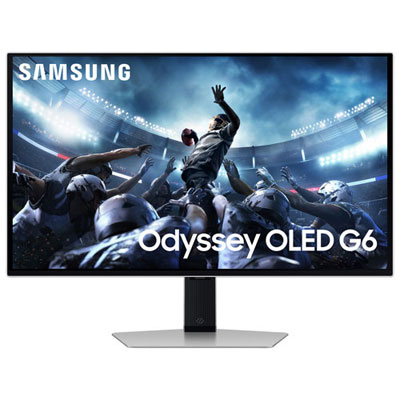
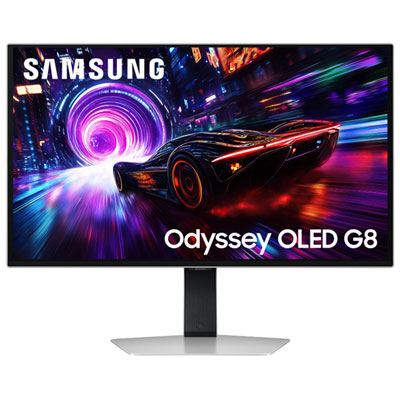

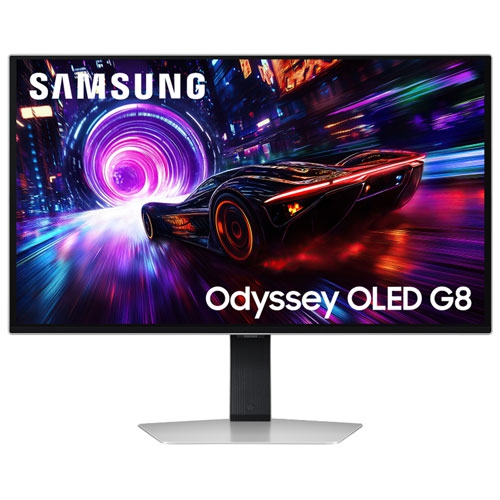
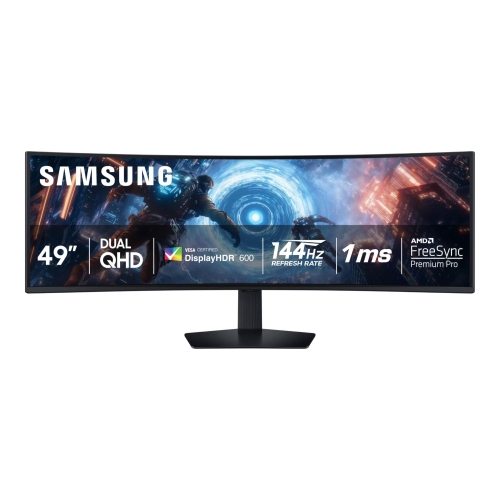
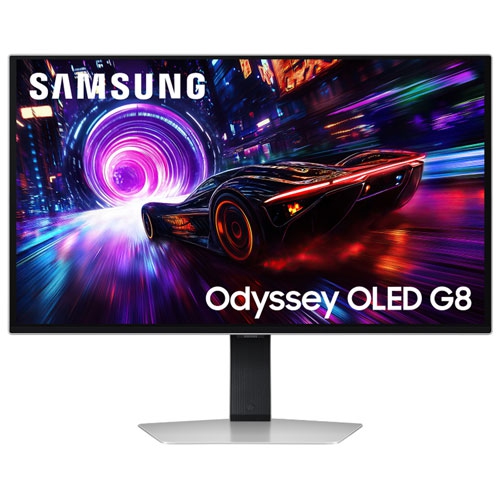
Two screens’ worth of space without the centre bezel
Super-ultrawide OLED gaming monitors combine a panoramic workspace with the rich contrast and fast pixel transitions that make OLED appealing for games, films, and visual projects. In the 49-inch class, a 32:9 screen offers roughly the display area of two 27-inch, 16:9 monitors side by side, without a bezel interrupting the centre. Dual Quad HD resolution, also called DQHD, measures 5120 × 1440 pixels: it provides the width of two QHD displays while retaining the same vertical resolution as a single QHD screen, rather than matching the taller pixel count of 4K. That shape creates room for a sweeping cockpit view, a long editing timeline, or several documents arranged across one continuous display. The Samsung Odyssey G9 49 Curved 240Hz OLED page brings this combination of screen size, panel technology, and refresh rate into focus. OLED pixels produce their own light and can switch off individually, delivering deep blacks without the backlight glow associated with conventional LCD panels. QD-OLED combines that self-emissive technology with quantum dots to produce colour, giving compatible content vivid tones and strong separation between dark areas and bright details. In a night-time driving game, for example, illuminated instruments can stand out clearly against a dark dashboard. A curved panel brings the outer edges closer to the viewer than an equally wide flat display, helping the picture feel more cohesive from a centred seating position. A curve described as 1800R corresponds to part of a circle with a radius of 1,800 millimetres; it describes the panel’s geometry, not a mandatory viewing distance. The resulting format is particularly relevant to racing and flight simulation fans, players who enjoy expansive game worlds, and people who want one broad screen for both entertainment and everyday computer work.
Motion performance is another defining consideration for high-refresh-rate OLED monitors. A 240Hz refresh rate allows the display to update its image up to 240 times per second, while a quoted 0.03 ms grey-to-grey response time describes how quickly pixels can transition between measured shades under specified test conditions. These figures describe different behaviours: pixel response time is not the same as total input lag, and a high refresh rate does not mean every game will run at an equally high frame rate. Fast transitions can reduce visible smearing when scenery moves across the screen, making trackside barriers, passing vehicles, and quick camera movements look cleaner. Adaptive sync can help reduce screen tearing by coordinating the display’s refresh behaviour with a compatible graphics source, though supported formats and operating ranges vary. Driving 5120 × 1440 at high frame rates also places a substantial load on a graphics card, especially with detailed textures, demanding lighting effects, or ray tracing enabled. Display connections, cable capability, and computer settings all contribute to whether the full resolution and refresh rate are accessible. HDMI and DisplayPort capabilities differ between monitors, so the connection specifications matter more than the connector’s appearance alone. Game support is just as important as hardware performance. Titles that support 32:9 can use the extra width for a wider view, while others may show side borders, restrict the field of view, or keep menus and cutscenes in a narrower format. Many console games and video programmes are designed for 16:9, meaning a super-ultrawide panel will not necessarily fill from edge to edge without cropping or stretching. Smart streaming functions, wireless connectivity, built-in speakers, and cloud gaming access are additional conveniences on some monitors, rather than universal features of OLED displays. For a shared gaming and entertainment setup, those differences can affect whether a separate computer, streaming device, or audio system is needed for a particular activity.
Living with a 49-inch curved display involves more than making room for its diagonal measurement. The full cabinet width, stand footprint, desk depth, and space behind the panel all influence how comfortably it fits. A deeper desk can leave enough room for a keyboard and mouse while keeping the screen at a comfortable distance, and a centred chair position helps balance the view across both edges. Height adjustment and tilt can make long sessions more comfortable; a monitor arm can free desk space when its mounting pattern, weight capacity, and support for a wide curved load match the display. Housing materials, stand construction, and adjustment mechanisms vary, while the thin panel and its surface coating benefit from careful handling. Lifting a large monitor by its edges or putting pressure on the screen can cause damage, so installation and moving are best handled according to the manufacturer’s directions, with help where required. For cleaning, a clean, soft microfibre cloth and the approved cleaning method help protect the finish; spraying liquid directly onto the panel or using abrasive materials can damage its surface. OLED ownership also involves managing prolonged static content. Persistent toolbars, game interface elements, and fixed desktop windows can contribute to uneven pixel wear over time, so built-in panel-care features, screen sleep settings, and varied content have practical value. Warranty terms for image retention or burn-in deserve attention because coverage differs. For productivity, the wide desktop suits a spreadsheet beside a reference document and a video call, although OLED subpixel layouts can affect how fine text appears at close range. Room lighting matters too: reflections and direct glare can make dark scenes harder to see, even on a high-contrast panel. A thoughtfully positioned lamp or shaded window can improve viewing comfort without changing the display itself. As a gift for an enthusiastic gamer, simulator hobbyist, or creative user, this category makes the most sense when their desk, computer, preferred software, and appetite for a very wide screen are already understood. Those practical details help turn impressive display specifications into a setup that feels comfortable and useful every day.
Motion performance is another defining consideration for high-refresh-rate OLED monitors. A 240Hz refresh rate allows the display to update its image up to 240 times per second, while a quoted 0.03 ms grey-to-grey response time describes how quickly pixels can transition between measured shades under specified test conditions. These figures describe different behaviours: pixel response time is not the same as total input lag, and a high refresh rate does not mean every game will run at an equally high frame rate. Fast transitions can reduce visible smearing when scenery moves across the screen, making trackside barriers, passing vehicles, and quick camera movements look cleaner. Adaptive sync can help reduce screen tearing by coordinating the display’s refresh behaviour with a compatible graphics source, though supported formats and operating ranges vary. Driving 5120 × 1440 at high frame rates also places a substantial load on a graphics card, especially with detailed textures, demanding lighting effects, or ray tracing enabled. Display connections, cable capability, and computer settings all contribute to whether the full resolution and refresh rate are accessible. HDMI and DisplayPort capabilities differ between monitors, so the connection specifications matter more than the connector’s appearance alone. Game support is just as important as hardware performance. Titles that support 32:9 can use the extra width for a wider view, while others may show side borders, restrict the field of view, or keep menus and cutscenes in a narrower format. Many console games and video programmes are designed for 16:9, meaning a super-ultrawide panel will not necessarily fill from edge to edge without cropping or stretching. Smart streaming functions, wireless connectivity, built-in speakers, and cloud gaming access are additional conveniences on some monitors, rather than universal features of OLED displays. For a shared gaming and entertainment setup, those differences can affect whether a separate computer, streaming device, or audio system is needed for a particular activity.
Living with a 49-inch curved display involves more than making room for its diagonal measurement. The full cabinet width, stand footprint, desk depth, and space behind the panel all influence how comfortably it fits. A deeper desk can leave enough room for a keyboard and mouse while keeping the screen at a comfortable distance, and a centred chair position helps balance the view across both edges. Height adjustment and tilt can make long sessions more comfortable; a monitor arm can free desk space when its mounting pattern, weight capacity, and support for a wide curved load match the display. Housing materials, stand construction, and adjustment mechanisms vary, while the thin panel and its surface coating benefit from careful handling. Lifting a large monitor by its edges or putting pressure on the screen can cause damage, so installation and moving are best handled according to the manufacturer’s directions, with help where required. For cleaning, a clean, soft microfibre cloth and the approved cleaning method help protect the finish; spraying liquid directly onto the panel or using abrasive materials can damage its surface. OLED ownership also involves managing prolonged static content. Persistent toolbars, game interface elements, and fixed desktop windows can contribute to uneven pixel wear over time, so built-in panel-care features, screen sleep settings, and varied content have practical value. Warranty terms for image retention or burn-in deserve attention because coverage differs. For productivity, the wide desktop suits a spreadsheet beside a reference document and a video call, although OLED subpixel layouts can affect how fine text appears at close range. Room lighting matters too: reflections and direct glare can make dark scenes harder to see, even on a high-contrast panel. A thoughtfully positioned lamp or shaded window can improve viewing comfort without changing the display itself. As a gift for an enthusiastic gamer, simulator hobbyist, or creative user, this category makes the most sense when their desk, computer, preferred software, and appetite for a very wide screen are already understood. Those practical details help turn impressive display specifications into a setup that feels comfortable and useful every day.
Top selling and popular products
-
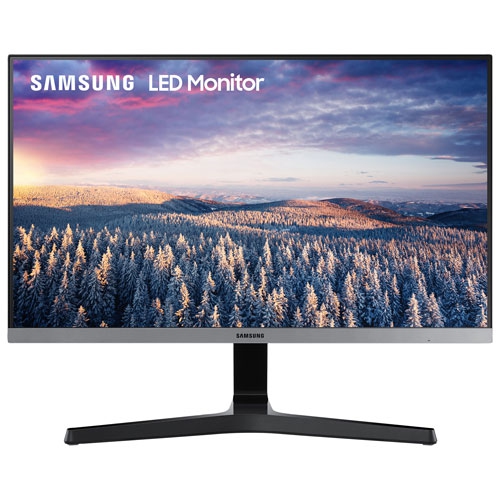 Your price for this item is $279.97
 -
 Your price for this item is $275
 -
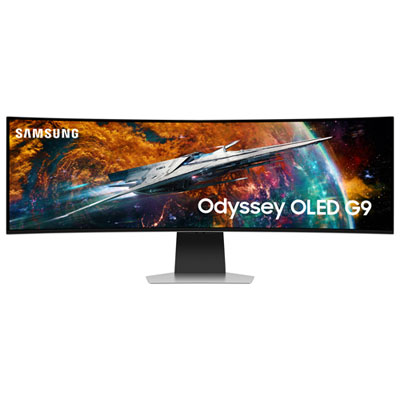 Your price for this item is $1499.97
 -
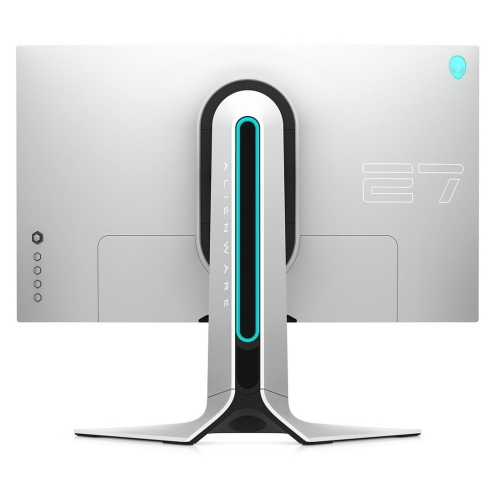 Your price for this item is $299
 -
 Your price for this item is $479.68
 -
 Your price for this item is $209.99
 -
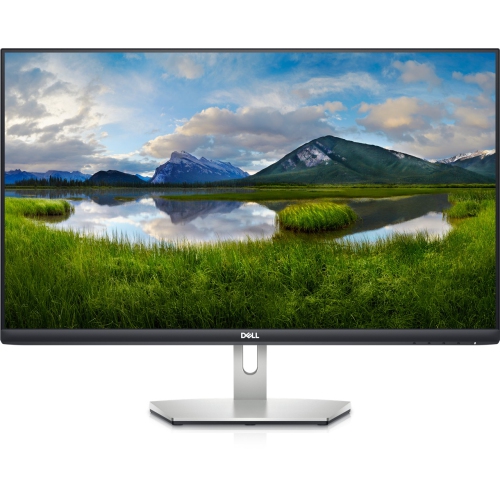 Your price for this item is $239.99
 -
 Your price for this item is $3299.99
Discover more categories related to Samsung Odyssey G9 OLED
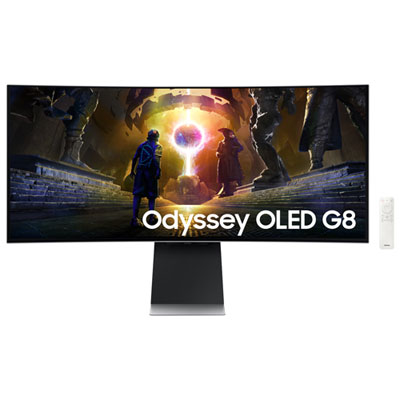
Top Collections:
Pokemon Centers, Best Cameras for Sports Photography, Kindle Devices, Samsung Galaxy Phones, Canon G7X Cameras, Pokémon 30th Celebration Cards, Refurbished Apple Laptops, iPhone 15 Apple, Laptops for Students, Budget Smartphones
Some products may be subject to Environmental Handling Fees
(EHF) depending on your province.
Learn more about EHFs.