Samsung Adapters
Find the perfect solution for your connectivity needs with our wide range of adapters. Whether you're looking to enhance your device's capabilities or simply need a reliable way to connect different devices, our selection of adapters offers versatility and convenience. From HDMI to USB-C adapters, we have everything you need to stay connected and make the most out of your electronic devices. Browse through our collection and find the right adapter to streamline your tech setup today!
Sort











































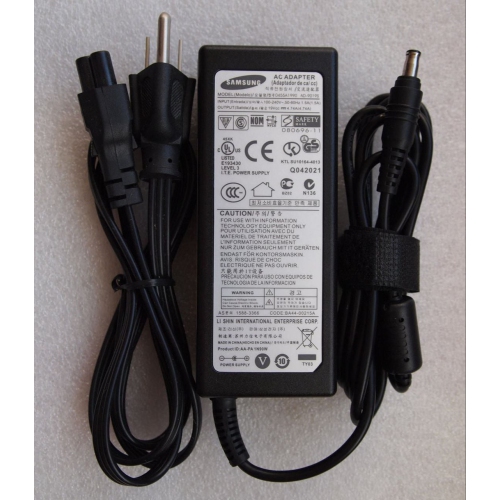

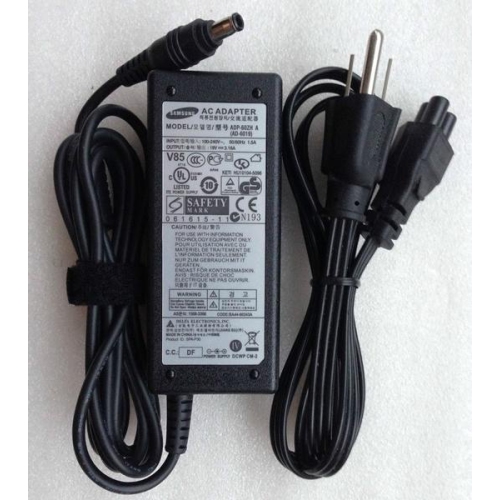


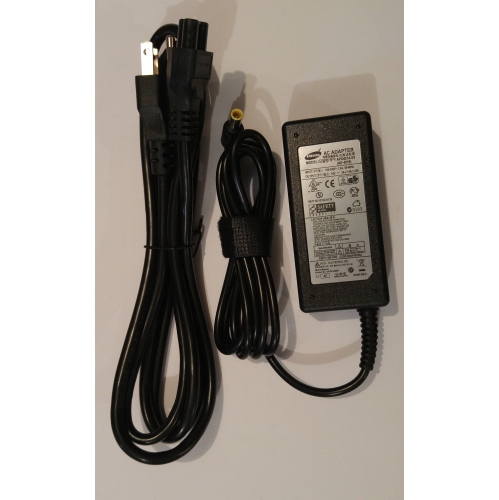
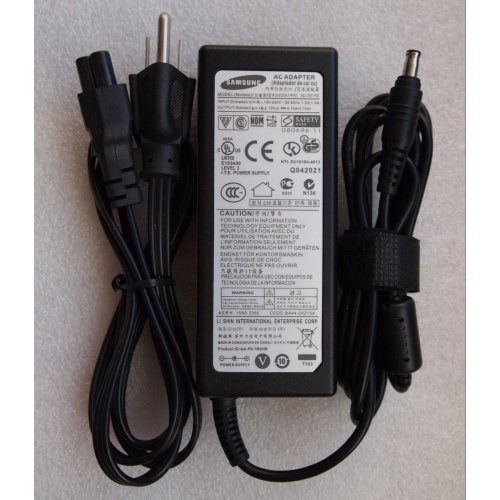


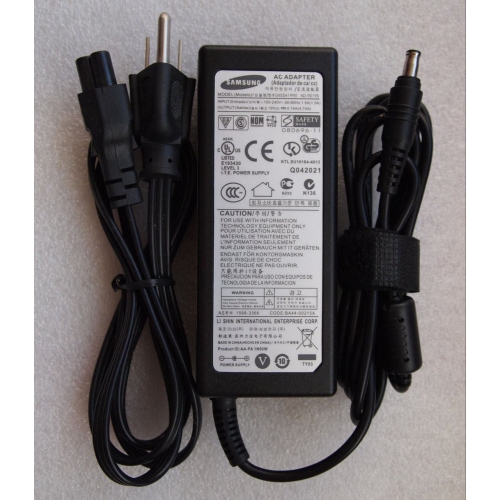
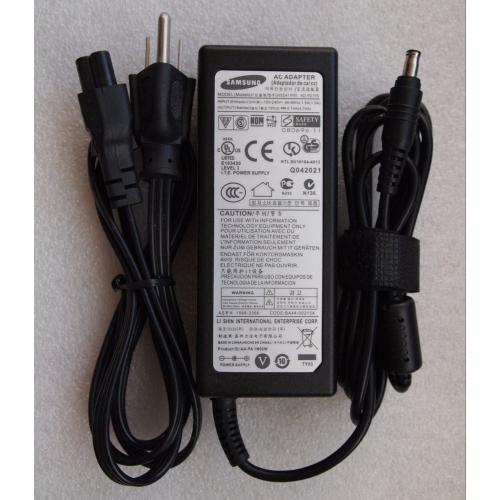

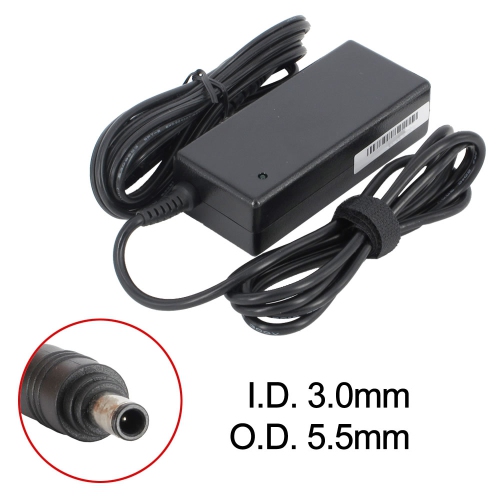

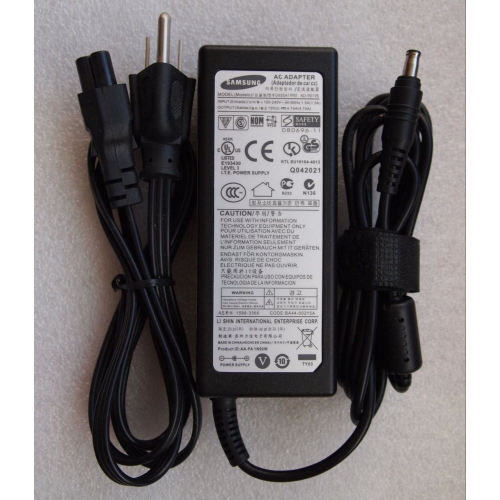




















Why faster charging takes more than higher wattage
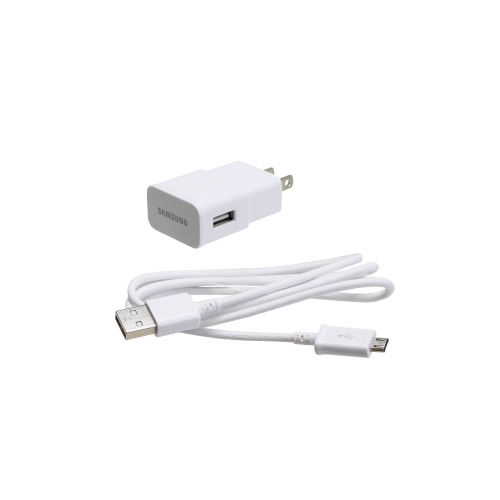
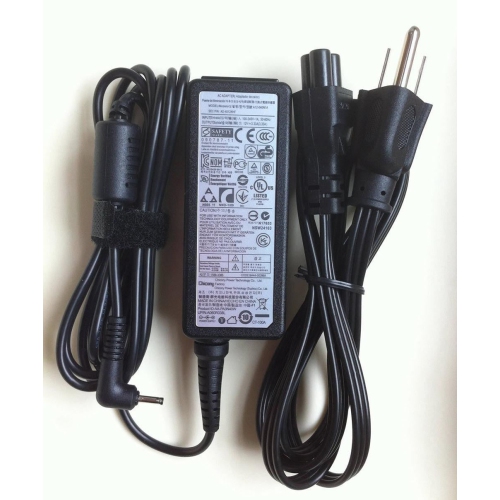
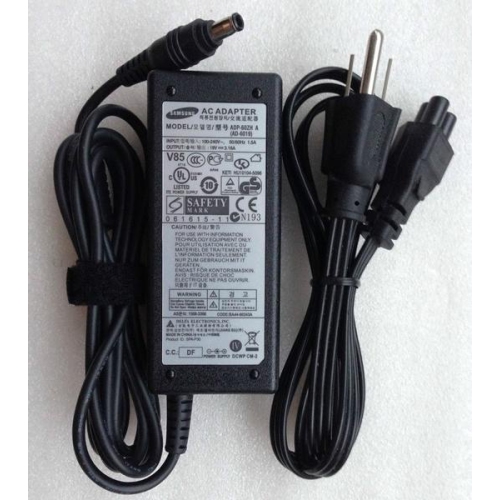
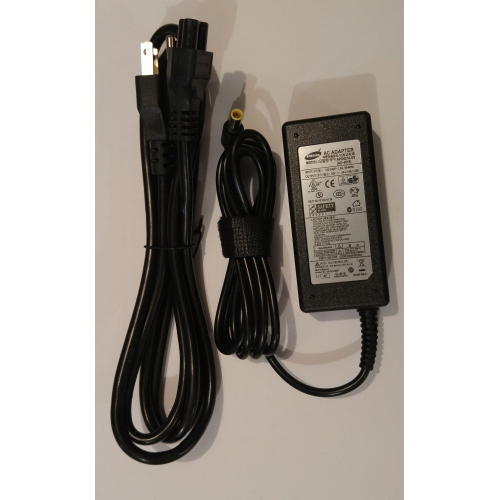
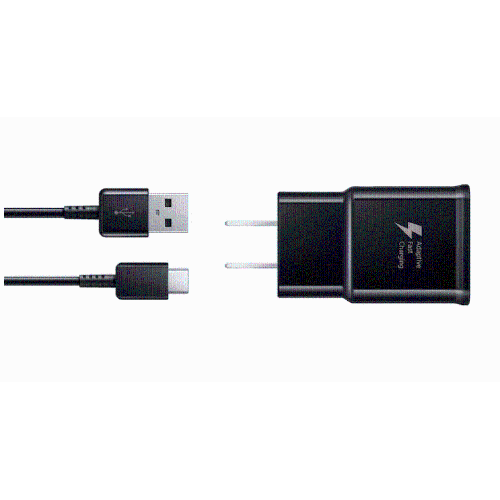
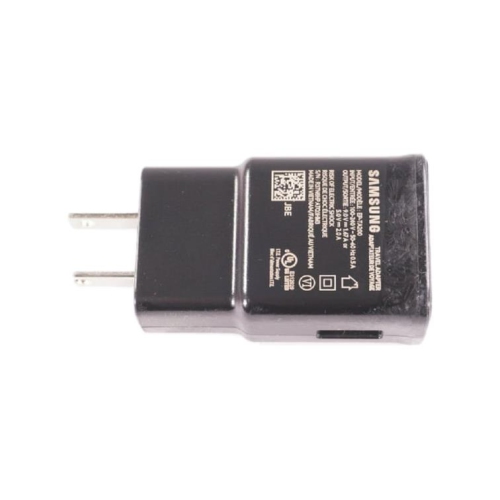
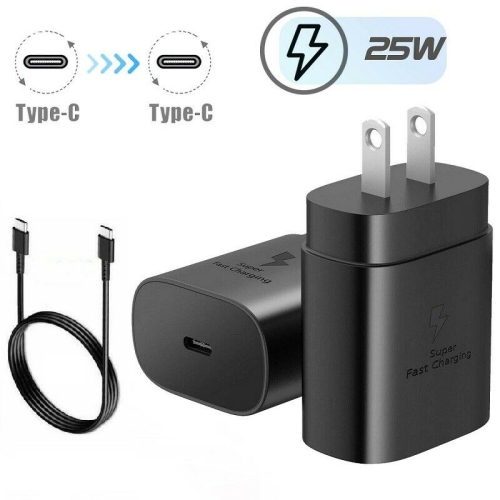
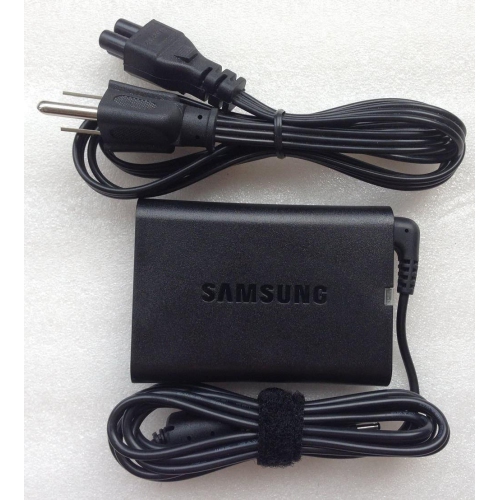
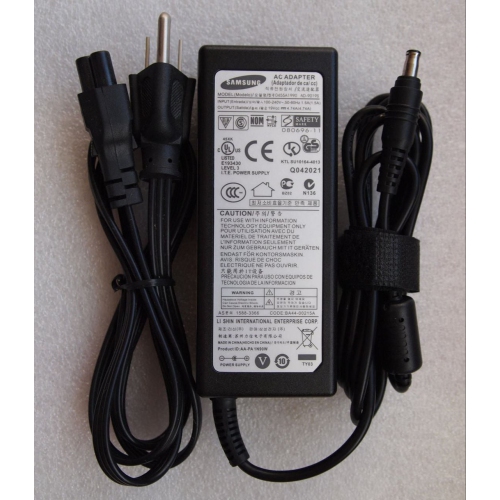
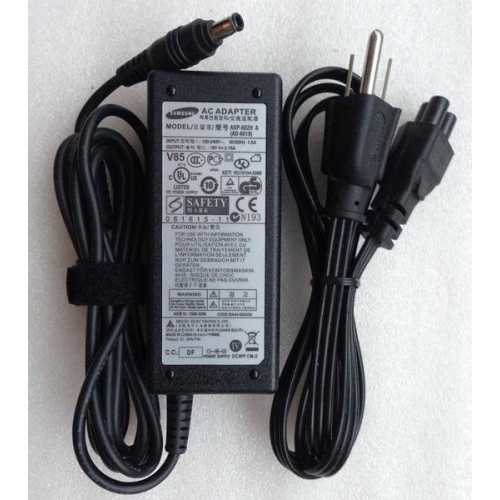
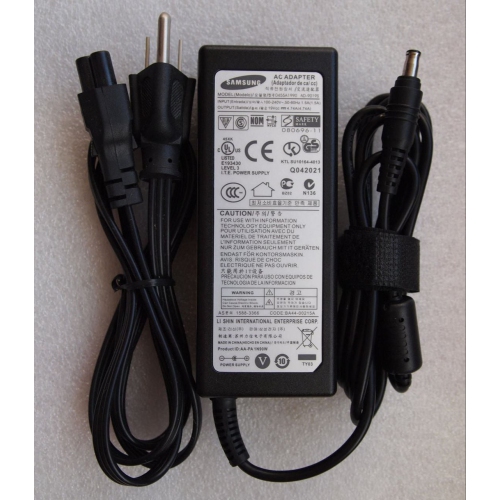
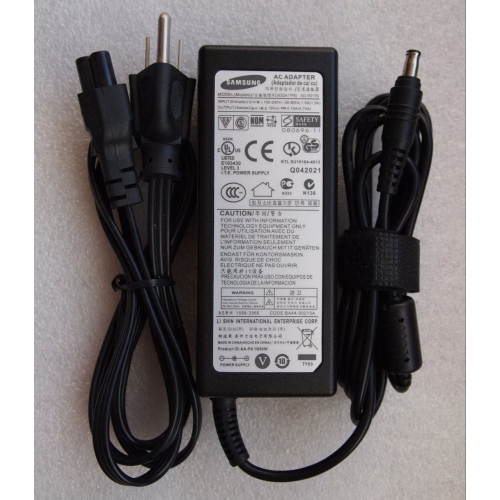
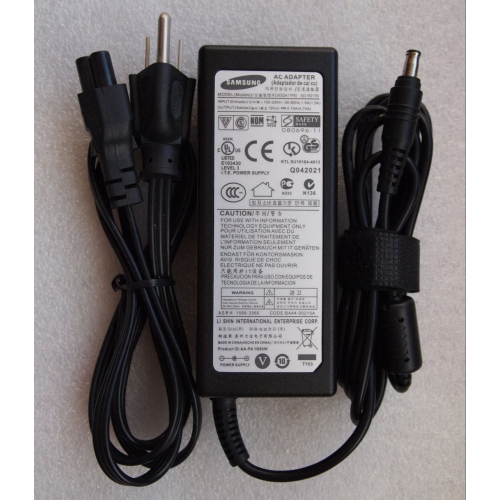
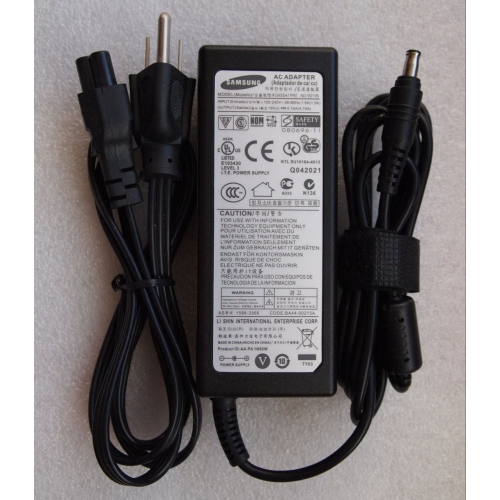
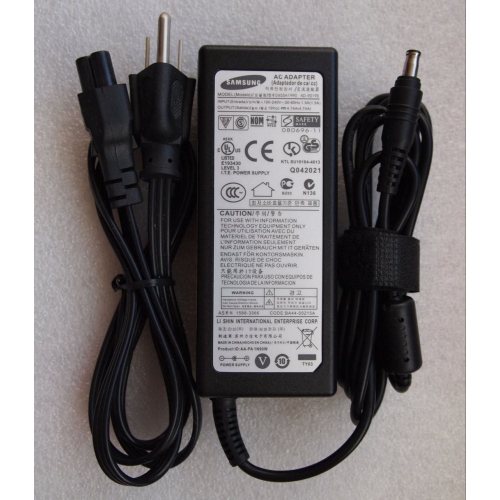
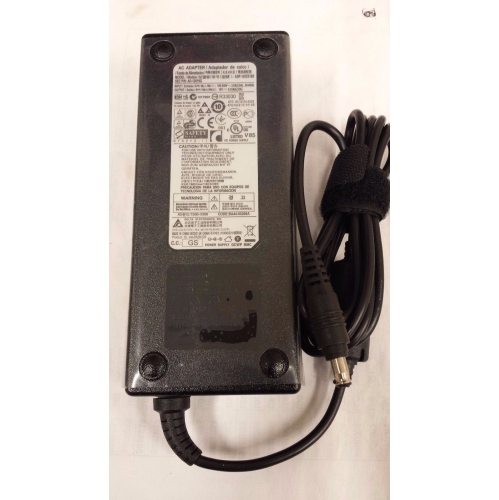
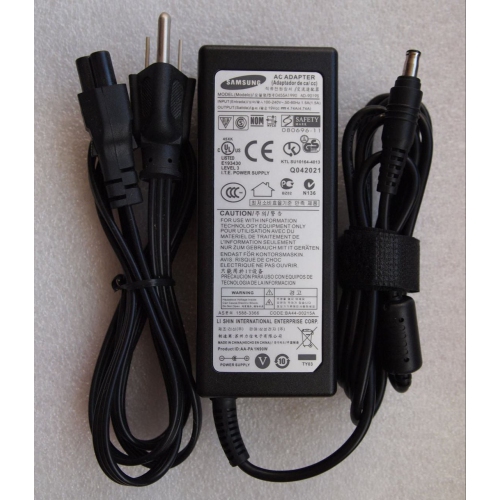
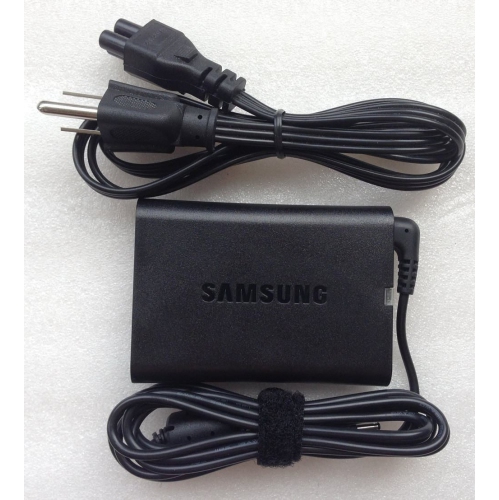
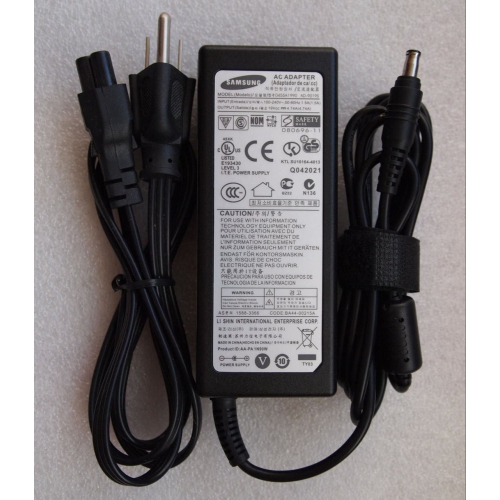
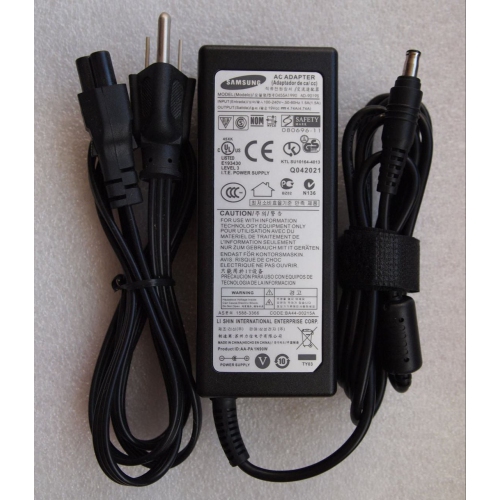
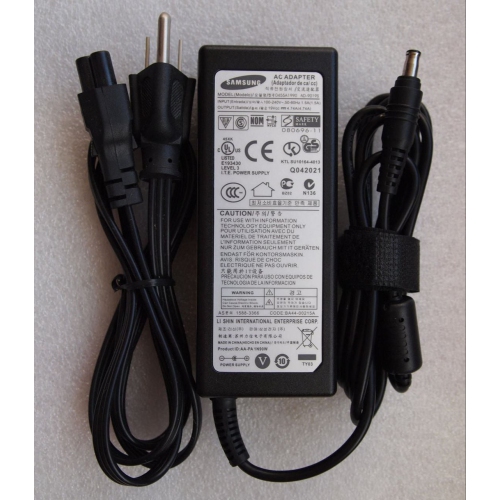
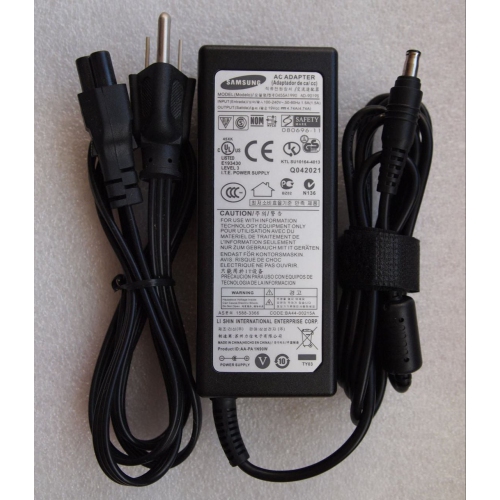
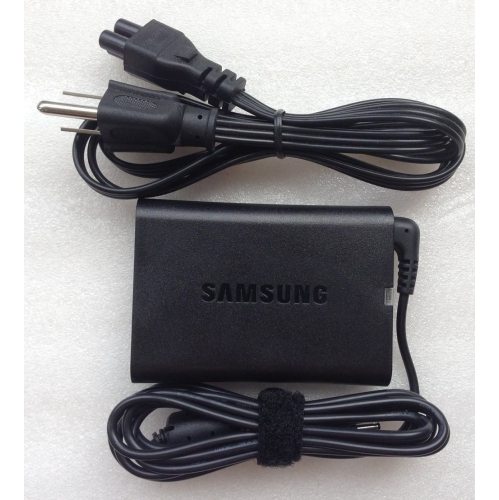
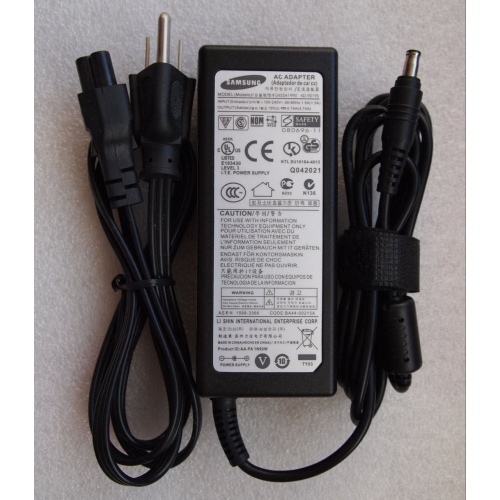
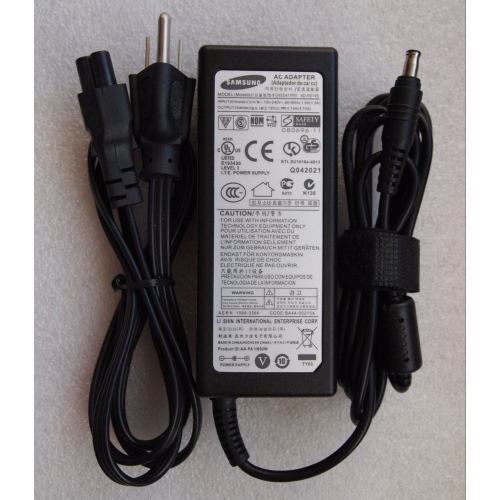
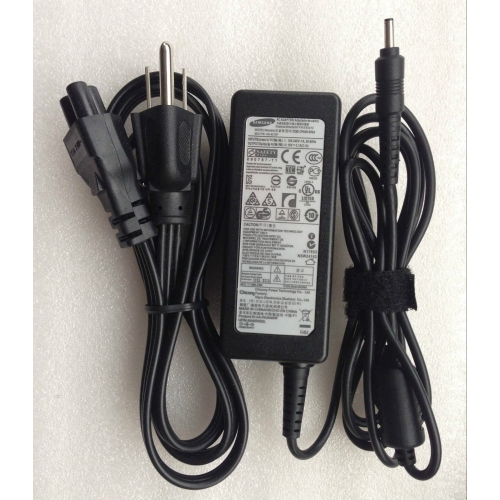
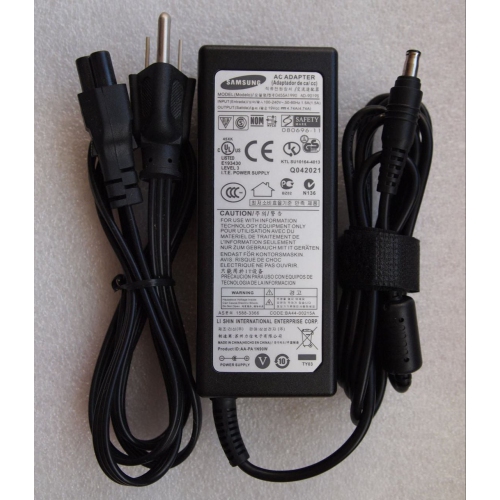
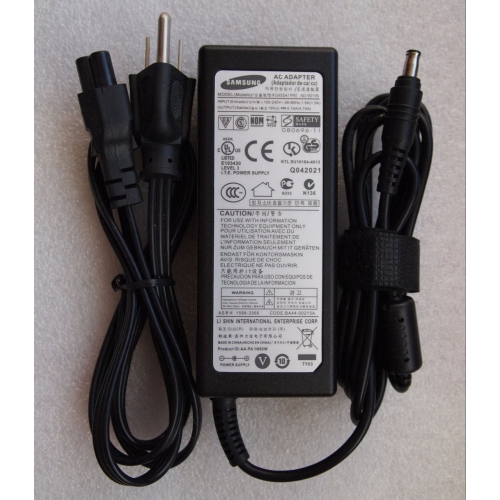
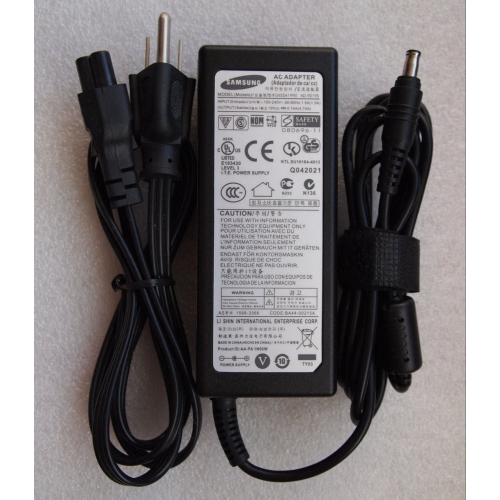
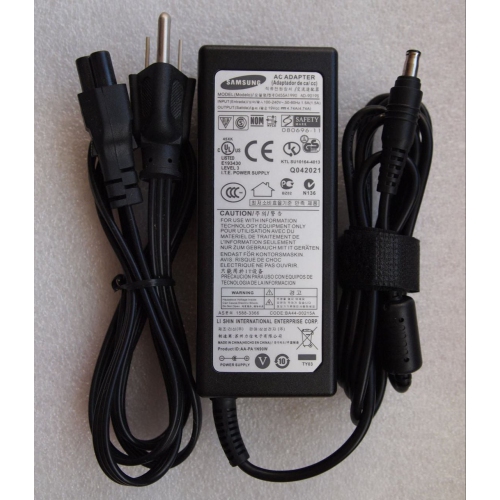
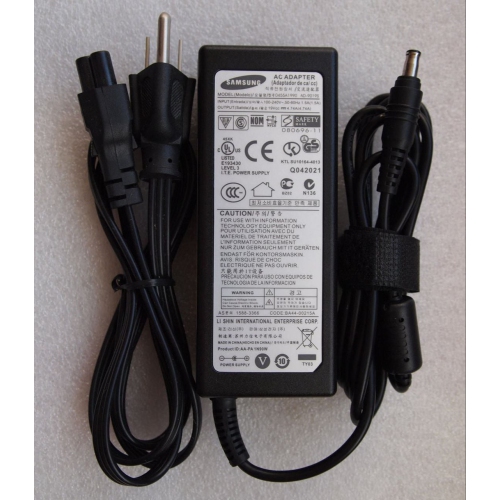
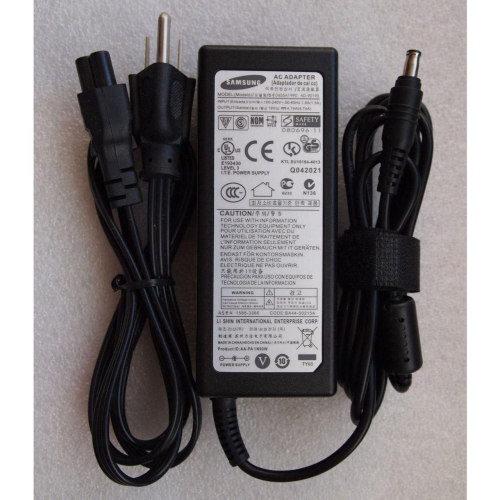
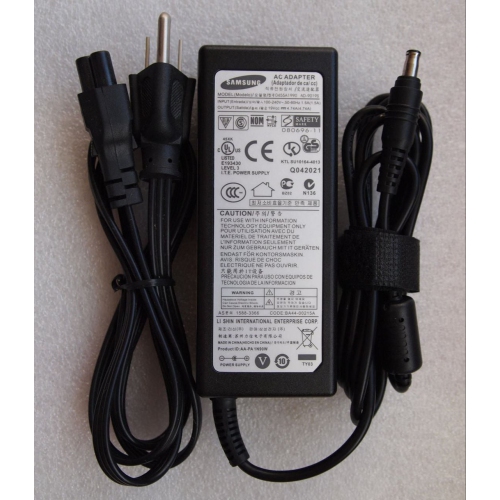
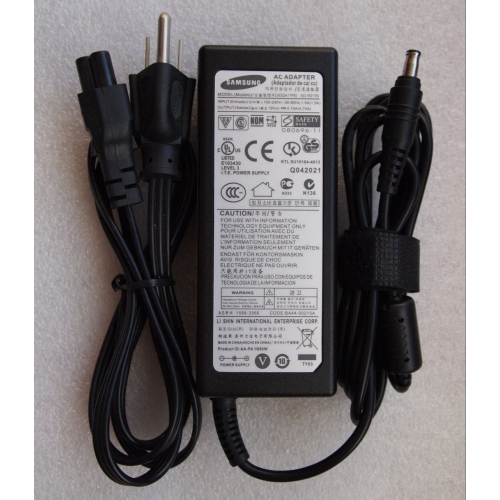
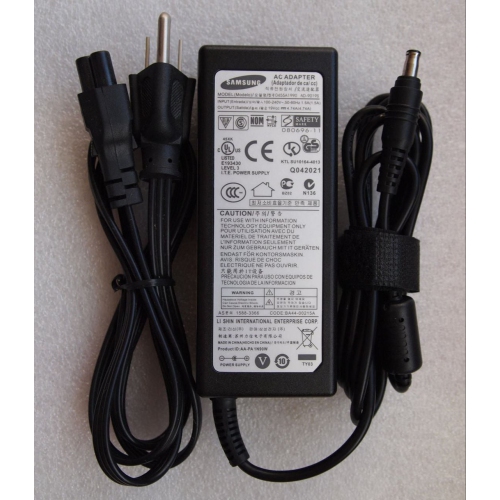
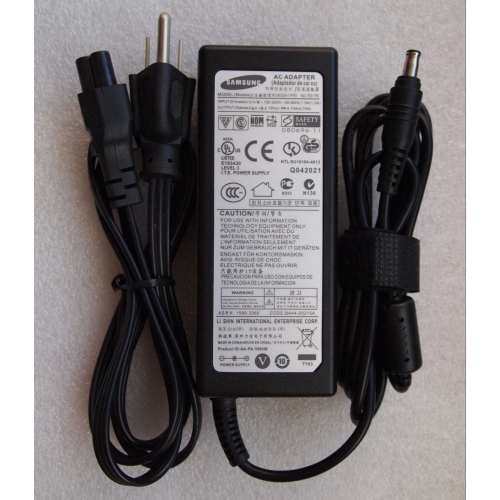
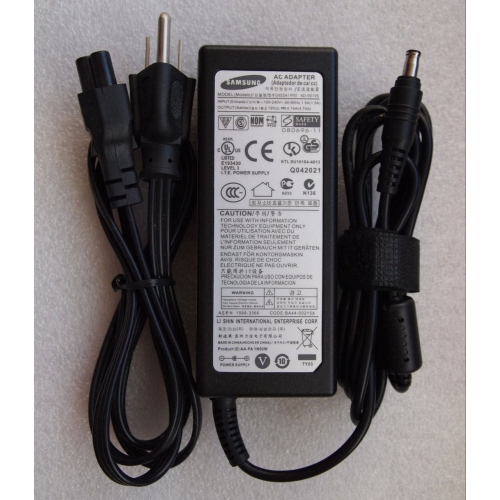
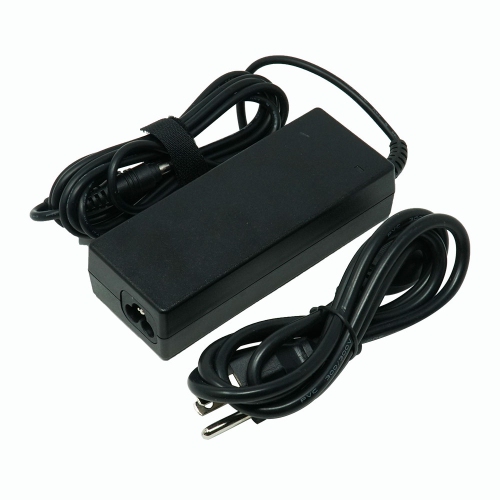
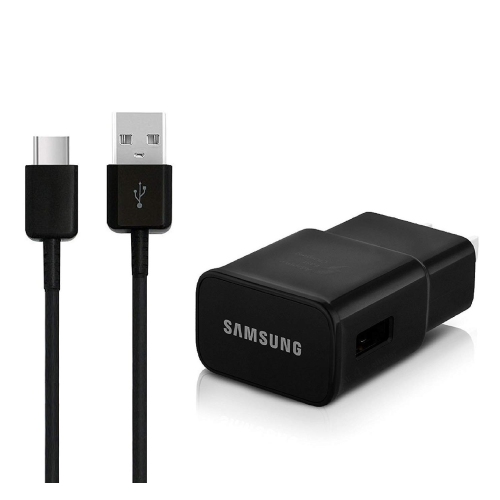
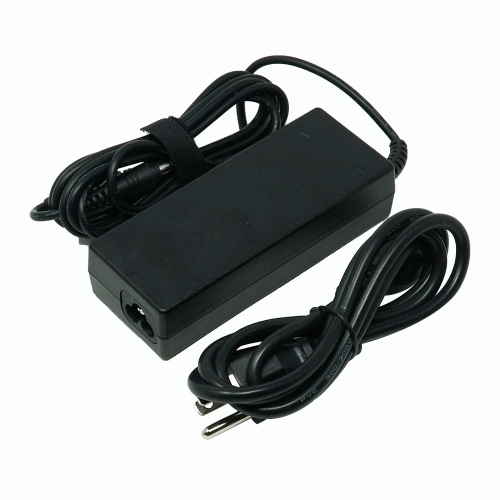
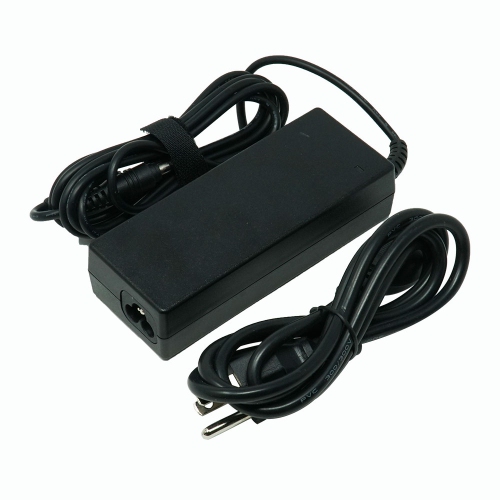
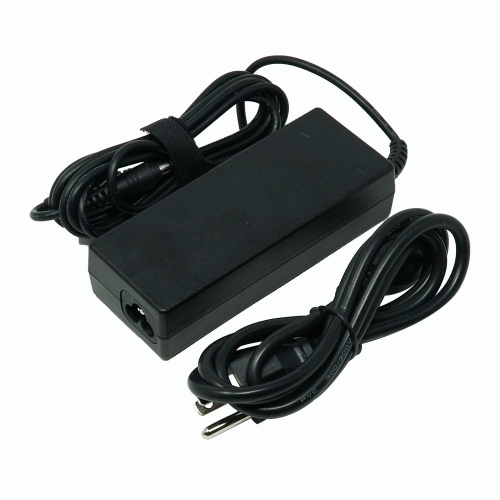
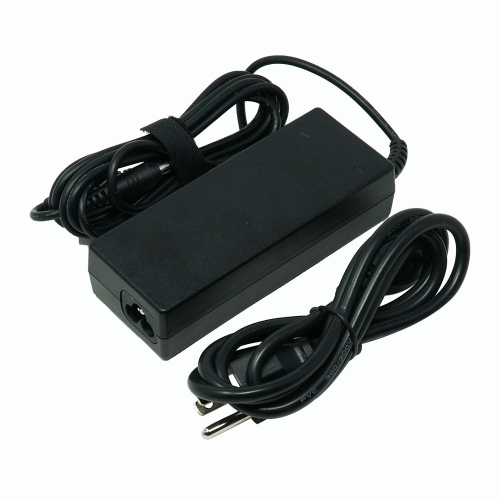
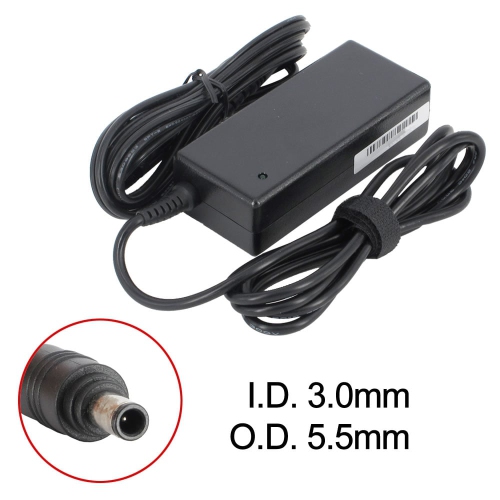
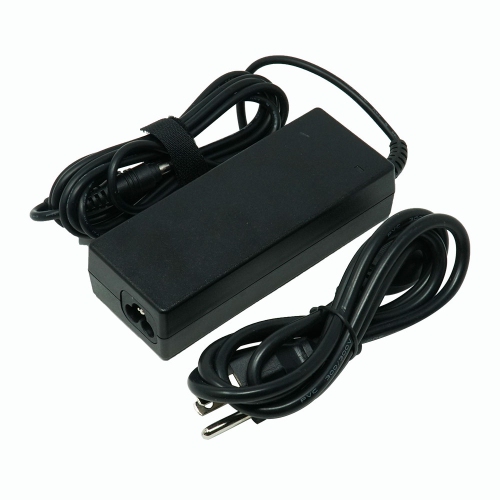
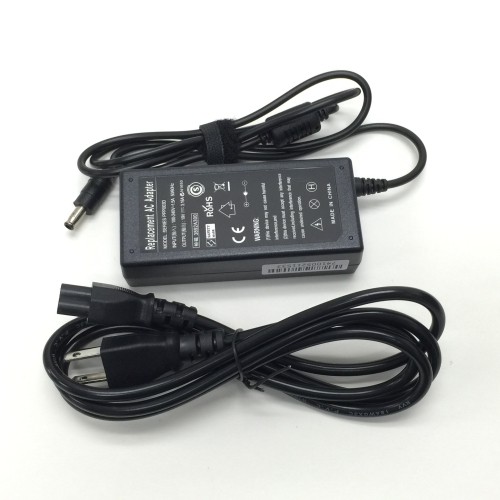
A well-matched power adapter makes everyday charging straightforward, whether a phone stays beside the bed, a tablet moves between rooms, or several devices share a desk. The main differences between adapters are their output, charging protocols, port types, and physical design. Wattage describes the power an adapter can supply, but the connected device determines how much of that power it can accept. A higher-wattage adapter does not automatically make every phone charge faster. For compatible phones, a 25W USB-C adapter with the required charging support is commonly associated with Super Fast Charging, while supported devices can use a suitable 45W adapter for Super Fast Charging 2.0. Those figures are not universal requirements across all devices: the phone or tablet, adapter, and cable must support the intended charging mode together. USB Power Delivery, often shortened to USB PD, and Programmable Power Supply, or PPS, are useful specifications to check because matching the connector alone does not confirm fast-charging compatibility. PPS allows compatible equipment to adjust power delivery during charging. Older devices may use different fast-charging protocols or accept lower power, even when connected to a more capable adapter. Charging speed also changes as a battery fills and can be affected by active use, so maximum rated power is not a promise of constant charging speed. For someone topping up a phone between appointments, compatible fast charging can make short charging sessions more useful; for a device left connected overnight, dependable compatibility and a convenient fit may matter more than maximum wattage. Output markings provide more detail than the wattage printed prominently on the packaging. An adapter may list several voltage and current combinations, each corresponding to a supported power profile. Comparing those profiles with the device’s charging requirements helps distinguish an adapter that simply supplies power from one that supports the device’s intended charging performance.
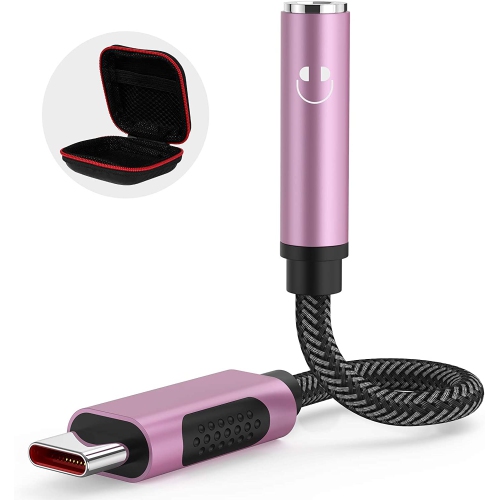
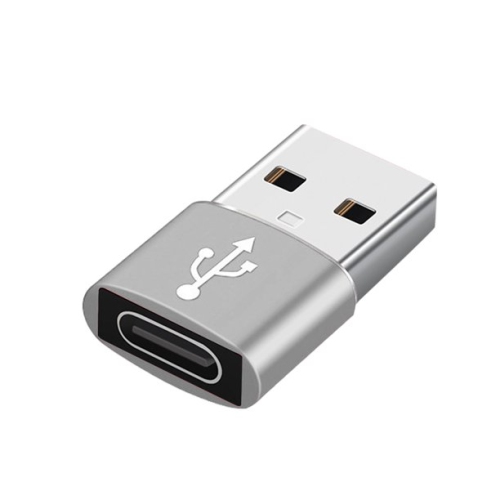
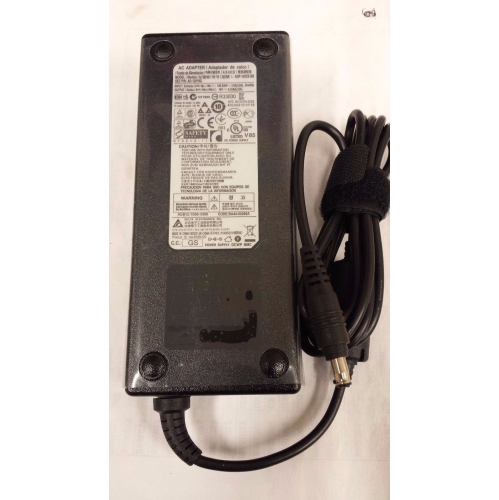
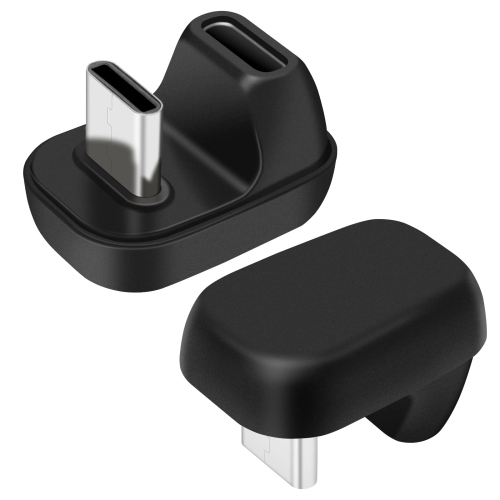
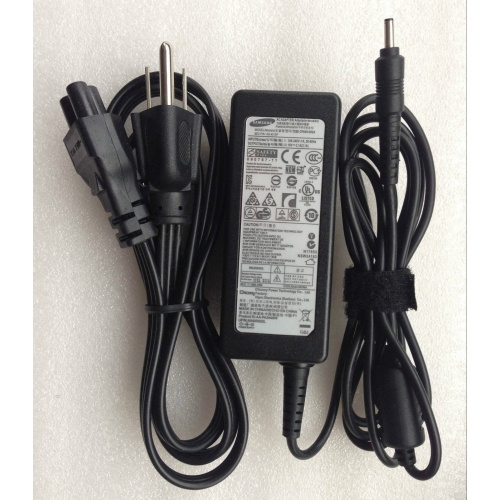
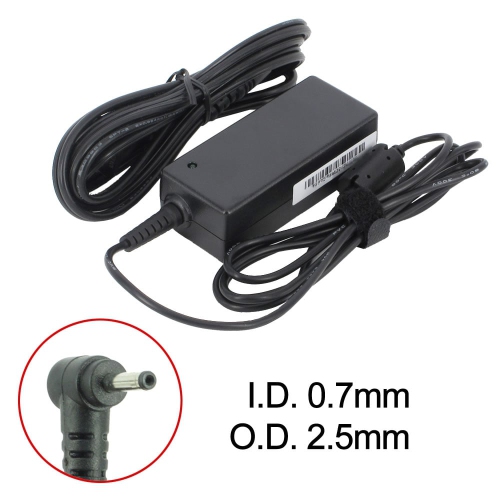
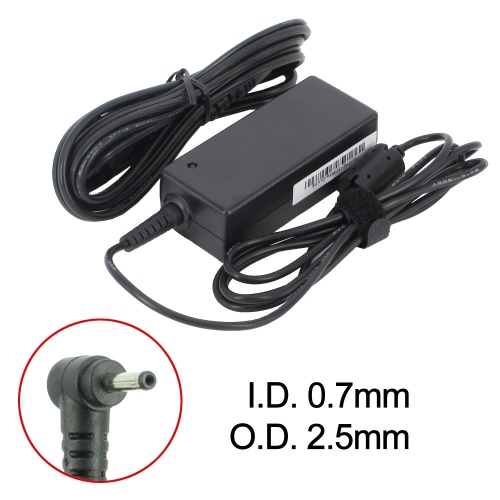
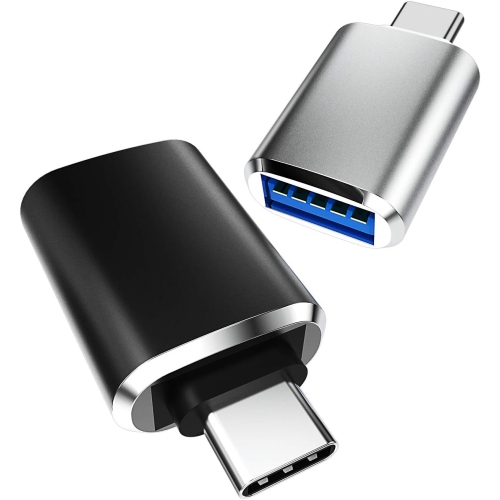
The cable and connector deserve as much attention as the power adapter itself. USB-C is widely used for charging recent phones, tablets, and some laptops, while older equipment may require a different connector at the device end. A USB-C port on an adapter generally calls for a USB-C cable at that end, but not every cable supports the same power level or additional functions. Some 45W phone-charging modes require a 5A electronically marked USB-C cable, so a cable suited to basic charging may not support the fastest mode even when the adapter does. Cable length affects everyday convenience, too. A shorter lead keeps a bedside surface tidy, while a longer one can reach from an outlet behind a desk without pulling tightly against the connector. Neither should leave a device hanging by its charging port. Single-port adapters suit a dedicated charging spot, whereas multiport designs can serve a phone, tablet, and another accessory from one outlet. With multiport charging, the total wattage is often shared, and individual port output can change when another device is connected. An adapter’s headline power rating may therefore differ from the power delivered to a particular port during simultaneous use. Laptop charging needs an additional compatibility check because a USB-C connector does not necessarily mean that a laptop accepts charging through that port. Supported input wattage and voltage profiles also matter, especially when the computer is running demanding applications while plugged in. For charging needs centred on a notebook computer, Samsung Laptop Chargers provide a more focused category to explore. Connection adapters serve a different purpose from power adapters: an adapter for headphones, a display, or a USB accessory must support the required audio, video, or data function. A matching plug alone is not enough. Display connections may depend on video output support from the source device, and some headphone adapters need a built-in digital-to-analogue converter to work with compatible USB-C devices.
Physical design makes a noticeable difference once an adapter becomes part of a daily routine. Compact housings are easier to carry in a work bag, but the shape and position of the plug also influence how comfortably an adapter fits beside another plug on a power bar. Foldable prongs, where included, can make packing neater and reduce the chance of catching on fabric. Many adapters use rigid plastic housings, while connector components and finishes vary; secure assembly, straight prongs, and a firm connection are more meaningful signs of condition than a decorative finish. Some compact adapters use gallium nitride, or GaN, components, which can support higher power in a smaller design, though this does not by itself establish compatibility or charging speed. For a shared household charging station, accessible ports and clearly identified cables help keep different devices organized. A student may value an adapter that fits easily into a backpack, while someone working between home and an office may prefer separate charging setups rather than moving one adapter every day. An adapter can also be a practical gift when the recipient’s exact device model and cable requirements are known. Durability depends partly on handling: remove an adapter by gripping its body, disconnect cables by their connectors, and avoid sharply bending the lead where it meets the plug. Keep ports clear of lint and debris, and follow the manufacturer’s cleaning instructions, usually with the adapter unplugged and without introducing moisture into openings. Charging equipment belongs in a dry, uncovered location rather than beneath bedding or tightly packed belongings. Stop using an adapter or cable with a cracked housing, bent prongs, exposed wiring, or an unreliable connection. For travel, check the input rating as well as the plug shape; a plug adapter changes the physical connection but does not necessarily convert voltage. Relevant Canadian electrical safety certification, clear output information, and a match to the device manufacturer’s requirements are useful considerations for an accessory intended to be used day after day.
The cable and connector deserve as much attention as the power adapter itself. USB-C is widely used for charging recent phones, tablets, and some laptops, while older equipment may require a different connector at the device end. A USB-C port on an adapter generally calls for a USB-C cable at that end, but not every cable supports the same power level or additional functions. Some 45W phone-charging modes require a 5A electronically marked USB-C cable, so a cable suited to basic charging may not support the fastest mode even when the adapter does. Cable length affects everyday convenience, too. A shorter lead keeps a bedside surface tidy, while a longer one can reach from an outlet behind a desk without pulling tightly against the connector. Neither should leave a device hanging by its charging port. Single-port adapters suit a dedicated charging spot, whereas multiport designs can serve a phone, tablet, and another accessory from one outlet. With multiport charging, the total wattage is often shared, and individual port output can change when another device is connected. An adapter’s headline power rating may therefore differ from the power delivered to a particular port during simultaneous use. Laptop charging needs an additional compatibility check because a USB-C connector does not necessarily mean that a laptop accepts charging through that port. Supported input wattage and voltage profiles also matter, especially when the computer is running demanding applications while plugged in. For charging needs centred on a notebook computer, Samsung Laptop Chargers provide a more focused category to explore. Connection adapters serve a different purpose from power adapters: an adapter for headphones, a display, or a USB accessory must support the required audio, video, or data function. A matching plug alone is not enough. Display connections may depend on video output support from the source device, and some headphone adapters need a built-in digital-to-analogue converter to work with compatible USB-C devices.
Physical design makes a noticeable difference once an adapter becomes part of a daily routine. Compact housings are easier to carry in a work bag, but the shape and position of the plug also influence how comfortably an adapter fits beside another plug on a power bar. Foldable prongs, where included, can make packing neater and reduce the chance of catching on fabric. Many adapters use rigid plastic housings, while connector components and finishes vary; secure assembly, straight prongs, and a firm connection are more meaningful signs of condition than a decorative finish. Some compact adapters use gallium nitride, or GaN, components, which can support higher power in a smaller design, though this does not by itself establish compatibility or charging speed. For a shared household charging station, accessible ports and clearly identified cables help keep different devices organized. A student may value an adapter that fits easily into a backpack, while someone working between home and an office may prefer separate charging setups rather than moving one adapter every day. An adapter can also be a practical gift when the recipient’s exact device model and cable requirements are known. Durability depends partly on handling: remove an adapter by gripping its body, disconnect cables by their connectors, and avoid sharply bending the lead where it meets the plug. Keep ports clear of lint and debris, and follow the manufacturer’s cleaning instructions, usually with the adapter unplugged and without introducing moisture into openings. Charging equipment belongs in a dry, uncovered location rather than beneath bedding or tightly packed belongings. Stop using an adapter or cable with a cracked housing, bent prongs, exposed wiring, or an unreliable connection. For travel, check the input rating as well as the plug shape; a plug adapter changes the physical connection but does not necessarily convert voltage. Relevant Canadian electrical safety certification, clear output information, and a match to the device manufacturer’s requirements are useful considerations for an accessory intended to be used day after day.
Top selling and popular products
-
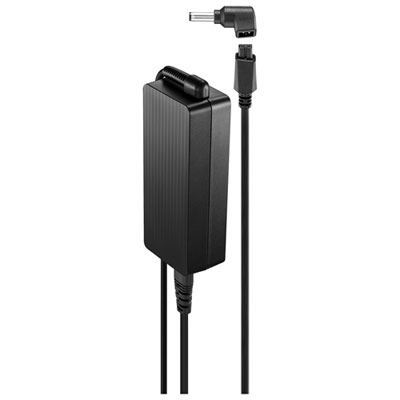 Your price for this item is $69.99
-
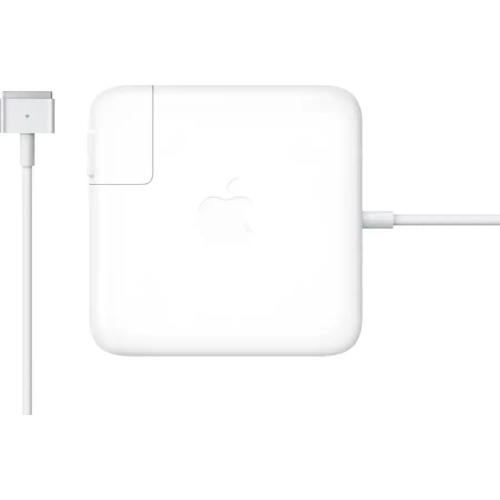 Your price for this item is $117.37
-
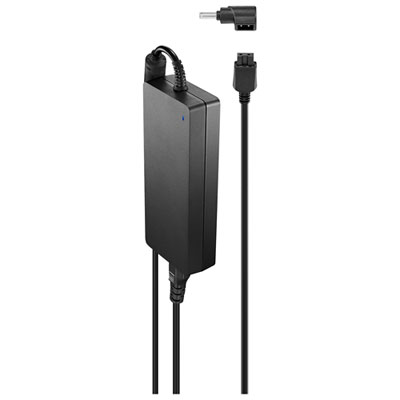 Your price for this item is $109.99
-
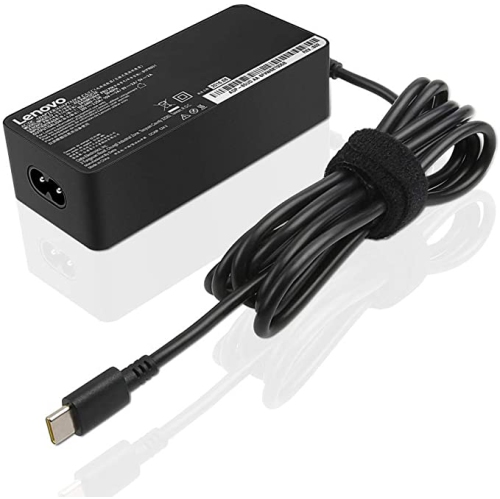 Your price for this item is $67
-
 Your price for this item is $49.99
-
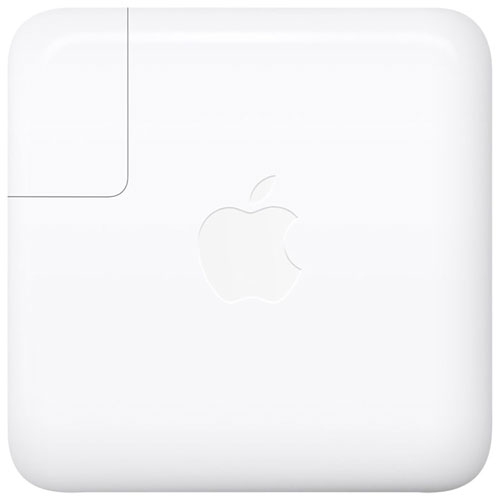 Your price for this item is $71
-
 Your price for this item is $46.68
-
 Your price for this item is $68.68
Discover more categories related to Samsung Adapters

Top Collections:
Pokemon Centers, Pokémon 30th Celebration Cards, Best Budget Office Chairs, Kindle Devices, Best Cameras for Sports Photography, Canon G7X Cameras, Best Black Friday Deals On Electronics, Best Laptops for Writers, iPhone 15 Apple, Jackery Power Stations
Some products may be subject to Environmental Handling Fees
(EHF) depending on your province.
Learn more about EHFs.