Samsung 2TB
Discover the perfect storage solution with Samsung 2TB options available at Best Buy. Whether you need extra space for important files, high-resolution photos, or your growing collection of games and media, these versatile devices offer ample capacity to keep everything organized and easily accessible. Explore a selection of reliable Samsung 2TB products designed to meet your data storage needs at home, in the office, or on the go. Find the right fit to enhance your digital experience and enjoy seamless performance every day.
Sort
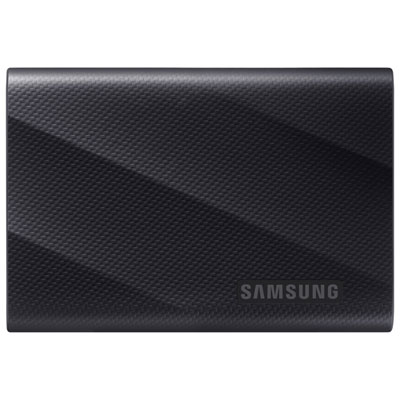
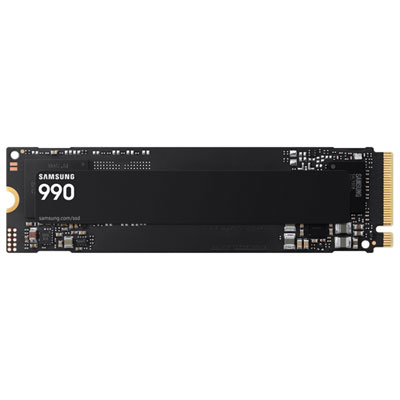
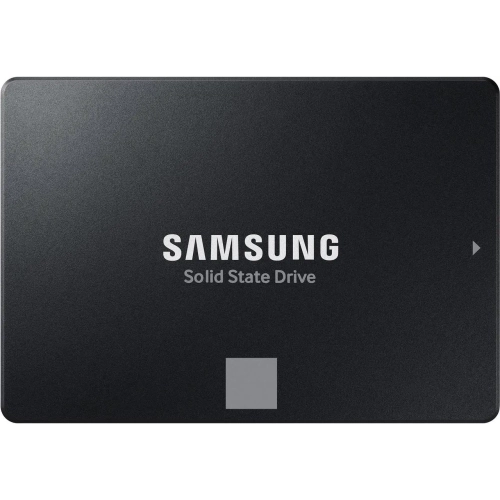
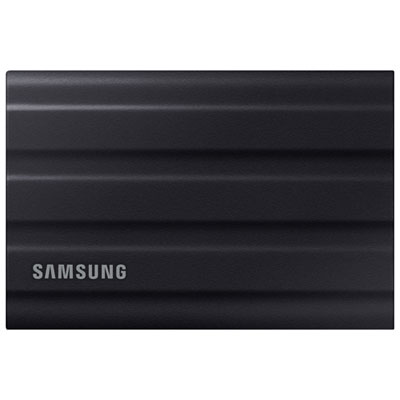
How internal and portable SSDs fit your storage needs
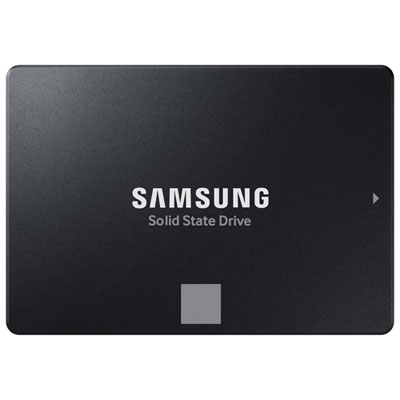
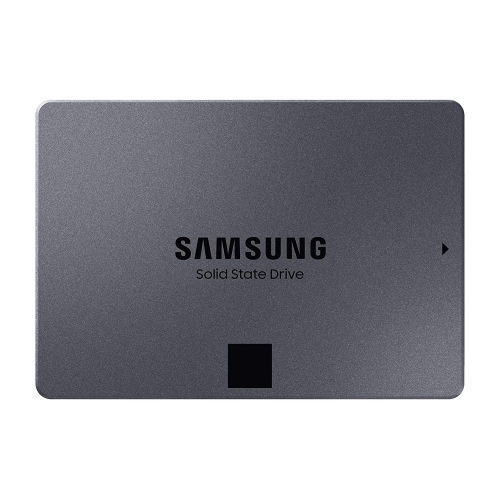
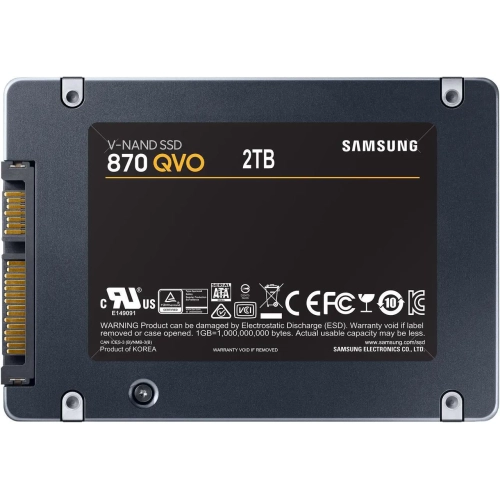
A 2TB solid-state drive (SSD) provides room for a substantial mix of games, applications, photos, video footage and everyday files, whether that storage sits inside a computer or travels in a bag. The main distinction is between internal SSDs, which become part of a compatible computer or console, and portable SSDs, which connect externally through a supported port. Internal storage suits operating systems, frequently used programs and game libraries that benefit from direct access through the host device. Portable storage is useful for moving project folders between locations, carrying a photo library or keeping a separate backup of important documents. A 2TB rating represents 2 trillion bytes; the capacity shown by a computer may be lower because operating systems report storage differently and formatting uses some space. The number of files that fit depends on their size: compressed documents take up relatively little room, while high-resolution footage, large games and layered design files can occupy much more. For a student, that capacity can accommodate coursework alongside creative projects and personal media. For a photographer, it can hold working folders and edited exports without spreading every assignment across several smaller drives. For a household computer, it creates breathing room for multiple users’ files and applications. An SSD uses flash memory rather than spinning platters, so it has no moving read head and generally operates quietly. That construction also makes it less vulnerable to mechanical damage from movement than a traditional hard drive, although it does not make the device immune to impact, liquid damage or electronic failure. Choosing between internal and portable storage therefore starts with the intended role: a permanent upgrade, a travel companion, an additional workspace for large files or a separate copy of data that would be difficult to replace. The same 2TB capacity can serve each purpose, but the connection, physical design and compatibility requirements are quite different.
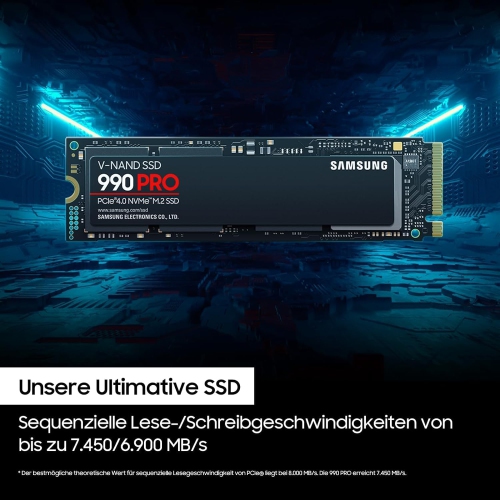
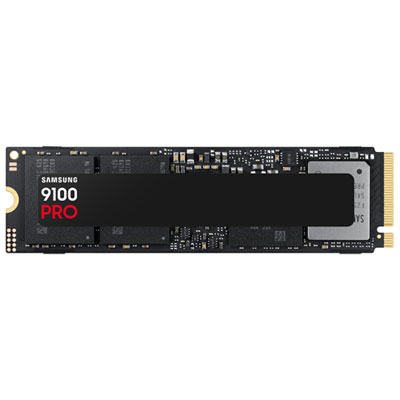
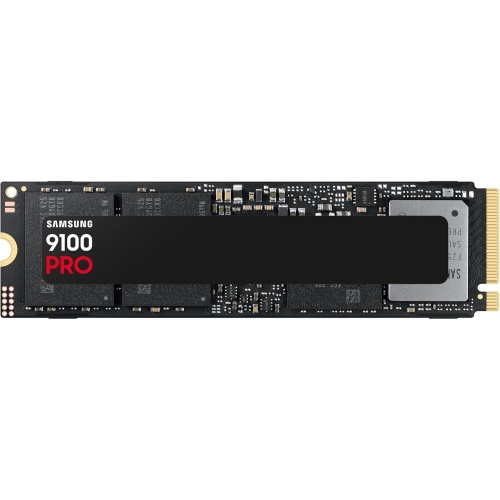
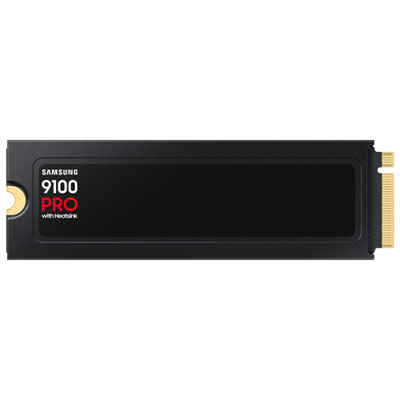
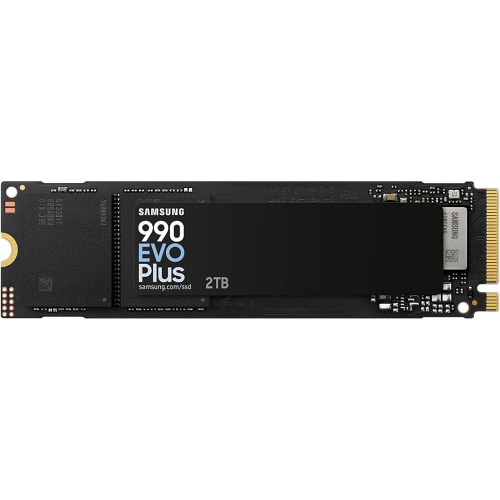
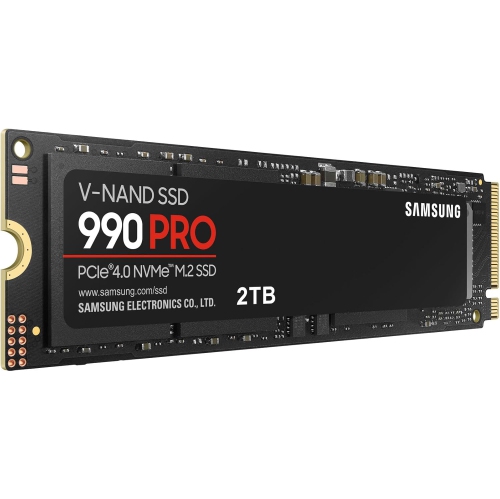
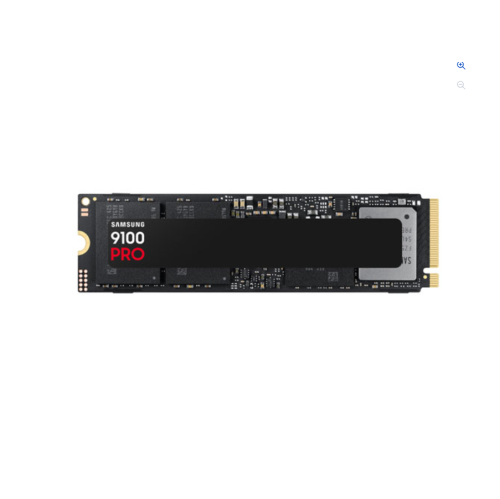
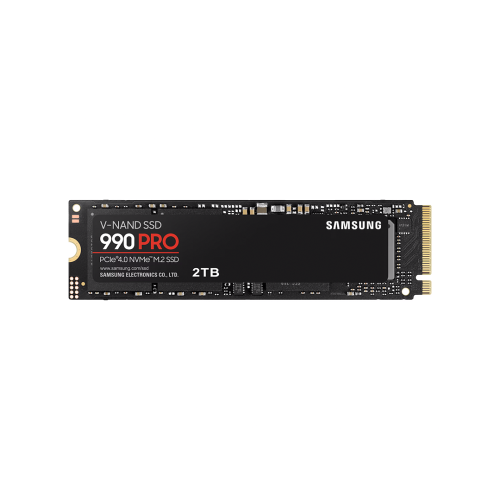
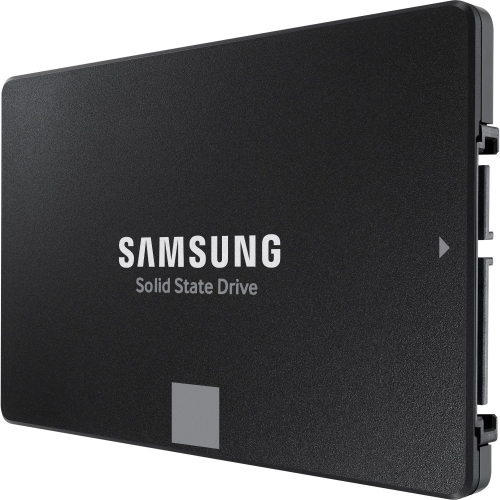
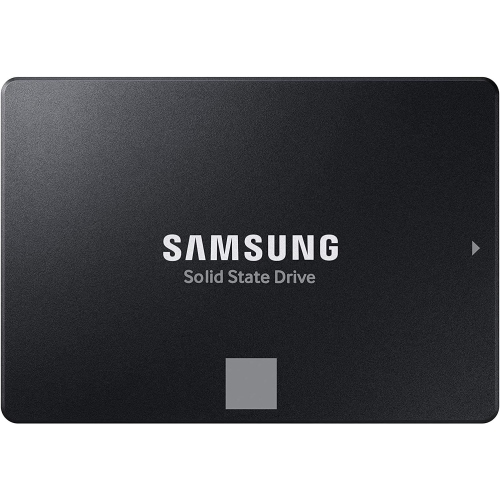
For internal 2TB SSDs, physical fit and connection type matter as much as capacity. A slim M.2 drive mounts directly into a compatible slot, while a 2.5-inch SATA drive requires a suitable drive bay and SATA connections. M.2 describes a form factor rather than a guaranteed performance level: an M.2 slot and drive must also support compatible interfaces and dimensions. Common M.2 sizing includes 2280, meaning a board approximately 22 millimetres wide and 80 millimetres long, but not every laptop or desktop accepts that size. NVMe drives communicate over PCIe and can deliver substantially higher sequential transfer speeds than SATA storage when paired with suitable hardware. High-performance PCIe 4.0 drives can exceed 7,000MB/s in sequential reads, while PCIe 5.0 designs can reach higher rates on supported systems. These headline figures describe particular test conditions, not the speed of every task. Opening a program, loading a game level and copying thousands of small files involve different workloads, and results also depend on the processor, software, source drive and remaining free space. Long transfers can slow after a drive’s faster write cache is filled, making sustained performance relevant for large video projects or frequent backups. Cooling is another consideration: some installations use a motherboard heat spreader, while others require a drive with an appropriately sized heatsink. A bulky heatsink may not fit inside a thin laptop or a console’s expansion compartment. Console storage also has platform-specific interface, speed and clearance requirements, and an external drive may be suitable for storing certain games without supporting direct play for every game type. A related lower-capacity option appears in the Samsung 990 Pro 1TB collection; 2TB provides twice the stated capacity for larger libraries. For an existing computer, an upgrade may involve cloning the old drive or installing the operating system again, so the transfer method and a separate backup are part of a smooth changeover.
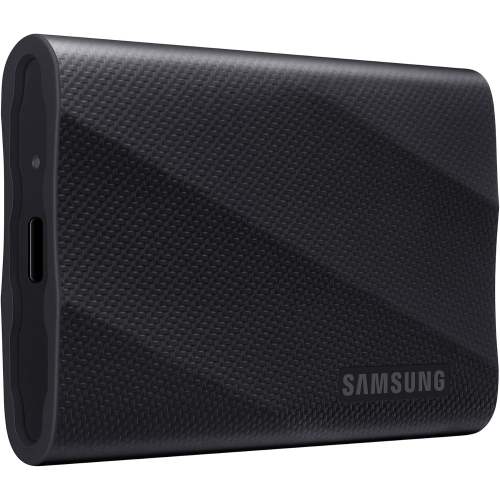
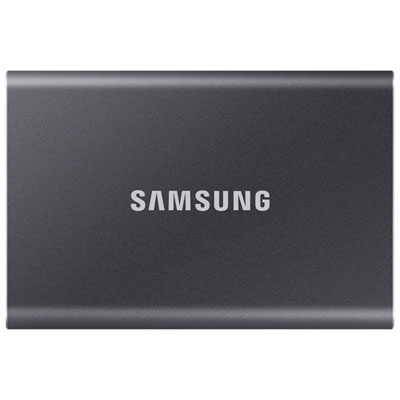
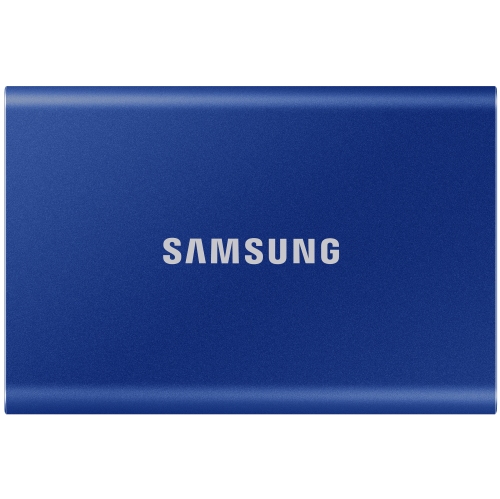
Portable 2TB SSDs put similar storage capacity into an enclosure that can move between compatible devices, making them practical for commuters, students, content creators and anyone who needs files away from a main computer. A small metal or plastic housing protects the internal electronics, while some designs add a rubberized exterior for grip or specified resistance to drops, dust or water. Those protections vary by design and test conditions; a rugged appearance alone does not establish a protection rating. Connector shape is only one part of compatibility. A USB-C port can support different data speeds, and performance depends on the drive, host port and cable working together. Portable SSDs using a 10Gbps USB connection can approach roughly 1,000MB/s under suitable conditions, while faster interfaces require matching support to deliver their higher rates. A charge-only cable will not transfer files, and a slower data cable can limit an otherwise fast setup. For someone editing video from an external drive, a stable connection and consistent transfer performance matter more than a compact shell alone. For family photos or scanned paperwork, straightforward access and a dependable backup routine may be the greater priorities. File-system support also affects whether a drive works smoothly across different operating systems, televisions, mobile devices or consoles; formatting can erase existing contents, so important files need another copy first. In everyday use, a protective pouch helps keep a portable drive and its cable together without pressure on the connector. A dry, lint-free cloth is usually suitable for wiping the exterior, and safe removal through the operating system helps prevent interrupted writes before unplugging. Sensitive documents may benefit from compatible encryption or password protection, with recovery information stored separately. No single drive should be the only home for irreplaceable files. As a gift, a 2TB SSD is most useful when its format matches the recipient’s device and habits: an internal upgrade for a compatible gaming computer, or portable storage for someone regularly carrying projects between workspaces.
Top selling and popular products
-
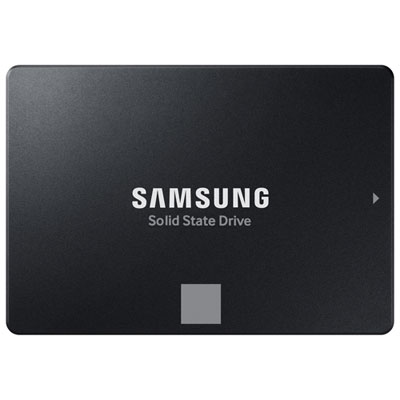 Your price for this item is $469.99
-
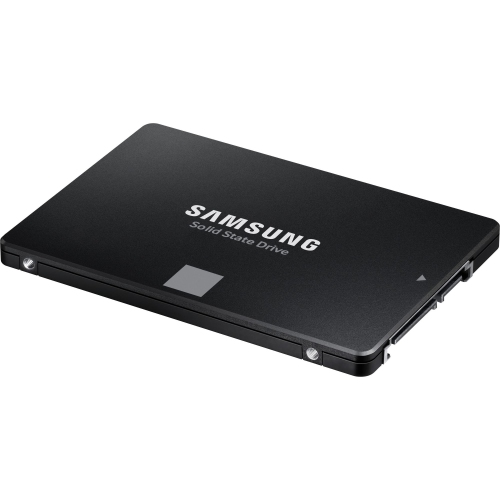 Your price for this item is $394.99
-
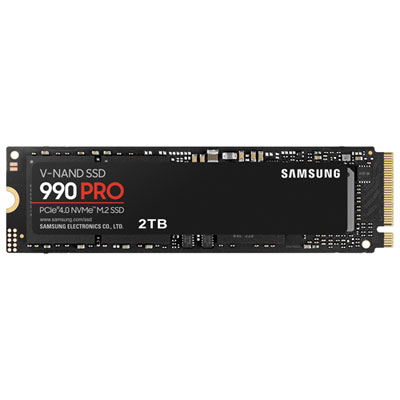 Your price for this item is $874.99
-
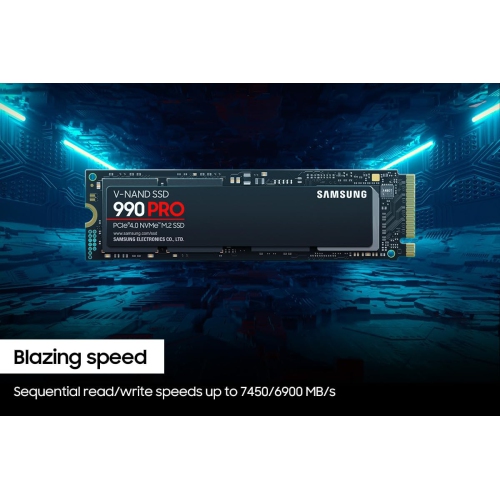 Your price for this item is $1471.99
-
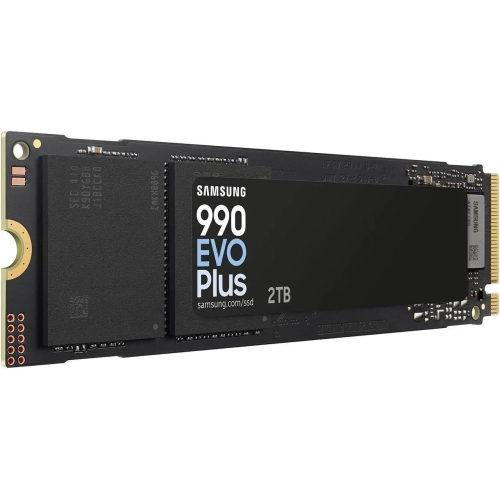 Your price for this item is $639.99
-
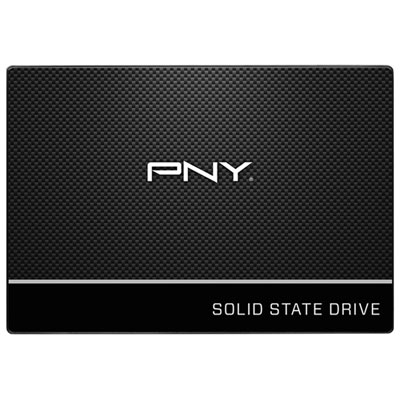 Your price for this item is $124.99
-
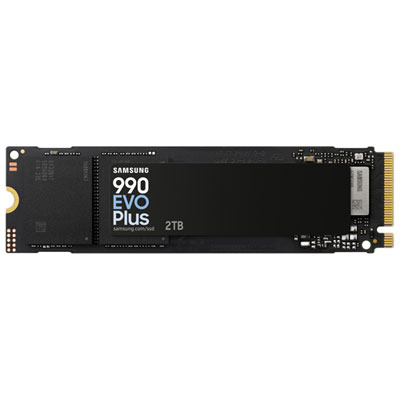 Your price for this item is $789.95
-
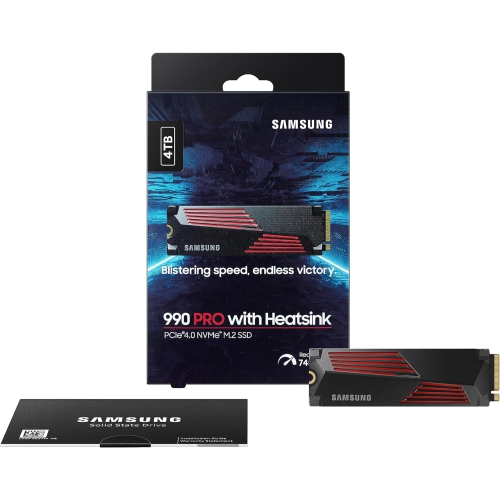 Your price for this item is $1449.99
Discover more categories related to Samsung 2TB

Top Collections:
Best Black Friday Deals This Year, Best Black Friday Deals On Electronics, Kindle Devices, Pokemon Centers, Best Black Friday Deals On Apple Products, Best Cameras for Sports Photography, Dyson Airwrap, Pokémon 30th Celebration Cards, Apple iPhone 17 Pro, Canon G7X Cameras
Some products may be subject to Environmental Handling Fees
(EHF) depending on your province.
Learn more about EHFs.