Samsung G8 OLED
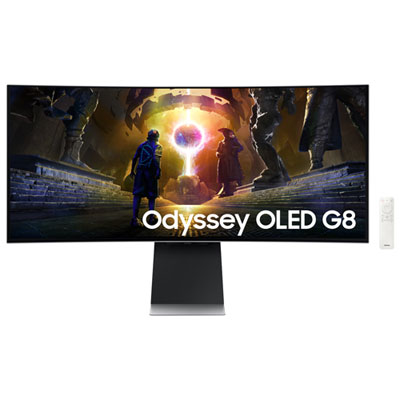
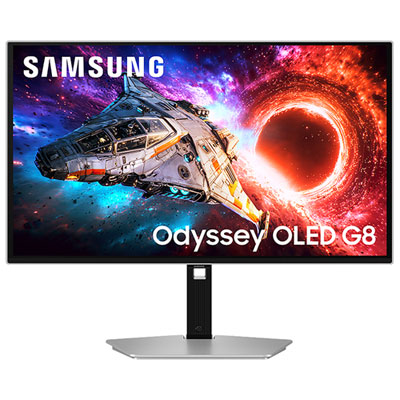
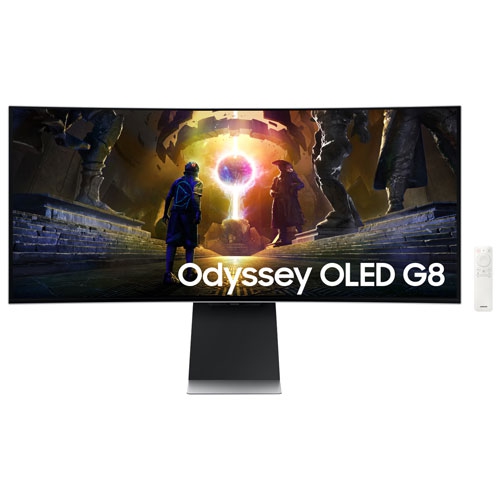
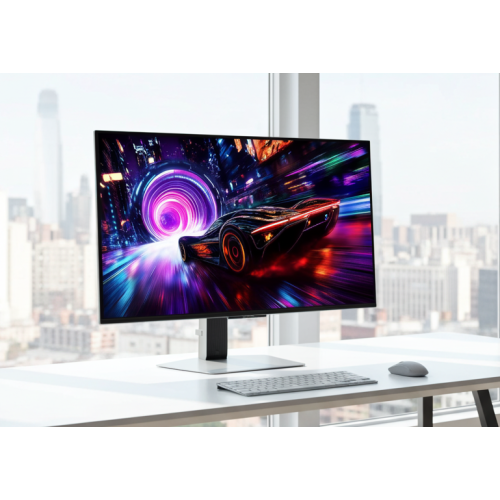
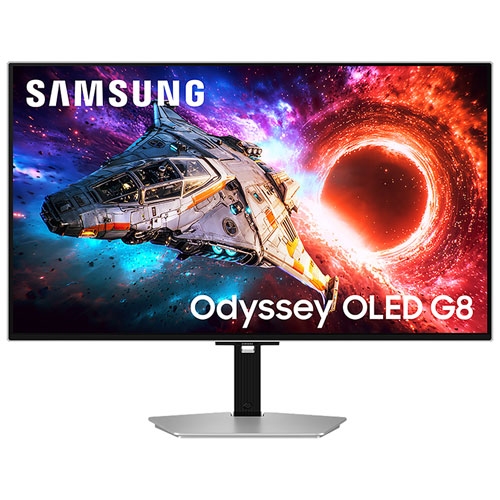
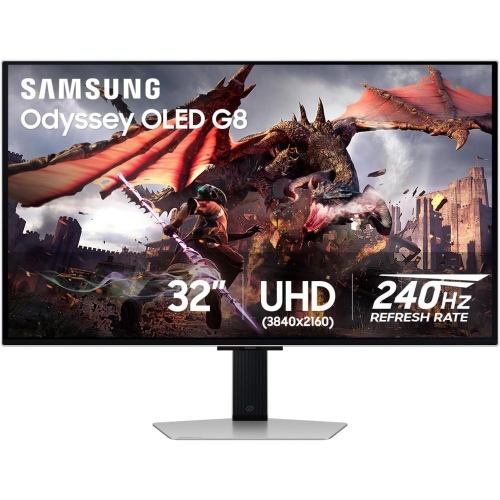
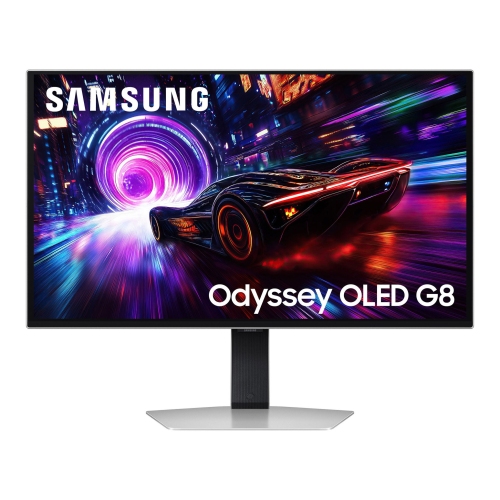
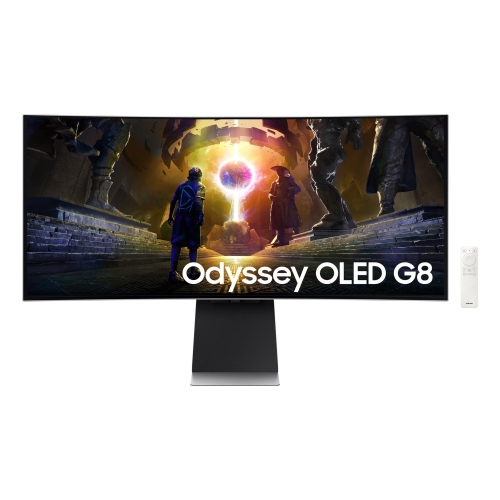
Explore Samsung G8 OLED gaming monitors for a setup built around deep blacks and rich contrast. Compare available models by screen size, resolution, refresh rate, and connectivity to find an Odyssey OLED G8 that fits your desk, gaming preferences, and PC or console.

FAQ
An OLED gaming monitor uses pixels that produce their own light rather than relying on a separate backlight. Individual pixels can switch off completely to display black, creating strong contrast between dark and bright areas. OLED panels also have fast pixel response times.
Refresh rate, measured in hertz (Hz), describes how many times a display can update its image each second. Response time describes how quickly a pixel changes from one colour to another. These are separate specifications, and the frame rate you see also depends on your graphics hardware, game settings and connection.
High Dynamic Range (HDR) is a display feature that supports a wider range of brightness and colour than Standard Dynamic Range (SDR). To view HDR, you need compatible content, a supported source device and the appropriate display settings. HDR formats and brightness capabilities vary between monitors.
Check for HDMI or DisplayPort connections that match your computer or console and support your intended resolution and refresh rate. Some monitors also include USB ports for accessories or USB-C with video input and charging. USB-C capabilities vary, so confirm the supported functions rather than relying on the connector shape alone.
For desktop work, consider text rendering, screen finish, stand adjustability and multitasking features. OLED subpixel layouts can make text edges look different from those on some LCD monitors, particularly at certain scaling settings. Features such as picture-by-picture and built-in USB hubs are available on some monitors, but are not standard across the category.
Top selling and popular products
Discover more categories related to Samsung G8 OLED
Some products may be subject to Environmental Handling Fees (EHF) depending on your province. Learn more about EHFs.