School Laptop Accessories for Students
School Laptop Accessories For Students help create a more organized, efficient, and comfortable learning experience. From carrying cases to external storage options, these accessories are designed to support students in keeping their devices protected and ready for everyday use. Explore a wide selection of essentials that can enhance productivity and make studying on the go easier than ever. Find the right solutions to complement your laptop and streamline your academic routine.
Sort
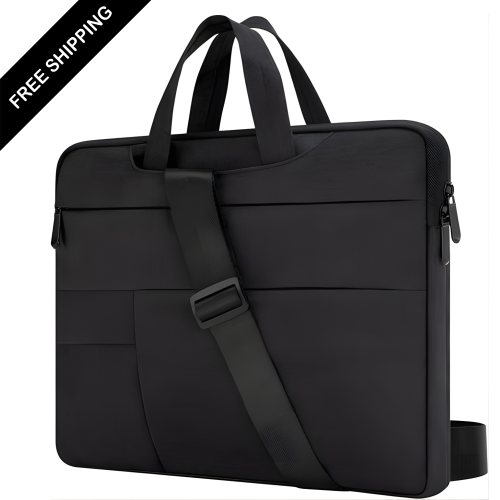
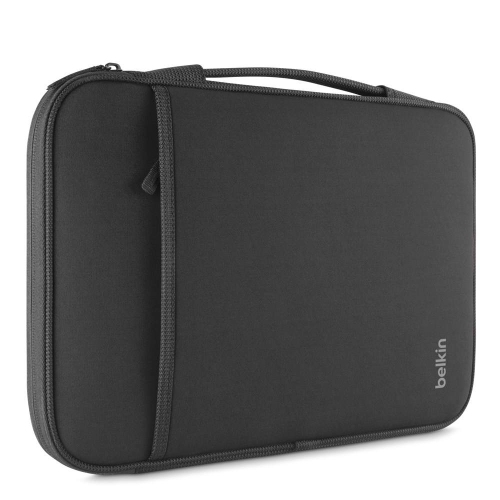
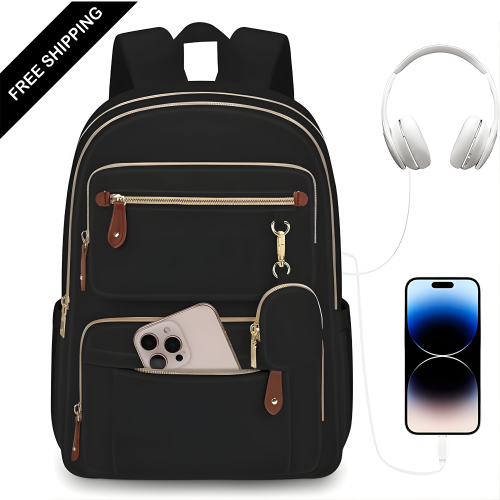
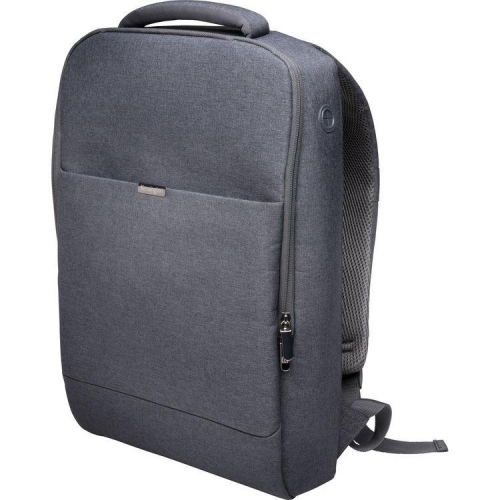

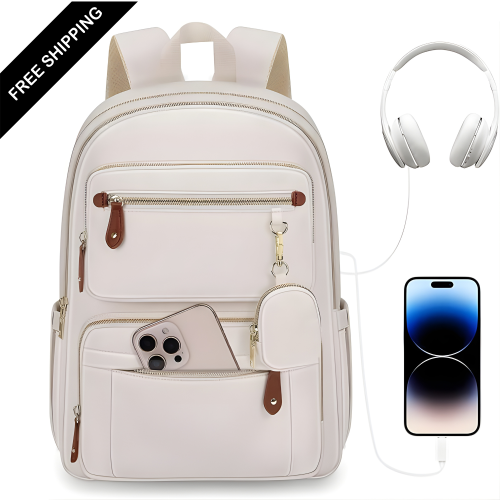
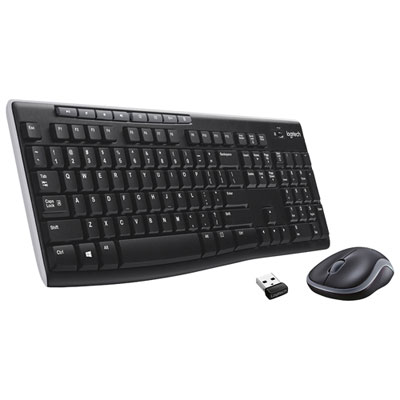
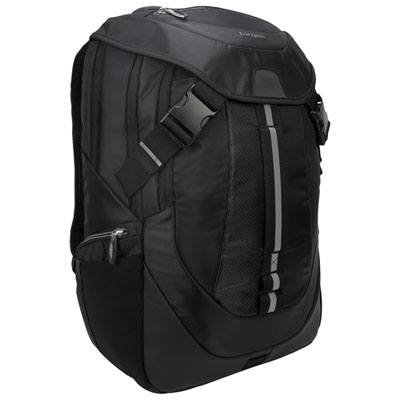
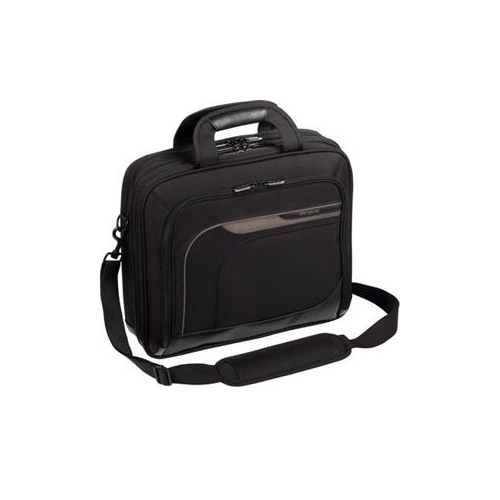
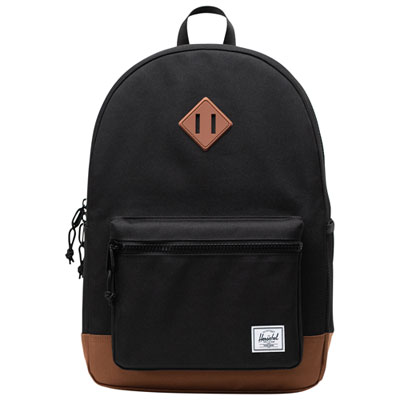

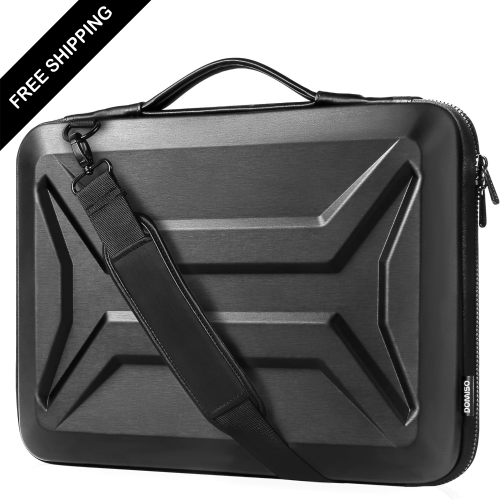

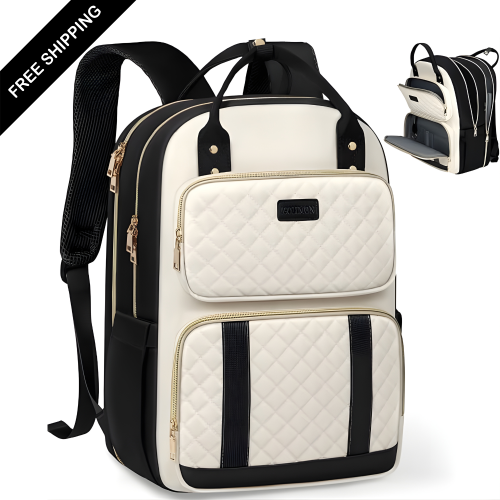


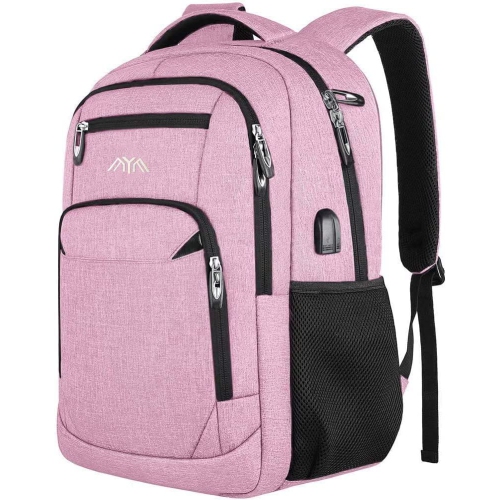

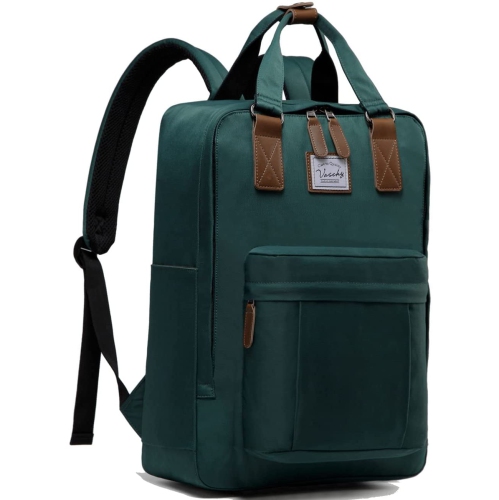


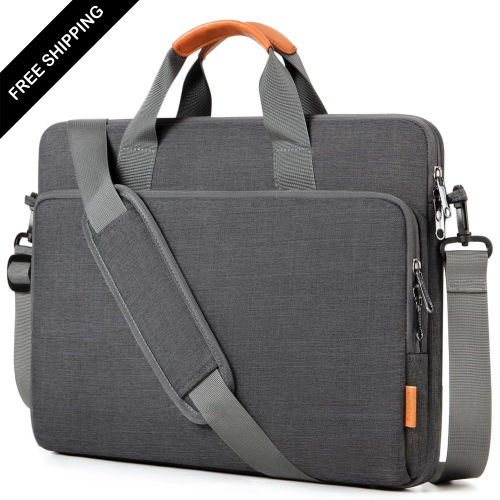
Laptop protection on the move and comfort at your desk
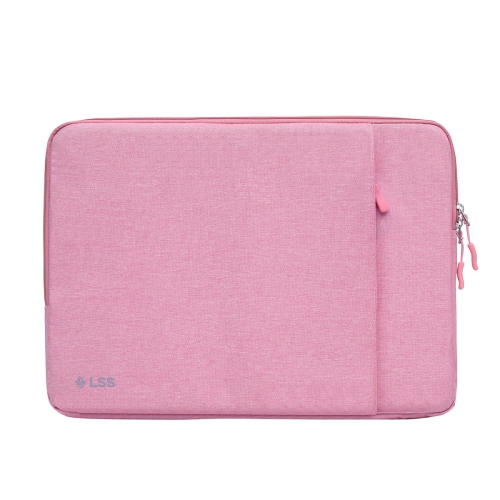
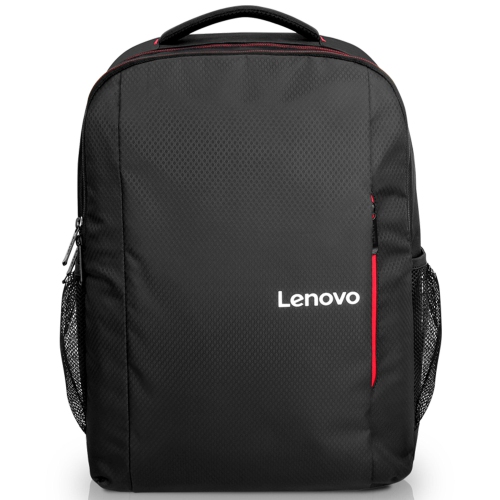
School laptop accessories for students help protect a computer in transit, make typing and viewing more comfortable, and connect the devices used for assignments, presentations and online classes. Useful categories include padded sleeves, laptop backpacks, stands, external keyboards and mice, USB-C hubs, chargers and cable organizers. The right combination depends on how a student moves through the day: a commuter carrying textbooks has different needs from someone working mainly at a residence desk or moving between classrooms. Laptop sleeves provide a close-fitting layer inside another bag, while backpacks and messenger bags can combine a dedicated computer compartment with space for notebooks, stationery and charging cables. Polyester and nylon outer fabrics are common choices for everyday carrying, with padded panels helping cushion routine knocks. Water-resistant fabric can offer some protection from splashes, but it does not make an entire bag waterproof, particularly around zippers and seams. A soft lining helps limit rubbing against the laptop’s finish, and reinforced handles and securely attached straps matter when a bag is loaded with coursework. Fit involves more than the screen measurement: the laptop’s width, depth and thickness should sit comfortably within the compartment’s stated internal dimensions. Extra room may be needed when a protective shell stays attached, while an oversized sleeve can allow the computer to shift around. Snap-on shells need an exact model match so that hinges, ports and ventilation openings remain clear. In a busy backpack, a separate padded compartment helps keep the laptop away from loose pens, keys and the edges of heavy books. Small accessory pouches keep adapters and cables together rather than tangled at the bottom of the bag. Colour and texture can add personality, while a distinctive zipper pull or name label makes a familiar-looking case easier to identify in a shared classroom.
A comfortable study setup balances screen position, typing space and the size of the available work surface. Laptop stands and risers elevate the display, which can make it easier to view notes without continually leaning down towards the screen. Adjustable designs accommodate different desks and seating positions, while folding stands suit students who move between a library table and a home workspace. Stability depends on the stand’s supported laptop size and weight, the strength of its hinges, and secure contact between its pads and the computer. Open designs can leave ventilation paths clear, but the laptop’s own vent locations still matter. When a laptop is raised, a separate keyboard and mouse allow the screen and hands to be positioned independently. Compact keyboards preserve room for textbooks, while layouts with a number pad can be helpful for spreadsheets, calculations and data entry. Familiar key spacing, readable legends and the required language layout all affect everyday use. A mouse that suits the user’s hand and preferred grip can make precise selections and longer editing tasks easier than relying entirely on a trackpad. Bluetooth accessories avoid occupying a USB port, while models with a USB receiver need a compatible connection on the laptop or hub. Connectivity becomes particularly important for group presentations, external displays and transferring files from other devices. USB-C hubs and docking stations may add USB-A connections, HDMI, memory card slots or wired networking, but their functions depend on the computer’s supported ports. A USB-C connector alone does not confirm video output, high-speed data transfer or charging support. Display resolution and refresh-rate support also need to match the laptop, adapter and screen. A compact hub suits a bag that travels between classes, whereas a desktop dock can keep a monitor, keyboard and other peripherals connected in one place. Cable length and connector placement matter on a crowded desk, especially when a stiff cable would pull against a laptop port or cross an area used for writing.
Reliable power and tidy storage help keep these accessories useful throughout a full class schedule. Laptop chargers need the correct connector, supported charging standard and sufficient power output for the computer, rather than simply a plug that fits. With USB-C Power Delivery, the charger, cable and laptop must work together to provide the required charging level. Multi-port chargers can reduce the number of separate adapters in a bag, although their total output may be divided when several devices are connected. A laptop-compatible power bank can provide backup power away from an outlet, but both its output and stored capacity affect what it can realistically deliver; a small phone-focused battery may not support a laptop’s needs. At a fixed desk, a power bar with surge protection can help organize connections when used within its electrical rating and any school or residence rules. Reusable cable ties and zippered pouches keep cords from catching on books, and loosely coiled cables place less stress on connectors than tight bends or knots. Headsets with a microphone support online discussions and recorded presentations, with comfort, an accessible mute control and compatibility with the school’s software shaping their usefulness. Privacy filters can reduce side-angle visibility in shared spaces, provided the filter matches the screen’s dimensions and attachment requirements. Care is generally straightforward: bags benefit from emptied pockets and cleaning according to their fabric labels, while stands and peripherals need dust removed without pushing debris into ports. A clean microfibre cloth and manufacturer-approved cleaning methods help protect screens and finishes; liquids should not be sprayed directly onto electronics. Keeping accessories dry before packing them away and checking cables for damaged insulation also supports dependable daily use. These practical additions can make thoughtful gifts for students starting a new program or refining an established setup, especially when their laptop model and study habits are known. For related options across carrying, connectivity and workspace comfort, explore Essential Laptop Accessories for Students.
A comfortable study setup balances screen position, typing space and the size of the available work surface. Laptop stands and risers elevate the display, which can make it easier to view notes without continually leaning down towards the screen. Adjustable designs accommodate different desks and seating positions, while folding stands suit students who move between a library table and a home workspace. Stability depends on the stand’s supported laptop size and weight, the strength of its hinges, and secure contact between its pads and the computer. Open designs can leave ventilation paths clear, but the laptop’s own vent locations still matter. When a laptop is raised, a separate keyboard and mouse allow the screen and hands to be positioned independently. Compact keyboards preserve room for textbooks, while layouts with a number pad can be helpful for spreadsheets, calculations and data entry. Familiar key spacing, readable legends and the required language layout all affect everyday use. A mouse that suits the user’s hand and preferred grip can make precise selections and longer editing tasks easier than relying entirely on a trackpad. Bluetooth accessories avoid occupying a USB port, while models with a USB receiver need a compatible connection on the laptop or hub. Connectivity becomes particularly important for group presentations, external displays and transferring files from other devices. USB-C hubs and docking stations may add USB-A connections, HDMI, memory card slots or wired networking, but their functions depend on the computer’s supported ports. A USB-C connector alone does not confirm video output, high-speed data transfer or charging support. Display resolution and refresh-rate support also need to match the laptop, adapter and screen. A compact hub suits a bag that travels between classes, whereas a desktop dock can keep a monitor, keyboard and other peripherals connected in one place. Cable length and connector placement matter on a crowded desk, especially when a stiff cable would pull against a laptop port or cross an area used for writing.
Reliable power and tidy storage help keep these accessories useful throughout a full class schedule. Laptop chargers need the correct connector, supported charging standard and sufficient power output for the computer, rather than simply a plug that fits. With USB-C Power Delivery, the charger, cable and laptop must work together to provide the required charging level. Multi-port chargers can reduce the number of separate adapters in a bag, although their total output may be divided when several devices are connected. A laptop-compatible power bank can provide backup power away from an outlet, but both its output and stored capacity affect what it can realistically deliver; a small phone-focused battery may not support a laptop’s needs. At a fixed desk, a power bar with surge protection can help organize connections when used within its electrical rating and any school or residence rules. Reusable cable ties and zippered pouches keep cords from catching on books, and loosely coiled cables place less stress on connectors than tight bends or knots. Headsets with a microphone support online discussions and recorded presentations, with comfort, an accessible mute control and compatibility with the school’s software shaping their usefulness. Privacy filters can reduce side-angle visibility in shared spaces, provided the filter matches the screen’s dimensions and attachment requirements. Care is generally straightforward: bags benefit from emptied pockets and cleaning according to their fabric labels, while stands and peripherals need dust removed without pushing debris into ports. A clean microfibre cloth and manufacturer-approved cleaning methods help protect screens and finishes; liquids should not be sprayed directly onto electronics. Keeping accessories dry before packing them away and checking cables for damaged insulation also supports dependable daily use. These practical additions can make thoughtful gifts for students starting a new program or refining an established setup, especially when their laptop model and study habits are known. For related options across carrying, connectivity and workspace comfort, explore Essential Laptop Accessories for Students.
Top selling and popular products
-
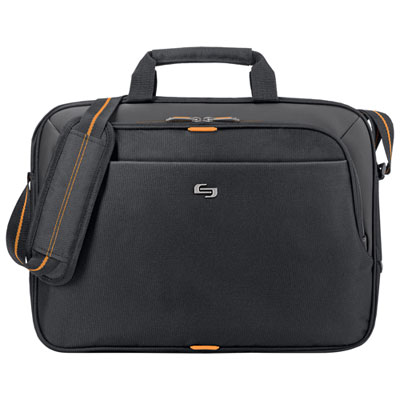 Your price for this item is $59.99
-
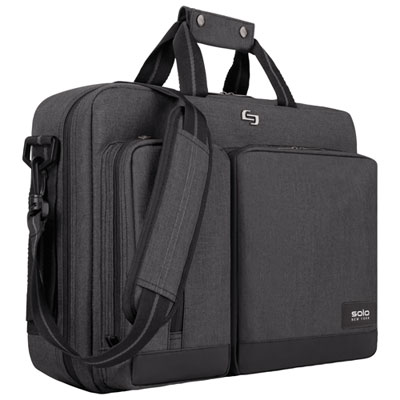 Your price for this item is $119.99
-
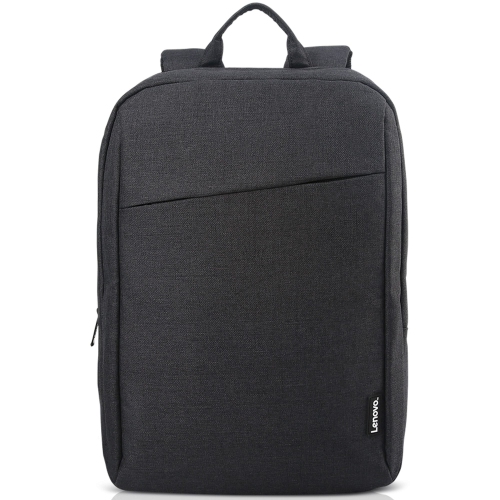 Your price for this item is $44.68
-
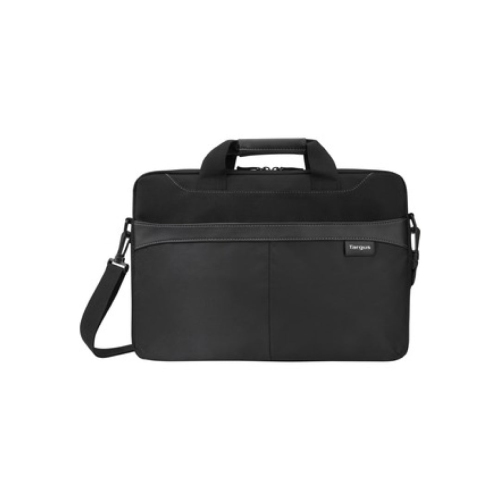 Your price for this item is $42.99
-
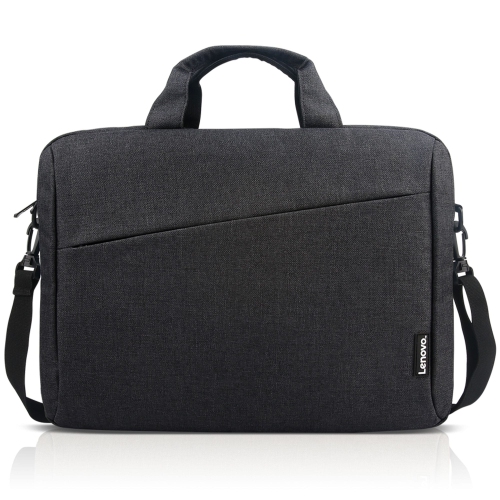 Your price for this item is $28.99
-
 Your price for this item is $83.99
-
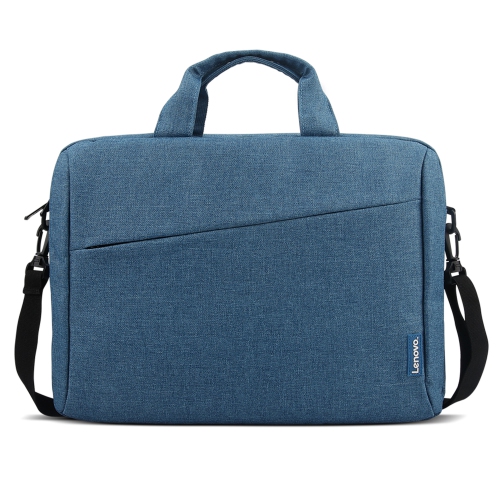 Your price for this item is $21.99
-
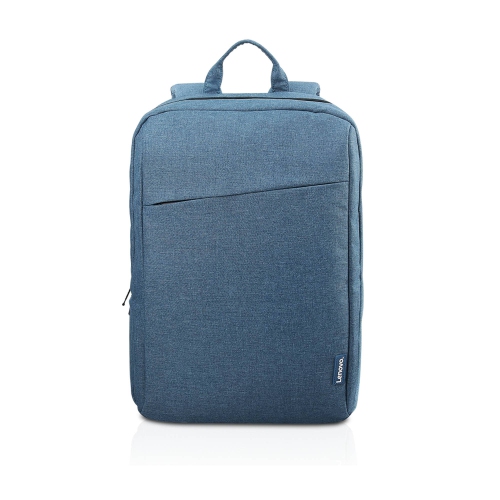 Your price for this item is $18.89
Discover more categories related to School Laptop Accessories for Students
Top Collections:
Best Black Friday Deals This Year, Best Black Friday Deals On Electronics, Kindle Devices, Pokemon Centers, Best Black Friday Deals On Apple Products, Best Cameras for Sports Photography, Dyson Airwrap, Pokémon 30th Celebration Cards, Apple iPhone 17 Pro, Canon G7X Cameras
Some products may be subject to Environmental Handling Fees
(EHF) depending on your province.
Learn more about EHFs.