Silver Keyboards
Upgrade your typing experience with our selection of sleek and stylish silver keyboards. Whether you're a professional writer, a dedicated gamer, or simply looking to add a touch of sophistication to your workspace, our range of silver keyboards offers both functionality and aesthetics. With their sleek silver finish and ergonomic design, these keyboards are not only visually appealing but also provide a comfortable typing experience. Discover the perfect silver keyboard to suit your needs and elevate your productivity to new heights.
Sort
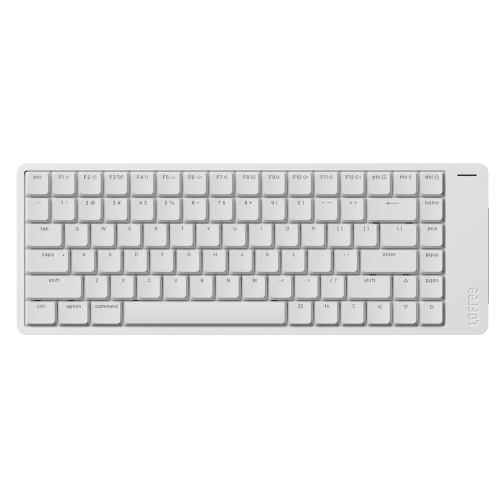
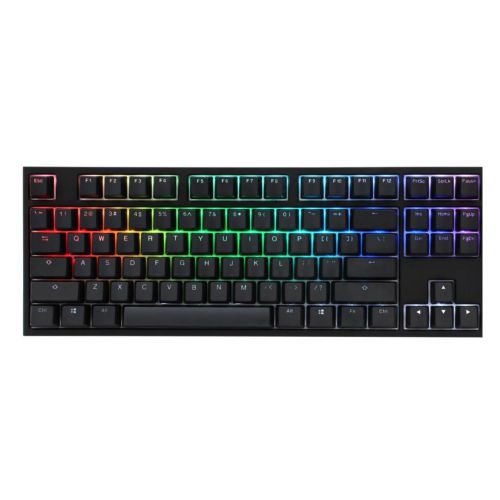

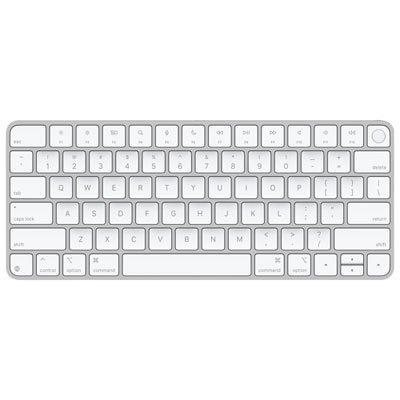
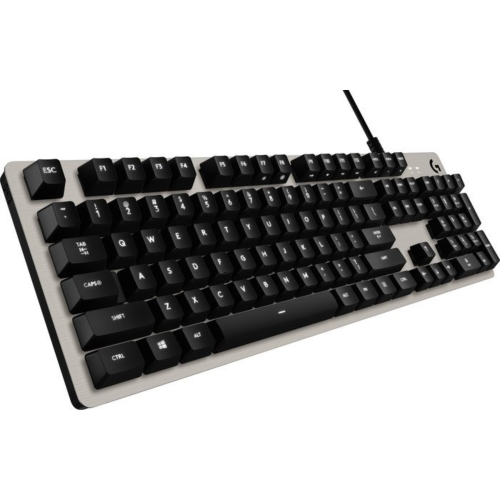
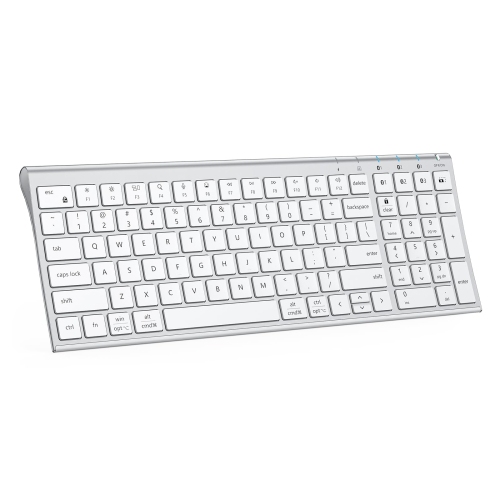
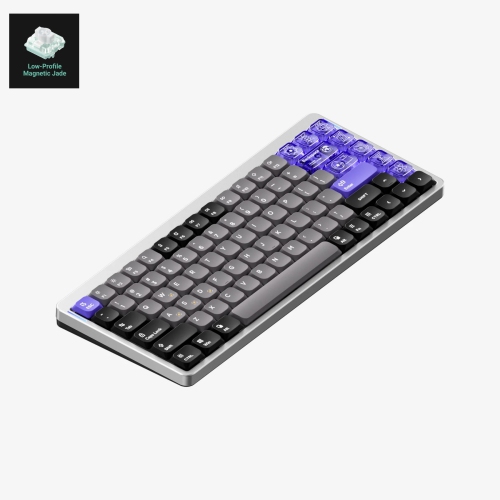
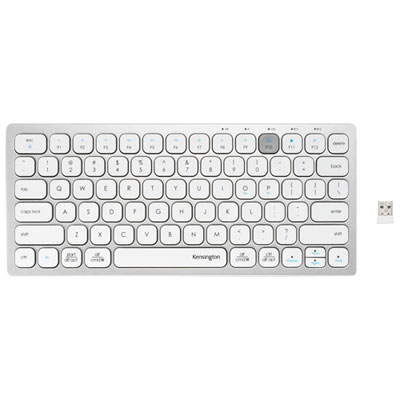
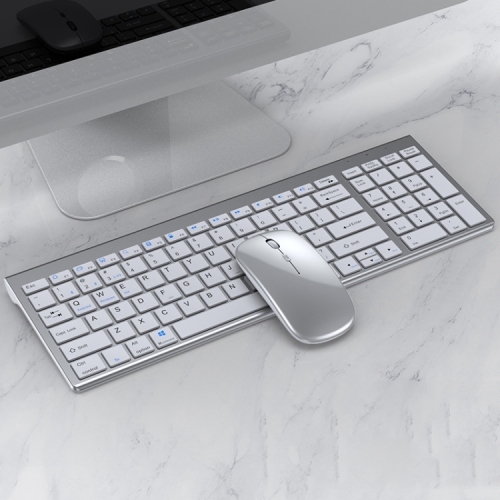
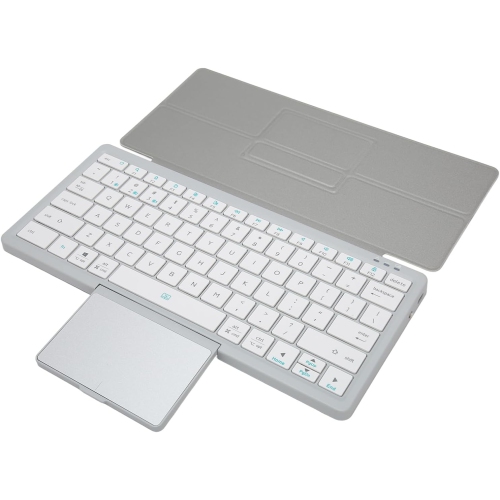
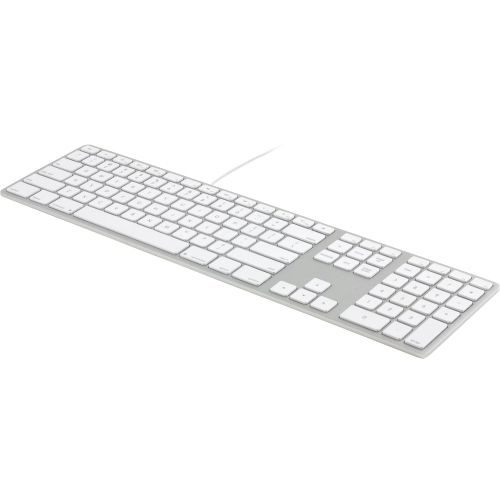
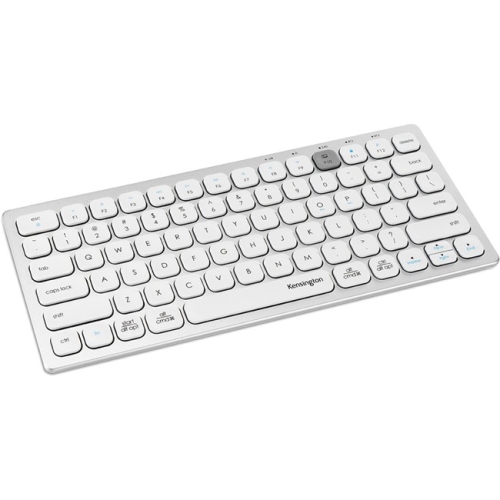

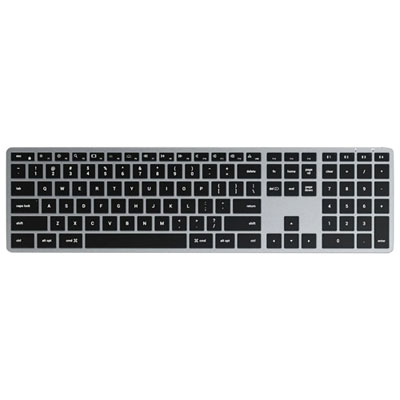
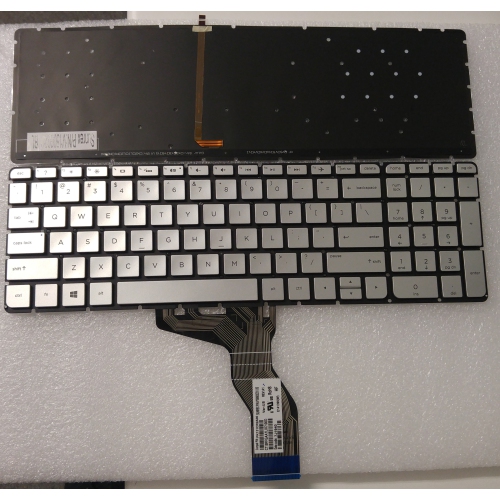
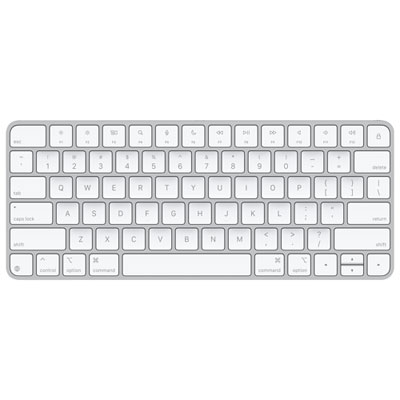
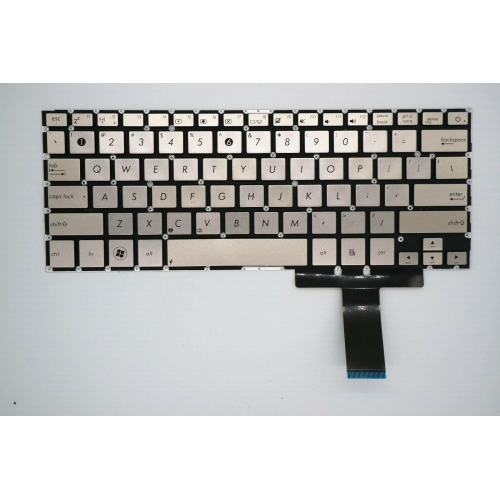
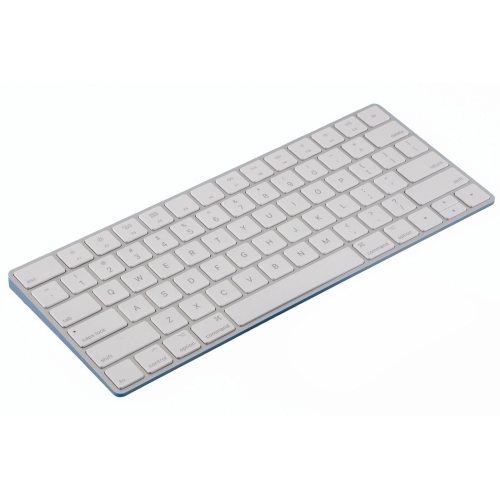
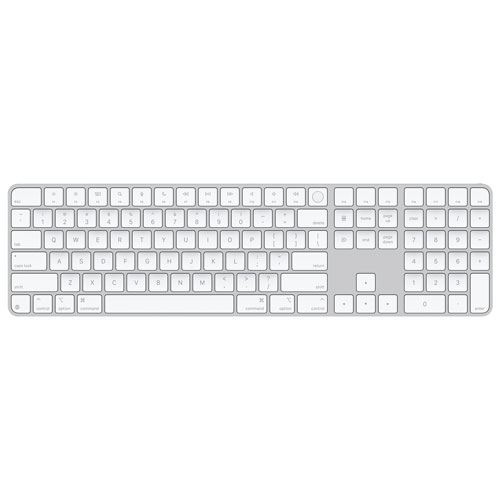
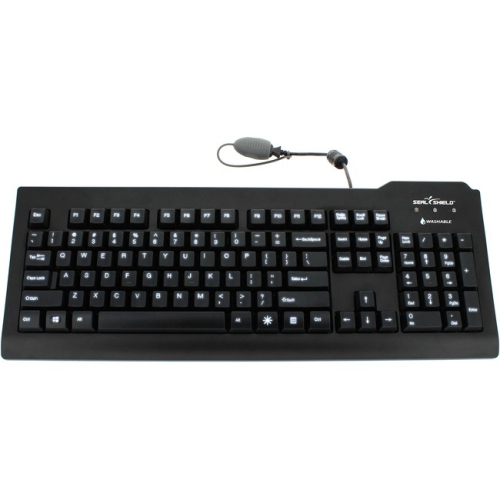
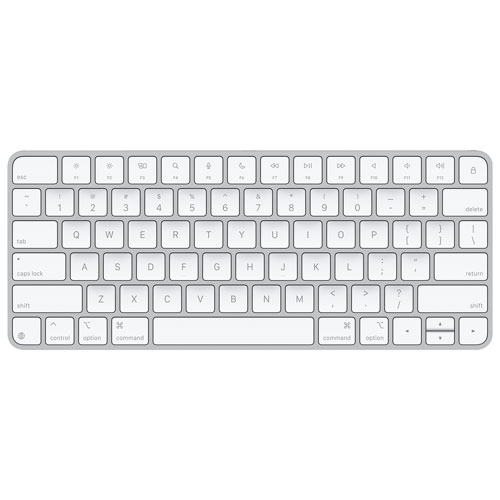
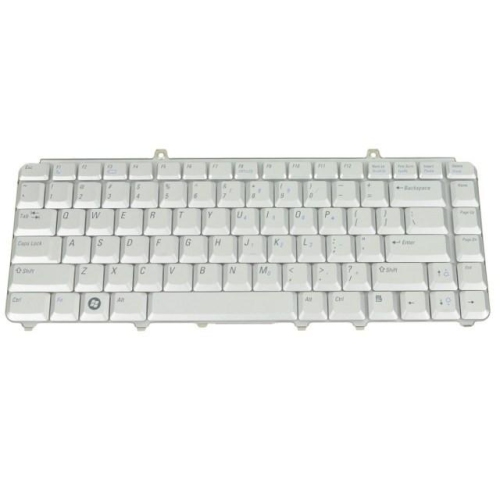
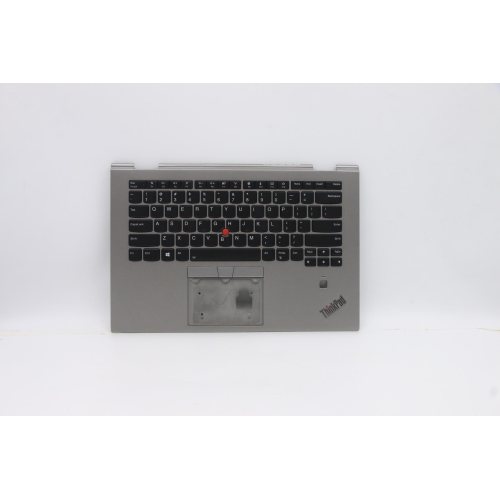
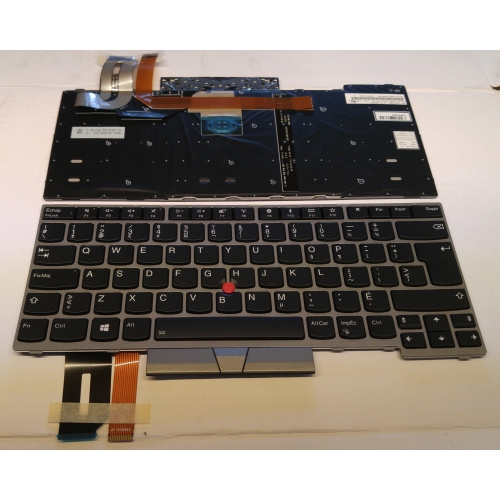
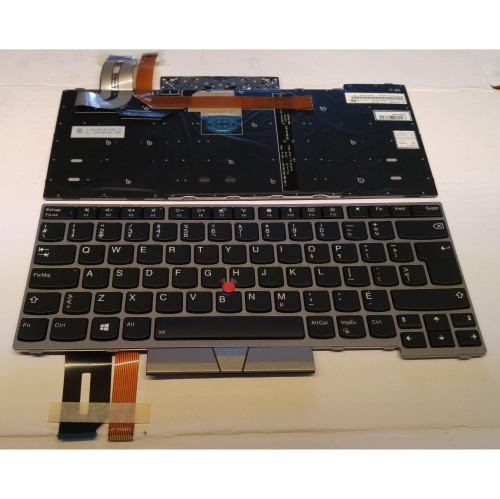

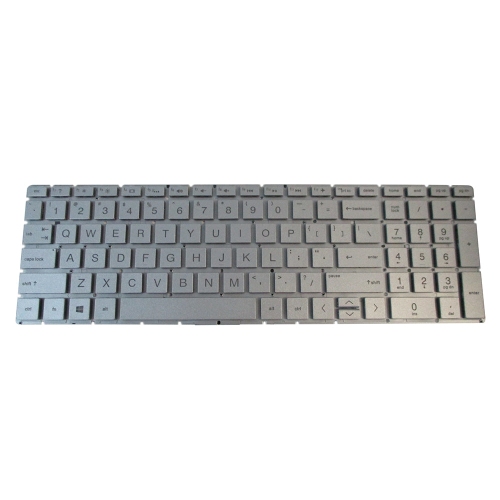
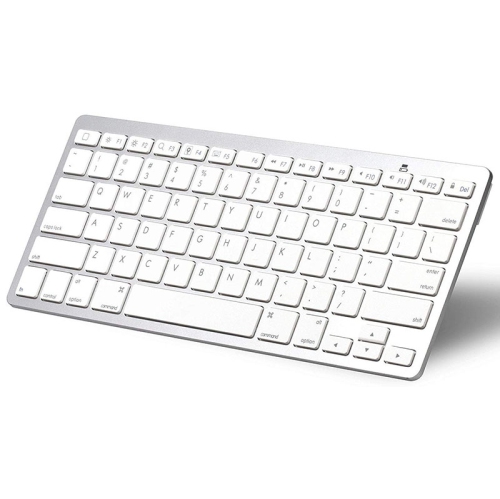
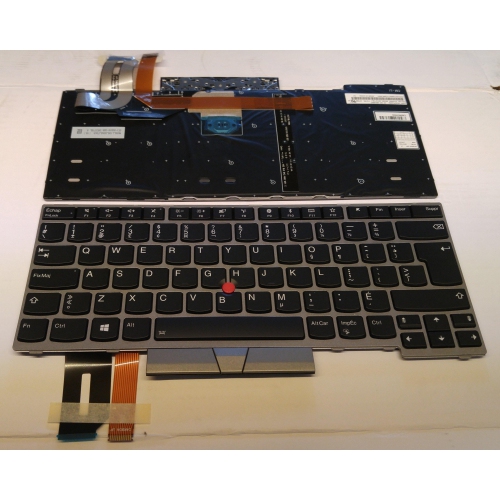
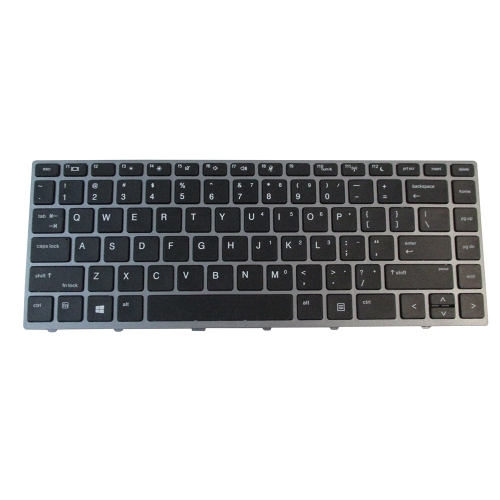
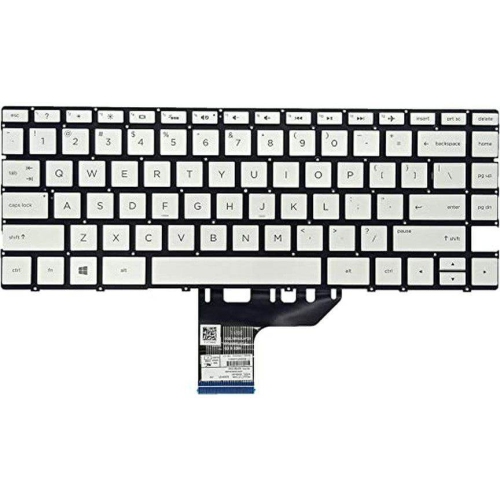
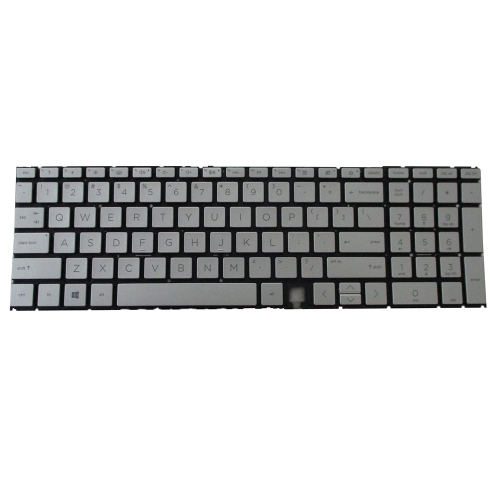
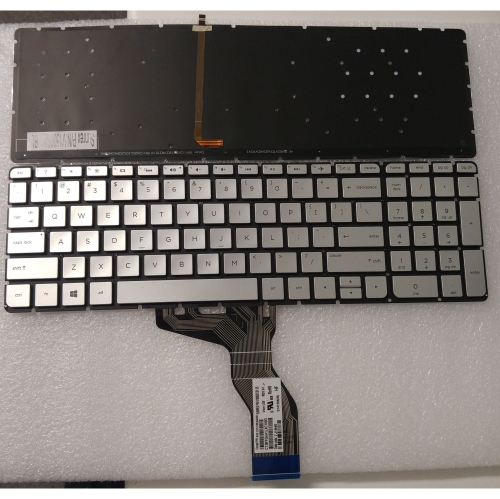
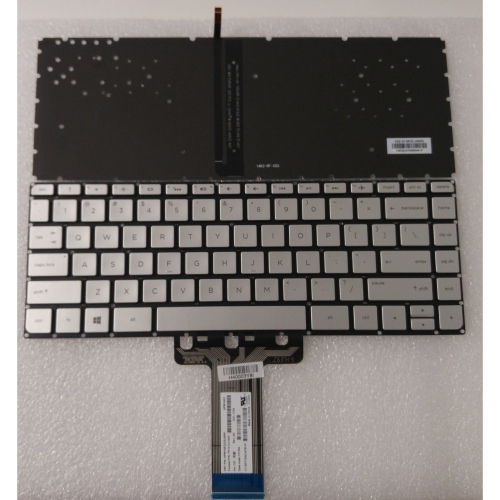
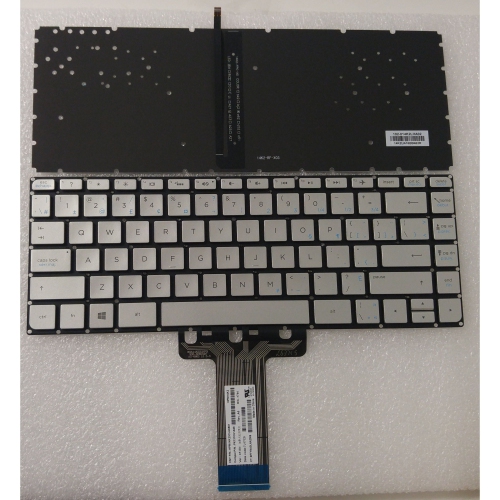
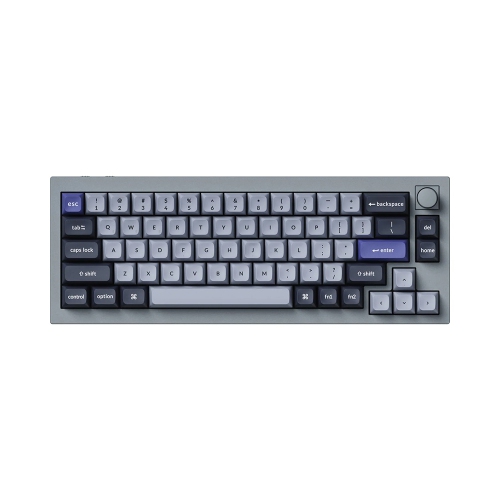
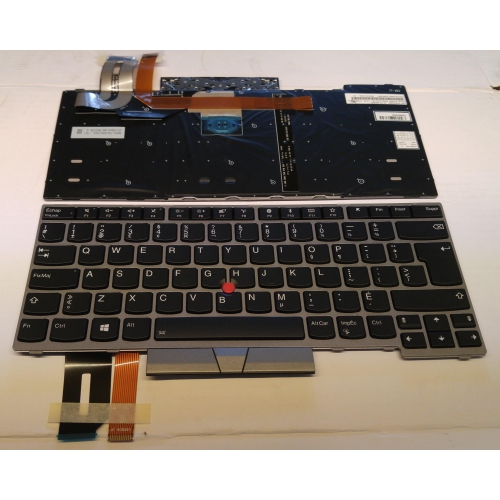
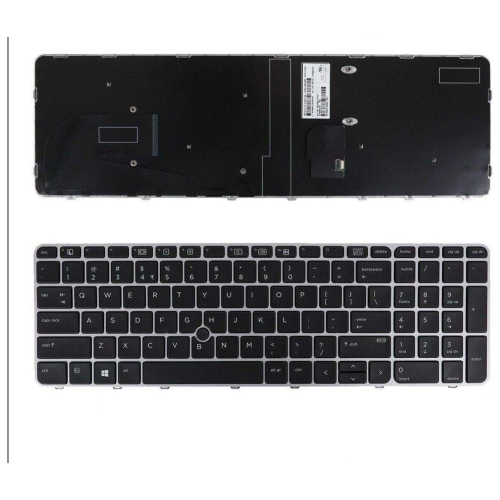
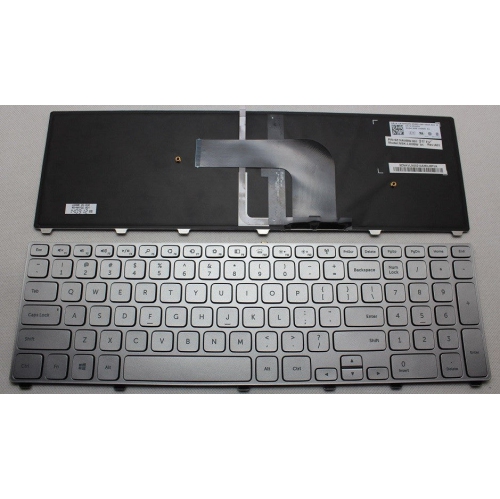
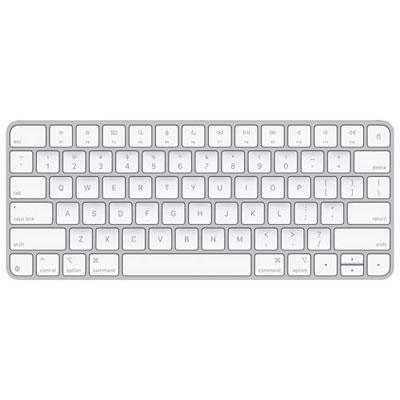
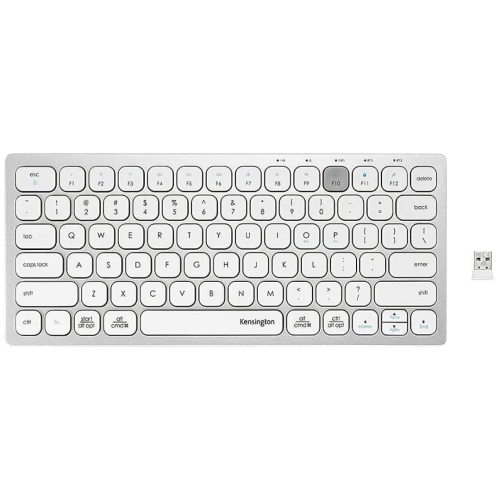
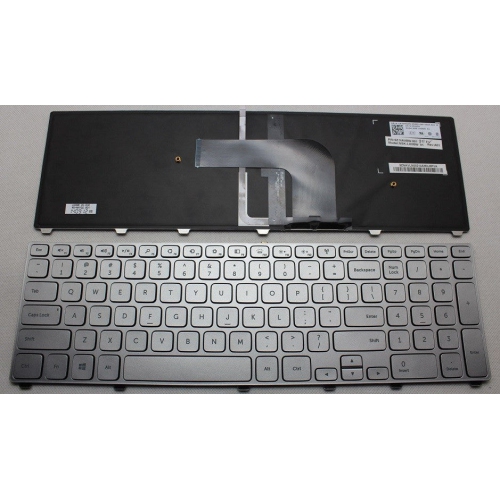
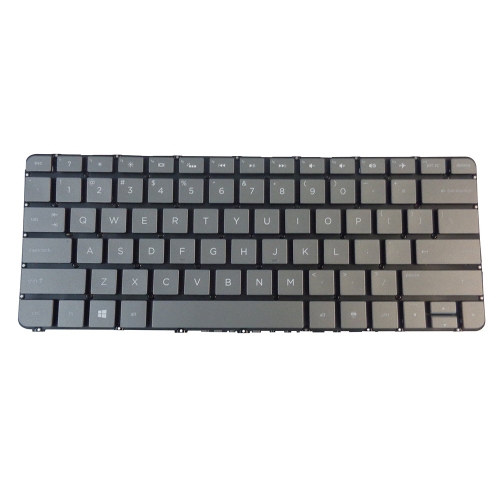
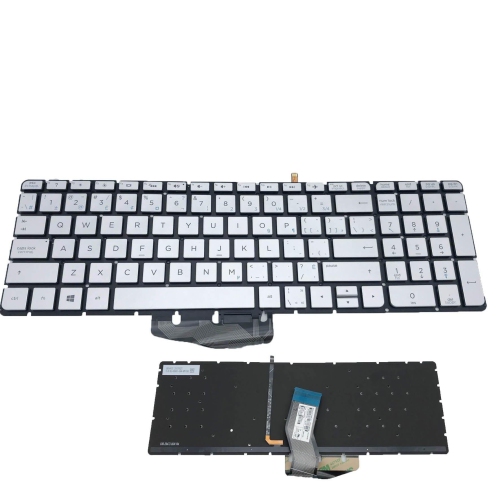
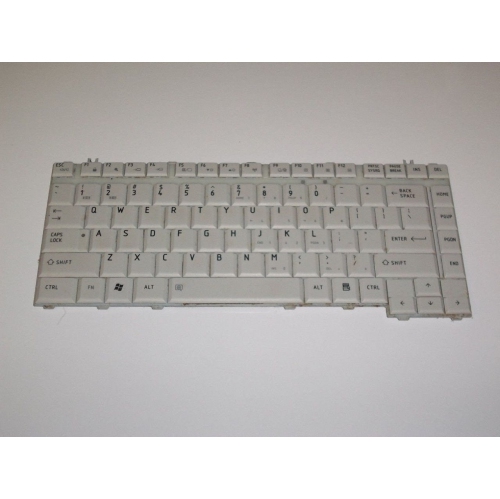
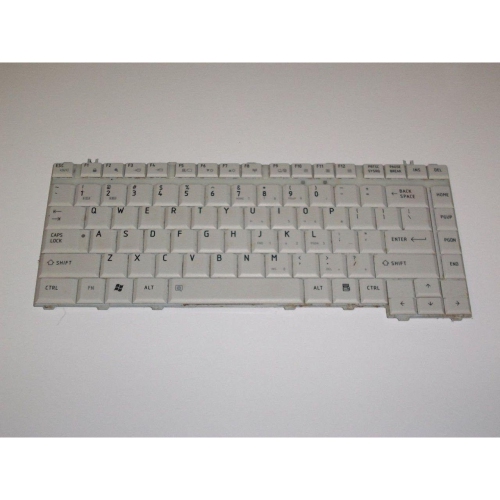

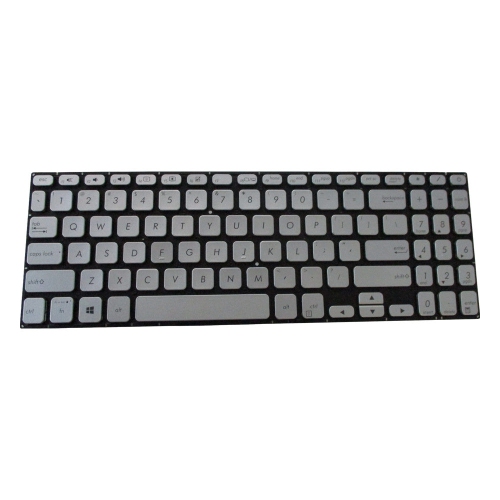
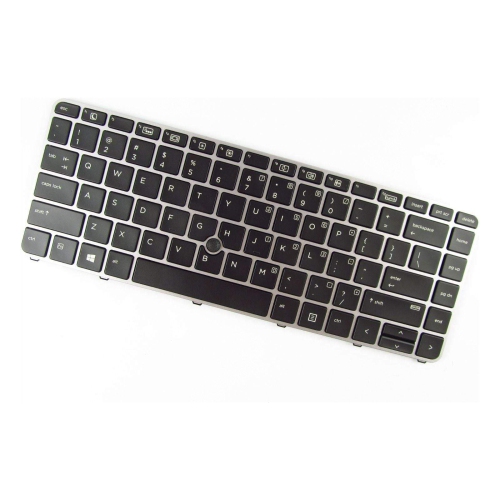

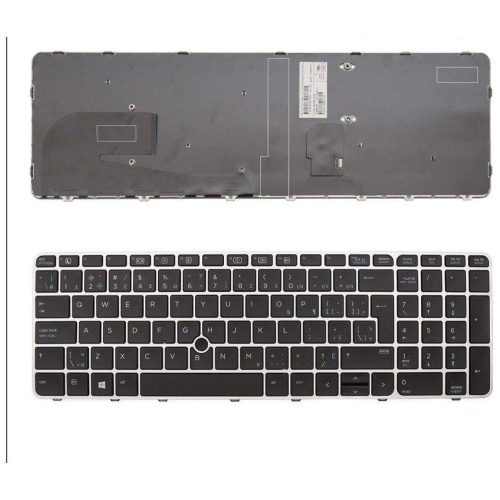
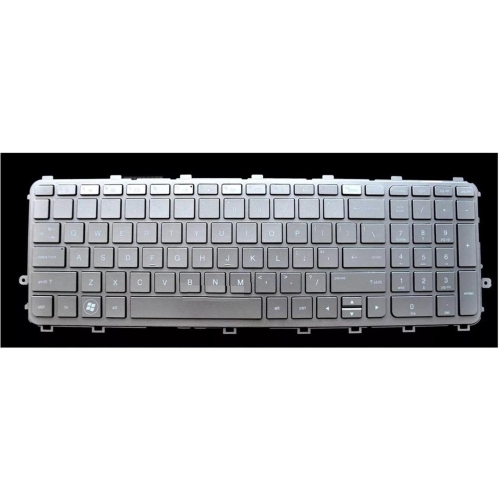
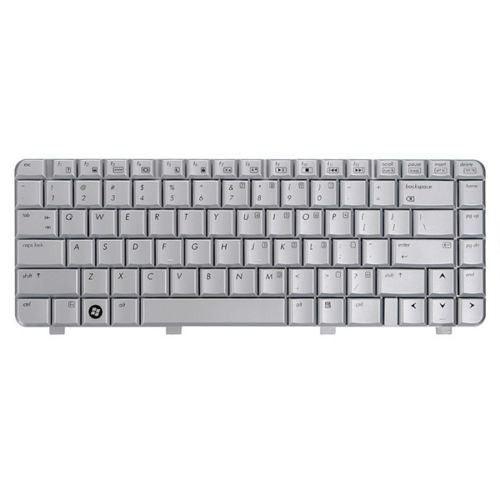
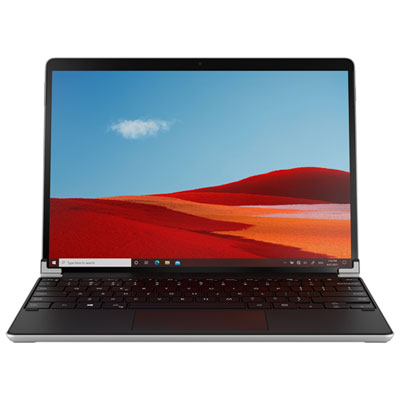
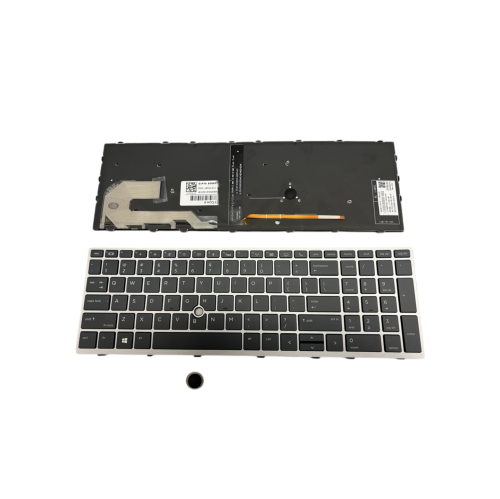
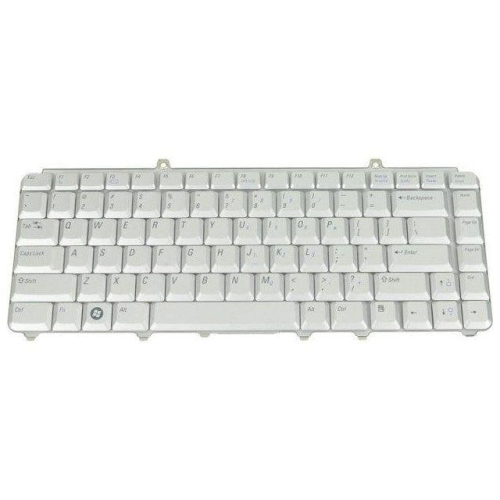
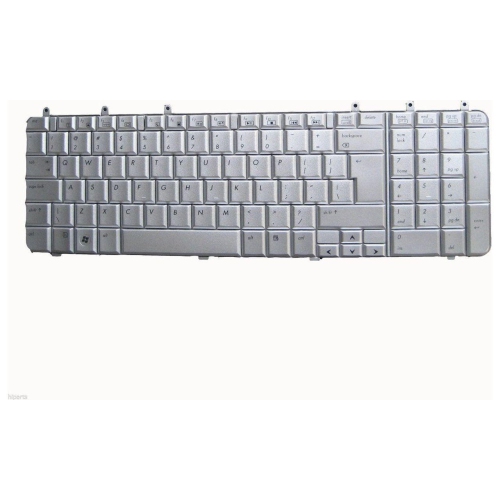
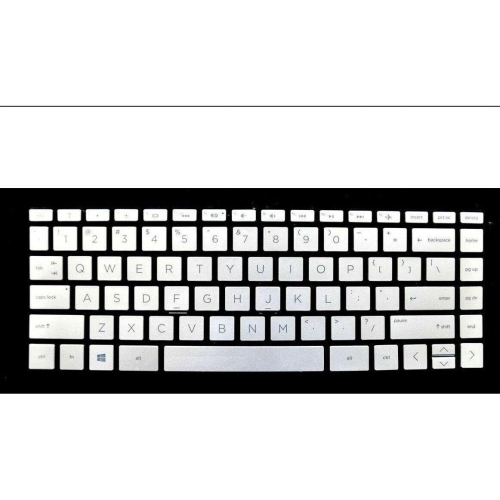

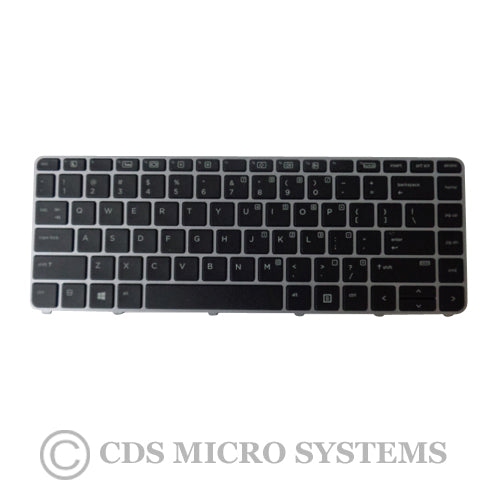
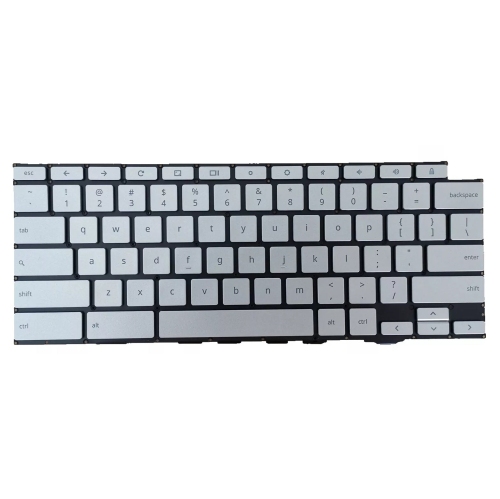

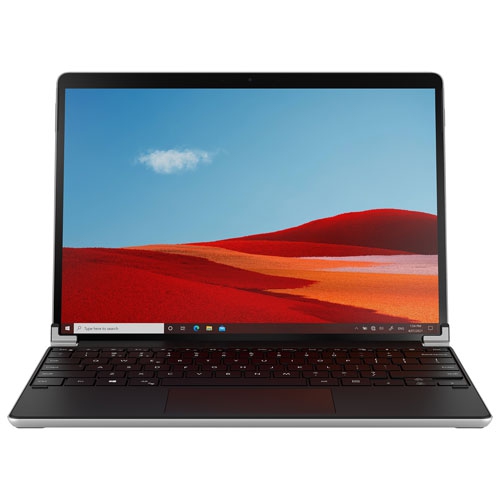
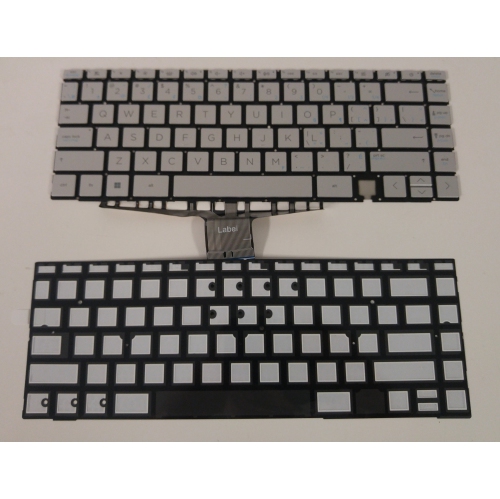
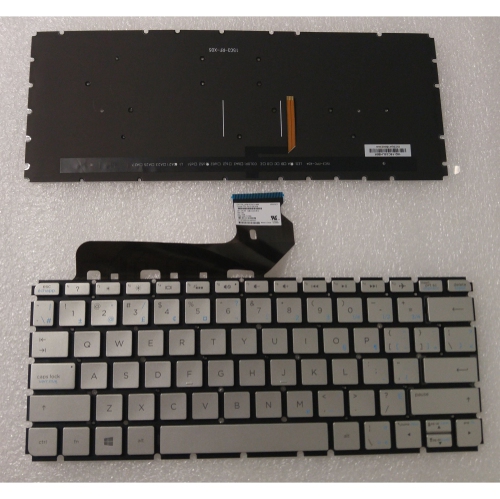
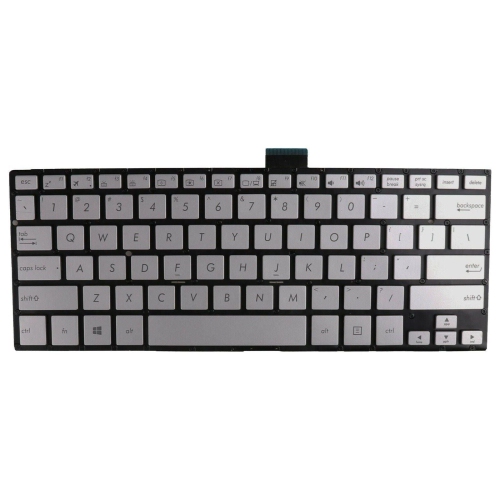
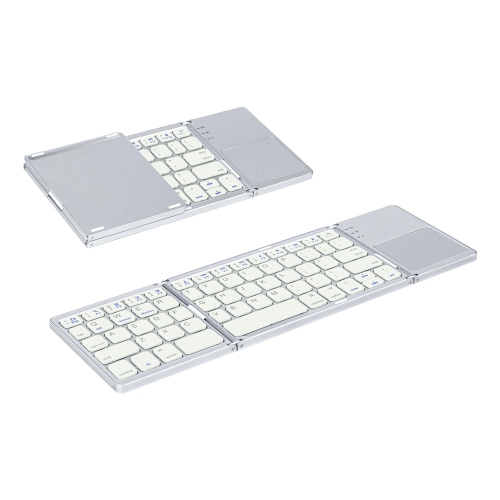


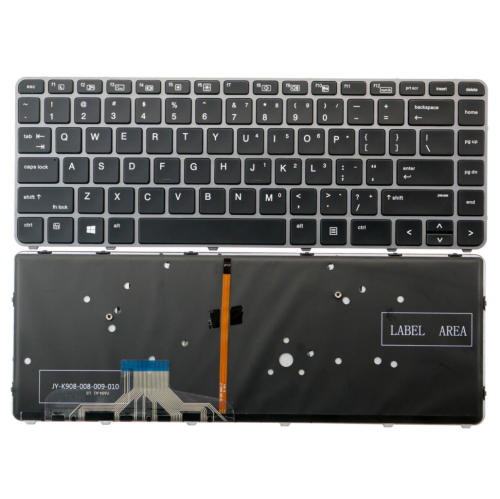
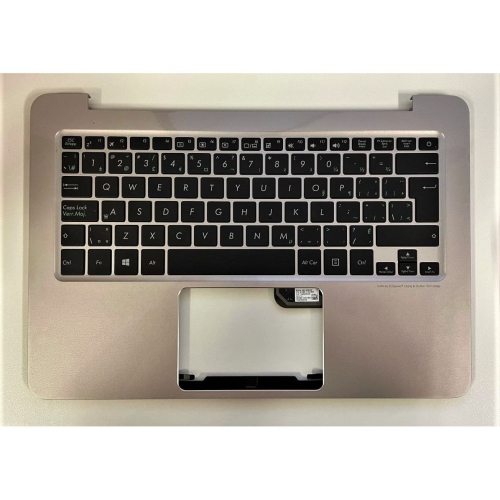
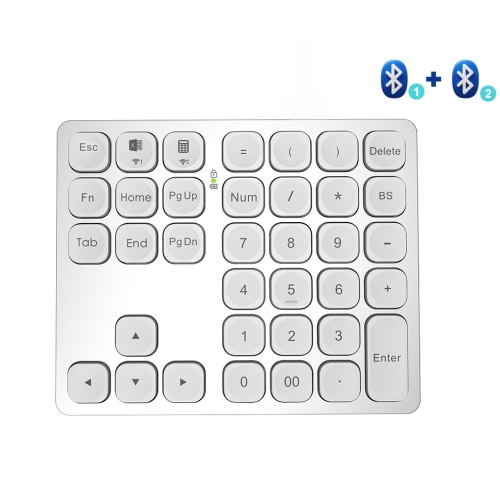




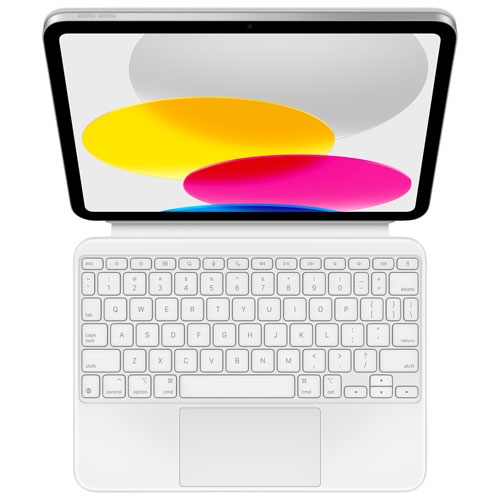





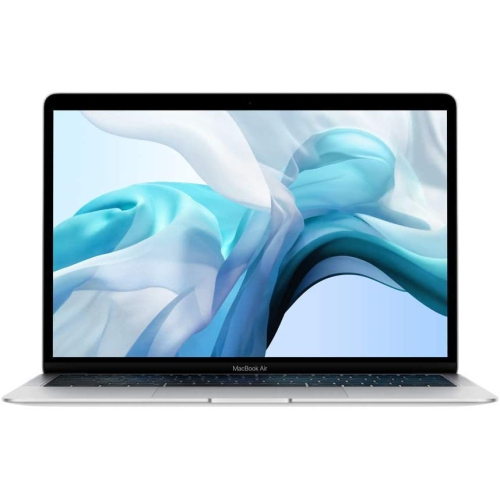
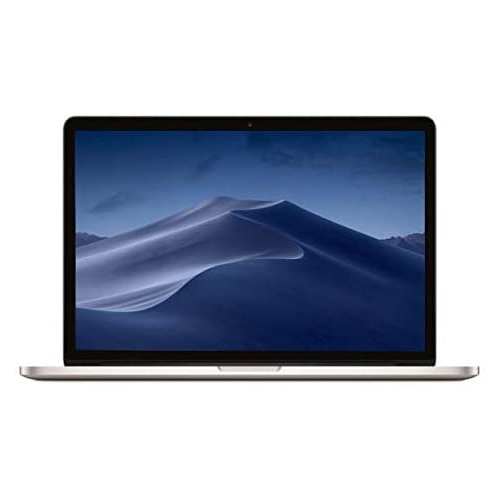
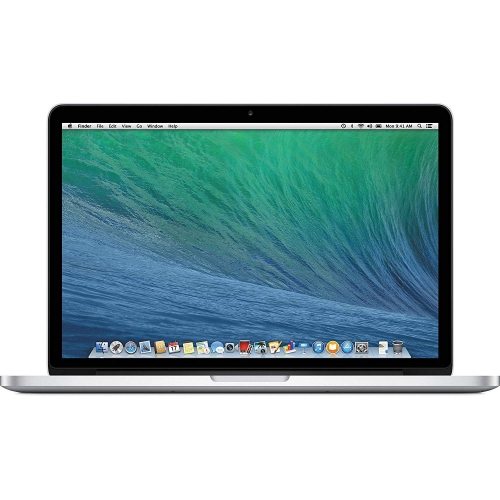
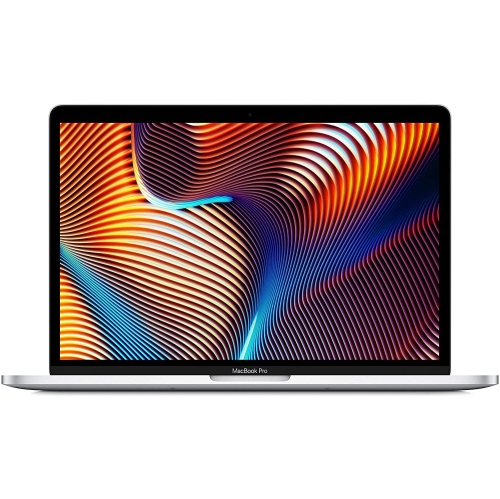

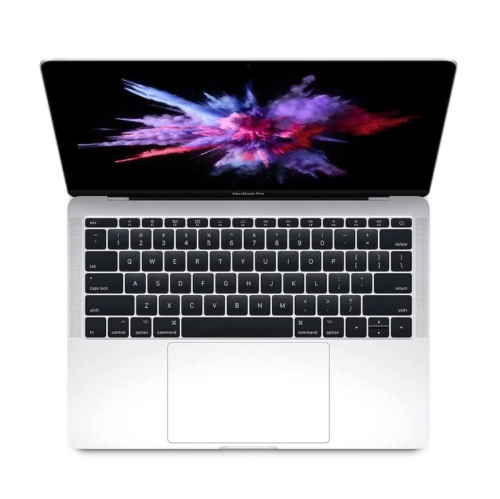
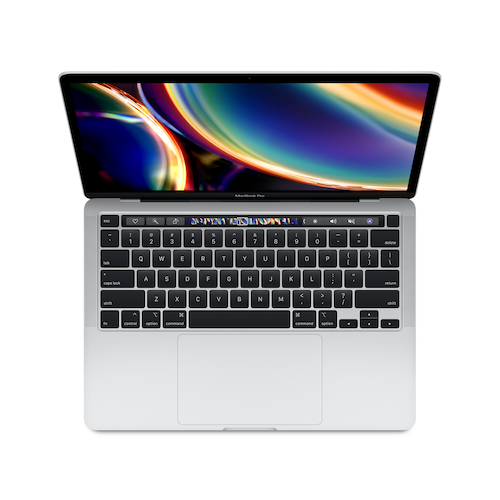
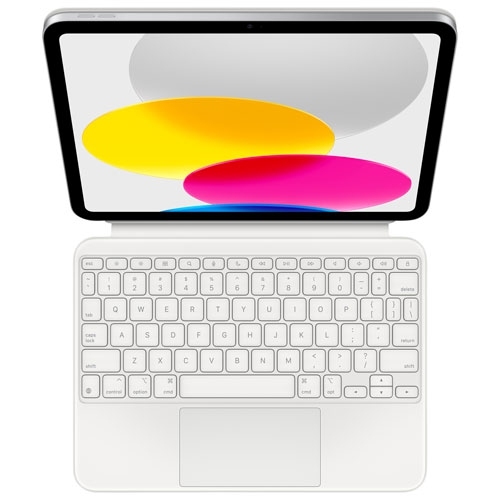
A silver finish tells only part of the story
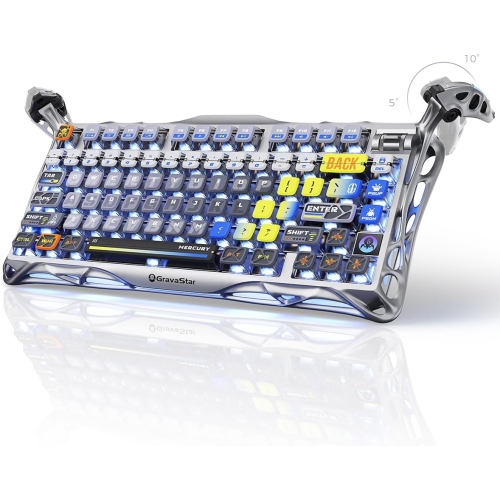
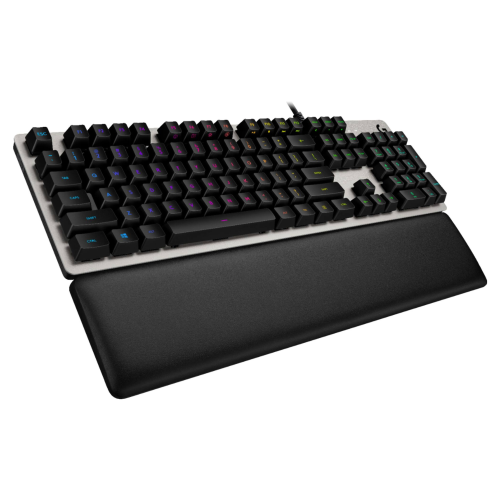
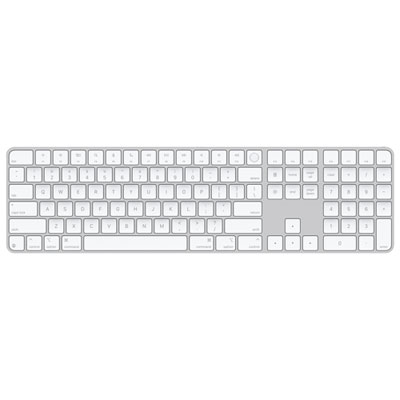
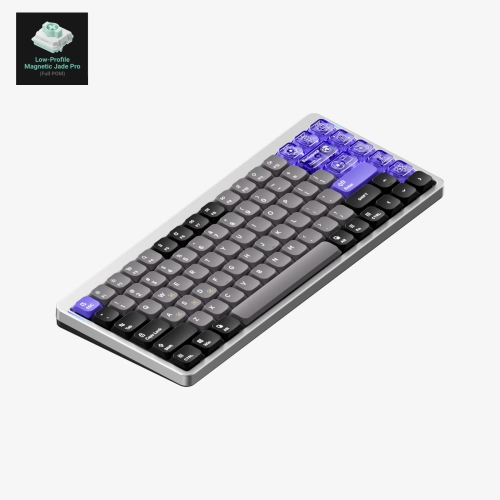
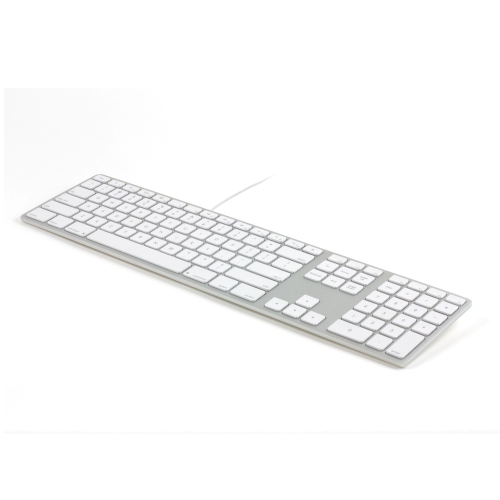
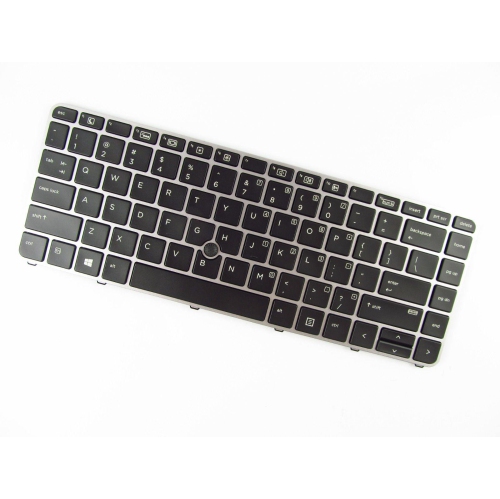
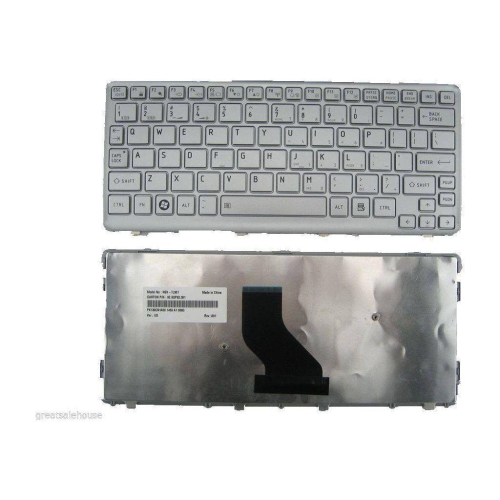
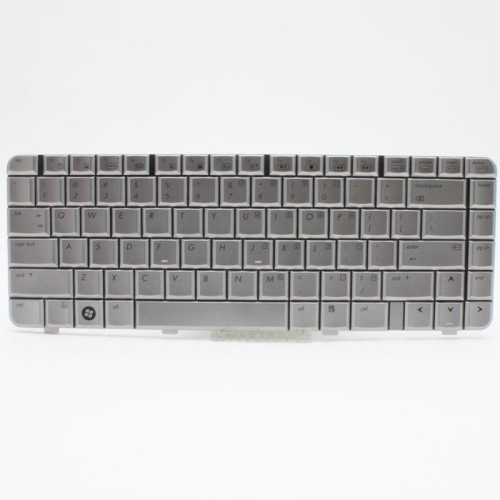
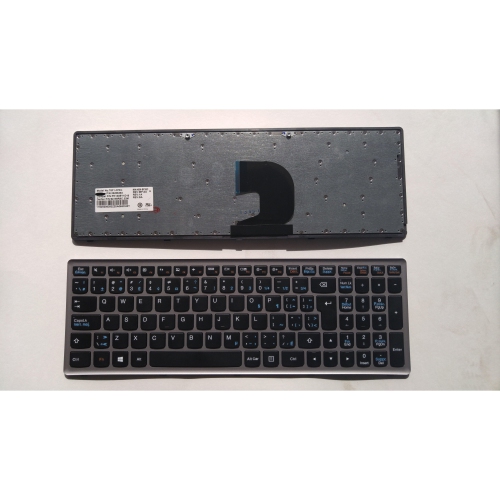
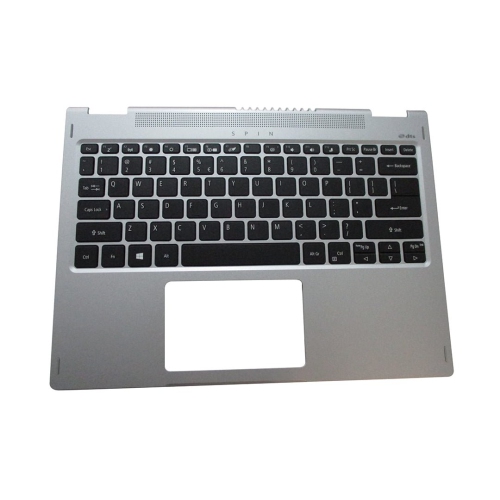
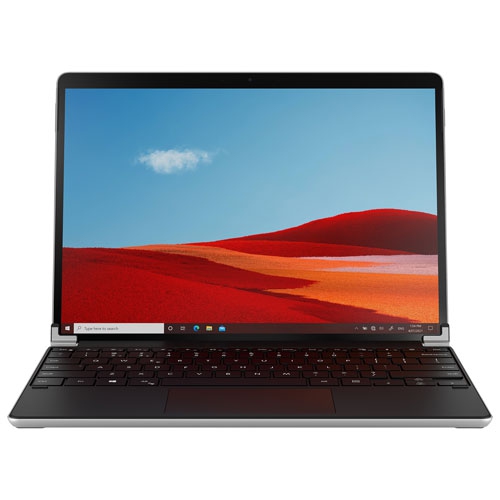
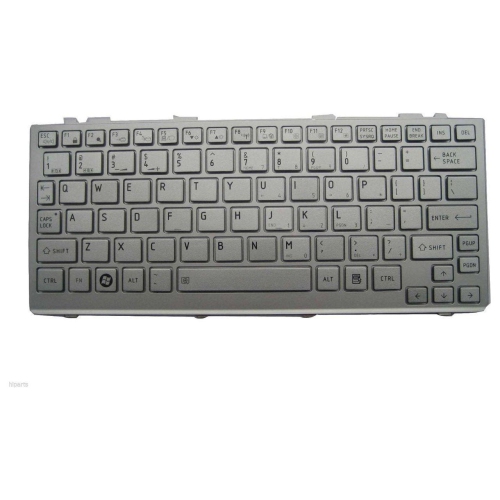
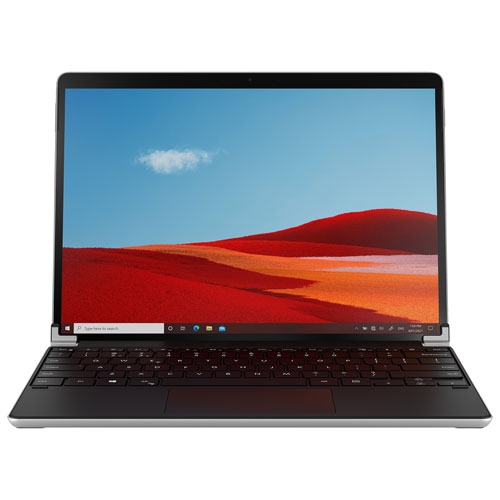
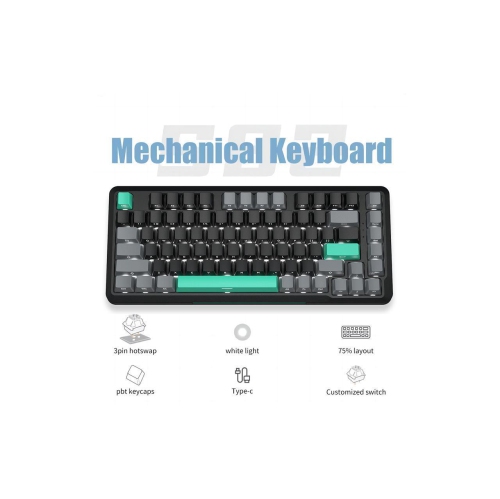
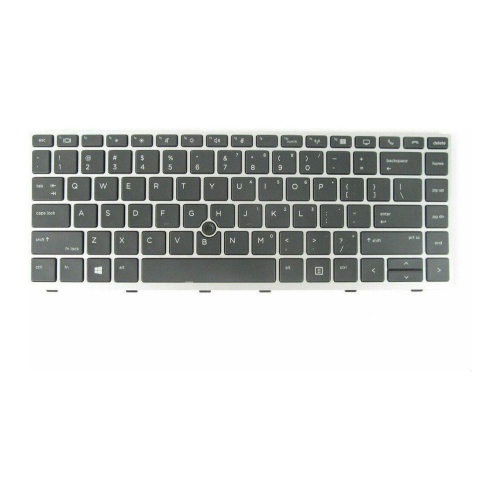
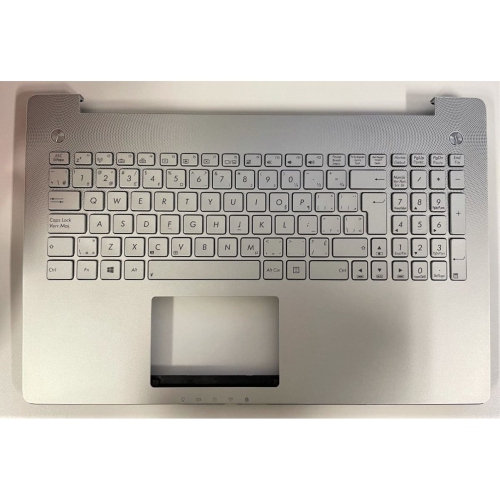
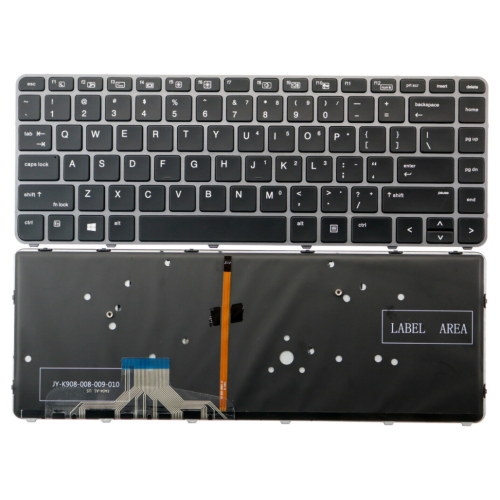
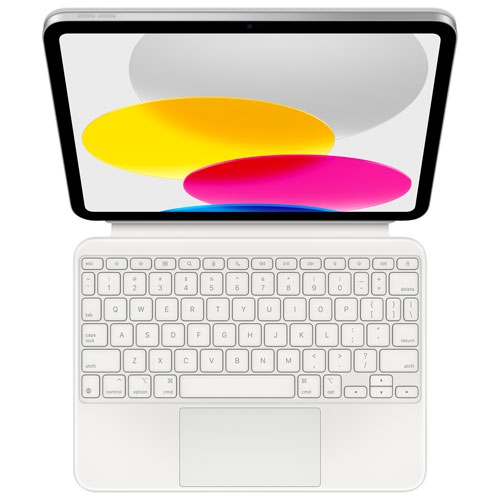
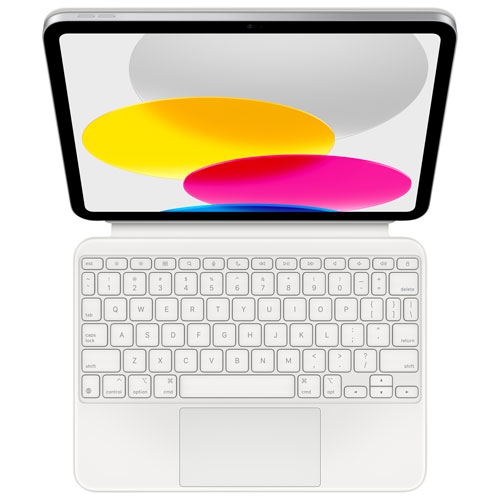
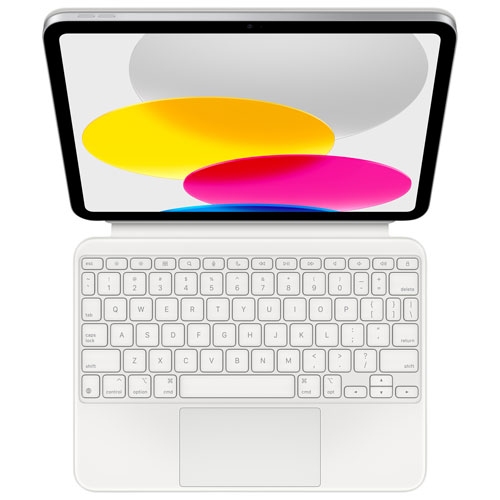
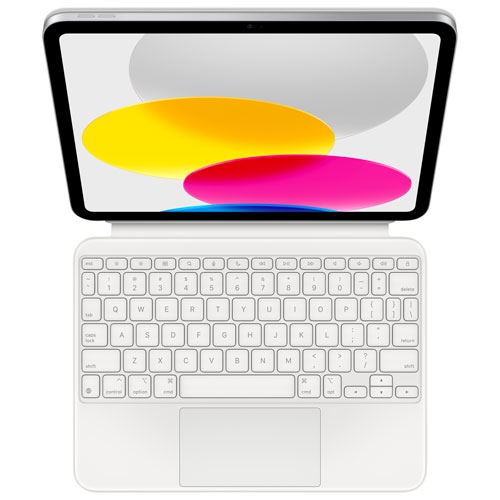
Silver keyboards bring a light, metallic look to computer setups, pairing naturally with pale desktops, glass surfaces, and silver monitor stands. The term generally describes the colour of the case, frame, or keys rather than a particular keyboard mechanism, so a silver keyboard can be mechanical, membrane, or scissor-switch, with wired or wireless connectivity. Some designs combine a silver body with white or grey keycaps for a restrained appearance; others use contrasting dark keys that make the individual characters stand out. Materials influence the feel as much as the finish. An aluminum case can provide a firm, substantial base, while a plastic housing with a silver coating may be lighter and easier to carry between a desk and a shared workspace. A metal top plate does not necessarily mean the entire enclosure is metal, and a metallic-looking finish does not always indicate aluminum construction. Brushed surfaces have a visible grain, while smooth matte finishes create a more uniform look. Anodized aluminum can provide a durable surface, although edges and frequently handled areas can still show wear over time. Keycap materials matter too: ABS plastic is common and can develop a polished appearance with repeated use, while PBT keycaps generally resist that shine more effectively. Printed characters, translucent legends, and moulded lettering also wear differently, making the keycap construction worth considering for frequent typing. The visual appeal of a silver finish is separate from the typing experience underneath it. Low-profile keys can feel familiar to someone moving from a laptop, while taller mechanical keys provide a more pronounced sense of movement. Case construction, internal padding, switch design, and the desk surface all affect sound. A substantial metal keyboard is not automatically quieter than a lightweight one, and a silver finish alone says nothing about how much noise a keyboard will make during a meeting or an evening of shared desk use.
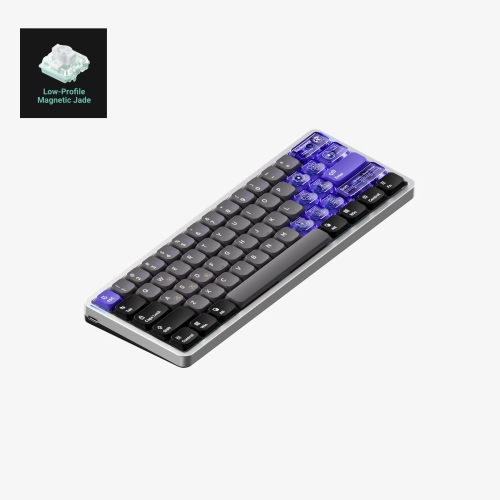
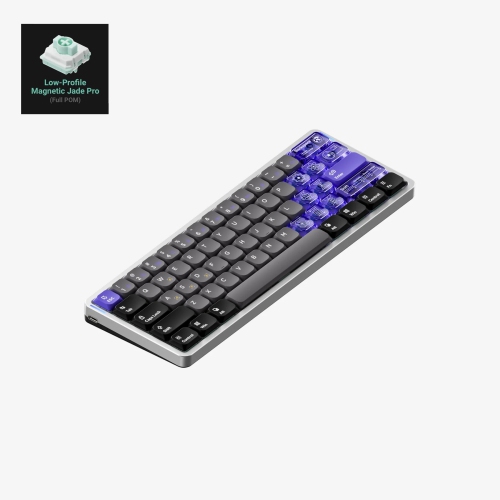
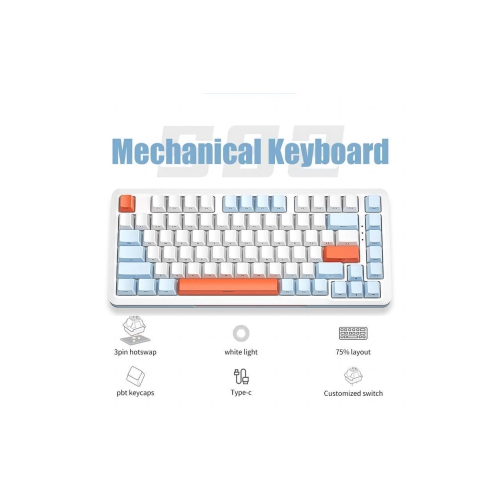
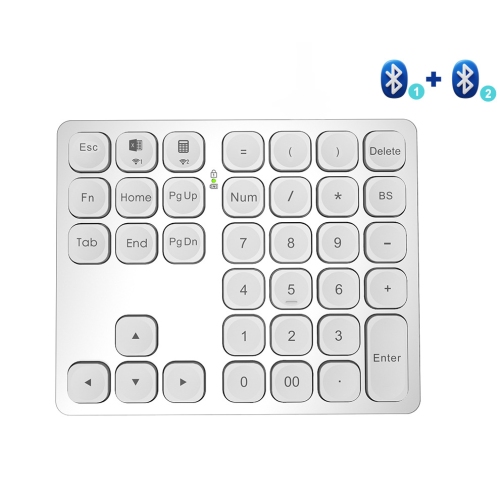
Layout determines how comfortably a silver keyboard fits both the workspace and the tasks happening there. A full-size layout includes a dedicated number pad, which can make spreadsheet entries, bookkeeping, and repeated numerical input more convenient. A tenkeyless keyboard removes that section while retaining a separate navigation area, leaving more space for a mouse without reducing the size of the main typing keys. Compact layouts, including many 75% designs, bring the keys closer together and preserve selected controls in a smaller footprint. Smaller layouts can suit narrow desks or a laptop stand arrangement, but frequently used commands may move to key combinations. Someone who regularly edits documents may appreciate clearly separated arrow keys, while a person working with wide spreadsheets may place more value on a number pad than on saving a few centimetres of desk space. Key spacing, keyboard height, and the angle of the front edge affect comfort during longer sessions. A slim case can make it easier to keep wrists relatively straight, while a taller keyboard may pair more comfortably with a separate palm rest used between periods of typing. Adjustable feet change the typing angle, but raising the back is not necessarily more comfortable for every person. Switch choice adds another layer of fit. Linear switches move without a tactile bump, tactile switches provide a noticeable point of feedback, and clicky switches add a distinct sound. In a shared room, quieter switches may be more practical than a pronounced click. For gaming, some keyboards use magnetic switches with adjustable actuation, allowing supported keys to register at different points in their travel. Higher polling rates can reduce the interval between reports to the computer, although the overall benefit depends on the keyboard, connection, software, and game. Neither gaming features nor fast-actuating switches are implied by a silver case. Programmable keys, remapping, and onboard profiles can also support everyday shortcuts, provided the required features work with the intended operating system.
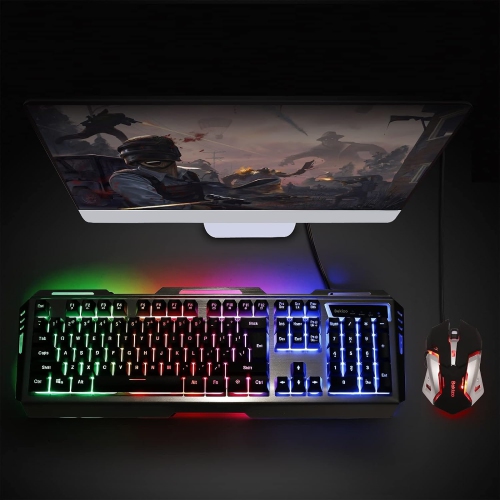
Connectivity shapes how a silver keyboard works across a desk, a home office, or a portable setup. A wired connection avoids battery charging and keeps the keyboard ready whenever it is plugged into a compatible computer, though cable length and port type still matter. A detachable cable can make packing simpler, but the connector and replacement cable need to support the keyboard’s requirements. Bluetooth can reduce cable clutter and, on supported keyboards, allow switching between multiple paired devices. Wireless designs that use a dedicated USB receiver offer another connection method, with performance and device support varying by model. A receiver also occupies a port, which matters on a laptop with limited connections. Operating-system compatibility extends beyond whether letters appear on screen: modifier keys, media controls, shortcut software, and lighting adjustments may behave differently across platforms. English and bilingual key legends are another consideration for Canadian households, especially where more than one person uses the same desk. Lighting is a point of overlap with LED Keyboards, whether the preference is a simple white glow or adjustable coloured effects. Backlighting can improve key visibility in a dim room when the legends are designed to let light through; lighting around opaque keys is more decorative. Brightness settings and an option to turn illumination off help adapt the keyboard to different spaces, and wireless battery life will vary with lighting use. Routine care helps preserve both appearance and function. Disconnecting the keyboard before cleaning, removing loose debris gently, and wiping suitable exterior surfaces with a lightly dampened cloth can prevent everyday buildup. Liquid should never be sprayed directly onto the keys, and cleaners need to be appropriate for the finish. Keycaps should only be removed when the design and manufacturer’s care directions allow it, particularly with delicate low-profile mechanisms. For a gift, a silver keyboard can suit a student, a frequent typist, or someone refining a home workspace. Matching the recipient’s preferred layout, device connections, and typing feel makes the choice more personal than colour alone.
Top selling and popular products
-
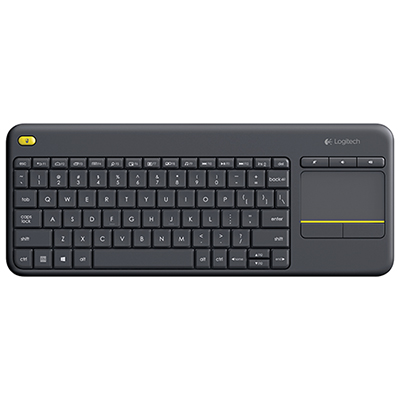 Your price for this item is $44.99
-
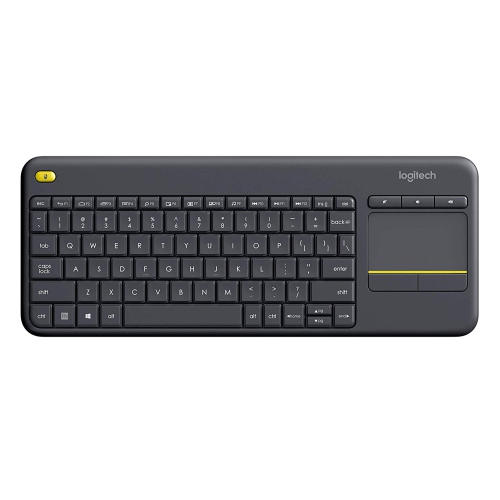 Your price for this item is $49.72
-
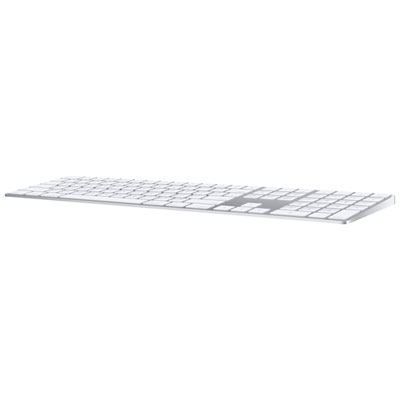 Your price for this item is $159
-
 Your price for this item is $219.99
-
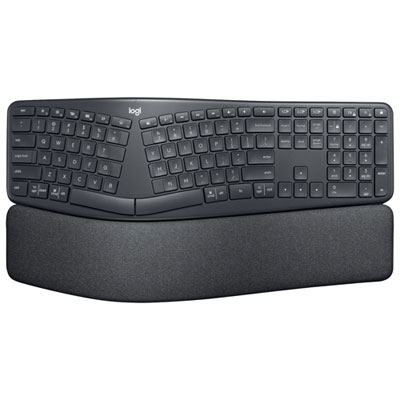 Your price for this item is $199.99
-
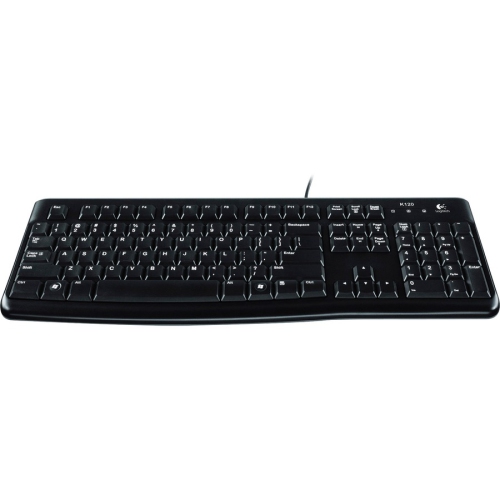 Your price for this item is $44.99
-
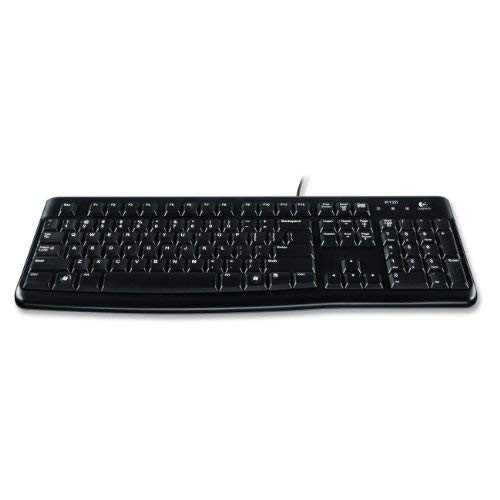 Your price for this item is $29.99
-
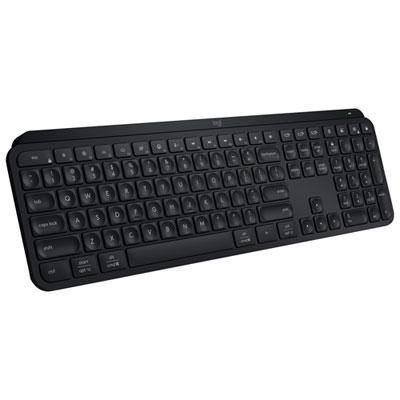 Your price for this item is $169.99
Discover more categories related to Silver Keyboards
Top Collections:
Best Black Friday Deals This Year, Best Black Friday Deals On Electronics, Kindle Devices, Pokemon Centers, Best Black Friday Deals On Apple Products, Best Cameras for Sports Photography, Dyson Airwrap, Pokémon 30th Celebration Cards, Apple iPhone 17 Pro, Canon G7X Cameras
Some products may be subject to Environmental Handling Fees
(EHF) depending on your province.
Learn more about EHFs.