Sleek Gaming Mice
Elevate your gaming experience with a Sleek Gaming Mouse designed for precision and style. Whether you're a casual player or a competitive gamer, finding the right mouse can make all the difference in your performance. Explore a wide selection of options that combine comfort, responsiveness, and modern design to help you stay ahead in every match. Discover the perfect Sleek Gaming Mouse to complement your setup and enhance your gameplay.
Sort



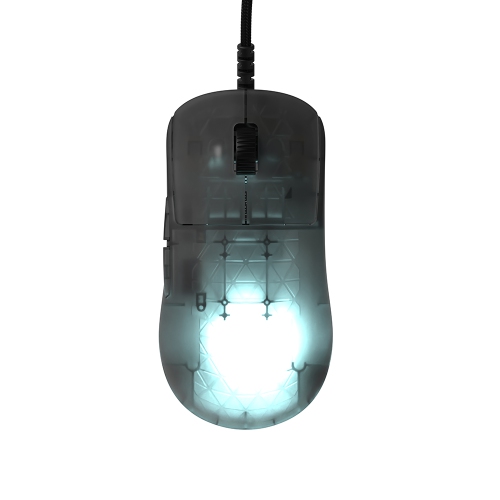
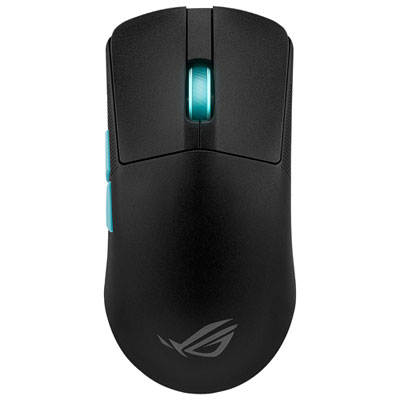
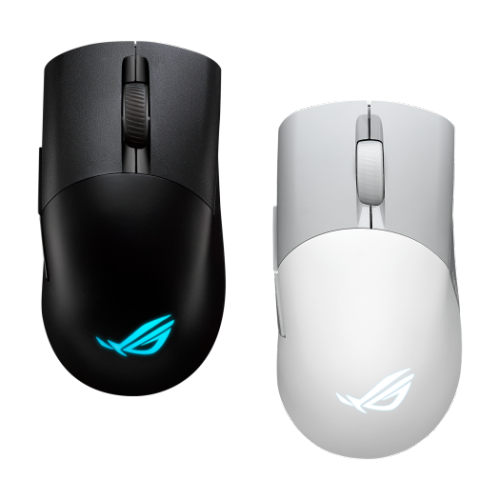

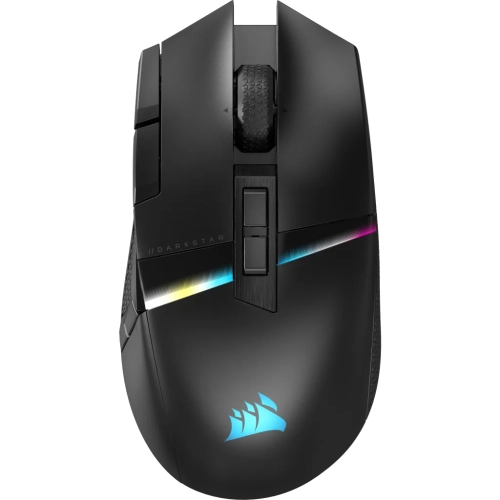
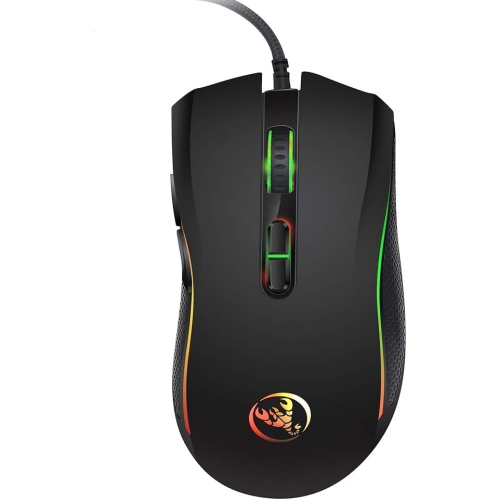
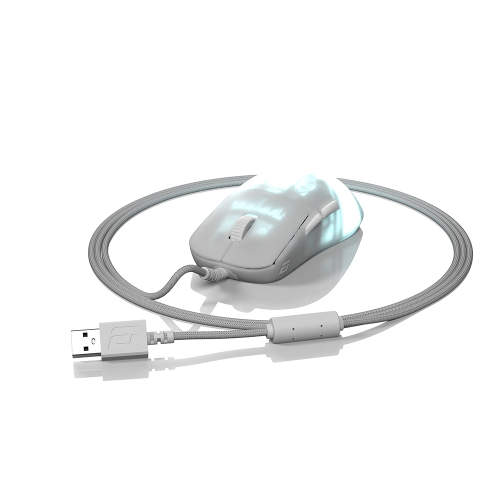
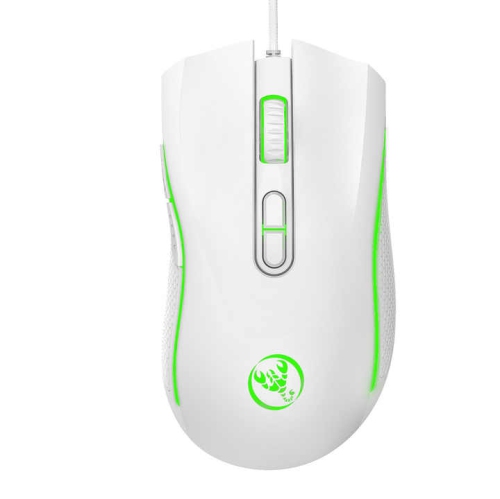
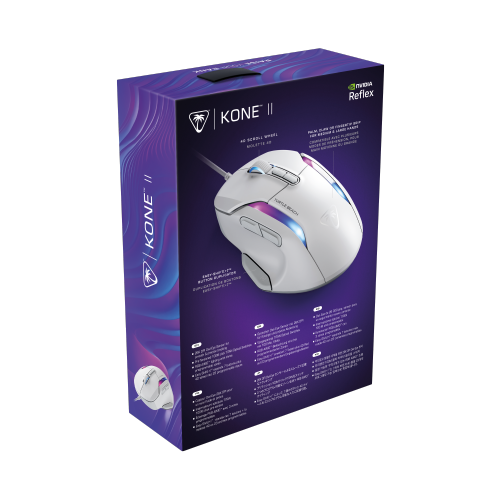
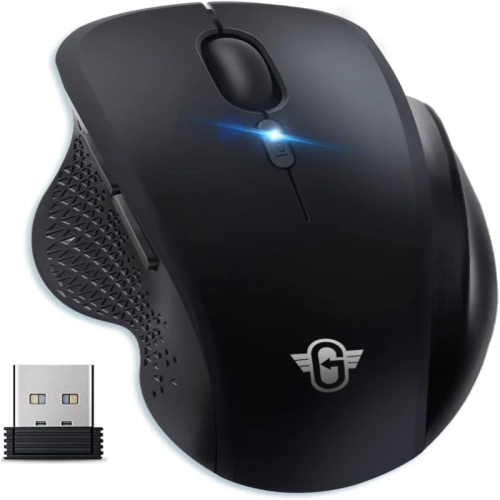
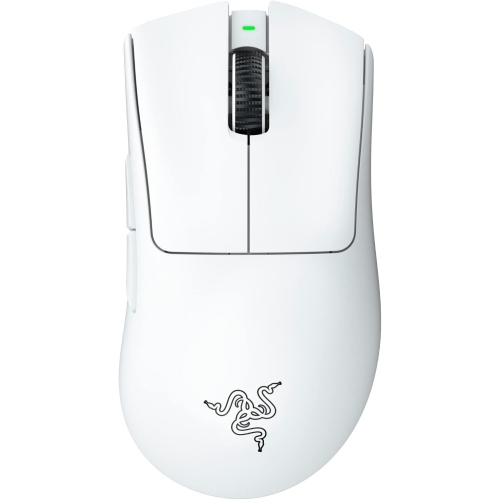
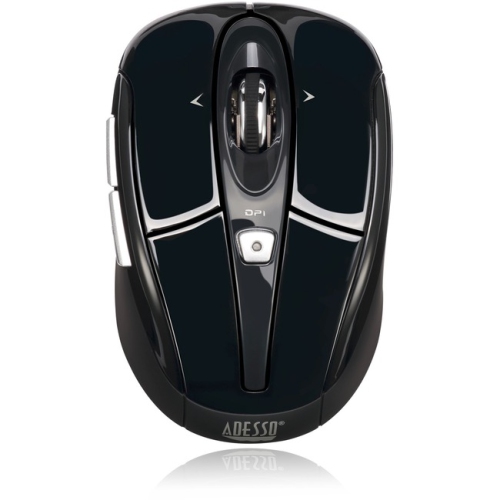


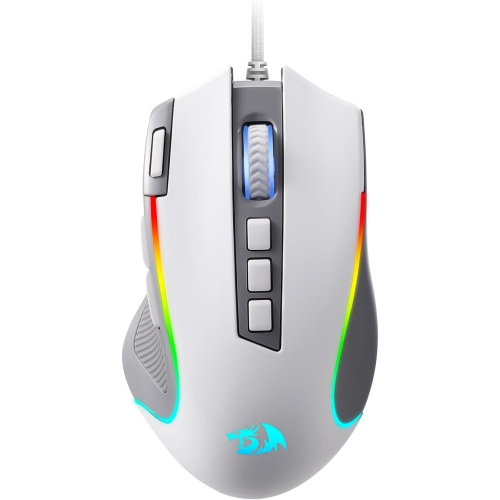

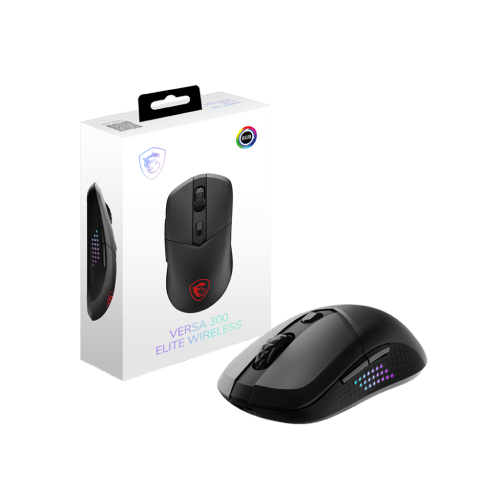


Clean lines meet a grip that fits your game
Sleek gaming mice pair a clean silhouette with the control needed for fast matches, careful aiming, and everyday desktop use. The look can be understated: a gently curved shell, neatly integrated side buttons, a matte finish, or a narrow strip of adjustable lighting rather than a heavily sculpted shape. That simplicity can sit comfortably beside a compact keyboard or a large mouse pad without making the whole setup feel crowded. Underneath the styling, shape and fit matter more than appearances alone. A low-profile body may suit a fingertip grip, while a fuller rear curve can provide more contact for someone who rests their palm on the mouse. Claw-grip players often favour a shape that leaves room for arched fingers while keeping the back of the hand supported. These preferences also depend on hand length, palm width, and where the side buttons fall beneath the thumb. A narrow shell can feel nimble to one person and cramped to another, so dimensions tell a more useful story than a description such as “compact” on its own. Symmetrical styling does not necessarily mean equal comfort for both hands, particularly when thumb buttons appear on only one side. Materials contribute to the experience, too. Moulded plastic keeps many designs light, while smooth coatings, textured side panels, and rubberized grip areas each create a different feel. A matte surface may feel less slippery, but grip also depends on the coating and the way the mouse is held. Weight and balance influence how easily the mouse starts, stops, and lifts during a wide sweep across the pad. A lighter body can suit frequent repositioning, whereas a little more weight may feel steadier to some players. Neither approach is automatically better; a comfortable shape with predictable balance is often more useful than the lowest weight figure. Rounded edges and well-placed buttons also help a streamlined design feel practical through a match, a study session, or a stretch of routine computer work.
Gaming performance comes from several features working together rather than from a single headline specification. An optical sensor needs to track reliably at the speeds and distances a player actually uses, whether that means small wrist movements or broad arm movements across a desk. Sensitivity settings, often expressed as DPI, determine how far the pointer travels in relation to physical movement; a higher maximum does not by itself make aiming more accurate. Adjustable settings can make it easier to keep a familiar feel between a high-resolution desktop and a game with its own sensitivity controls. Lift-off distance matters for players who regularly pick up and recentre the mouse, while smooth feet help movement remain consistent across a suitable mouse pad. Polling rate describes how frequently the mouse reports to the computer, although the benefit of higher settings depends on the game, display, system performance, and connection. Wired designs provide a direct connection without battery charging, with cable flexibility and desk routing affecting how freely the mouse moves. Wireless designs remove that cable from the aiming area, but their connection options deserve attention. A dedicated low-latency wireless receiver can serve a different purpose from Bluetooth, which may be convenient for general computer use without delivering the same gaming response. The Sleek Wireless Mice collection extends the clean-lined look to cable-free setups, while suitability for gaming still depends on the specifications of each design. For rechargeable gaming mice, battery runtime varies with lighting, reporting settings, and usage, and some support play through a charging cable. Button placement is just as practical as connection type: accessible side controls can handle in-game actions without requiring a shift in grip, while a distinct scroll wheel can make weapon changes or document scrolling feel more deliberate. Where supported, software can customize button assignments, lighting, and sensitivity stages. Onboard memory may retain selected settings between compatible computers, though some functions still require software. Operating system support matters particularly when the same mouse moves between a gaming computer and a work laptop.
The appeal of a sleek gaming mouse often lies in how easily it moves between different parts of the day. A restrained design can feel at home on a shared work surface, then provide responsive controls for an evening racing session, strategy game, or competitive match. Students, remote workers, and players who prefer a visually quiet setup may appreciate that versatility, especially when lighting can be dimmed or switched off. Click feel and sound are worth considering in shared rooms: crisp feedback does not necessarily mean quiet operation, and a gaming mouse should not be assumed to have silent switches. Durability depends on more than a quoted click rating. Shell rigidity, button consistency, scroll-wheel construction, cable strain relief on wired designs, and the condition of the glide feet all influence everyday use. Switch ratings describe testing expectations rather than guaranteeing a particular lifespan for every person. Routine care helps preserve the surfaces that hands contact most. A soft microfibre cloth can remove fingerprints, while loose dust around the wheel and button seams needs gentle attention according to the manufacturer’s care directions. Spraying liquid directly onto the shell or letting moisture collect around openings risks damage; abrasive cleaners can also affect coatings and printed markings. A clean mouse pad matters because grit beneath the feet can change the feel of movement and scratch contact surfaces. For travel, a protective compartment keeps the mouse from rubbing against loose objects, and a receiver storage slot, where included, gives a small wireless adapter a consistent home. As a gift, this category suits someone building a coordinated gaming setup or replacing a mouse that no longer fits comfortably. The most useful details are personal rather than decorative: their preferred hand, familiar grip, computer connections, and tolerance for extra buttons. A sleek finish completes the look, but comfortable proportions and controls that fall naturally under the fingers are what make the mouse easy to live with.
Gaming performance comes from several features working together rather than from a single headline specification. An optical sensor needs to track reliably at the speeds and distances a player actually uses, whether that means small wrist movements or broad arm movements across a desk. Sensitivity settings, often expressed as DPI, determine how far the pointer travels in relation to physical movement; a higher maximum does not by itself make aiming more accurate. Adjustable settings can make it easier to keep a familiar feel between a high-resolution desktop and a game with its own sensitivity controls. Lift-off distance matters for players who regularly pick up and recentre the mouse, while smooth feet help movement remain consistent across a suitable mouse pad. Polling rate describes how frequently the mouse reports to the computer, although the benefit of higher settings depends on the game, display, system performance, and connection. Wired designs provide a direct connection without battery charging, with cable flexibility and desk routing affecting how freely the mouse moves. Wireless designs remove that cable from the aiming area, but their connection options deserve attention. A dedicated low-latency wireless receiver can serve a different purpose from Bluetooth, which may be convenient for general computer use without delivering the same gaming response. The Sleek Wireless Mice collection extends the clean-lined look to cable-free setups, while suitability for gaming still depends on the specifications of each design. For rechargeable gaming mice, battery runtime varies with lighting, reporting settings, and usage, and some support play through a charging cable. Button placement is just as practical as connection type: accessible side controls can handle in-game actions without requiring a shift in grip, while a distinct scroll wheel can make weapon changes or document scrolling feel more deliberate. Where supported, software can customize button assignments, lighting, and sensitivity stages. Onboard memory may retain selected settings between compatible computers, though some functions still require software. Operating system support matters particularly when the same mouse moves between a gaming computer and a work laptop.
The appeal of a sleek gaming mouse often lies in how easily it moves between different parts of the day. A restrained design can feel at home on a shared work surface, then provide responsive controls for an evening racing session, strategy game, or competitive match. Students, remote workers, and players who prefer a visually quiet setup may appreciate that versatility, especially when lighting can be dimmed or switched off. Click feel and sound are worth considering in shared rooms: crisp feedback does not necessarily mean quiet operation, and a gaming mouse should not be assumed to have silent switches. Durability depends on more than a quoted click rating. Shell rigidity, button consistency, scroll-wheel construction, cable strain relief on wired designs, and the condition of the glide feet all influence everyday use. Switch ratings describe testing expectations rather than guaranteeing a particular lifespan for every person. Routine care helps preserve the surfaces that hands contact most. A soft microfibre cloth can remove fingerprints, while loose dust around the wheel and button seams needs gentle attention according to the manufacturer’s care directions. Spraying liquid directly onto the shell or letting moisture collect around openings risks damage; abrasive cleaners can also affect coatings and printed markings. A clean mouse pad matters because grit beneath the feet can change the feel of movement and scratch contact surfaces. For travel, a protective compartment keeps the mouse from rubbing against loose objects, and a receiver storage slot, where included, gives a small wireless adapter a consistent home. As a gift, this category suits someone building a coordinated gaming setup or replacing a mouse that no longer fits comfortably. The most useful details are personal rather than decorative: their preferred hand, familiar grip, computer connections, and tolerance for extra buttons. A sleek finish completes the look, but comfortable proportions and controls that fall naturally under the fingers are what make the mouse easy to live with.
Top selling and popular products
-
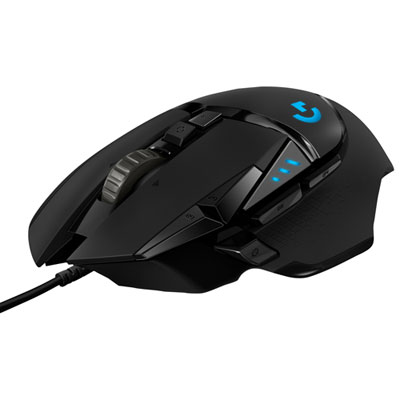 Your price for this item is $74.99
-
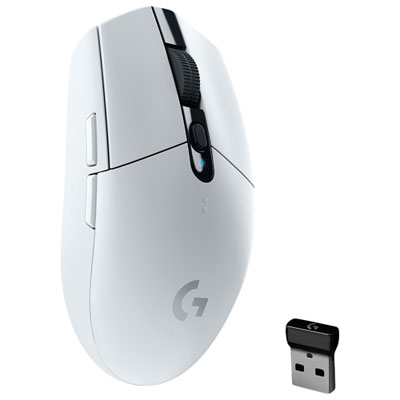 Your price for this item is $69.99
-
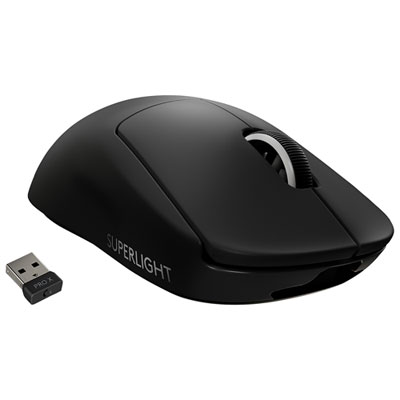 Your price for this item is $199.99
-
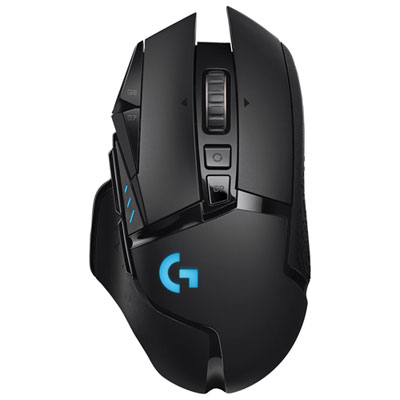 Your price for this item is $149.99
-
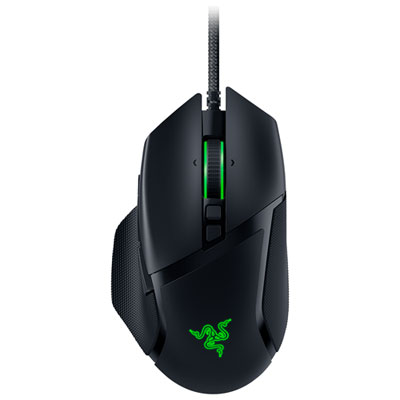 Your price for this item is $48.99
-
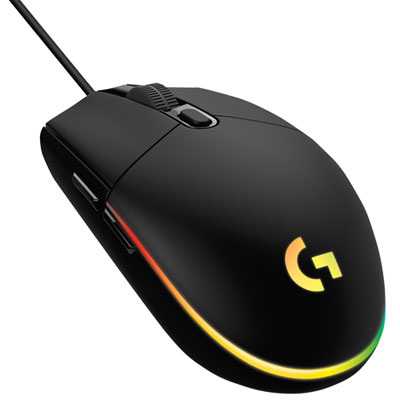 Your price for this item is $39.99
-
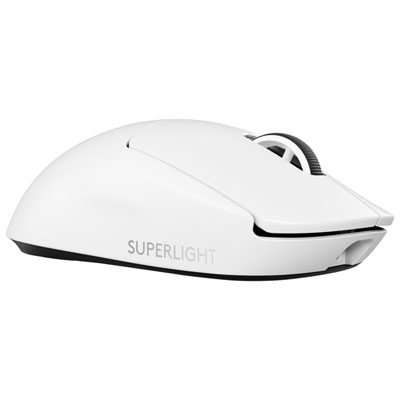 Your price for this item is $219.99
-
 Your price for this item is $94.98
Discover more categories related to Sleek Gaming Mice


Top Collections:
Best Black Friday Deals This Year, Best Black Friday Deals On Electronics, Kindle Devices, Pokemon Centers, Best Black Friday Deals On Apple Products, Best Cameras for Sports Photography, Dyson Airwrap, Pokémon 30th Celebration Cards, Apple iPhone 17 Pro, Canon G7X Cameras
Some products may be subject to Environmental Handling Fees
(EHF) depending on your province.
Learn more about EHFs.