Sleek Wireless Mice
Upgrade your workspace with a Sleek Wireless Mouse, designed to bring effortless control and modern style to your setup. Perfect for both productivity and everyday browsing, these mice offer a streamlined look that complements any desk. Enjoy the freedom of wireless connectivity while maintaining a clean, clutter-free environment. Discover the ideal Sleek Wireless Mouse to suit your needs and enhance your computing experience.
Sort
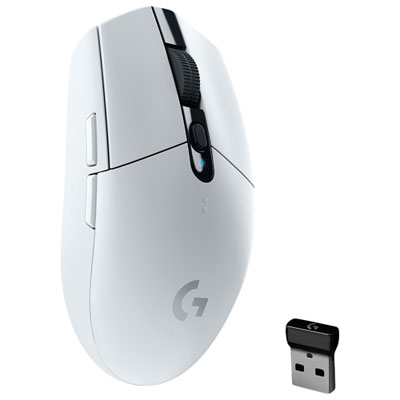
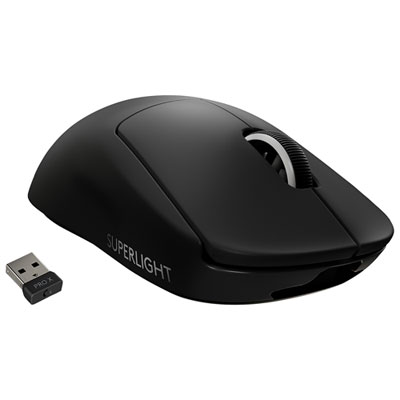
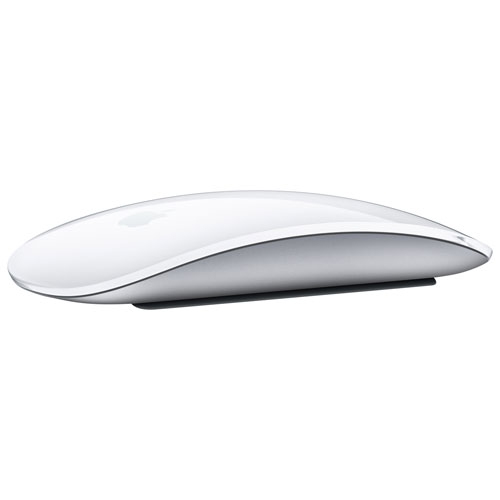
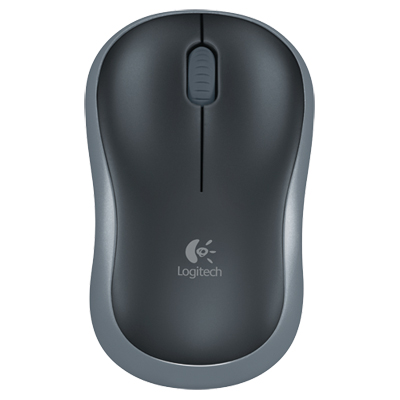
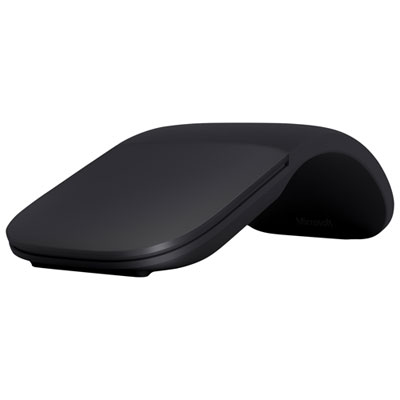
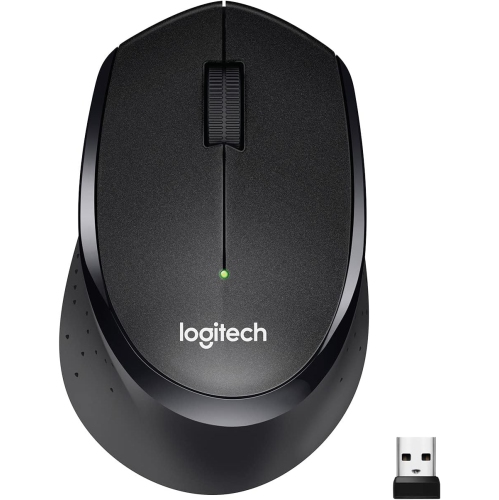
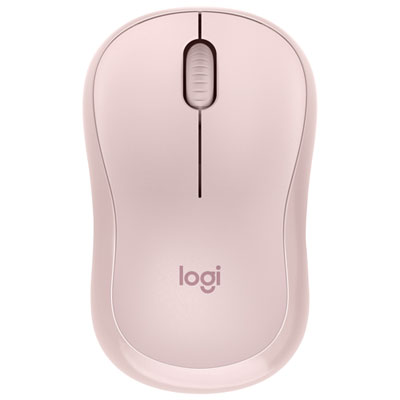
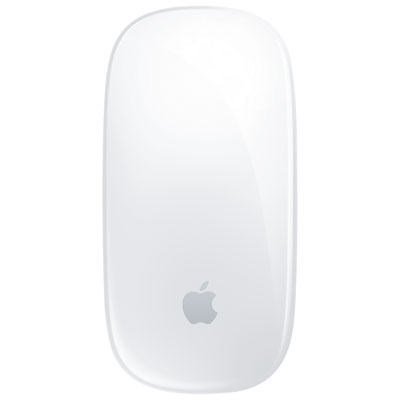
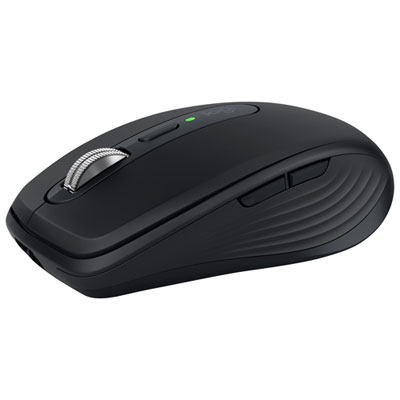
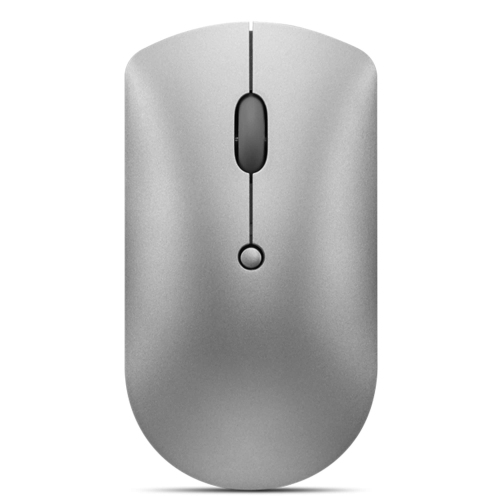
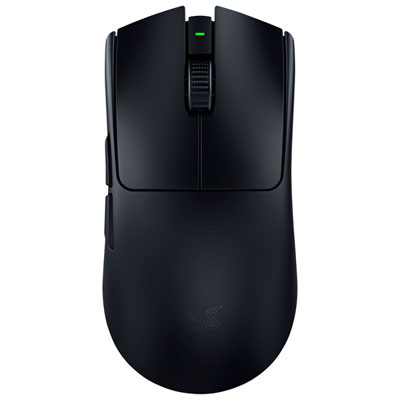
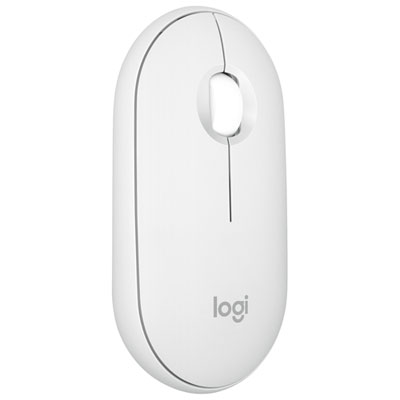
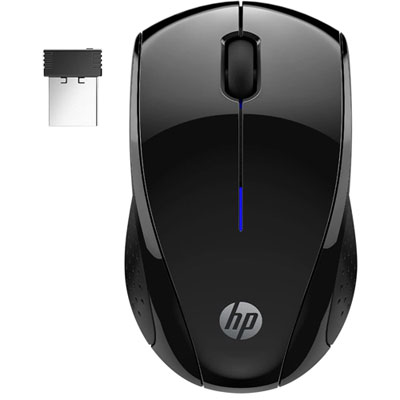
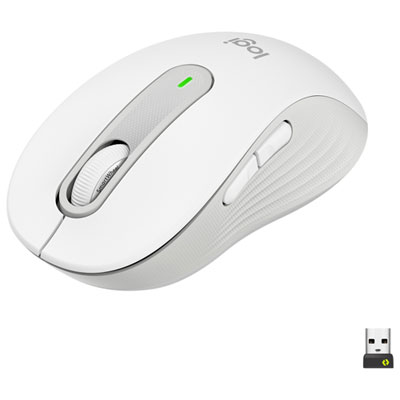
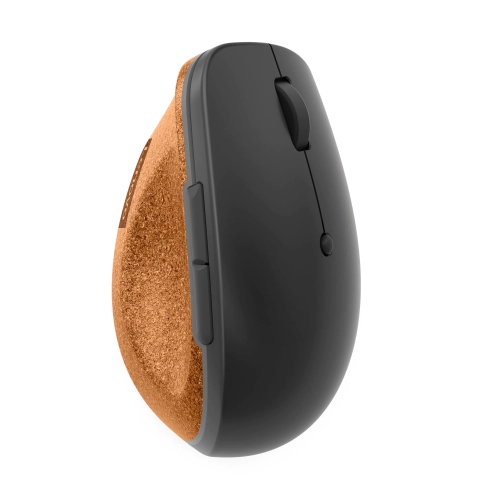
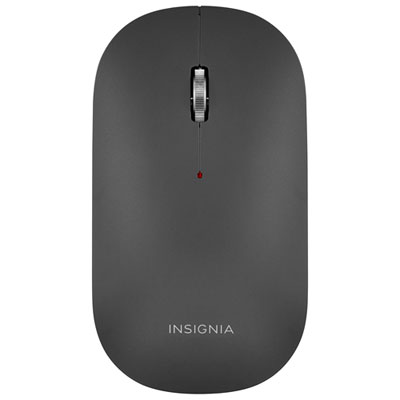

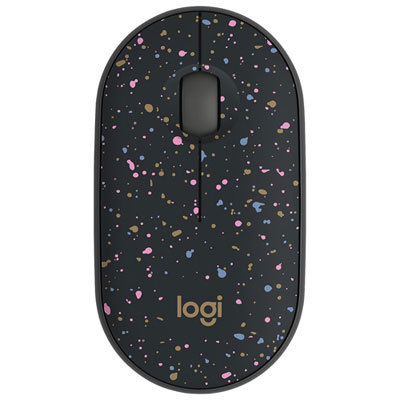

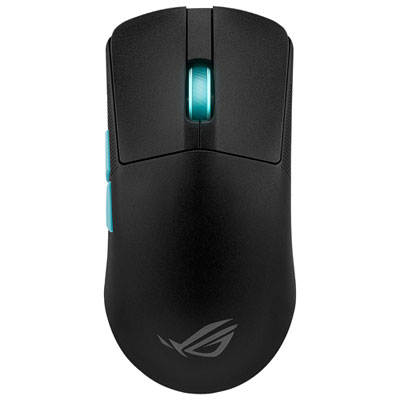

Streamlined style with a shape that fits your hand
Sleek wireless mice combine a streamlined shape with cable-free control, bringing a cleaner look to a desktop without giving up the precision needed for everyday computing. Their appeal spans several uses: a slim mouse that slips beside a laptop, a gently sculpted design for hours of office work, or a lightweight shape that moves easily during games. A sleek appearance does not necessarily mean a flat profile. Smooth curves, restrained detailing, and a well-proportioned body can look understated while still supporting the hand. The most comfortable fit depends on hand size, grip style, and how much of the palm rests on the mouse. Someone who uses a fingertip grip may appreciate a compact body that leaves room for small, quick movements, while a palm grip often benefits from a fuller back and more length. A low-profile shape travels neatly, but a taller curve may feel more supportive during a long session of editing documents or arranging slides. Ambidextrous shapes can suit either hand, although side-button placement and software support still matter for left-handed use. Materials influence the feel as much as the outline does. Smooth plastic shells can move easily in and out of a laptop sleeve, matte finishes offer a subdued appearance, and textured side panels can add grip. Soft-touch surfaces have a different feel from hard shells and may show wear differently with frequent handling. Colour is another practical detail: darker finishes can show dust, while pale surfaces may reveal marks from daily use. On a shared work surface, quiet-click switches can make repeated clicking less noticeable to nearby colleagues or family members. For someone moving between spreadsheets, video calls, and household tasks, these small differences in shape, surface, and sound often matter more than decorative accents. The result is an accessory that can fit naturally into a carefully arranged workstation while remaining comfortable enough to use throughout an ordinary day. Rounded edges and an uncluttered button layout can also make a mouse easier to handle when moving between rooms or packing up after a meeting.
Wireless performance depends on the connection method, the computer, and the demands of the task. Bluetooth can connect a compatible mouse without occupying a USB port, which is useful on laptops with limited connections. A dedicated USB receiver offers another connection option, though the receiver needs a matching port or a suitable adapter. USB-A and USB-C are different connector shapes, so compatibility matters as much as the promise of wireless operation. Some mice support more than one connection method or can switch between paired devices, making them useful at a desk shared by a work laptop and a personal computer. Device switching is especially convenient when moving from a report on one screen to messages on another, but it is distinct from controlling several computers at once. Operating system support also deserves attention, since basic pointing may work even when programmable buttons or advanced scrolling features require compatible software. For productivity, a scroll wheel with distinct steps can make line-by-line reading feel controlled, while a free-spinning mode, where offered, can move quickly through lengthy documents. Horizontal scrolling and customizable side buttons can reduce repeated movements when working with wide spreadsheets or frequently used commands. Adjustable pointer sensitivity helps match movement to the display and available work surface; a very high sensitivity setting is not automatically more accurate or more comfortable. For play, the emphasis with Sleek Gaming Mice shifts towards responsive tracking, manageable weight, and controls that remain easy to reach during quick movements. Wireless gaming features vary, and a streamlined office mouse is not necessarily designed for fast competitive play. Sensor performance, connection stability, and polling rate can matter alongside shape, although higher-performance settings may use more battery power. A consistent mouse-pad surface also helps provide predictable movement, especially where a desk has a glossy or transparent finish that a particular sensor may struggle to track reliably. Generous clear space beside the keyboard allows broader movements without bumping into a mug, notebook, or the edge of a laptop stand.
Portability, power, and everyday care round out the appeal of sleek wireless mice. A compact body is convenient for commuting, studying between classes, or working at a kitchen table before putting everything away. Low weight makes a mouse easier to carry, while a sturdy shell and securely fitted buttons help it tolerate regular handling. A protective pocket can keep the scroll wheel and underside from rubbing against loose keys or charging accessories inside a bag. Receiver storage, when built into the mouse, provides a dedicated place for a small component that is otherwise easy to misplace. An accessible power switch can help prevent unintended operation in transit. Battery arrangements vary: some designs use replaceable batteries, while others have an internal rechargeable battery. Claimed battery life depends on usage, connection mode, lighting, and performance settings, so the same mouse may need charging more often during intensive play than during occasional document work. A charge indicator can make planning easier, and the charging-port position affects how convenient a rechargeable design is to connect at a desk. Not every rechargeable mouse works while plugged in, so that capability matters for anyone who prefers to continue working during charging. Routine care is straightforward but helps preserve the finish and movement. With the mouse switched off and disconnected from power, a soft, lint-free cloth can lift fingerprints and surface dust; any cleaning liquid should be used only as directed by the manufacturer, rather than sprayed into buttons or openings. Keeping the sensor area, scroll wheel, mouse feet, and work surface free of debris helps maintain smooth travel. Excessive pressure and abrasive cleaners can damage coatings or scratch the shell. As a gift, a sleek wireless mouse suits students, remote workers, frequent travellers, and anyone refining a desktop setup. A familiar hand size, preferred connection method, and usual computer tasks offer more useful clues than appearance alone, helping make a compact accessory feel like a thoughtful addition to someone's daily routine.
Wireless performance depends on the connection method, the computer, and the demands of the task. Bluetooth can connect a compatible mouse without occupying a USB port, which is useful on laptops with limited connections. A dedicated USB receiver offers another connection option, though the receiver needs a matching port or a suitable adapter. USB-A and USB-C are different connector shapes, so compatibility matters as much as the promise of wireless operation. Some mice support more than one connection method or can switch between paired devices, making them useful at a desk shared by a work laptop and a personal computer. Device switching is especially convenient when moving from a report on one screen to messages on another, but it is distinct from controlling several computers at once. Operating system support also deserves attention, since basic pointing may work even when programmable buttons or advanced scrolling features require compatible software. For productivity, a scroll wheel with distinct steps can make line-by-line reading feel controlled, while a free-spinning mode, where offered, can move quickly through lengthy documents. Horizontal scrolling and customizable side buttons can reduce repeated movements when working with wide spreadsheets or frequently used commands. Adjustable pointer sensitivity helps match movement to the display and available work surface; a very high sensitivity setting is not automatically more accurate or more comfortable. For play, the emphasis with Sleek Gaming Mice shifts towards responsive tracking, manageable weight, and controls that remain easy to reach during quick movements. Wireless gaming features vary, and a streamlined office mouse is not necessarily designed for fast competitive play. Sensor performance, connection stability, and polling rate can matter alongside shape, although higher-performance settings may use more battery power. A consistent mouse-pad surface also helps provide predictable movement, especially where a desk has a glossy or transparent finish that a particular sensor may struggle to track reliably. Generous clear space beside the keyboard allows broader movements without bumping into a mug, notebook, or the edge of a laptop stand.
Portability, power, and everyday care round out the appeal of sleek wireless mice. A compact body is convenient for commuting, studying between classes, or working at a kitchen table before putting everything away. Low weight makes a mouse easier to carry, while a sturdy shell and securely fitted buttons help it tolerate regular handling. A protective pocket can keep the scroll wheel and underside from rubbing against loose keys or charging accessories inside a bag. Receiver storage, when built into the mouse, provides a dedicated place for a small component that is otherwise easy to misplace. An accessible power switch can help prevent unintended operation in transit. Battery arrangements vary: some designs use replaceable batteries, while others have an internal rechargeable battery. Claimed battery life depends on usage, connection mode, lighting, and performance settings, so the same mouse may need charging more often during intensive play than during occasional document work. A charge indicator can make planning easier, and the charging-port position affects how convenient a rechargeable design is to connect at a desk. Not every rechargeable mouse works while plugged in, so that capability matters for anyone who prefers to continue working during charging. Routine care is straightforward but helps preserve the finish and movement. With the mouse switched off and disconnected from power, a soft, lint-free cloth can lift fingerprints and surface dust; any cleaning liquid should be used only as directed by the manufacturer, rather than sprayed into buttons or openings. Keeping the sensor area, scroll wheel, mouse feet, and work surface free of debris helps maintain smooth travel. Excessive pressure and abrasive cleaners can damage coatings or scratch the shell. As a gift, a sleek wireless mouse suits students, remote workers, frequent travellers, and anyone refining a desktop setup. A familiar hand size, preferred connection method, and usual computer tasks offer more useful clues than appearance alone, helping make a compact accessory feel like a thoughtful addition to someone's daily routine.
Top selling and popular products
-
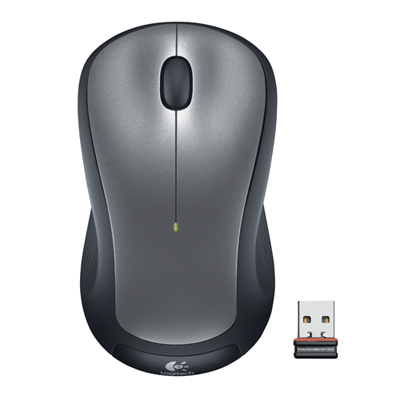 Your price for this item is $29.99
-
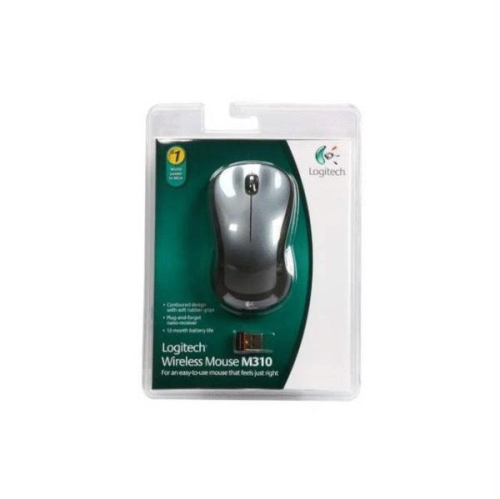 Your price for this item is $50.44
-
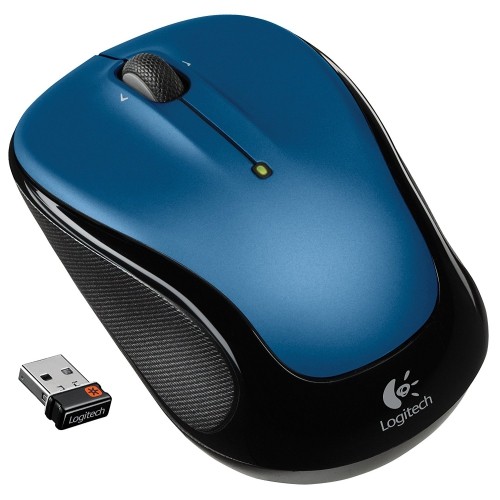 Your price for this item is $39.99
-
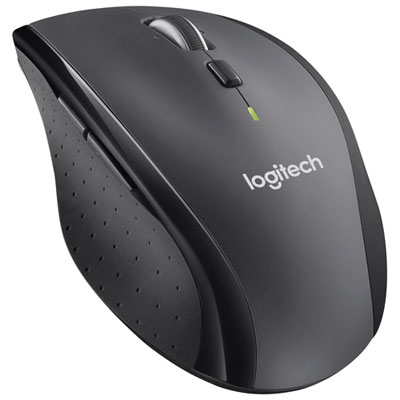 Your price for this item is $49.99
-
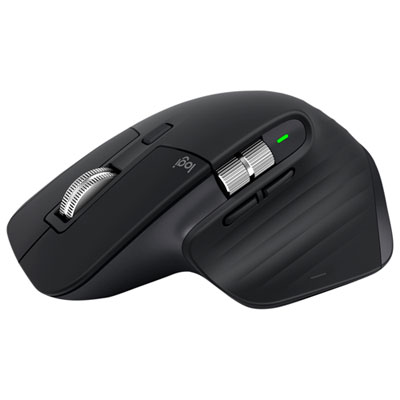 Your price for this item is $159.97
-
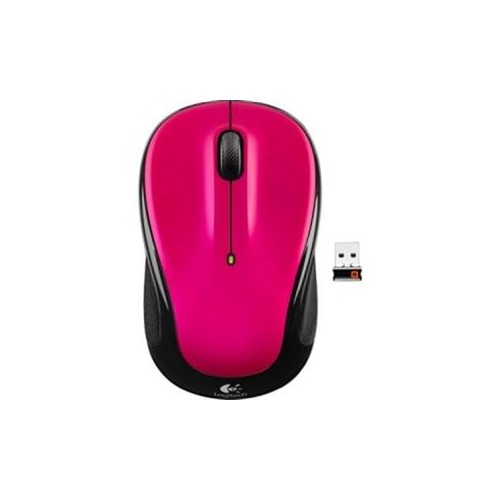 Your price for this item is $64.68
-
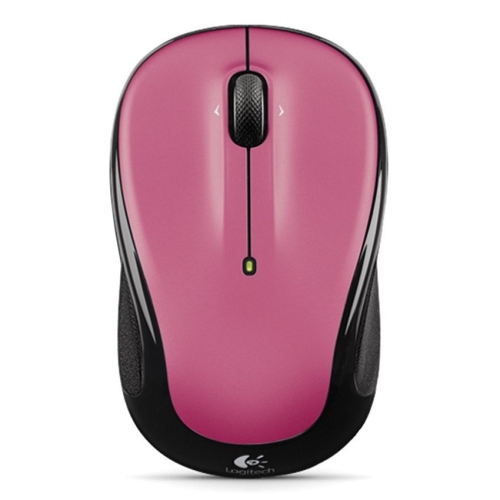 Your price for this item is $48.68
-
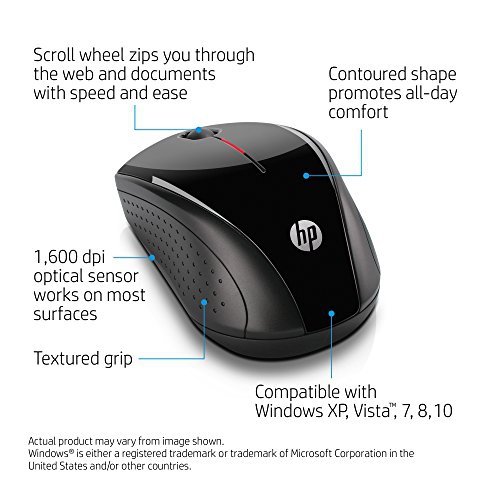 Your price for this item is $31
Discover more categories related to Sleek Wireless Mice

Top Collections:
Best Black Friday Deals This Year, Best Black Friday Deals On Electronics, Kindle Devices, Pokemon Centers, Best Black Friday Deals On Apple Products, Best Cameras for Sports Photography, Dyson Airwrap, Pokémon 30th Celebration Cards, Apple iPhone 17 Pro, Canon G7X Cameras
Some products may be subject to Environmental Handling Fees
(EHF) depending on your province.
Learn more about EHFs.