Sleek Mice
Upgrade your workspace or gaming setup with a sleek mouse designed to deliver both style and precision. Whether you're working, browsing, or diving into your favorite games, a sleek mouse offers smooth navigation and a modern look that complements any desktop. Explore a variety of options to find the perfect fit for your needs and experience enhanced comfort and performance with every click. Discover how a sleek mouse can transform the way you interact with your computer.
Sort

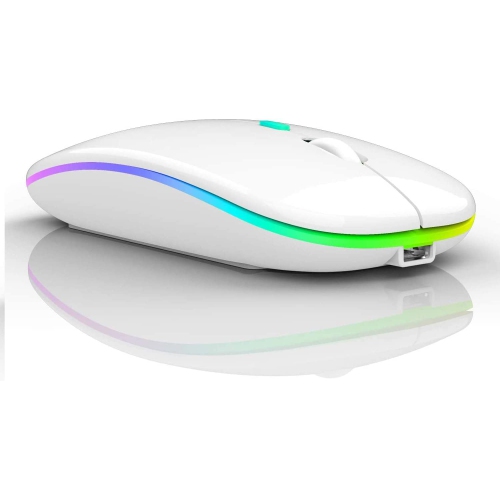
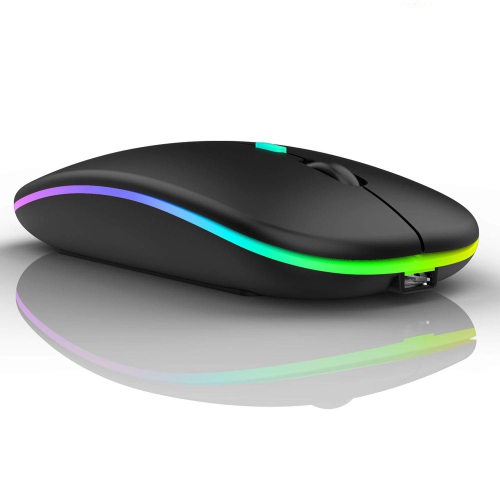
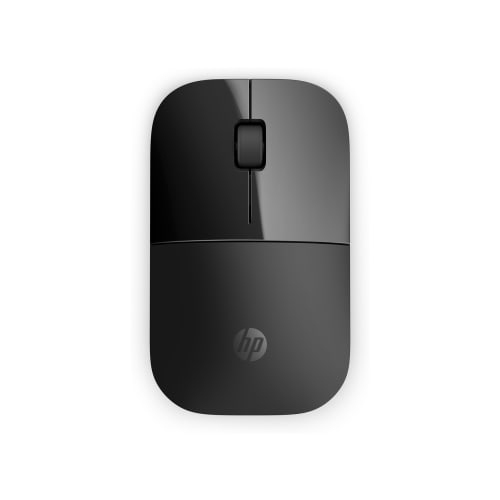
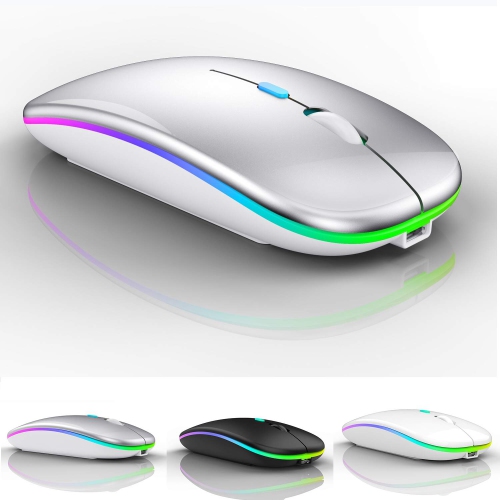
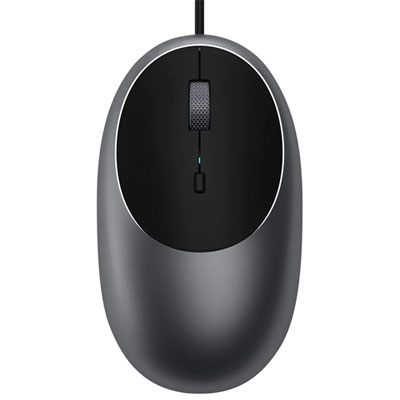


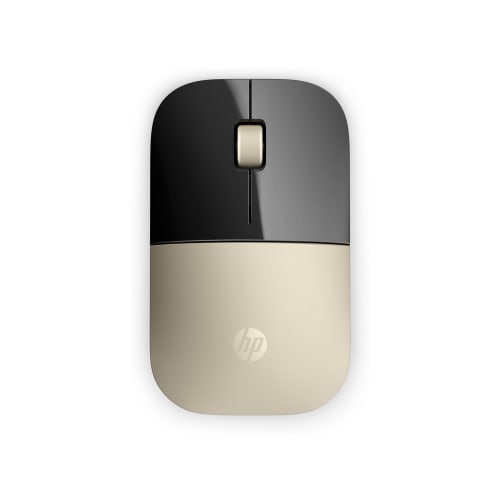

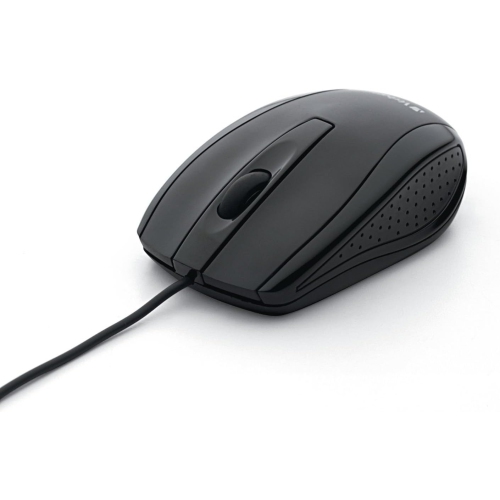
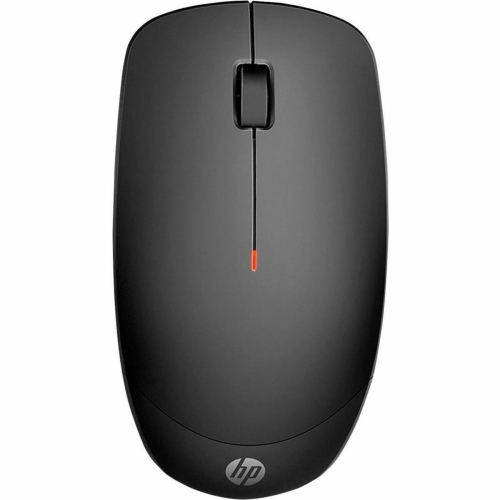
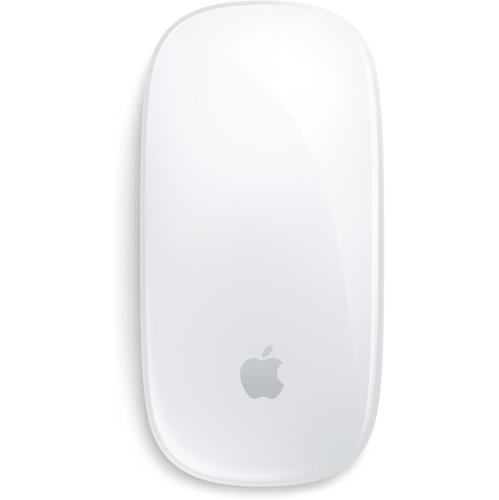


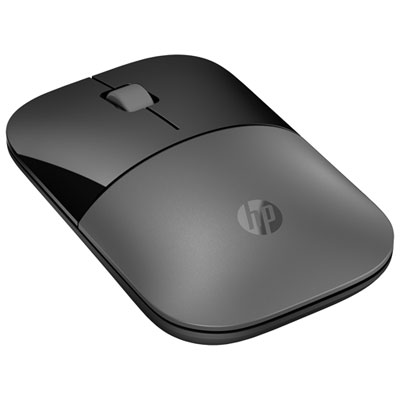

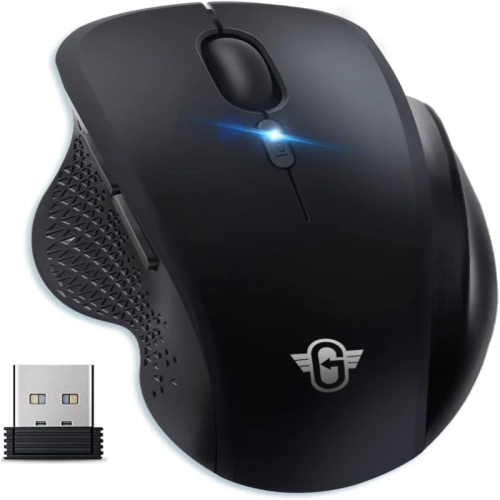
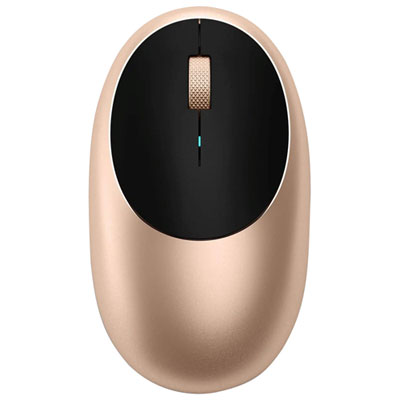
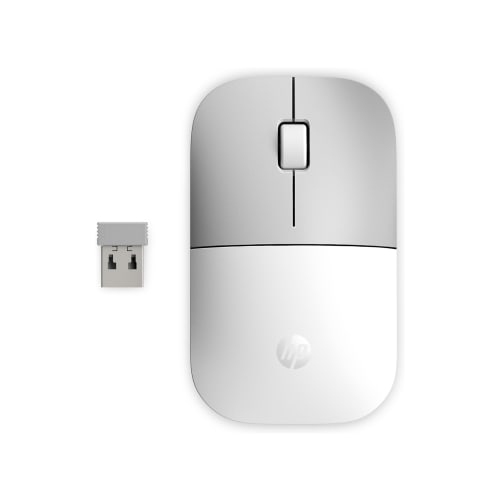
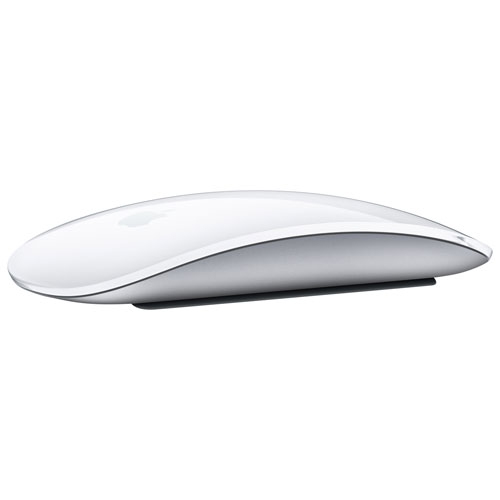
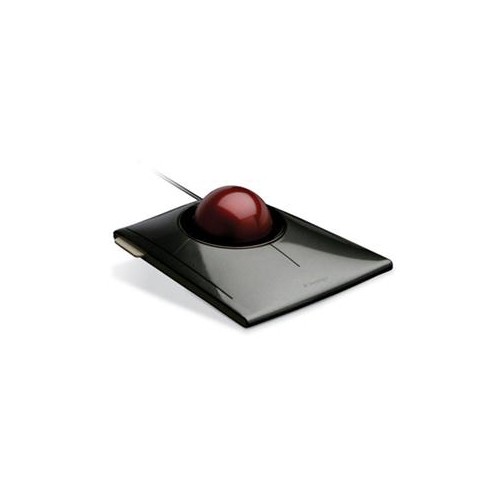

Clean mouse design goes beyond a slim silhouette
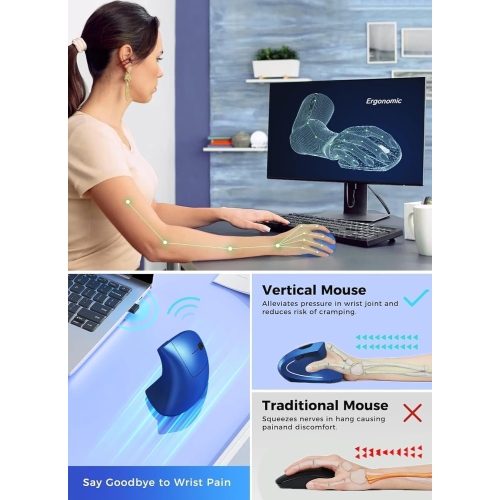
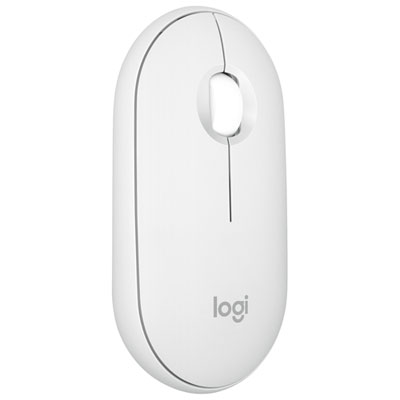
Sleek mice pair clean, understated design with the everyday functions of a computer mouse: accurate tracking, comfortable navigation, and responsive control. Their appeal comes from details such as smooth contours, neatly integrated buttons, restrained lighting, and finishes that sit comfortably beside a laptop or a minimalist desktop setup. A slim profile can slip easily into a laptop sleeve’s accessory pocket, while a fuller, sculpted shape may provide more support during longer sessions at a work surface. Sleek does not necessarily mean small, flat, or stripped of useful features; a mouse can have a subtle appearance and still include side buttons, adjustable sensitivity, or a versatile scroll wheel. Fit matters as much as appearance. Someone who rests their whole palm on a mouse generally needs a different shape from someone who guides it mainly with their fingertips. Width, length, weight, and the placement of the highest point all affect how naturally the hand settles. A symmetrical shell may suit either hand, although side-button placement can still favour right-handed use. For extended work, a shape that lets the wrist remain relatively straight and the fingers reach the controls without stretching is more useful than a thin silhouette alone. Materials also influence the feel. Smooth plastic shells are common, textured side panels can improve grip, and soft-touch coatings offer a different sensation from hard, uncoated surfaces. Matte finishes tend to make fingerprints less noticeable than glossy ones, though the colour and texture affect how visible marks become. A clean-looking mouse also benefits from practical construction: securely fitted panels, consistent button action, and stable glide feet help it feel dependable rather than merely decorative. On a shared desk or in an open study area, quiet-click switches can be a welcome feature, but the level of sound varies by design. These small differences help distinguish a mouse meant for occasional browsing from one that feels comfortable through documents, spreadsheets, creative work, and regular travel.
Connection type shapes the experience just as much as the shell. A wired mouse offers a straightforward connection without a battery to recharge, making it useful at a permanent workstation where a cable can stay neatly routed. Cable flexibility and length matter when the computer sits beneath the desk or when space around the keyboard is limited. Wireless mice reduce cable clutter and are convenient for moving between a desk, a meeting room, and a laptop bag. Bluetooth models can connect without a separate receiver when the computer supports the required connection, leaving a USB port free for another accessory. Models that use a dedicated USB receiver offer another wireless option, but the receiver’s connector needs to match an available port or suitable adapter. Some mice support more than one connection method or can switch between paired devices, a useful feature for someone who moves between a work computer and a personal laptop. Compatibility deserves attention beyond the basic connection: extra buttons, custom shortcuts, and advanced settings may depend on software that is not supported on every operating system. Performance needs also differ. For email, web browsing, and office documents, predictable tracking and easy scrolling often matter more than extreme sensitivity settings. Large displays and multiple-monitor arrangements can benefit from adjustable sensitivity, while detailed image editing may call for slower, more controlled pointer movement. A higher sensitivity number alone does not establish better accuracy. For players who want an understated setup without giving up gaming-focused features, Sleek Gaming Mice bring that same design preference to uses where sensor consistency, click response, weight, and connection latency deserve closer attention. A lightweight body can feel easier to reposition during repeated sweeping movements, while others prefer a more substantial feel for controlled navigation. Higher polling rates can reduce the interval between position reports, though their practical benefit depends on the rest of the setup and the task. The surface underneath matters, too: a suitable mouse pad provides a consistent tracking area, and transparent or reflective surfaces may require a sensor specifically designed to handle them.
Everyday convenience often comes down to features that are easy to overlook in a photograph. A scroll wheel with distinct steps can make moving through a document feel controlled, while a free-spinning mode, where included, can help with lengthy pages. Horizontal scrolling may be useful for wide spreadsheets or editing timelines, and reachable side buttons can reduce repeated trips to on-screen controls. Those features are most helpful when they match familiar tasks rather than adding controls that rarely get used. For a student carrying a laptop between study spaces, a compact shape, protected power switch, and built-in receiver storage can be practical advantages. For someone working at a desk all day, hand support, quiet operation, and a comfortable button layout may carry more weight. Battery arrangements deserve similar consideration. Replaceable batteries and built-in rechargeable batteries involve different routines, and published battery-life estimates depend on factors such as connection mode, lighting, and usage. A charging port’s position can also affect convenience; using a mouse while it charges is possible only on models designed to support it. Regular care helps preserve both appearance and function. Dust and grit can collect around the wheel and glide feet, while skin oils may gradually change the feel of frequently touched areas. Cleaning according to the manufacturer’s directions, keeping moisture away from openings, and storing the mouse where keys or adapters cannot scrape against it help limit avoidable wear. Harsh cleaners can damage coatings, so the finish should guide the cleaning method. A sleek mouse can also make a thoughtful gift for a student, remote worker, frequent traveller, or someone refining a home office, particularly when the recipient’s hand preference, computer connections, and typical use are known. Matching the mouse to those habits makes its streamlined appearance part of a practical upgrade, with a comfortable shape and useful controls that continue to matter long after the desk has been tidied.
Connection type shapes the experience just as much as the shell. A wired mouse offers a straightforward connection without a battery to recharge, making it useful at a permanent workstation where a cable can stay neatly routed. Cable flexibility and length matter when the computer sits beneath the desk or when space around the keyboard is limited. Wireless mice reduce cable clutter and are convenient for moving between a desk, a meeting room, and a laptop bag. Bluetooth models can connect without a separate receiver when the computer supports the required connection, leaving a USB port free for another accessory. Models that use a dedicated USB receiver offer another wireless option, but the receiver’s connector needs to match an available port or suitable adapter. Some mice support more than one connection method or can switch between paired devices, a useful feature for someone who moves between a work computer and a personal laptop. Compatibility deserves attention beyond the basic connection: extra buttons, custom shortcuts, and advanced settings may depend on software that is not supported on every operating system. Performance needs also differ. For email, web browsing, and office documents, predictable tracking and easy scrolling often matter more than extreme sensitivity settings. Large displays and multiple-monitor arrangements can benefit from adjustable sensitivity, while detailed image editing may call for slower, more controlled pointer movement. A higher sensitivity number alone does not establish better accuracy. For players who want an understated setup without giving up gaming-focused features, Sleek Gaming Mice bring that same design preference to uses where sensor consistency, click response, weight, and connection latency deserve closer attention. A lightweight body can feel easier to reposition during repeated sweeping movements, while others prefer a more substantial feel for controlled navigation. Higher polling rates can reduce the interval between position reports, though their practical benefit depends on the rest of the setup and the task. The surface underneath matters, too: a suitable mouse pad provides a consistent tracking area, and transparent or reflective surfaces may require a sensor specifically designed to handle them.
Everyday convenience often comes down to features that are easy to overlook in a photograph. A scroll wheel with distinct steps can make moving through a document feel controlled, while a free-spinning mode, where included, can help with lengthy pages. Horizontal scrolling may be useful for wide spreadsheets or editing timelines, and reachable side buttons can reduce repeated trips to on-screen controls. Those features are most helpful when they match familiar tasks rather than adding controls that rarely get used. For a student carrying a laptop between study spaces, a compact shape, protected power switch, and built-in receiver storage can be practical advantages. For someone working at a desk all day, hand support, quiet operation, and a comfortable button layout may carry more weight. Battery arrangements deserve similar consideration. Replaceable batteries and built-in rechargeable batteries involve different routines, and published battery-life estimates depend on factors such as connection mode, lighting, and usage. A charging port’s position can also affect convenience; using a mouse while it charges is possible only on models designed to support it. Regular care helps preserve both appearance and function. Dust and grit can collect around the wheel and glide feet, while skin oils may gradually change the feel of frequently touched areas. Cleaning according to the manufacturer’s directions, keeping moisture away from openings, and storing the mouse where keys or adapters cannot scrape against it help limit avoidable wear. Harsh cleaners can damage coatings, so the finish should guide the cleaning method. A sleek mouse can also make a thoughtful gift for a student, remote worker, frequent traveller, or someone refining a home office, particularly when the recipient’s hand preference, computer connections, and typical use are known. Matching the mouse to those habits makes its streamlined appearance part of a practical upgrade, with a comfortable shape and useful controls that continue to matter long after the desk has been tidied.
Top selling and popular products
-
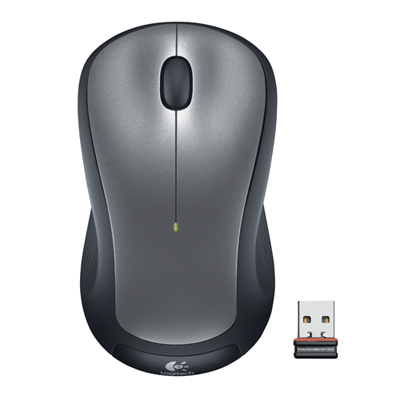 Your price for this item is $29.99
-
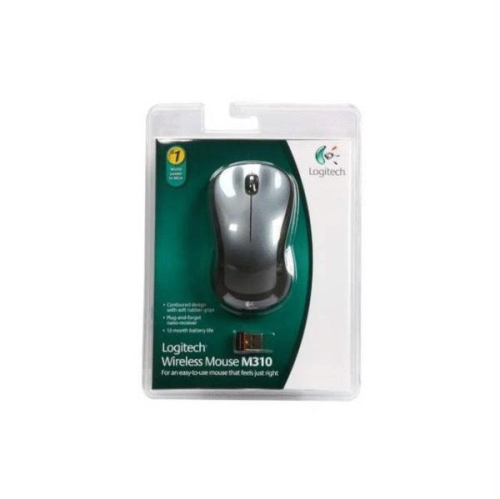 Your price for this item is $50.44
-
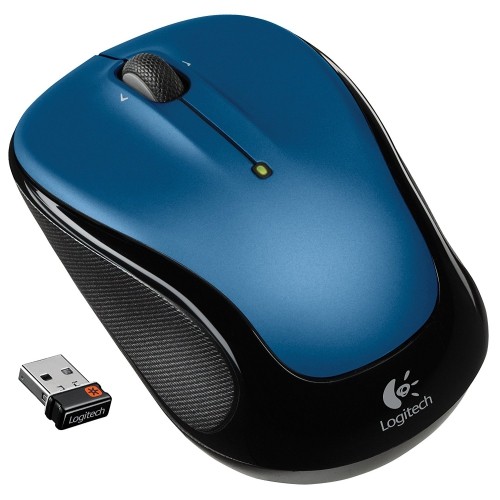 Your price for this item is $39.99
-
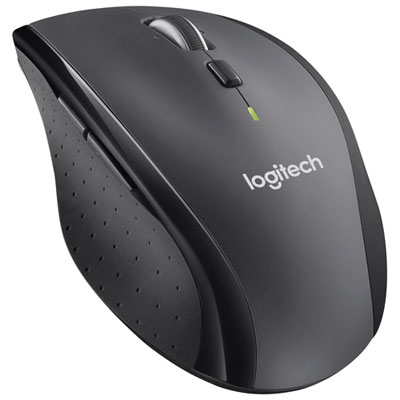 Your price for this item is $49.99
-
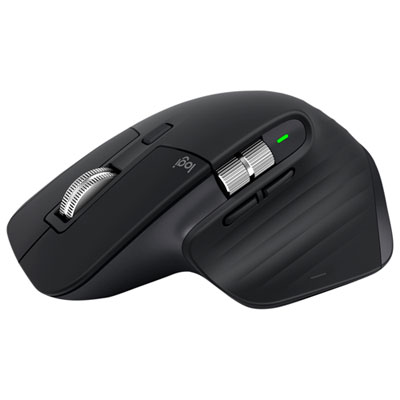 Your price for this item is $159.97
-
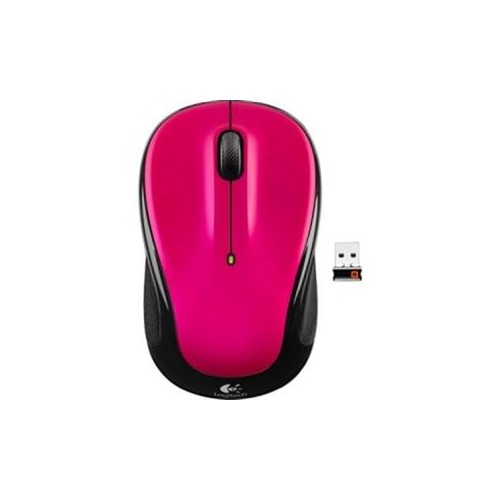 Your price for this item is $64.68
-
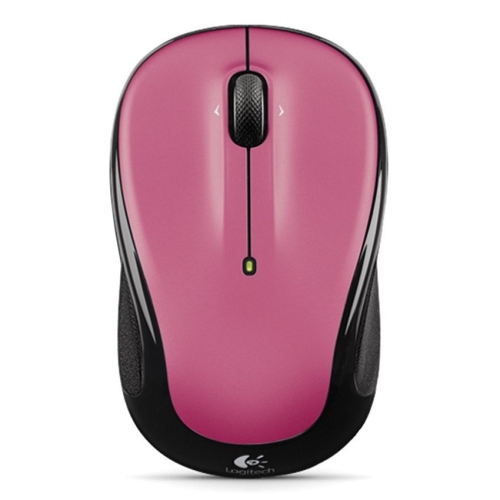 Your price for this item is $48.68
-
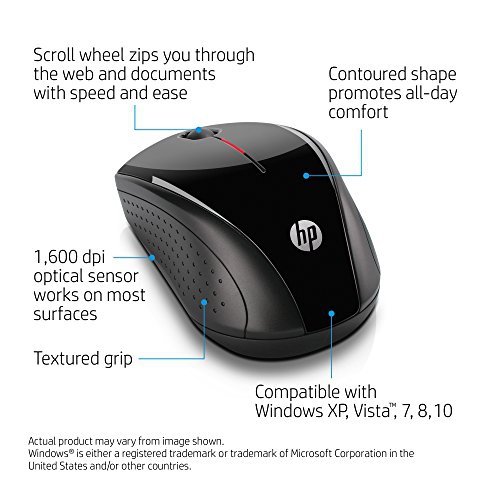 Your price for this item is $31
Discover more categories related to Sleek Mice



Top Collections:
Best Black Friday Deals This Year, Best Black Friday Deals On Electronics, Kindle Devices, Pokemon Centers, Best Black Friday Deals On Apple Products, Best Cameras for Sports Photography, Dyson Airwrap, Pokémon 30th Celebration Cards, Apple iPhone 17 Pro, Canon G7X Cameras
Some products may be subject to Environmental Handling Fees
(EHF) depending on your province.
Learn more about EHFs.