Micro Usb Flash Drives
Looking for a convenient and portable way to store and transfer your files? Look no further than micro-USB flash drives. These compact devices offer the perfect solution for those who need to carry important documents, photos, videos, and more wherever they go. With their small size and compatibility with a wide range of devices, micro-USB flash drives are the go-to choice for individuals looking to free up space on their smartphones, tablets, or laptops.
Sort


























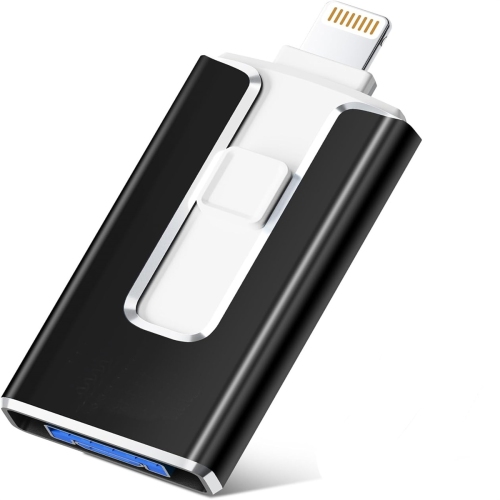
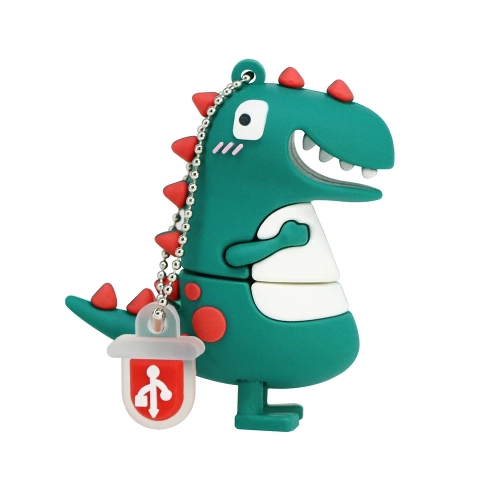


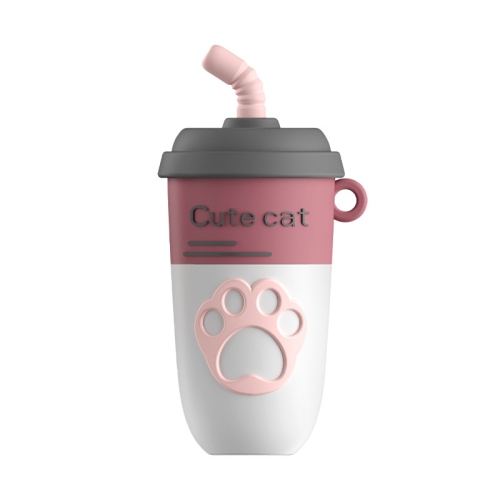

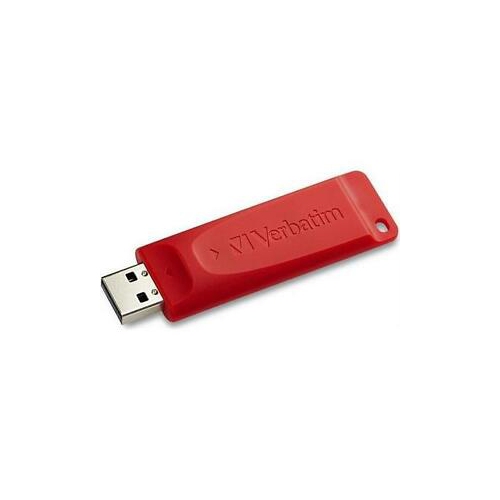







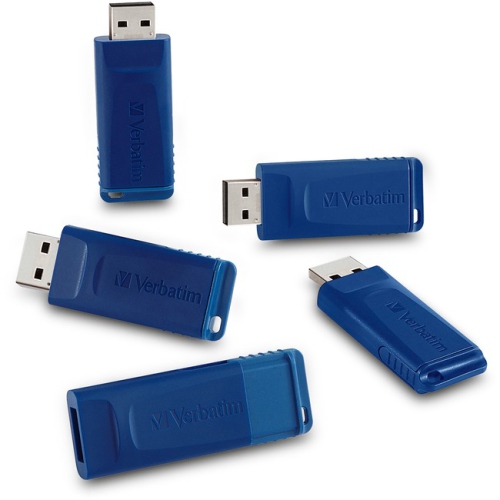
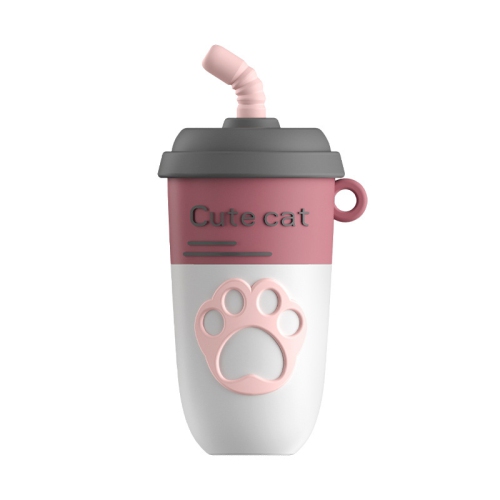

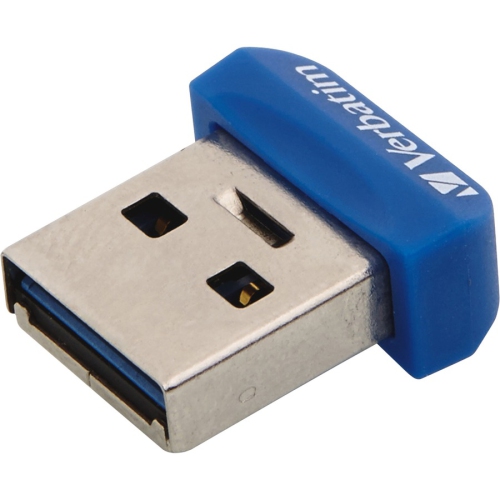

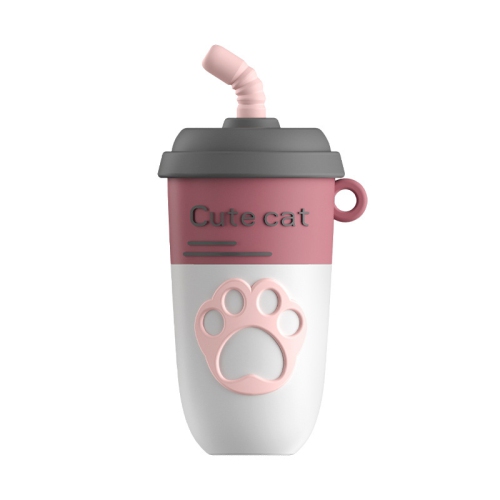
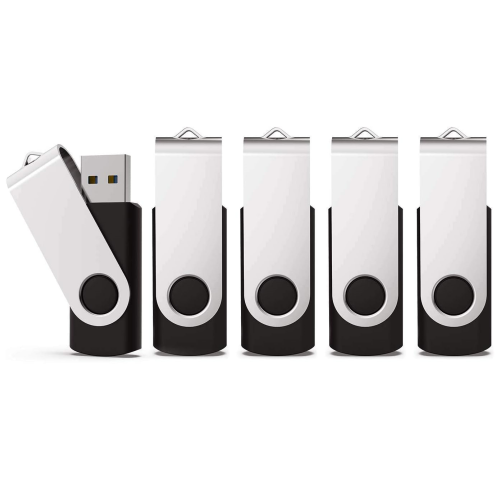
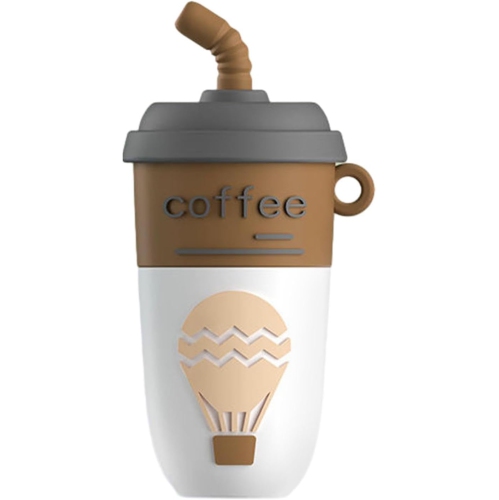

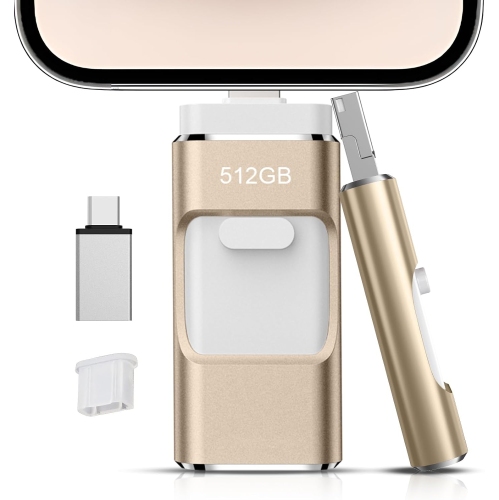

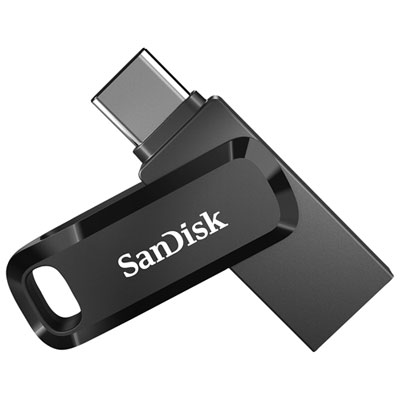

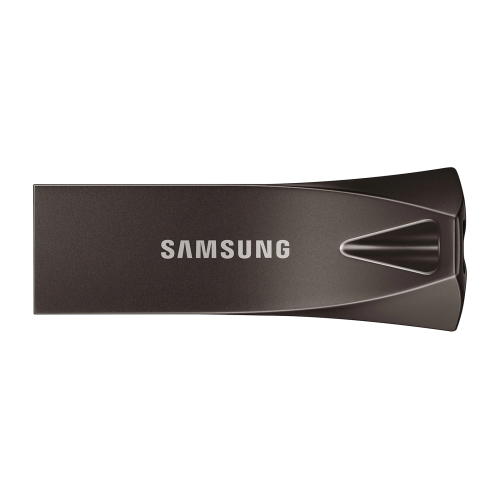

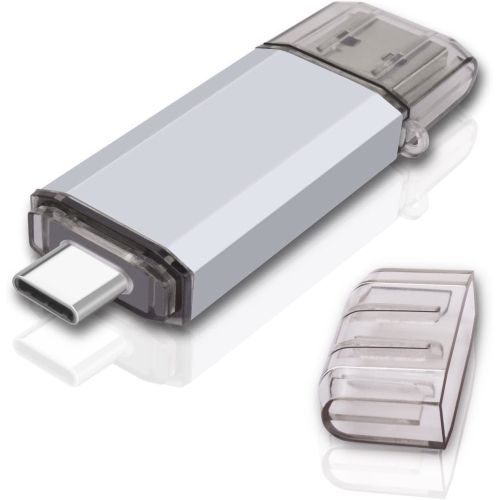
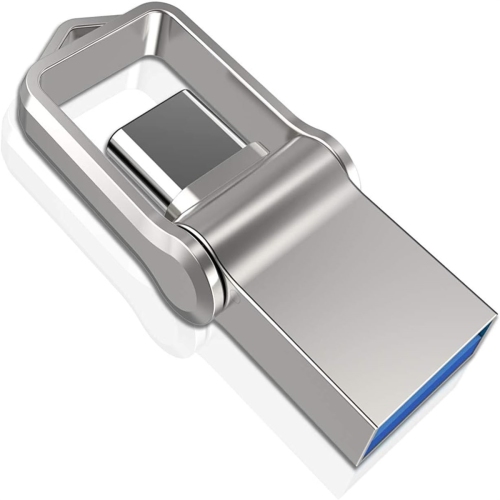
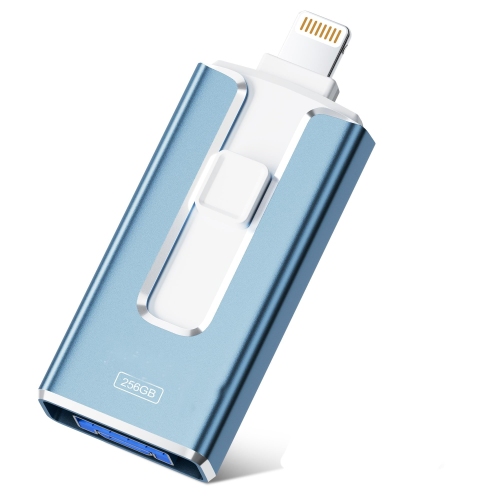

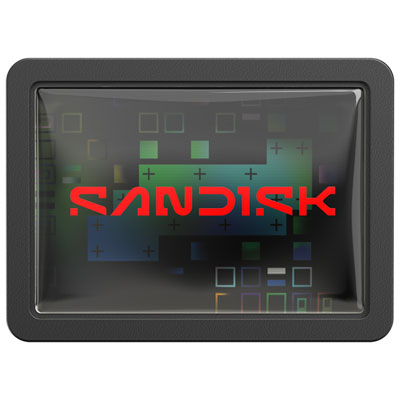

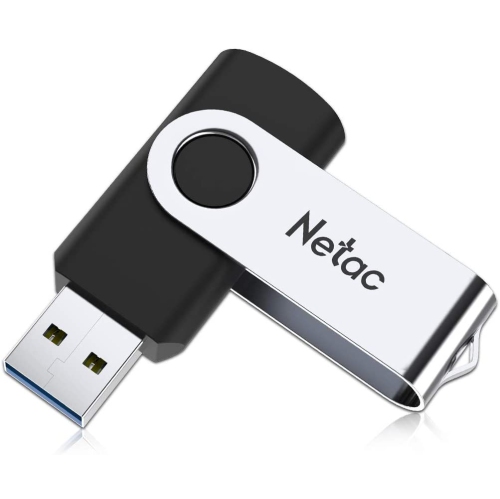


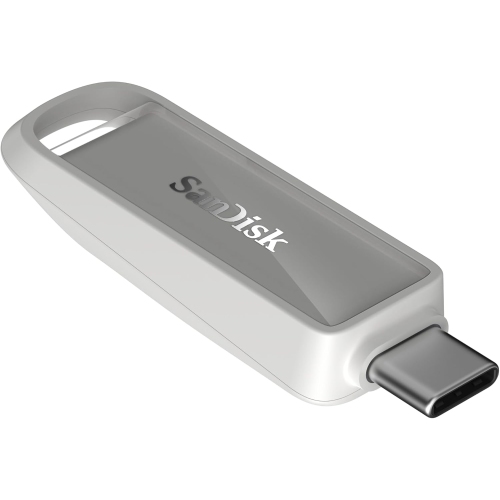
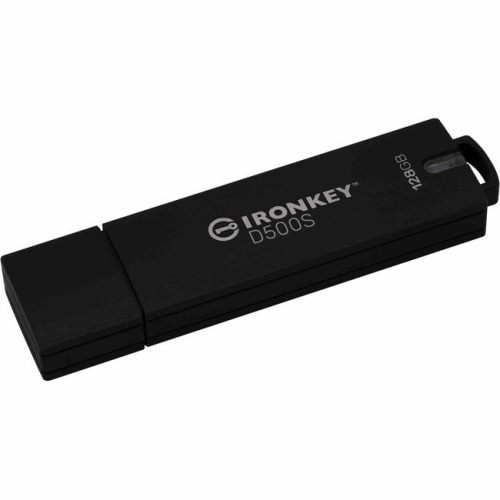
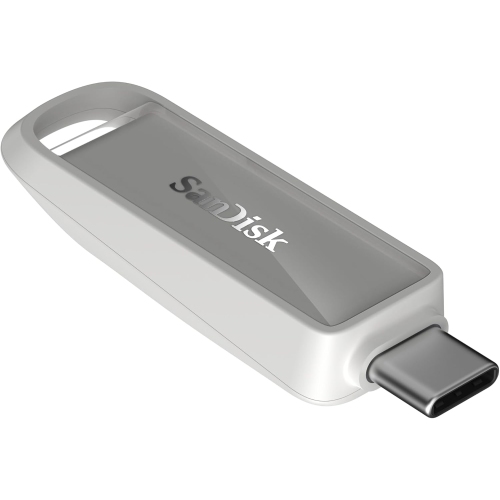
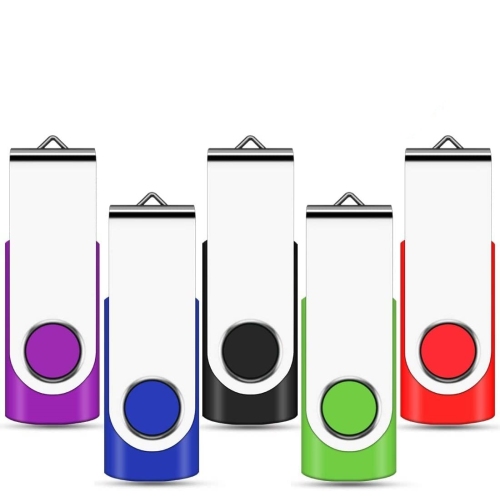
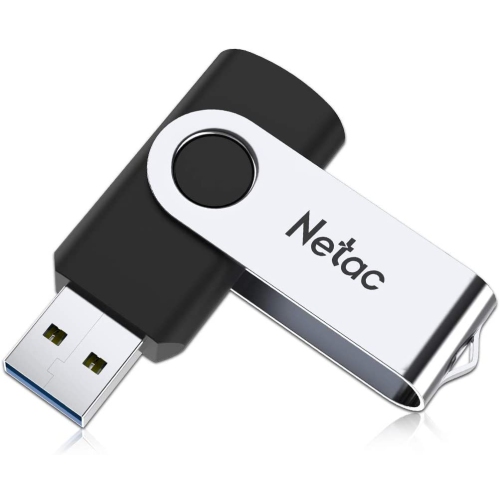

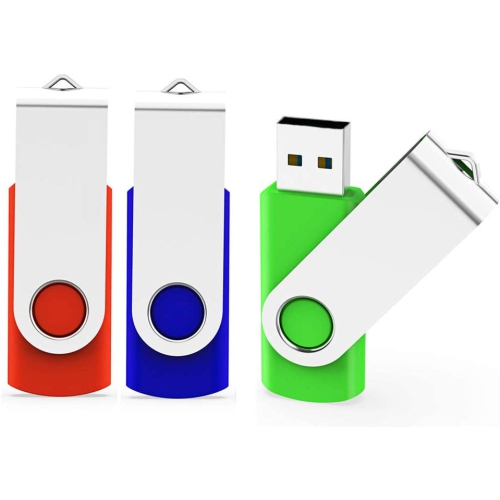









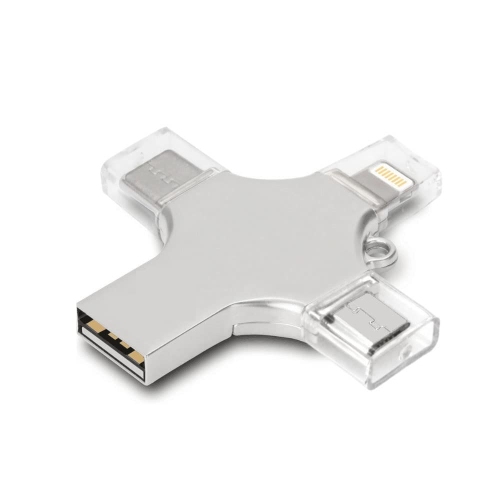

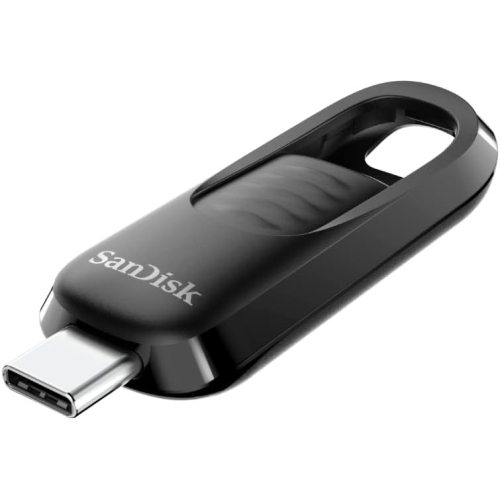
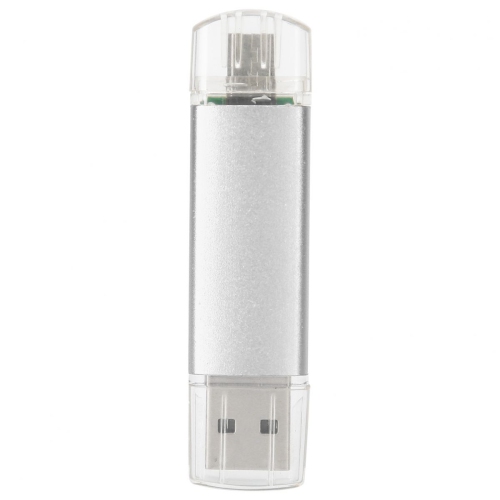


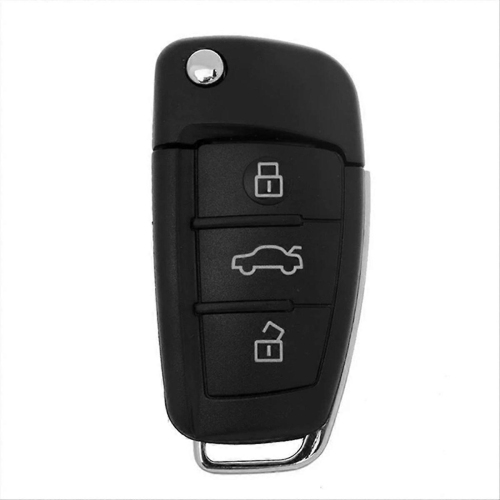
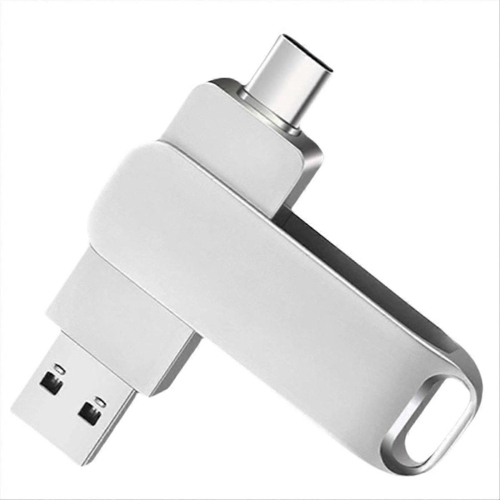
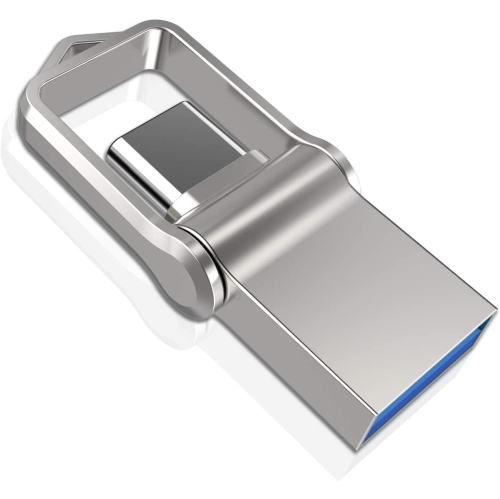

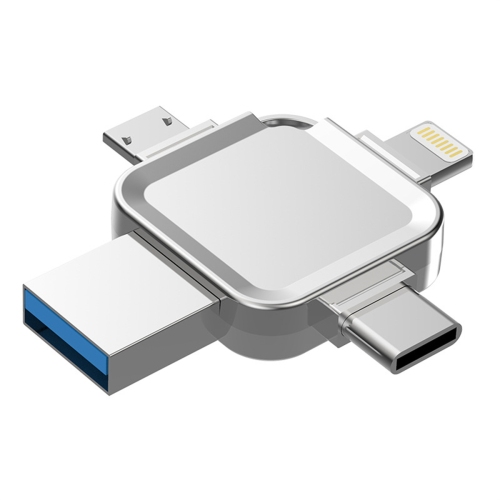
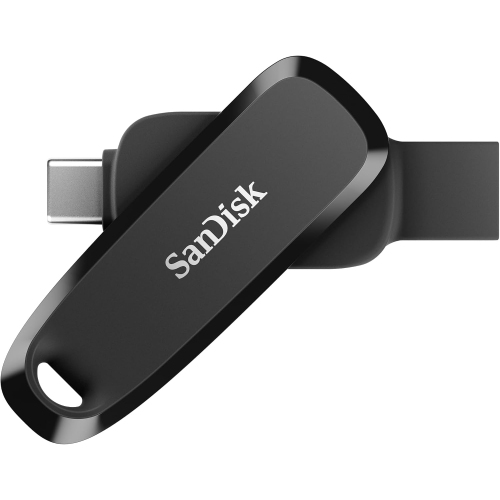

















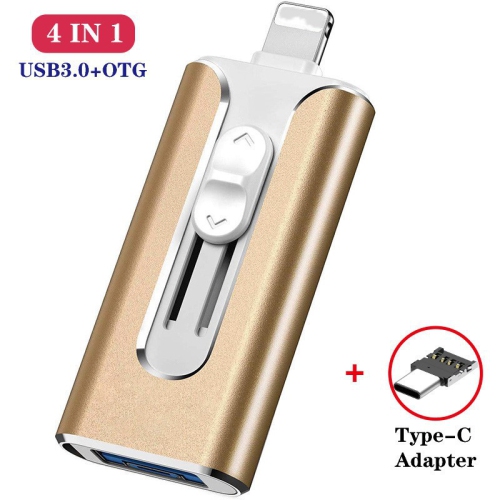
Offline file transfers start with the right connection
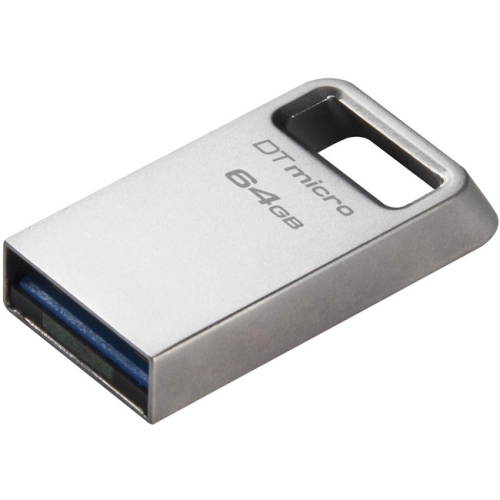
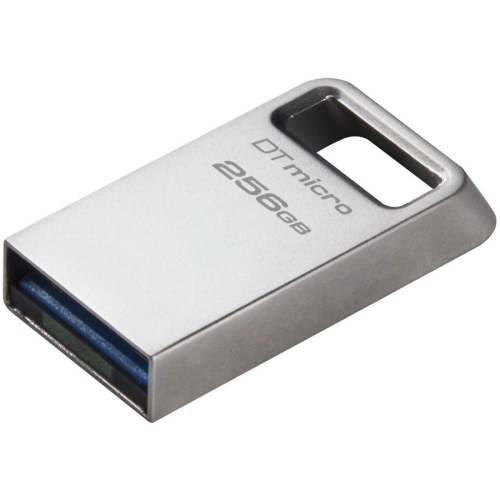
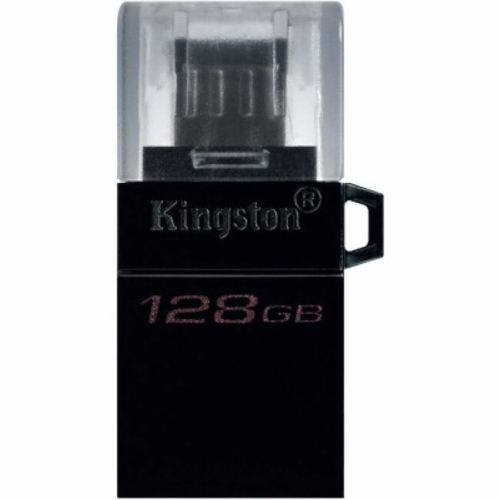
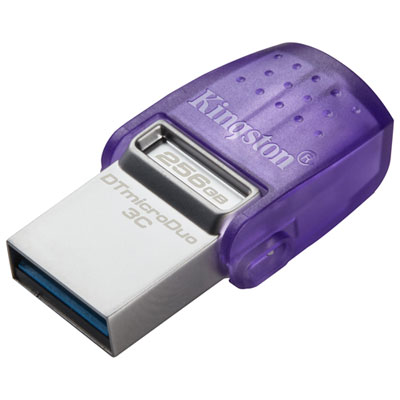
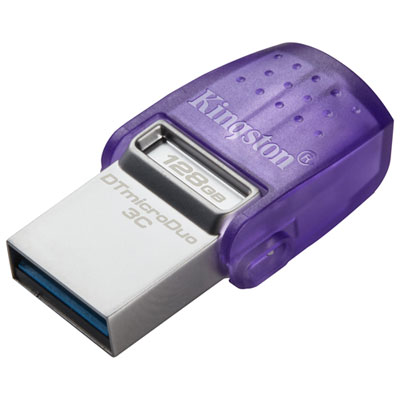
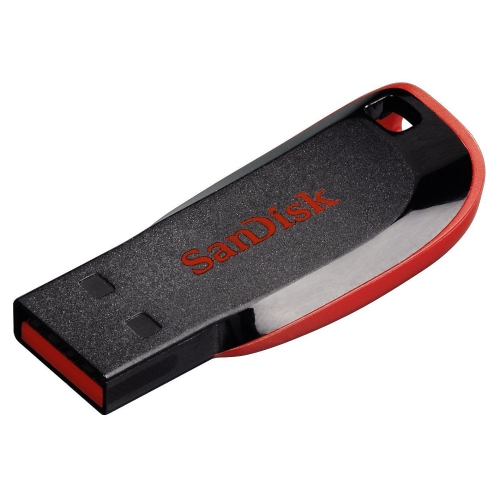
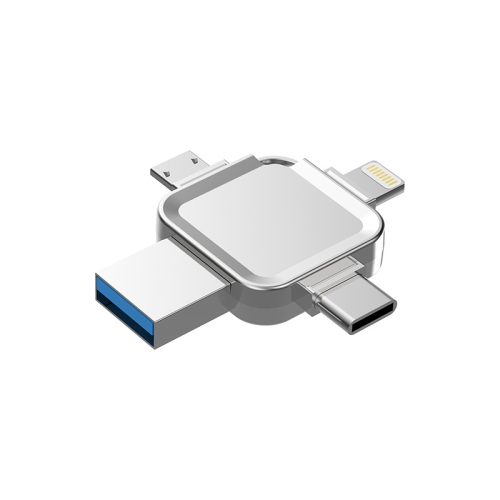
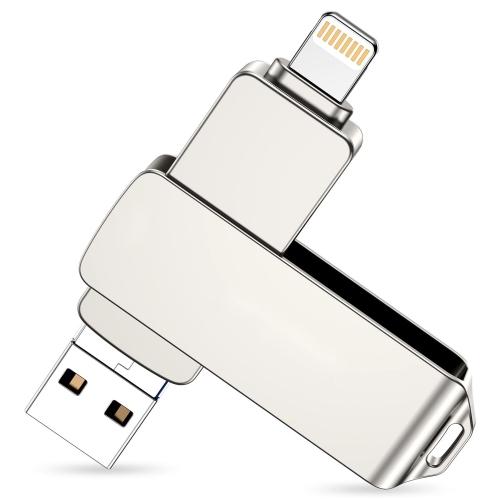
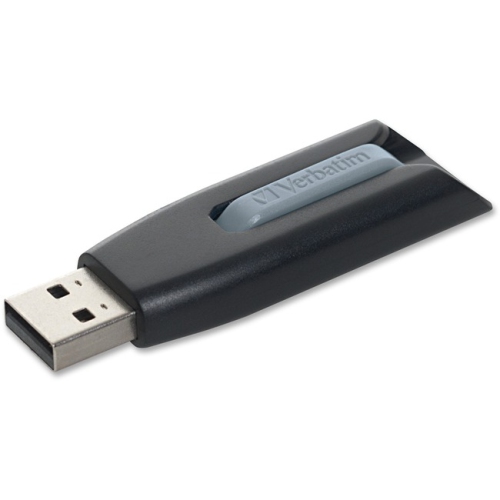
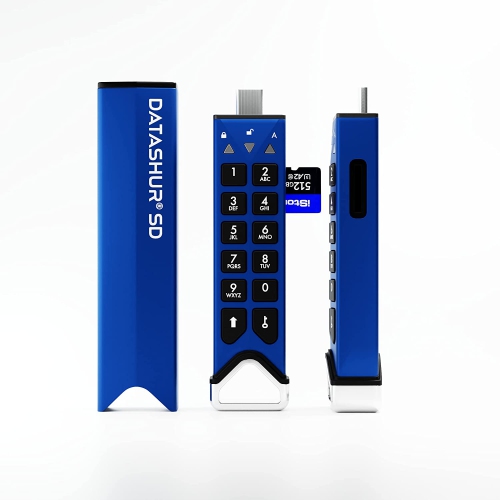
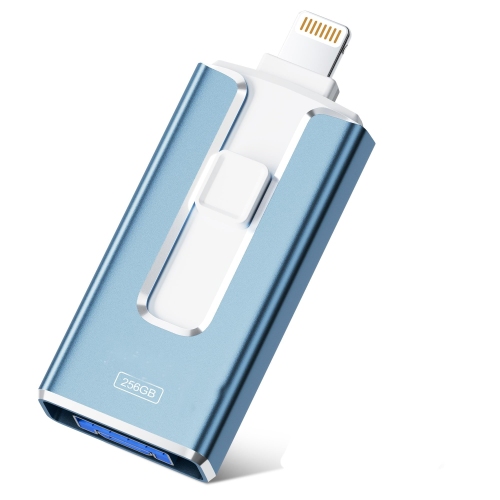
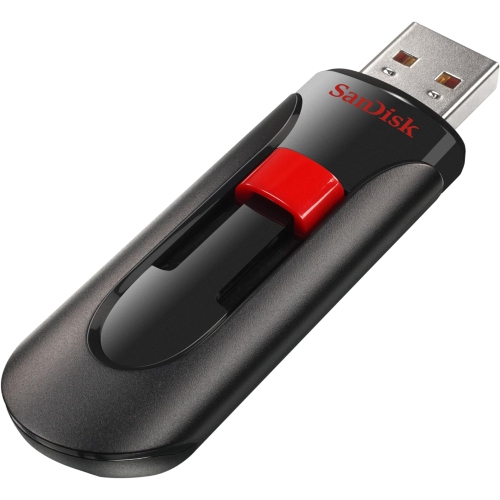
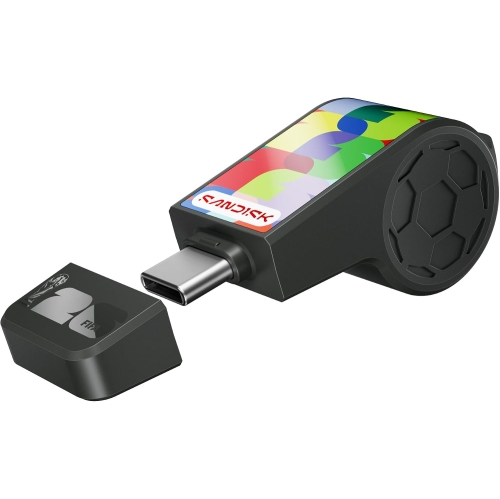
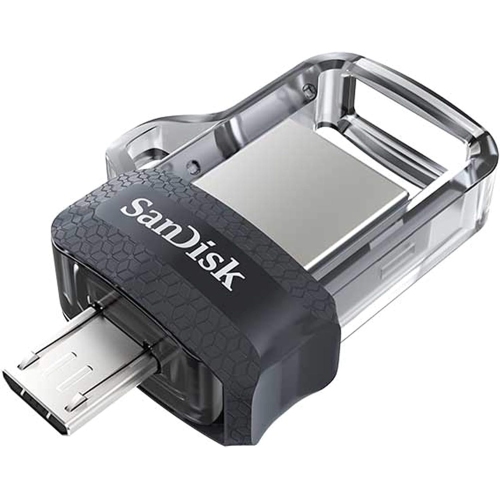
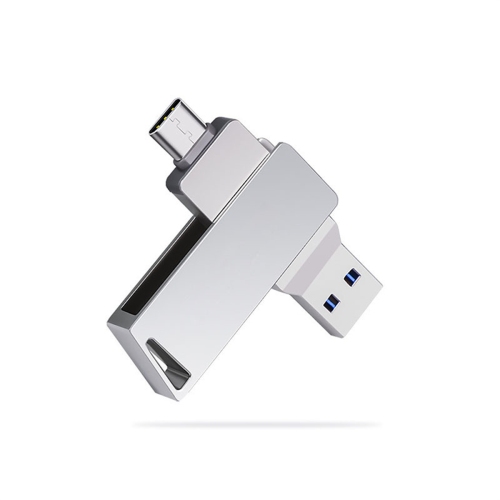
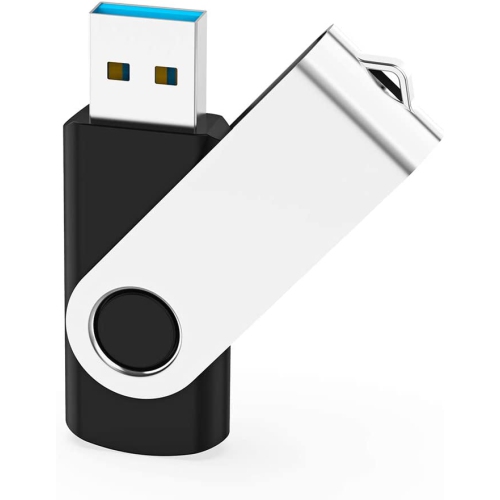
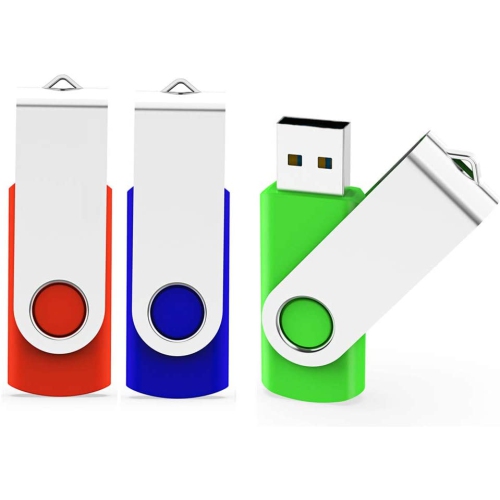
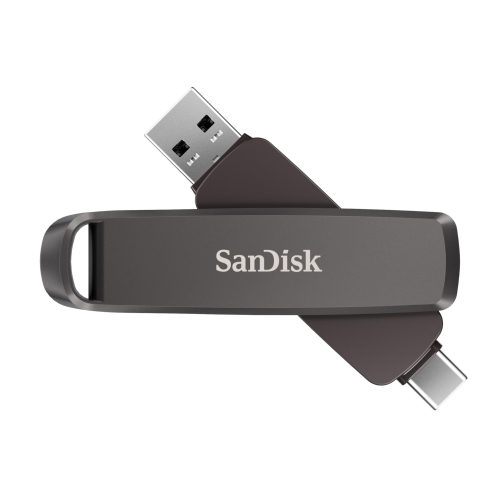
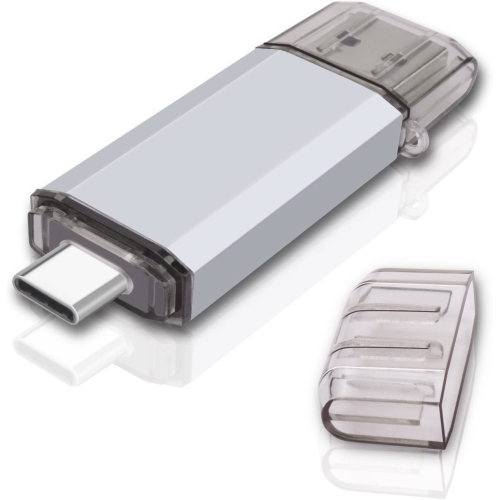
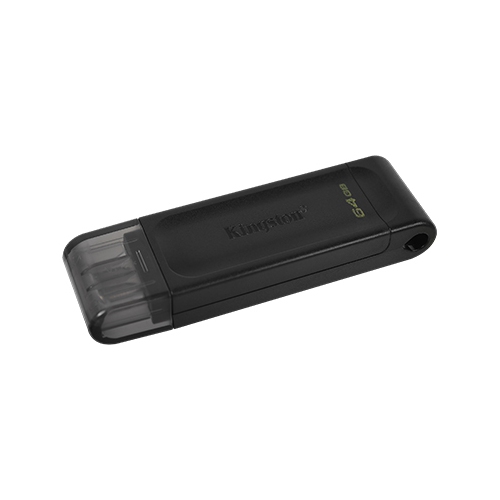
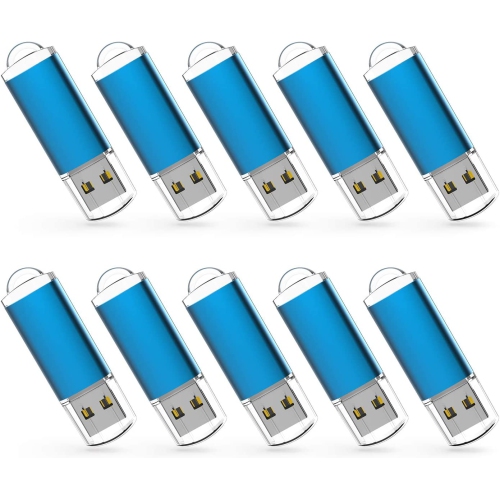
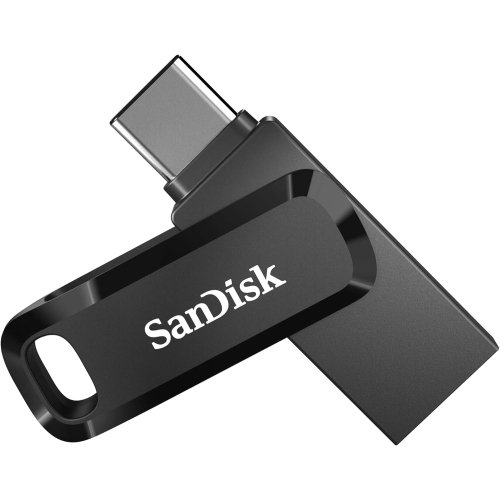
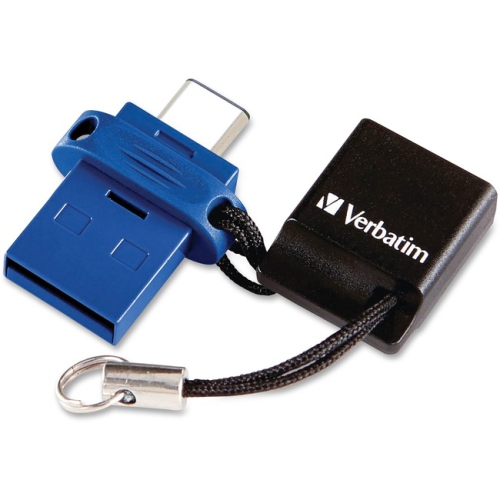
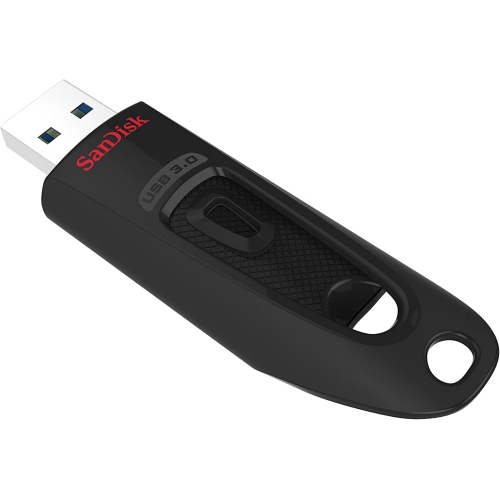
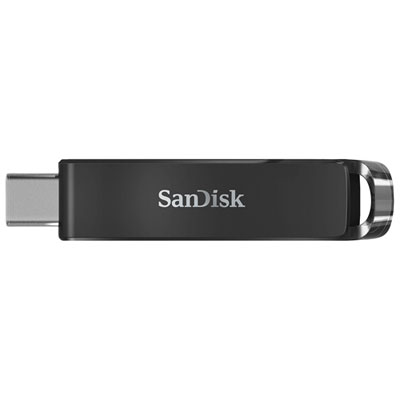
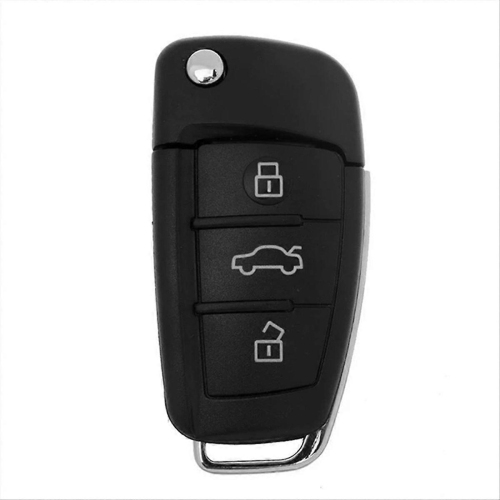
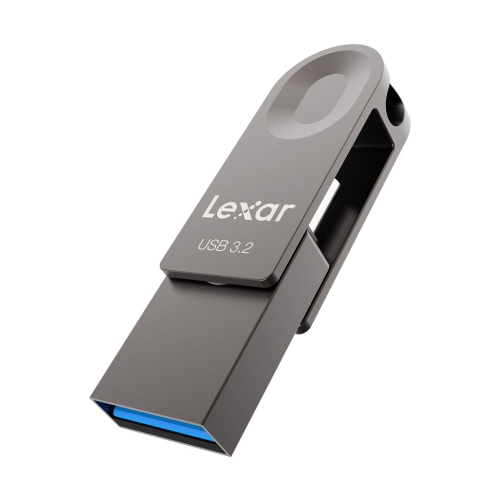
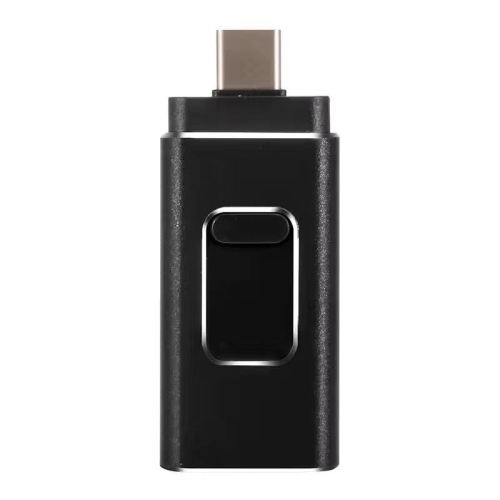
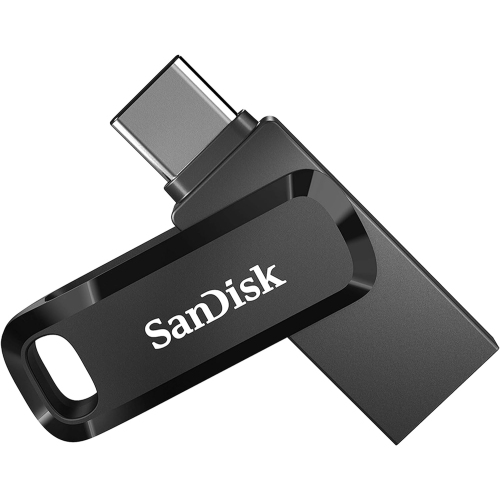
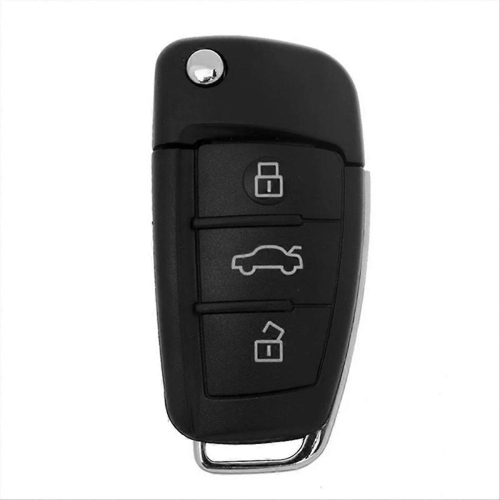
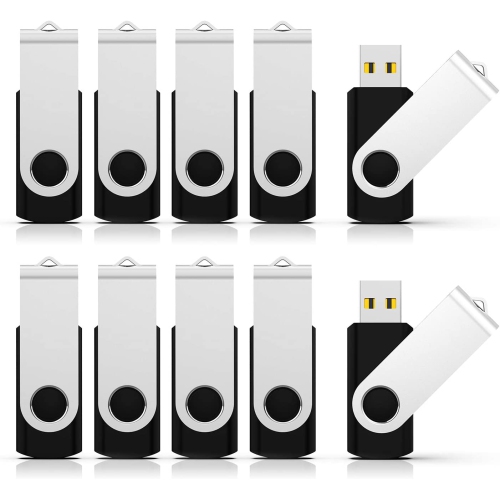
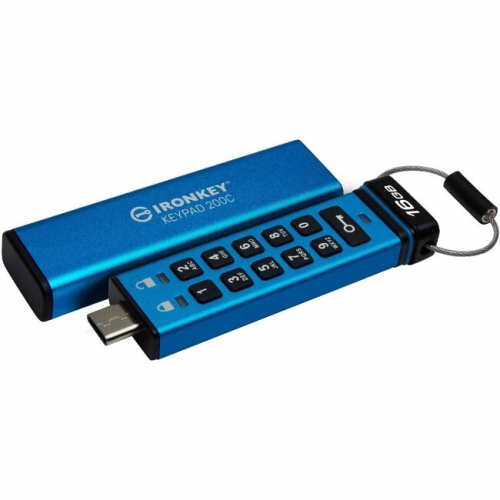
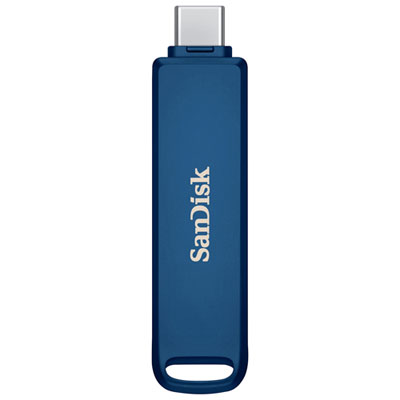
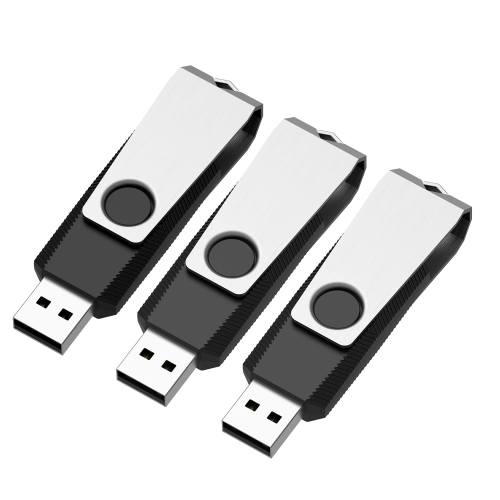
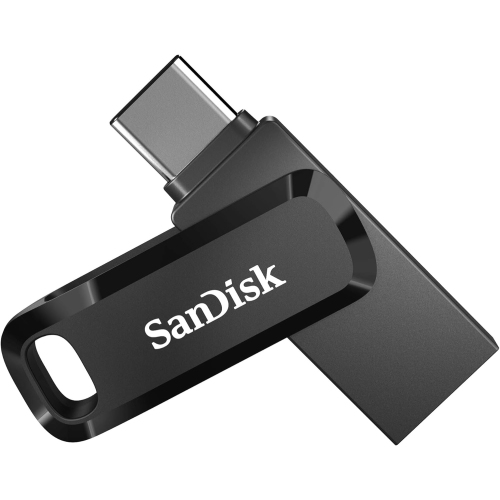
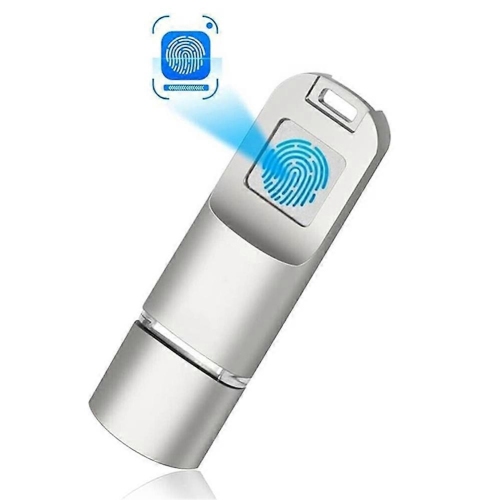
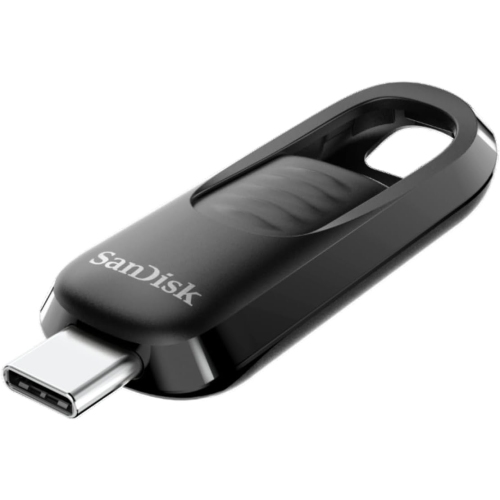
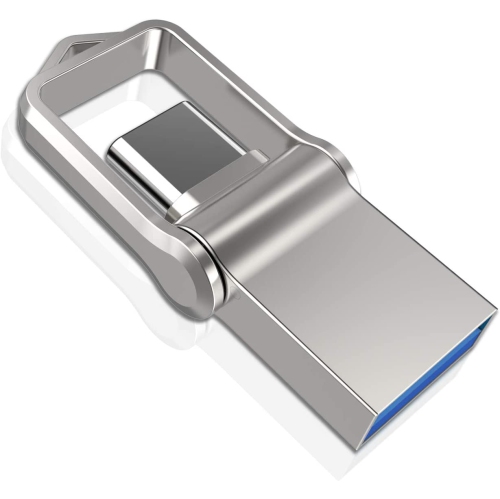
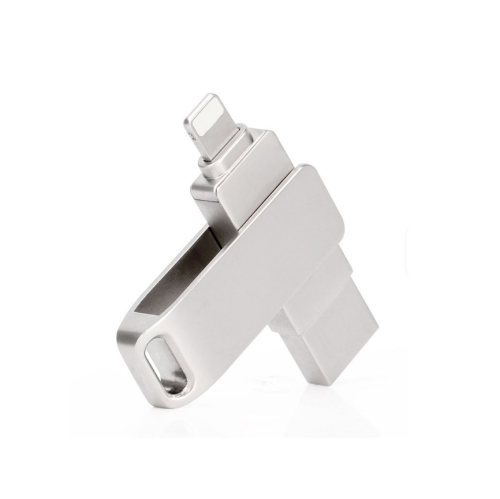
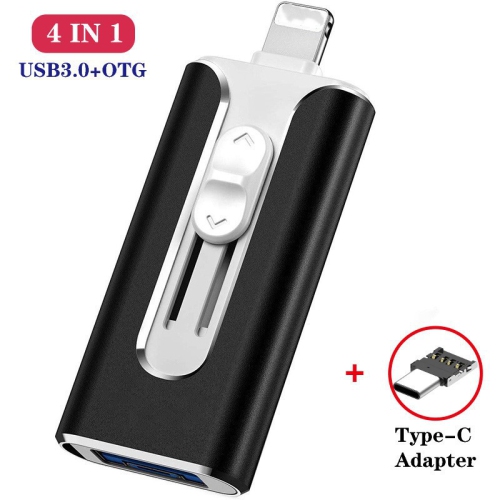
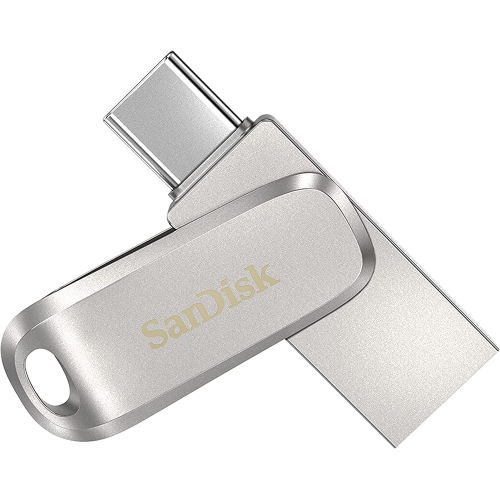
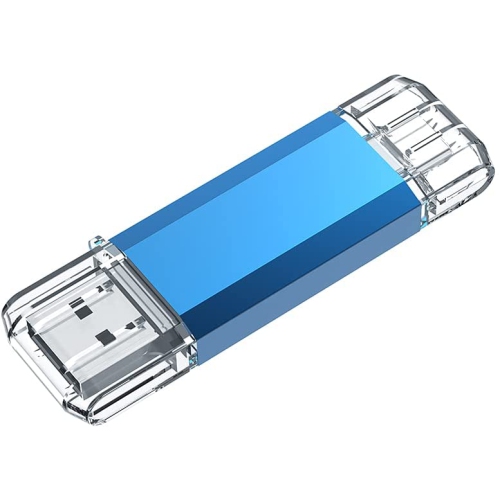
Micro-USB flash drives are portable storage devices that connect to compatible smartphones and tablets through a micro-USB port, making it possible to move files without an internet connection or cloud storage. Dual-connector designs combine a micro-USB connector for mobile devices with a standard USB-A connector for compatible computers, so the same drive can carry photos, videos, documents, and music between devices. The important distinction is compatibility: a phone or tablet needs to support USB On-The-Go, often called USB OTG, to access an attached flash drive. Having a micro-USB charging port alone does not guarantee that external storage will work. The device’s specifications should confirm OTG support, and its software must recognize the drive’s file system. Once connected, a supported drive can usually be accessed through the device’s file manager, although the steps and available functions vary. This makes micro-USB storage particularly useful for keeping an older phone involved in everyday tasks, such as transferring a folder of family pictures to a computer or bringing reference documents to an appointment. It can also provide a convenient way to carry files where Wi-Fi is unavailable or an online account is unnecessary. A student might move a presentation from a compatible tablet to a classroom computer, while someone working between locations might carry documents without emailing each attachment. Before choosing a drive, check the connectors on both devices involved in the transfer. Micro-USB, USB-C, and USB-A have different shapes and are not interchangeable, and a compact flash drive is not necessarily a micro-USB model simply because it is small. The connector also needs enough clearance to fit securely beside a protective phone case. A recessed port or thick case opening can prevent the plug from seating properly, even when the electrical connection would otherwise be compatible. A good fit should feel secure without requiring force or leaving the drive pressed against the edge of the case.
Storage capacity and transfer performance shape how useful a micro-USB flash drive will be after the first few transfers. Documents and spreadsheets generally take up much less room than long videos, high-resolution photographs, or a large music collection, so capacity should reflect the files being carried rather than just the number of files. Leaving some room for future additions can make a drive easier to use over time, especially when it serves as a regular transfer point between a phone and a computer. Usable space will be lower than the capacity stated on the packaging because of formatting and differences in how storage is measured. Speed also depends on more than the drive’s advertised USB generation. The phone’s port, the computer’s port, the drive’s own read and write performance, and the size and number of files all affect transfer times. A USB 3.x connection on the computer side does not mean a micro-USB phone connection will achieve the same speed. Copying one large video can also behave differently from moving hundreds of small documents. File-system support deserves particular attention when working with video: FAT32 has an individual file-size limit of about 4GB, while exFAT supports larger files but is not recognized by every older mobile device. Formatting a drive to change its file system erases its contents, so existing files need to be copied elsewhere first. For everyday transfers, copying files and confirming that they open correctly on the destination device is safer than immediately moving or deleting the originals. A flash drive can help free space on a phone, but it should not become the only home for irreplaceable photos or important records. Keeping another copy on separate storage provides protection if the drive is lost, damaged, or accidentally erased. Sensitive documents also deserve care: password protection and encryption features, where offered, may depend on software that does not run on every phone or computer.
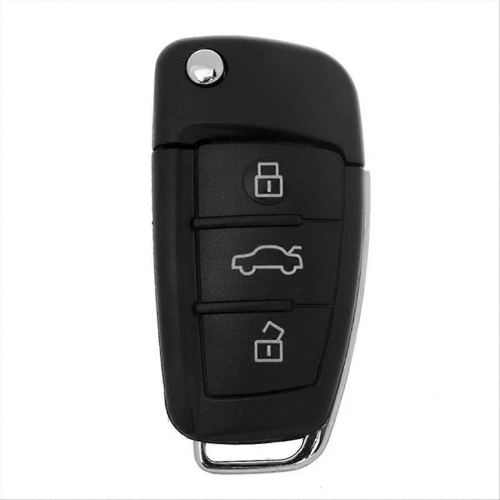
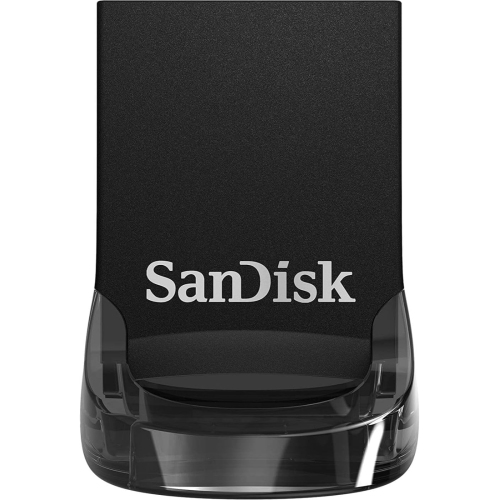
The physical design matters because these drives are often handled in tight spaces, carried in bags, and plugged directly into devices that were not designed to support much extra weight at the port. Compact plastic housings keep weight down, while metal housings can offer a more rigid feel; neither material alone establishes how well a drive will withstand daily use. Connector protection is often more useful to consider than appearance. A cap can shield the plug from dust and scratches, while a retractable or swivel design can protect it without a separate piece to keep track of. Moving parts should operate smoothly, and the connector should remain firmly positioned during use. A key-ring attachment can make a small drive easier to find, although carrying it loose against keys may still scratch the housing or exposed contacts. When a drive is attached to a phone or tablet, resting the device on a stable surface helps avoid sideways pressure on the port. Disconnecting before putting the device in a pocket or bag can prevent an accidental bend. For routine care, keep the connector clean and dry, wipe the exterior with a soft cloth, and avoid forcing a plug that does not match the port. Use the device’s eject or unmount function when available, and wait until file activity has finished before removing the drive. These habits matter for anyone using portable storage regularly, from students carrying assignments to family members sharing photos or office workers moving non-sensitive documents. A micro-USB drive can also be a practical gift for someone who still uses compatible devices, provided the connector type and OTG support are confirmed first. For households with a mixture of older and newer hardware, the wider range of USB Flash Drives can help put connector choices in context. The most useful choice is one that matches the actual devices, accommodates the files being transferred, and feels straightforward enough to use whenever a quick, offline copy is needed.
Storage capacity and transfer performance shape how useful a micro-USB flash drive will be after the first few transfers. Documents and spreadsheets generally take up much less room than long videos, high-resolution photographs, or a large music collection, so capacity should reflect the files being carried rather than just the number of files. Leaving some room for future additions can make a drive easier to use over time, especially when it serves as a regular transfer point between a phone and a computer. Usable space will be lower than the capacity stated on the packaging because of formatting and differences in how storage is measured. Speed also depends on more than the drive’s advertised USB generation. The phone’s port, the computer’s port, the drive’s own read and write performance, and the size and number of files all affect transfer times. A USB 3.x connection on the computer side does not mean a micro-USB phone connection will achieve the same speed. Copying one large video can also behave differently from moving hundreds of small documents. File-system support deserves particular attention when working with video: FAT32 has an individual file-size limit of about 4GB, while exFAT supports larger files but is not recognized by every older mobile device. Formatting a drive to change its file system erases its contents, so existing files need to be copied elsewhere first. For everyday transfers, copying files and confirming that they open correctly on the destination device is safer than immediately moving or deleting the originals. A flash drive can help free space on a phone, but it should not become the only home for irreplaceable photos or important records. Keeping another copy on separate storage provides protection if the drive is lost, damaged, or accidentally erased. Sensitive documents also deserve care: password protection and encryption features, where offered, may depend on software that does not run on every phone or computer.
The physical design matters because these drives are often handled in tight spaces, carried in bags, and plugged directly into devices that were not designed to support much extra weight at the port. Compact plastic housings keep weight down, while metal housings can offer a more rigid feel; neither material alone establishes how well a drive will withstand daily use. Connector protection is often more useful to consider than appearance. A cap can shield the plug from dust and scratches, while a retractable or swivel design can protect it without a separate piece to keep track of. Moving parts should operate smoothly, and the connector should remain firmly positioned during use. A key-ring attachment can make a small drive easier to find, although carrying it loose against keys may still scratch the housing or exposed contacts. When a drive is attached to a phone or tablet, resting the device on a stable surface helps avoid sideways pressure on the port. Disconnecting before putting the device in a pocket or bag can prevent an accidental bend. For routine care, keep the connector clean and dry, wipe the exterior with a soft cloth, and avoid forcing a plug that does not match the port. Use the device’s eject or unmount function when available, and wait until file activity has finished before removing the drive. These habits matter for anyone using portable storage regularly, from students carrying assignments to family members sharing photos or office workers moving non-sensitive documents. A micro-USB drive can also be a practical gift for someone who still uses compatible devices, provided the connector type and OTG support are confirmed first. For households with a mixture of older and newer hardware, the wider range of USB Flash Drives can help put connector choices in context. The most useful choice is one that matches the actual devices, accommodates the files being transferred, and feels straightforward enough to use whenever a quick, offline copy is needed.
Top selling and popular products
-
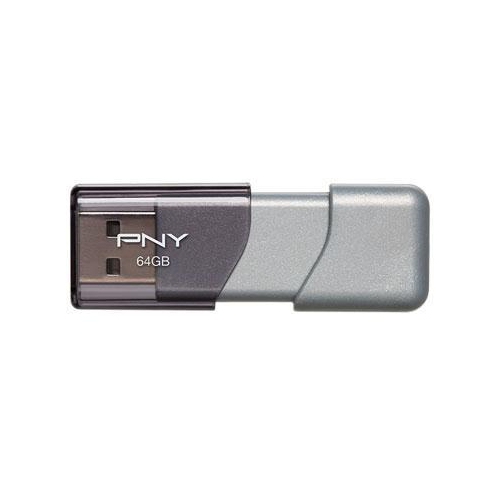 Your price for this item is $58.68
-
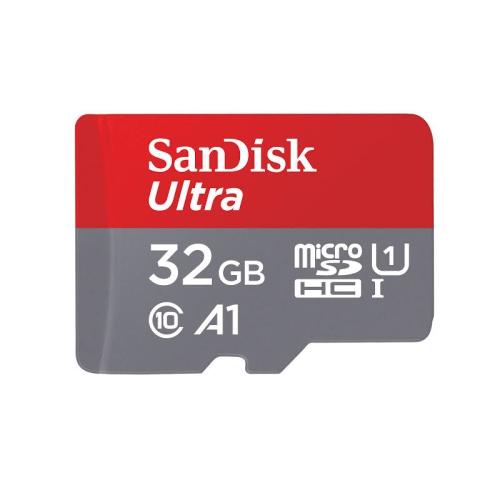 Your price for this item is $35.99
-
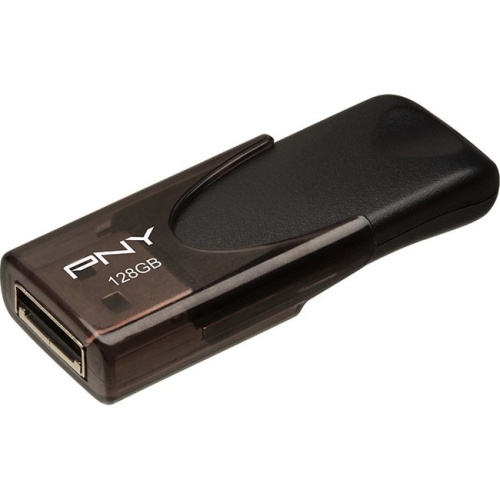 Your price for this item is $35.68
-
 Your price for this item is $48.68
-
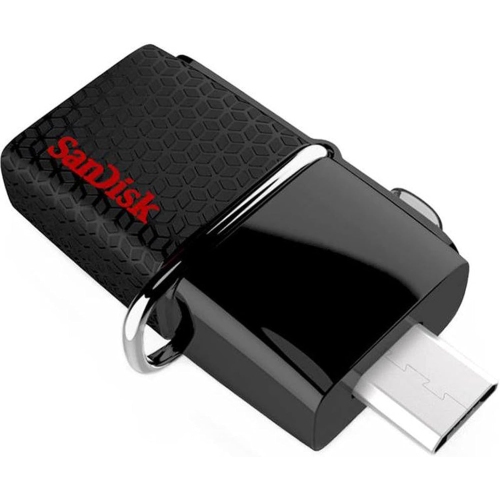 Your price for this item is $26.91
-
 Your price for this item is $176.68
-
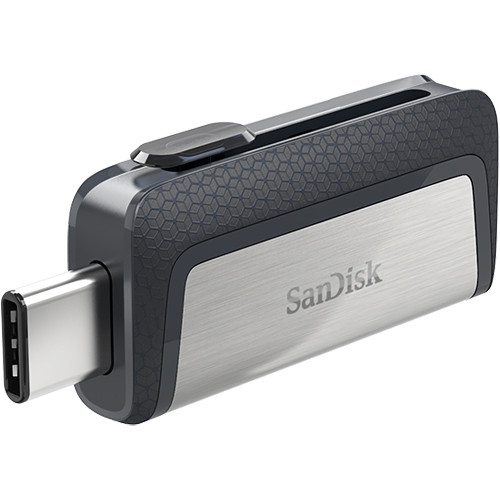 Your price for this item is $48.91
-
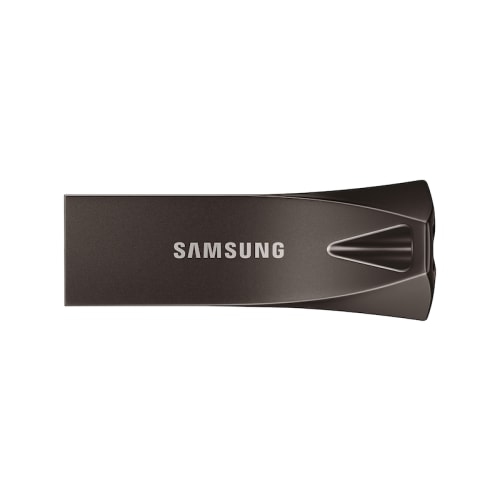 Your price for this item is $132.99
Discover more categories related to Micro Usb Flash Drives
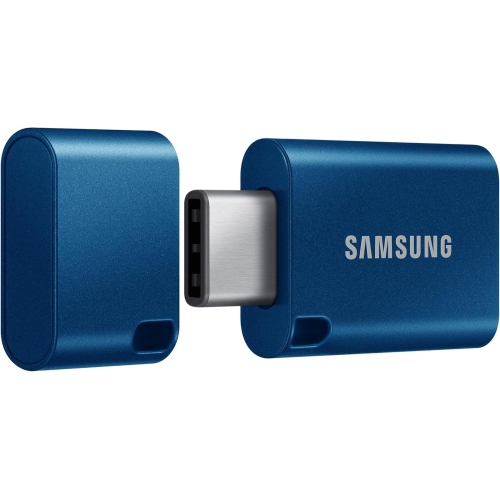
Top Collections:
Pokemon Centers, Pokémon 30th Celebration Cards, Best Budget Office Chairs, Kindle Devices, Best Cameras for Sports Photography, Canon G7X Cameras, Best Black Friday Deals On Electronics, Best Laptops for Writers, iPhone 15 Apple, Jackery Power Stations
Some products may be subject to Environmental Handling Fees
(EHF) depending on your province.
Learn more about EHFs.