Starter PCs
Looking to dive into the exciting world of PC gaming? Look no further than our selection of Starter PCs, designed to deliver the perfect blend of performance and affordability. Whether you're a casual gamer or a budding esports enthusiast, these entry-level systems are built to handle your favorite games with ease. With powerful processors, ample storage, and crisp graphics, our Starter PCs are the ideal choice for those looking to embark on their gaming journey without breaking the bank. Get ready to level up your gaming experience with our range of Starter PCs that offer incredible value and endless possibilities.
Sort





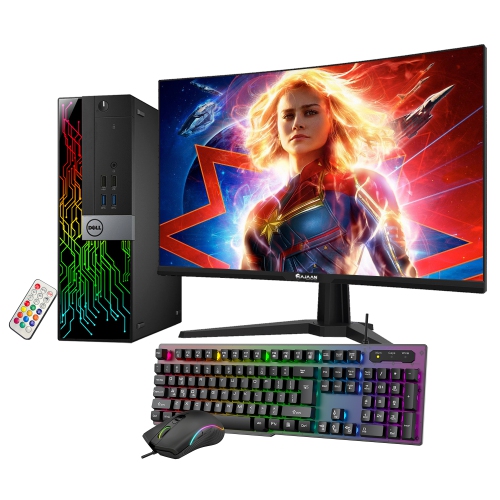
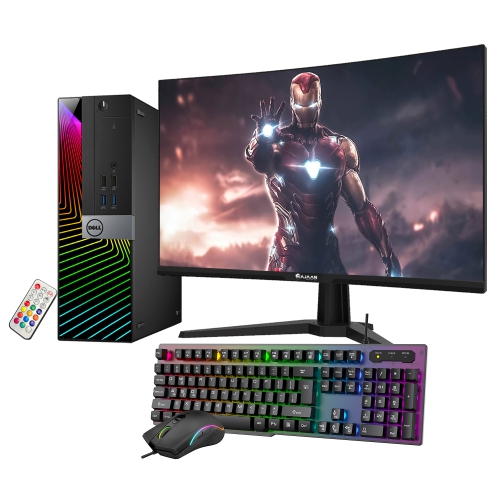



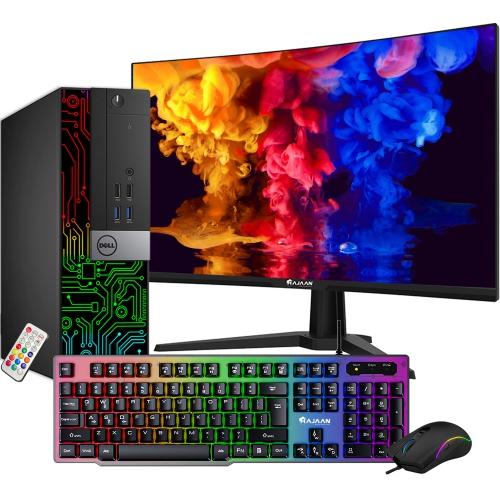

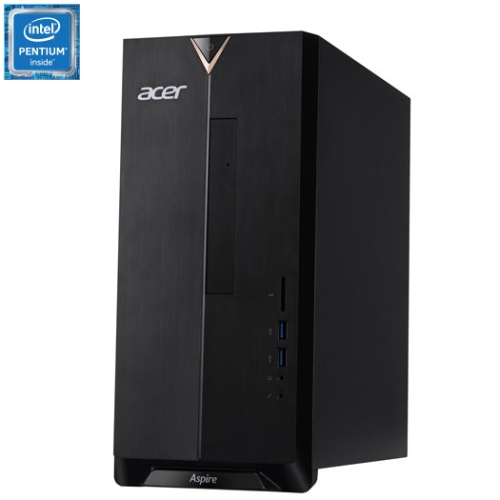
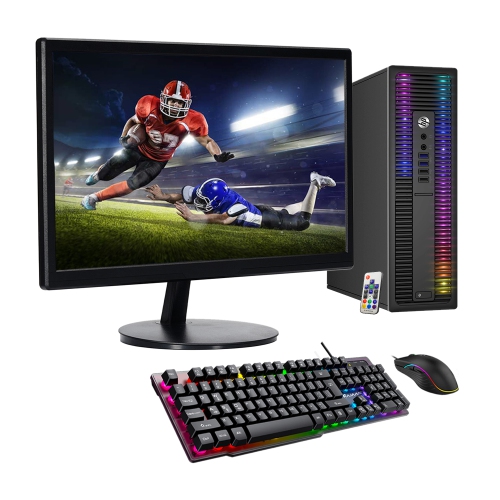

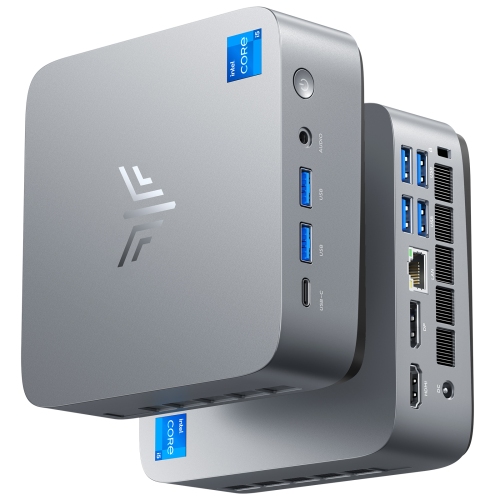


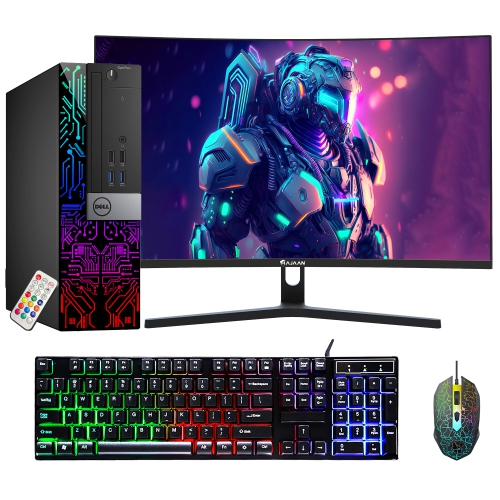

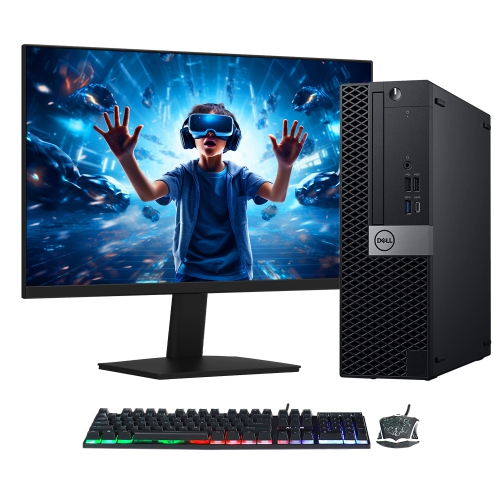
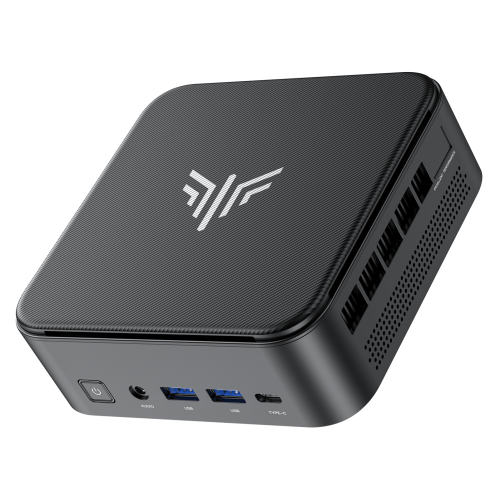
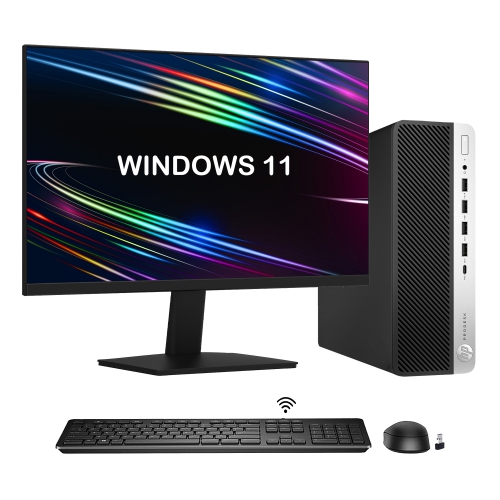
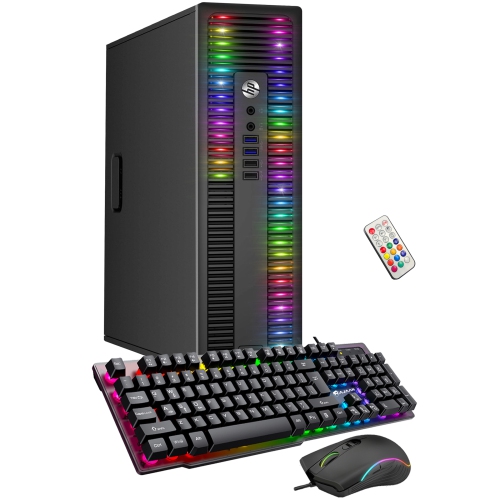


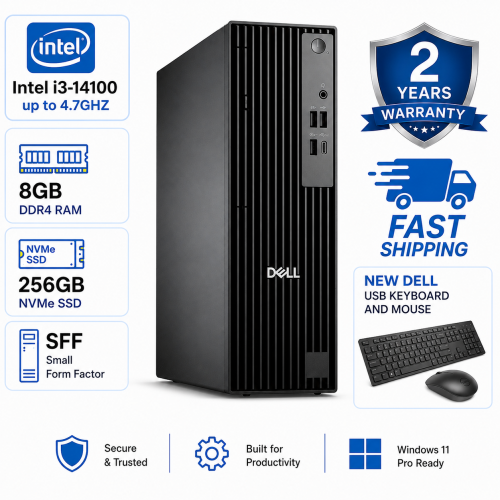

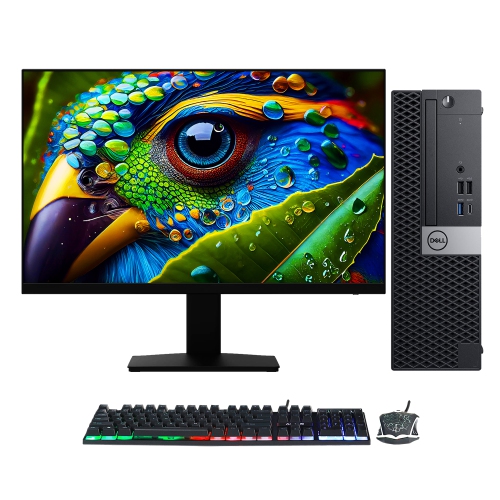
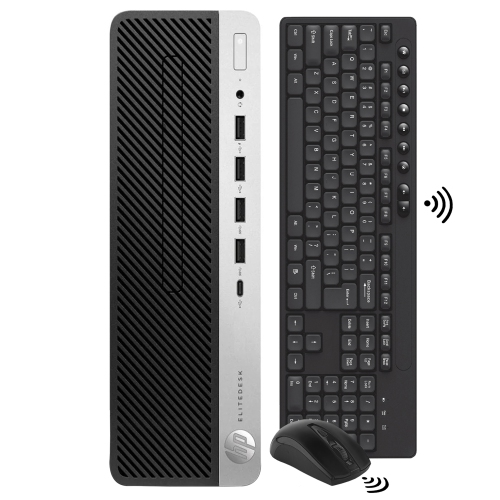


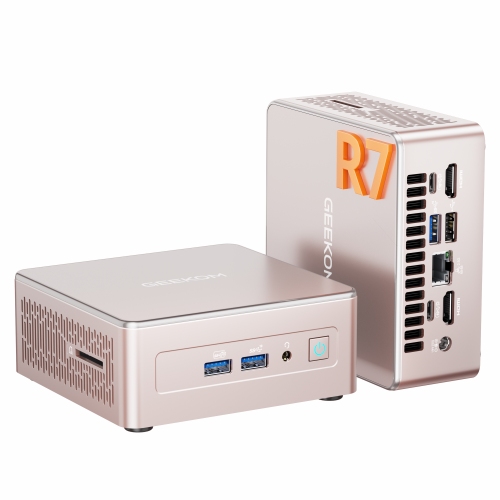
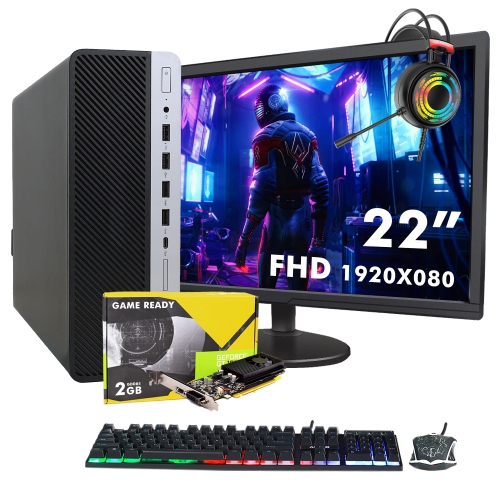
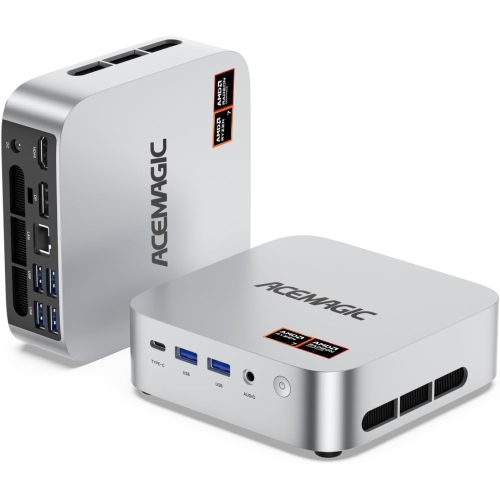



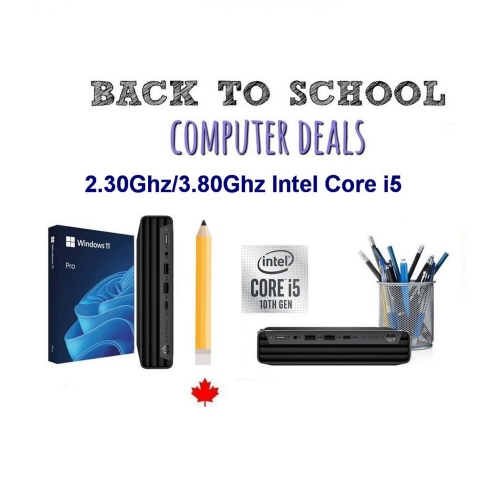
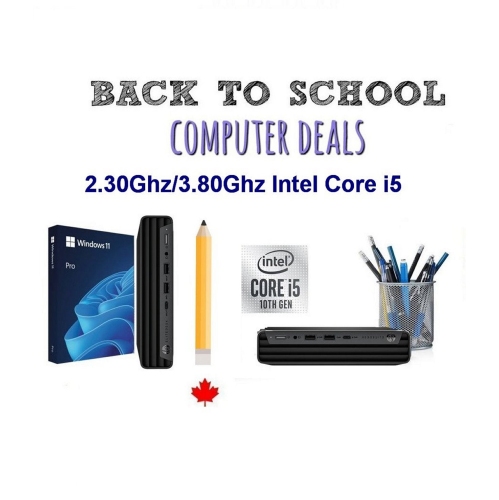
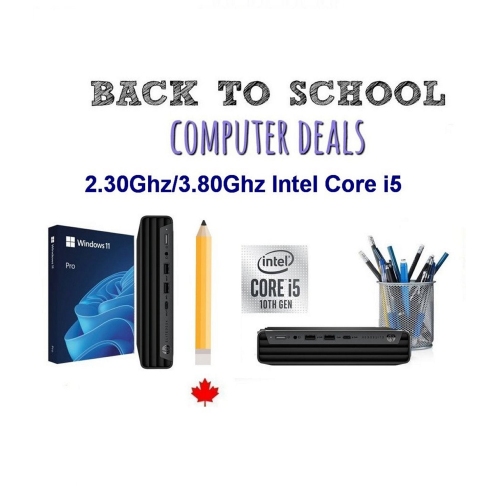
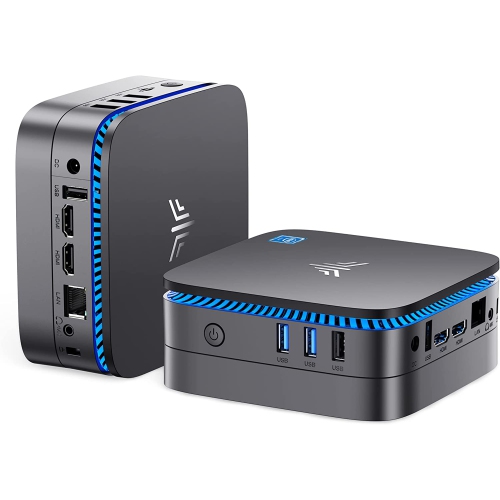


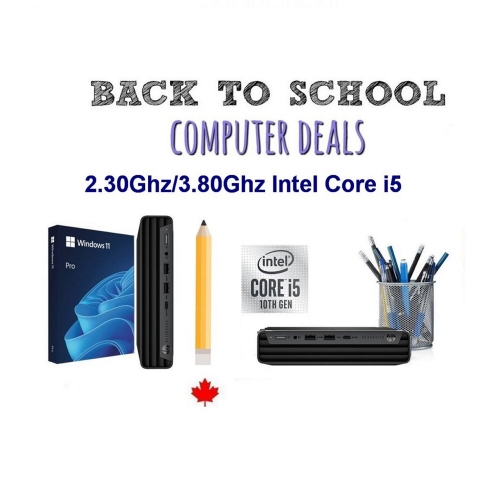

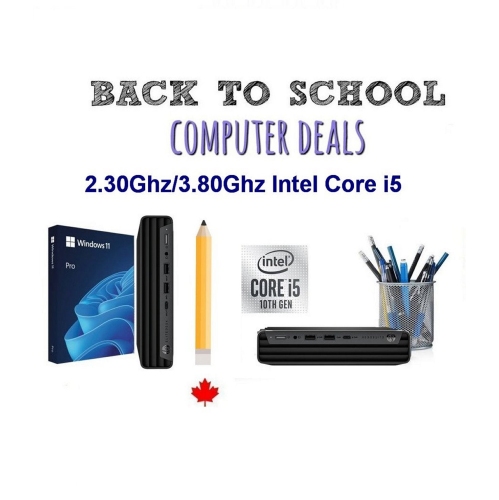
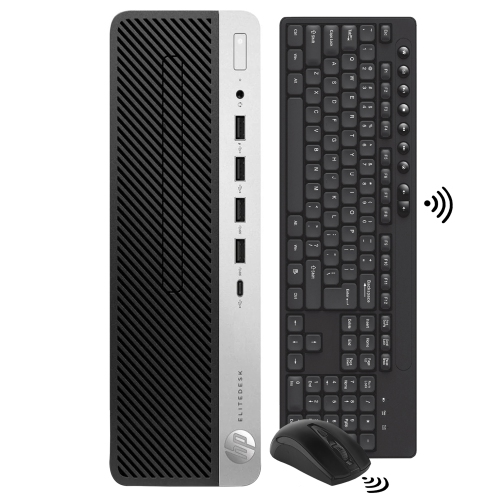
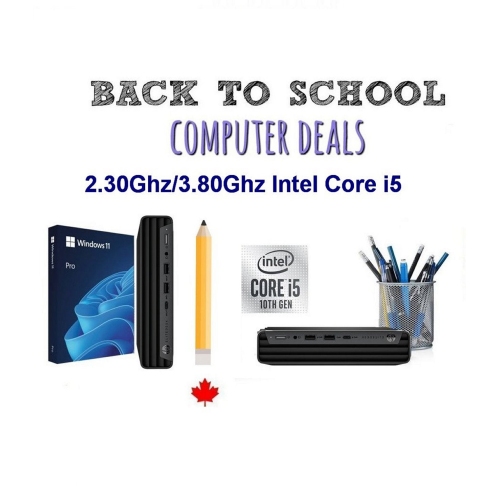
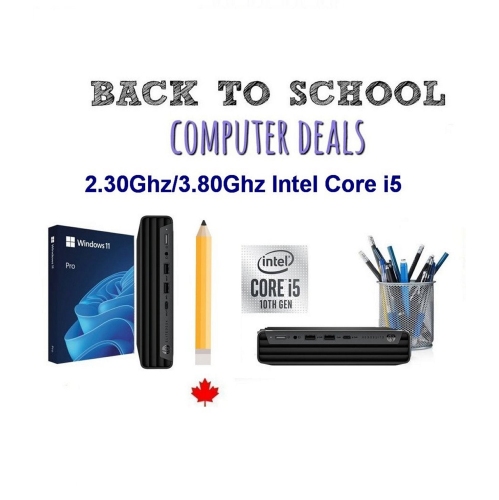
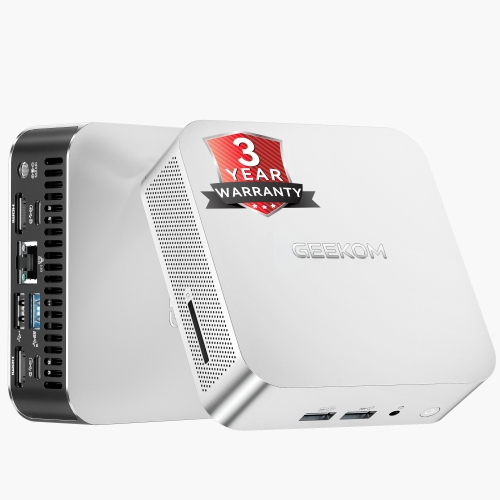

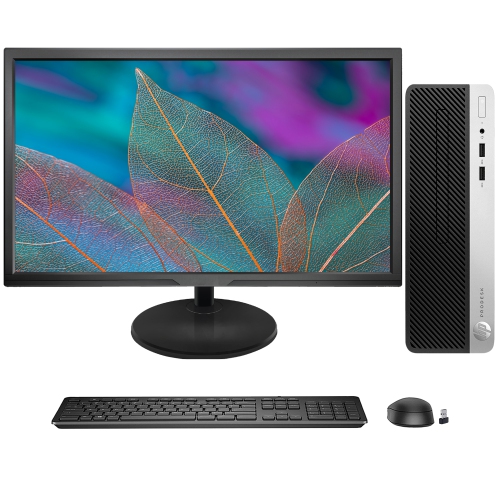
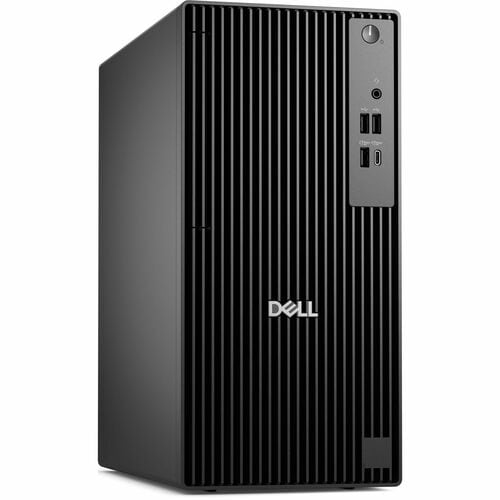

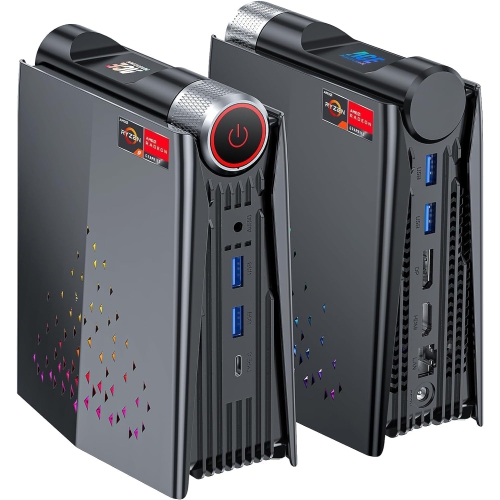


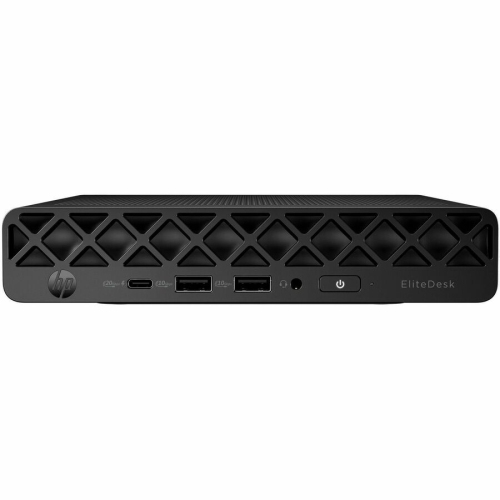
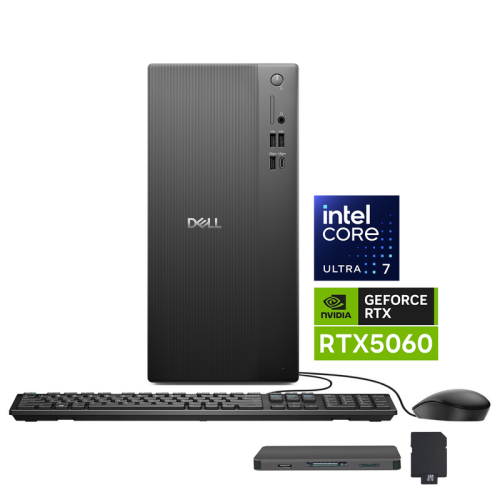

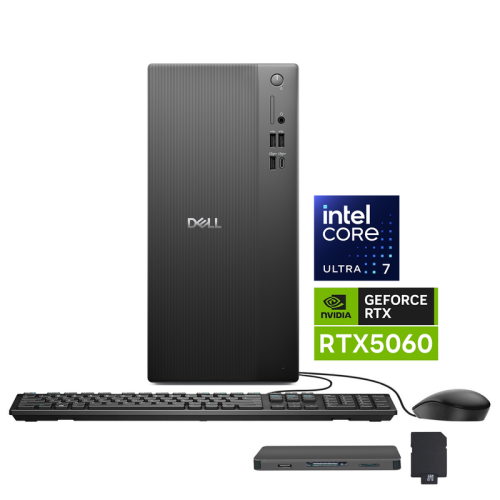


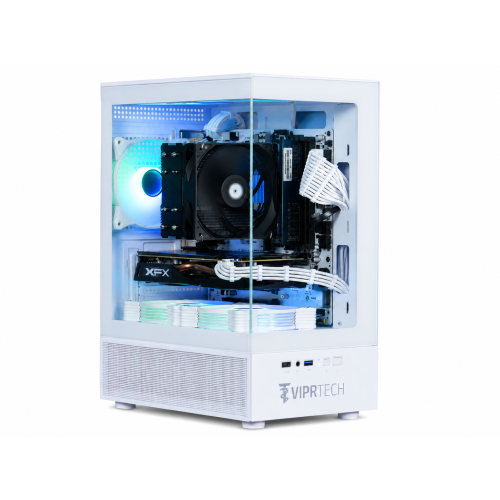
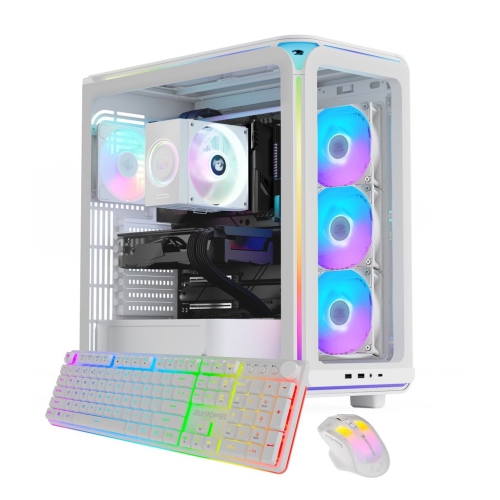


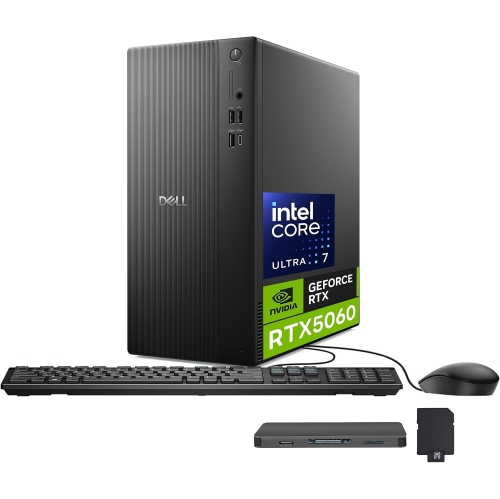




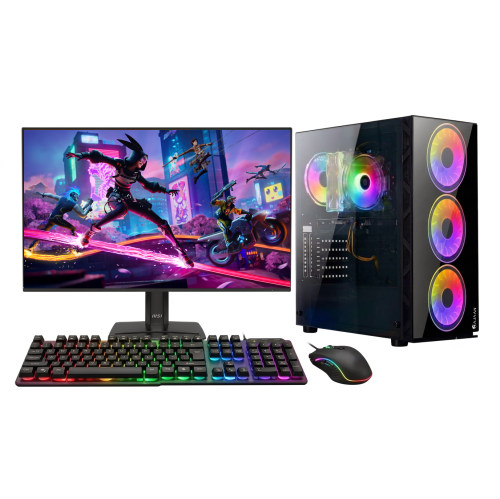

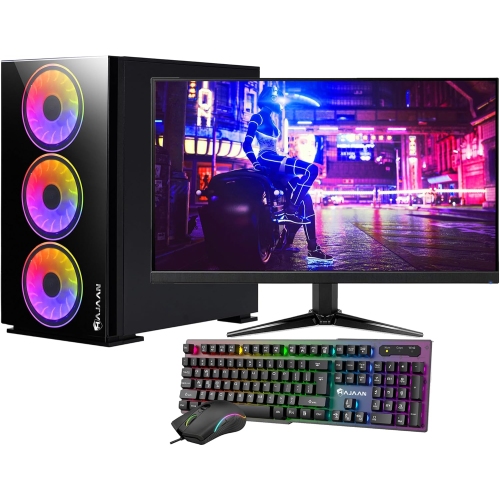
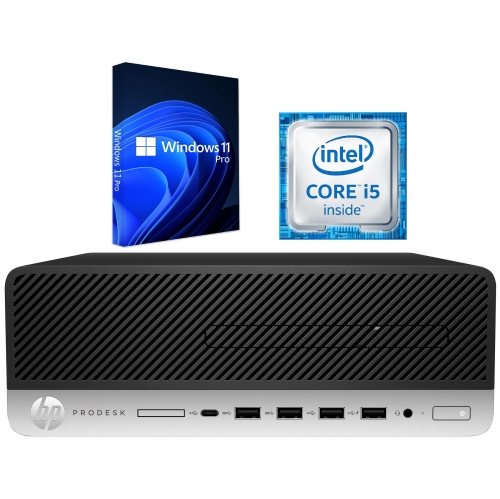


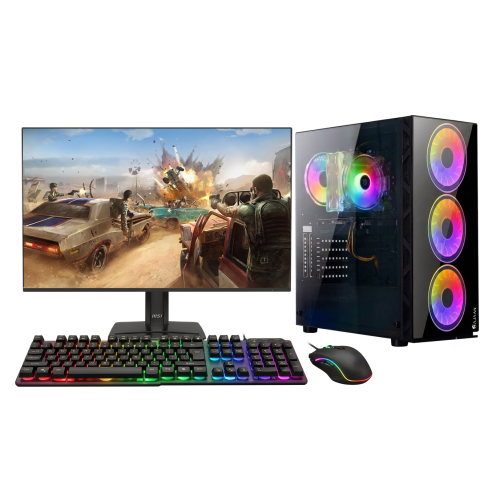
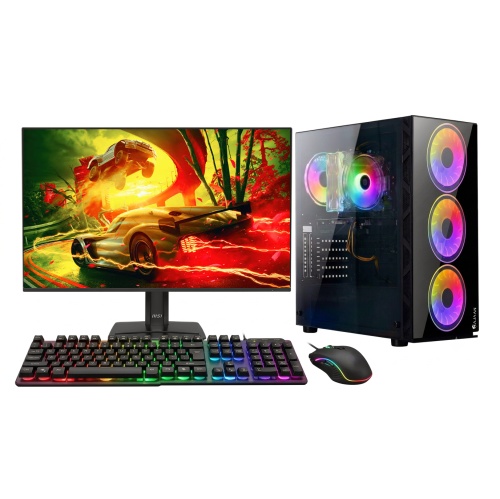
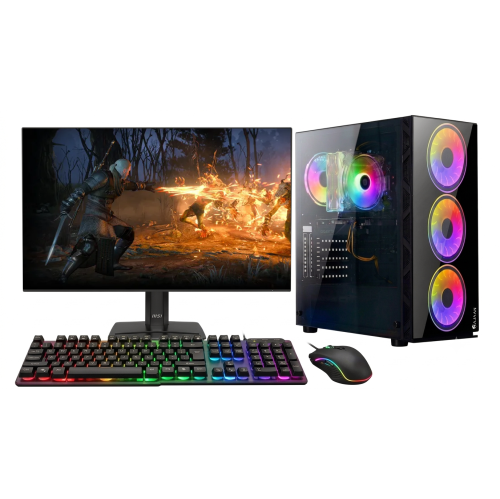
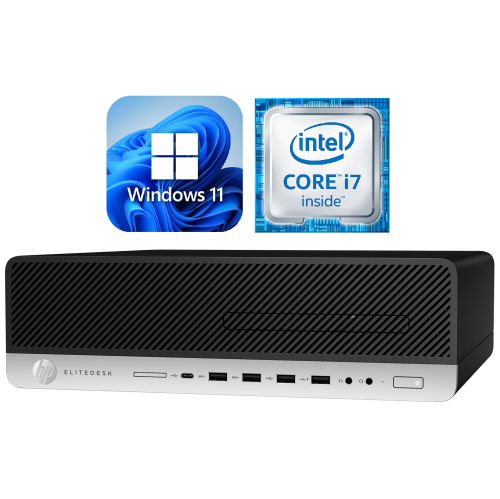
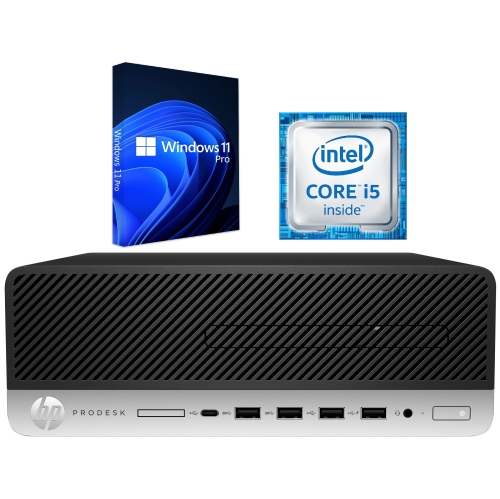
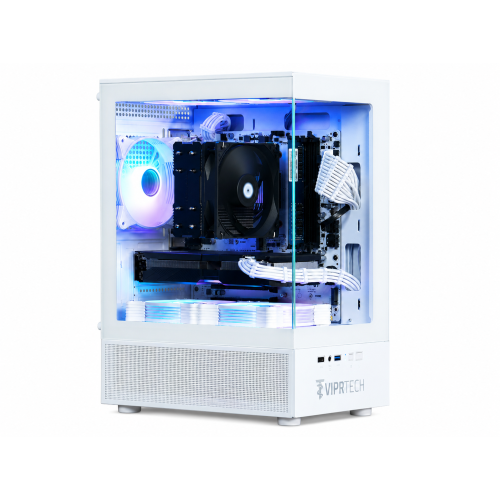
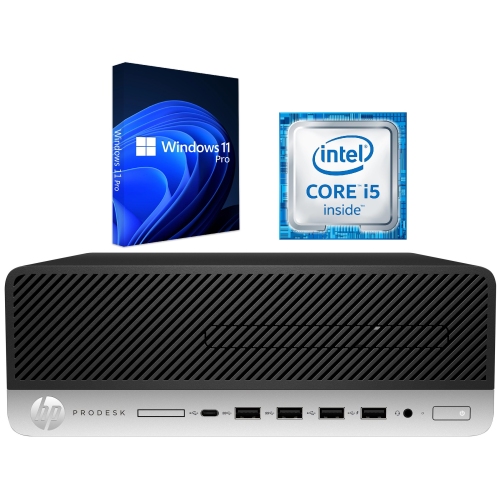

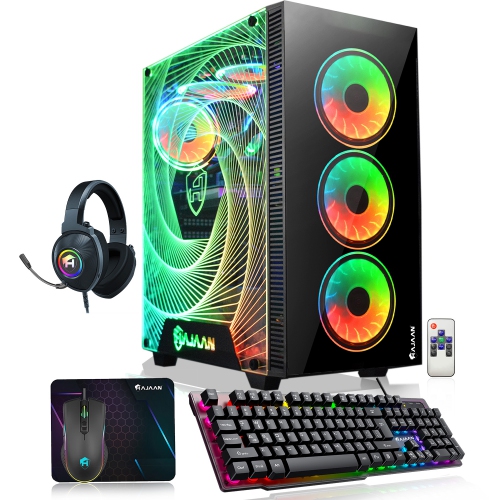
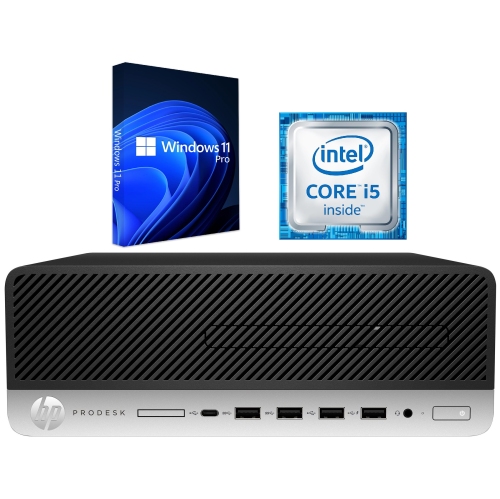
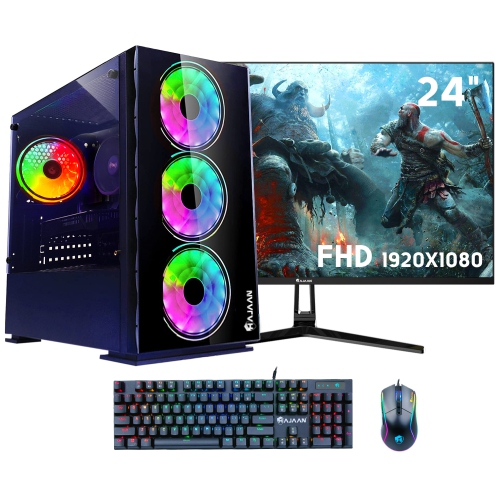
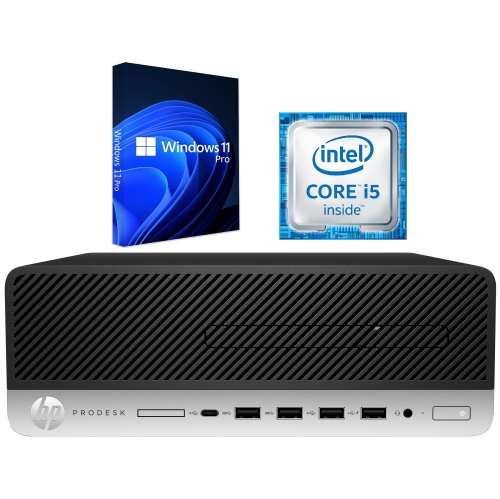

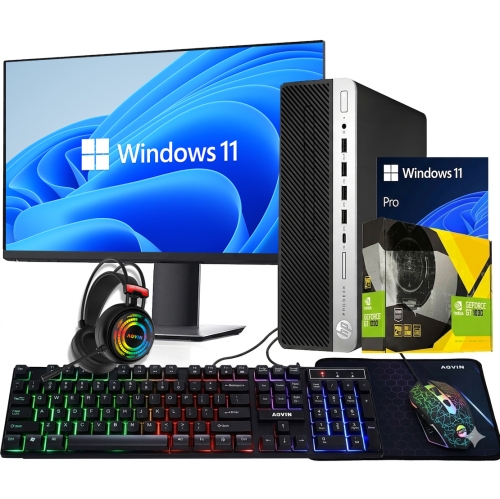
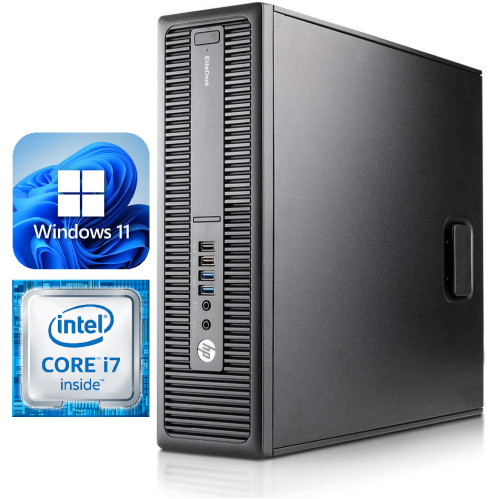



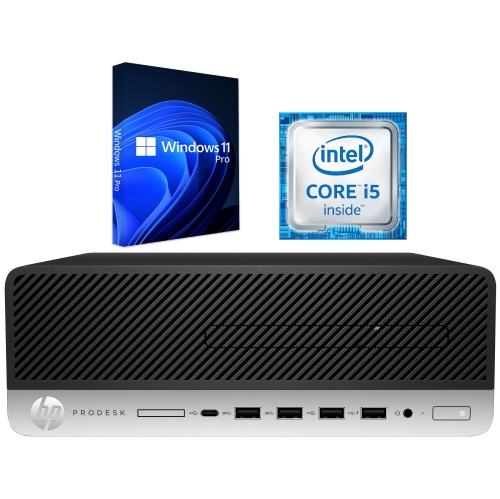
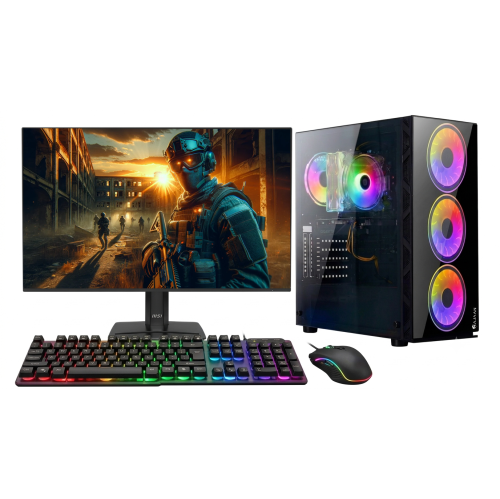

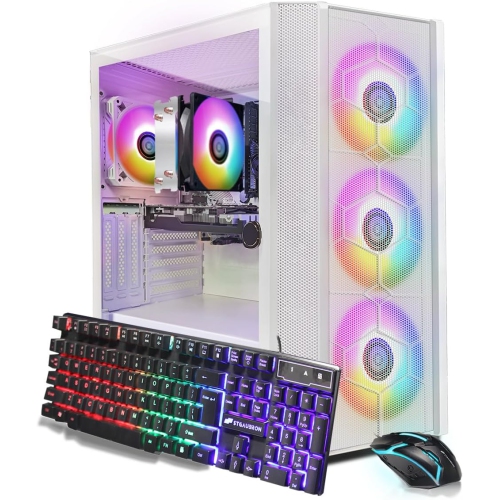

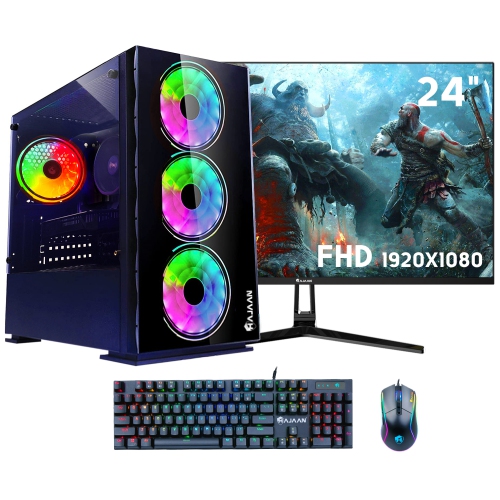
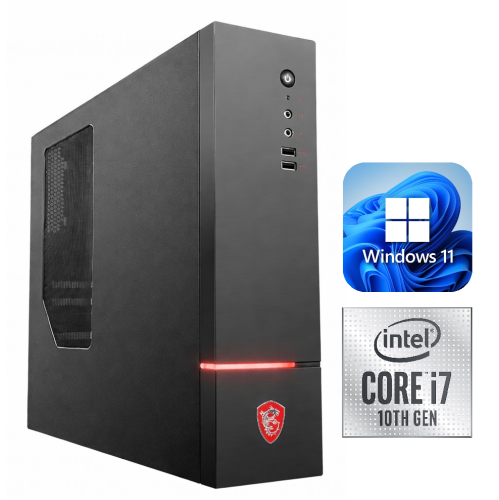
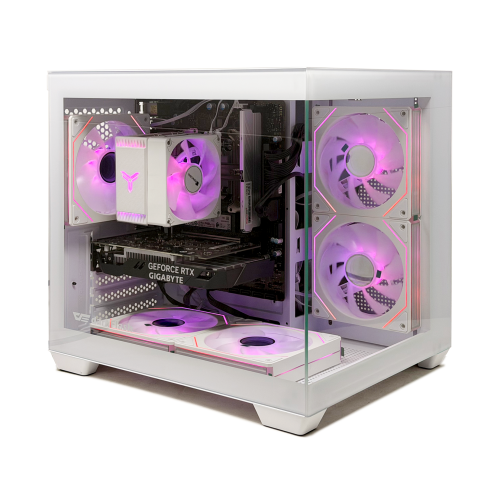
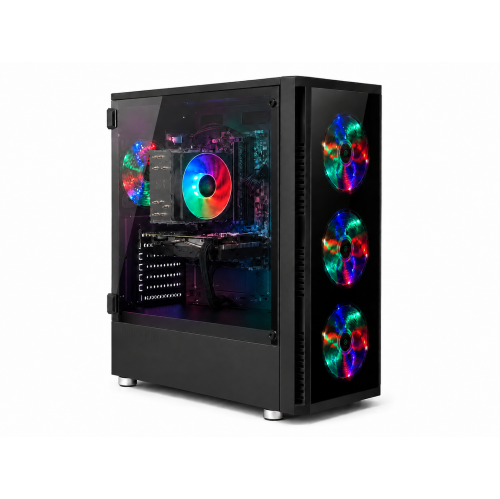

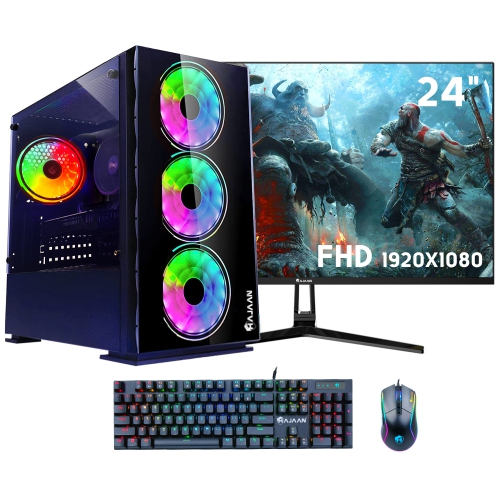

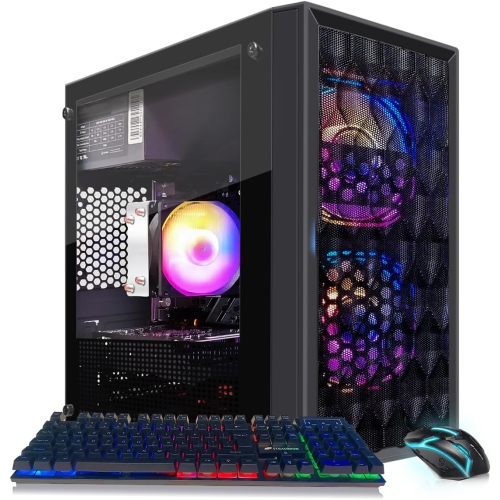
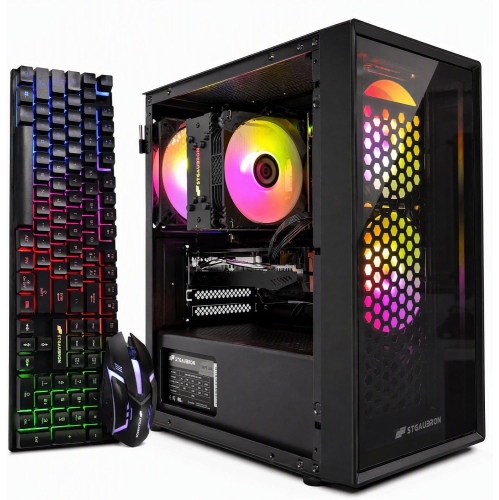
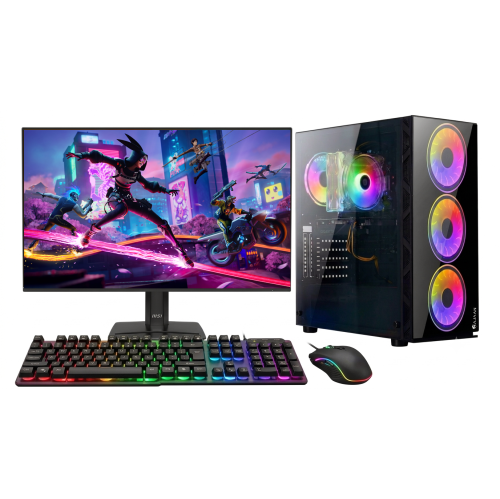



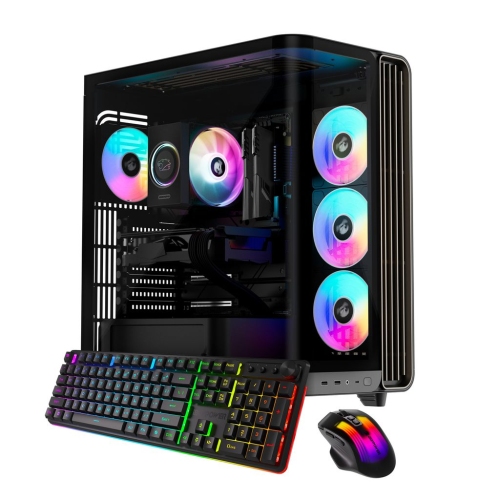
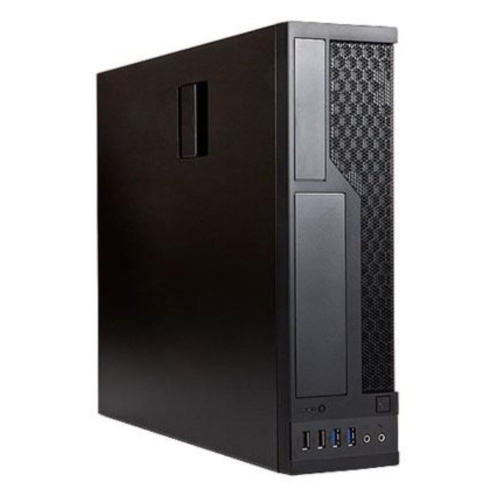
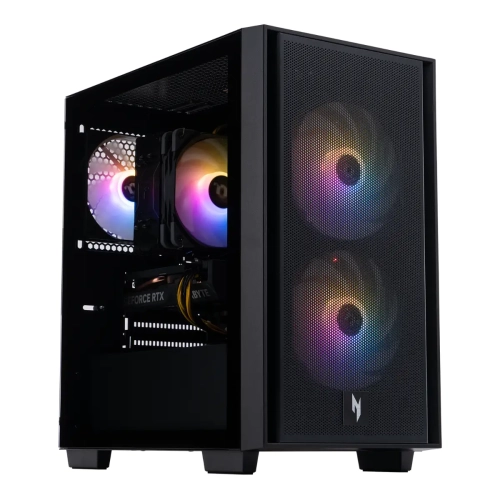
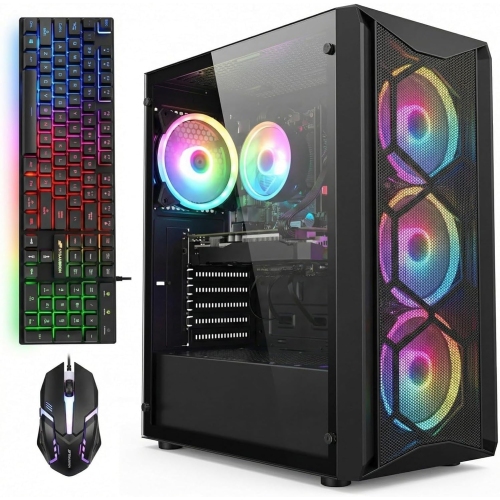
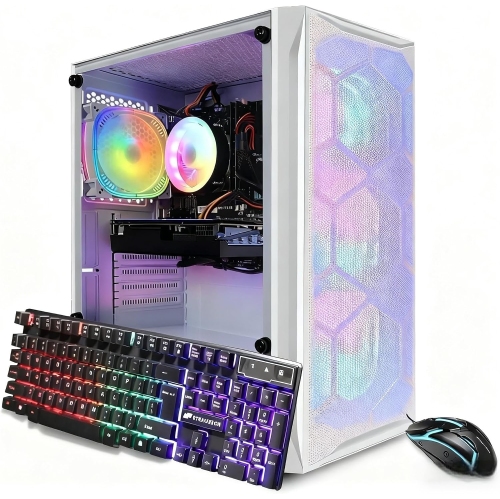
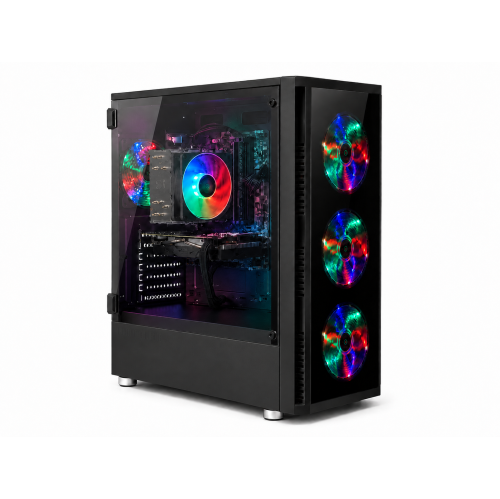
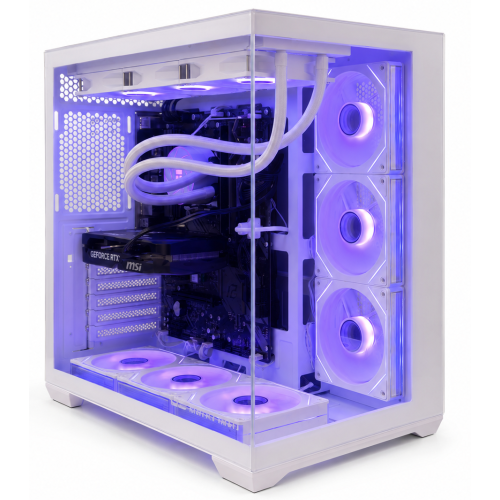
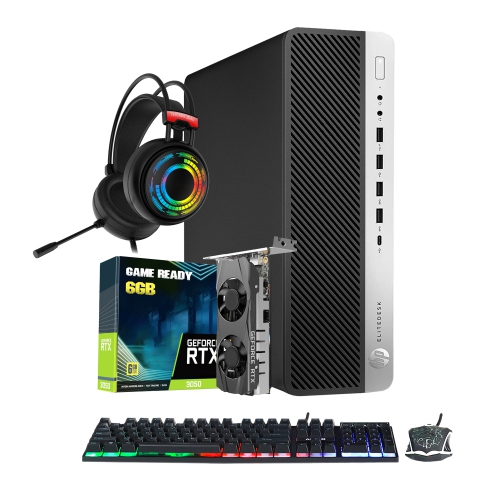
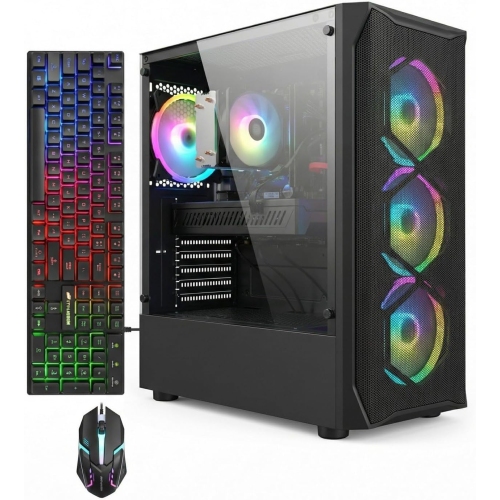

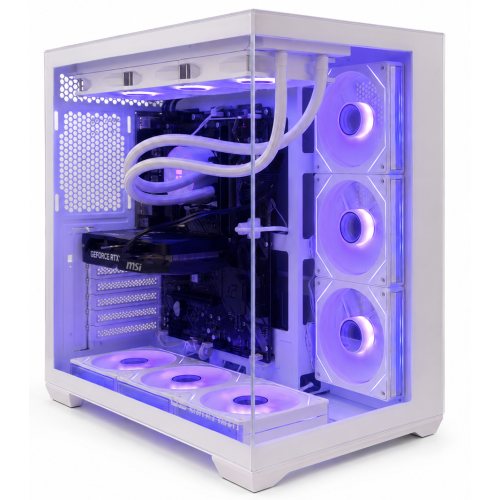
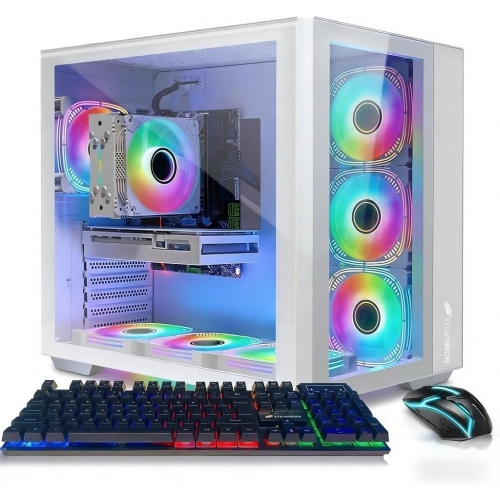
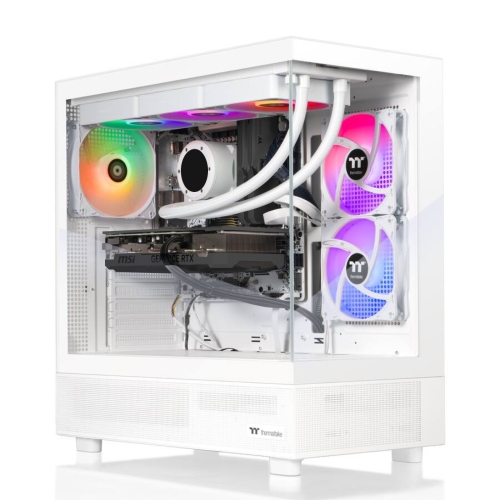
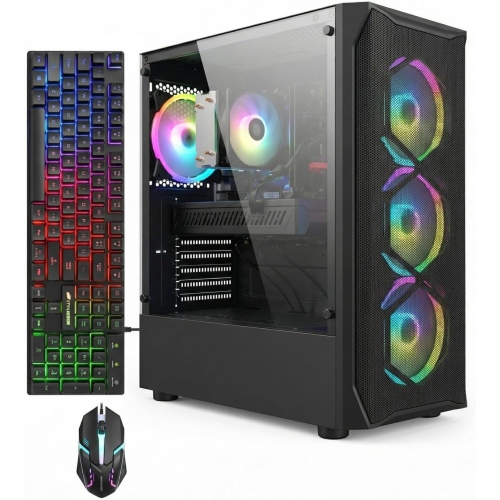
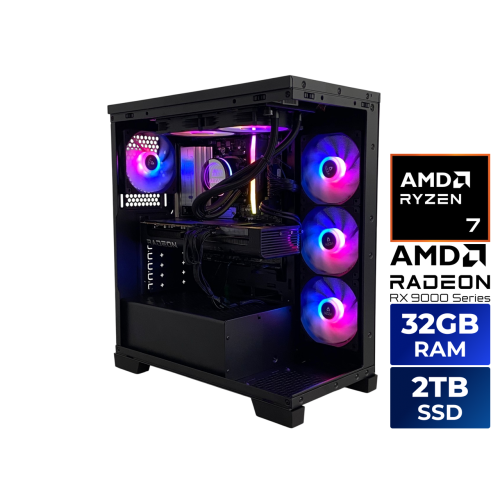
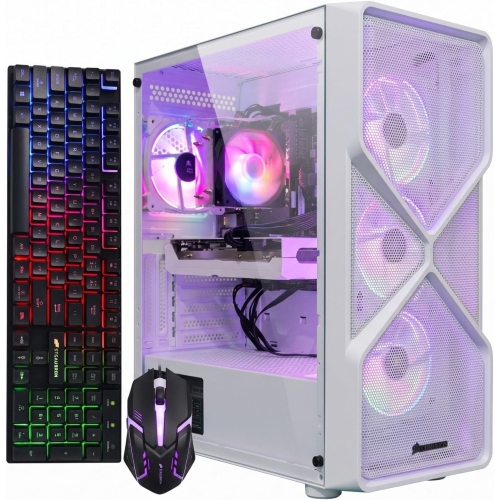
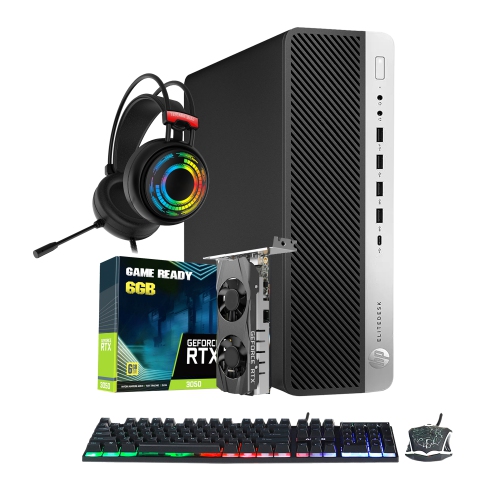
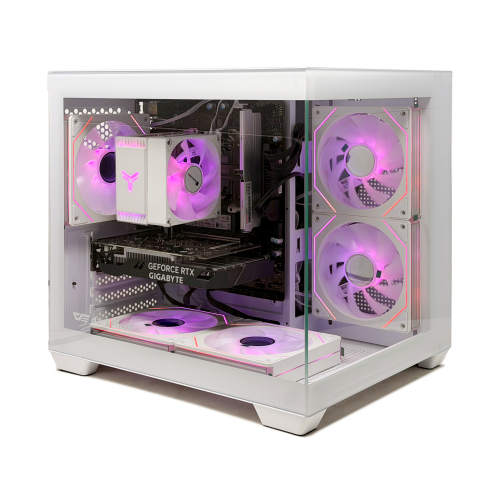
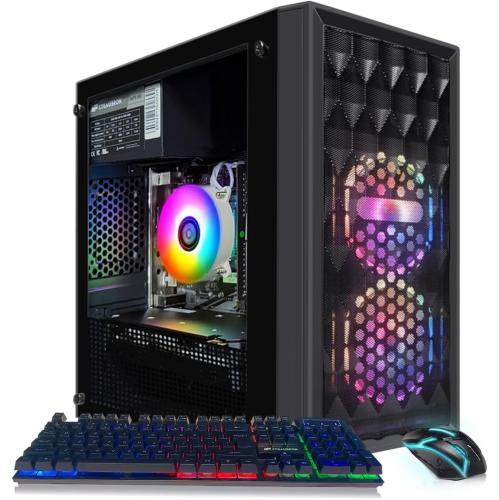
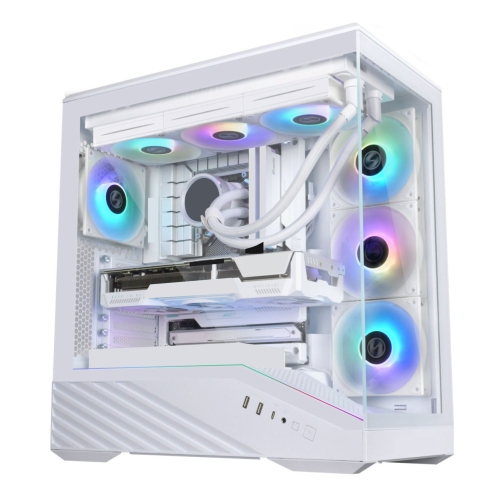
What your first desktop needs for everyday tasks
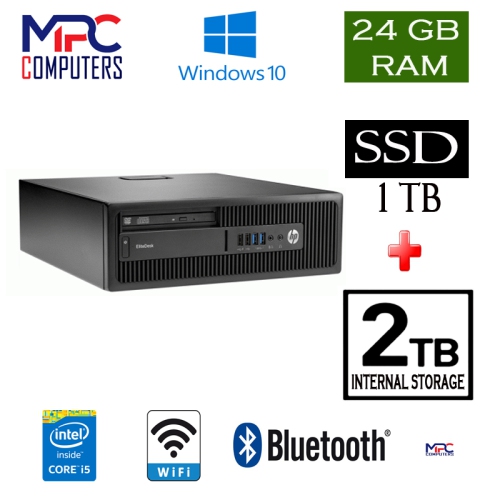
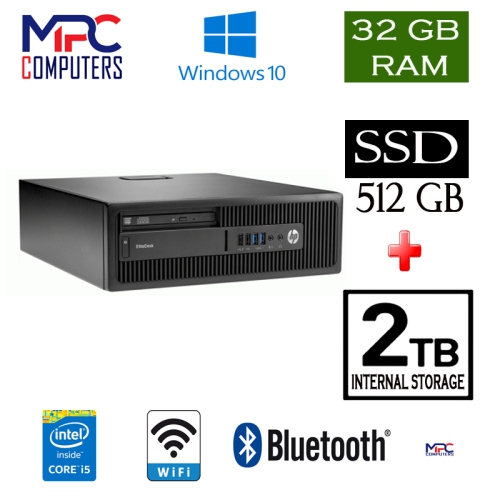
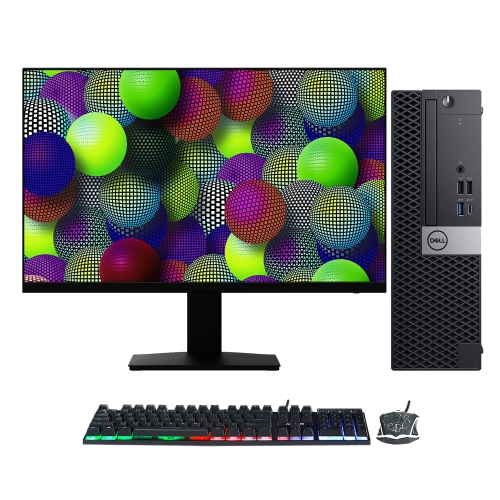
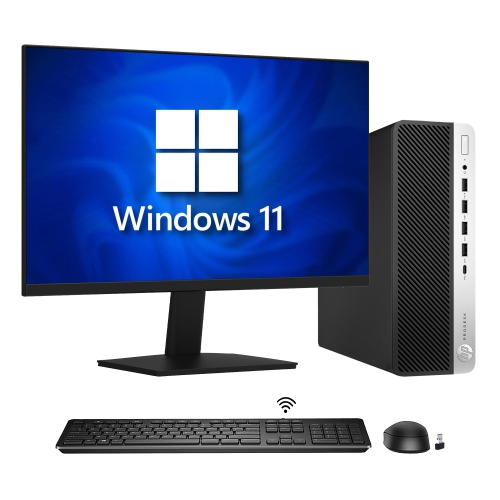
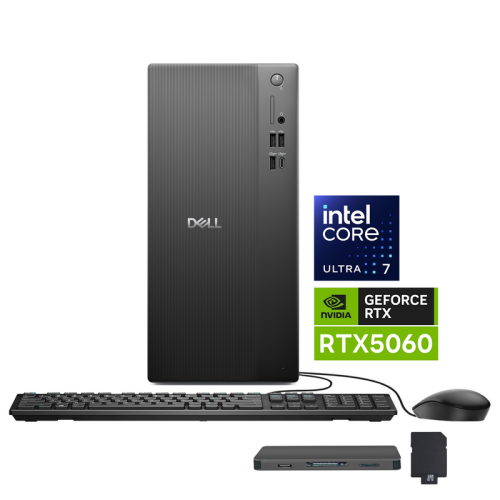
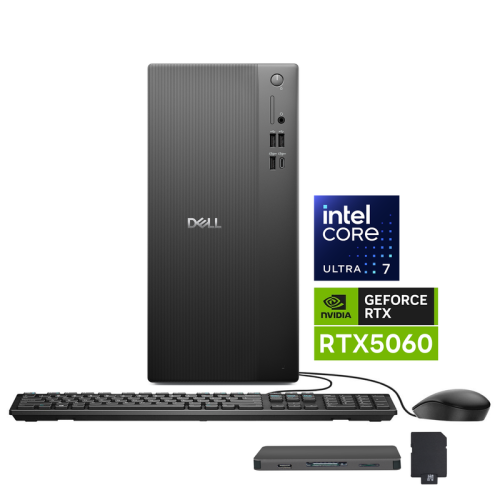
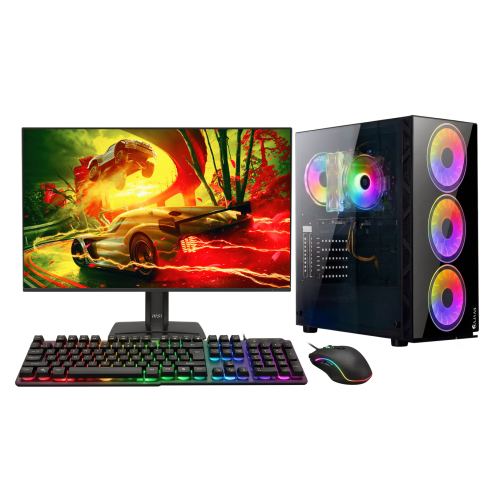
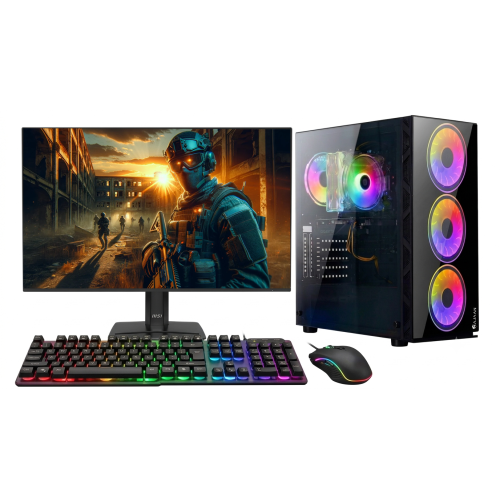
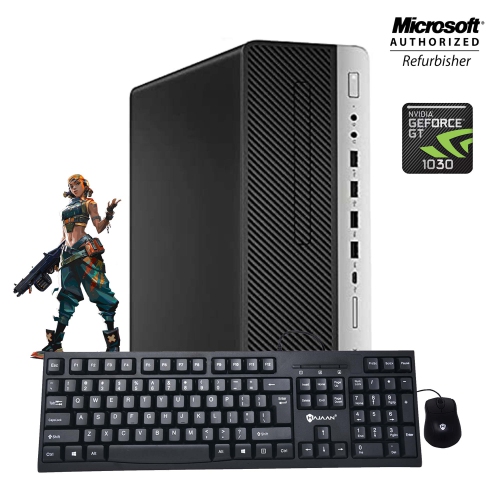
Starter PCs are entry-level desktop computers designed to handle everyday computing without the complexity of a high-end workstation or enthusiast build. They suit school assignments, web browsing, email, video calls, streaming, and routine work such as writing documents or managing spreadsheets. Some also support gaming, although that capability depends on the processor, graphics hardware, memory, and requirements of each game. For a student moving from a shared family computer to a personal workspace, a starter PC can provide room to keep research tabs open beside an essay and join an online class without constantly switching devices. For a household, it can serve as a dependable centre for paperwork, photo storage, and shared calendars. The processor handles calculations and instructions, while memory, also called RAM, gives active applications space to work. A configuration with 16 GB of RAM can provide useful breathing room for everyday multitasking, though heavier creative applications may need more. Storage serves a different purpose: it holds the operating system, applications, documents, and downloaded files. A solid-state drive, or SSD, helps the computer start up and open applications promptly. A 512 GB drive may be sufficient for documents and a modest selection of applications, while larger photo libraries and game installations can make additional capacity worthwhile. The usable space will be lower than the stated capacity because formatting, system files, and installed software occupy part of the drive. A complete desktop setup also depends on what comes with the computer. A monitor, keyboard, mouse, speakers, webcam, and operating system licence are not necessarily included with every tower or compact desktop. Those details matter when the computer is intended for a first apartment, a study corner, or a family member’s first personal setup. Compatibility with required school or work software is just as important as the hardware specifications, particularly when an application needs a particular operating system or connection.
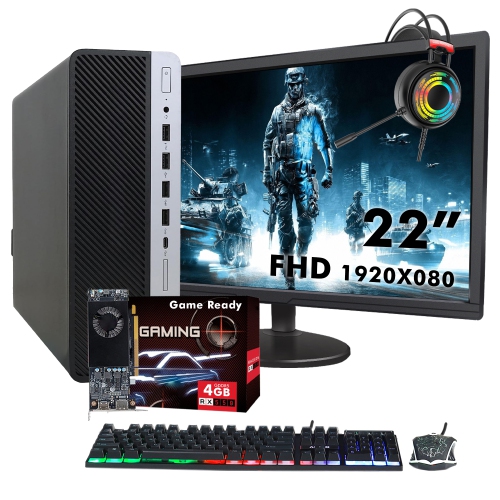
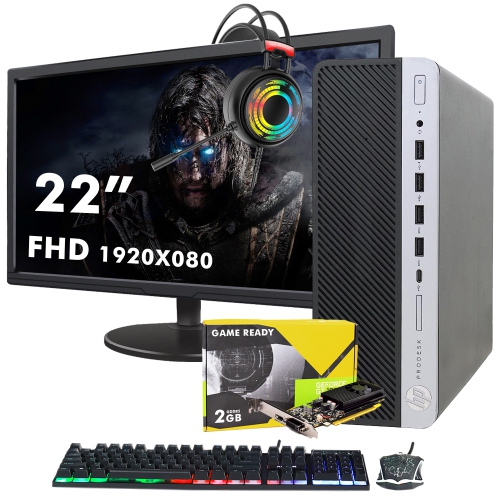
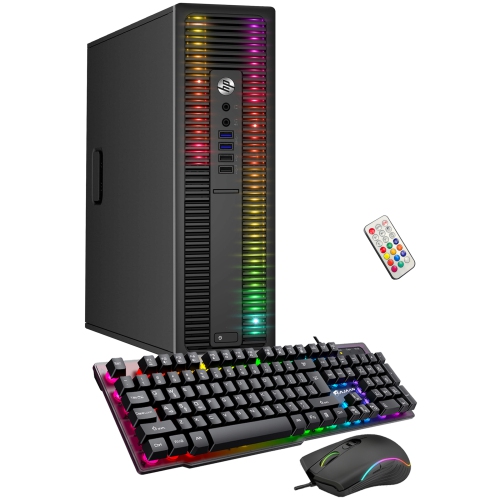
Gaming adds a different set of demands to a starter PC. A computer that handles documents and video streaming comfortably will not necessarily run a demanding game smoothly. Integrated graphics, which are built into the processor, can suit some less demanding games, but performance varies considerably between generations and configurations. A dedicated graphics card has its own processing resources and usually its own video memory, making it an important consideration for more graphically demanding play. For many first-time players, 1080p gaming is a practical target: it refers to a display resolution of 1920 by 1080 pixels and can offer a detailed picture without the greater graphics workload of higher resolutions. Resolution alone does not determine performance, however. Game settings, graphics hardware, processor speed, available memory, and the game itself all influence frame rates. A starter PC may run a competitive game smoothly at reduced settings while needing different settings for a visually demanding adventure. Published game requirements provide a useful reference, although meeting minimum requirements does not guarantee the experience a player expects. The Gaming PCs for Beginners collection is relevant for shoppers whose main priority is a first gaming setup rather than basic office tasks. Beyond the computer itself, the monitor and its connections shape that experience. The display’s resolution and refresh rate need to make sense alongside the graphics hardware, and the computer needs a compatible video output. Headsets, controllers, and other accessories also need suitable ports or wireless support. Built-in Wi-Fi and Bluetooth are separate features, so neither should be assumed from the presence of the other. An Ethernet connection can offer a steady wired connection when the router is within reach. Downloading games, storing updates, and keeping several favourites installed can also use substantial drive space. For someone who plans to play while recording or broadcasting, the extra workload makes processor capability and memory especially relevant.
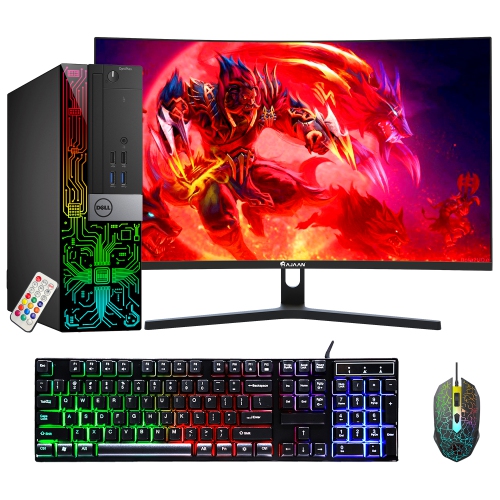
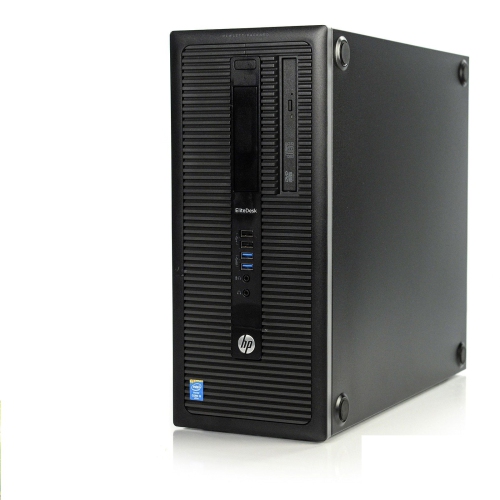
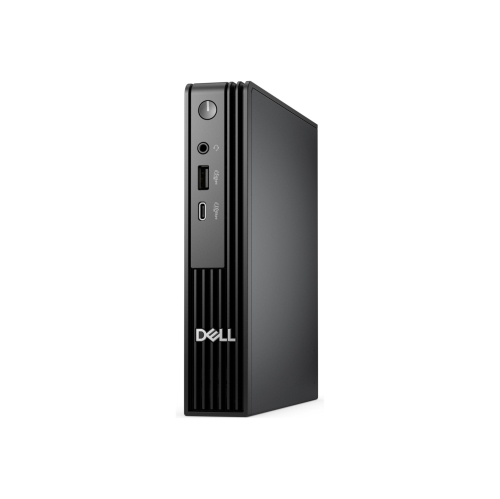
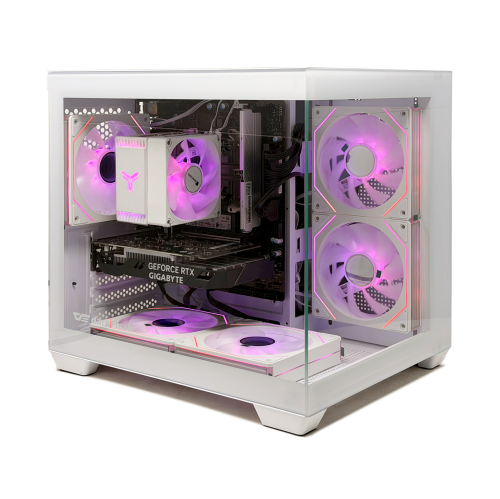
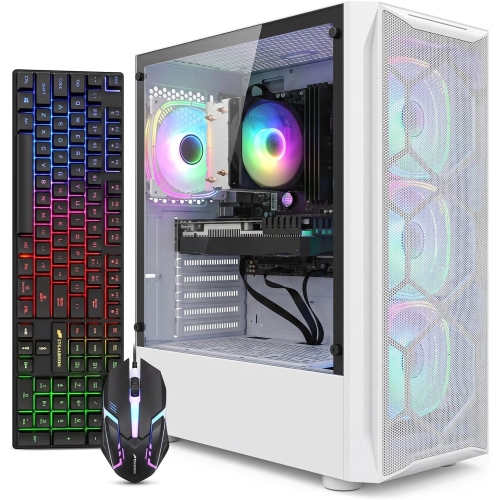
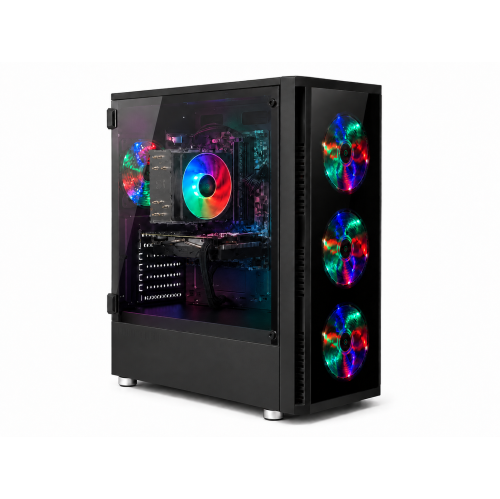
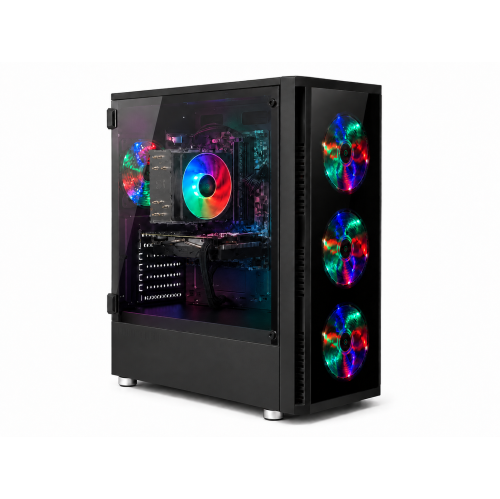
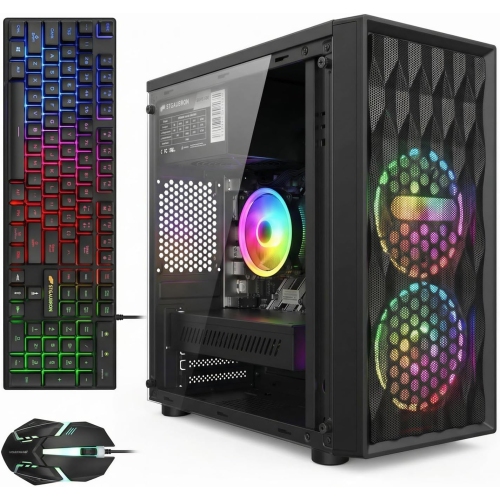
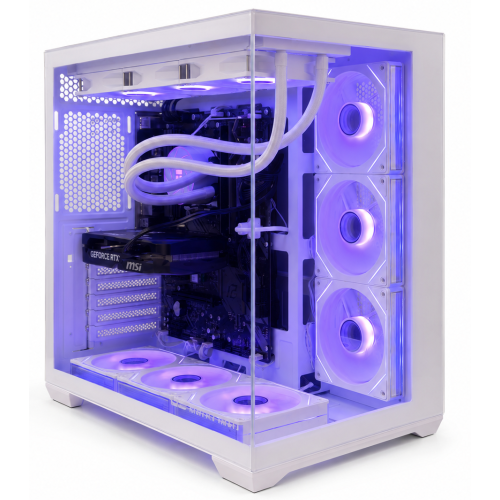
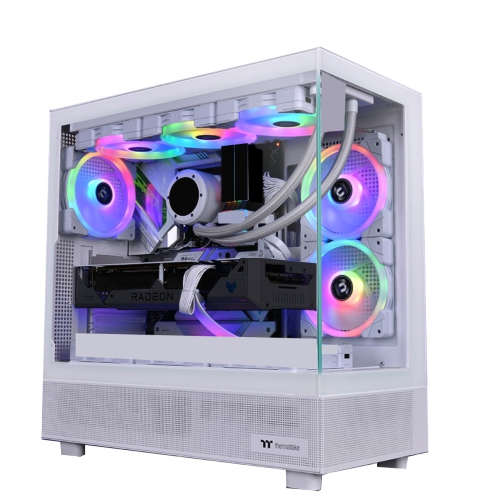
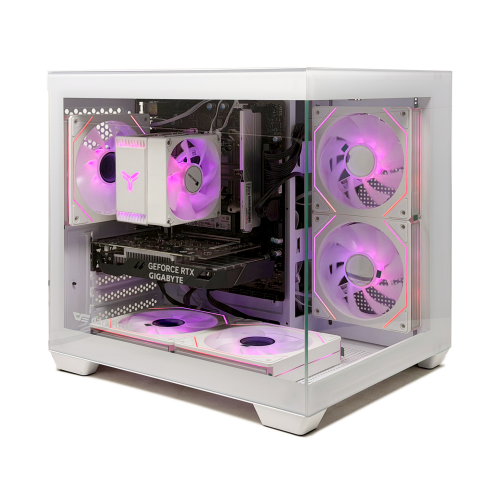
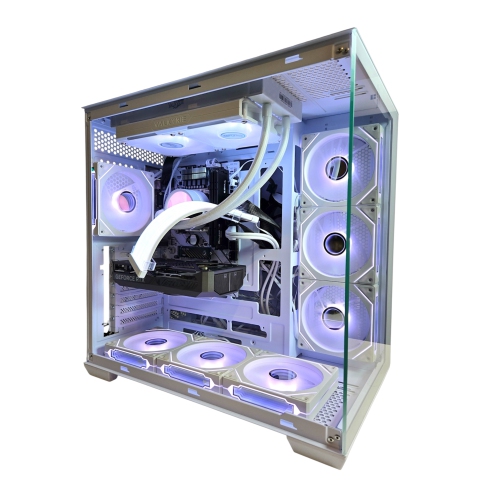
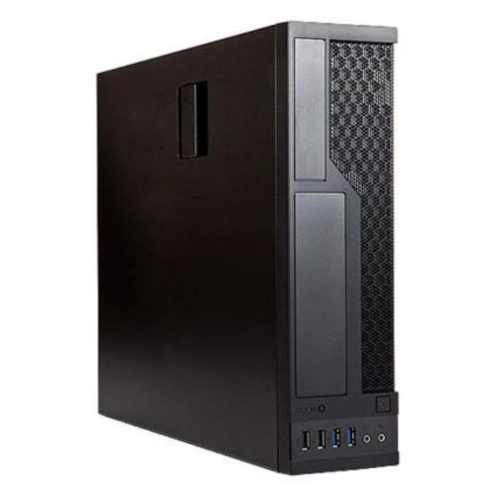
The physical design of a starter PC affects how comfortably it fits into daily life and how easily it can be maintained. Compact desktops can leave more room for notebooks and a monitor on a small desk, while larger towers may provide more internal space for cooling and compatible upgrades. Neither shape guarantees a particular level of performance or expandability. Metal chassis panels provide a practical protective shell, plastic front panels can keep controls and connections within easy reach, and glass side panels make internal components visible but require careful handling. The overall dimensions matter, including the clearance needed behind the computer for cables and around its ventilation openings. A tower squeezed into a closed cabinet can have difficulty releasing heat, and a computer placed directly on thick carpet may have obstructed lower vents. Fan noise is another consideration in a shared study area or a room used for video calls. Everyday durability depends partly on keeping vents clear, protecting ports from strained cables, and handling the case carefully when moving it. Routine care includes shutting the computer down and unplugging it before cleaning, following the manufacturer’s cleaning directions, and keeping liquids away from openings. Software updates, secure account settings, and regular backups help protect the work stored inside; an internal drive should not be the only copy of important assignments or family photos. Future upgrades depend on the specific design. Some starter PCs allow additional memory or storage, while compact or proprietary systems may have tighter limits. Graphics-card upgrades can require sufficient case clearance, compatible connections, and a suitable power supply, so an empty slot alone does not establish compatibility. These practical details are especially useful when choosing a starter PC as a gift for a student, a first-time gamer, or a relative setting up a home office. A computer matched to the recipient’s applications, available desk space, and comfort with technology is more useful than one chosen for appearance alone. Clear controls, accessible front ports, and the right connections can make ordinary tasks feel simpler from the first day of use.
Gaming adds a different set of demands to a starter PC. A computer that handles documents and video streaming comfortably will not necessarily run a demanding game smoothly. Integrated graphics, which are built into the processor, can suit some less demanding games, but performance varies considerably between generations and configurations. A dedicated graphics card has its own processing resources and usually its own video memory, making it an important consideration for more graphically demanding play. For many first-time players, 1080p gaming is a practical target: it refers to a display resolution of 1920 by 1080 pixels and can offer a detailed picture without the greater graphics workload of higher resolutions. Resolution alone does not determine performance, however. Game settings, graphics hardware, processor speed, available memory, and the game itself all influence frame rates. A starter PC may run a competitive game smoothly at reduced settings while needing different settings for a visually demanding adventure. Published game requirements provide a useful reference, although meeting minimum requirements does not guarantee the experience a player expects. The Gaming PCs for Beginners collection is relevant for shoppers whose main priority is a first gaming setup rather than basic office tasks. Beyond the computer itself, the monitor and its connections shape that experience. The display’s resolution and refresh rate need to make sense alongside the graphics hardware, and the computer needs a compatible video output. Headsets, controllers, and other accessories also need suitable ports or wireless support. Built-in Wi-Fi and Bluetooth are separate features, so neither should be assumed from the presence of the other. An Ethernet connection can offer a steady wired connection when the router is within reach. Downloading games, storing updates, and keeping several favourites installed can also use substantial drive space. For someone who plans to play while recording or broadcasting, the extra workload makes processor capability and memory especially relevant.
The physical design of a starter PC affects how comfortably it fits into daily life and how easily it can be maintained. Compact desktops can leave more room for notebooks and a monitor on a small desk, while larger towers may provide more internal space for cooling and compatible upgrades. Neither shape guarantees a particular level of performance or expandability. Metal chassis panels provide a practical protective shell, plastic front panels can keep controls and connections within easy reach, and glass side panels make internal components visible but require careful handling. The overall dimensions matter, including the clearance needed behind the computer for cables and around its ventilation openings. A tower squeezed into a closed cabinet can have difficulty releasing heat, and a computer placed directly on thick carpet may have obstructed lower vents. Fan noise is another consideration in a shared study area or a room used for video calls. Everyday durability depends partly on keeping vents clear, protecting ports from strained cables, and handling the case carefully when moving it. Routine care includes shutting the computer down and unplugging it before cleaning, following the manufacturer’s cleaning directions, and keeping liquids away from openings. Software updates, secure account settings, and regular backups help protect the work stored inside; an internal drive should not be the only copy of important assignments or family photos. Future upgrades depend on the specific design. Some starter PCs allow additional memory or storage, while compact or proprietary systems may have tighter limits. Graphics-card upgrades can require sufficient case clearance, compatible connections, and a suitable power supply, so an empty slot alone does not establish compatibility. These practical details are especially useful when choosing a starter PC as a gift for a student, a first-time gamer, or a relative setting up a home office. A computer matched to the recipient’s applications, available desk space, and comfort with technology is more useful than one chosen for appearance alone. Clear controls, accessible front ports, and the right connections can make ordinary tasks feel simpler from the first day of use.
Top selling and popular products
-
 Your price for this item is $3499.99
-
 Your price for this item is $3559.99
-
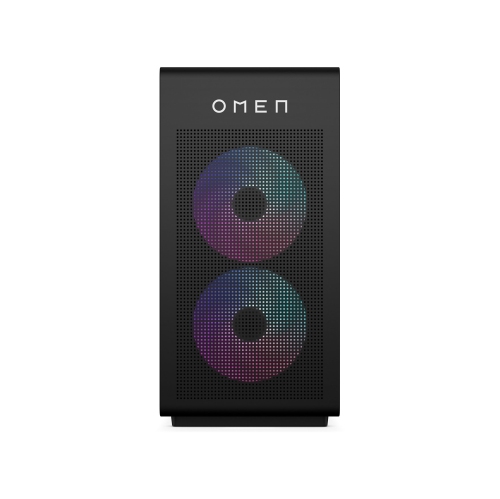 Your price for this item is $7958.99
-
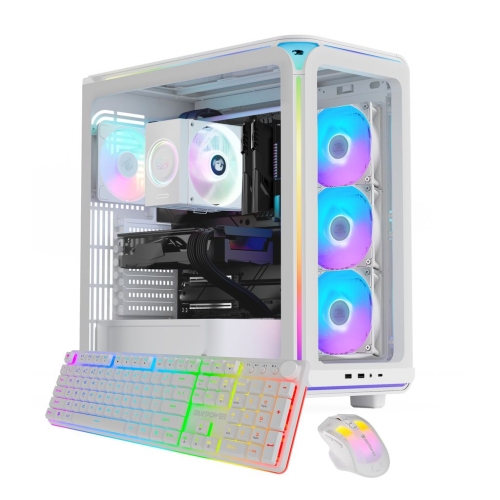 Your price for this item is $2999.99
-
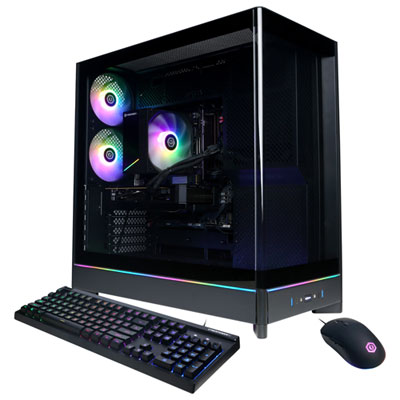 Your price for this item is $1899.99
-
 Your price for this item is $7579.99
-
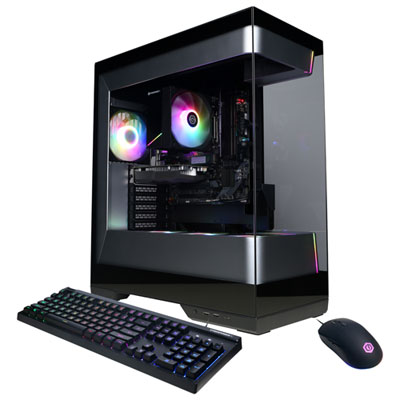 Your price for this item is $1739.99
-
 Your price for this item is $2299.99
Discover more categories related to Starter PCs

Top Collections:
Pokemon Centers, Kindle Devices, Best Black Friday Deals This Year, Pokémon 30th Celebration Cards, Best Black Friday Deals On Electronics, Best Cameras for Sports Photography, Best Black Friday Deals On Apple Products, Canon G7X Cameras, iPhone 15 Apple, Candle Warmer Lights
Some products may be subject to Environmental Handling Fees
(EHF) depending on your province.
Learn more about EHFs.