Full Pc Set Up
Get ready to take your productivity and entertainment to the next level with our comprehensive Full PC Set Up collection. Whether you're a gaming enthusiast, a creative professional, or simply looking to upgrade your home office, we have everything you need to create the ultimate computing experience. From powerful desktop computers to high-resolution monitors, ergonomic keyboards, and versatile accessories, our curated selection ensures that you can find the perfect combination of components to suit your needs. Explore our range of cutting-edge technology and transform your workspace into a hub of efficiency and enjoyment.
Sort

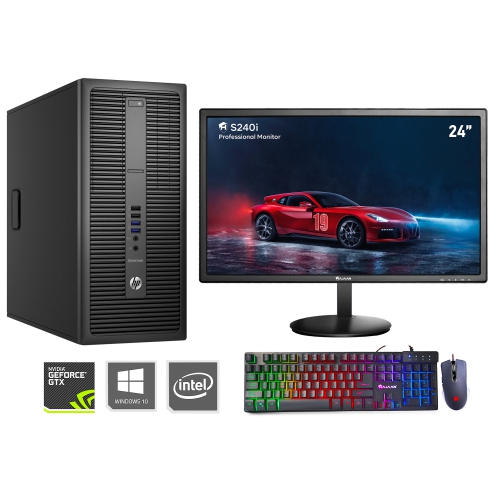
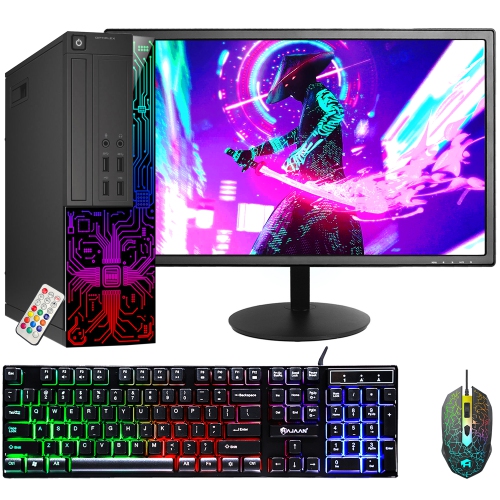
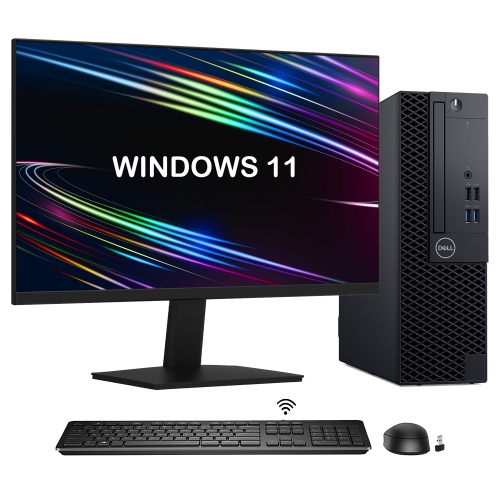
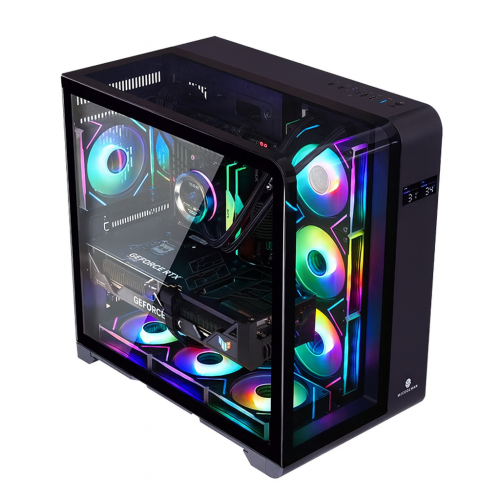
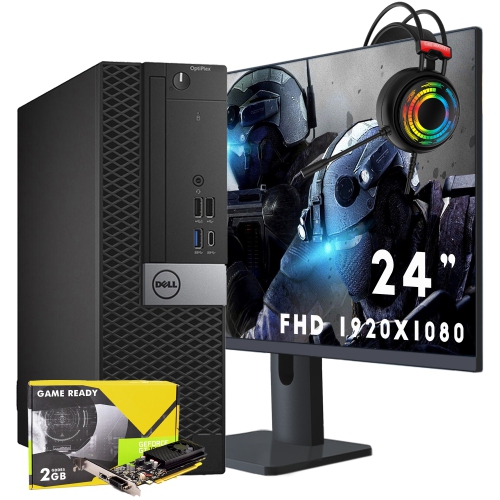
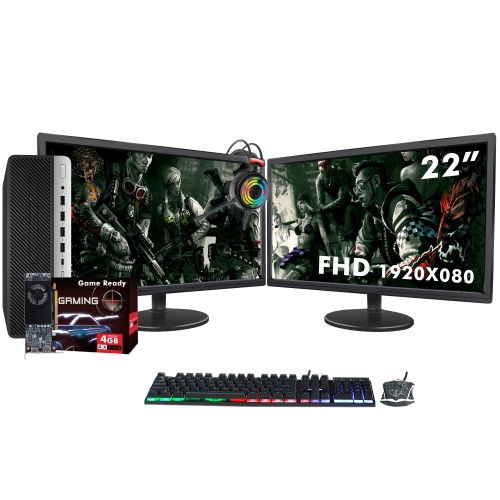
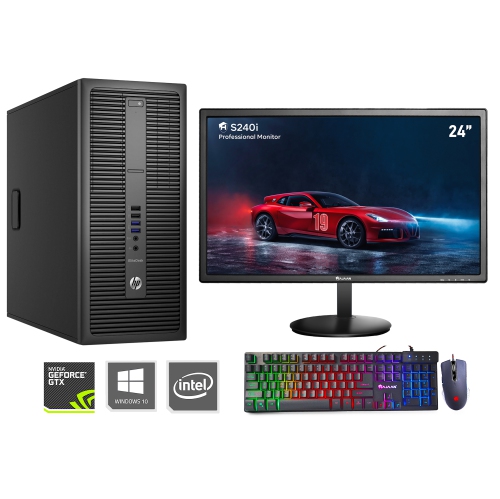

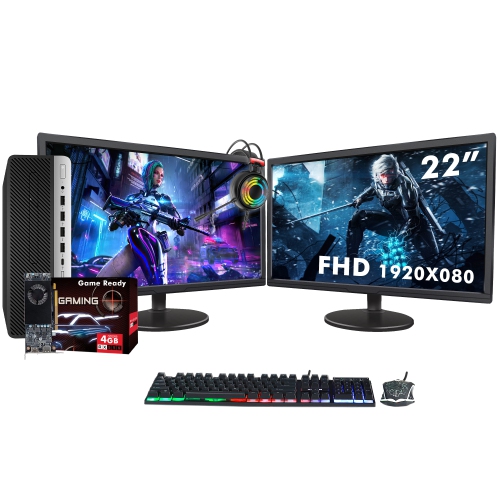
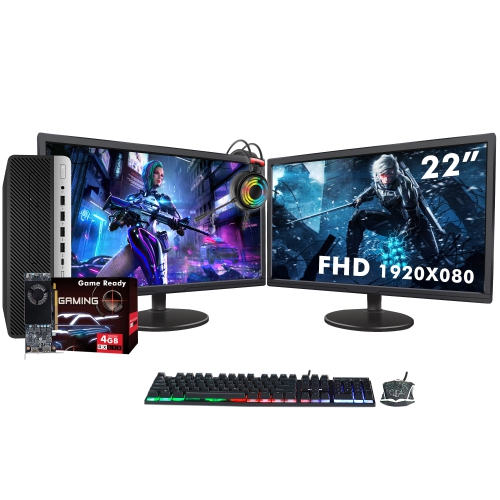


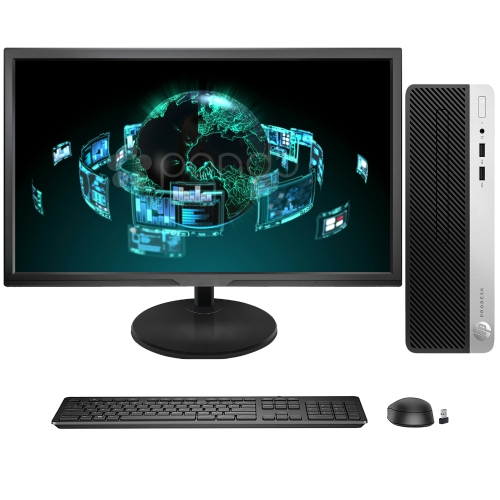
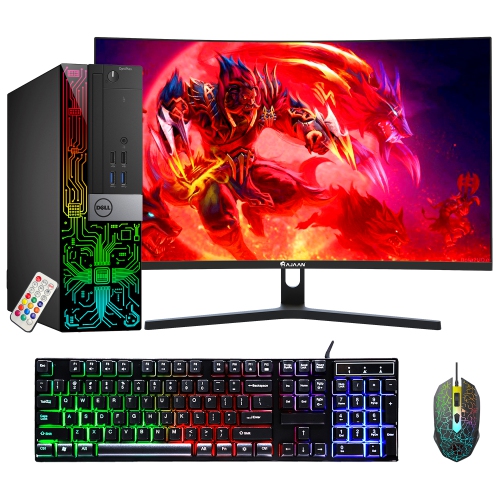
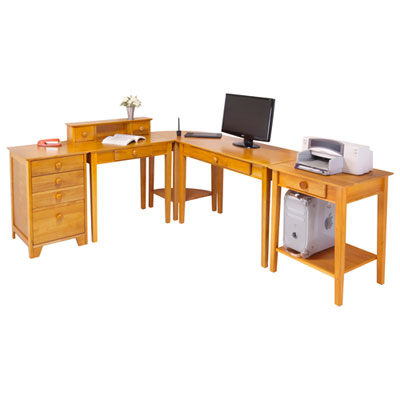
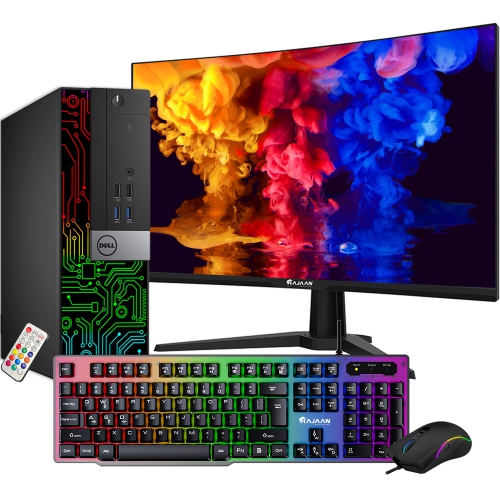
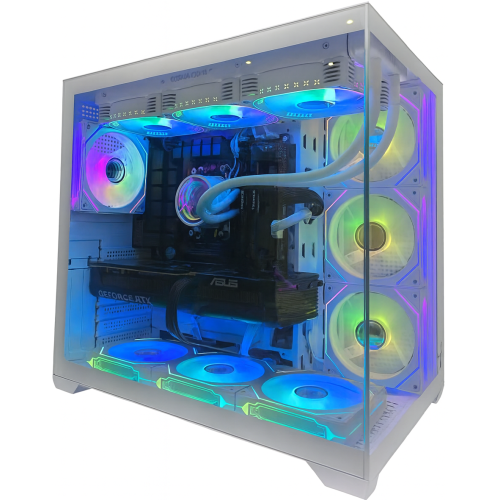
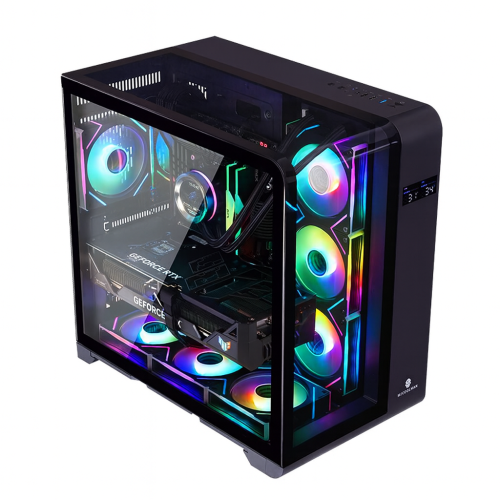
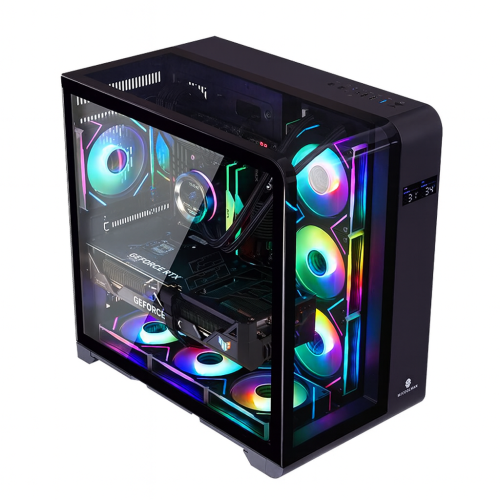
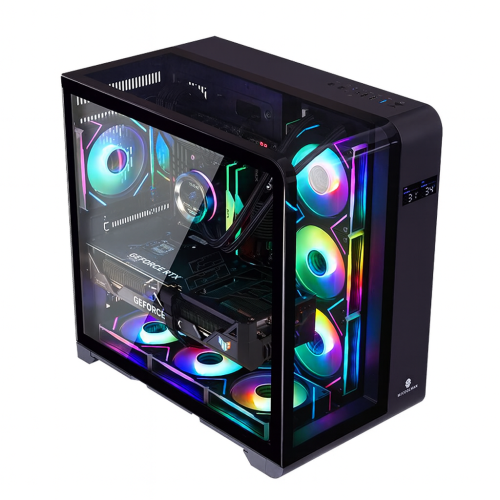

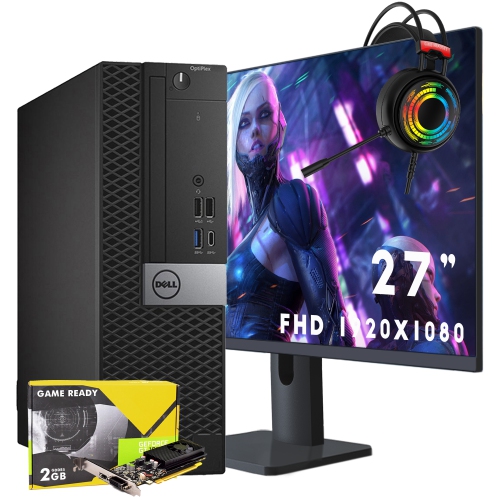
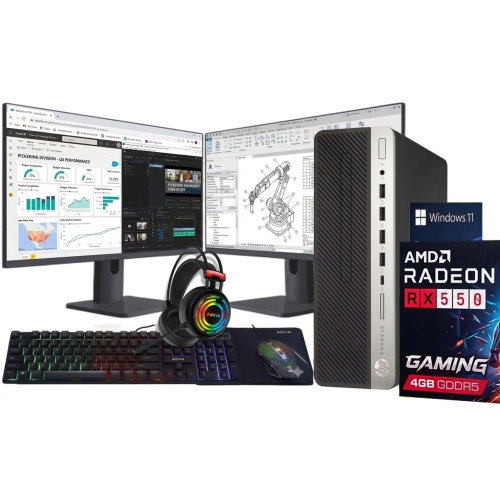
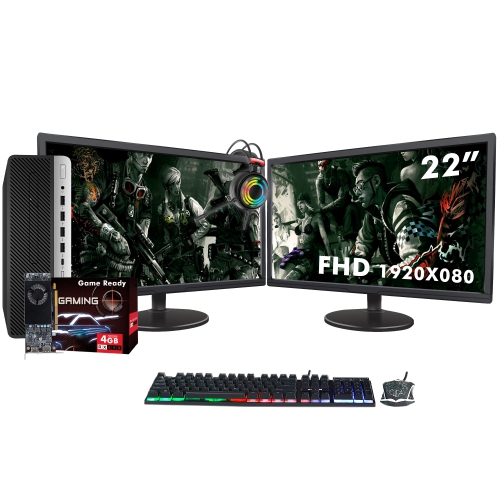
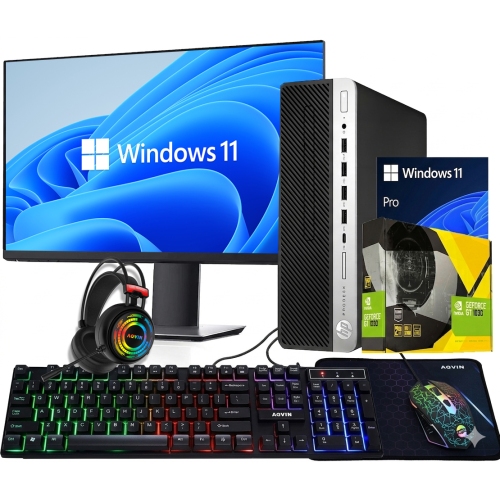
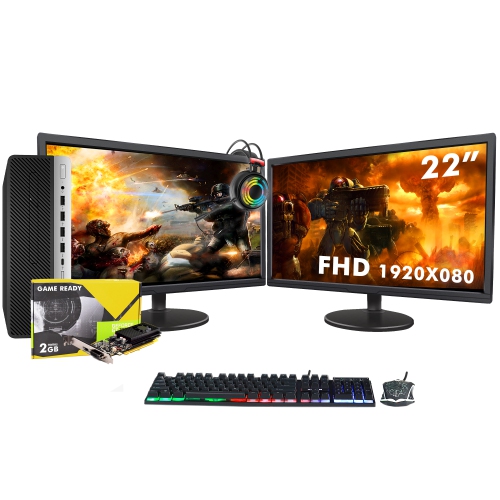
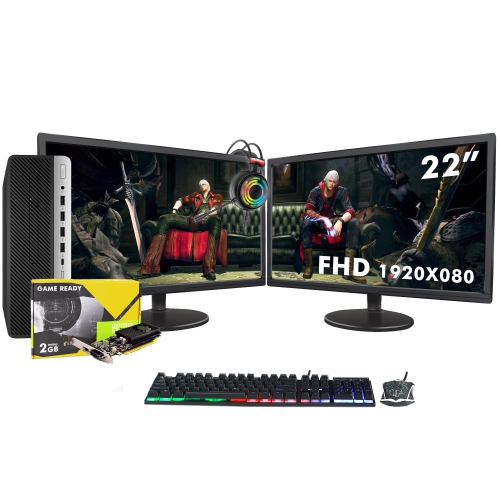
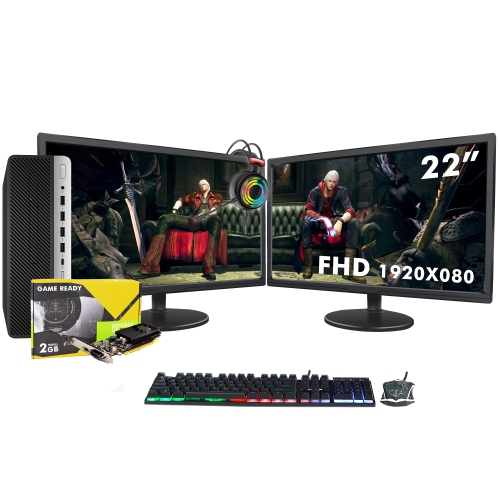
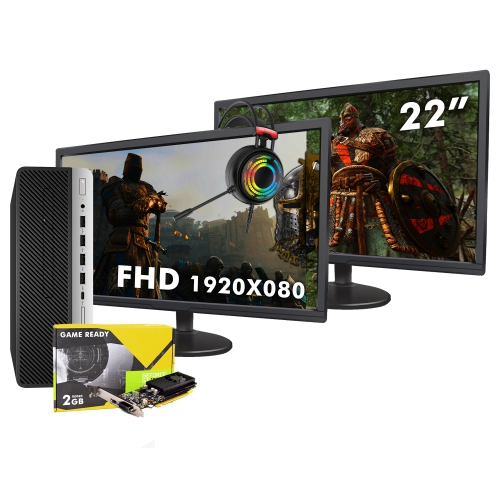
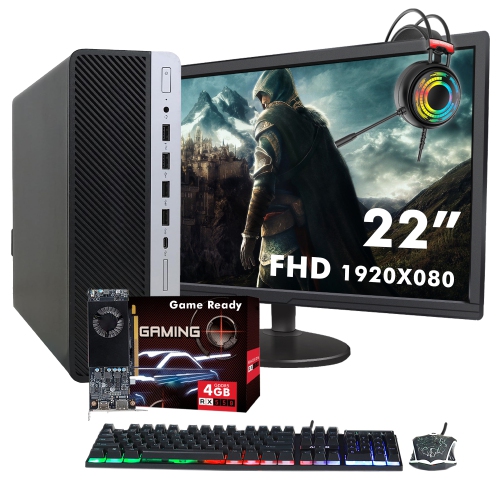
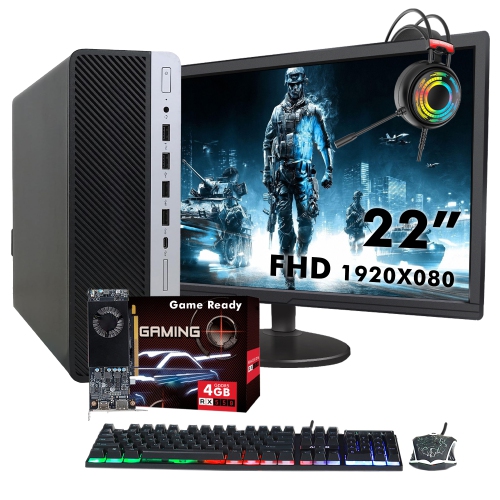
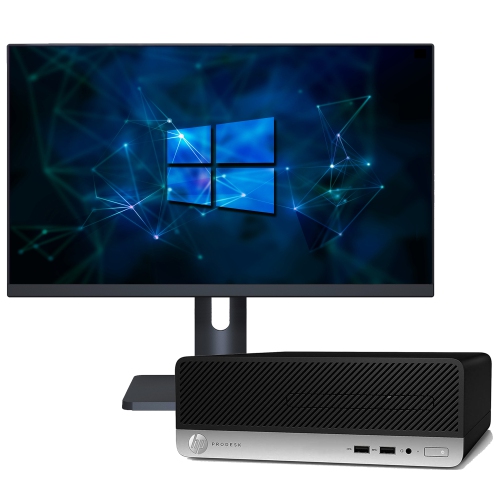
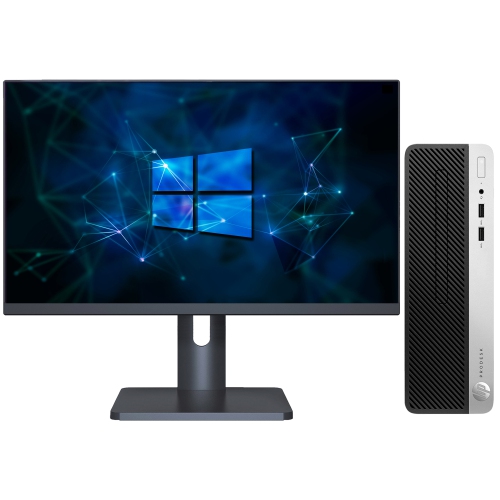
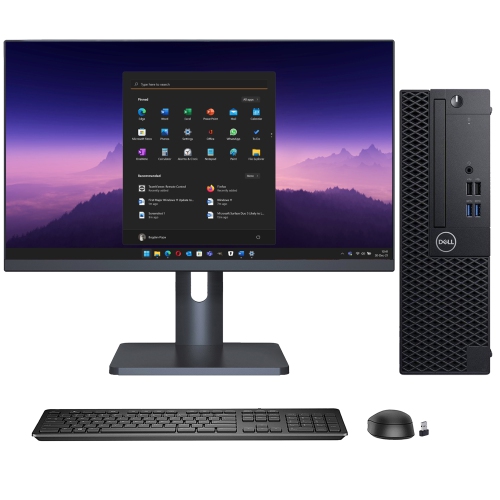

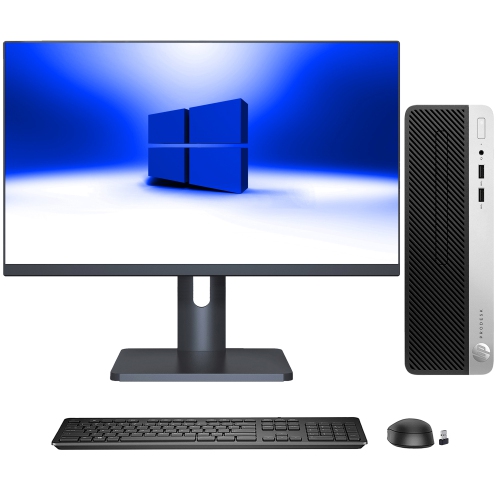
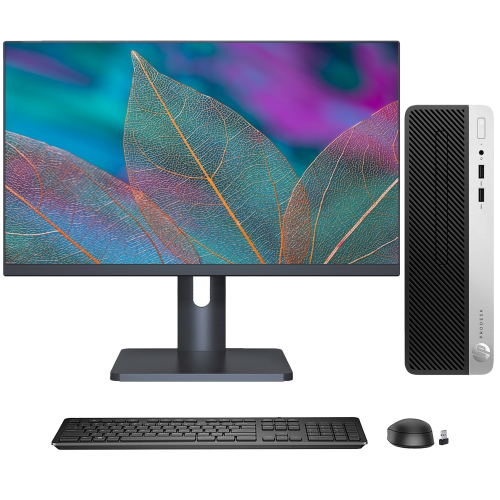
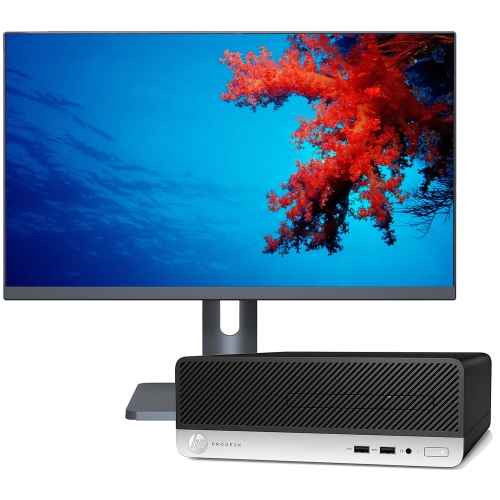
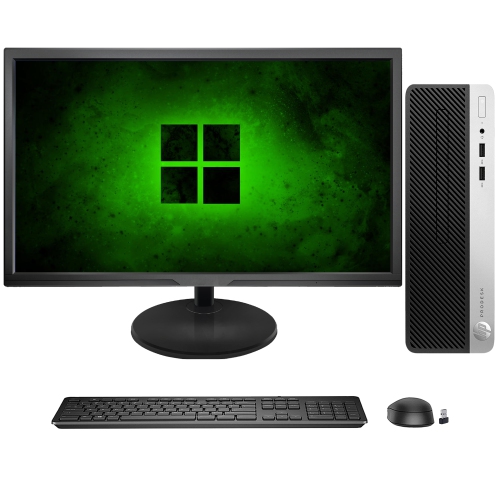
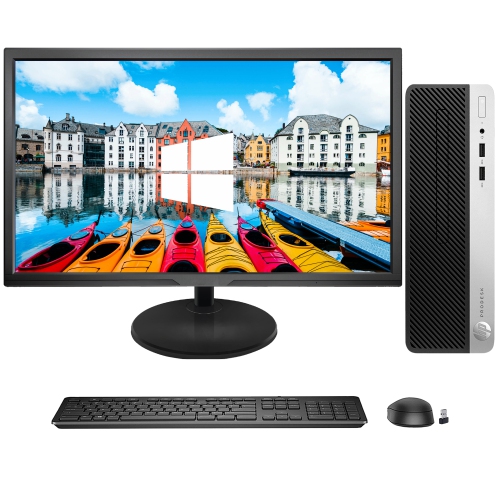
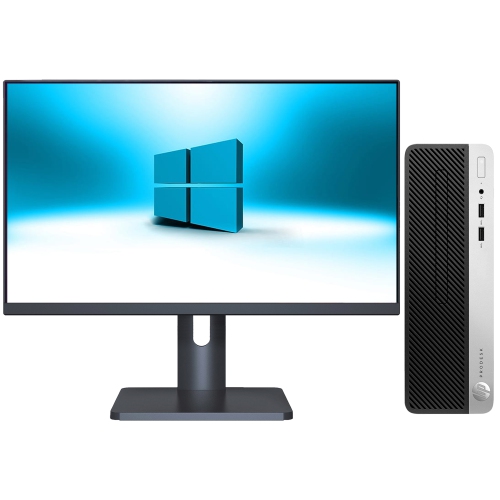
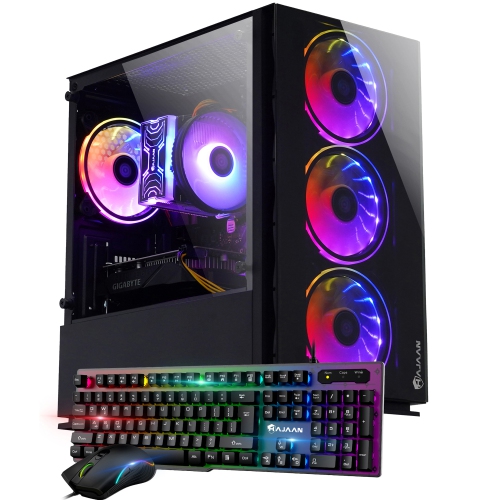
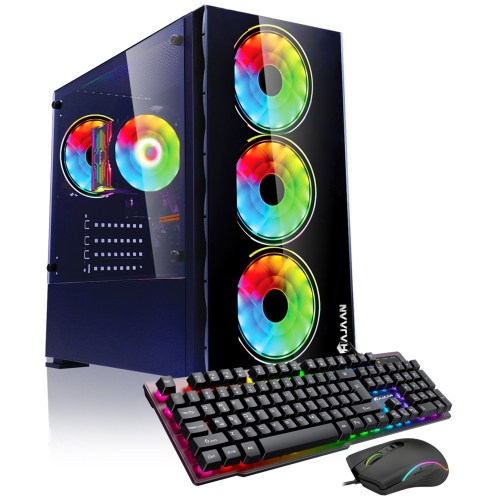
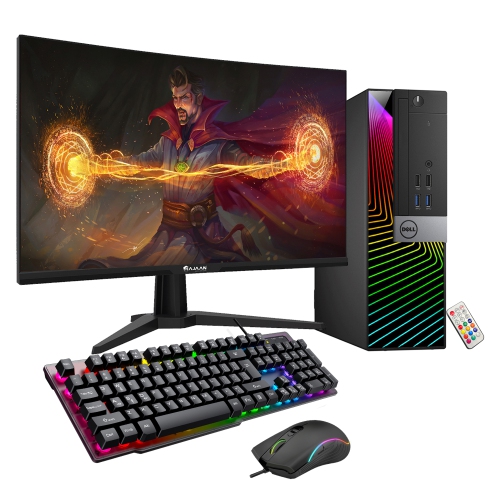
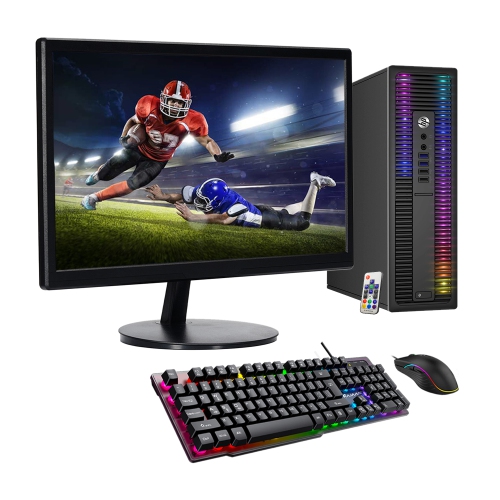

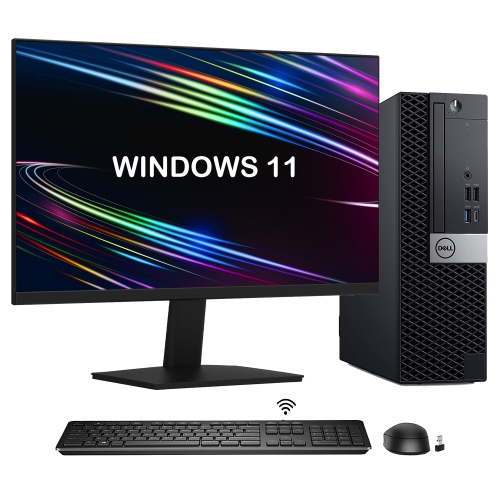
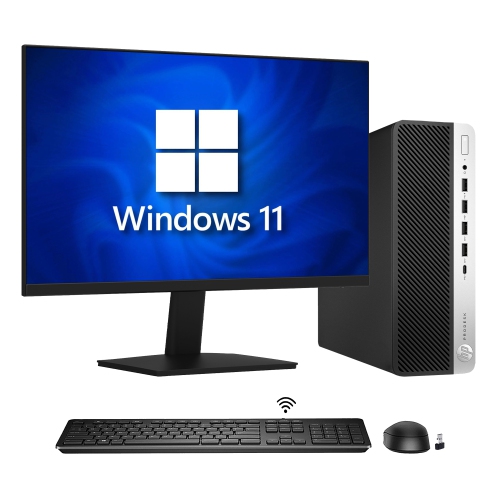
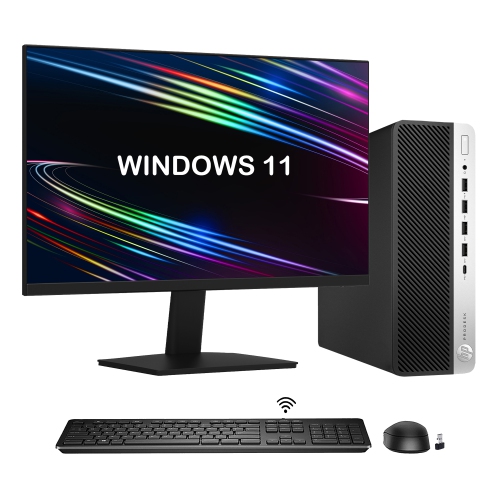
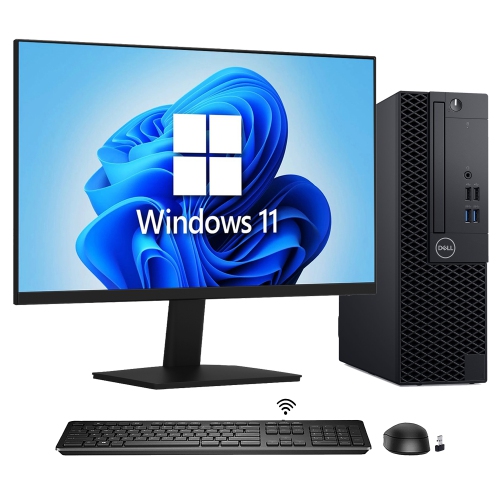
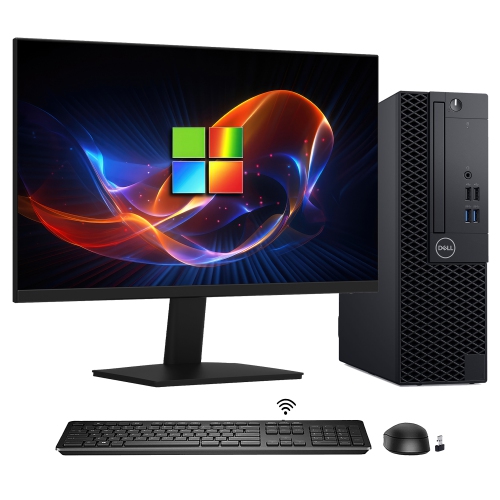
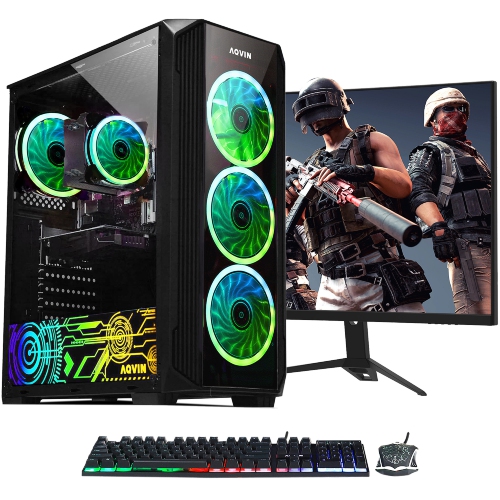
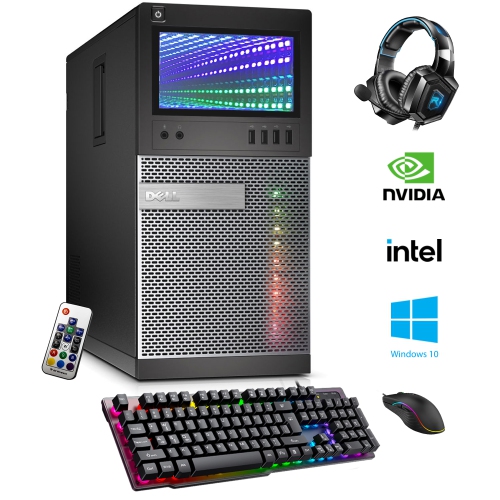
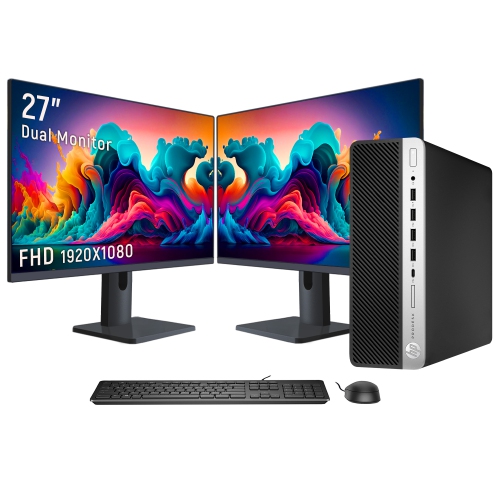
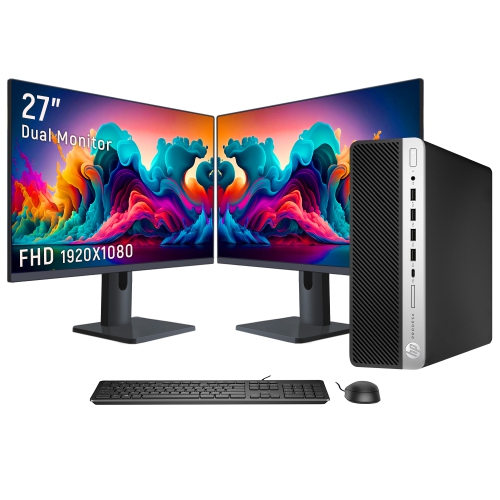
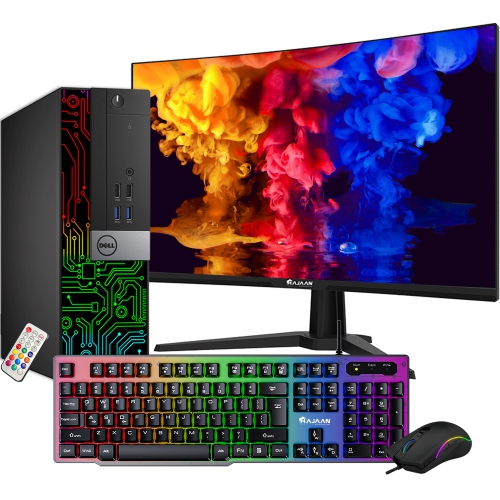

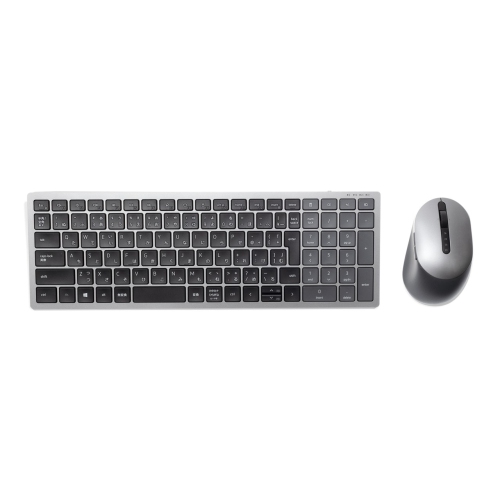

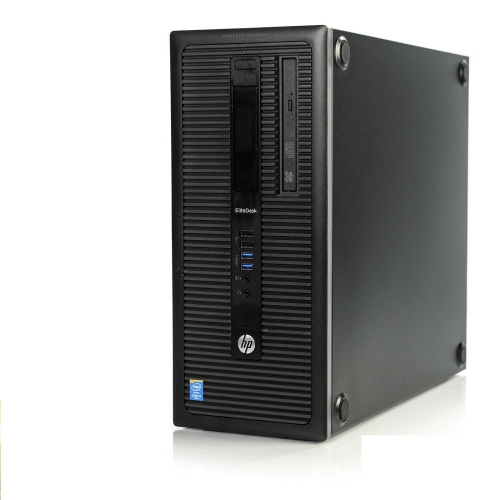
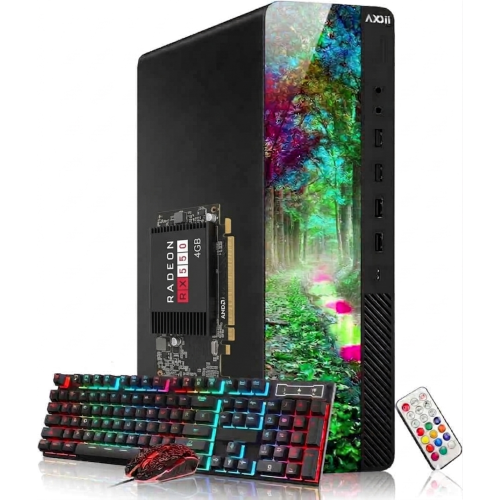
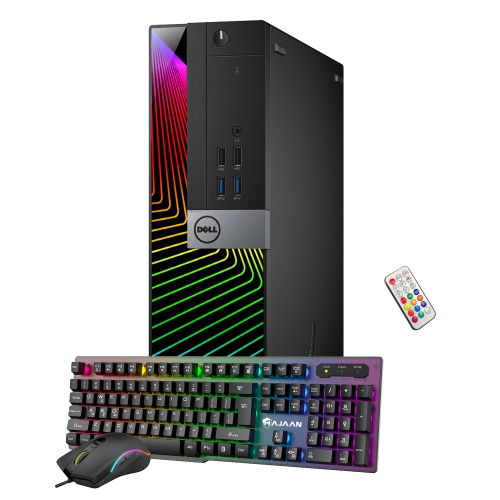
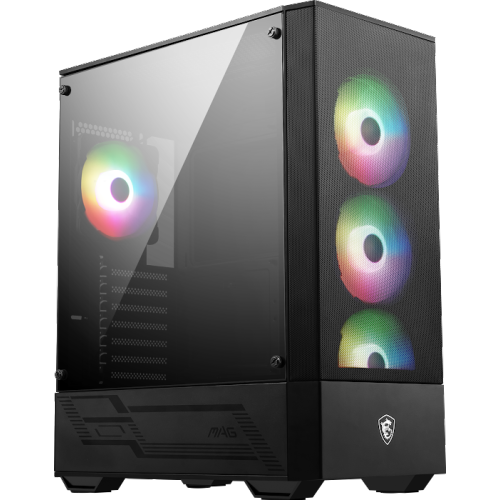
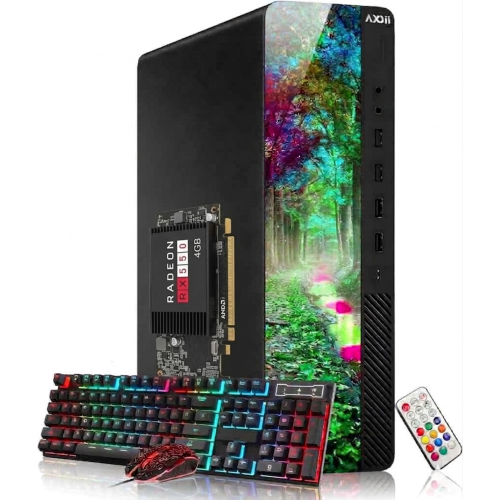
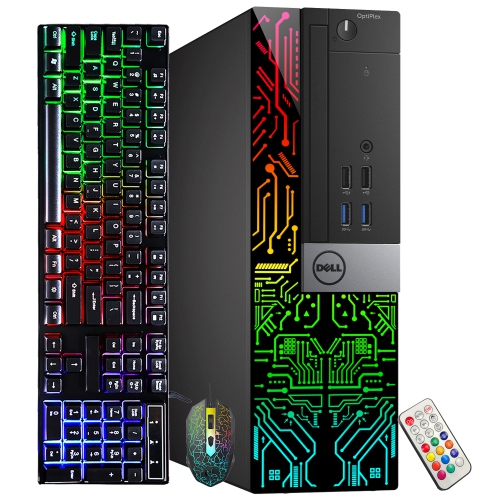
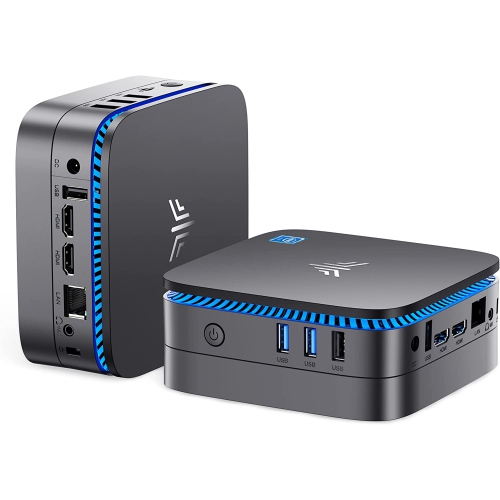
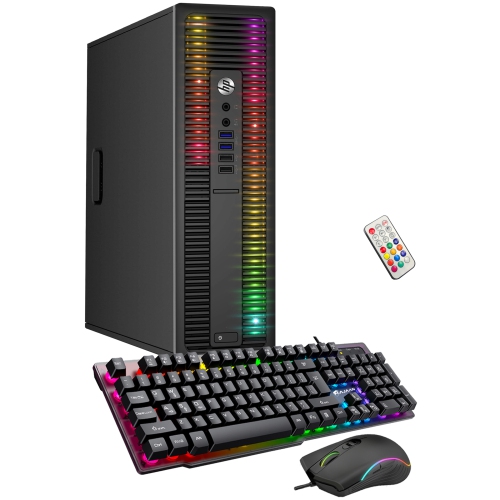
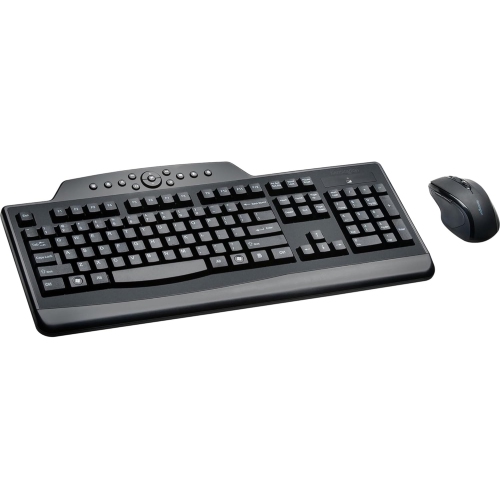
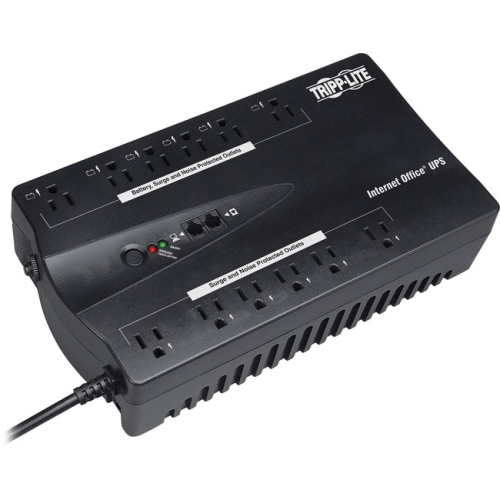
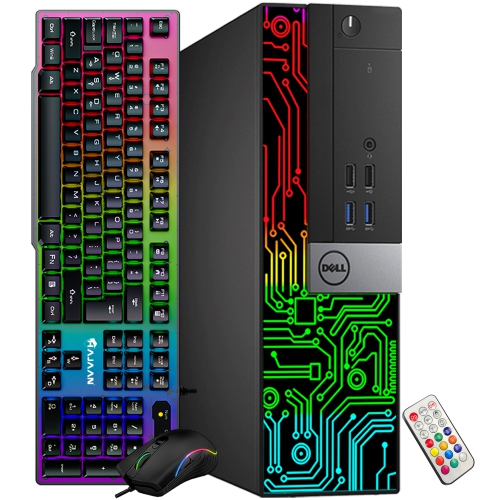
The essentials behind a comfortable, capable desktop workspace
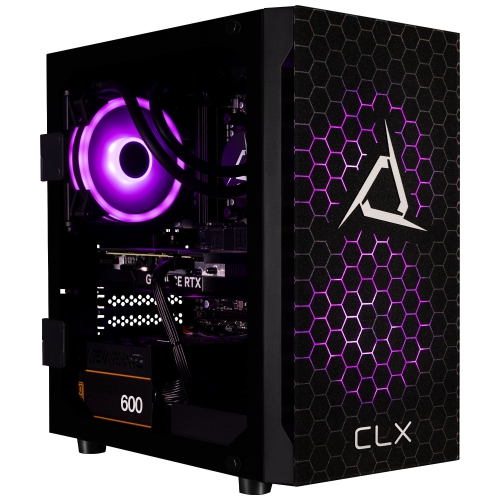
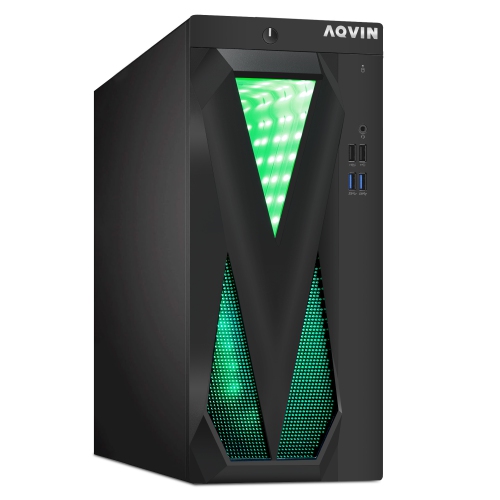
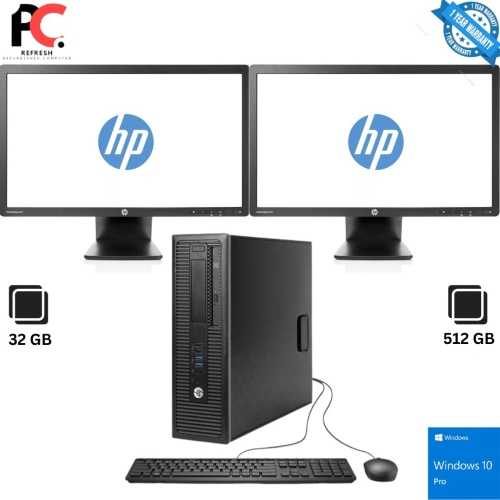
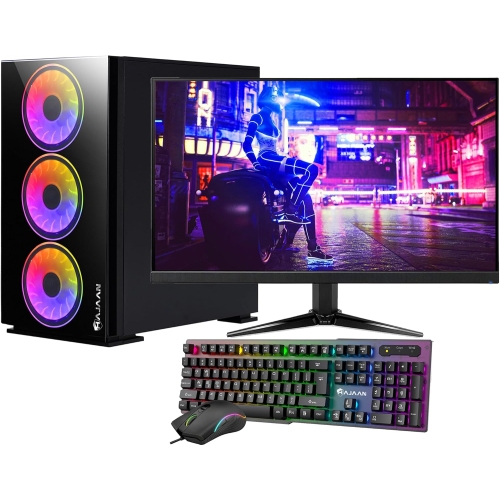
A full PC setup brings the essential parts of a desktop workspace together in one place, from the computer tower and display to the keyboard, mouse, audio equipment and furniture that support everyday use. Starting with the computer itself, consider how demanding your usual tasks will be. A system for web browsing, schoolwork, video calls and document editing may need a different balance of processing power, memory and storage than a system intended for gaming, content creation or detailed design work. The processor handles instructions and helps determine how smoothly applications respond, while memory supports the programs and browser tabs you have open at the same time. Solid-state storage can help the computer start quickly and make files and applications feel more responsive, while the graphics hardware affects visual performance in games, creative software and other image-heavy tasks. A prebuilt desktop can simplify the buying process by bringing compatible internal components together in one tower, making it a practical choice for a first setup, a home office upgrade or a gift for someone moving from a laptop. Those who prefer more control may choose individual components, but compatibility remains important: the power supply must support the system, the case must provide enough room for the internal hardware, and the computer should offer the connections needed for the selected monitor and accessories. Looking at the full setup as a complete system, rather than choosing each item in isolation, helps create a comfortable space that works well from the first day.
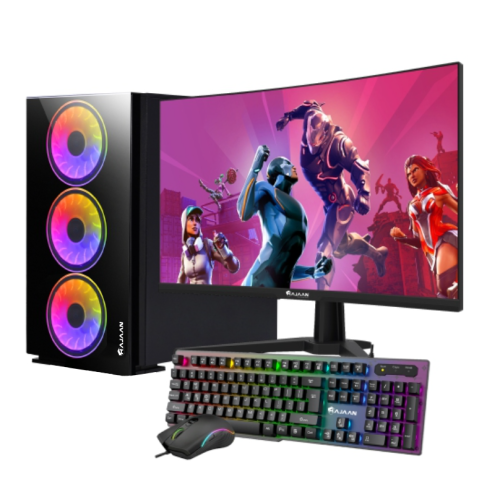
The monitor is the part of a PC setup you interact with most, so its size, resolution, refresh rate, panel quality and available connections all deserve attention. A larger screen can make spreadsheets, timelines and research easier to manage, while a sharper display can bring fine text, photographs and game environments into clearer focus. A higher refresh rate may provide smoother motion for fast-paced games, but a standard refresh rate can be entirely suitable for office tasks, study and general browsing. Think about the desk depth as well: a wide display needs enough room to sit at a comfortable viewing distance without crowding the keyboard or leaving the screen too close to your eyes. DisplayPort and HDMI are common connection types, though the available ports should match the computer and monitor. Input devices also shape the experience. A keyboard with a layout and key feel that suit long typing sessions can make homework, coding or administrative work less tiring, while a responsive mouse helps with navigation, editing and gaming. Audio can be as simple as a headset for private listening and clear calls, or it can include desktop speakers and a separate microphone for a more open, room-filling sound. Cable length, port placement and wireless connectivity are easy to overlook until a desk becomes tangled with short leads. A few minutes spent checking these details can leave the finished area feeling more like a deliberate workstation than a collection of separate boxes. For shoppers working within a defined budget, the Best Budget Computer Setup page can provide another way to compare the pieces that matter most.
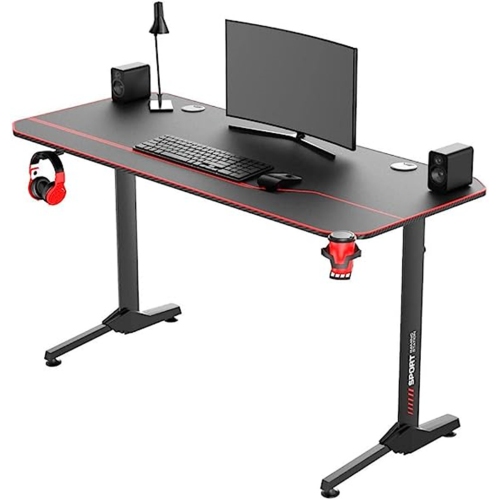
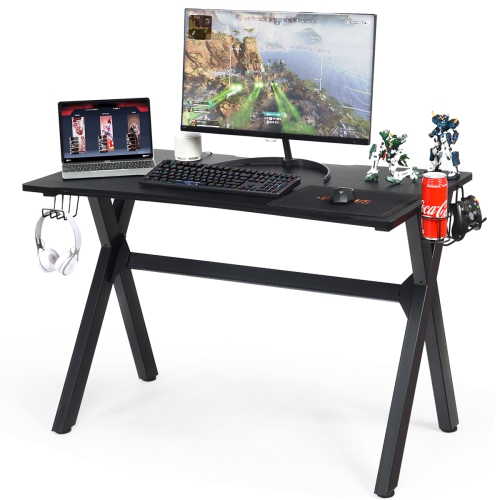
The desk and chair complete the practical side of a full PC setup, giving the equipment a stable home and the user a place to work, play or create comfortably. Choose a desk with enough surface area for the monitor, keyboard, mouse and any audio equipment, while leaving space to write, place a notebook or keep a drink away from the electronics. Shelves, drawers and cable-management features can help maintain a clear surface, particularly in a bedroom, apartment or shared family room where every centimetre matters. A height that allows the forearms to rest naturally and a chair with suitable back support can make long sessions more pleasant, whether the day involves online classes, spreadsheets, gaming or editing photos and video. Families may build a setup for a student who needs one dependable place for schoolwork and creative projects, while a new homeowner, remote worker or first-time PC user may appreciate receiving a complete collection of essentials instead of having to source each item separately. During the warmer months, a flexible setup can move to a brighter room or a larger shared space; during the cooler months, it can become a dependable corner for work, entertainment and personal projects. Families should also consider where the tower will sit, keeping vents clear and placing the screen where overhead light will not create distracting reflections. Gamers may prioritise responsive performance, a smooth display and a comfortable headset, while office users may value quiet operation, clear video calls and a monitor that supports several windows. Creative users can benefit from ample storage, accurate on-screen colour and a precise mouse or drawing accessory. No matter the intended use, the strongest setups balance performance, comfort, available space and future flexibility, creating a cohesive desktop environment that feels ready for everything from a focused morning of work to an evening of play.
The monitor is the part of a PC setup you interact with most, so its size, resolution, refresh rate, panel quality and available connections all deserve attention. A larger screen can make spreadsheets, timelines and research easier to manage, while a sharper display can bring fine text, photographs and game environments into clearer focus. A higher refresh rate may provide smoother motion for fast-paced games, but a standard refresh rate can be entirely suitable for office tasks, study and general browsing. Think about the desk depth as well: a wide display needs enough room to sit at a comfortable viewing distance without crowding the keyboard or leaving the screen too close to your eyes. DisplayPort and HDMI are common connection types, though the available ports should match the computer and monitor. Input devices also shape the experience. A keyboard with a layout and key feel that suit long typing sessions can make homework, coding or administrative work less tiring, while a responsive mouse helps with navigation, editing and gaming. Audio can be as simple as a headset for private listening and clear calls, or it can include desktop speakers and a separate microphone for a more open, room-filling sound. Cable length, port placement and wireless connectivity are easy to overlook until a desk becomes tangled with short leads. A few minutes spent checking these details can leave the finished area feeling more like a deliberate workstation than a collection of separate boxes. For shoppers working within a defined budget, the Best Budget Computer Setup page can provide another way to compare the pieces that matter most.
The desk and chair complete the practical side of a full PC setup, giving the equipment a stable home and the user a place to work, play or create comfortably. Choose a desk with enough surface area for the monitor, keyboard, mouse and any audio equipment, while leaving space to write, place a notebook or keep a drink away from the electronics. Shelves, drawers and cable-management features can help maintain a clear surface, particularly in a bedroom, apartment or shared family room where every centimetre matters. A height that allows the forearms to rest naturally and a chair with suitable back support can make long sessions more pleasant, whether the day involves online classes, spreadsheets, gaming or editing photos and video. Families may build a setup for a student who needs one dependable place for schoolwork and creative projects, while a new homeowner, remote worker or first-time PC user may appreciate receiving a complete collection of essentials instead of having to source each item separately. During the warmer months, a flexible setup can move to a brighter room or a larger shared space; during the cooler months, it can become a dependable corner for work, entertainment and personal projects. Families should also consider where the tower will sit, keeping vents clear and placing the screen where overhead light will not create distracting reflections. Gamers may prioritise responsive performance, a smooth display and a comfortable headset, while office users may value quiet operation, clear video calls and a monitor that supports several windows. Creative users can benefit from ample storage, accurate on-screen colour and a precise mouse or drawing accessory. No matter the intended use, the strongest setups balance performance, comfort, available space and future flexibility, creating a cohesive desktop environment that feels ready for everything from a focused morning of work to an evening of play.
Top selling and popular products
-
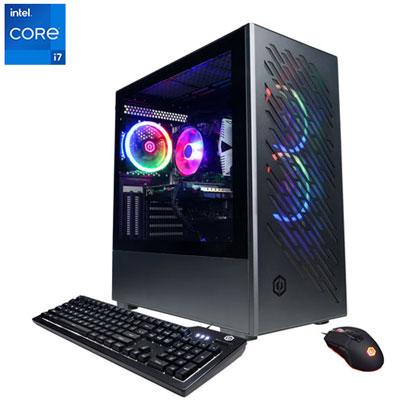 Your price for this item is $1969.99
 -
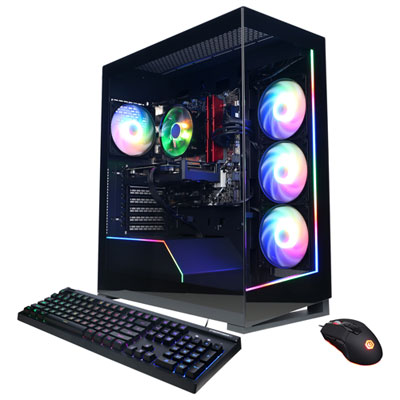 Your price for this item is $1059.99
 -
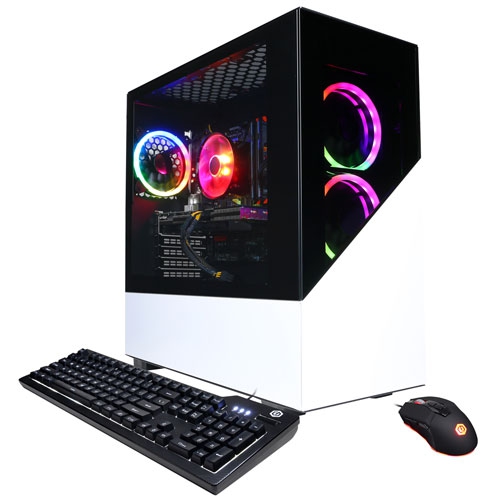 Your price for this item is $1274.97
 -
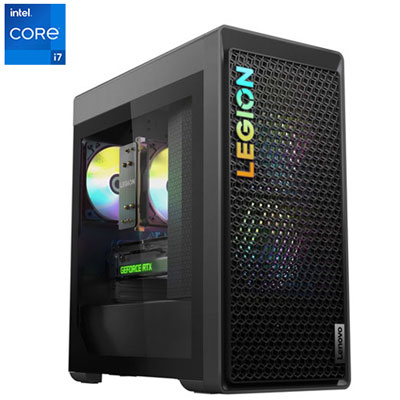 Your price for this item is $1899.95
 -
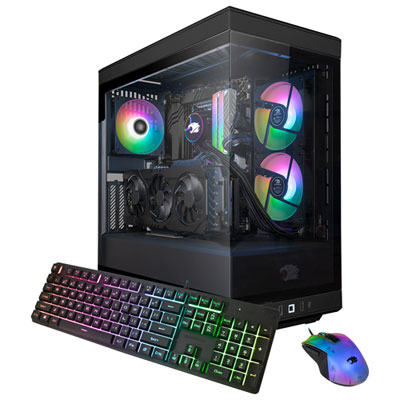 Your price for this item is $2309.99
 -
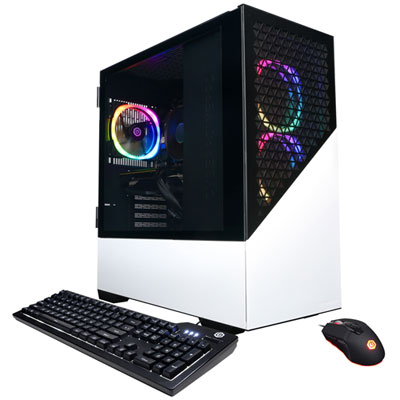 Your price for this item is $1669.99
 -
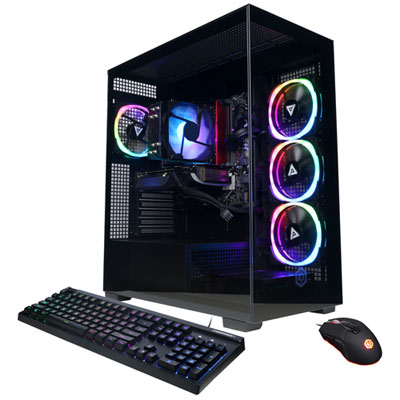 Your price for this item is $1839.99
 -
 Your price for this item is $2499.99
Discover more categories related to Full Pc Set Up
Top Collections:
Best Laptops for Video Editing, Pokemon Centers, Samsung Z Fold, Kindle Devices, Best Cell Phones Under $300, Best Laptops for Writers, Best Budget Office Chairs, Best Cell Phones Under $500, Best Laptop Computers for Students, iPhone 15 Apple
Some products may be subject to Environmental Handling Fees
(EHF) depending on your province.
Learn more about EHFs.