Surface Laptop Chargers
Power up your device quickly and efficiently with a surface laptop charger designed to keep you connected wherever you go. Whether you need a replacement or an extra charger for travel, home, or office use, you'll find reliable options to suit your needs. Browse a variety of surface laptop charger choices that are compatible with your device and offer the convenience and performance you expect. Stay charged and ready for work, school, or entertainment with the right charger for your Surface laptop.
Sort



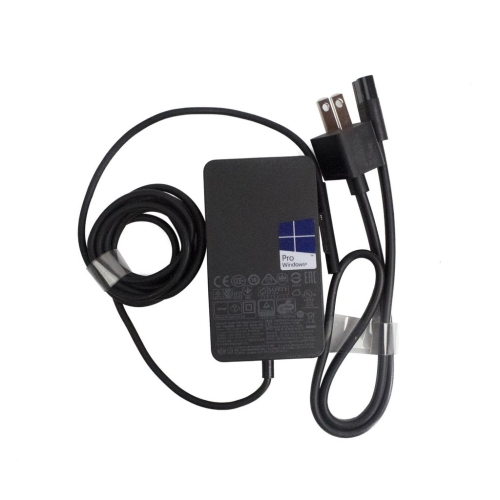
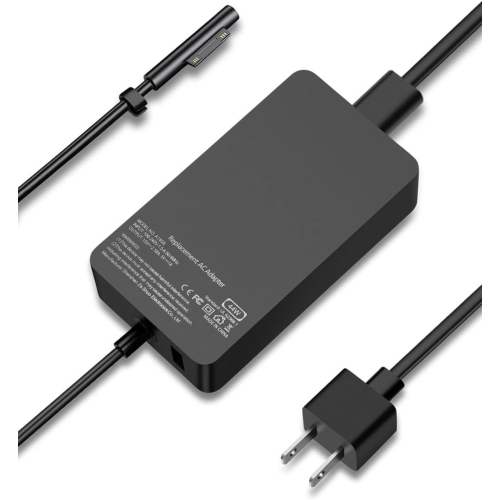


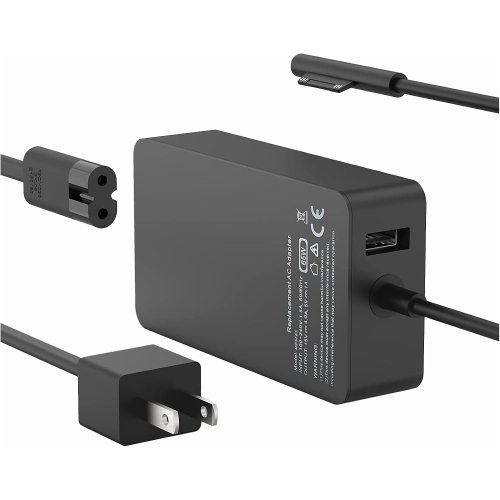


Charging compatibility goes beyond a connector that fits
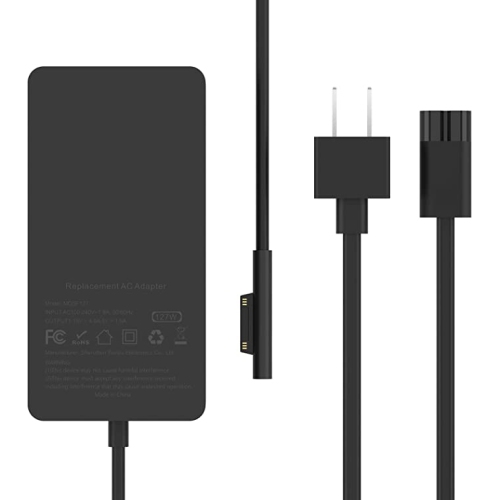
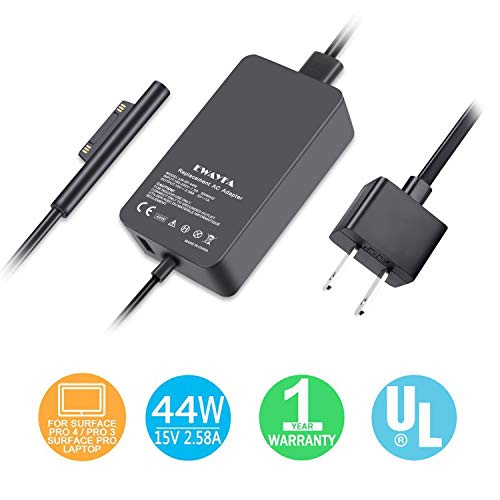
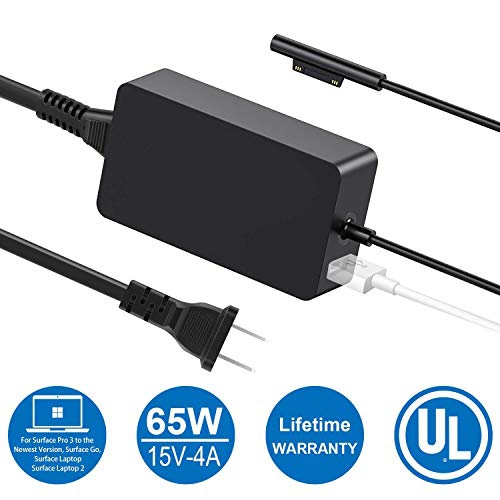
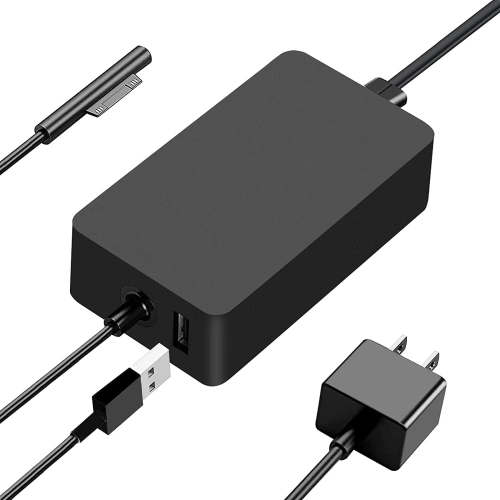
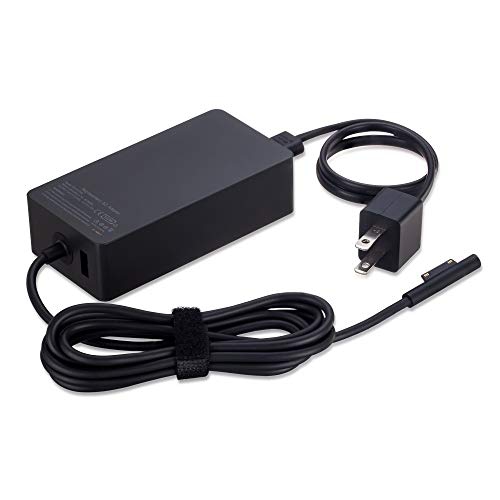
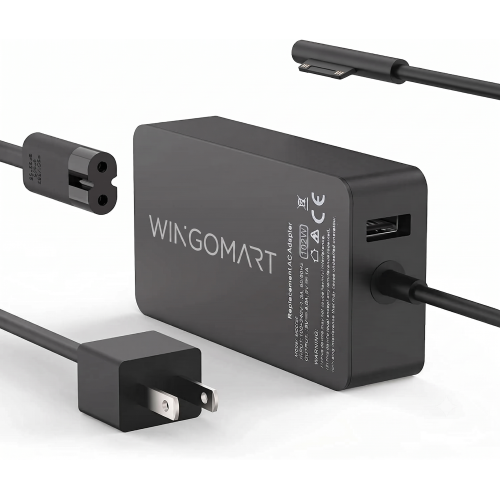
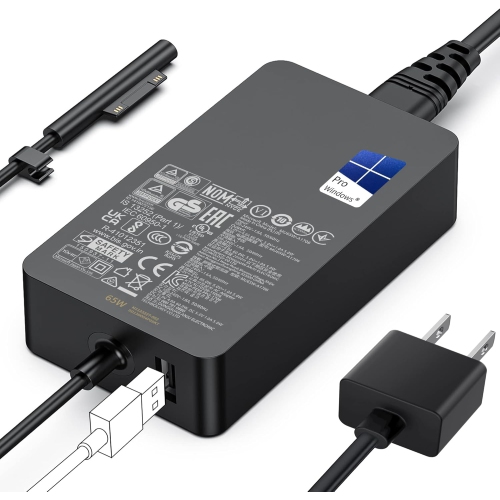
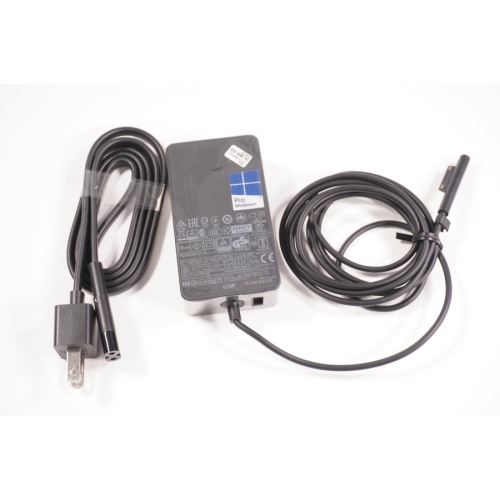
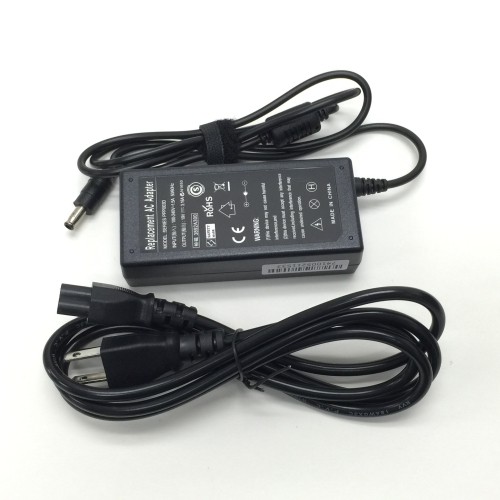
Surface laptop chargers supply power through a compatible magnetic Surface Connect connector or, on models that support USB-C charging, a USB-C port using USB Power Delivery. The correct connection, supported power output, and laptop model all matter: a connector that fits does not, by itself, establish charging compatibility. These chargers support everyday work, study, video calls, and entertainment, whether they replace a misplaced adapter or provide a dedicated power source at another desk. Magnetic charging connectors attach to the matching port on compatible laptops, while supported USB-C charging offers another option for connecting to a wall adapter. The two formats are not interchangeable across every model, and a USB-C port should not automatically be assumed to accept charging. Wattage describes the adapter’s power capacity, but the laptop’s requirements determine whether that capacity is suitable. An underpowered adapter may charge slowly, struggle to replenish the battery during demanding tasks, or trigger a low-power notification. With compatible USB Power Delivery equipment, the laptop and charger negotiate the power supplied; a higher maximum wattage does not mean the adapter forces that full output into the computer. The supported voltage profiles and cable rating still need to match the charging requirements. For USB-C options with detachable cables, the cable is part of the charging setup rather than simply an accessory: its power rating can limit what reaches the laptop, even when the wall adapter has sufficient capacity. Fast charging also depends on the laptop, adapter, cable, and operating conditions, rather than on the wording printed on the adapter alone. Clear compatibility information helps distinguish a suitable everyday charger from one intended for a different device or a lighter charging task. The most relevant specifications identify supported laptop models, connector type, output ratings, and any cable requirements, giving the charger a clear role alongside the computer it will power.
The physical design of a laptop charger makes a noticeable difference between a permanent desk setup and a bag that travels between locations. At a home workstation, enough cable length can let the power adapter sit beside the desk while the charging lead reaches the laptop without pulling across the keyboard or hanging tightly from the port. In a library or shared workspace, a more compact adapter can be easier to position beside a notebook and mouse, especially when the nearest outlet is awkwardly placed. Neither a smaller casing nor a longer lead automatically makes a charger better; each suits a different arrangement. Plug orientation, adapter dimensions, and the location of cable exits can affect whether neighbouring outlets remain accessible on a power bar. Some designs have a fixed charging lead, while others use a detachable USB-C cable or a separate mains cord. Fixed leads keep the charging connection together as one assembly, whereas detachable designs allow the cable and adapter to be packed separately and, where supported, replaced independently. A smooth, durable outer casing, flexible cable insulation, and reinforced junctions help a charger withstand ordinary handling. Moulded strain relief is particularly relevant where the cable meets the adapter or connector, since those points often bend as the laptop moves or the charger is packed away. For travel, the input rating and wall-plug format matter alongside size and weight. An adapter labelled for a suitable input-voltage range may still require a plug adapter at the destination, and plug compatibility should not be confused with voltage compatibility. Multiport USB-C adapters can reduce the number of separate power supplies carried for compatible devices, but their total output may be shared across ports. A laptop that charges adequately when connected alone may receive less power after another device is added. Per-port output specifications are therefore more informative than the largest wattage printed on the casing when several connections will be used together.
A charger’s intended use also shapes what makes it a practical addition to a laptop setup. Students moving between lectures and study spaces may value a compact adapter with a cable that packs neatly, while someone working at two regular desks may prefer leaving a compatible charger at each location. A spare can also be useful in a shared household, provided each laptop’s requirements are clearly identified rather than treating similar-looking connectors as universal. For a gift, the recipient’s exact laptop model and charging needs matter more than the adapter’s appearance; even a well-made charger is only useful when its electrical specifications and connection are appropriate. Households with different computers may also compare requirements separately when browsing HP Laptop Chargers, rather than assuming one laptop charger will suit every device. Day-to-day care helps protect both the cable and its connection points. Loose coils place less strain on a lead than tight wrapping around the adapter body, and disconnecting by holding the connector avoids pulling directly on the wire. Keeping the charger out from under chair wheels and away from a bag’s sharp-edged contents reduces avoidable wear. The adapter should rest where it has ventilation rather than being covered by bedding or buried beneath papers during use. Fraying, exposed wiring, a cracked casing, or a loose connection are reasons to stop using a charger rather than continue repositioning it until power resumes. Clear electrical labelling, appropriate Canadian electrical safety certification, and accessible warranty information are useful considerations when assessing a replacement. Features such as overcurrent and short-circuit protection should be supported by the product specifications, not inferred from the charger’s size or styling. A well-matched charging setup brings these details together: sufficient power for the laptop’s usual workload, a suitable connection, a cable that reaches comfortably, and a design that fits naturally into the places where the computer is used.
The physical design of a laptop charger makes a noticeable difference between a permanent desk setup and a bag that travels between locations. At a home workstation, enough cable length can let the power adapter sit beside the desk while the charging lead reaches the laptop without pulling across the keyboard or hanging tightly from the port. In a library or shared workspace, a more compact adapter can be easier to position beside a notebook and mouse, especially when the nearest outlet is awkwardly placed. Neither a smaller casing nor a longer lead automatically makes a charger better; each suits a different arrangement. Plug orientation, adapter dimensions, and the location of cable exits can affect whether neighbouring outlets remain accessible on a power bar. Some designs have a fixed charging lead, while others use a detachable USB-C cable or a separate mains cord. Fixed leads keep the charging connection together as one assembly, whereas detachable designs allow the cable and adapter to be packed separately and, where supported, replaced independently. A smooth, durable outer casing, flexible cable insulation, and reinforced junctions help a charger withstand ordinary handling. Moulded strain relief is particularly relevant where the cable meets the adapter or connector, since those points often bend as the laptop moves or the charger is packed away. For travel, the input rating and wall-plug format matter alongside size and weight. An adapter labelled for a suitable input-voltage range may still require a plug adapter at the destination, and plug compatibility should not be confused with voltage compatibility. Multiport USB-C adapters can reduce the number of separate power supplies carried for compatible devices, but their total output may be shared across ports. A laptop that charges adequately when connected alone may receive less power after another device is added. Per-port output specifications are therefore more informative than the largest wattage printed on the casing when several connections will be used together.
A charger’s intended use also shapes what makes it a practical addition to a laptop setup. Students moving between lectures and study spaces may value a compact adapter with a cable that packs neatly, while someone working at two regular desks may prefer leaving a compatible charger at each location. A spare can also be useful in a shared household, provided each laptop’s requirements are clearly identified rather than treating similar-looking connectors as universal. For a gift, the recipient’s exact laptop model and charging needs matter more than the adapter’s appearance; even a well-made charger is only useful when its electrical specifications and connection are appropriate. Households with different computers may also compare requirements separately when browsing HP Laptop Chargers, rather than assuming one laptop charger will suit every device. Day-to-day care helps protect both the cable and its connection points. Loose coils place less strain on a lead than tight wrapping around the adapter body, and disconnecting by holding the connector avoids pulling directly on the wire. Keeping the charger out from under chair wheels and away from a bag’s sharp-edged contents reduces avoidable wear. The adapter should rest where it has ventilation rather than being covered by bedding or buried beneath papers during use. Fraying, exposed wiring, a cracked casing, or a loose connection are reasons to stop using a charger rather than continue repositioning it until power resumes. Clear electrical labelling, appropriate Canadian electrical safety certification, and accessible warranty information are useful considerations when assessing a replacement. Features such as overcurrent and short-circuit protection should be supported by the product specifications, not inferred from the charger’s size or styling. A well-matched charging setup brings these details together: sufficient power for the laptop’s usual workload, a suitable connection, a cable that reaches comfortably, and a design that fits naturally into the places where the computer is used.
Top selling and popular products
-
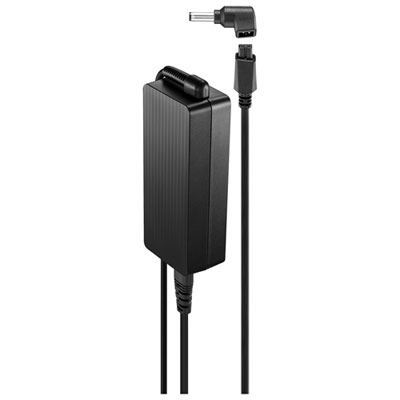 Your price for this item is $69.99
-
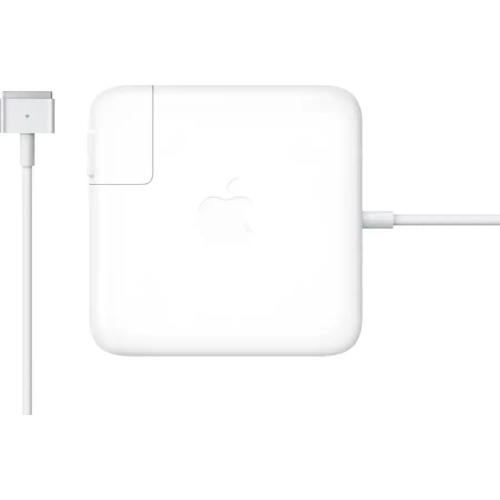 Your price for this item is $117.37
-
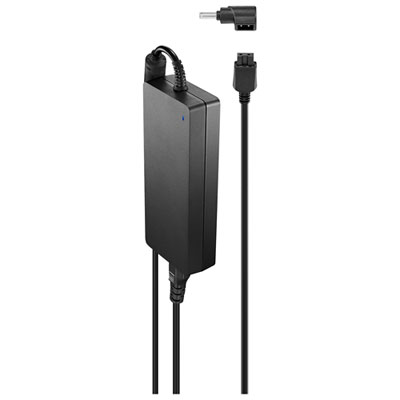 Your price for this item is $109.99
-
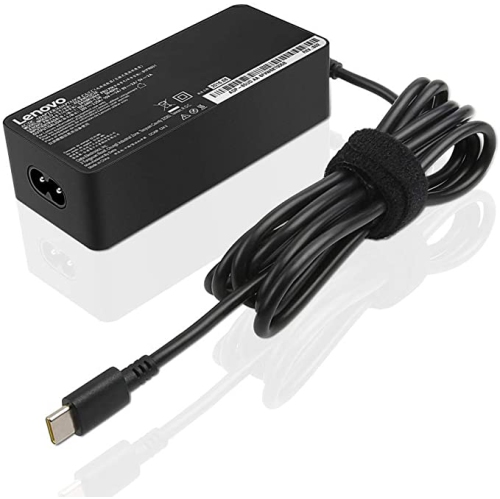 Your price for this item is $67
-
 Your price for this item is $49.99
-
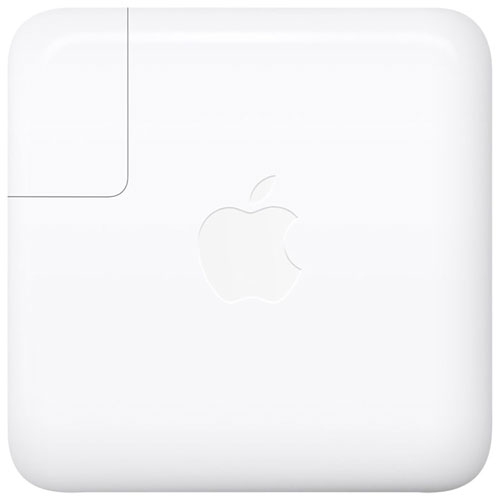 Your price for this item is $71
-
 Your price for this item is $46.68
-
 Your price for this item is $68.68
Discover more categories related to Surface Laptop Chargers

Top Collections:
Pokemon Centers, Pokémon 30th Celebration Cards, Best Budget Office Chairs, Kindle Devices, Best Cameras for Sports Photography, Canon G7X Cameras, Best Black Friday Deals On Electronics, Best Laptops for Writers, iPhone 15 Apple, Jackery Power Stations
Some products may be subject to Environmental Handling Fees
(EHF) depending on your province.
Learn more about EHFs.