Surface Laptop Charger 65w
Power up your device quickly and efficiently with a surface laptop charger 65w. Whether you need a replacement or an extra charger for home, office, or travel, you’ll find reliable options designed to keep your laptop ready for work or play. Explore a selection of chargers that are compatible with various models, ensuring you stay connected wherever you go. Find the right surface laptop charger 65w to match your needs and enjoy uninterrupted performance every day.
Sort










Why charger compatibility goes beyond the 65W label
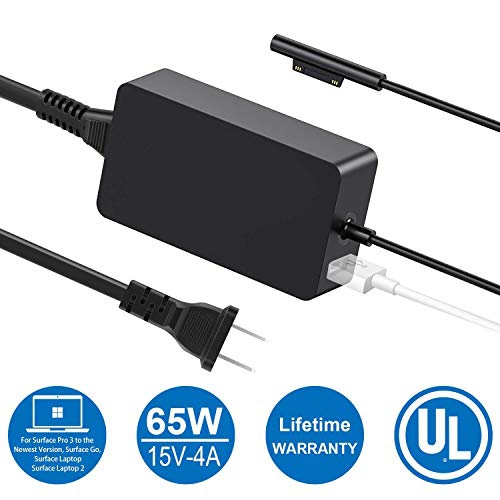
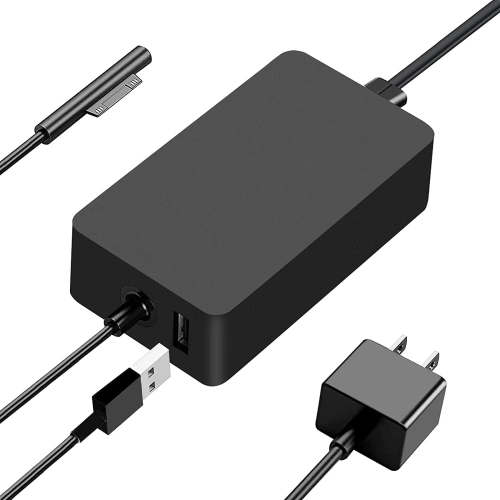
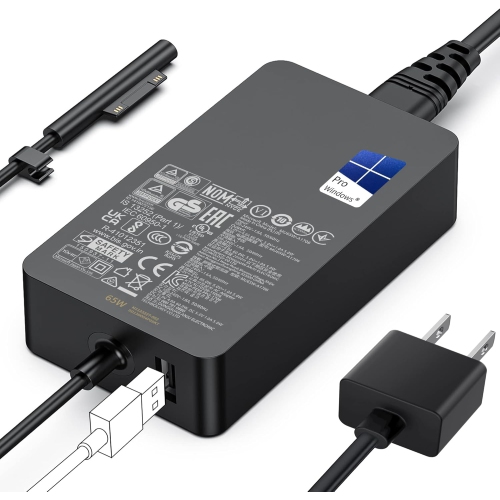
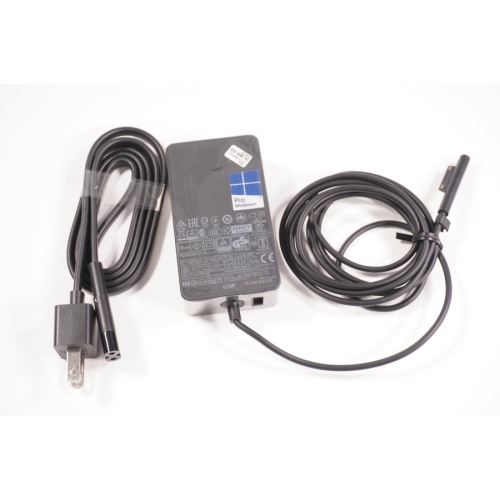
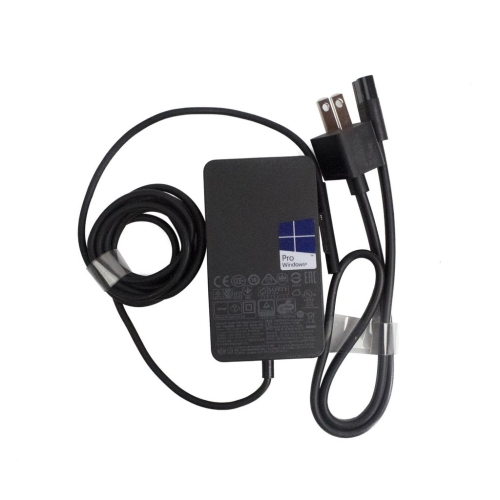
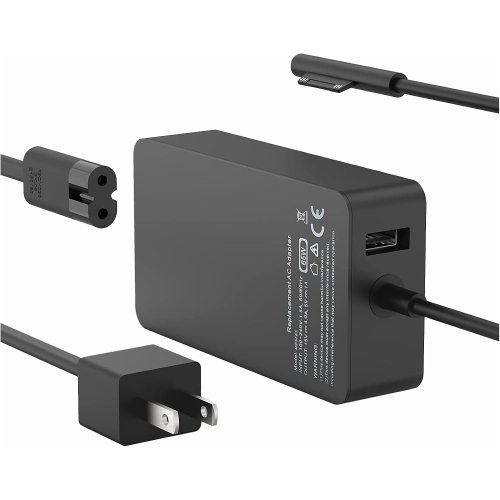
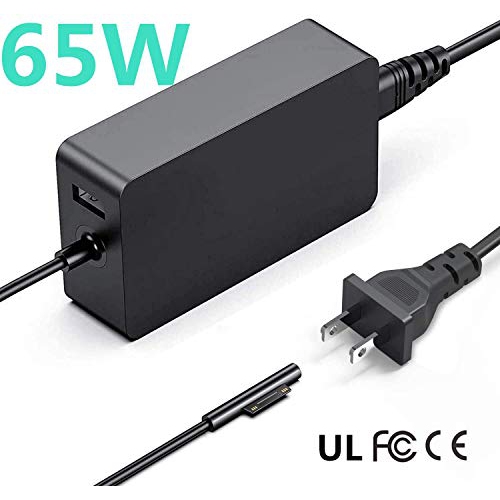
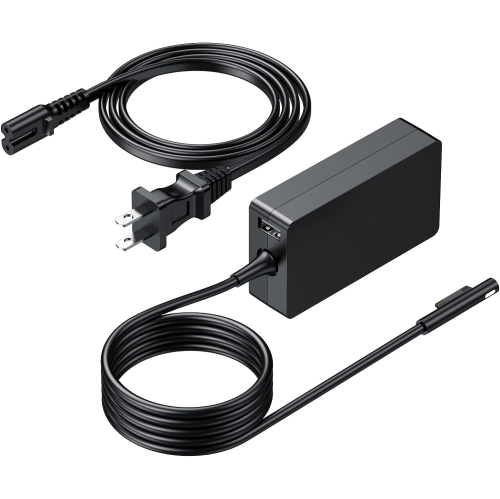
A 65W laptop charger supplies power for everyday computing while keeping a compatible laptop’s battery topped up between trips away from an outlet. The 65W rating describes the adapter’s rated power output, rather than a fixed amount of electricity continuously pushed into the computer. Actual power use depends on the laptop, its battery level, and the work taking place on screen. Writing documents, joining video calls, and running several applications can place different demands on the same charging setup. Compatibility involves more than finding the same wattage printed on the power brick: the connector, output voltage, and supported charging specifications also need to match the laptop’s requirements. A familiar-looking magnetic plug or a matching screen size alone does not establish that fit. The laptop’s exact model information and its documented power requirements provide a more dependable reference, particularly when replacing a missing adapter or setting up a second workspace. It is also worth distinguishing the power supply’s total rating from the output assigned to its laptop connection. Some adapters divide their stated output between the main charging lead and an additional USB port, so a 65W total does not necessarily mean that all 65W reaches the laptop. An auxiliary USB port may be intended for a phone or another small device rather than for charging a second computer. These details matter during ordinary routines: a student taking notes through a long lecture, someone working through a spreadsheet at the kitchen table, or a frequent traveller finishing a presentation all benefit from a charger matched to the computer’s needs. A compatible replacement can restore a dependable daily setup, while a dedicated adapter at a desk means less reaching behind furniture to unplug a cable before leaving. Charging speed still depends on the laptop’s supported input and battery-management settings; a 65W label by itself is not a guarantee of fast charging. A laptop under heavy load may also replenish its battery more slowly than it does while idle.
The physical design of a laptop power supply makes a noticeable difference to how comfortably it fits into a routine. A compact adapter is easier to tuck into a laptop bag, while the combined length of the wall cord and charging lead determines whether an outlet beside a sofa or beneath a shared desk is within reach. Cable measurements can refer to different parts of the assembly, making the full outlet-to-laptop distance more useful than an isolated cord length. A detachable wall cord can make packing simpler, although any replacement cord must have the appropriate connector and electrical rating. A fixed charging lead keeps the setup straightforward but makes careful handling around its attachment point especially important. Most power bricks have rigid housings with flexible cable insulation, and their durability depends partly on how those materials handle repeated bending and daily movement. Reinforced strain relief near the plug and adapter helps reduce sharp bends at places that often receive the most handling. A braided covering can offer a different feel and resistance to surface abrasion, but it does not establish electrical compatibility or make a cable immune to damage. Smooth cable jackets are generally easy to wipe clean and slide into a bag without catching on fabric. At a permanent workstation, enough cable slack allows the laptop to move slightly without tugging on its charging port. A magnetic connection can release when pulled, but it is not a substitute for keeping cords away from walkways or the wheels of an office chair. In a bag, a loose coil puts less stress on the lead than wrapping it tightly around the power brick. Keeping the connector separate from keys and other loose metal objects also helps protect its contacts. For someone moving between a classroom, office, and home desk, these small design details can matter as much as the adapter’s dimensions: a charger should be manageable to carry, comfortable to connect, and suited to the places where the laptop is actually used.
USB-C charging offers another option for laptops that explicitly support power input through that port. A USB-C socket alone does not confirm charging capability, since some ports are intended for data transfer or accessories without accepting power for the computer. For compatible models, USB C 65W Laptop Chargers can suit a desk setup or a travel bag, provided the adapter supports the USB Power Delivery profiles the laptop requires. The cable is part of that compatibility check, not simply a connection between two matching sockets. Delivering the full 65W over a standard USB Power Delivery connection requires a cable rated above 3A; a suitable electronically marked 5A cable supports that requirement. With a multiport adapter, the advertised maximum may apply to one port used alone, while connecting a phone or other device can change the power allocated to the laptop. A correctly matched higher-capacity USB Power Delivery adapter does not force its maximum output into the computer, but it will not automatically make the battery charge faster, either. For travel, the input rating matters separately from the output: an adapter labelled for 100–240V AC can accept that stated voltage range, although a suitable plug adapter may still be necessary at the destination. At home or away, the power brick needs open space rather than being covered by bedding or tucked beneath a cushion. Routine care is straightforward: disconnect it from the outlet and laptop before wiping the housing with a soft, dry cloth, and keep liquid away from the connector and casing. Frayed insulation, exposed wire, a cracked housing, or a damaged plug are reasons to stop using the charger. For a practical gift, confirming the recipient’s exact laptop model and preferred charging connection helps avoid a mismatch. Whether it is intended for a family computer, a student’s bag, or a second desk, a well-matched 65W charger supports the simple convenience of plugging in and carrying on.
The physical design of a laptop power supply makes a noticeable difference to how comfortably it fits into a routine. A compact adapter is easier to tuck into a laptop bag, while the combined length of the wall cord and charging lead determines whether an outlet beside a sofa or beneath a shared desk is within reach. Cable measurements can refer to different parts of the assembly, making the full outlet-to-laptop distance more useful than an isolated cord length. A detachable wall cord can make packing simpler, although any replacement cord must have the appropriate connector and electrical rating. A fixed charging lead keeps the setup straightforward but makes careful handling around its attachment point especially important. Most power bricks have rigid housings with flexible cable insulation, and their durability depends partly on how those materials handle repeated bending and daily movement. Reinforced strain relief near the plug and adapter helps reduce sharp bends at places that often receive the most handling. A braided covering can offer a different feel and resistance to surface abrasion, but it does not establish electrical compatibility or make a cable immune to damage. Smooth cable jackets are generally easy to wipe clean and slide into a bag without catching on fabric. At a permanent workstation, enough cable slack allows the laptop to move slightly without tugging on its charging port. A magnetic connection can release when pulled, but it is not a substitute for keeping cords away from walkways or the wheels of an office chair. In a bag, a loose coil puts less stress on the lead than wrapping it tightly around the power brick. Keeping the connector separate from keys and other loose metal objects also helps protect its contacts. For someone moving between a classroom, office, and home desk, these small design details can matter as much as the adapter’s dimensions: a charger should be manageable to carry, comfortable to connect, and suited to the places where the laptop is actually used.
USB-C charging offers another option for laptops that explicitly support power input through that port. A USB-C socket alone does not confirm charging capability, since some ports are intended for data transfer or accessories without accepting power for the computer. For compatible models, USB C 65W Laptop Chargers can suit a desk setup or a travel bag, provided the adapter supports the USB Power Delivery profiles the laptop requires. The cable is part of that compatibility check, not simply a connection between two matching sockets. Delivering the full 65W over a standard USB Power Delivery connection requires a cable rated above 3A; a suitable electronically marked 5A cable supports that requirement. With a multiport adapter, the advertised maximum may apply to one port used alone, while connecting a phone or other device can change the power allocated to the laptop. A correctly matched higher-capacity USB Power Delivery adapter does not force its maximum output into the computer, but it will not automatically make the battery charge faster, either. For travel, the input rating matters separately from the output: an adapter labelled for 100–240V AC can accept that stated voltage range, although a suitable plug adapter may still be necessary at the destination. At home or away, the power brick needs open space rather than being covered by bedding or tucked beneath a cushion. Routine care is straightforward: disconnect it from the outlet and laptop before wiping the housing with a soft, dry cloth, and keep liquid away from the connector and casing. Frayed insulation, exposed wire, a cracked housing, or a damaged plug are reasons to stop using the charger. For a practical gift, confirming the recipient’s exact laptop model and preferred charging connection helps avoid a mismatch. Whether it is intended for a family computer, a student’s bag, or a second desk, a well-matched 65W charger supports the simple convenience of plugging in and carrying on.
Top selling and popular products
-
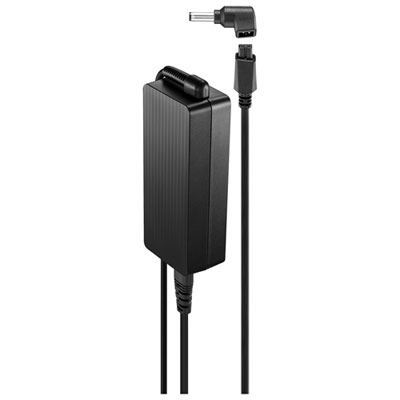 Your price for this item is $69.99
-
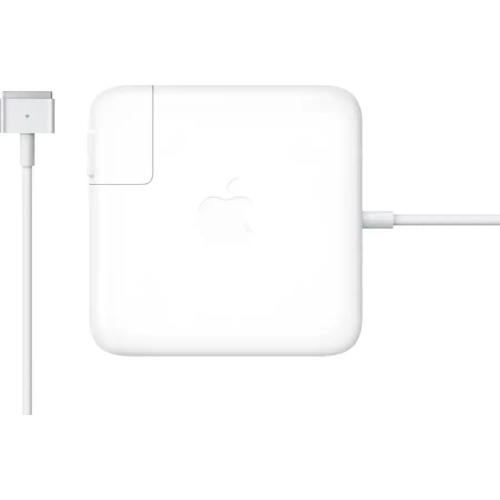 Your price for this item is $117.37
-
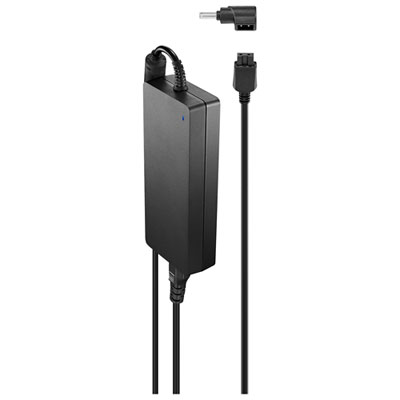 Your price for this item is $109.99
-
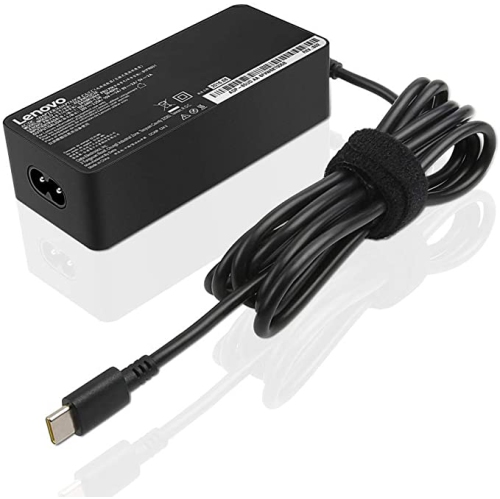 Your price for this item is $67
-
 Your price for this item is $49.99
-
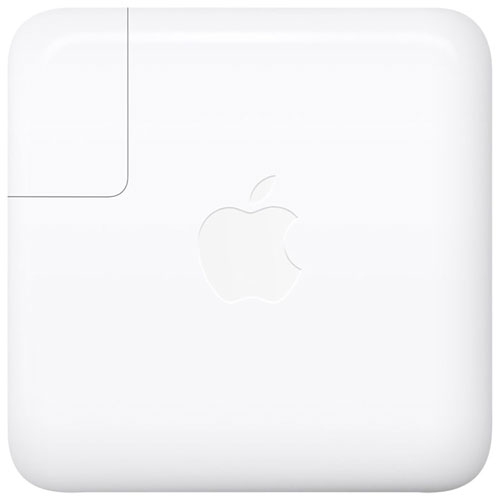 Your price for this item is $71
-
 Your price for this item is $46.68
-
 Your price for this item is $68.68
Discover more categories related to Surface Laptop Charger 65w


Top Collections:
Pokemon Centers, Pokémon 30th Celebration Cards, Best Budget Office Chairs, Kindle Devices, Best Cameras for Sports Photography, Canon G7X Cameras, Best Black Friday Deals On Electronics, Best Laptops for Writers, iPhone 15 Apple, Jackery Power Stations
Some products may be subject to Environmental Handling Fees
(EHF) depending on your province.
Learn more about EHFs.