Tablets for Teachers
Tablets for Teachers offer a versatile solution to support classroom instruction, lesson planning, and student engagement. With a variety of models designed to fit different teaching styles and needs, these tablets help streamline daily tasks and enhance productivity. Explore options that make it easier to manage assignments, access educational resources, and stay connected with students both in and out of the classroom. Find the right fit among our selection of Tablets for Teachers and elevate your teaching experience.
Sort
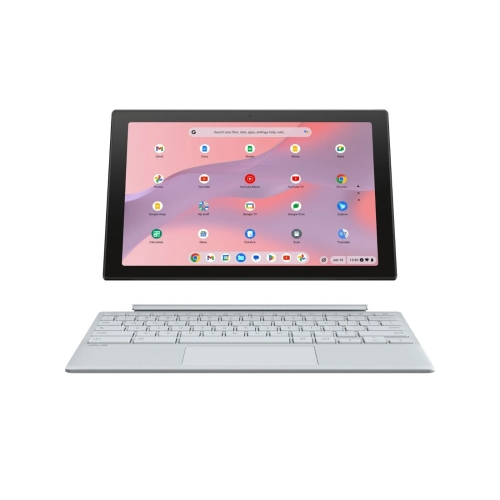
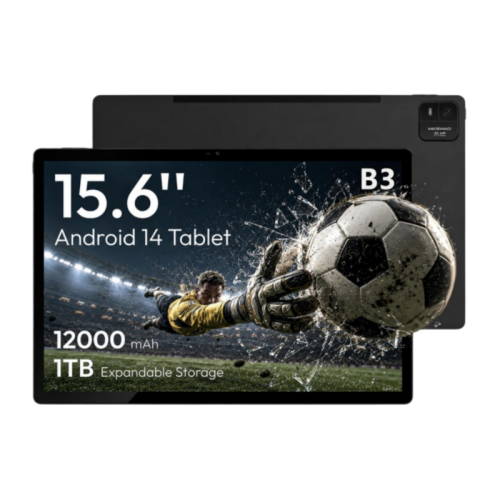
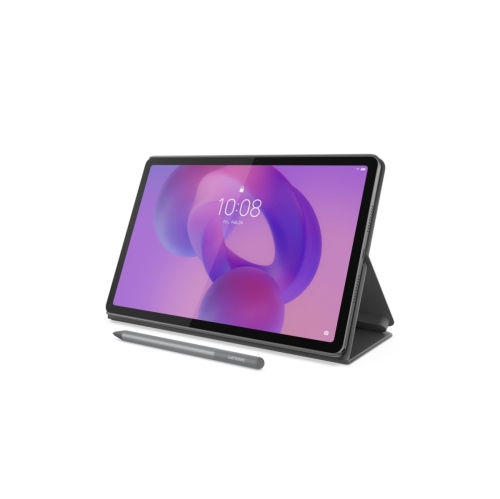
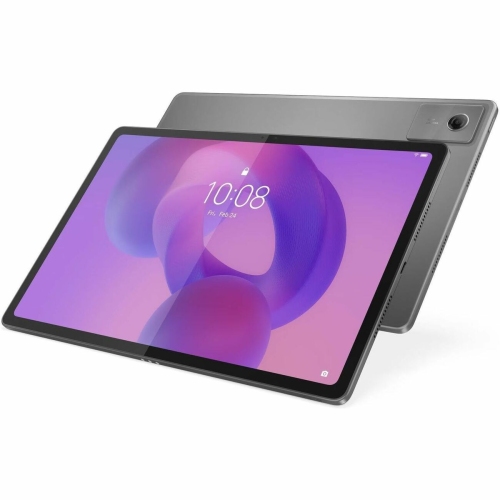
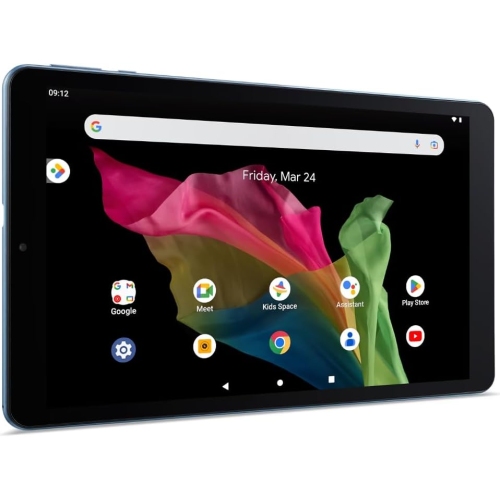
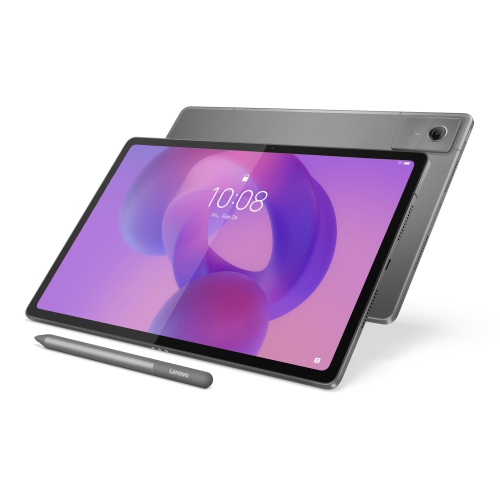
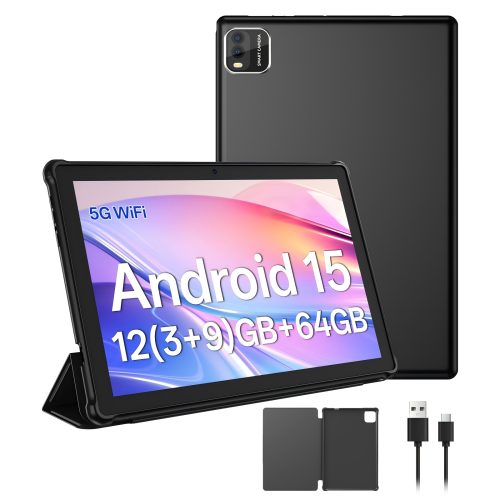

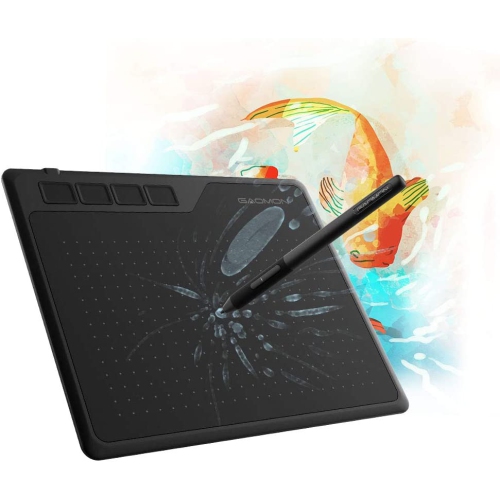
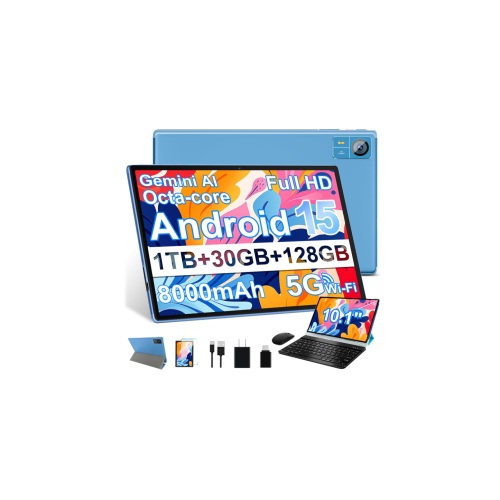

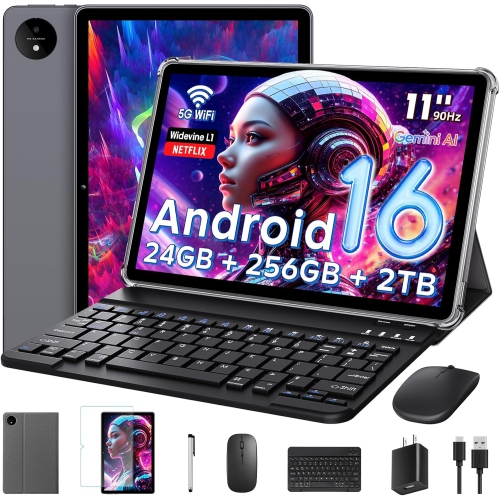
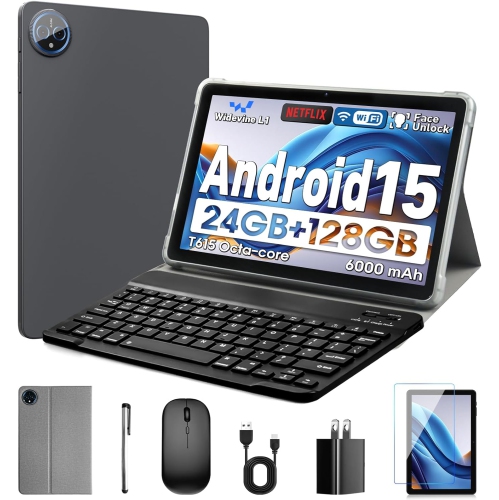



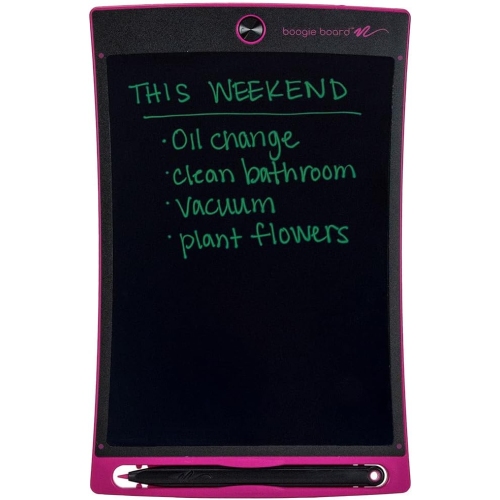
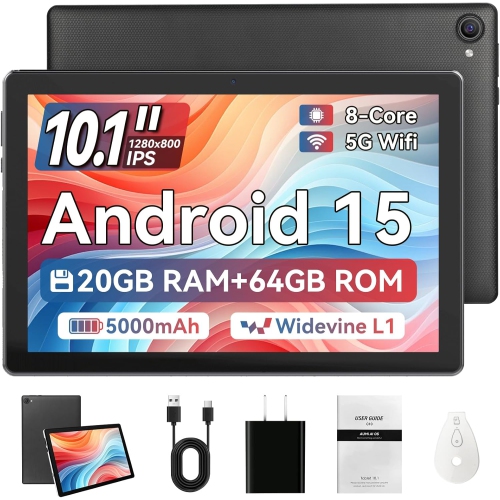
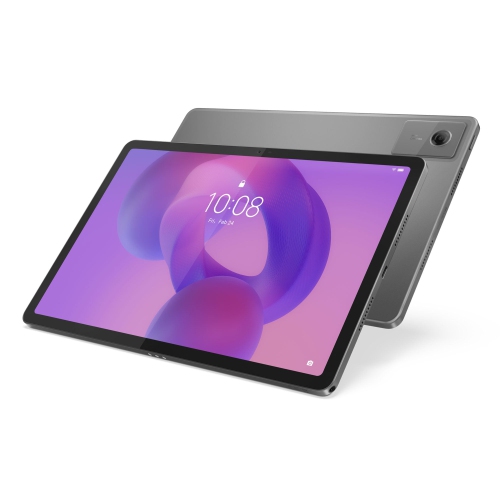
From handwritten feedback to sharing lessons on screen
Tablets for teachers bring lesson plans, handwritten notes, classroom resources, and everyday communication into a device that can move easily from a desk to a reading circle or presentation space. The most useful features depend on how teaching happens: accurate pen input matters for marking assignments and working through equations, while dependable keyboard support and multitasking are valuable for writing feedback and updating lesson materials. Compatibility with a school’s learning platform, approved apps, and classroom displays is just as important as screen size or processing power. A tablet that opens the right files and works with established sign-in requirements is easier to fit into an existing routine. For teachers who annotate documents, a compatible active stylus can make it possible to circle a sentence, sketch a diagram, or add comments directly to a digital worksheet. Pen support varies between devices, including pressure sensitivity, charging requirements, and palm rejection, which helps prevent a resting hand from leaving unwanted marks. Display size also affects daily comfort. A smaller tablet is convenient to carry between rooms, while a larger screen gives lesson plans, split-screen apps, and handwritten explanations more room. Screen brightness and glare handling can make a difference under classroom lighting, particularly when reading small text or reviewing detailed illustrations. Teachers who spend time composing longer documents may benefit from a keyboard case with a stable stand and well-spaced keys, although a tablet’s typing experience will depend on the accessory and the surface supporting it. Processing power and memory become more noticeable when switching among a video call, a presentation, a browser, and a document. Storage needs depend on whether teaching materials stay online or include downloaded videos, scanned worksheets, and large presentation files. A tablet can handle many classroom tasks, but desktop-only software, specialized peripherals, or complex document layouts may still call for a computer. Its role is often most effective when it complements the tools already used at school rather than requiring an entirely different workflow.
Classroom connections help determine how smoothly a tablet moves from personal planning to shared instruction. Wireless screen sharing can let a teacher display a worked example while moving around the room, but it depends on compatible receiving equipment and permission to use the school network. A wired connection may be useful in rooms with fixed projectors or interactive displays; however, a USB-C port does not automatically mean a tablet supports video output. The device, adapter, cable, and display need to work together. Sound matters too, especially for language instruction, recorded explanations, and remote meetings. Built-in microphones and speakers may suit individual use, while a larger room may need separate audio equipment. A front-facing camera positioned comfortably for landscape use can make online conversations feel more natural when the tablet is attached to a keyboard. A rear camera can help capture a handwritten example or demonstrate a small object, provided images and recordings follow school policies. Reliable Wi-Fi supports shared documents and online resources, while downloaded materials offer a useful fallback when a connection is interrupted. Optional cellular connectivity can support work away from school Wi-Fi where service is supported, though it requires a compatible device and a separate mobile service plan. Accessibility features also deserve attention because they can support both teaching and preparation. Adjustable text size, screen magnification, dictation, screen-reader support, and compatible captioning tools can make resources easier to use, with individual features varying by operating system and app. For classrooms equipping learners as well as educators, the Tablets for School collection provides a related starting point for student-focused devices. Teacher and student tablets do not need identical specifications, but compatible file formats, learning apps, and sharing tools can reduce friction when distributing an activity, collecting work, or presenting a student’s solution with appropriate permission.
The practical details of carrying, protecting, and caring for a tablet become especially noticeable over a full teaching day. Weight should include the case and keyboard, not just the device itself, since a comfortable handheld tablet can feel quite different once its accessories are attached. Glass screens and metal or plastic housings have different handling characteristics, but no material makes a tablet immune to drops or pressure in a crowded bag. A case with reinforced corners, a secure fit, and a raised edge around the screen can add protection, while a stable stand helps keep the display at a useful angle during marking or a video meeting. Cases should match the exact tablet dimensions and leave buttons, cameras, speakers, and charging ports unobstructed. A secure place for a compatible stylus is useful when moving between classrooms, where a loose pen can disappear beneath papers or slip out of a bag. Battery needs depend on the teaching routine: continuous video, high screen brightness, and frequent wireless sharing use power differently from reading and occasional note-taking. Published battery estimates are a reference rather than a promise for every workload, and charging arrangements matter when outlets are inconveniently placed. A compatible charger and cable, along with an established charging routine, help keep the tablet ready for lessons. Regular care is straightforward when it follows the manufacturer’s directions, usually involving a soft, lint-free cloth and care to keep moisture out of openings. Cleaning products should be approved for the device, particularly when a screen has a specialized coating. Security is another part of everyday care. A strong passcode, supported software updates, automatic screen locking, and school-approved account settings help protect access to teaching materials and personal information. Student records and marked work belong in approved storage systems rather than casually shared folders. For classroom teachers, tutors, supply teachers, and education students on placement, a well-matched tablet offers a flexible workspace: light enough to carry, comfortable enough for repeated use, and capable of supporting the actual tasks that fill the day.
Classroom connections help determine how smoothly a tablet moves from personal planning to shared instruction. Wireless screen sharing can let a teacher display a worked example while moving around the room, but it depends on compatible receiving equipment and permission to use the school network. A wired connection may be useful in rooms with fixed projectors or interactive displays; however, a USB-C port does not automatically mean a tablet supports video output. The device, adapter, cable, and display need to work together. Sound matters too, especially for language instruction, recorded explanations, and remote meetings. Built-in microphones and speakers may suit individual use, while a larger room may need separate audio equipment. A front-facing camera positioned comfortably for landscape use can make online conversations feel more natural when the tablet is attached to a keyboard. A rear camera can help capture a handwritten example or demonstrate a small object, provided images and recordings follow school policies. Reliable Wi-Fi supports shared documents and online resources, while downloaded materials offer a useful fallback when a connection is interrupted. Optional cellular connectivity can support work away from school Wi-Fi where service is supported, though it requires a compatible device and a separate mobile service plan. Accessibility features also deserve attention because they can support both teaching and preparation. Adjustable text size, screen magnification, dictation, screen-reader support, and compatible captioning tools can make resources easier to use, with individual features varying by operating system and app. For classrooms equipping learners as well as educators, the Tablets for School collection provides a related starting point for student-focused devices. Teacher and student tablets do not need identical specifications, but compatible file formats, learning apps, and sharing tools can reduce friction when distributing an activity, collecting work, or presenting a student’s solution with appropriate permission.
The practical details of carrying, protecting, and caring for a tablet become especially noticeable over a full teaching day. Weight should include the case and keyboard, not just the device itself, since a comfortable handheld tablet can feel quite different once its accessories are attached. Glass screens and metal or plastic housings have different handling characteristics, but no material makes a tablet immune to drops or pressure in a crowded bag. A case with reinforced corners, a secure fit, and a raised edge around the screen can add protection, while a stable stand helps keep the display at a useful angle during marking or a video meeting. Cases should match the exact tablet dimensions and leave buttons, cameras, speakers, and charging ports unobstructed. A secure place for a compatible stylus is useful when moving between classrooms, where a loose pen can disappear beneath papers or slip out of a bag. Battery needs depend on the teaching routine: continuous video, high screen brightness, and frequent wireless sharing use power differently from reading and occasional note-taking. Published battery estimates are a reference rather than a promise for every workload, and charging arrangements matter when outlets are inconveniently placed. A compatible charger and cable, along with an established charging routine, help keep the tablet ready for lessons. Regular care is straightforward when it follows the manufacturer’s directions, usually involving a soft, lint-free cloth and care to keep moisture out of openings. Cleaning products should be approved for the device, particularly when a screen has a specialized coating. Security is another part of everyday care. A strong passcode, supported software updates, automatic screen locking, and school-approved account settings help protect access to teaching materials and personal information. Student records and marked work belong in approved storage systems rather than casually shared folders. For classroom teachers, tutors, supply teachers, and education students on placement, a well-matched tablet offers a flexible workspace: light enough to carry, comfortable enough for repeated use, and capable of supporting the actual tasks that fill the day.
Top selling and popular products
-
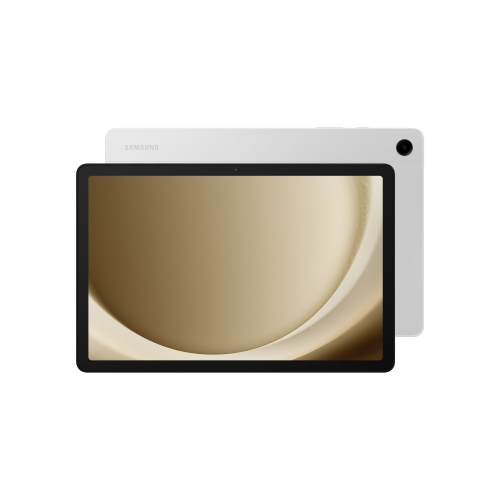 Your price for this item is $499.99
-
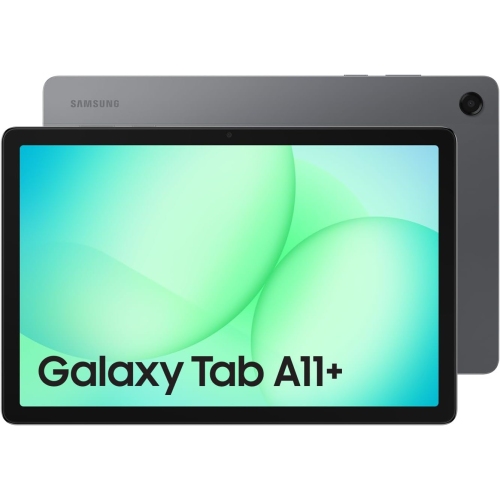 Your price for this item is $363.99
-
 Your price for this item is $579.99
-
 Your price for this item is $979.99
-
 Your price for this item is $579.99
-
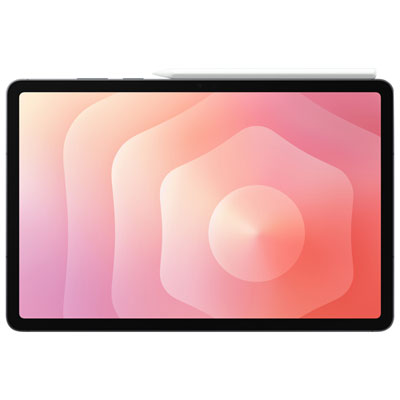 Your price for this item is $1399.99
-
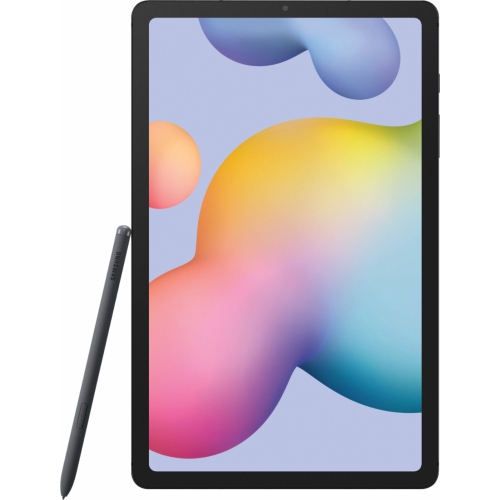 Your price for this item is $699.99
-
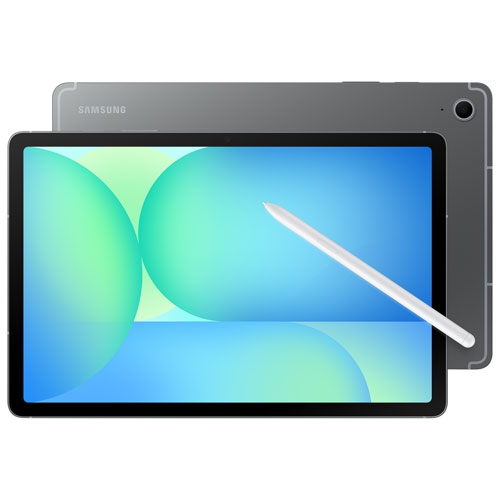 Your price for this item is $624.95
Discover more categories related to Tablets for Teachers
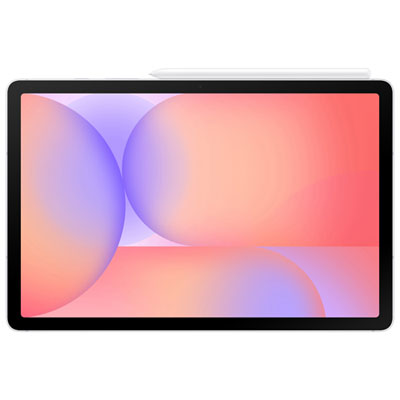
Top Collections:
Pokemon Centers, Pokémon 30th Celebration Cards, Best Budget Office Chairs, Kindle Devices, Best Cameras for Sports Photography, Canon G7X Cameras, Best Black Friday Deals On Electronics, Best Laptops for Writers, iPhone 15 Apple, Jackery Power Stations
Some products may be subject to Environmental Handling Fees
(EHF) depending on your province.
Learn more about EHFs.