Tools for Online Learning
Enhance your online learning experience with our curated selection of tools designed to boost productivity and success in virtual classrooms. From ergonomic accessories for comfortable study sessions to high-performance gadgets that streamline your workflow, we've got everything you need to stay organized, engaged, and ahead of the curve. Discover a range of innovative solutions that cater to different learning styles and preferences, empowering you to excel in your educational pursuits with ease and efficiency.
Sort

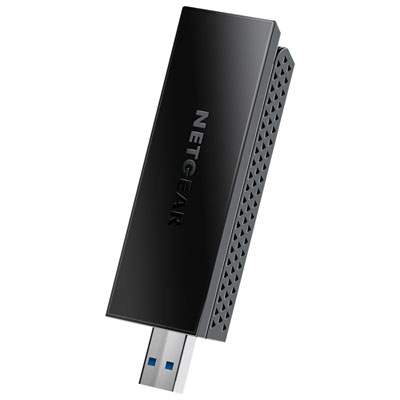
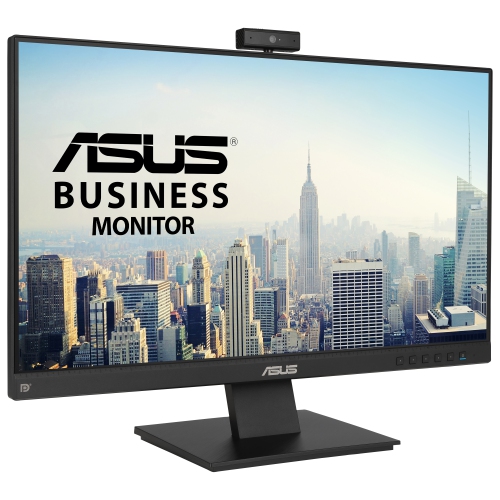

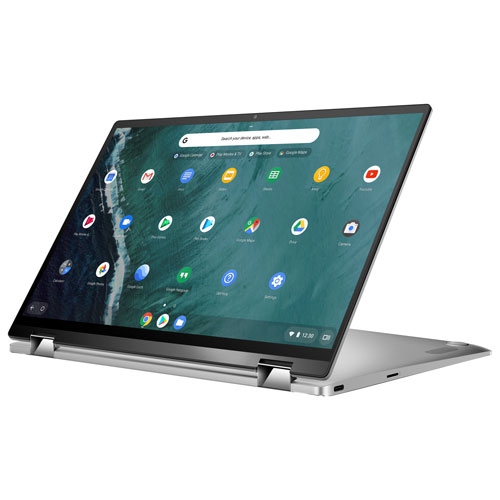

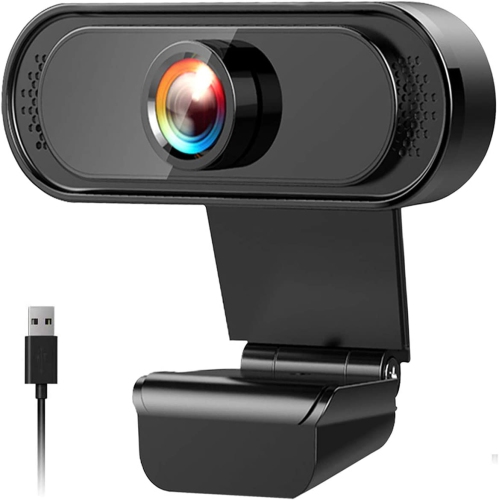



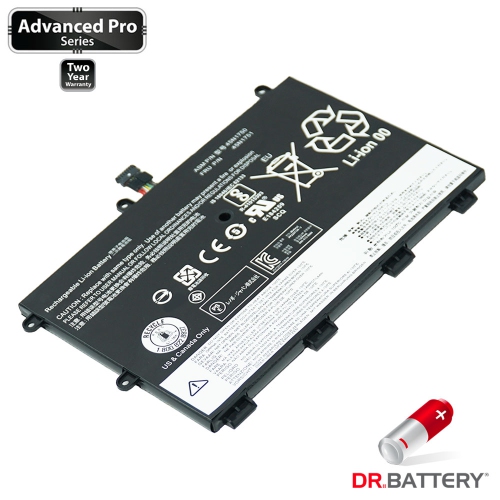
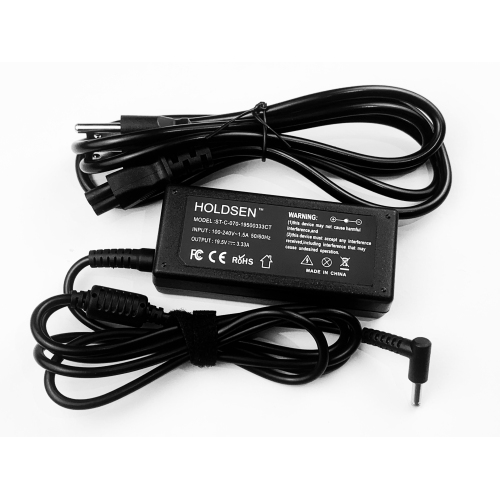
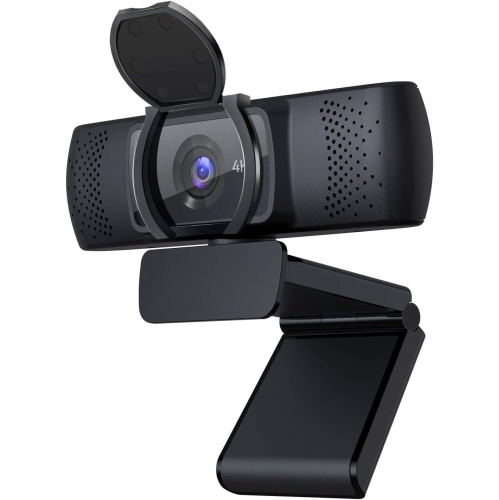
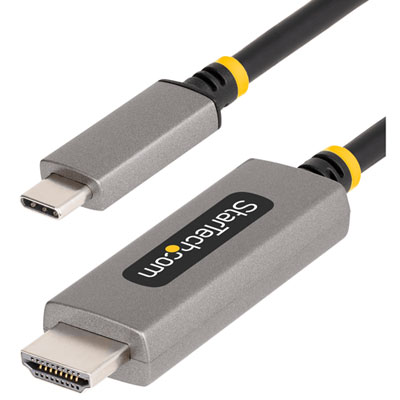



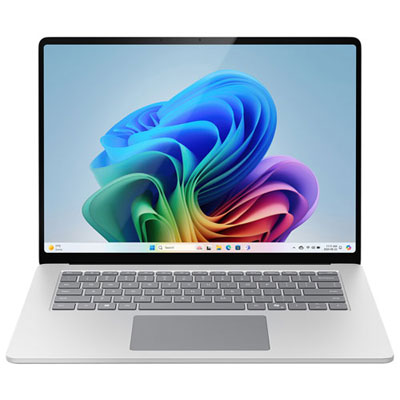
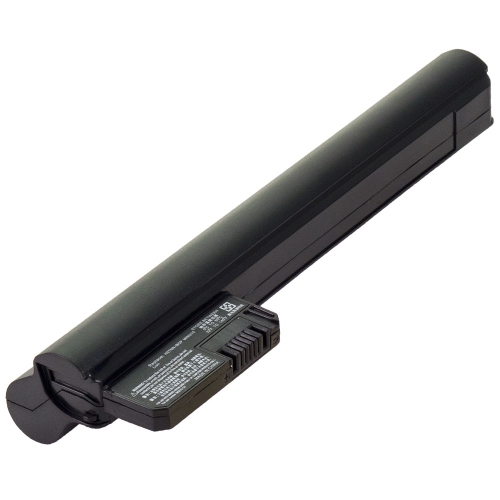
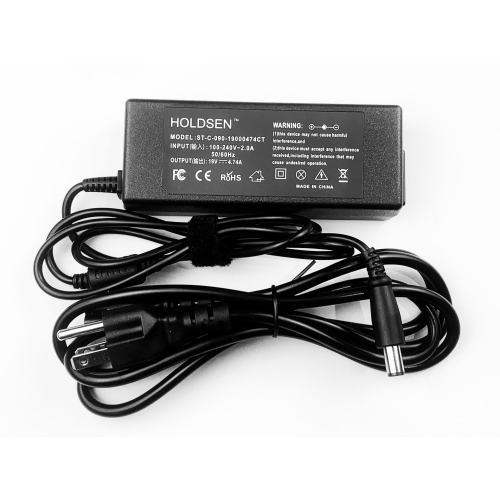








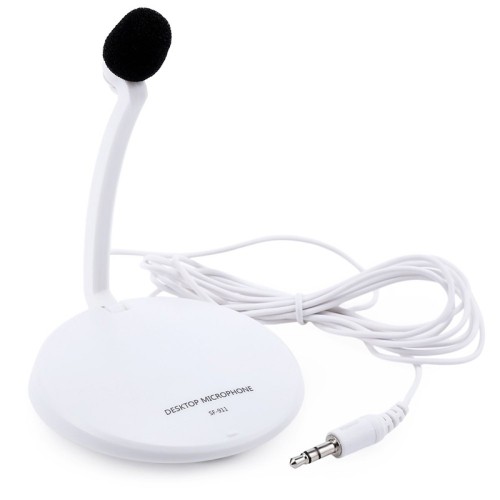

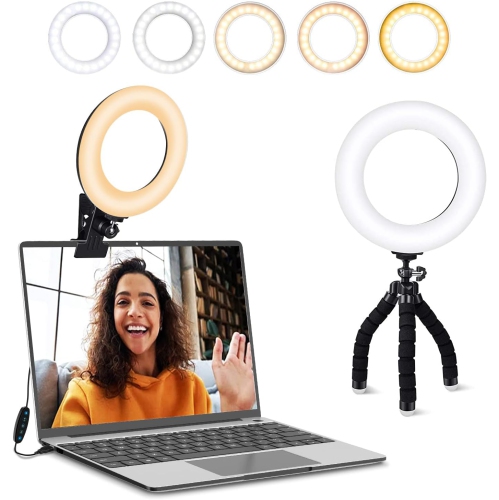
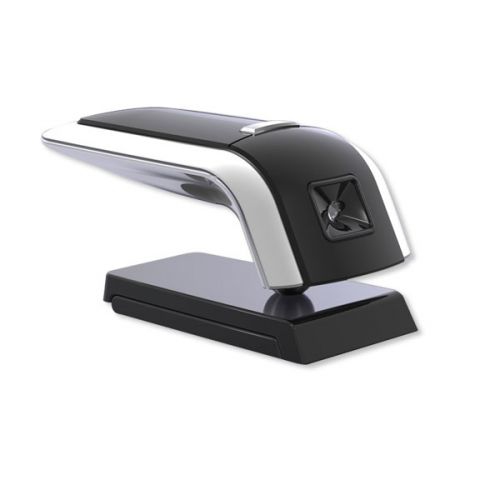


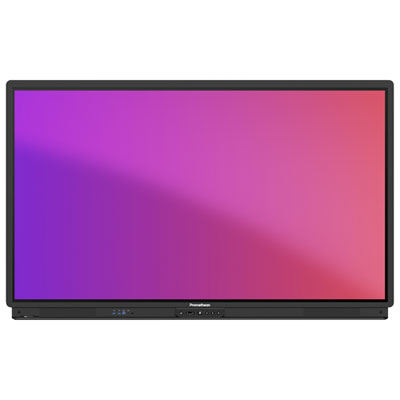


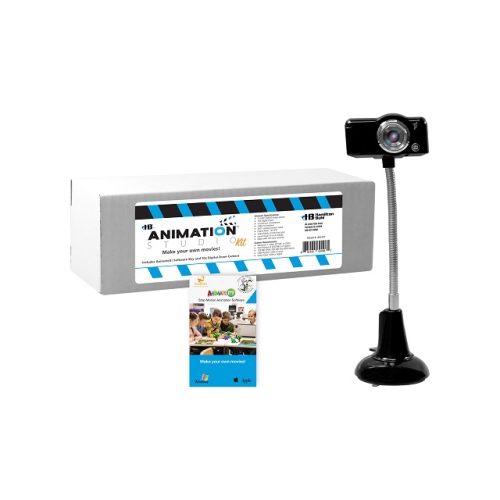
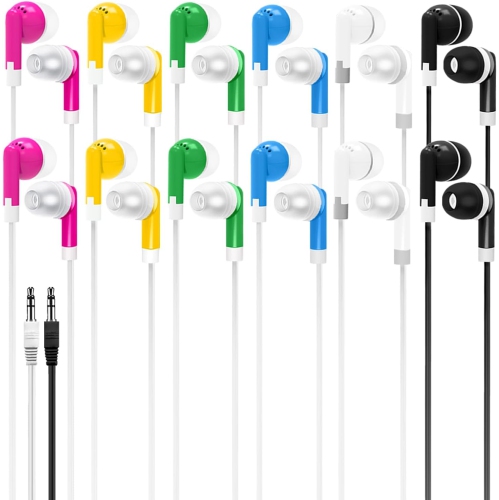
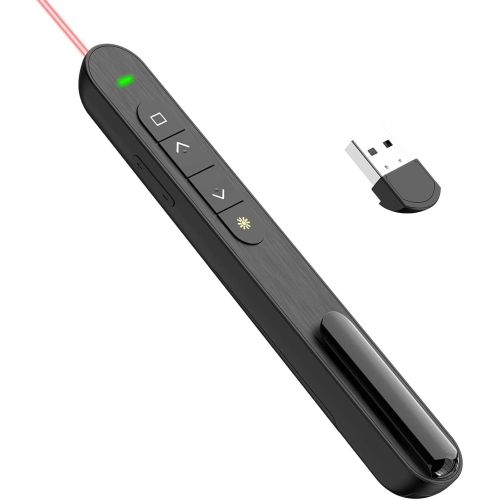
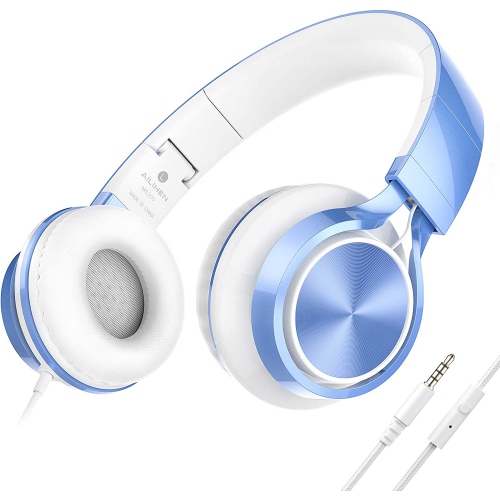

Your coursework shapes the study setup you need
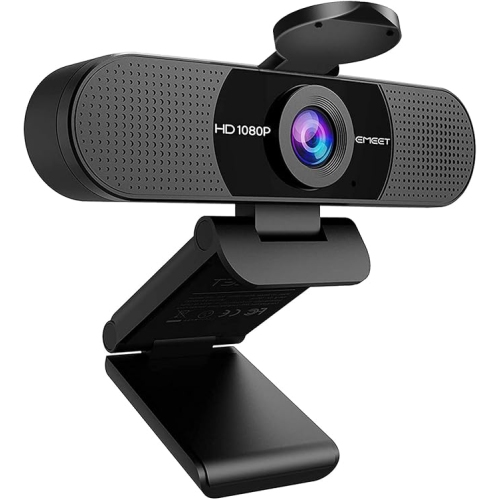
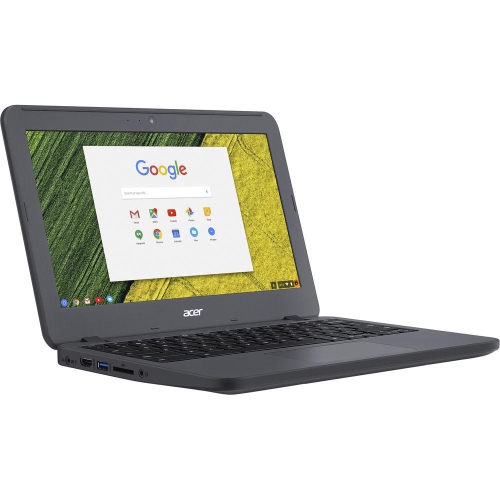
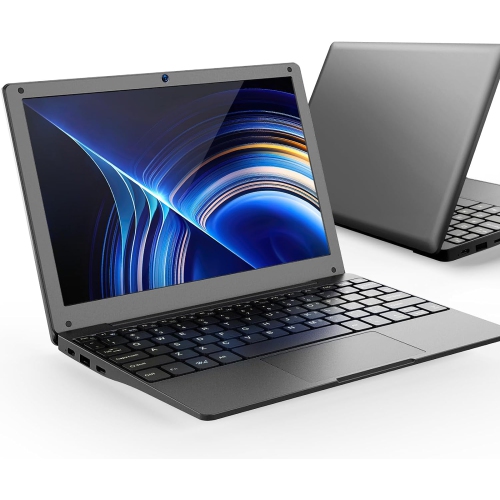
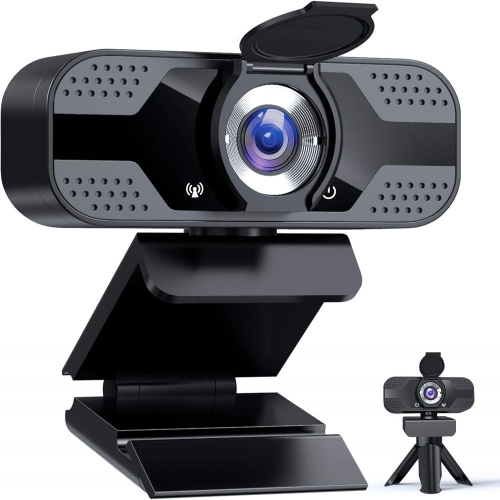
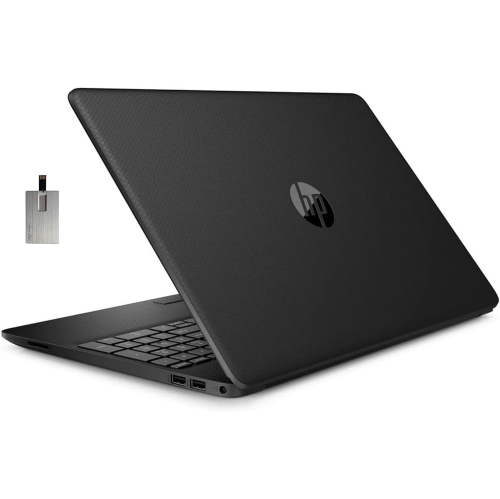
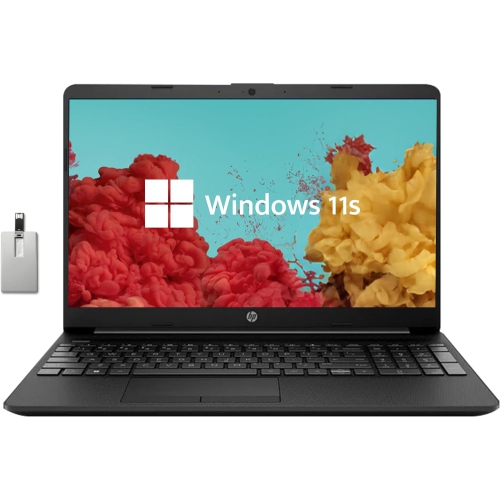
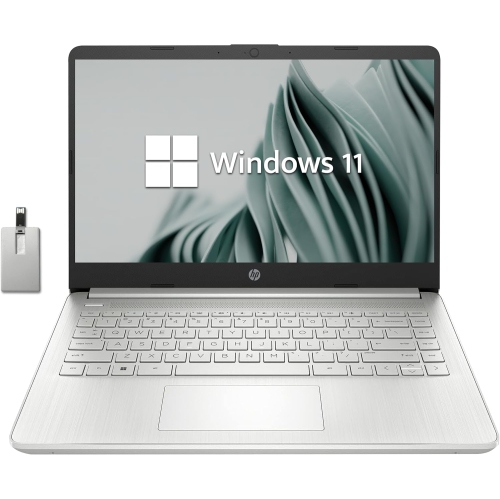
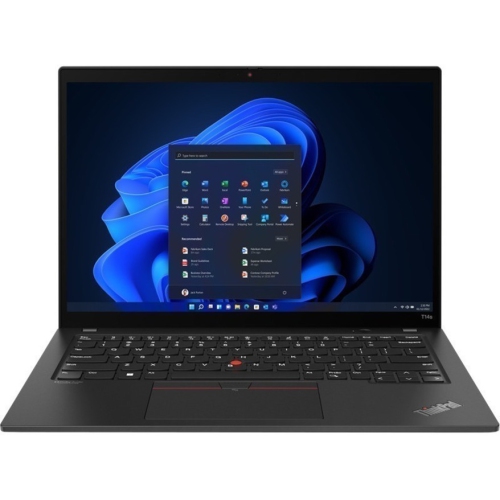
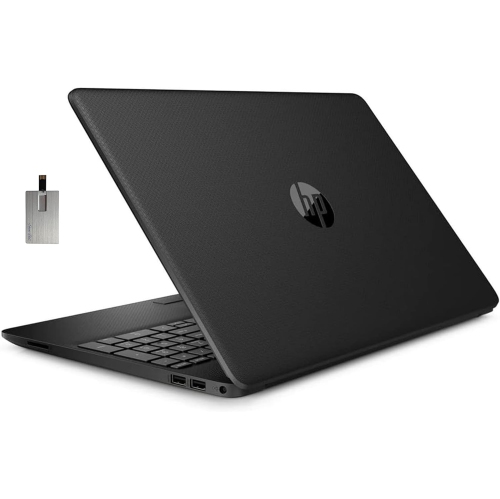
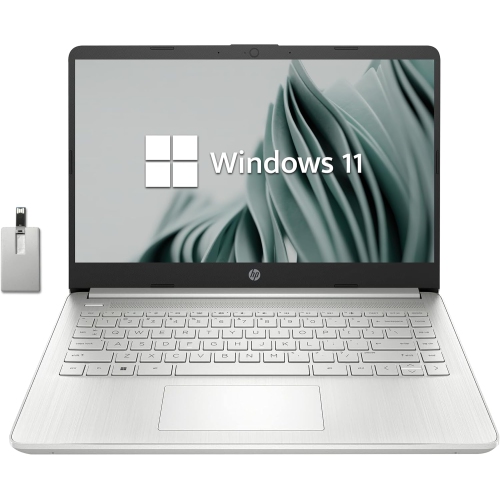
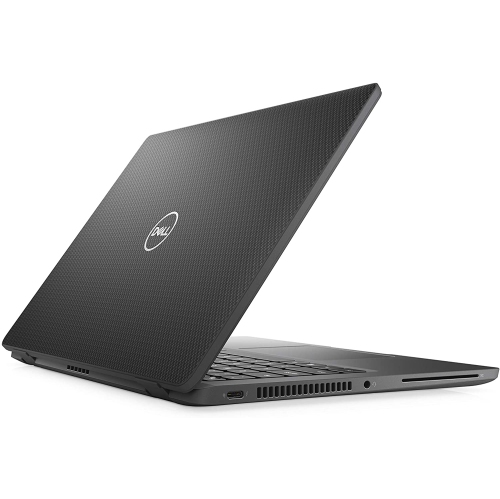
Tools for online learning bring together the devices, software, and study accessories that support lessons, assignments, collaboration, and independent practice. Their main roles are straightforward: a computer provides access to coursework, communication tools connect learners with instructors, and note-taking and organization tools help turn information into work that can be reviewed and submitted. For a student attending live classes, that might mean a laptop with a clear camera, a comfortable headset, and enough screen space to keep a reading beside a shared presentation. For an adult completing professional training, it may mean a desktop setup that handles video meetings, spreadsheets, and browser-based exercises without interrupting the flow of a lesson. Educators and tutors have similar needs, with added attention to voice clarity, screen sharing, and writing or demonstrating concepts on camera. The most useful combination depends on the course requirements rather than the number of features on a device. Reading, research, and written assignments place different demands on a computer than video editing, technical drawing, or programming. Operating system compatibility matters when a school requires particular applications, while memory and processing capability influence how comfortably several tasks can run together. Storage needs also vary: text documents take relatively little space, while downloaded lectures and media projects can require much more. A tablet can complement a computer for reading, handwritten notes, and annotated diagrams, though it may not support every application or assessment tool required by a course. Families sharing a device may value separate user accounts that keep assignments and settings organized. Learners moving between home, campus, and a library may place greater importance on manageable weight, battery life, and a protective carrying case. The broader range of Technology for Online Learning connects these everyday study needs with the hardware that supports them, whether the main task is joining a lesson, preparing a presentation, or working through a detailed practice exercise.
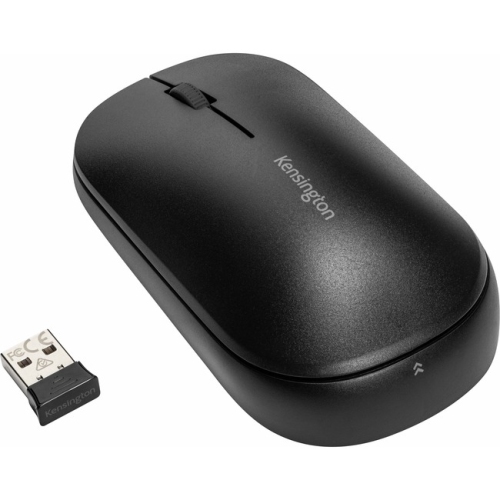
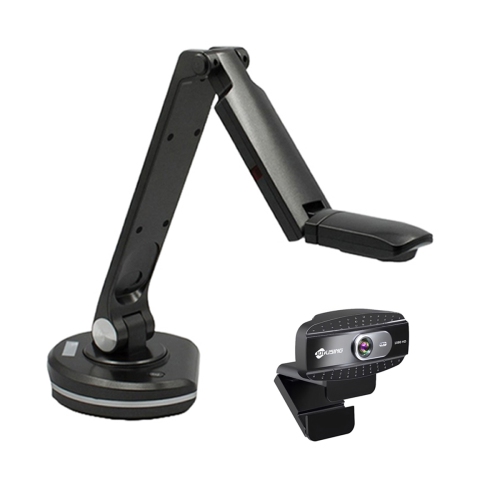
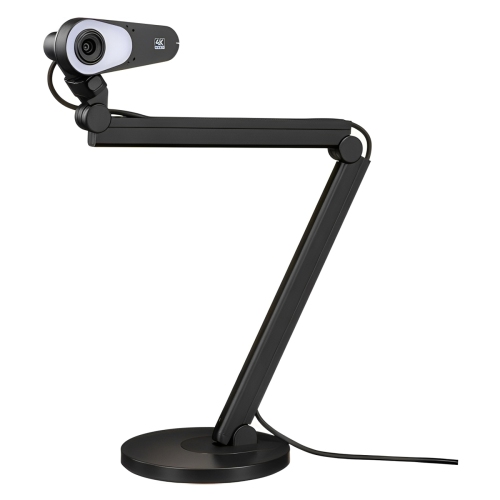
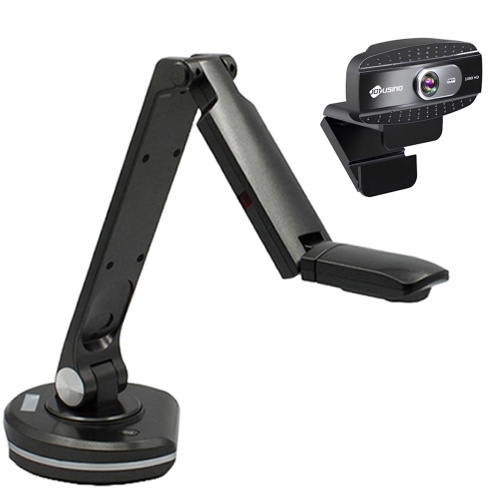
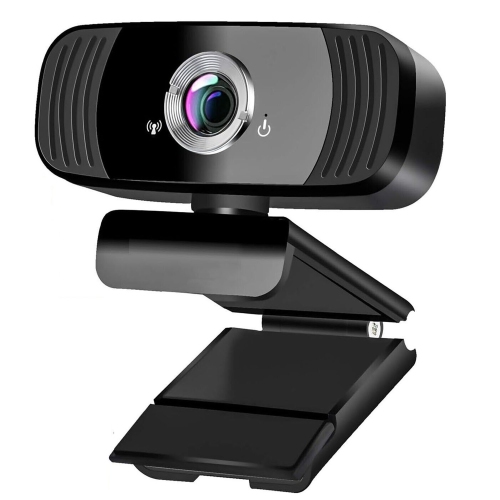
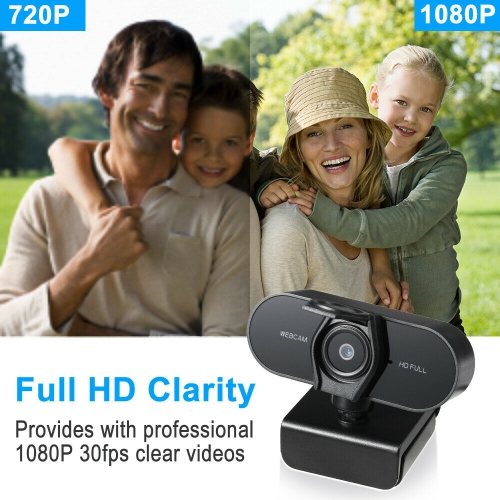
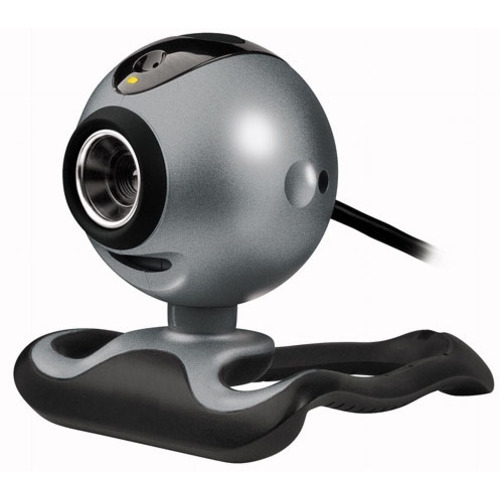
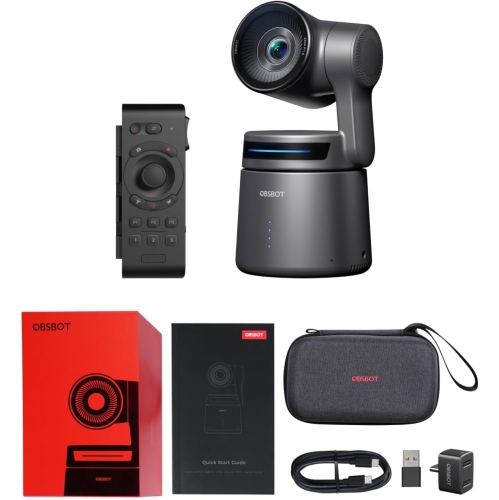
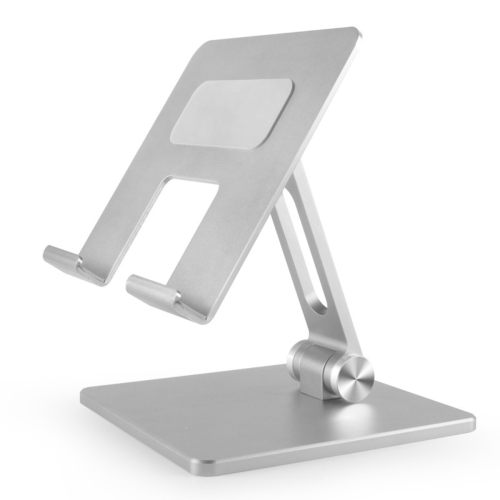
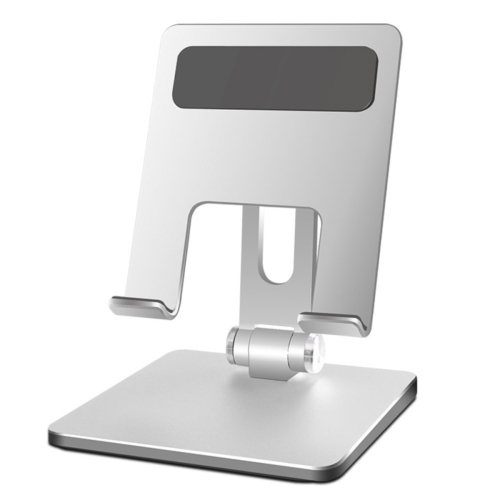
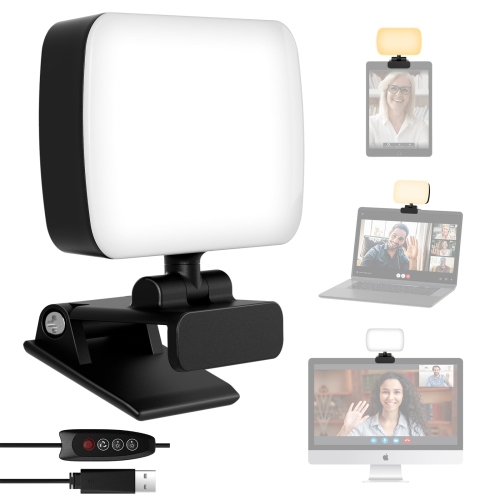
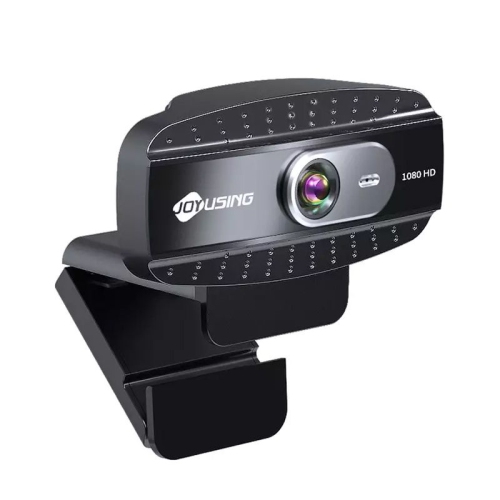
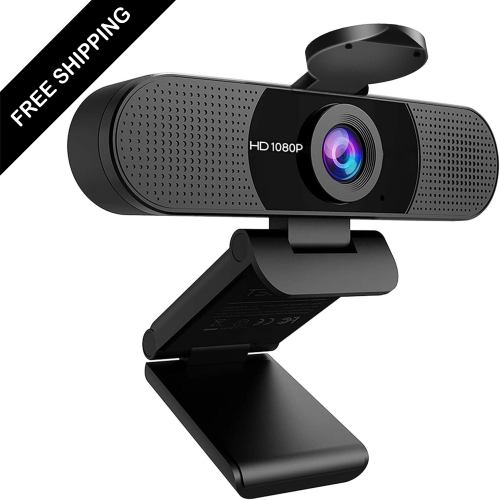
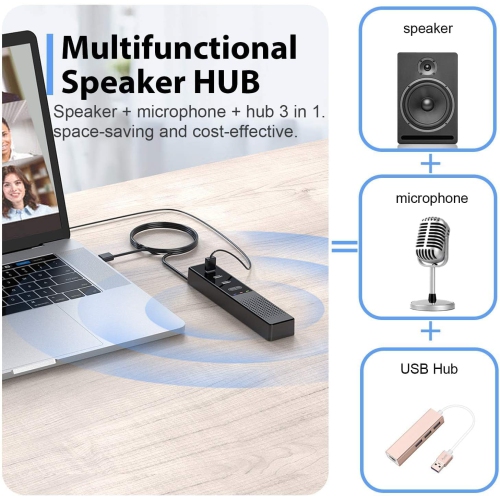
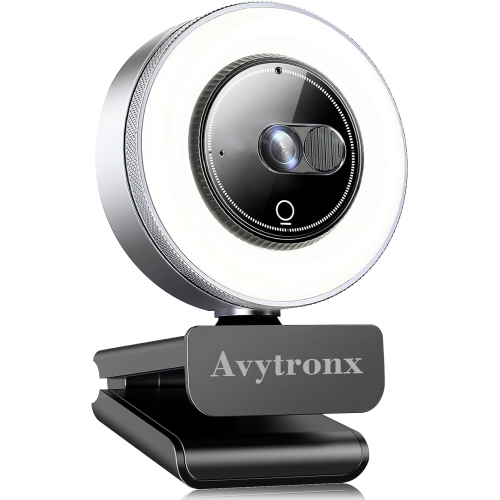
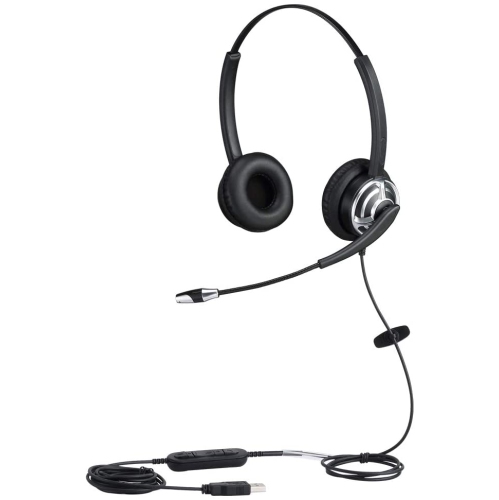
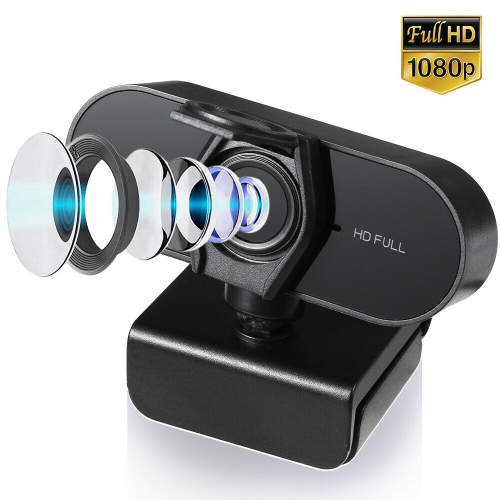
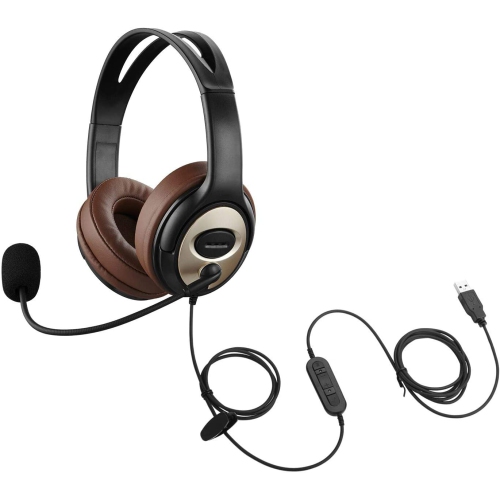
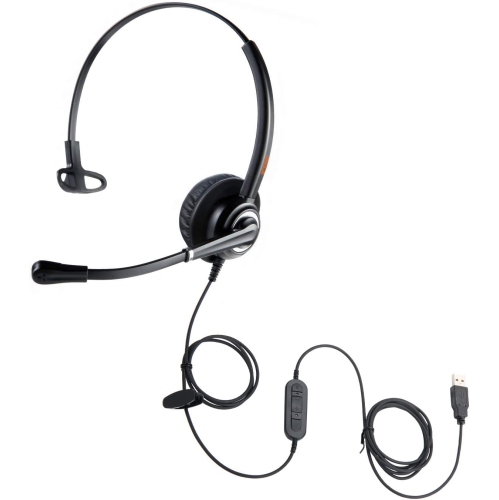
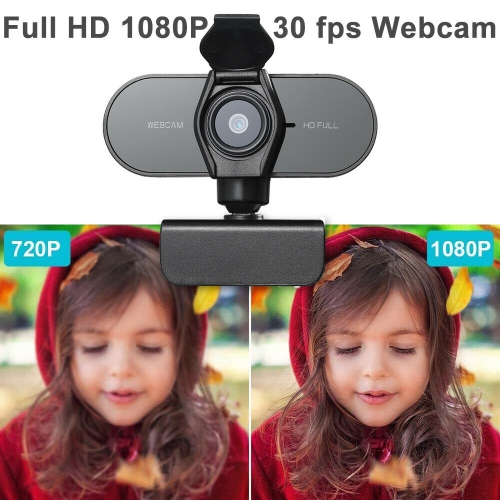
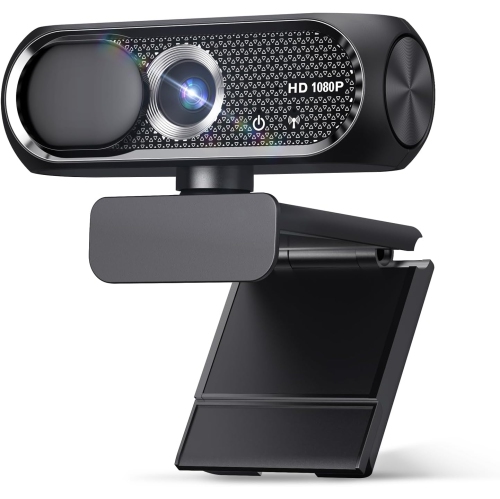
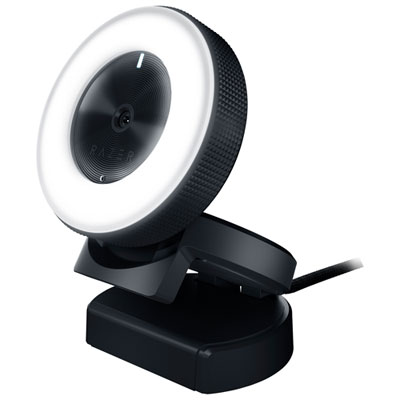
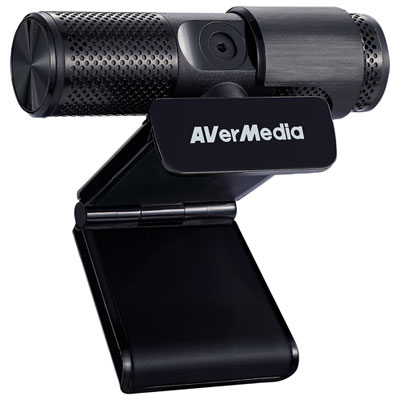
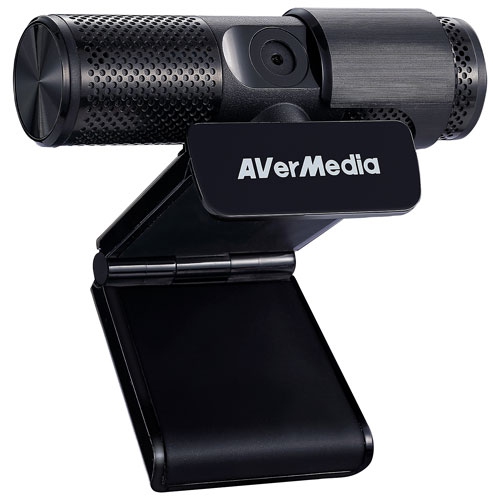
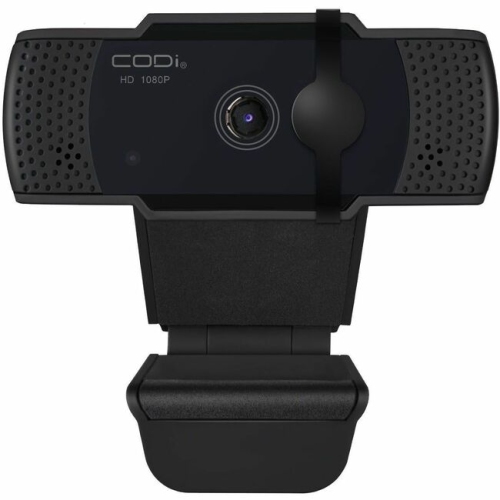
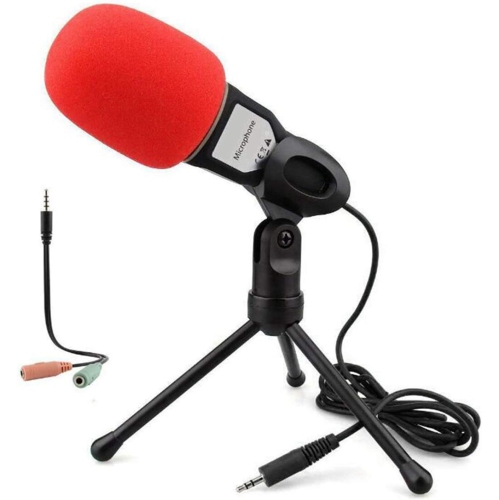
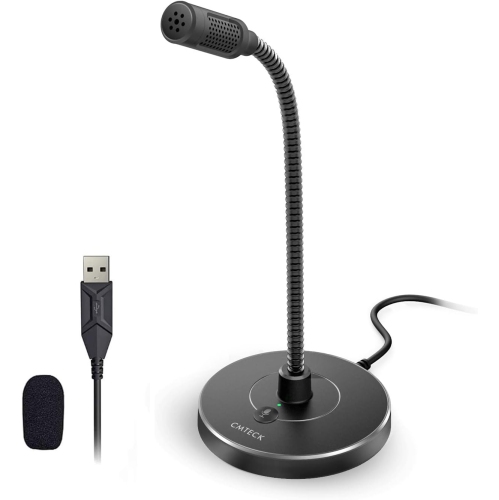
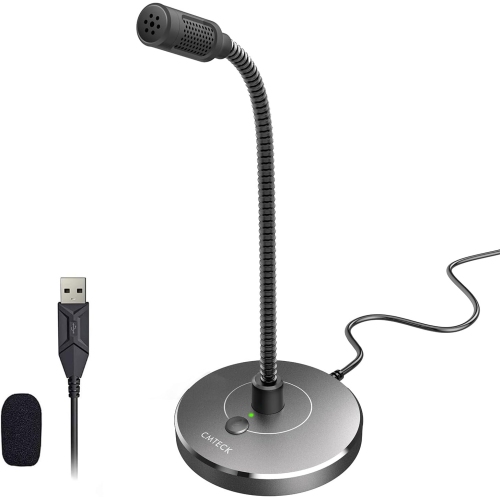
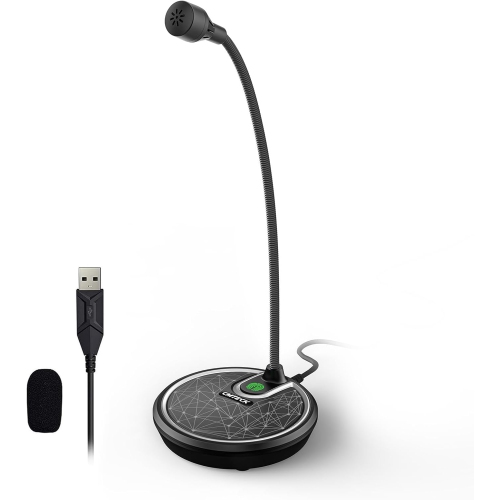
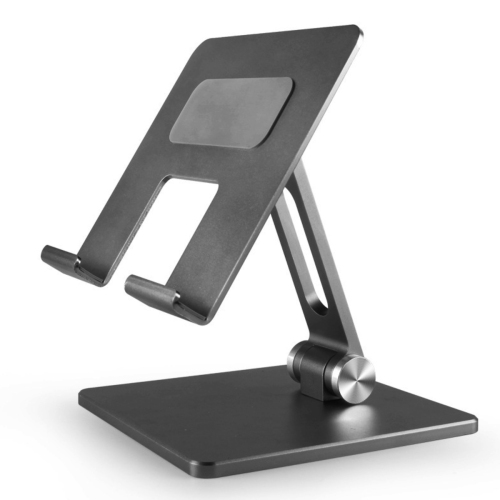
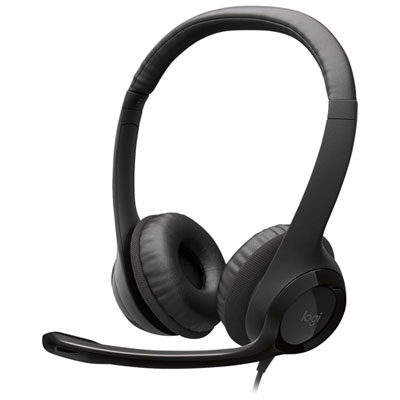
Clear communication and a workable desk layout can make online coursework easier to follow over longer sessions. A headset with an adjustable headband and softly padded ear cushions should fit securely without pressing too firmly, particularly for someone who wears glasses. Lightweight designs may suit frequent movement between study spaces, while replaceable cushions and sturdy hinges are useful durability considerations for daily use. Microphone placement affects how clearly speech reaches classmates; a microphone positioned near the mouth can help separate a learner’s voice from nearby household activity, although results depend on the design and room conditions. Speakers suit some independent listening tasks, while headphones offer more privacy in shared spaces. For video lessons, camera position and lighting matter alongside camera resolution. A camera near eye level and a light source facing the learner generally make facial expressions easier to see than a low camera angle with a bright window behind it. Screen size, readable text, and adjustable brightness also deserve attention. An external monitor can provide room for a lesson on one side and notes on the other, while a stand can raise a laptop screen when it is paired with a separate keyboard and mouse. These accessories need to fit both the person and the available surface: a deep monitor base or wide keyboard can crowd a small desk. Adjustable furniture can help position the screen and input devices comfortably, but dimensions, stability, and weight limits remain important. Smooth desk surfaces are usually easier to wipe clean, and cable routing helps keep charging cords away from writing space. Device care is equally practical. Screens and accessories should be cleaned according to their manufacturers’ directions, liquids kept away from electronics, and ventilation openings left clear. A snug protective sleeve, reinforced bag seams, and padded compartments help protect equipment during transport. For households with several people studying or working online, dependable Wi-Fi coverage and sufficient internet capacity help support simultaneous calls and access to course materials; a wired connection can be useful where the device and room layout allow it.
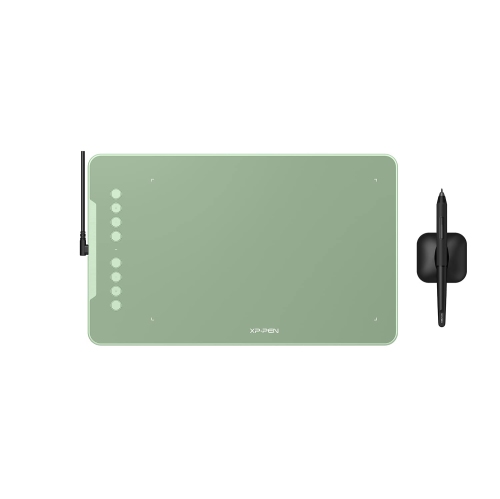
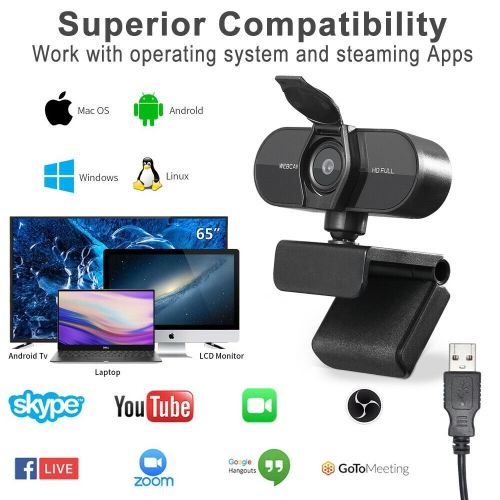
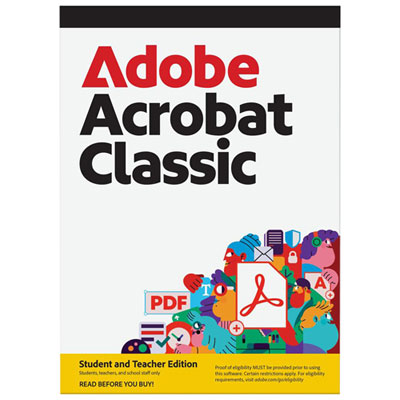
Software gives online learning tools much of their purpose, connecting the physical setup to the activities that happen throughout a course. Learning management systems typically organize lesson materials, assignment submissions, feedback, and announcements. Video conferencing applications support live discussion and presentations, while shared documents and cloud storage allow group members to contribute to the same project from different locations. Digital notebooks bring typed notes, images, and handwritten annotations together; calendar and task tools help learners keep track of readings, deadlines, and group meetings. Flashcards and practice quizzes offer ways to revisit facts and test recall between lessons. AI-assisted tools may help explain unfamiliar terminology, suggest practice questions, or organize a first outline, but their responses can contain errors and should be checked against reliable course sources. School rules and privacy requirements also shape whether these tools are appropriate, especially when assignments or personal information are involved. Access to any platform depends on its technical requirements, account conditions, and the institution’s policies, so hardware compatibility is only one part of the fit. Accessibility features can be just as important as performance. Captions, text-to-speech, speech input, keyboard navigation, and adjustable text size may help learners engage with material in different ways, though support varies by device and application. A student reviewing a dense chapter might listen to supported text while following the passage onscreen; another might use a compatible stylus to label a diagram or work through an equation by hand. Saving files in accepted formats and keeping a separate backup can help protect completed work, while clear folder names make materials easier to find before an assessment. For younger learners, simple controls, appropriately sized accessories, and supervised account settings can make shared equipment more manageable. For a university student, tutor, or someone returning to education, a learning accessory can also be a thoughtful gift when it matches the recipient’s device, course needs, and available space. Across these uses, the strongest setup is one that makes routine tasks feel straightforward: hearing an explanation clearly, finding the right notes, contributing to a discussion, and submitting finished work in the required format.
Clear communication and a workable desk layout can make online coursework easier to follow over longer sessions. A headset with an adjustable headband and softly padded ear cushions should fit securely without pressing too firmly, particularly for someone who wears glasses. Lightweight designs may suit frequent movement between study spaces, while replaceable cushions and sturdy hinges are useful durability considerations for daily use. Microphone placement affects how clearly speech reaches classmates; a microphone positioned near the mouth can help separate a learner’s voice from nearby household activity, although results depend on the design and room conditions. Speakers suit some independent listening tasks, while headphones offer more privacy in shared spaces. For video lessons, camera position and lighting matter alongside camera resolution. A camera near eye level and a light source facing the learner generally make facial expressions easier to see than a low camera angle with a bright window behind it. Screen size, readable text, and adjustable brightness also deserve attention. An external monitor can provide room for a lesson on one side and notes on the other, while a stand can raise a laptop screen when it is paired with a separate keyboard and mouse. These accessories need to fit both the person and the available surface: a deep monitor base or wide keyboard can crowd a small desk. Adjustable furniture can help position the screen and input devices comfortably, but dimensions, stability, and weight limits remain important. Smooth desk surfaces are usually easier to wipe clean, and cable routing helps keep charging cords away from writing space. Device care is equally practical. Screens and accessories should be cleaned according to their manufacturers’ directions, liquids kept away from electronics, and ventilation openings left clear. A snug protective sleeve, reinforced bag seams, and padded compartments help protect equipment during transport. For households with several people studying or working online, dependable Wi-Fi coverage and sufficient internet capacity help support simultaneous calls and access to course materials; a wired connection can be useful where the device and room layout allow it.
Software gives online learning tools much of their purpose, connecting the physical setup to the activities that happen throughout a course. Learning management systems typically organize lesson materials, assignment submissions, feedback, and announcements. Video conferencing applications support live discussion and presentations, while shared documents and cloud storage allow group members to contribute to the same project from different locations. Digital notebooks bring typed notes, images, and handwritten annotations together; calendar and task tools help learners keep track of readings, deadlines, and group meetings. Flashcards and practice quizzes offer ways to revisit facts and test recall between lessons. AI-assisted tools may help explain unfamiliar terminology, suggest practice questions, or organize a first outline, but their responses can contain errors and should be checked against reliable course sources. School rules and privacy requirements also shape whether these tools are appropriate, especially when assignments or personal information are involved. Access to any platform depends on its technical requirements, account conditions, and the institution’s policies, so hardware compatibility is only one part of the fit. Accessibility features can be just as important as performance. Captions, text-to-speech, speech input, keyboard navigation, and adjustable text size may help learners engage with material in different ways, though support varies by device and application. A student reviewing a dense chapter might listen to supported text while following the passage onscreen; another might use a compatible stylus to label a diagram or work through an equation by hand. Saving files in accepted formats and keeping a separate backup can help protect completed work, while clear folder names make materials easier to find before an assessment. For younger learners, simple controls, appropriately sized accessories, and supervised account settings can make shared equipment more manageable. For a university student, tutor, or someone returning to education, a learning accessory can also be a thoughtful gift when it matches the recipient’s device, course needs, and available space. Across these uses, the strongest setup is one that makes routine tasks feel straightforward: hearing an explanation clearly, finding the right notes, contributing to a discussion, and submitting finished work in the required format.
Top selling and popular products
-
 Your price for this item is $99.99
 -
 Your price for this item is $123.44
 -
 Your price for this item is $28.98
 -
 Your price for this item is $65.1
 -
 Your price for this item is $119.99
 -
 Your price for this item is $249.99
 -
 Your price for this item is $49.99
 -
 Your price for this item is $59.99
Discover more categories related to Tools for Online Learning
Top Collections:
Pokemon Centers, Kindle Devices, Best Budget Office Chairs, Apple iPhones 16, Best Laptops for Writers, iPhone 15 Apple, Canon G7X Cameras, Refurbished Apple Laptops, Alarm Clock, Motorola Razr Phones
Some products may be subject to Environmental Handling Fees
(EHF) depending on your province.
Learn more about EHFs.