Tools for Youtube Creators
Tools for YouTube creators are essential for producing engaging, high-quality content that stands out. Whether you're filming, editing, or streaming, having the right equipment can make all the difference in your creative process. From cameras and microphones to lighting and editing accessories, explore a wide selection of tools designed to support every stage of your YouTube journey. Find everything you need to enhance your channel and bring your ideas to life with ease.
Sort
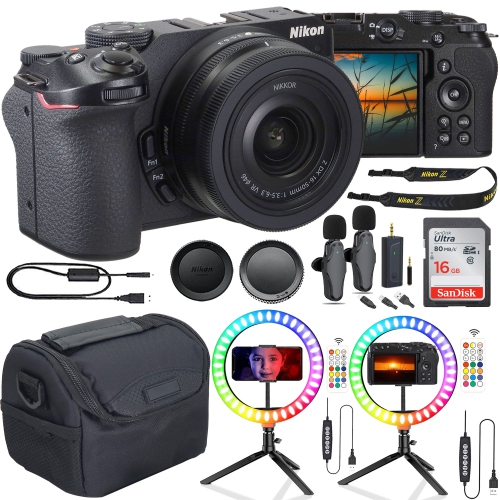
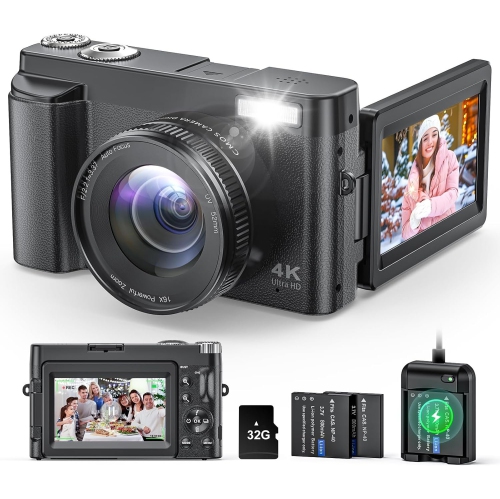
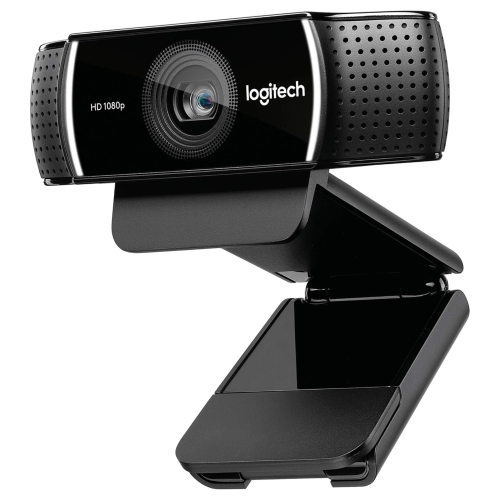
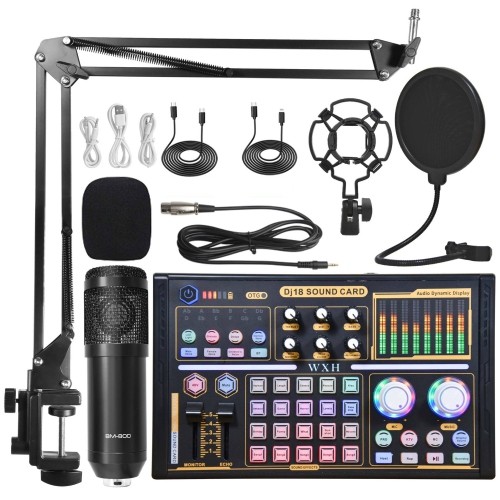

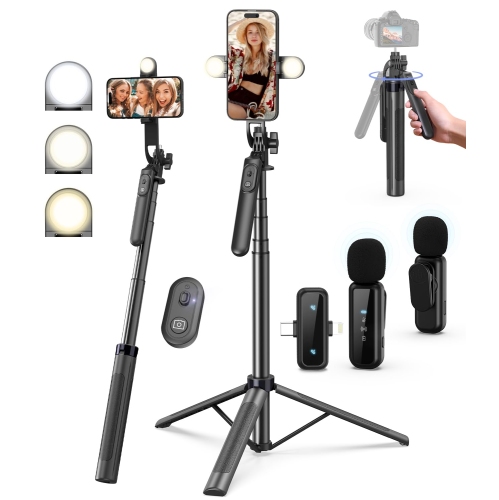
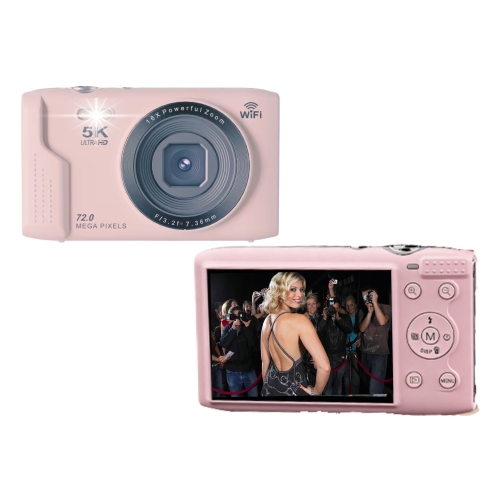
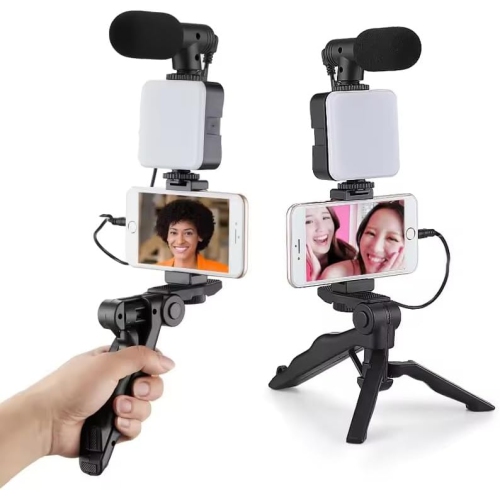
How your filming style shapes your video setup
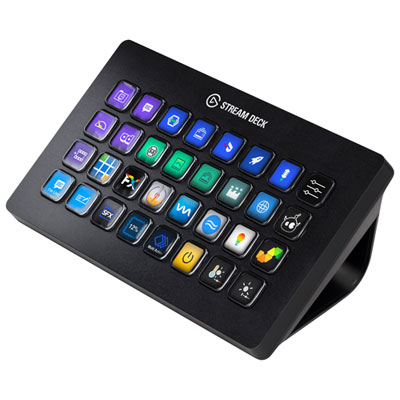
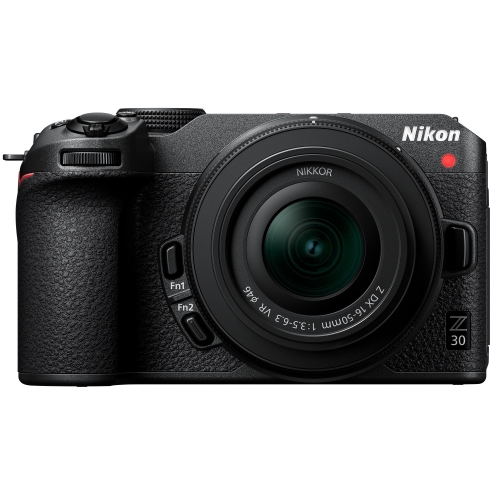
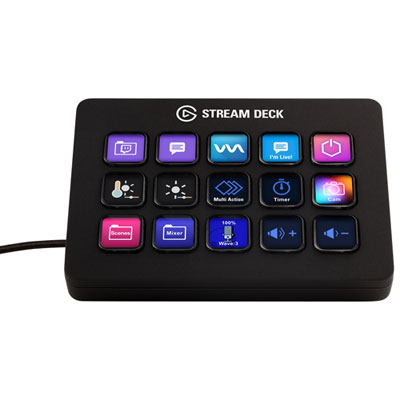
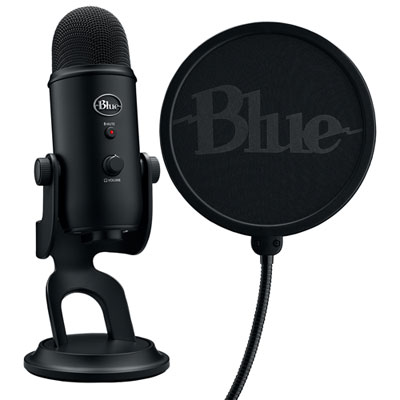
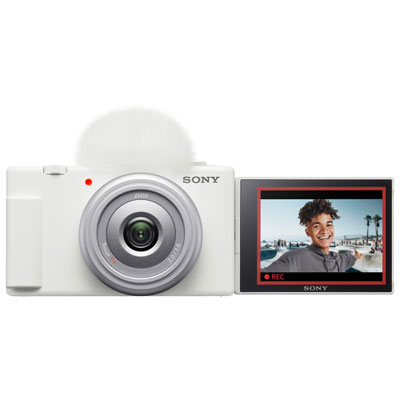
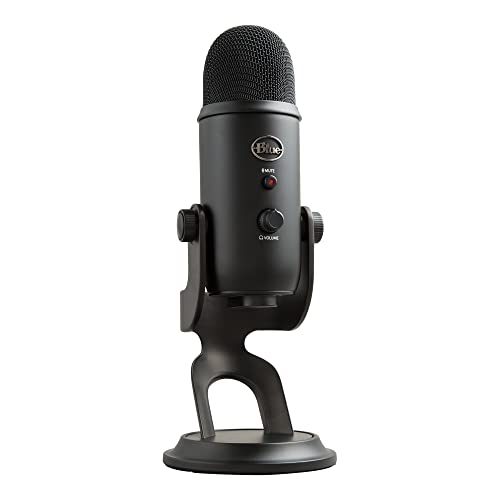
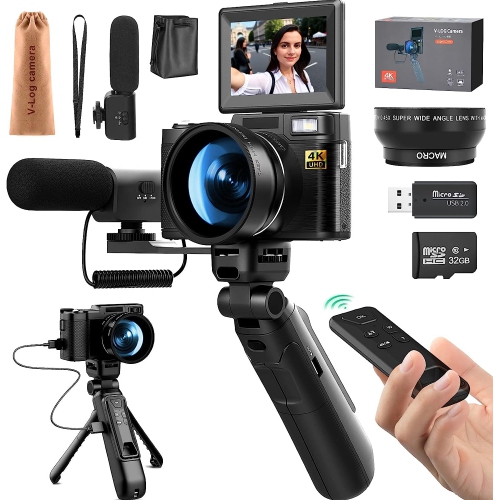
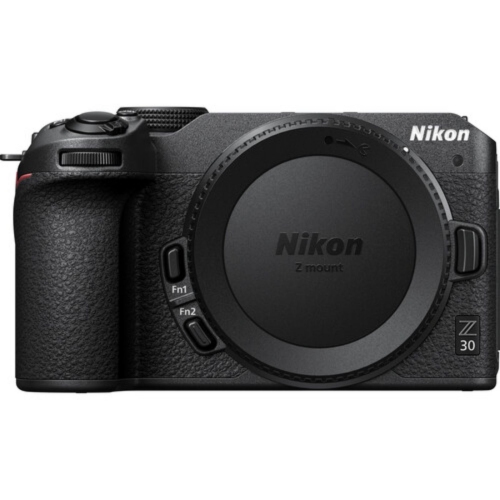
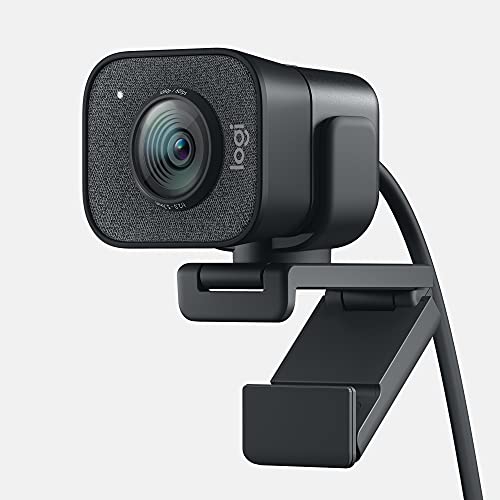
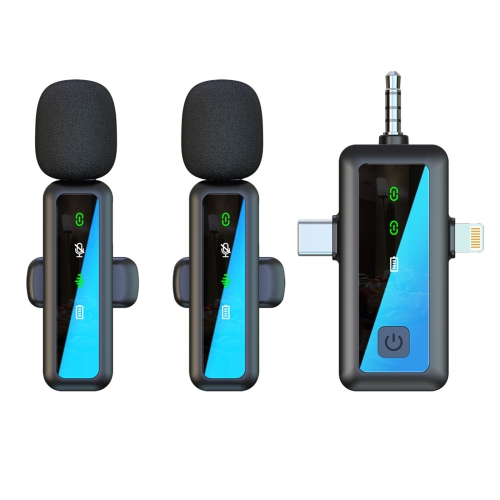
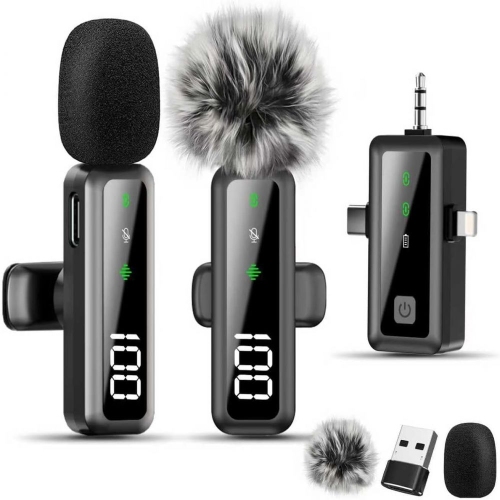
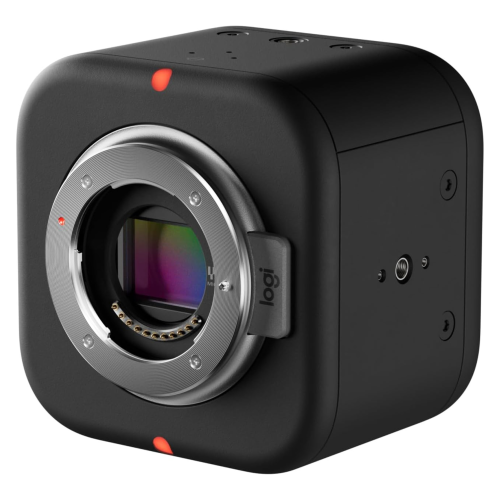
Tools for YouTube creators cover video capture, audio recording, lighting, editing, storage and the connections that keep a production moving. These categories serve different purposes: cameras capture the picture, microphones capture speech and other sound, lighting shapes how subjects appear, and editing tools bring the recordings together into a finished video. The right combination depends on what happens in front of the lens. A seated presenter explaining a craft project needs a different arrangement from a gaming creator recording commentary or a vlogger filming while walking. Cameras with reliable autofocus and a screen visible from the recording position can make solo filming easier, while an overhead camera position helps show small details on a work surface. Resolution matters, but lens choice, framing and consistent exposure also influence how clear and polished a video looks. Higher-resolution footage can provide room to crop during editing, although it also requires more storage and processing power. For creators using a smartphone, secure mounts and compatible audio connections can extend an existing setup without changing the familiar recording interface. Sound deserves equal attention because a clear voice helps viewers follow an explanation even when the picture is simple. A desktop microphone suits voiceovers and seated commentary, a clip-on microphone keeps speech close during demonstrations, and a directional microphone can help focus recording on a presenter in front of the camera. Microphone placement affects the balance between a voice and surrounding sound; a microphone across the room may pick up more room reflections than one positioned closer to the speaker. Headphones make it easier to notice clothing rustle, mouth noise or a cable brushing against a stand. For interviews, separate microphone inputs or recording channels offer more flexibility when balancing two voices later. Comfortable headphone fit, accessible recording controls and enough cable length all matter during longer sessions, especially when one person is presenting, monitoring sound and managing the camera.
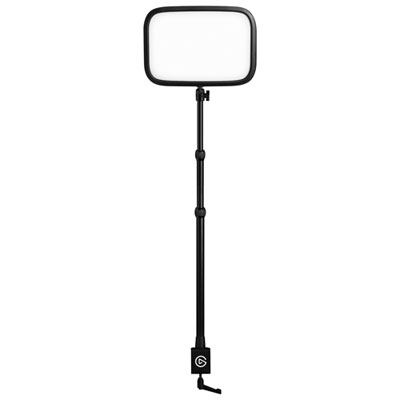
Lighting and support equipment help turn an ordinary desk, spare room or workshop into a repeatable recording space. A broad, diffused light source can soften facial shadows, while an adjustable light gives creators more control over brightness and colour temperature. Consistent lighting is especially useful for videos assembled from several recording sessions, where noticeable changes between clips can distract from the subject. For close-up demonstrations, the position of a light matters as much as its output: shiny packaging, glossy screens and polished surfaces can reflect a lamp directly into the camera. Adjustable stands and articulated arms allow more freedom to place lights and microphones outside the frame. A setup built around Youtube Equipment also benefits from mounts that match the weight, dimensions and attachment points of the devices they hold. A compact tabletop stand may suit a lightweight camera, while an extended overhead arrangement needs sufficient support and a stable base. Aluminium components can provide a useful balance of strength and portability, and padded clamps help protect the surfaces they grip. For handheld work, comfortable grips and balanced weight make longer recording sessions less tiring. Portable creators also have practical needs beyond the shot itself: fitted compartments, adjustable dividers and padded cases help keep lenses, microphones and small accessories separated in transit. Batteries, chargers and memory cards need to match the recording device and intended session length. Higher recording bitrates place greater demands on memory-card write speeds, so capacity alone does not determine suitability. Cables and adapters deserve the same attention as the larger equipment. A matching connector does not necessarily mean that a cable or port supports the required video signal, data speed or power delivery. Clear cable routing reduces snags around a desk, and leaving room to adjust a camera or microphone helps prevent strain on connections. Routine care includes keeping lens surfaces clean with suitable materials, protecting ports from debris and following the manufacturer’s cleaning and storage directions.
Editing and channel-production tools shape what happens after recording, from assembling a straightforward tutorial to managing a project with several cameras, layered graphics and separate audio tracks. Computers for video editing need a balance of processor performance, memory, graphics capability and storage speed suited to the footage and software involved. Long recordings, high-resolution files and complex effects place different demands on a system than short clips with simple cuts. A comfortable keyboard, precise pointing device and suitably sized display can make detailed timeline work less tiring. Monitor resolution affects how much workspace is visible, while dependable colour reproduction helps with judging skin tones, product colours and consistency between shots. Editing software commonly supports trimming, transitions, audio adjustment, titles and export settings; more advanced tools may add colour correction, motion graphics, multicamera editing or transcript-based editing. Captioning features can make spoken content easier to follow, but names, technical terms and punctuation still benefit from a careful review. Audio tools can help balance speech, reduce some unwanted noise and smooth differences between recordings, although a clean original recording gives them a better starting point. Thumbnail and graphic-design tools serve a separate purpose, helping creators produce legible images, channel artwork and consistent visual elements. Readable text and a clear focal point are particularly important when a thumbnail appears at a small size. Publishing and analytics tools can support title planning, audience-retention review and an understanding of which topics connect with viewers, without replacing the production equipment used to create the video. Storage ties these stages together. Fast working drives support active projects, while separate backups protect source footage, graphics and finished exports against a single drive failure. Organized folders and descriptive filenames are useful when returning to a project for revisions or shorter excerpts. For students, hobbyists, educators and small-business owners, creator tools support everything from recorded lessons to demonstrations and personal storytelling. As gifts, accessories that fit an existing setup are often more useful than equipment that requires unfamiliar connections or a different way of working.
Top selling and popular products
-
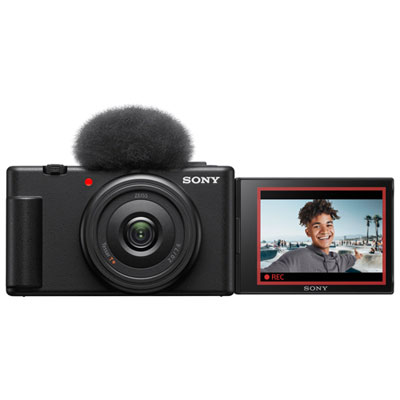 Your price for this item is $599.99
-
 Your price for this item is $799.99
-
 Your price for this item is $239.99
-
 Your price for this item is $255
-
 Your price for this item is $1799.99
-
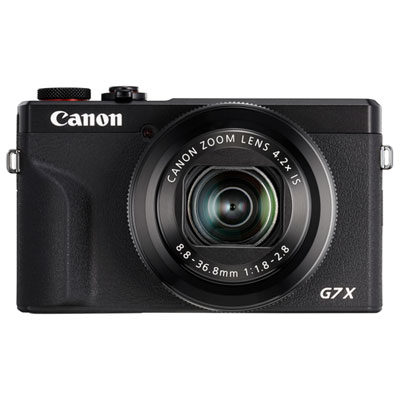 Your price for this item is $1999.99
-
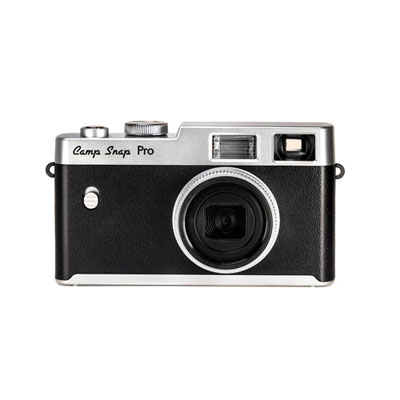 Your price for this item is $99.99
-
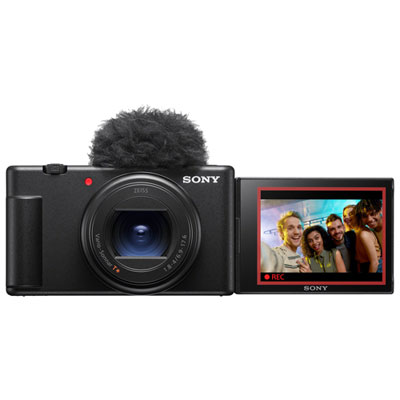 Your price for this item is $1099.99
Discover more categories related to Tools for Youtube Creators
Top Collections:
Best Black Friday Deals This Year, Best Black Friday Deals On Electronics, Kindle Devices, Dyson Airwrap, Best Cameras for Sports Photography, Best Black Friday Deals On Apple Products, PS5 Pro Consoles, Portable Snow Blowers, Canon G7X Cameras, Pokémon 30th Celebration Cards
Some products may be subject to Environmental Handling Fees
(EHF) depending on your province.
Learn more about EHFs.