Touchscreen Asus ZenBook
Discover the versatility and convenience of the Touchscreen Asus ZenBook, designed to elevate your everyday computing experience. Whether you're working, studying, or enjoying entertainment, these laptops combine sleek design with intuitive touch capabilities for seamless navigation. Explore a range of options to find the perfect fit for your lifestyle, all while enjoying the innovation and reliability you expect from the Touchscreen Asus ZenBook lineup.
Sort
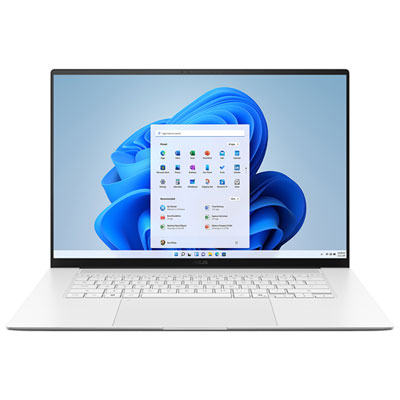
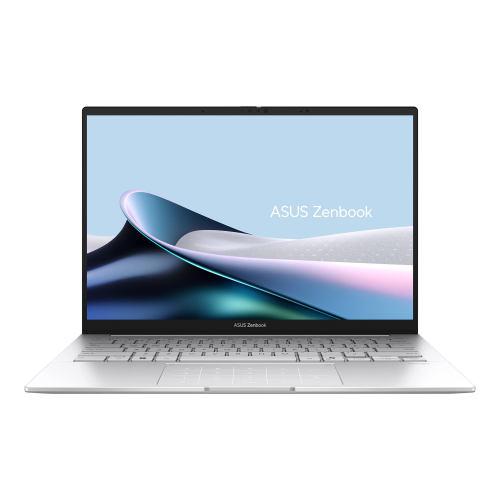
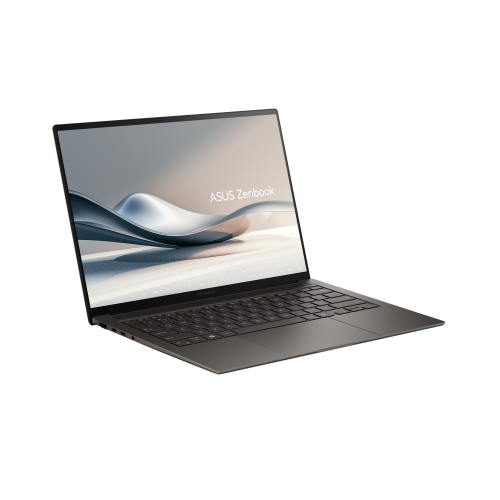
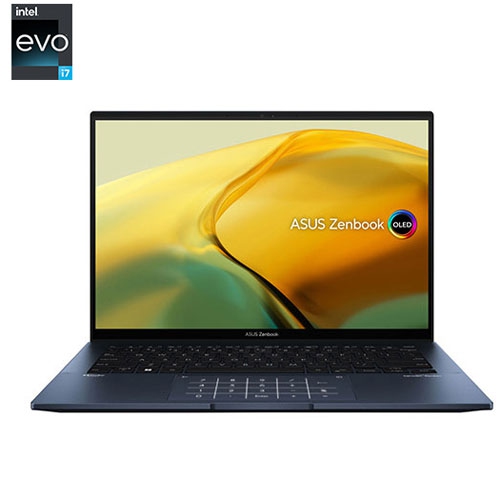
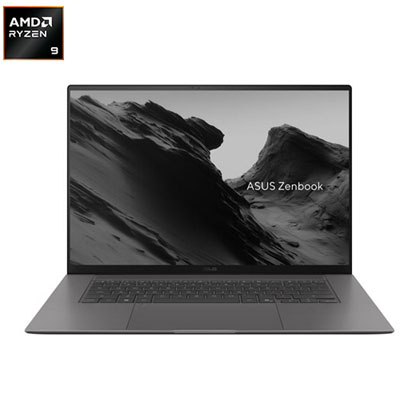
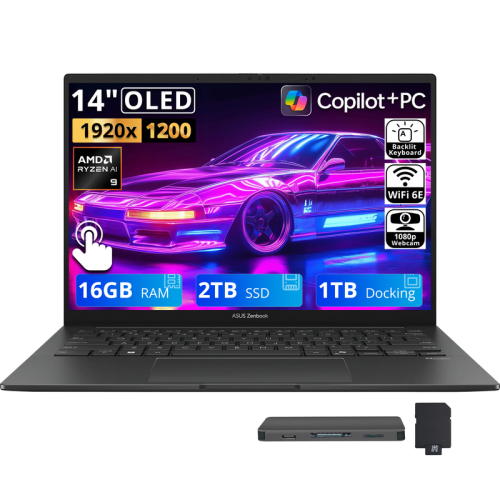
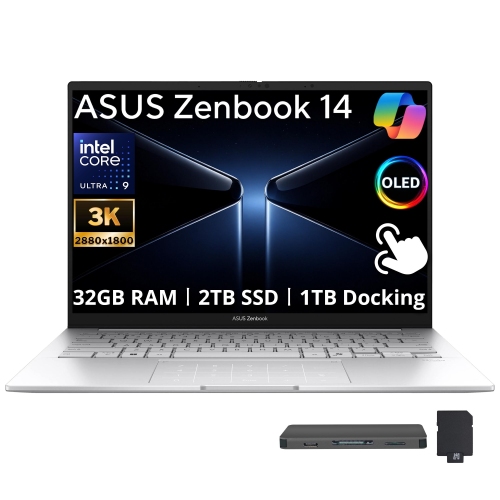
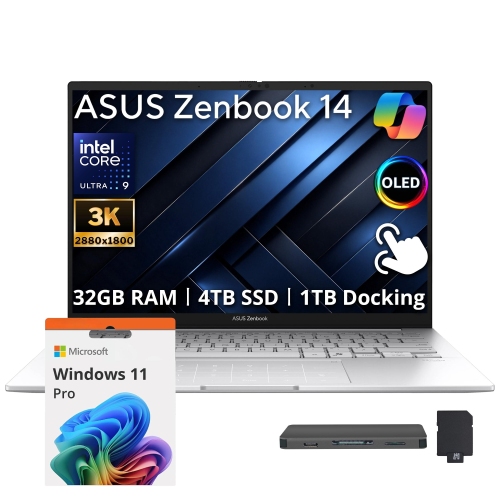
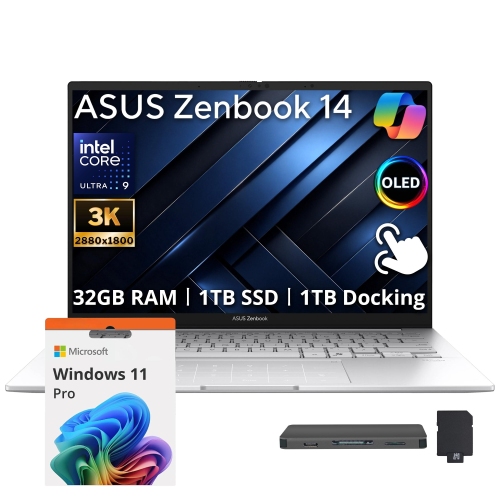
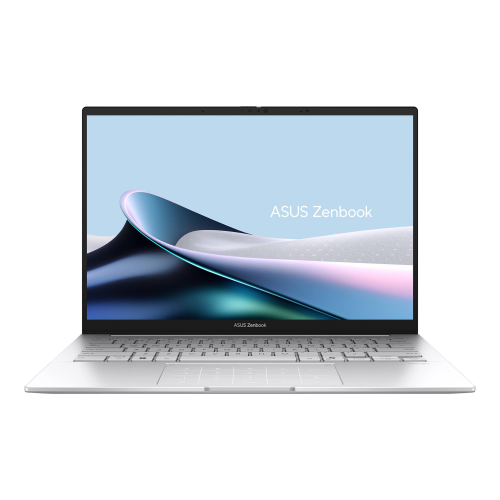
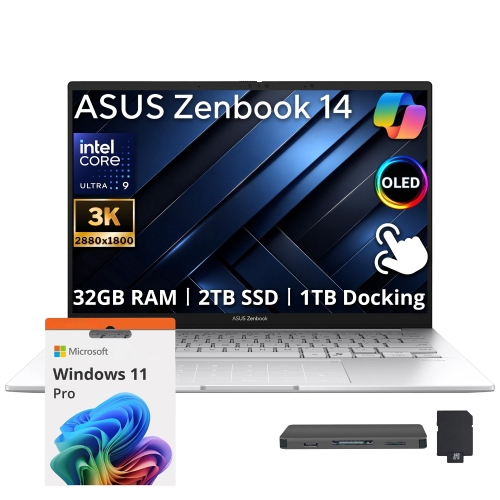
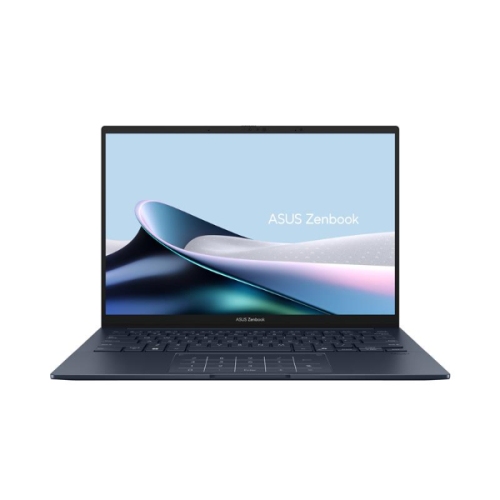
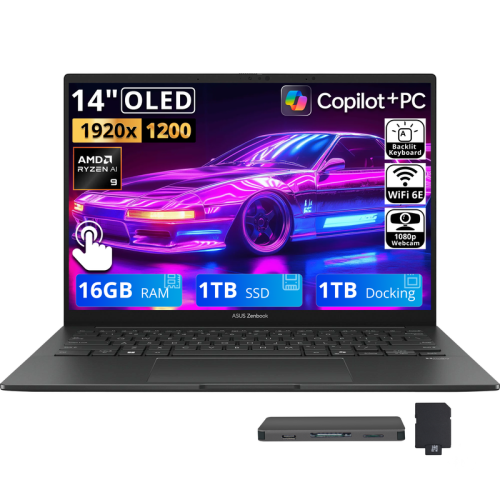
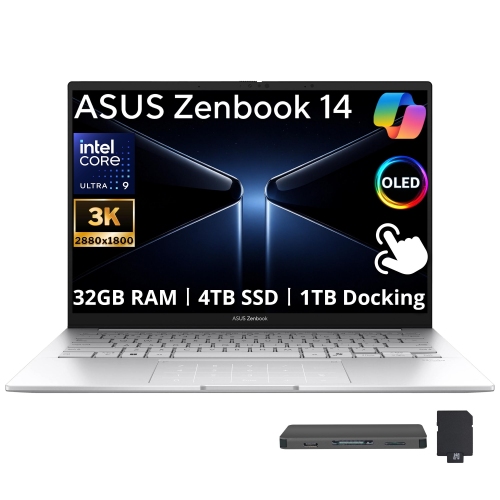
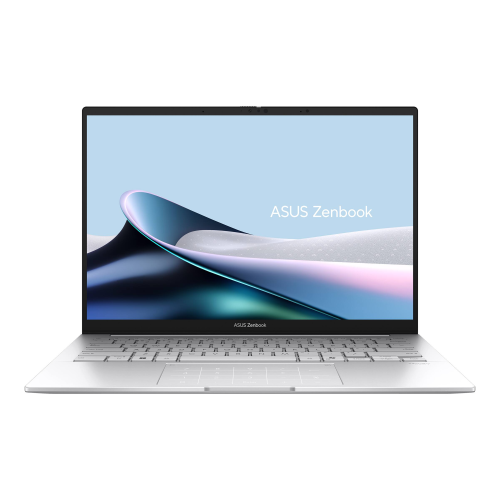
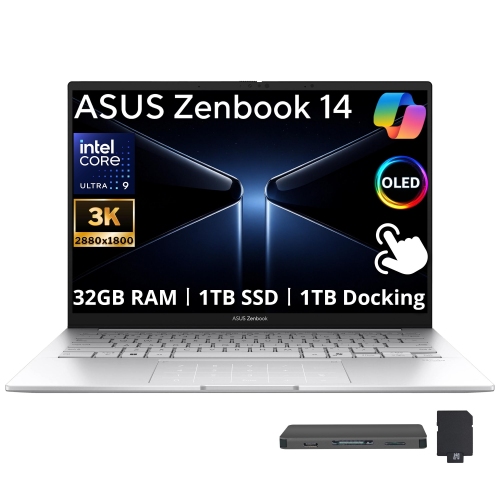
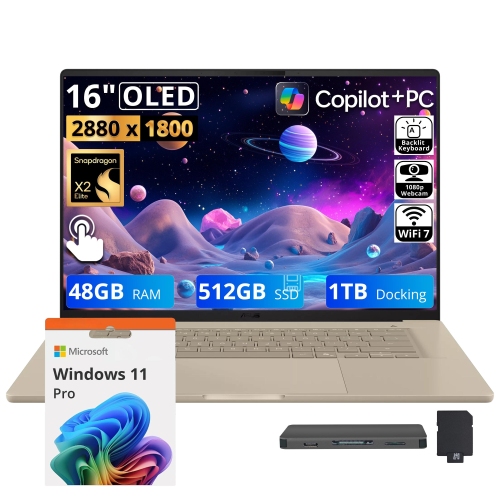
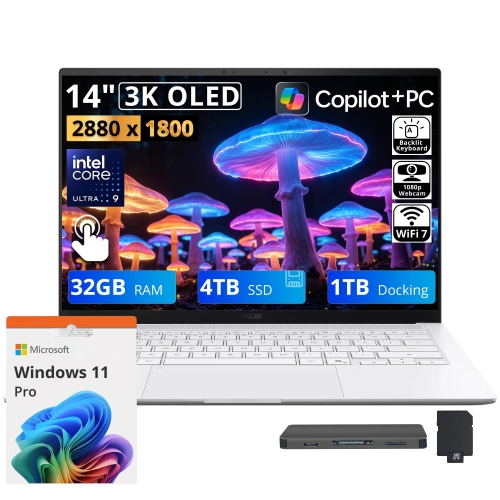
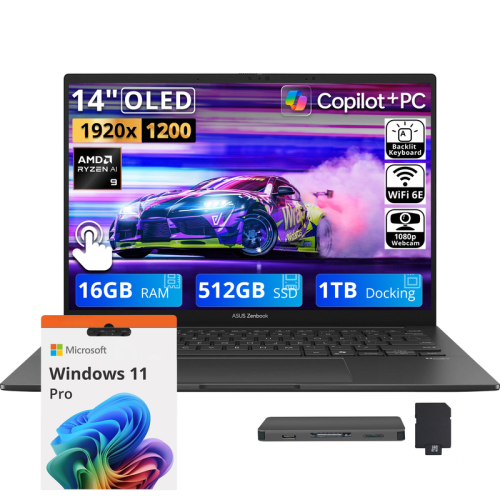
How touch input complements your keyboard and touchpad
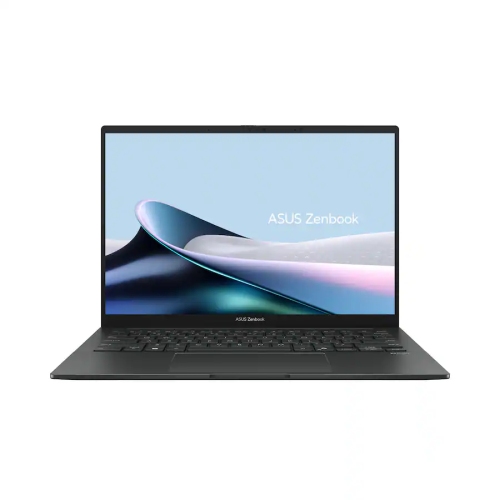
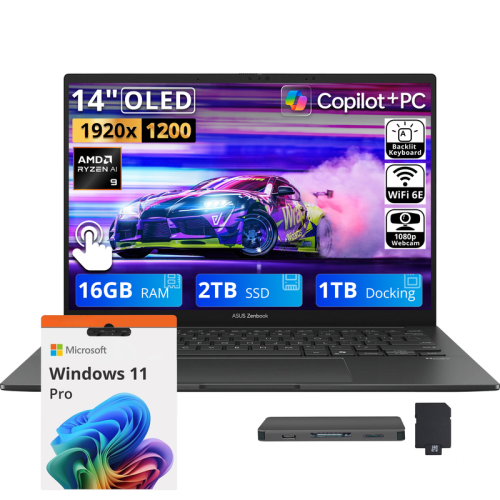
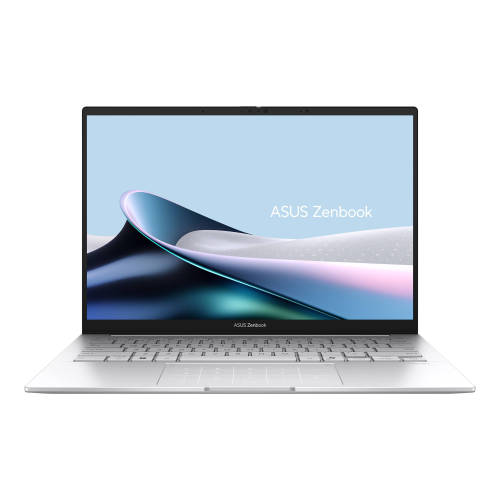
Touchscreen laptops pair the familiarity of a keyboard and touchpad with the directness of tapping, swiping, and scrolling on the display. That combination suits everyday tasks that move between typing and visual interaction: drafting an assignment, enlarging a diagram, moving through a presentation, or pausing a video without reaching for the cursor. Touch input is an additional way to use a computer, not a replacement for its other controls. A keyboard remains useful for longer documents, while a mouse or touchpad offers precision for detailed spreadsheet work. Touch capability is a model-specific feature, so similar-looking laptops do not necessarily support the same gestures or accessories. An OLED display, for example, describes the screen technology rather than confirming that the screen responds to touch. Display quality also involves several separate characteristics. Resolution influences how sharply text and images appear, brightness affects visibility in different lighting, and colour performance matters for photography and design. A glossy surface can give images a crisp appearance but may also reflect overhead lights or nearby windows. Screen proportions affect the workspace, too: a taller display can show more of a document or webpage, while a wider layout can suit side-by-side windows and video. Smaller laptops are easier to carry between a desk, classroom, and meeting room, whereas larger screens provide more room for spreadsheets, reference material, and editing tools. Higher resolution can make details clearer, although comfortable text sizing still depends on display scaling and personal preference. Across Asus Touchscreen Laptops, differences in screen size, hinge design, and pen support help distinguish the ways a computer can fit into a daily routine. The most useful touchscreen is one that complements the work being done, whether that means a quick tap during a video call or repeated gestures while reviewing illustrated notes.
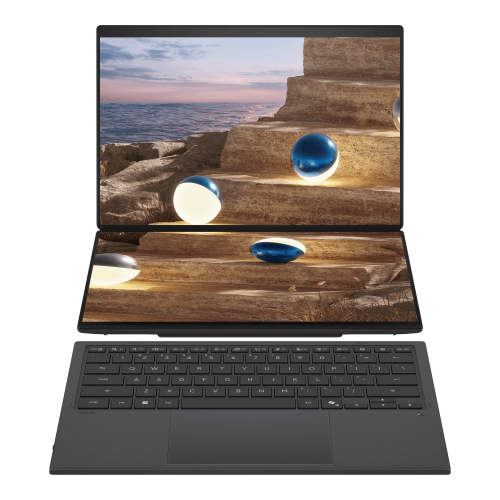
The physical design determines how practical those interactions feel over a full day. A conventional laptop hinge supports touch while the computer stays in its familiar typing position, but a touchscreen alone does not mean the display folds flat or rotates into tablet mode. Convertible designs have hinges intended for additional positions, which can make reading, presenting, or handwritten input more comfortable when those functions are supported. Pen compatibility is another separate consideration. An active stylus may need a particular digitizer and supported pen technology; a touchscreen does not automatically provide pressure sensitivity, palm rejection, or a place to store a pen. For students annotating lecture slides or professionals marking up a floor plan, those distinctions can matter more than the presence of touch alone. Under the keyboard, the processor, memory, and storage influence how smoothly the laptop handles its workload. Web browsing, email, streaming, and word processing place different demands on a computer than large photo libraries, complex design files, or video editing. Enough memory helps when a browser, document editor, meeting app, and reference files remain open together. Solid-state storage provides space for applications and saved work, while its capacity becomes especially relevant for anyone keeping large media files locally. Some thin laptop designs have memory or other components that cannot be upgraded later, making the original configuration important for longer-term use. Connections also shape everyday convenience. A desk with an external monitor, wired keyboard, and portable drive may require more ports than a lightweight travel setup. USB-C ports can differ in their support for charging, video output, and data transfer, even when the connectors look identical. Wi-Fi compatibility, webcam quality, microphone performance, and keyboard comfort round out the experience for remote meetings and study sessions. Battery runtime varies with the workload, display settings, wireless activity, and battery condition, so portability involves more than the laptop’s weight or a single stated runtime.
Materials, construction, and care contribute to how well a touchscreen laptop holds up to regular handling. Metal and plastic chassis designs can both be practical, with durability depending on the overall construction, hinge quality, and protection during transport rather than the exterior material alone. A firm base and steady hinge make a difference when typing quickly or tapping near the top of the screen. Repeated touch also leaves fingerprints, particularly on glossy glass, so a clean, soft microfibre cloth is useful for routine care. Cleaning products and methods should match the manufacturer’s recommendations, with liquid kept away from ports, seams, and the keyboard. Gentle handling matters: the screen is designed for fingertip input, not forceful pressure, and pens or other objects left on the keyboard can damage the display when the lid closes. A padded sleeve should fit the laptop’s actual width, depth, and thickness rather than its advertised screen diagonal alone. That closer fit helps limit movement inside a bag, while a separate compartment keeps keys, chargers, and other hard objects from pressing against the lid. On a desk, a stable surface and clear ventilation support comfortable, dependable use. These details are especially relevant for a computer carried daily between home, campus, and work. Touchscreen laptops can suit learners who move between typed notes and visual material, professionals who review documents away from a desk, and households that share a computer for browsing, calls, and entertainment. They can also make thoughtful gifts for someone starting a course or taking on a new role, provided the software requirements, preferred screen size, and accessory compatibility match the recipient’s needs. Adjustable text size, display scaling, and supported accessibility settings can make the interface more comfortable, although touch is not equally convenient for every person or task. A comfortable keyboard, readable display, reliable connections, and suitable carrying protection help make touch capability a useful part of the whole computer rather than its only defining feature.
Top selling and popular products
-
 Your price for this item is $449
-
 Your price for this item is $3099
-
 Your price for this item is $1800.68
-
 Your price for this item is $664.05
-
 Your price for this item is $869.99
-
 Your price for this item is $2960.48
-
 Your price for this item is $489.7
-
 Your price for this item is $1199
Discover more categories related to Touchscreen Asus ZenBook

Top Collections:
Best Black Friday Deals This Year, Best Black Friday Deals On Electronics, Kindle Devices, Best Black Friday Deals On Apple Products, Best Budget Office Chairs, Best Cameras for Sports Photography, Dyson Airwrap, Canon G7X Cameras, Best Laptops for Writers, Samsung Galaxy Phones
Some products may be subject to Environmental Handling Fees
(EHF) depending on your province.
Learn more about EHFs.