Asus Zenscreen
Discover the convenience and versatility of Asus Zenscreen, designed to enhance your workspace wherever you go. Whether you’re looking to boost productivity on the move or expand your display at home, these portable monitors offer an easy solution for a variety of needs. Explore options that seamlessly integrate with your devices and help you stay connected, efficient, and organized. Find the perfect Asus Zenscreen to support your work, entertainment, or creative projects today.
Sort
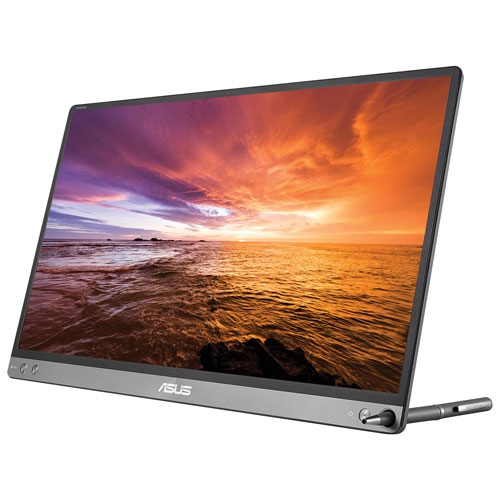
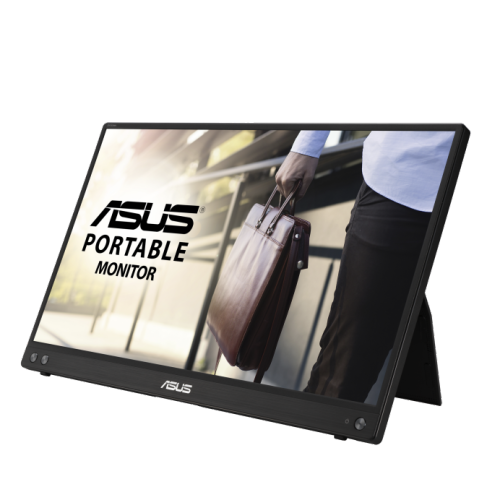
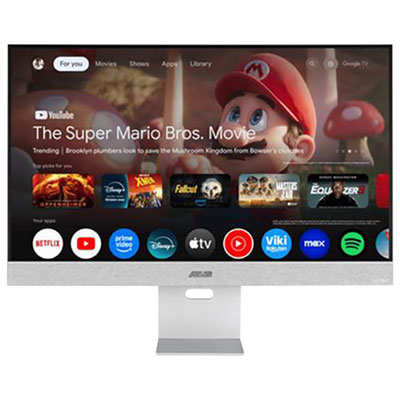

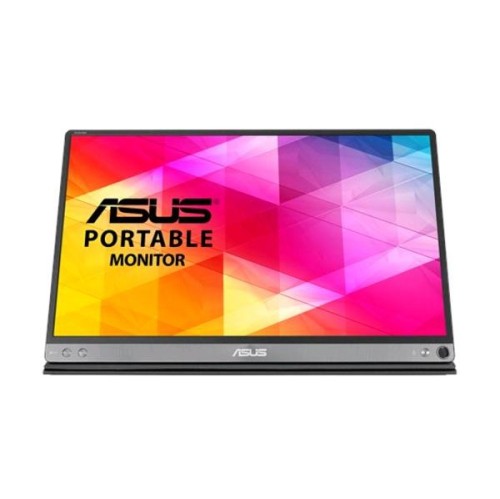
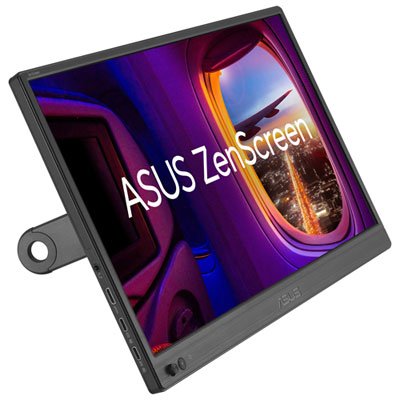
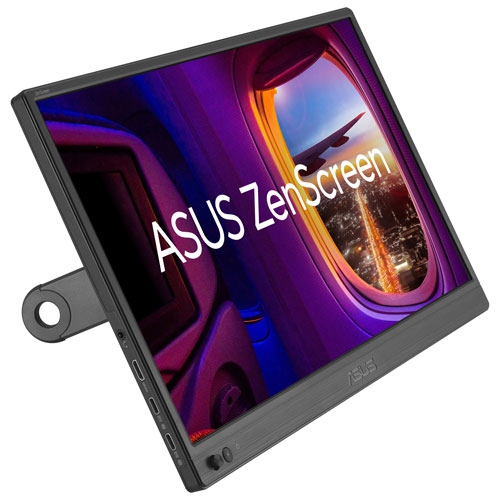
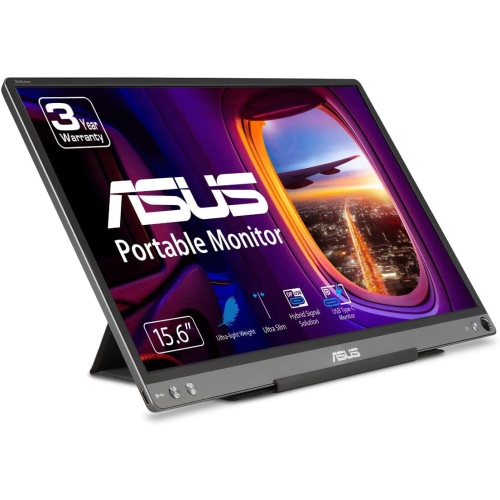
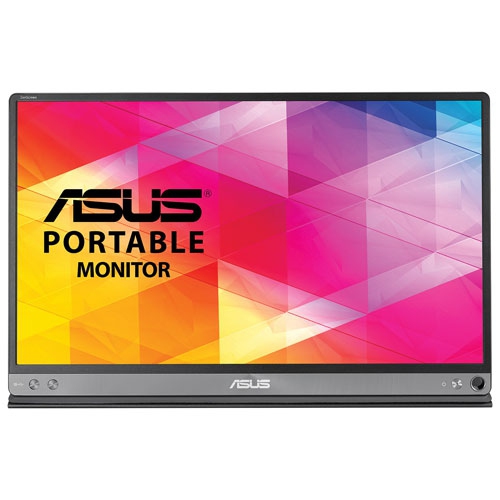
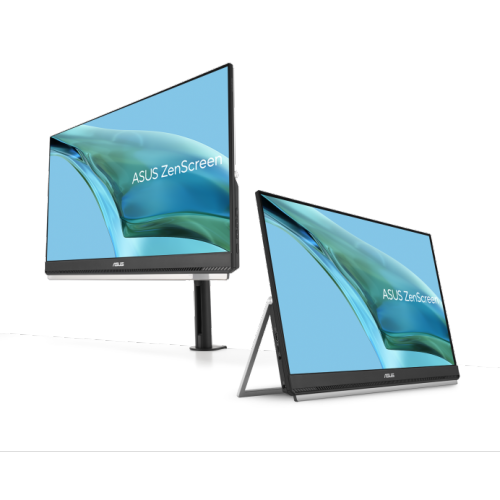
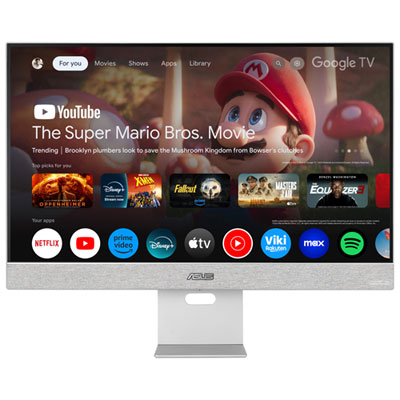
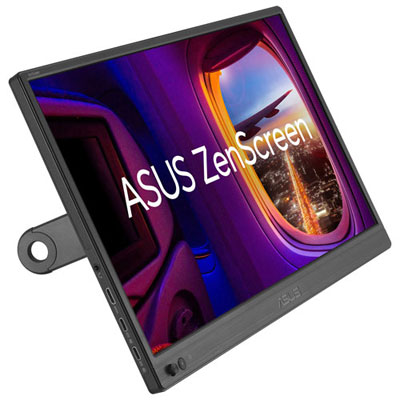
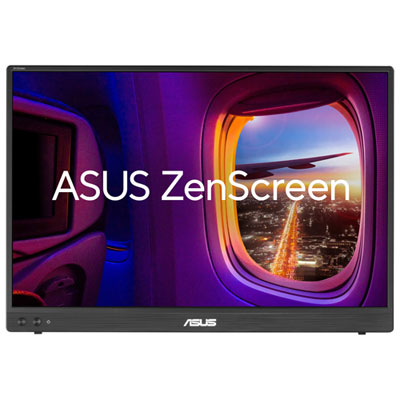
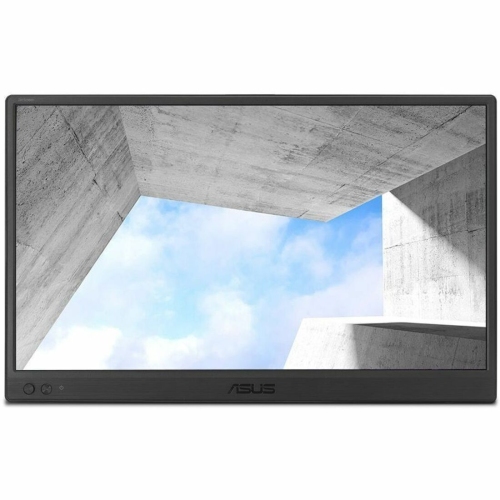
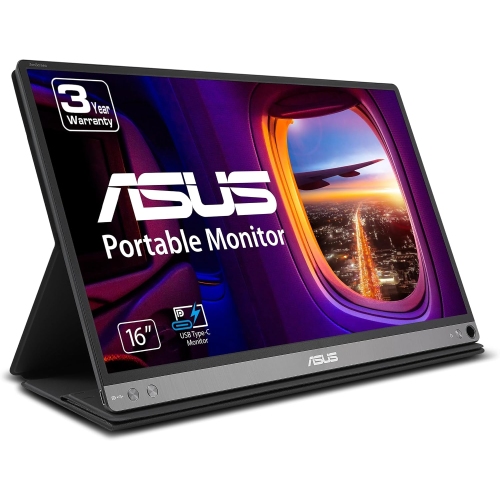
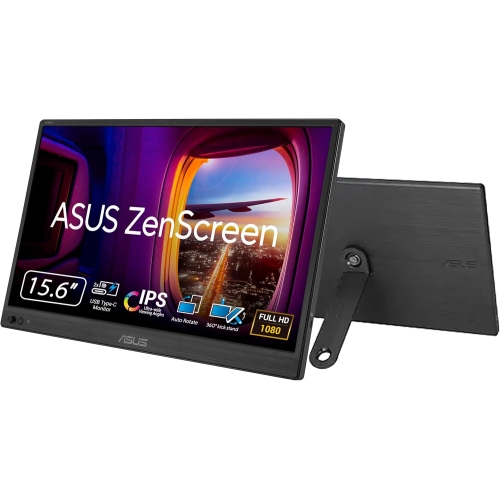
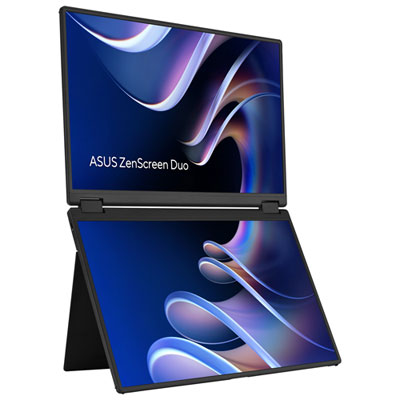
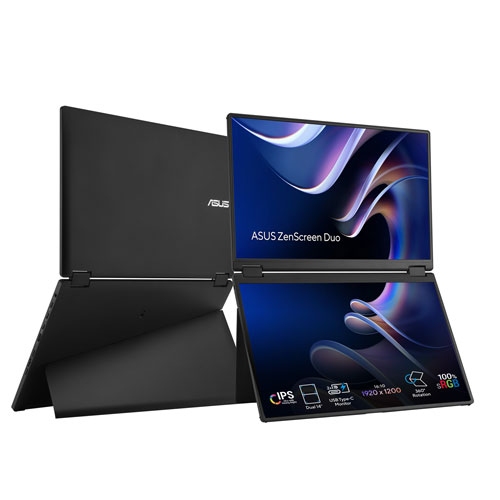
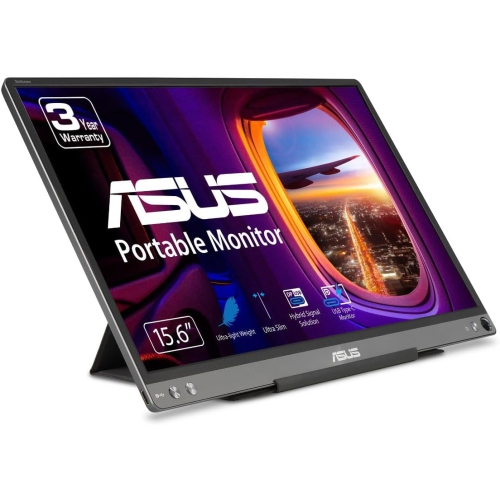
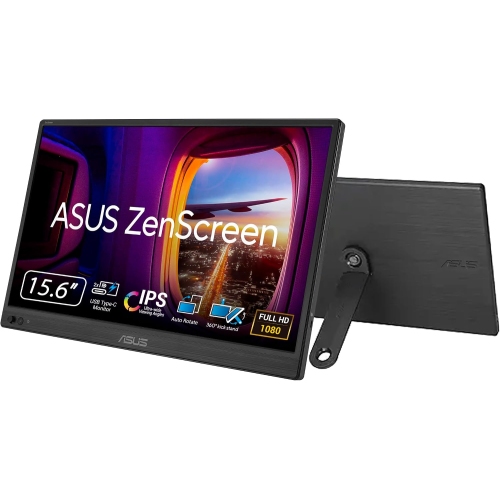
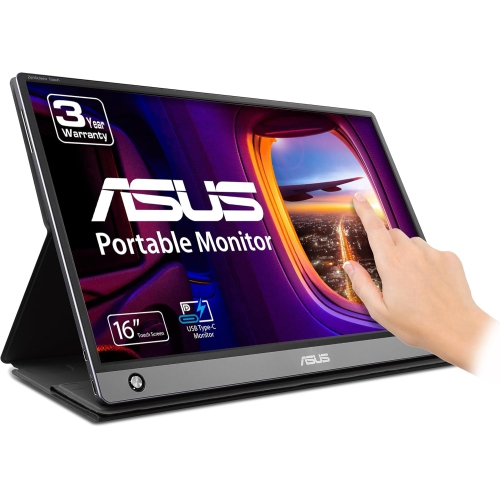
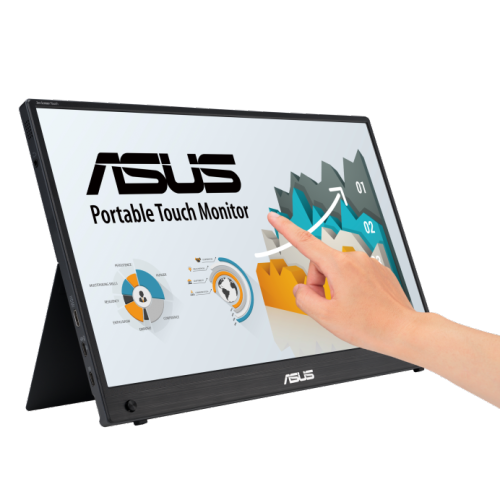
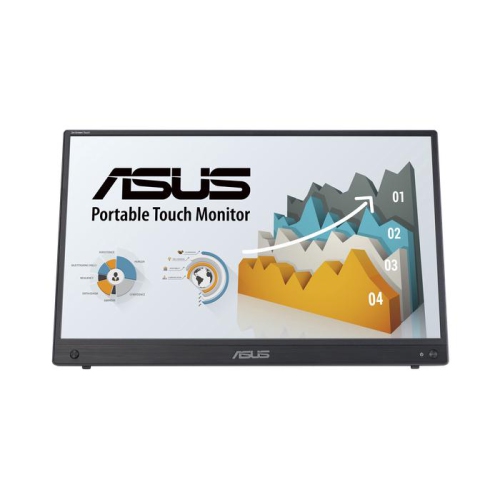
More screen space without a permanent desk setup
Portable monitors add a separate display to a compatible laptop or other device without taking up the space of a conventional desktop monitor. Their appeal is straightforward: more room for the work, conversations, and entertainment that can feel crowded on a single screen. A spreadsheet can stay open beside a report, research notes can sit next to an assignment, and a video meeting can remain visible while a presentation fills the main display. For people who move between a home office, shared workspace, and client appointments, a slim external screen can help recreate a familiar two-screen arrangement wherever there is a suitable surface and power connection. Screen size affects both working space and portability. A display around 15.6 inches can feel familiar beside many laptops, while a larger screen provides more room for detailed documents but needs a wider bag and more desk space. Resolution and aspect ratio matter just as much as diagonal size. Full HD offers a practical workspace for everyday tasks, while a taller 16:10 display provides additional vertical room for documents, web pages, and spreadsheets compared with a 16:9 screen of the same width. Higher resolutions can make text and images look sharper, although comfortable text sizing may require display scaling. Panel technology also shapes the viewing experience. IPS panels generally maintain consistent colour and visibility across wider viewing angles, which is useful when sharing a screen across a table. OLED panels can produce deep blacks and strong contrast, making them appealing for photographs, video, and visually rich content. Neither panel type alone establishes suitability for colour-critical work; stated colour coverage, calibration, and the complete display specification are more informative. Matte finishes can soften distracting reflections, while glossy surfaces may appear particularly crisp but reflect nearby windows and lights more clearly. These differences become noticeable during ordinary use, from reading small spreadsheet cells to reviewing a photograph with a colleague.
Connection options determine how comfortably a portable display fits into an existing setup. USB-C can simplify the arrangement by carrying video and power through one cable, but that depends on the capabilities of the monitor, the source device, and the cable itself. A USB-C connector does not automatically support video output; the computer or other device needs a compatible display-output function, such as DisplayPort Alt Mode, for a direct USB-C video connection. Some portable displays use USB-based graphics technology instead, which may require software and operating-system support. HDMI provides another common connection path, although a monitor receiving video over HDMI generally needs a separate power connection. Compact HDMI sockets may also require a cable with the appropriate connector at each end. These details matter for anyone moving between a personal laptop and a work computer, particularly when workplace settings restrict software installation. Power requirements deserve equal attention. A laptop may be able to power a connected display, but doing so can shorten its battery runtime, and some arrangements need an external power adapter to operate reliably. Power pass-through, where supported, can reduce cable clutter, provided the charger, cable, and monitor meet the connected computer’s needs. Device compatibility also affects what appears on screen. A computer may support an extended desktop with different content on each display, while a phone, tablet, or game console may have more limited output options. Portrait orientation can suit long documents and coding, but physical rotation and software rotation support are separate considerations. Touch-enabled computers in the Asus Touchscreen category can also connect to external displays when their video connections are compatible, but touch capability on a computer does not transfer to an attached monitor. Touch input, speakers, headphone connections, refresh rate, and gaming features all vary by display. Their usefulness depends on the task: responsive touch may suit interactive work, while readable text and dependable connectivity often matter more for document-heavy days.
The physical design of a portable monitor has a noticeable effect on everyday comfort and durability. Slim housings may use plastic, metal, or a combination of materials, with different trade-offs in weight, rigidity, and surface finish. A lightweight screen is easier to carry between meetings, while a firmer chassis can feel more reassuring during frequent setup and packing. The screen still needs protection from pressure and impact, regardless of the housing material. A fitted sleeve or protective cover helps separate it from keys, chargers, and other objects in a bag; it is not a substitute for avoiding heavy loads against the panel. Stands deserve particular attention because a display that looks compact when folded may need considerable depth once opened. A kickstand, folding cover, or adjustable support should hold the screen securely at a useful angle without occupying the space needed for a keyboard and mouse. On a narrow desk, the position of the ports and the direction in which cables extend can be just as important as the monitor’s width. For longer sessions, a screen positioned close to the laptop display can reduce repeated head turning, while suitable height and tilt help keep text comfortably visible. Cleaning is usually simple: a soft, clean microfibre cloth removes light dust, and any cleaning solution should be suitable for the screen coating and applied according to the manufacturer’s care directions rather than sprayed directly onto the panel. Gentle handling of connectors and loosely coiled cables help avoid unnecessary strain during repeated packing. Built-in batteries, where included, add flexibility but also bring charging needs and additional weight. For students, travelling professionals, remote workers, and people with limited desk space, these practical details often determine whether an extra screen becomes a daily companion or stays in its sleeve. A portable monitor can also make a thoughtful gift for someone who regularly works from a laptop, especially when its connections, carrying size, and support design suit the equipment and spaces that person already uses.
Top selling and popular products
-
 Your price for this item is $783.68
-
 Your price for this item is $299
-
 Your price for this item is $469
-
 Your price for this item is $94.99
-
 Your price for this item is $177.99
-
 Your price for this item is $229.99
-
 Your price for this item is $1138.68
-
 Your price for this item is $355.68
Discover more categories related to Asus Zenscreen

Top Collections:
Best Black Friday Deals This Year, Best Black Friday Deals On Electronics, Kindle Devices, Best Black Friday Deals On Apple Products, Best Budget Office Chairs, Best Cameras for Sports Photography, Dyson Airwrap, Canon G7X Cameras, Best Laptops for Writers, Samsung Galaxy Phones
Some products may be subject to Environmental Handling Fees
(EHF) depending on your province.
Learn more about EHFs.