Tower UPS
Tower UPS solutions offer reliable backup power to keep your essential devices running smoothly during outages or fluctuations. Ideal for both home and office environments, Tower UPS units help protect your electronics from unexpected interruptions. Explore a range of options designed to support computers, networking equipment, and other sensitive devices. Find the right Tower UPS to maintain productivity and safeguard your valuable technology.
Sort



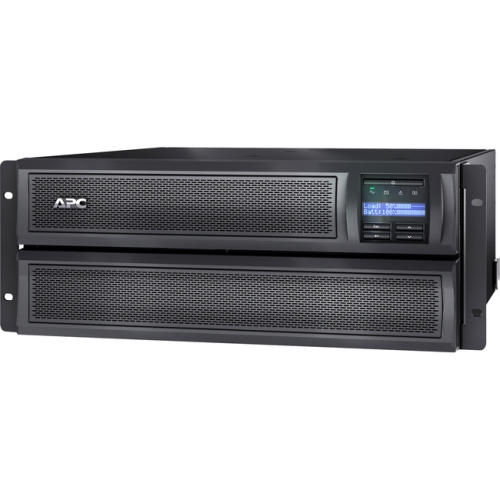
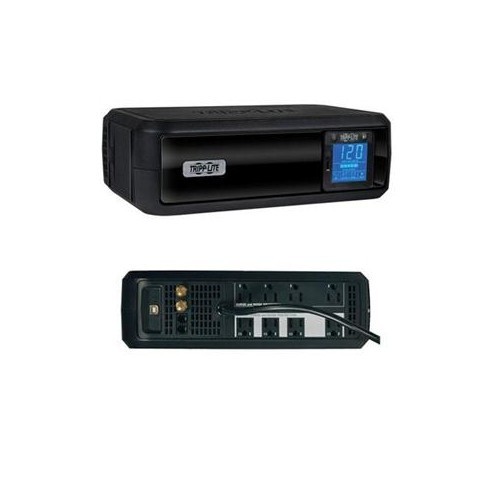

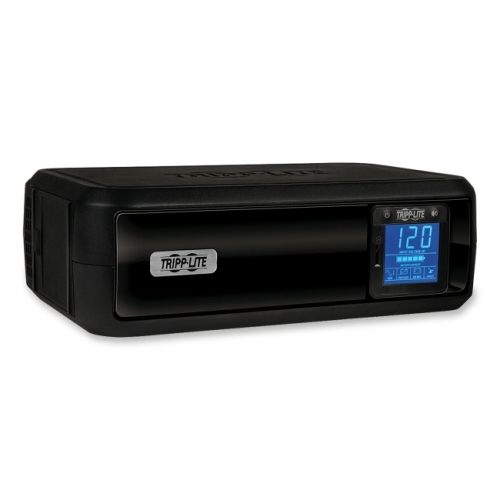

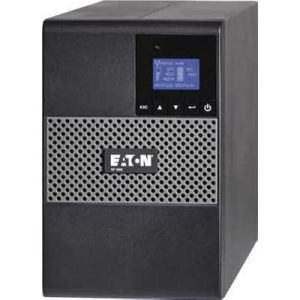
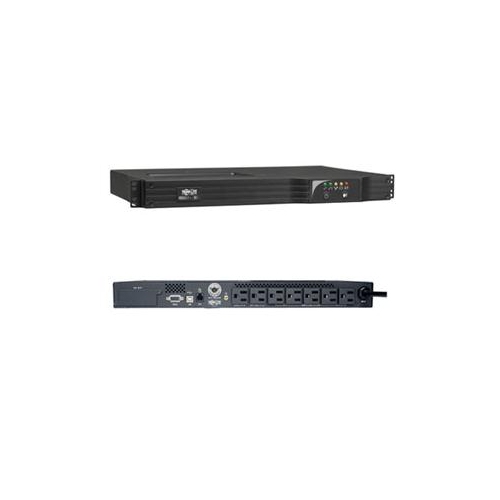
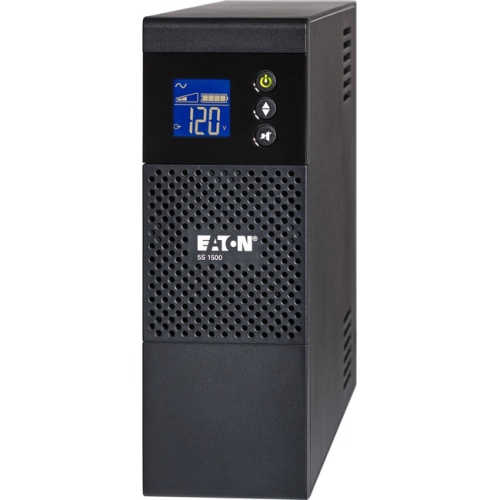
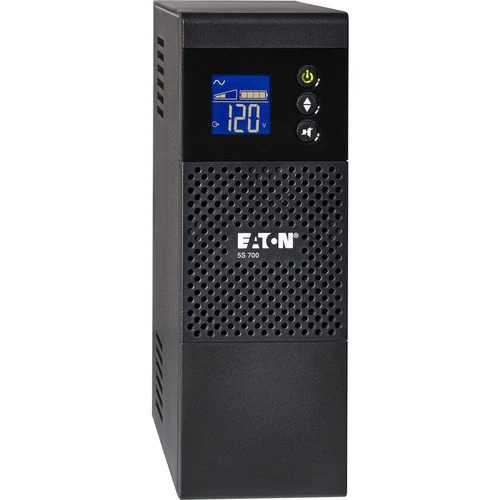
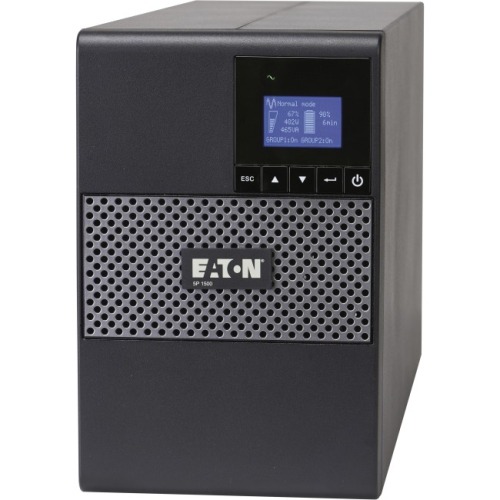
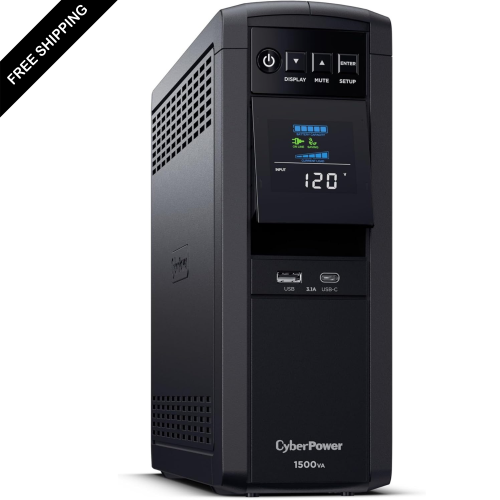

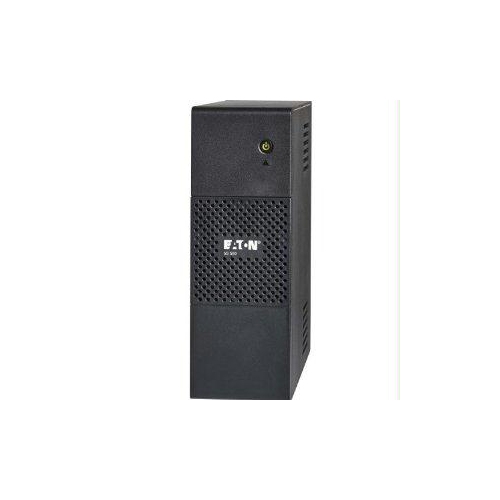
Battery backup that buys time when power fails
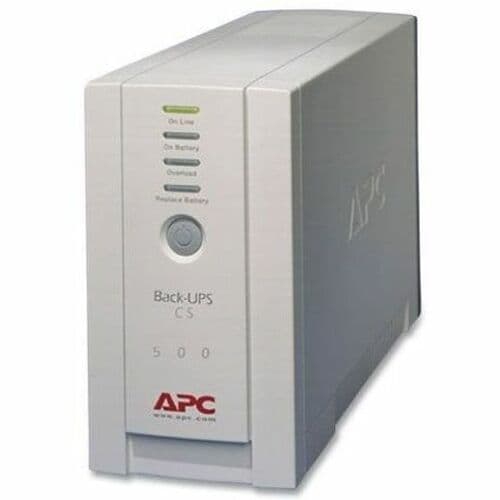
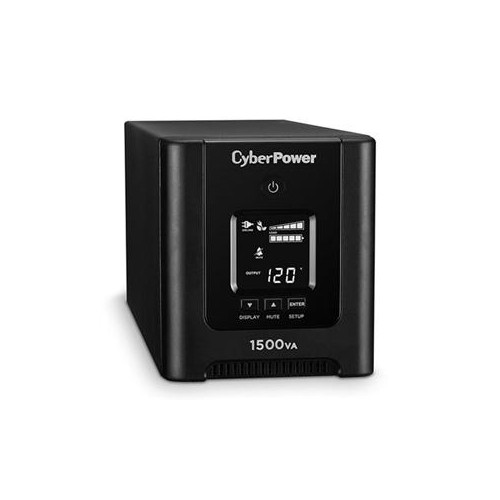
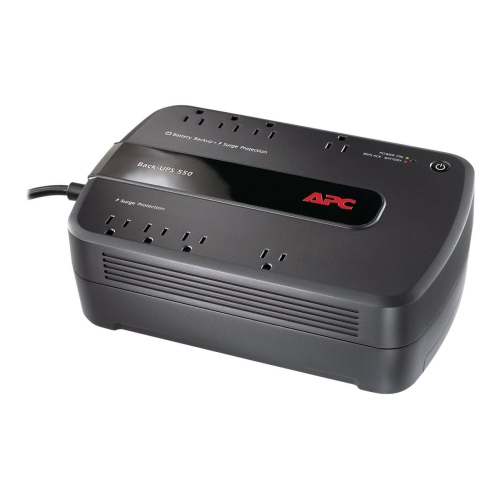
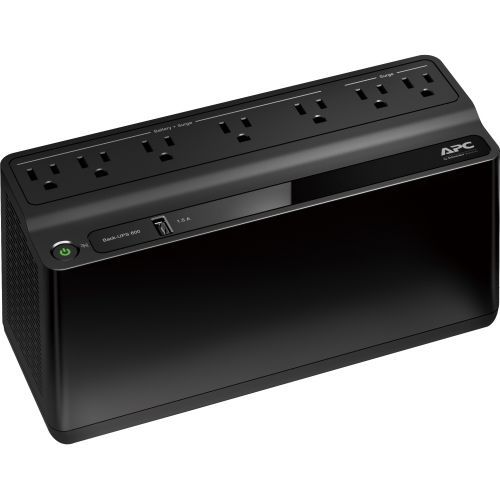
Tower UPS systems provide battery backup for connected electronics when incoming power is interrupted, giving equipment time to keep running briefly or shut down properly. UPS stands for uninterruptible power supply, and the tower format packages the battery and supporting electronics in an upright enclosure that can sit beside a desk, near a home theatre cabinet, or alongside networking equipment. Unlike rack-mounted equipment, a tower UPS generally does not require a dedicated equipment rack, making it practical for home offices, small businesses, study spaces, and shared family work areas. Its role is especially useful when a sudden interruption could erase an unsaved document, interrupt a file transfer, or stop a desktop computer midway through a task. Battery backup is not intended to keep an entire room powered indefinitely; it provides a limited operating window determined by the battery capacity and the equipment connected to it. Different UPS designs also handle incoming power differently. Standby systems switch to battery when necessary, while line-interactive designs can correct certain voltage fluctuations without drawing on the battery. Online double-conversion systems continuously convert incoming power to supply the connected equipment, offering a different level of power conditioning for applications that call for it. These distinctions matter more than the tower shape alone, since similar-looking enclosures can serve quite different needs. A compact workspace with a computer and monitor has different requirements from a small office running storage equipment and several network devices. Keeping a modem, router, or fibre terminal powered may help maintain a connection during a local interruption, although internet service still depends on the provider’s equipment and network. For remote workers, students, home office users, and people managing important digital files, a tower UPS adds a useful layer of protection against abrupt shutdowns. It complements regular file saving and separate data backups rather than replacing either practice.
Capacity, runtime, and outlet configuration shape how well a tower UPS fits a particular setup. Ratings commonly include both volt-amperes, shown as VA, and watts, and neither limit should be exceeded by the connected load. The watt rating is particularly relevant when comparing the combined power demands of a computer, display, external storage, and networking equipment. A higher VA number alone does not establish how long a system will run. Runtime depends on the actual load, the battery’s condition, and the design of the UPS, so published runtime information is most useful when it reflects a comparable workload. A lightly loaded system may provide enough time to finish a short task, while a more demanding setup may leave only a brief window for saving files and shutting down. Not every outlet necessarily supplies battery backup: some designs combine battery-backed outlets with surge-only outlets for accessories that do not need to remain powered. Outlet spacing also matters when several devices use bulky power adapters, particularly behind a desk where plugs can compete for room. For certain computers and other sensitive electronics, the battery output waveform is another compatibility consideration. Pure sine wave output can be important for equipment whose manufacturer specifies it, including some power supplies with active power factor correction. USB communication, compatible shutdown software, or network management features may allow a UPS to signal a computer or storage device to shut down automatically when the battery runs low. Support varies by operating system and equipment type, so communication features are separate from simply having enough electrical capacity. Displays and audible alerts can make load levels, battery status, and power events easier to understand without opening a software window. Laser printers, portable heaters, and other high-demand appliances generally do not belong on battery-backed outlets unless the UPS manufacturer explicitly supports that use. For many workspaces, the most practical arrangement reserves backup power for equipment that needs time to shut down safely or maintain an essential connection.
The physical fit of a tower UPS deserves as much attention as its electrical specifications. Housings commonly use rigid plastic, metal, or a combination of materials, with internal batteries contributing substantial weight even in a relatively small enclosure. Width and depth determine whether a unit fits beside a desk, but cable clearance, access to the power button, and unobstructed ventilation also affect everyday placement. A stable, dry location with clear airflow helps keep the enclosure accessible without turning it into an obstacle underfoot. Enclosed cabinets can make status displays difficult to see and alarms harder to hear, while crowded desk areas can leave plugs pressed against furniture. Cable length matters, too, because the UPS generally needs a suitable grounded wall outlet and should be connected according to the manufacturer’s instructions rather than added to a chain of power strips or extension leads. In a multipurpose family room used for homework and Tower Building Games, separating powered equipment from play surfaces helps keep loose pieces and drinks away from outlets and ventilation openings. Sound can also influence placement: some systems operate quietly under ordinary conditions, while others use fans or produce noticeable alerts during battery operation. Over time, rechargeable batteries lose capacity, so an enclosure that remains in good physical condition may still need battery service. User-replaceable battery designs can simplify maintenance where supported, but replacement packs must match the specified type and be installed using the manufacturer’s procedure. Other designs require service by qualified personnel. Routine care generally involves keeping ventilation openings clear, checking for damaged cables, and paying attention to battery warnings or failed self-tests. Electrical safety certification recognized in Canada, a suitable grounded plug, and clear service documentation are useful considerations for equipment that remains connected for long periods. Together, appropriate capacity, compatible connections, accessible placement, and manageable maintenance help a tower UPS become a dependable part of a workspace without taking over the room.
Top selling and popular products
-
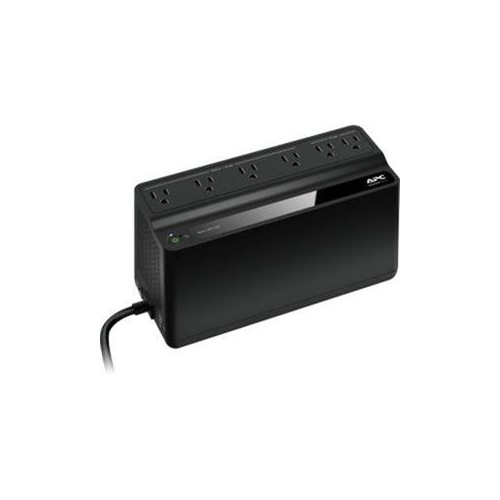 Your price for this item is $105.68
-
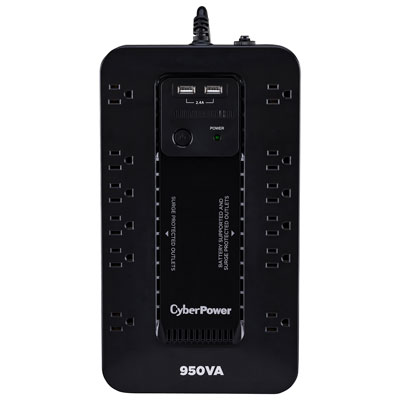 Your price for this item is $149.99
-
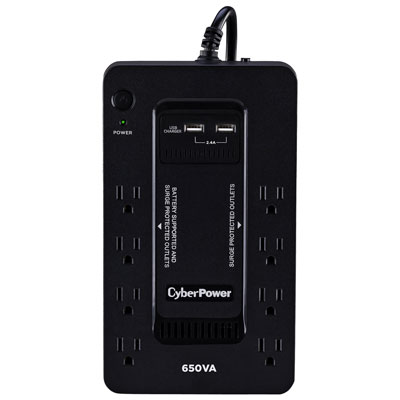 Your price for this item is $99.99
-
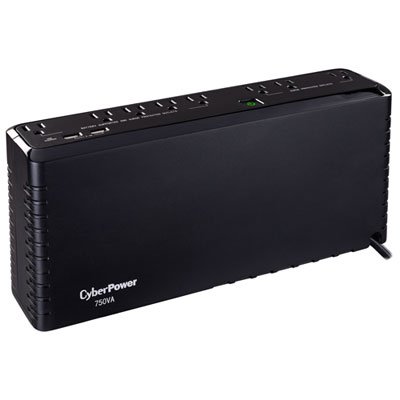 Your price for this item is $119.99
-
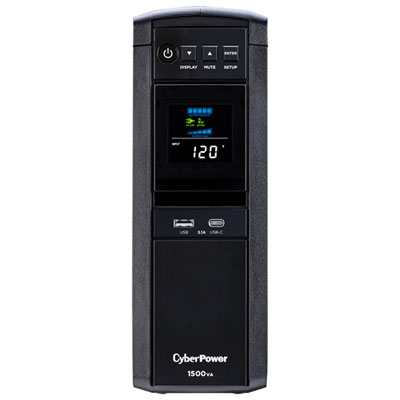 Your price for this item is $299.99
-
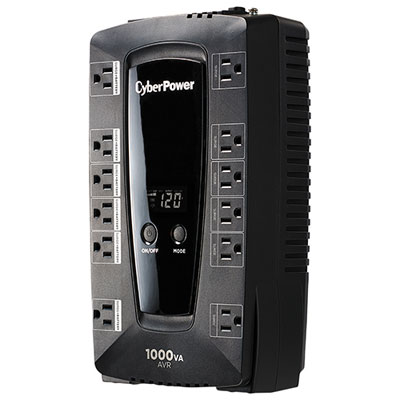 Your price for this item is $149.99
-
 Your price for this item is $170.99
-
 Your price for this item is $175.56
Discover more categories related to Tower UPS


Top Collections:
Best Black Friday Deals This Year, Best Black Friday Deals On Electronics, Kindle Devices, Pokemon Centers, Best Black Friday Deals On Apple Products, Best Cameras for Sports Photography, Dyson Airwrap, Pokémon 30th Celebration Cards, Apple iPhone 17 Pro, Canon G7X Cameras
Some products may be subject to Environmental Handling Fees
(EHF) depending on your province.
Learn more about EHFs.