TVs for Computer Monitor
TV for Computer Monitor is a versatile solution for expanding your workspace or enhancing your entertainment setup. Whether you're looking to upgrade your home office or enjoy a larger display for streaming and gaming, these TVs offer the flexibility to connect easily with computers. Explore a wide range of sizes and resolutions designed to suit various preferences and needs, making it simple to find the right TV for Computer Monitor that fits your space and lifestyle.
Sort
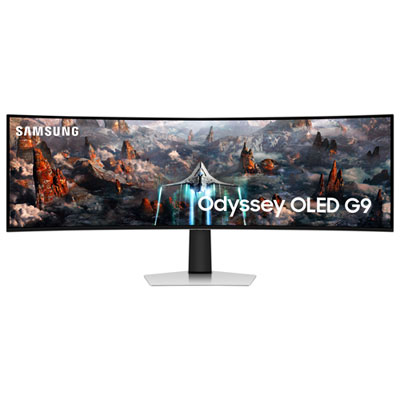
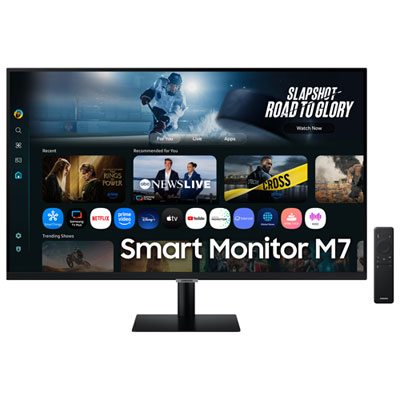
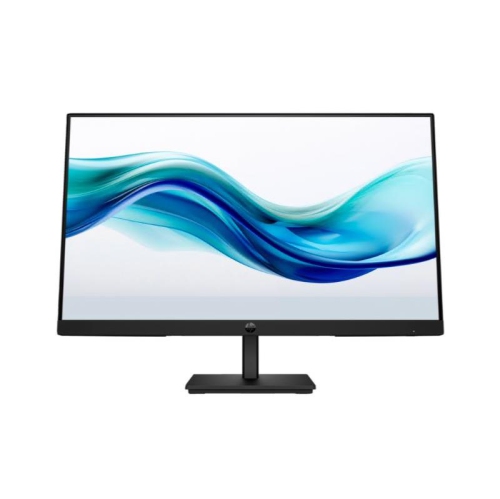
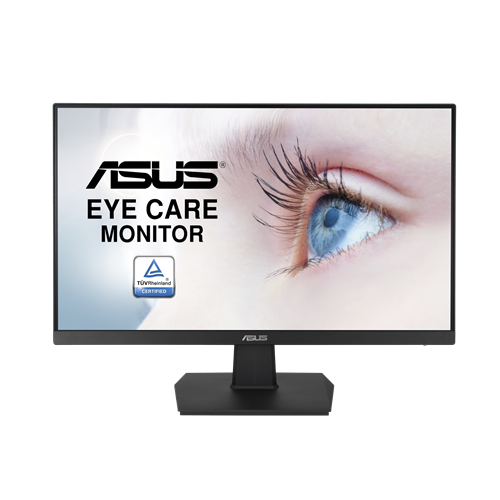



Key considerations for a sharper, more responsive desktop setup
When considering TVs for computer monitor use, it’s important to understand how these versatile displays can transform your workspace or entertainment setup. Many users are drawn to the idea of a large-screen TV doubling as a computer monitor, especially for immersive gaming, creative projects, or sharing content with friends and family. The experience of browsing the web, editing photos, or streaming your favourite shows on a crisp, expansive screen can feel like a luxury, especially as the weather warms and you find yourself spending more time at home. Whether you’re setting up a home office, building a gaming den, or looking for a display that can handle both work and play, choosing the right TV for computer monitor use comes down to a few key considerations. Resolution is critical: a 4K TV in the 32–43 inch range often strikes the best balance for desktop tasks, delivering sharp visuals and enough screen real estate for multitasking without overwhelming your desk. Lower resolutions, such as 1080p, may result in blurry text or less detail when viewing up close, making them less ideal for productivity or reading-intensive tasks.
Input lag and response time are also essential, especially for gamers or those who value smooth, responsive performance. TVs with low input lag and fast response times ensure that your actions translate quickly on screen, whether you’re racing through virtual worlds or editing videos. Look for TVs that support Chroma 4:4:4, which preserves text clarity and colour accuracy when using your TV as a computer monitor. Connecting via HDMI is the most straightforward way to achieve high-quality video and audio, and adjusting your display settings—such as setting Windows to 100% scaling and switching the TV to “Game” or “PC” mode—can further enhance your experience. These features are particularly beneficial during the longer days of summer, when you might want to move your setup closer to a window or enjoy a late-night movie marathon with friends. TVs for computer monitor use are also a thoughtful gift for students heading off to university, remote workers upgrading their home office, or anyone who values a multi-purpose screen for both productivity and entertainment. If you’re exploring the differences between a computer monitor and TV, or seeking guidance on which models are best suited for dual use, you can find more detailed recommendations and tips in our guide: Best TV To Use As A Monitors.
No matter how you plan to use your TV as a computer monitor, the right choice can make everyday tasks more comfortable and enjoyable. Picture yourself editing photos with precision, video chatting with loved ones, or diving into a cinematic gaming session—all on a display that brings your digital world to life. A well-chosen TV can serve as the centrepiece of a multi-functional space, adapting seamlessly from work to play as your needs change throughout the season. Whether you’re upgrading your current setup or searching for a gift that will be appreciated year-round, TVs designed for computer monitor use offer flexibility, performance, and a touch of luxury for any home.
Input lag and response time are also essential, especially for gamers or those who value smooth, responsive performance. TVs with low input lag and fast response times ensure that your actions translate quickly on screen, whether you’re racing through virtual worlds or editing videos. Look for TVs that support Chroma 4:4:4, which preserves text clarity and colour accuracy when using your TV as a computer monitor. Connecting via HDMI is the most straightforward way to achieve high-quality video and audio, and adjusting your display settings—such as setting Windows to 100% scaling and switching the TV to “Game” or “PC” mode—can further enhance your experience. These features are particularly beneficial during the longer days of summer, when you might want to move your setup closer to a window or enjoy a late-night movie marathon with friends. TVs for computer monitor use are also a thoughtful gift for students heading off to university, remote workers upgrading their home office, or anyone who values a multi-purpose screen for both productivity and entertainment. If you’re exploring the differences between a computer monitor and TV, or seeking guidance on which models are best suited for dual use, you can find more detailed recommendations and tips in our guide: Best TV To Use As A Monitors.
No matter how you plan to use your TV as a computer monitor, the right choice can make everyday tasks more comfortable and enjoyable. Picture yourself editing photos with precision, video chatting with loved ones, or diving into a cinematic gaming session—all on a display that brings your digital world to life. A well-chosen TV can serve as the centrepiece of a multi-functional space, adapting seamlessly from work to play as your needs change throughout the season. Whether you’re upgrading your current setup or searching for a gift that will be appreciated year-round, TVs designed for computer monitor use offer flexibility, performance, and a touch of luxury for any home.
Top selling and popular products
-
 Your price for this item is $299
 -
 Your price for this item is $599
 -
 Your price for this item is $94.99
 -
 Your price for this item is $329.99
 -
 Your price for this item is $499
 -
 Your price for this item is $265.99
 -
 Your price for this item is $1299.97
 -
 Your price for this item is $249.99
Discover more categories related to TVs for Computer Monitor

Top Collections:
Pokemon Centers, Kindle Devices, Best Budget Office Chairs, Apple iPhones 16, Best Laptops for Writers, iPhone 15 Apple, Canon G7X Cameras, Refurbished Apple Laptops, Alarm Clock, Motorola Razr Phones
Some products may be subject to Environmental Handling Fees
(EHF) depending on your province.
Learn more about EHFs.