HDMI Cables for TV to Computer
HDMI Cable for TV to Computer is the perfect solution for connecting your devices and enjoying seamless audio and video transmission. Whether you're setting up a home theater, streaming content, or extending your display for work or gaming, these cables offer a reliable connection between your television and computer. Explore a wide selection of HDMI cables designed to support clear visuals and crisp sound, making it easy to link your TV to your computer with confidence. Find the right length and style to suit your setup and enjoy a smooth, high-quality viewing experience every time.
Sort
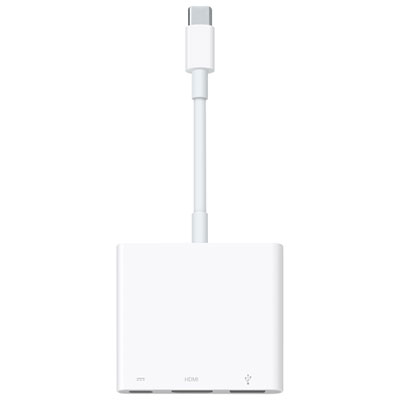

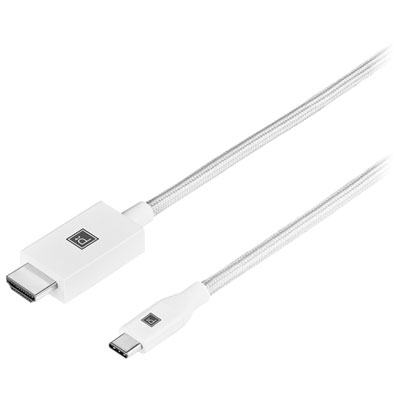
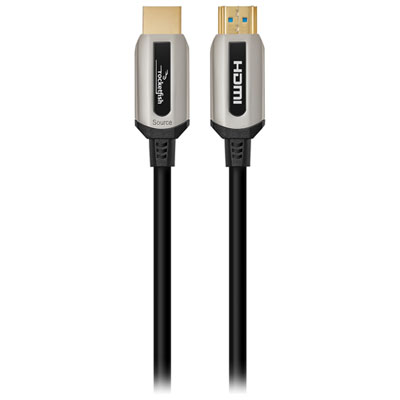
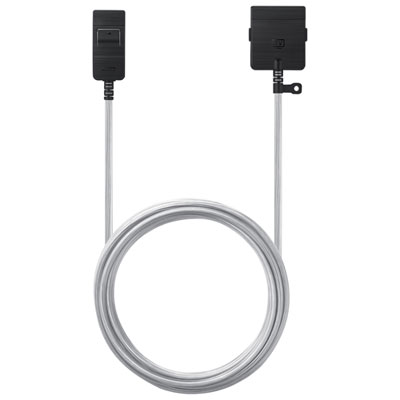
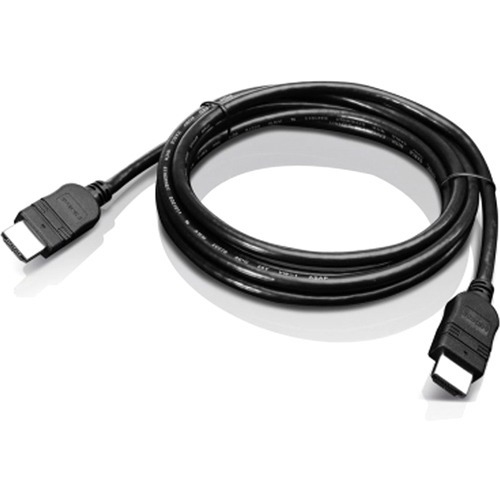

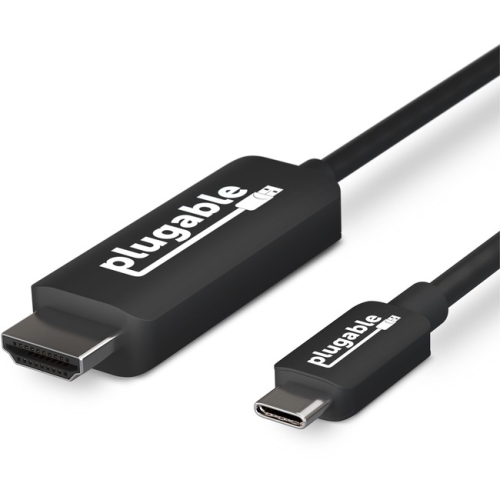
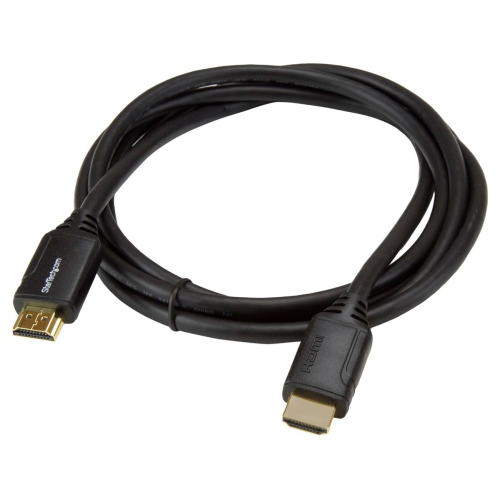
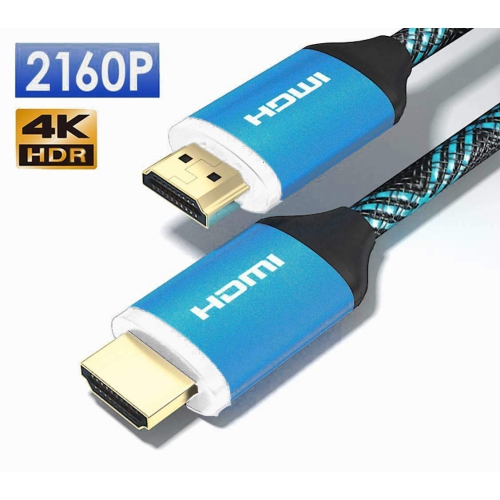
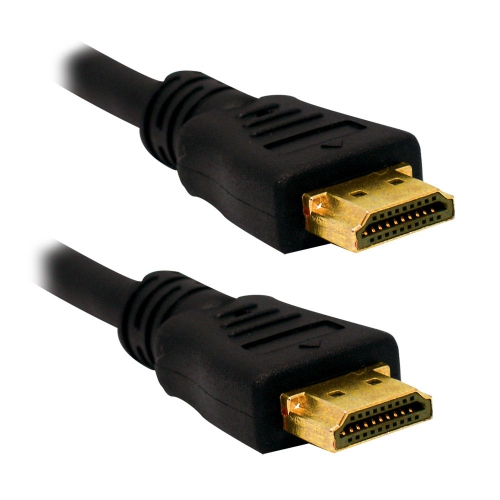
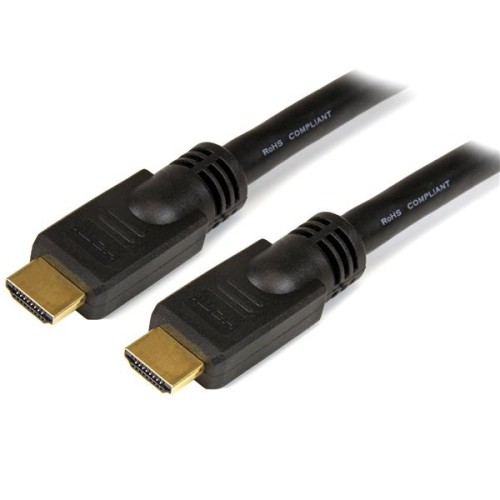
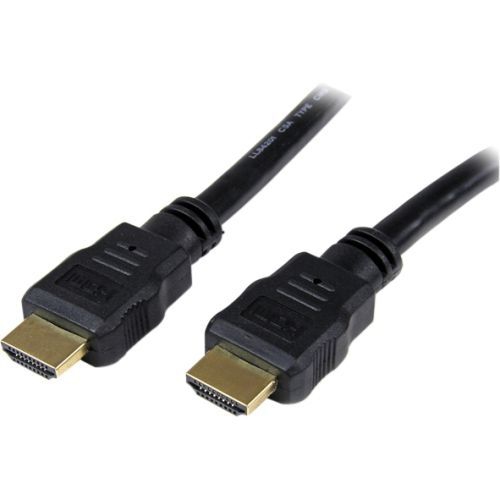
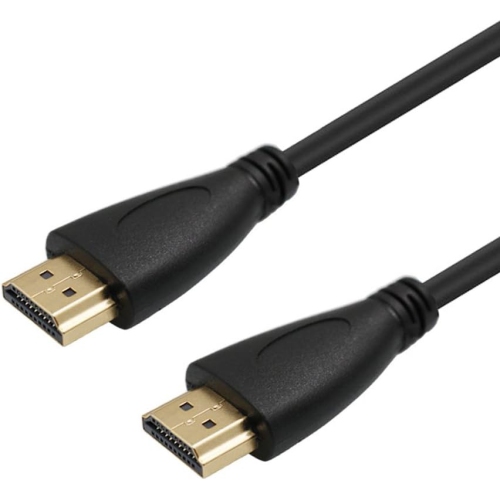
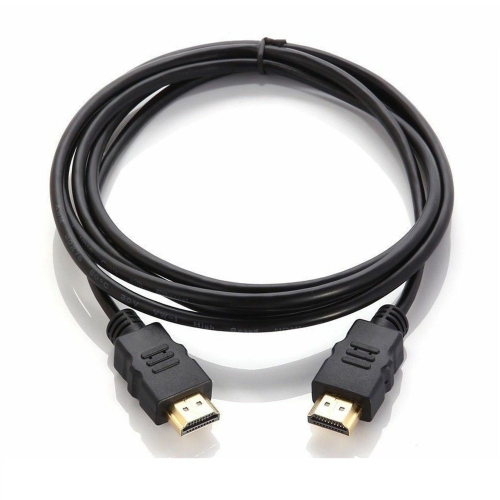
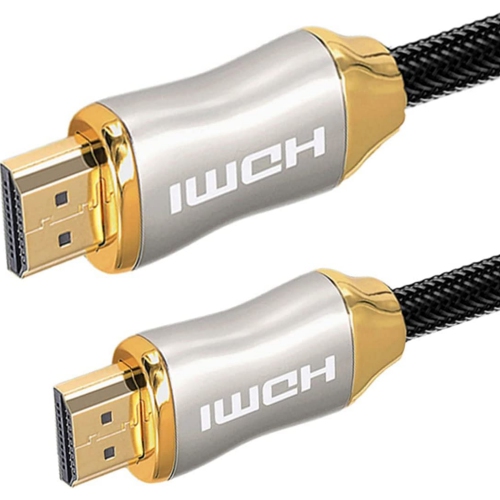
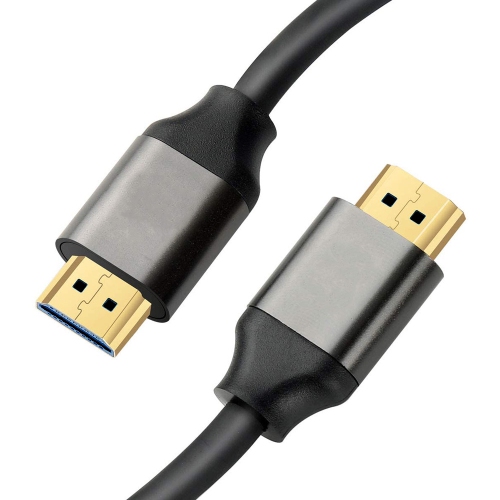
Simple connections for work, streaming, gaming, and gatherings
Whether you’re setting up a home office, creating a family movie night, or giving the gift of seamless entertainment, HDMI cables designed for connecting a TV to a computer offer a simple yet powerful way to share content across screens. These cables are a practical addition to any household or workspace, especially as people gather for sporting events, presentations, or summer get-togethers. With an HDMI connection, you can mirror or extend your computer’s display onto a TV, making it easy to stream movies, share vacation photos, or work on a larger screen. Many professionals rely on this setup for video calls, presentations, or multitasking, while students and gamers appreciate the immersive experience of a bigger display. As the weather warms and families spend more time together indoors and out, having the right cable on hand can transform any living room or backyard setup into a temporary cinema or gaming hub. If you’re shopping for a tech-savvy friend, a student heading off to college, or anyone who enjoys entertainment, a quality HDMI cable is a thoughtful and versatile gift that’s sure to be used year-round.
When choosing an HDMI cable for connecting a TV to a computer, there are a few key considerations to keep in mind to ensure a smooth and high-quality experience. First, check the type of ports available on both your TV and computer. Most modern devices support standard HDMI, but some laptops and tablets may require a USB-C to HDMI adapter to complete the connection. Length is another important factor—shorter cables are ideal for direct connections in tight spaces, while longer cables can bridge the gap between a wall-mounted TV and a desk or entertainment centre across the room. For those planning to stream high-definition or 4K content, look for high-speed HDMI cables that support higher resolutions and refresh rates, ensuring crisp visuals and smooth playback. If you’re using the connection for audio as well as video, remember to adjust your computer’s sound settings so that audio plays through the TV speakers. Occasional troubleshooting, such as switching HDMI inputs or restarting devices, can resolve most connectivity issues. For those looking to explore more options, including adapters and specialty cables for monitors and other devices, visit the dedicated section for HDMI Computer Monitor Cables to find the right fit for your setup. With the right cable, you can easily bring people together for work, play, or relaxation, making every screen in your home more versatile and connected.
When choosing an HDMI cable for connecting a TV to a computer, there are a few key considerations to keep in mind to ensure a smooth and high-quality experience. First, check the type of ports available on both your TV and computer. Most modern devices support standard HDMI, but some laptops and tablets may require a USB-C to HDMI adapter to complete the connection. Length is another important factor—shorter cables are ideal for direct connections in tight spaces, while longer cables can bridge the gap between a wall-mounted TV and a desk or entertainment centre across the room. For those planning to stream high-definition or 4K content, look for high-speed HDMI cables that support higher resolutions and refresh rates, ensuring crisp visuals and smooth playback. If you’re using the connection for audio as well as video, remember to adjust your computer’s sound settings so that audio plays through the TV speakers. Occasional troubleshooting, such as switching HDMI inputs or restarting devices, can resolve most connectivity issues. For those looking to explore more options, including adapters and specialty cables for monitors and other devices, visit the dedicated section for HDMI Computer Monitor Cables to find the right fit for your setup. With the right cable, you can easily bring people together for work, play, or relaxation, making every screen in your home more versatile and connected.
Top selling and popular products
-
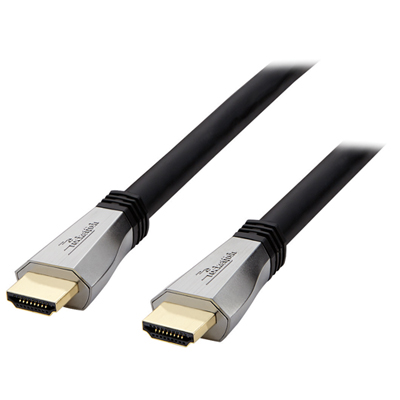 Your price for this item is $119.99
 -
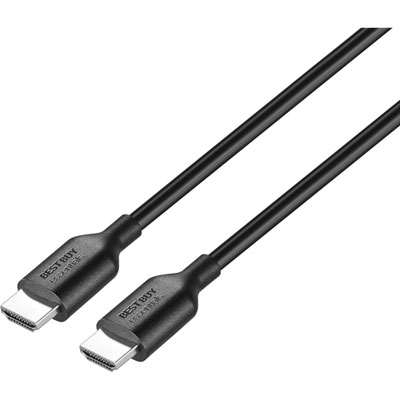 Your price for this item is $9.99
 -
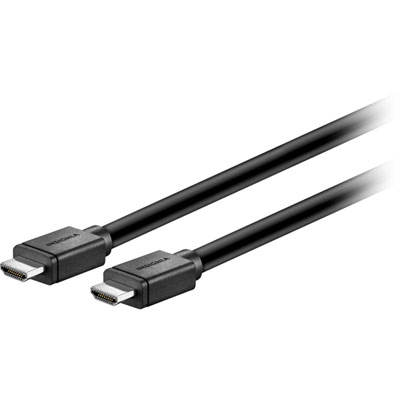 Your price for this item is $129.99
 -
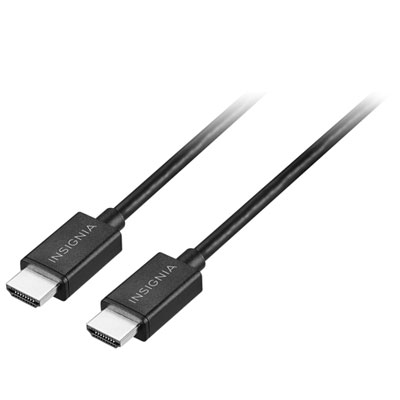 Your price for this item is $19.99
 -
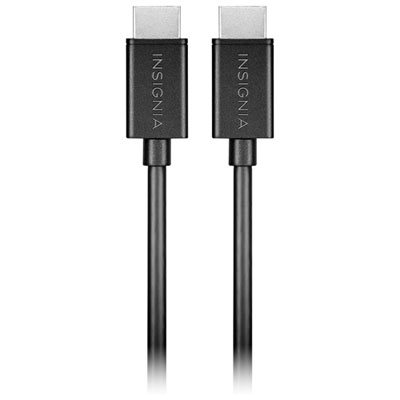 Your price for this item is $29.99
 -
![BDA / POWER A HDMI Cable Ps5 10 Ft [Power A]](https://multimedia.bbycastatic.ca/multimedia/products/500x500/176/17616/17616431.jpeg) Your price for this item is $59.99
Your price for this item is $59.99 -
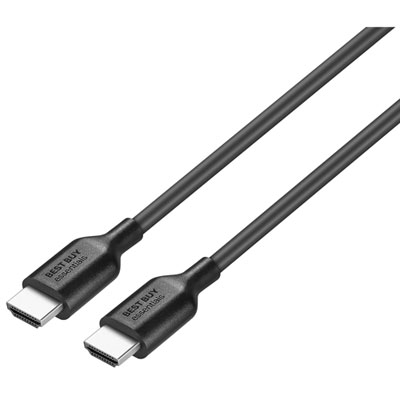 Your price for this item is $19.99
 -
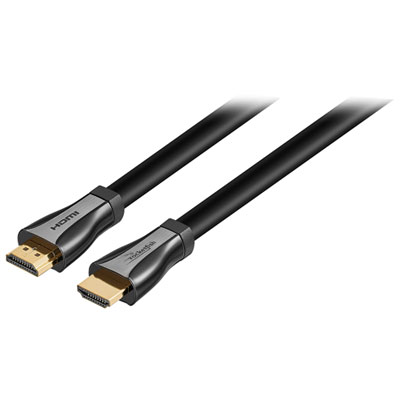 Your price for this item is $119.99
Discover more categories related to HDMI Cables for TV to Computer
Top Collections:
Pokemon Centers, Kindle Devices, Best Budget Office Chairs, Apple iPhones 16, Best Laptops for Writers, iPhone 15 Apple, Canon G7X Cameras, Refurbished Apple Laptops, Alarm Clock, Motorola Razr Phones
Some products may be subject to Environmental Handling Fees
(EHF) depending on your province.
Learn more about EHFs.