Usb 3.0 Adapters
Upgrade your connectivity with USB 3.0 adapters. Whether you're looking to enhance your laptop's capabilities or streamline your desktop setup, these adapters are designed to provide lightning-fast data transfer speeds and seamless connections. From USB-C to HDMI, VGA, Ethernet, and more, our selection of the Most Durable USB Cable adapters offers a wide range of options to suit your needs. Say goodbye to compatibility issues and unlock the full potential of your devices with these versatile and reliable adapters.
Sort





![DOLAER USB C to USB Adapter, Type C to USB Adapter [2 Pack] 3.0 USB Type C Male to USB Female, USB C Female to USB Male Adapter Otg Converter](https://multimedia.bbycastatic.ca/multimedia/products/500x500/174/17466/17466444.jpeg)
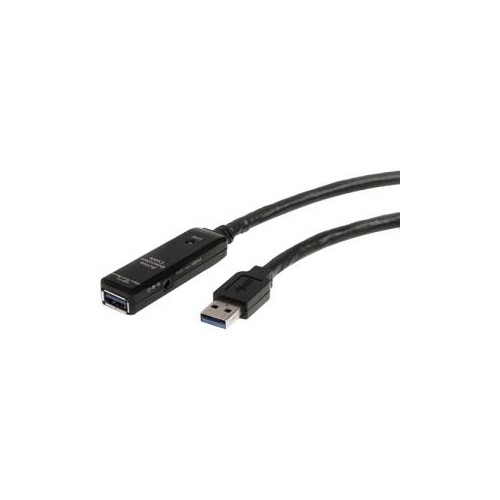
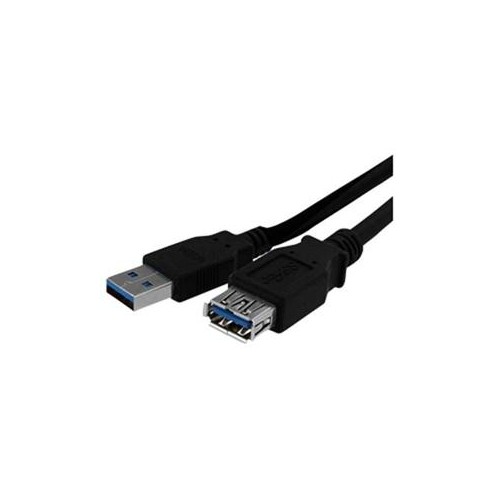
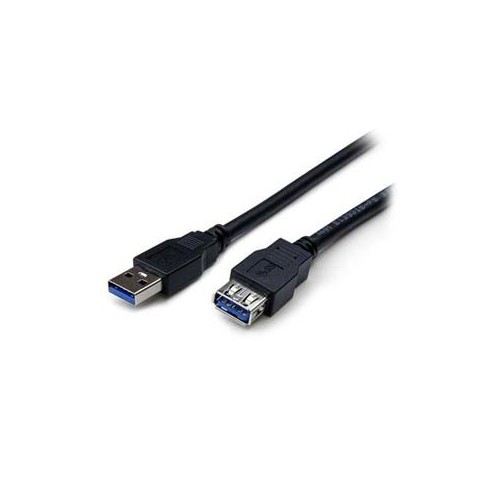
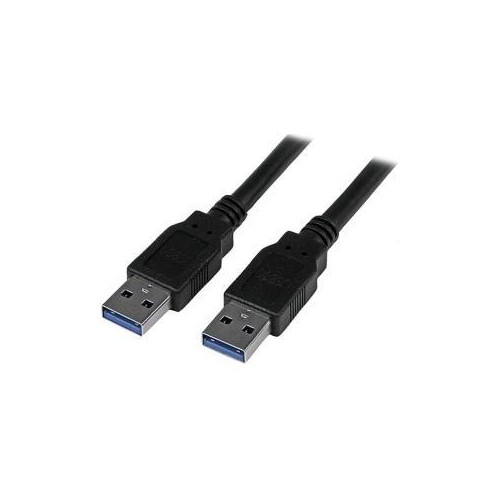



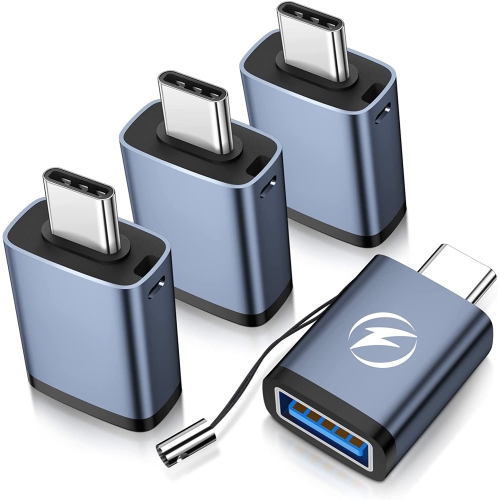
![NIERBO USB C to USB Adapter, Type C to USB Adapter [4 Pack] 3.0 USB Type-C Male to USB Female, USB C Female to USB Male Adapter Otg Converter For](https://multimedia.bbycastatic.ca/multimedia/products/500x500/174/17497/17497643.jpeg)

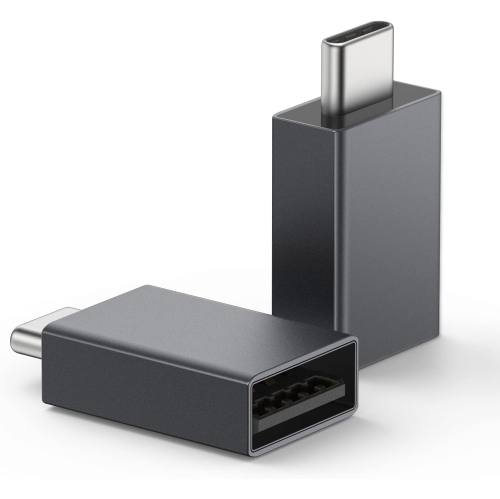
![DOLAER USB C to USB Adapter (4 Pack)& USB to USB C Adapter (4 Pack) [Aluminum Shell] Superspeed Data Transfer & Fast Charging Otg Converter](https://multimedia.bbycastatic.ca/multimedia/products/500x500/174/17466/17466263.jpeg)
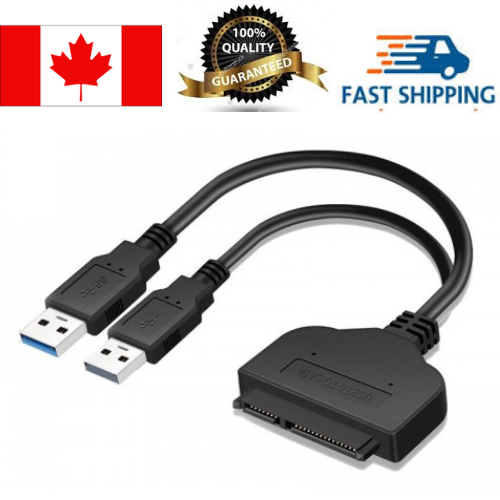
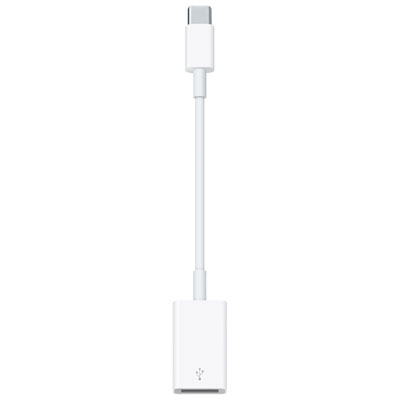

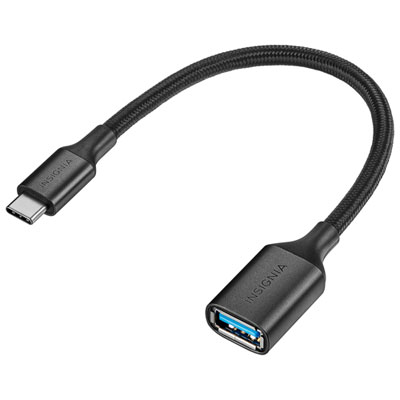

![DOLAER USB C Male to USB A Male Adapter[2 Pack], Maximum 100W Quick Charge And 10GB High-Speed Data Transmission, Type C Adapter For](https://multimedia.bbycastatic.ca/multimedia/products/500x500/174/17466/17466471.jpeg)

A practical bridge between USB-C ports and USB-A accessories
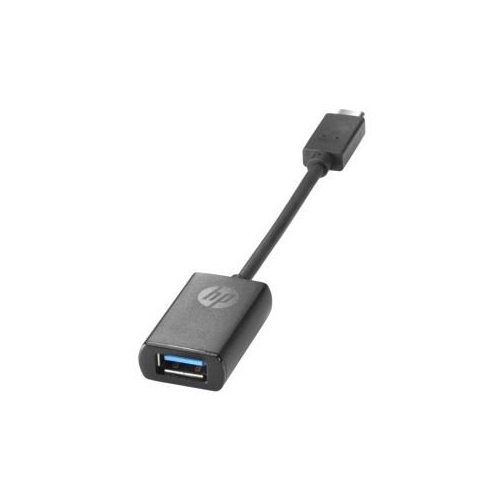
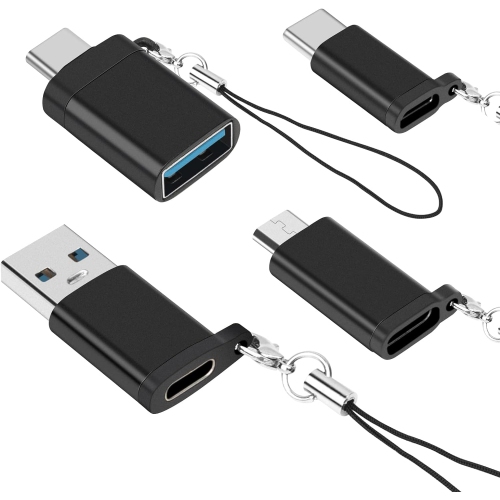
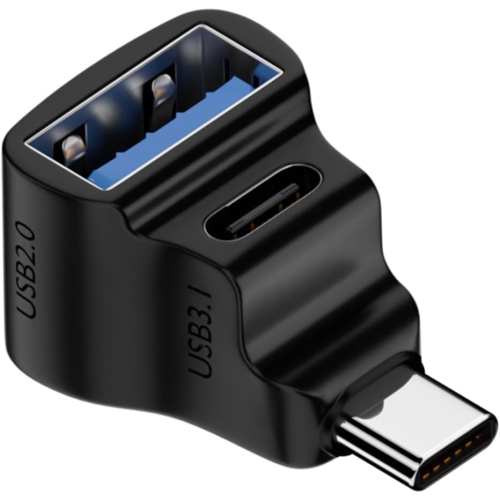
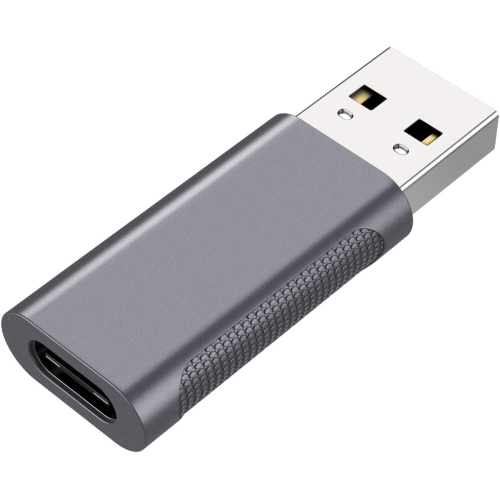
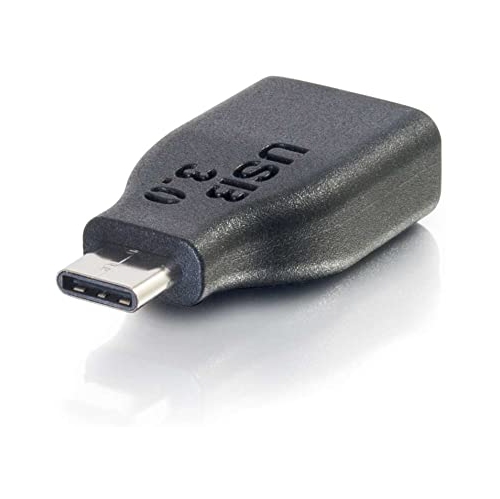
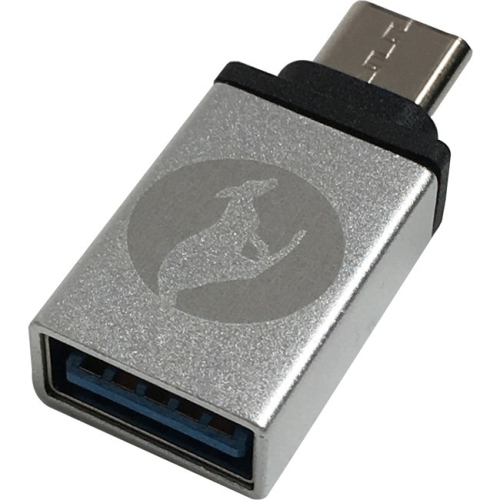
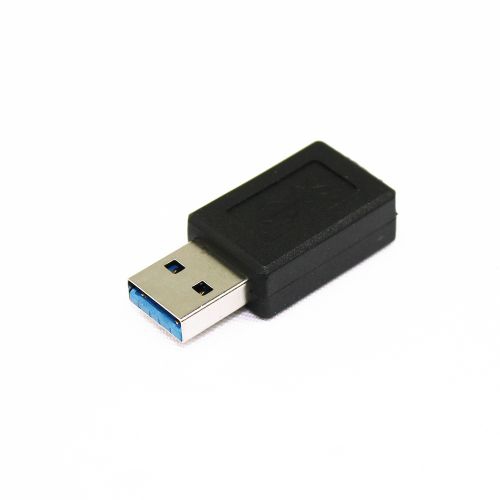
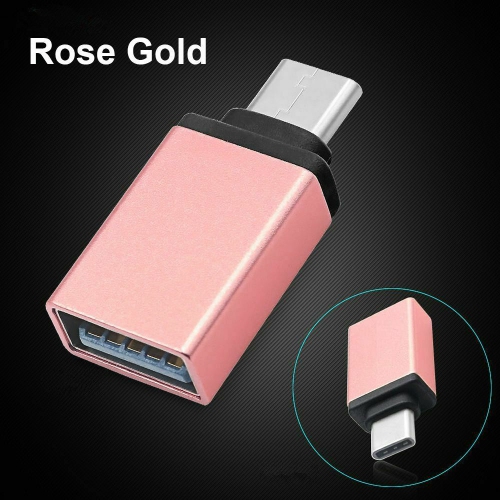
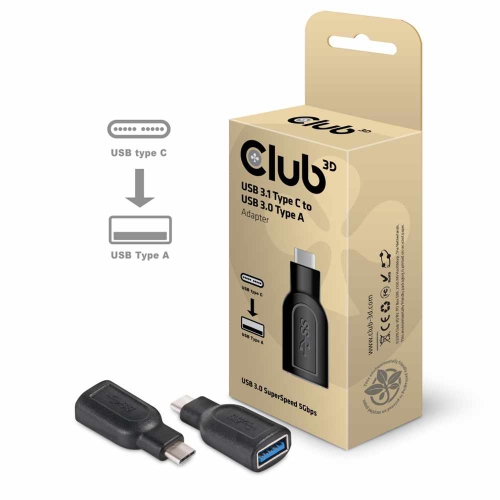
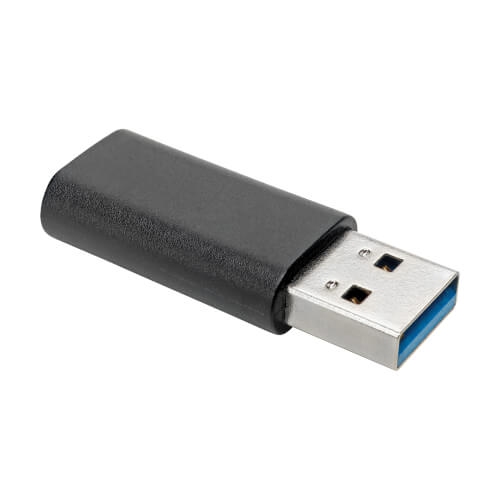
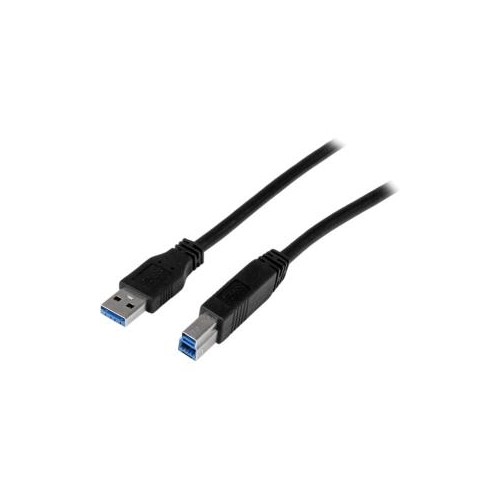
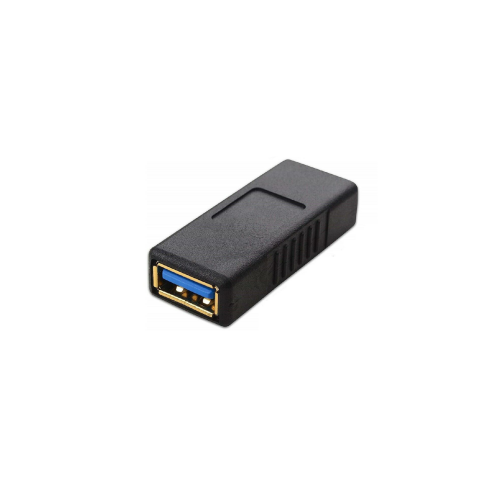
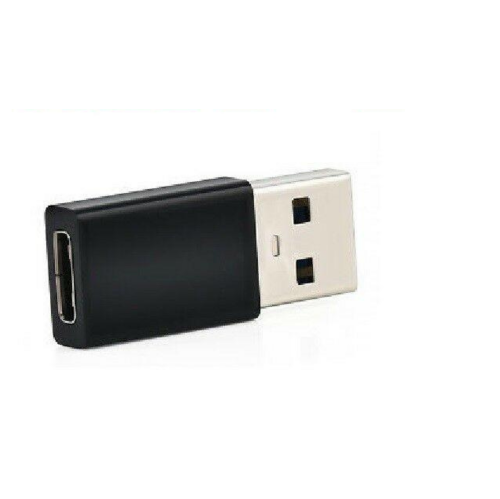
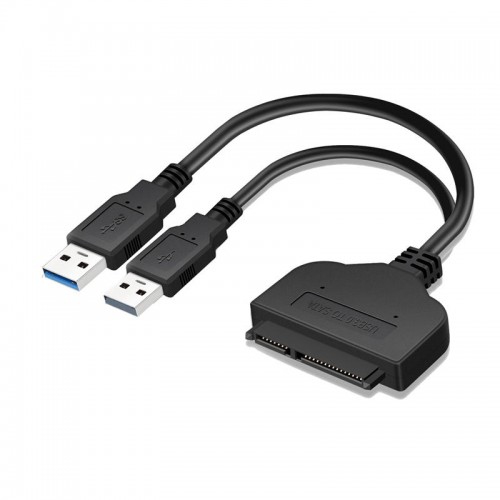
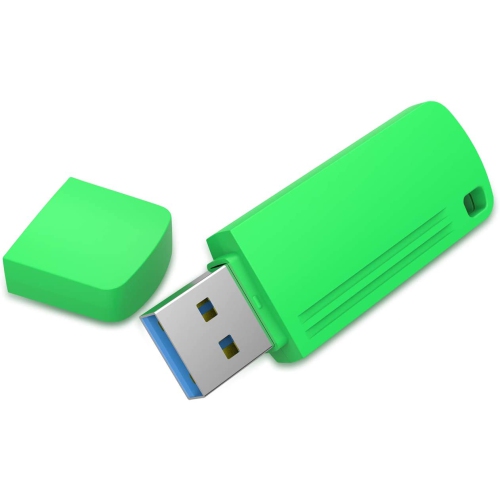
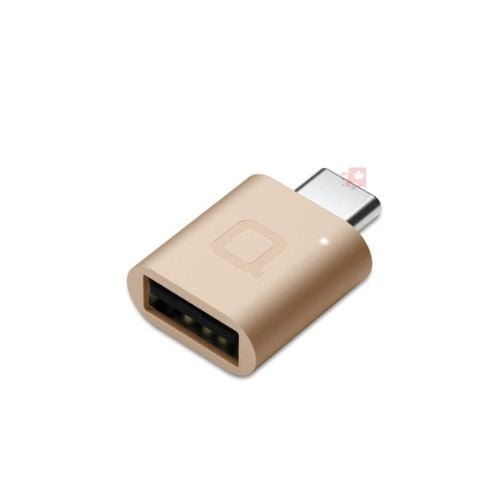
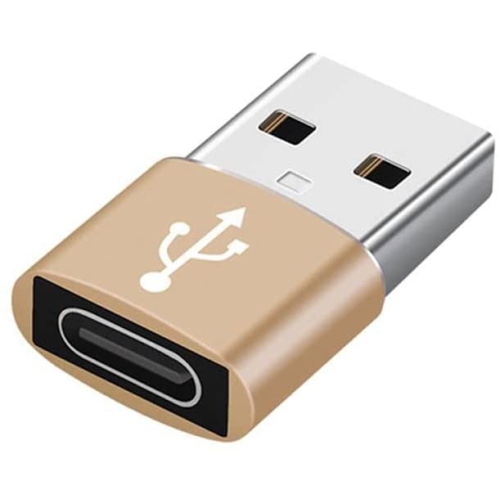
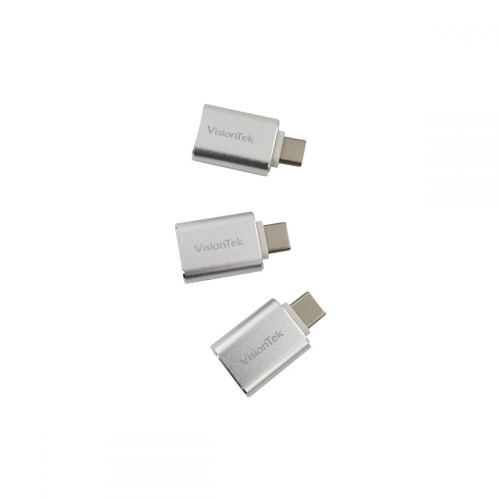
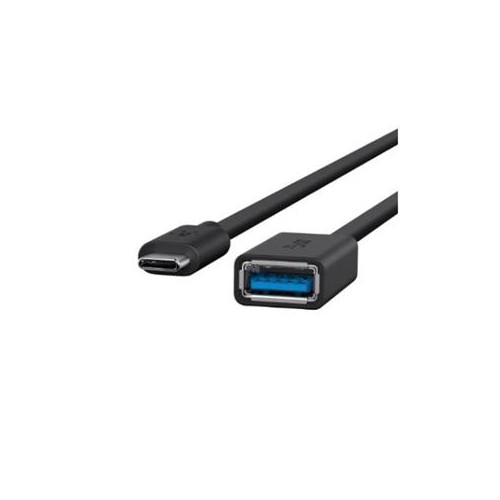
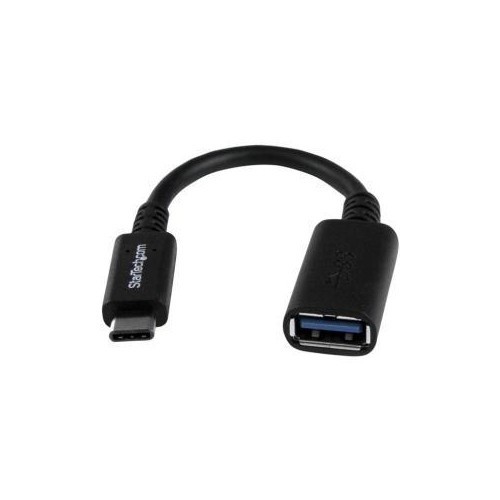
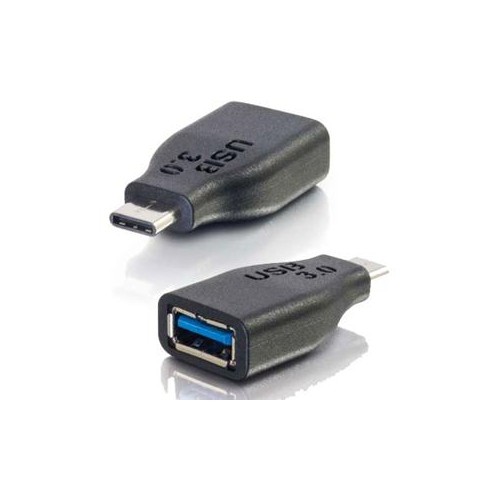
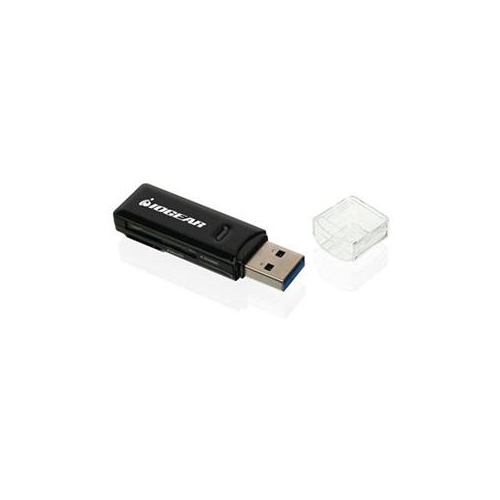
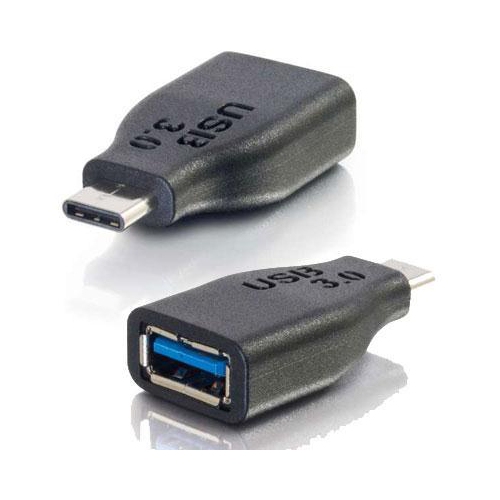
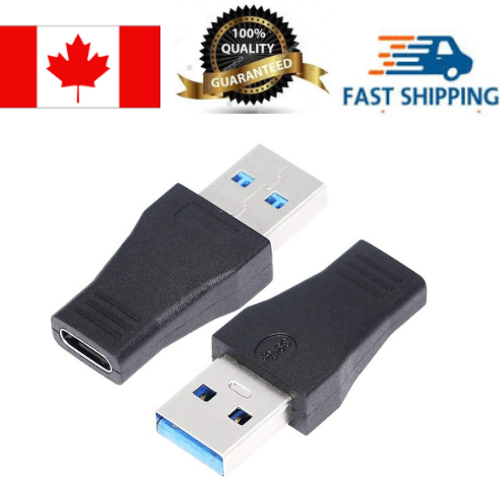
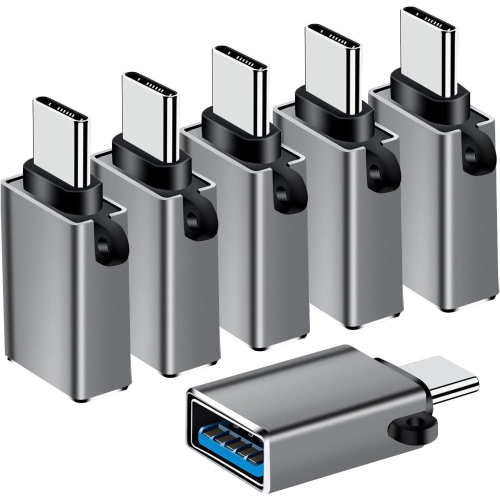
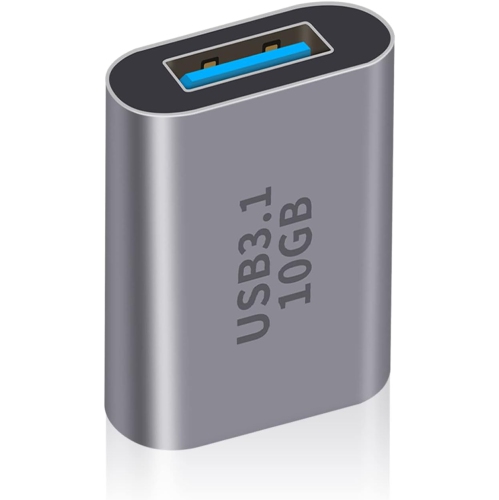
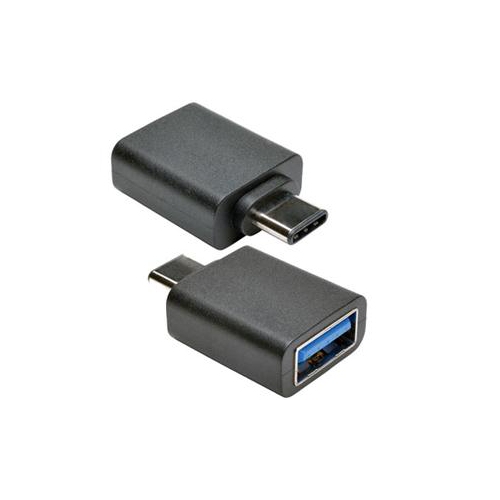
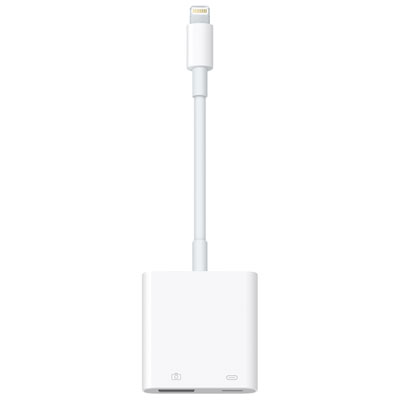
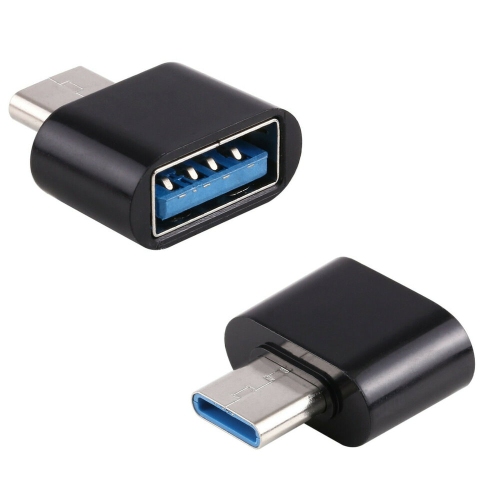
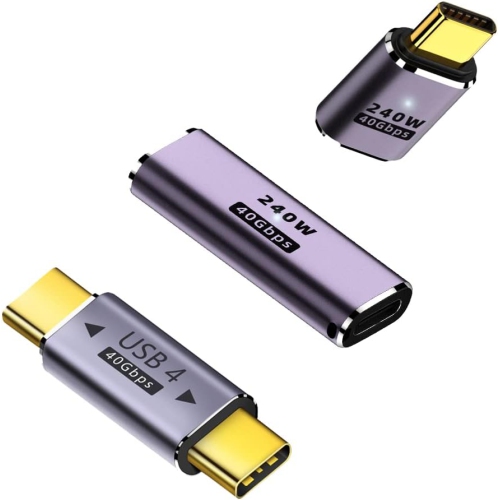
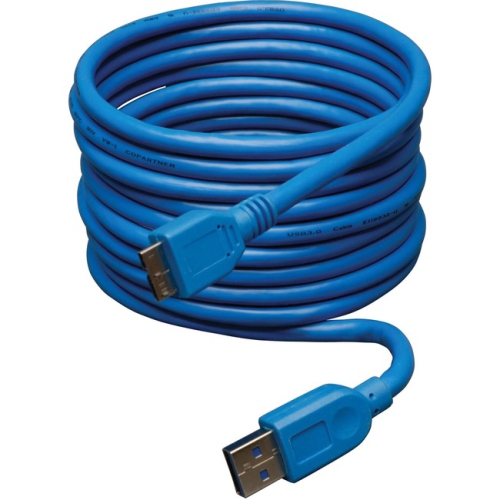
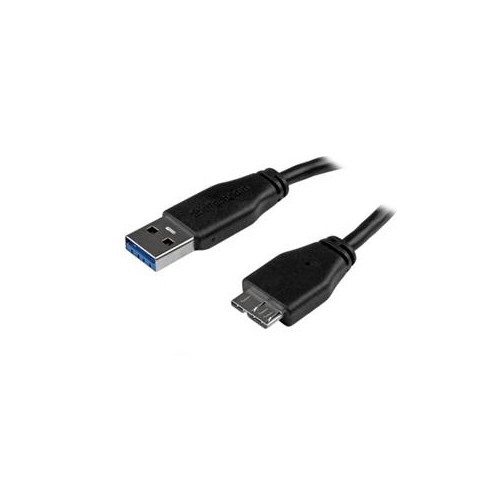
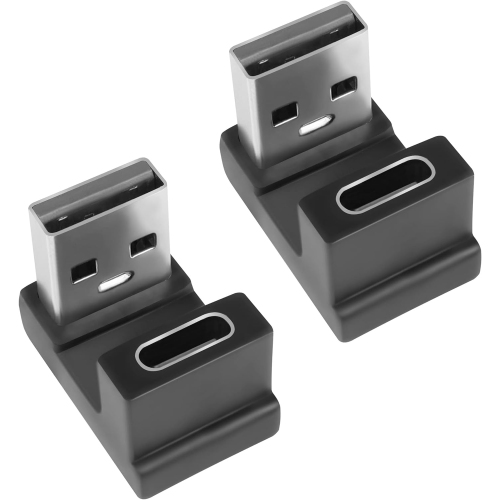
USB 3.0 adapters provide a practical way to connect familiar accessories to newer computers, tablets and other devices with changing port layouts. Many modern laptops are designed with slim USB-C ports, while everyday essentials such as flash drives, wired mice, keyboards, card readers and external storage still commonly use USB-A connectors. A USB-C to USB-A adapter bridges that gap by turning a USB-C port into a standard USB 3.0 port for compatible accessories. USB 3.0, also known as USB 3.1 Gen 1 in some product specifications, supports theoretical data transfer speeds of up to 5 Gbps. Actual performance can vary according to the connected device, cable, storage drive, computer and the size and type of files being transferred, but a USB 3.0 adapter is generally a better choice than a USB 2.0 adapter for moving photographs, videos, project files or other large amounts of data. These compact accessories are useful at home, in a classroom, at the office or while travelling. A photographer may use one to copy images from a USB card reader to a laptop, while a student might connect a full-size keyboard to a tablet for writing notes. They can also be handy when setting up a temporary workstation in a kitchen, library or hotel room, where carrying a familiar wired accessory is easier than replacing it with a newer wireless version. Before choosing an adapter, check the ports on both devices and confirm which side is male or female, as well as whether the adapter is intended for data, charging, display output or a combination of functions.
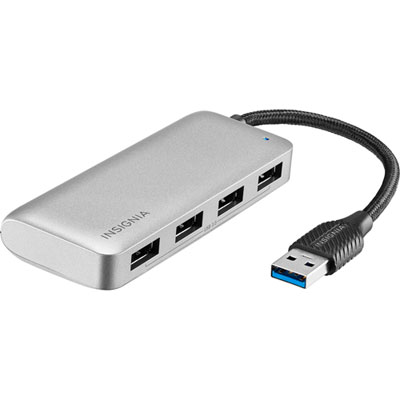
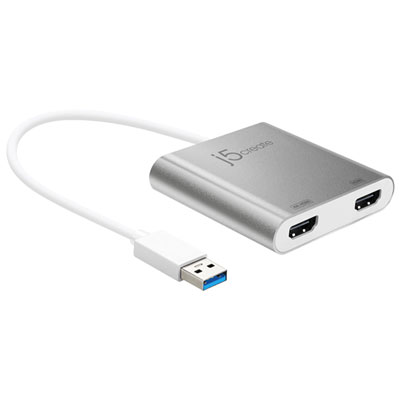
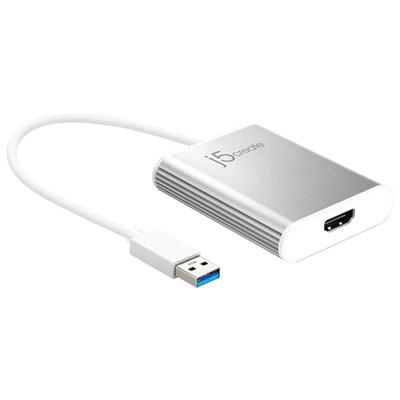
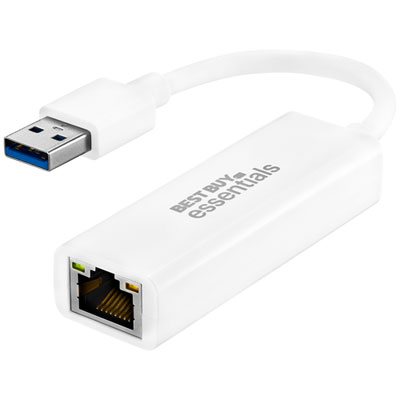
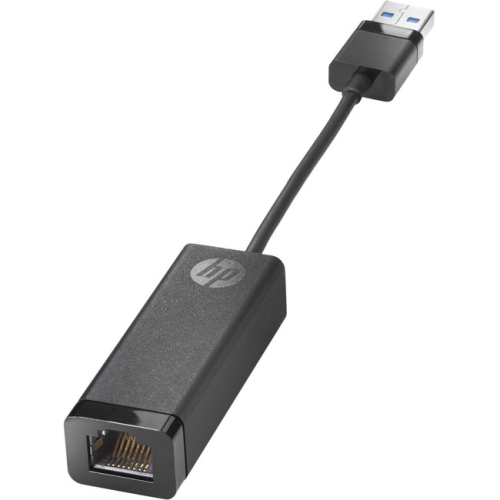
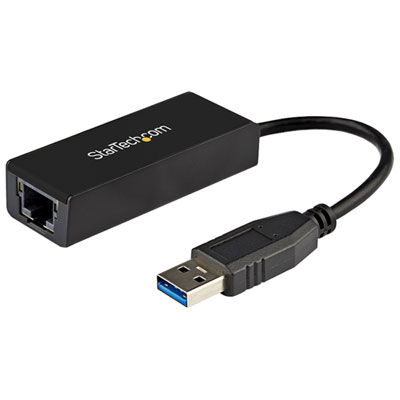
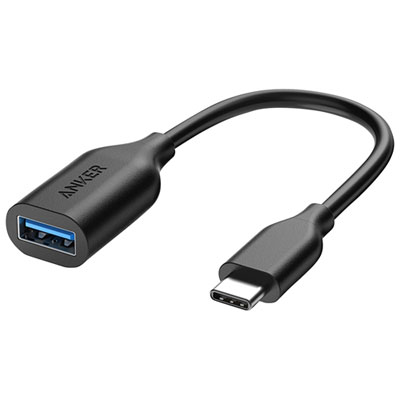
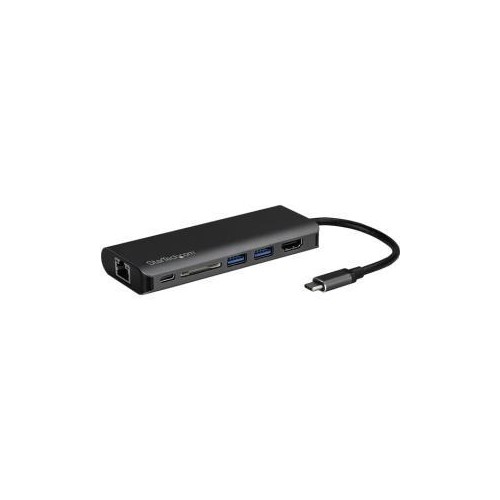
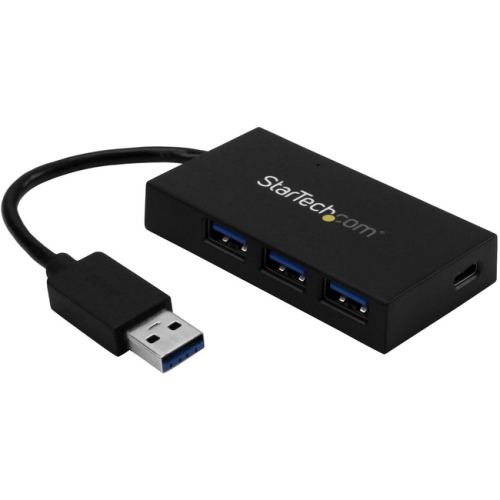
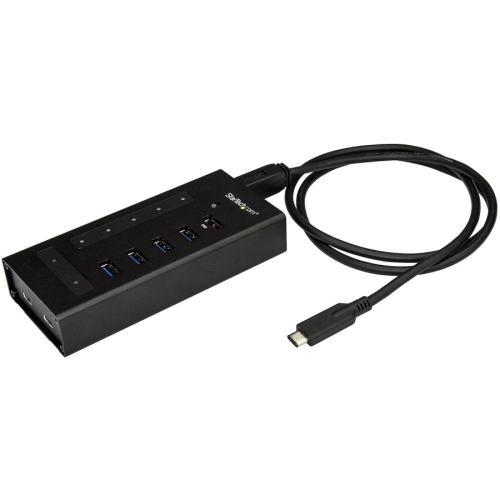
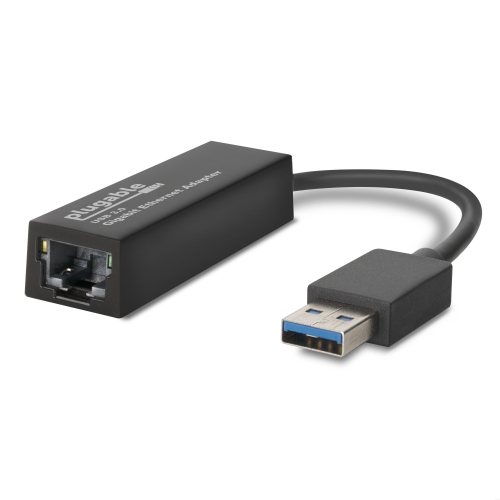
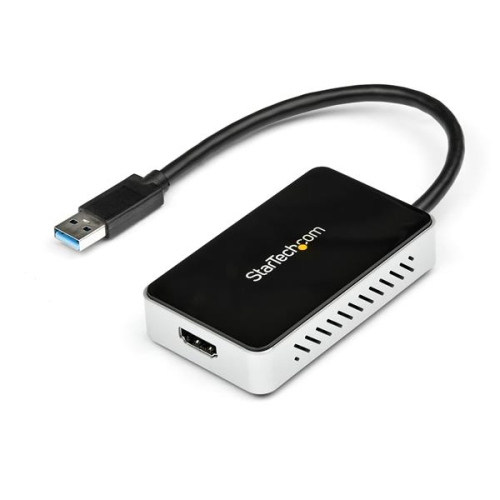
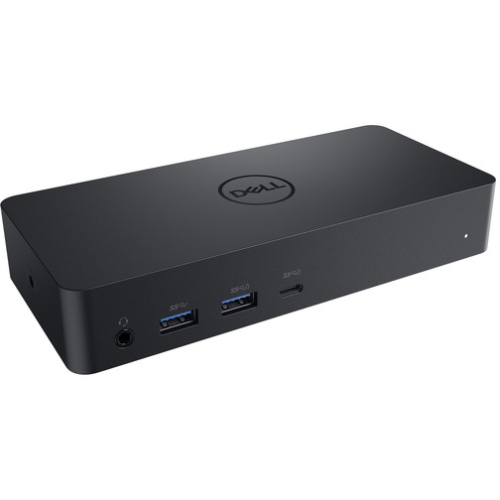
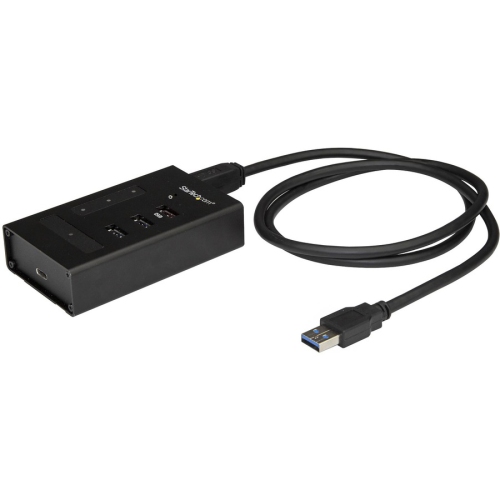
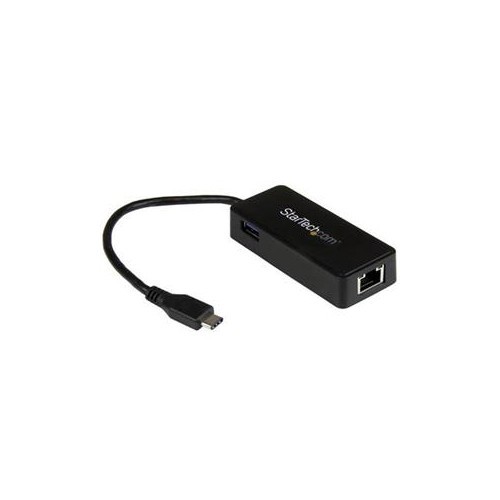
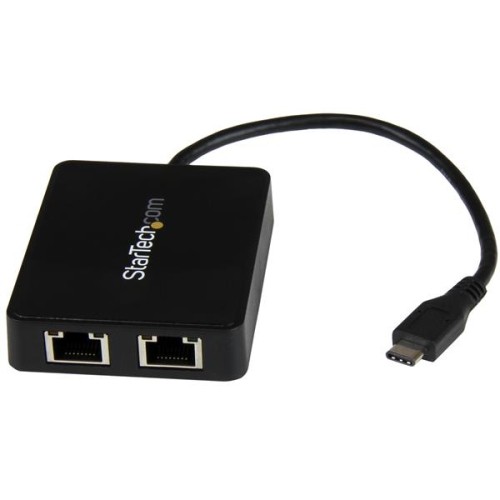
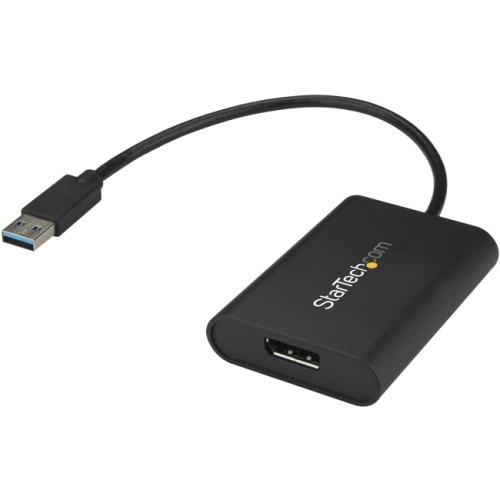
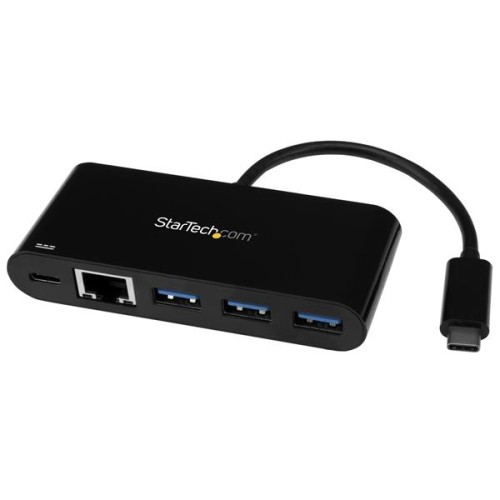
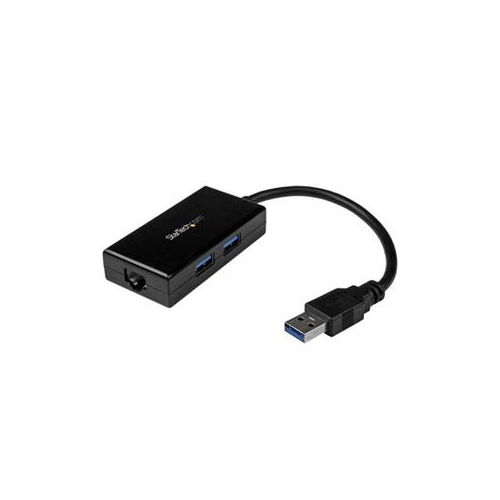
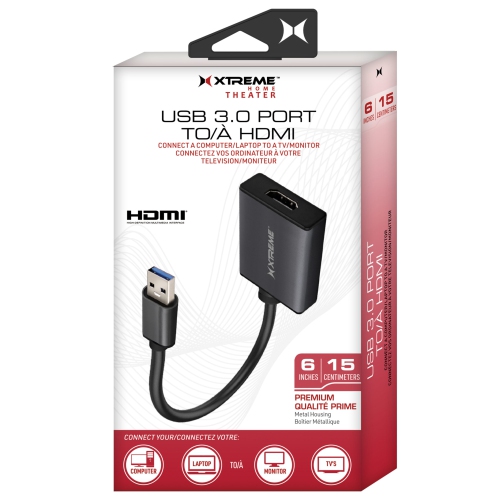
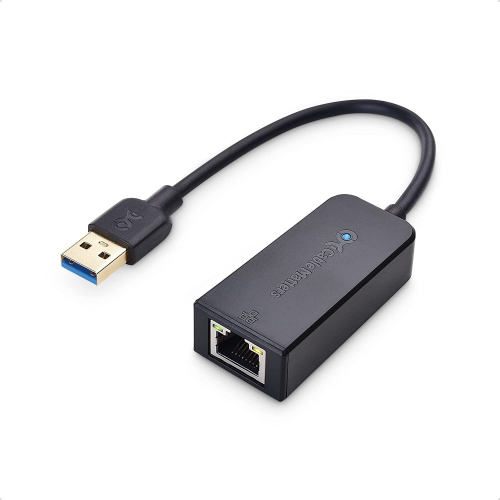
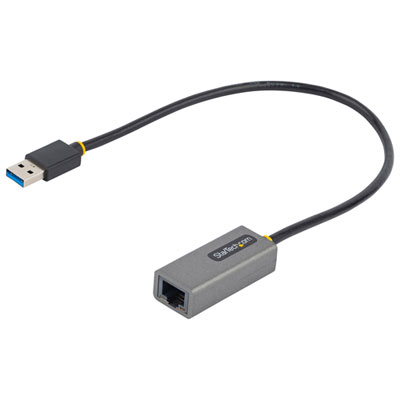
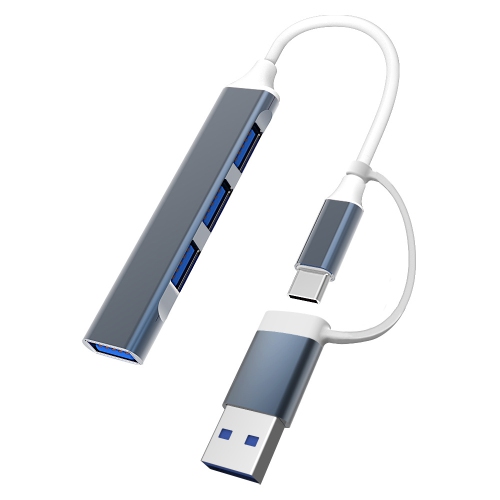
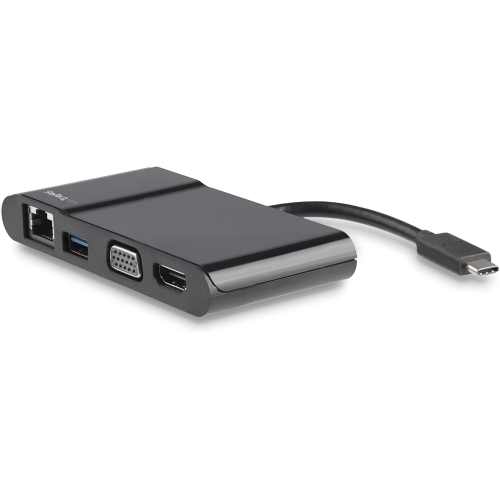
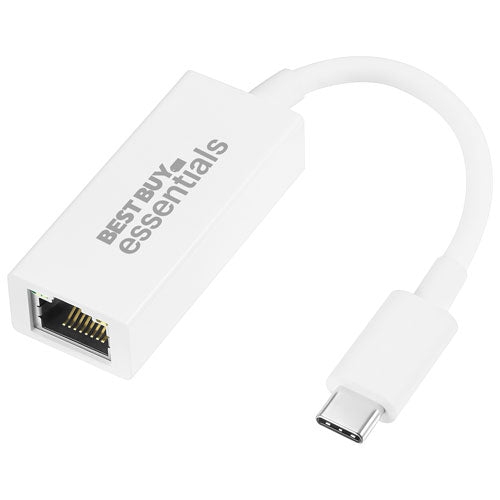
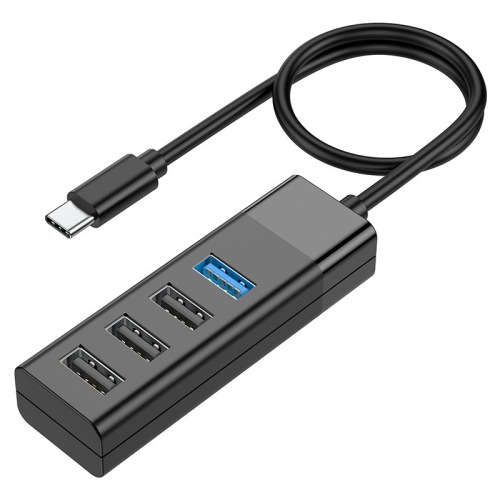
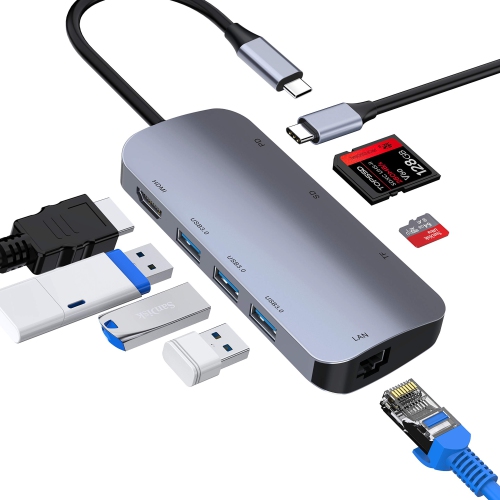
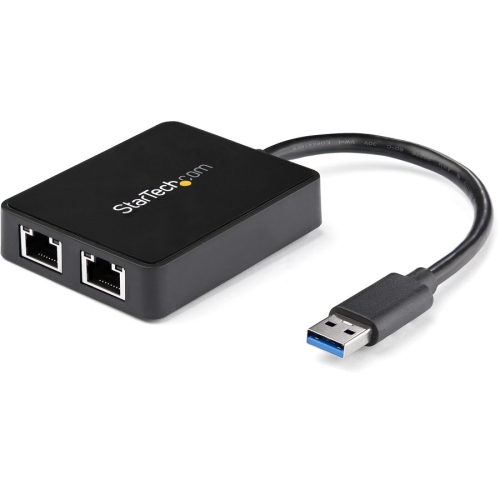
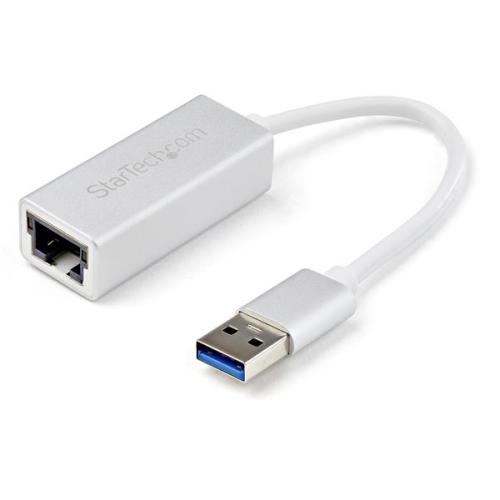
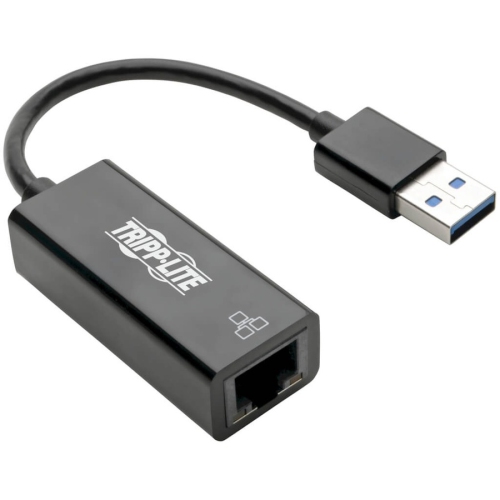
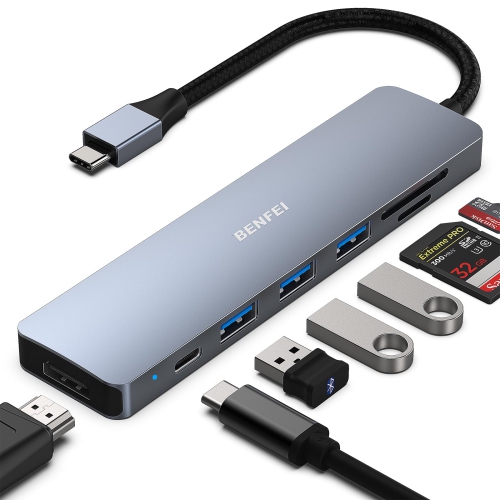
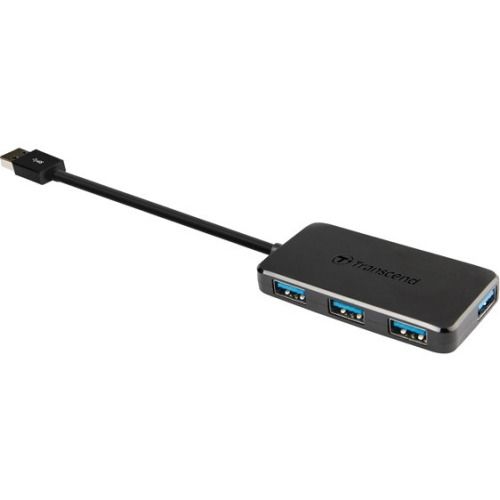
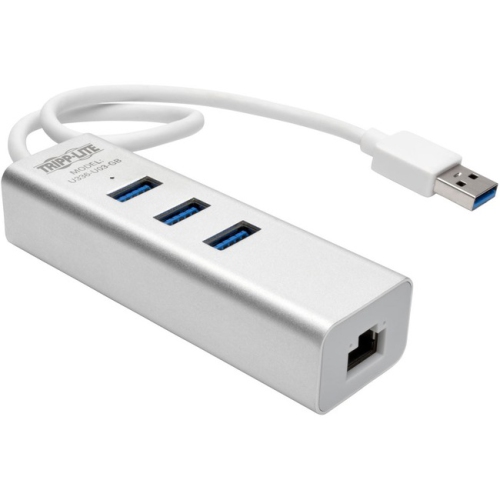
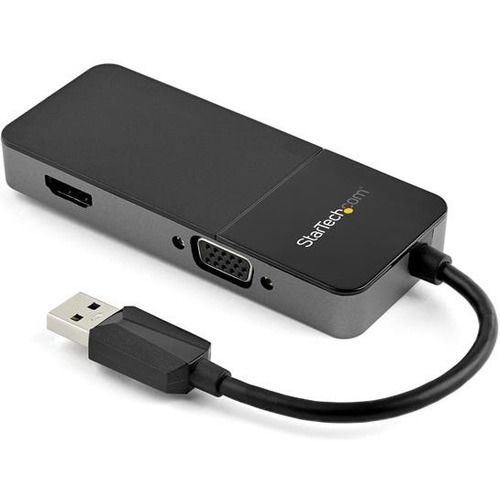
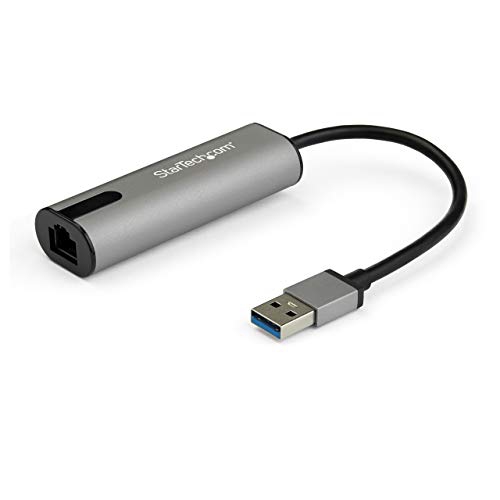
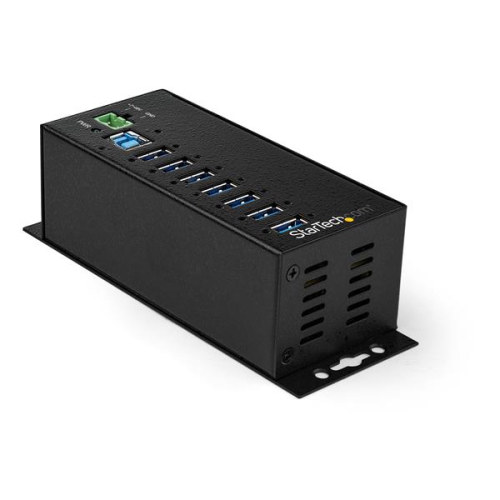
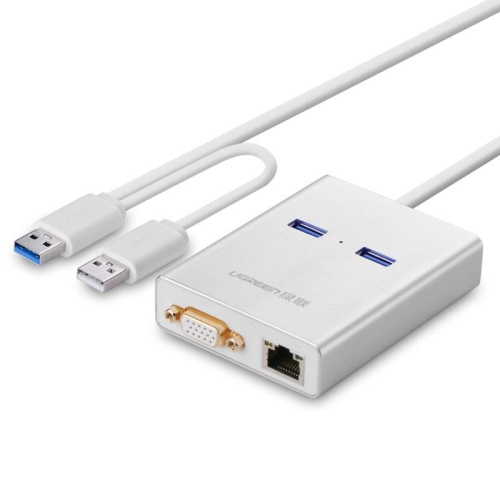
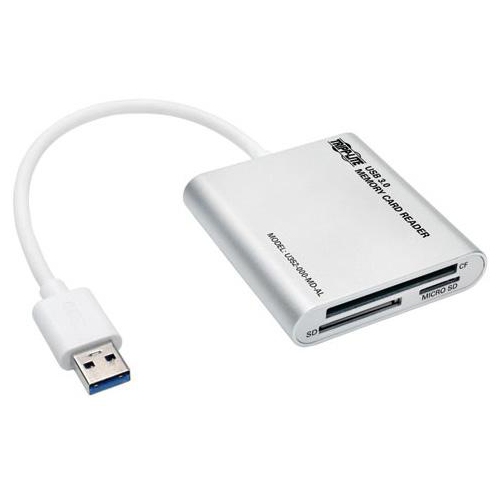
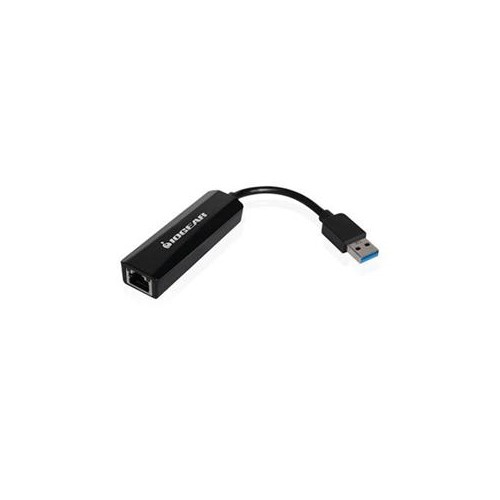
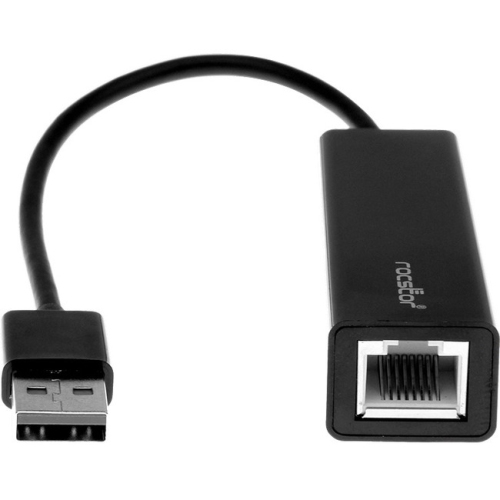
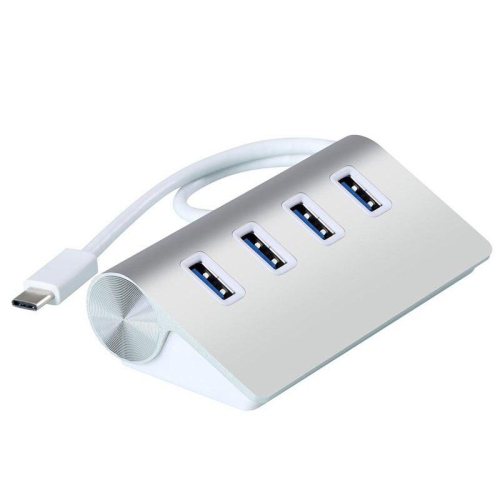
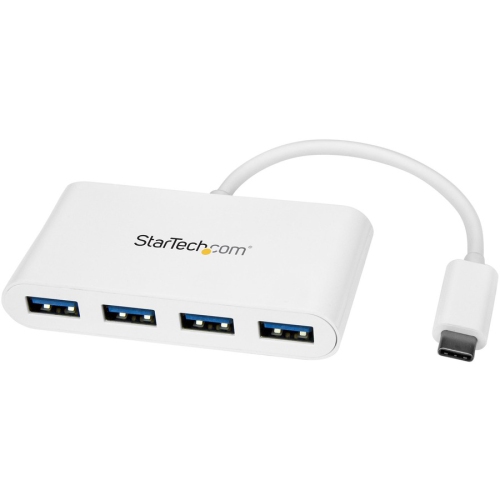
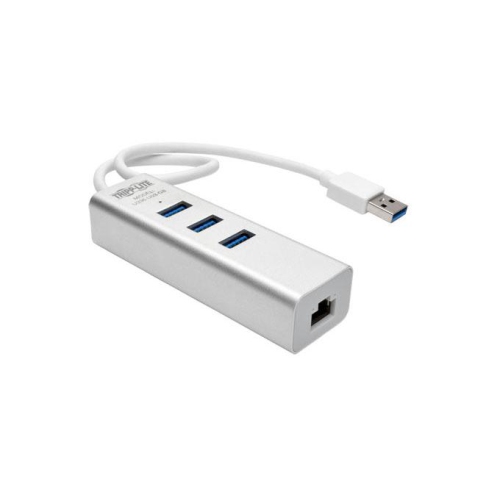
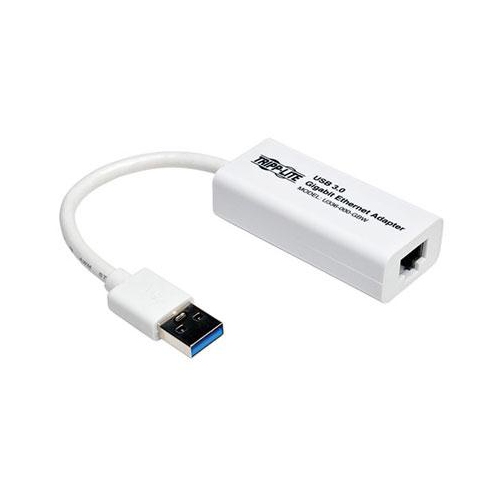
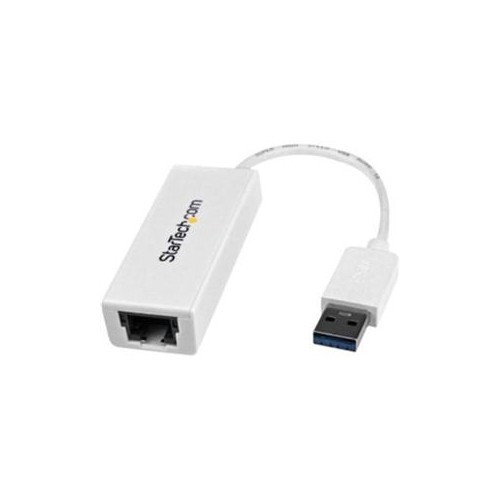
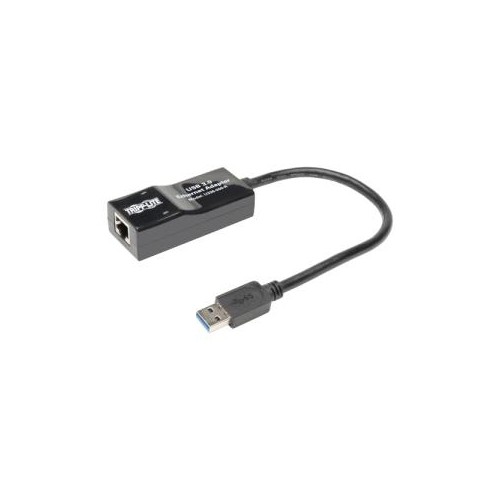
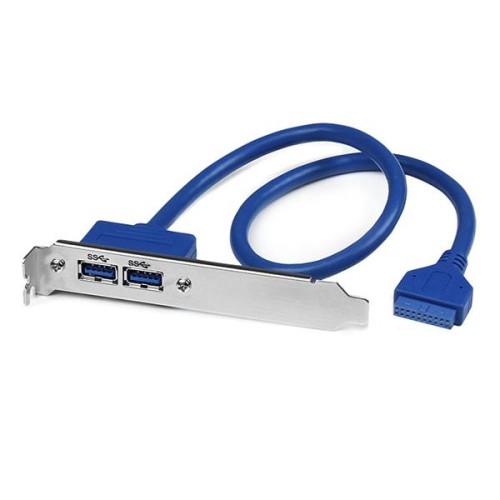
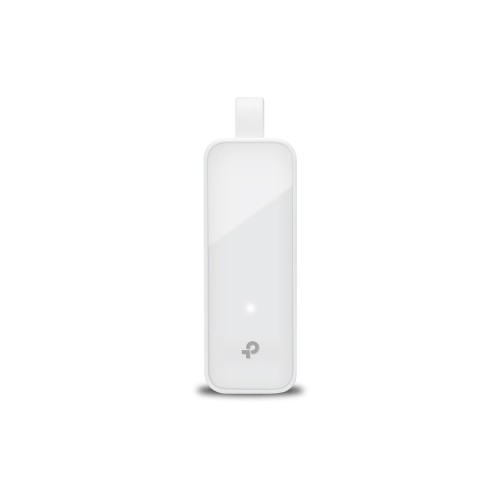
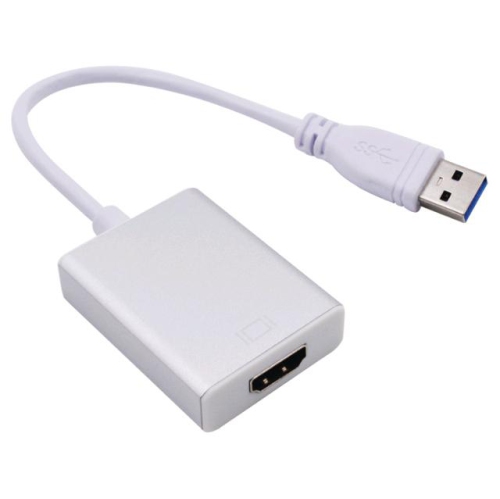
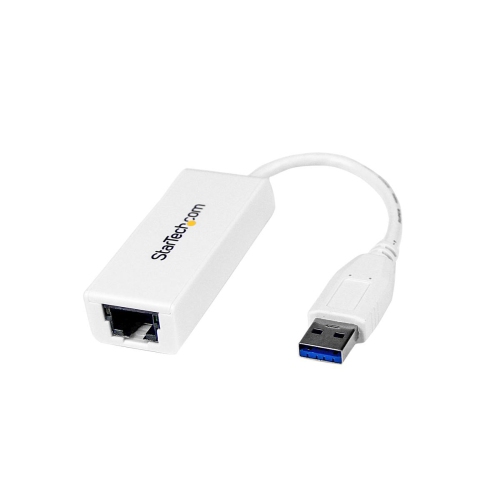
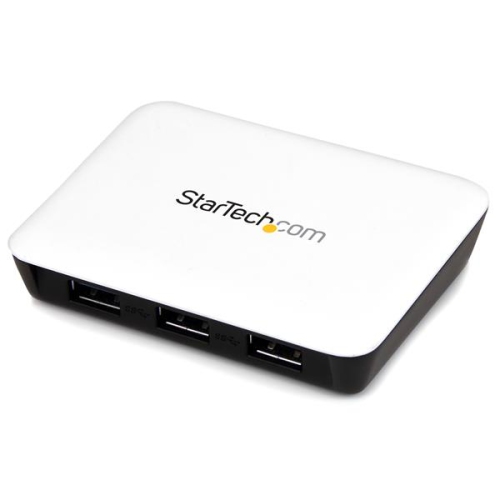
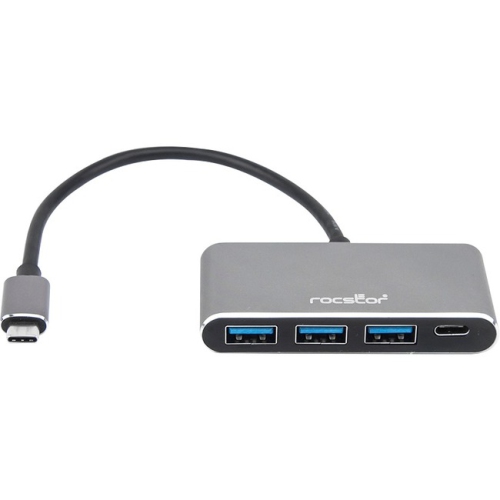
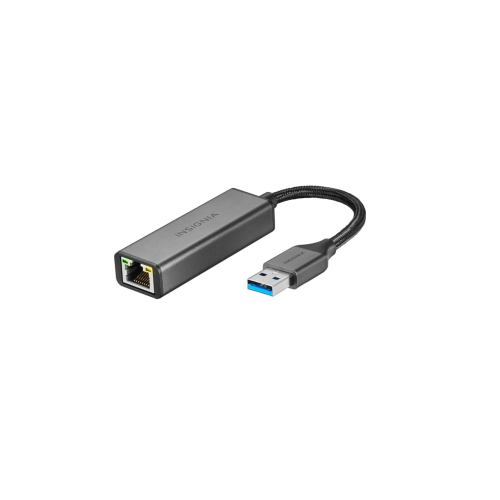
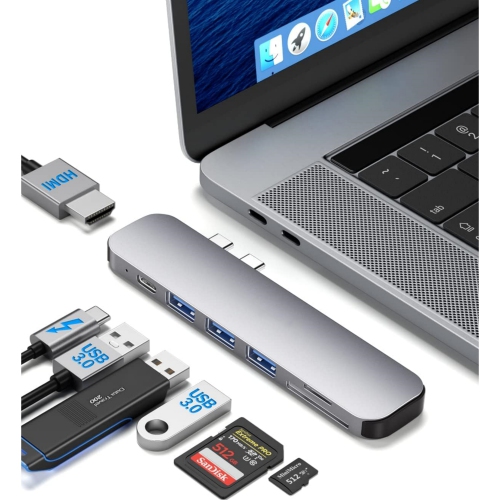
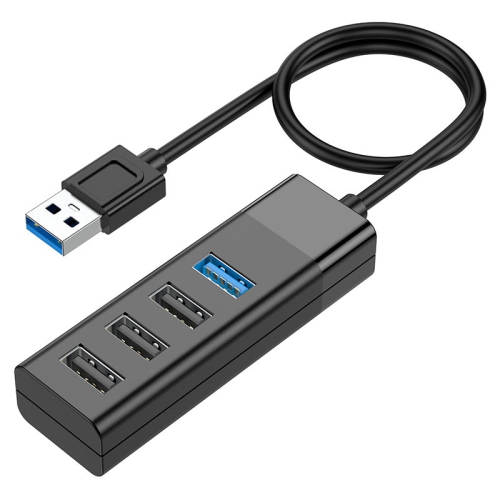
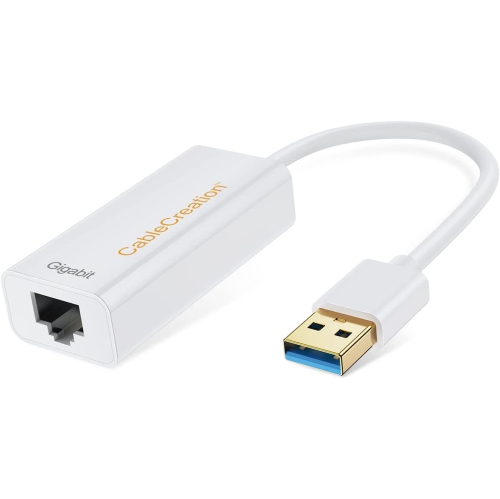
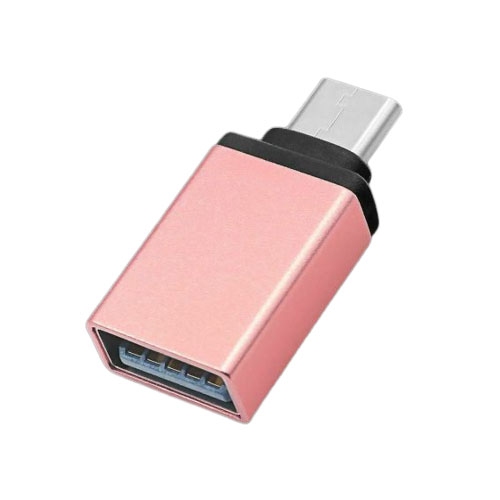
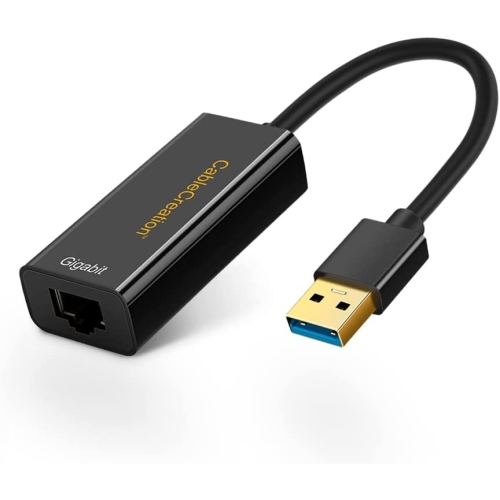
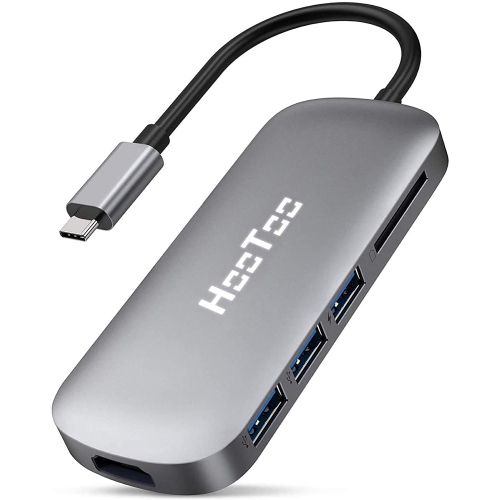
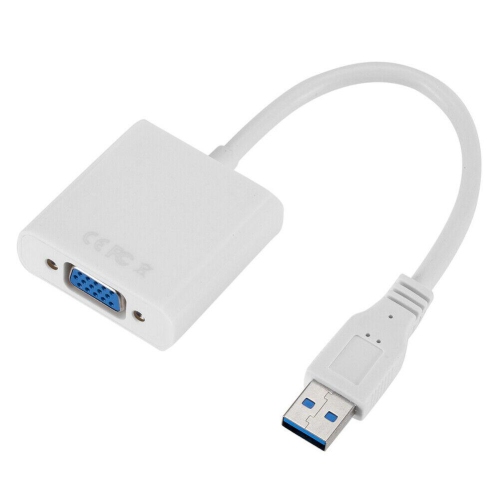
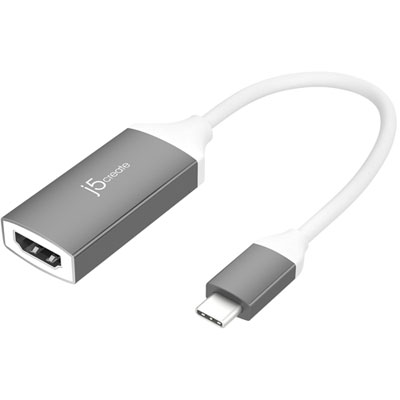
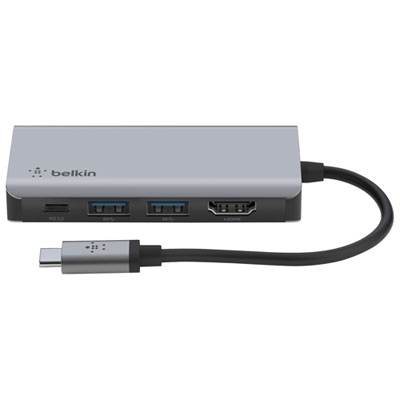
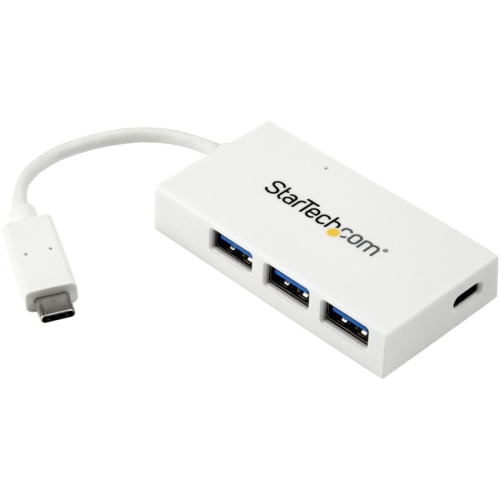
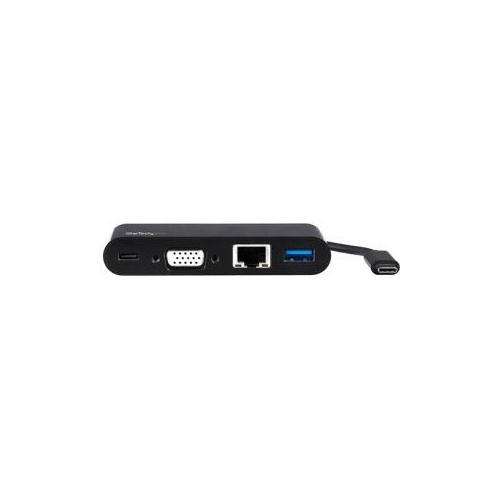
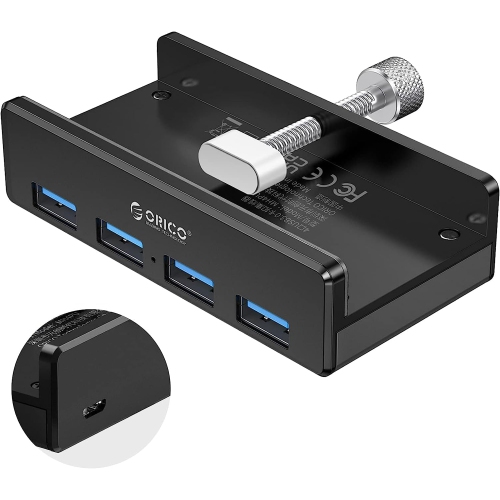
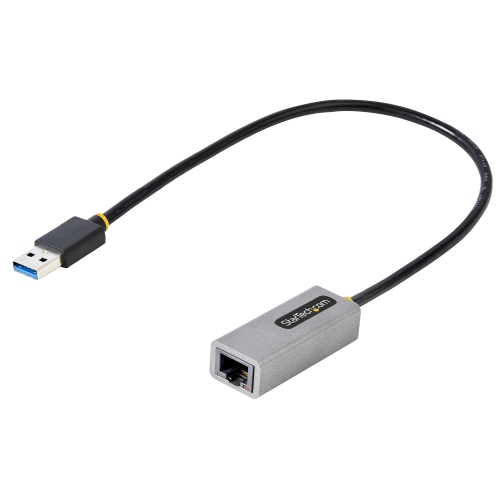
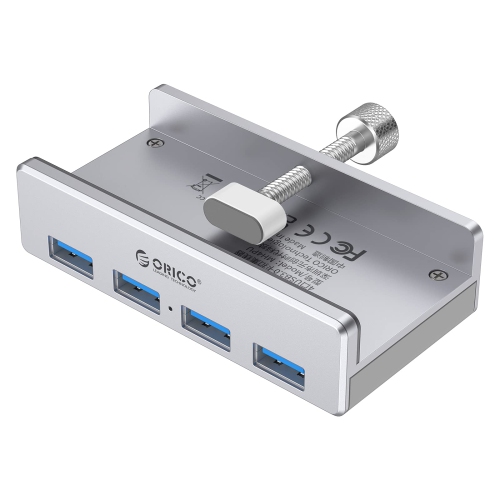
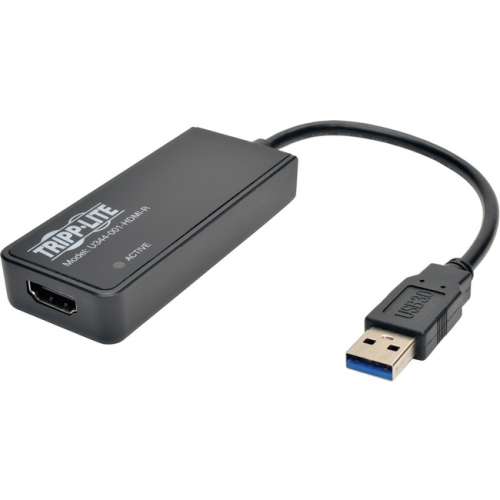
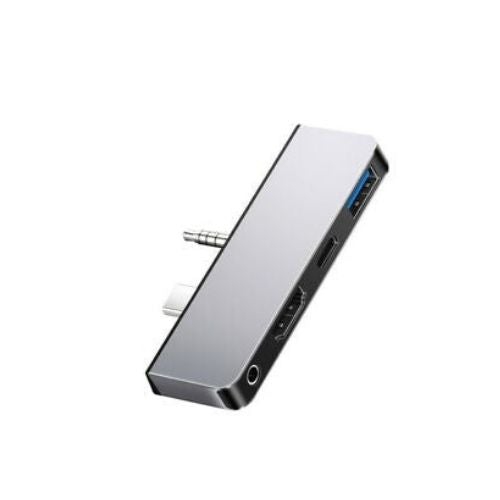
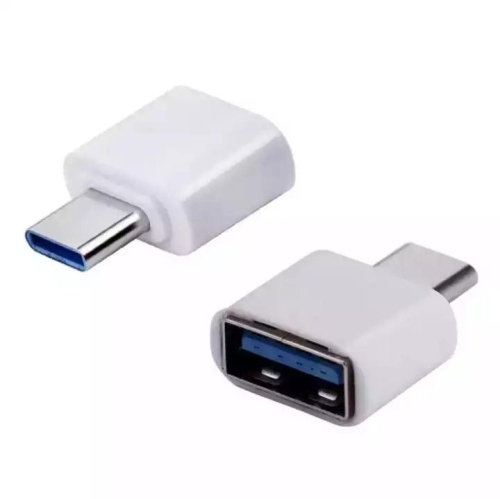
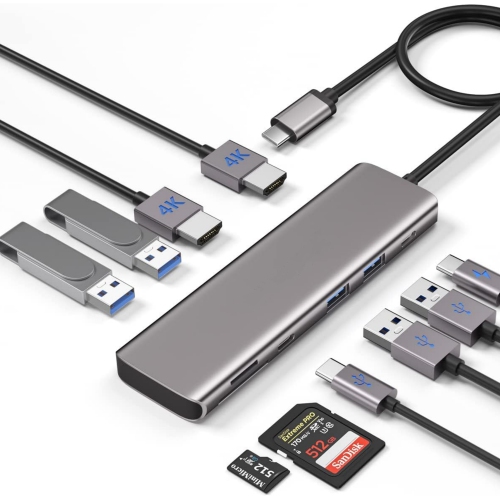
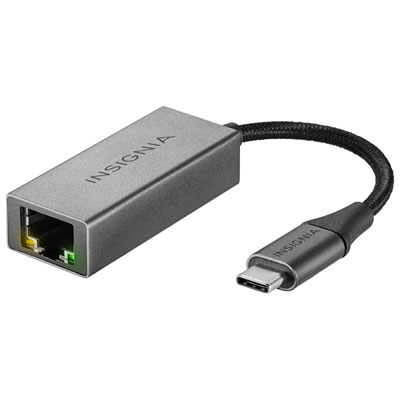
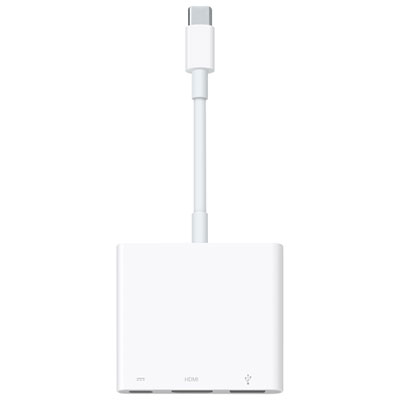
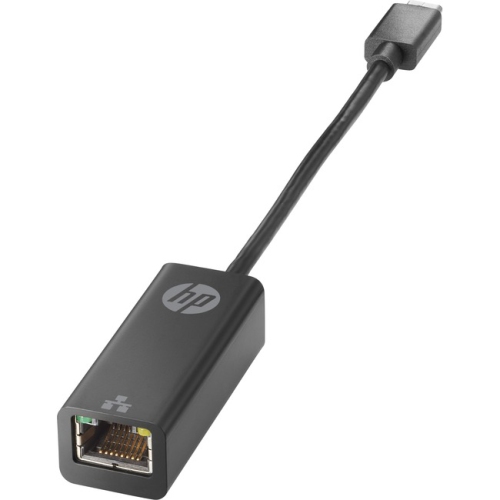
USB 3.0 adapters are available in several formats, and the right design depends on the connections and workflow you need. A basic USB-C to USB-A OTG adapter is a simple option for connecting one standard USB accessory to a device with a USB-C port. OTG, or On-The-Go, indicates that a compatible mobile device can recognize connected peripherals such as a mouse, keyboard, game controller or USB drive, although support may depend on the device’s operating system and available power. USB 3.0 to Ethernet adapters add a wired RJ45 network port to laptops and other devices that do not include one. A wired connection can be useful for video calls, online learning, large downloads, file transfers or troubleshooting a wireless network, and Gigabit Ethernet support may provide faster performance than older 10/100 Mbps adapters when the network, router and internet service support those speeds. Multi-port hubs bring several connections together, often combining USB 3.0 ports with features such as HDMI output, memory card slots, Ethernet or USB-C power delivery. They can turn one compact laptop into a more capable desktop-style setup, allowing you to connect a keyboard, mouse, storage drive and external display from a single hub. If display output is important, review the hub’s supported resolution, refresh rate and operating system requirements, and consider the separate selection of USB To HDMI Adapters for options focused on connecting a USB port to an HDMI display. A hub with pass-through charging may help keep a laptop powered while peripherals are connected, but the charger and hub must support the required wattage. It is also worth checking whether all ports can operate at full speed at the same time, since some compact hubs share bandwidth between connected devices.
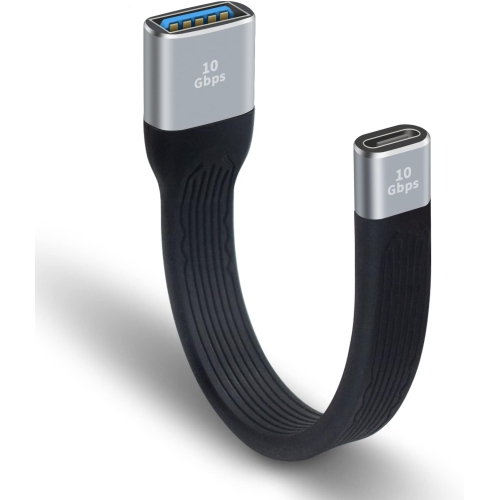
Build quality, size and day-to-day convenience can make a noticeable difference when selecting a USB 3.0 adapter. An ultra-slim adapter is useful beside other tightly spaced ports and is easy to keep in a laptop sleeve, backpack pocket or desk drawer. A short flexible cable can reduce strain on a computer’s port and make it easier to connect a hub behind a monitor or on a crowded desk, while a compact plug-style design keeps the setup neat for travel. Aluminium housings can provide a solid feel and may resist the scuffs associated with regular commuting, although the internal specifications and connector quality are just as important as the exterior. Look for clearly stated USB 3.0 or 5 Gbps support rather than relying on the shape or colour of a connector; a USB-C port does not automatically mean that an adapter supports USB 3.0 speeds, display output or high-wattage charging. Compatibility information should cover Windows, macOS, ChromeOS, Android or other relevant platforms, and some Ethernet or multi-function adapters may require drivers or software. Consider the devices you are most likely to connect and leave room for future needs: a single-port adapter is convenient for occasional file transfers, while a multi-port hub may be more practical for a permanent desk setup. These adapters can also be thoughtful gifts for someone setting up a home office, starting school, travelling with a tablet or upgrading to a laptop with fewer traditional ports. A small adapter tucked beside a laptop can prevent the familiar scramble of searching for a compatible cable when a presentation, photo transfer or wired connection matters most. With the right combination of connector type, USB 3.0 speed, power support and port selection, an adapter can help older and newer technology work together smoothly through the warmer and cooler seasons alike.
USB 3.0 adapters are available in several formats, and the right design depends on the connections and workflow you need. A basic USB-C to USB-A OTG adapter is a simple option for connecting one standard USB accessory to a device with a USB-C port. OTG, or On-The-Go, indicates that a compatible mobile device can recognize connected peripherals such as a mouse, keyboard, game controller or USB drive, although support may depend on the device’s operating system and available power. USB 3.0 to Ethernet adapters add a wired RJ45 network port to laptops and other devices that do not include one. A wired connection can be useful for video calls, online learning, large downloads, file transfers or troubleshooting a wireless network, and Gigabit Ethernet support may provide faster performance than older 10/100 Mbps adapters when the network, router and internet service support those speeds. Multi-port hubs bring several connections together, often combining USB 3.0 ports with features such as HDMI output, memory card slots, Ethernet or USB-C power delivery. They can turn one compact laptop into a more capable desktop-style setup, allowing you to connect a keyboard, mouse, storage drive and external display from a single hub. If display output is important, review the hub’s supported resolution, refresh rate and operating system requirements, and consider the separate selection of USB To HDMI Adapters for options focused on connecting a USB port to an HDMI display. A hub with pass-through charging may help keep a laptop powered while peripherals are connected, but the charger and hub must support the required wattage. It is also worth checking whether all ports can operate at full speed at the same time, since some compact hubs share bandwidth between connected devices.
Build quality, size and day-to-day convenience can make a noticeable difference when selecting a USB 3.0 adapter. An ultra-slim adapter is useful beside other tightly spaced ports and is easy to keep in a laptop sleeve, backpack pocket or desk drawer. A short flexible cable can reduce strain on a computer’s port and make it easier to connect a hub behind a monitor or on a crowded desk, while a compact plug-style design keeps the setup neat for travel. Aluminium housings can provide a solid feel and may resist the scuffs associated with regular commuting, although the internal specifications and connector quality are just as important as the exterior. Look for clearly stated USB 3.0 or 5 Gbps support rather than relying on the shape or colour of a connector; a USB-C port does not automatically mean that an adapter supports USB 3.0 speeds, display output or high-wattage charging. Compatibility information should cover Windows, macOS, ChromeOS, Android or other relevant platforms, and some Ethernet or multi-function adapters may require drivers or software. Consider the devices you are most likely to connect and leave room for future needs: a single-port adapter is convenient for occasional file transfers, while a multi-port hub may be more practical for a permanent desk setup. These adapters can also be thoughtful gifts for someone setting up a home office, starting school, travelling with a tablet or upgrading to a laptop with fewer traditional ports. A small adapter tucked beside a laptop can prevent the familiar scramble of searching for a compatible cable when a presentation, photo transfer or wired connection matters most. With the right combination of connector type, USB 3.0 speed, power support and port selection, an adapter can help older and newer technology work together smoothly through the warmer and cooler seasons alike.
Top selling and popular products
-
 Your price for this item is $89.18
 -
 Your price for this item is $19.99
 -
 Your price for this item is $94.99
 -
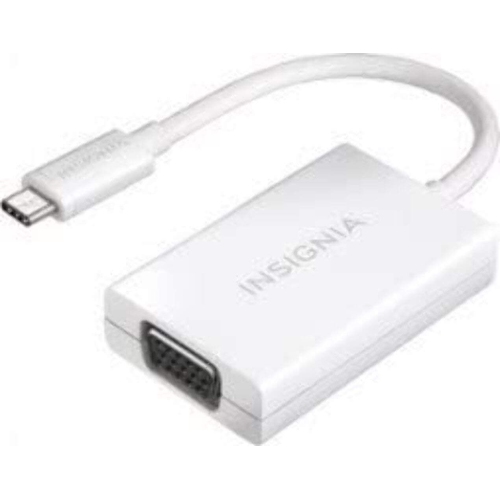 Your price for this item is $13.99
 -
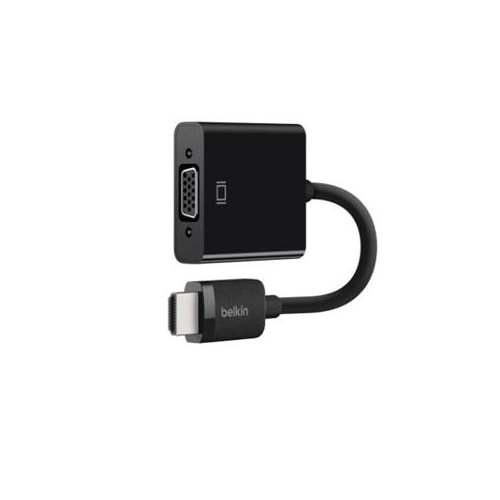 Your price for this item is $48.68
 -
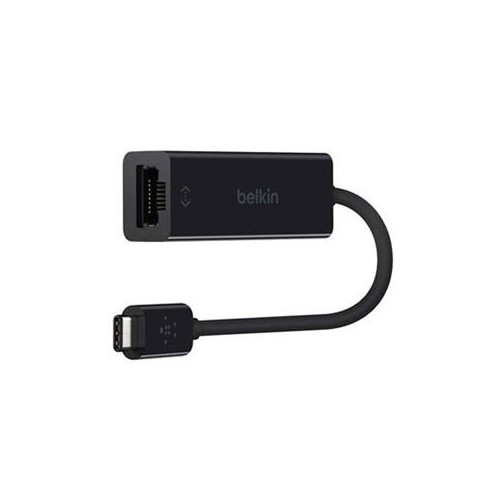 Your price for this item is $49.68
 -
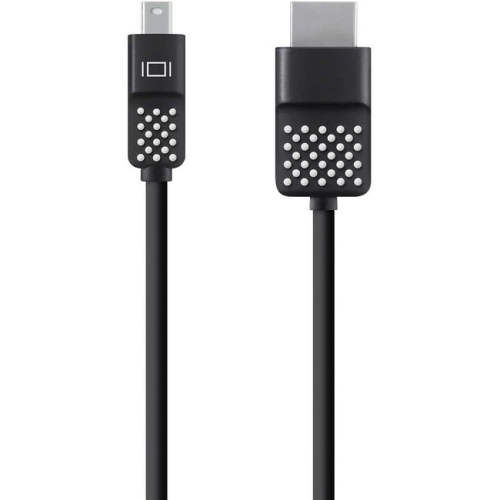 Your price for this item is $29.68
 -
 Your price for this item is $29.95
Discover more categories related to Usb 3.0 Adapters
Top Collections:
Pokemon Centers, Budget 4K TVs, Best Budget Office Chairs, Kindle Devices, Canon G7X Cameras, Apple iPhones 16, iPhone 15 Apple, Laptops for Business Work, Xiaomi Phones, Flip Phones
Some products may be subject to Environmental Handling Fees
(EHF) depending on your province.
Learn more about EHFs.