USB C Hub for Multiple Monitors
Upgrade your workspace with a USB C Hub for Multiple Monitors and experience enhanced productivity and seamless connectivity. Perfect for home offices, business settings, or creative studios, these hubs are designed to simplify your setup by connecting several displays and essential devices through a single USB-C port. Explore a range of options that help you maximize your screen space, streamline your workflow, and keep all your devices connected efficiently. Find the right USB C Hub for Multiple Monitors to take your multitasking capabilities to the next level.
Sort


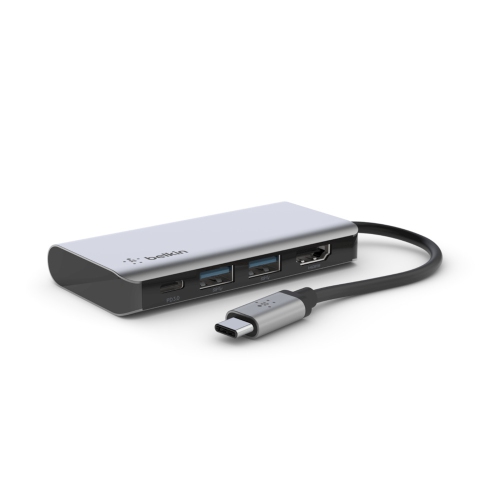
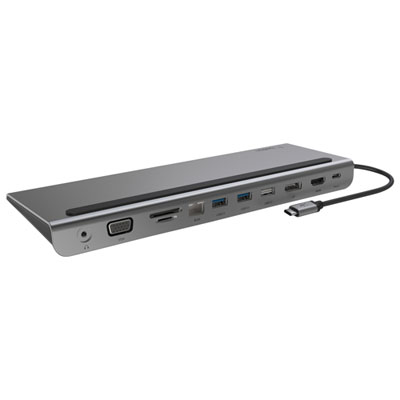
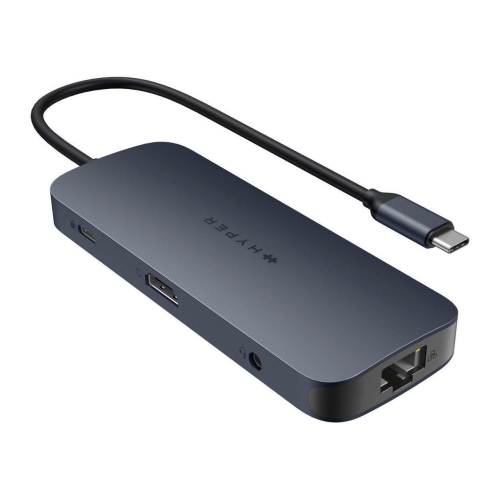
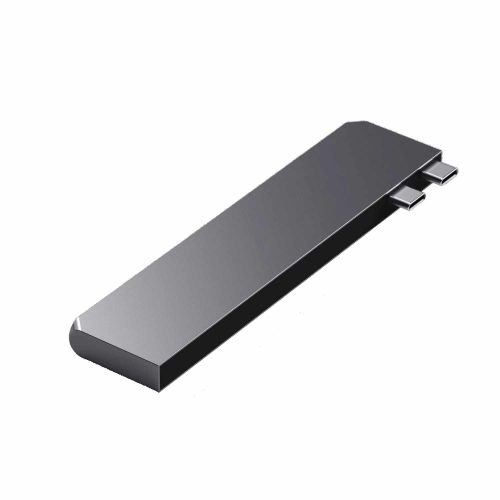
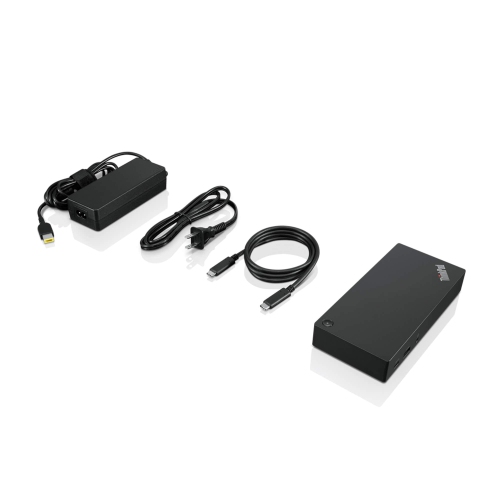
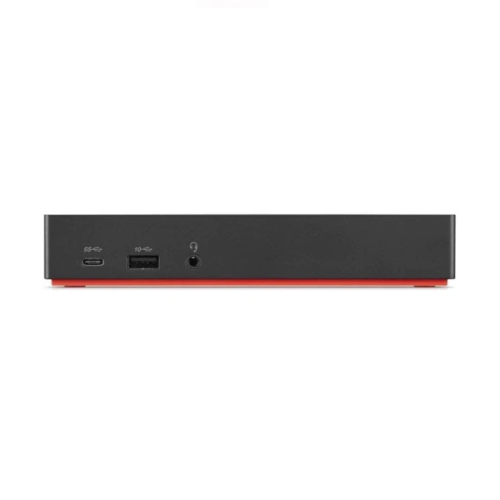
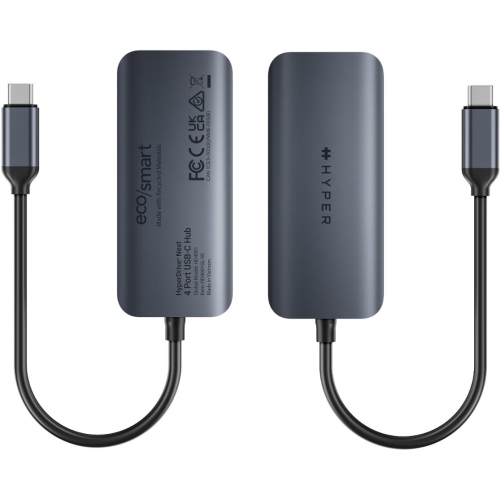
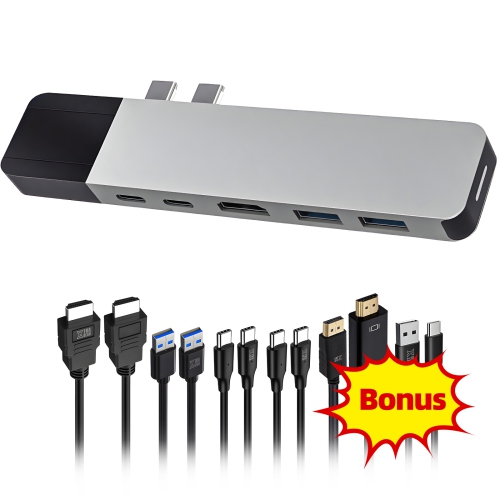

Key considerations for building a flexible multi-screen workspace
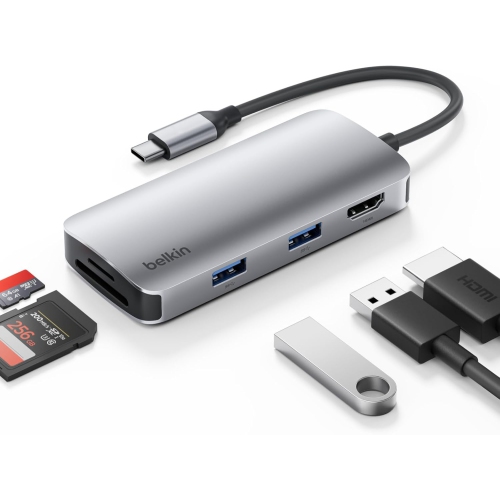
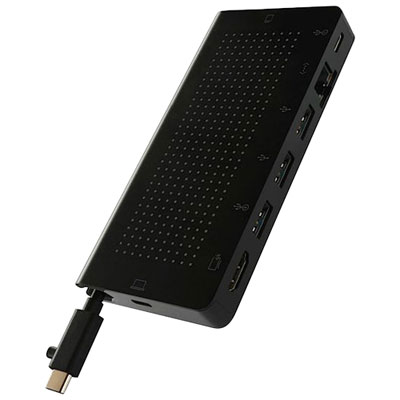
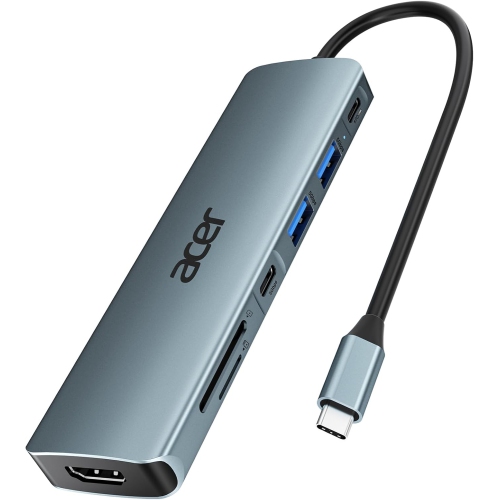
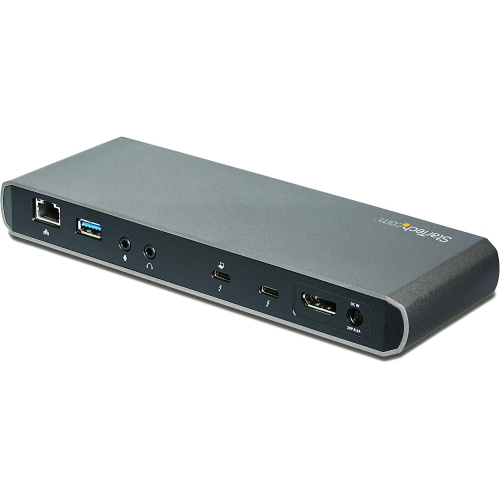
A USB C hub for multiple monitors is a practical solution for anyone looking to expand their workspace, whether at home, in the office, or on the go. As more laptops and tablets move toward slimmer designs with fewer built-in ports, these hubs have become essential for those who need to connect to several external displays, transfer files quickly, or plug in a variety of peripherals. Professionals in graphic design, video editing, programming, or finance often rely on multi-monitor setups to boost productivity, streamline multitasking, and keep important tools within easy reach. Students setting up study stations, remote workers creating efficient home offices, and gamers looking for immersive setups all benefit from the versatility a USB C hub provides. These hubs are also a thoughtful gift for recent graduates, tech enthusiasts, or anyone making the switch to a more adaptable, high-performance workstation. Whether you're preparing for a busy back-to-school season, gearing up for summer projects, or simply seeking to upgrade your digital environment as the weather warms, a USB C hub can help make the transition seamless and efficient.
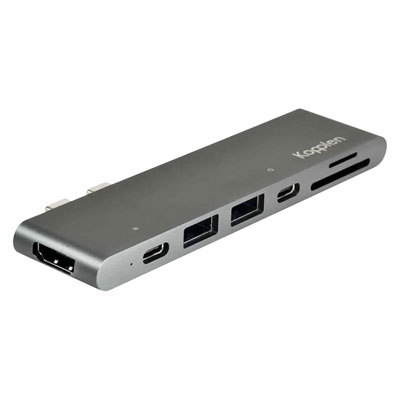
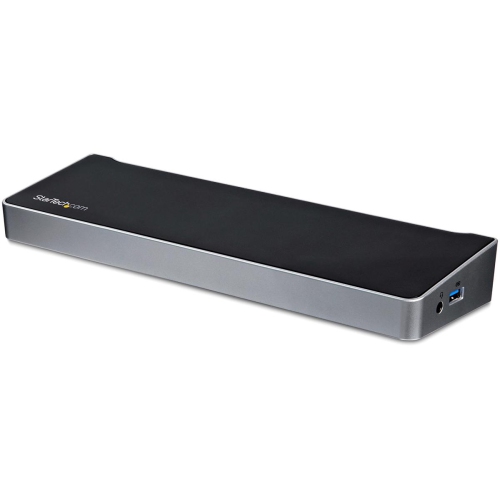
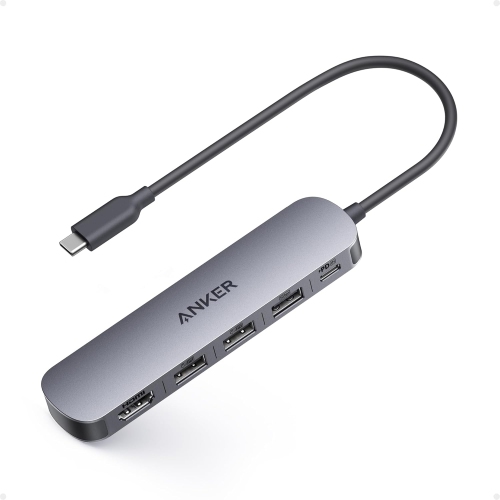
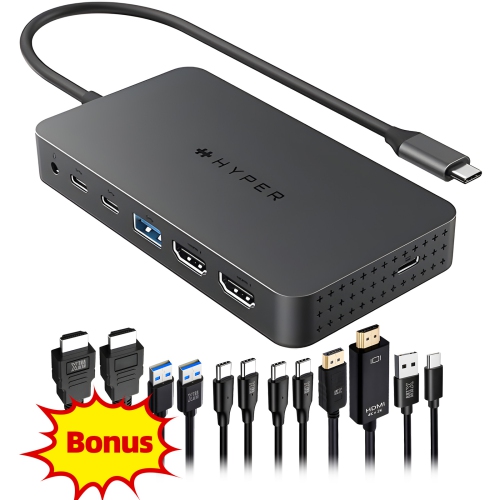
When choosing a USB C hub for multiple monitors, there are several factors to keep in mind. Compatibility is key—make sure the hub supports your device's operating system and offers the correct ports for your display needs, such as HDMI, DisplayPort, or VGA. The number of monitors you can connect will depend on both the hub and your device's capabilities, so it's important to check specifications carefully. Some hubs support dual or even triple monitor setups, allowing you to stretch your workspace across several screens for maximum productivity. Power delivery is another important consideration; many hubs offer pass-through charging, so you can keep your laptop powered while using multiple peripherals. Data transfer speeds, build quality, portability, and cable length all play a role in finding the right hub for your setup. As work and study environments become more flexible, the ability to set up a multi-monitor station anywhere—whether in a sunlit kitchen, a dedicated office, or a favourite coffee shop—can make all the difference. For those looking to pair their hub with compatible displays, explore the full range of USB C Monitors to create a seamless, high-performance workspace that adapts to your needs all season long.
When choosing a USB C hub for multiple monitors, there are several factors to keep in mind. Compatibility is key—make sure the hub supports your device's operating system and offers the correct ports for your display needs, such as HDMI, DisplayPort, or VGA. The number of monitors you can connect will depend on both the hub and your device's capabilities, so it's important to check specifications carefully. Some hubs support dual or even triple monitor setups, allowing you to stretch your workspace across several screens for maximum productivity. Power delivery is another important consideration; many hubs offer pass-through charging, so you can keep your laptop powered while using multiple peripherals. Data transfer speeds, build quality, portability, and cable length all play a role in finding the right hub for your setup. As work and study environments become more flexible, the ability to set up a multi-monitor station anywhere—whether in a sunlit kitchen, a dedicated office, or a favourite coffee shop—can make all the difference. For those looking to pair their hub with compatible displays, explore the full range of USB C Monitors to create a seamless, high-performance workspace that adapts to your needs all season long.
Top selling and popular products
-
 Your price for this item is $49.99
 -
 Your price for this item is $65.99
 -
 Your price for this item is $19.98
 -
 Your price for this item is $29.99
 -
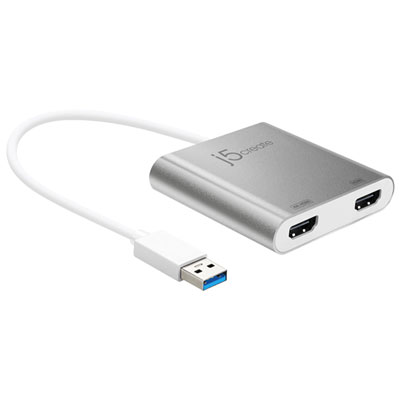 Your price for this item is $99.99
 -
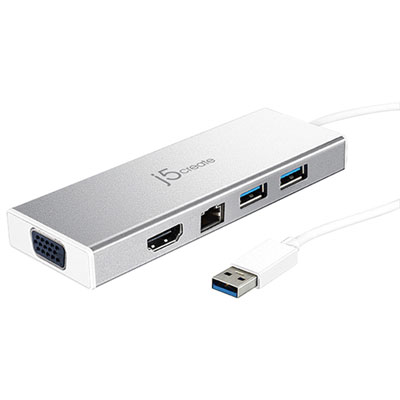 Your price for this item is $79.99
 -
 Your price for this item is $19.99
 -
 Your price for this item is $104.99
Discover more categories related to USB C Hub for Multiple Monitors
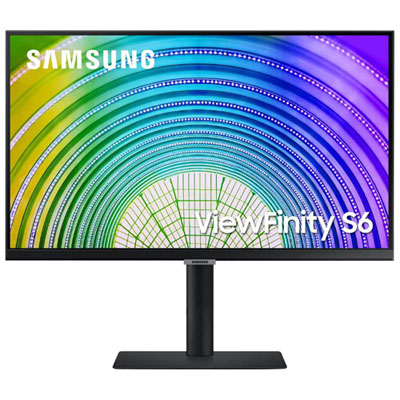
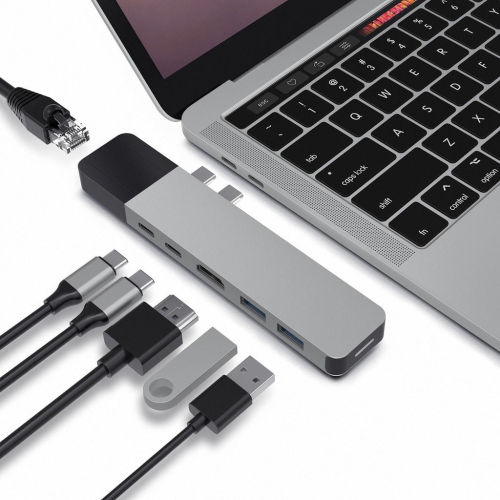
Top Collections:
Pokemon Centers, Kindle Devices, Best Budget Office Chairs, Apple iPhones 16, Best Laptops for Writers, iPhone 15 Apple, Canon G7X Cameras, Refurbished Apple Laptops, Alarm Clock, Motorola Razr Phones
Some products may be subject to Environmental Handling Fees
(EHF) depending on your province.
Learn more about EHFs.