Usb C Hub Monitors
Upgrade your workspace with the latest USB C hub monitors. These versatile devices offer a seamless connection between your laptop and multiple peripherals, allowing you to maximize productivity and streamline your workflow. With their sleek designs and advanced features, USB C hub monitors are perfect for professionals, students, and anyone looking to enhance their computing experience. Whether you need to connect additional displays, transfer data at lightning-fast speeds, or charge your devices effortlessly, these USB C hub monitors have got you covered. Explore our wide selection and find the perfect solution to meet your needs. Check out our Quality USB Hub options for even more functionality and convenience.
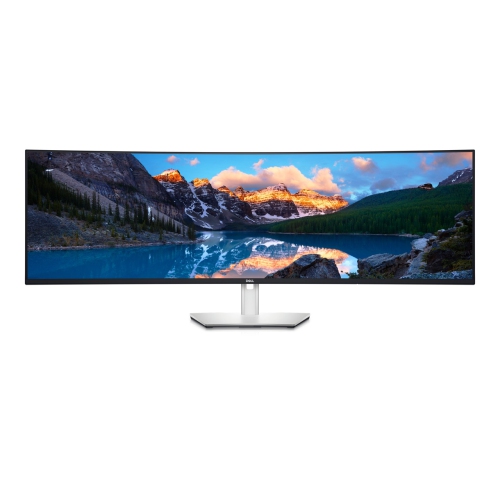
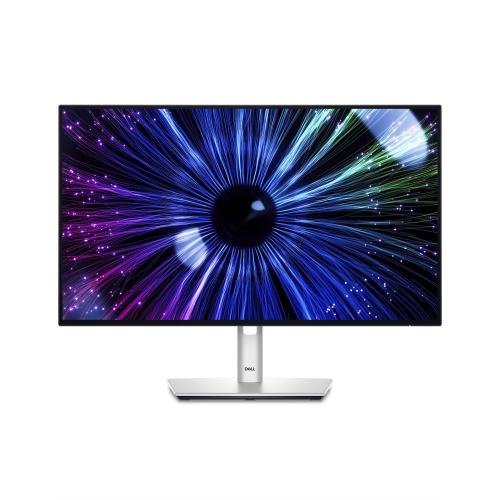
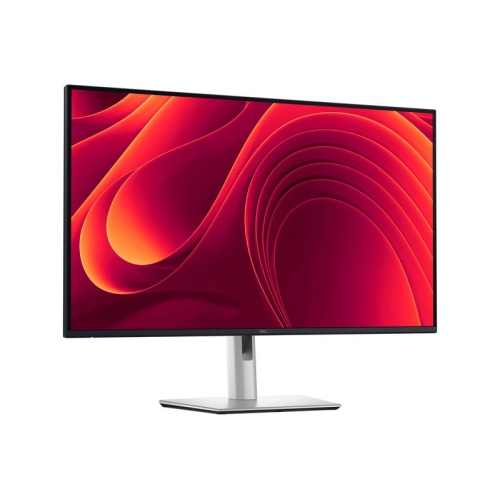
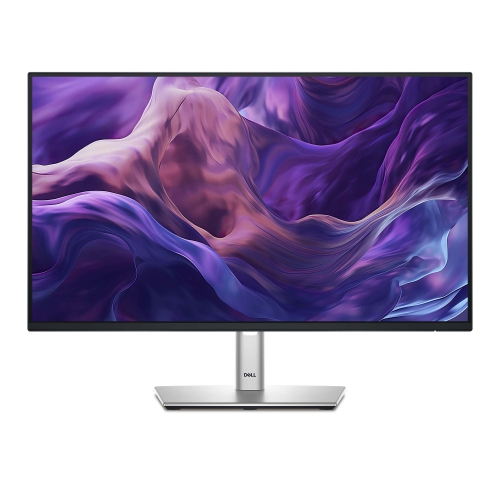
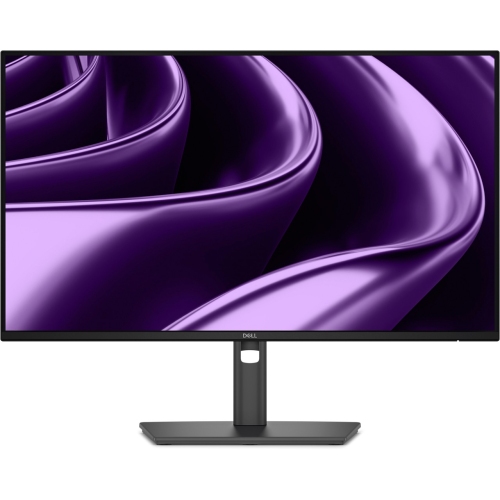
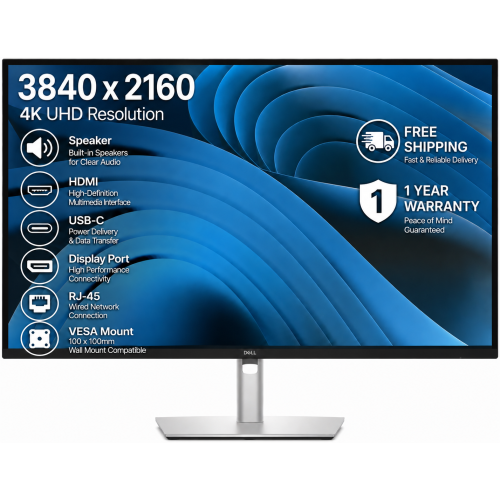
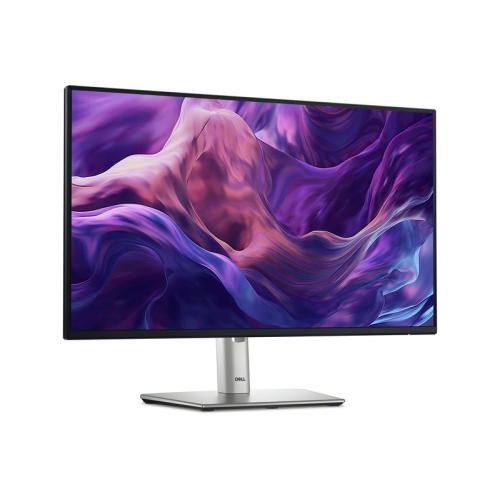
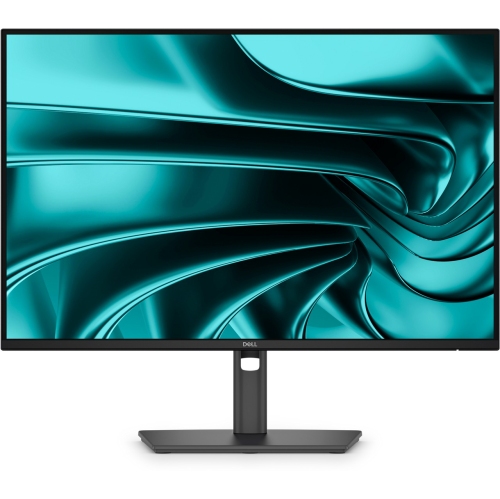
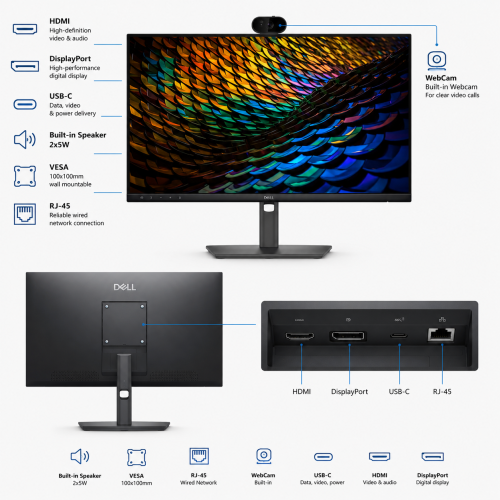
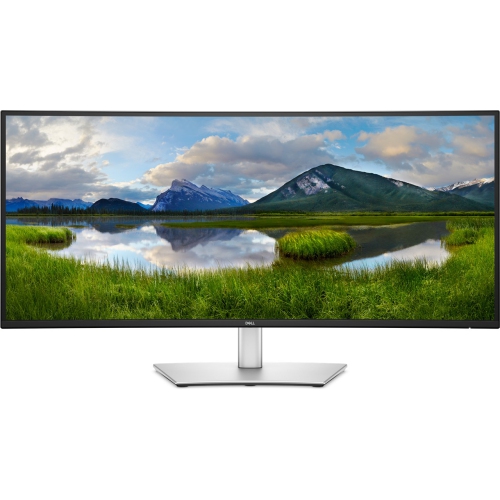
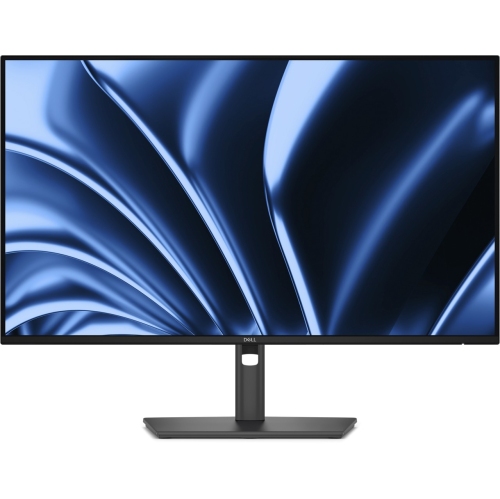
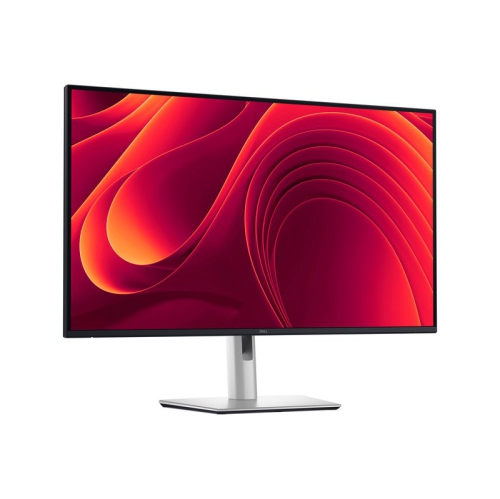
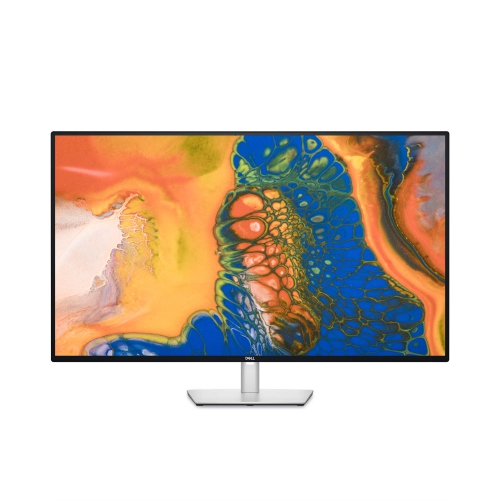
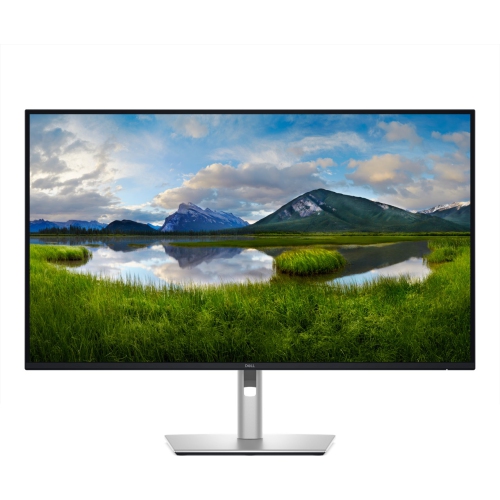
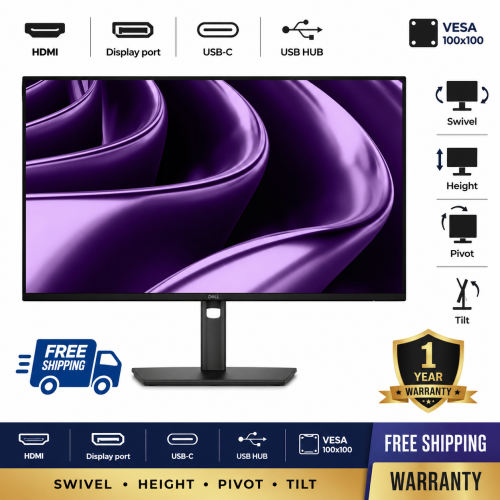


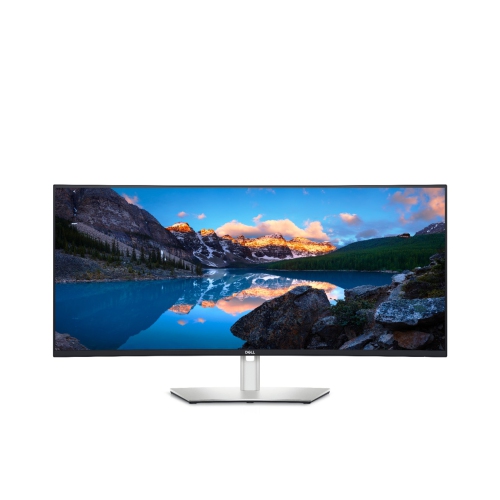
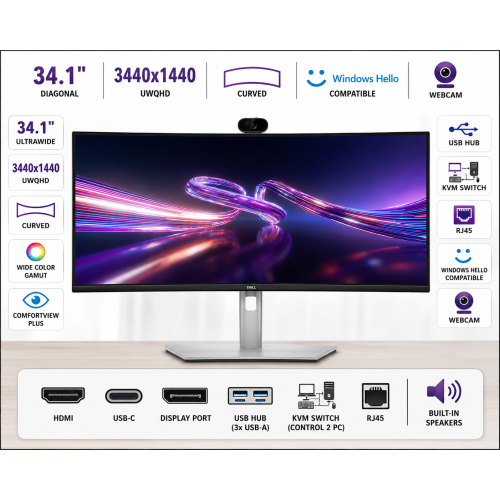
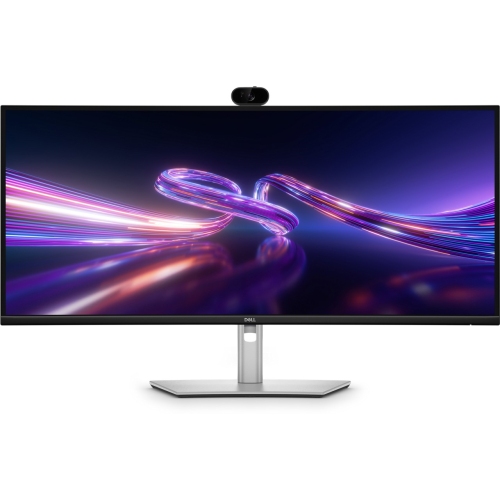
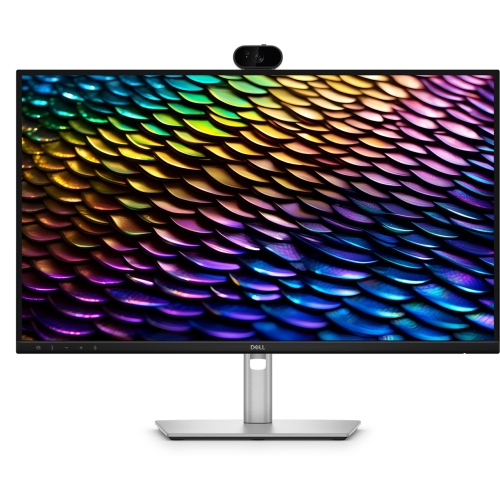
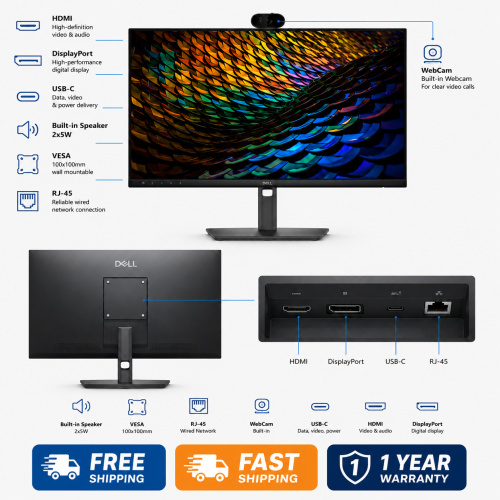
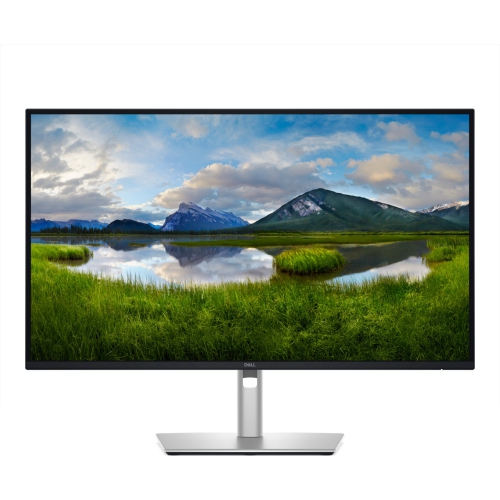
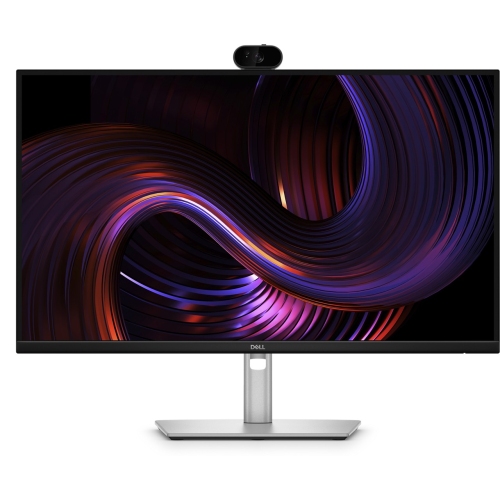
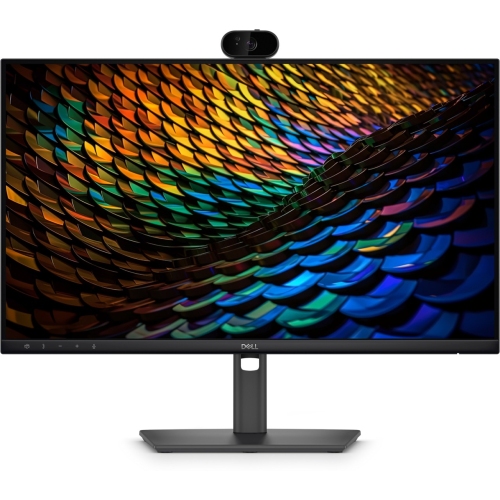
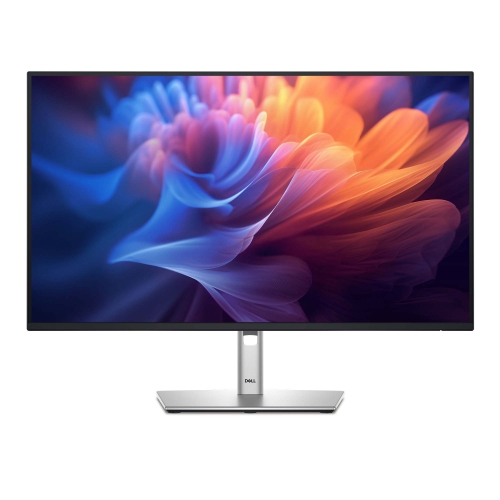
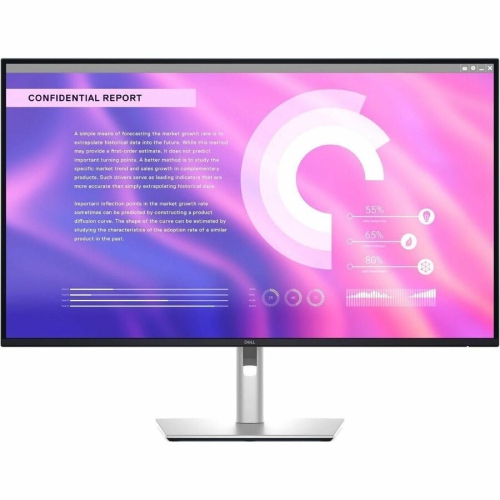
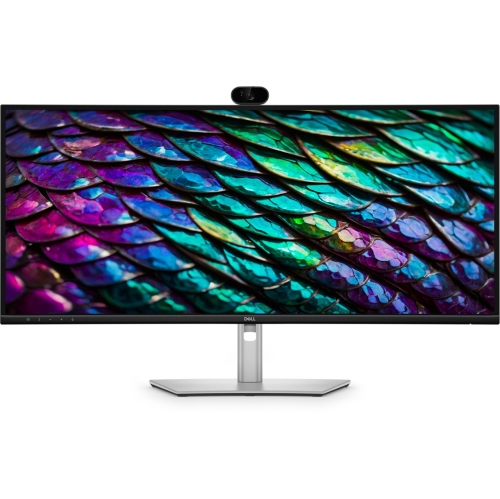
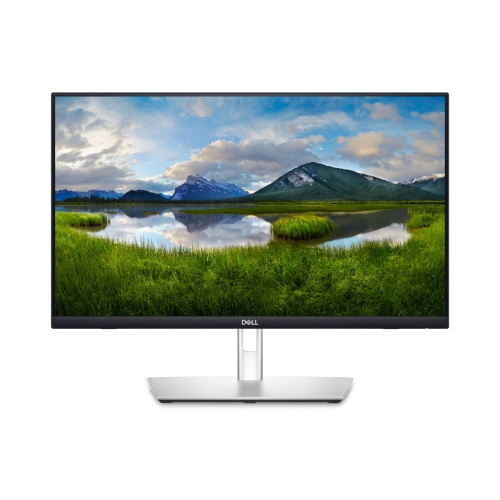
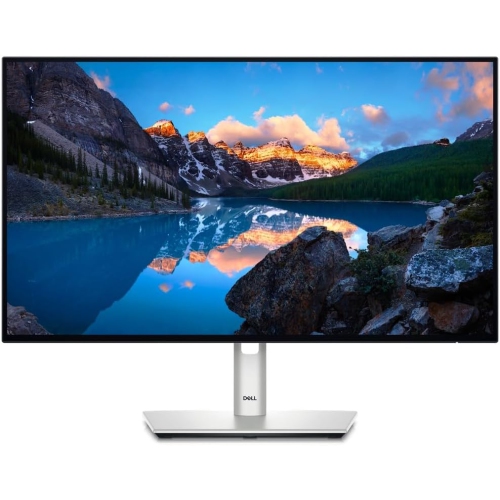
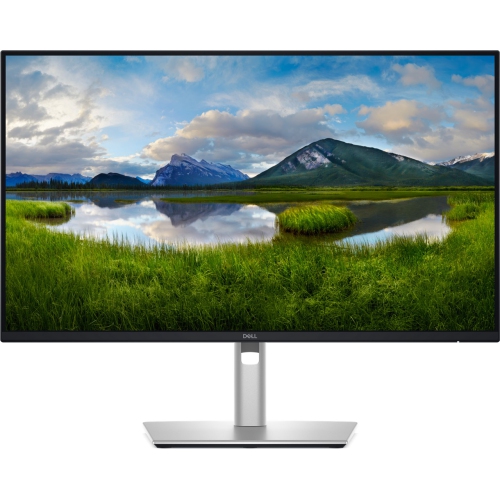
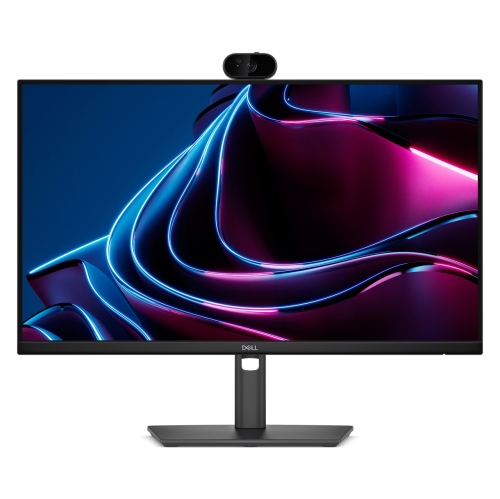
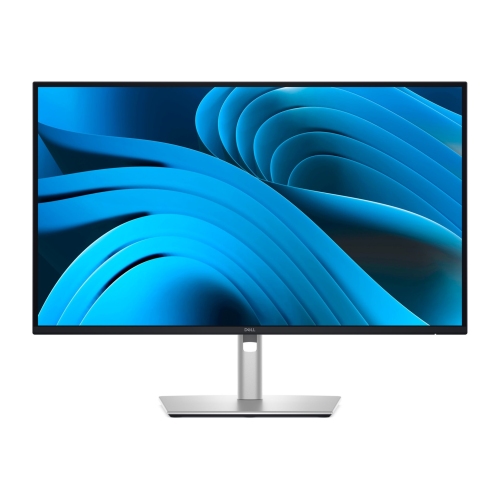

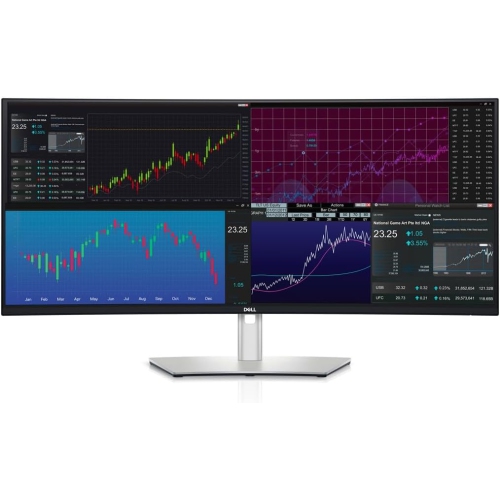
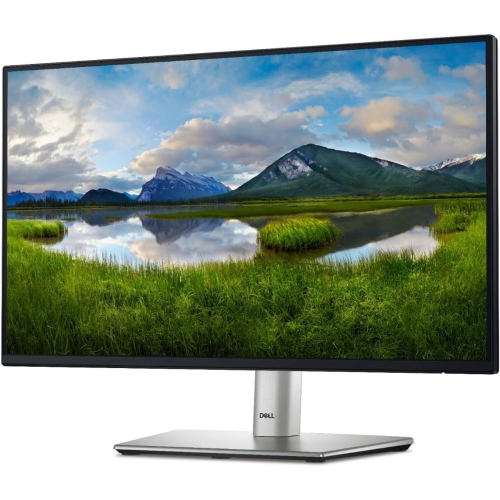

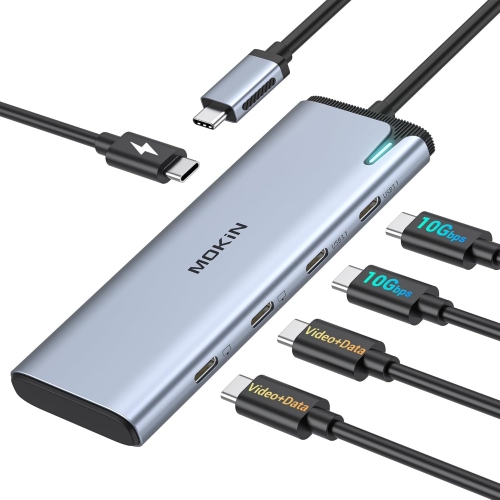
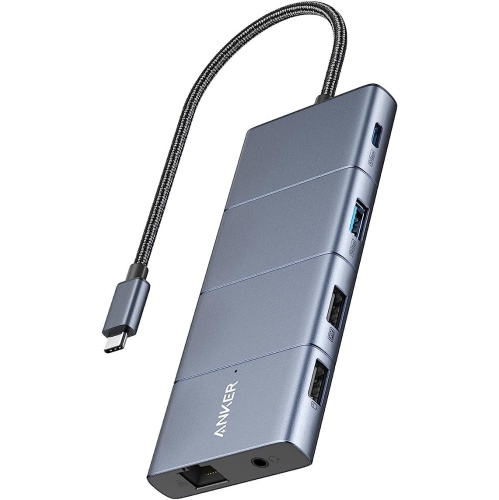
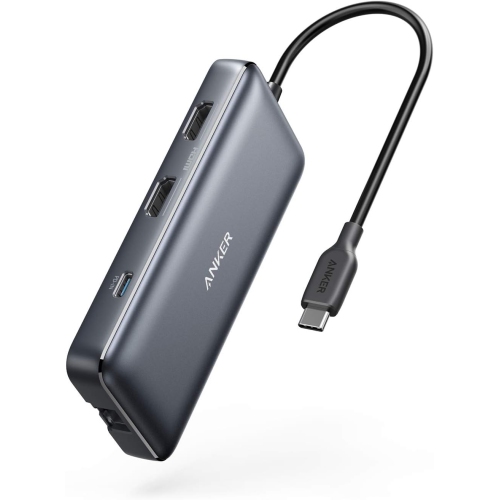
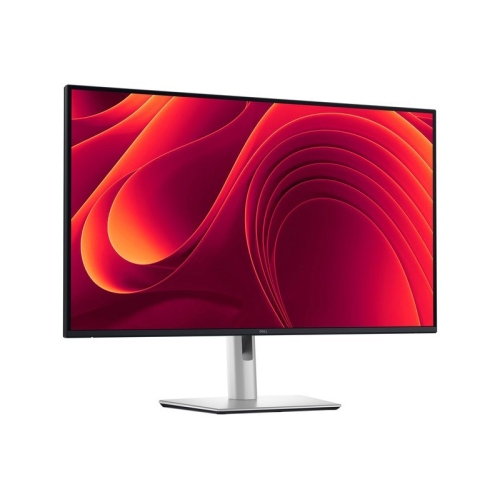
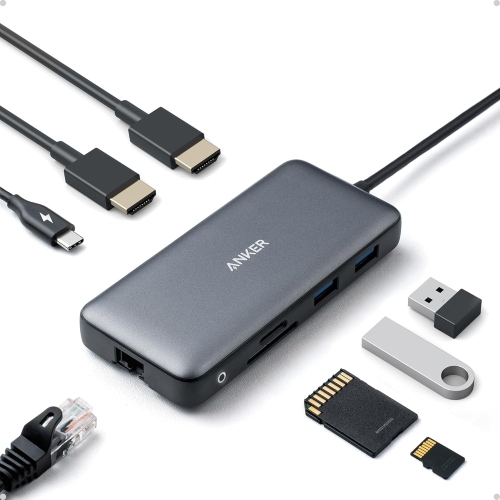
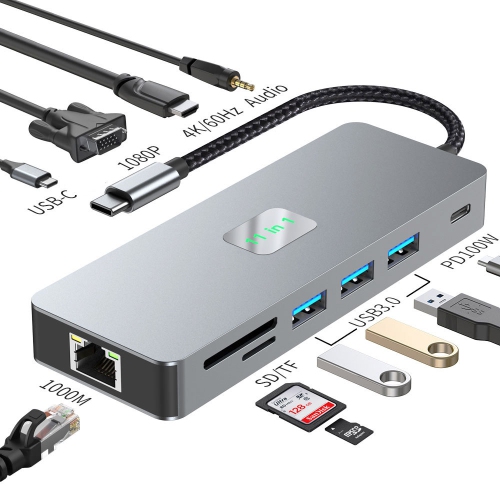
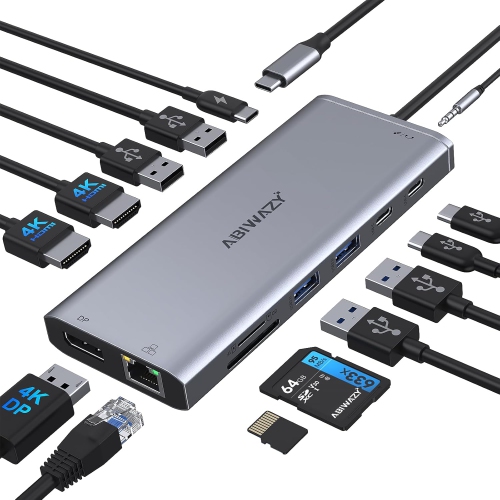
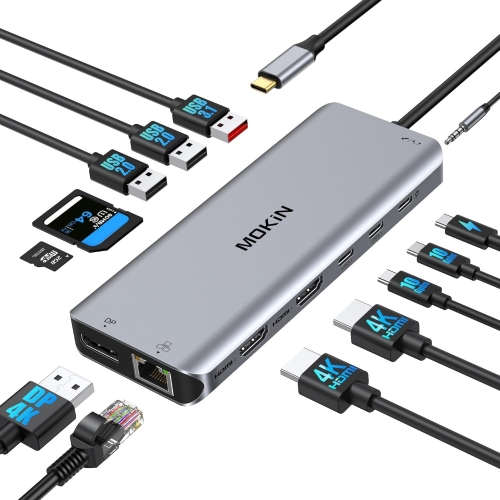
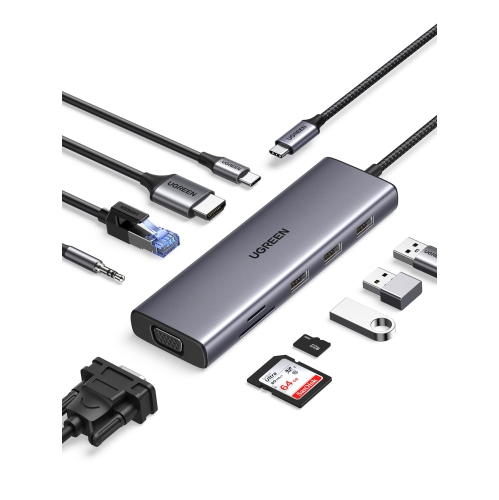
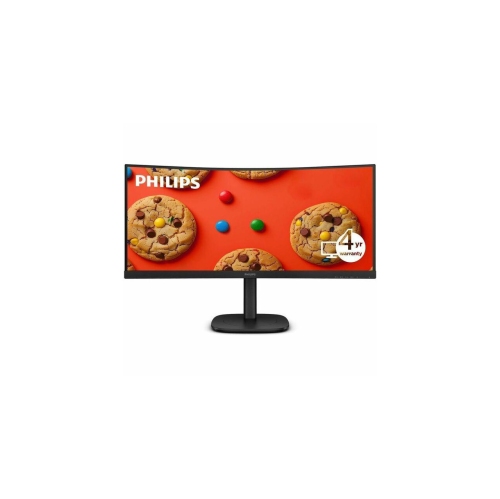
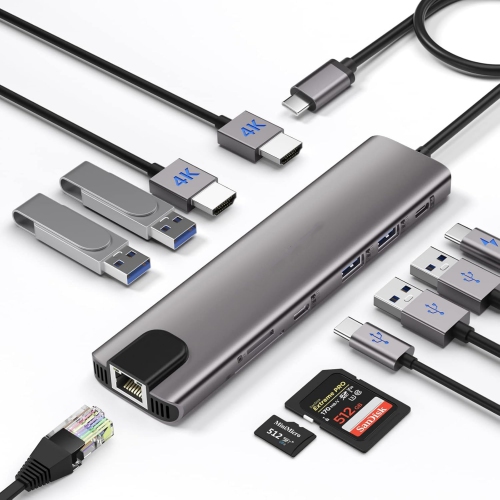
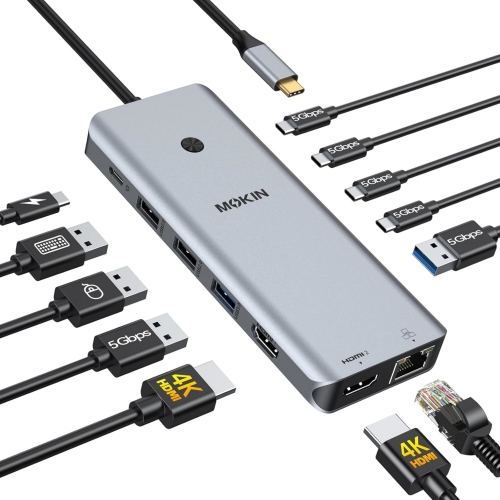
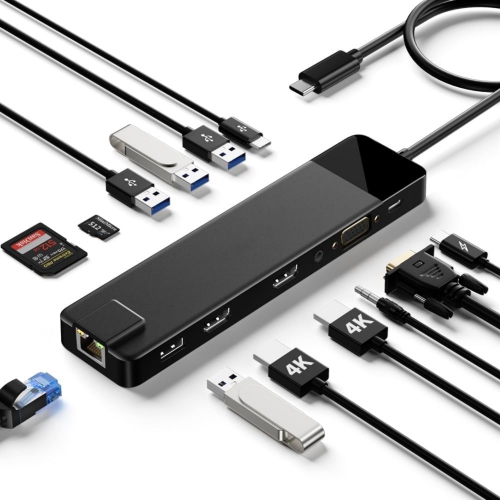
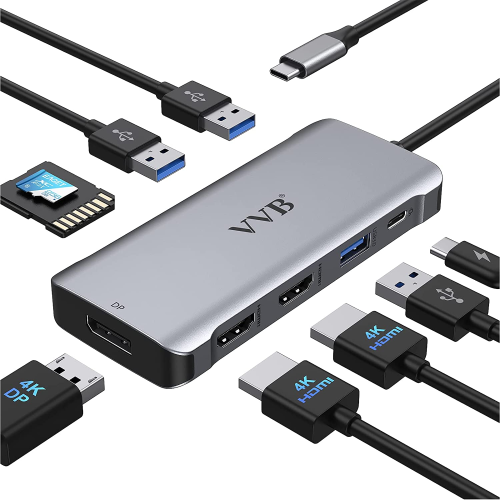
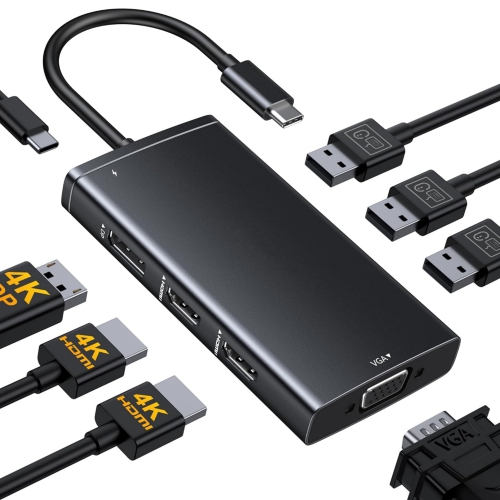
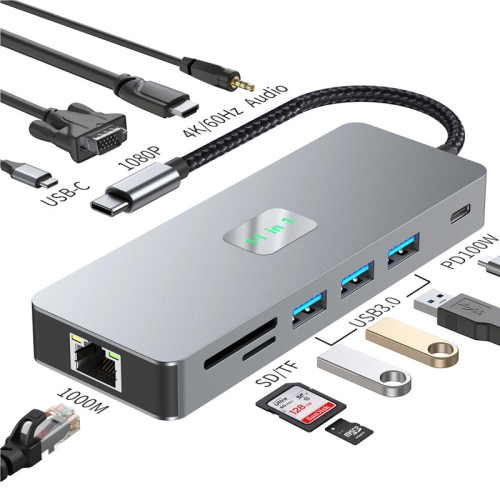
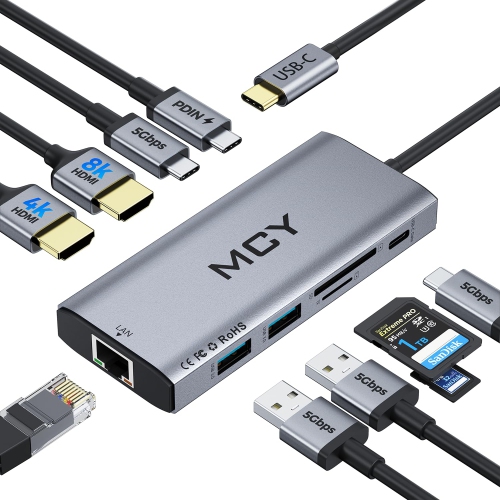
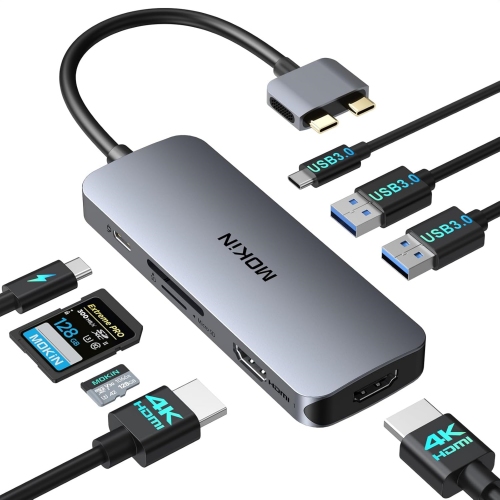
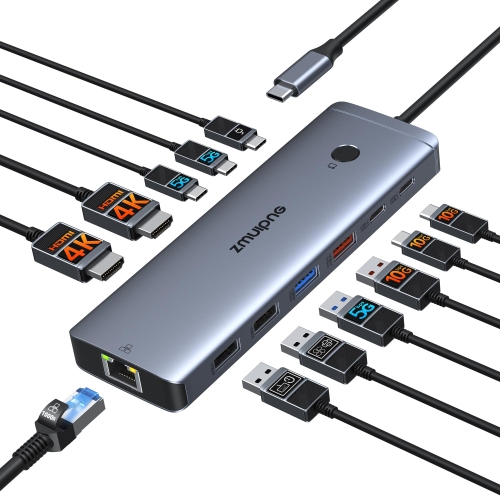
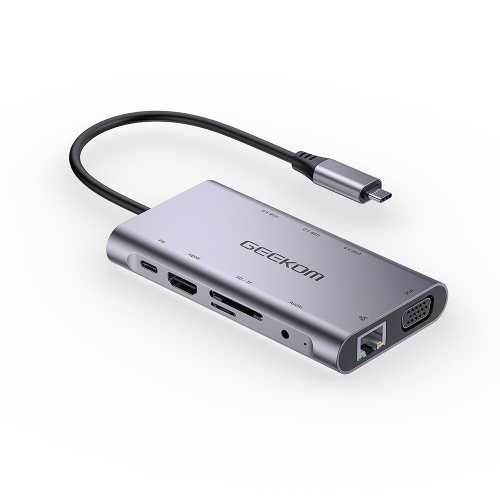
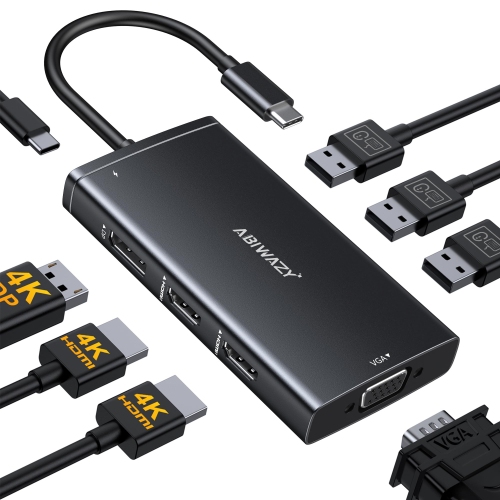
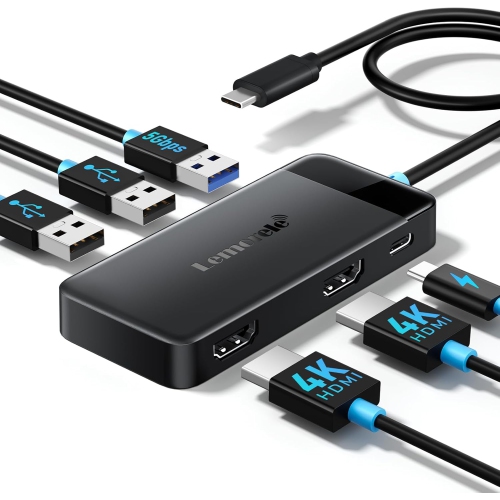
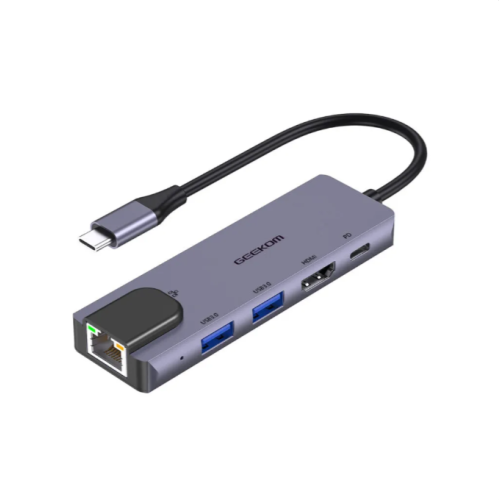
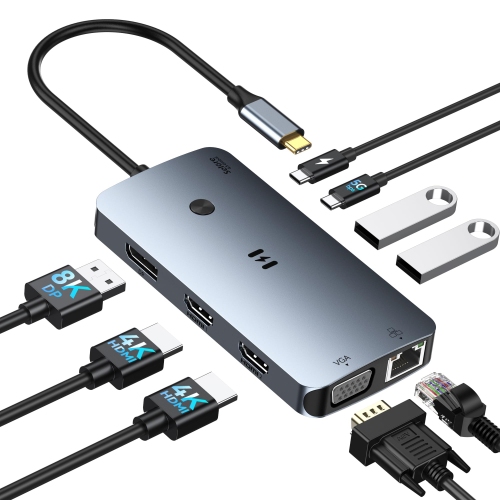
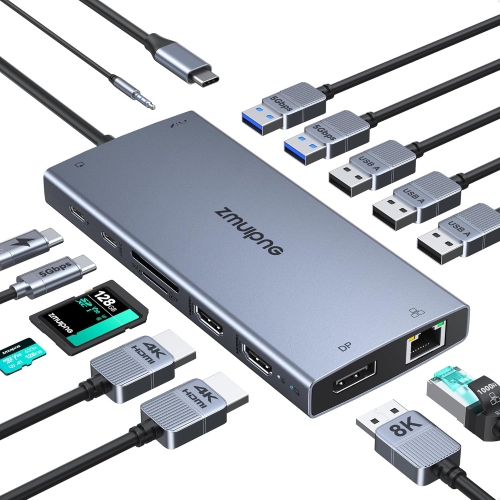
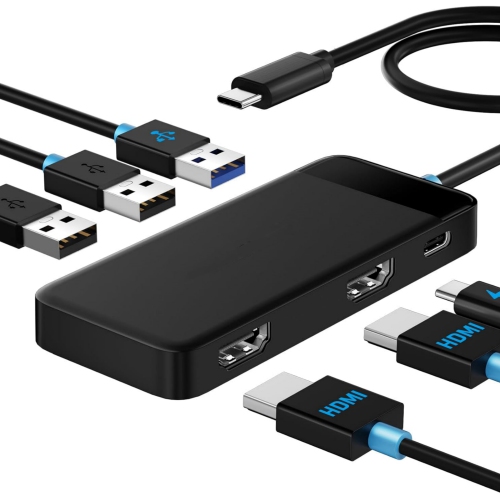
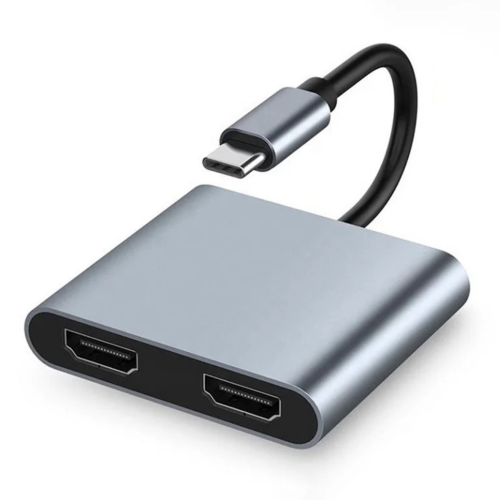

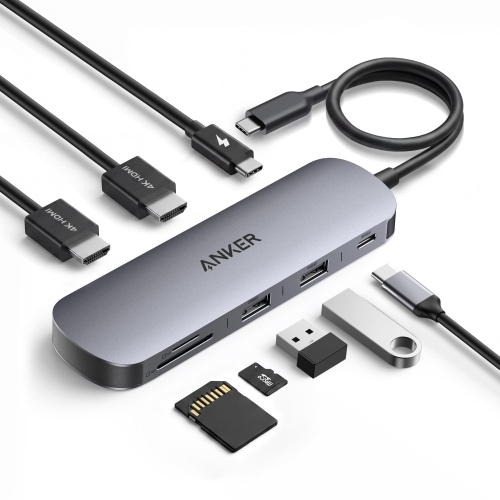
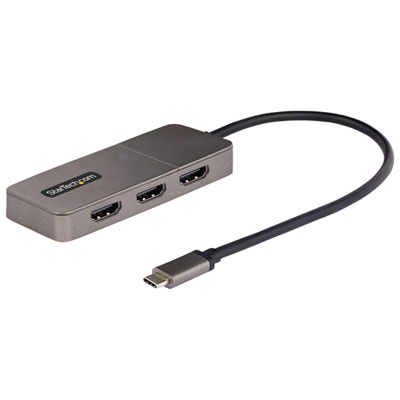
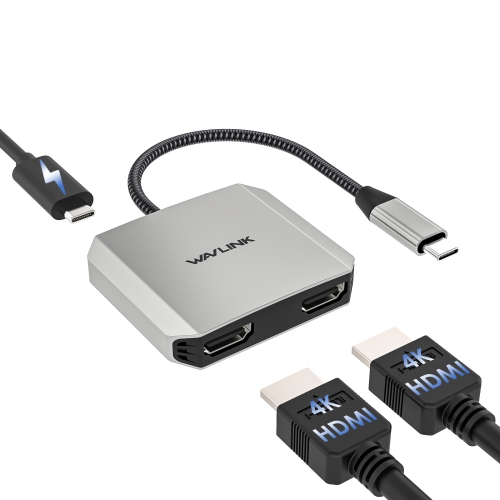
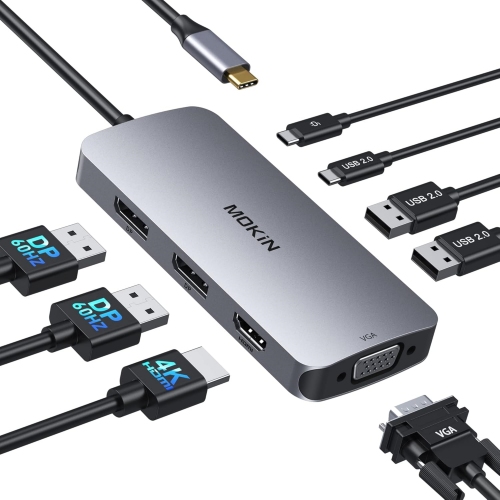
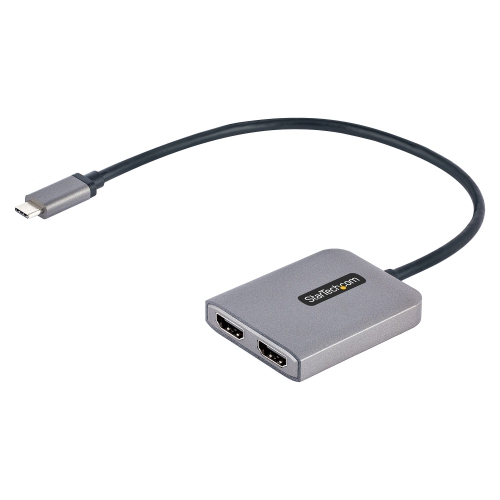
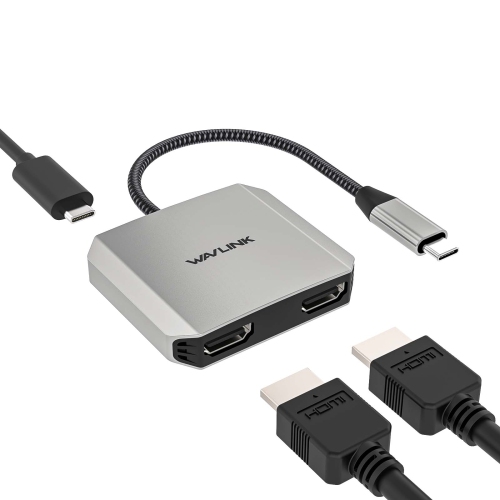
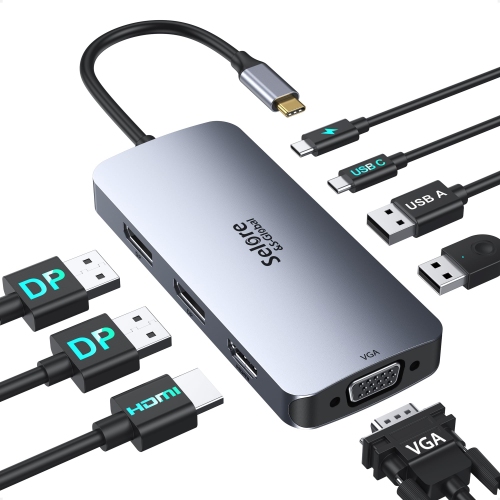
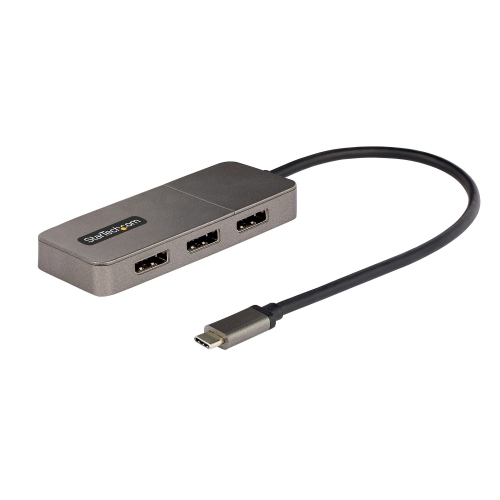

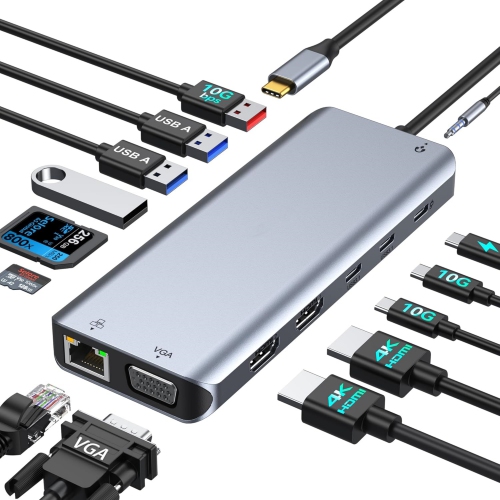
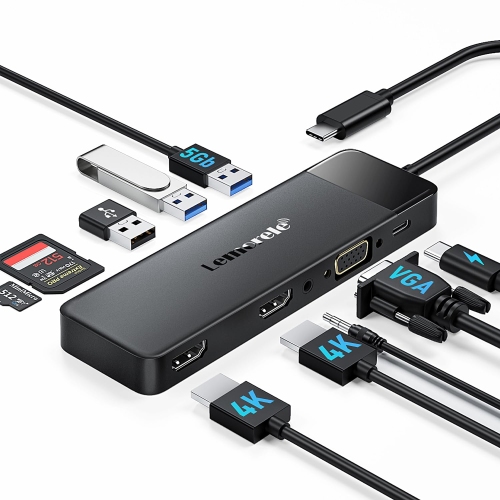
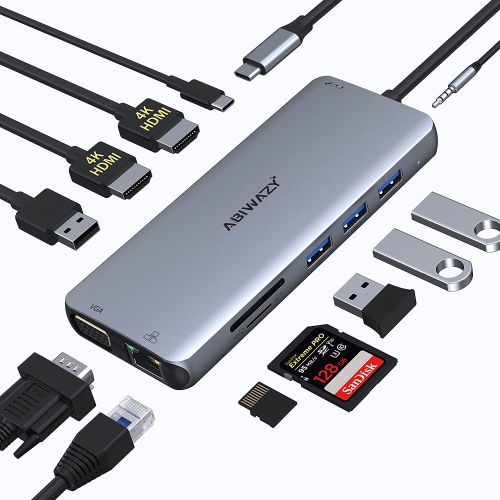
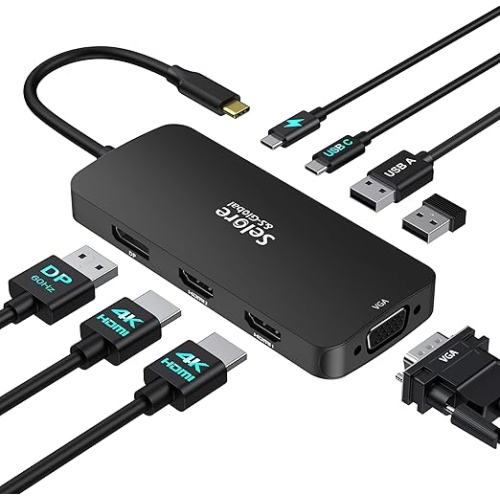
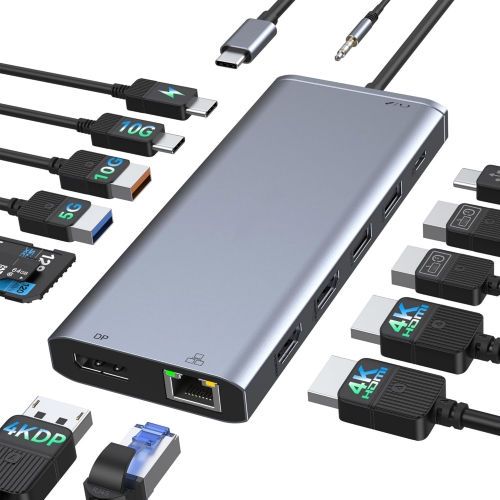
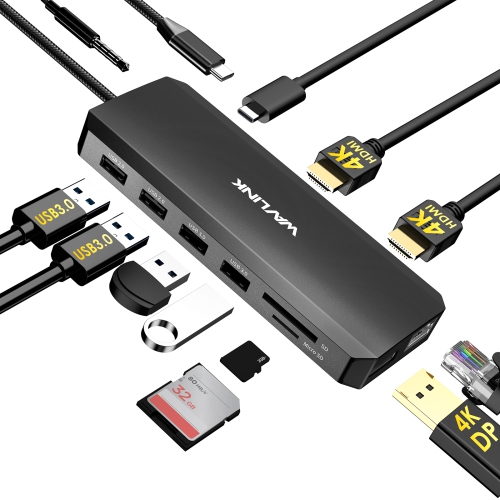
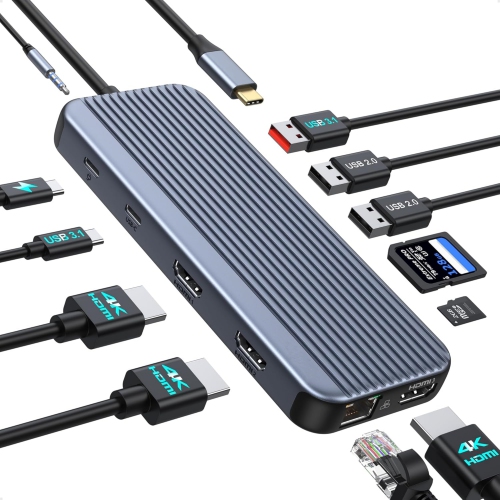
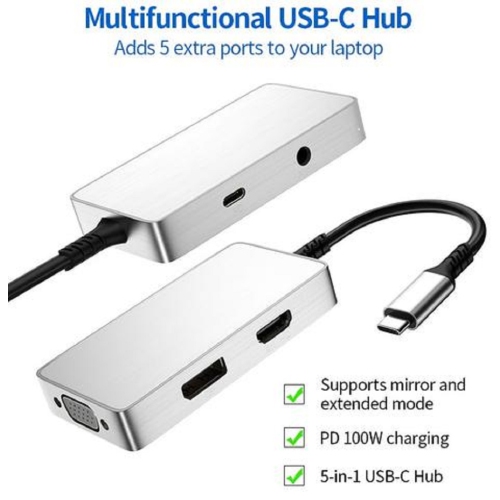
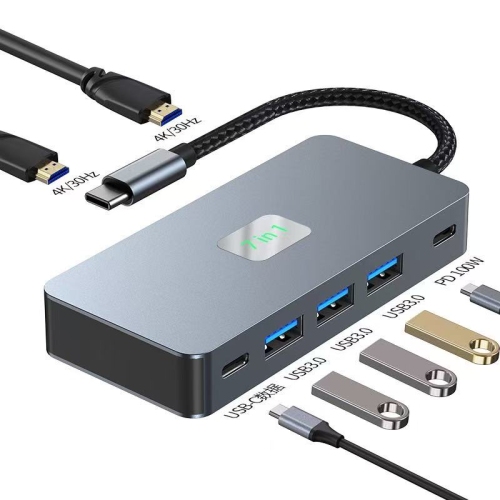
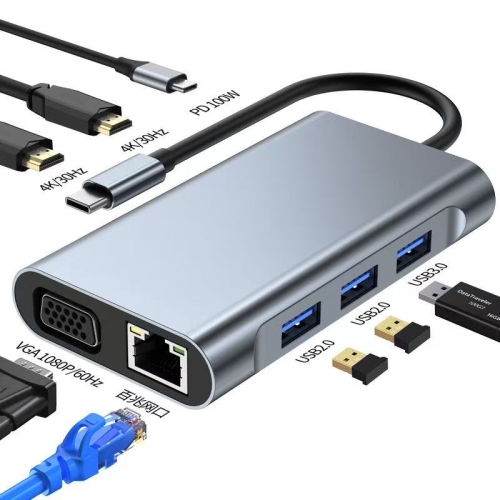
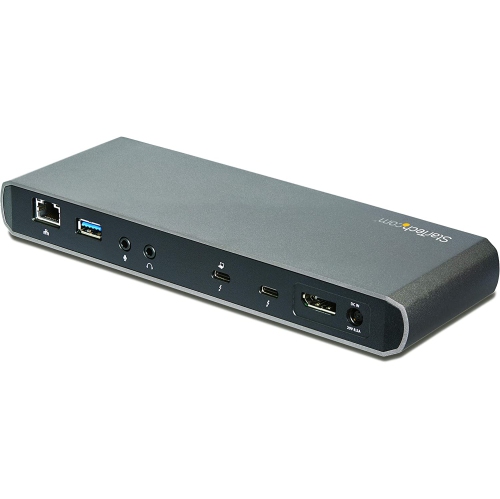
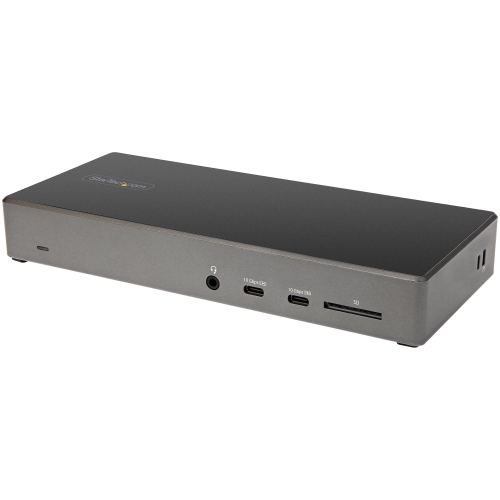
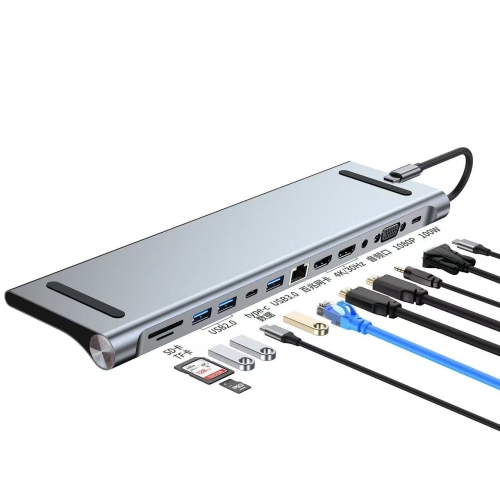
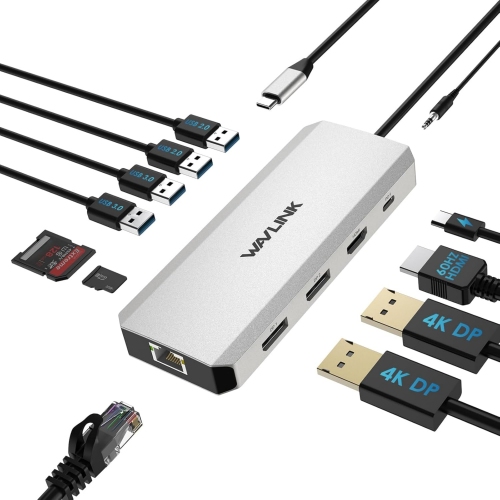
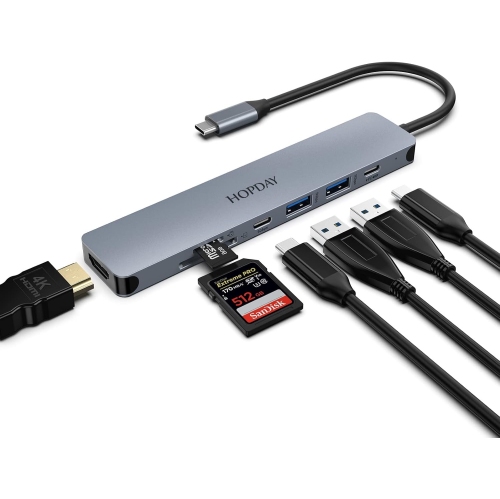
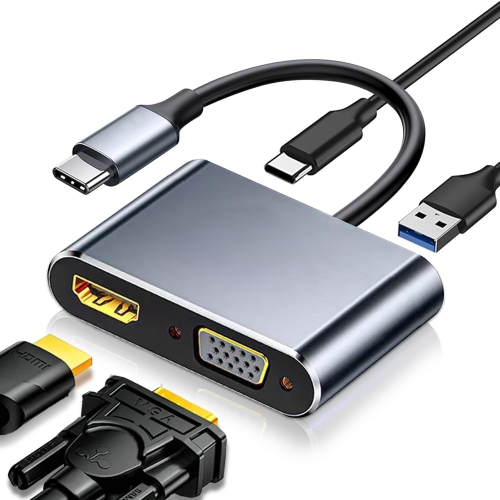
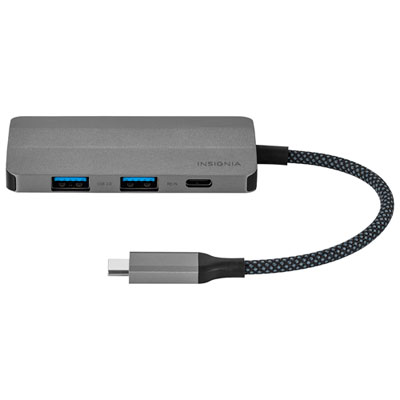
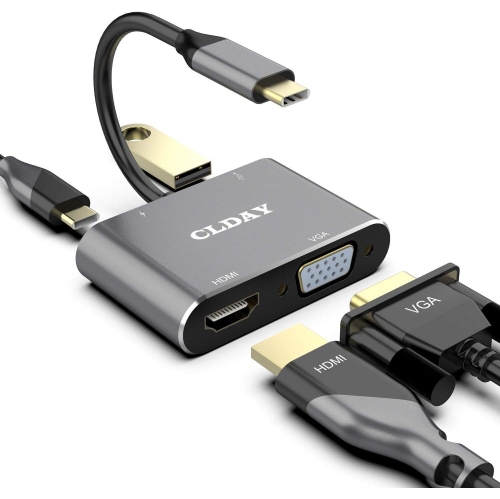


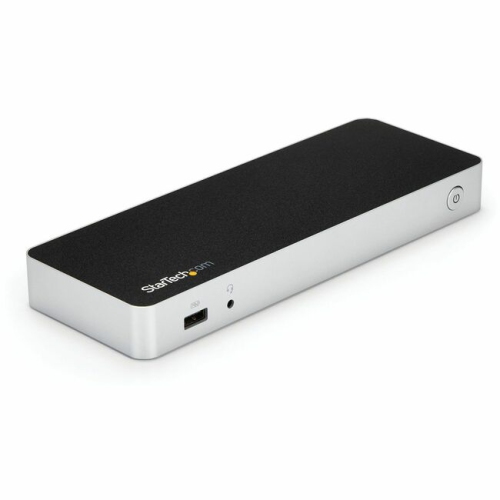
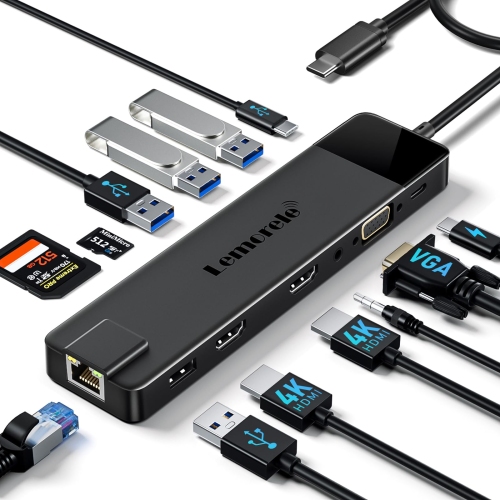
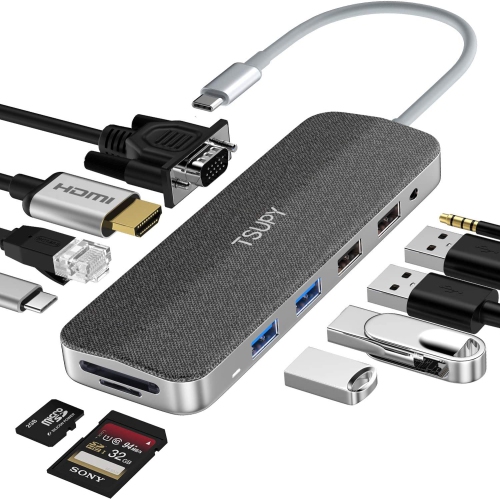
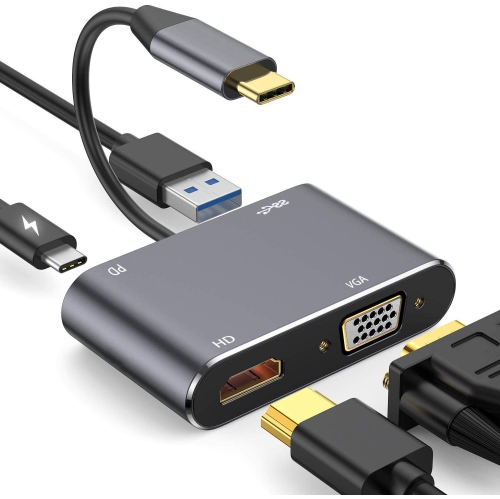
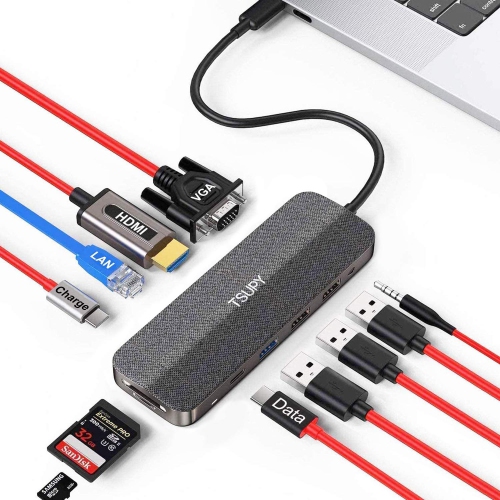
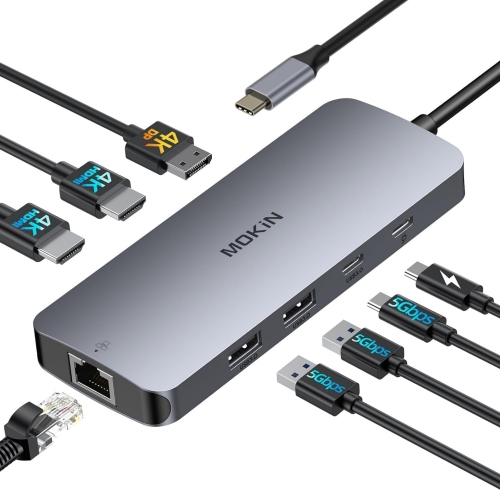
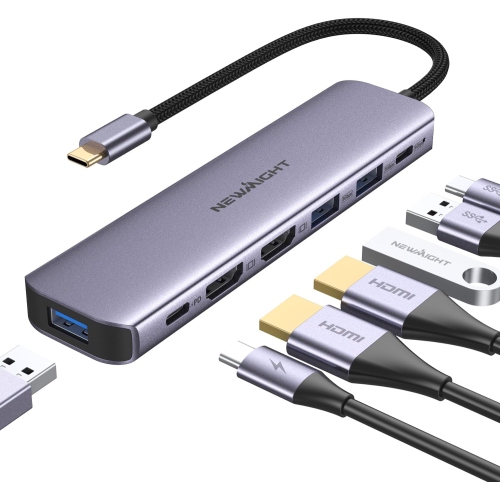
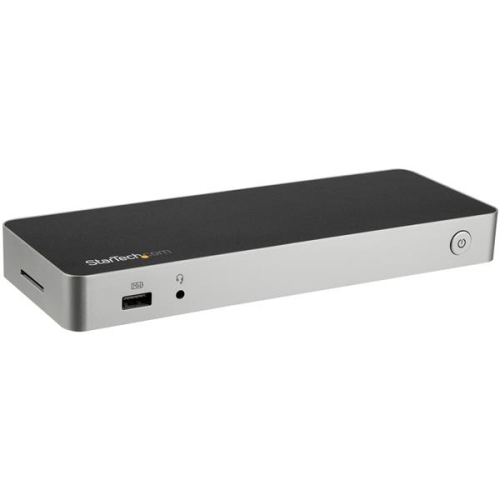

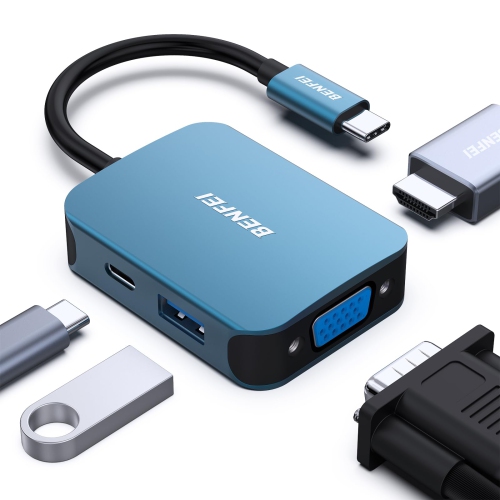
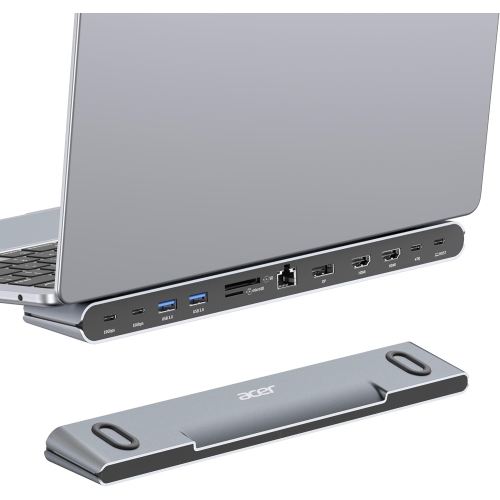

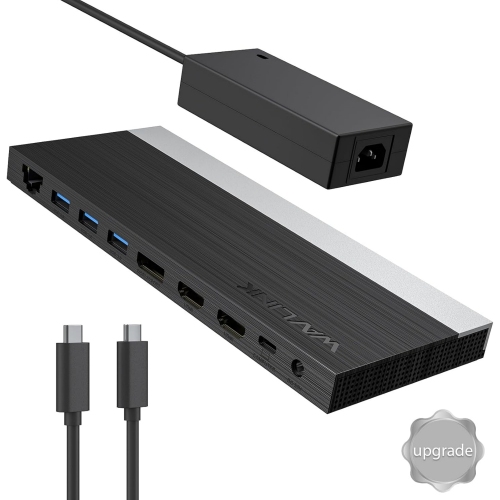
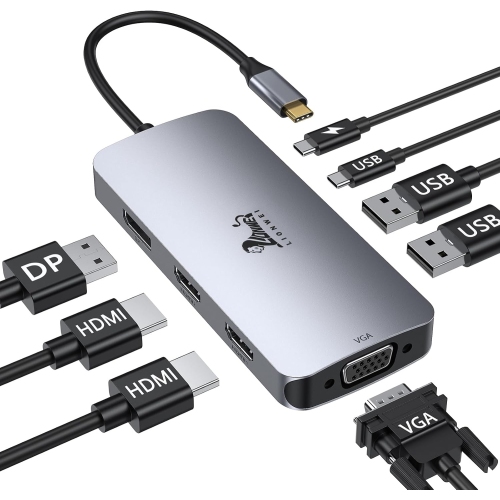
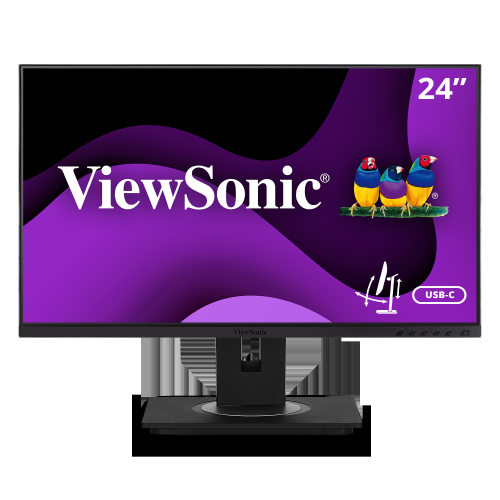
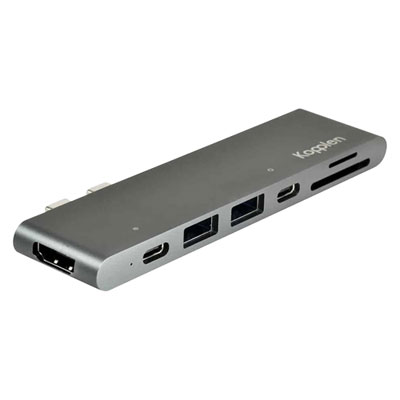
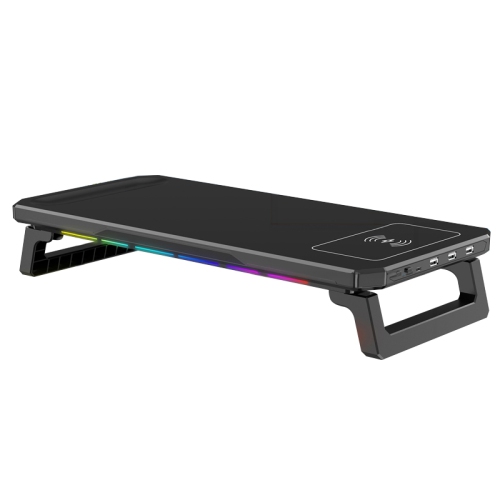
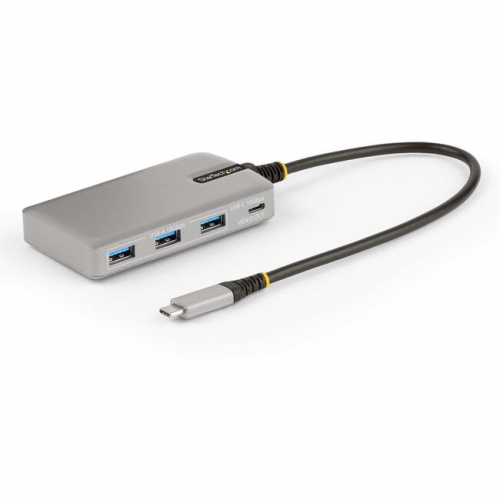

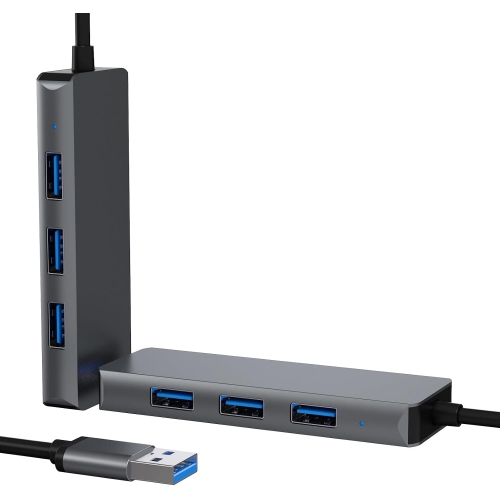
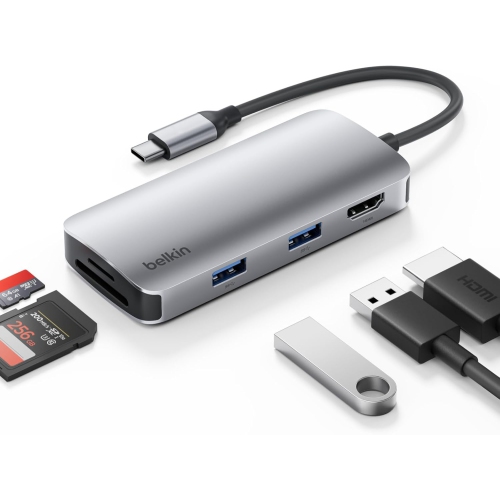
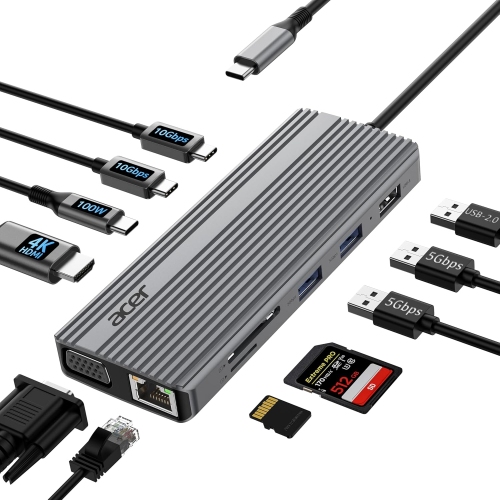
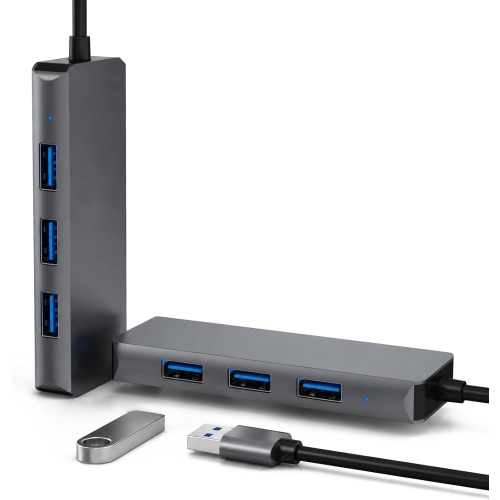
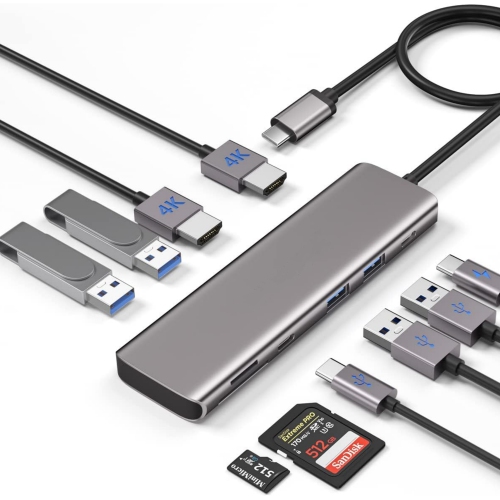
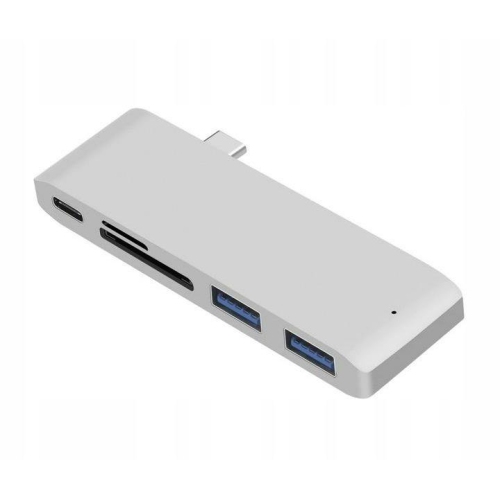
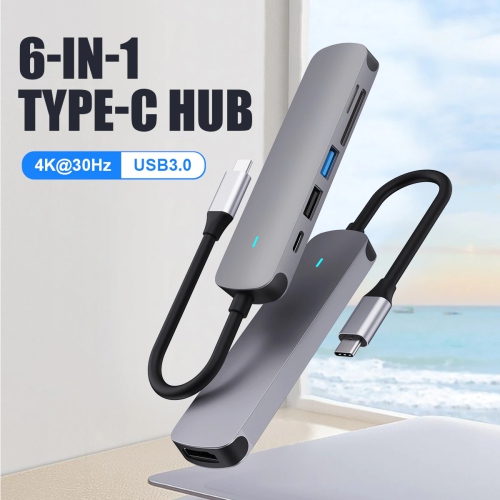

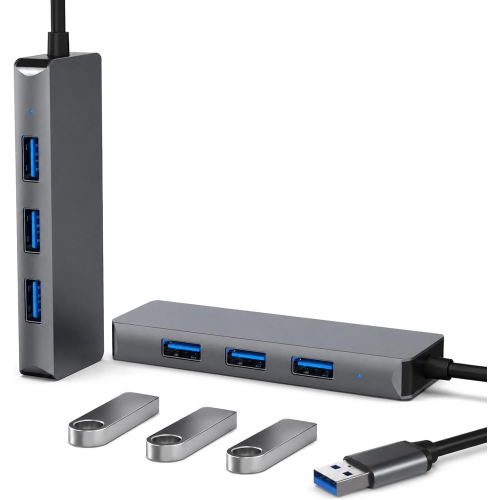
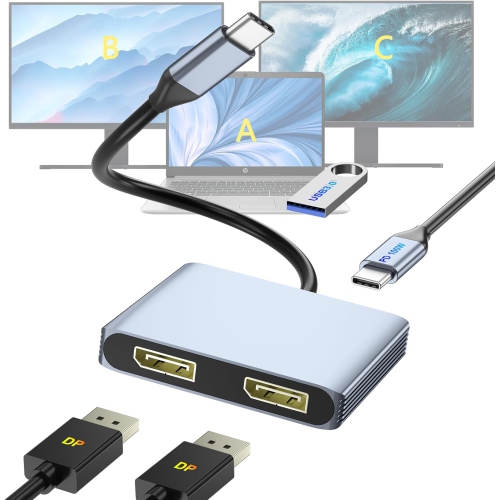
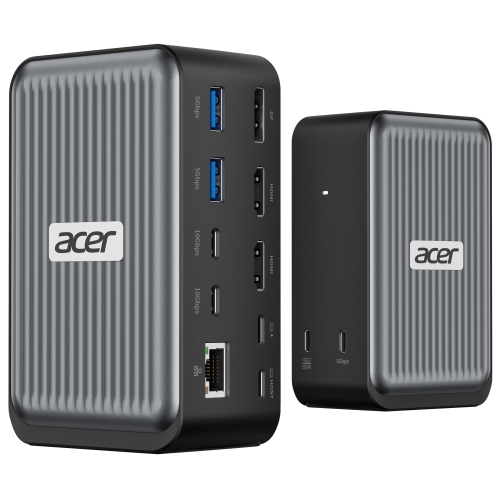
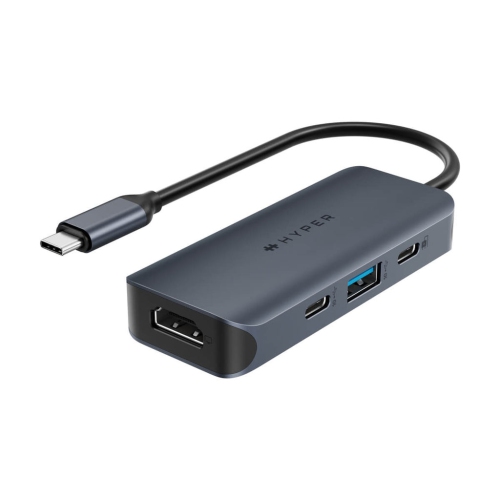
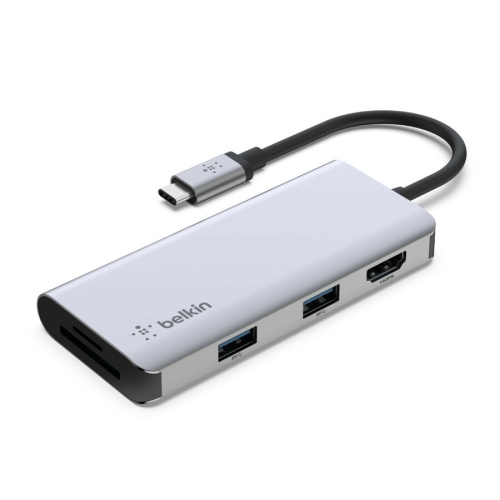
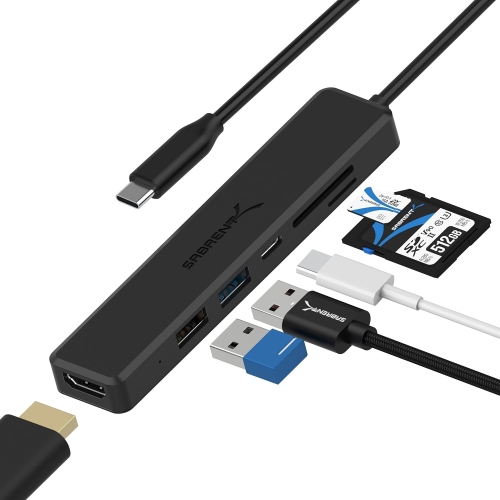
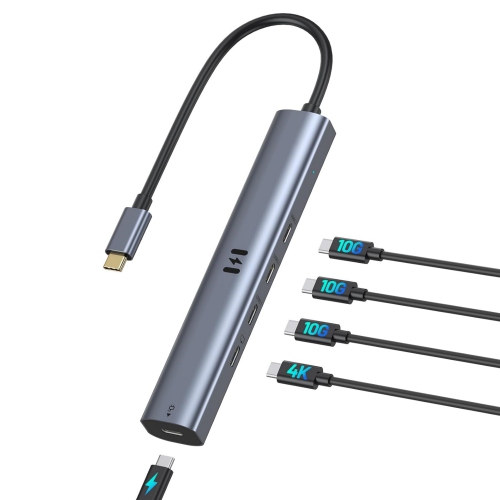
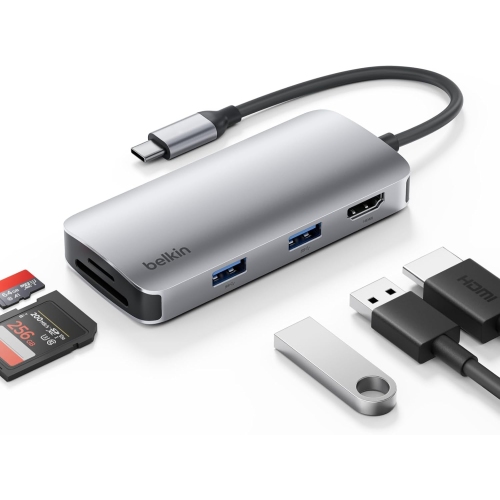
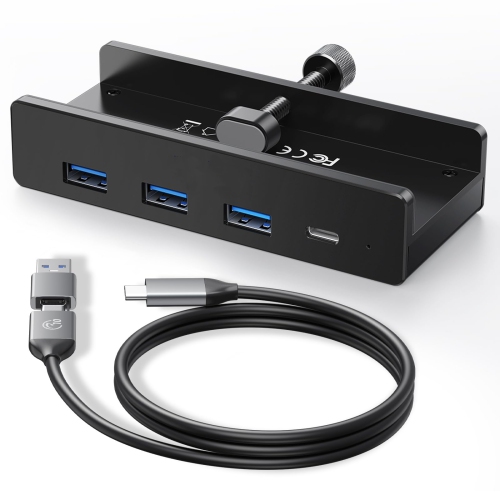
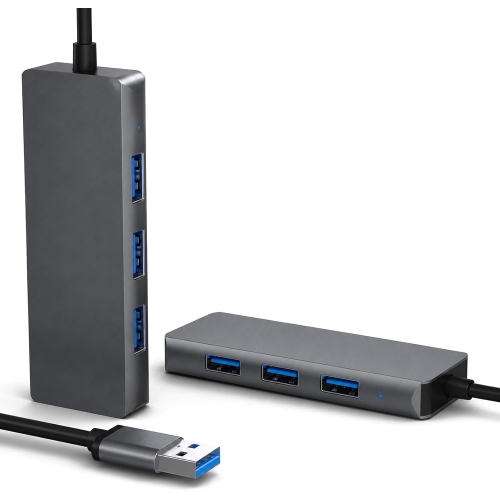
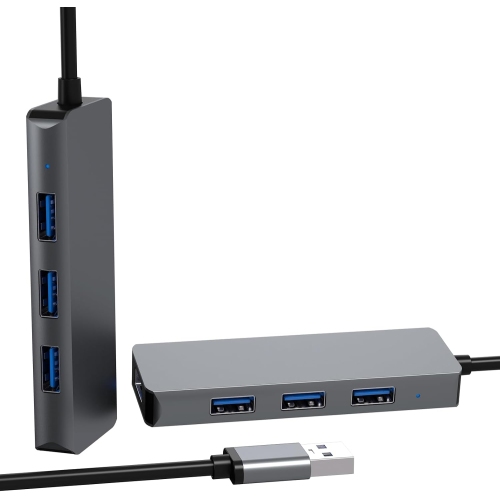
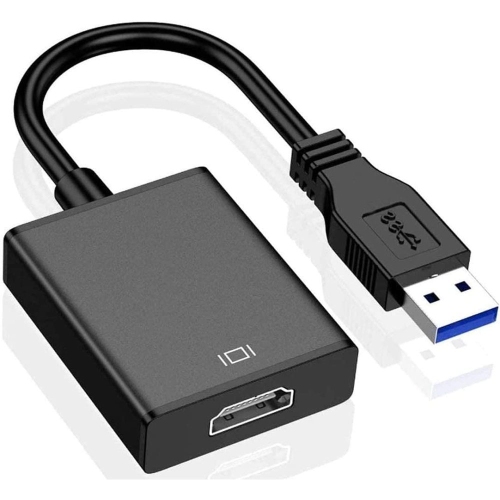
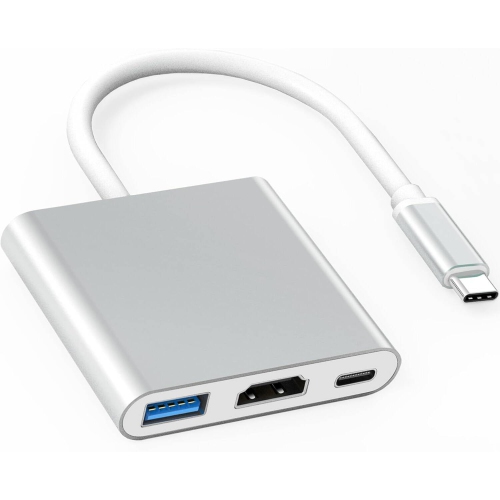
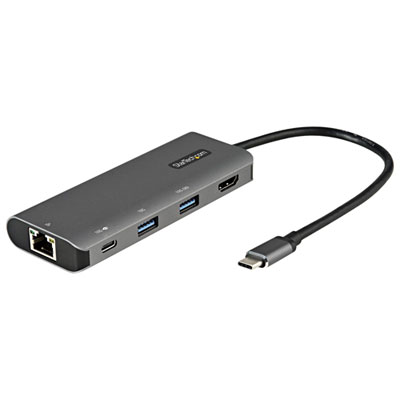
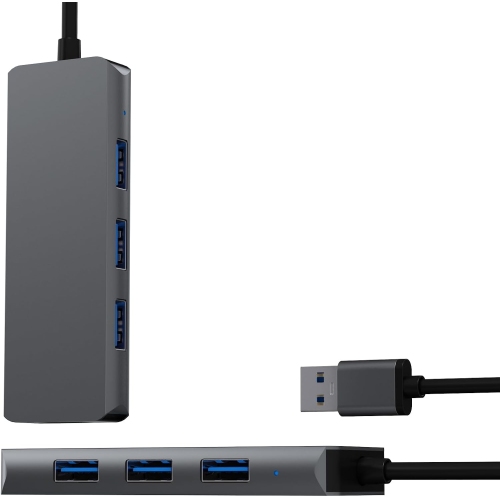
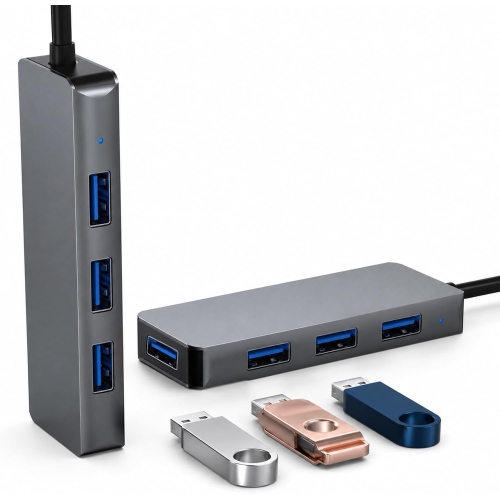
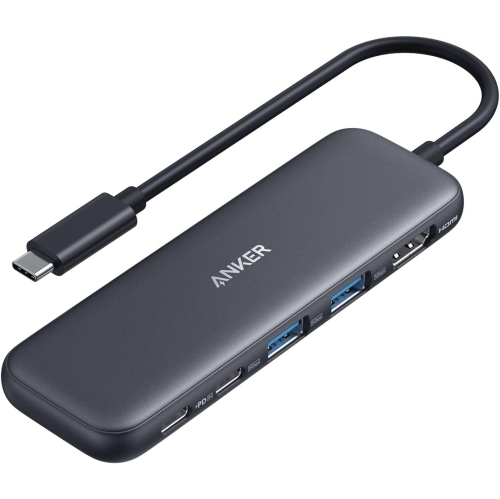
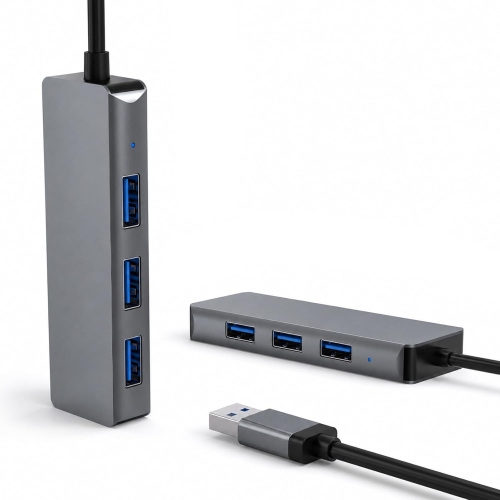
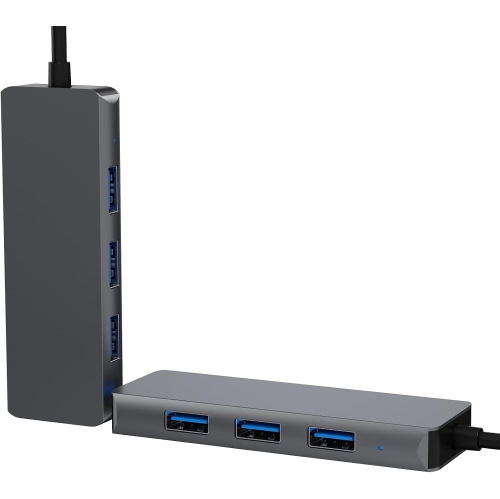
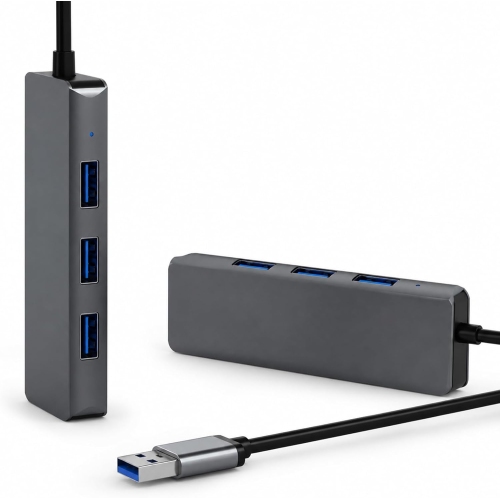
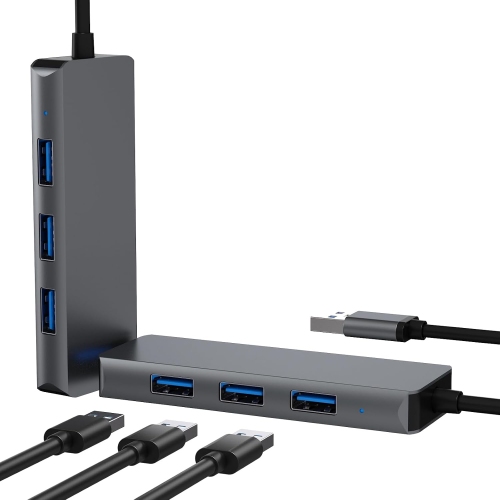
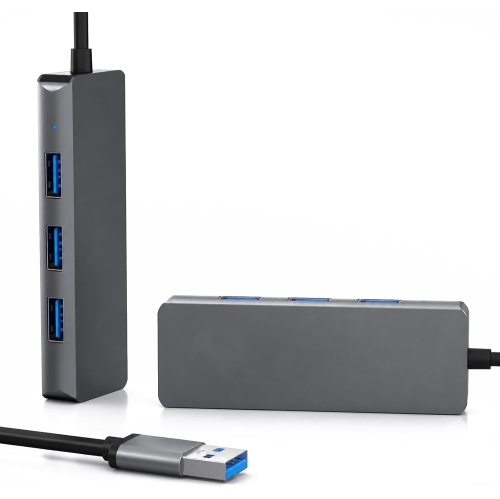
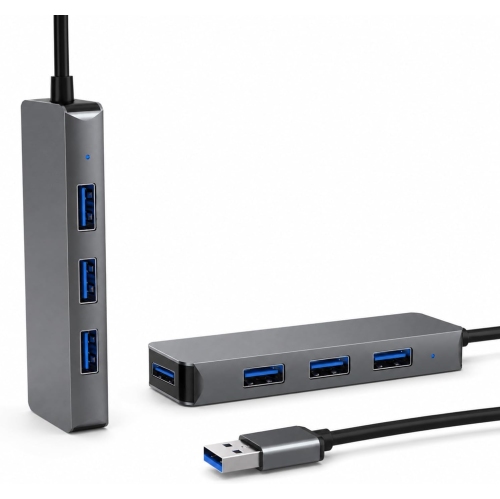
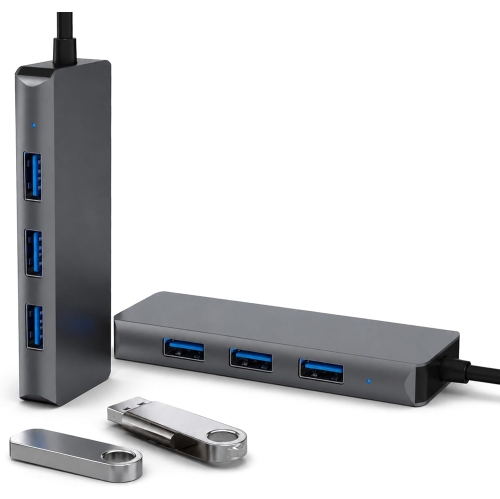
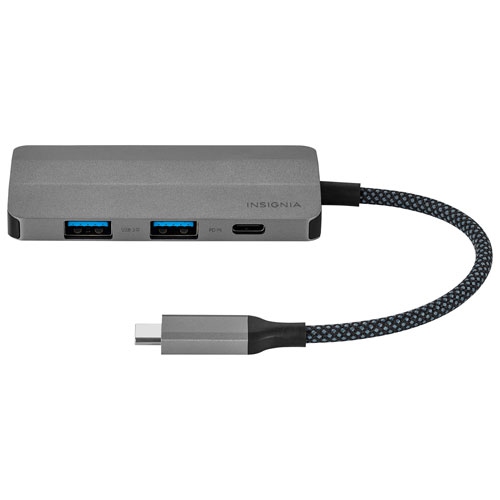
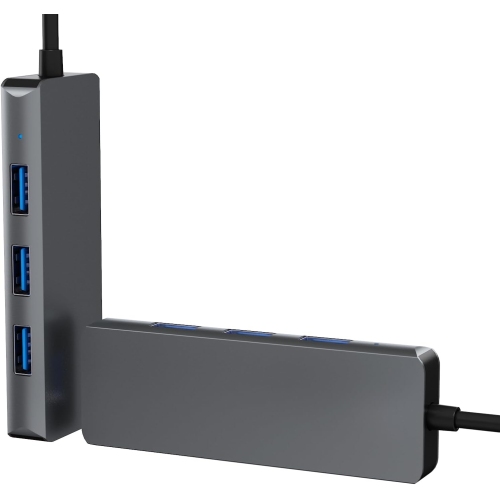
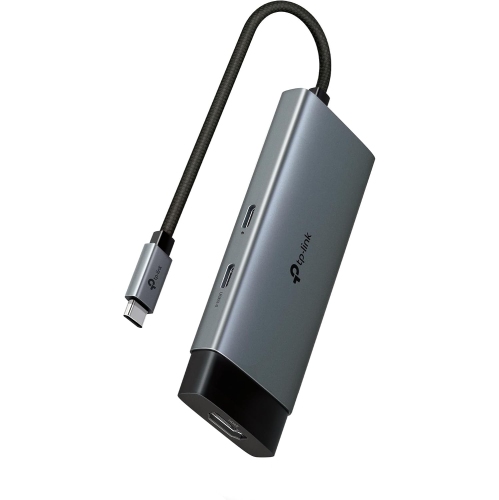
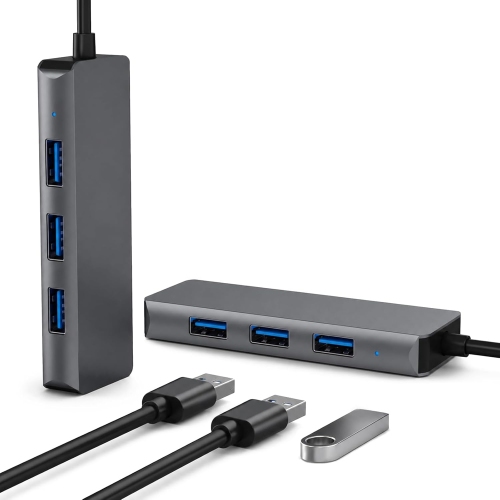
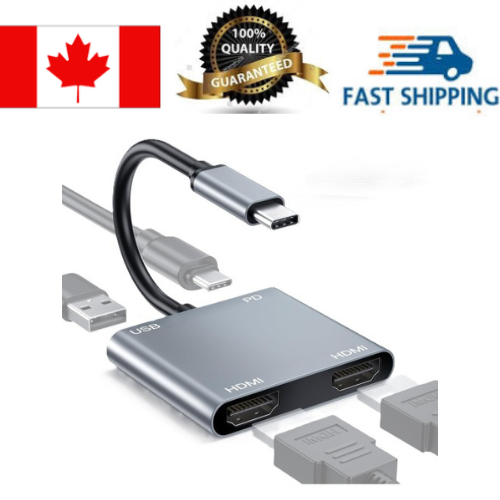
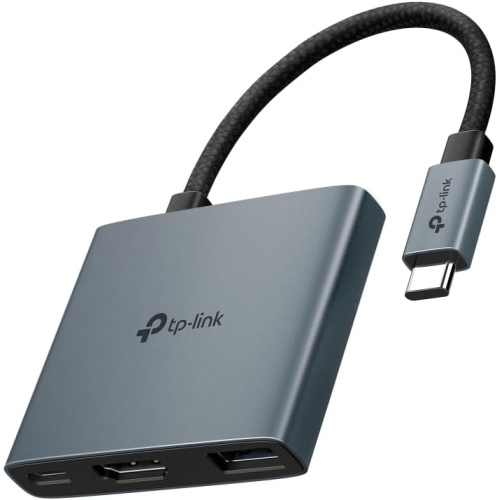
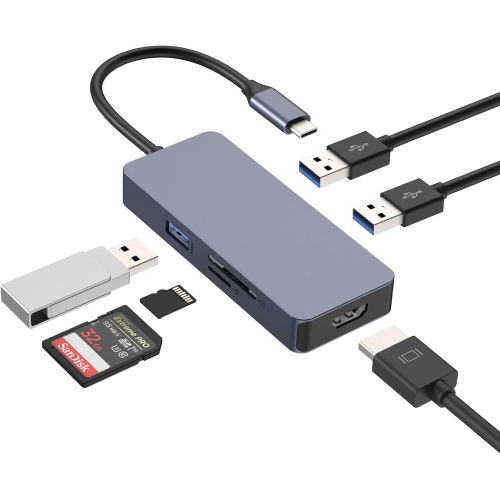
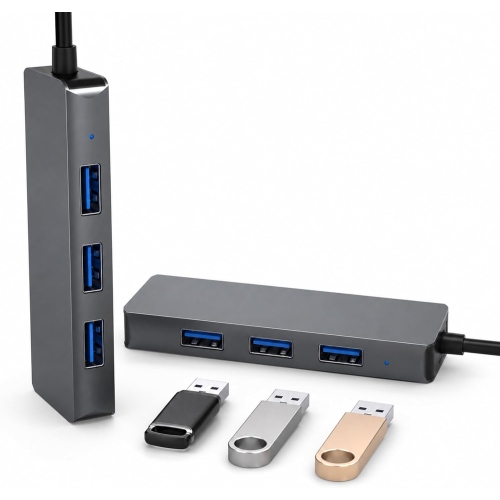

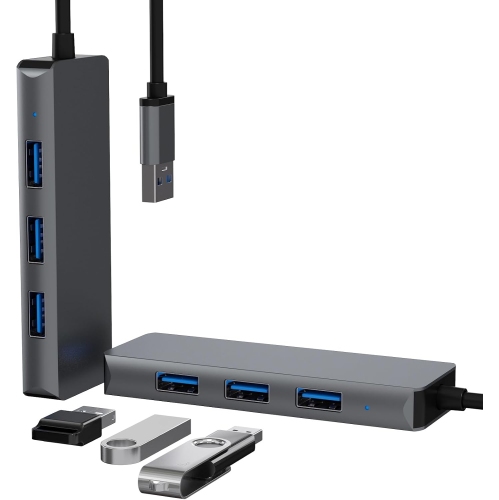
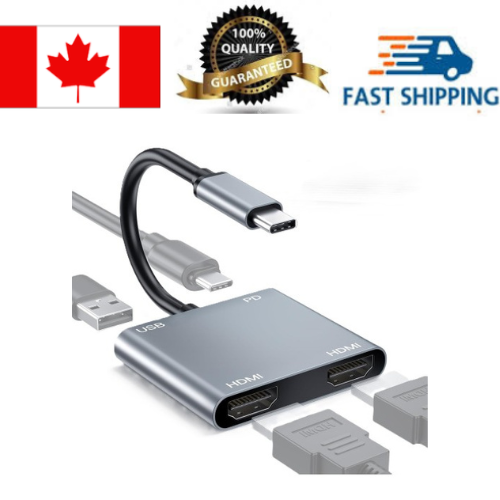
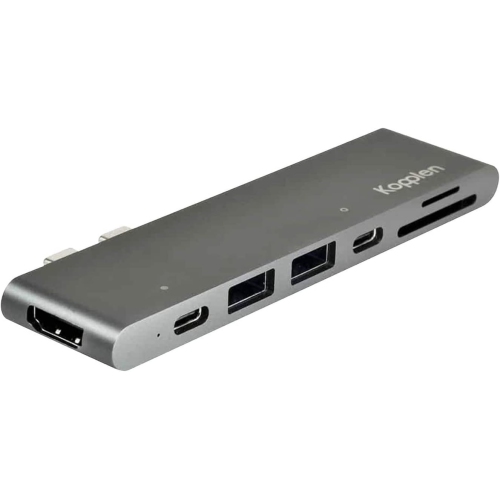
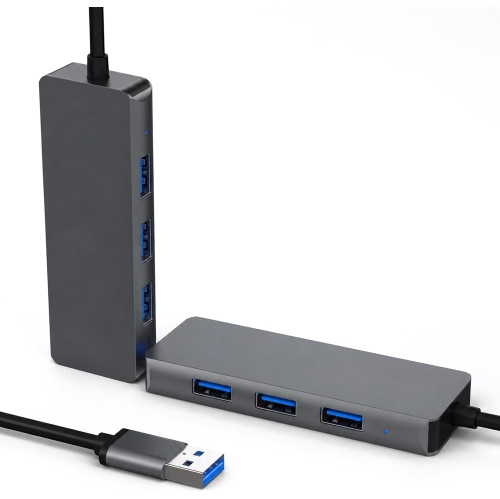
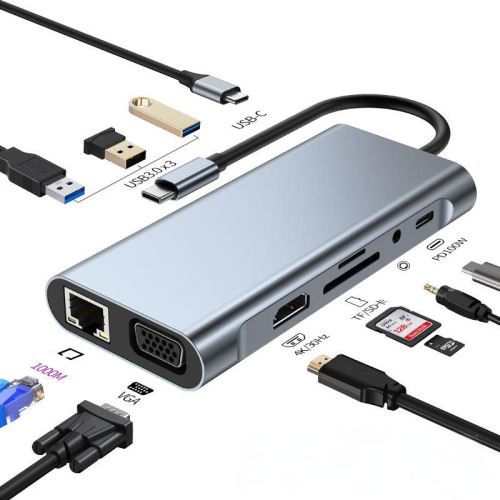
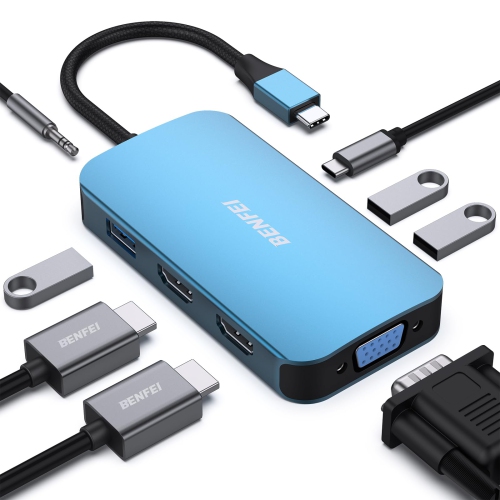
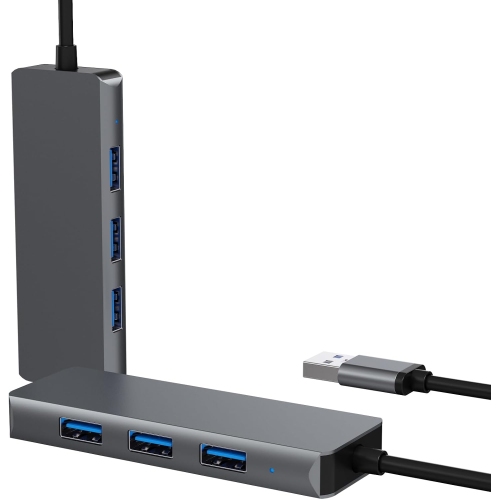
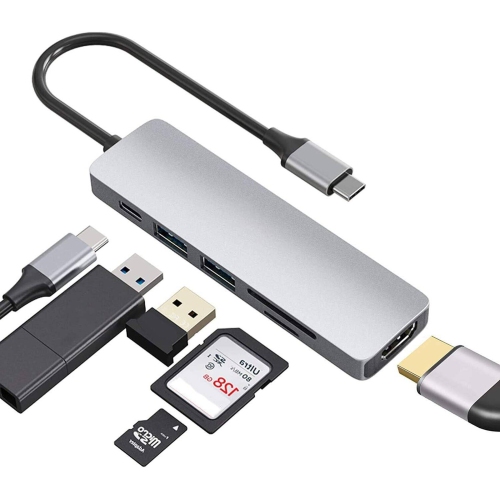
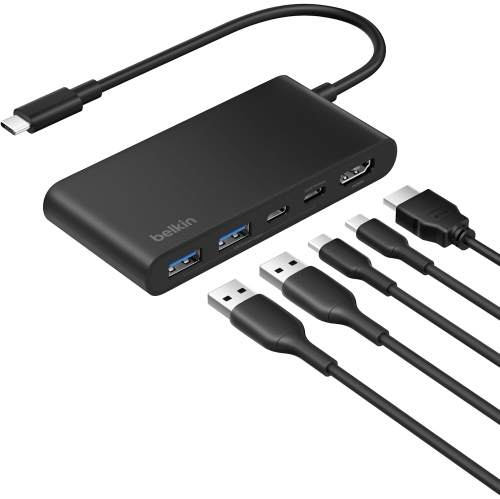
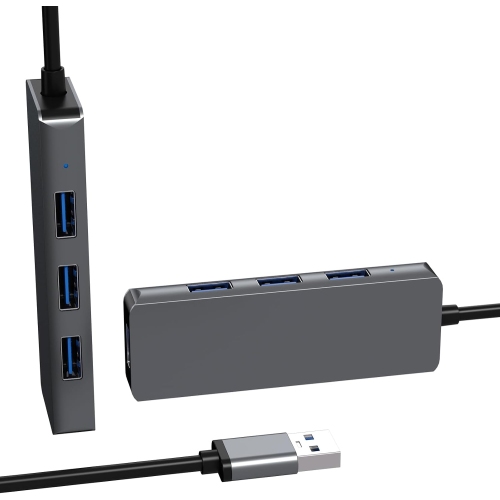
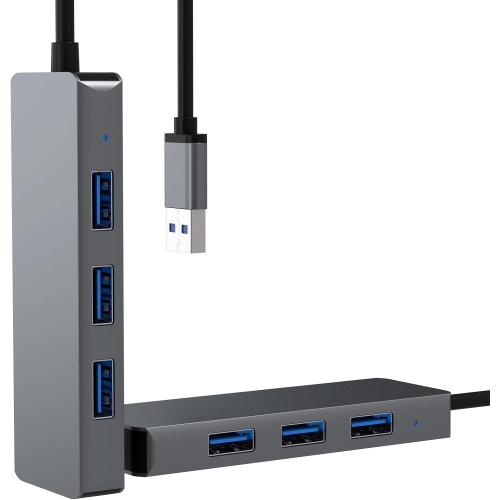
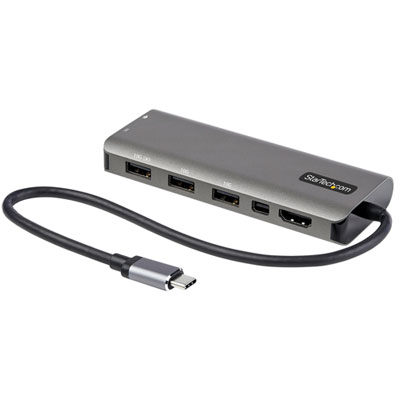
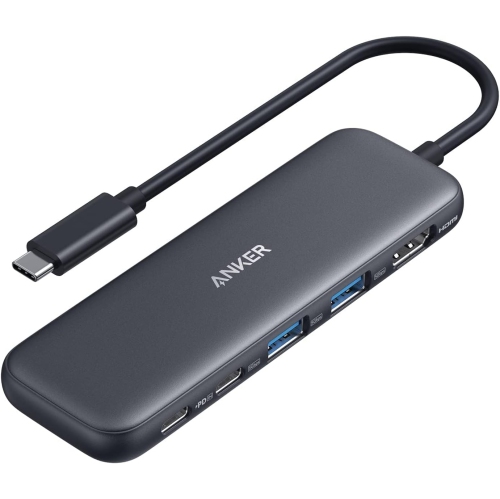
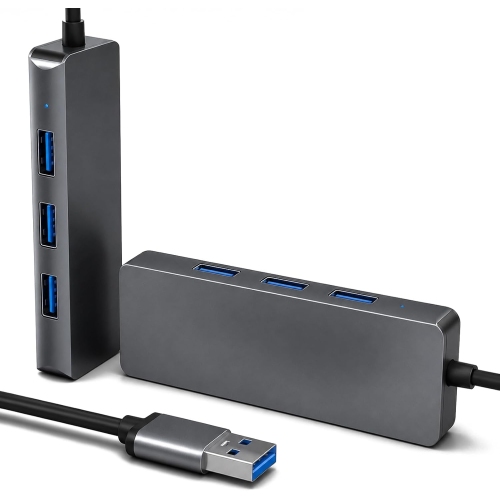
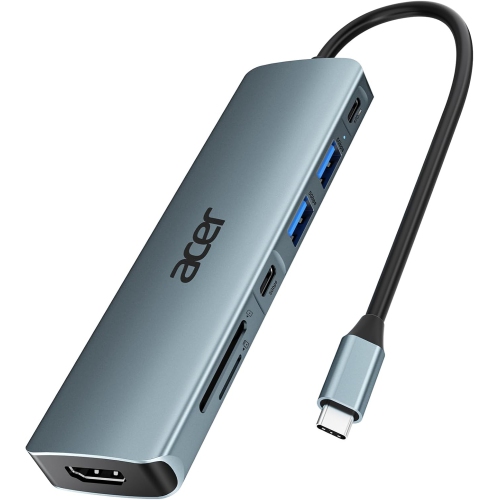
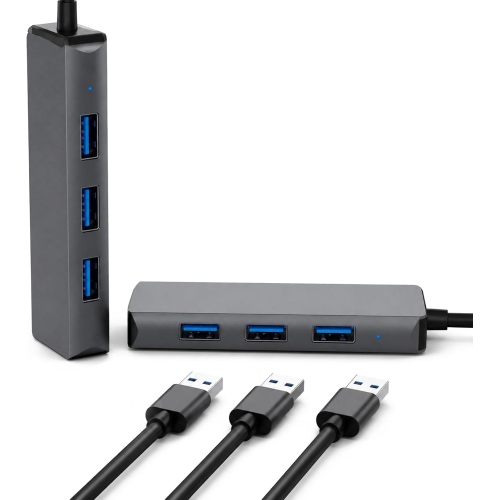
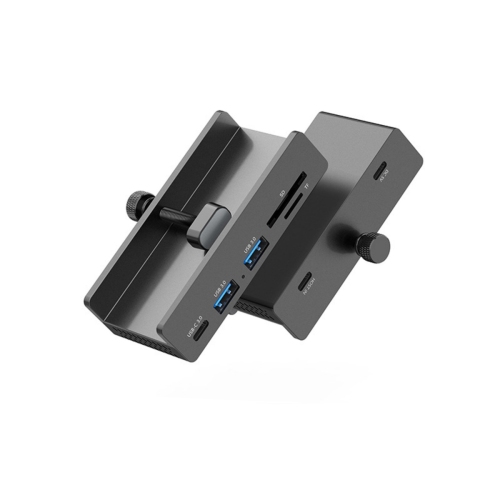
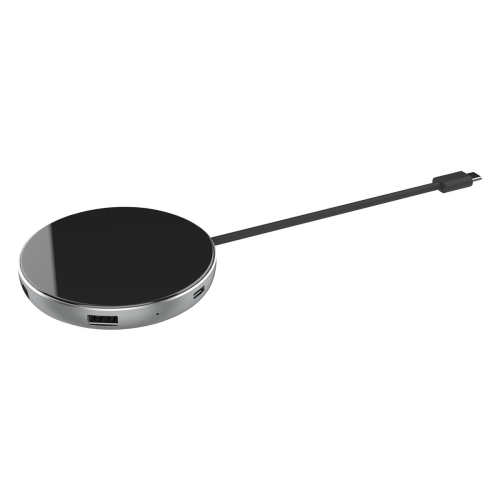
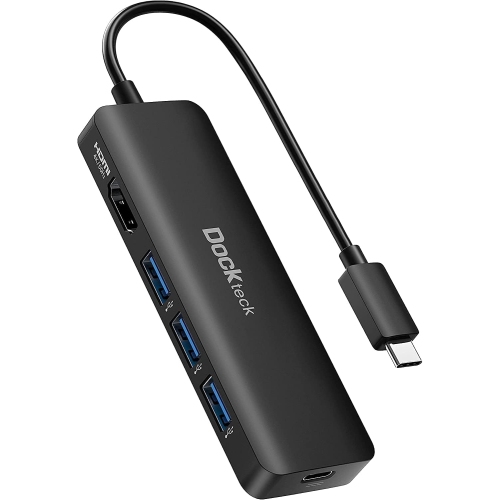
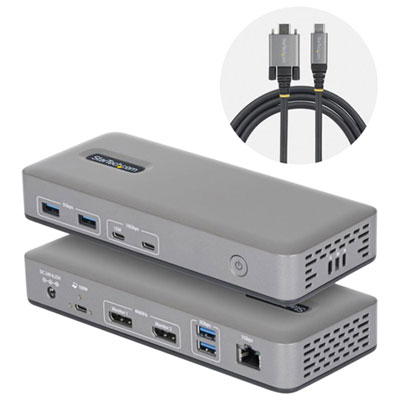
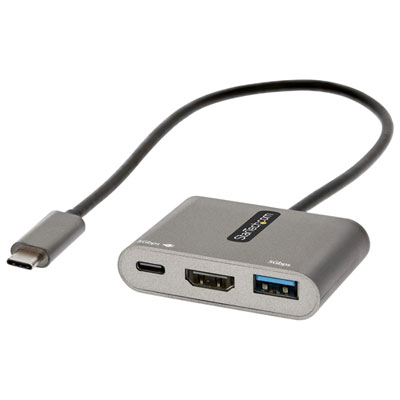
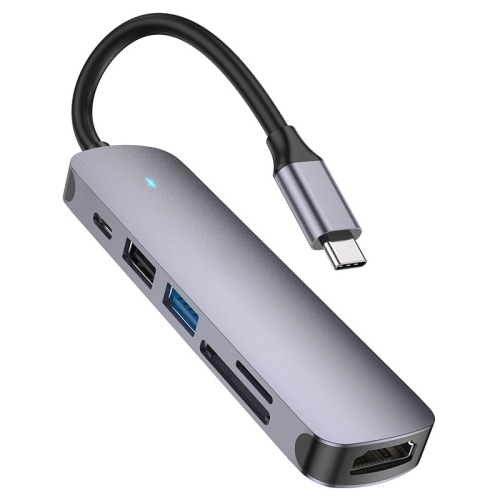
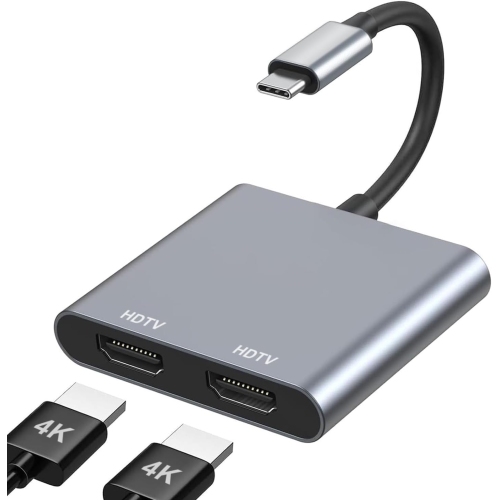
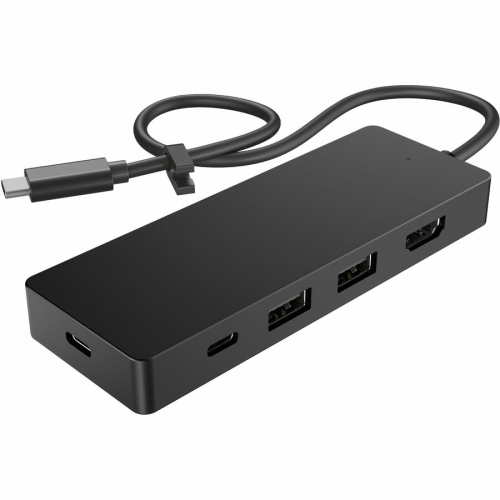
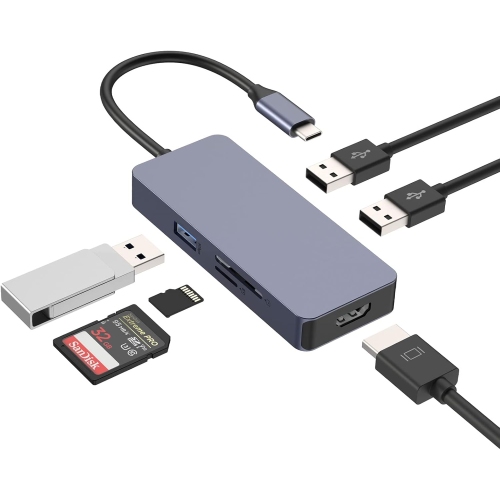
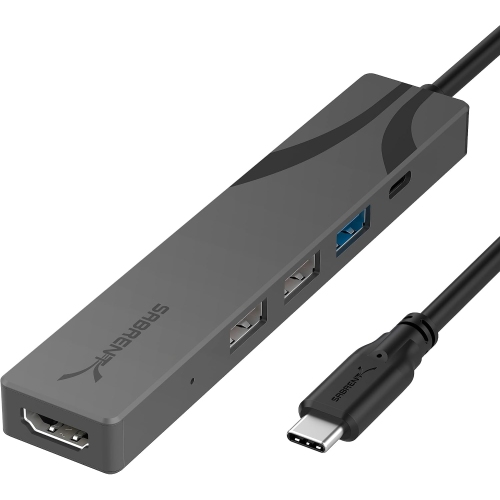
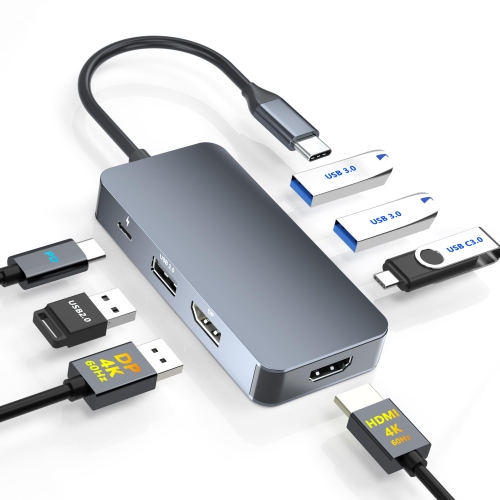
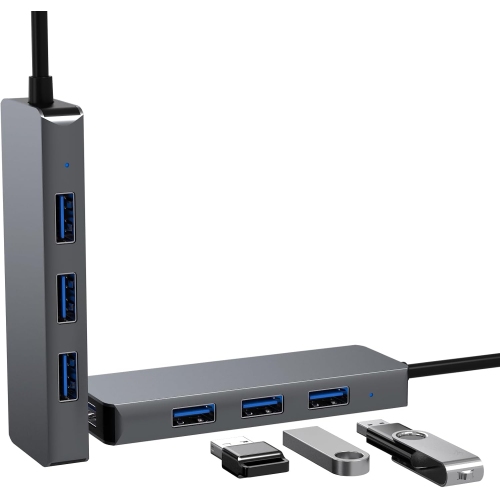
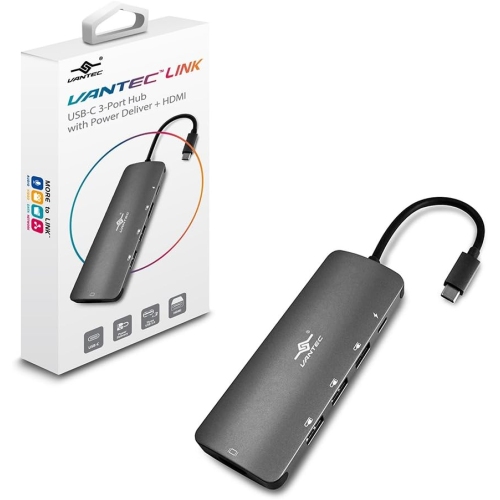
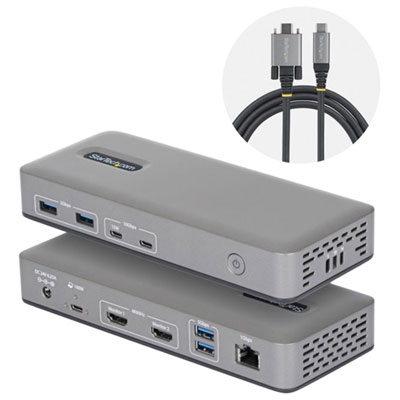
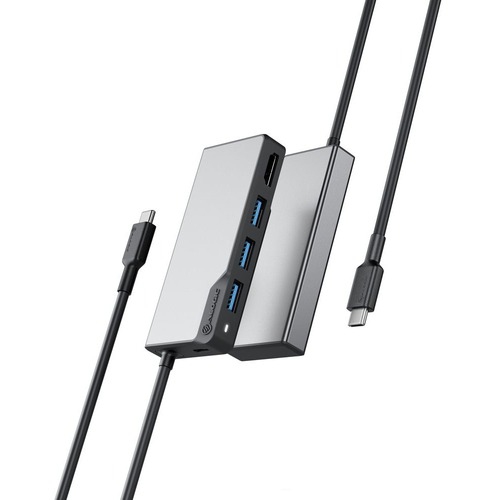
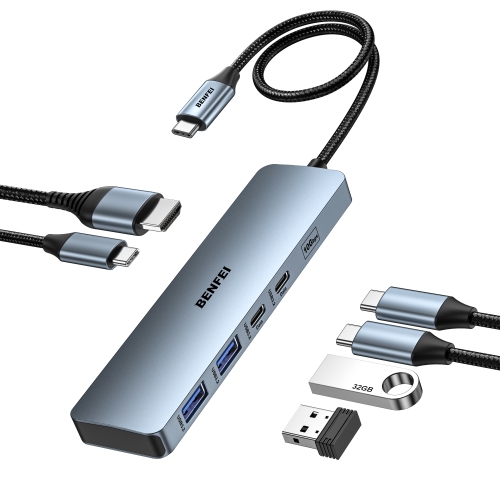
One connection for your screen and everyday accessories
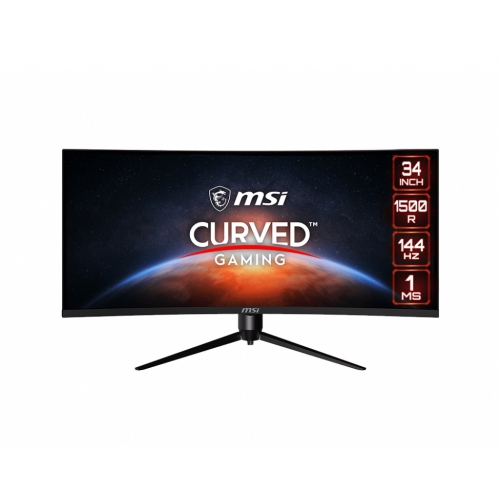
Screen size, resolution and panel characteristics shape the experience just as much as the built-in hub. A compact display can fit a shallow desk or a workspace shared with paperwork, while a larger screen can accommodate a spreadsheet beside a document without constant window switching. A 27-inch or 32-inch display needs enough desk depth for a comfortable viewing distance, and an ultrawide format takes up additional horizontal space even when it replaces two smaller screens. Resolution determines how much detail the display can show, though text size also depends on operating-system scaling. A higher-resolution screen can make small type and fine lines look more defined, particularly for detailed documents, photography and design work. Panel type, contrast and viewing angles affect how images appear when viewed from the side or shared with someone seated nearby. Colour coverage and accuracy matter for visual work, whereas clear text, comfortable brightness and a finish that reduces reflections may be more noticeable during a day of email and reports. Higher refresh rates can make scrolling and motion feel smoother, with gaming performance also depending on response behaviour and support across the computer, cable and connection. Those features are separate from the monitor’s hub capabilities: having more USB ports does not automatically mean better image quality or stronger gaming performance. The same distinction applies to video bandwidth and data transfer. At demanding resolution and refresh-rate combinations, some USB-C connections allocate bandwidth differently between the screen and attached accessories. A fast external drive connected through the monitor may therefore perform differently depending on the supported USB standard and display settings. For everyday office use, a dependable keyboard, webcam and network connection may matter more than maximum storage speed. For editing large video files, both the display connection and the hub’s data capabilities deserve attention, especially when several accessories will be active at once.
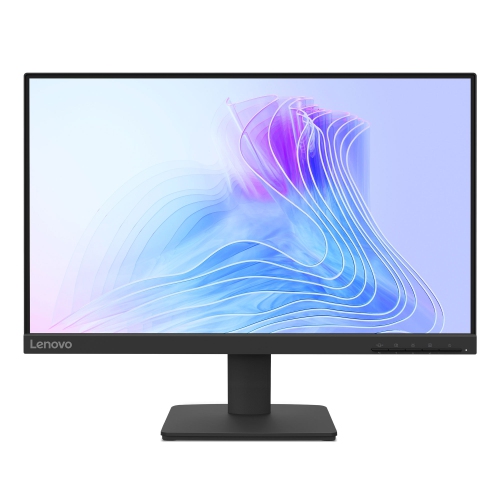
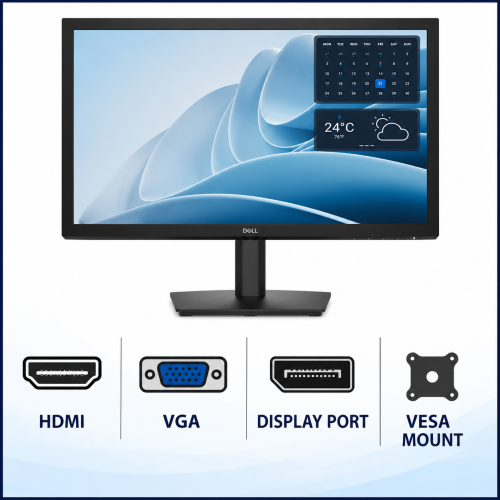
The physical design of a USB-C hub monitor influences how well it settles into daily use. A height-adjustable stand, tilt and swivel can help position the screen comfortably, while portrait rotation can be useful for long documents or coding. An adjustable stand also makes it easier to align the display with a laptop on a riser, rather than continually looking down at one screen and up at the other. For a desk arm or wall mount, compatible VESA mounting points, monitor weight and clearance around the connection panel all matter. Stands may use metal, moulded plastic or a combination of materials; stability depends on the complete design rather than the finish alone. A broad base can feel reassuring on a busy desk but may compete with a keyboard, drawing tablet or notebook for space. Port placement makes a similarly practical difference. Side-facing or easily accessible ports suit accessories that are connected often, while rear-facing ports can keep permanent cables out of the way. Enough cable slack helps prevent strain when adjusting the screen, and tidy routing reduces the chance of pulling on a connection while moving the laptop. Some hub monitors include a keyboard, video and mouse switch, often called a KVM switch, so supported peripherals can be shared between two computers. That can be useful when a work laptop and a personal desktop use the same desk, although switching behaviour and required upstream connections vary. Built-in speakers, microphones or webcams are optional features rather than standard parts of a USB-C hub monitor, and their presence can affect how many separate accessories are needed. For gifting, compatibility with the recipient’s computer and the dimensions of their workspace are more useful starting points than screen size alone. Routine care is straightforward: a soft microfibre cloth, gentle pressure and the manufacturer’s approved cleaning method help protect the screen coating. Avoiding liquid around the ports and leaving ventilation openings clear supports reliable everyday use, whether the monitor anchors a dedicated office or a multipurpose household desk.
Top selling and popular products
-
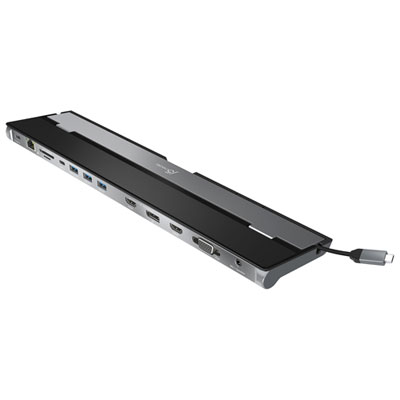 Your price for this item is $149.99
-
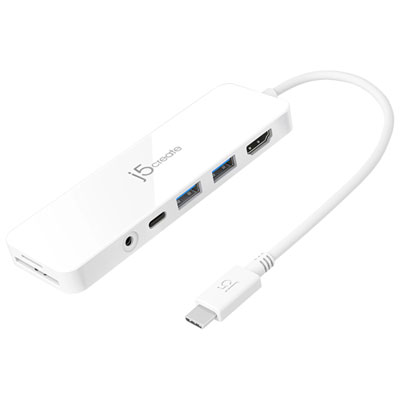 Your price for this item is $69.99
-
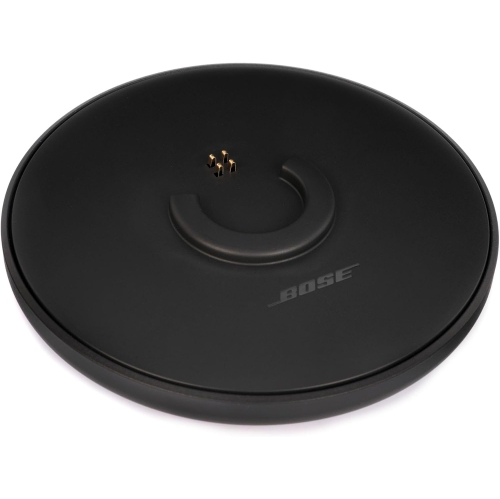 Your price for this item is $87.99
-
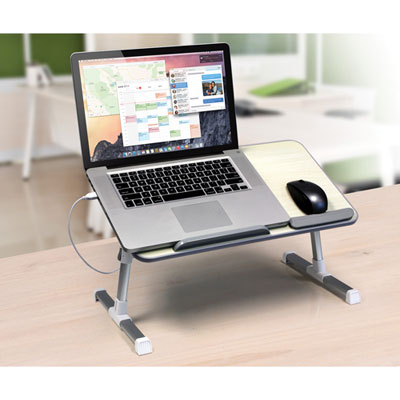 Your price for this item is $59.99
-
 Your price for this item is $96.16
-
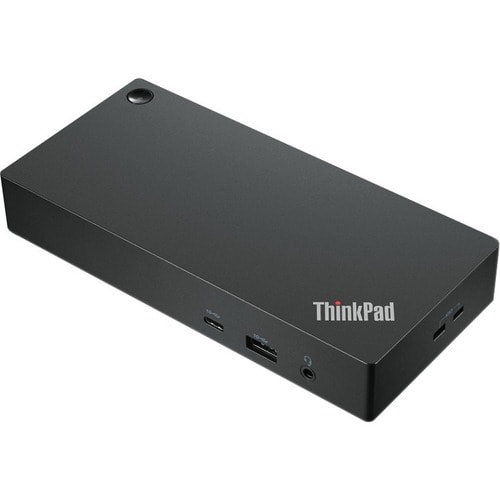 Your price for this item is $179.99
-
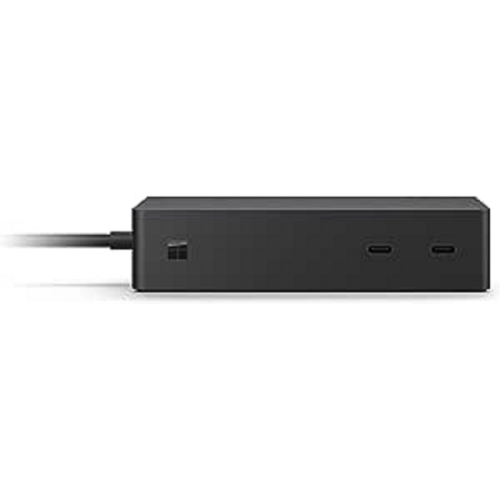 Your price for this item is $214.99
-
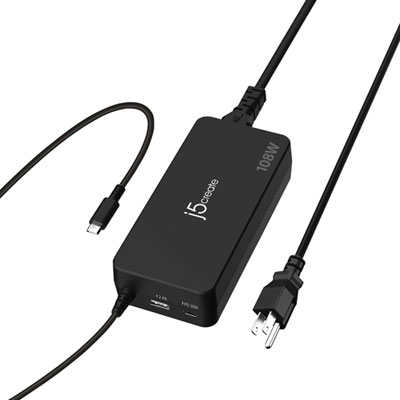 Your price for this item is $89.99