USB Connectors
Our selection of USB connectors offers a wide range of options to suit various devices and applications. Whether you need a USB Type-A, Type-C, micro-USB, or lightning connector, we have you covered. With durable construction and high-speed data transfer capabilities, these connectors are essential for ensuring seamless connections between your devices. Upgrade your setup with our top-quality USB connectors today!
Sort
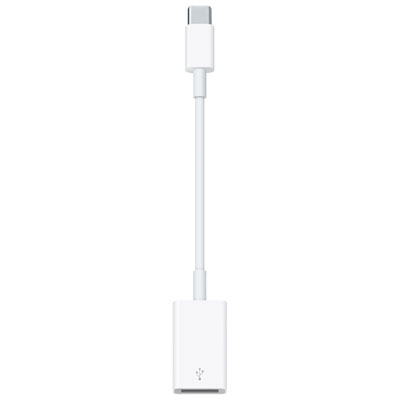

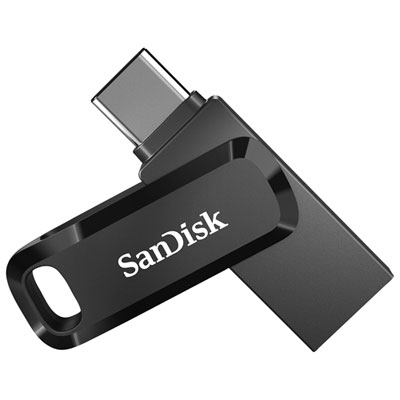

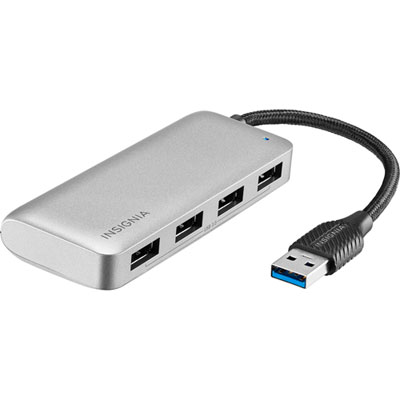
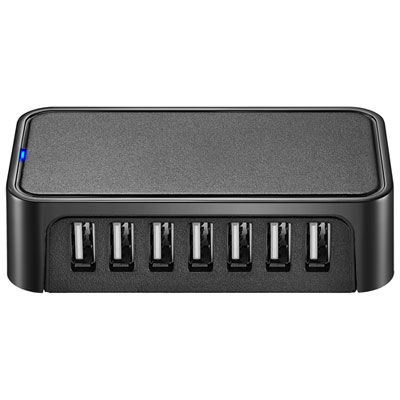
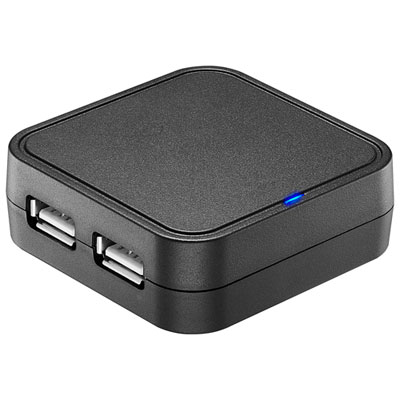
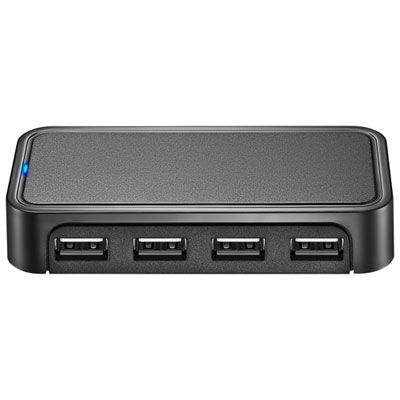
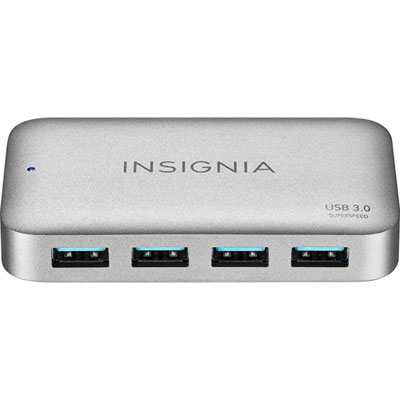
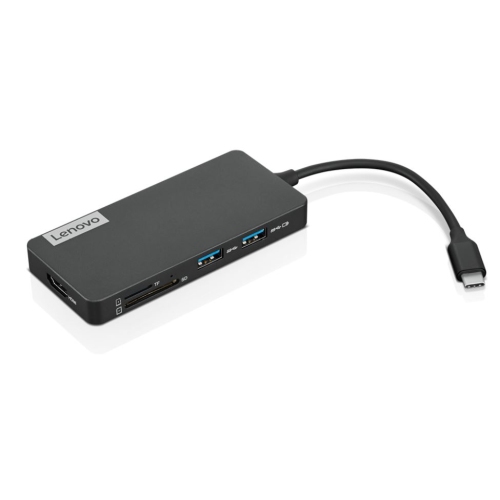




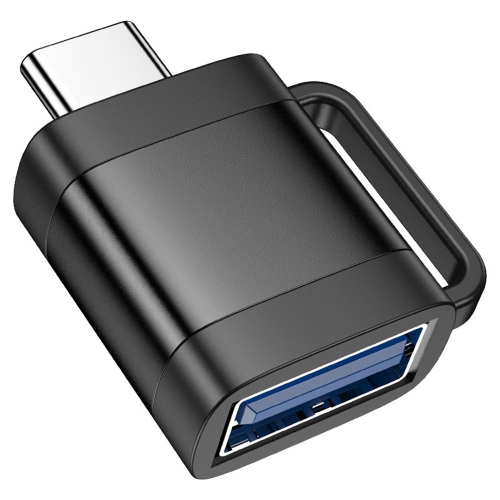
![DOLAER USB C to USB Adapter, Type C to USB Adapter [2 Pack] 3.0 USB Type C Male to USB Female, USB C Female to USB Male Adapter Otg Converter](https://multimedia.bbycastatic.ca/multimedia/products/500x500/174/17466/17466444.jpeg)


![DOLAER USB C to USB Adapter [2 Pack], L USB Type-C to USB 3.0 Adapter, USB C to USB A Otg Connector Compatible w Thunderbolt 3 Macbook Pro/air](https://multimedia.bbycastatic.ca/multimedia/products/500x500/174/17466/17466428.jpeg)
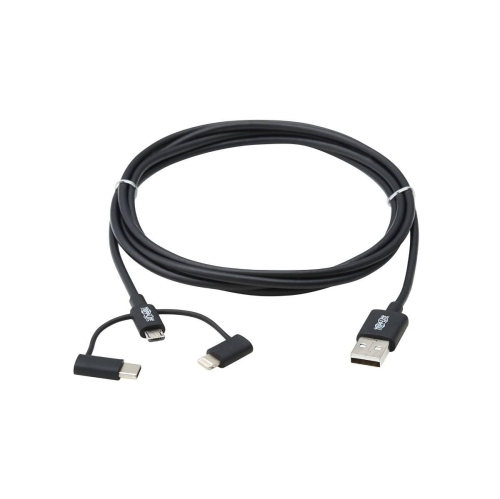
![FOXSUN [Apple Mfi Certified] Multi USB Charging Cable 6.6Ft 2M 3 In 1 USB Cable 8Pin Lightning USB Type C Micro USB Connector](https://multimedia.bbycastatic.ca/multimedia/products/500x500/129/12952/12952662.jpg)



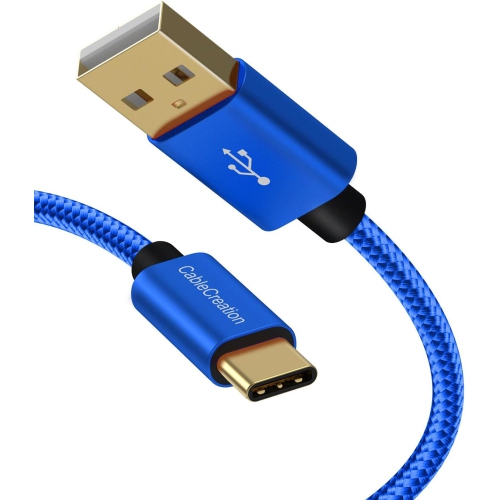
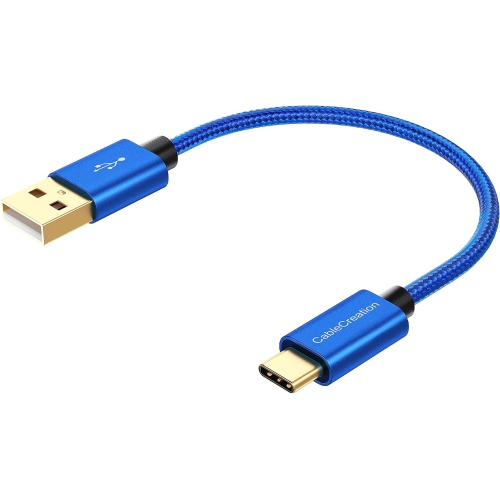
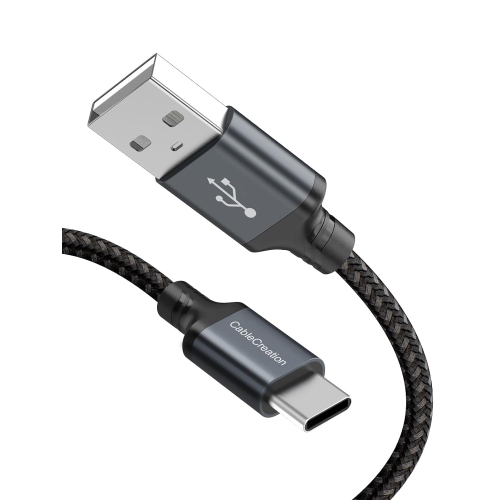
![NIERBO USB C to USB Adapter, Type C to USB Adapter [4 Pack] 3.0 USB Type-C Male to USB Female, USB C Female to USB Male Adapter Otg Converter For](https://multimedia.bbycastatic.ca/multimedia/products/500x500/174/17497/17497643.jpeg)
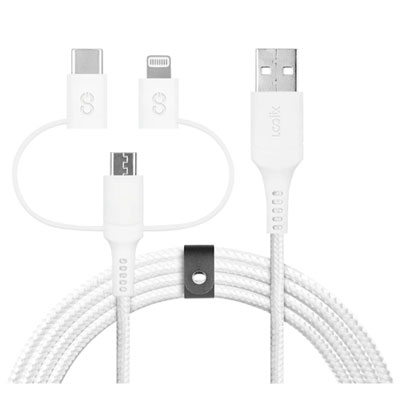





![AMAMAX 10Ft USB Printer Cable Cord A-B for Brother Lexmark 10 Feet [Electronics]](https://multimedia.bbycastatic.ca/multimedia/products/500x500/159/15935/15935758.jpeg)
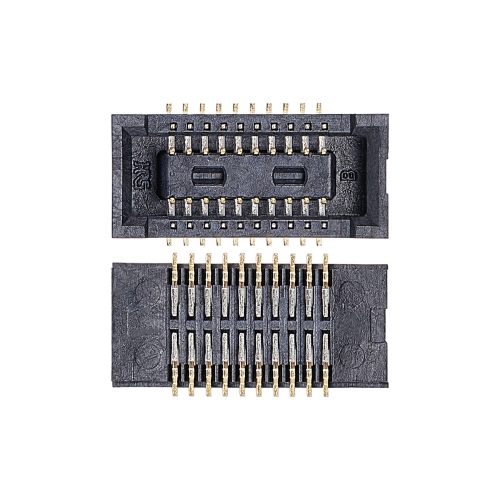
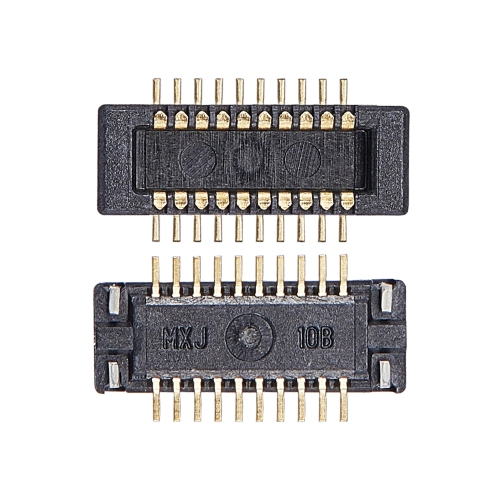
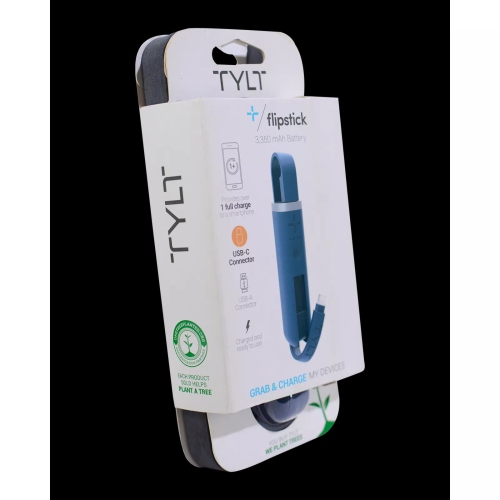
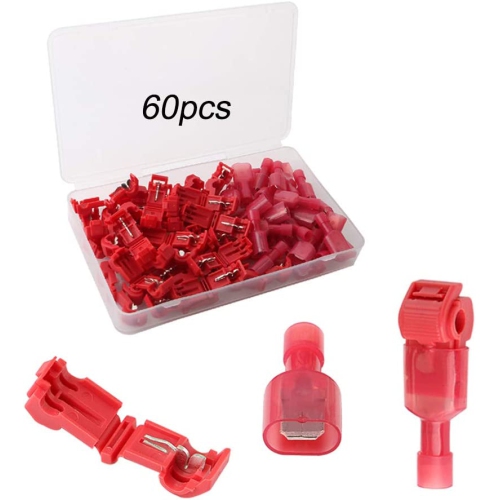

How ports, speeds and power shape everyday connections
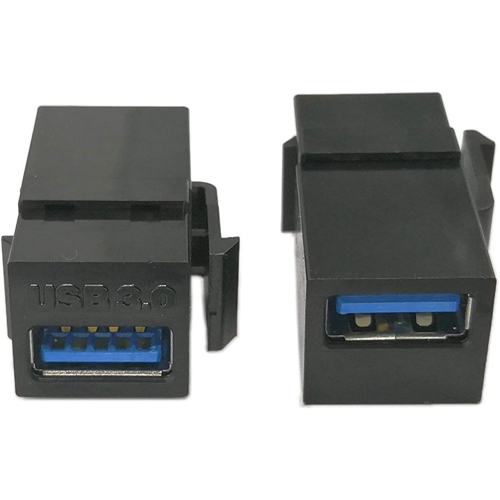
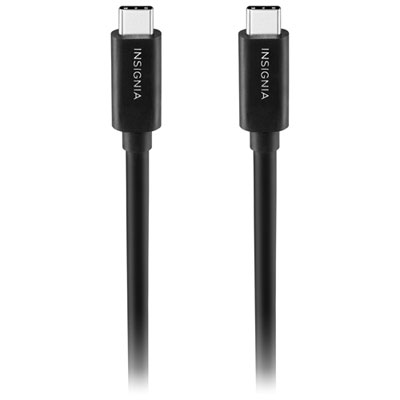
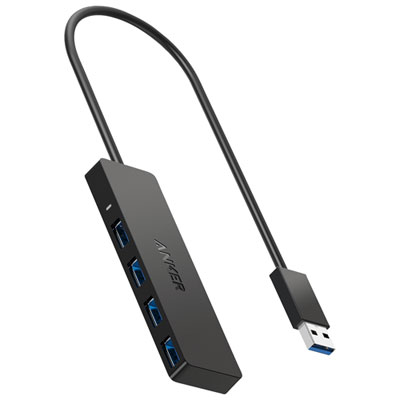
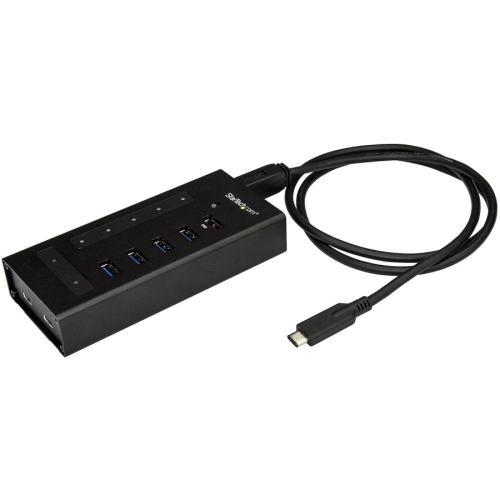
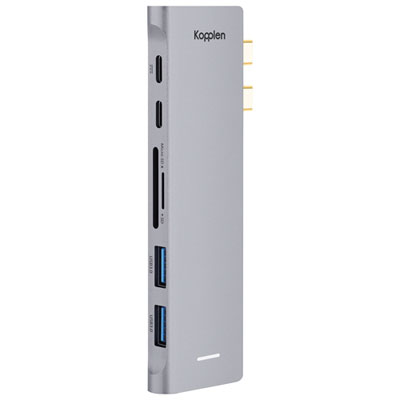
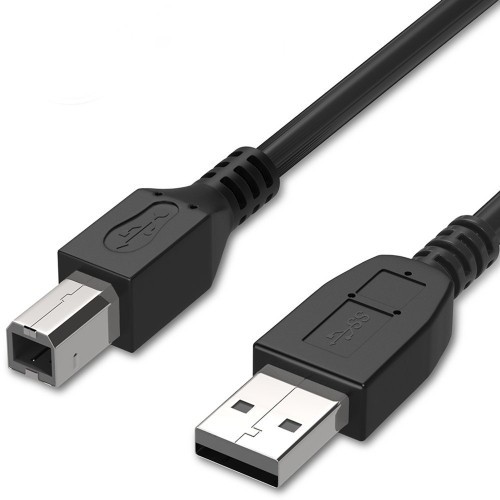
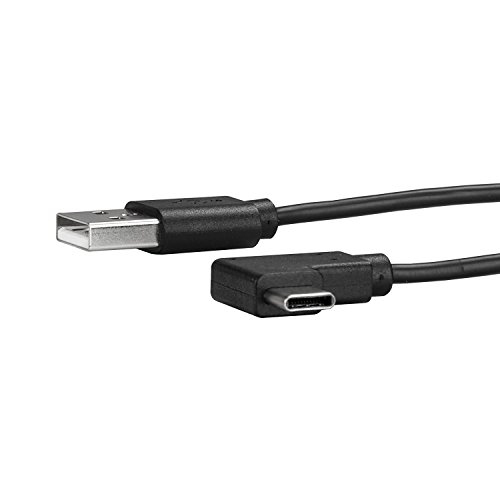
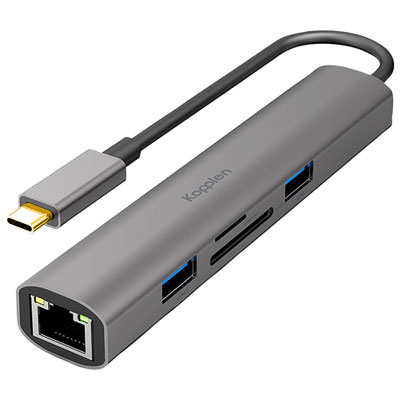
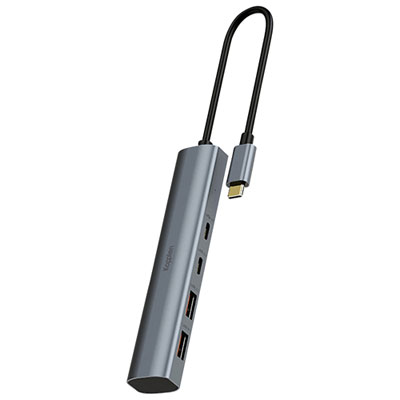
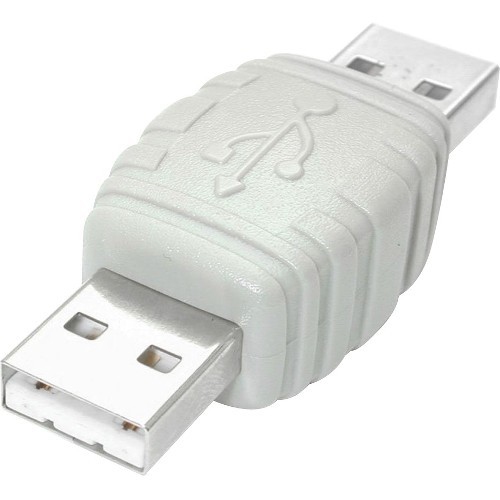
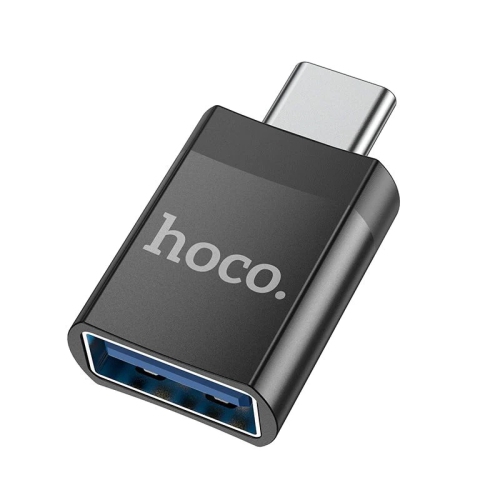
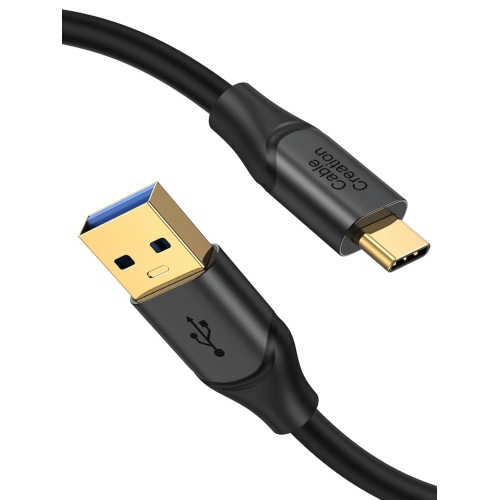
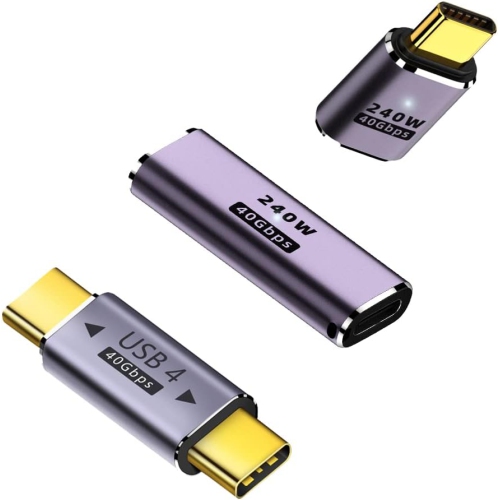
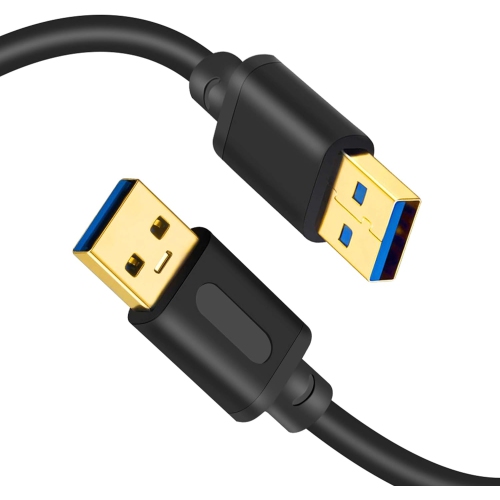
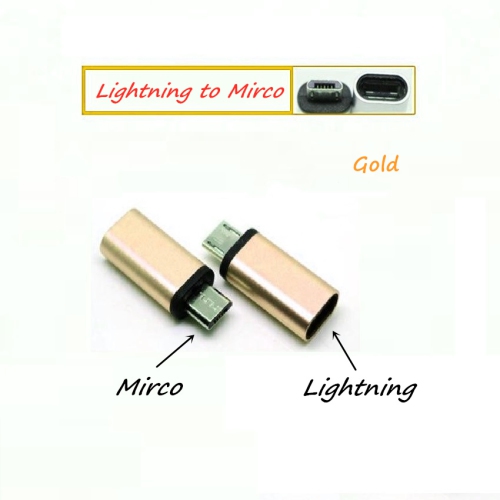
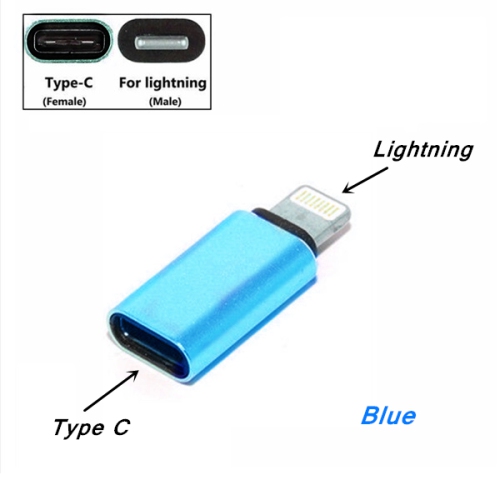
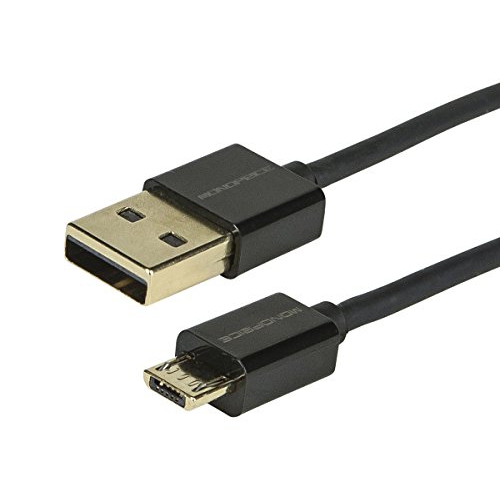
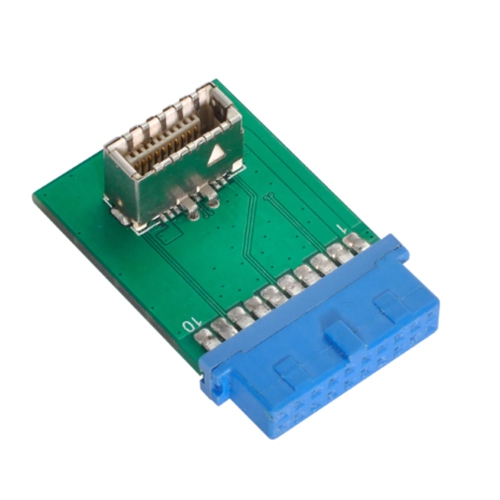
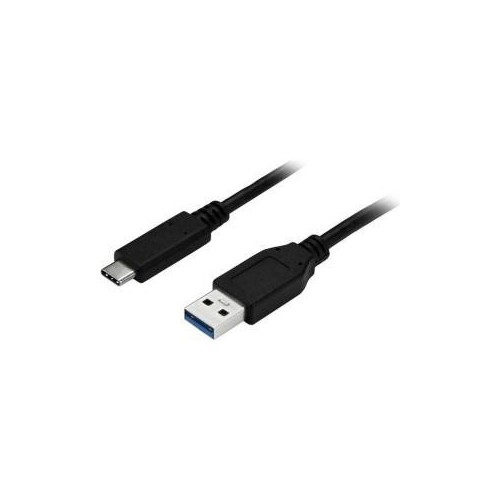
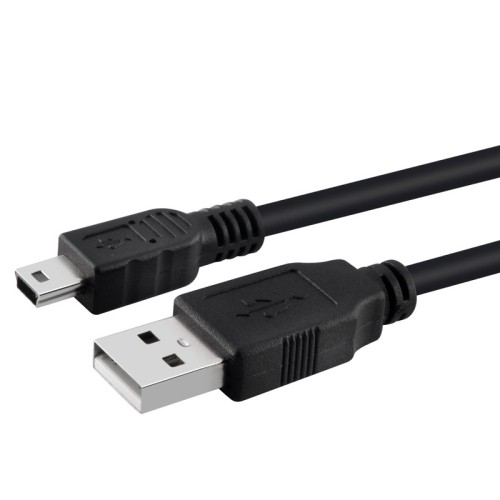
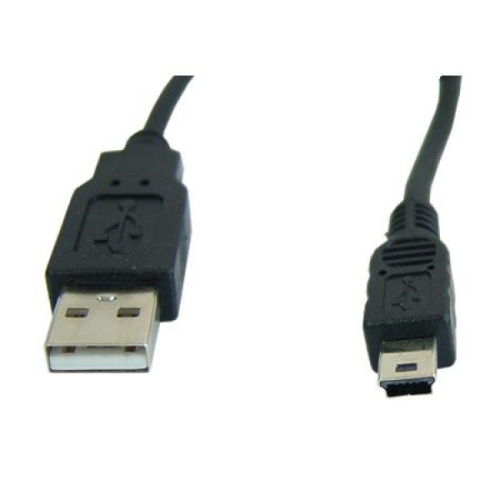
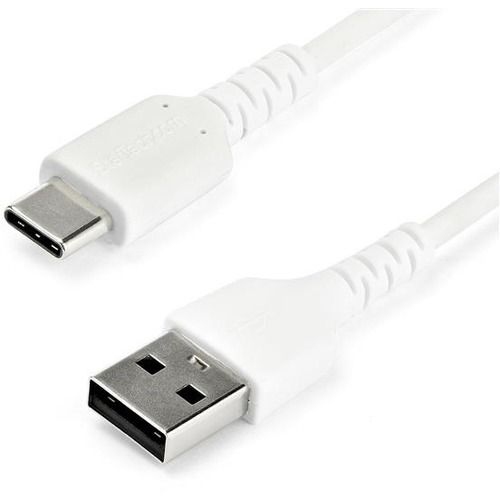
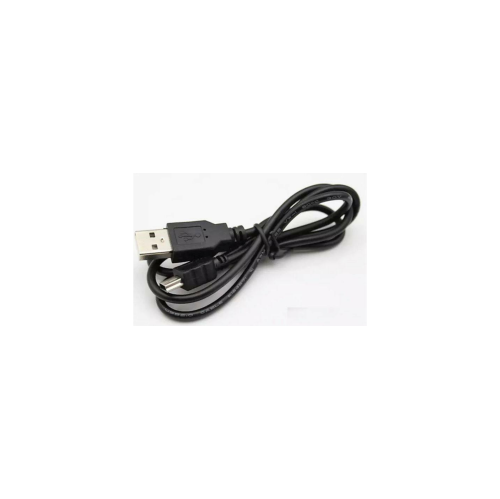
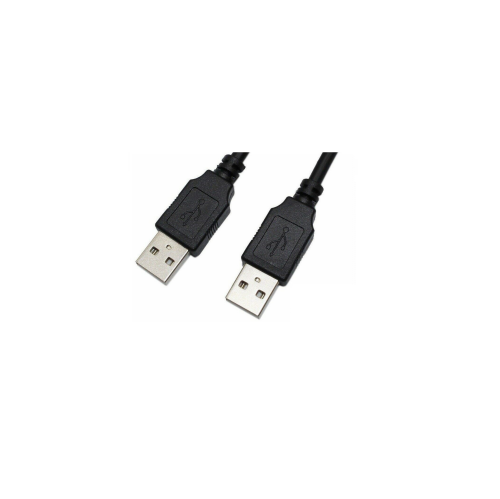
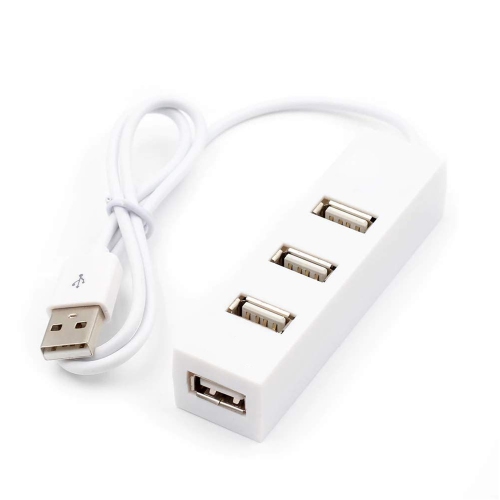
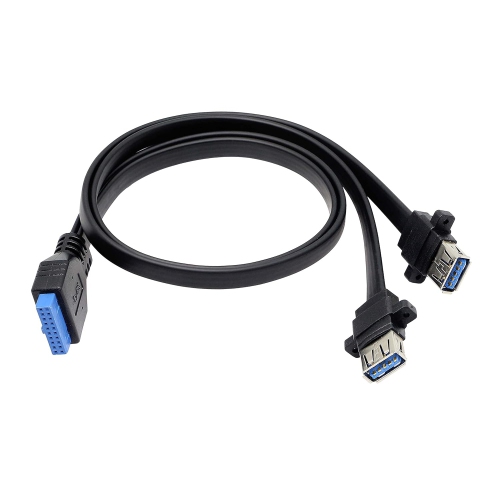
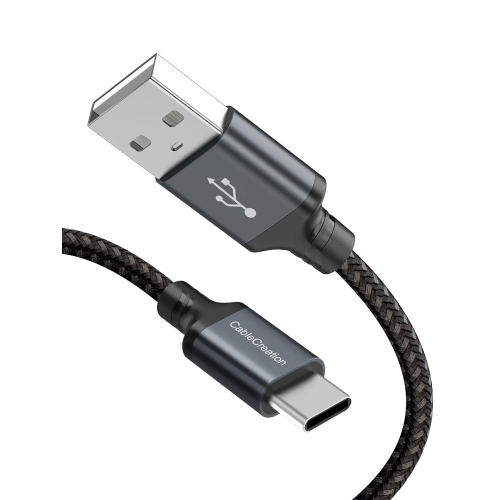
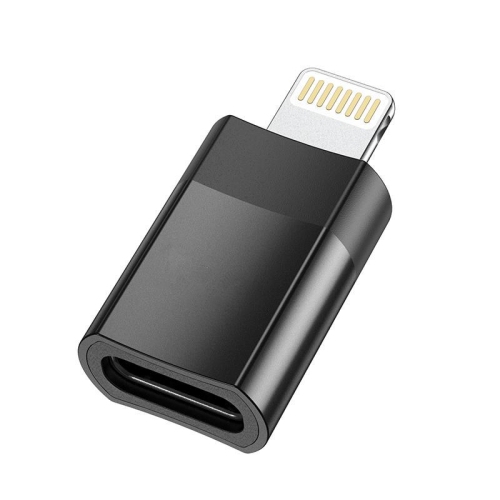
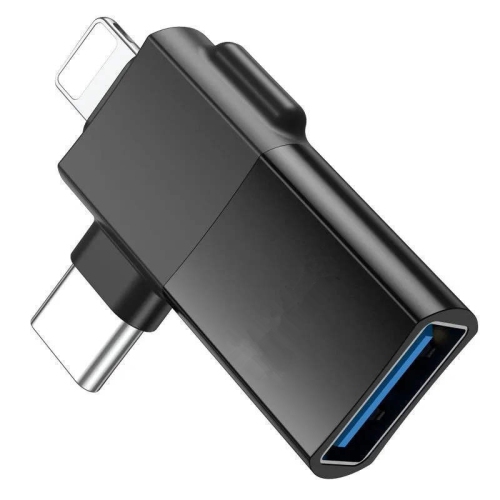
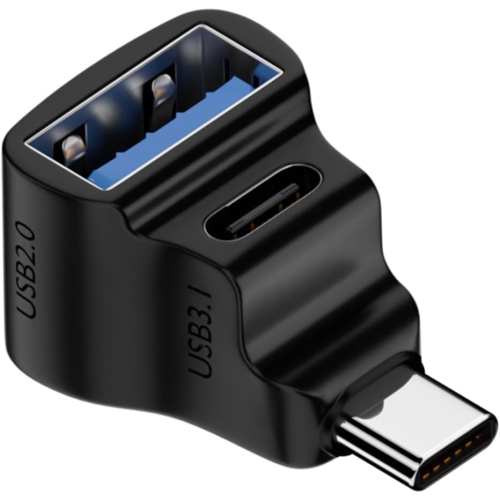
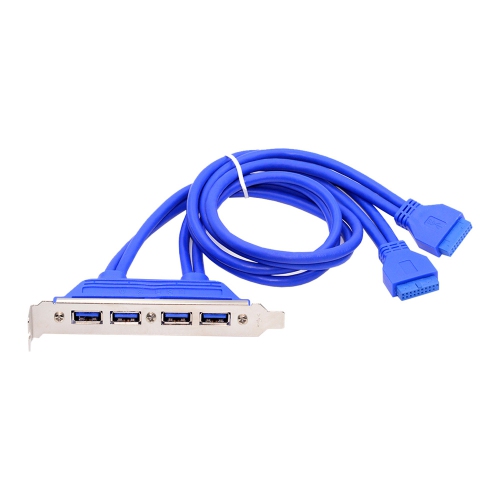
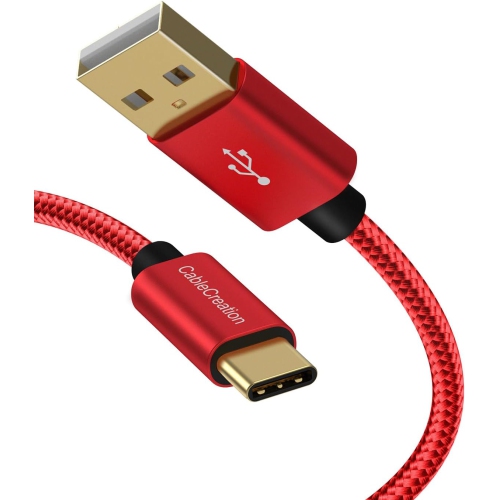
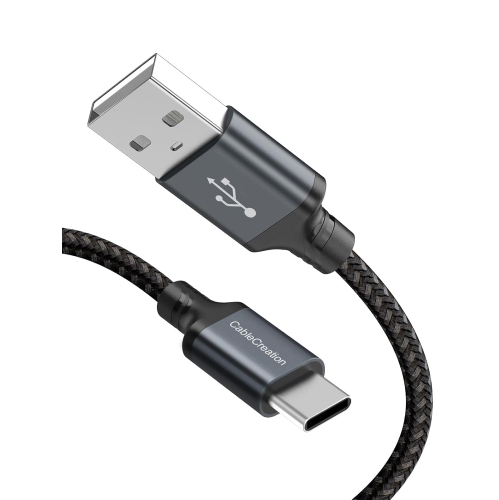
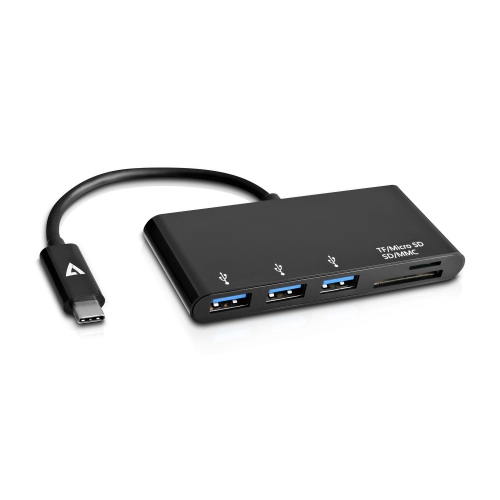
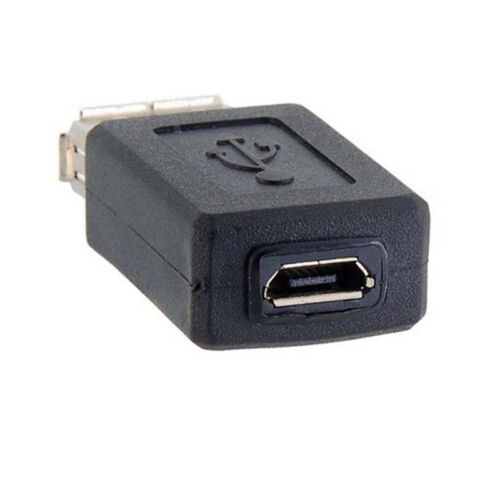
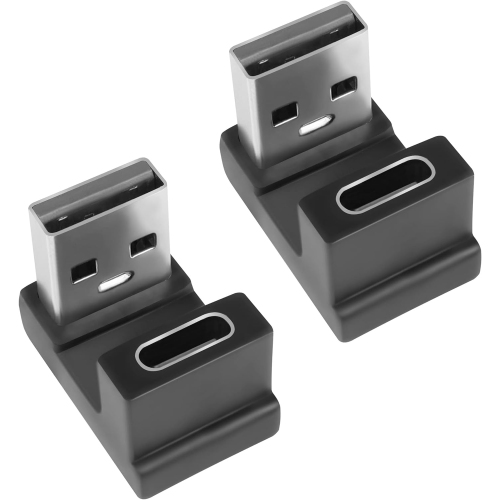
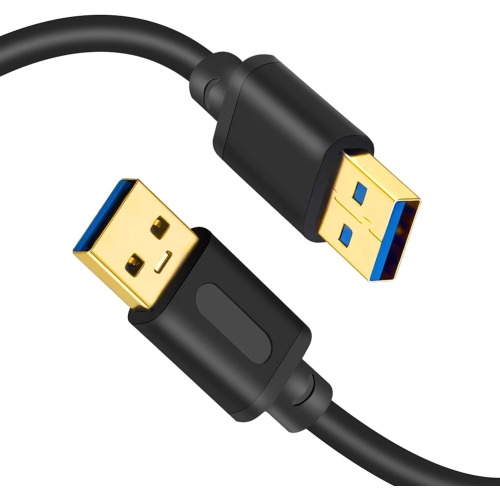
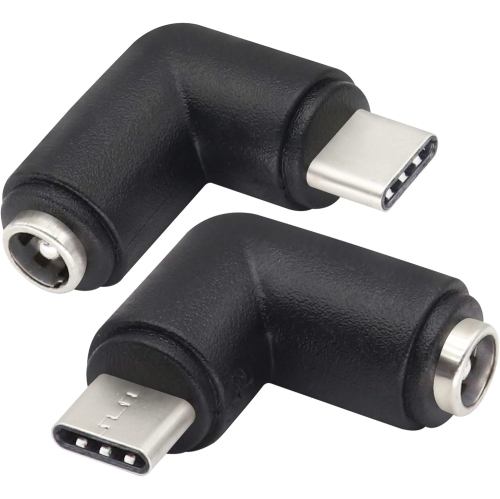
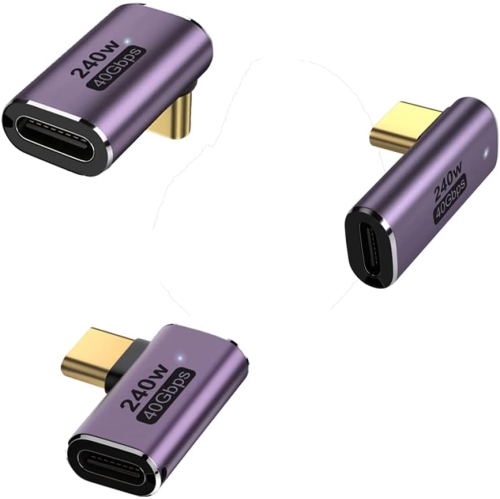
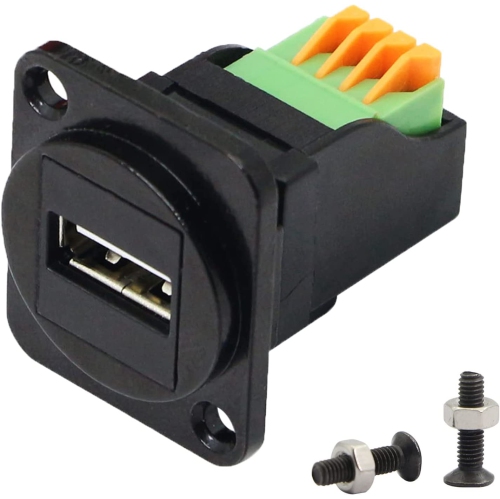
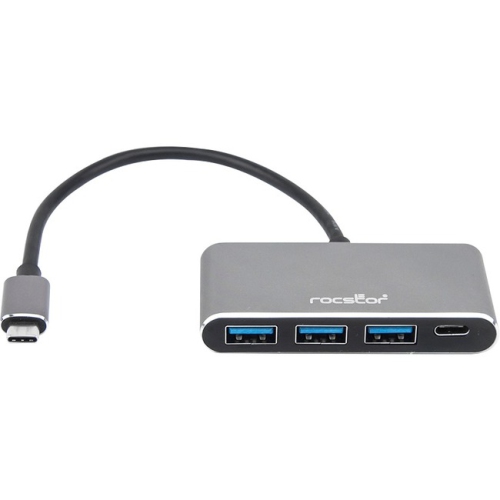
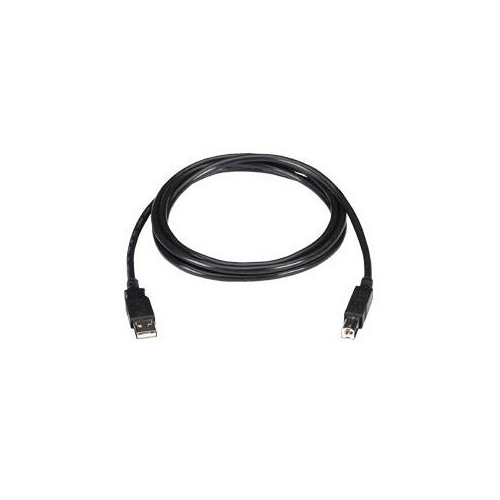
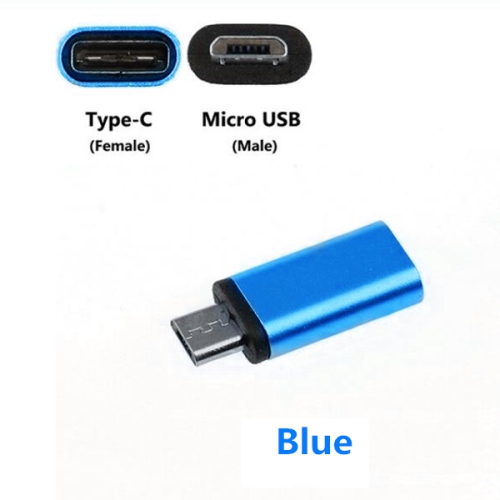
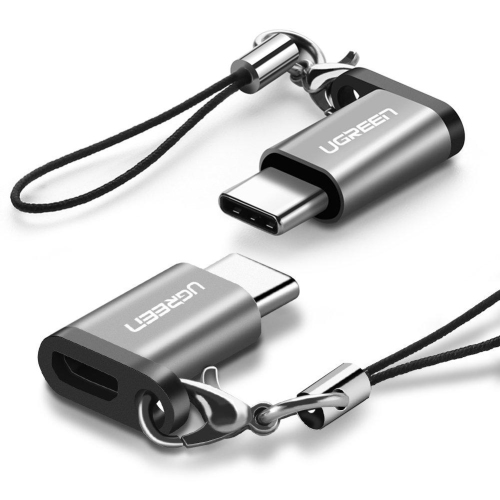
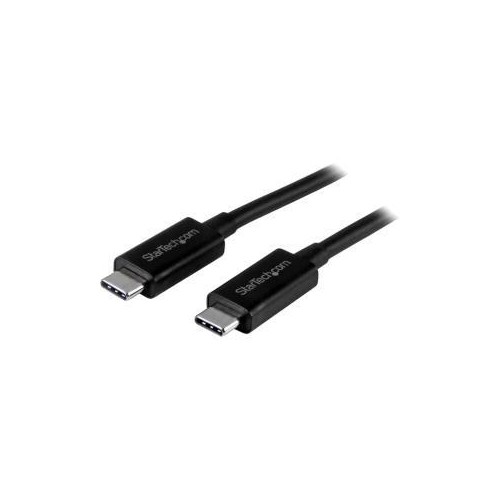
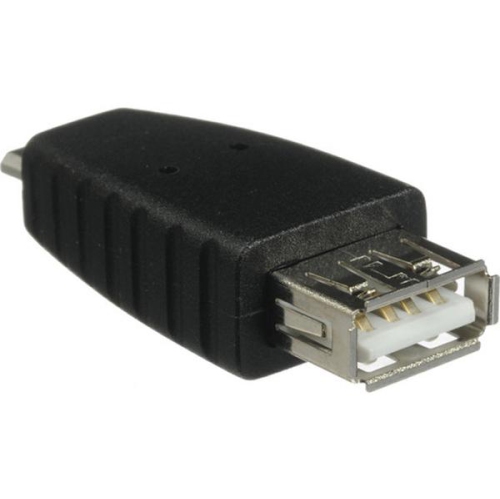
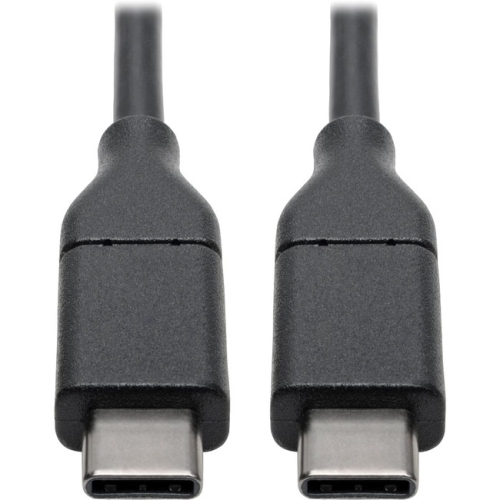
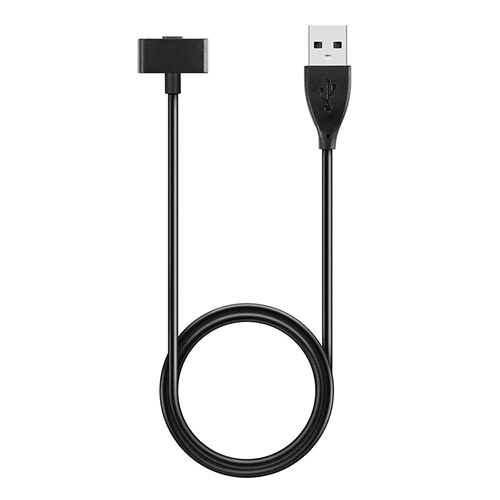
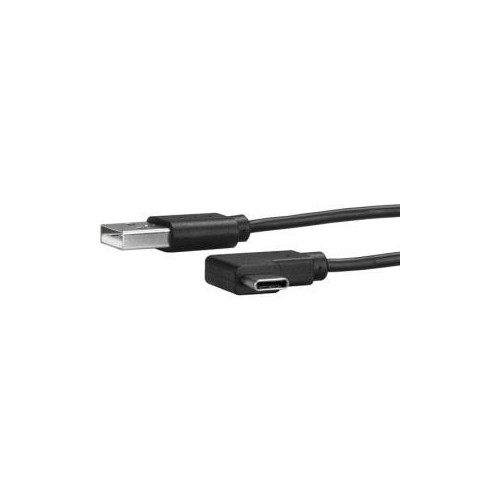
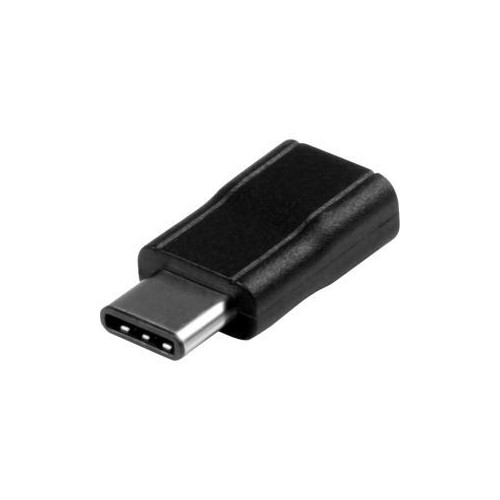
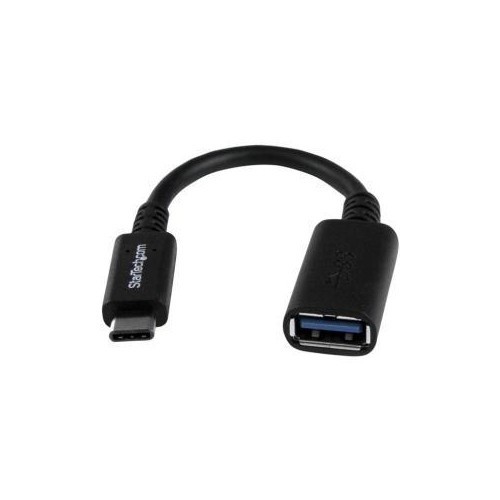
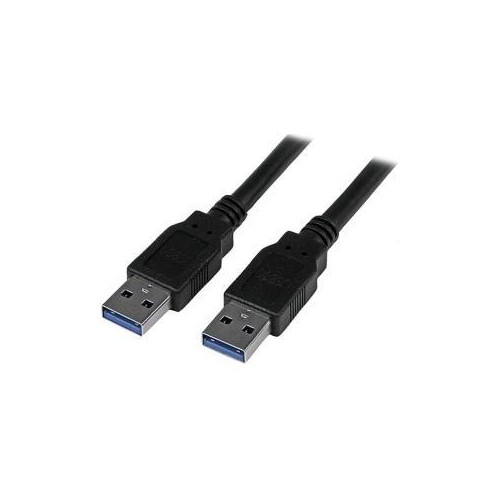
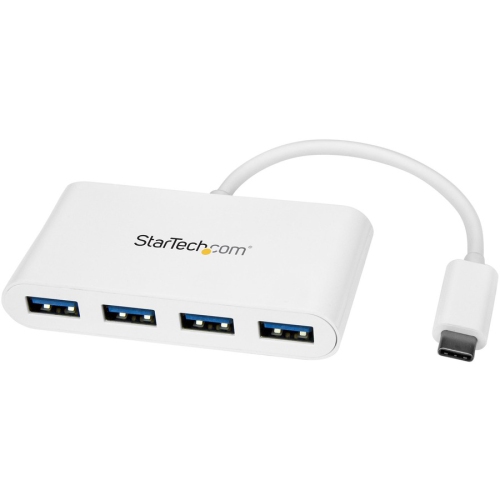
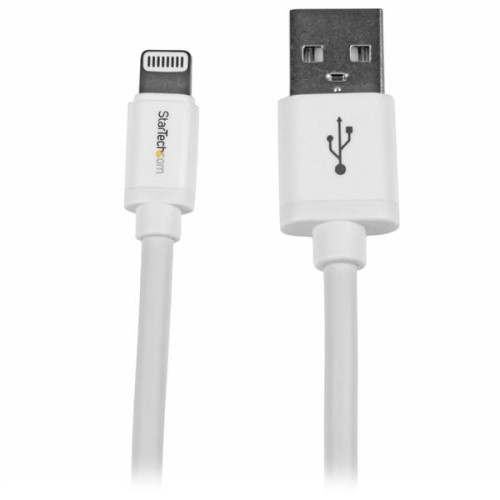
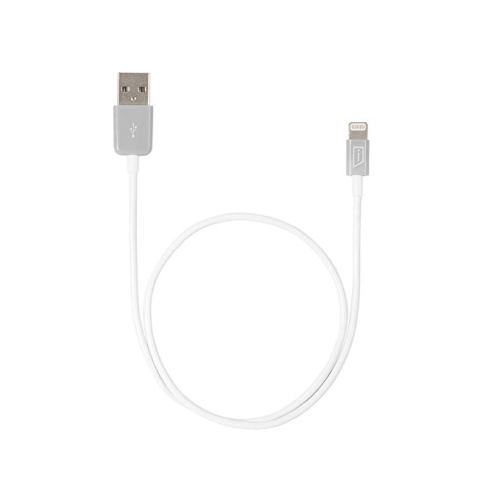
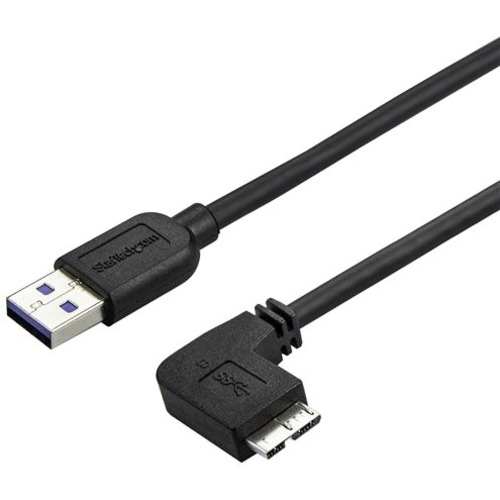
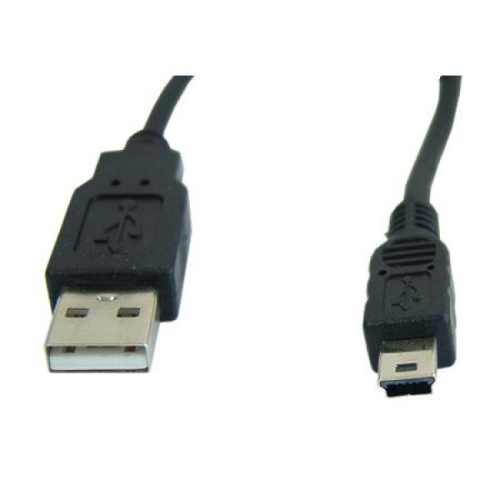
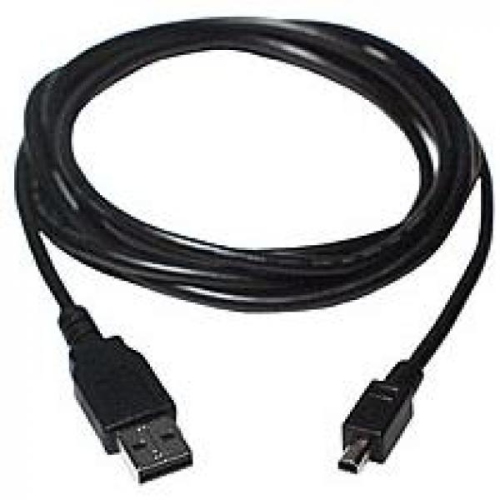
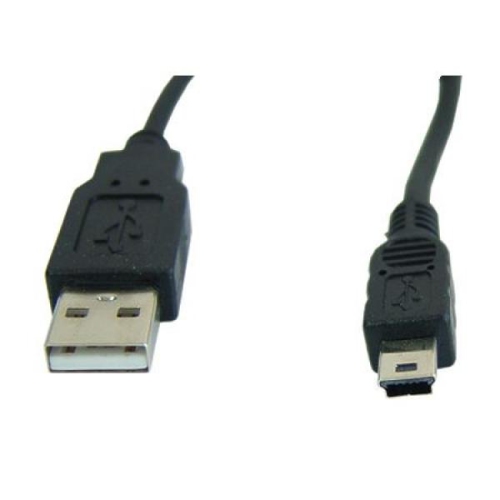
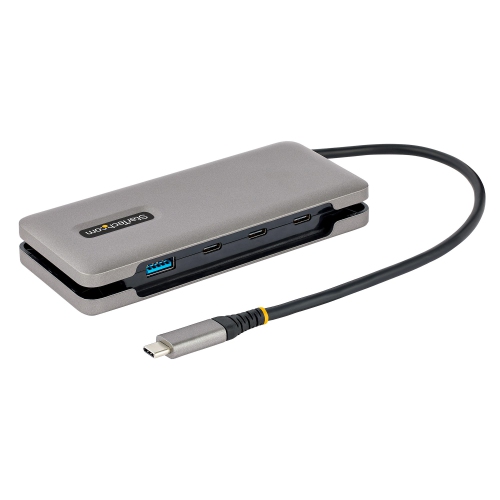
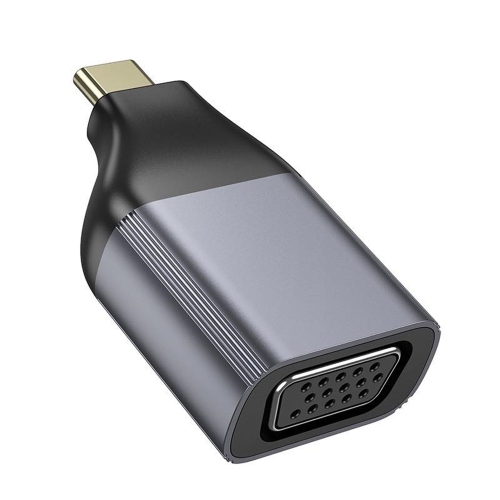
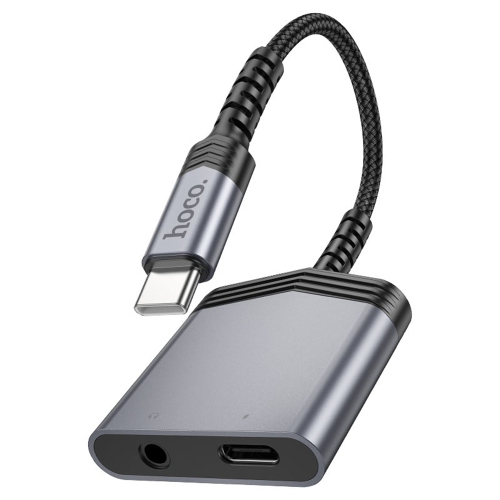
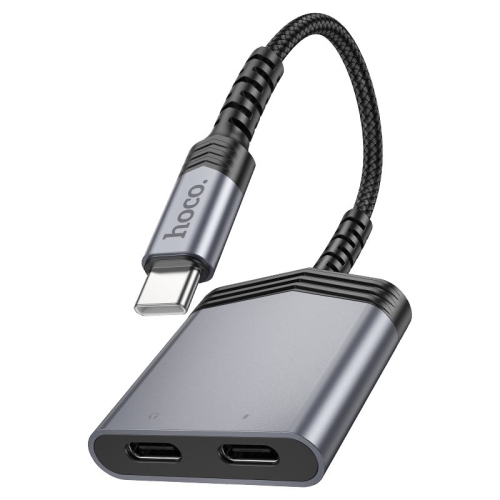
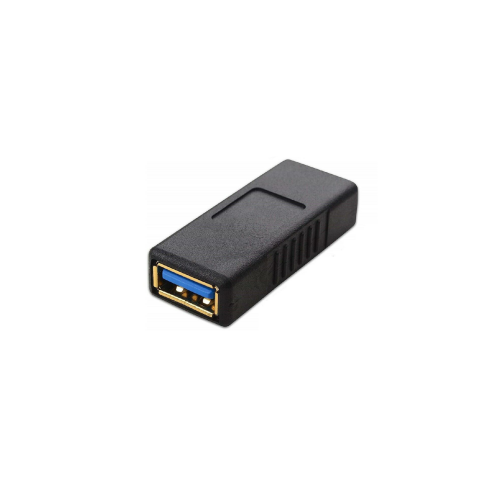
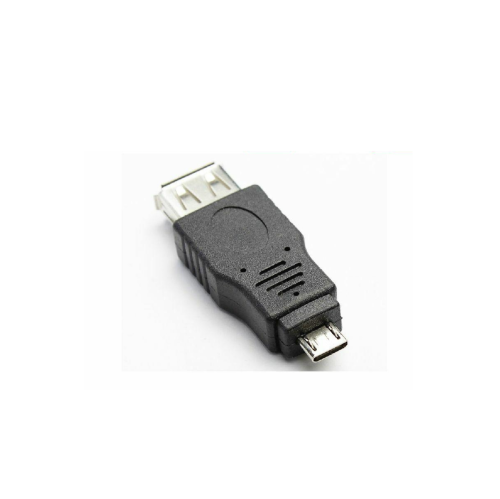
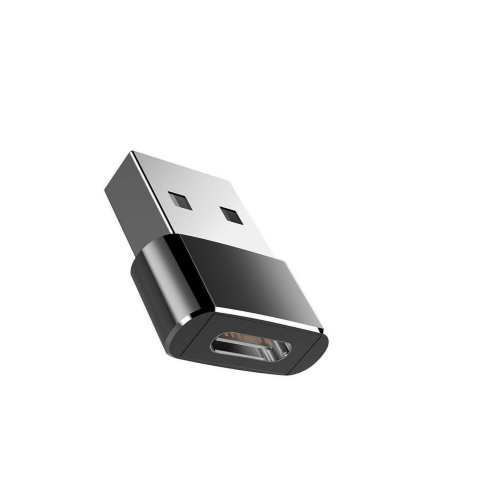
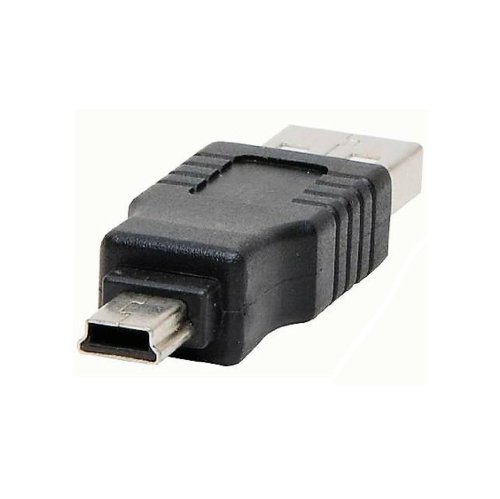
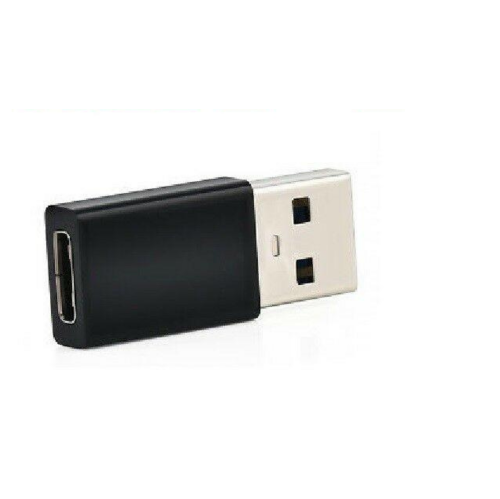
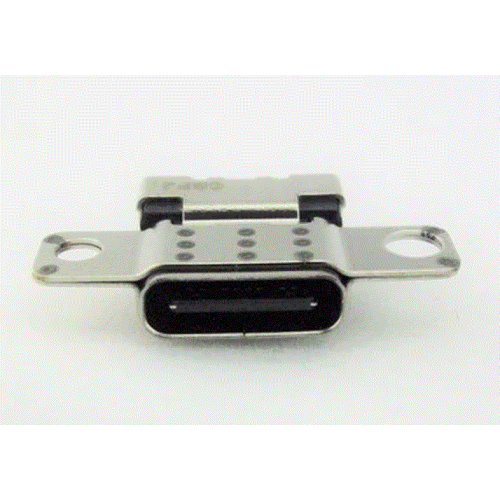
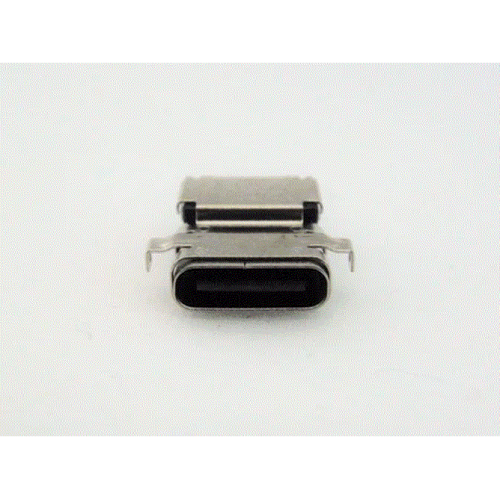
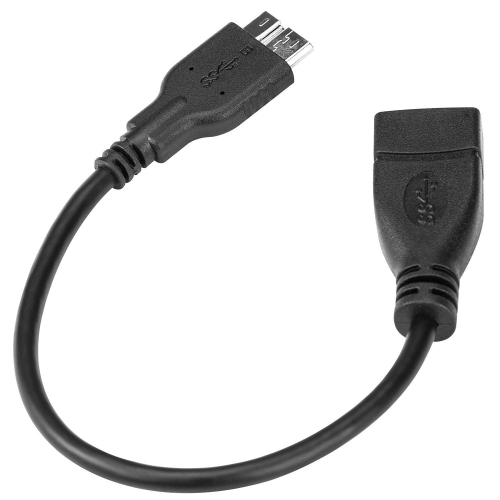
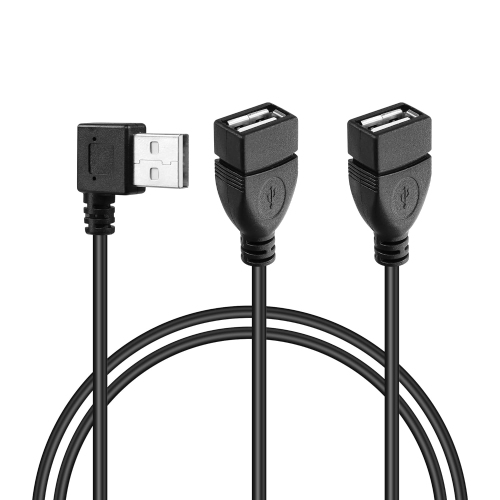
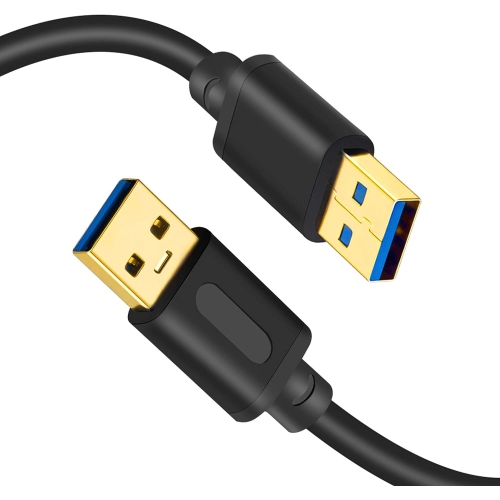
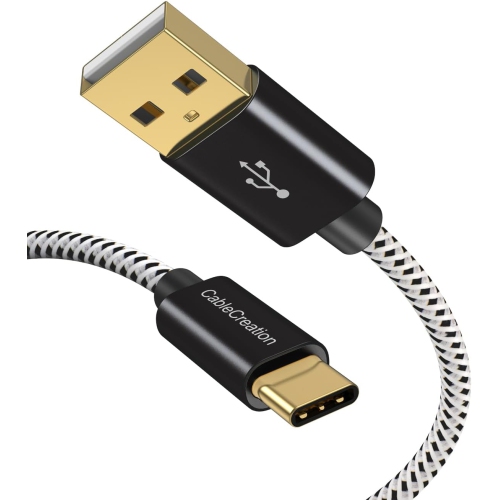
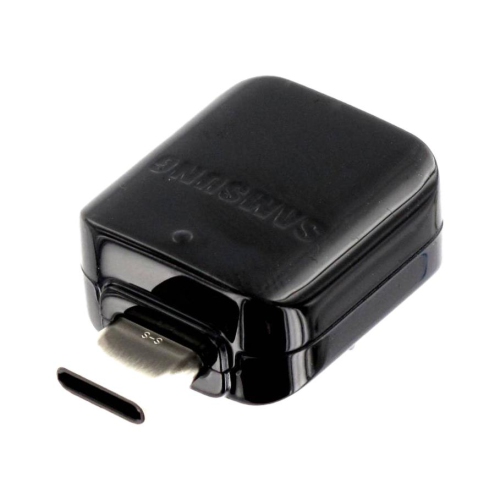
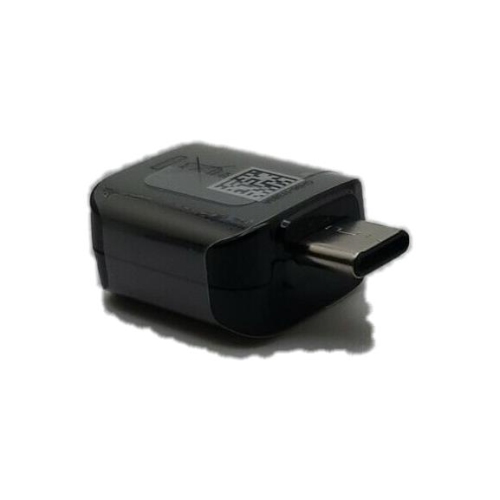
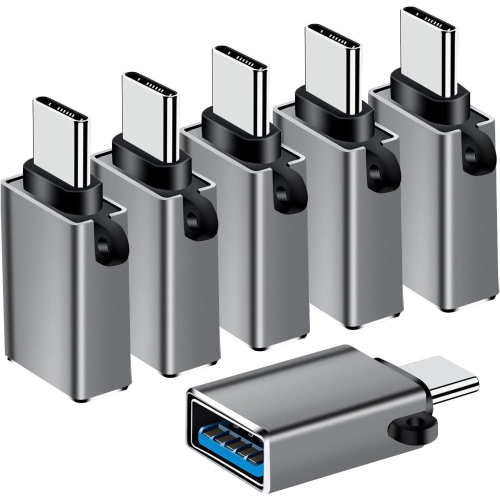
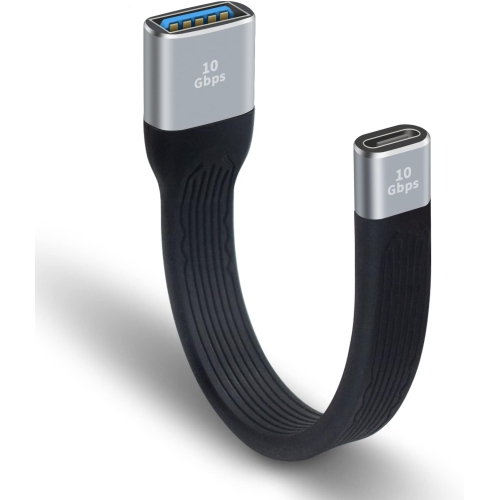
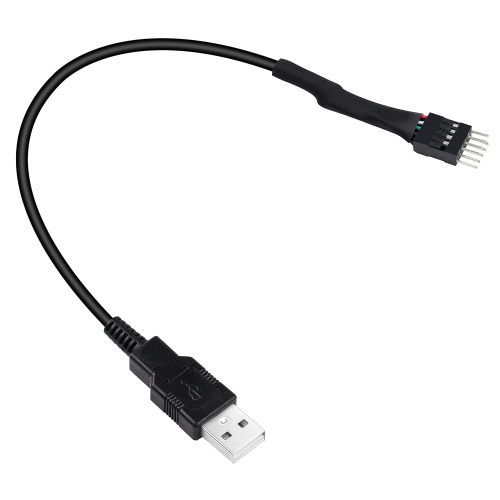
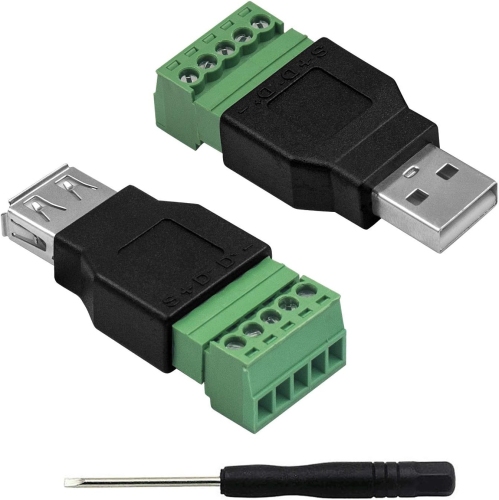
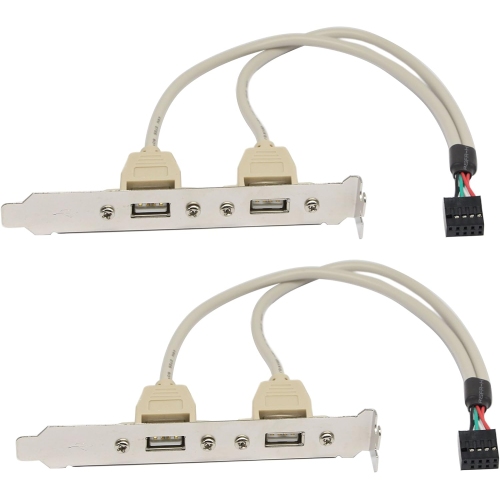
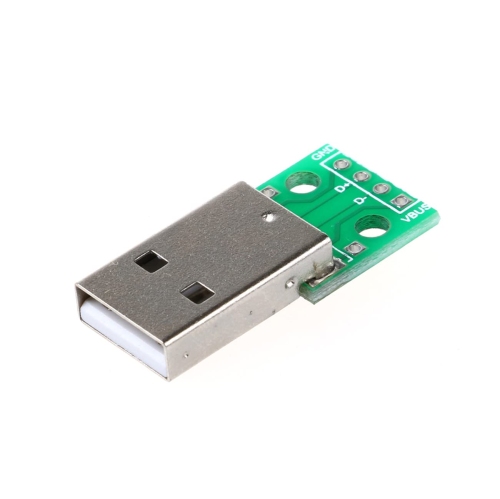
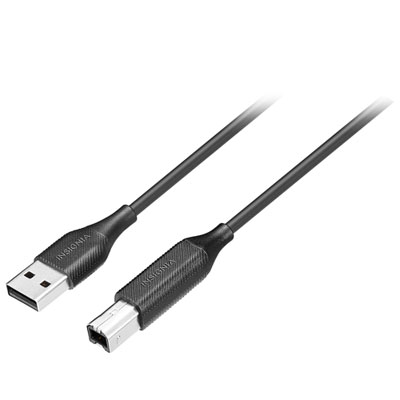
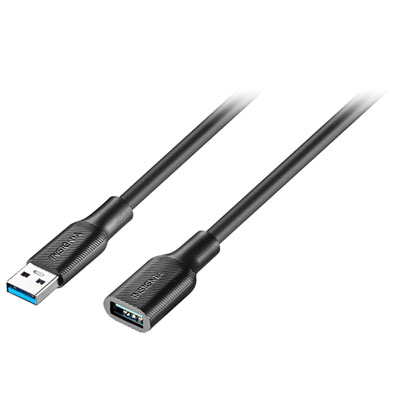
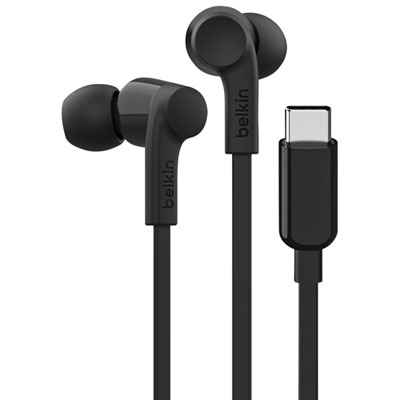
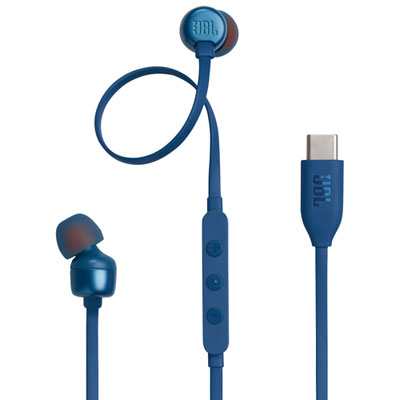
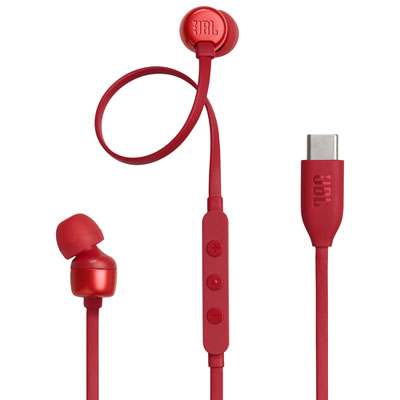
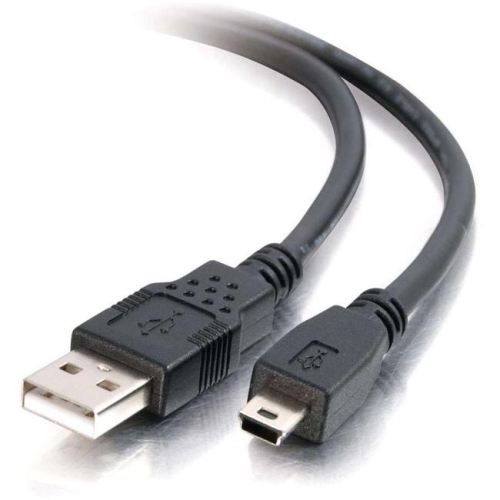
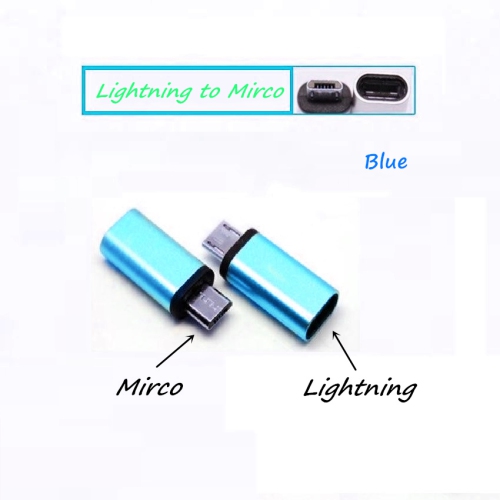
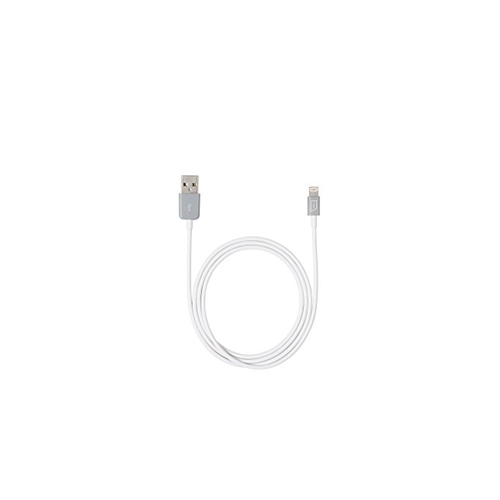
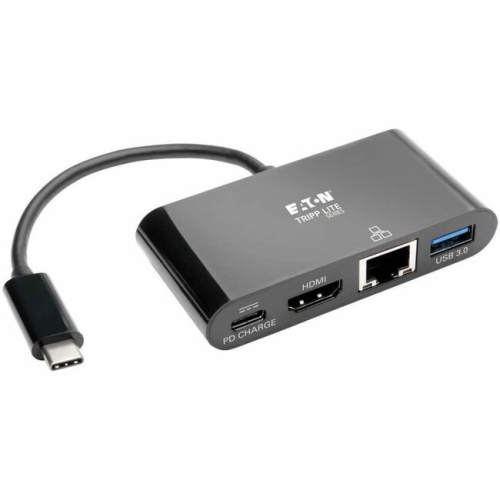
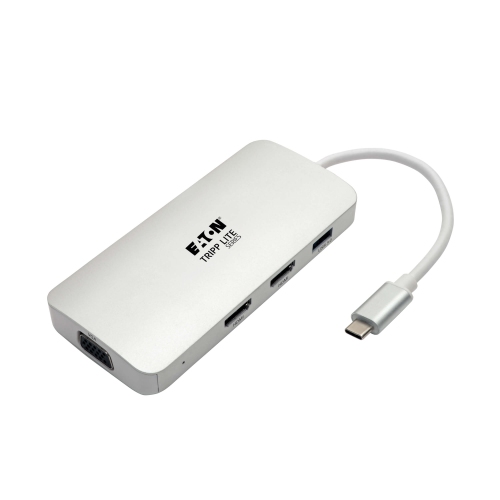
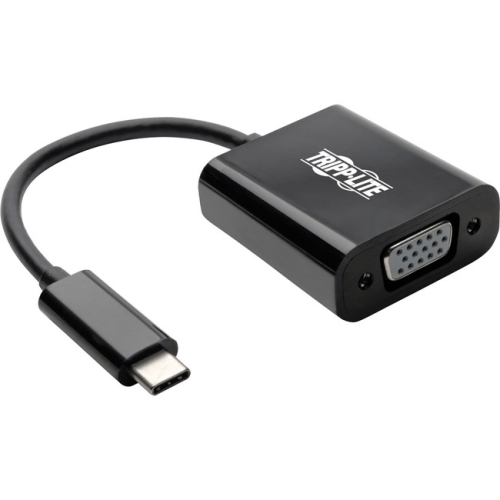
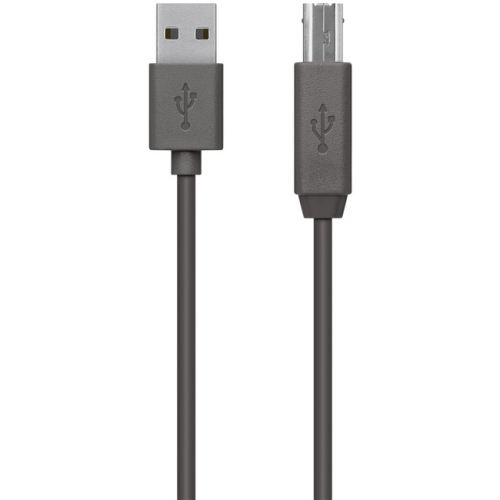
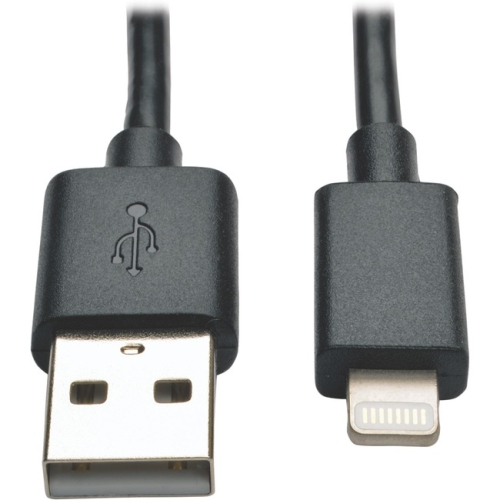
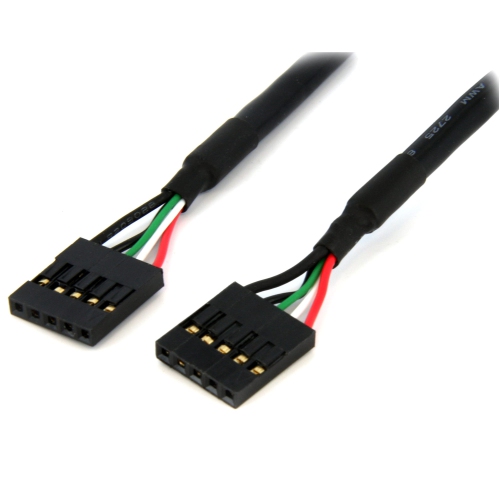
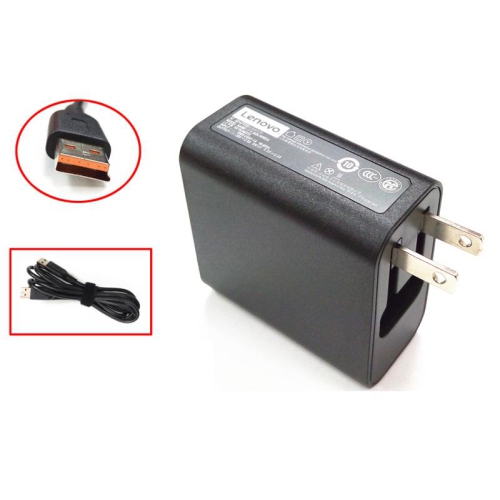
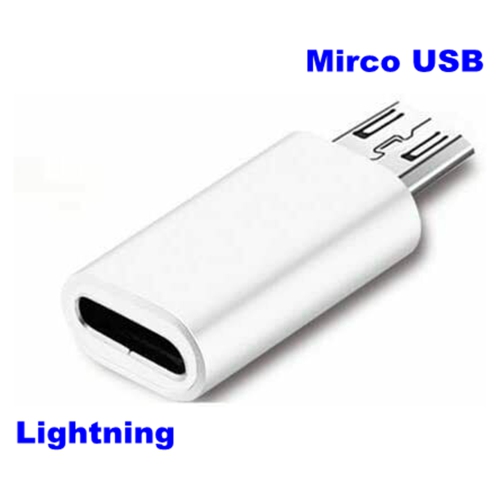
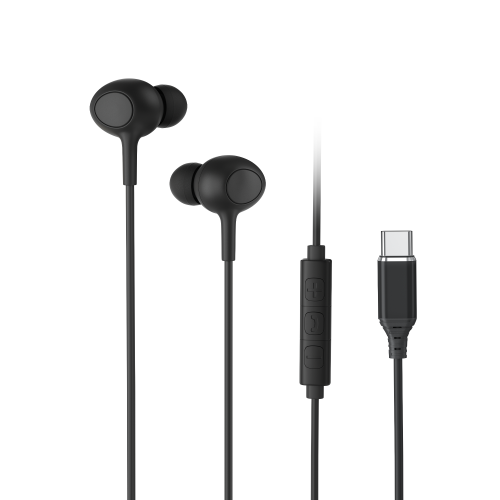
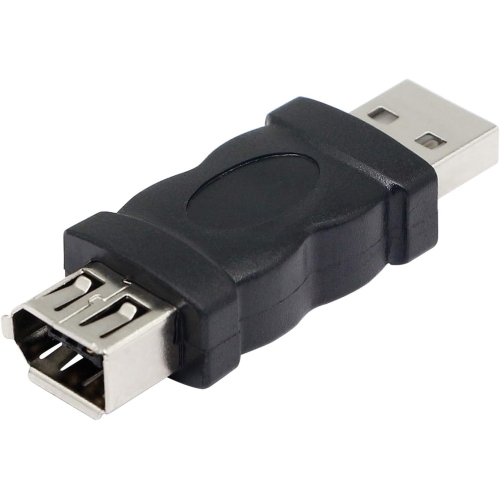
USB connectors are physical interfaces that connect computers, mobile devices, chargers, peripherals, storage accessories and other electronics for power, data transfer or both. The right connector depends on the ports found on the devices being connected, as well as the speed and power requirements of the task. USB Type-A is the familiar wide, rectangular plug found on many desktop computers, laptops, charging blocks, hubs, keyboards, mice and older flash drives. It is not reversible, so the plug must be aligned correctly before insertion. USB Type-B has a squarer shape with bevelled upper corners and has traditionally been used with larger peripherals such as printers, scanners, select audio equipment and other stationary devices. Micro-USB is smaller and thinner, and remains common on older smartphones, wireless accessories, game controllers, cameras, portable speakers and other compact electronics. USB Type-C is the modern oval-shaped connector with a reversible plug, making it easier to connect in tight spaces or when the port is difficult to see behind a desk. Its compact design is used across current computers, tablets, phones, monitors, docks, headphones and many other devices. A connector’s shape is only one part of its capability: USB 2.0, USB 3.2 and USB4 describe standards or generations that can affect data-transfer speeds, while USB Power Delivery can support higher charging output when the connected devices, cable and power source are all compatible. This distinction matters when replacing a lost cable, adding an adapter to an existing setup or matching a new accessory with equipment that has been in the home for several years. A USB-C plug may fit a port physically, for example, but not every USB-C cable supports the same charging level, transfer rate, display function or other features. Checking the specifications for both connected devices helps avoid choosing a cable that fits but does not perform as expected.
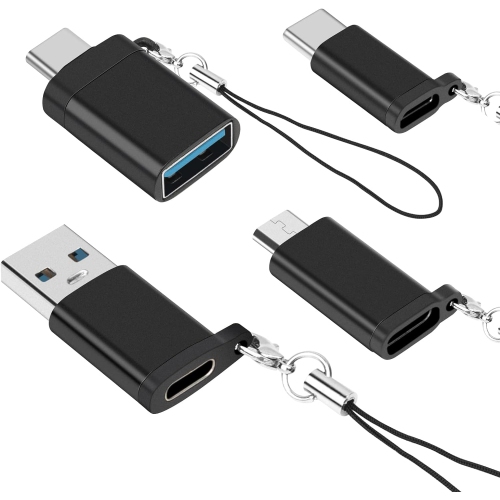
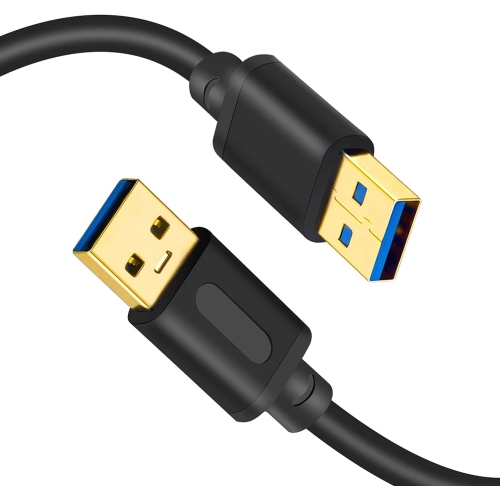
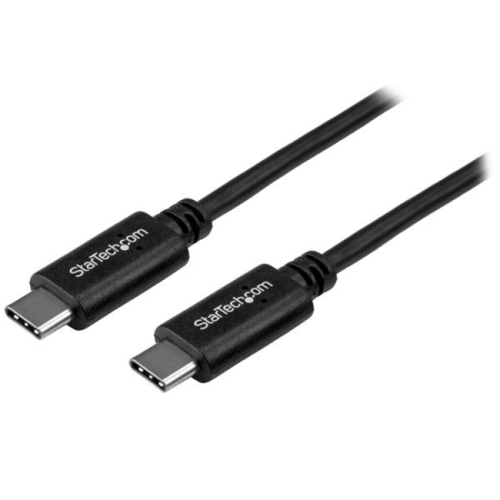
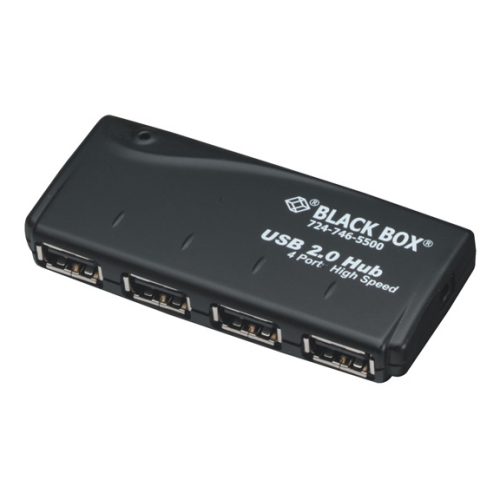
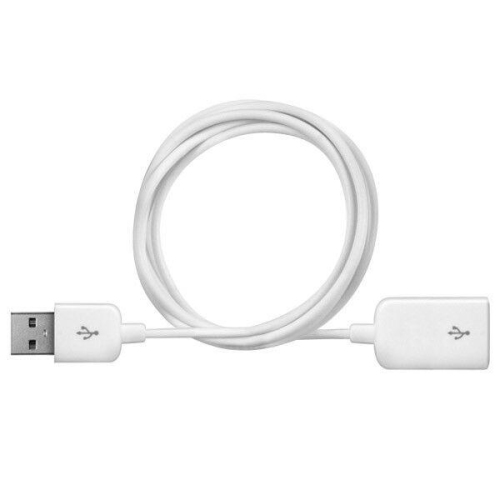
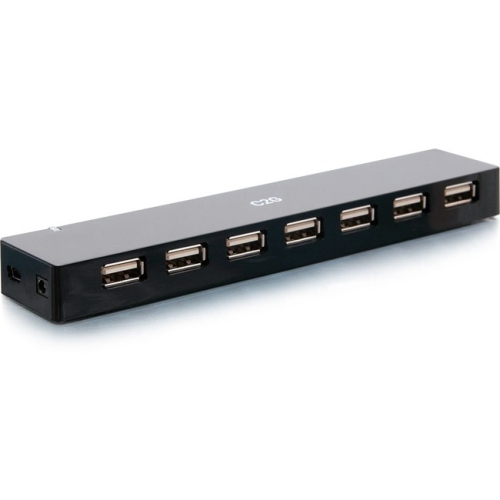
USB connectors can be useful in almost every room where electronics are used. At a work-from-home desk, a suitable cable can connect a laptop to a hub, keyboard, external drive, monitor or other peripheral while helping reduce the need to reach behind furniture. In a family room, USB connections may support controllers, streaming accessories, rechargeable devices and portable electronics. A photographer, student or traveller may keep several connector types in a computer bag so that a camera, phone, tablet or storage device can be connected wherever work or study takes place. Musicians and content creators may use USB connections to attach instruments, microphones or recording equipment to a computer through accessories such as USB Interfaces. Before selecting a connector, consider the plug on each end. Some cables have the same connector on both sides, such as USB-C to USB-C or USB-A to USB-A, while others bridge different port types, such as USB-A to USB-C, USB-A to Micro-USB or USB-C to a legacy connector. An adapter can be helpful when a device and computer have different ports, although it should be chosen with care if power delivery, high-speed data or video output is needed. Cable length is another practical detail. A short cable can keep a portable charger or compact desk tidy, while a longer cable may be more convenient for a bedside table, entertainment unit or workstation where the power outlet is farther away. Extremely long runs can affect performance depending on the standard and the connected equipment, so the product specifications are worth reviewing for demanding uses. Flexible construction, reinforced connection points and an easy-to-handle plug can also make a difference when a cable is connected and disconnected regularly.
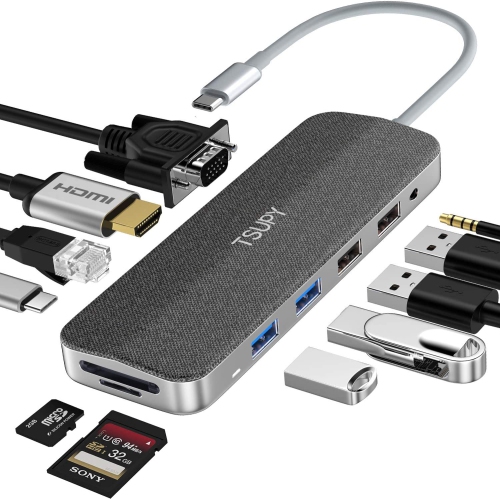
USB connectors are often selected as practical additions for people who rely on several devices throughout the day. They can be useful gifts for a student moving between classes, a family member setting up a new computer, a traveller organizing a carry-on tech kit or someone replacing older accessories after upgrading to a newer phone or laptop. They are also helpful for keeping at a shared charging area, in a desk drawer, in a vehicle or with a spare power source for unexpected moments when a device needs a connection. When browsing USB connector products, match the connector type, USB generation and intended function rather than choosing by appearance alone. Look for details about data-transfer speed when moving photos, videos or large files; check supported charging output when powering a phone, tablet or computer; and confirm whether audio, video or alternate display modes are supported when connecting to a monitor or docking station. Devices with USB-C ports may use those ports for charging only, while others can handle data, display output or several functions at once. Legacy devices may require Micro-USB or USB-B even when newer equipment in the same home uses USB-C. It is also worth checking whether the product is a cable, a compact adapter, an extension or a replacement connector, since each serves a different purpose. With the correct fit and specifications, USB connectors make it easier to move files, charge electronics, connect peripherals and keep everyday technology working together through the warmer season and the cooler months alike.
USB connectors can be useful in almost every room where electronics are used. At a work-from-home desk, a suitable cable can connect a laptop to a hub, keyboard, external drive, monitor or other peripheral while helping reduce the need to reach behind furniture. In a family room, USB connections may support controllers, streaming accessories, rechargeable devices and portable electronics. A photographer, student or traveller may keep several connector types in a computer bag so that a camera, phone, tablet or storage device can be connected wherever work or study takes place. Musicians and content creators may use USB connections to attach instruments, microphones or recording equipment to a computer through accessories such as USB Interfaces. Before selecting a connector, consider the plug on each end. Some cables have the same connector on both sides, such as USB-C to USB-C or USB-A to USB-A, while others bridge different port types, such as USB-A to USB-C, USB-A to Micro-USB or USB-C to a legacy connector. An adapter can be helpful when a device and computer have different ports, although it should be chosen with care if power delivery, high-speed data or video output is needed. Cable length is another practical detail. A short cable can keep a portable charger or compact desk tidy, while a longer cable may be more convenient for a bedside table, entertainment unit or workstation where the power outlet is farther away. Extremely long runs can affect performance depending on the standard and the connected equipment, so the product specifications are worth reviewing for demanding uses. Flexible construction, reinforced connection points and an easy-to-handle plug can also make a difference when a cable is connected and disconnected regularly.
USB connectors are often selected as practical additions for people who rely on several devices throughout the day. They can be useful gifts for a student moving between classes, a family member setting up a new computer, a traveller organizing a carry-on tech kit or someone replacing older accessories after upgrading to a newer phone or laptop. They are also helpful for keeping at a shared charging area, in a desk drawer, in a vehicle or with a spare power source for unexpected moments when a device needs a connection. When browsing USB connector products, match the connector type, USB generation and intended function rather than choosing by appearance alone. Look for details about data-transfer speed when moving photos, videos or large files; check supported charging output when powering a phone, tablet or computer; and confirm whether audio, video or alternate display modes are supported when connecting to a monitor or docking station. Devices with USB-C ports may use those ports for charging only, while others can handle data, display output or several functions at once. Legacy devices may require Micro-USB or USB-B even when newer equipment in the same home uses USB-C. It is also worth checking whether the product is a cable, a compact adapter, an extension or a replacement connector, since each serves a different purpose. With the correct fit and specifications, USB connectors make it easier to move files, charge electronics, connect peripherals and keep everyday technology working together through the warmer season and the cooler months alike.
Top selling and popular products
-
 Your price for this item is $19.99
 -
 Your price for this item is $94.99
 -
 Your price for this item is $13.99
 -
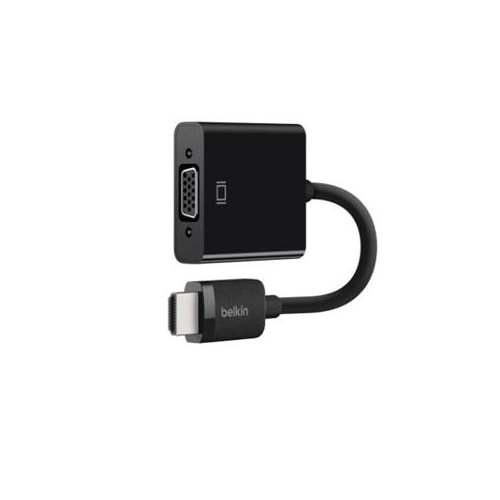 Your price for this item is $48.68
 -
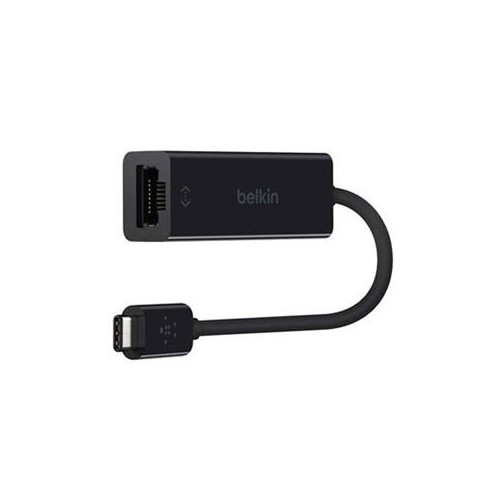 Your price for this item is $49.68
 -
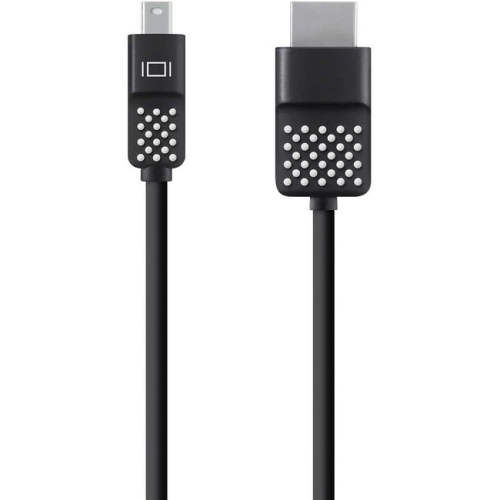 Your price for this item is $29.68
 -
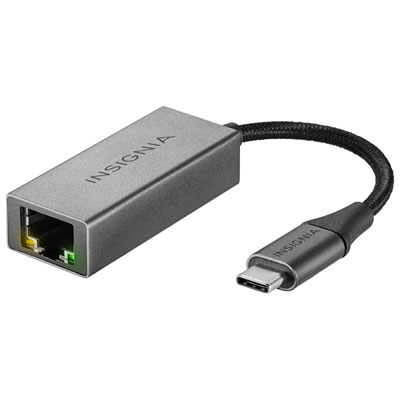 Your price for this item is $29.95
 -
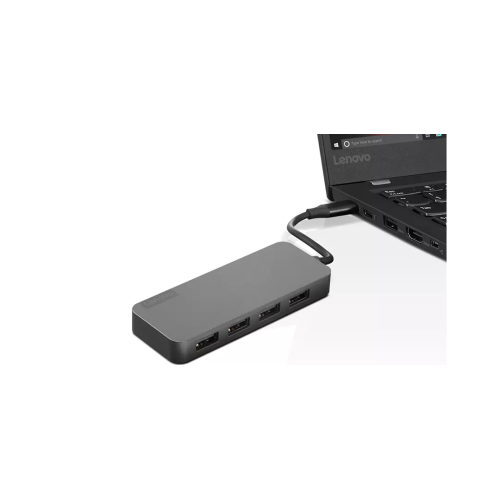 Your price for this item is $49.99
Discover more categories related to USB Connectors
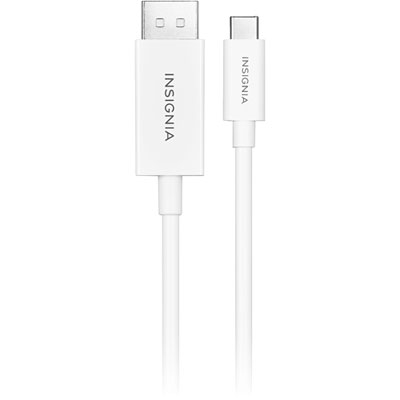
Top Collections:
Pokemon Centers, Kindle Devices, Best Budget Office Chairs, Apple iPhones 16, Best Laptops for Writers, iPhone 15 Apple, Canon G7X Cameras, Refurbished Apple Laptops, Alarm Clock, Motorola Razr Phones
Some products may be subject to Environmental Handling Fees
(EHF) depending on your province.
Learn more about EHFs.