Usb Converters
Looking to connect your devices seamlessly? Look no further than our wide selection of USB converters. These versatile gadgets are designed to bridge the gap between different types of USB ports, allowing you to connect and transfer data effortlessly. Whether you need to convert a USB-C port to a traditional USB-A, or vice versa, our range of USB converters has got you covered. With their compact and portable designs, these converters are perfect for on-the-go use, ensuring that you can stay connected wherever you are. Explore our collection today and find the perfect USB converter to meet your needs.
Sort



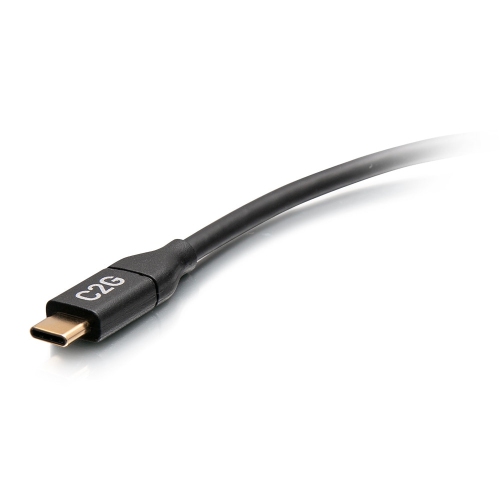
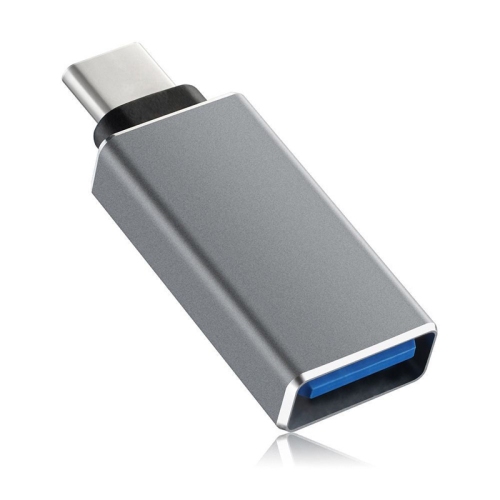

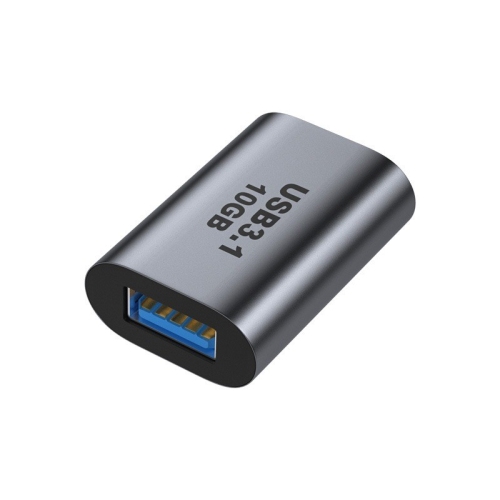

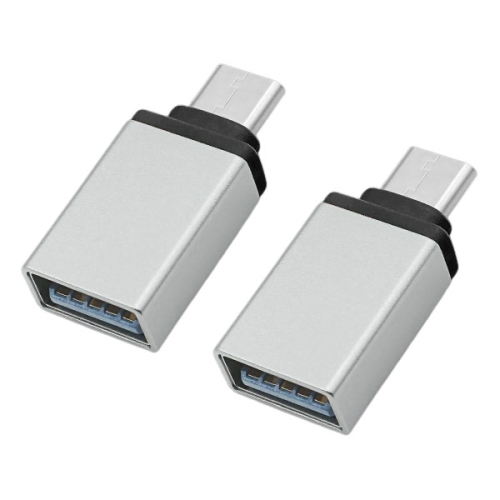


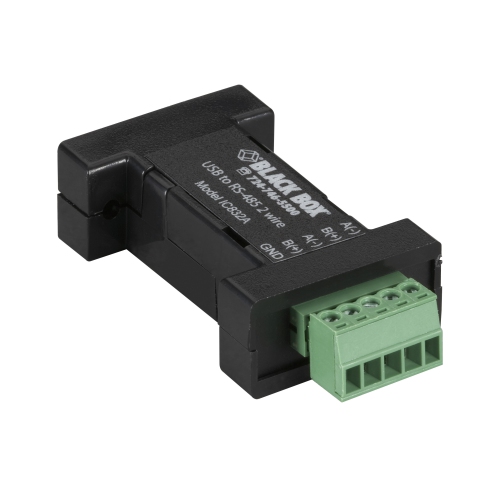
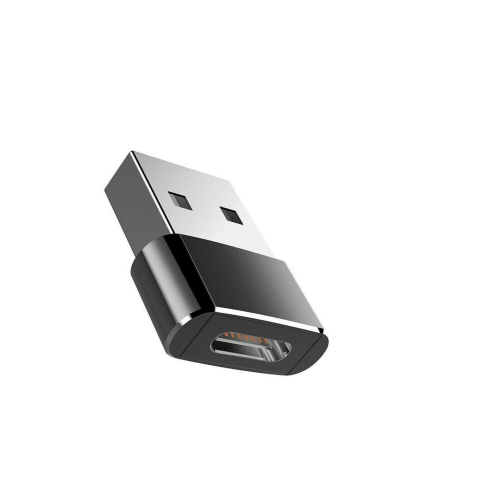
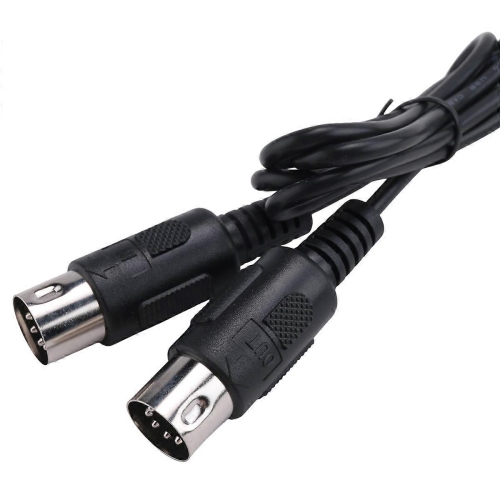
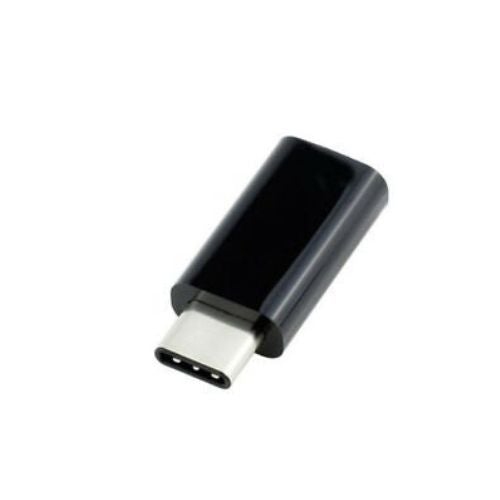
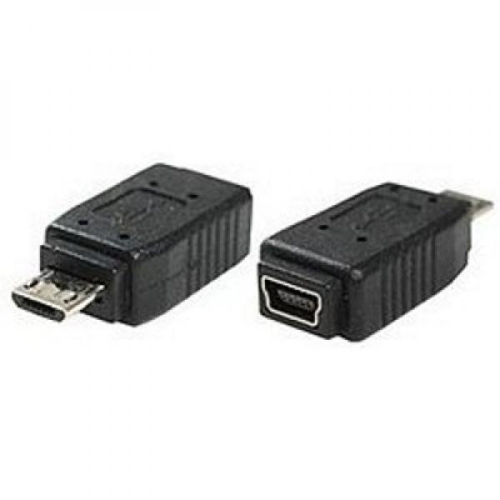
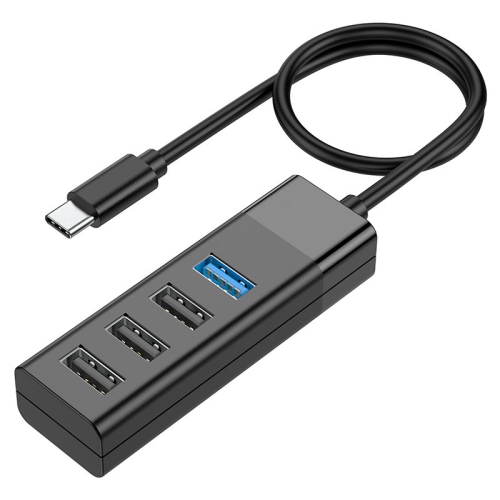
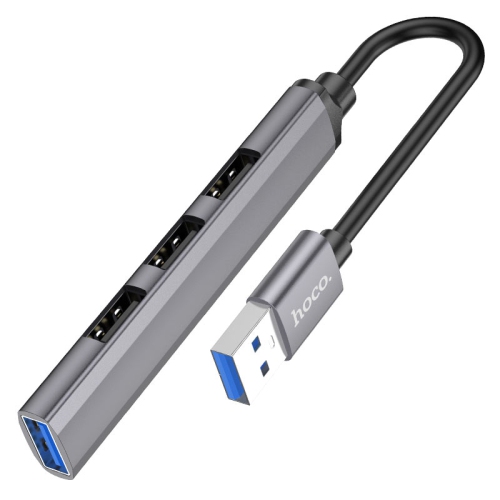
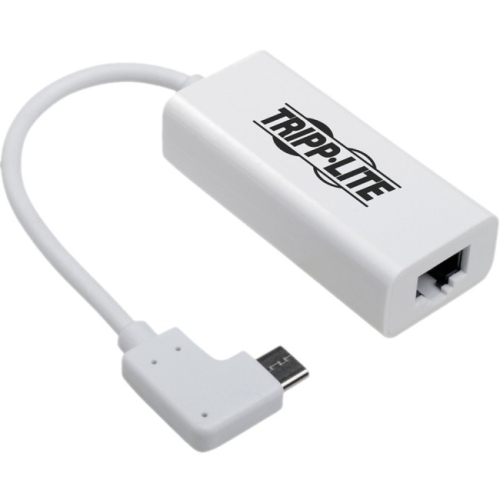
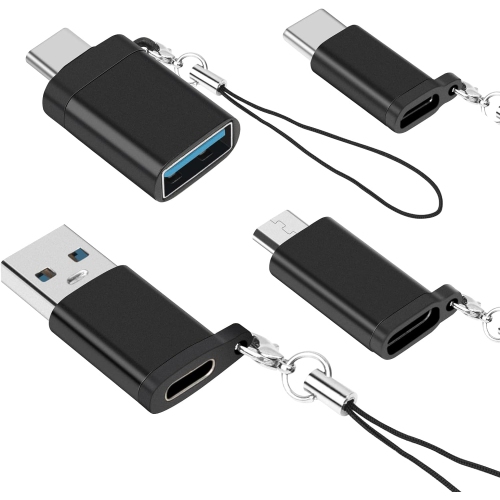
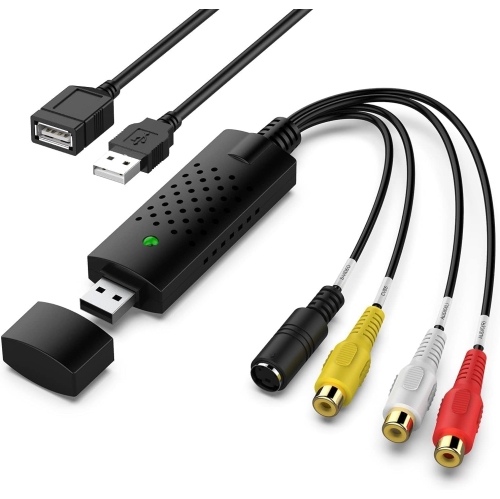
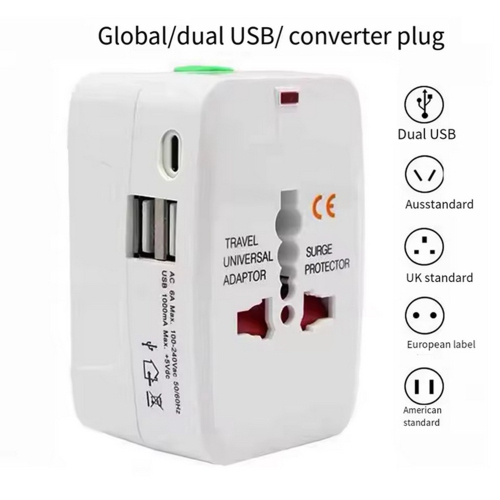
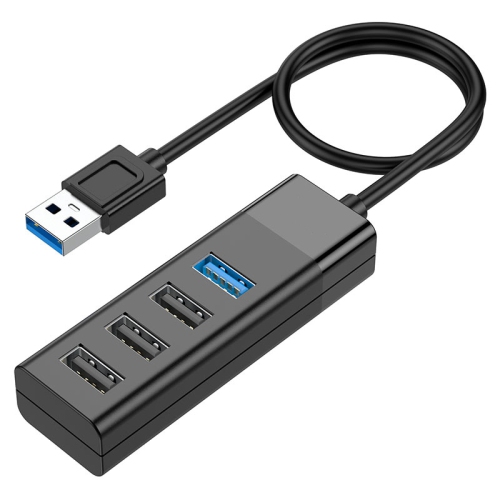

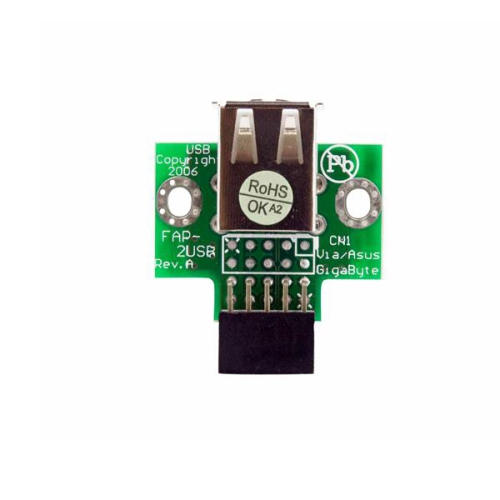
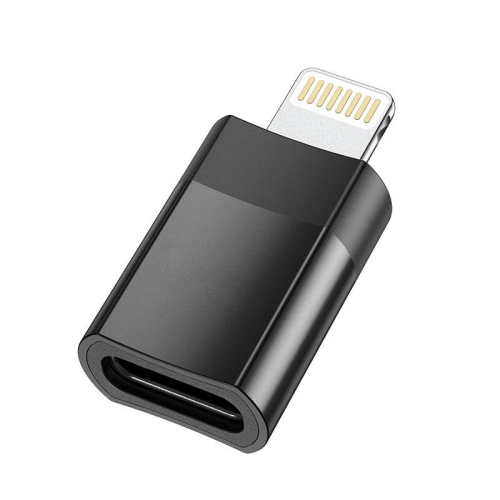
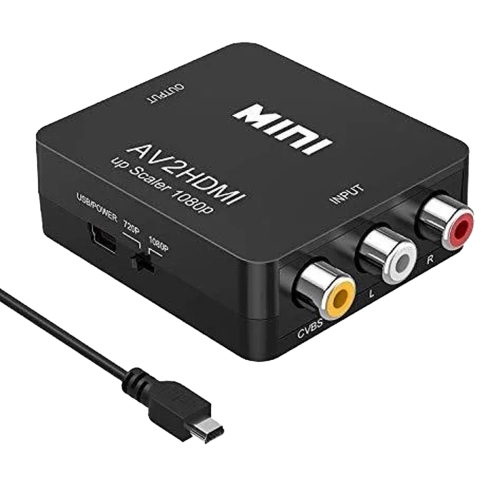

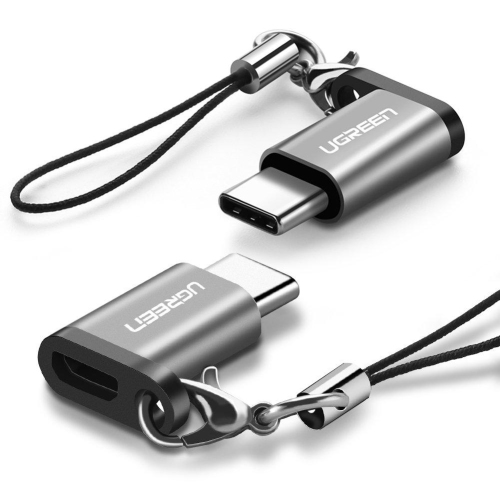
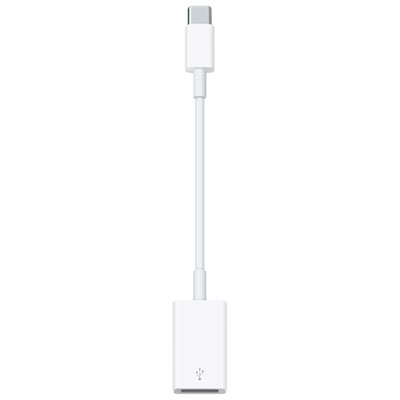
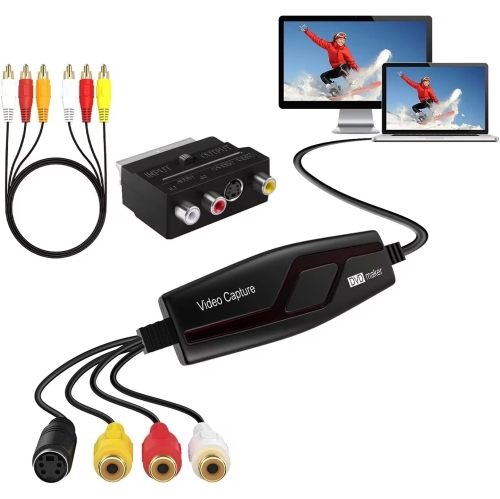
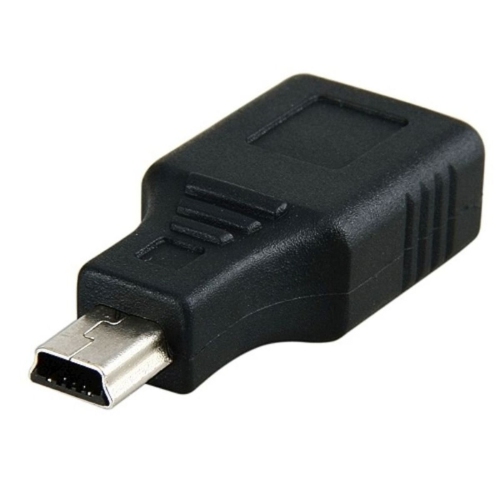
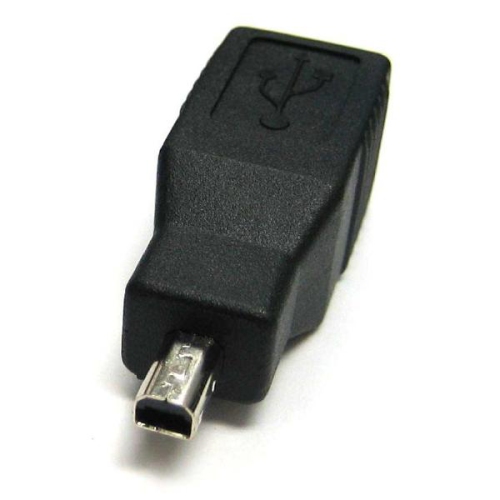







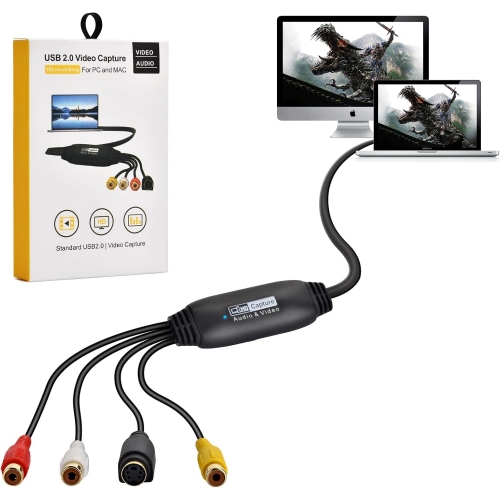
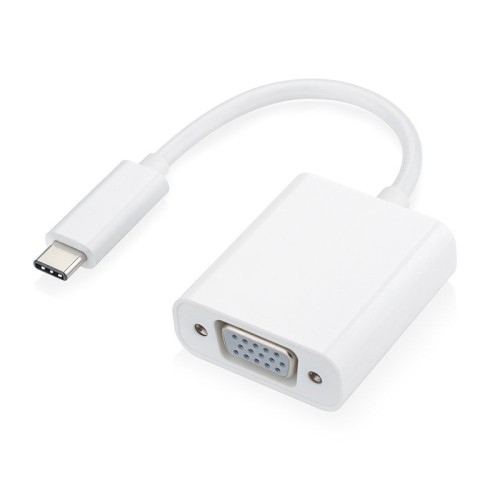
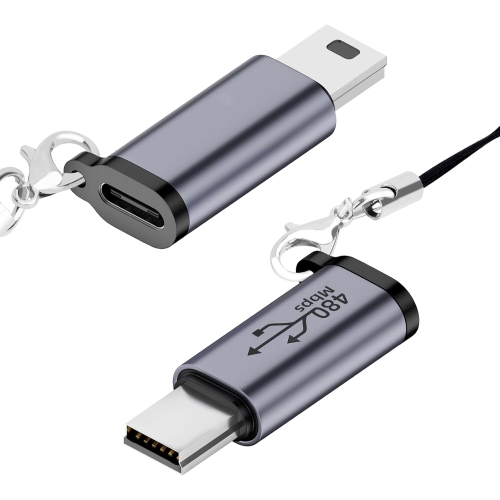
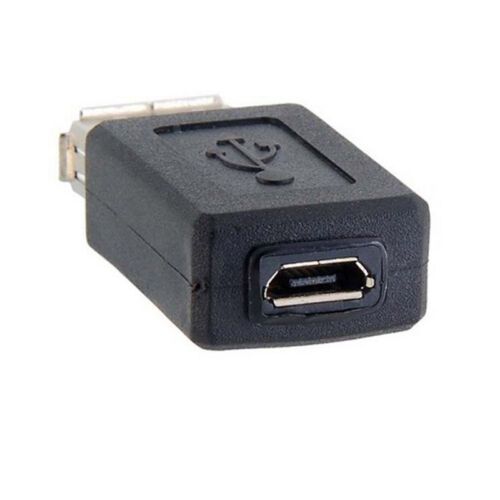




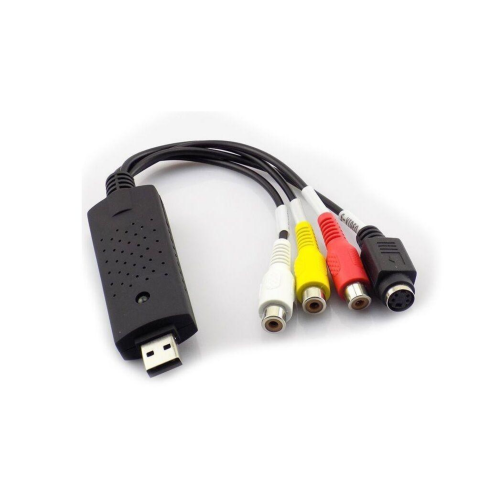
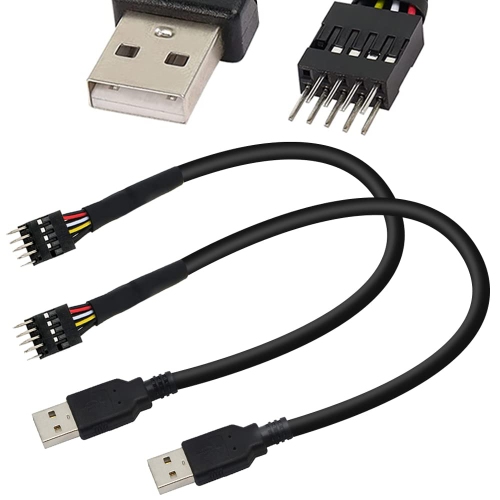
Why a matching plug does not guarantee compatibility
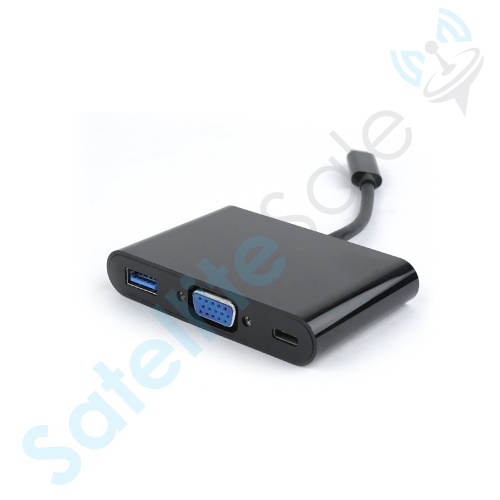
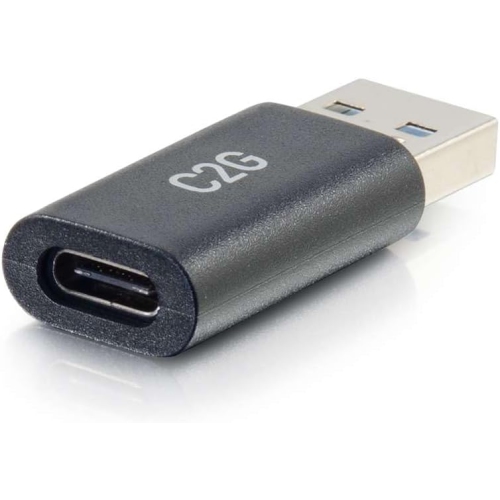
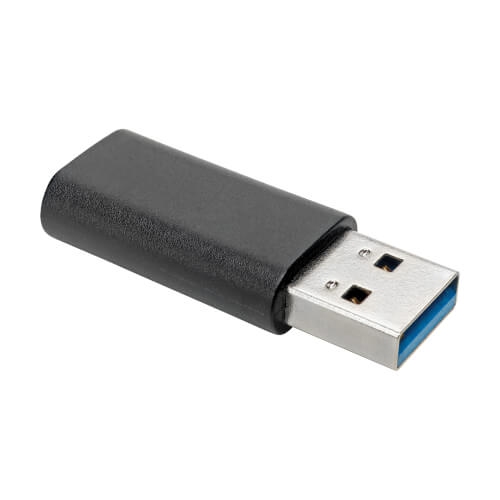
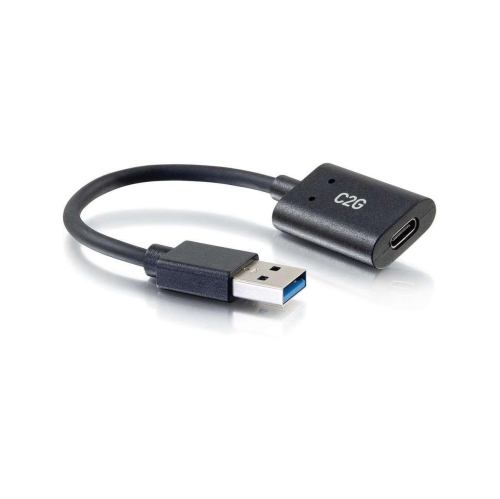
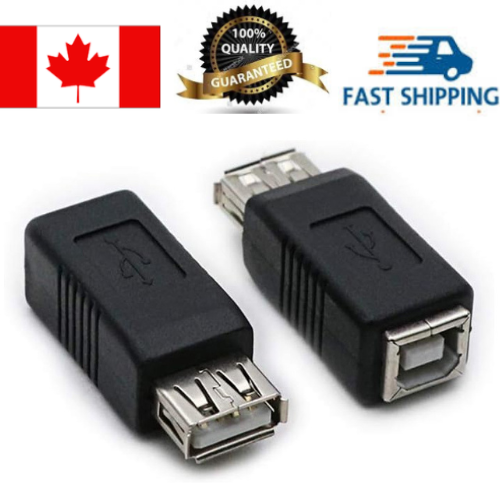
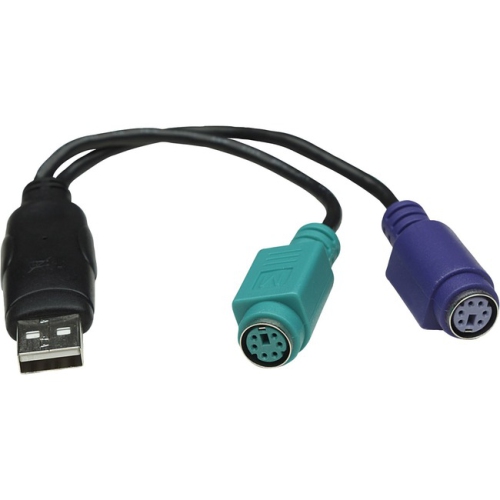
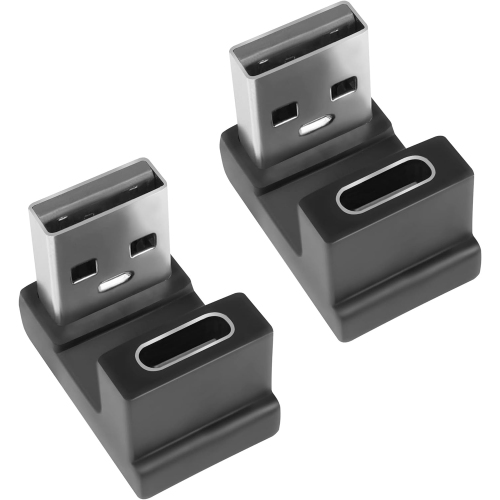
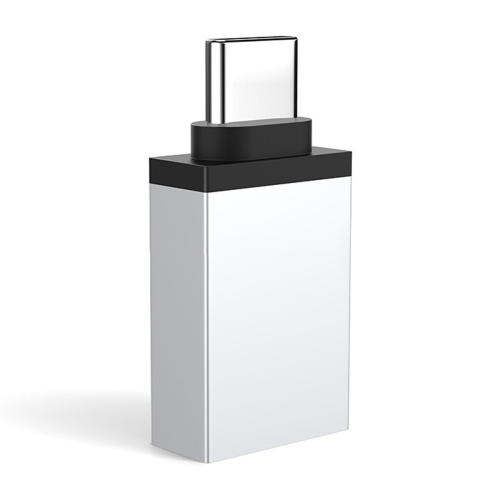
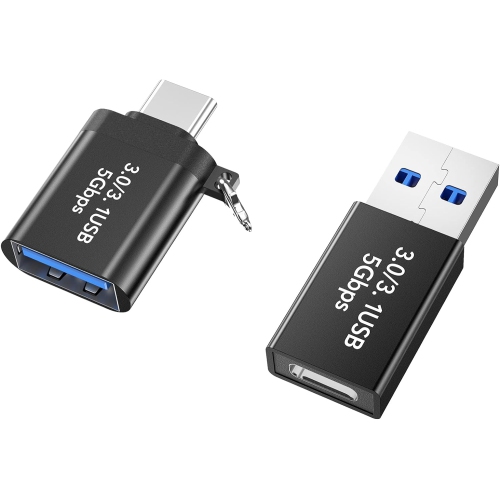
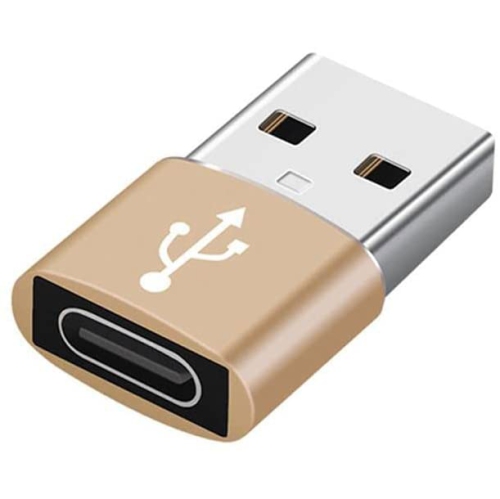
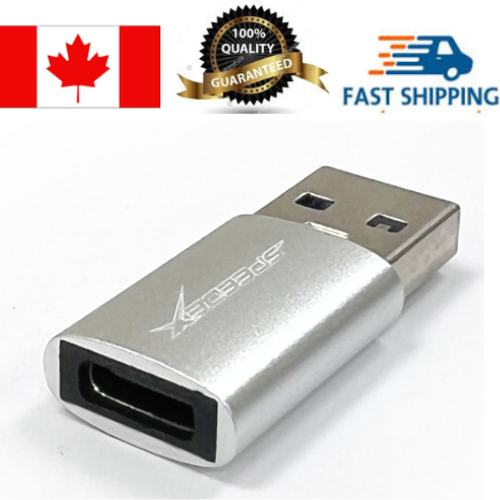
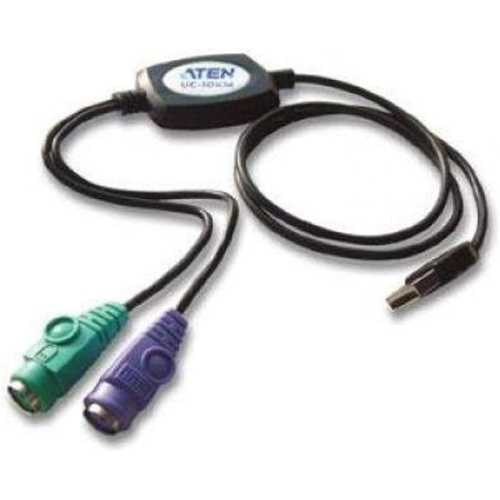
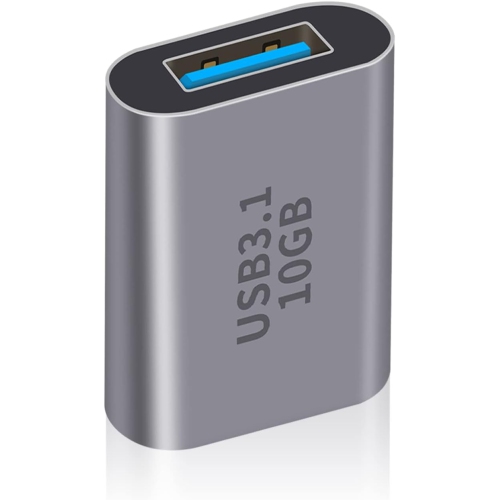
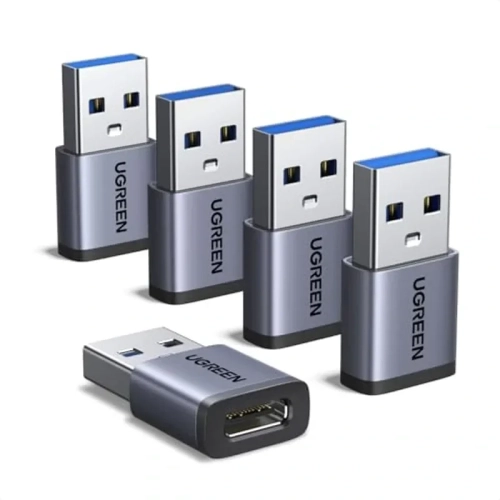
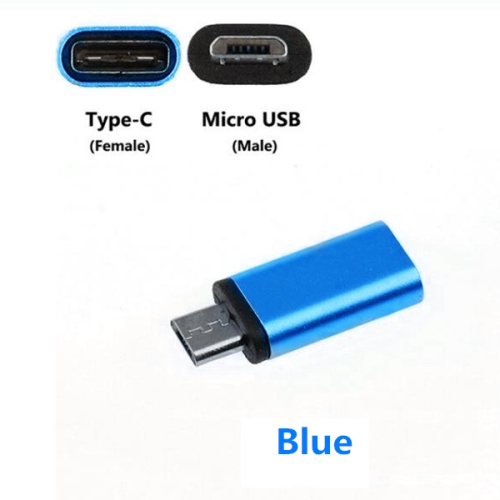
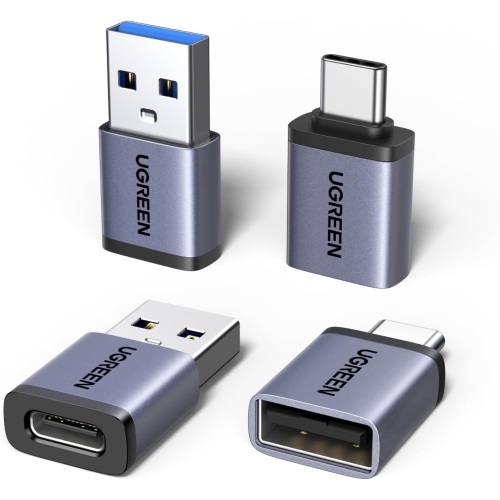
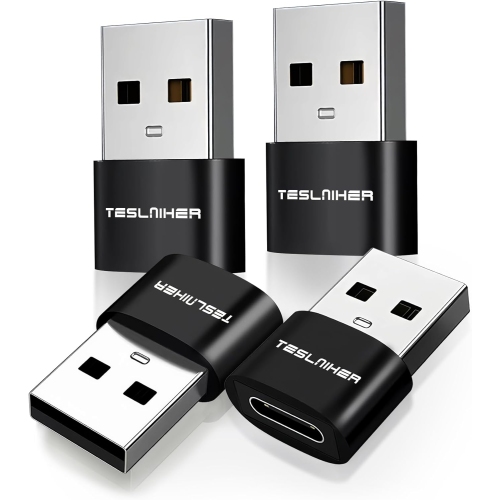
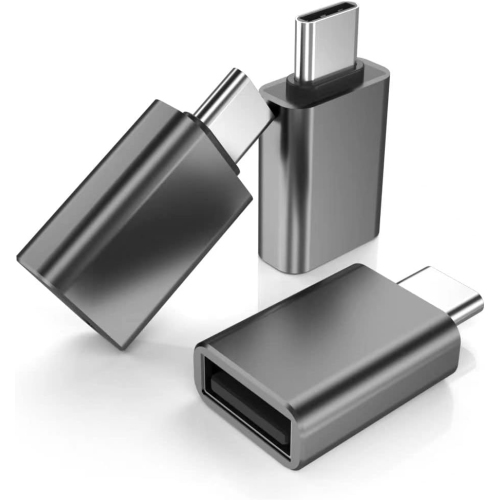
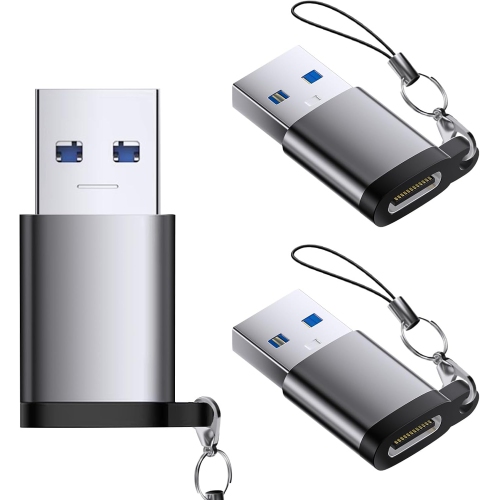
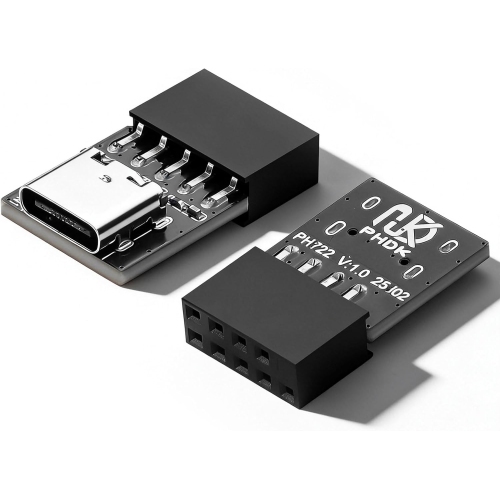
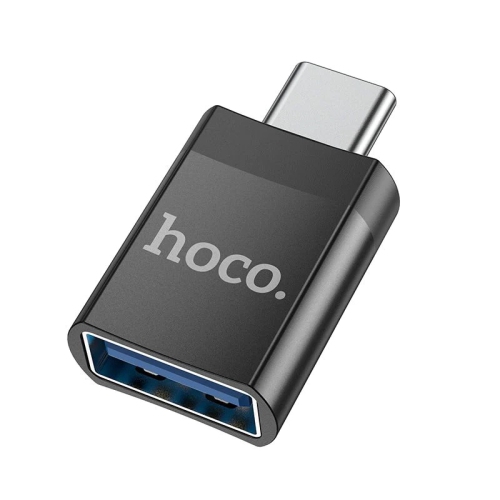
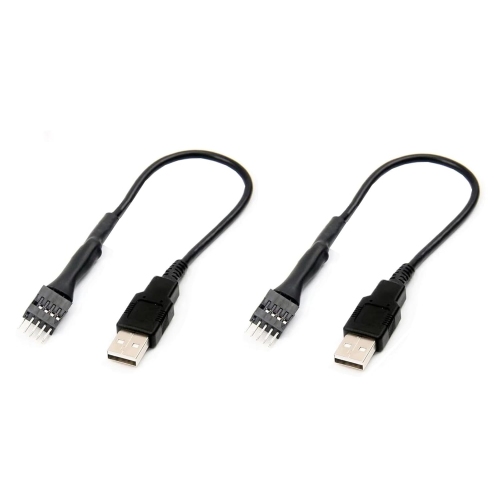
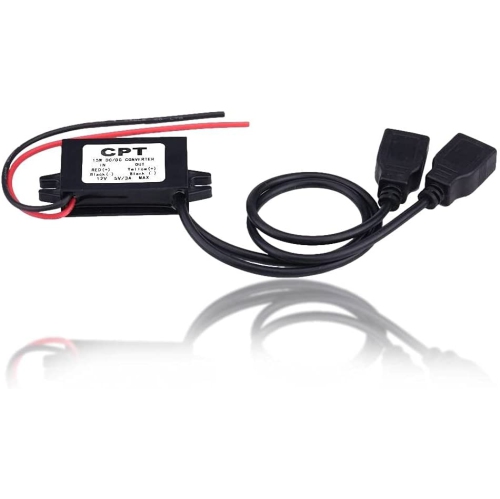
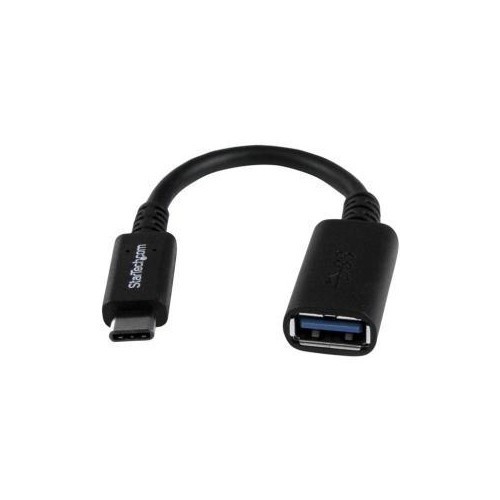
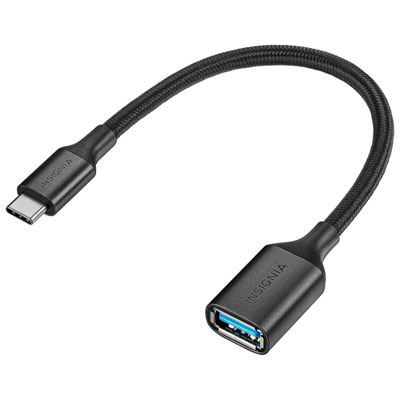
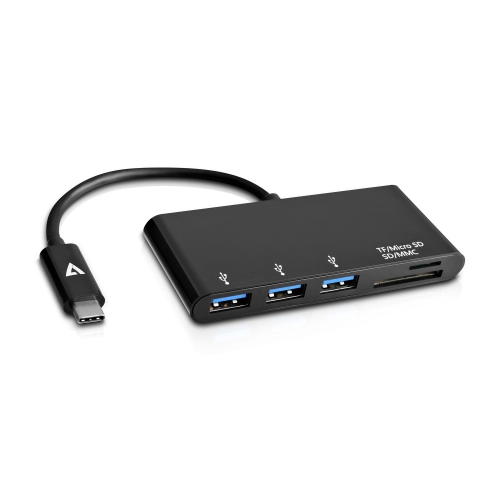
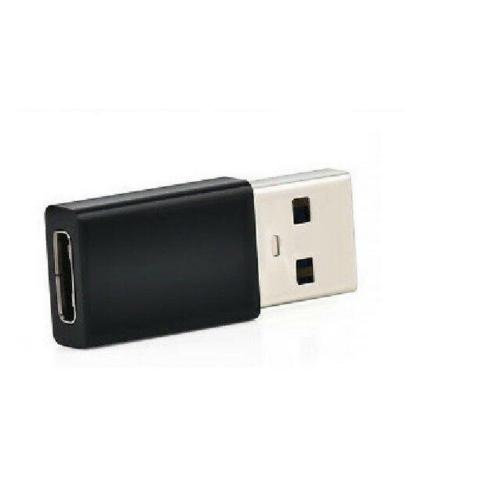
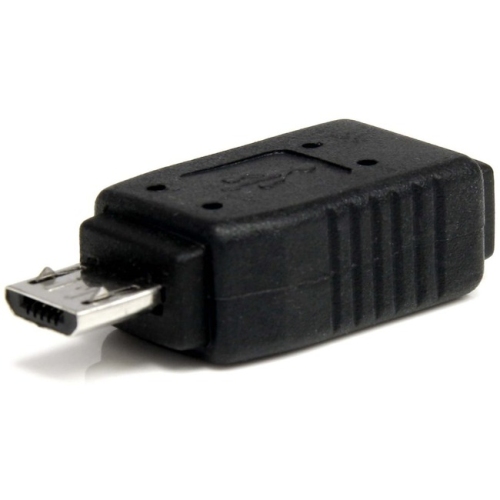
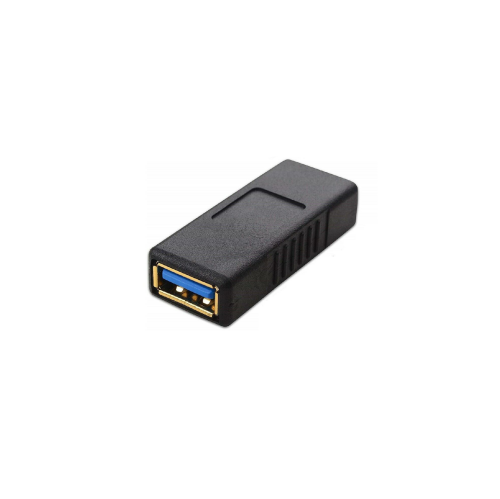
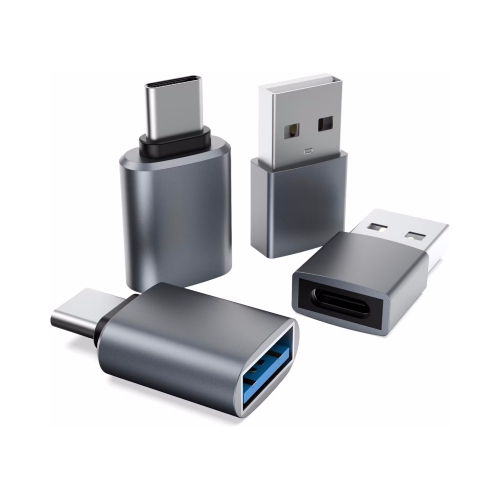
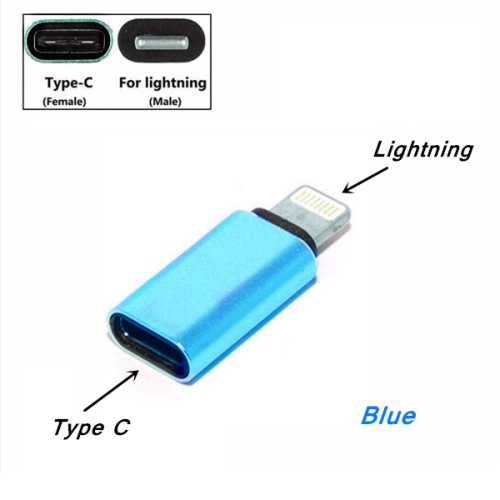
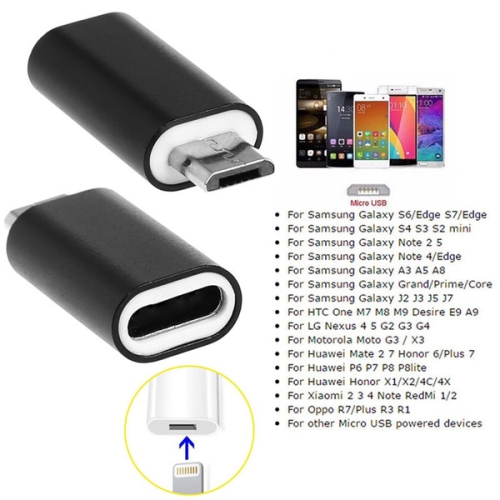
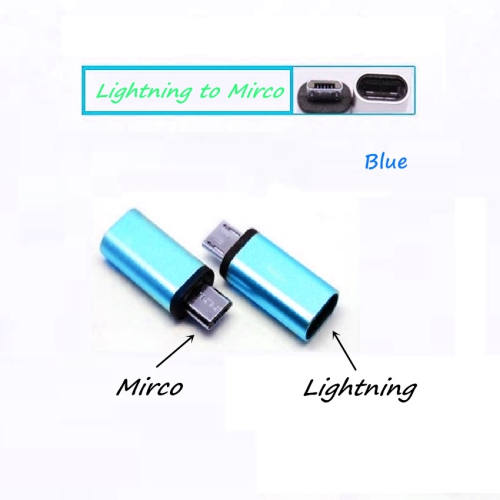
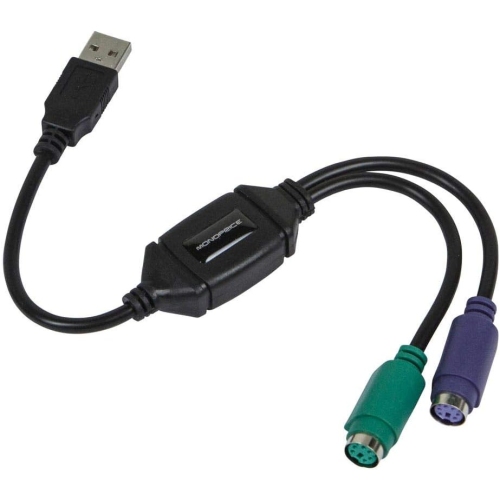
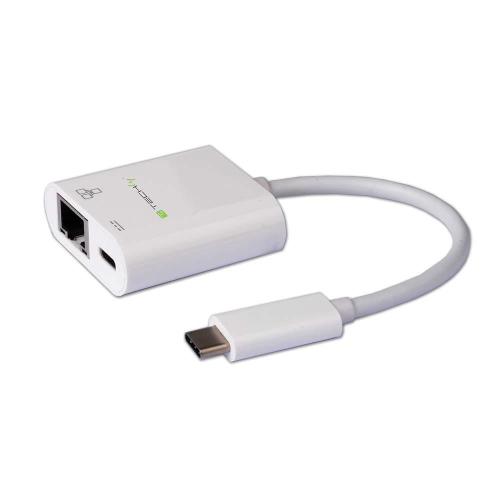
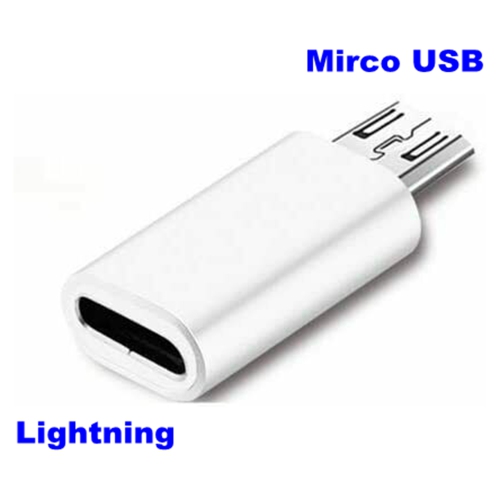
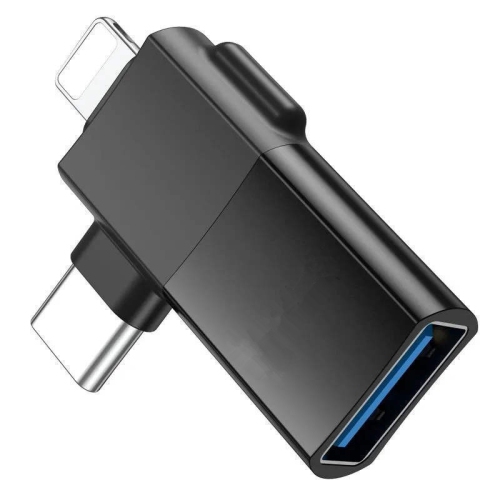
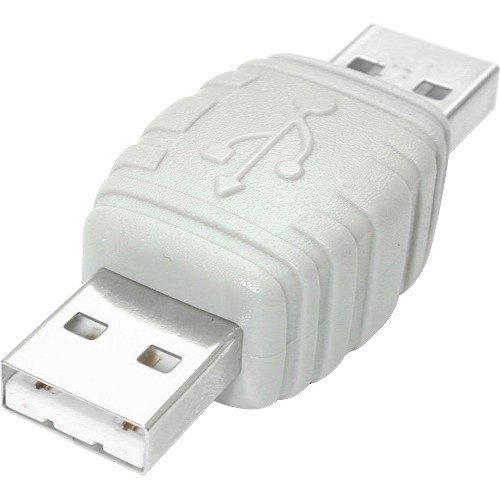
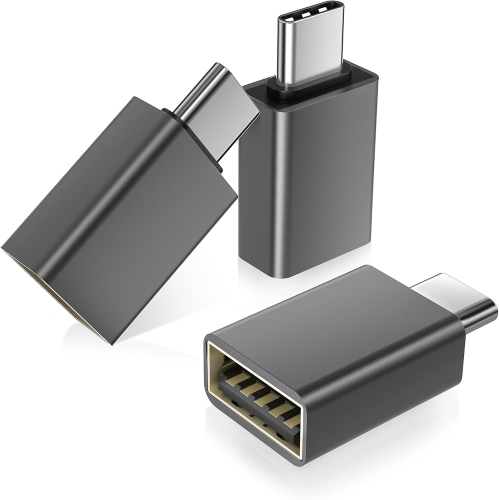
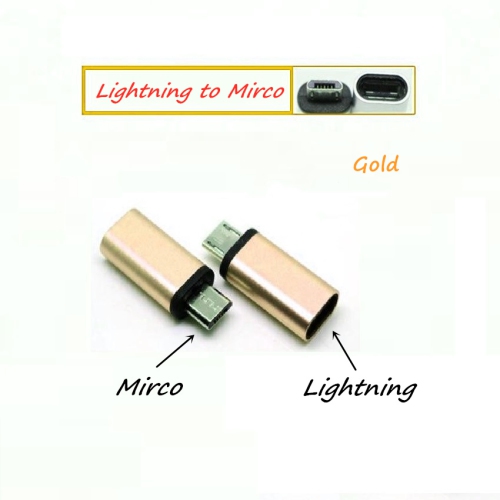
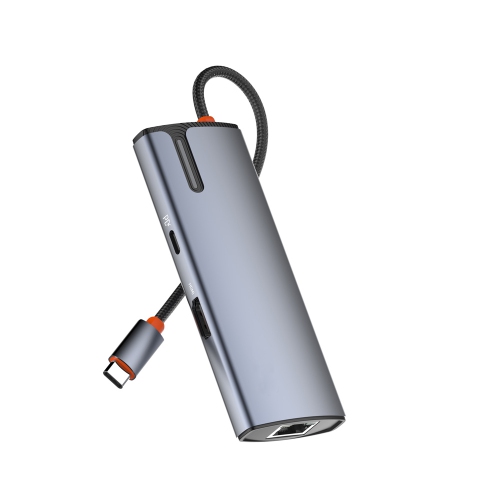
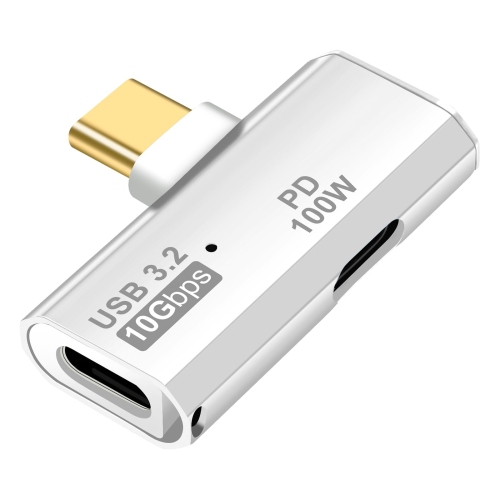
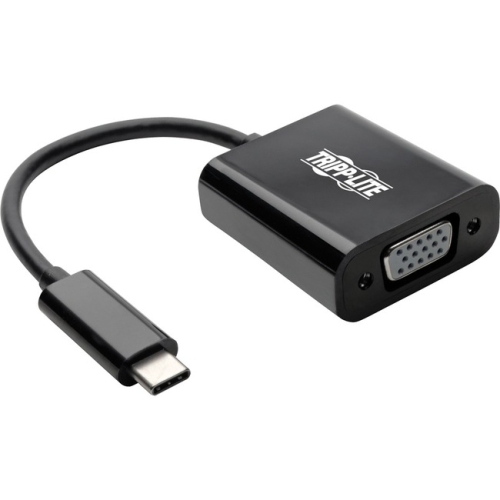
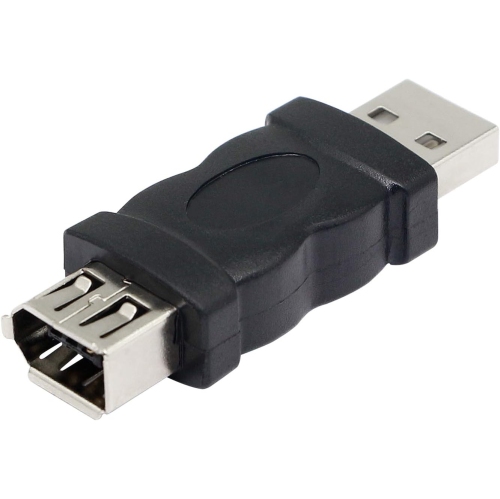
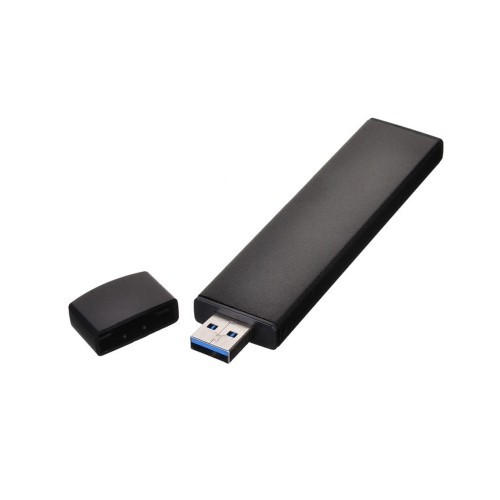
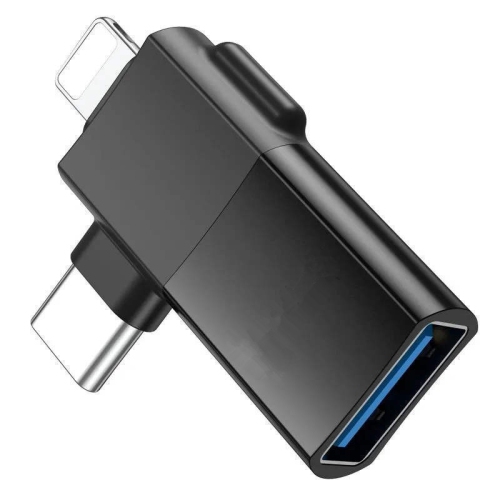
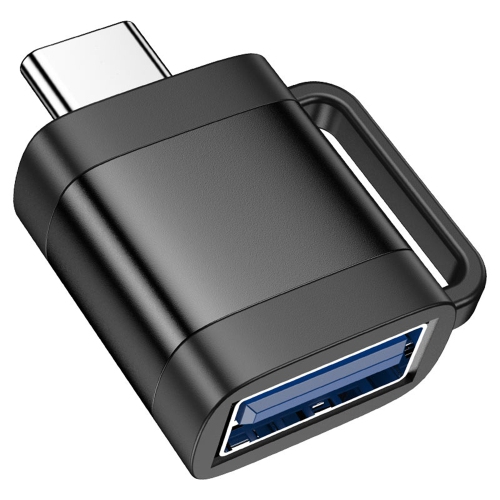
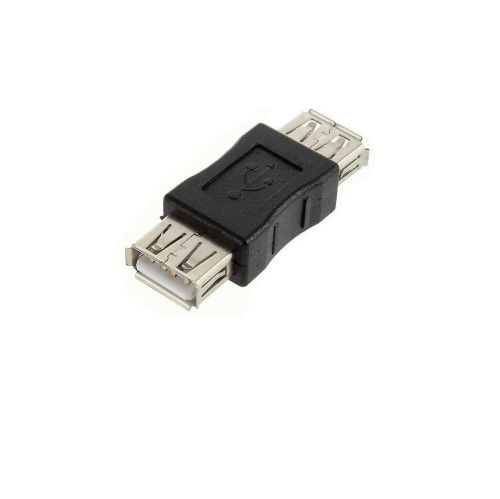
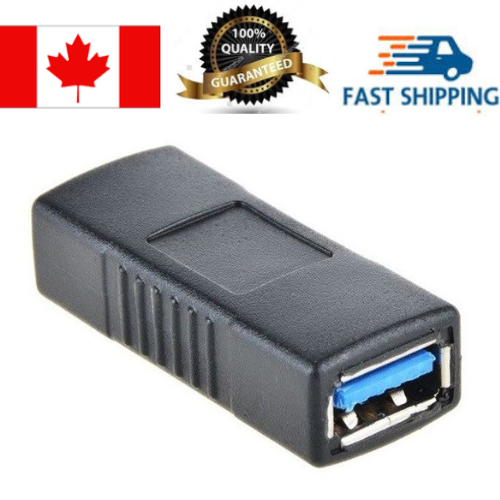
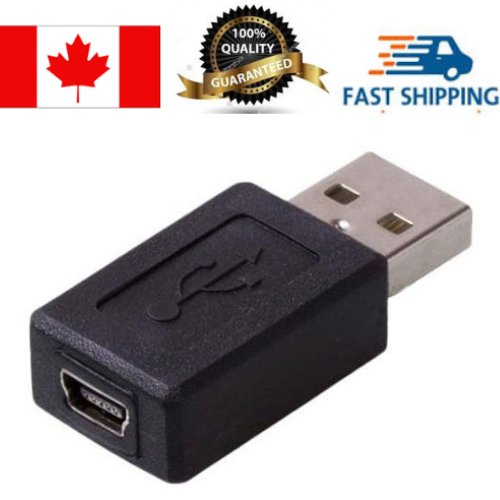
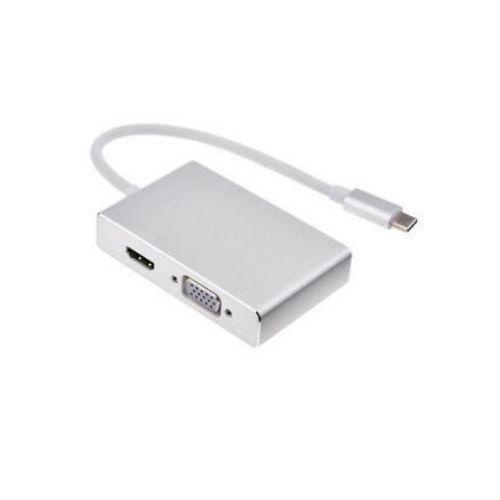
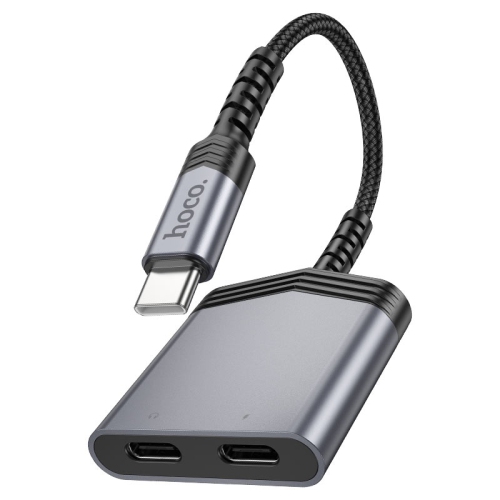
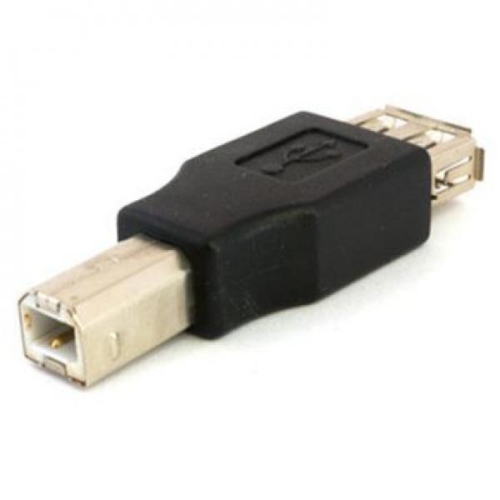
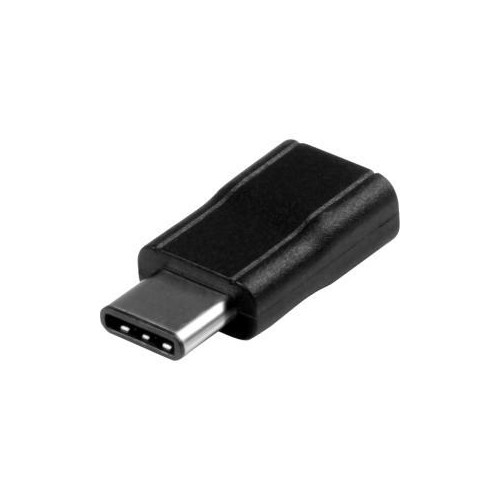
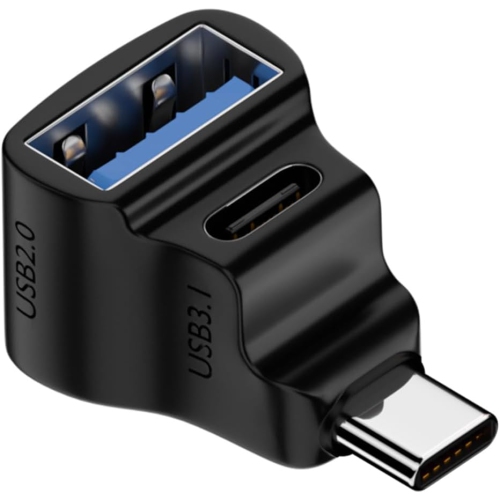
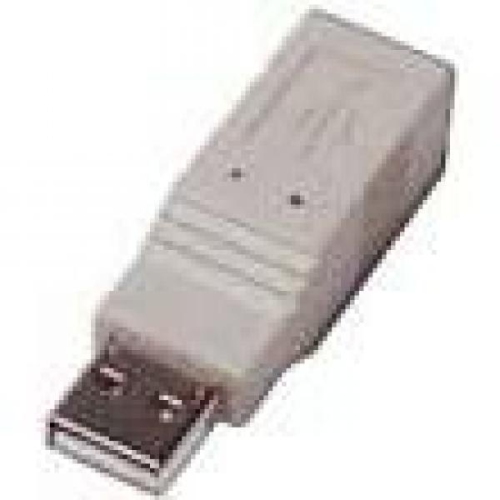
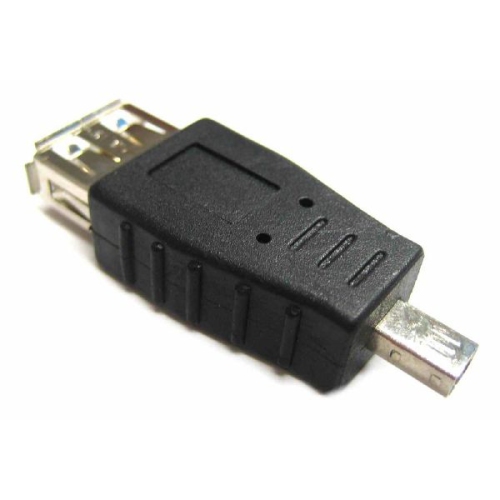
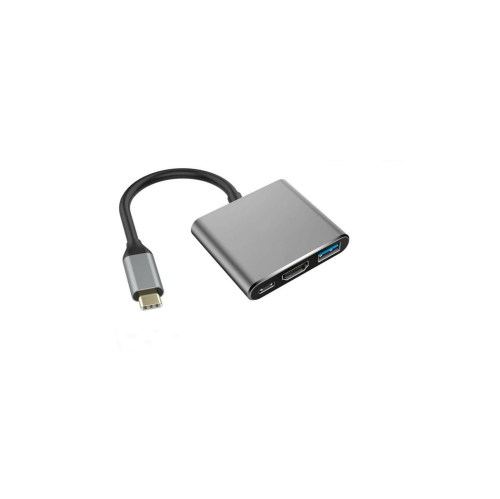
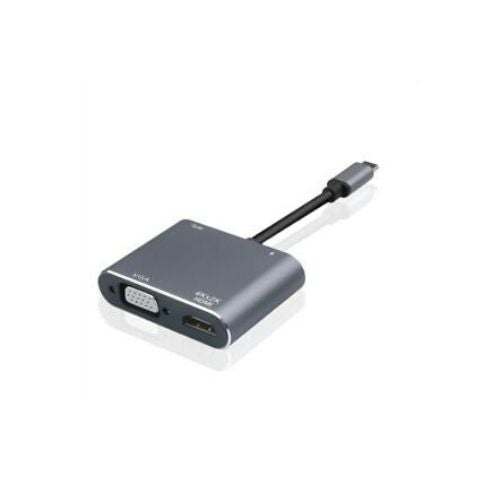
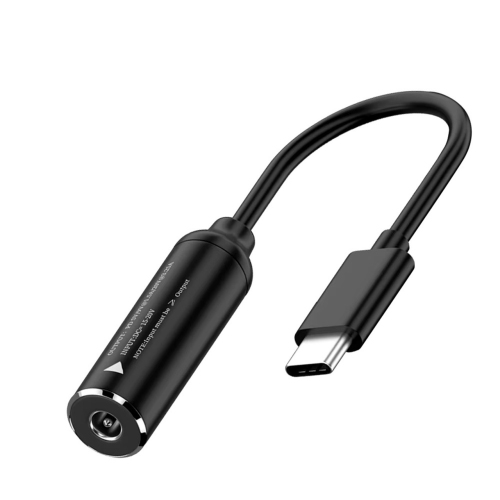
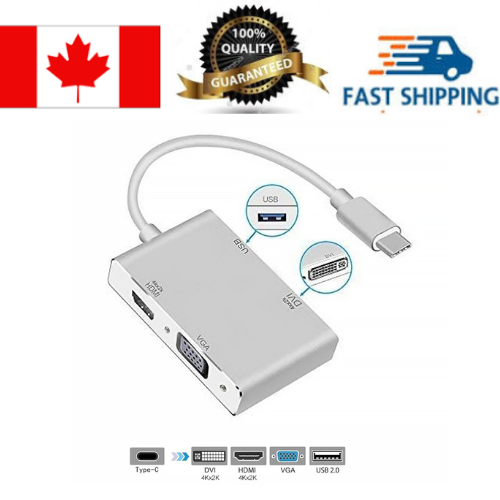
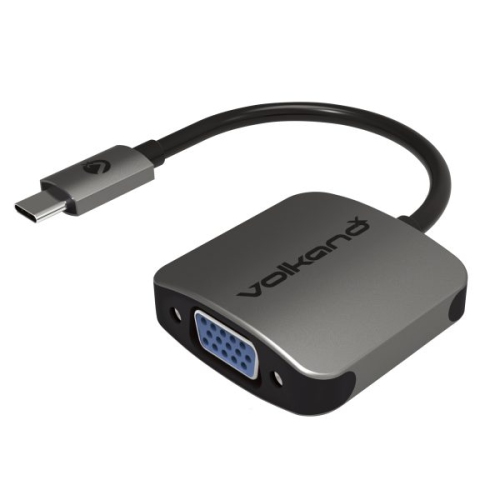
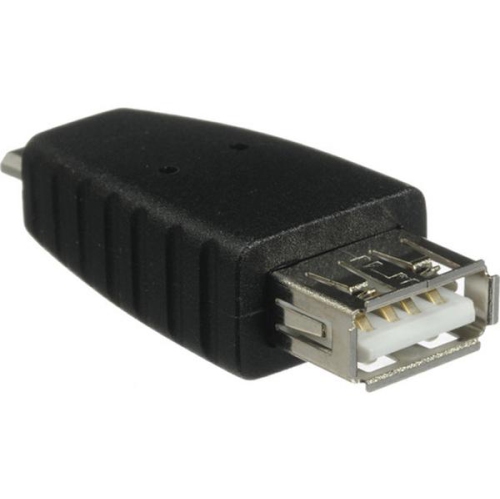
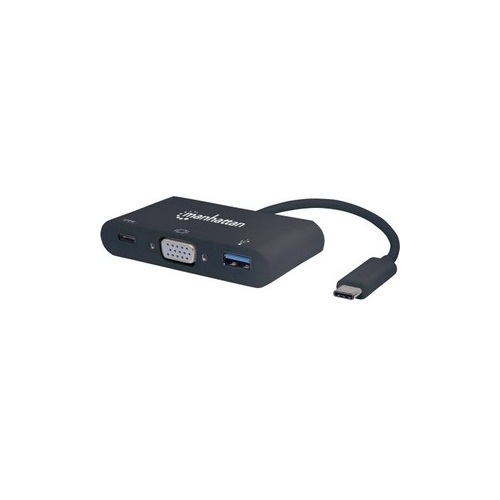
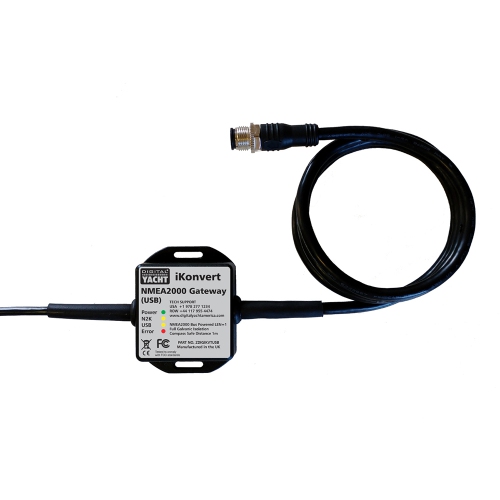
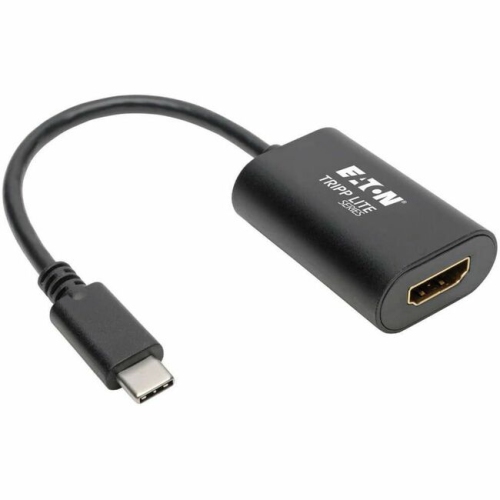
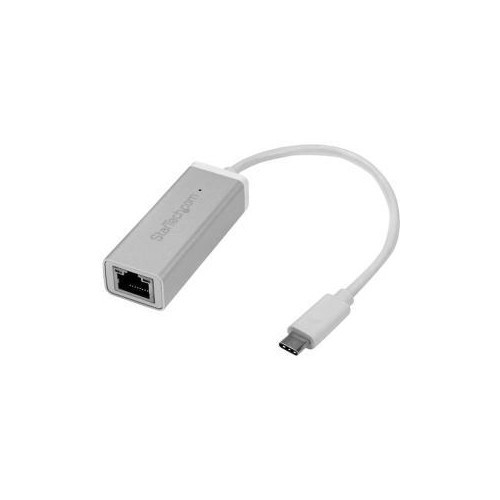
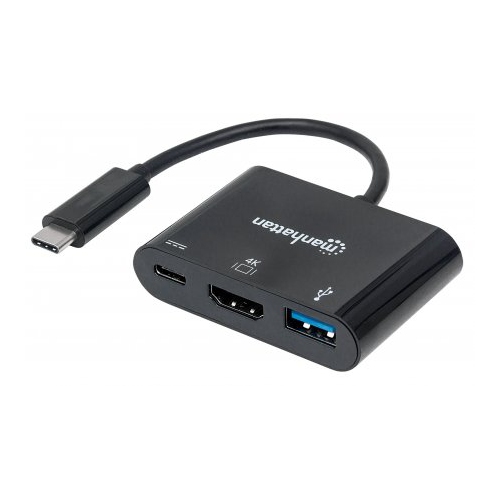
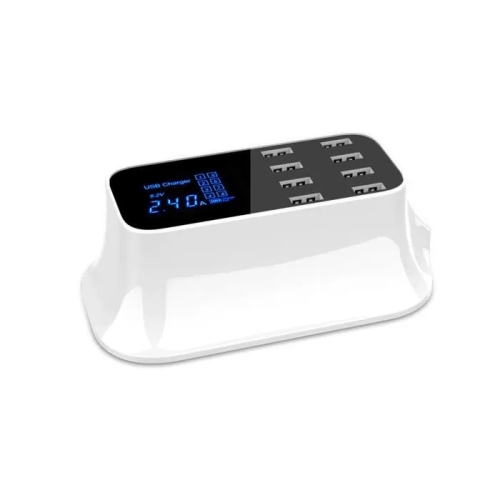
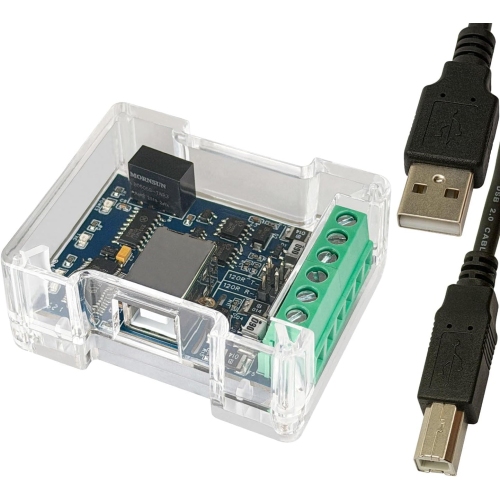
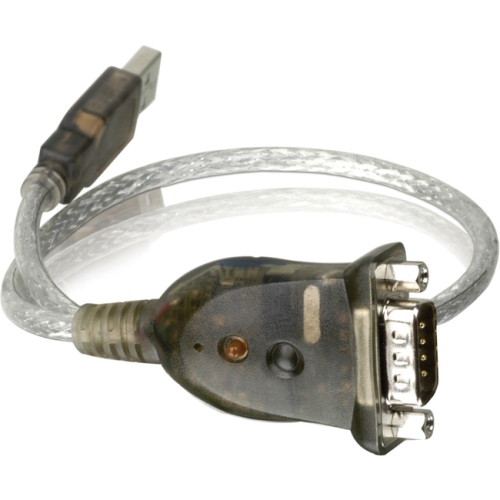
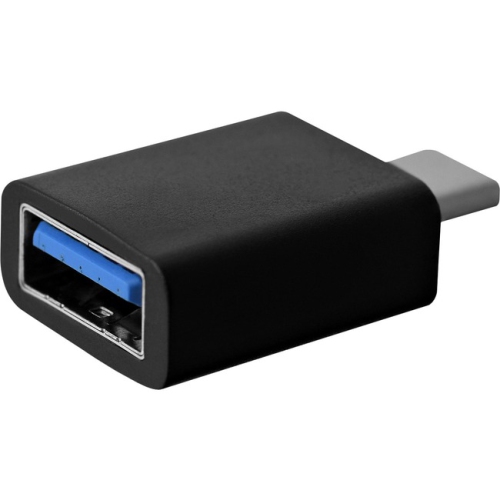
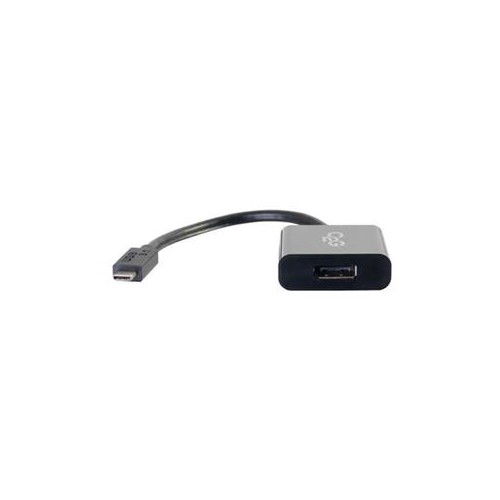
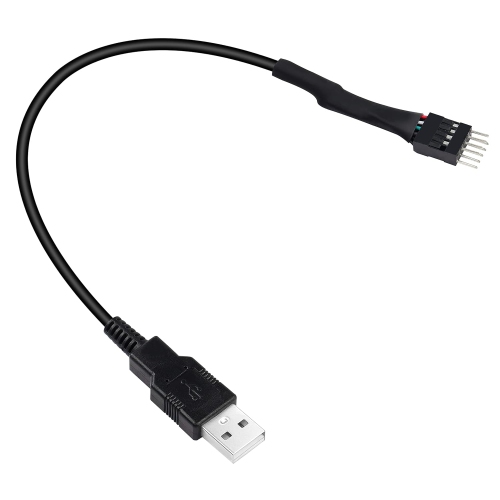
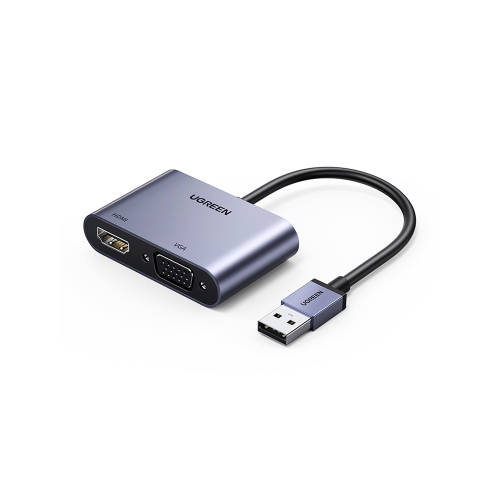
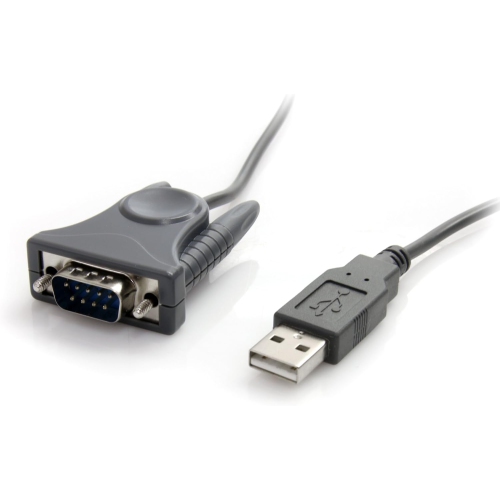
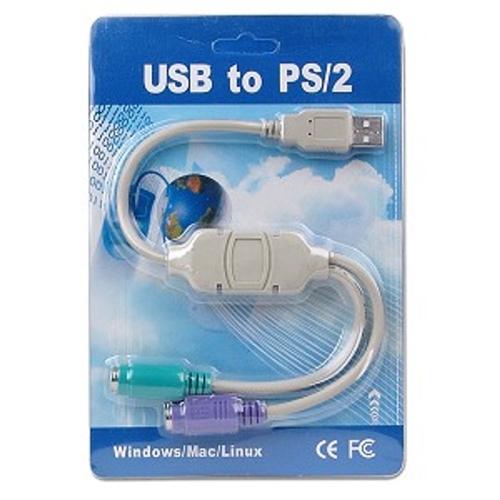
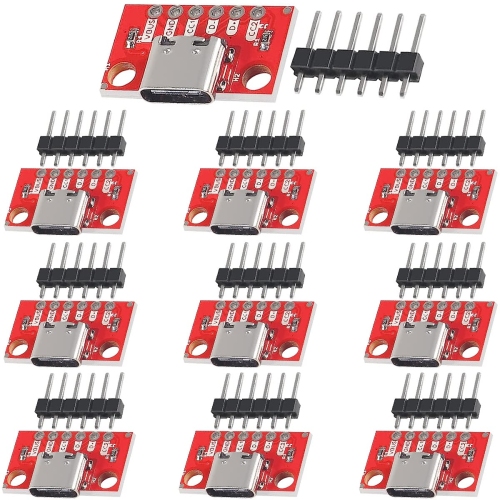
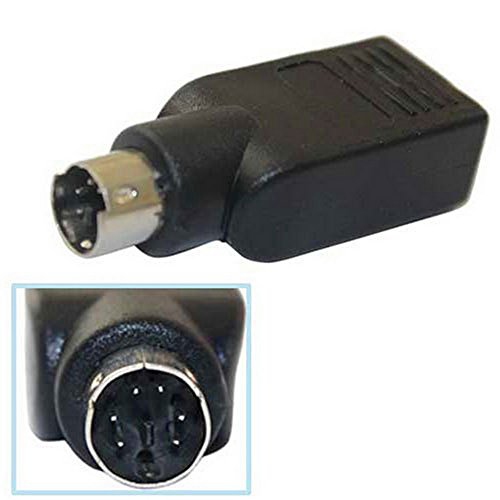
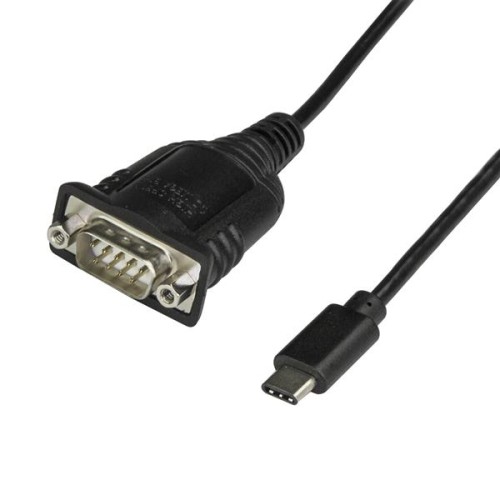
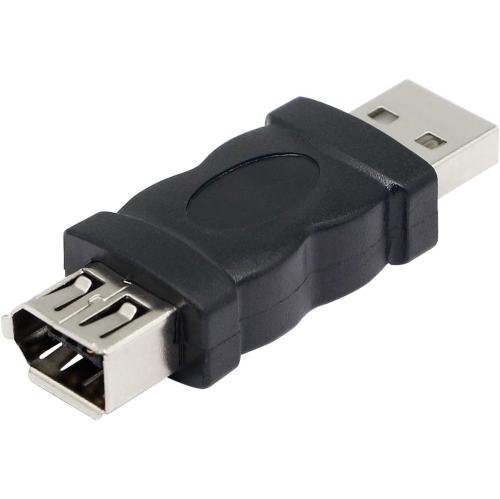
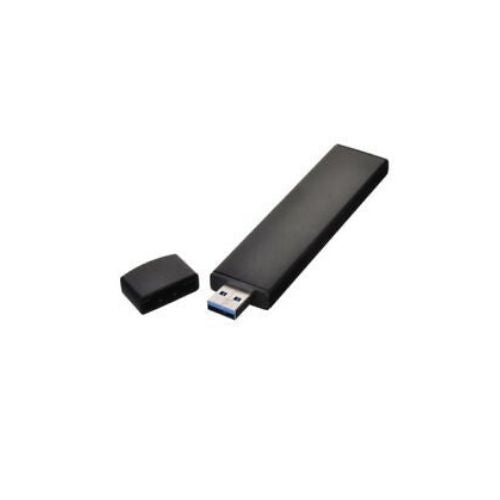
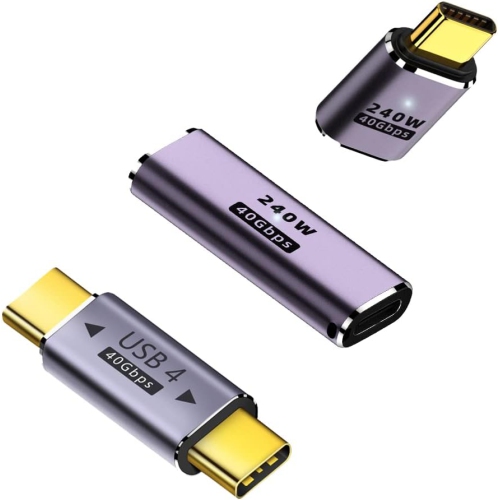
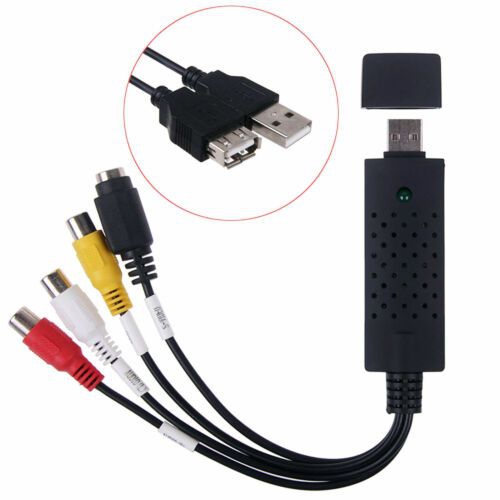
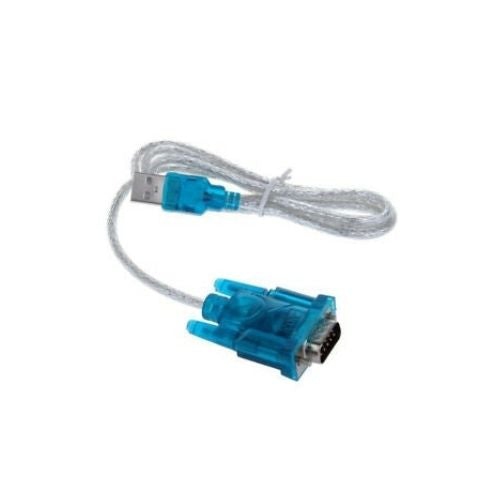
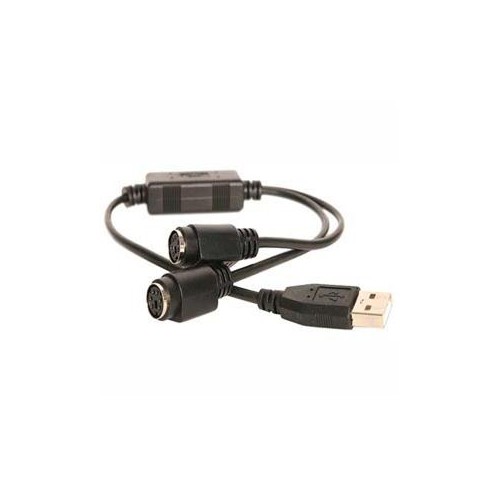
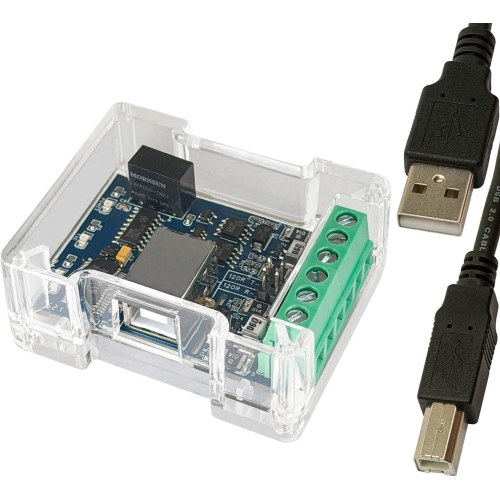
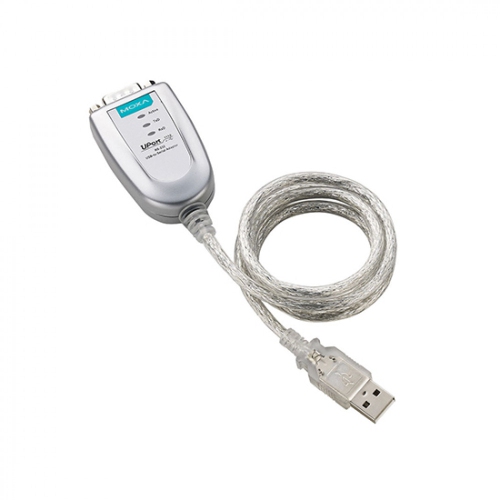
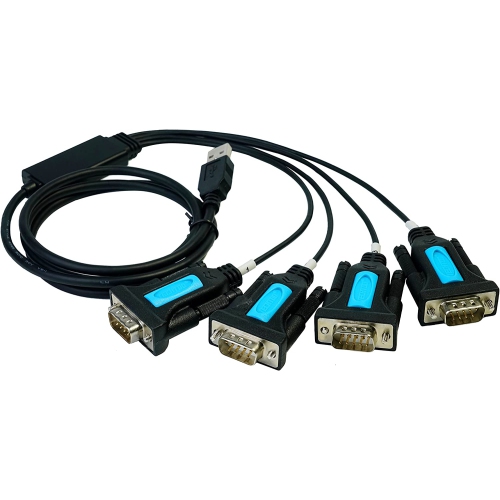
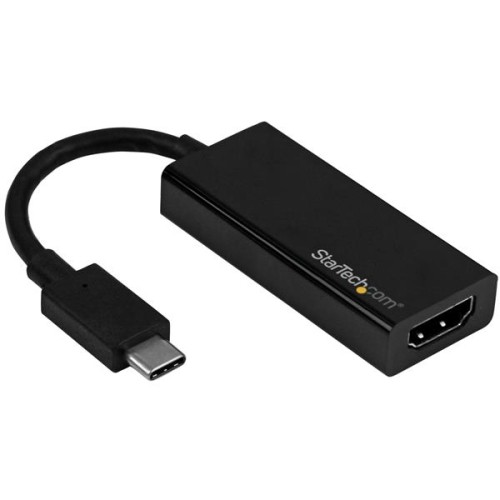
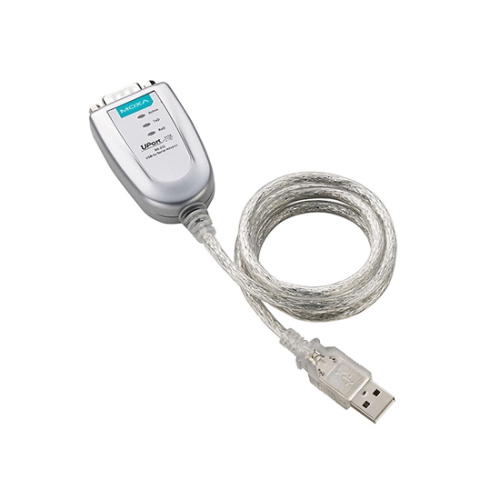
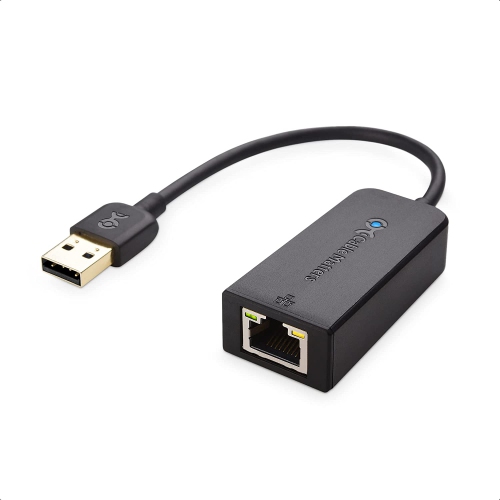
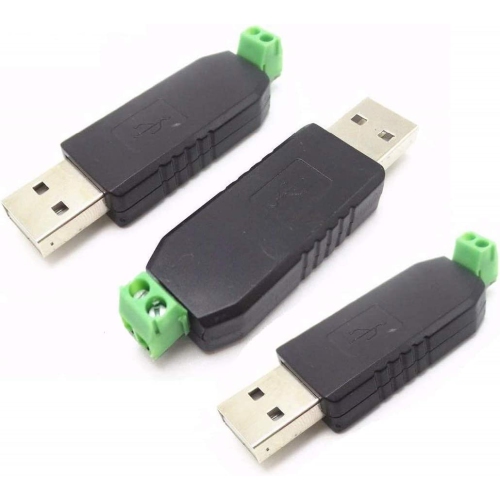
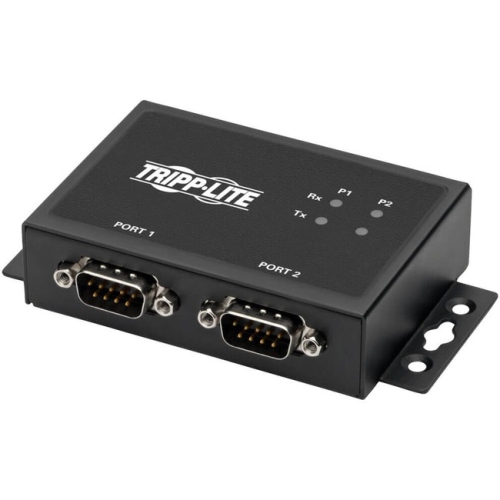
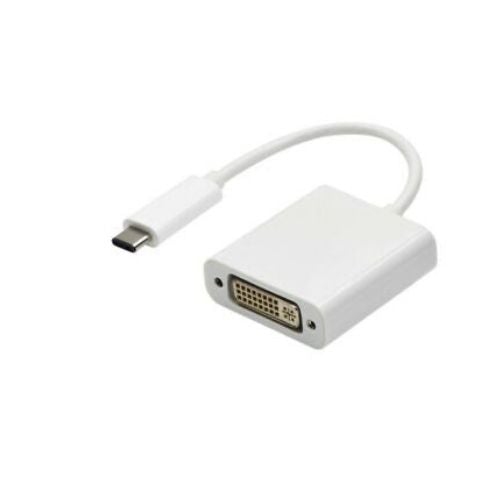
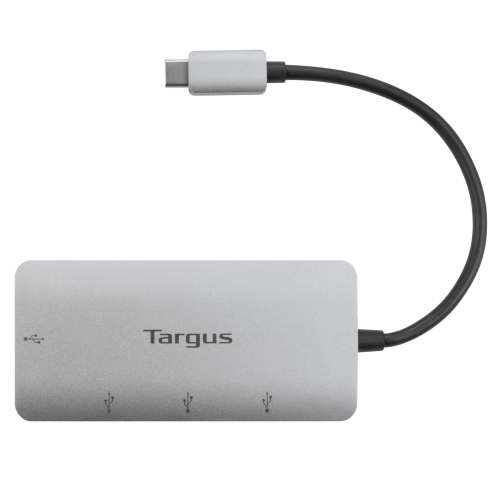
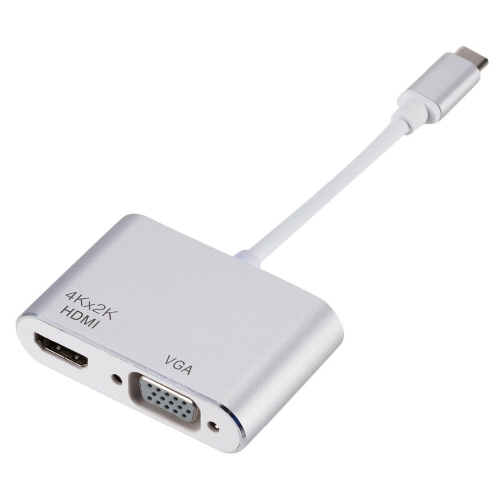
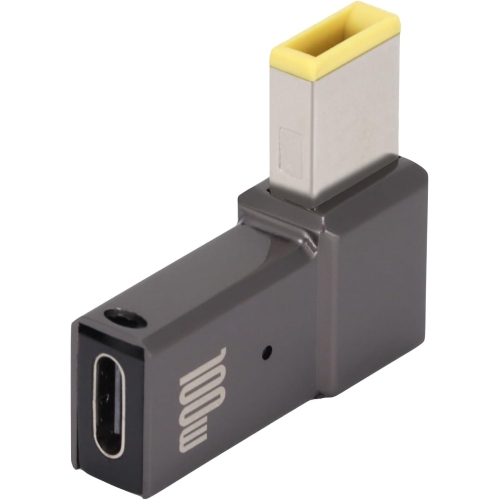
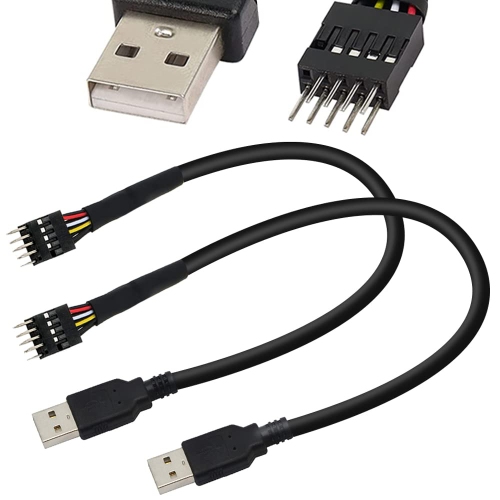
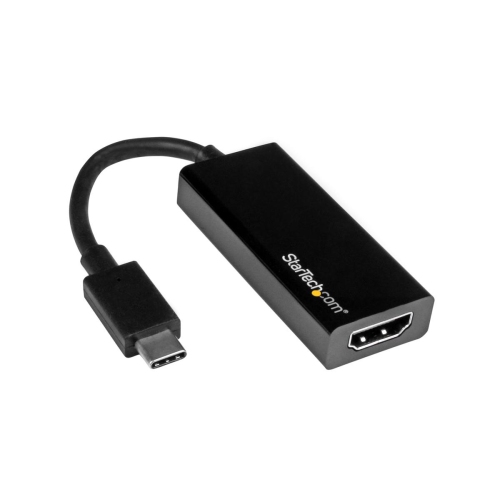
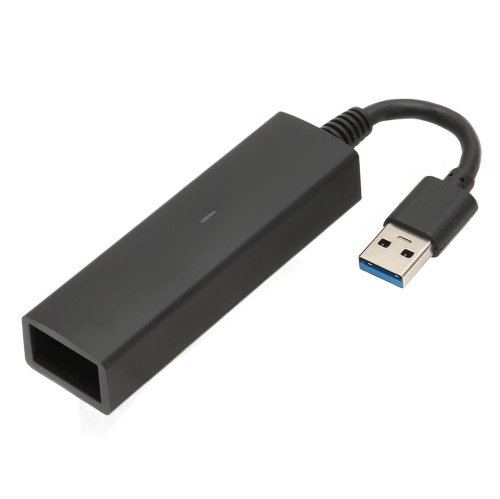
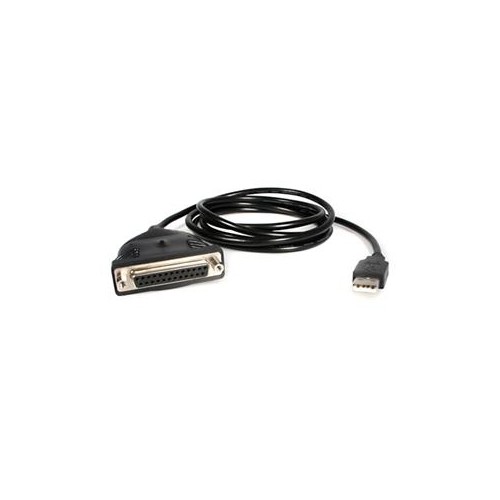
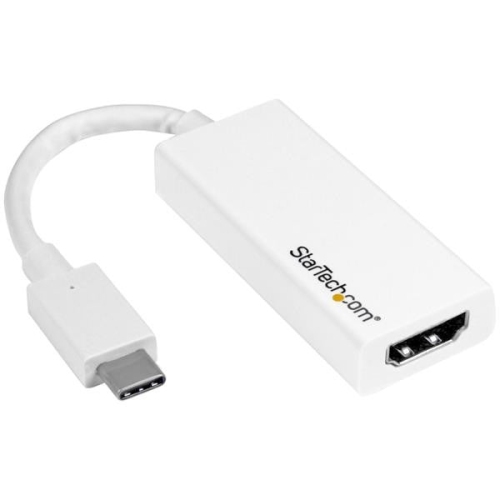
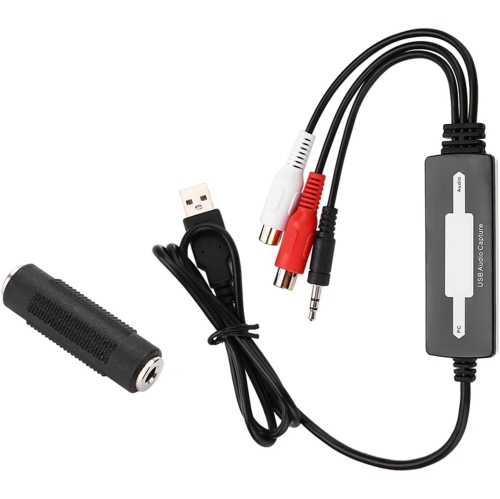
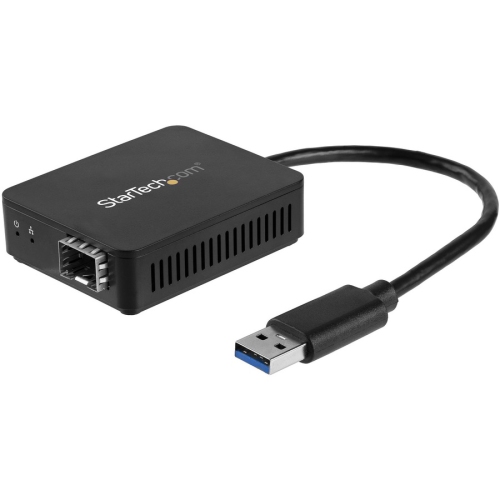
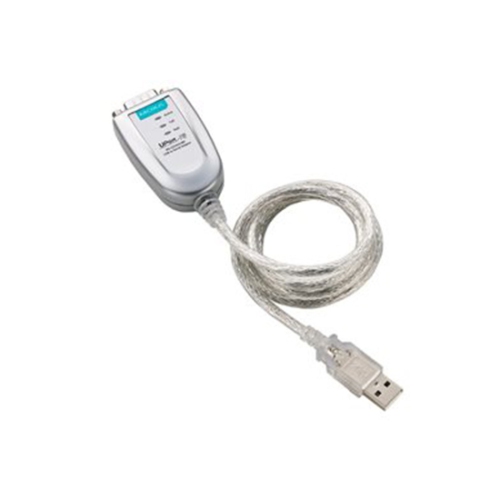
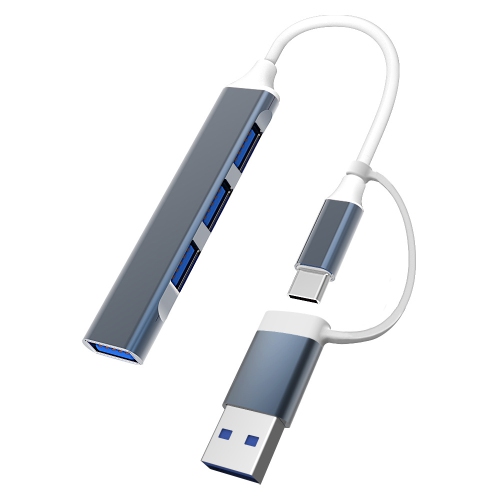
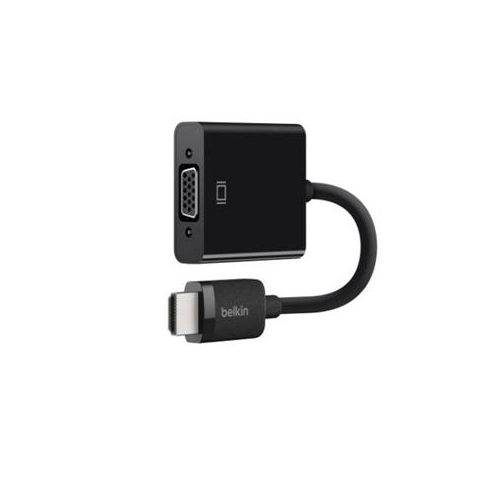
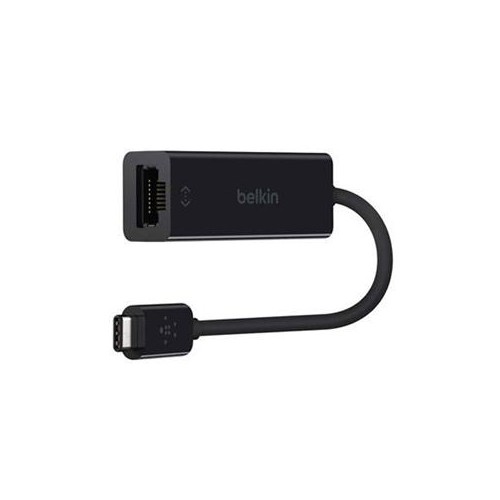
USB converters connect devices that use different ports or connection standards, helping computers, phones, tablets, displays, and accessories work together. Depending on their design, they can adapt USB-A to USB-C, connect a compatible USB port to an HDMI display, add a wired Ethernet connection, or provide access to equipment with a serial interface. Some change only the physical connection, while others contain electronics that translate signals between different standards. That distinction matters: a connector that fits does not necessarily support the data, video, audio, or power a device needs. A compact USB adapter can make an older keyboard or flash drive useful with a newer laptop, while a converter with an attached cable can connect equipment without putting a bulky connector directly against the computer. These accessories are useful at a home desktop, in a classroom, beside a shared printer, or in a travel bag where a single missing connection can interrupt an otherwise straightforward task. USB-A is the familiar rectangular connector that inserts in one orientation; USB-C has a smaller, rounded shape and a reversible connection. Their shapes identify the connector, not the full capabilities of the port. USB-C connections can differ substantially in data speed, charging support, and display output, and a converter cannot add a feature that the host device does not provide unless it includes technology specifically designed for that purpose. Connections also have a direction: the computer or phone generally acts as the host, while the connected accessory performs a particular function. A converter intended to connect a USB accessory to a phone is not automatically interchangeable with one meant to connect that phone to another device. Clear compatibility information helps distinguish a simple connector adapter from a video converter, network adapter, charging adapter, or multiport hub. For households with devices from different generations, that distinction makes USB converters practical accessories rather than interchangeable pieces that merely look similar.
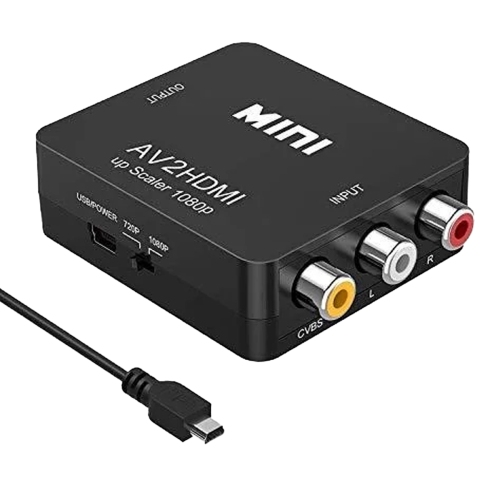
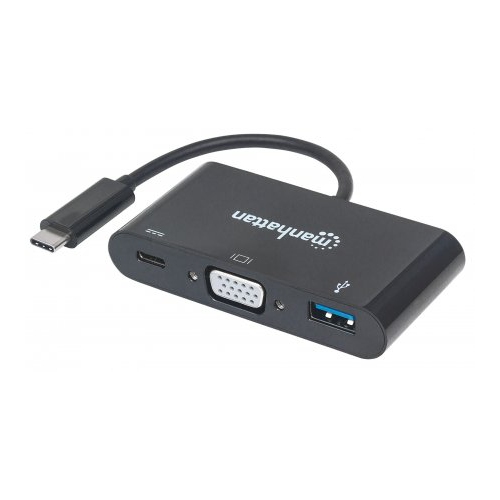
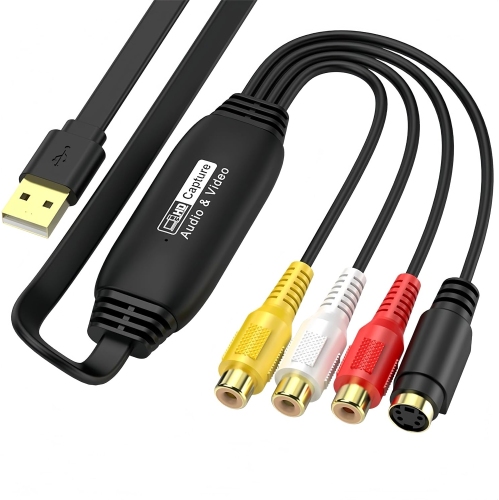
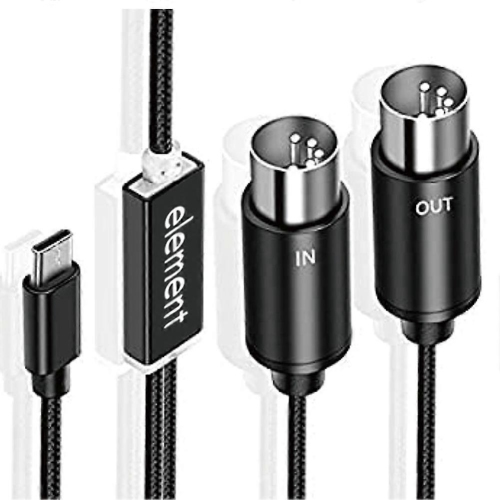
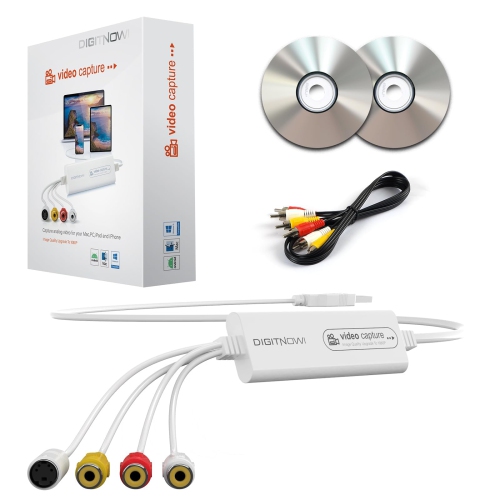
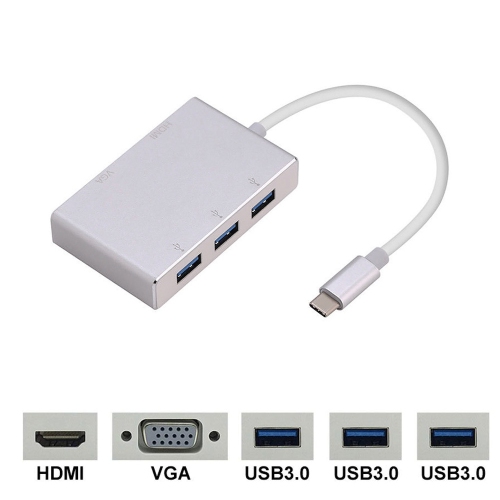
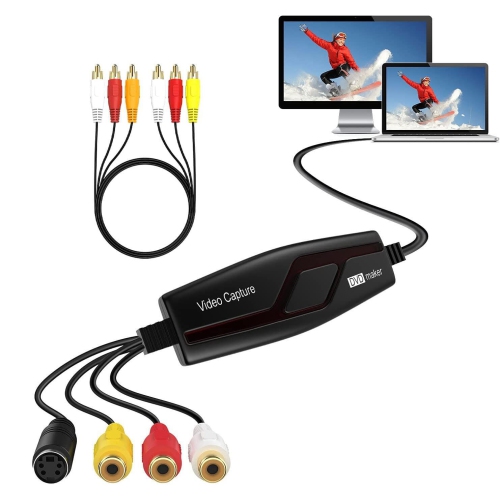
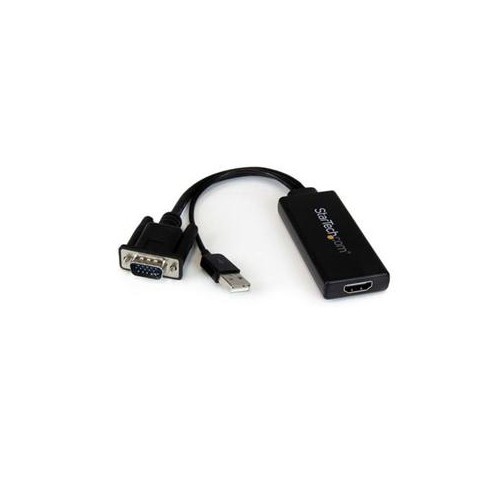
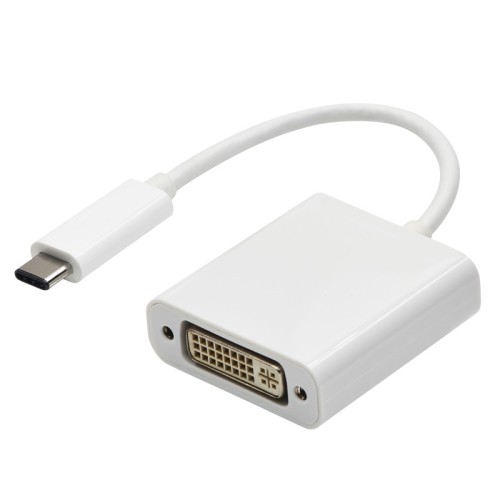
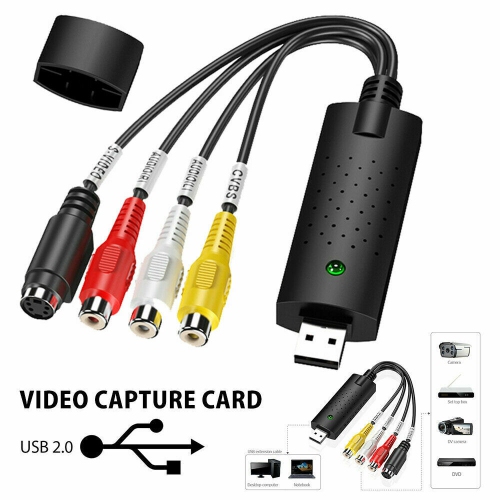
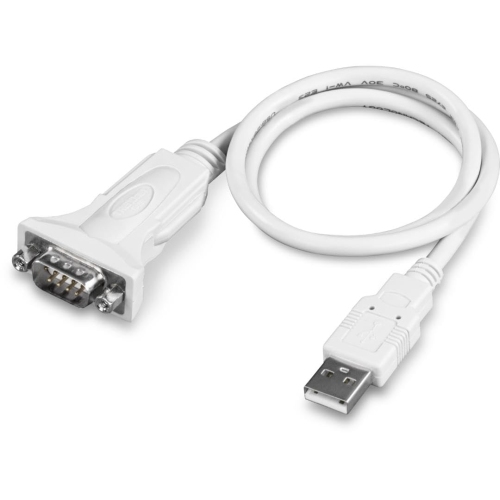
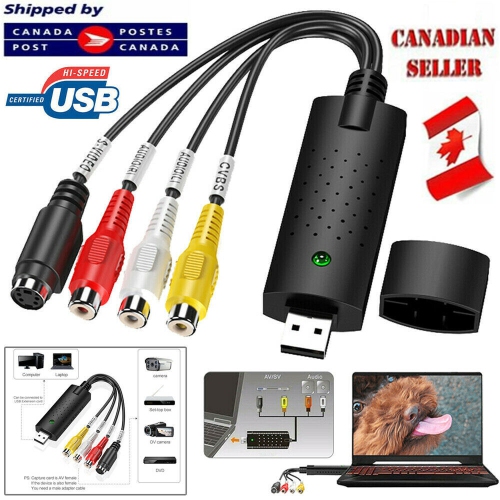
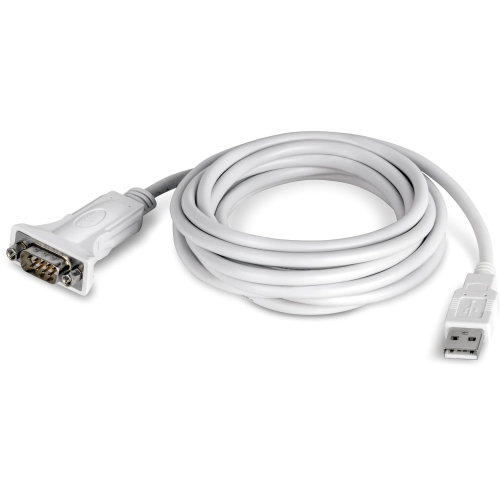
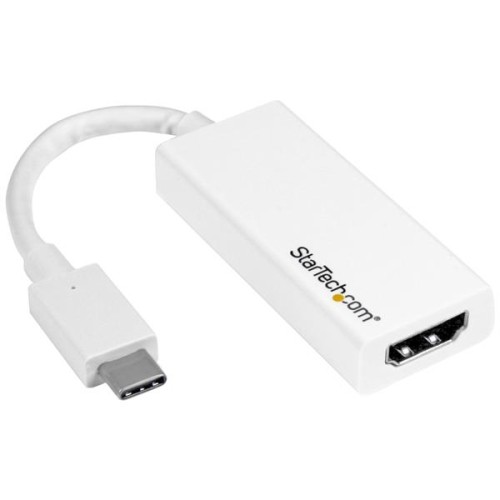
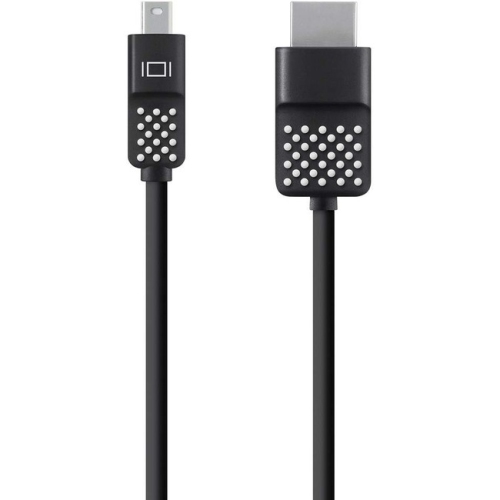
The intended task determines which specifications matter most. For transferring photos, backing up documents, or using external storage, the supported USB data rate affects how quickly files can move, although actual performance also depends on the computer, storage device, and cable. A converter rated for a faster connection will still be limited by a slower port or accessory elsewhere in the connection. For charging, both the supported power level and the charging protocol matter; a data adapter is not necessarily designed to deliver a laptop’s required charging power. USB Power Delivery support, where specified, allows compatible equipment to negotiate power, but the charger and cable must also support the intended setup. Video connections involve different requirements. Many USB-C-to-HDMI converters rely on a computer or phone supporting DisplayPort Alternate Mode through its USB-C port. Other USB video adapters use graphics technology that may require a driver and support only certain operating systems. Display resolution and refresh rate should be considered together, especially when connecting a larger monitor for detailed spreadsheets, design work, or smooth on-screen movement. Direction is important here as well: sending a computer’s picture to a monitor is different from bringing video from an external source into a computer. A wired network adapter serves another purpose, providing an Ethernet connection through USB for compatible devices. Its network speed, the USB connection, and the router or network equipment all influence performance; the adapter itself does not provide internet service. USB-to-serial converters support a more specialized role, connecting compatible equipment used in technical, business, or hobby settings. Connector shape alone is insufficient for these applications because the electrical standard, pin arrangement, driver support, and software requirements must match. Phones and tablets can have additional limits on accessory support and available power. A storage drive, keyboard, or other peripheral may require host-mode support, and equipment with higher power demands may need a separate power source or a suitably powered hub.
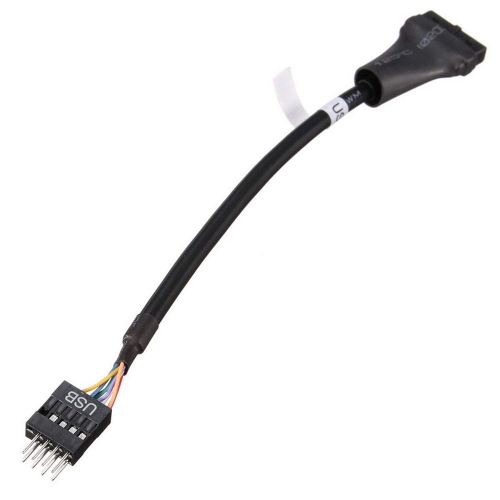
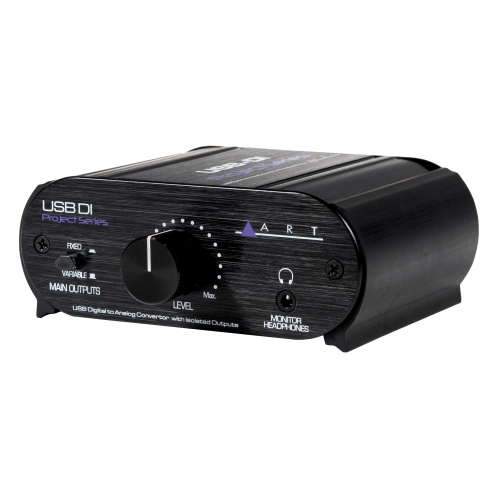
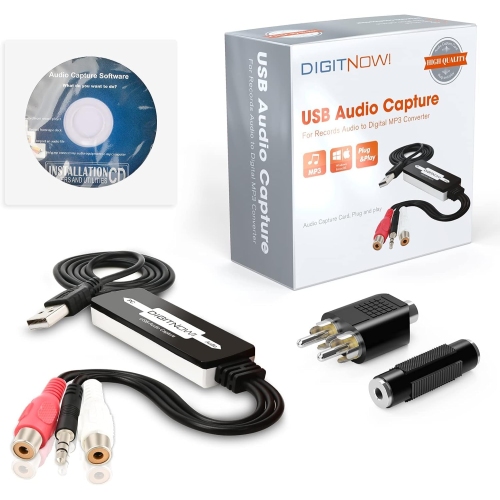
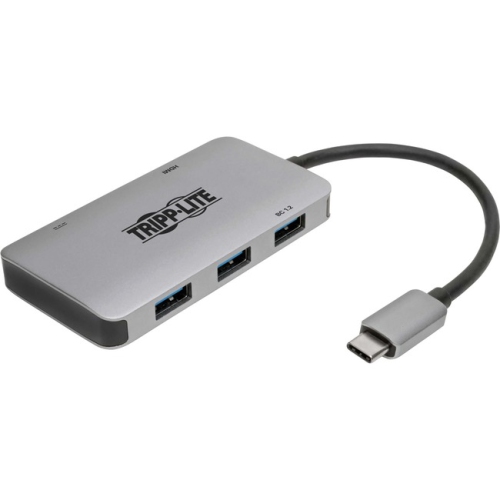
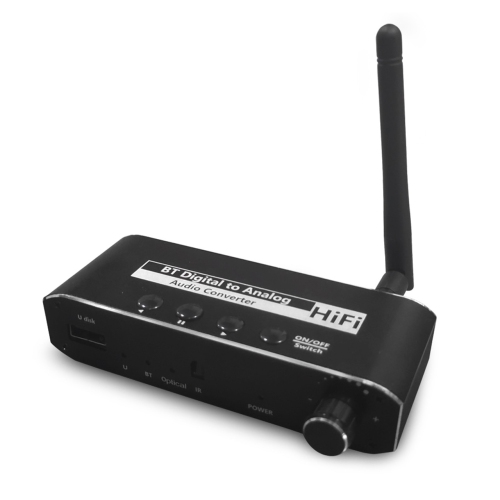
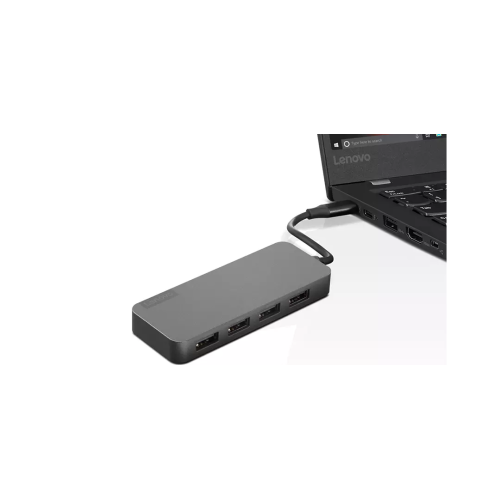
Physical construction and fit are just as relevant as the specifications on a USB converter. Compact, rigid adapters occupy little space in a bag, but their width can obstruct a neighbouring port, particularly on slim laptops with closely spaced connections. Short-cable designs place the converter away from the port and can accommodate awkward layouts behind a monitor or beside a laptop stand. Longer cables offer more placement flexibility, although cable length and quality can affect performance at higher data rates. Plastic housings keep weight down, while metal housings can provide a firm outer shell and help distribute heat from active electronics. Reinforced cable entry points and strain relief are useful where a cable bends repeatedly, and a secure connector should fit without excessive force or noticeable looseness. A braided covering may resist everyday scuffing, but it does not make a cable immune to sharp bends or crushing. At a busy work surface, a converter that rests comfortably without pulling on the laptop port is generally easier to live with than one left hanging under tension. Everyday care is straightforward: disconnect by holding the plug rather than pulling the cable, keep contacts free of debris, and store adapters where connectors will not be bent by heavier objects. Active converters may become warm during use, so they should remain uncovered with room for heat to dissipate. For musicians, podcasters, and anyone connecting microphones or instruments, USB Interfaces serve a more specialized audio role, offering functions such as microphone inputs, recording controls, and audio conversion rather than simply changing a plug. Across everyday computing, creative work, and technical applications, the most useful USB converter is one matched to the exact connection and purpose. For a student, remote worker, or family member receiving one as a practical gift, knowing the device’s ports and intended accessory makes the choice much more meaningful than relying on appearance alone.
Top selling and popular products
-
 Your price for this item is $19.99
-
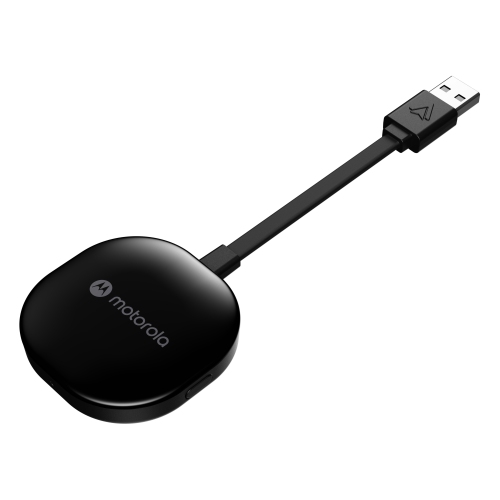 Your price for this item is $99.99
-
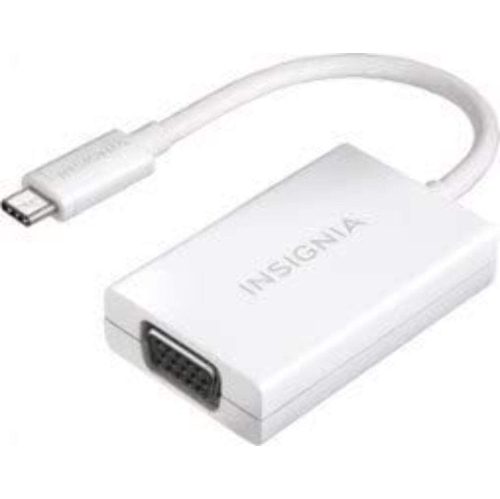 Your price for this item is $15
-
 Your price for this item is $50.68
-
 Your price for this item is $51.68
-
 Your price for this item is $29.68
-
 Your price for this item is $39.99
-
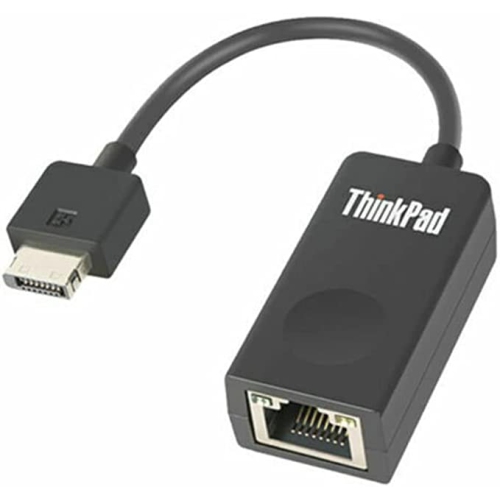 Your price for this item is $51.68
Discover more categories related to Usb Converters

Top Collections:
Best Black Friday Deals This Year, Best Black Friday Deals On Electronics, Kindle Devices, Pokemon Centers, Best Black Friday Deals On Apple Products, Best Cameras for Sports Photography, Dyson Airwrap, Pokémon 30th Celebration Cards, Apple iPhone 17 Pro, Canon G7X Cameras
Some products may be subject to Environmental Handling Fees
(EHF) depending on your province.
Learn more about EHFs.