USB To Dual HDMI Adapters
Expand your display capabilities and enhance your workspace with a USB To Dual HDMI Adapter. Perfect for professionals, gamers, and anyone looking to boost productivity, these adapters make it easy to connect multiple monitors to your computer or laptop. Whether you're setting up a home office or creating an immersive entertainment center, a USB To Dual HDMI Adapter offers a flexible solution for seamless multi-screen setups. Explore options designed to deliver reliable connections and smooth visuals for work, play, and everything in between.
Sort
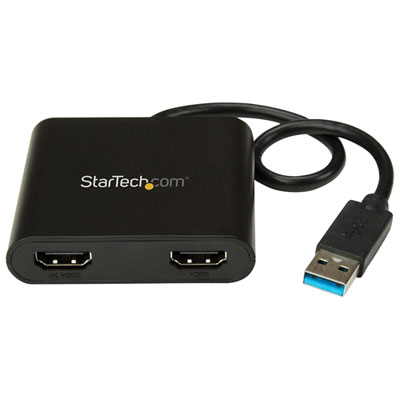
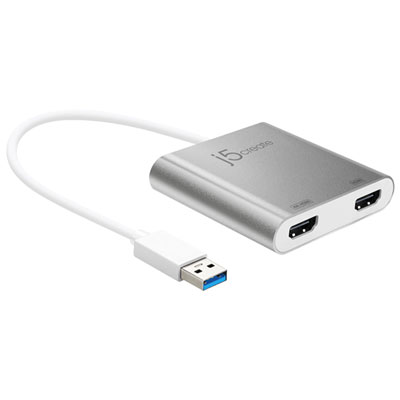
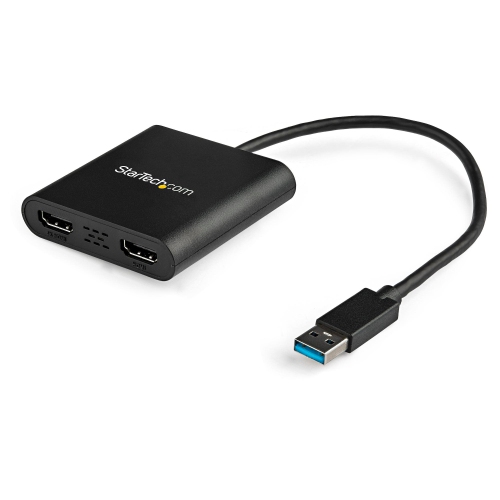
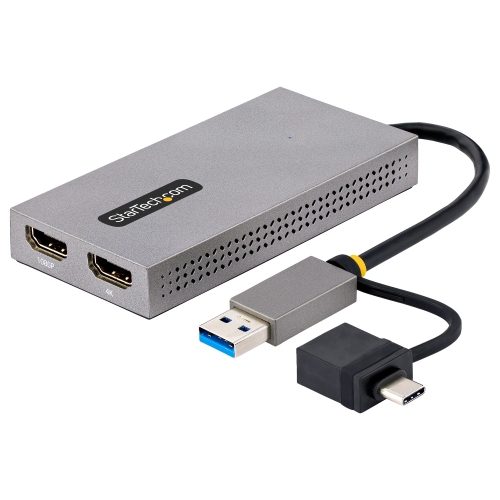
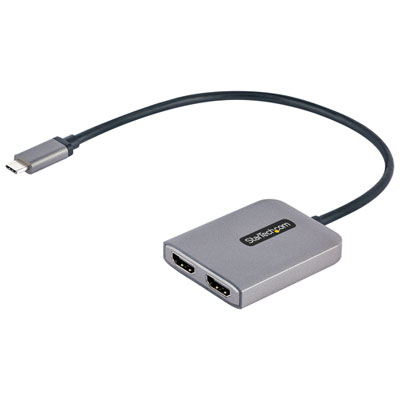
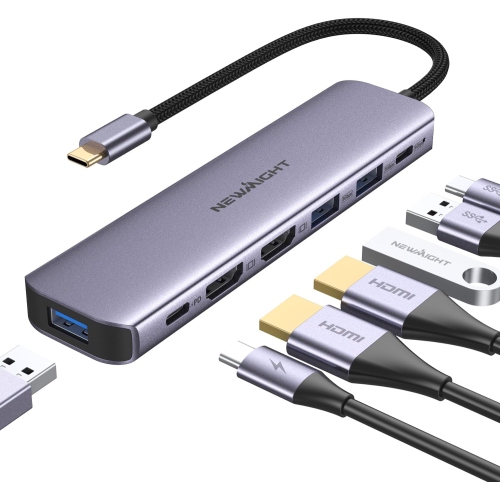
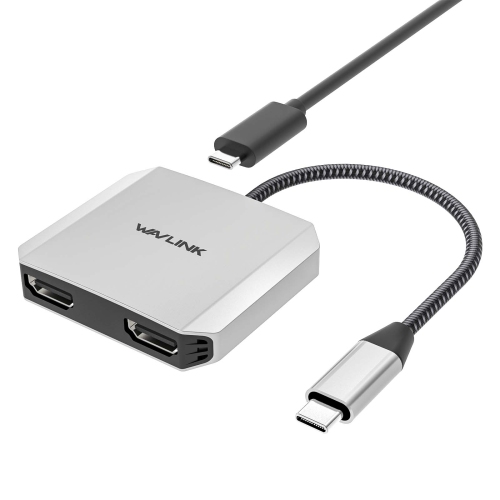
More workspace across two screens starts with compatibility
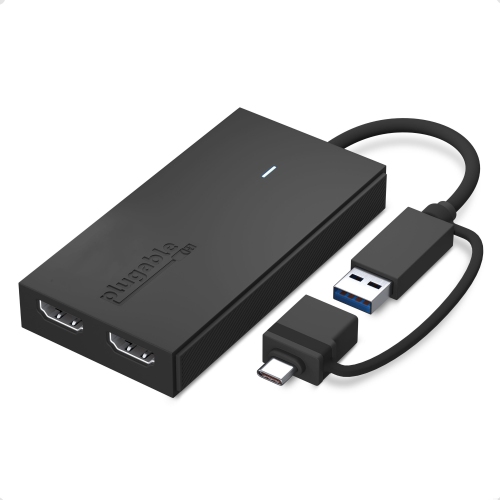
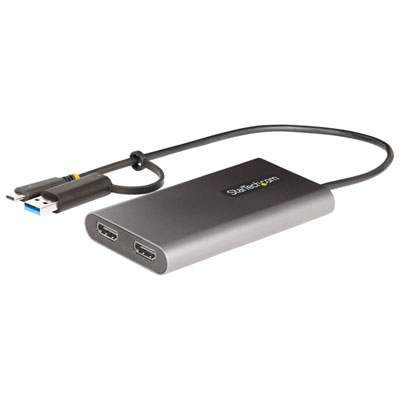
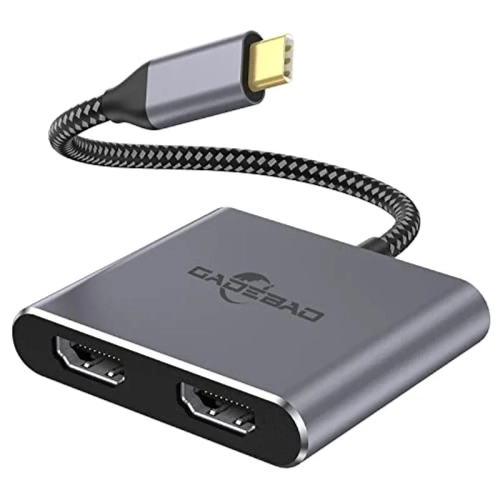
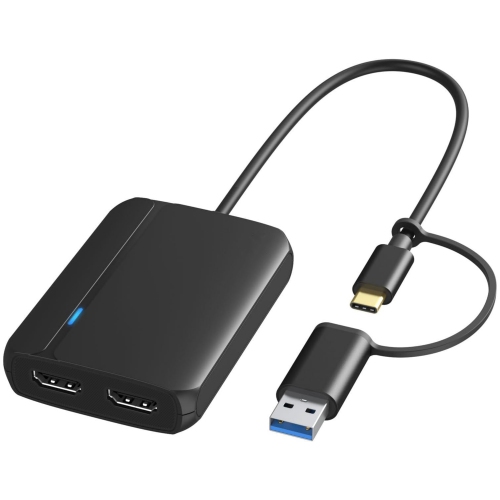
USB to dual HDMI adapters connect two HDMI-equipped displays to a computer through a compatible USB-A or USB-C port. Depending on the adapter, computer, and operating system, they can extend a desktop across two external screens or mirror the same content on both. That extra display space makes everyday tasks feel less cramped: a spreadsheet can stay open beside a report, a reference document can sit next to a writing window, and a video meeting can remain visible without covering the work being discussed. These adapters are useful for laptops with limited display connections, compact desktop computers, and workspaces where a single computer serves more than one screen. They differ from basic HDMI splitters, which repeat one HDMI source across multiple displays rather than create independent desktop areas. The connection method matters, too. USB-A adapters generally use USB graphics technology to send display information over a data connection, often with driver software installed on the computer. USB-C adapters may use that same approach or rely on a compatible port’s native video capabilities. A USB-C connector’s shape alone does not establish which method it supports. Some dual HDMI adapters also depend on the computer’s ability to divide a video signal between multiple displays, and operating system support can affect whether those displays show separate content or matching images. For setups built around a USB data connection, USB 3 0 to Dual HDMI Adapters are a closely related category. Compatibility is most useful when it is described for the complete setup: the computer’s port, its operating system version, the adapter’s connection technology, and the intended number of external displays. A laptop with an open USB port is not, by itself, confirmation that every dual HDMI adapter will provide the same display arrangement.
Resolution and refresh rate shape how comfortable those two screens are to use. An adapter described as supporting 4K may reach that resolution on only one output, offer different capabilities on its two HDMI ports, or support a lower refresh rate when both displays are connected. The simultaneous dual-display specification is therefore more informative than a headline resolution alone. A configuration with one 4K screen and one 1080p screen can work well for a detailed main workspace paired with email or reference material, while two matching monitors can provide a more consistent viewing experience across the desk. At the same resolution, 60Hz generally makes scrolling and pointer movement look smoother than 30Hz. Higher resolutions and refresh rates require support throughout the connection, including the computer, adapter, HDMI cables, and monitors. Desktop scaling also matters when screen sizes or pixel densities differ; text and windows may appear noticeably larger on one display until the computer’s display settings are adjusted. USB graphics adapters are often well suited to documents, web browsing, presentations, and other everyday productivity tasks, but they can introduce compression, latency, or additional processing demands. Fast-paced gaming, colour-critical work, and demanding video workflows need closer attention to the adapter’s stated capabilities and any application limitations. Protected streaming content may also have restrictions that do not affect ordinary desktop use. For workplace computers, driver requirements can be just as important as display specifications, since software installation may require administrator approval. Compatibility should cover the operating system version in use rather than only a broad statement of support. Sound is another detail worth checking: HDMI can carry audio, but the available playback destinations and routing options depend on the adapter and computer. Most adapters in this category send video from a computer to displays; they are not HDMI capture devices and do not turn a computer’s USB port into a general-purpose video input.
The physical design of a USB to dual HDMI adapter affects how neatly it fits into a workspace and how well it stands up to regular handling. A compact housing can slip into a laptop bag, while a short attached USB lead gives the adapter some flexibility beside a crowded row of computer ports. A rigid plug-in design takes up less cable space but may obstruct neighbouring connections or place more leverage on the port if the HDMI cables pull against it. Cable length, connector spacing, and the direction of the ports all influence whether the finished setup feels tidy or awkward. Closely spaced HDMI sockets can be harder to use with bulky cable ends, and a short adapter lead may need careful placement when the computer sits on a stand. Metal and moulded plastic housings are common, with durability depending on construction, connector support, and strain relief rather than material alone. An adapter that stays on a desk faces different handling demands from one that travels between classrooms, meeting rooms, and shared workstations. For either use, the HDMI leads should have enough slack to avoid tugging on the adapter or computer. Some adapters draw all their power from the host USB port, while others include a separate power connection or charging pass-through; a USB-C socket on the housing does not automatically mean laptop charging is supported. A simple dual-display adapter also differs from a larger docking station, which may add network, storage, or accessory connections. Care is straightforward: keep connectors free of debris, clean the exterior with a soft, dry cloth, and avoid tight bends or pulling on cables during disconnection. Clear space around the housing helps prevent heat buildup during extended use. For students comparing research sources, professionals working across several applications, or households sharing a compact desk, a compatible dual HDMI adapter offers a practical way to make better use of two screens without replacing the computer.
Top selling and popular products
-
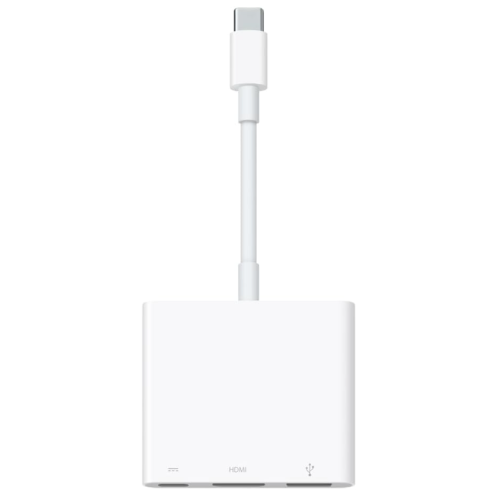 Your price for this item is $169.99
-
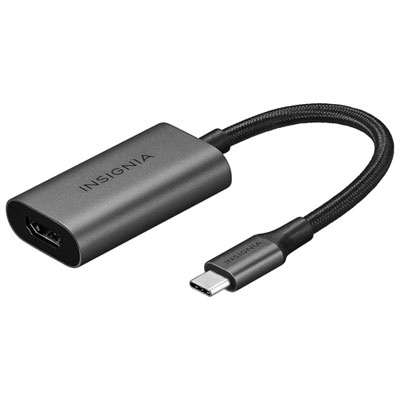 Your price for this item is $39.99
-
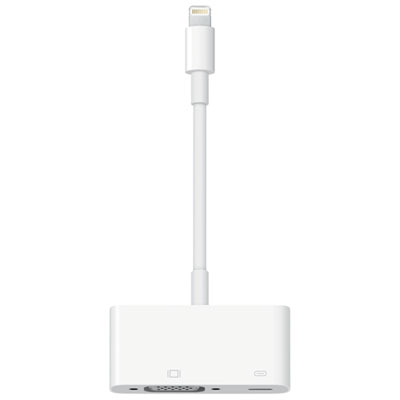 Your price for this item is $64.97
-
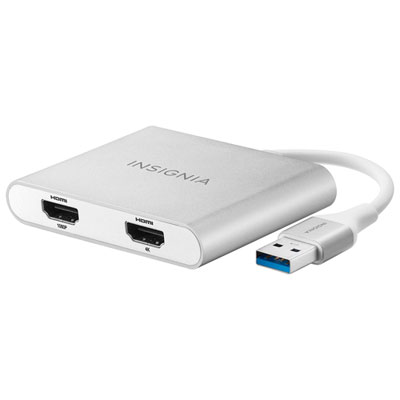 Your price for this item is $79.99
-
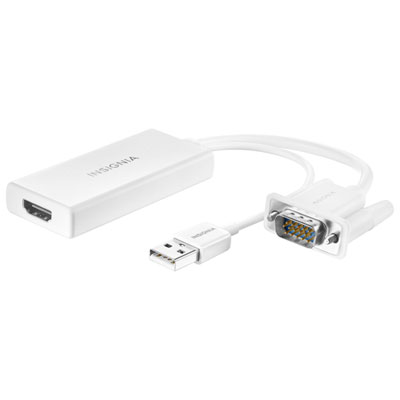 Your price for this item is $49.99
-
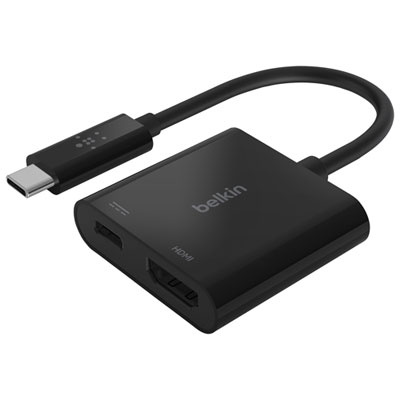 Your price for this item is $34.99
-
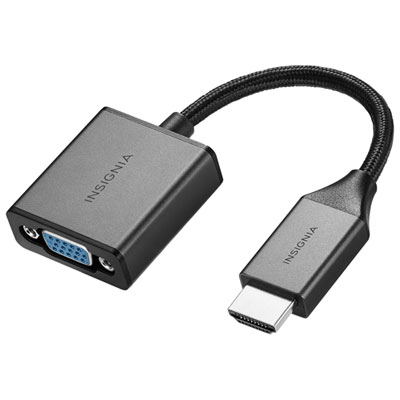 Your price for this item is $39.99
-
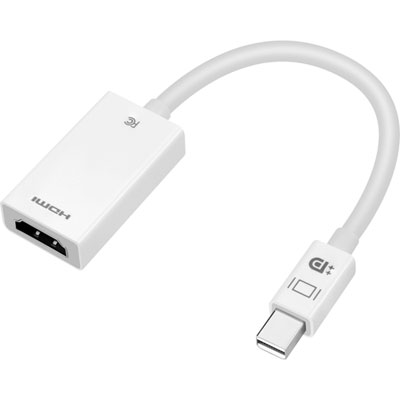 Your price for this item is $19.95
Discover more categories related to USB To Dual HDMI Adapters
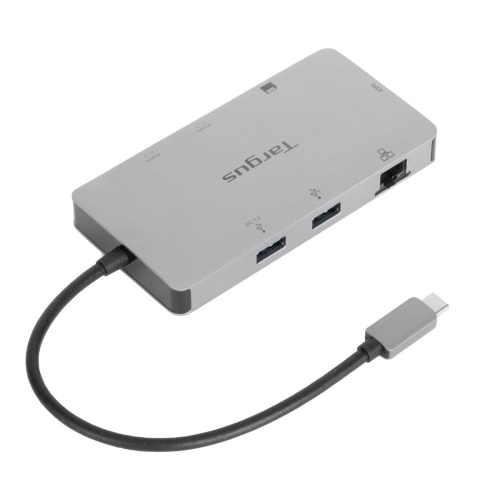
Top Collections:
Best Black Friday Deals This Year, Best Black Friday Deals On Electronics, Kindle Devices, Dyson Airwrap, Best Cameras for Sports Photography, Best Budget Office Chairs, Canon G7X Cameras, PS5 Pro Consoles, Best Black Friday Deals On Apple Products, XBOX One S Consoles
Some products may be subject to Environmental Handling Fees
(EHF) depending on your province.
Learn more about EHFs.