USB To HDMI Adapters for TV
Upgrade your home entertainment setup with a USB To HDMI Adapter For TV, the ideal solution for connecting your devices seamlessly to your television. Whether you're streaming movies, sharing presentations, or enjoying photos and games on the big screen, these adapters make it easy to link your computer, laptop, or other compatible devices to your TV. Explore a variety of options designed to provide convenient connectivity and enhance your viewing experience at home or in the office. Find the perfect USB To HDMI Adapter For TV to suit your needs and enjoy effortless integration with your favorite devices.
Sort

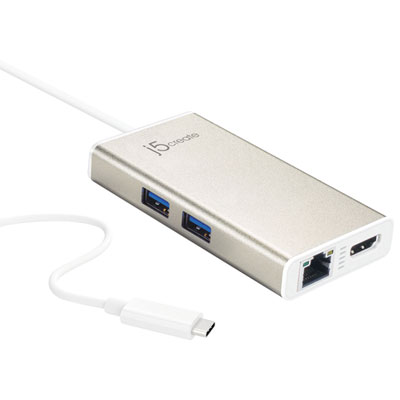

TV compatibility takes more than a matching USB plug
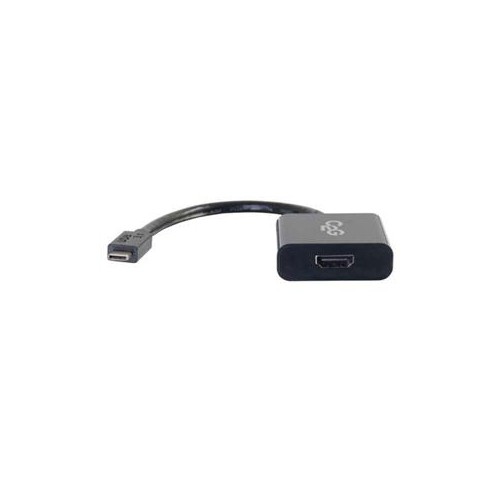
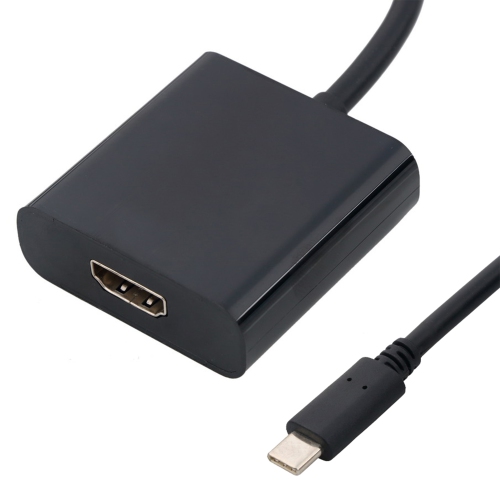
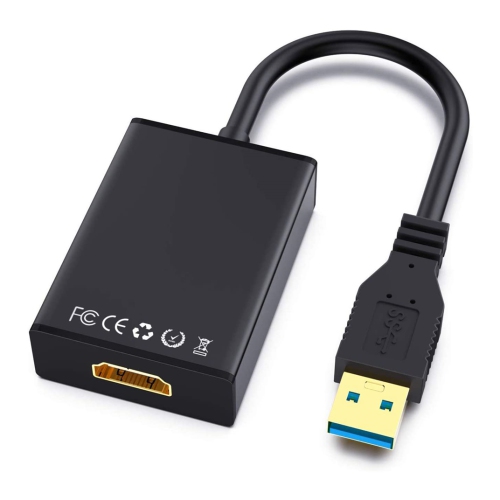
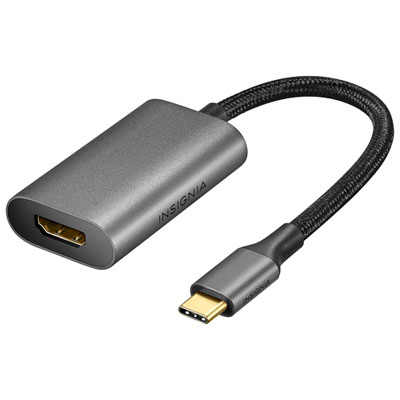
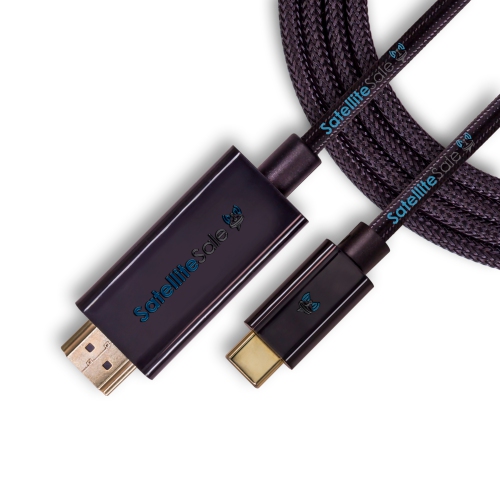
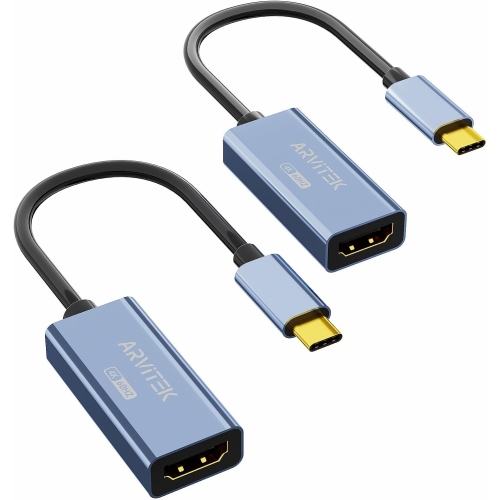
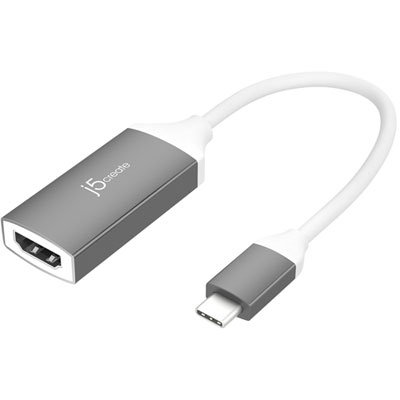
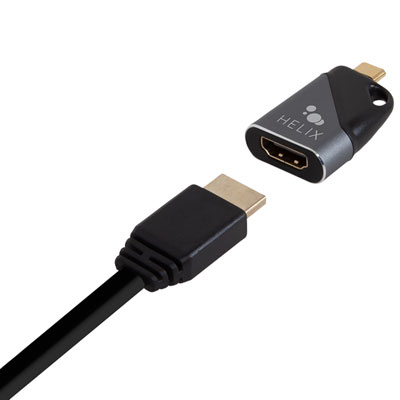
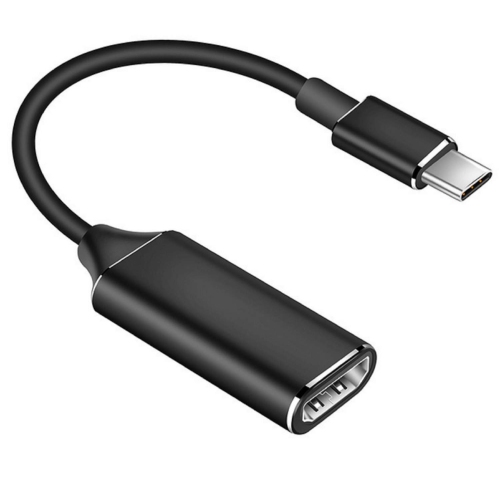
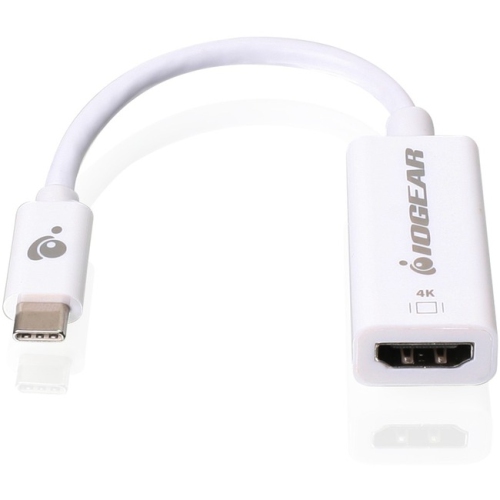
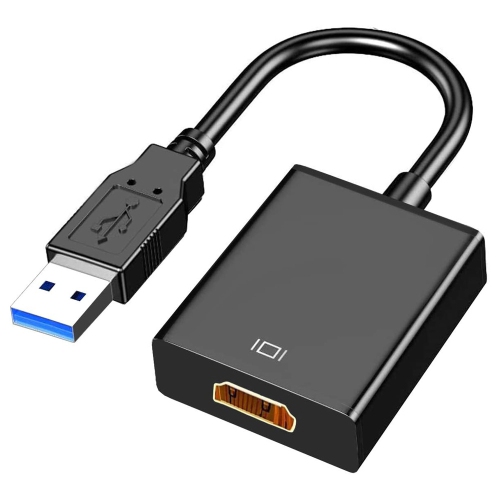
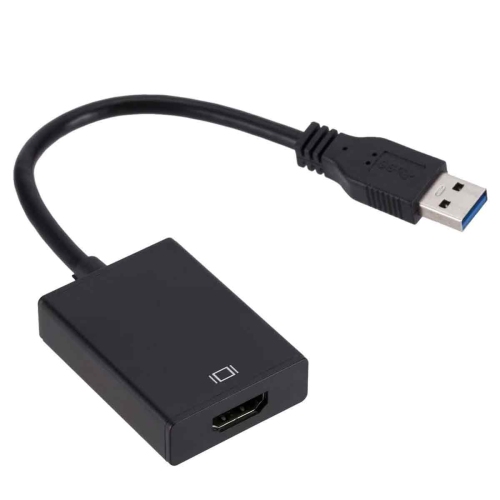
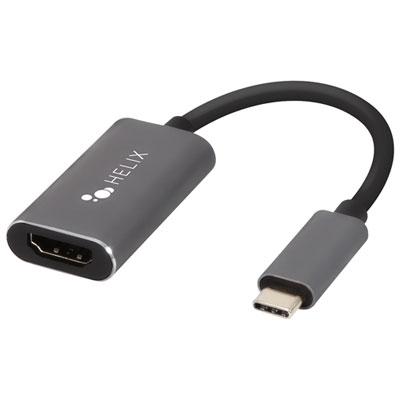
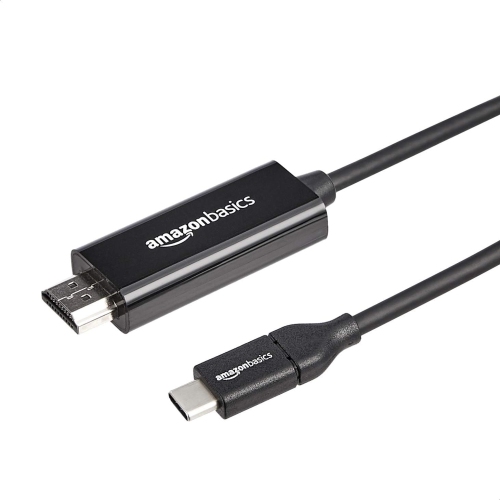
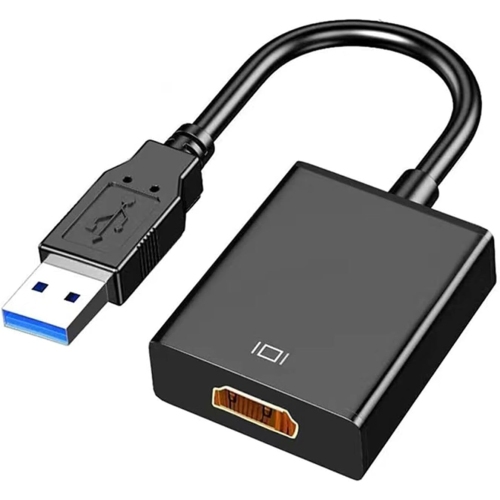
USB-to-HDMI adapters for TV connect a compatible computer, phone, or tablet to a television’s HDMI input, carrying video and, when supported, audio through a wired connection. They can put a presentation on a living room screen, display family photos at a larger size, or give a laptop more room for spreadsheets and everyday tasks. The adapter must match both the source device’s USB connection and its method of sending video; a USB port’s shape alone does not establish compatibility. USB-C video adapters generally require a port that supports DisplayPort Alternate Mode or a compatible Thunderbolt connection with video output. A USB-C port intended only for charging and data transfer may not work with this type of adapter. USB-A-to-HDMI adapters typically use built-in graphics hardware and a compatible driver to create an additional display connection, rather than drawing on native video output from the USB port. Some USB-C adapters also use USB graphics technology, so the connection type and software requirements both matter. Operating system support, supported versions, and permission to install drivers are particularly important for work or school computers with restricted settings. Phones and tablets need their own compatibility check: having a USB-C socket does not necessarily mean the device can send a picture to a TV, and desktop-style display features vary by device. Some adapter designs plug directly into the television’s HDMI input, while others provide an HDMI socket for a separate cable. In either case, the television receives the display signal through HDMI, not through its USB socket, which commonly serves functions such as media playback or accessory power. These connections are usually directional. An adapter designed to send a computer’s picture to a television does not automatically capture video from an HDMI source or turn a laptop into a monitor.
Picture quality depends on the complete connection: the source device, adapter, HDMI cable, television input, and selected display settings. Resolution describes the amount of detail on screen, while refresh rate describes how often that picture updates. An adapter that supports 4K at 30 Hz has different capabilities from one that supports 4K at 60 Hz, even though both may carry a 4K label. Higher refresh rates can make pointer movement, scrolling, and supported video look smoother, while a lower rate may be sufficient for a slide deck or a mostly static document. The maximum advertised resolution is not a guarantee that every connected device will deliver it. A television may also support different capabilities across its HDMI inputs or require an input setting to accept a particular signal. For reading small text from a sofa or desk, matching the TV’s native resolution and adjusting text scaling can make a noticeable difference. Where available, a computer input mode or a setting that disables overscan can help keep desktop edges visible and lettering clear. Display modes also affect everyday use. Mirroring repeats the source screen on the TV, which suits photo sharing and demonstrations, while an extended desktop allows a compatible computer to keep notes on one screen and a presentation on the other. Mobile devices may offer different options. HDMI can carry sound alongside the picture, but audio support must be present in the adapter and source device, and the TV may need to be selected as the audio output. Streaming services can impose additional restrictions through app policies and content protection requirements, so successful desktop mirroring does not guarantee playback from every service. For fast-paced gaming, latency, refresh rate support, and the adapter’s underlying technology deserve particular attention; USB graphics connections can introduce delay and additional processing demands. For setups involving other source connections, HDMI Adapters for TV covers a broader range of adapter types.
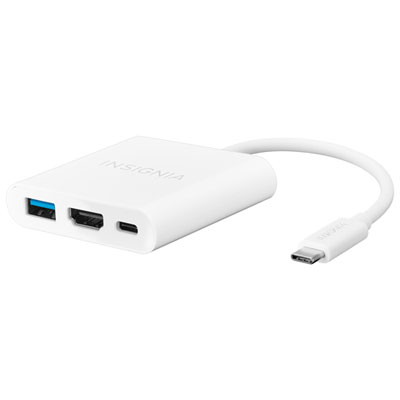
Physical design matters when an adapter will sit behind a wall-mounted television, travel in a laptop bag, or share space with several connected accessories. A compact, rigid adapter keeps the connection tidy, but its body needs enough clearance around neighbouring ports and the back of the TV. A short, flexible lead can make positioning easier and reduce leverage on a laptop’s socket, especially when a heavier HDMI cable is attached. Neither style should leave a cable hanging under tension. Connector fit should feel secure without requiring force, and strain relief around cable ends helps protect the points that bend most often. Housings may be made from plastic or metal, including aluminium; material and finish affect handling and construction, but do not establish video capability on their own. Some warmth during operation is normal, particularly with active graphics hardware, so the adapter should remain uncovered with space for airflow. For routine care, disconnect it before wiping the exterior with a soft, dry cloth, keep liquids away from the connectors, and avoid tightly wrapping the lead around the housing. Carrying it in a separate pocket can help prevent bent plugs and repeated pulling against other accessories. A multiport design may combine HDMI with USB connections or USB-C charging pass-through, which can be useful when a laptop has limited ports. Charging support depends on the adapter’s power rating, the charger and cable, and the computer’s requirements; an HDMI connection to a TV does not itself provide laptop charging. For a shared household, these details can make the difference between a convenient movie or photo setup and a collection of mismatched connections. Students, presenters, remote workers, and people who regularly share content on a larger screen may all find this category useful. As a practical gift, an adapter is best matched to the recipient’s exact device connections and intended use, with attention to any required HDMI cable, charging equipment, or software.
Top selling and popular products
-
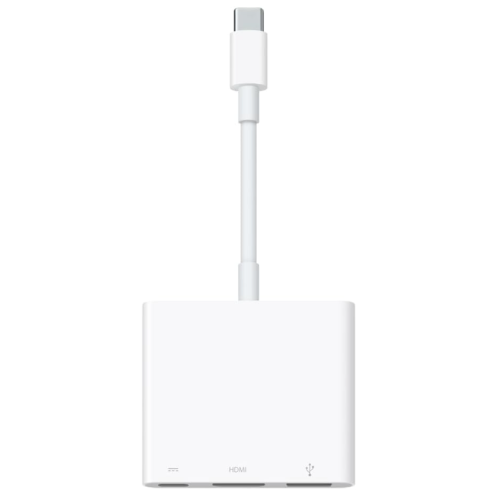 Your price for this item is $169.99
-
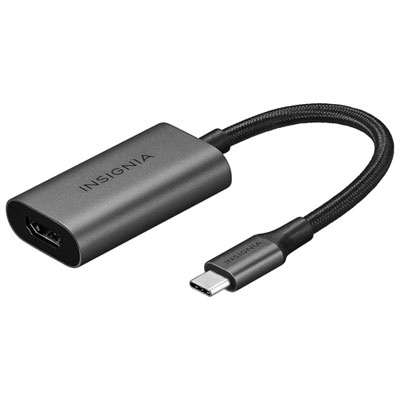 Your price for this item is $39.99
-
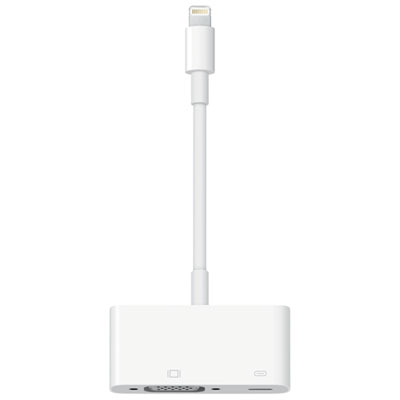 Your price for this item is $64.97
-
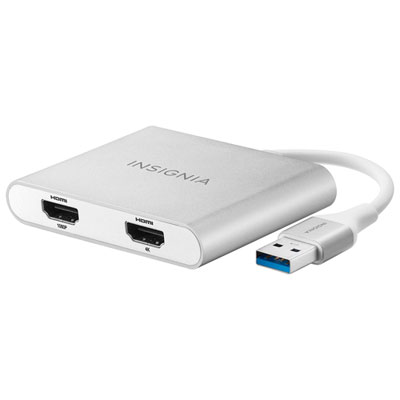 Your price for this item is $79.99
-
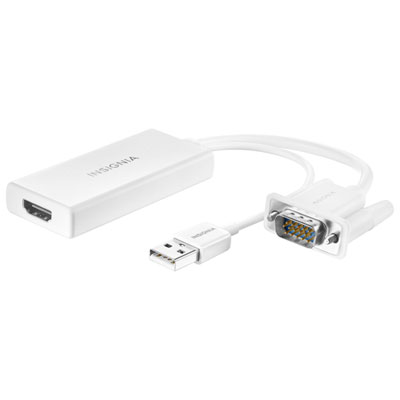 Your price for this item is $49.99
-
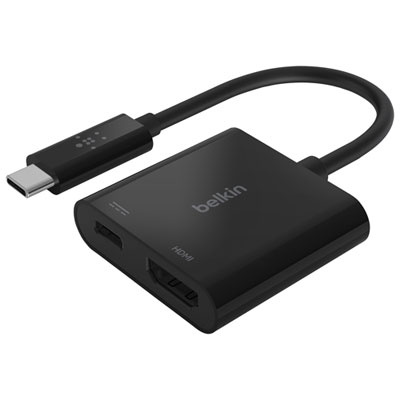 Your price for this item is $34.99
-
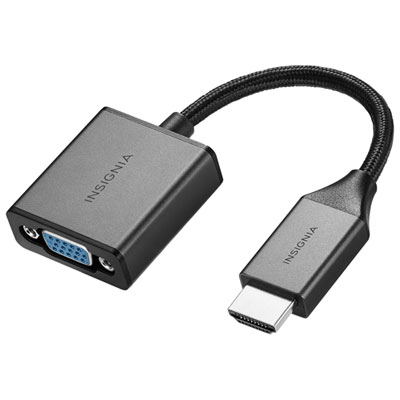 Your price for this item is $39.99
-
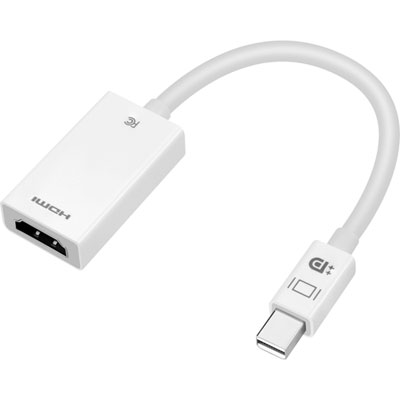 Your price for this item is $19.95
Discover more categories related to USB To HDMI Adapters for TV
Top Collections:
Best Black Friday Deals This Year, Best Black Friday Deals On Electronics, Kindle Devices, Dyson Airwrap, Best Cameras for Sports Photography, Best Budget Office Chairs, Canon G7X Cameras, PS5 Pro Consoles, Best Black Friday Deals On Apple Products, XBOX One S Consoles
Some products may be subject to Environmental Handling Fees
(EHF) depending on your province.
Learn more about EHFs.