USB C Dual HDMIs
Discover the versatility and convenience of USB C Dual HDMI solutions, designed to help you connect multiple displays with ease. Whether you're setting up a home office, enhancing your gaming experience, or expanding your workspace, these adapters and hubs provide reliable connectivity for a wide range of devices. Find the right USB C Dual HDMI option to streamline your setup and enjoy seamless multitasking across monitors.
Sort
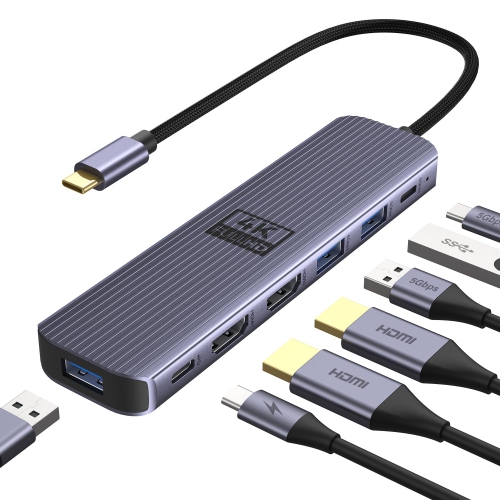
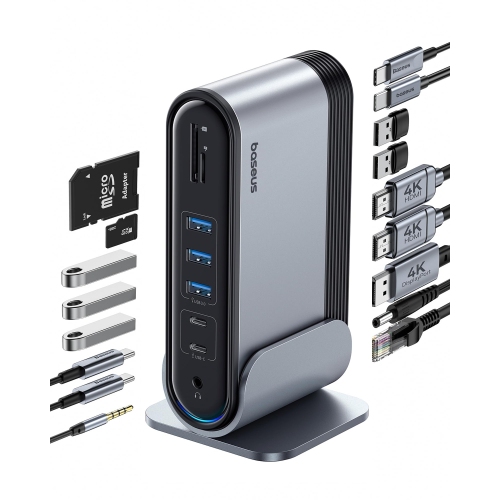
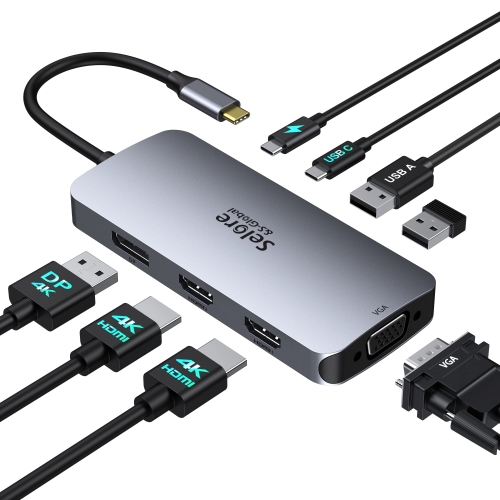

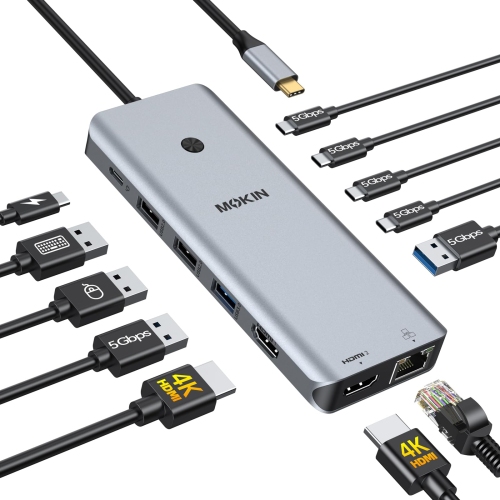
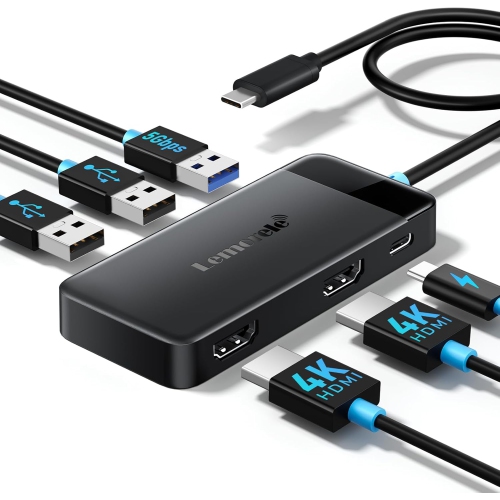
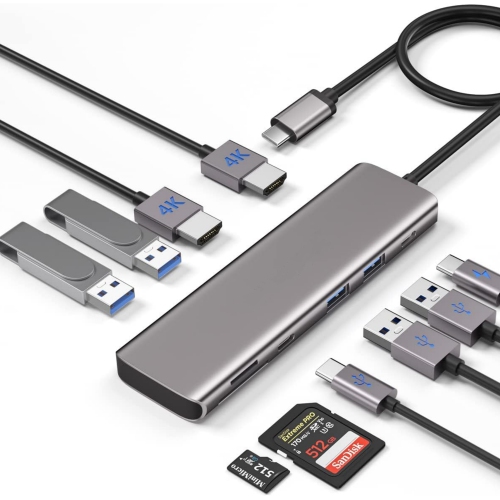
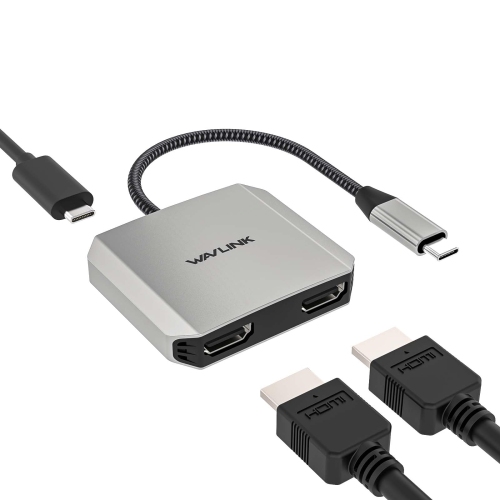
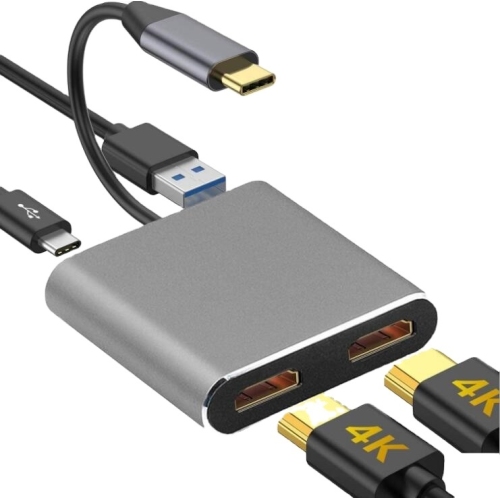

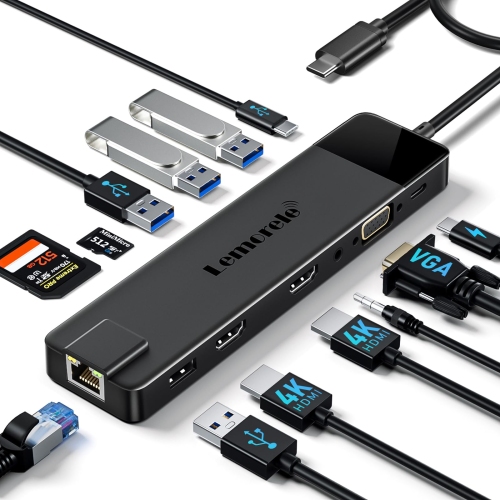
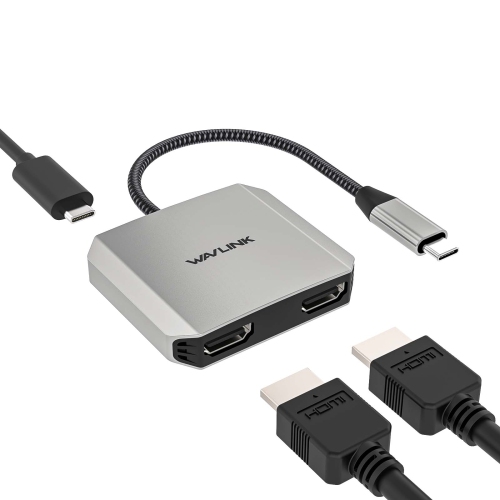
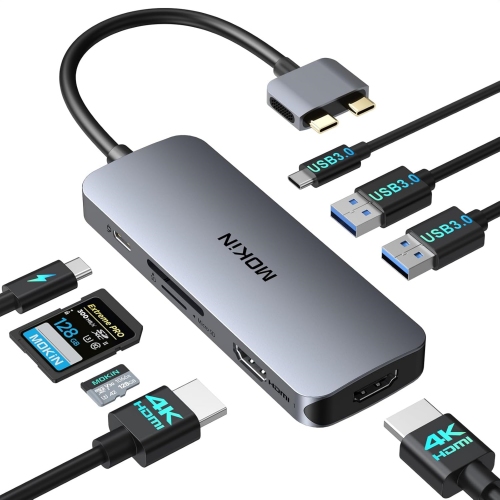
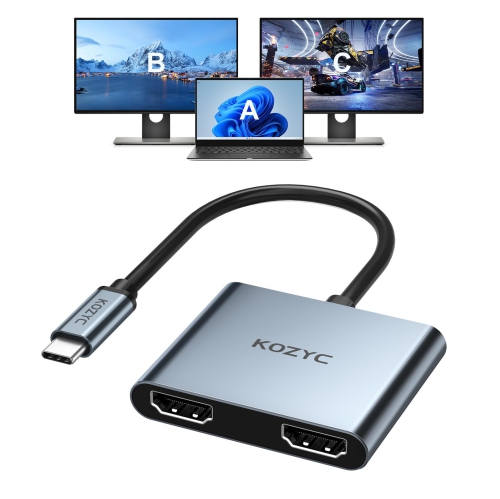
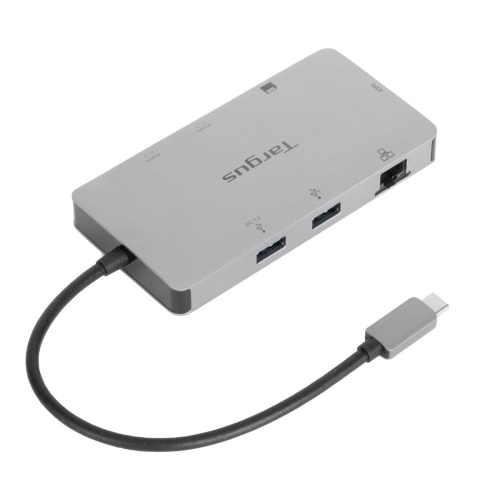

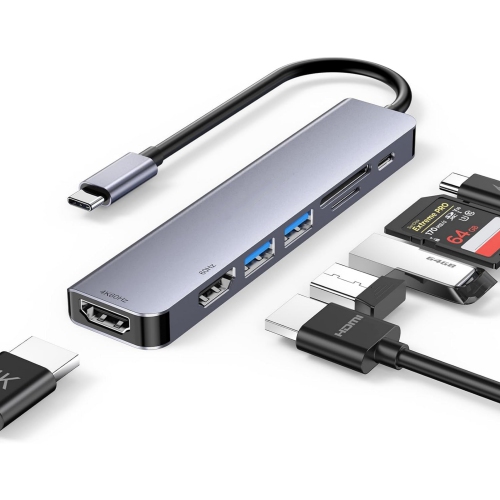
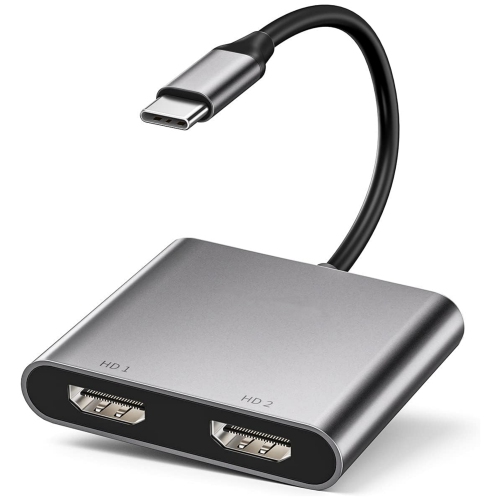
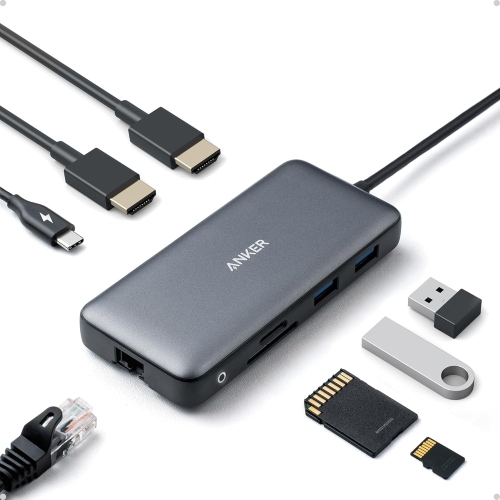
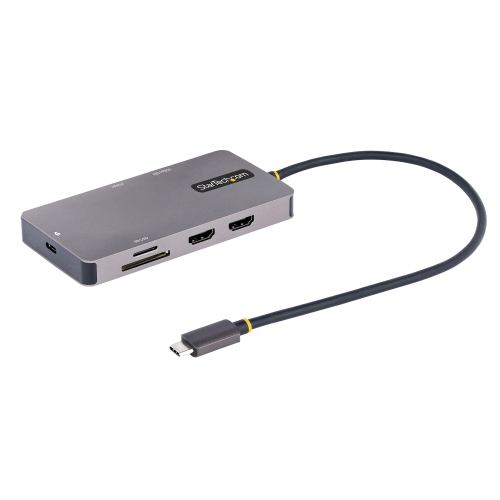
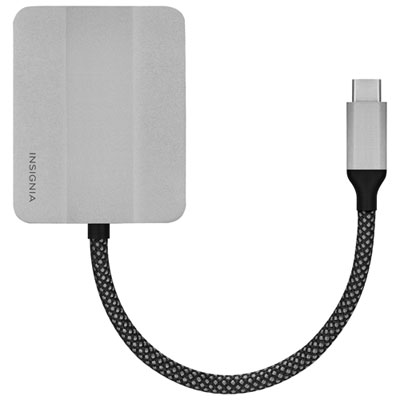
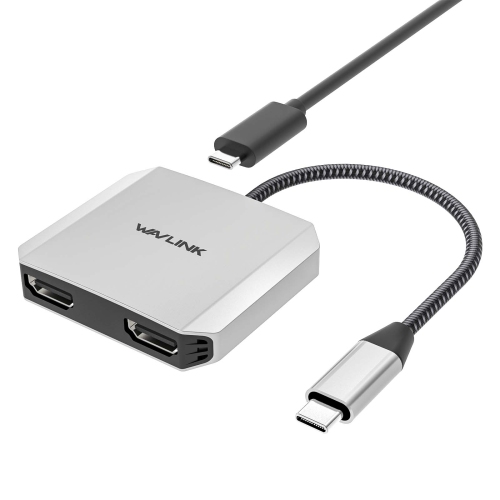
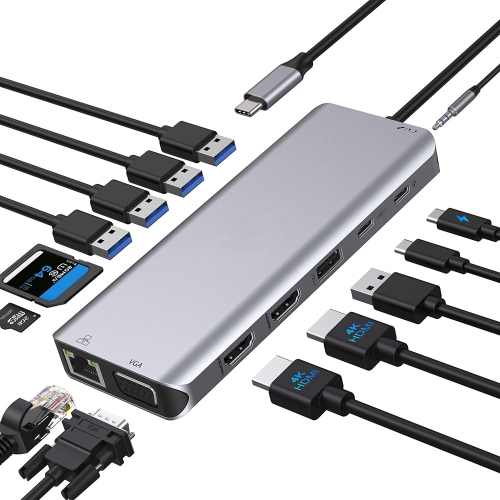
A two-screen workspace starts with the right connection
A USB-C to dual HDMI adapter connects a compatible computer’s USB-C port to two HDMI displays, making room for a larger, more flexible workspace through a single connection. Depending on the adapter, computer, and operating system, those displays can show separate desktops or mirror the same content. Two independent screens are useful for keeping a spreadsheet beside a reference document, following a video meeting while taking notes, or moving between a design canvas and its supporting files. Mirrored displays serve a different purpose, such as showing the same presentation on two screens in a meeting room. These adapters range from compact accessories with two HDMI outputs to larger hubs and docking stations that also accommodate peripherals and charging. The connector shape alone does not establish compatibility: a USB-C port must support the display technology used by the adapter. Many adapters rely on DisplayPort Alternate Mode, which allows a compatible USB-C connection to carry video. Others use USB graphics technology that may require software or drivers. For adapters that use Multi-Stream Transport, often abbreviated to MST, the computer and operating system must support that feature to provide separate extended desktops. Without that support, the HDMI outputs may mirror one another rather than act as independent screens. Some computers also limit the number of external displays they can run, regardless of how many ports an adapter provides. A clear match between the host computer’s capabilities and the adapter’s requirements matters more than the presence of two HDMI sockets. For a student working between research and an assignment, or someone sharing a desk between home and office, the right connection can turn a small laptop into a comfortable workstation without requiring a separate video cable for each port on the computer itself. It also makes the transition between a mobile setup and a fixed desk more straightforward, particularly when the displays and their HDMI cables stay connected to the adapter.
Display resolution and refresh rate help define what a USB-C dual HDMI setup will feel like in everyday use. A pair of 1080p screens can provide ample room for email, documents, and browser windows, while higher-resolution displays offer more detail for large spreadsheets, photographs, and intricate layouts. Refresh rate describes how often the image updates; higher rates can make scrolling and motion look smoother, but they require support throughout the connection. An adapter’s maximum resolution for one display is not necessarily the resolution it can deliver to two displays at the same time. Dual-screen performance depends on the computer’s video output, the adapter’s design, the displays, and the HDMI cables between them. A connection that supports one 4K screen at a particular refresh rate may offer a lower refresh rate or resolution when both HDMI outputs are in use. On some hubs, video also shares connection bandwidth with other functions, so the complete set of supported operating modes is more informative than a single resolution claim. Screen arrangement matters just as much as the specifications. Two side-by-side displays suit reference-heavy work, while a landscape display paired with a screen that supports portrait orientation can make long documents easier to follow. Different screen sizes and resolutions can work together, although text scaling and window placement may need adjustment in the computer’s display settings. HDMI can carry audio as well as video, allowing sound through a compatible monitor, television, or connected audio system; the active audio destination is selected separately from the desktop layout. For presentations and shared workspaces, reliable display detection and supported content playback are also important. Protected streaming content may require compatible copy protection across the entire connection, and some software-based display solutions have playback restrictions. For gaming or fast-moving video, latency, refresh-rate support, and compatibility with display features deserve particular attention, since a dual-output office adapter is not automatically suited to every entertainment setup.
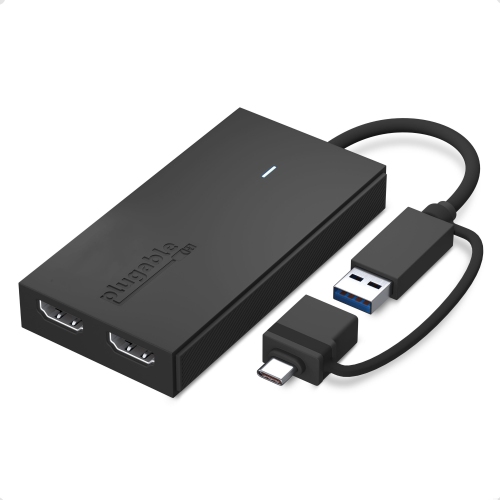
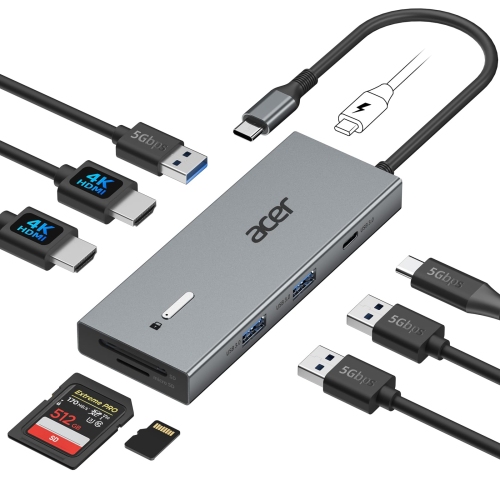
Physical construction makes a difference when an adapter becomes part of a daily routine. Compact housings slip easily into a laptop bag, while a desktop hub with a longer host cable can sit beside a monitor stand without pulling against the computer’s USB-C port. Aluminum housings can help spread heat generated during operation, and durable plastic designs can keep carrying weight down. Neither material alone guarantees longevity; secure connectors, sound cable construction, and strain relief around a fixed cable all contribute to everyday durability. Port spacing matters when HDMI plugs have wide shells or when neighbouring USB-C ports on a laptop are close together. An adapter should rest on the desk rather than hang from its cable under the weight of two display leads, and a little slack helps prevent accidental tugs when the laptop moves. HDMI cables are often separate from the adapter, so the full setup includes suitable cables for both displays. Care is straightforward: keep connectors free of debris, avoid sharp bends near the cable ends, and clean the exterior with a soft, dry cloth while disconnected. Leaving ventilation openings unobstructed is especially useful for larger docks that handle displays, data, and power together. Some hubs include USB-C Power Delivery passthrough, allowing a compatible charger to power the computer through the hub, but the charging input rating can differ from the power ultimately delivered to the laptop. Charging also depends on a suitable charger and cable, and it is not a feature of every dual HDMI adapter. For computers with a different connection arrangement, USB 3.0 to dual HDMI adapters provide another category to consider, with connector type, software requirements, and operating-system support still determining suitability. Whether the goal is a tidy shared desk, a portable presentation setup, or a practical accessory for someone who works across several windows, a well-matched adapter brings the computer, displays, and daily tasks into a more usable arrangement.
Top selling and popular products
-
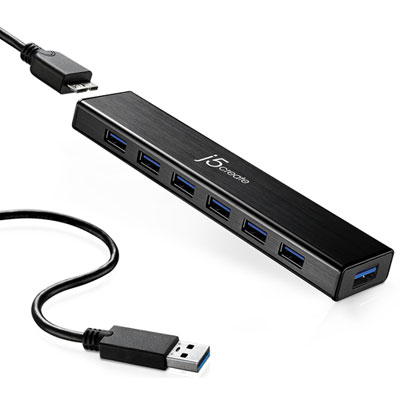 Your price for this item is $39.99
-
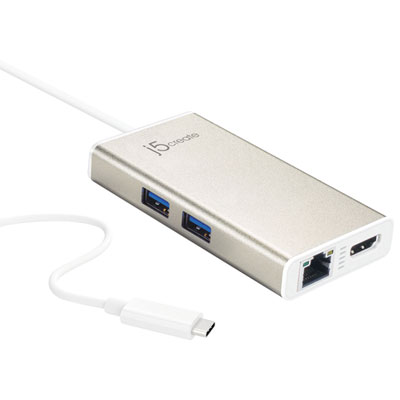 Your price for this item is $59.99
-
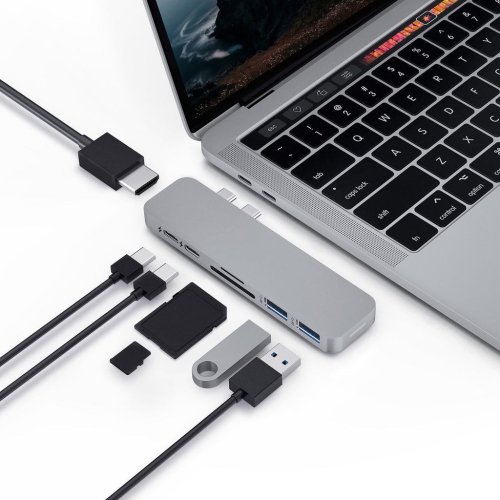 Your price for this item is $19.98
-
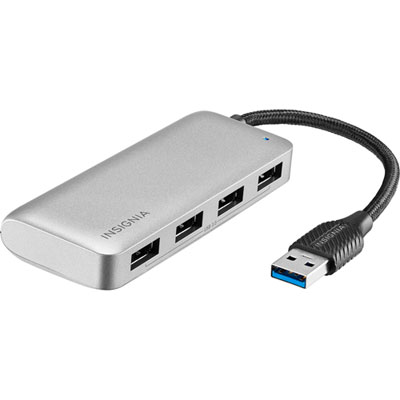 Your price for this item is $29.99
-
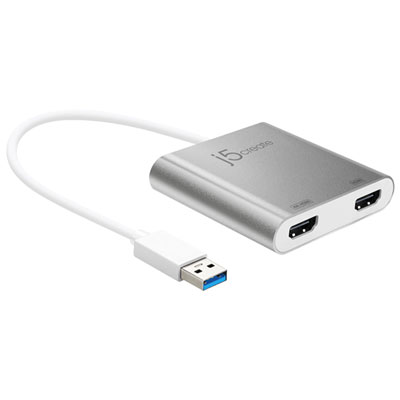 Your price for this item is $79.99
-
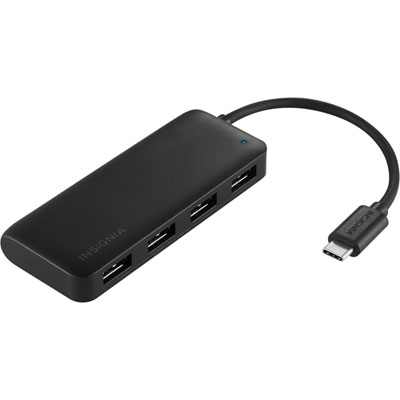 Your price for this item is $19.99
-
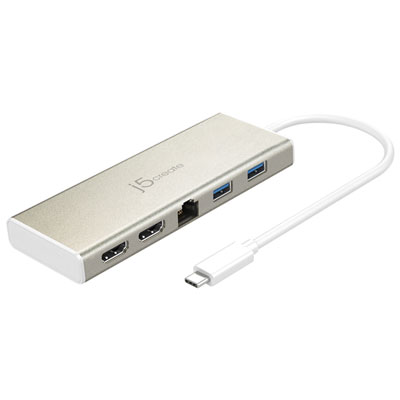 Your price for this item is $89.99
-
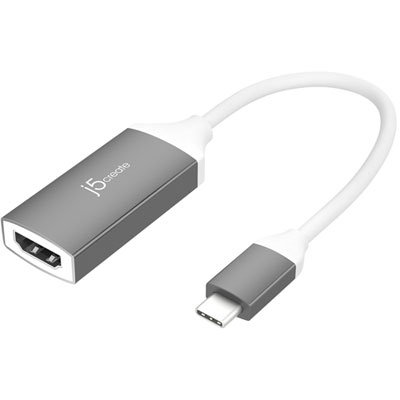 Your price for this item is $29.99
Discover more categories related to USB C Dual HDMIs
Top Collections:
Best Black Friday Deals This Year, Best Black Friday Deals On Electronics, Kindle Devices, Dyson Airwrap, Best Cameras for Sports Photography, Best Budget Office Chairs, Canon G7X Cameras, PS5 Pro Consoles, Best Black Friday Deals On Apple Products, XBOX One S Consoles
Some products may be subject to Environmental Handling Fees
(EHF) depending on your province.
Learn more about EHFs.