HDMI Adapters for TV
Upgrade your home entertainment setup with an HDMI Adapter For TV and enjoy seamless connectivity between your favorite devices. Whether you’re linking a laptop, gaming console, or streaming device to your television, these adapters make it easy to transmit high-quality audio and video signals. With a variety of options available, finding the right HDMI Adapter For TV helps you get the most out of your viewing experience and simplifies your multimedia connections. Explore solutions designed for compatibility and convenience, so you can focus on enjoying your content without interruption.
Sort
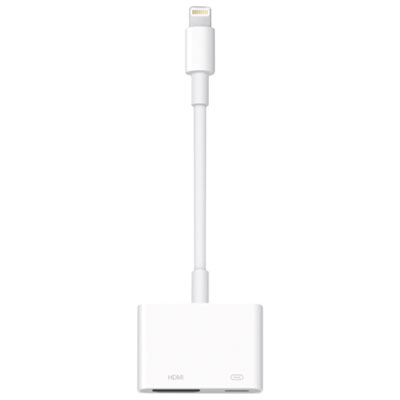
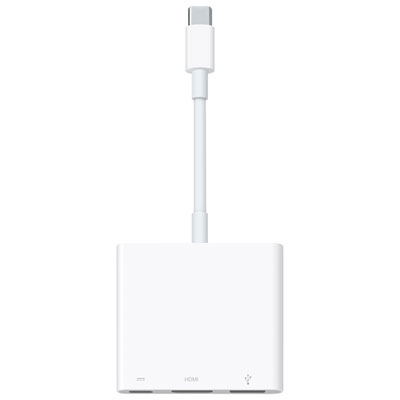
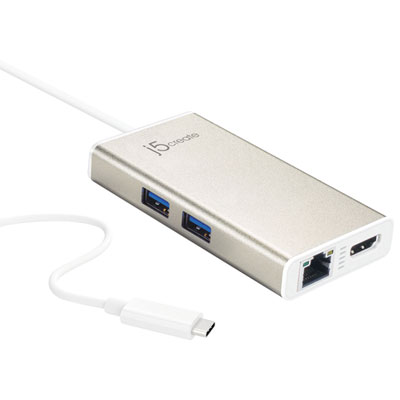
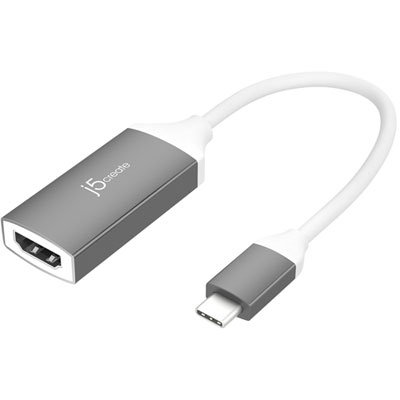

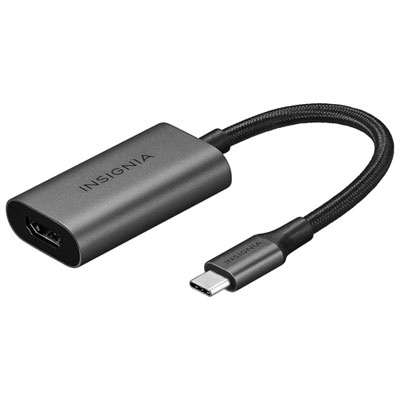
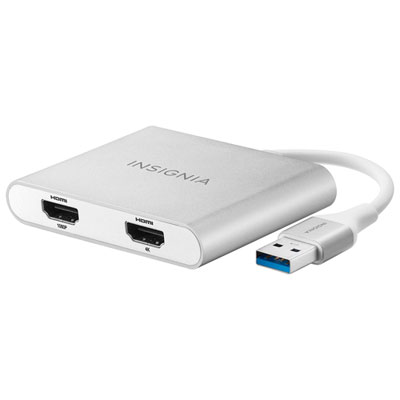
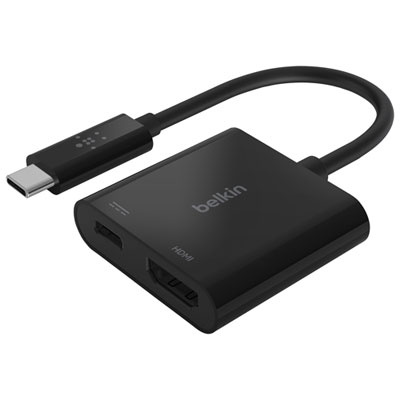
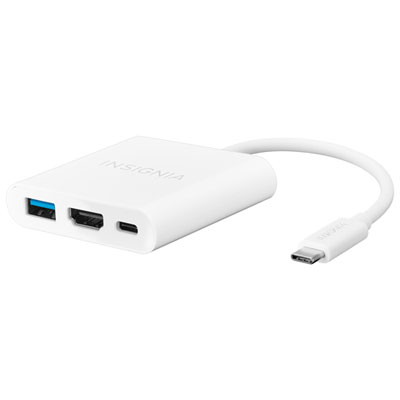



A matching plug is only part of the picture
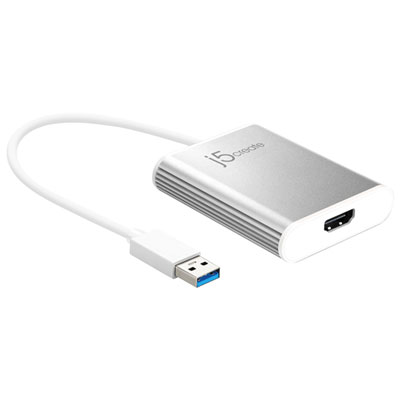
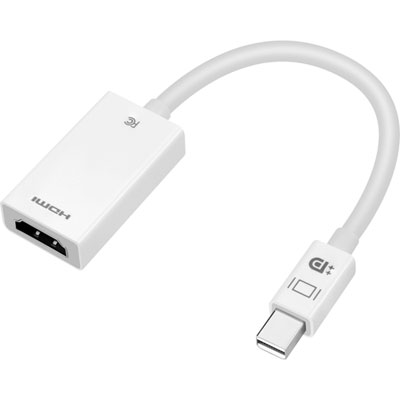
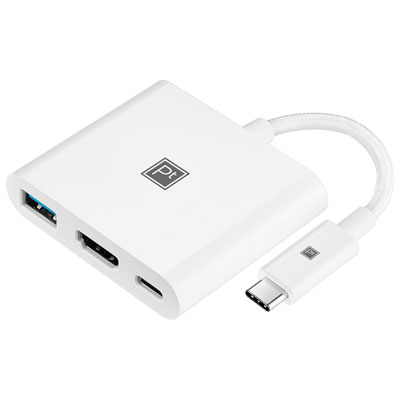
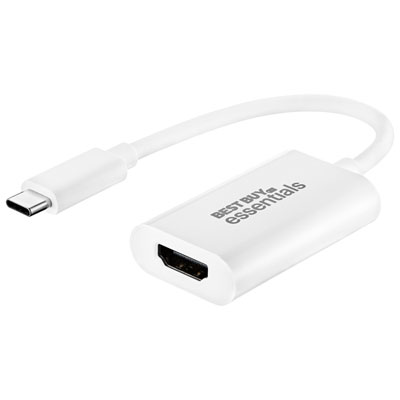
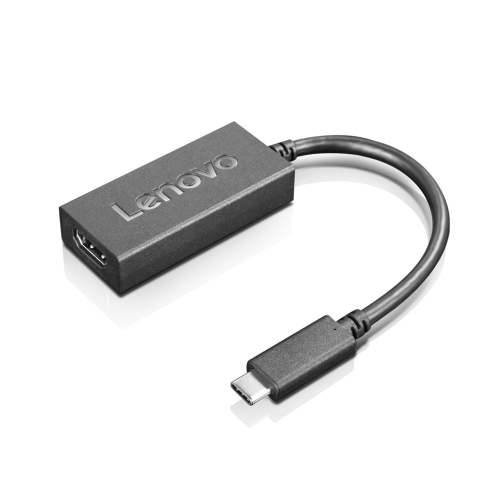
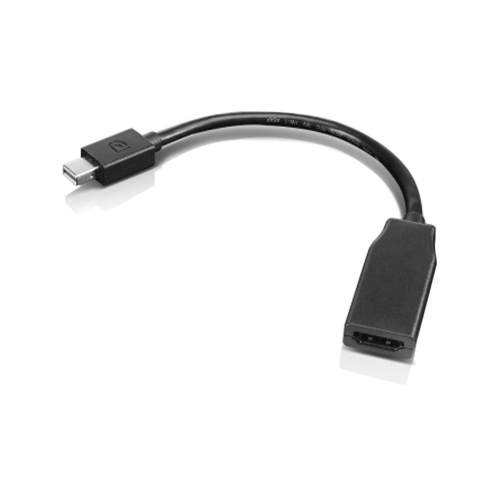
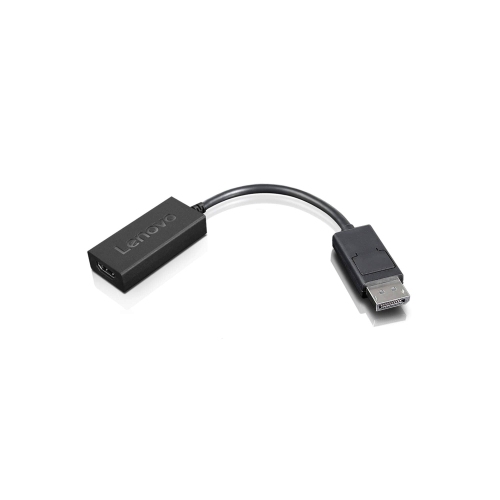
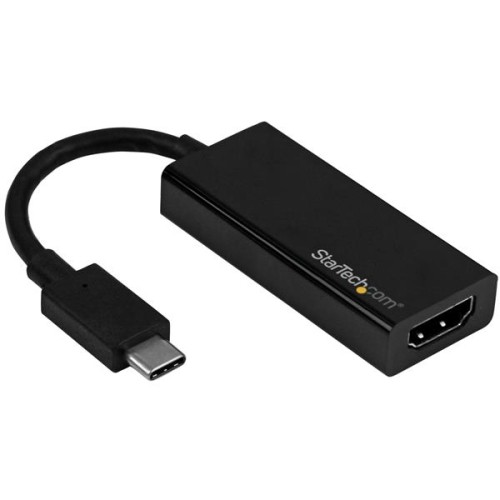
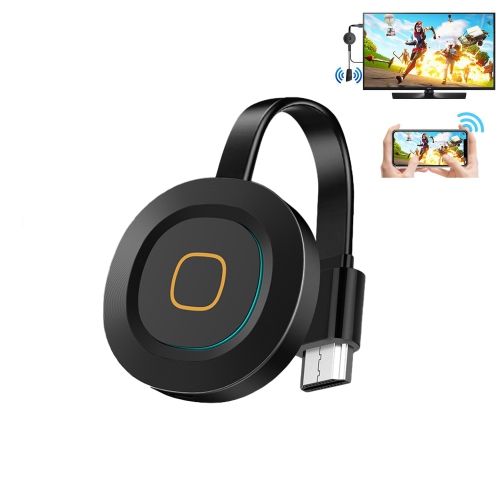
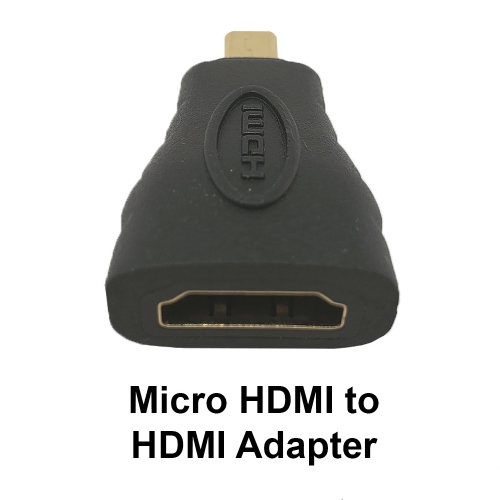
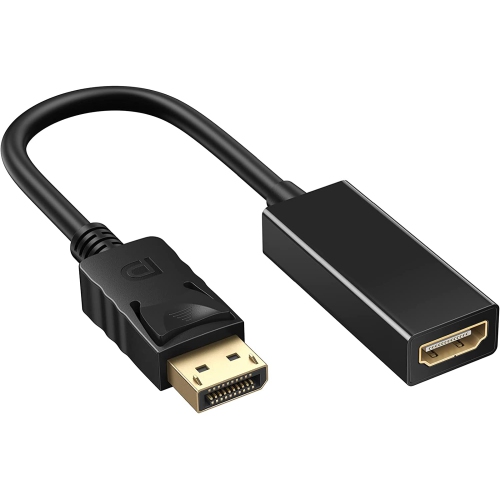
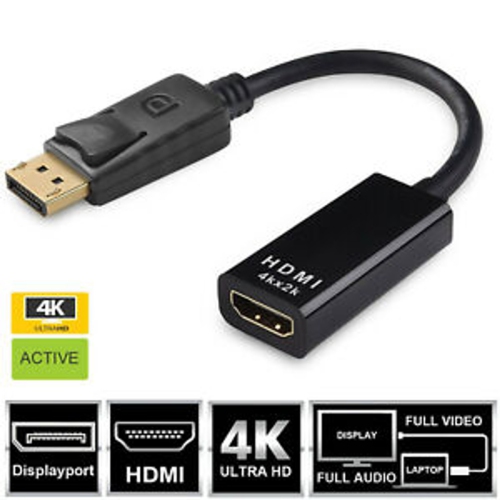
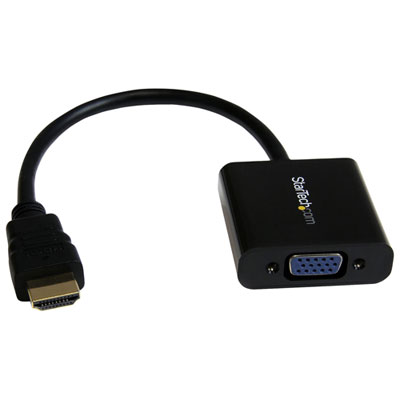
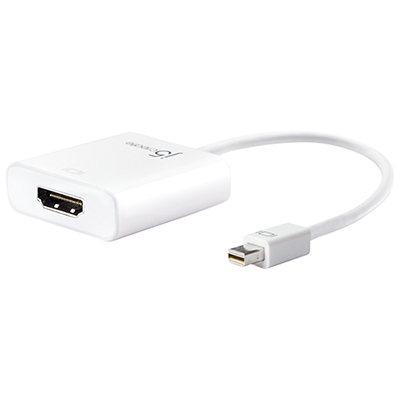
HDMI adapters for TV connect a compatible source device to a television when the connectors do not match or the connection needs a different physical shape. The right type depends on the source device’s video output, the TV’s input, and the resolution and refresh rate supported by the complete connection. A laptop with a video-capable USB-C port may use a USB-C-to-HDMI adapter, while a computer with DisplayPort output needs a DisplayPort-to-HDMI adapter. Mini HDMI and micro HDMI adapters accommodate the smaller HDMI connectors found on some cameras and portable devices. These connections can bring a presentation onto a living-room screen, give family photos more room, or let a laptop serve as the source for a film. Connector shape alone does not confirm compatibility: some USB-C ports handle charging and data but do not carry video. Many USB-C-to-HDMI adapters require DisplayPort Alternate Mode support from the source device, so the device specifications matter as much as the adapter’s plug. The range of USB to HDMI adapters includes connection types with different requirements. USB-A display adapters generally use an internal graphics chipset and may need compatible drivers; they are not interchangeable with passive cables or USB-C adapters that rely on native video output. Phone and tablet connections also depend on the device’s wired-display support, operating system, and any restrictions within the app being displayed. Direction is another important distinction. An adapter described as HDMI to another format may not work in reverse, even when its connectors appear to fit. A clear source-to-screen specification helps distinguish an adapter that sends a computer’s picture to the TV from one intended to send an HDMI signal to a different kind of display. Compact adapters suit occasional connections, while short-cable designs can leave more space around closely grouped ports.
Picture and sound capabilities vary across HDMI adapters, making the supported signal more useful than a broad description such as “high definition.” An adapter rated for 4K at 30Hz does not offer the same motion handling as one rated for 4K at 60Hz, and neither rating alone confirms support for higher refresh rates used in some gaming setups. The source device, adapter, HDMI cable, and television input must all support the intended combination of resolution and refresh rate. Some TVs also require a particular HDMI input setting to accept their higher-bandwidth formats. For a laptop displaying spreadsheets or small text, support for full colour detail at the intended resolution can matter alongside sharpness. For films and games, HDR compatibility, supported colour formats, and reliable audio transmission may be equally relevant. Features such as variable refresh rate, multichannel sound, and high-refresh-rate video should be explicitly supported rather than assumed from the presence of an HDMI connector. Protected streaming content can also require compatible HDCP support throughout the connection; a working desktop image does not guarantee that every streaming app will play on the television. Older equipment brings different considerations. A VGA-to-HDMI converter changes an analogue video signal into a digital one and often needs separate power and an audio input, because VGA does not carry sound. DVI-to-HDMI connections commonly handle video without audio, so sound may need a separate route. Conversion can make devices work together, but it cannot restore detail missing from the original signal. HDMI audio extractors serve another purpose, separating sound for compatible speakers or receivers, while ARC and eARC applications require equipment designed for audio-return connections. Wireless HDMI systems typically use a transmitter and receiver rather than a simple plug adapter. They can reduce a long cable run, but range, obstructions, power requirements, and delay affect their suitability, especially when responsive gaming or precise cursor movement matters.
Physical fit becomes especially noticeable behind a wall-mounted TV, where a straight plug and a stiff cable can compete with the bracket for space. A right-angle HDMI adapter can redirect the cable closer to the back or side of the screen, provided its orientation matches the position of the port. Two adapters described as angled may point in different directions once inserted, so connector orientation and surrounding clearance are practical details. A coupler joins compatible HDMI cable ends, whereas a short extension can move a frequently used connection away from a difficult-to-reach socket. Neither serves the same purpose as a switch for selecting among several sources or a splitter for sending one source to multiple displays. For everyday durability, useful construction details include a secure connector shell, well-supported cable ends, and strain relief where a flexible lead enters the housing. Metal housings can provide a sturdy exterior, while moulded housings may be lighter and easier to position in tight spaces; materials alone do not establish signal performance. Gold-plated contacts can help resist corrosion, but plating is not a substitute for suitable specifications or a dependable connection. An adapter should sit securely without forcing the TV’s socket sideways, and a heavy cable is better supported than left hanging from a small connector. Accessible placement also makes it easier to change sources without repeatedly reaching behind the screen. Care is straightforward: disconnect by holding the connector body rather than pulling the cable, keep plugs dry and free of debris, and avoid sharp bends or tightly wound leads. Powered converters need their specified power supply and enough clearance for normal ventilation. These details suit shared households where one television handles movie playback, camera footage, and occasional work presentations. For students, travellers, or anyone moving a laptop between desks and larger screens, a compact adapter with the correct capabilities can be a useful accessory that earns its place in a bag without adding much bulk.
Top selling and popular products
-
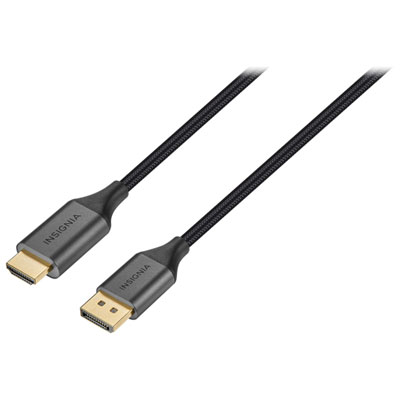 Your price for this item is $39.95
-
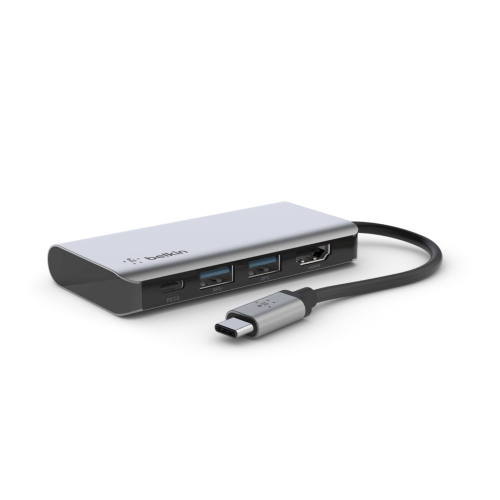 Your price for this item is $63.99
-
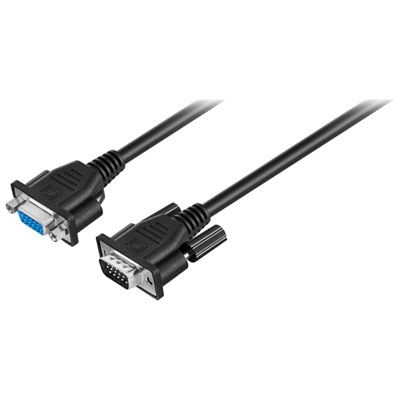 Your price for this item is $29.95
-
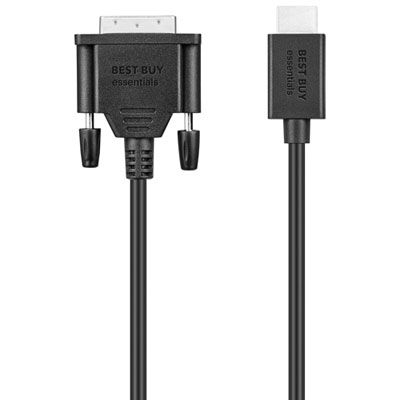 Your price for this item is $14.99
-
 Your price for this item is $29.99
-
 Your price for this item is $39.99
-
 Your price for this item is $29.99
-
 Your price for this item is $29.99
Discover more categories related to HDMI Adapters for TV
Top Collections:
Best Black Friday Deals This Year, Best Black Friday Deals On Electronics, Kindle Devices, Dyson Airwrap, Best Cameras for Sports Photography, Best Budget Office Chairs, Canon G7X Cameras, PS5 Pro Consoles, Best Black Friday Deals On Apple Products, XBOX One S Consoles
Some products may be subject to Environmental Handling Fees
(EHF) depending on your province.
Learn more about EHFs.