USB To VGA Adapters
A USB to VGA adapter is a convenient solution for connecting devices with USB ports to monitors, projectors, or displays that use VGA connections. Ideal for expanding your workspace or sharing presentations, these adapters make it easy to bridge the gap between modern computers and legacy display equipment. Whether you're setting up a dual-monitor workstation or connecting to a projector for meetings, explore a variety of USB to VGA adapter options designed to support your connectivity needs.
Sort
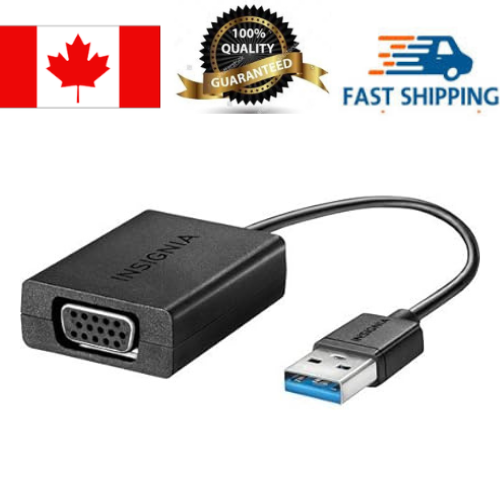
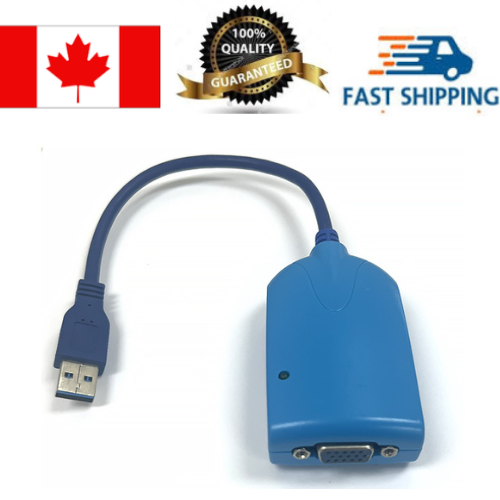
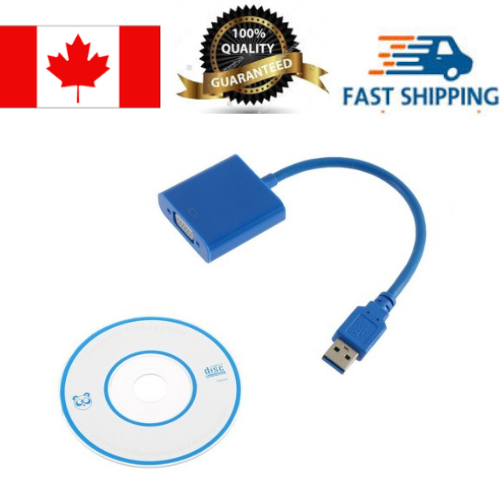
How older VGA displays fit into newer computer setups
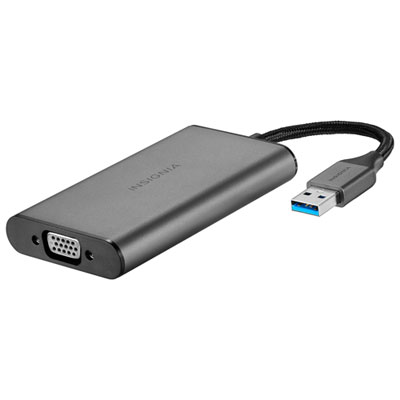
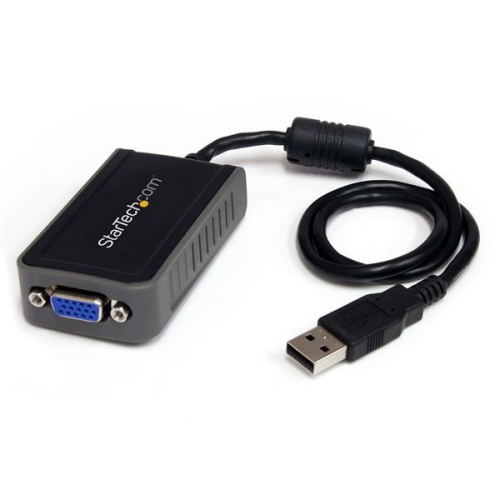
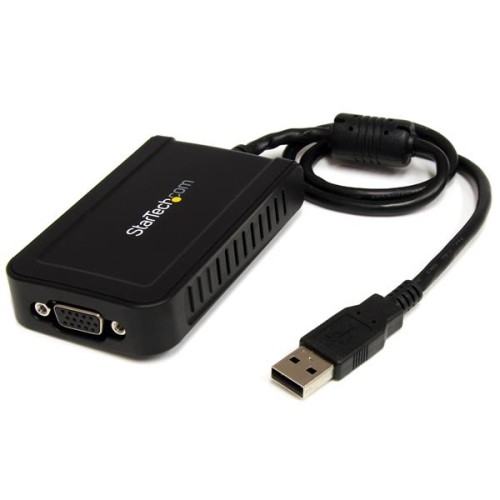
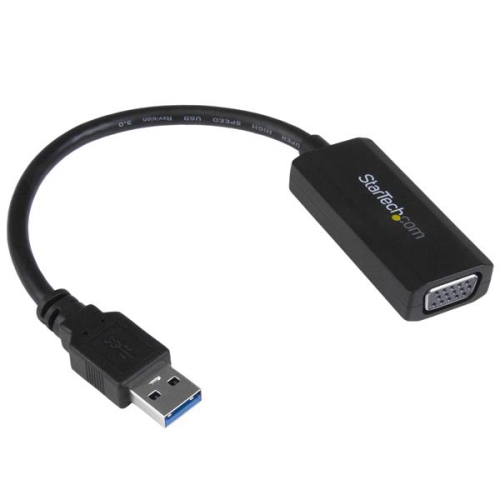
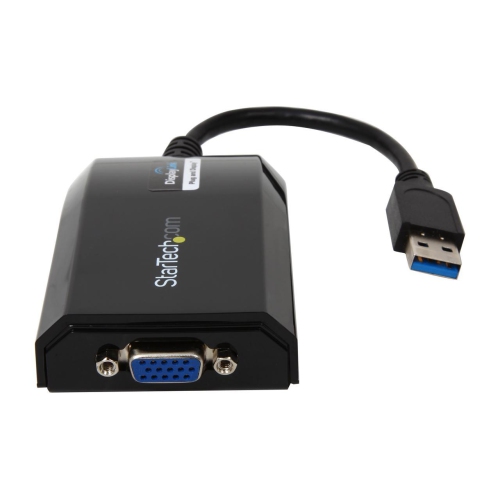
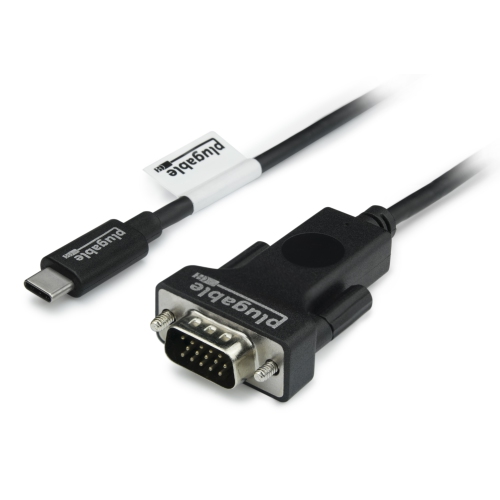
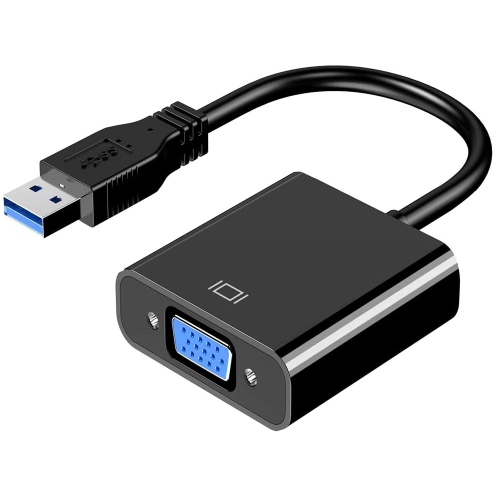
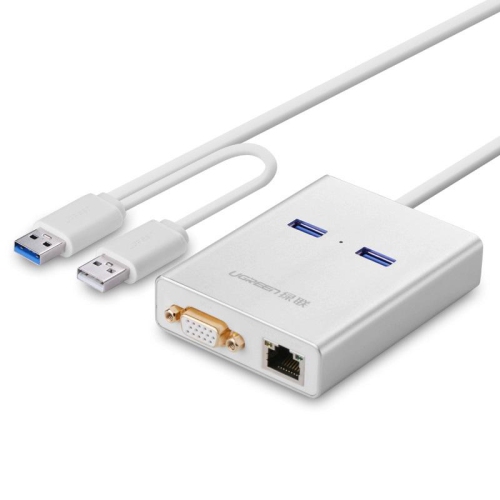
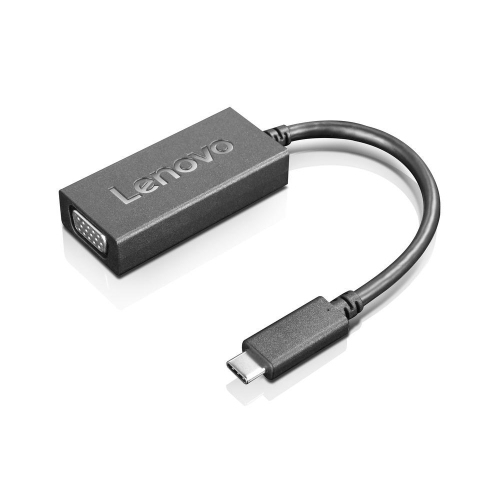
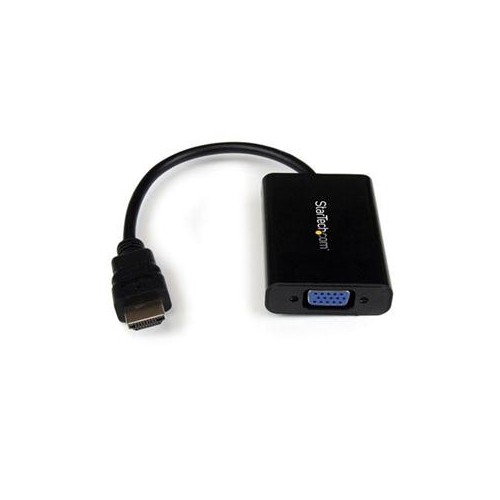
A USB to VGA adapter connects a compatible computer’s USB port to a monitor, projector, or television with a VGA input. It provides a way to use an existing display when a laptop or desktop does not have a built-in VGA output. That can mean adding a larger screen for spreadsheets, connecting to a classroom projector, or setting up a familiar monitor beside a newer computer. VGA carries analogue video rather than a digital signal, so the adapter must convert the computer’s output into a format the display can accept. The connection type matters: USB-A adapters typically use an internal graphics chipset and supporting software, while many USB-C adapters rely on a port that supports video output, commonly through DisplayPort Alternate Mode. A USB-C connector’s shape alone does not confirm that it can send video. Compatibility therefore depends on the adapter’s design, the computer’s port capabilities, and, where required, support for the operating system and drivers. These adapters are generally intended to send a picture from a computer to a VGA display; they are not interchangeable with devices designed to capture video or convert a VGA source in the opposite direction. VGA also carries video only, so sound needs a separate path through the computer’s speakers, headphones, or another compatible audio connection. For a presentation with narration or a video clip, that distinction can be as important as getting the image onto the screen. The supported resolution and refresh rate should suit both the display and the work being shown. Full HD, for example, is not guaranteed across every adapter, computer, and monitor combination. Clear text, correct proportions, and a picture that fills the screen depend on the capabilities of the complete connection, including the VGA cable. A good match brings an older display into a newer setup without assuming that every USB port or VGA screen behaves the same way.
USB to VGA adapters suit everyday work where an additional display makes information easier to see and organize. An extended desktop can keep a reference document open on one screen while a report takes shape on another, or leave a video meeting visible beside notes and a calendar. Mirroring serves a different purpose: it shows the same content on both displays, which is useful when sharing slides, demonstrating software, or reviewing a document across a meeting table. Presentation software may also offer a separate presenter view, depending on the computer and display configuration. Teachers, office staff, students, and people working from home can all benefit from these arrangements, especially where a dependable VGA monitor or projector is already part of the space. For setups involving several screens, Multiple Monitor USB Adapters offer another category to consider, although the number of supported displays still depends on the computer, adapter hardware, software, and connection layout. A single VGA output should not be assumed to provide multiple independent desktops through a simple splitter. Performance expectations matter as well. Reading documents, managing email, and displaying static charts place different demands on a connection than fast-moving games, detailed animation, or high-resolution video. USB graphics adapters can depend on available USB bandwidth and processing resources, and some designs may introduce compression or a noticeable delay. They are not automatically a substitute for a dedicated graphics output when responsive motion or precise colour reproduction is the priority. Driver requirements can also affect where an adapter fits into daily use. A personally managed computer may allow software installation, while a workplace or school laptop may require administrator approval. Compatibility with a particular operating system version, sleep and wake behaviour, and support through a hub or docking station are worth confirming in the adapter specifications. These details help distinguish a convenient everyday display connection from one that may not suit a particular computer or workload.
Physical design makes a practical difference when a USB to VGA adapter moves between a desk, meeting room, and laptop bag. Compact housings take up little space, while a short flexible lead can give a bulky VGA plug more clearance beside neighbouring ports. A rigid adapter may be tidy in a permanent setup but place more leverage on the computer’s socket if the attached cable hangs over the edge of a desk. Plastic housings are generally lightweight, and metal housings can offer a more substantial feel; neither material alone establishes the quality of the internal electronics or the durability of the connection. Cable flexibility, strain relief where the lead enters the housing, and well-fitted connectors are useful details for frequent handling. The VGA connector’s arrangement also needs to match the cable or display connection. Many adapters provide a female VGA socket for a separate cable, but connector configurations vary, and a separate VGA cable may be needed. Where screw fittings are provided, gently securing them helps keep the plug seated when equipment is moved. Over-tightening is unnecessary, and bent pins or a connector forced in at an angle can interrupt the picture. At a permanent workstation, allowing a little slack keeps the cable from pulling against the USB port. For travel between rooms, a small pouch helps protect exposed connectors from loose objects, while a loosely coiled cable is easier on the lead than a sharp bend beside the housing. Routine care is straightforward: disconnect the adapter before cleaning, wipe the exterior with a soft, dry cloth, and keep moisture out of the ports. These small accessories can also be thoughtful practical gifts for someone who regularly presents, studies with an extra screen, or works across several locations, provided the computer and display connections are known. The most useful choice is the one that fits the actual setup, with suitable software support, comfortable cable routing, and the display capabilities needed for everyday tasks.
USB to VGA adapters suit everyday work where an additional display makes information easier to see and organize. An extended desktop can keep a reference document open on one screen while a report takes shape on another, or leave a video meeting visible beside notes and a calendar. Mirroring serves a different purpose: it shows the same content on both displays, which is useful when sharing slides, demonstrating software, or reviewing a document across a meeting table. Presentation software may also offer a separate presenter view, depending on the computer and display configuration. Teachers, office staff, students, and people working from home can all benefit from these arrangements, especially where a dependable VGA monitor or projector is already part of the space. For setups involving several screens, Multiple Monitor USB Adapters offer another category to consider, although the number of supported displays still depends on the computer, adapter hardware, software, and connection layout. A single VGA output should not be assumed to provide multiple independent desktops through a simple splitter. Performance expectations matter as well. Reading documents, managing email, and displaying static charts place different demands on a connection than fast-moving games, detailed animation, or high-resolution video. USB graphics adapters can depend on available USB bandwidth and processing resources, and some designs may introduce compression or a noticeable delay. They are not automatically a substitute for a dedicated graphics output when responsive motion or precise colour reproduction is the priority. Driver requirements can also affect where an adapter fits into daily use. A personally managed computer may allow software installation, while a workplace or school laptop may require administrator approval. Compatibility with a particular operating system version, sleep and wake behaviour, and support through a hub or docking station are worth confirming in the adapter specifications. These details help distinguish a convenient everyday display connection from one that may not suit a particular computer or workload.
Physical design makes a practical difference when a USB to VGA adapter moves between a desk, meeting room, and laptop bag. Compact housings take up little space, while a short flexible lead can give a bulky VGA plug more clearance beside neighbouring ports. A rigid adapter may be tidy in a permanent setup but place more leverage on the computer’s socket if the attached cable hangs over the edge of a desk. Plastic housings are generally lightweight, and metal housings can offer a more substantial feel; neither material alone establishes the quality of the internal electronics or the durability of the connection. Cable flexibility, strain relief where the lead enters the housing, and well-fitted connectors are useful details for frequent handling. The VGA connector’s arrangement also needs to match the cable or display connection. Many adapters provide a female VGA socket for a separate cable, but connector configurations vary, and a separate VGA cable may be needed. Where screw fittings are provided, gently securing them helps keep the plug seated when equipment is moved. Over-tightening is unnecessary, and bent pins or a connector forced in at an angle can interrupt the picture. At a permanent workstation, allowing a little slack keeps the cable from pulling against the USB port. For travel between rooms, a small pouch helps protect exposed connectors from loose objects, while a loosely coiled cable is easier on the lead than a sharp bend beside the housing. Routine care is straightforward: disconnect the adapter before cleaning, wipe the exterior with a soft, dry cloth, and keep moisture out of the ports. These small accessories can also be thoughtful practical gifts for someone who regularly presents, studies with an extra screen, or works across several locations, provided the computer and display connections are known. The most useful choice is the one that fits the actual setup, with suitable software support, comfortable cable routing, and the display capabilities needed for everyday tasks.
Top selling and popular products
-
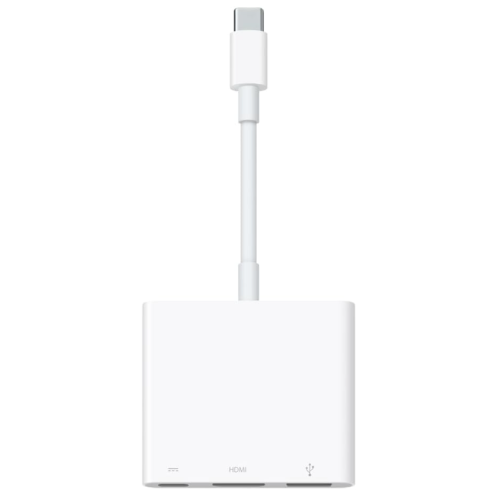 Your price for this item is $169.99
-
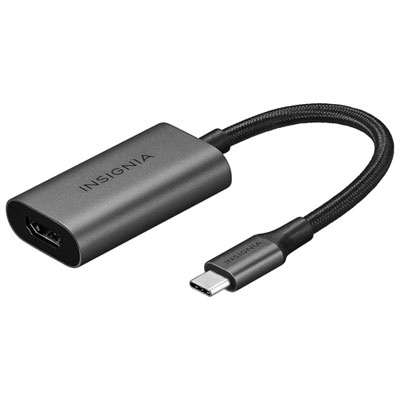 Your price for this item is $39.99
-
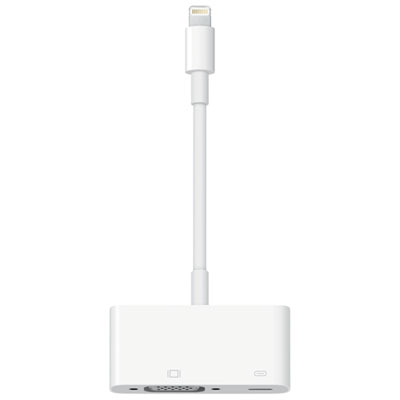 Your price for this item is $64.97
-
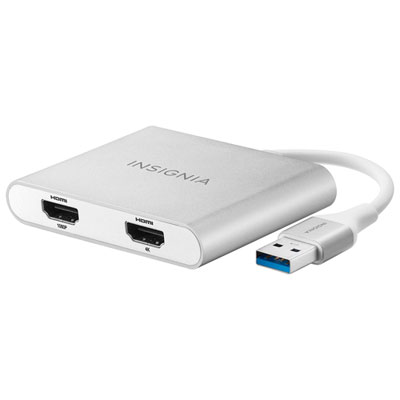 Your price for this item is $79.99
-
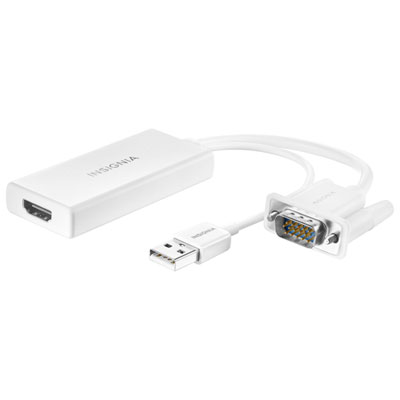 Your price for this item is $49.99
-
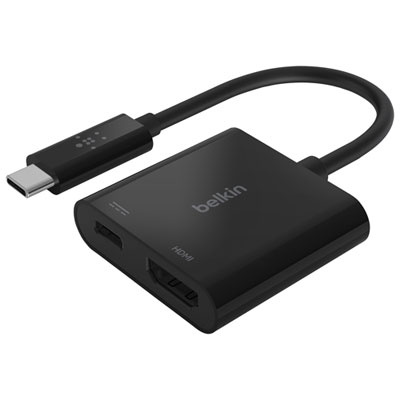 Your price for this item is $34.99
-
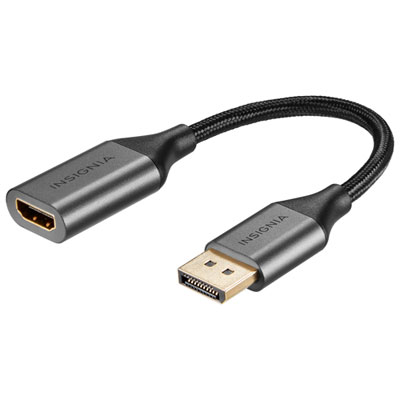 Your price for this item is $24.95
-
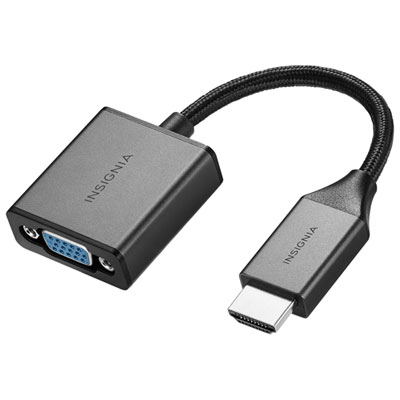 Your price for this item is $39.99
Discover more categories related to USB To VGA Adapters
Top Collections:
Pokemon Centers, Pokémon 30th Celebration Cards, Best Budget Office Chairs, Kindle Devices, Best Cameras for Sports Photography, Canon G7X Cameras, Best Black Friday Deals On Electronics, Best Laptops for Writers, iPhone 15 Apple, Jackery Power Stations
Some products may be subject to Environmental Handling Fees
(EHF) depending on your province.
Learn more about EHFs.