Vertical Mice for Carpal Tunnel
Vertical Mice for Carpal Tunnel are designed to support comfort and ease during long hours at your computer. With their unique shape, these mice offer an alternative to traditional designs, aiming to help users who experience discomfort. Whether you work in an office or enjoy gaming at home, exploring Vertical Mice for Carpal Tunnel can be a valuable step toward enhancing your daily routine. Discover a range of options to find the right fit for your workspace and hand position preferences.
Sort


Why mouse comfort goes beyond an upright grip
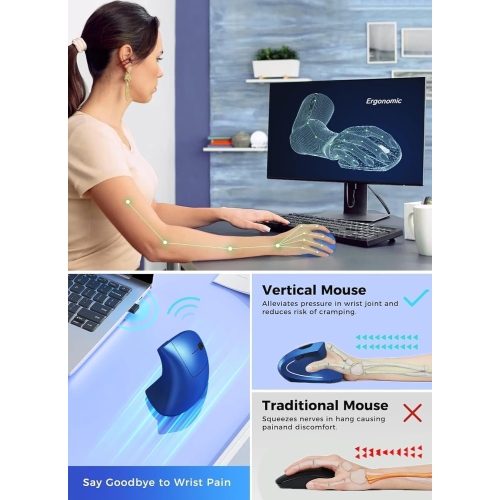
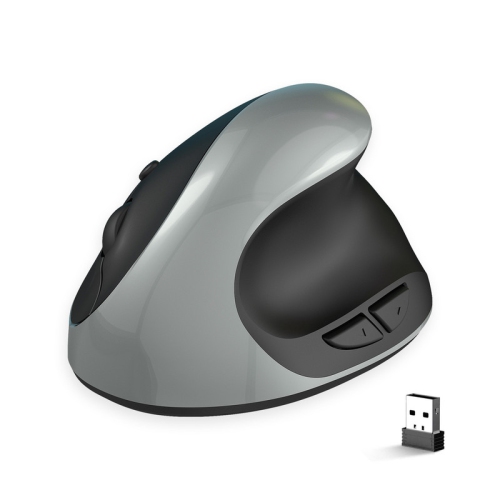
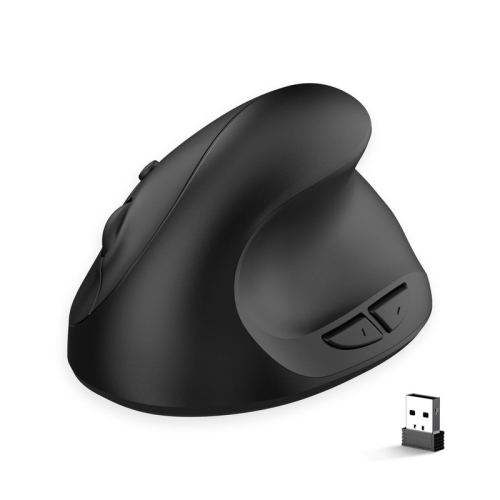
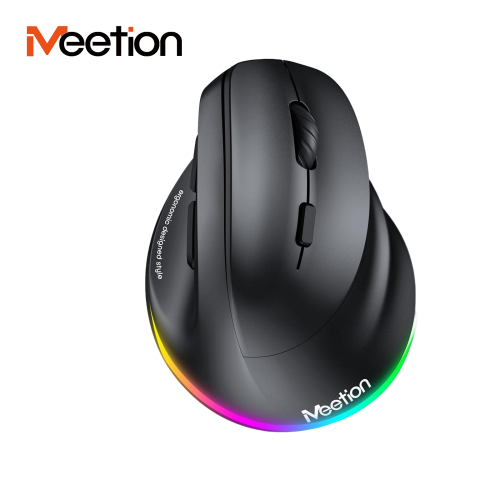
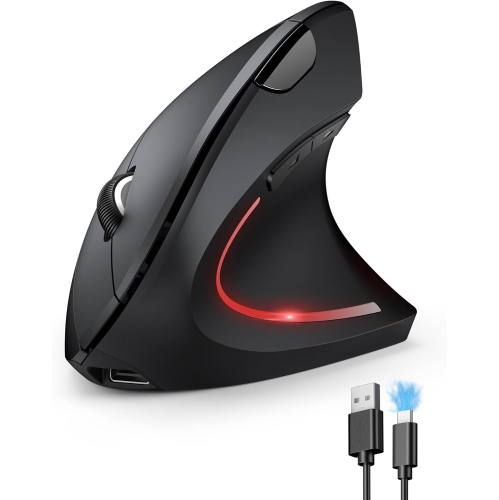
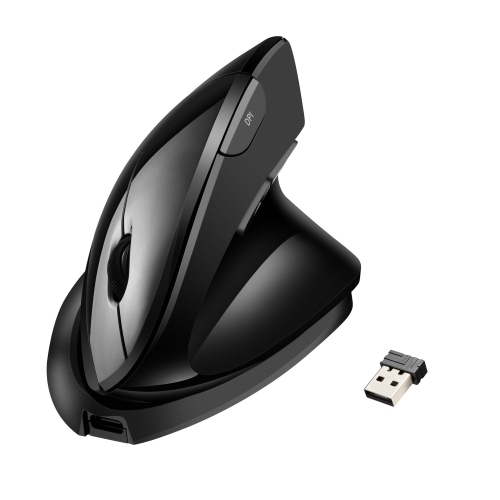
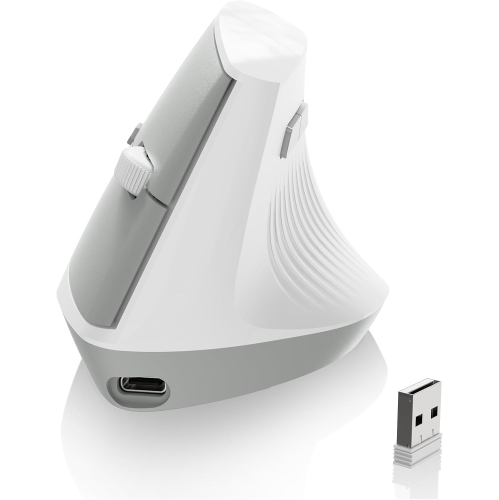
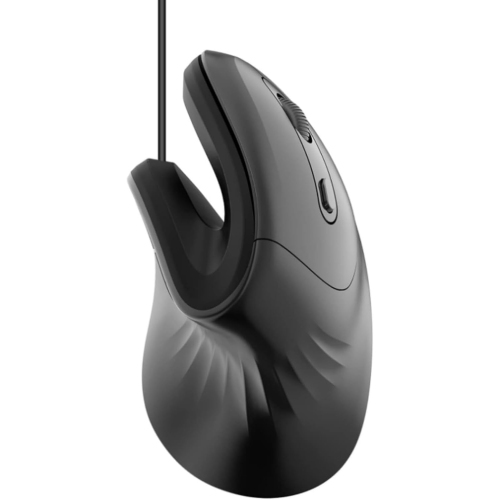
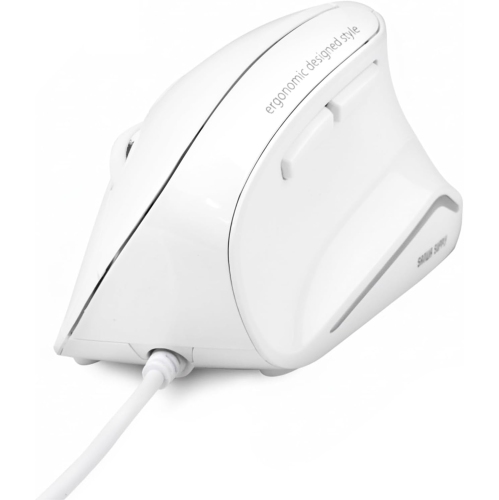
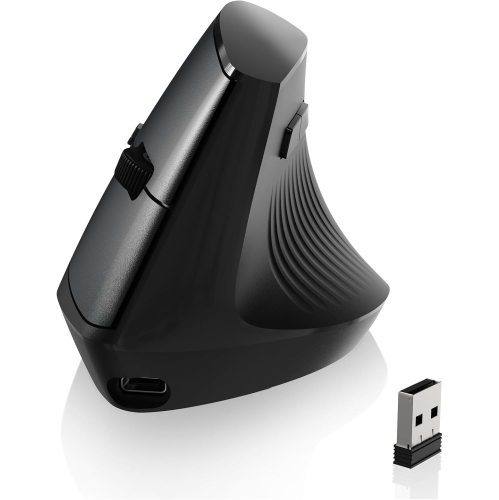
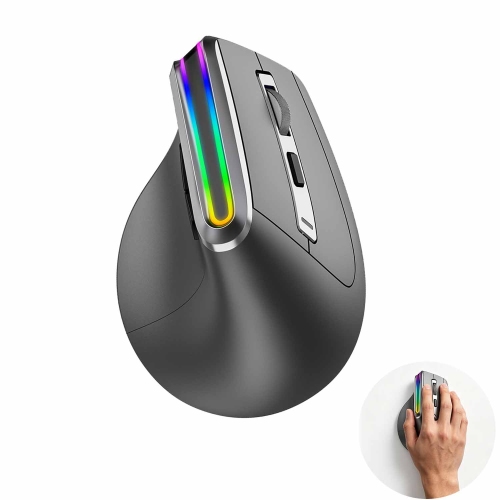
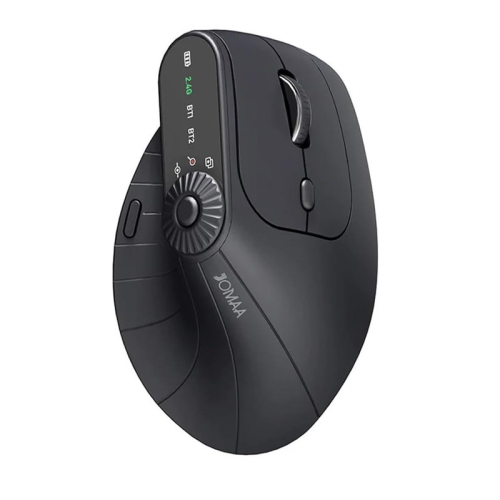
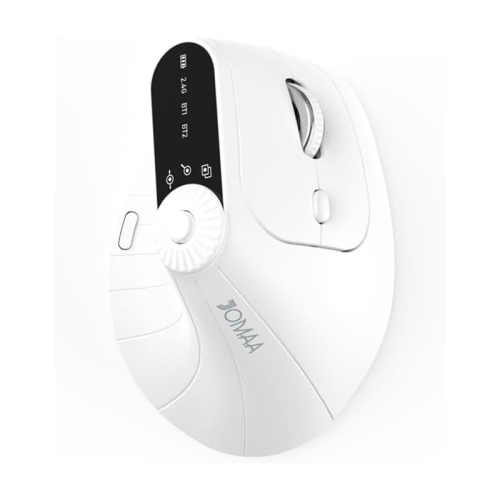
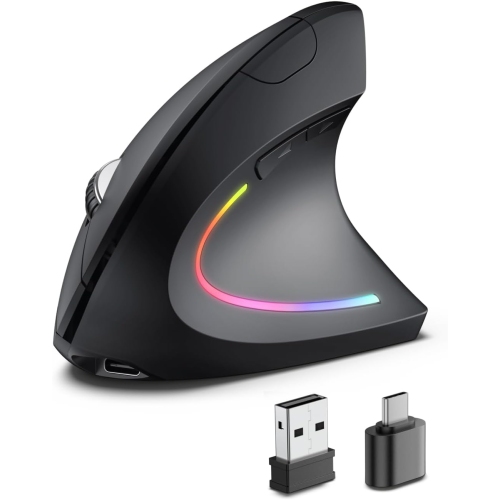
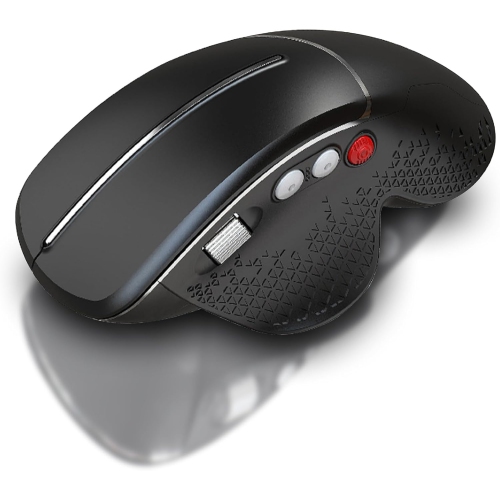
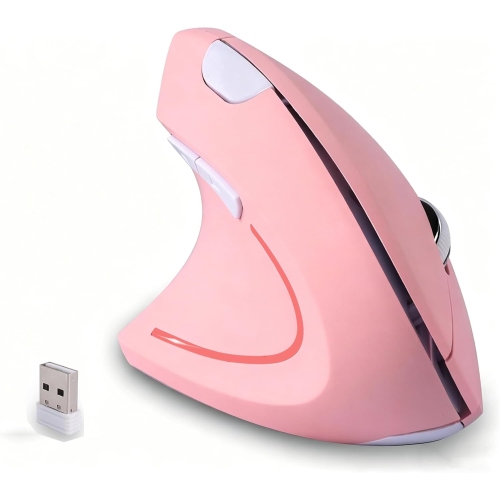
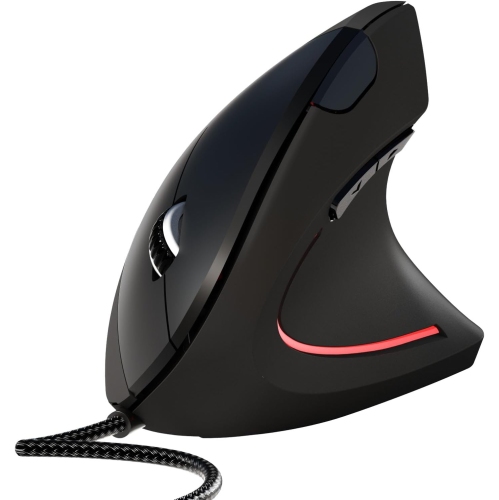
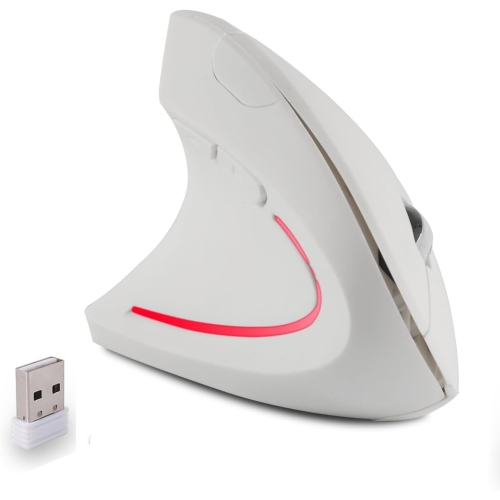
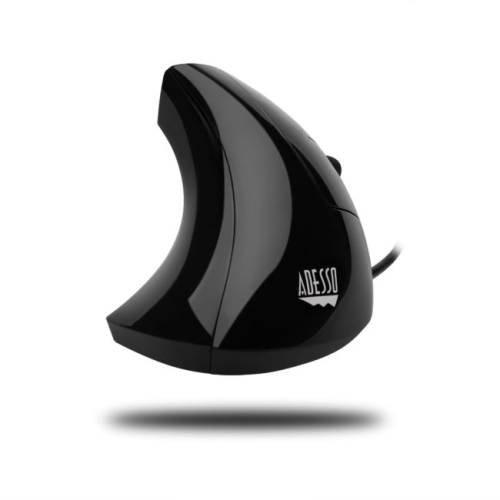
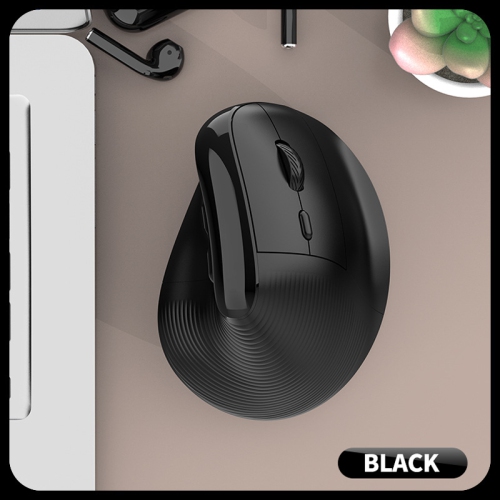
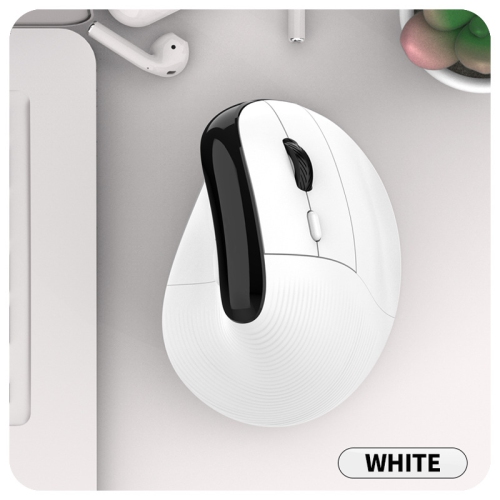
Vertical mice offer a different way to hold and move a computer mouse, with an upright shape that places the hand closer to a relaxed handshake position. Rather than resting palm-down over a low, flat shell, the hand wraps around an angled body, with the thumb supported on one side and the fingers resting over the main buttons. This design changes the amount of forearm rotation needed to use the mouse and may feel more comfortable for some people during everyday computer work. For anyone browsing vertical mice for carpal tunnel concerns, comfort depends on more than the angle alone: hand size, button placement, desk height, and the way the mouse moves across the work surface all matter. A well-matched shape allows the fingers to reach the controls without stretching and gives the thumb a place to rest without gripping tightly. Smaller hands may find a compact body easier to manage, while larger hands may benefit from a taller shell or a longer palm-supporting surface. Handedness is especially important because many vertical designs are shaped specifically for either the right or left hand rather than both. The transition can also feel unfamiliar at first, particularly when clicking small spreadsheet cells or moving between closely spaced browser tabs. A comfortable fit should not require the wrist to bend sideways or the shoulder to reach forward. Vertical mice are not a treatment for carpal tunnel syndrome, and a different mouse cannot guarantee relief from pain, tingling, or numbness. Persistent or worsening symptoms deserve attention from a health-care professional. Within a broader selection of Carpal Tunnel Mice, vertical shapes provide an option for people who prefer a more upright grip, whether their routine involves office documents, coursework, bookkeeping, or browsing at a desktop computer.
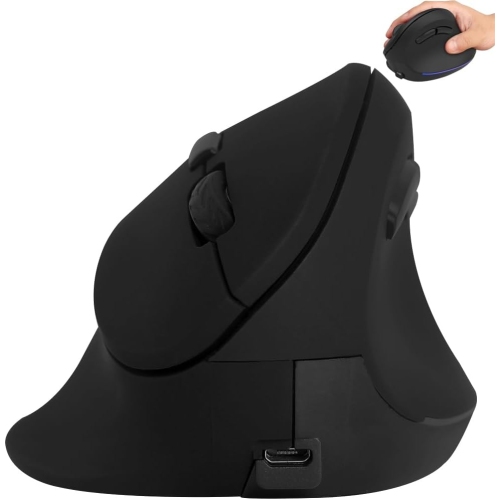
The controls and connection type help determine how naturally a vertical mouse fits into that routine. Main buttons that respond to a light, deliberate press can make repeated clicking feel less effortful, while a clearly defined scroll wheel helps with long documents and web pages. Side buttons may provide convenient back-and-forward navigation, although their usefulness depends on whether the thumb can reach them without shifting the whole hand. Adjustable pointer sensitivity allows the cursor to travel farther or less far for the same physical movement. Someone working across two large monitors may prefer a different setting from someone selecting fine details in a drawing or presentation, and the most comfortable setting is one that keeps movement controlled without requiring repeated corrections. Programmable controls can put frequently used commands within reach, but customization features may depend on compatible software and the computer’s operating system. For a shared workstation or an employer-managed laptop, basic functions that work without additional software can be particularly practical. Wired connections avoid battery changes and charging interruptions, though the cable needs enough room to move without dragging against a monitor stand or catching on the desk edge. Wireless designs leave the work surface clearer and can be easier to move between a home desk and another workspace. Some connect through Bluetooth, while others use a small USB receiver; the available ports on the computer, including whether an adapter is needed, remain an important part of the fit. Support for switching between multiple devices can suit a routine that alternates between a desktop and a laptop, provided both are compatible. Battery arrangements also vary, with rechargeable and replaceable-battery designs offering different everyday conveniences. Charging-port placement, cable length, and whether the mouse can operate while connected are useful details for anyone who spends much of the day at a computer. A dependable connection and accessible controls often matter more in daily use than a long list of features that rarely get used.
Materials, construction, and the surrounding desk setup influence comfort over time as much as the mouse’s overall silhouette. Smooth plastic surfaces are generally straightforward to wipe clean, while textured panels or rubberized sections can provide extra grip for hands that tend to slip. Those textures should feel comfortable where the thumb and fingers naturally rest, without sharp seams or ridges pressing into the skin. A solid shell, securely fitted buttons, and smoothly moving feet contribute to a more consistent feel through repeated daily use. The feet underneath also need a suitable surface: a mouse pad can help provide predictable tracking and protect the desktop, especially where a glossy or uneven finish makes cursor movement unreliable. Weight is another personal preference rather than a simple measure of quality. A lighter body may be easier to reposition, while a heavier one may feel steadier, but neither should require a tight grip. Keeping the mouse close to the keyboard helps avoid reaching, and adequate space beside the keyboard lets the forearm move without bumping into papers, mugs, or other desk accessories. An upright mouse still works best as part of a comfortable workstation, with the shoulders relaxed and the wrist kept in a neutral position rather than planted against a hard desk edge. Changes in activity and regular pauses remain useful during long stretches of computer work. For care, follow the manufacturer’s cleaning directions, remove loose dust around the wheel and buttons, and avoid allowing liquid to enter openings. Wireless receivers are easier to keep track of when the mouse has a dedicated storage compartment, especially for travel between workspaces. A vertical mouse can also be a thoughtful gift for someone updating a home office or study area, particularly when their preferred hand, approximate hand size, and computer connection needs are known. The most useful choice is a shape and set of controls that feel natural for the person using them, not simply the tallest or most unusual design.
Top selling and popular products
-
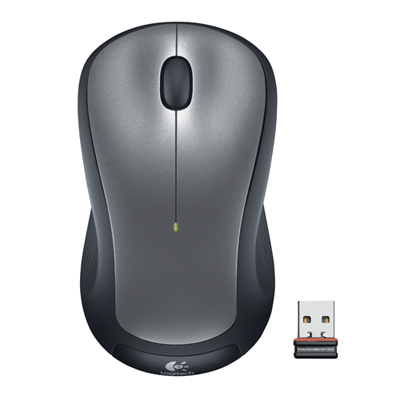 Your price for this item is $29.99
-
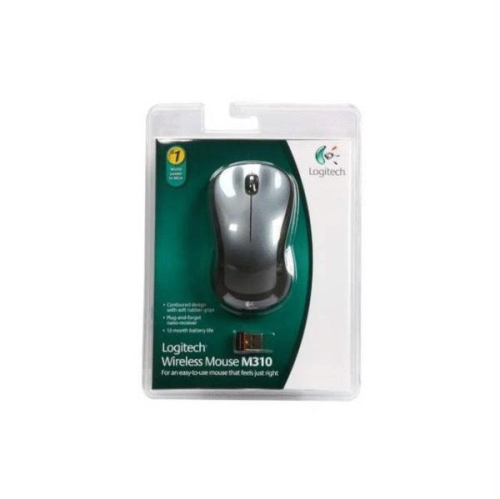 Your price for this item is $50.44
-
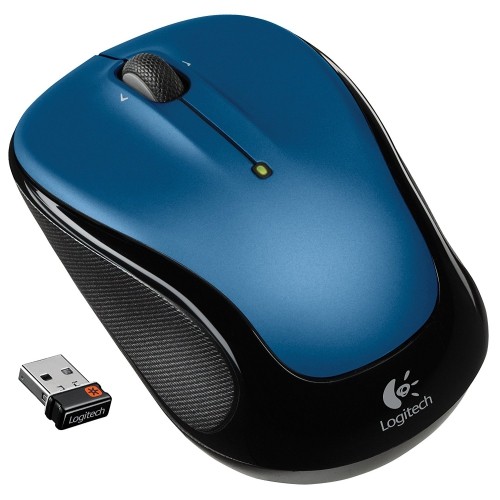 Your price for this item is $39.99
-
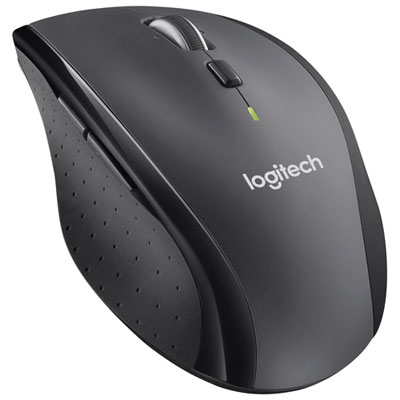 Your price for this item is $39.99
-
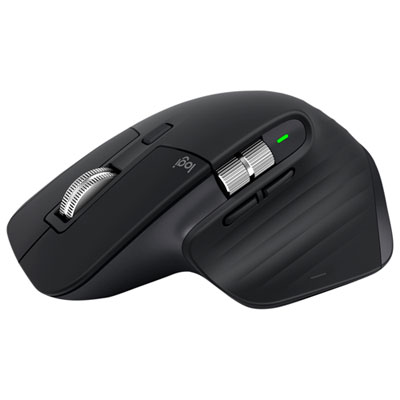 Your price for this item is $159.97
-
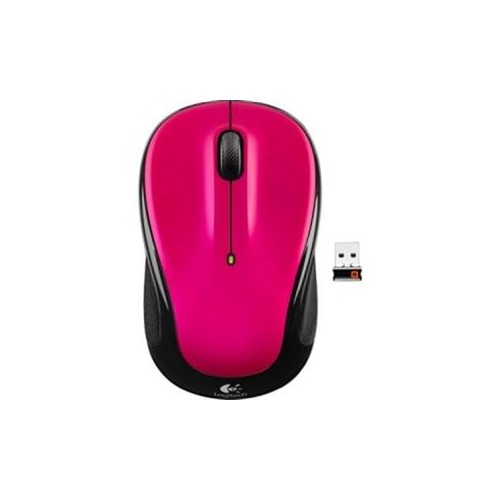 Your price for this item is $64.68
-
 Your price for this item is $48.68
-
 Your price for this item is $31
Discover more categories related to Vertical Mice for Carpal Tunnel

Top Collections:
Best Black Friday Deals This Year, Best Black Friday Deals On Electronics, Kindle Devices, Dyson Airwrap, Best Cameras for Sports Photography, Best Budget Office Chairs, Canon G7X Cameras, PS5 Pro Consoles, Best Black Friday Deals On Apple Products, XBOX One S Consoles
Some products may be subject to Environmental Handling Fees
(EHF) depending on your province.
Learn more about EHFs.