VGA Adapters for Dual Monitors
Enhance your workspace and boost productivity with a VGA Adapter for Dual Monitors. Perfect for multitasking, these adapters make it easy to connect two monitors to your computer, allowing you to expand your display area for work, gaming, or entertainment. Whether you're setting up a home office or upgrading your current setup, you'll find a selection of reliable options designed to help you get the most out of your devices. Explore versatile solutions that simplify the process of connecting multiple screens and enjoy a streamlined viewing experience.
Sort
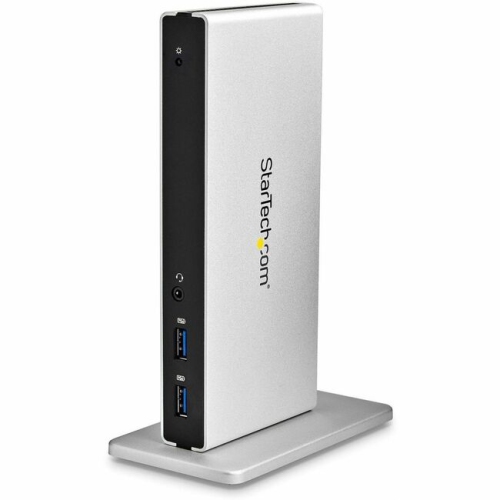
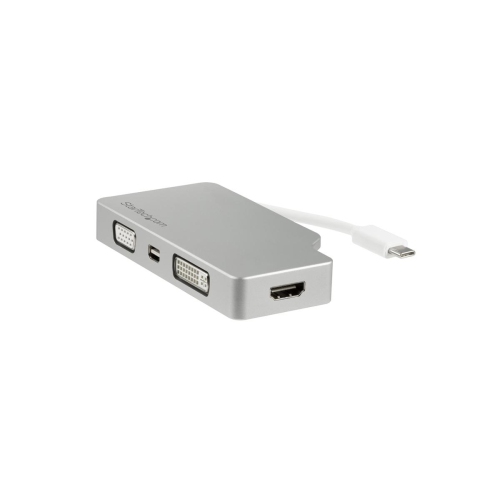
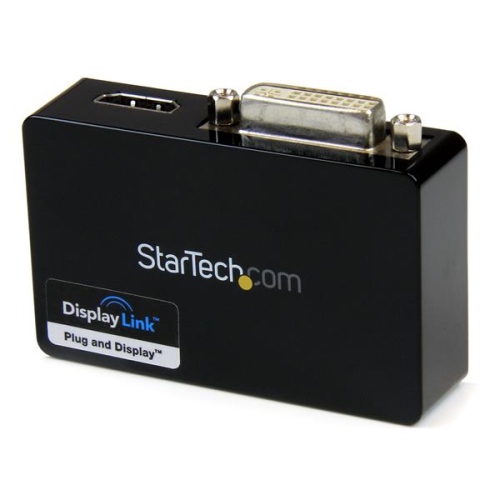
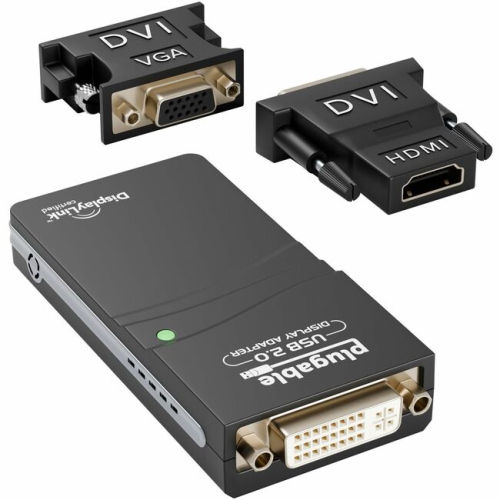
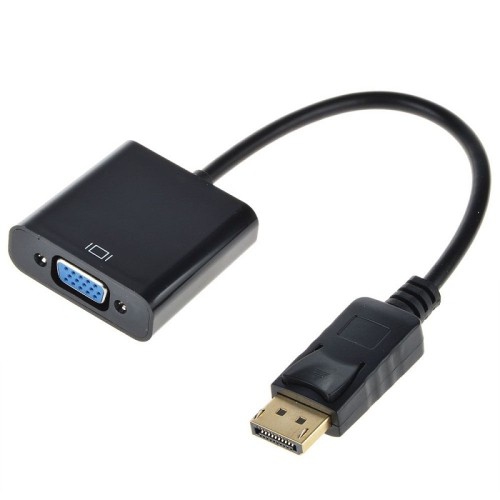
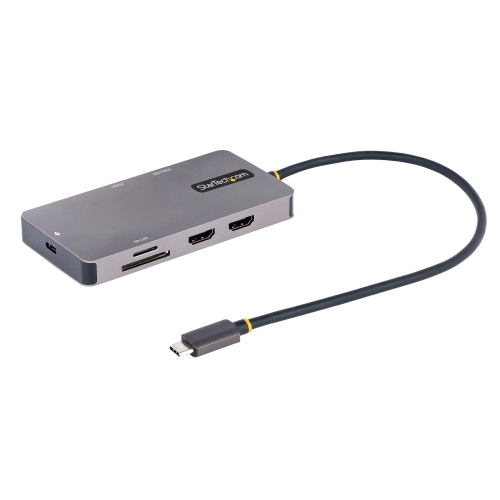
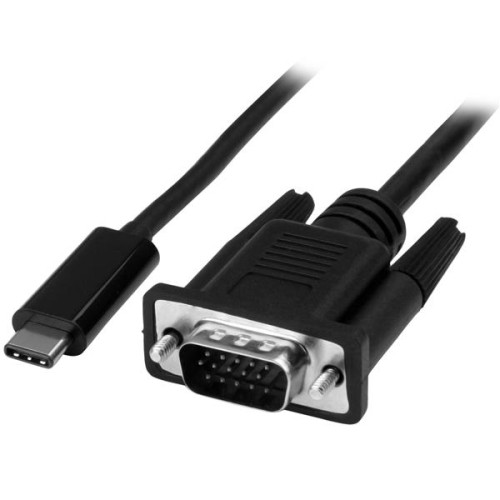
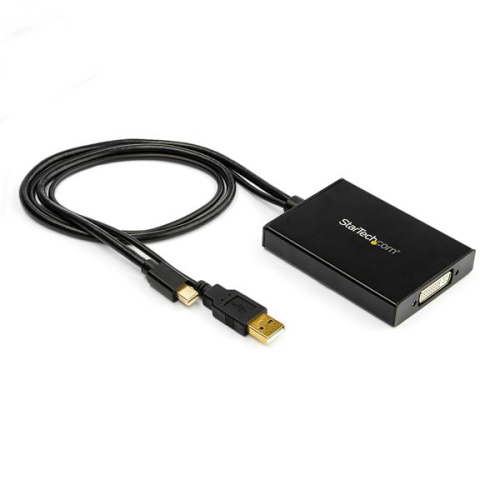
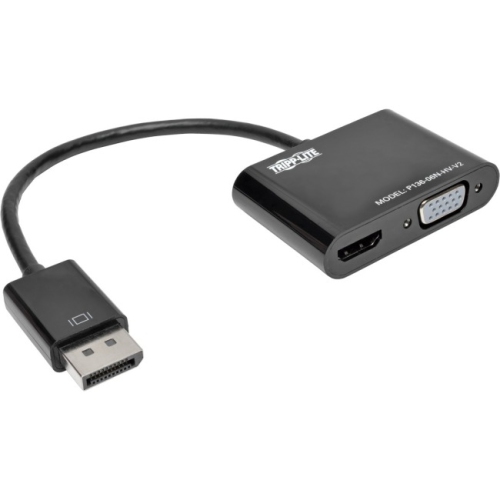
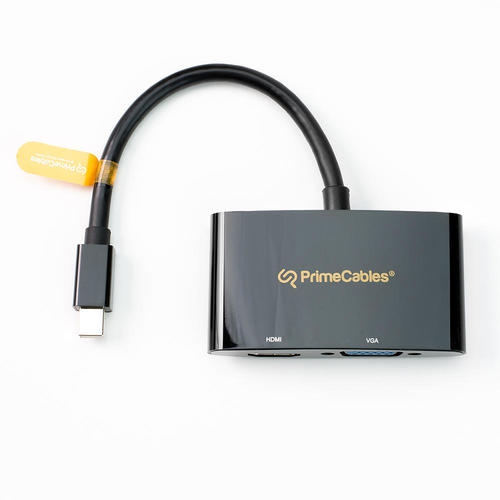
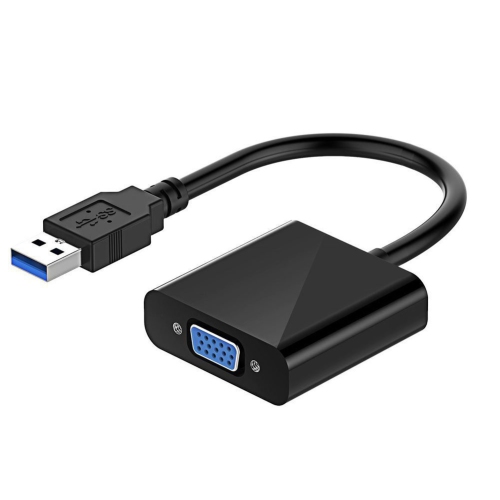
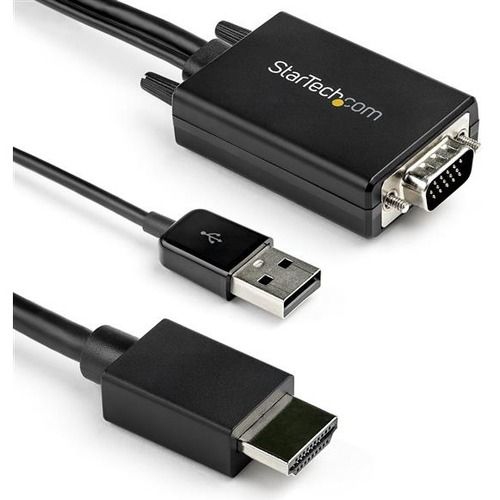
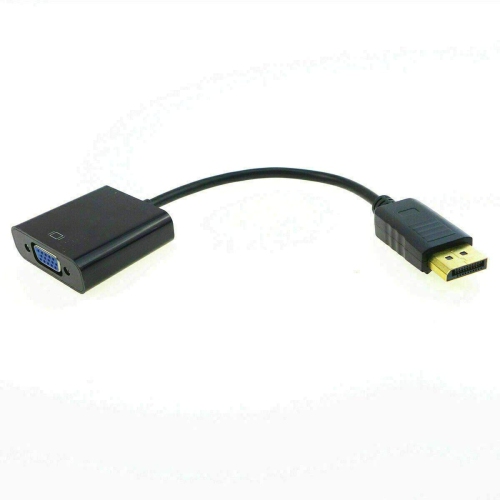
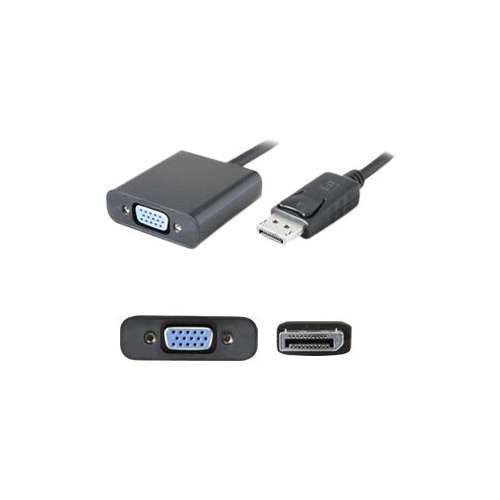
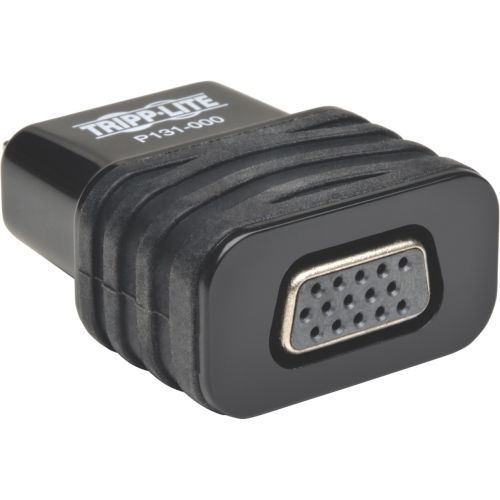
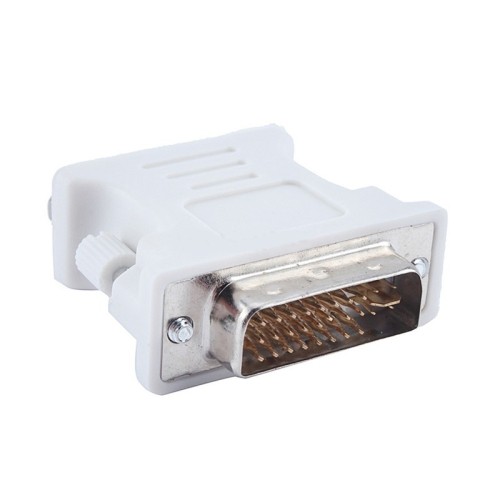
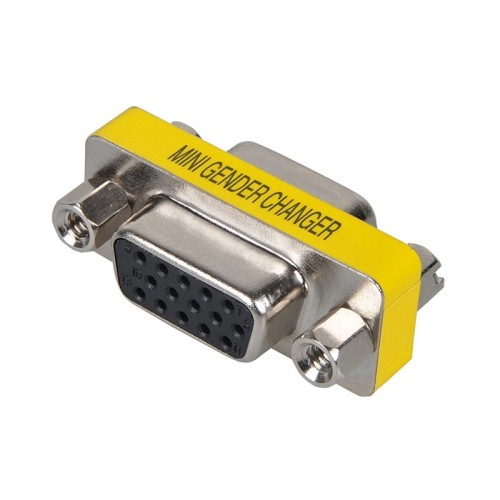
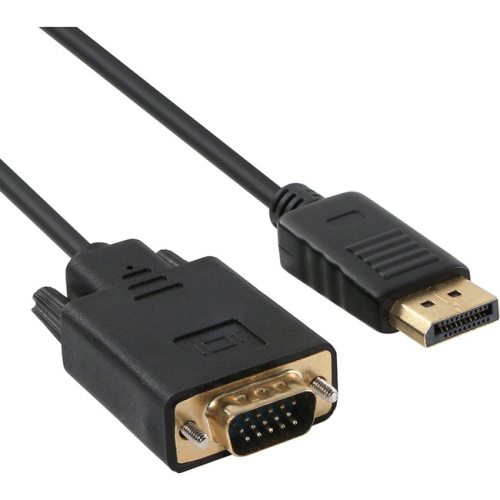
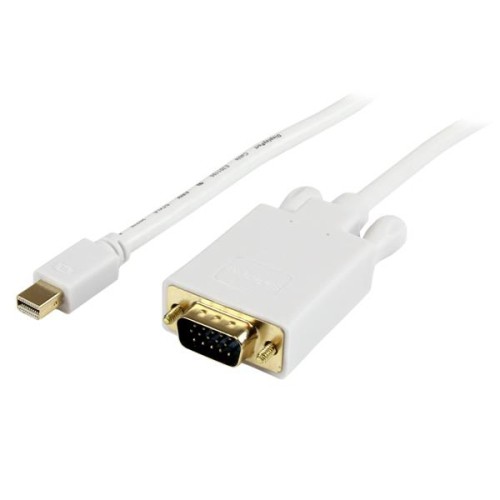
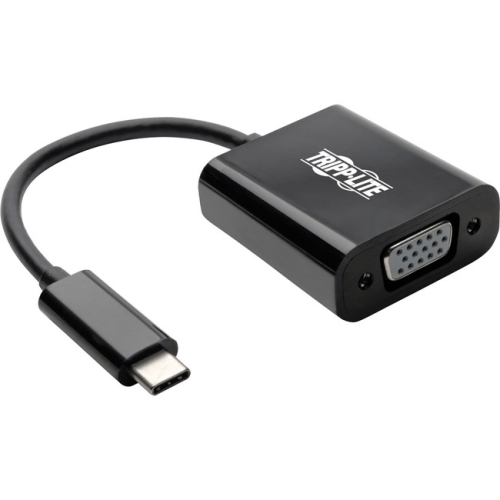
From mirrored presentations to independent screen workflows
Setting up a dual monitor workstation can transform the way you work, play, or create, and VGA adapters for dual monitors are a practical solution for many users looking to expand their visual workspace. Whether you’re a student organizing research across two screens, a professional managing multiple applications for increased productivity, or a home user enjoying a more immersive gaming or streaming setup, the right VGA adapter can make all the difference. As the weather warms and projects ramp up, many find themselves needing to multitask more efficiently—whether that’s editing documents on one screen while referencing data on another, or following a video call on one monitor while taking notes on the second. VGA adapters for dual monitors are especially helpful in offices, classrooms, or home studios where existing monitors and PCs may rely on legacy VGA connections. These adapters are also a thoughtful gift for anyone setting up a home office, heading off to college, or upgrading their tech for the new season.
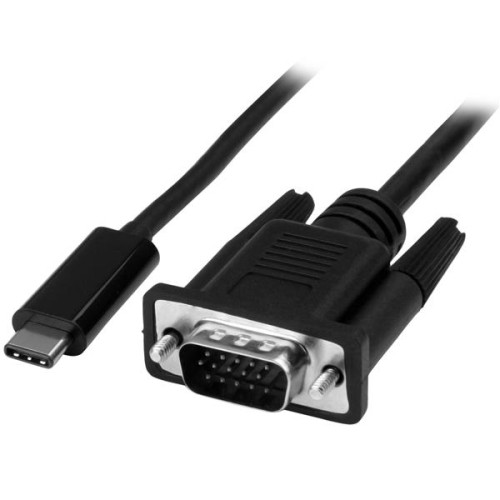
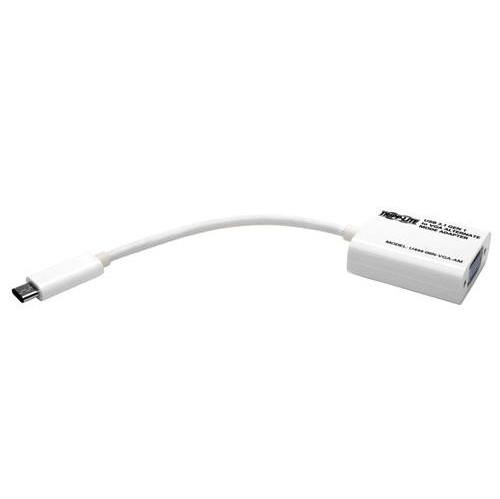
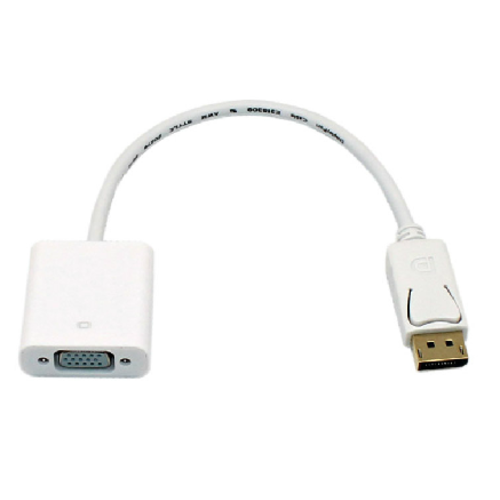
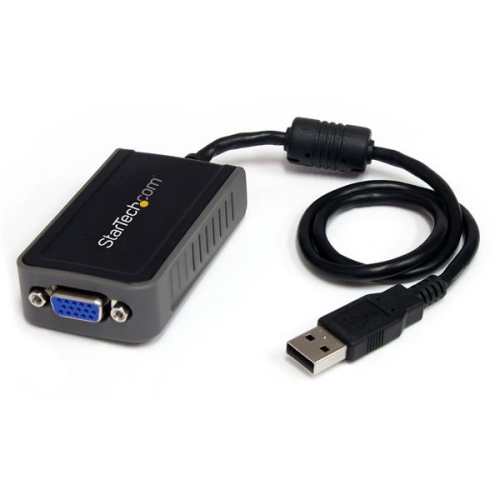
When choosing a VGA adapter for dual monitors, it’s important to consider how you plan to use your displays. Basic VGA Y-splitter cables allow you to mirror your screen, which is ideal for presentations or collaborative work where you want the same content visible on two monitors. However, if your goal is to extend your desktop and use each monitor independently, you’ll want to explore options such as USB-to-VGA adapters or docking stations that support dual VGA outputs. These setups let you drag windows between screens, compare documents side by side, or dedicate one monitor to communication and the other to creative tasks. Keep in mind that VGA technology does not carry audio, so you’ll need separate cables for sound if that’s important to your setup. Image quality can also vary depending on the length and quality of cables, and using monitors with matching resolutions helps ensure a crisp, consistent display. For those looking to connect more than two monitors or add flexibility to their workstation, consider browsing Multiple Monitor USB Adapters for additional solutions.
Whether you’re upgrading your workspace for the busy seasons ahead or helping someone else get set up for success, dual VGA adapters simplify the process of expanding your display area. Secure connections are key—be sure both monitor cables are properly attached to avoid ghosting or signal interference, and check that your PC’s graphics capabilities support the configuration you have in mind. Many users find that a dual monitor setup makes daily tasks more manageable, from tracking spreadsheets and emails to editing photos or streaming content. As routines shift with the seasons and new projects begin, a reliable dual VGA adapter can help you stay organized, productive, and ready for whatever comes next.
When choosing a VGA adapter for dual monitors, it’s important to consider how you plan to use your displays. Basic VGA Y-splitter cables allow you to mirror your screen, which is ideal for presentations or collaborative work where you want the same content visible on two monitors. However, if your goal is to extend your desktop and use each monitor independently, you’ll want to explore options such as USB-to-VGA adapters or docking stations that support dual VGA outputs. These setups let you drag windows between screens, compare documents side by side, or dedicate one monitor to communication and the other to creative tasks. Keep in mind that VGA technology does not carry audio, so you’ll need separate cables for sound if that’s important to your setup. Image quality can also vary depending on the length and quality of cables, and using monitors with matching resolutions helps ensure a crisp, consistent display. For those looking to connect more than two monitors or add flexibility to their workstation, consider browsing Multiple Monitor USB Adapters for additional solutions.
Whether you’re upgrading your workspace for the busy seasons ahead or helping someone else get set up for success, dual VGA adapters simplify the process of expanding your display area. Secure connections are key—be sure both monitor cables are properly attached to avoid ghosting or signal interference, and check that your PC’s graphics capabilities support the configuration you have in mind. Many users find that a dual monitor setup makes daily tasks more manageable, from tracking spreadsheets and emails to editing photos or streaming content. As routines shift with the seasons and new projects begin, a reliable dual VGA adapter can help you stay organized, productive, and ready for whatever comes next.
Top selling and popular products
-
 Your price for this item is $19.99
 -
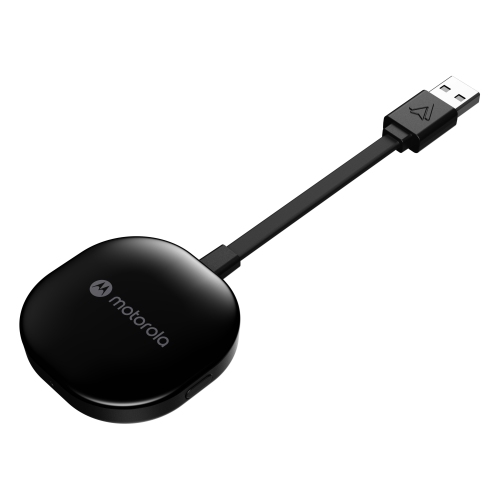 Your price for this item is $94.99
 -
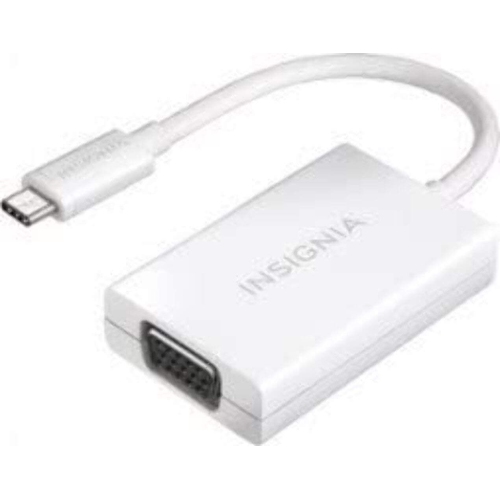 Your price for this item is $13.99
 -
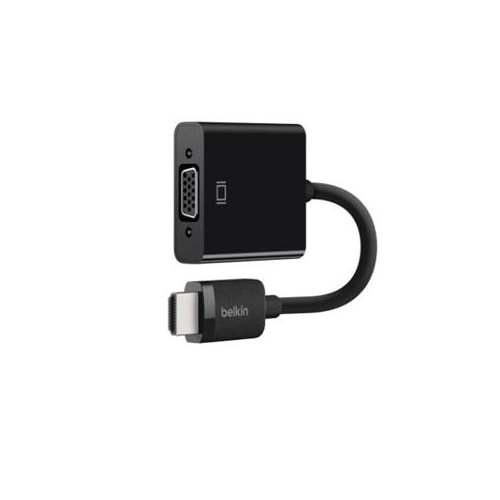 Your price for this item is $48.68
 -
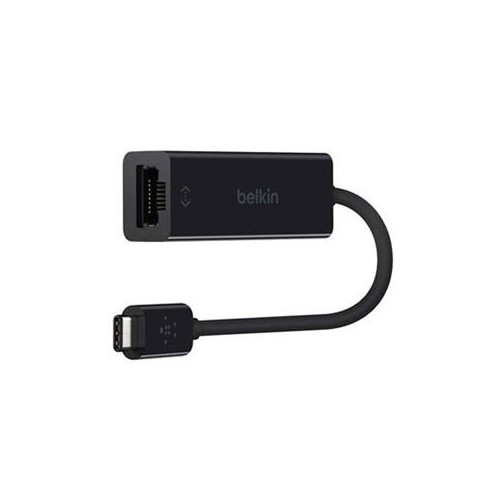 Your price for this item is $49.68
 -
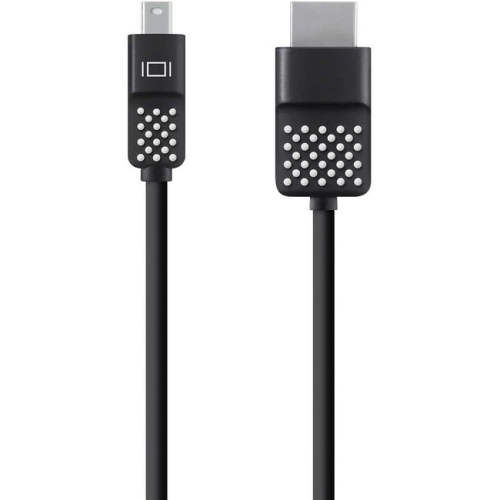 Your price for this item is $29.68
 -
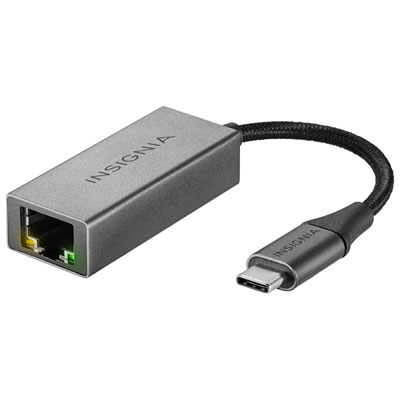 Your price for this item is $29.95
 -
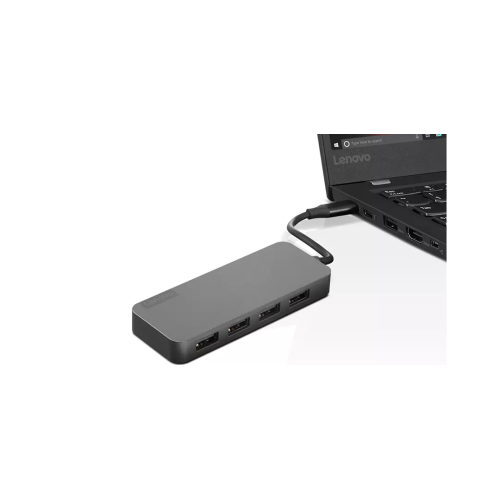 Your price for this item is $49.99
Discover more categories related to VGA Adapters for Dual Monitors

Top Collections:
Pokemon Centers, Kindle Devices, Best Budget Office Chairs, Apple iPhones 16, Best Laptops for Writers, iPhone 15 Apple, Canon G7X Cameras, Refurbished Apple Laptops, Alarm Clock, Motorola Razr Phones
Some products may be subject to Environmental Handling Fees
(EHF) depending on your province.
Learn more about EHFs.