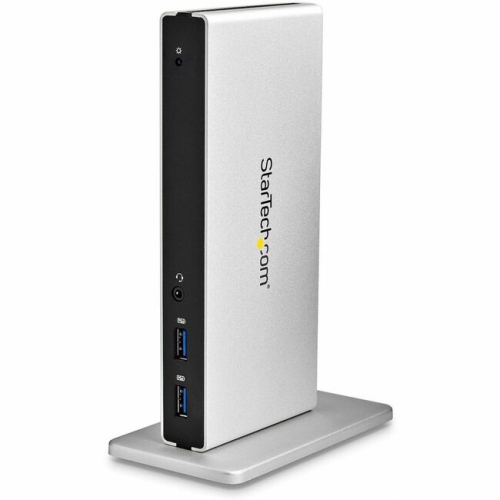
VGA Cables for Dual Monitors
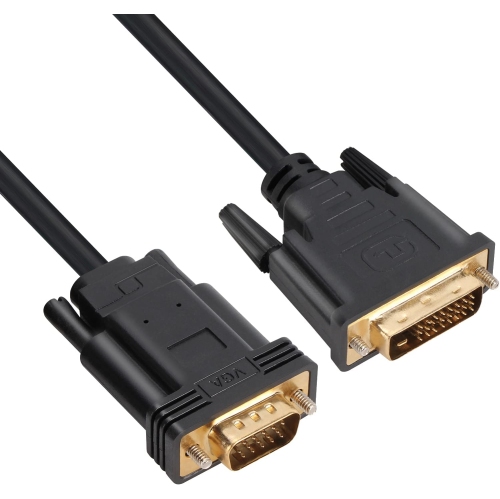
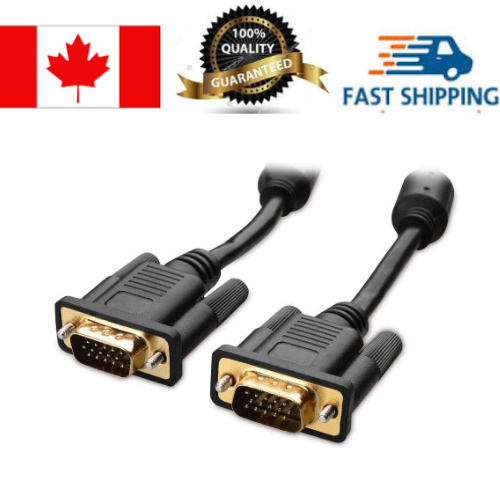
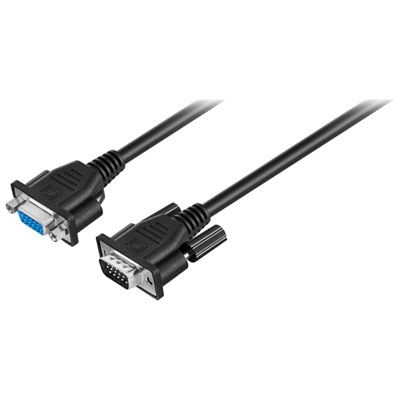
VGA Cables for Dual Monitors provide a reliable solution for connecting multiple displays to your computer or workstation. Whether setting up a home office, enhancing your gaming setup, or expanding your workspace, these cables help ensure smooth and consistent video output across two monitors. Explore a selection of VGA Cables for Dual Monitors to find the right options for your needs and enjoy seamless multitasking and improved productivity.
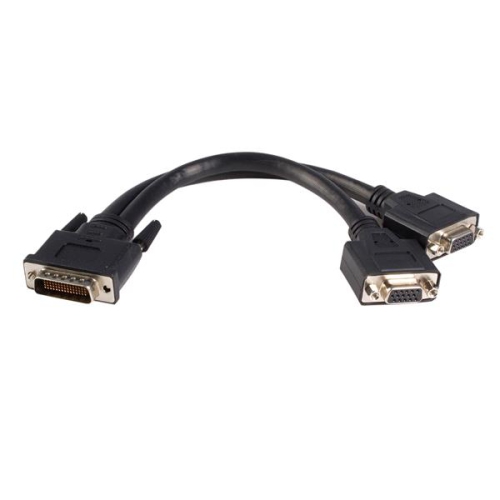
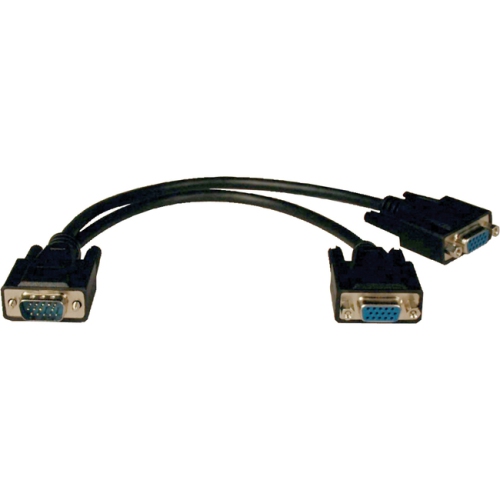
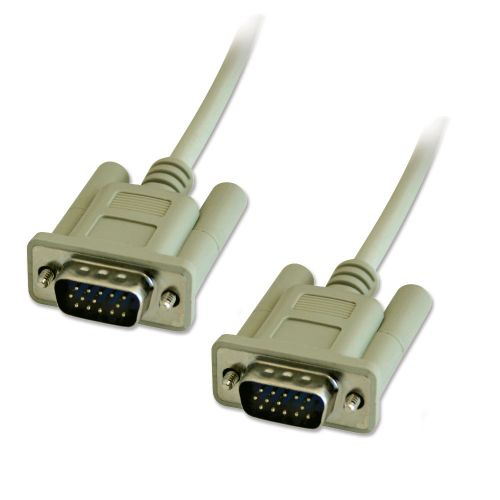

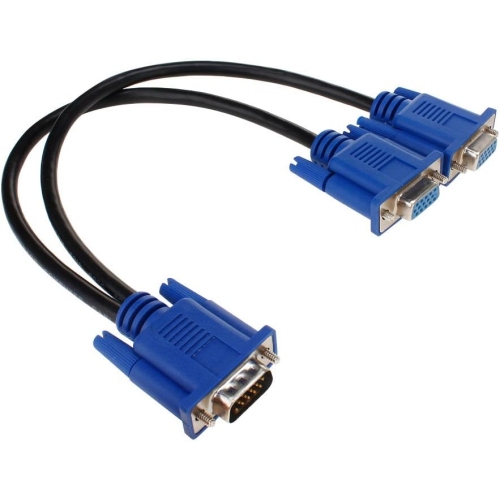
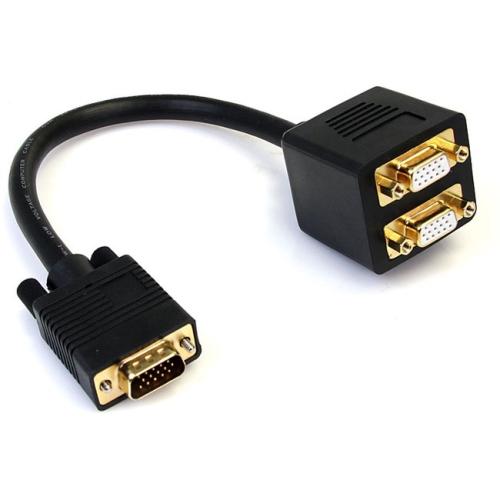

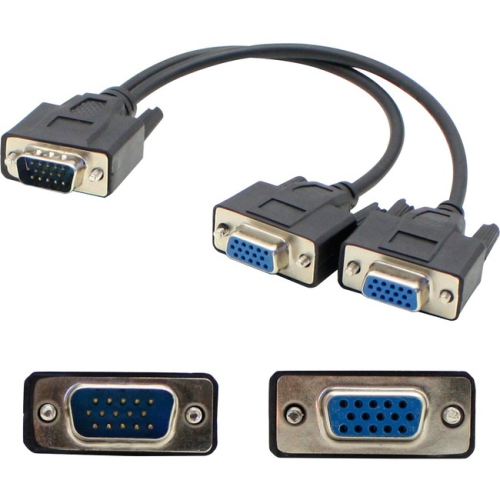
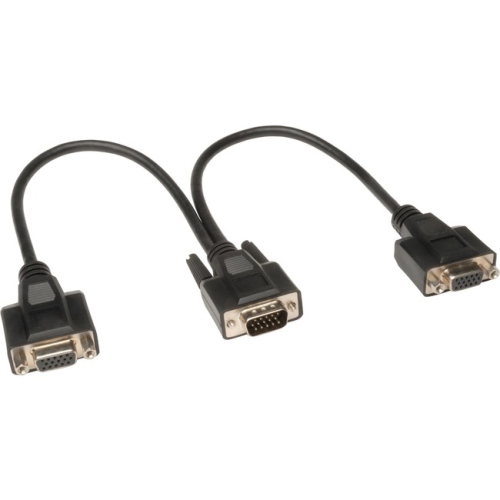
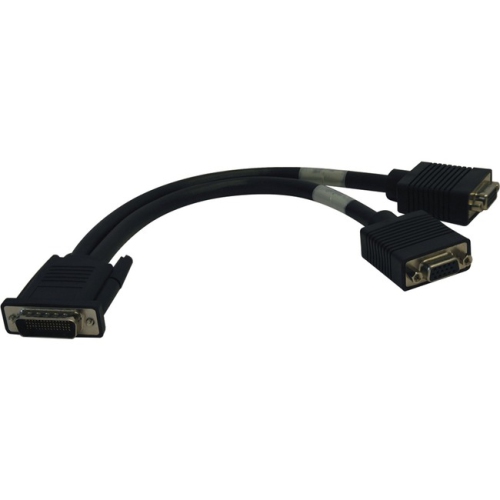
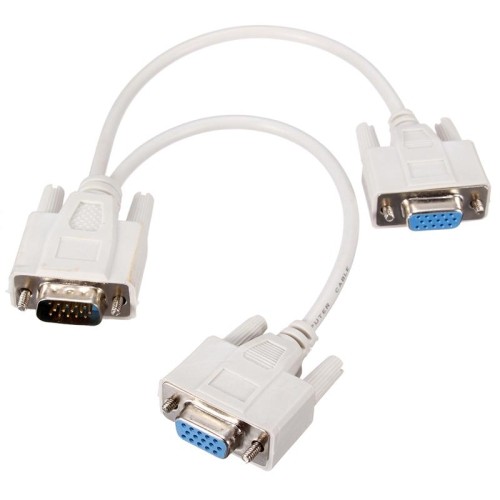
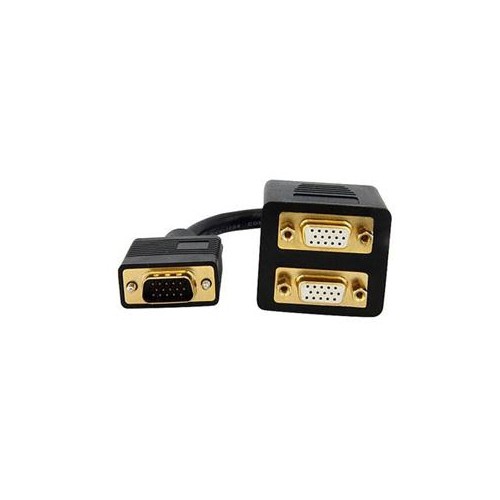



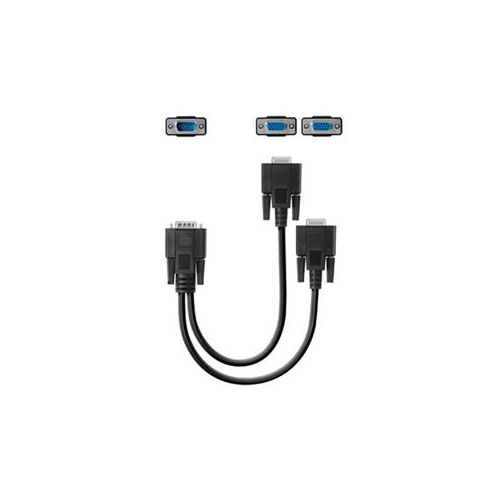

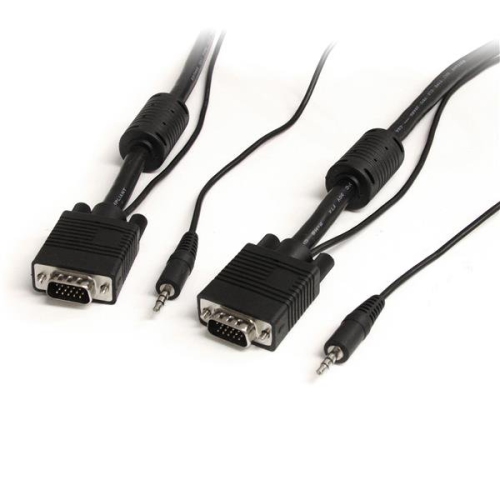
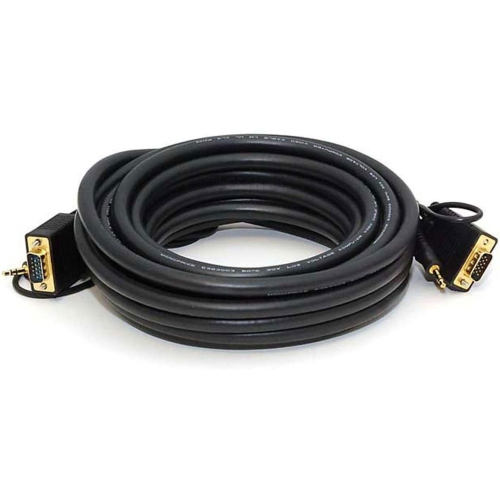
Reliable connections for legacy hardware and wider workspaces
When choosing VGA cables for dual monitors, it’s important to consider the length and quality of the cable, as well as the specific requirements of your devices. Longer cables may be necessary if your monitors are positioned across a larger desk or mounted on stands, but it’s essential to select cables with proper shielding to minimize signal loss and interference. For those working in graphic design, video editing, or data analysis, clear and stable image transmission is key, and a well-made VGA cable ensures crisp visuals even with extended screen real estate. These cables also make thoughtful gifts for students heading off to university, remote workers upgrading their home office, or anyone diving into a new hobby that benefits from extra screen space—like digital art, coding, or streaming. During the cooler months, when indoor activities take centre stage, a dual monitor setup powered by dependable VGA connections can make everything from movie marathons to marathon work sessions more comfortable and efficient.
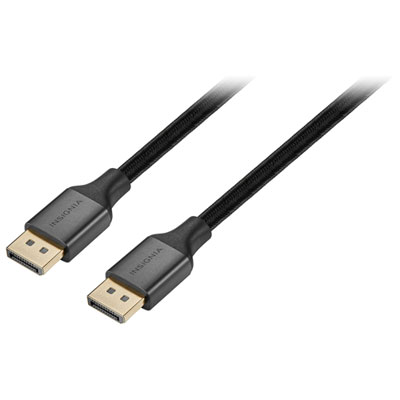
As technology evolves, it’s worth considering the compatibility of your devices and exploring other connection options that might offer enhanced performance. While VGA remains a trusted standard for many setups, newer monitors and graphics cards often support digital connections that can deliver even sharper images and higher resolutions. If you’re looking to future-proof your workspace or take advantage of the latest display technology, you might also want to explore alternatives like DisplayPort Cables for Dual Monitors, which can offer greater bandwidth and support for advanced features. Whichever solution you choose, the right cables are an essential part of creating a seamless, efficient, and enjoyable dual monitor environment that adapts to your needs all year round.
FAQ
What is a VGA cable and how does it work with dual monitors?
A VGA (Video Graphics Array) cable is an analog connector used to transmit video signals from a computer to a display device, such as a monitor. For dual monitor setups, you may need two VGA cables—one for each monitor—or a specialized splitter if your computer has only one VGA output.
Can I use VGA cables to connect two monitors to my computer?
Yes, you can use VGA cables to connect two monitors if your computer has two VGA outputs or if you use a VGA splitter. However, both monitors will display the same image when using a splitter. For extended displays, your computer needs multiple video outputs.
Do I need any adapters to use VGA cables with modern computers or monitors?
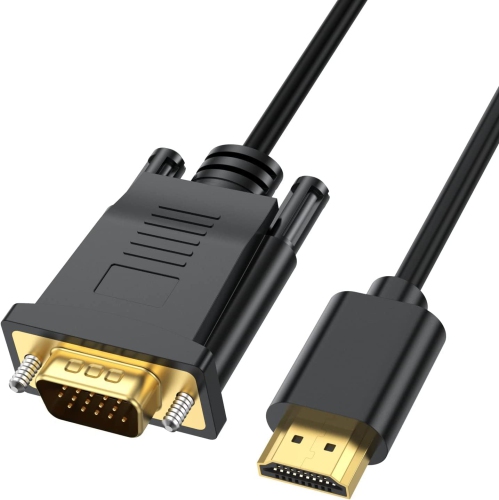
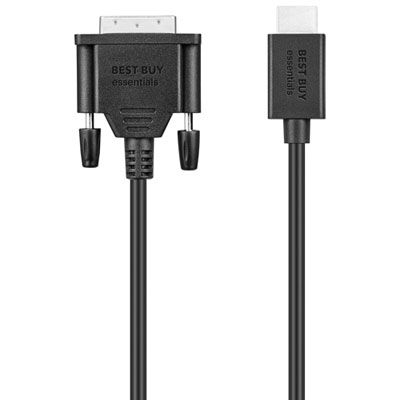
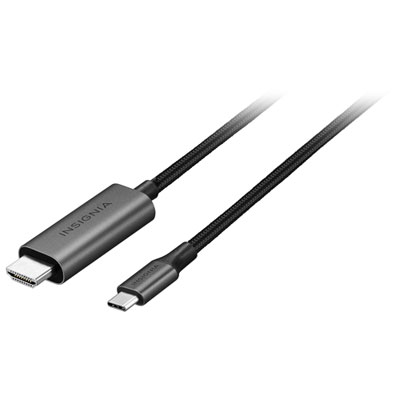
Many modern computers and monitors may not have VGA ports, as digital connections like HDMI or DisplayPort are more common. In such cases, you might need an adapter that converts HDMI or DisplayPort signals to VGA.
Are there any limitations when using VGA cables for dual monitor setups?
VGA is an analog connection and may not support high resolutions or refresh rates compared to digital connections. This can result in lower image quality, especially on larger or high-resolution displays.
What should I consider when setting up dual monitors with VGA cables?
Ensure your computer supports multiple displays and has the necessary ports. Also, check the maximum supported resolution of your monitors and graphics card when using VGA connections for optimal performance.
Top selling and popular products
-
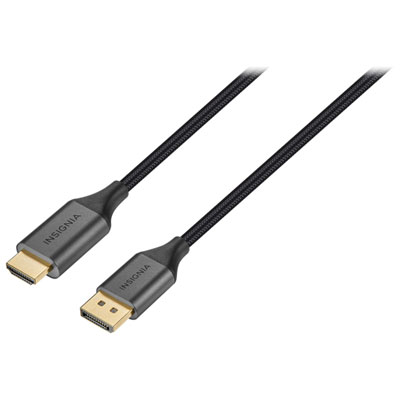 Your price for this item is $39.95
-
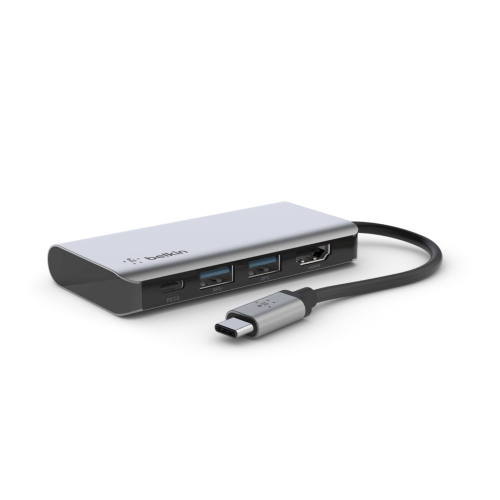 Your price for this item is $63.99
-
 Your price for this item is $29.95
-
 Your price for this item is $14.99
-
 Your price for this item is $29.99
-
 Your price for this item is $39.99
-
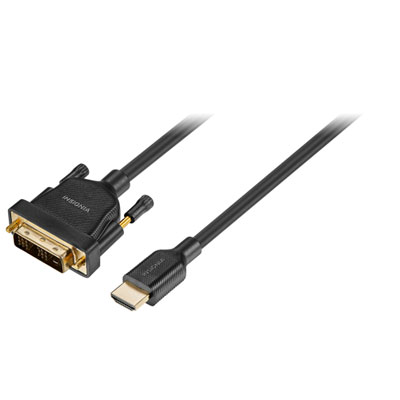 Your price for this item is $29.99
-
 Your price for this item is $29.99