Video Conference Cameras
Enhance your virtual meetings and bring your team together with these high-quality video conference cameras. Whether you're working remotely, collaborating with colleagues from different locations, or hosting important client meetings, these cameras offer crystal-clear video and audio to ensure seamless communication. With features like HD resolution, wide-angle lenses, and advanced noise cancellation technology, our video conference cameras deliver exceptional performance for professional settings.
Sort
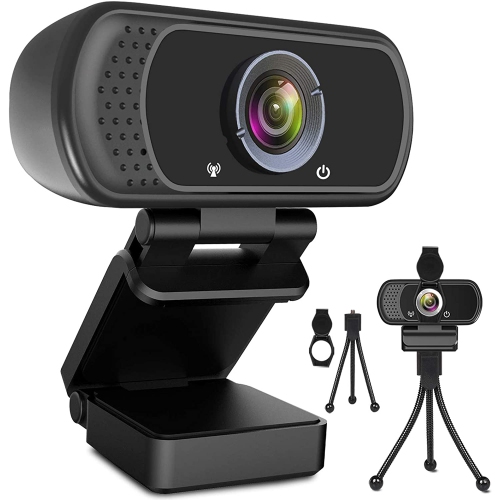
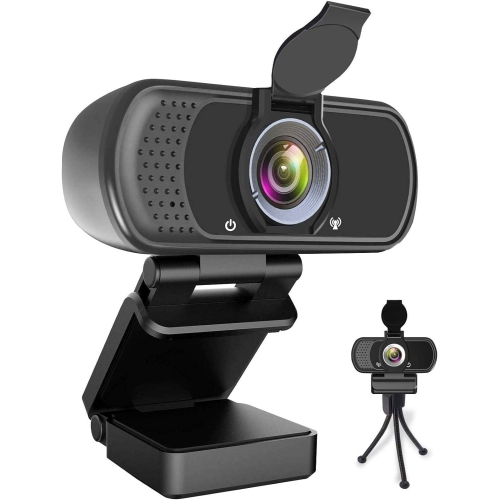
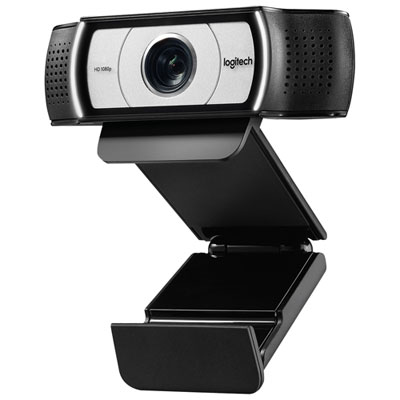
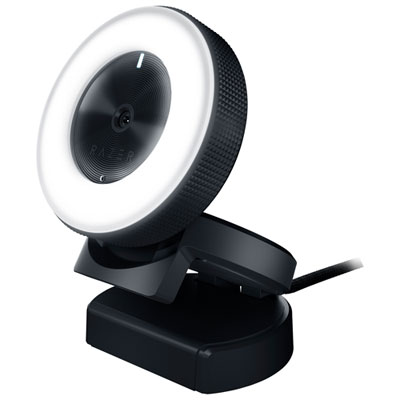
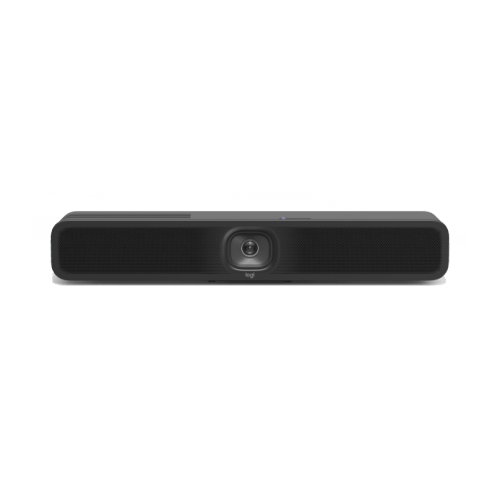
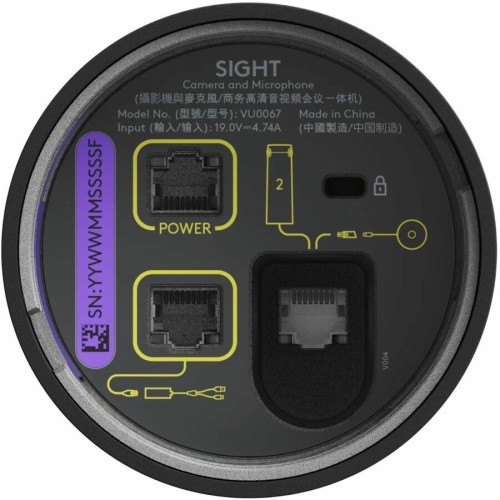
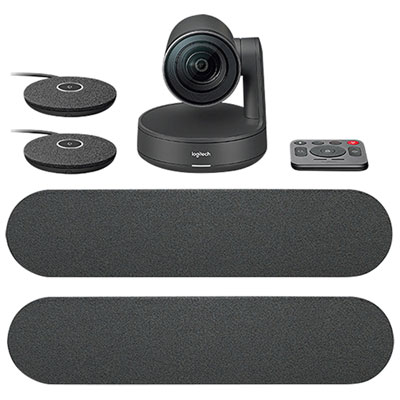
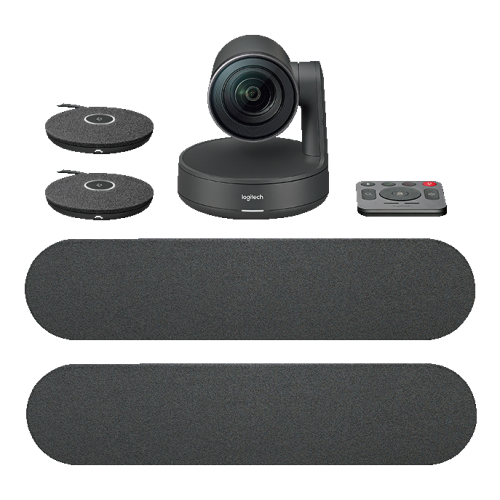
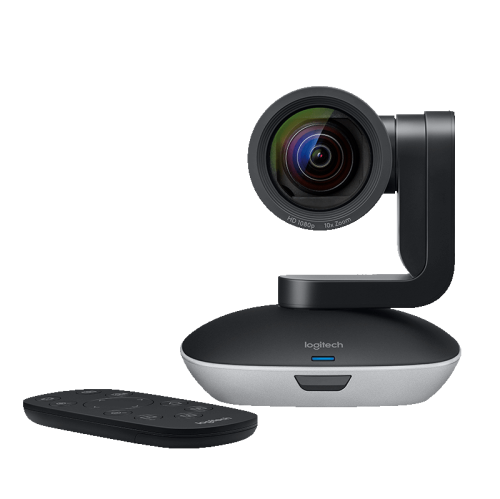
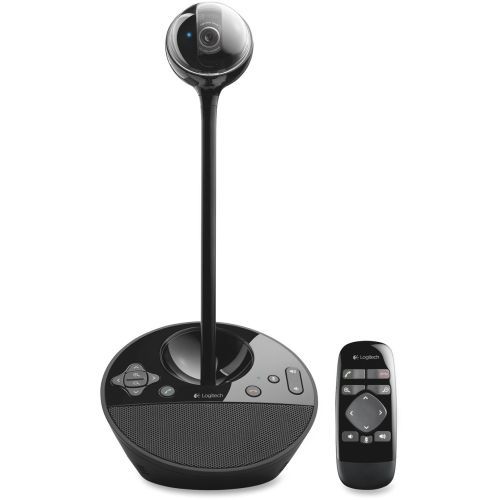
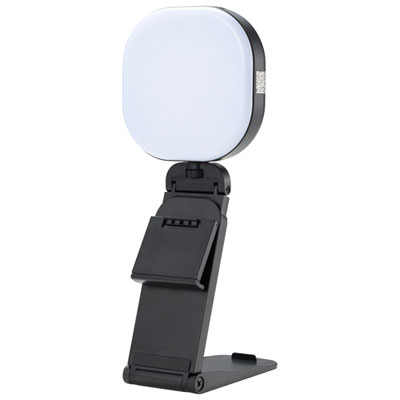
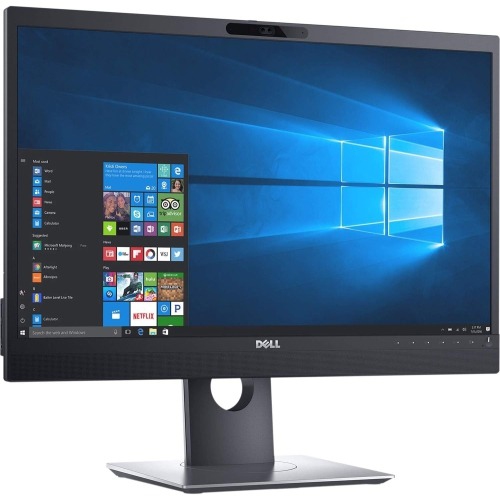
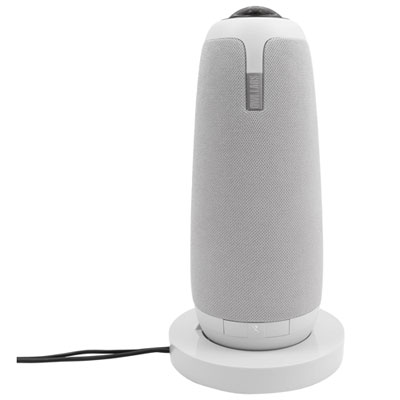
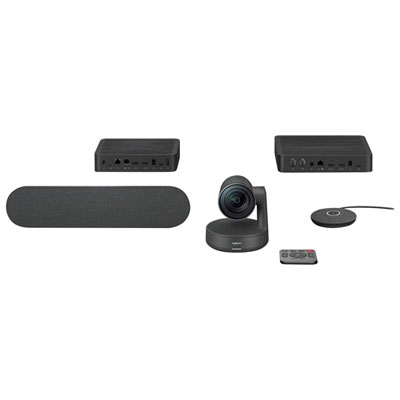
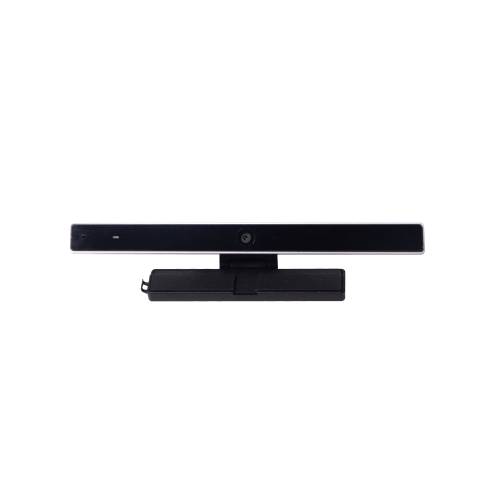
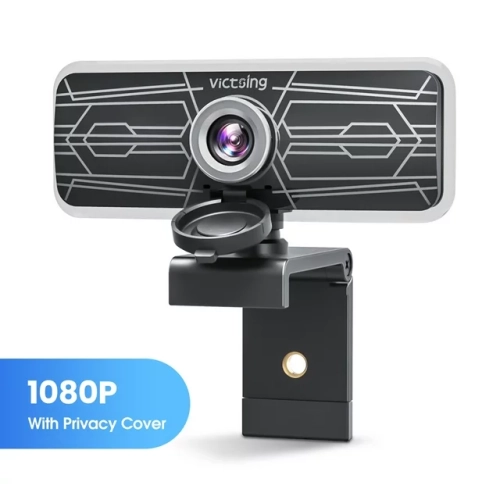
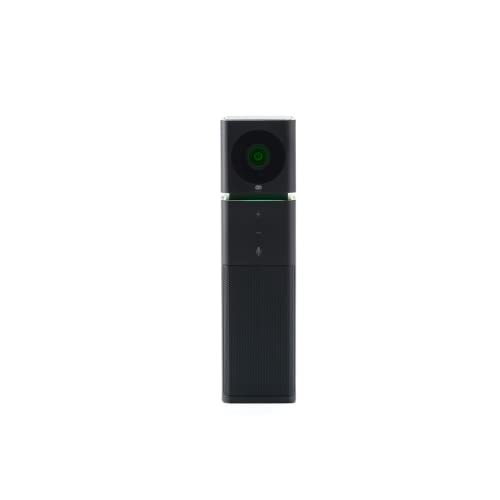
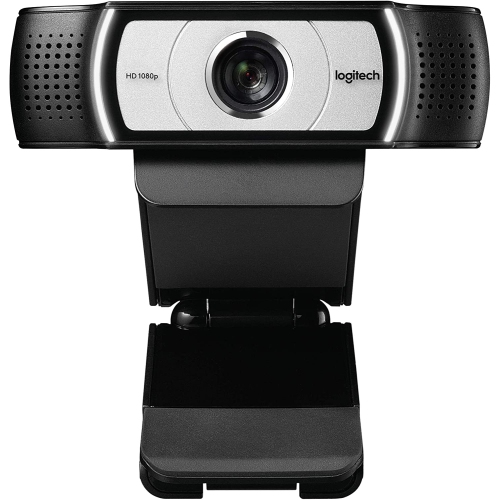
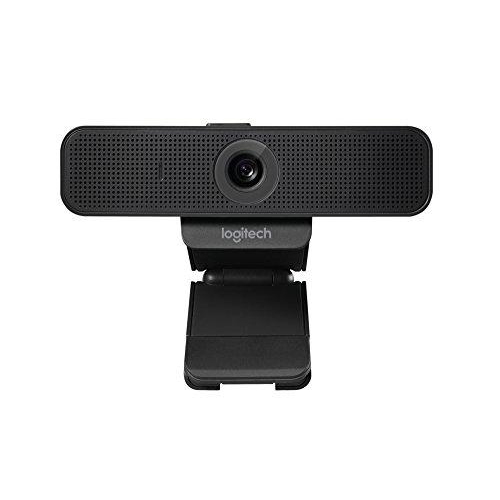
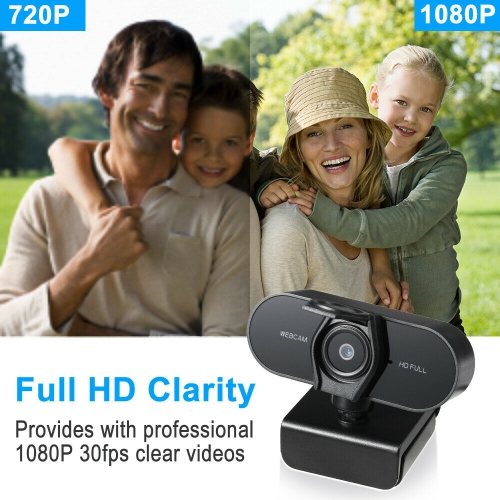
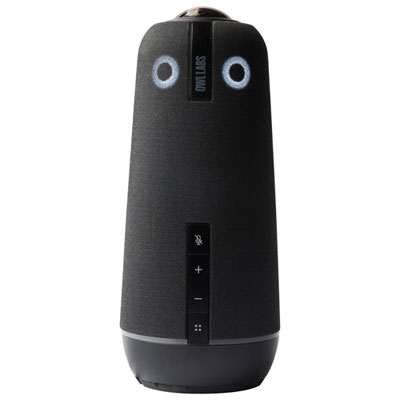
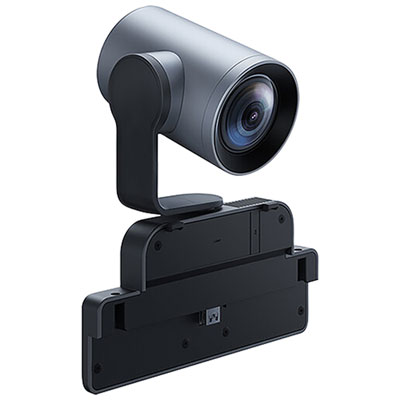
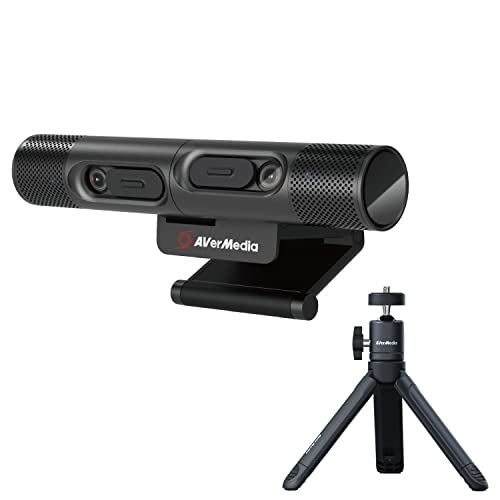
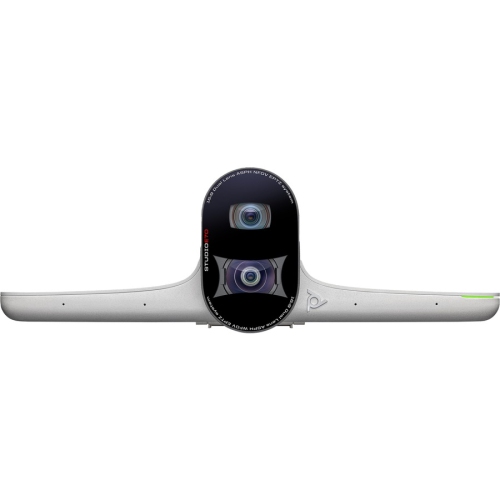


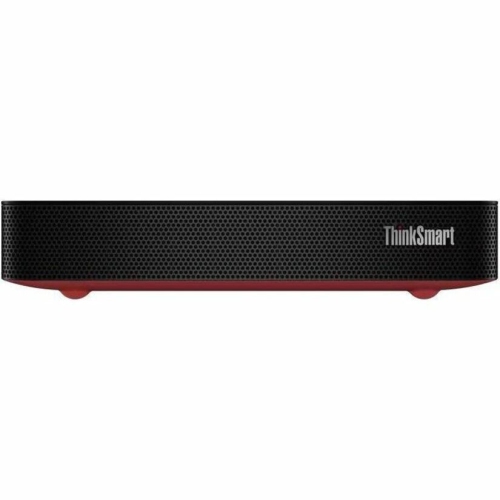
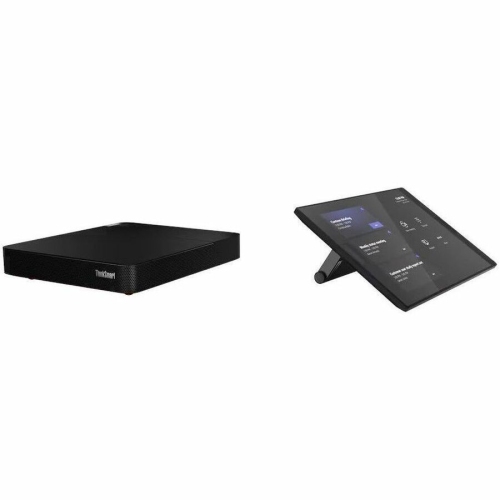
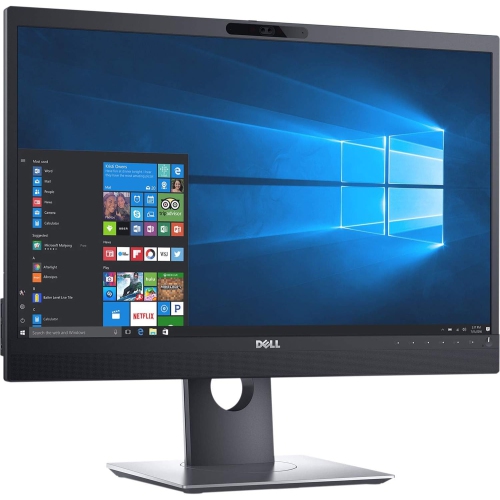
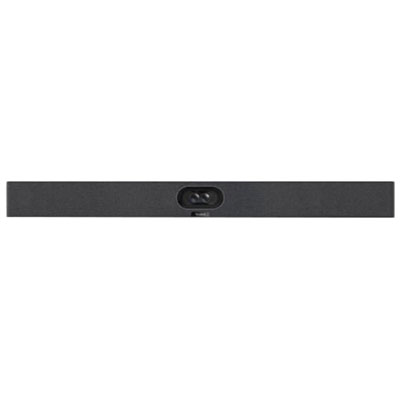
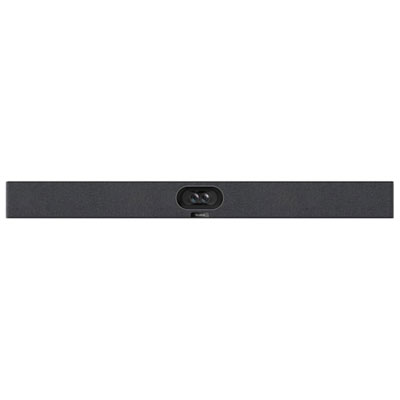
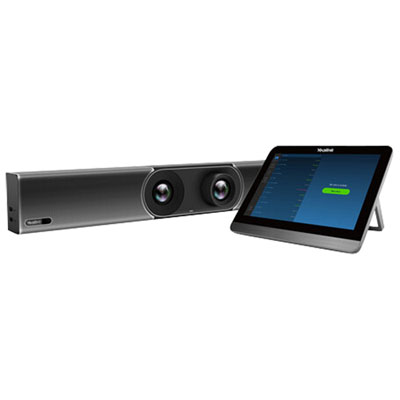
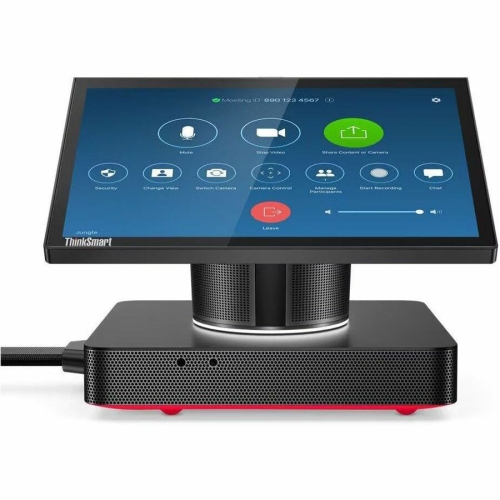
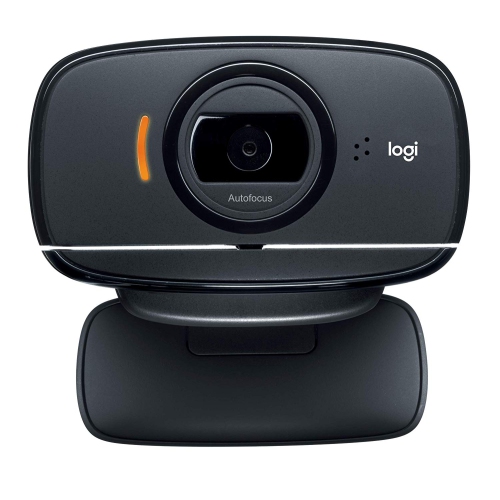
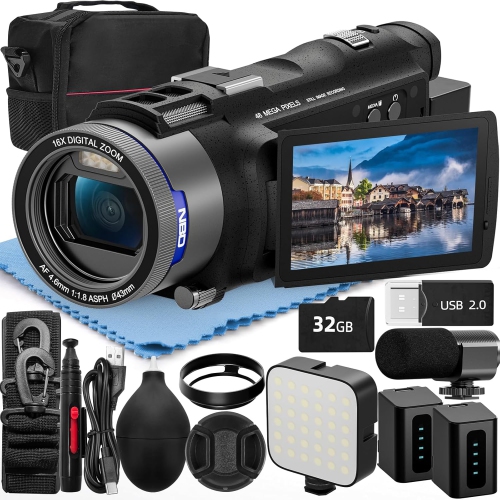
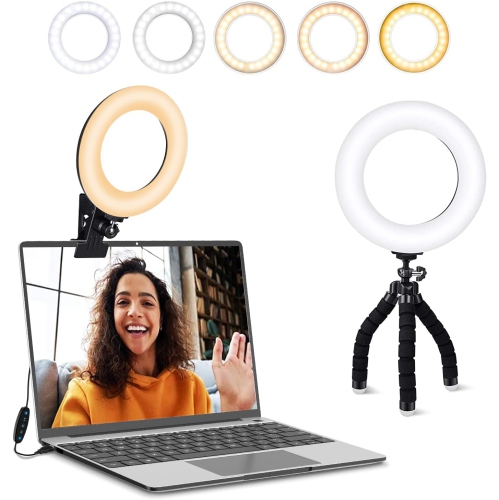
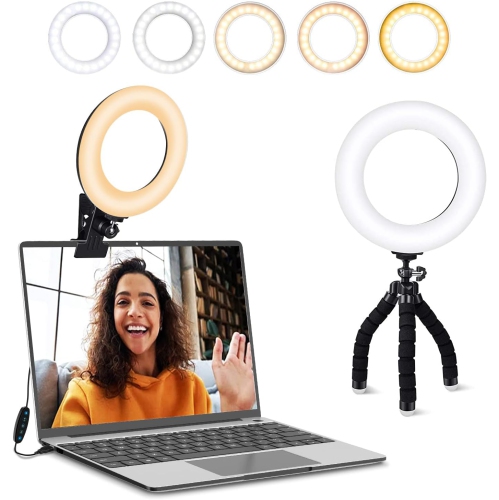
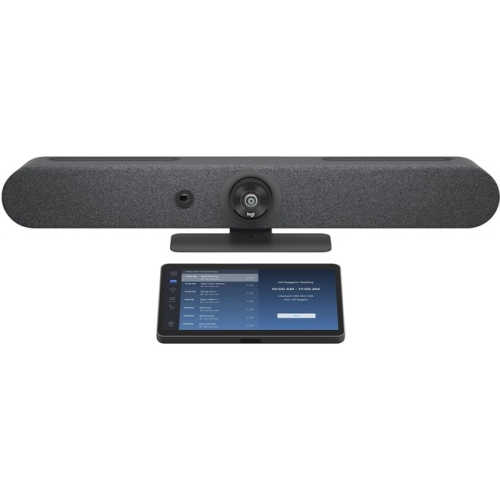

Clearer conversations with flexible camera setups for every space
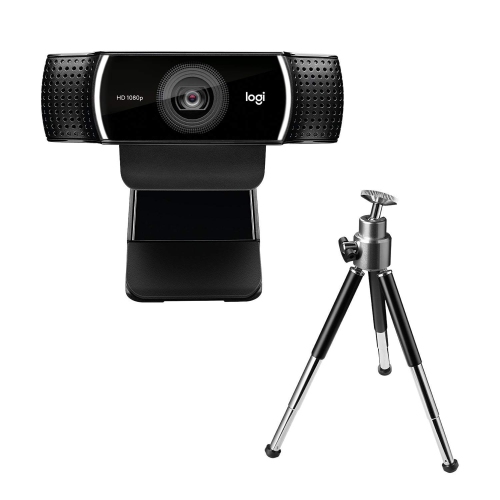
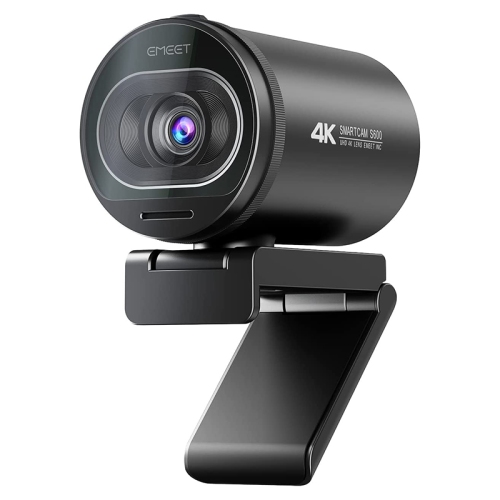
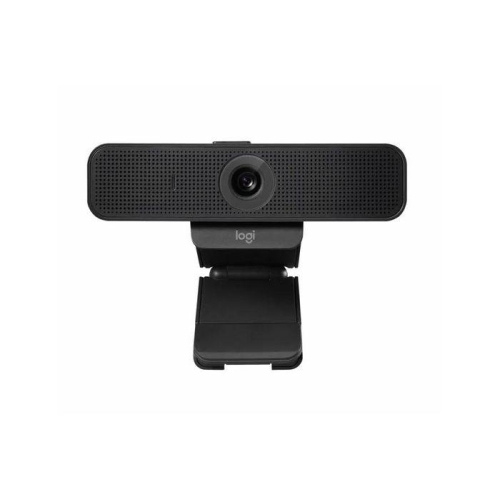
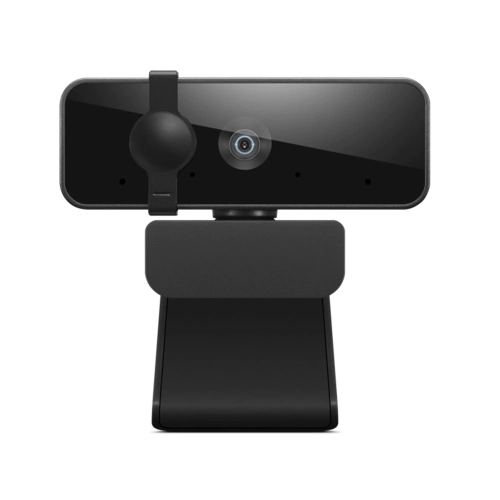
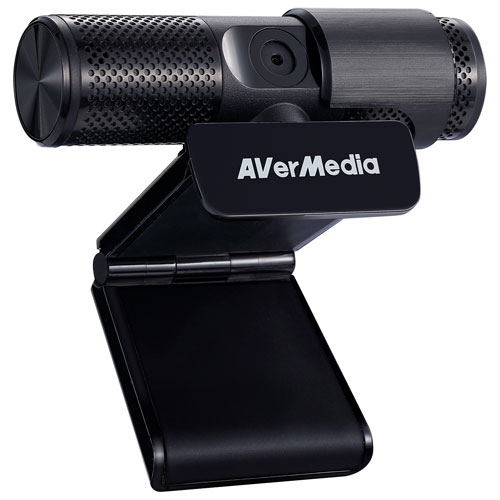
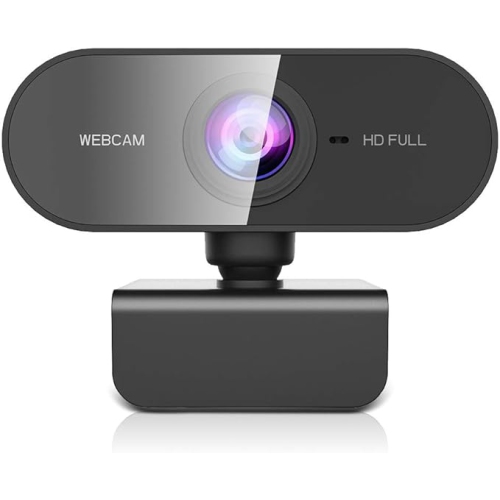
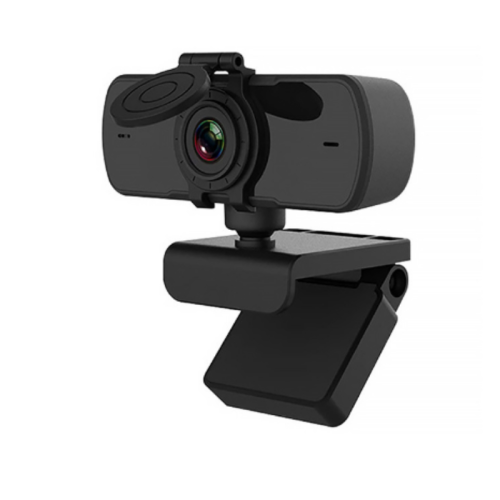
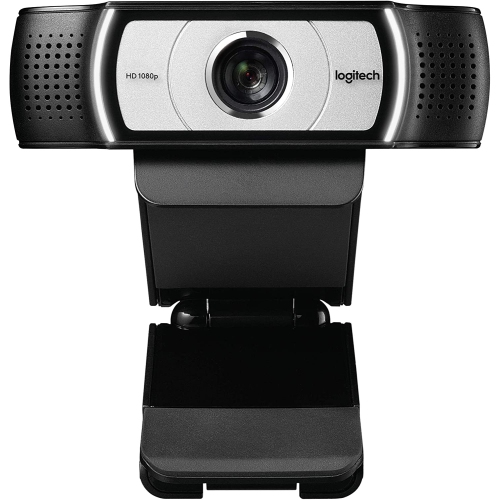
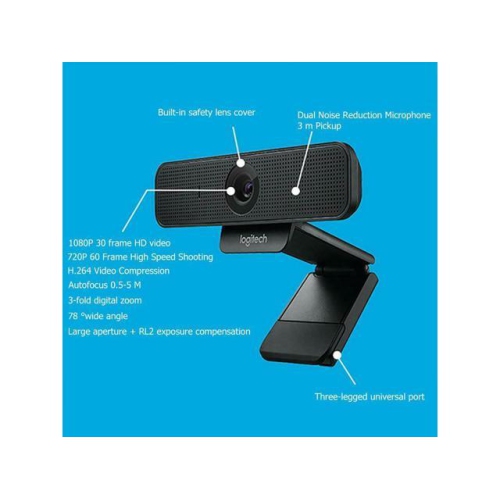
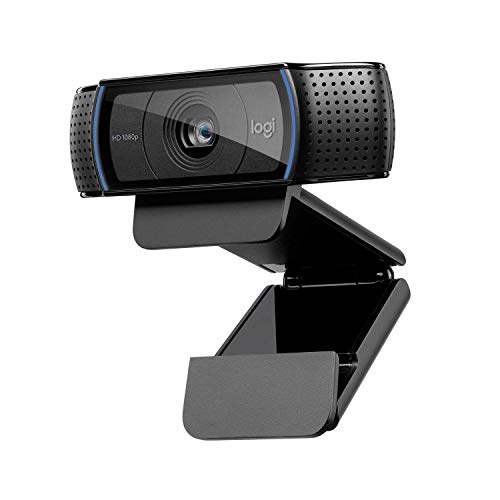
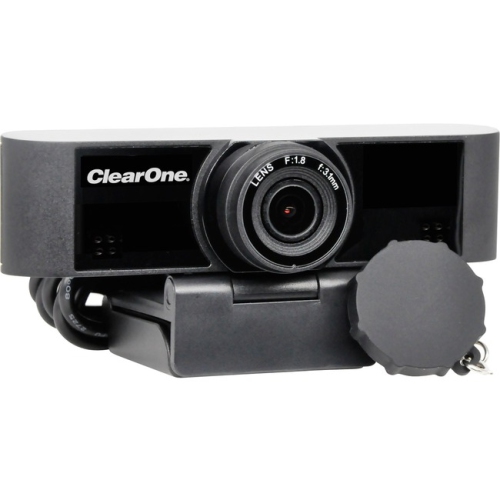
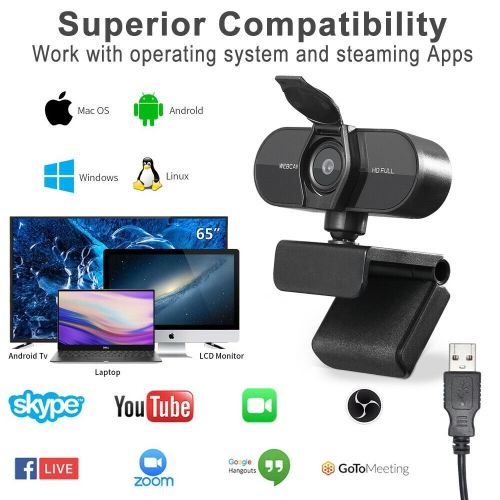
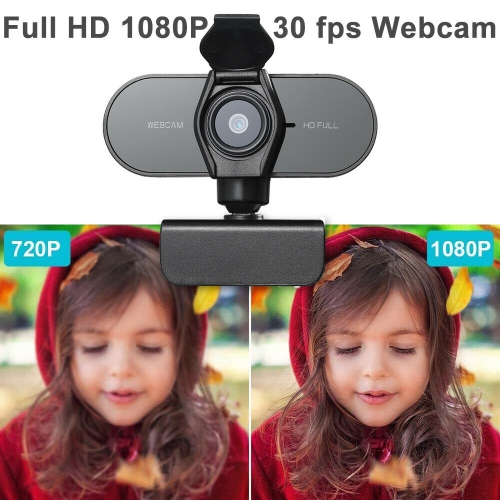
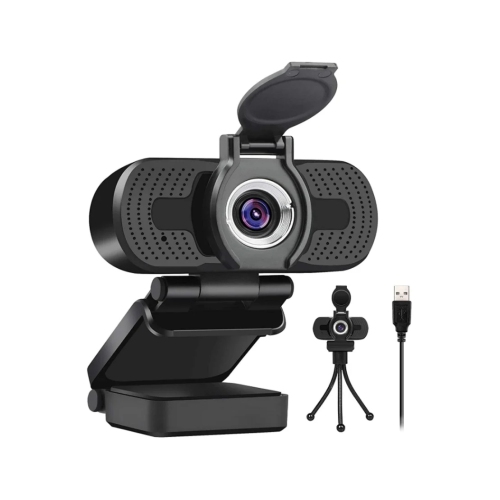
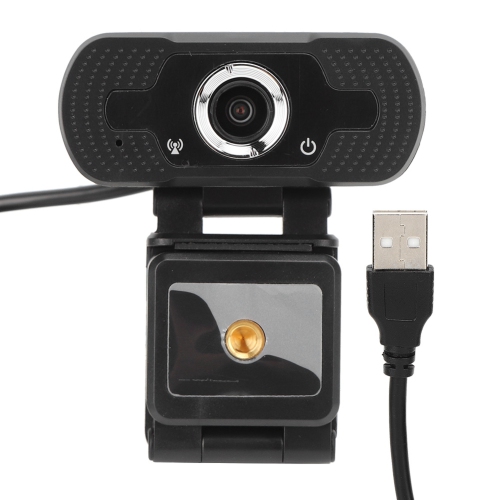
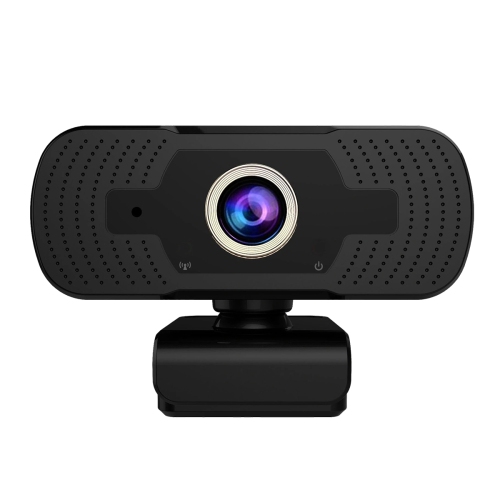
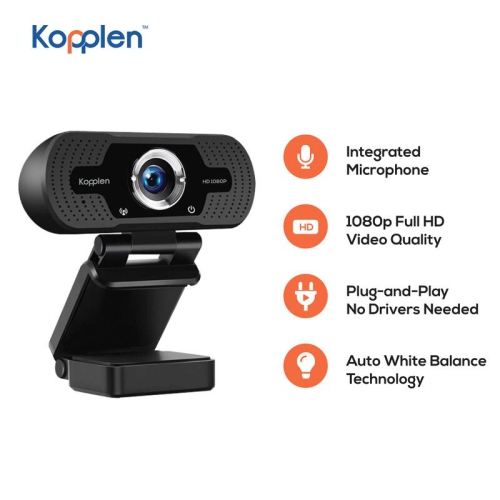
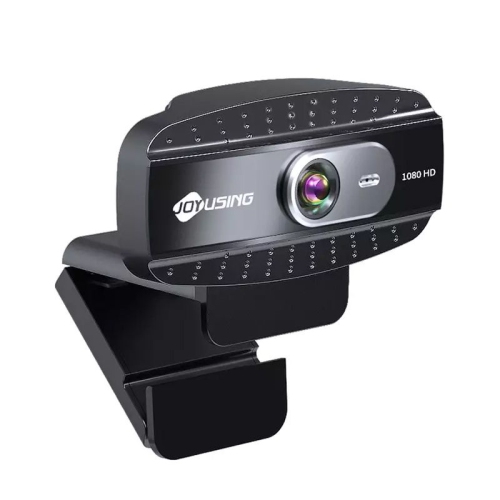
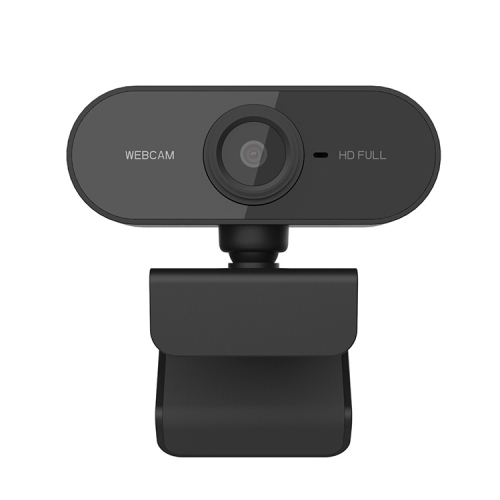
Video conference cameras help make online meetings feel more natural by bringing clear images, useful framing, and dependable audio to the desk or meeting room. They are a practical choice for people working from home, attending remote classes, managing a small business, or keeping in touch with family and friends from different locations. A dedicated camera can provide a noticeable improvement over a built-in laptop camera, especially when the computer is positioned off to the side, mounted on a stand, or connected to a larger display. For a straightforward home office setup, look for a USB camera with plug-and-play connectivity, Full HD 1080p video, automatic light correction, and a built-in privacy shutter. A wide field of view can show more of a workspace or accommodate two people sitting together, while a narrower view can keep attention centred on one person and reduce distractions in the background. Built-in microphones with noise reduction are useful when you are working near a kitchen, hallway, or shared living area, although a separate headset or room microphone may still be preferable for important calls. Compatibility is another essential consideration: confirm that the camera works with your computer’s operating system and preferred meeting applications, then check whether it connects through USB-A, USB-C, or an included adapter. A flexible mounting clip, tripod thread, and adjustable angle can make the camera easier to position at eye level, which generally creates a more comfortable and conversational image than looking up from below a laptop screen. Shutters, indicator lights, and easy-to-reach controls also add confidence when the camera is used throughout the day.
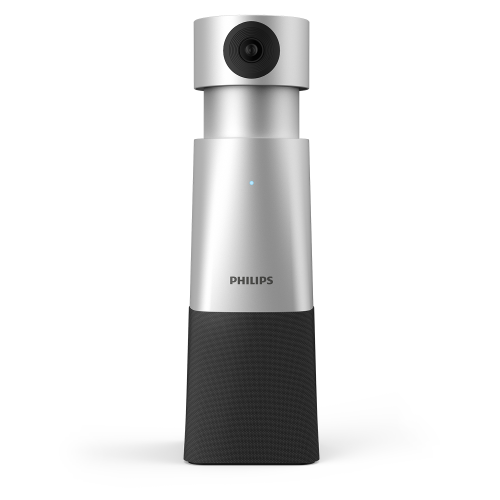
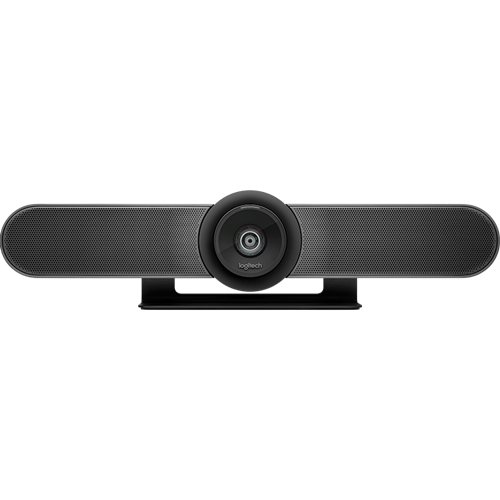
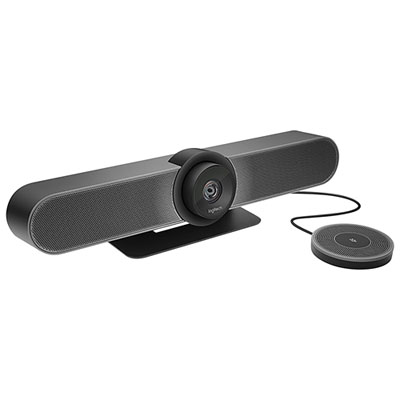
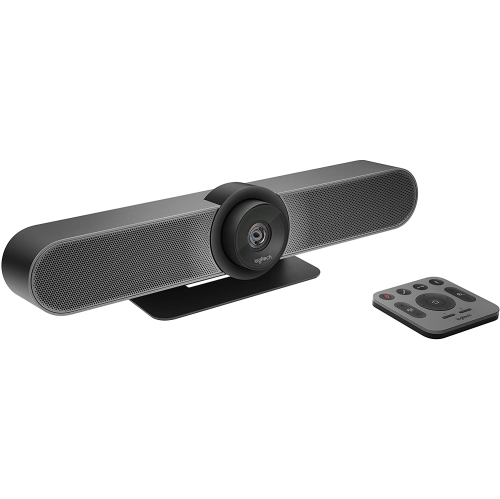
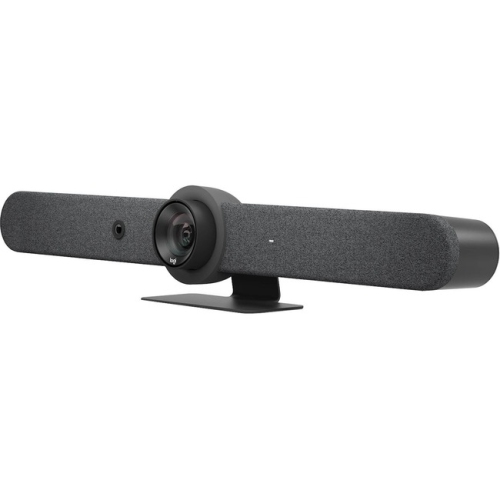
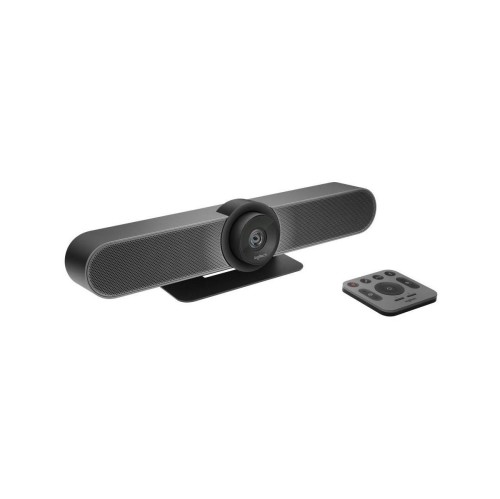
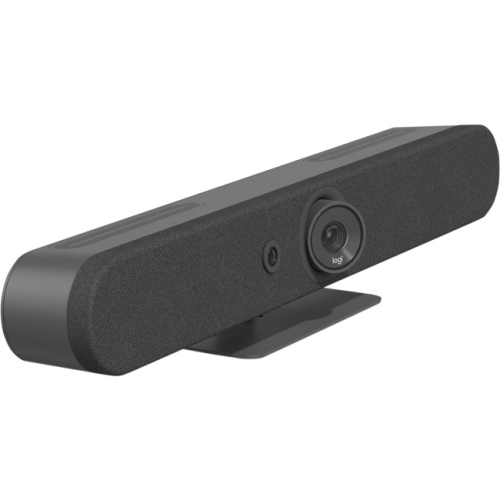
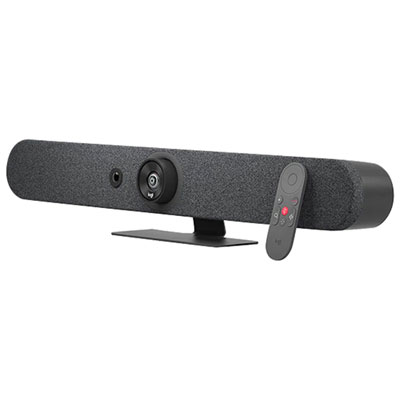
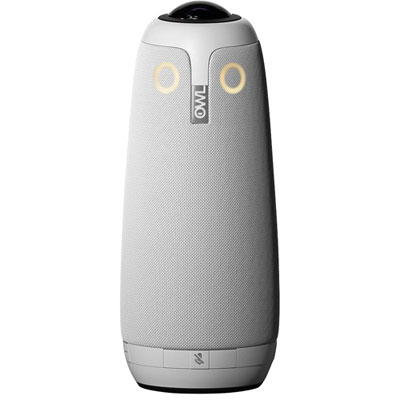
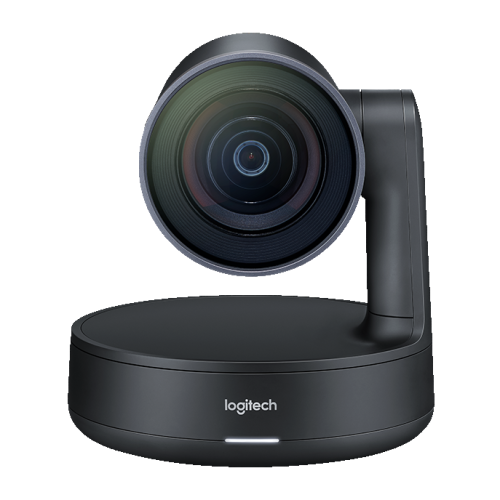
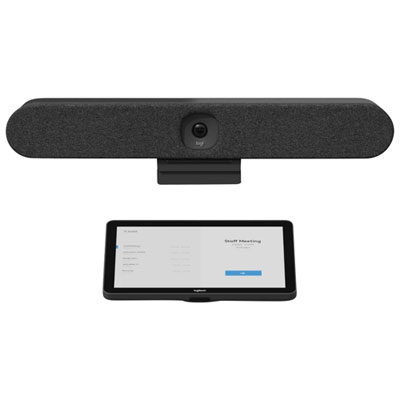
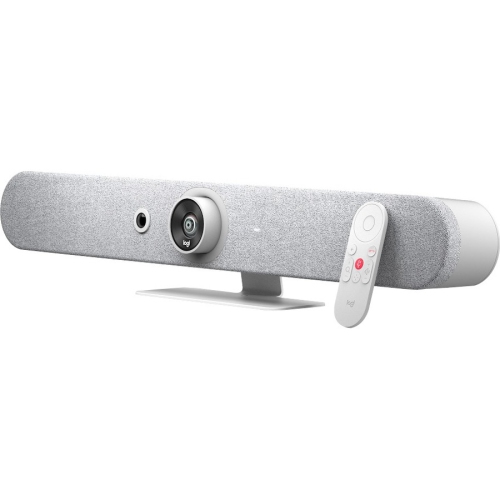
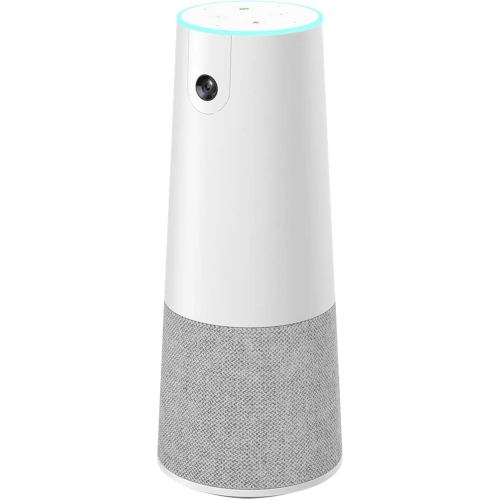
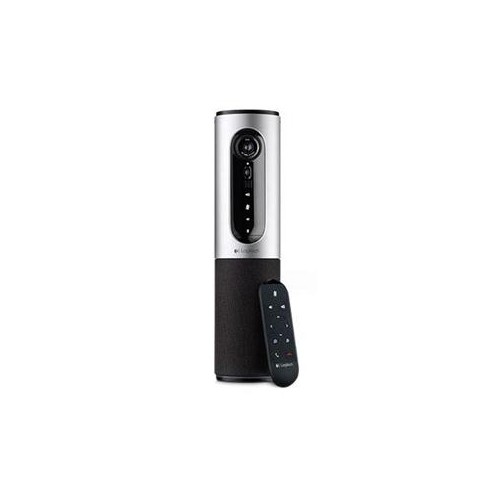
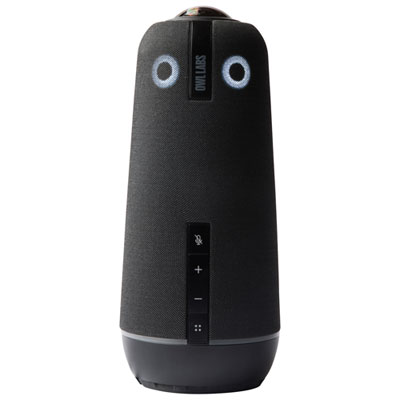
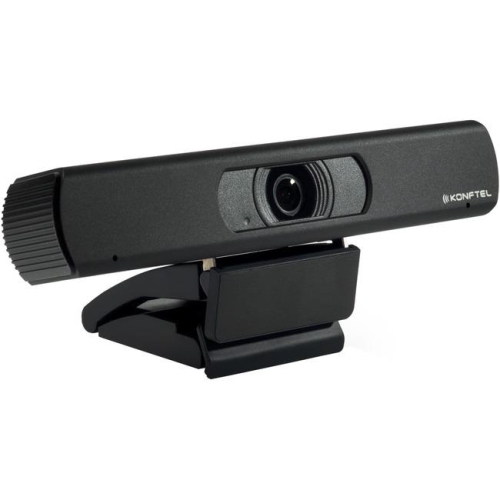
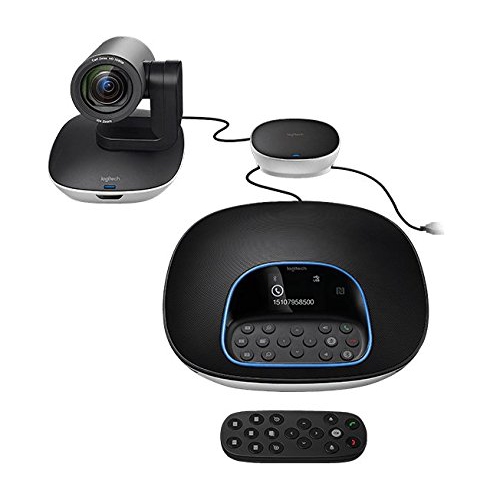
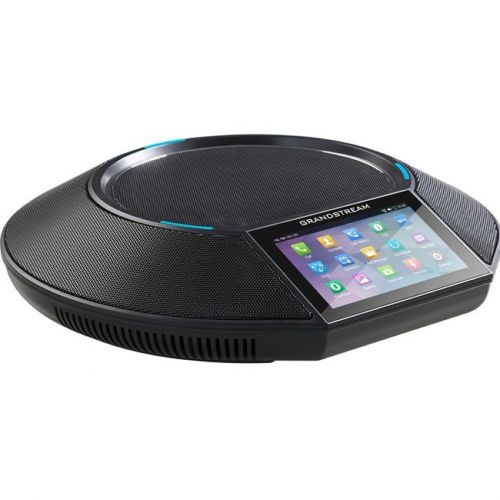
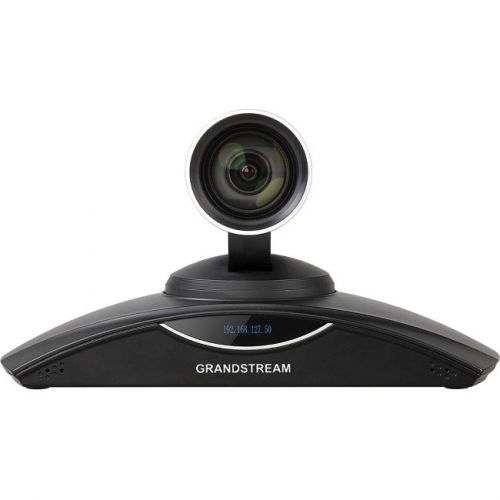
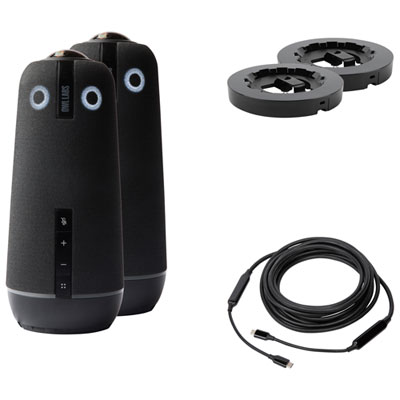
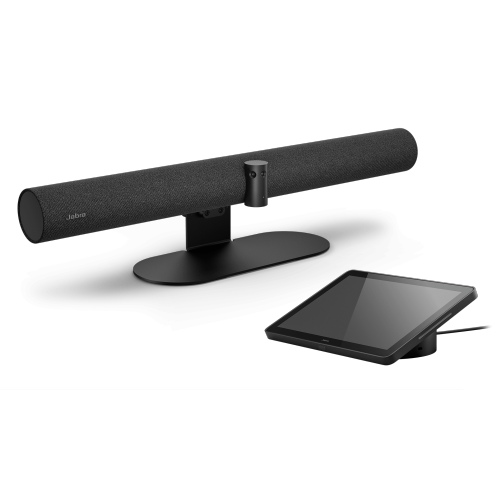
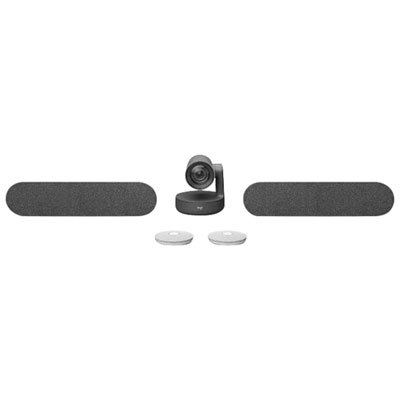
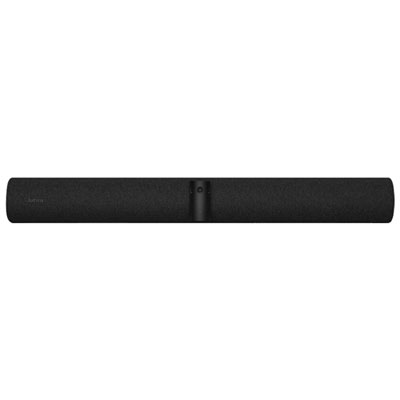
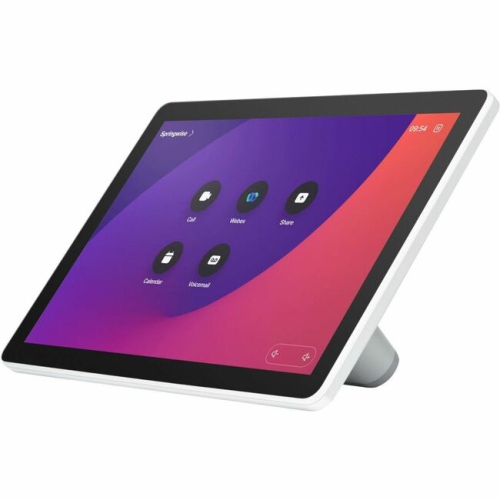
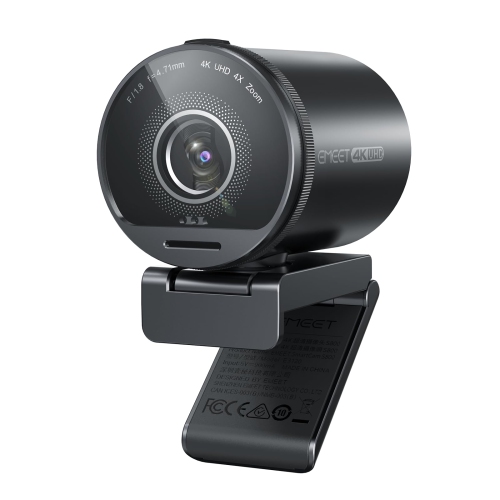
Larger spaces call for a different type of video conference camera. A camera designed for a boardroom, classroom, training area, or shared office should account for several participants moving, speaking, and sitting at different distances from the lens. Wide-angle and 360-degree cameras can provide a panoramic view of the room, while automatic framing can identify active speakers and adjust the image so that remote participants can follow the conversation more easily. Some all-in-one conference systems combine several cameras with multi-directional microphones and speakers, helping reduce the number of separate components on a meeting table. These models can be particularly useful for teams that gather around a central table, since participants do not have to lean toward a single front-facing lens to remain visible. For mid-sized rooms or presentations where the speaker may move around, a PTZ camera with mechanical pan, tilt, and optical zoom offers more precise control. Pan and tilt functions can follow the action across the room, while zoom helps show a presenter, whiteboard, document, or product demonstration without relying only on digital enlargement. When comparing advanced systems, consider the size and layout of the room, the number of regular participants, the distance between the camera and seating area, and whether the camera will be controlled manually or through automatic tracking. Resolution matters as well: 1080p can deliver a sharp and reliable image for everyday meetings, while 4K is helpful when fine details, demonstrations, signage, or wide room views need to remain clear. A larger image sensor, strong low-light performance, and HDR support can improve results in rooms with windows, uneven lighting, or dimmer corners. Before choosing, think about where the camera will sit, whether the display is mounted on a wall, and if the system needs to integrate with existing speakers, microphones, or conference room hardware.
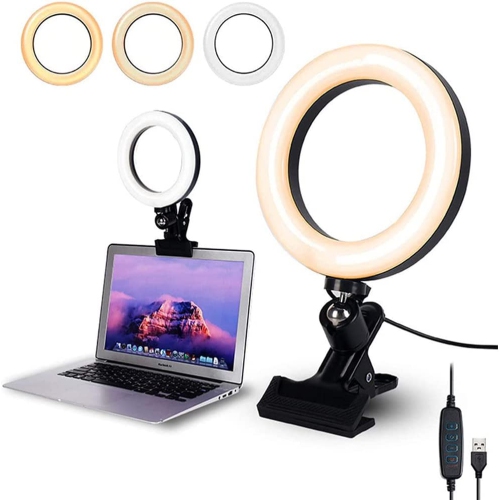
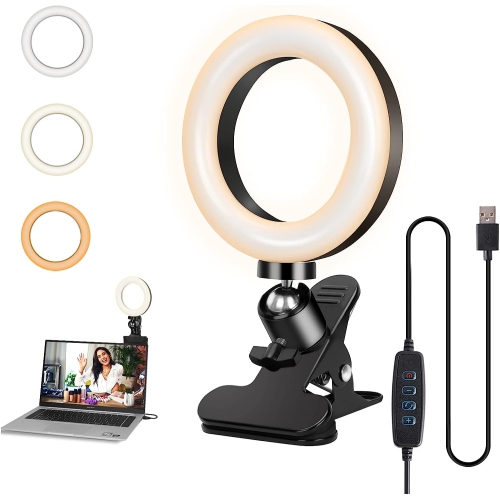
The best camera is the one that suits the way a space is actually used. Someone moving between a home office and a kitchen table may value a compact camera that can be repositioned quickly, while a consultant or instructor may benefit from a wider view and dependable image quality during presentations. Families can use a simple USB camera for long-distance calls, virtual celebrations, or helping relatives join an online gathering, making this type of device a thoughtful gift for someone who has recently started working or studying from home. Small teams may prefer an all-in-one conference camera that reduces setup time before a client call, while larger organizations may need room coverage, speaker tracking, microphone pickup, and centralized controls. Lighting should be part of the decision from the beginning. A camera facing a bright window can produce a dark face, so automatic exposure, HDR, or a repositionable setup can make a meaningful difference; a small desk light placed behind the camera can also create a more even image. Pay attention to privacy and security features, especially if the camera will remain connected in a shared room. A physical shutter or lens cover provides a clear visual indication when the camera is blocked, and an easy mute control can help prevent accidental audio transmission. For straightforward computer connections, browse USB Video Conferencing Cameras to compare options suited to individual desks and smaller setups. During the cooler months, when more conversations, lessons, appointments, and workdays may take place indoors, a dependable camera can help maintain a clear connection without requiring a complicated routine. Check the camera’s mounting method, cable length, viewing angle, microphone design, software requirements, and room coverage before ordering so the finished setup feels natural rather than improvised.
Larger spaces call for a different type of video conference camera. A camera designed for a boardroom, classroom, training area, or shared office should account for several participants moving, speaking, and sitting at different distances from the lens. Wide-angle and 360-degree cameras can provide a panoramic view of the room, while automatic framing can identify active speakers and adjust the image so that remote participants can follow the conversation more easily. Some all-in-one conference systems combine several cameras with multi-directional microphones and speakers, helping reduce the number of separate components on a meeting table. These models can be particularly useful for teams that gather around a central table, since participants do not have to lean toward a single front-facing lens to remain visible. For mid-sized rooms or presentations where the speaker may move around, a PTZ camera with mechanical pan, tilt, and optical zoom offers more precise control. Pan and tilt functions can follow the action across the room, while zoom helps show a presenter, whiteboard, document, or product demonstration without relying only on digital enlargement. When comparing advanced systems, consider the size and layout of the room, the number of regular participants, the distance between the camera and seating area, and whether the camera will be controlled manually or through automatic tracking. Resolution matters as well: 1080p can deliver a sharp and reliable image for everyday meetings, while 4K is helpful when fine details, demonstrations, signage, or wide room views need to remain clear. A larger image sensor, strong low-light performance, and HDR support can improve results in rooms with windows, uneven lighting, or dimmer corners. Before choosing, think about where the camera will sit, whether the display is mounted on a wall, and if the system needs to integrate with existing speakers, microphones, or conference room hardware.
The best camera is the one that suits the way a space is actually used. Someone moving between a home office and a kitchen table may value a compact camera that can be repositioned quickly, while a consultant or instructor may benefit from a wider view and dependable image quality during presentations. Families can use a simple USB camera for long-distance calls, virtual celebrations, or helping relatives join an online gathering, making this type of device a thoughtful gift for someone who has recently started working or studying from home. Small teams may prefer an all-in-one conference camera that reduces setup time before a client call, while larger organizations may need room coverage, speaker tracking, microphone pickup, and centralized controls. Lighting should be part of the decision from the beginning. A camera facing a bright window can produce a dark face, so automatic exposure, HDR, or a repositionable setup can make a meaningful difference; a small desk light placed behind the camera can also create a more even image. Pay attention to privacy and security features, especially if the camera will remain connected in a shared room. A physical shutter or lens cover provides a clear visual indication when the camera is blocked, and an easy mute control can help prevent accidental audio transmission. For straightforward computer connections, browse USB Video Conferencing Cameras to compare options suited to individual desks and smaller setups. During the cooler months, when more conversations, lessons, appointments, and workdays may take place indoors, a dependable camera can help maintain a clear connection without requiring a complicated routine. Check the camera’s mounting method, cable length, viewing angle, microphone design, software requirements, and room coverage before ordering so the finished setup feels natural rather than improvised.
Top selling and popular products
-
 Your price for this item is $79.99
 -
 Your price for this item is $123.44
 -
 Your price for this item is $28.98
 -
 Your price for this item is $59.76
 -
 Your price for this item is $149.99
 -
 Your price for this item is $249.99
 -
 Your price for this item is $49.99
 -
 Your price for this item is $59.99
Discover more categories related to Video Conference Cameras
Top Collections:
Pokemon Centers, Budget 4K TVs, Best Budget Office Chairs, Kindle Devices, Canon G7X Cameras, Apple iPhones 16, iPhone 15 Apple, Laptops for Business Work, Xiaomi Phones, Flip Phones
Some products may be subject to Environmental Handling Fees
(EHF) depending on your province.
Learn more about EHFs.