Voice Recognition Microphones
Voice Recognition Microphones offer an advanced solution for seamless communication and hands-free control in a variety of settings. Perfect for home offices, classrooms, or professional environments, these microphones are designed to accurately capture spoken commands and facilitate effortless interaction with compatible devices. Explore a wide selection of Voice Recognition Microphones to find the ideal option that suits your needs, whether you're enhancing productivity, streamlining tasks, or improving accessibility.
Sort
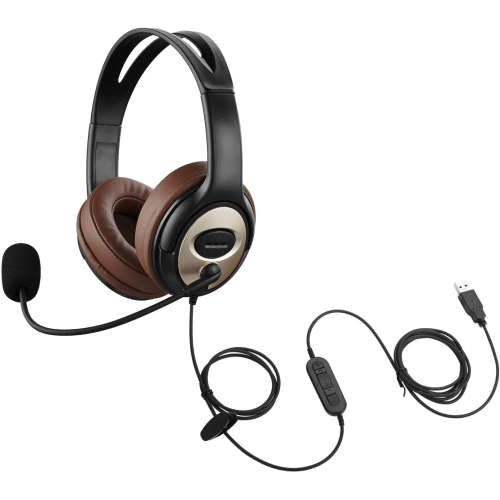
Clear dictation takes more than a good microphone
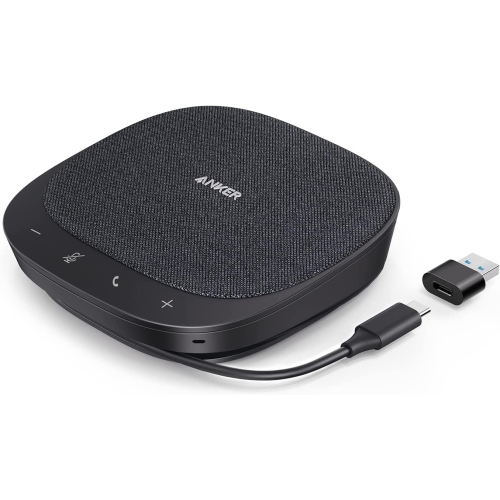
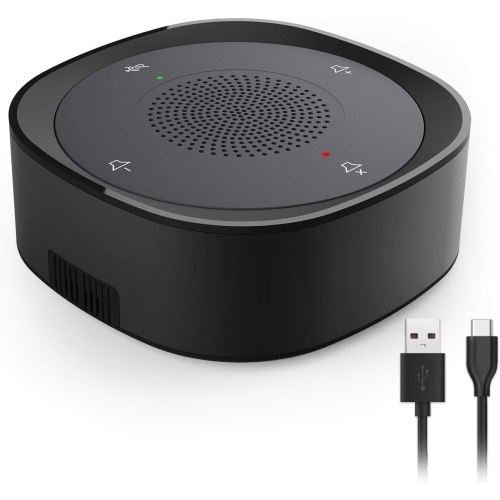
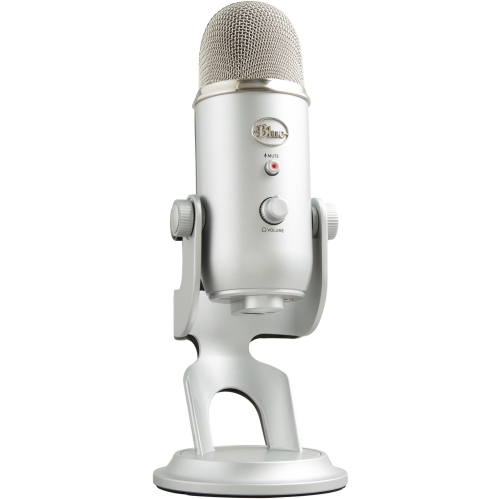
Voice recognition microphones capture spoken words for speech-to-text, dictation, and voice-command software. Their role is to deliver a clear audio signal; the connected software interprets that signal and turns speech into text or actions. This distinction matters because a microphone does not usually include transcription software, and compatibility depends on the microphone connection, operating system, and application. For someone dictating correspondence, drafting reports, or navigating a computer by voice, consistent speech capture can make everyday tasks feel more natural. Students may use dictation to develop a first draft, while professionals may speak notes between appointments or describe observations without pausing to type. Voice input can also offer an alternative for people who find prolonged keyboard use uncomfortable or who use accessibility features to interact with their devices. Clear results depend on more than microphone sensitivity. Distance from the mouth, background conversation, room reflections, speaking pace, and the recognition software all influence how accurately words appear on screen. A microphone positioned close to the speaker generally captures a stronger voice signal relative to distant noise than one sitting across a desk. Directional pickup patterns, including cardioid designs, favour sound arriving from particular directions, which can help reduce competing sounds when the microphone is positioned correctly. Noise-reduction features may further limit distractions, but they do not make every workspace silent or guarantee error-free transcription. A fan beside the microphone, a keyboard directly beneath it, or another conversation nearby can still affect the recording. In a quiet home office, a desktop microphone may suit regular dictation; at a shared work surface, a close-positioned headset or handheld dictation microphone may provide more consistent separation between speech and surrounding activity. The most useful setup is one that captures the speaker clearly without requiring an awkward posture or an unusually loud voice. Even with clear audio, names, technical terms, and punctuation can require review before a document is ready to share.
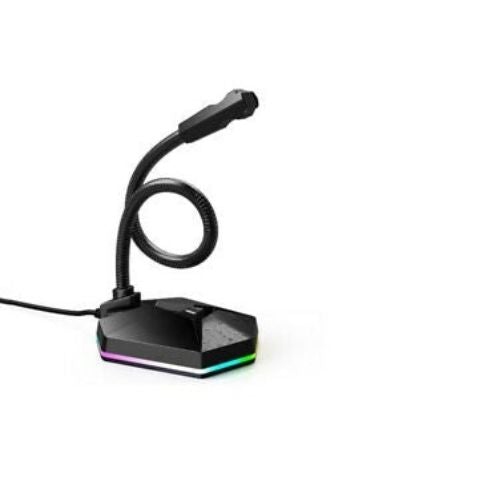
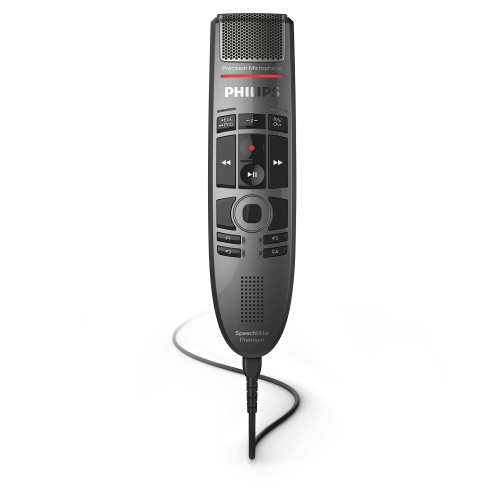
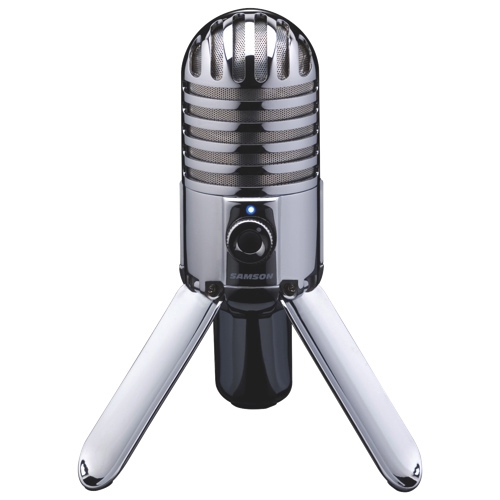
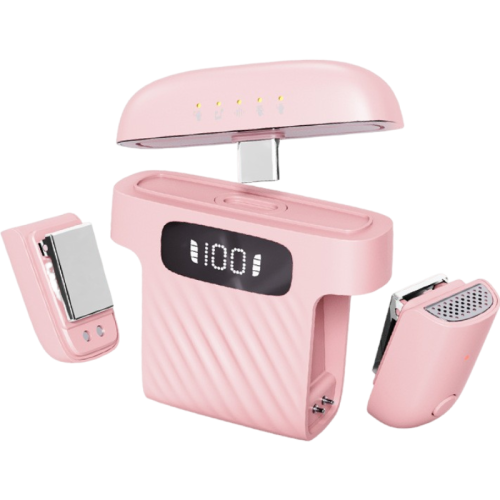
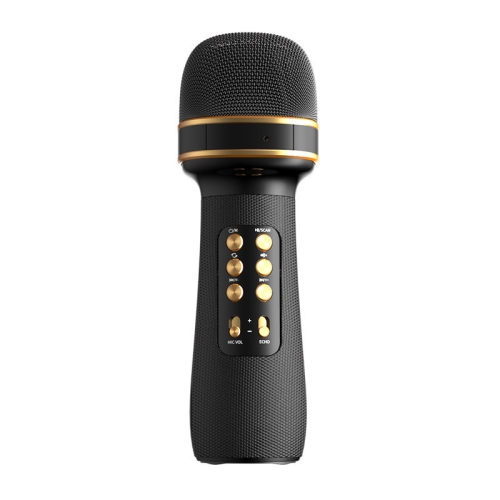
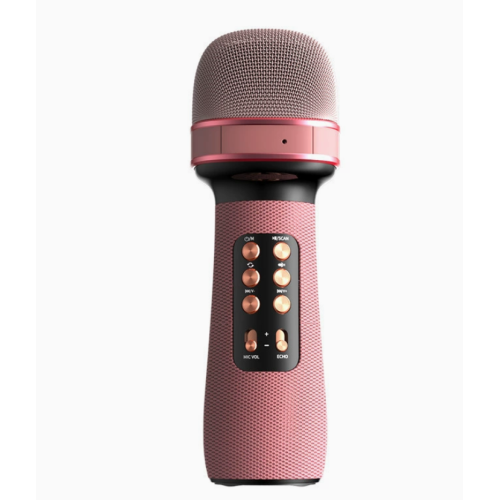
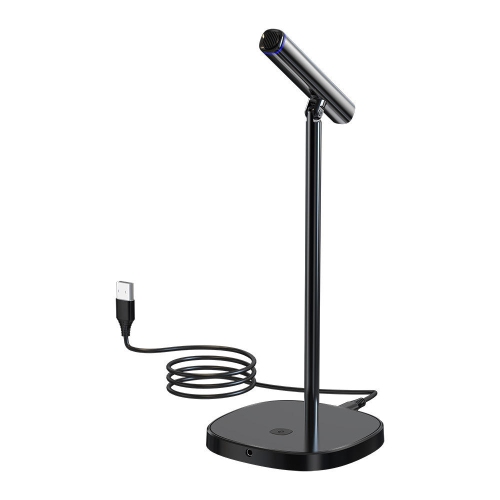
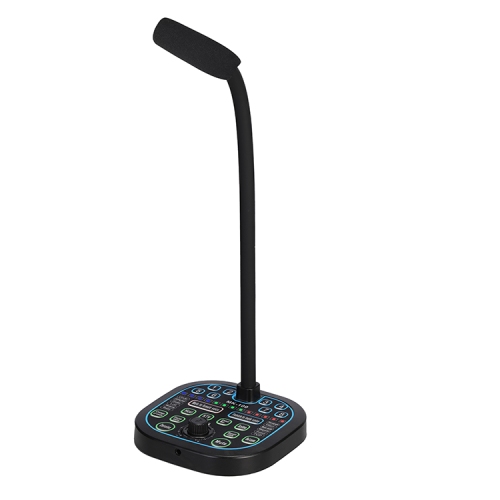
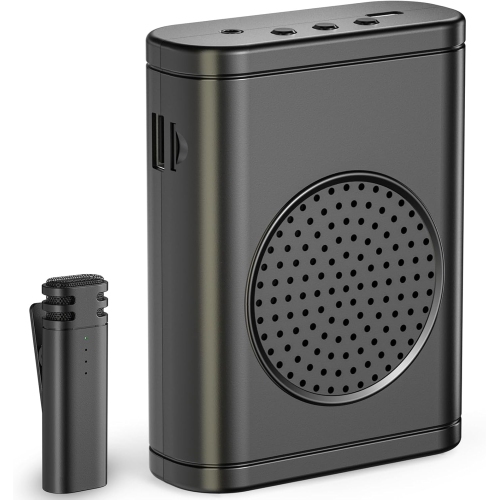
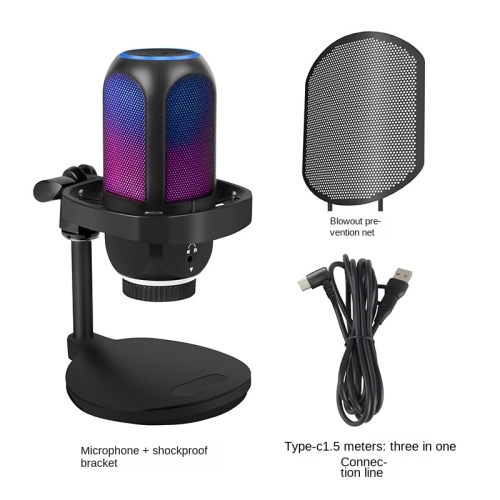
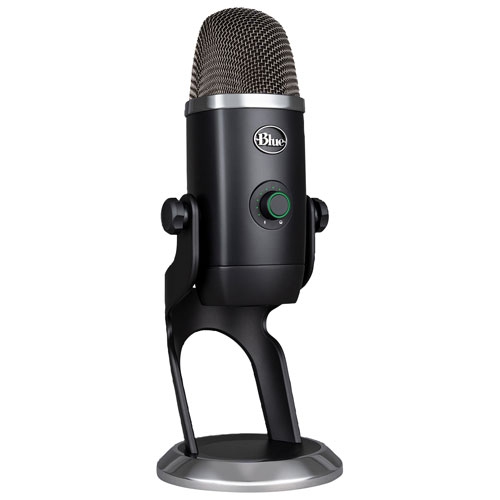
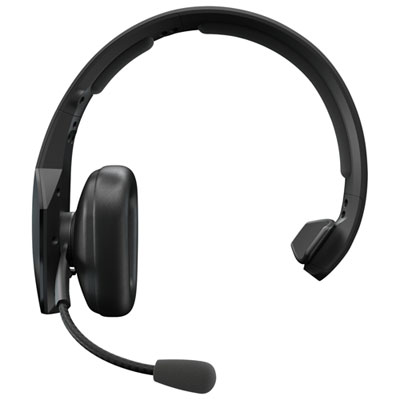
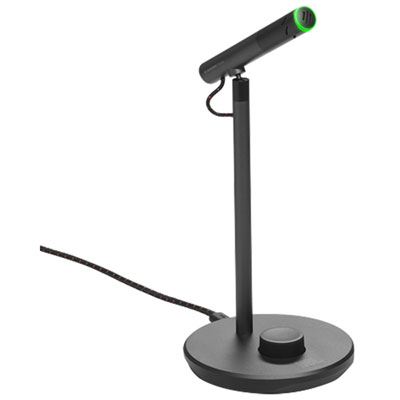
The different microphone formats suit different ways of speaking and working. Headset microphones keep the capsule at a relatively steady distance from the mouth as the wearer turns towards a screen or reaches for paperwork. That consistency is useful for longer dictation sessions, voice commands, and tasks that combine speaking with typing. Fit deserves attention: an adjustable headband, a flexible boom, and comfortable ear cushions can make a noticeable difference over several hours. A boom placed near the corner of the mouth, rather than directly in the path of each breath, can reduce distracting bursts of air. Handheld dictation microphones suit people who prefer to bring the microphone into position only when speaking. Some designs include programmable buttons for functions such as starting or stopping dictation, although those controls may require compatible software and additional setup. Desktop microphones leave the hands and ears free, making them practical for a dedicated workstation. A stable base or adjustable arm helps maintain placement without crowding the keyboard, while isolation mounts can reduce vibration transferred through a desk. Clip-on microphones offer a compact alternative, but clothing movement, jewellery, and changes in head position can introduce unwanted sound or alter the voice level. Materials and construction also affect everyday handling. Metal grilles help protect the capsule, moulded housings can keep handheld designs light, and reinforced cable entry points are worth noting on microphones that move frequently between workspaces. Durability depends on the complete construction rather than the housing material alone. For travel between a home office and another location, a protective pouch or case can help keep connectors, grilles, and controls from being knocked about in a bag. Comfort and reach matter just as much as construction: a mute control that is easy to find, a cable that reaches the computer without tension, and an adjustable stand can make repeated short dictation sessions less disruptive throughout the day.
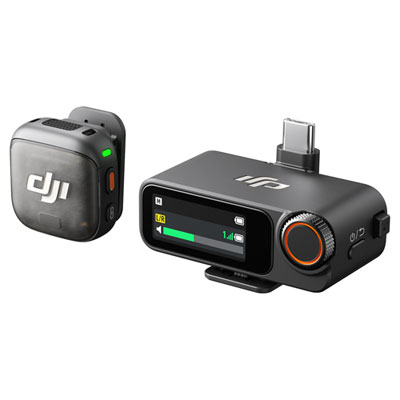
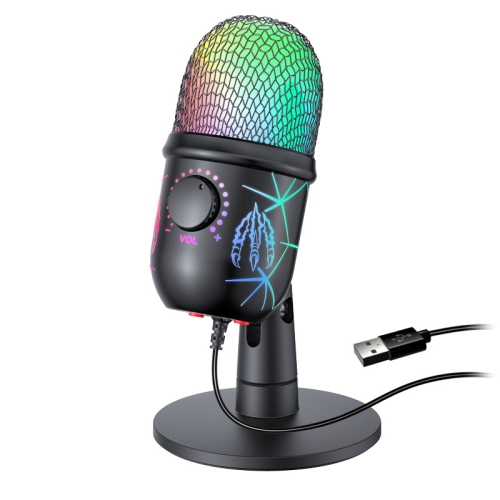
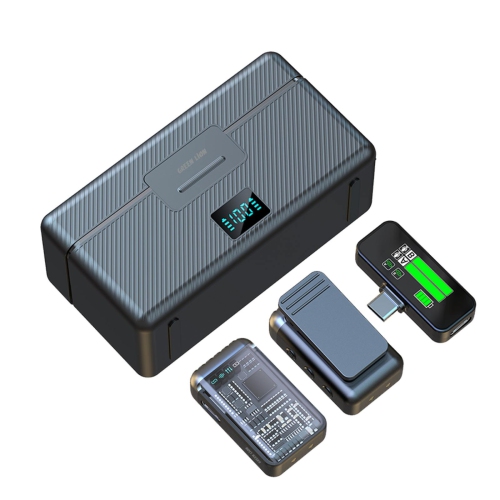
Connection type and software support determine how easily a voice recognition microphone fits into an existing setup. USB microphones include the circuitry needed to convert the microphone signal into digital audio, offering a straightforward connection to many computers. The physical connector still needs to match the device, and a matching plug alone does not establish support for every tablet, phone, or application. Analogue microphones with a 3.5 mm connection depend on the receiving device’s microphone input; combined headset sockets and separate microphone sockets may require different connections or adapters. Wireless microphones provide freedom of movement, but battery life, receiver requirements, operating range, and application support become part of daily use. Bluetooth support should be checked for the intended device and task, particularly when microphone and headphone audio are used together. For speech recognition, a clear, steady signal is generally more useful than recording specifications aimed at music production. Input gain that is too high can distort louder syllables, while a level that is too low can leave speech difficult for software to interpret. Selecting the correct microphone in both the operating system and the dictation application helps prevent a laptop’s built-in microphone from being used unintentionally. A short test passage containing familiar names, numbers, and everyday terminology can reveal placement or level problems before a longer session. Mute controls are useful for pausing capture, though recording permissions, cloud processing, and stored transcripts remain matters to check within the software itself. For tasks that extend beyond spoken commands and transcription into interviews, narration, or saved audio notes, Voice Recording Microphones cover a related range of uses. Routine care supports dependable performance: keep microphone openings free of dust, clean exterior surfaces according to the manufacturer’s directions, and avoid spraying liquid into a grille or connector. Foam windscreens and ear cushions may have separate cleaning or replacement requirements. Storing cables loosely rather than wrapping them tightly around the microphone also helps limit strain at connection points, keeping the setup ready for the next conversation or document.
Top selling and popular products
-
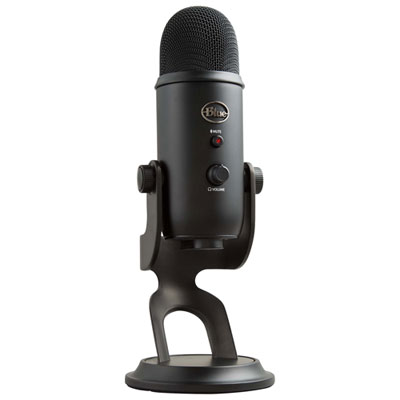 Your price for this item is $129.98
-
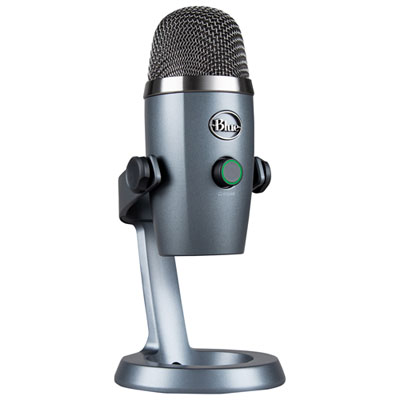 Your price for this item is $119.98
-
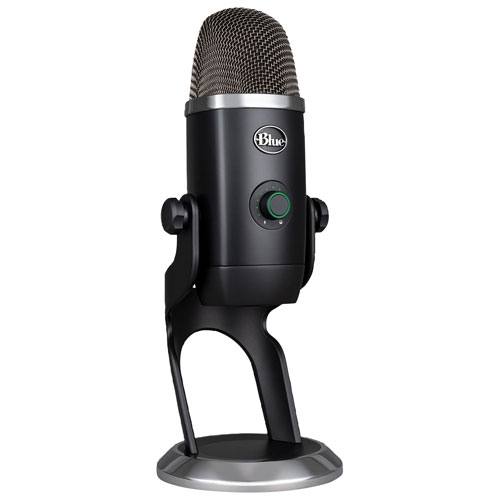 Your price for this item is $322.68
-
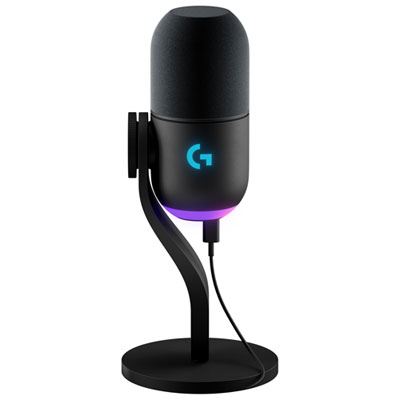 Your price for this item is $229.99
-
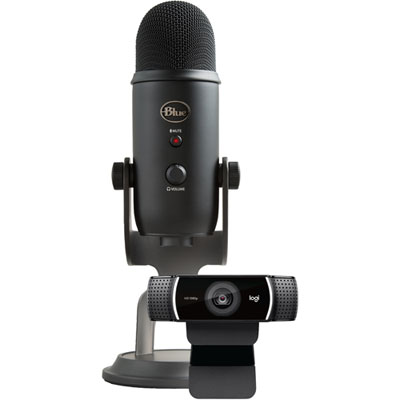 Your price for this item is $279.99
-
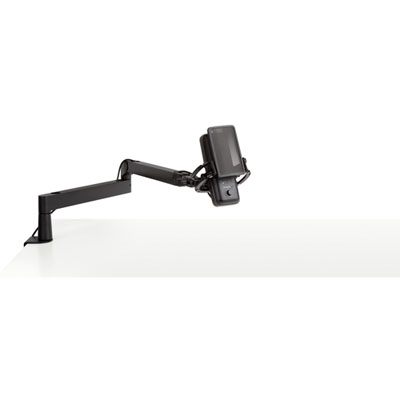 Your price for this item is $99.99
-
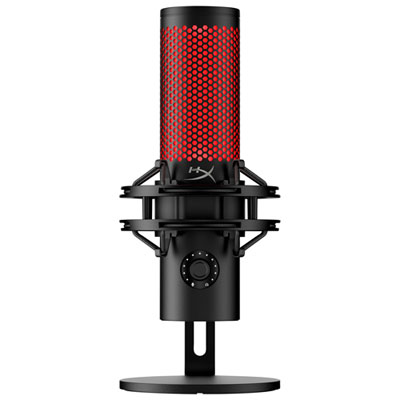 Your price for this item is $159.98
-
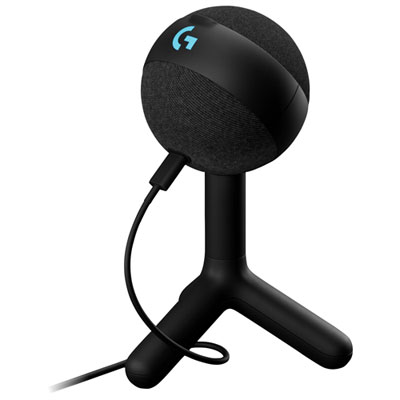 Your price for this item is $89.99
Discover more categories related to Voice Recognition Microphones
Top Collections:
Best Black Friday Deals This Year, Best Black Friday Deals On Electronics, Kindle Devices, Pokemon Centers, Best Black Friday Deals On Apple Products, Best Cameras for Sports Photography, Dyson Airwrap, Pokémon 30th Celebration Cards, Apple iPhone 17 Pro, Canon G7X Cameras
Some products may be subject to Environmental Handling Fees
(EHF) depending on your province.
Learn more about EHFs.