Webcams for Home Office Upgrade
Enhancing your workspace is easy with webcams for home office upgrade, offering a simple way to boost productivity and stay connected. Whether you're attending virtual meetings, collaborating with colleagues, or catching up with friends and family, the right webcam can make all the difference in your daily routine. Discover a wide selection designed to help you achieve clear visuals and reliable performance, making every interaction from your home office more engaging and efficient.
Sort

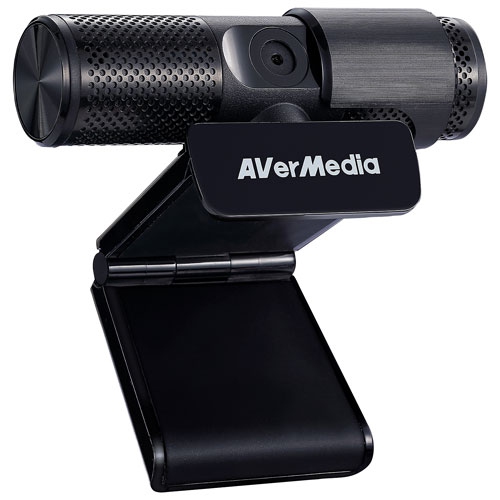
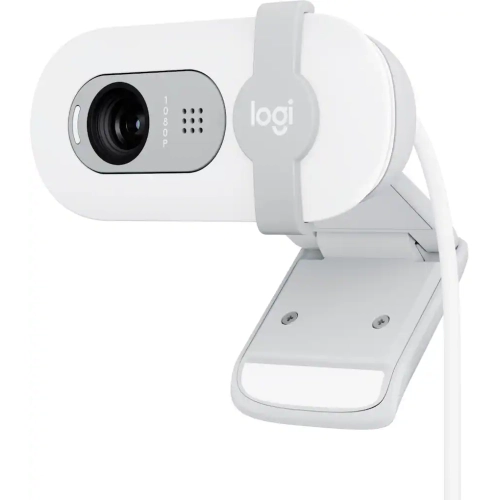
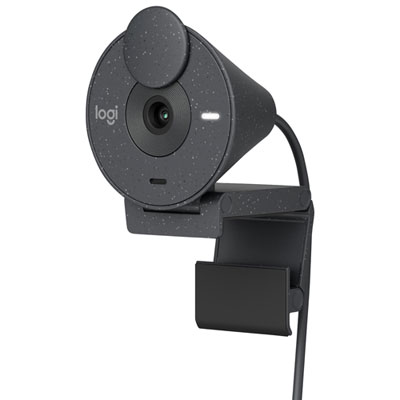
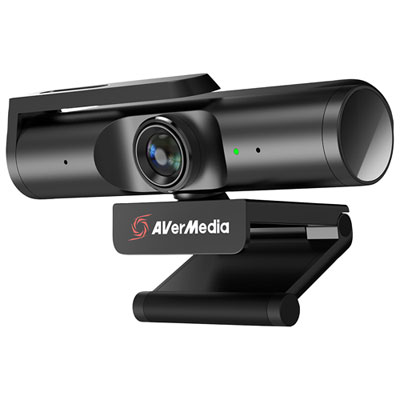
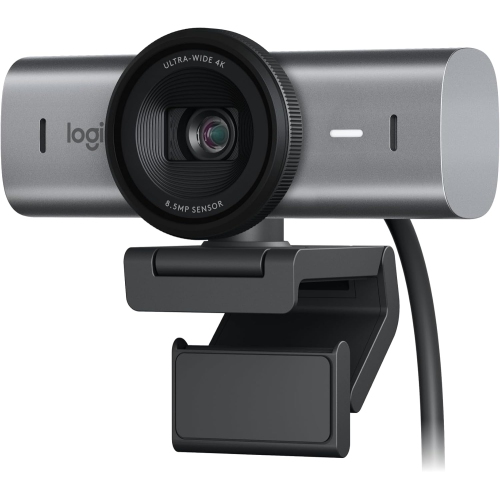
Clearer video calls take more than higher resolution
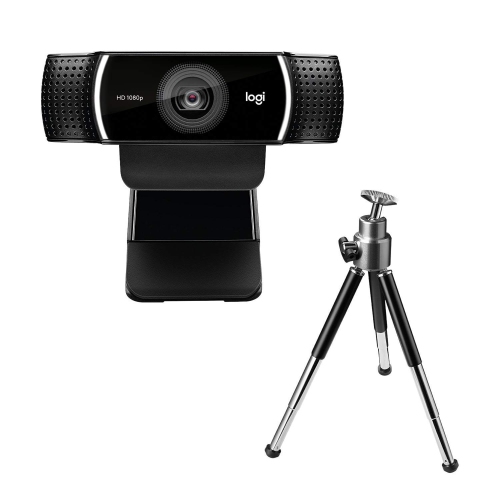
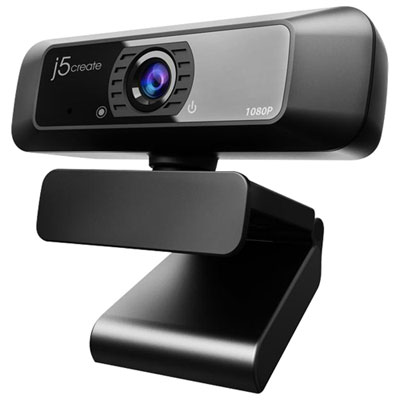
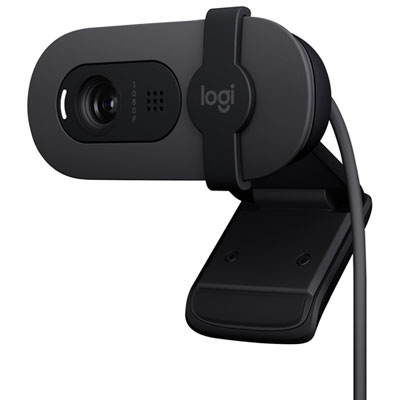
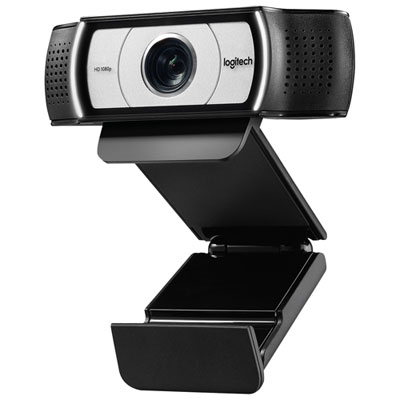
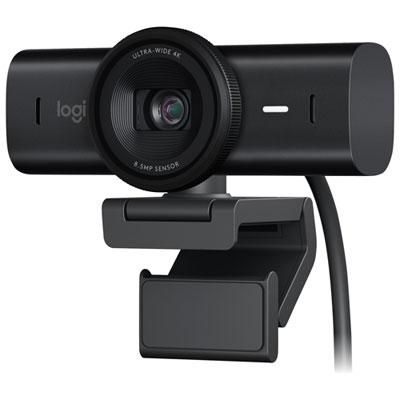
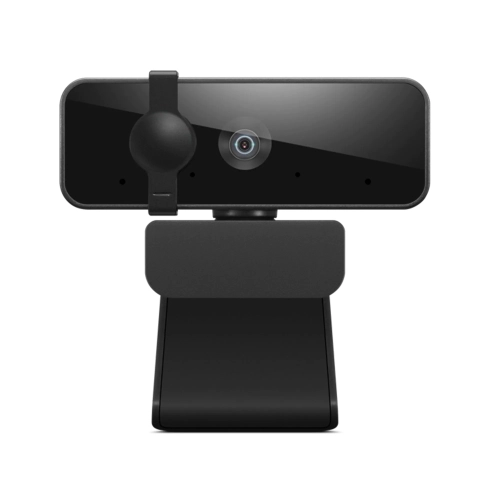
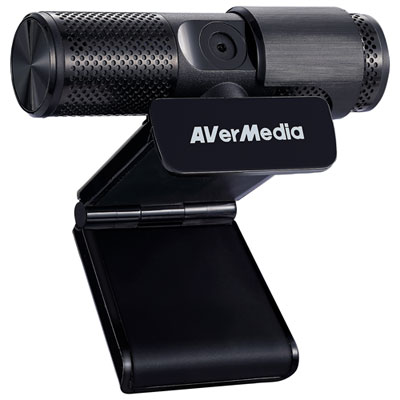
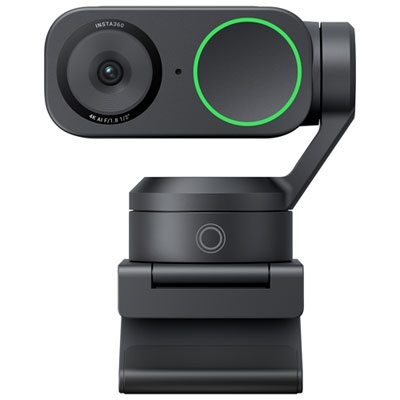
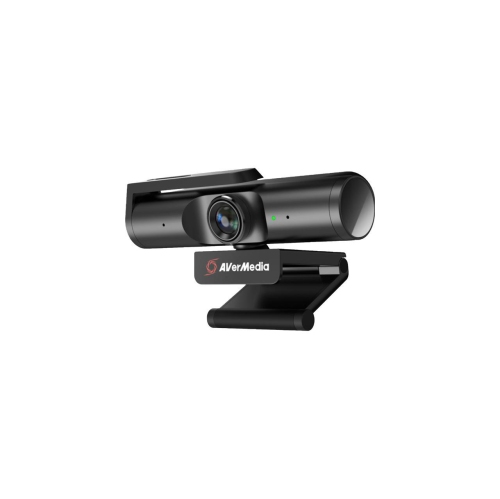
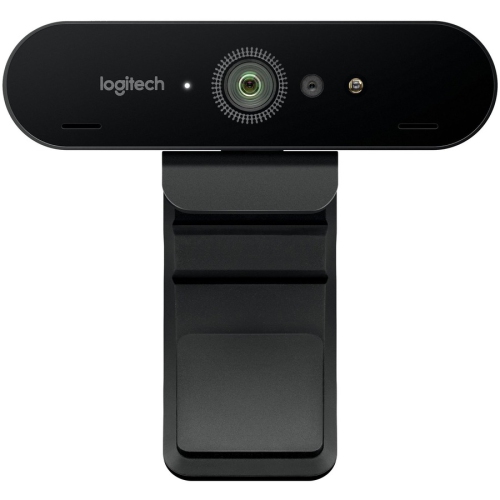
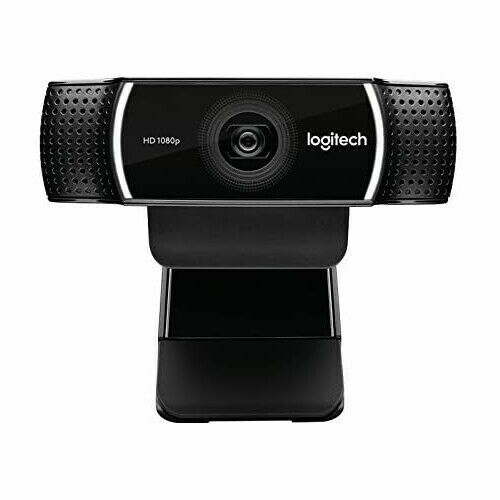
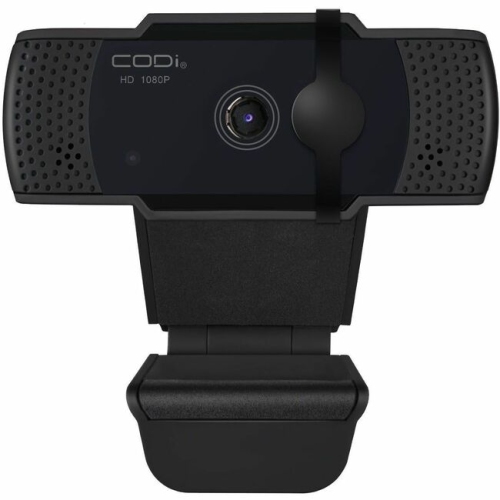
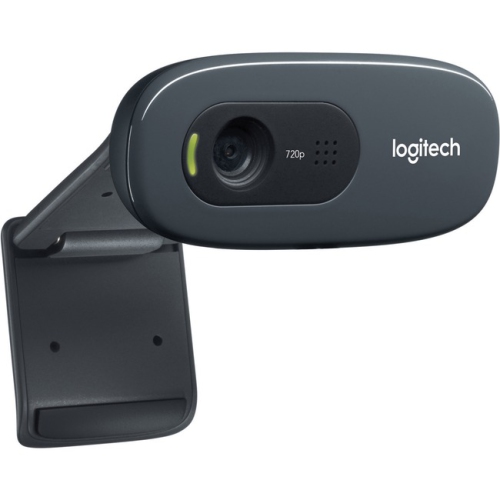
Webcams for a home office upgrade bring clearer video and more flexible camera placement to everyday calls, presentations and remote collaboration. For many home office setups, a 1080p webcam with reliable focus, adjustable positioning and a physical privacy shutter offers a practical balance of detail and simplicity. An external camera can sit at eye level while a laptop stays on the desk, creating a more natural view without requiring an awkward screen angle. That flexibility is useful for anyone who moves between a laptop display and a larger monitor, or needs to keep notes visible while speaking. Resolution is one part of picture quality: lens quality, sensor performance, lighting and video-call settings also affect the image colleagues see. A 4K webcam can capture additional detail and provide more room for cropping when supported by its software, although conferencing platforms may reduce the resolution delivered to other participants. Frame rate matters differently. Around 30 frames per second is generally suitable for meetings, while higher supported frame rates can make hand movements and demonstrations look smoother. Maximum resolution and maximum frame rate are not always available together, so their supported combinations matter more than either specification alone. Autofocus can help keep a face sharp when someone leans towards the screen or holds up a document, though its responsiveness varies between cameras. Fixed-focus designs can suit a consistent seated position without repeated focus adjustments. Lighting correction can improve a dim or uneven picture, but it cannot fully replace light directed towards the face. A desk lamp placed slightly to one side often produces a more balanced result than a bright window directly behind the chair. For shared workspaces, adjustable framing helps keep the view centred on the speaker rather than the rest of the room. A narrow view can feel more focused during individual calls, while a wider view makes space for two people, a whiteboard or a hands-on demonstration. Those differences make intended use just as important as a headline resolution.
Physical fit has a lasting effect on how comfortably a webcam becomes part of a workday. Monitor clips, hinged mounts and tripod sockets support different arrangements, from a slim laptop screen to a deep desktop monitor or a camera positioned beside a display. An adjustable mount should hold its angle securely without pressing against the display panel or obscuring important screen content. Thin bezels and unusually shaped monitor backs can affect how well a clip sits, while a separate stand can provide more freedom when the screen itself is not a suitable mounting point. Tilt and swivel adjustments make small corrections easier, particularly when a sit-stand desk changes height or the same work surface serves more than one person. Cable length also deserves attention: a camera mounted above a large display needs enough reach to connect without pulling at the port or stretching across a keyboard. USB-A and USB-C connections suit different computers, and any adapter or hub needs to support the camera’s connection and power requirements. A detachable cable can simplify packing and cable replacement, where that design is supported. Materials contribute to both daily handling and long-term care. Glass and plastic lenses appear across webcam designs, but the lens material alone does not determine sharpness; the overall optics and image processing matter too. A sturdy housing, stable hinge and smooth shutter mechanism are useful qualities for a camera that is regularly repositioned or carried between work locations. A soft, clean microfibre cloth helps remove fingerprints from the lens without the scratching that rough fabric can cause. Cleaning liquids should follow the manufacturer’s care directions rather than being sprayed directly onto the camera. When travelling, a protective pouch can keep the lens and mount from rubbing against chargers or other bag contents. A physical privacy shutter provides a visible way to cover the lens between calls, but it does not necessarily mute the microphone. Separate audio controls remain important whenever a meeting application or another program is using sound.
Sound, software and everyday workflow complete the picture. Built-in microphones can be convenient for a quiet room, especially when the speaker stays close to the screen, but microphone placement and room acoustics influence clarity. A bare room with hard floors may produce more echo than a space with curtains, a rug and upholstered furniture. Microphone noise reduction may help with steady background sounds, though results vary and nearby conversations can still be picked up. For people who spend much of the day in meetings, Headsets for Home Office Upgrade can complement a webcam by bringing the microphone closer to the mouth and keeping incoming audio more private. Compatibility is equally important. Many USB webcams support straightforward operation with common meeting applications, while advanced controls may require separate software and a supported operating system. Features such as manual exposure, white balance, digital zoom and saved framing settings are useful when the same workspace needs to look consistent across different calls. Automatic framing can help a presenter remain in view, although movement, cropping and software requirements differ by camera. Facial sign-in is another distinct capability: an ordinary webcam does not automatically support biometric login, which requires compatible hardware and software. For a remote employee joining daily team meetings, dependable focus and easy positioning may matter most. A tutor showing handwritten calculations may value flexible mounting and close-focus performance, while a designer presenting samples may place more emphasis on accurate colour and controlled lighting. Job interviews and client consultations benefit from a steady, eye-level image that lets the conversation take priority over technical distractions. A webcam can also be a thoughtful gift for someone setting up a first home office, provided its connector, mounting style and software support suit their computer. Across these uses, a successful upgrade is one that fits the space, works comfortably with existing equipment and delivers a consistent picture without adding unnecessary steps to the working day.
Top selling and popular products
-
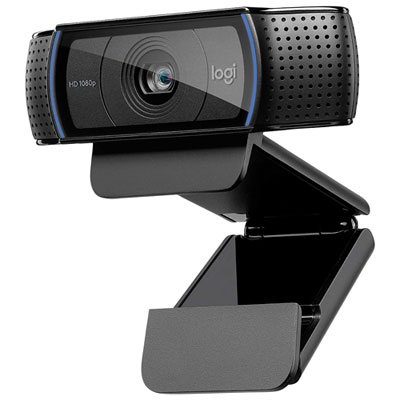 Your price for this item is $99.99
-
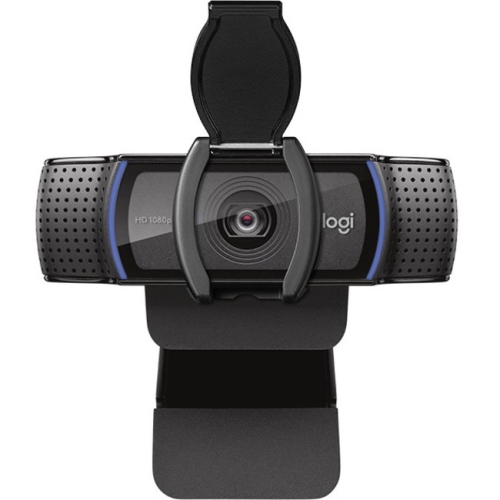 Your price for this item is $123.44
-
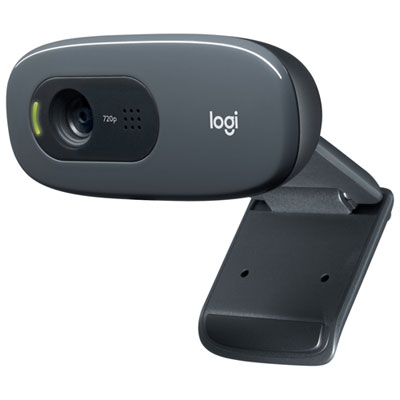 Your price for this item is $39.99
-
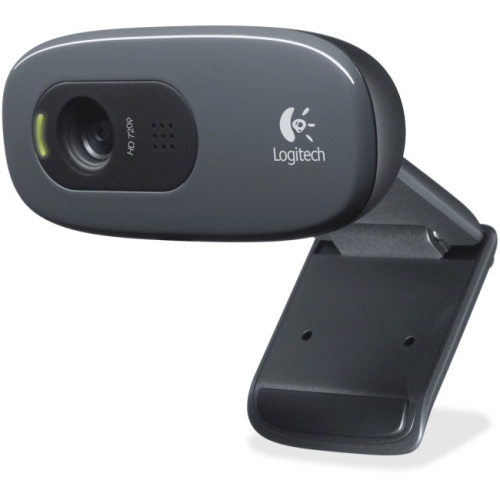 Your price for this item is $48.49
-
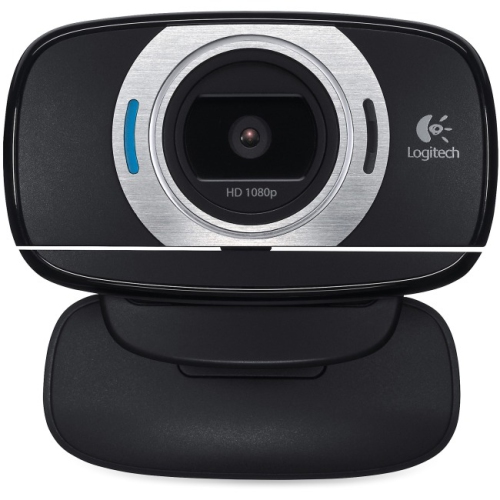 Your price for this item is $106.68
-
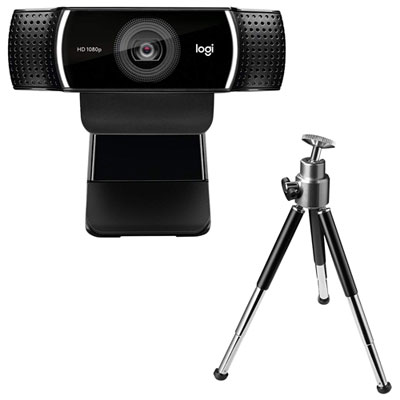 Your price for this item is $149.99
-
 Your price for this item is $130.68
-
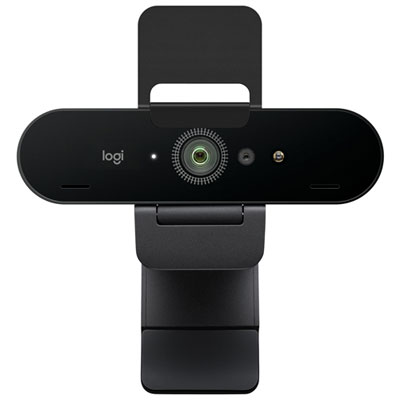 Your price for this item is $249.99
Discover more categories related to Webcams for Home Office Upgrade
Top Collections:
Best Black Friday Deals This Year, Best Black Friday Deals On Electronics, Kindle Devices, Pokemon Centers, Best Black Friday Deals On Apple Products, Best Cameras for Sports Photography, Dyson Airwrap, Pokémon 30th Celebration Cards, Apple iPhone 17 Pro, Canon G7X Cameras
Some products may be subject to Environmental Handling Fees
(EHF) depending on your province.
Learn more about EHFs.