Webcams With Ring Light
Looking to enhance your video conferencing experience? Look no further than our collection of webcams with ring lights. These innovative devices combine quality video capabilities with built-in ring lights, ensuring that you always look your best on camera. Whether you're attending virtual meetings, streaming content, or connecting with loved ones, these webcams offer exceptional image clarity and flattering lighting to make you shine.
Sort




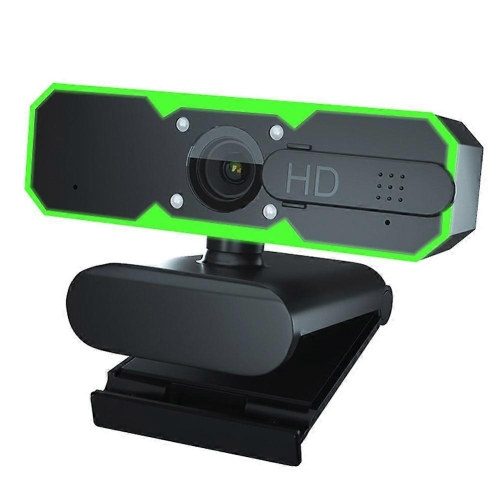

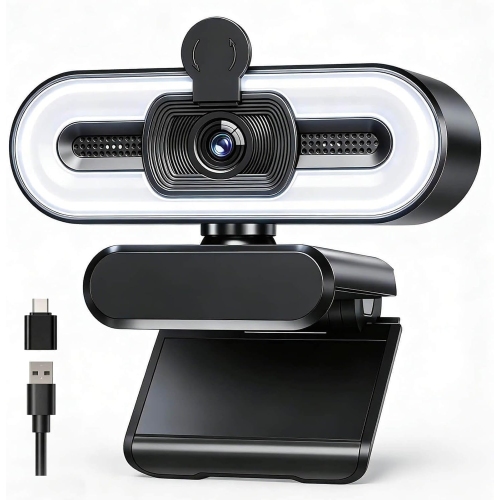
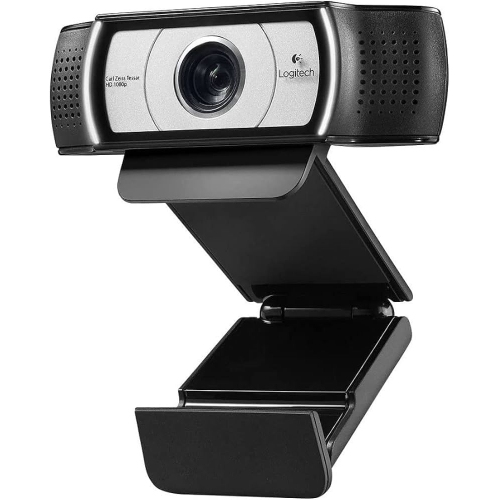
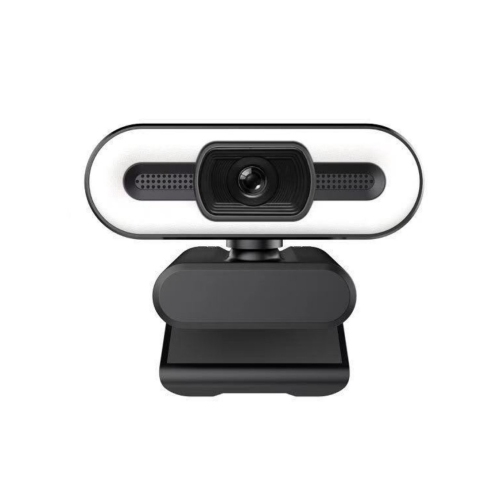
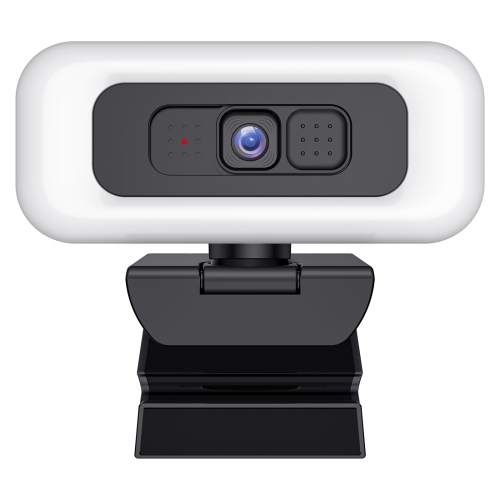
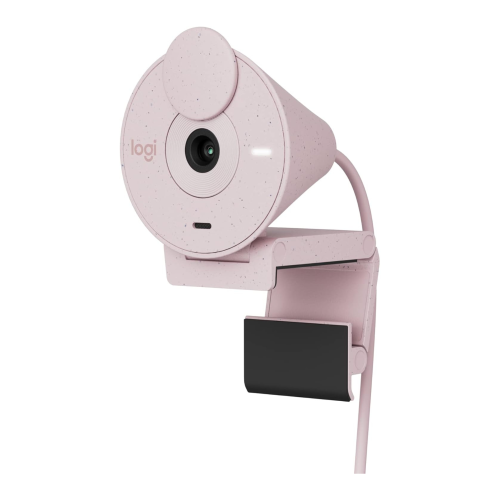

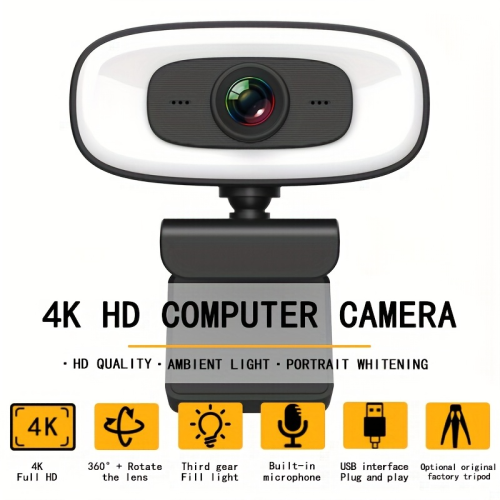
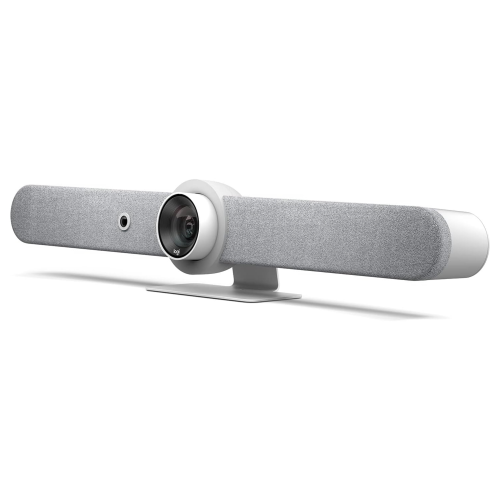
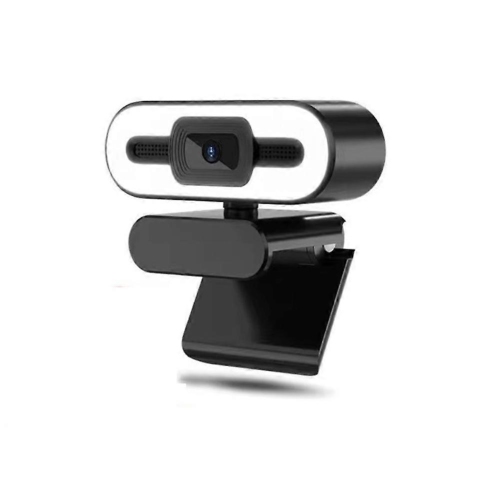
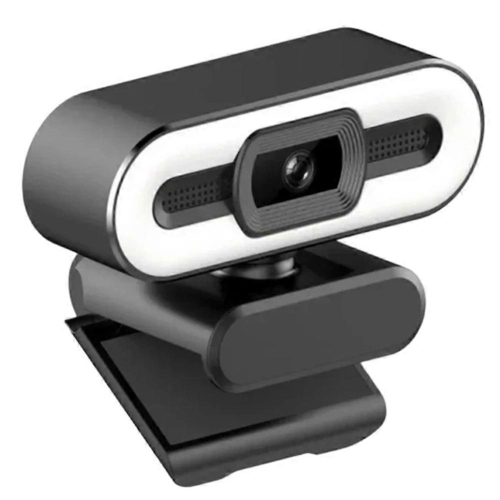
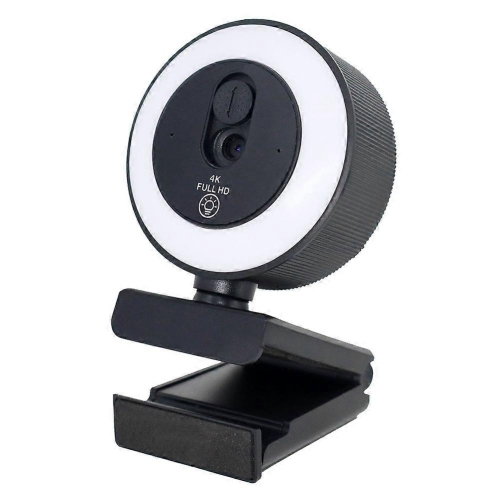
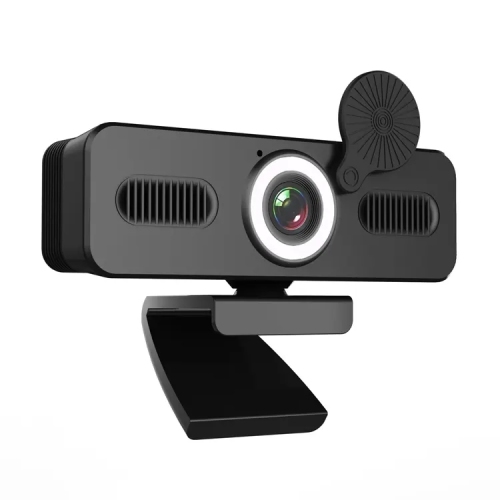
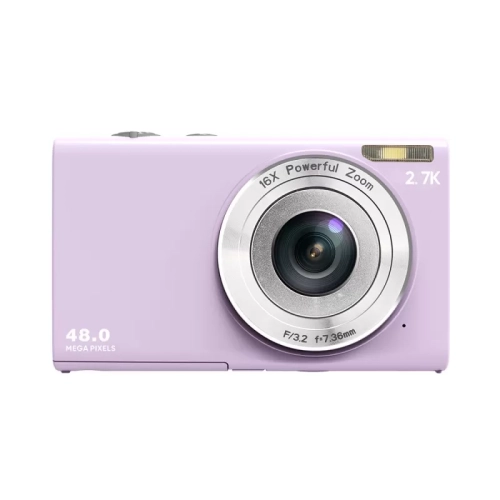
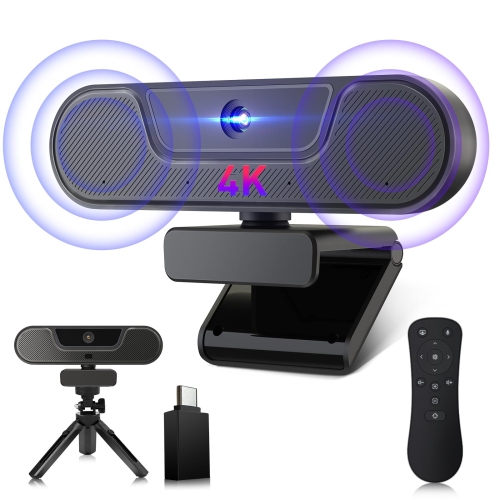
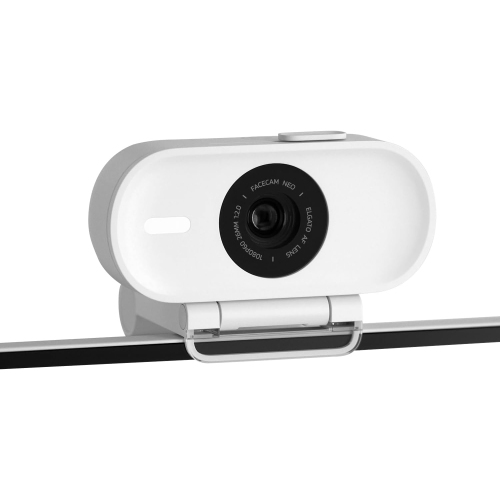
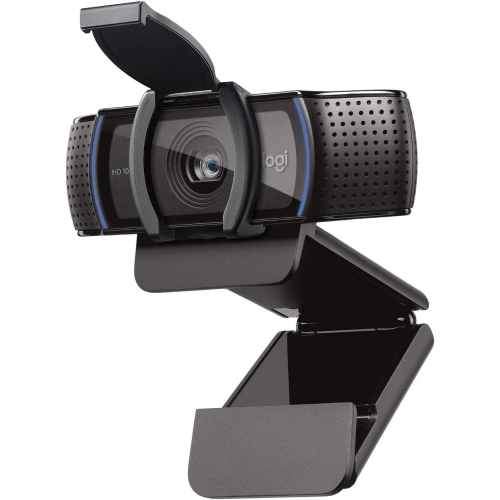
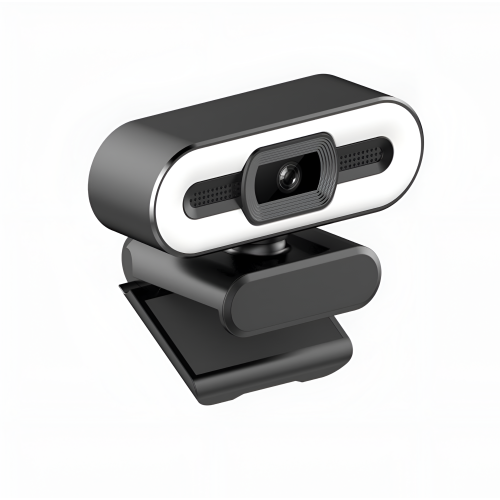
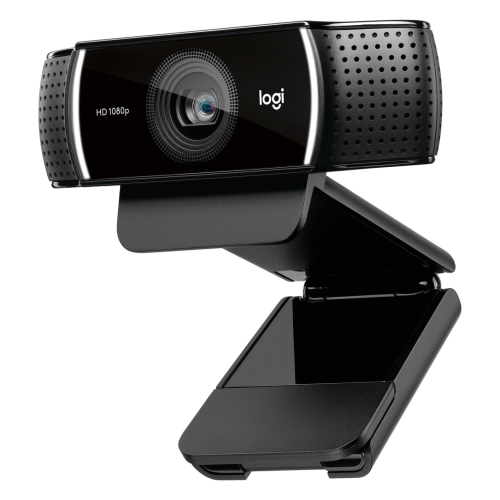
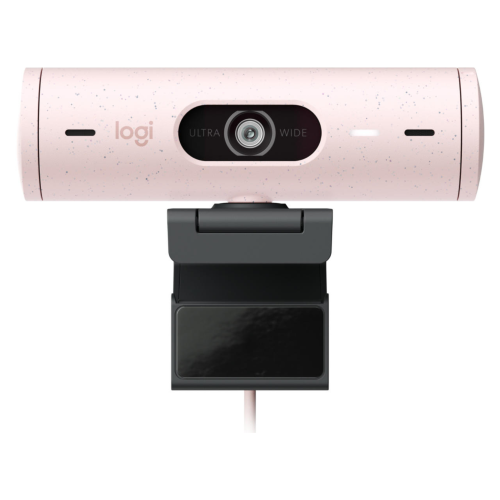
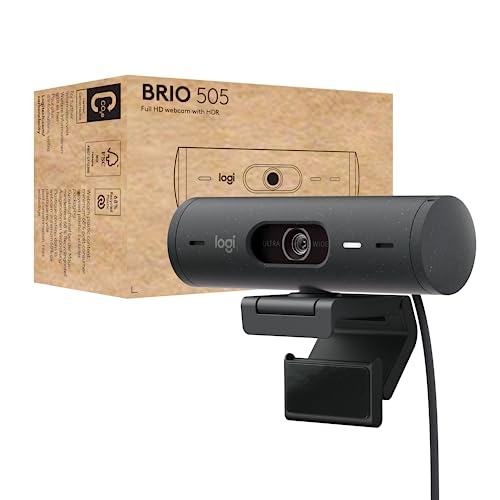
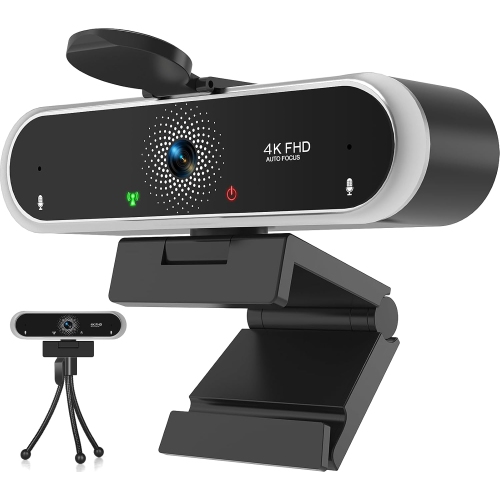
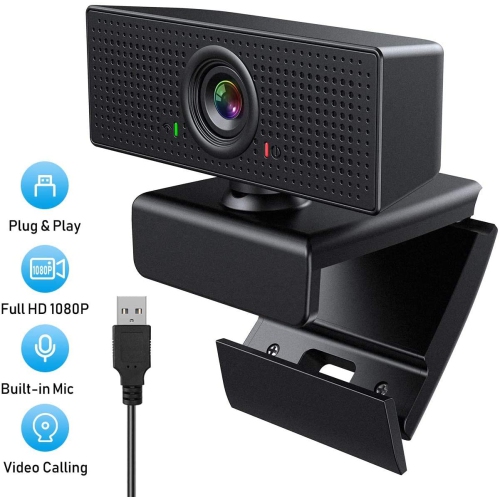
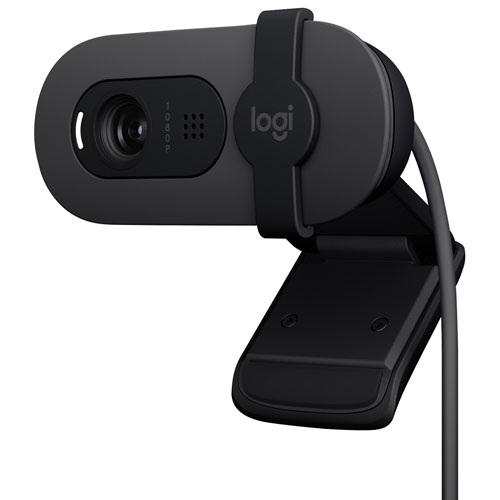
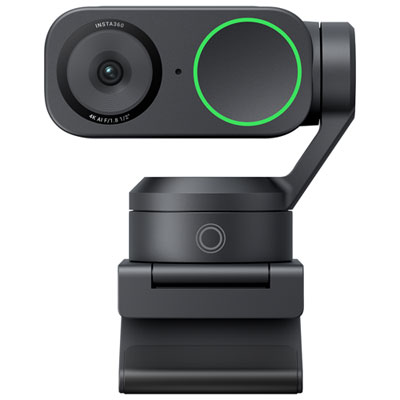



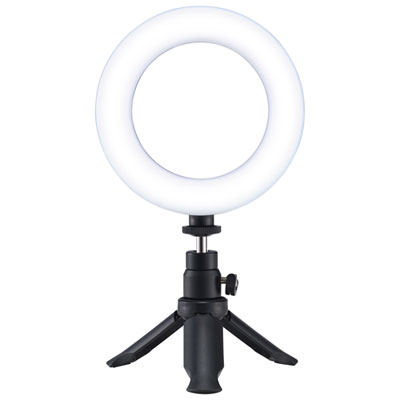
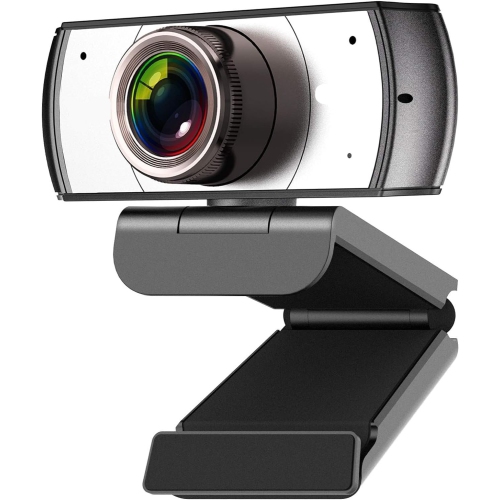
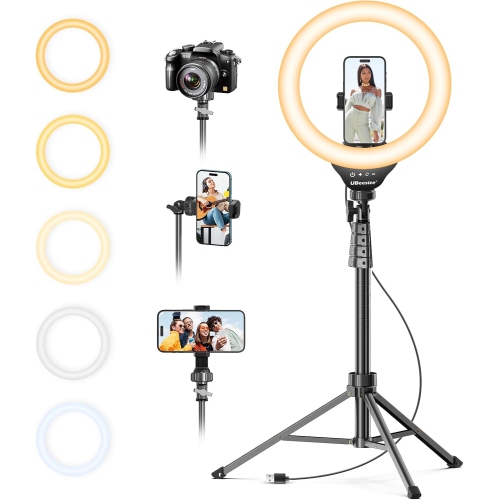
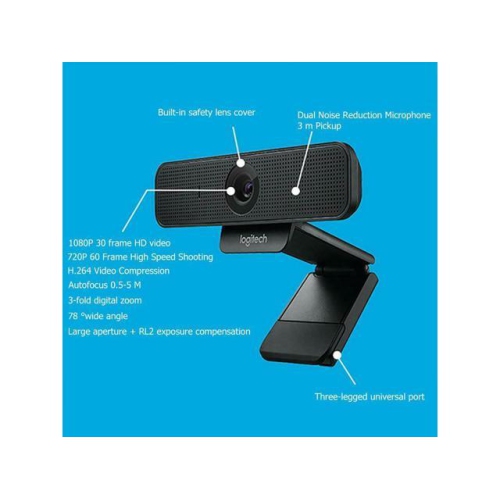

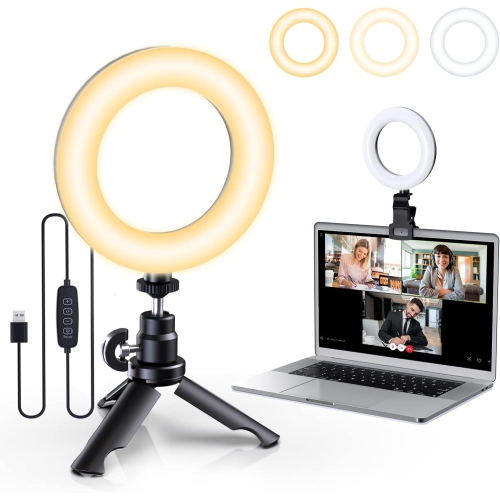
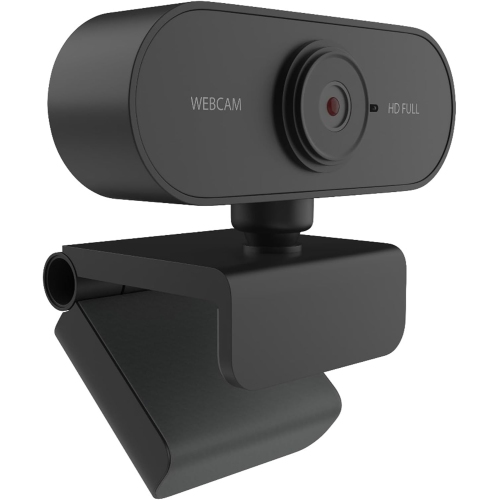
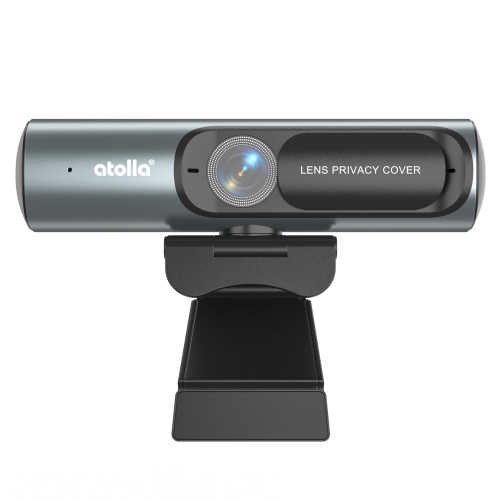
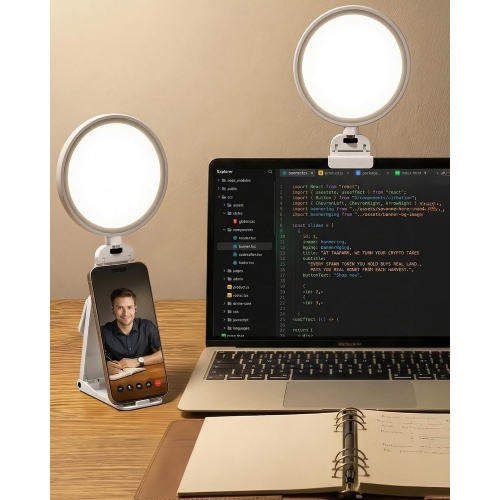
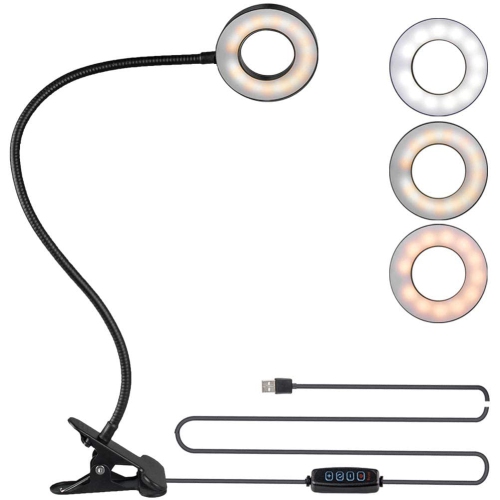
Balanced lighting and clearer video for everyday calls
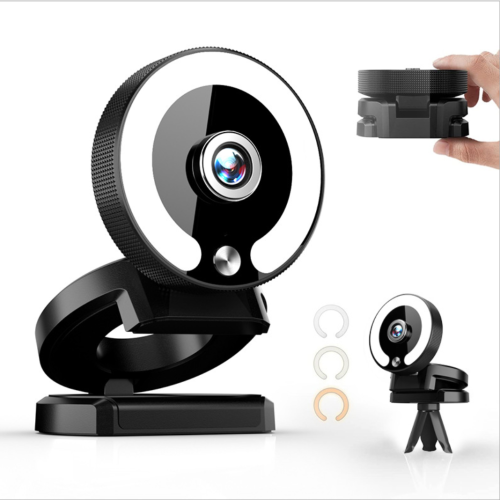
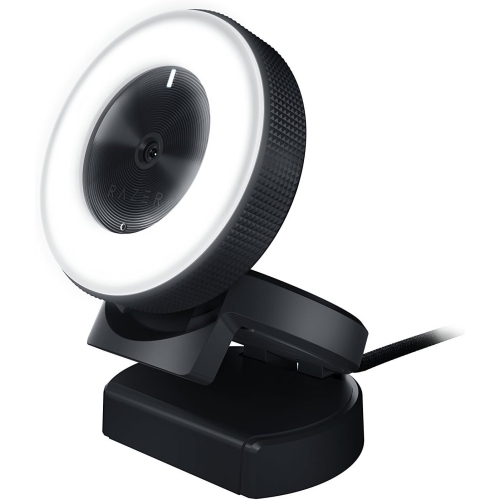
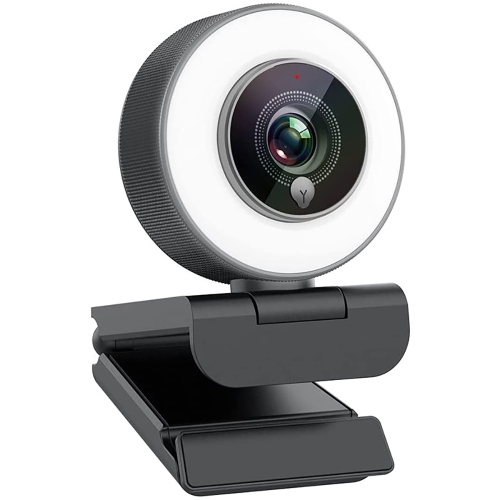
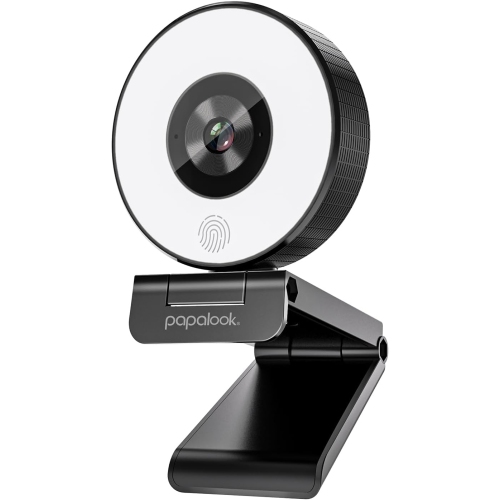
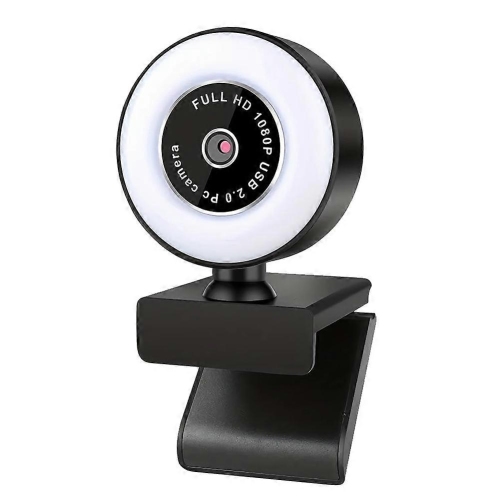
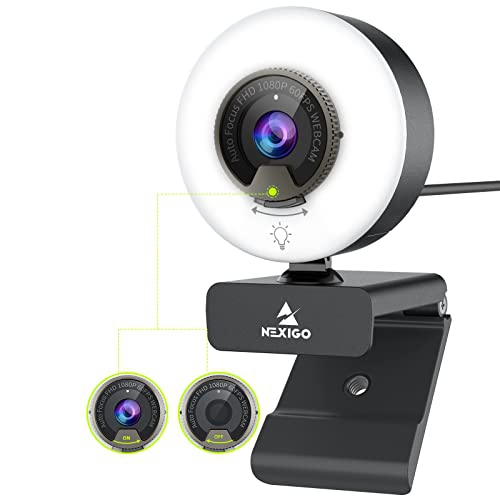
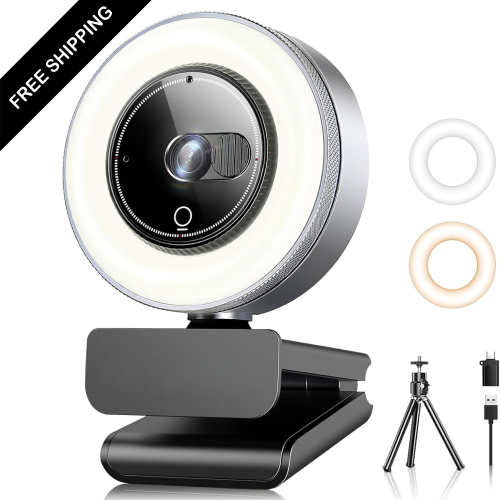
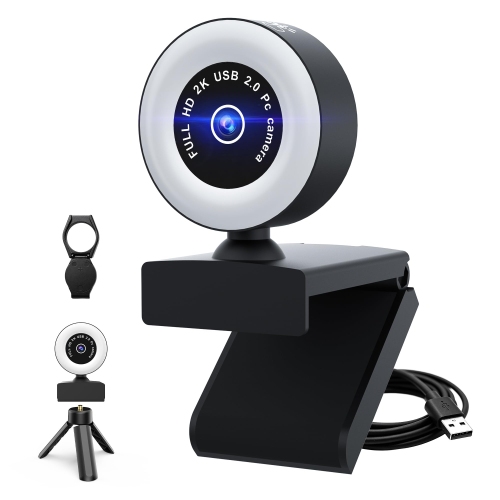
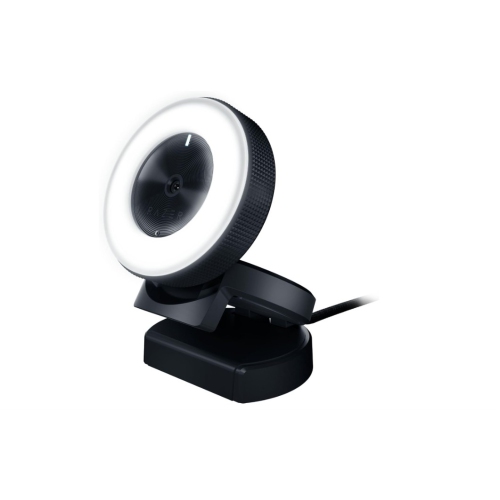
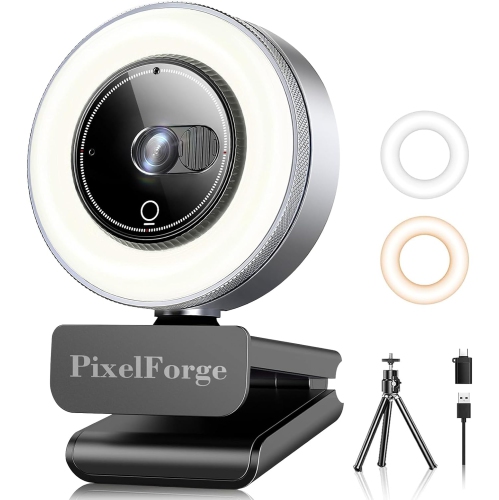
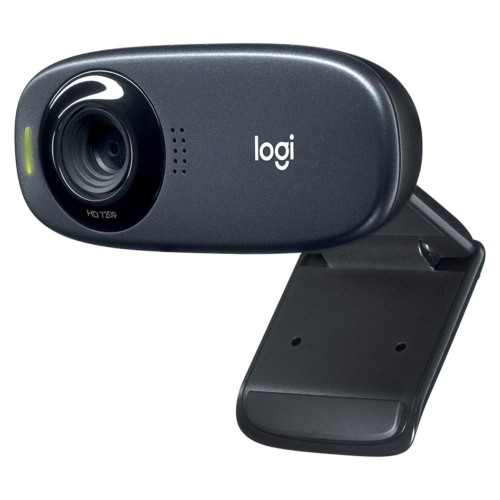
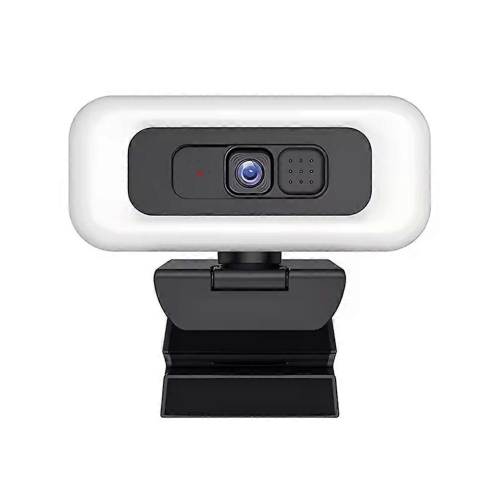
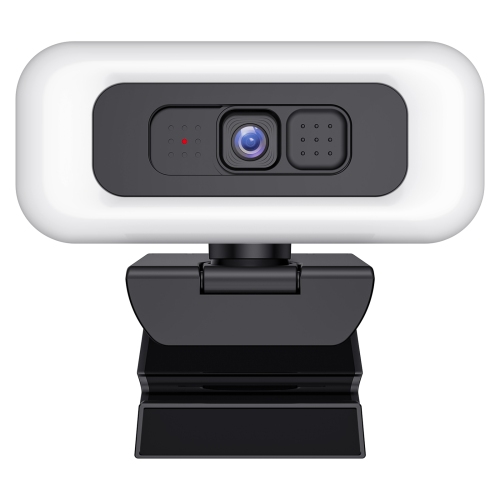
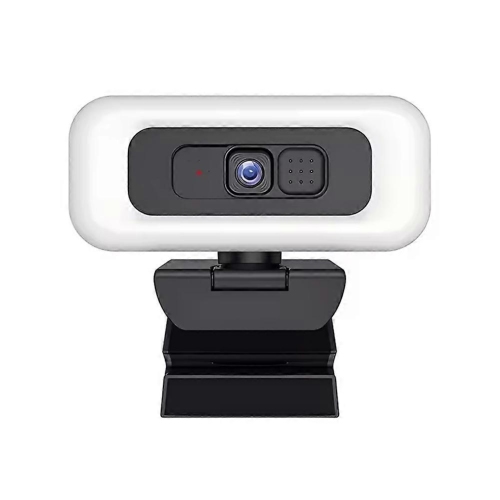
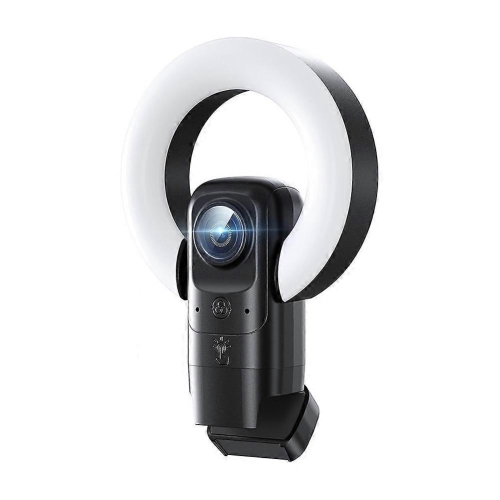
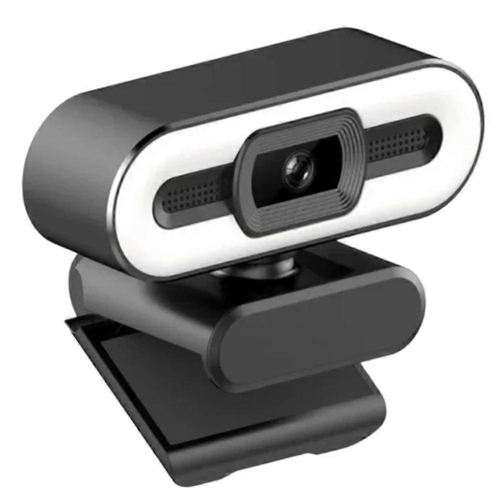
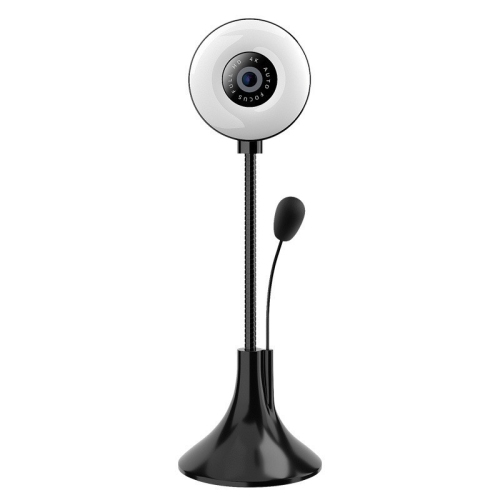
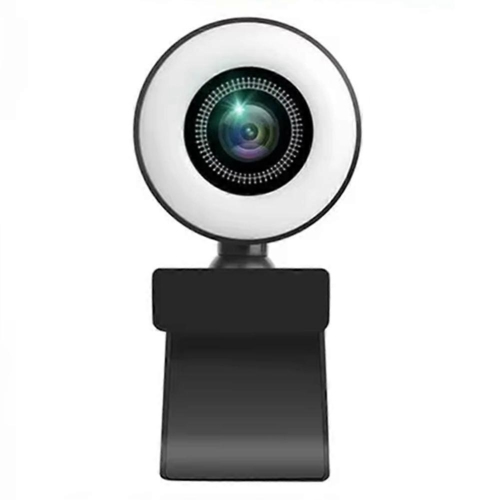
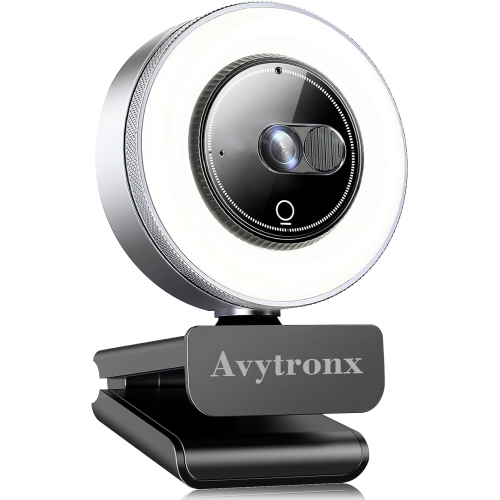
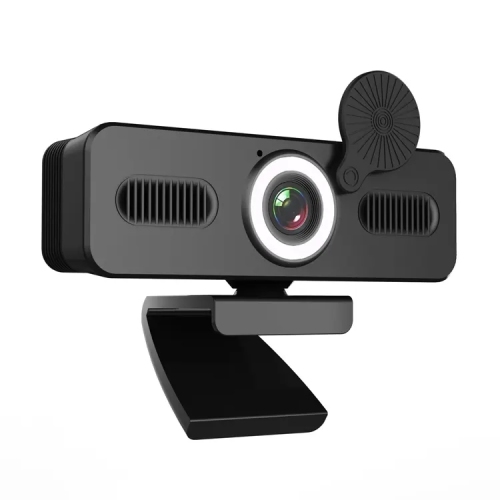
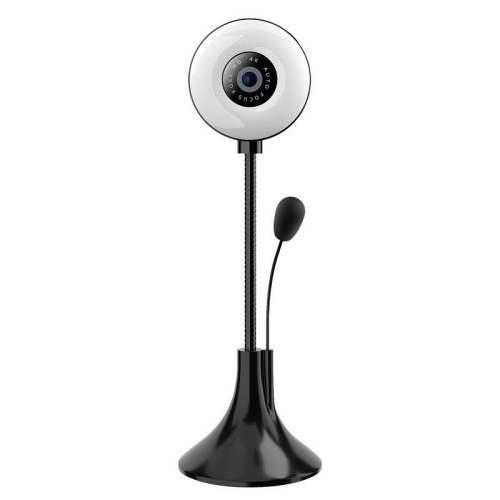
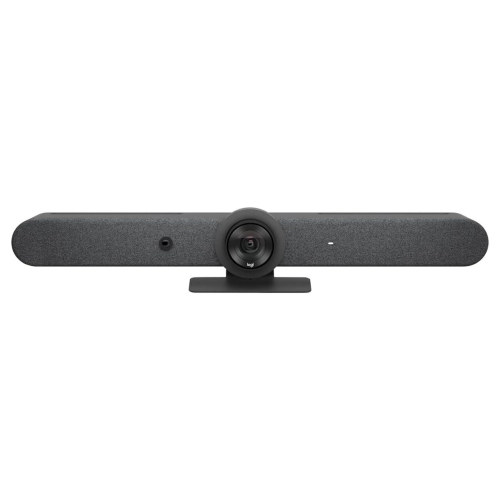
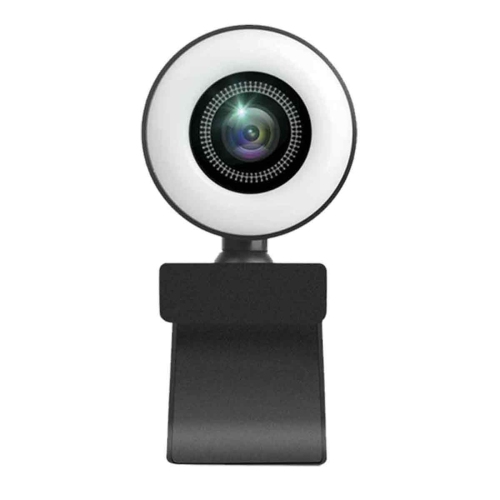
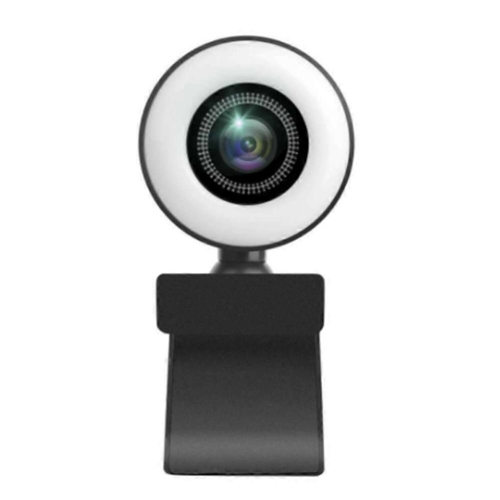
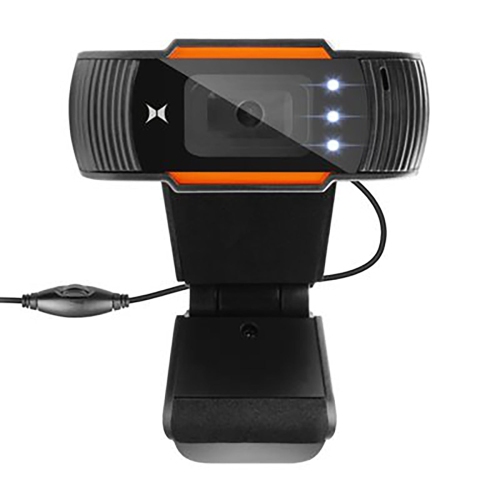
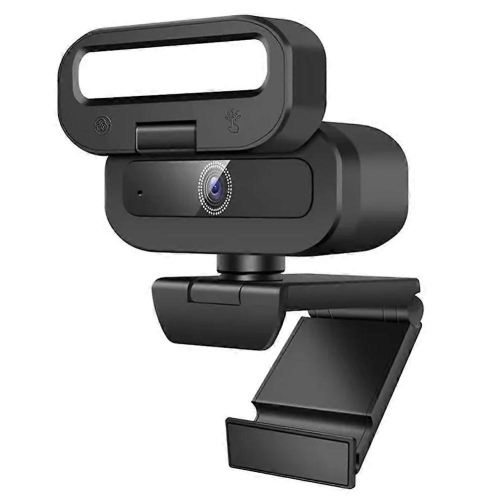
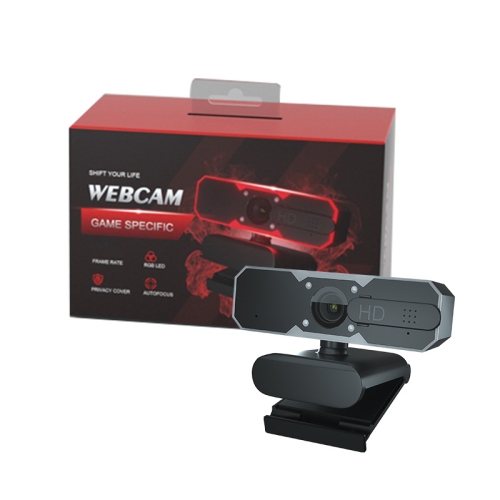
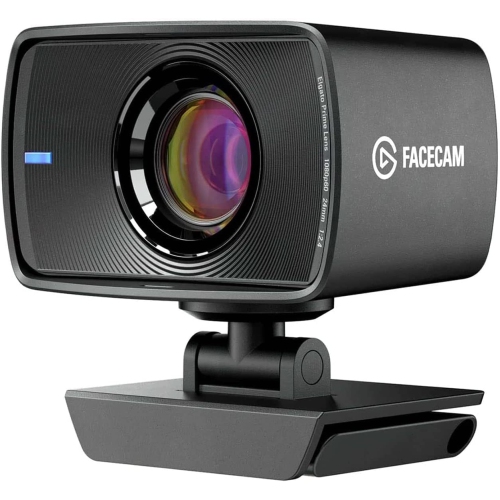
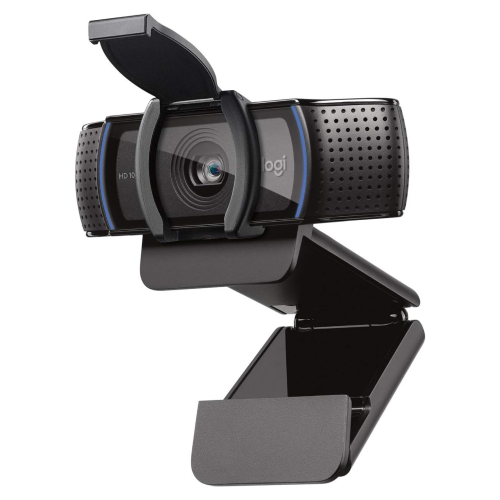
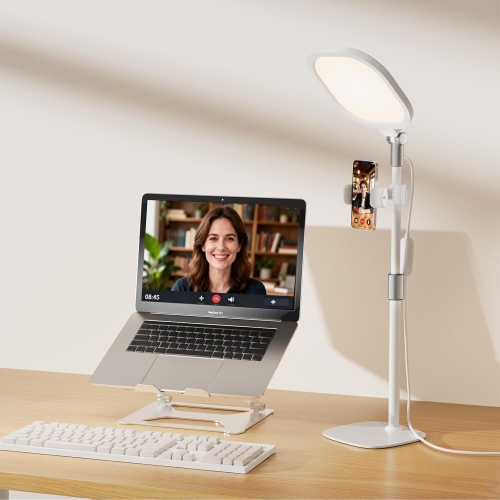
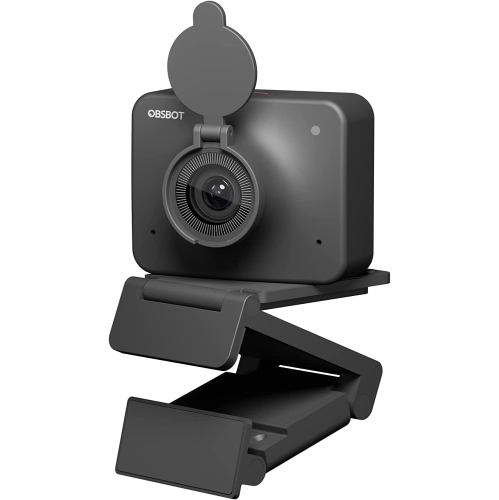
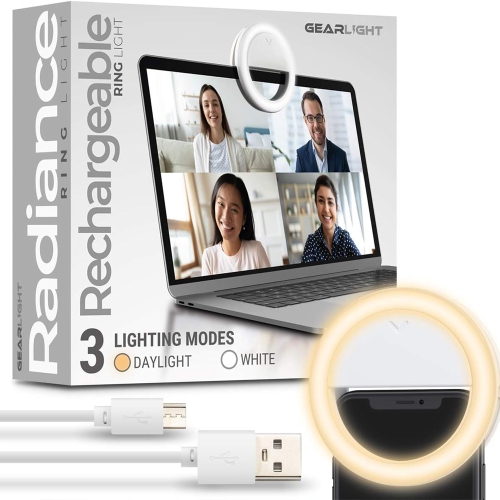
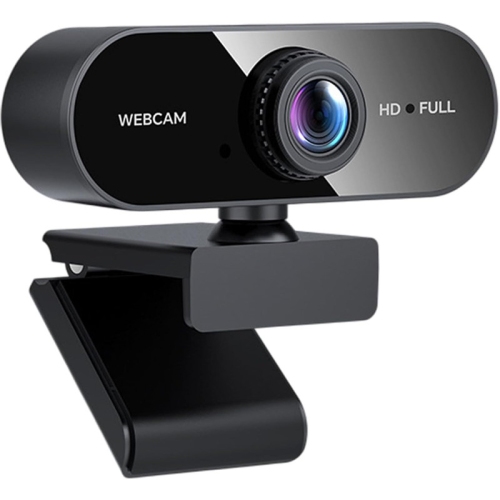
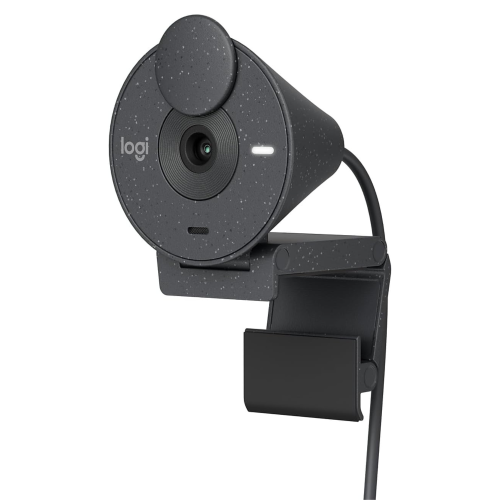
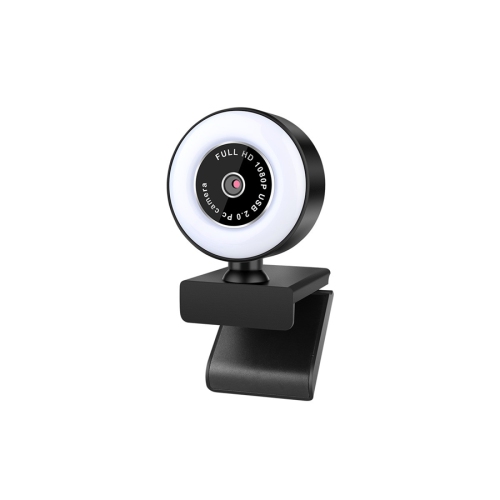
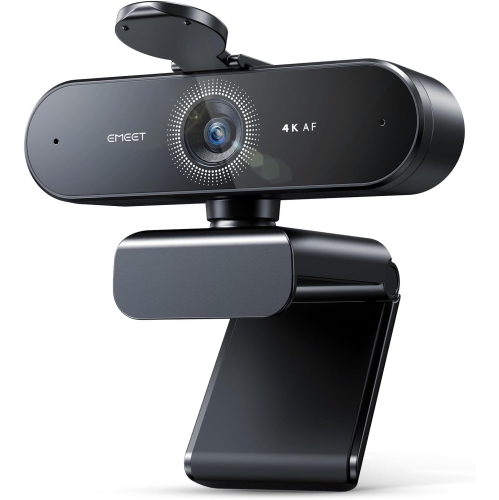
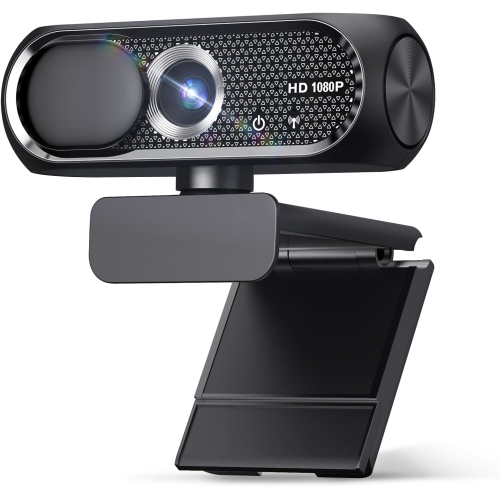
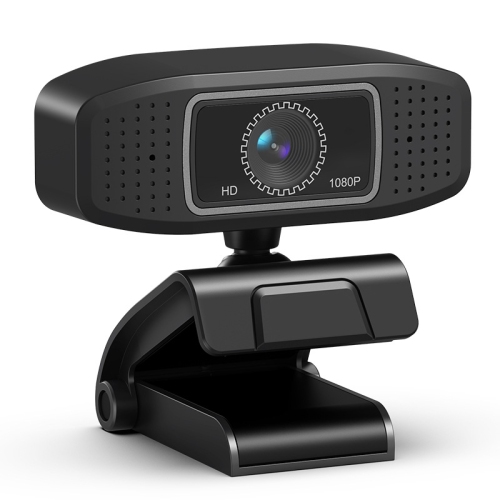
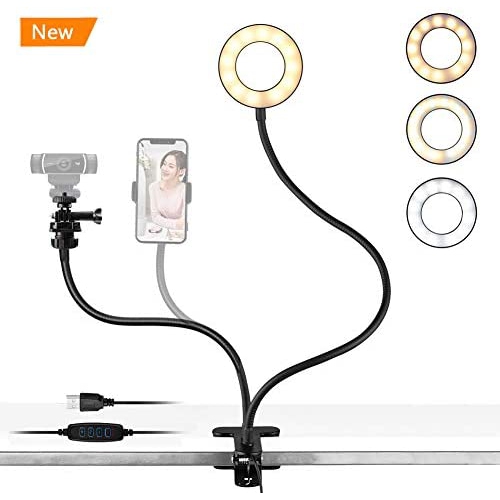
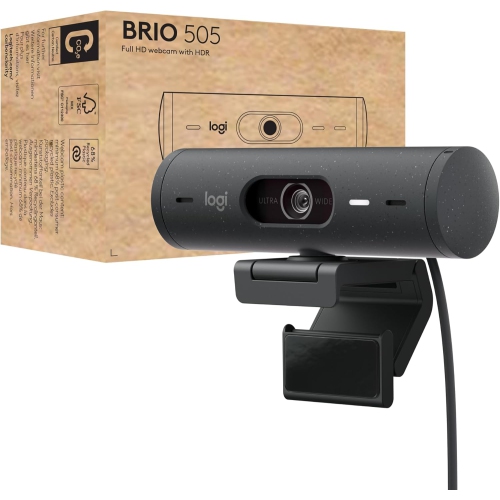
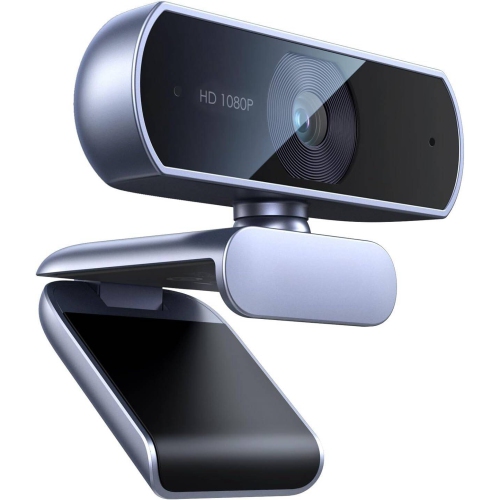
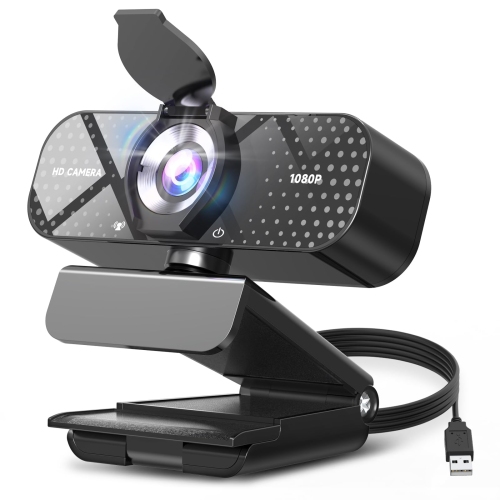
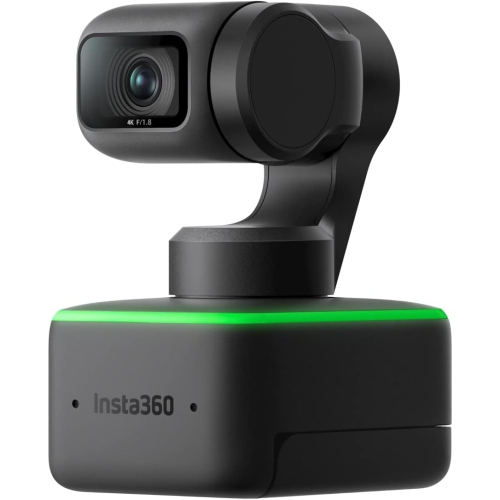
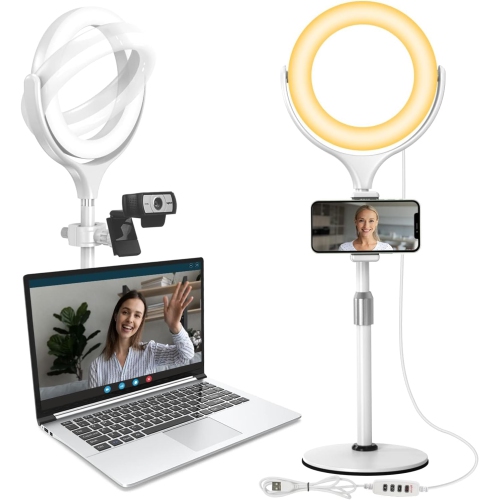
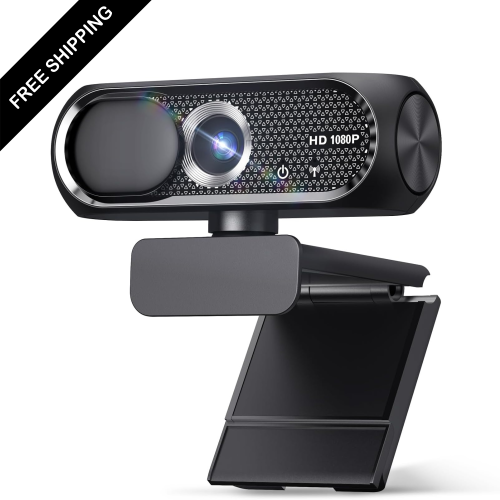
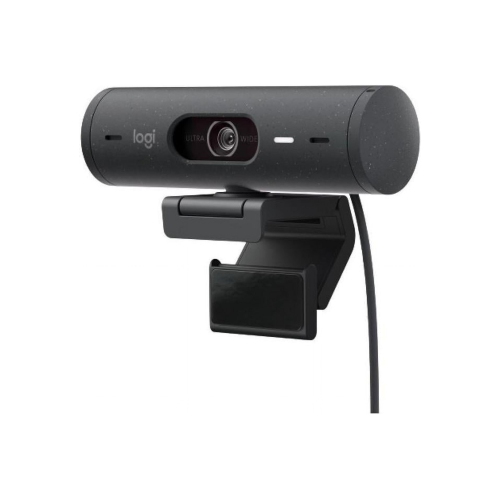
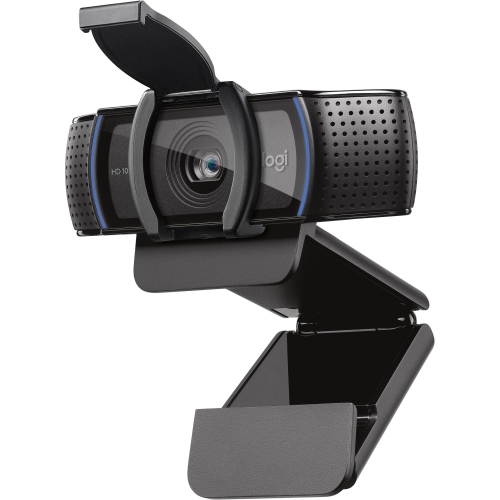
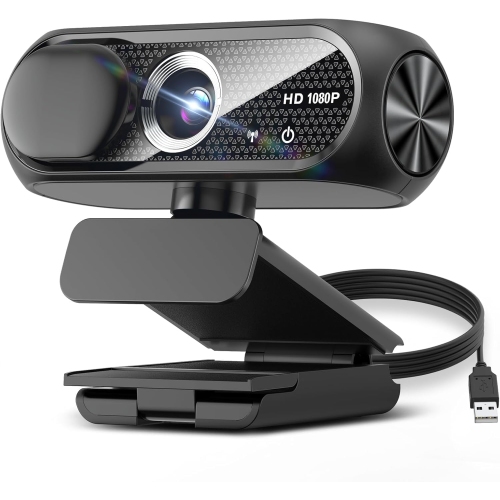
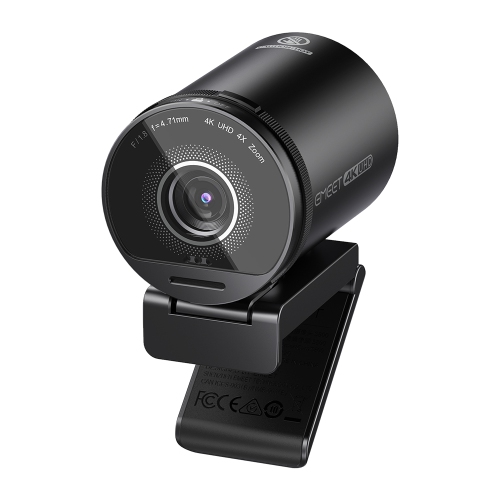
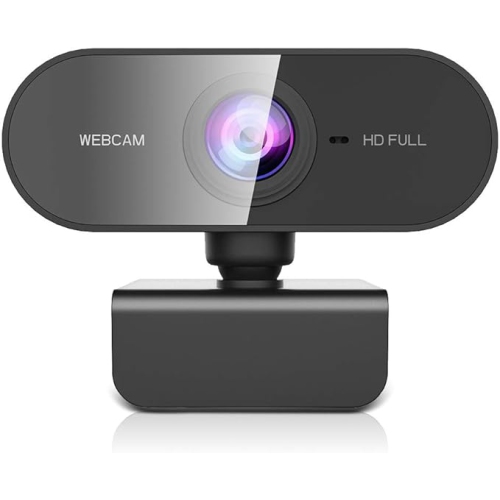
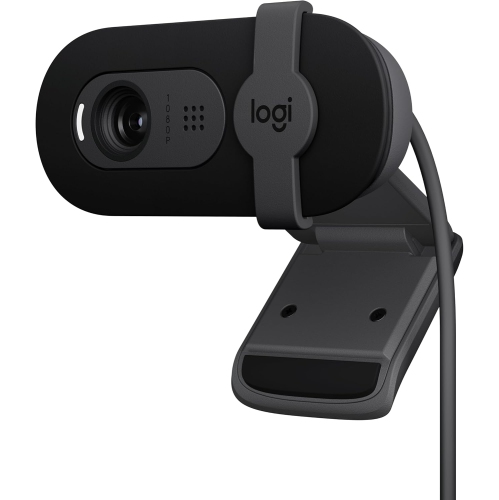
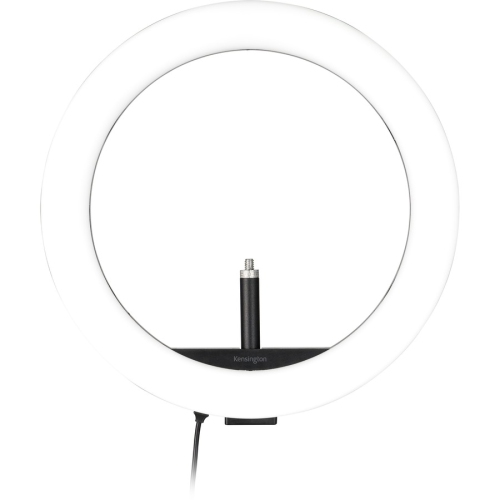
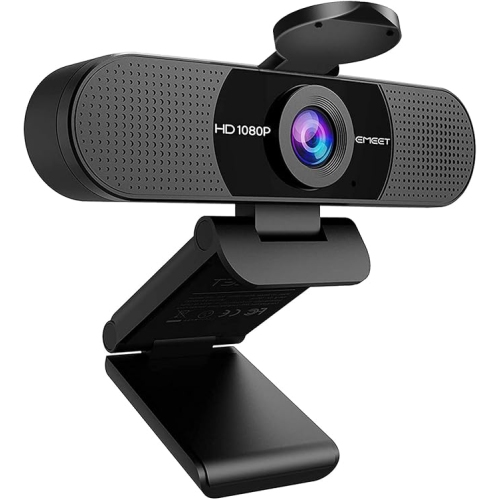
Webcams with ring lights combine two useful desk accessories in one compact device: a camera for video and an LED light positioned around the lens to illuminate your face. This design is especially helpful in rooms where overhead lighting creates shadows beneath the eyes, nose, or chin, or where a window provides uneven light from one side. A ring light points forward toward the person on camera, helping create a more balanced appearance during video calls, online classes, interviews, virtual appointments, livestreams, and recorded content. Many models offer Full HD 1080p video at 30 frames per second, while others may support 720p at 60 frames per second or higher-resolution 4K video. Resolution is only one part of image quality, however. Autofocus can help keep your face or presentation materials sharp as you move, while automatic exposure adjusts the image when the room becomes brighter or darker. A wide-angle lens can include more than one person in the frame or show a larger portion of a workspace, although a narrower viewing angle may be preferable if you want to keep the background less visible. When comparing webcams with ring lights, consider how and where you plan to use one. A person who spends much of the day in video meetings may value a flattering, consistent light and a clear microphone, while a student attending online classes may prioritize simple setup and a flexible clip that attaches securely to a laptop or monitor. Streamers, creators, and anyone recording tutorials may prefer higher resolution, smooth frame rates, adjustable focus, and lighting controls that make it easier to maintain a consistent look from one recording to the next.
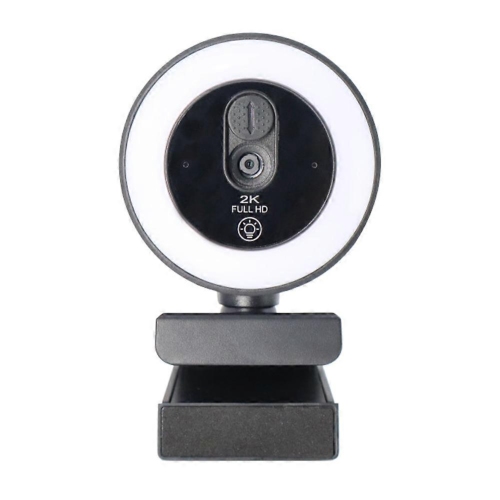
The lighting controls deserve close attention because they have a direct effect on comfort and appearance. Entry-level webcams with ring lights may offer several brightness levels, while more advanced designs can let you rotate a bezel, press a button, or use a side control to make precise adjustments without opening software. Some provide warm, cool, and neutral colour tones, allowing the light to complement the room’s existing lamps or daylight. A cooler tone can create a crisp, bright look, while a warmer tone may feel more natural in a room lit by soft lamps. Adjustable brightness is useful when moving between different settings, such as a bright home office during the day and a dimmer bedroom or living room during the cooler months. Look for a light that can be reduced enough to avoid glare while still lifting shadows on your face. A built-in ring light is not intended to replace every type of studio lighting, but it can be a practical solution when desk space is limited or when you need a quick improvement without arranging several lamps. Connection and mounting are also important. Most computer webcams use a USB connection and are designed for plug-and-play operation, so they can be connected to a compatible computer without complicated installation. Check the connector type and the requirements of your computer before purchasing, particularly if your laptop has only USB-C ports and the webcam uses a traditional USB-A plug. A hinged monitor clip can make setup quick, while a standard tripod thread may offer more placement options on a desk, shelf, or dedicated stand. Confirm that the clip will fit the thickness of your display and that the camera can tilt to the right height. Positioning the lens close to eye level usually produces a more natural perspective; placing it too low can make the camera point upward, while placing it too high may make you appear to look down.
Privacy and sound are worth considering alongside video and lighting. A physical privacy shutter or removable cover can block the lens when the camera is not in use, providing a simple visual reminder that video is off. Built-in microphones may reduce some background noise and make casual calls more convenient, but a separate headset or microphone can be a better choice in busy homes, shared offices, or rooms with echo. Compatibility with common video conferencing and streaming platforms is generally straightforward, but it is still sensible to check whether your preferred computer, operating system, and software support the webcam’s resolution, frame rate, and controls. These webcams can make thoughtful gifts for remote workers, students, job seekers, grandparents who want clearer family calls, and creators building a home recording setup. They are also useful for people who regularly connect with friends or relatives during the cooler months, when more conversations and activities take place indoors. A webcam with a built-in light can be kept beside a laptop and ready for a last-minute meeting, or mounted above a monitor as part of a more permanent workspace. To get the best results, place the camera in front of you rather than far off to one side, keep the ring light near lens height, and avoid positioning a bright window directly behind your head. A tidy background is helpful, but a little separation between you and the wall can make the image feel less flat. If your webcam does not include the lighting features you need, a separate option may provide greater control over placement and brightness; explore Best Ring Lights for Zoom Calls for additional lighting ideas. By weighing resolution, frame rate, autofocus, field of view, microphone performance, connection type, mounting flexibility, privacy features, and ring-light controls together, you can choose a webcam that suits your space and supports comfortable, well-lit communication.
The lighting controls deserve close attention because they have a direct effect on comfort and appearance. Entry-level webcams with ring lights may offer several brightness levels, while more advanced designs can let you rotate a bezel, press a button, or use a side control to make precise adjustments without opening software. Some provide warm, cool, and neutral colour tones, allowing the light to complement the room’s existing lamps or daylight. A cooler tone can create a crisp, bright look, while a warmer tone may feel more natural in a room lit by soft lamps. Adjustable brightness is useful when moving between different settings, such as a bright home office during the day and a dimmer bedroom or living room during the cooler months. Look for a light that can be reduced enough to avoid glare while still lifting shadows on your face. A built-in ring light is not intended to replace every type of studio lighting, but it can be a practical solution when desk space is limited or when you need a quick improvement without arranging several lamps. Connection and mounting are also important. Most computer webcams use a USB connection and are designed for plug-and-play operation, so they can be connected to a compatible computer without complicated installation. Check the connector type and the requirements of your computer before purchasing, particularly if your laptop has only USB-C ports and the webcam uses a traditional USB-A plug. A hinged monitor clip can make setup quick, while a standard tripod thread may offer more placement options on a desk, shelf, or dedicated stand. Confirm that the clip will fit the thickness of your display and that the camera can tilt to the right height. Positioning the lens close to eye level usually produces a more natural perspective; placing it too low can make the camera point upward, while placing it too high may make you appear to look down.
Privacy and sound are worth considering alongside video and lighting. A physical privacy shutter or removable cover can block the lens when the camera is not in use, providing a simple visual reminder that video is off. Built-in microphones may reduce some background noise and make casual calls more convenient, but a separate headset or microphone can be a better choice in busy homes, shared offices, or rooms with echo. Compatibility with common video conferencing and streaming platforms is generally straightforward, but it is still sensible to check whether your preferred computer, operating system, and software support the webcam’s resolution, frame rate, and controls. These webcams can make thoughtful gifts for remote workers, students, job seekers, grandparents who want clearer family calls, and creators building a home recording setup. They are also useful for people who regularly connect with friends or relatives during the cooler months, when more conversations and activities take place indoors. A webcam with a built-in light can be kept beside a laptop and ready for a last-minute meeting, or mounted above a monitor as part of a more permanent workspace. To get the best results, place the camera in front of you rather than far off to one side, keep the ring light near lens height, and avoid positioning a bright window directly behind your head. A tidy background is helpful, but a little separation between you and the wall can make the image feel less flat. If your webcam does not include the lighting features you need, a separate option may provide greater control over placement and brightness; explore Best Ring Lights for Zoom Calls for additional lighting ideas. By weighing resolution, frame rate, autofocus, field of view, microphone performance, connection type, mounting flexibility, privacy features, and ring-light controls together, you can choose a webcam that suits your space and supports comfortable, well-lit communication.
Top selling and popular products
-
 Your price for this item is $79.99
 -
 Your price for this item is $123.44
 -
 Your price for this item is $27.98
 -
 Your price for this item is $48.49
 -
 Your price for this item is $149.99
 -
 Your price for this item is $249.99
 -
 Your price for this item is $49.99
 -
 Your price for this item is $34.99
Discover more categories related to Webcams With Ring Light
Top Collections:
Pokemon Centers, Best Cameras for Sports Photography, Kindle Devices, Samsung Galaxy Phones, Canon G7X Cameras, Pokémon 30th Celebration Cards, Refurbished Apple Laptops, iPhone 15 Apple, Laptops for Students, Budget Smartphones
Some products may be subject to Environmental Handling Fees
(EHF) depending on your province.
Learn more about EHFs.