Wi-Fi 6e Routers
Upgrade your home network with the latest technology - Wifi 6e. Say goodbye to buffering and slow internet speeds, and hello to ultra-fast and reliable connections. With Wifi 6e routers, you can experience lightning-fast downloads, seamless streaming, and lag-free gaming on multiple devices simultaneously. Get ready for a whole new level of connectivity and performance that will transform the way you work, play, and stay connected at home. Discover the power of Wifi 6e routers today!
Sort
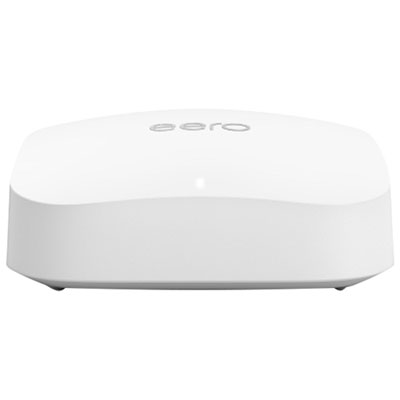
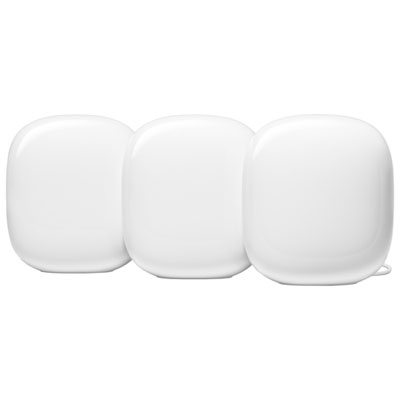
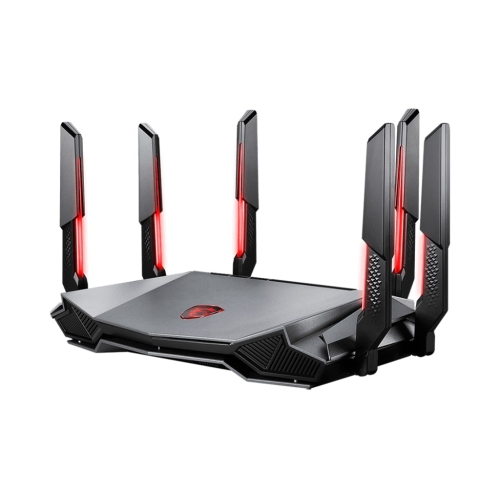

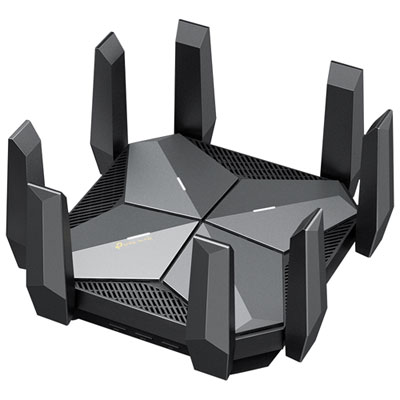
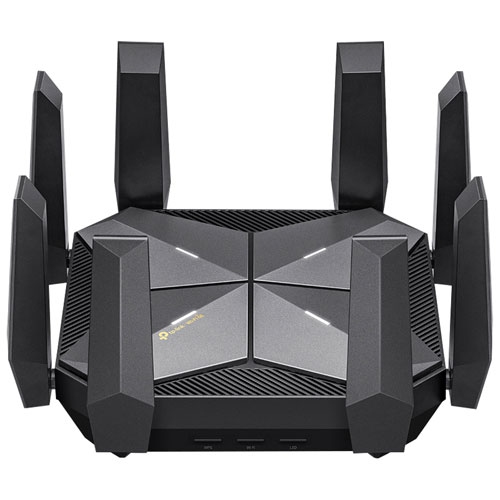
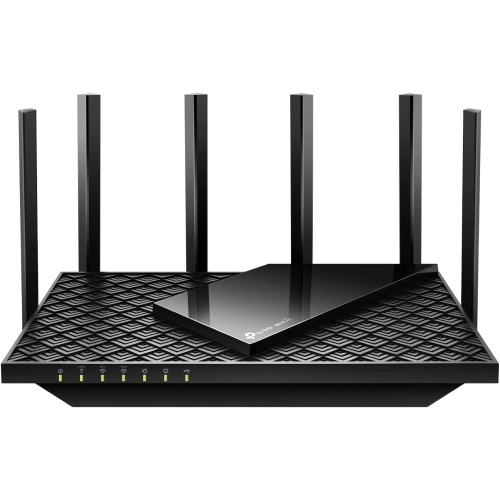

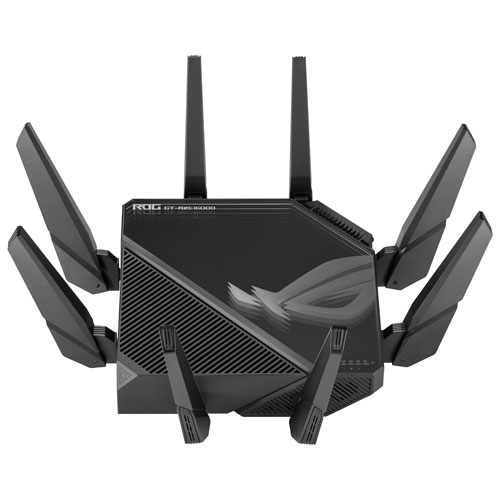
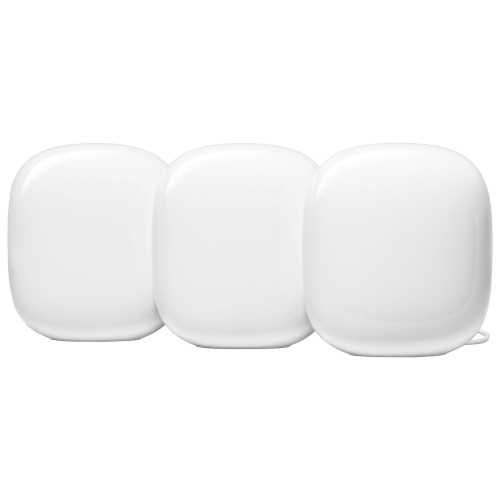
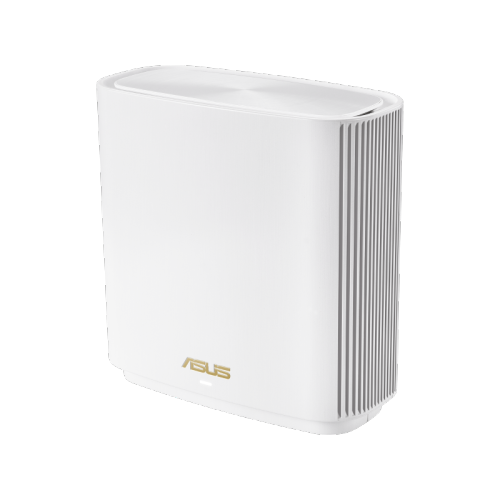
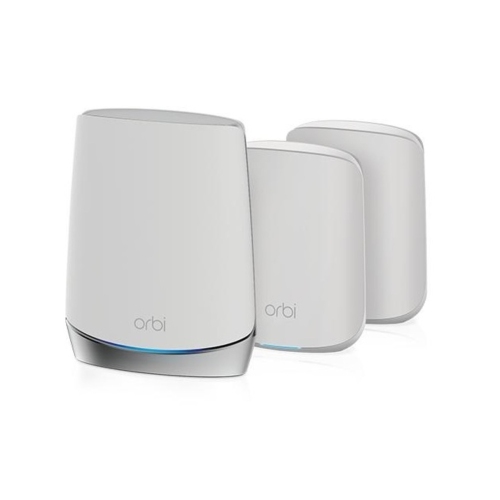
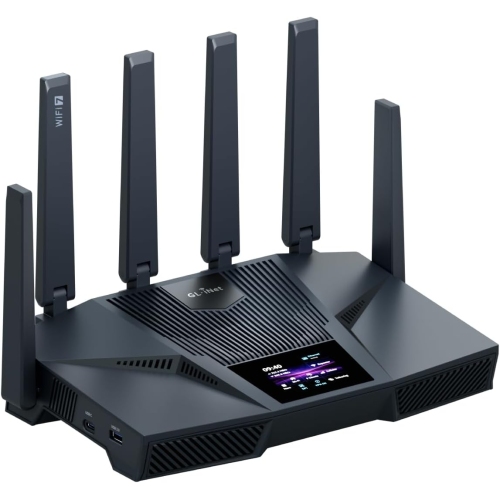
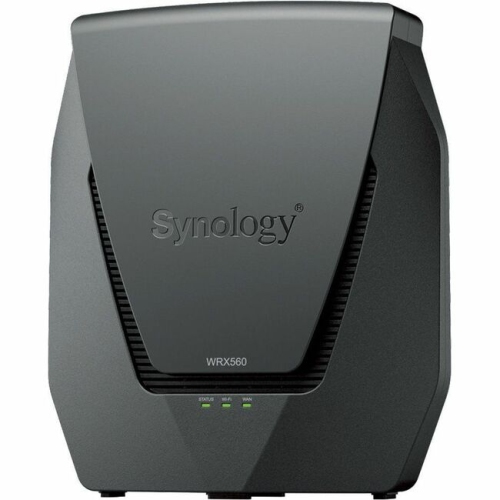
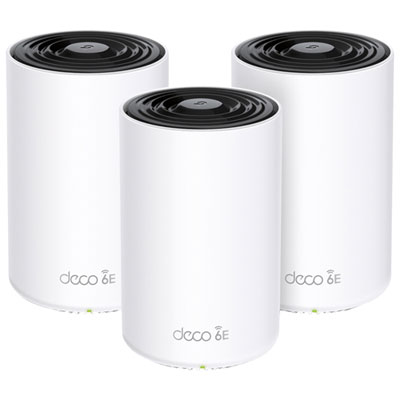
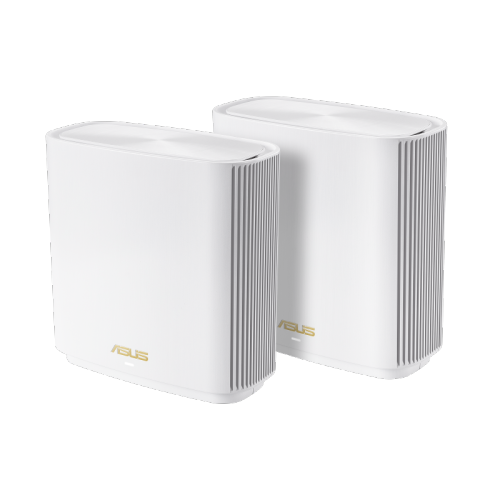

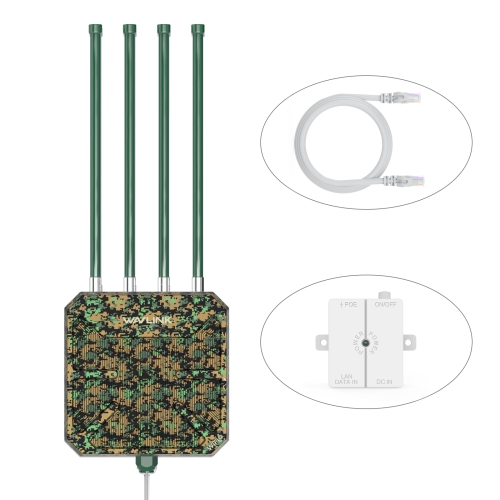
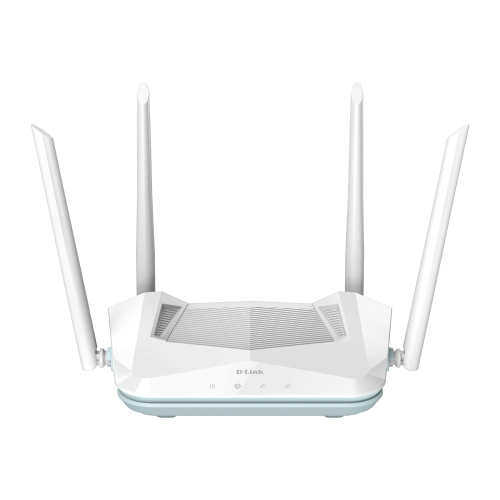
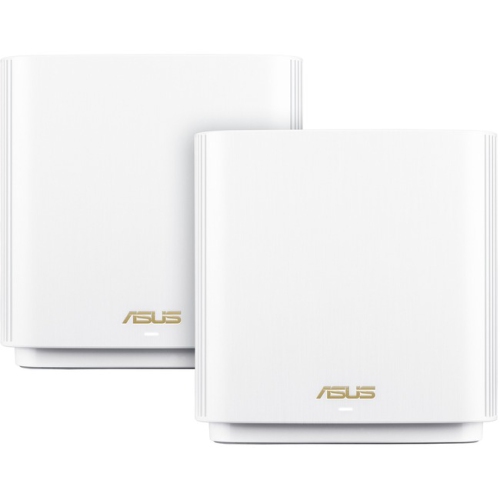
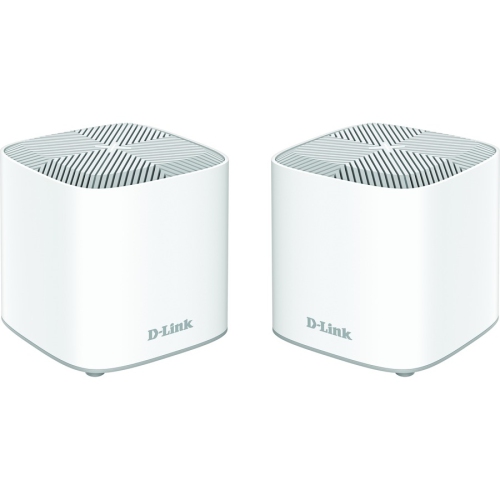
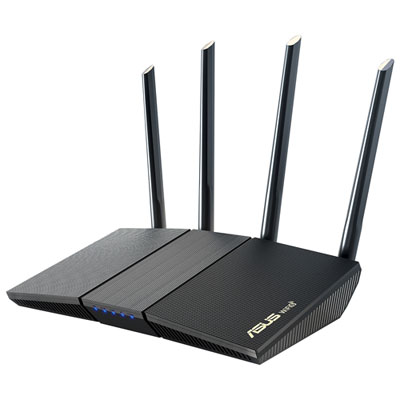
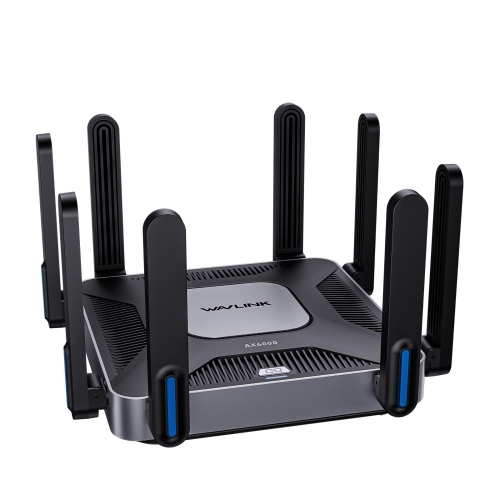
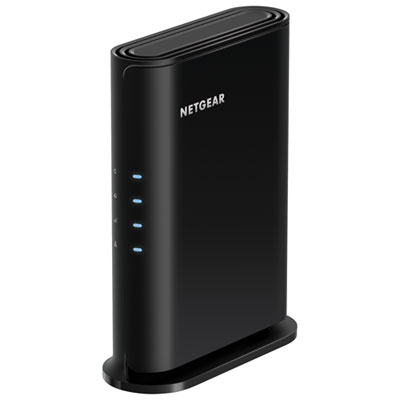
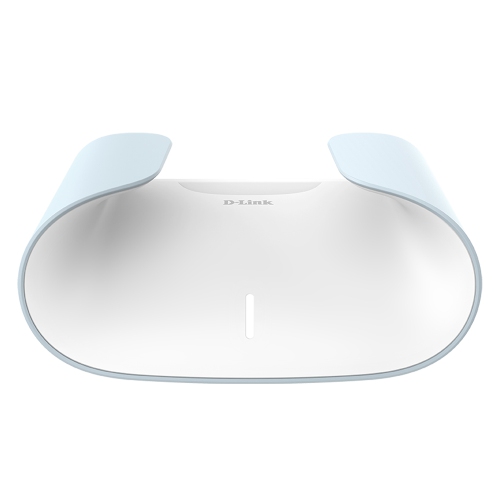
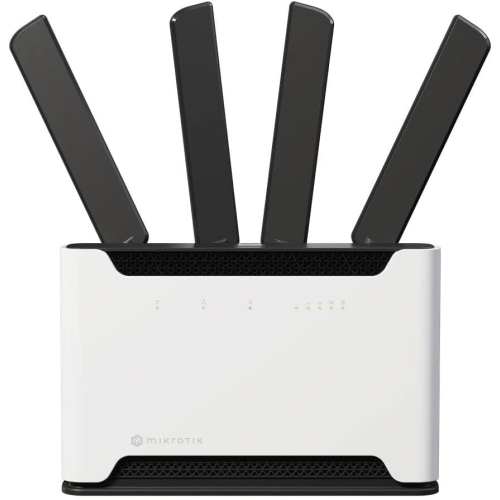
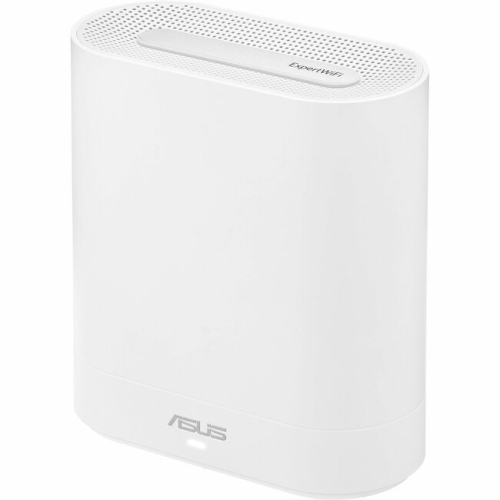
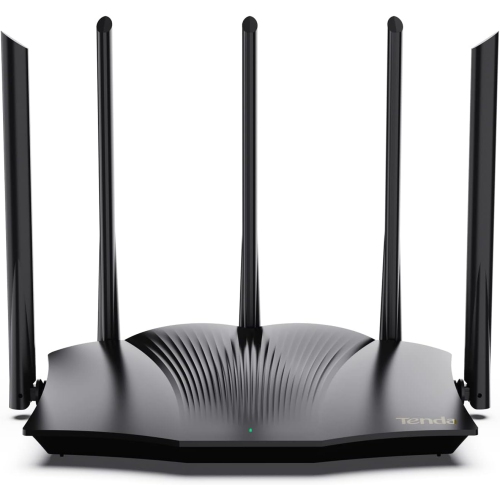
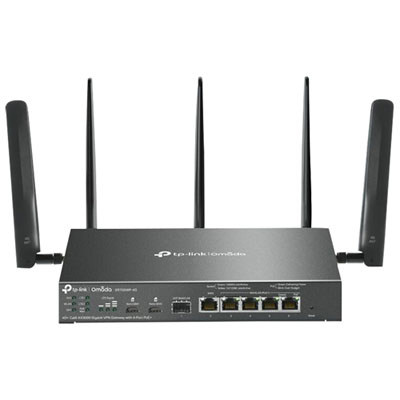
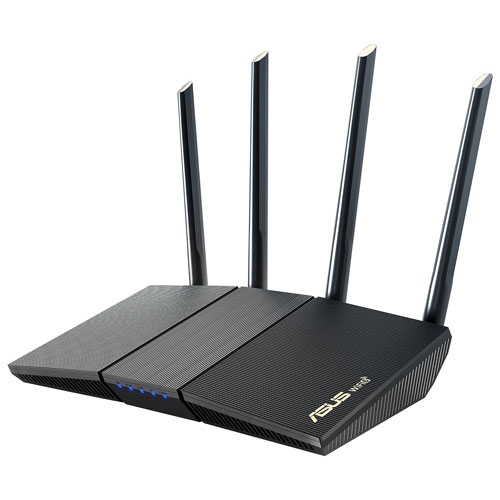
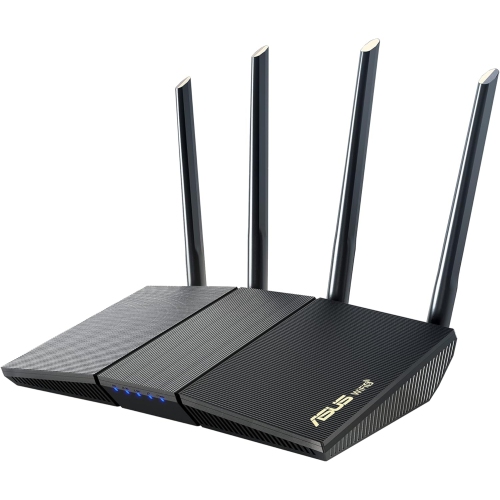
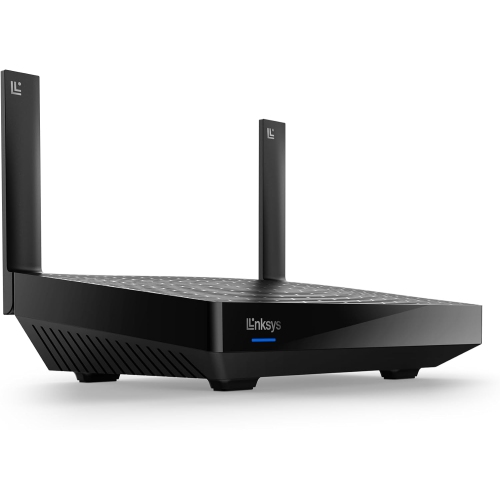
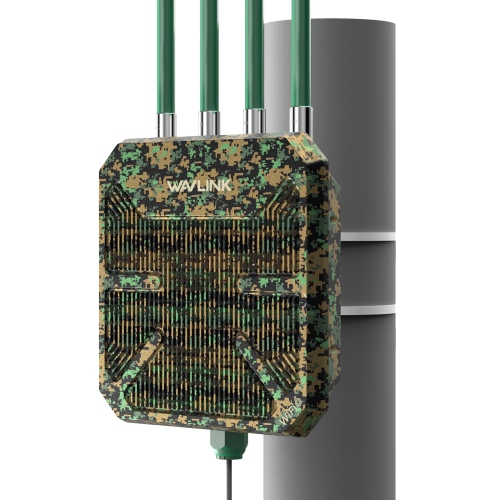
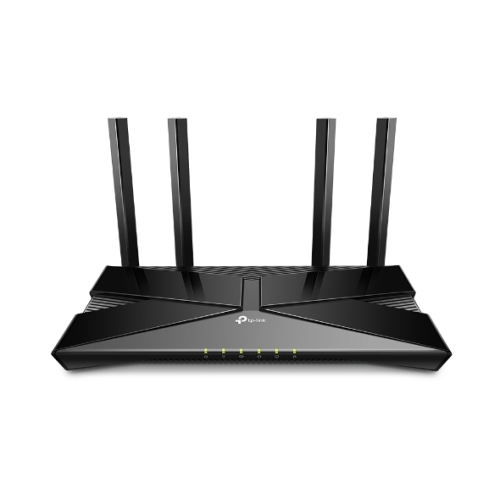
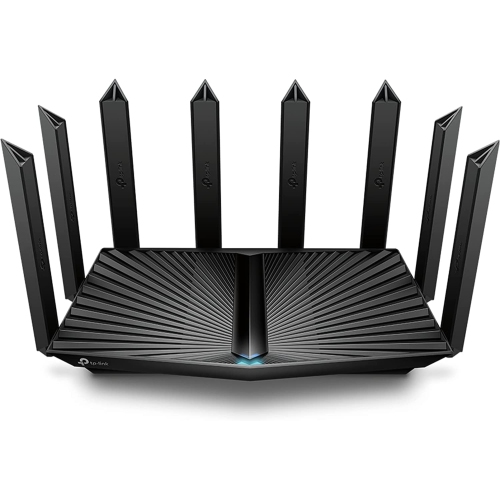
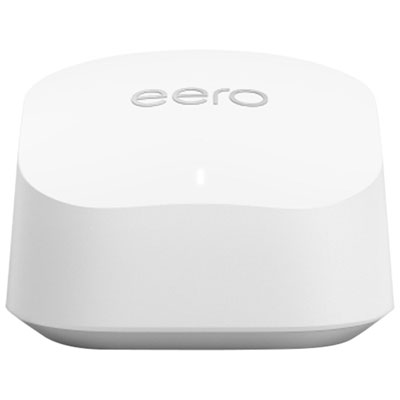
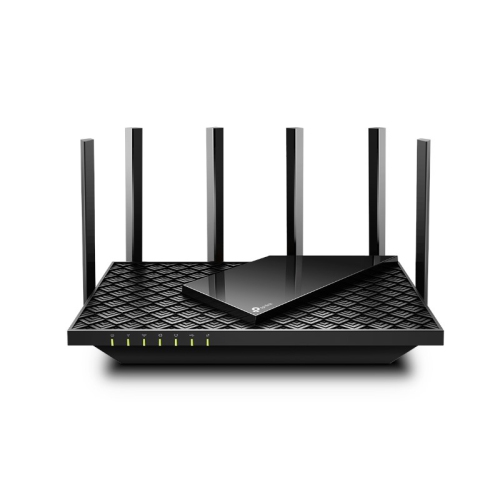
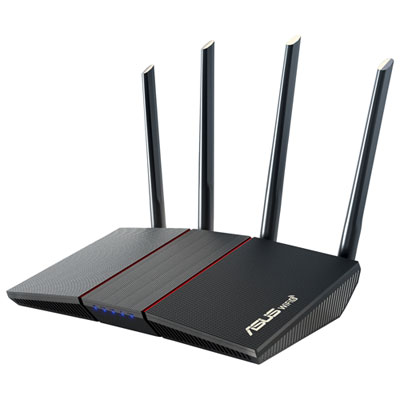
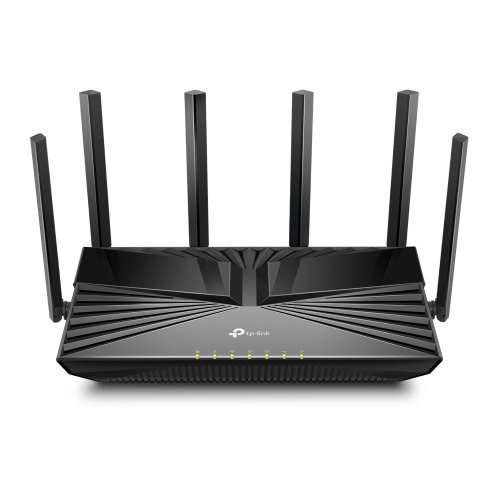
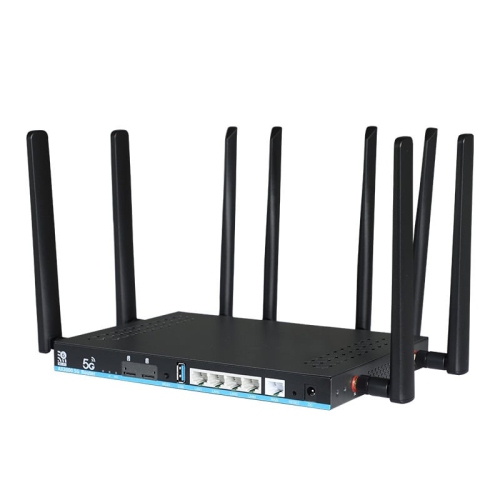
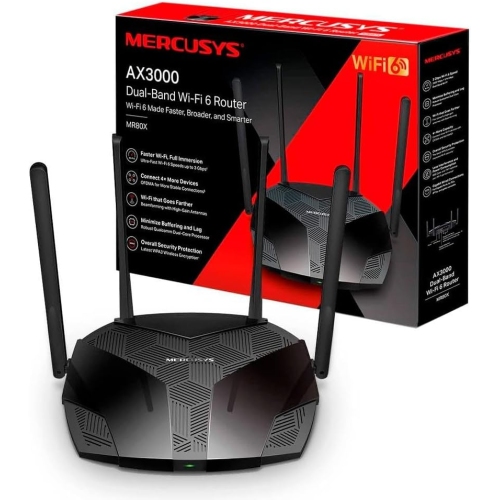
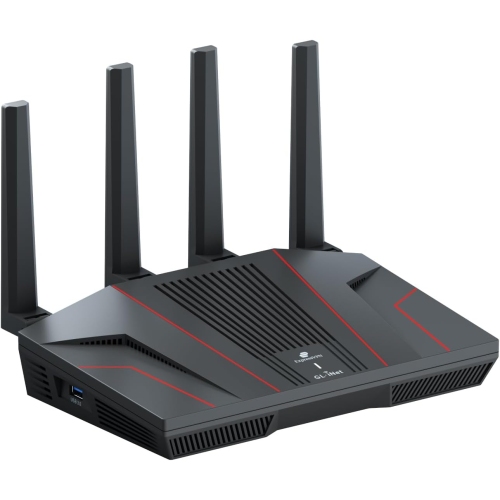
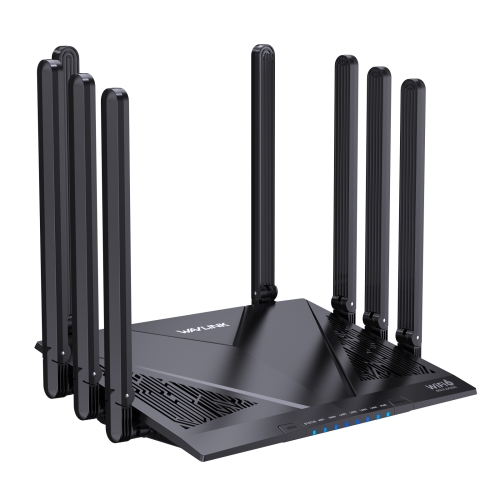
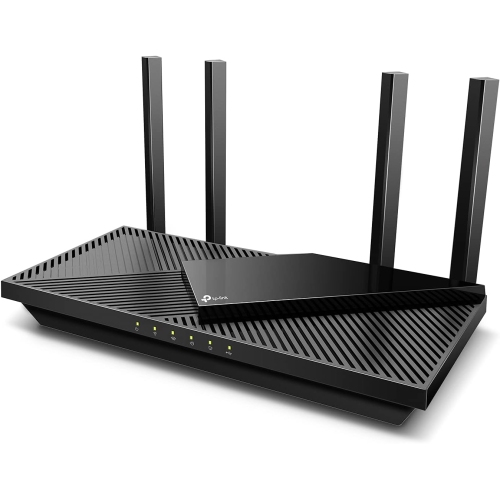
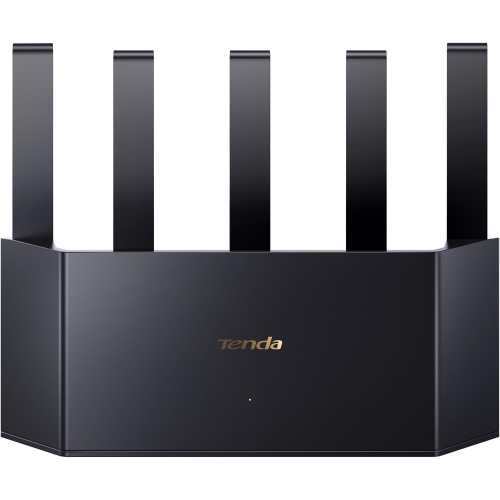
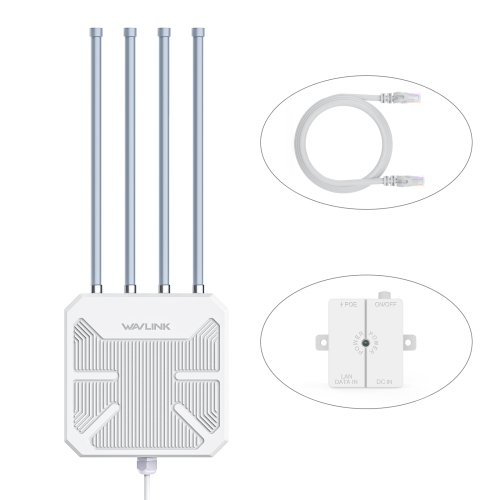
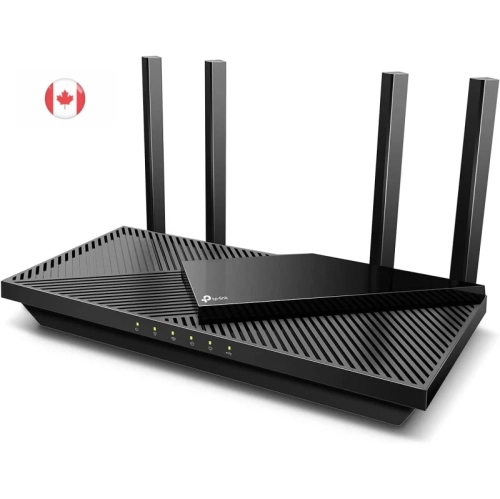
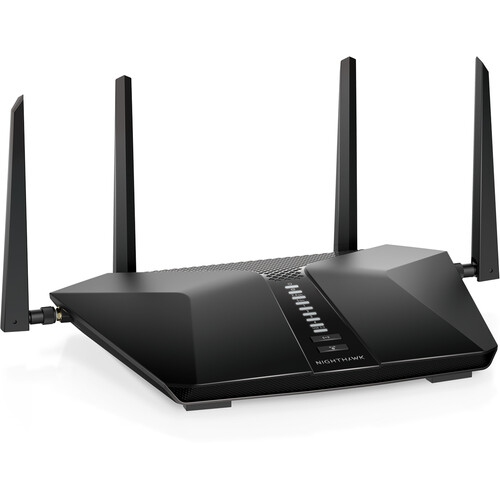
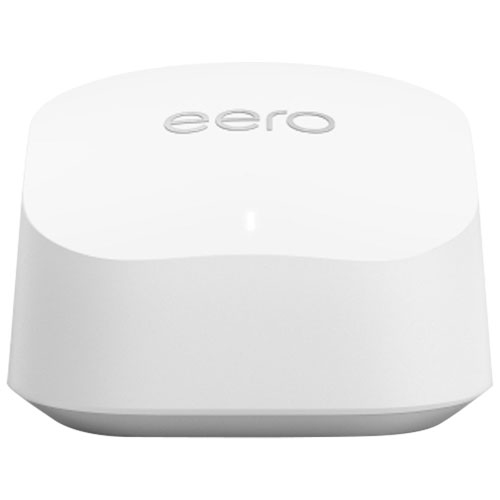
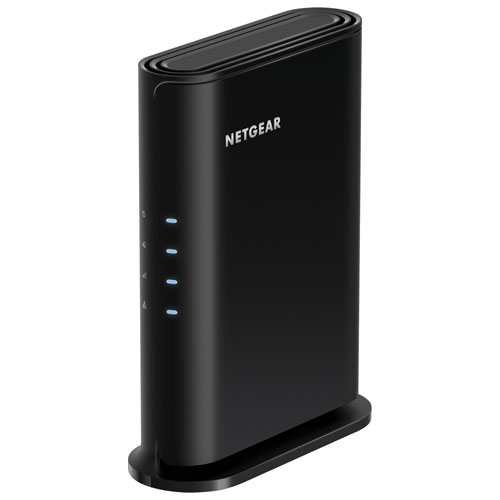
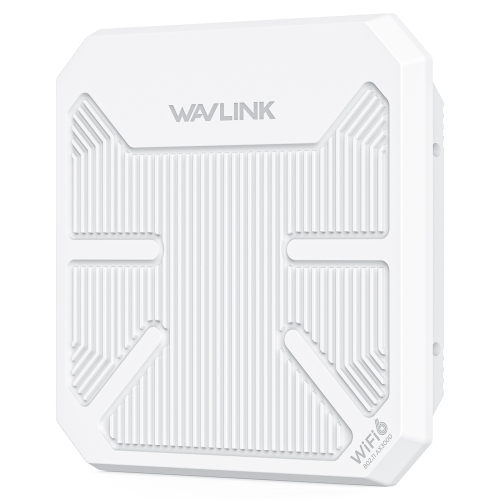
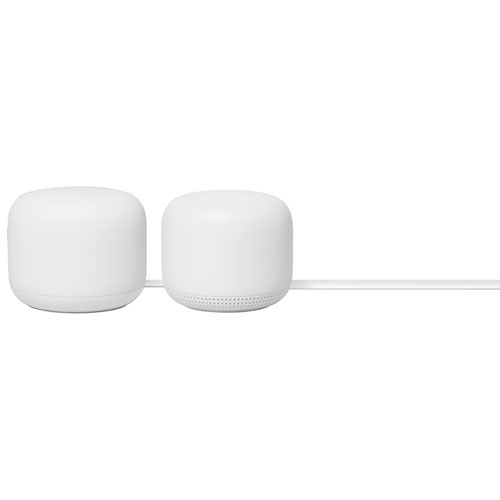
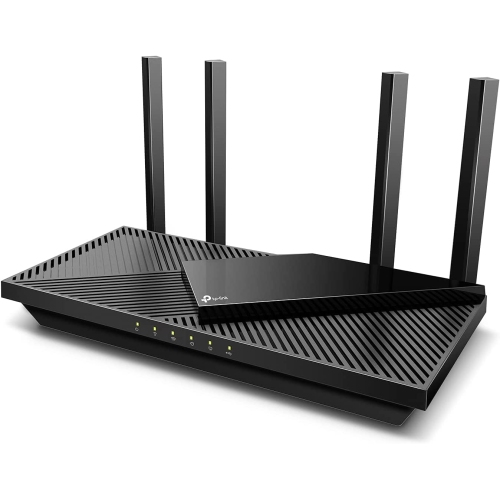
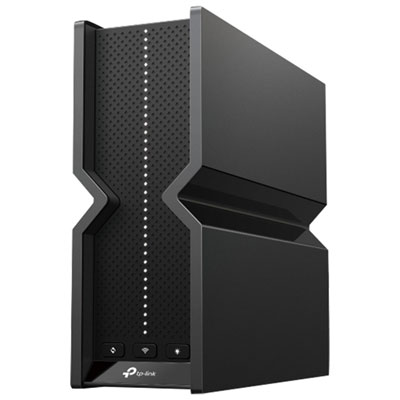
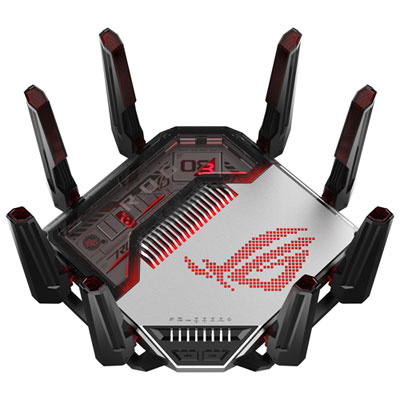
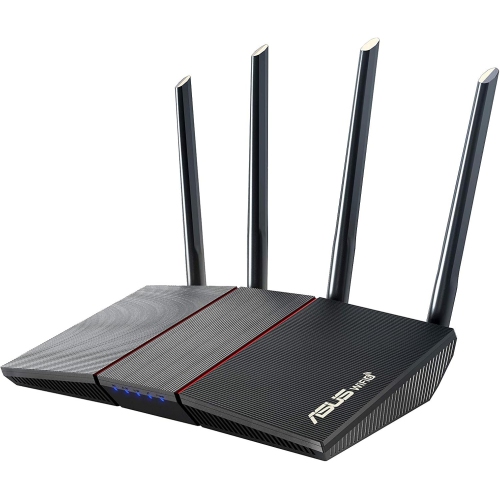
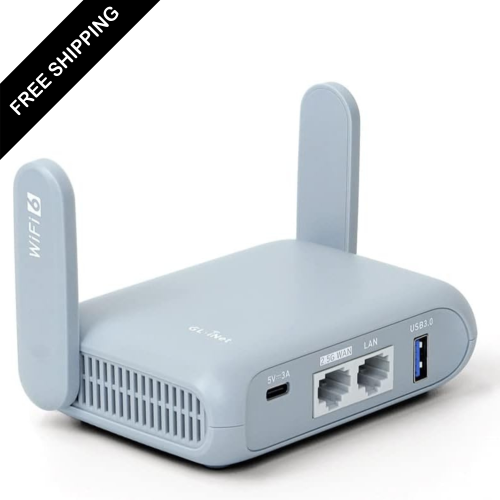
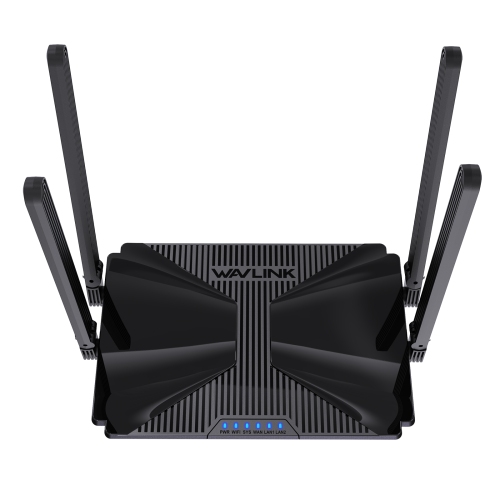
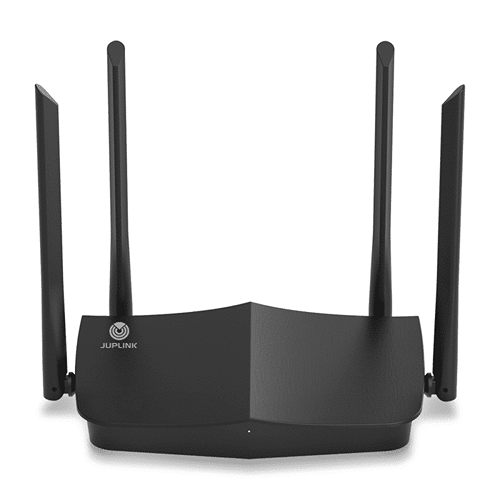
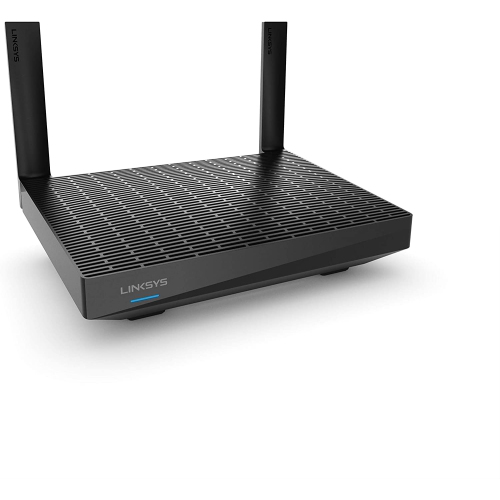
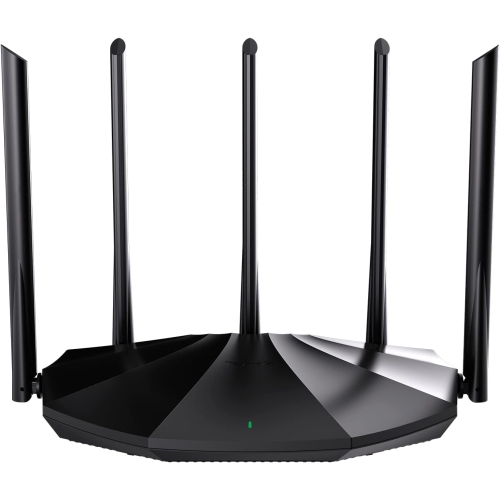
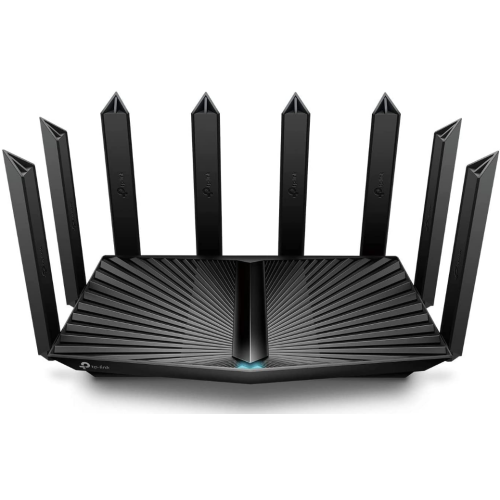
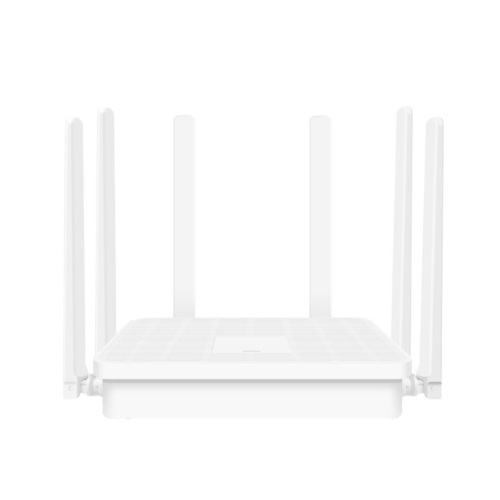
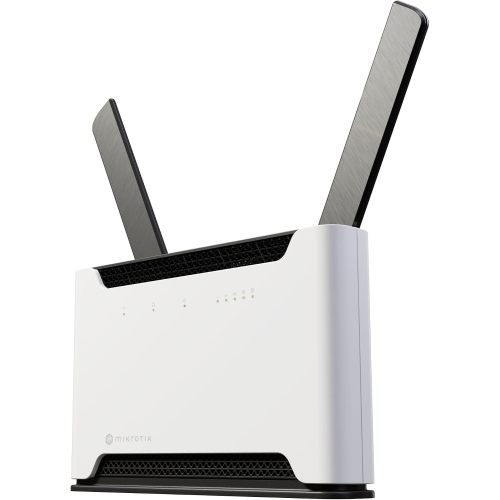
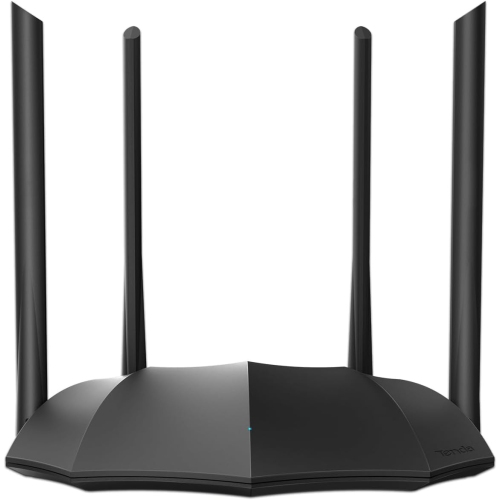
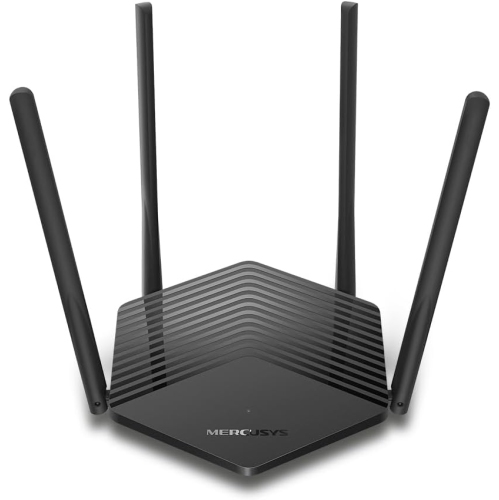
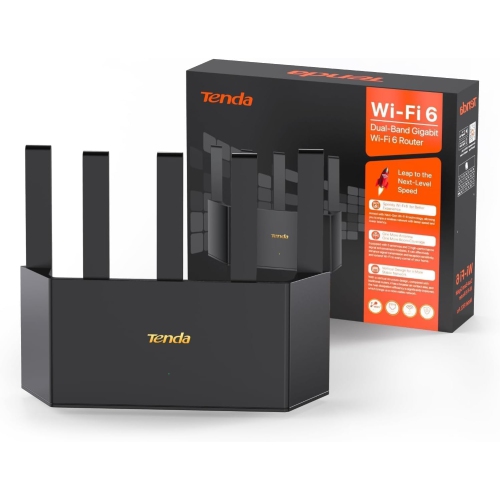
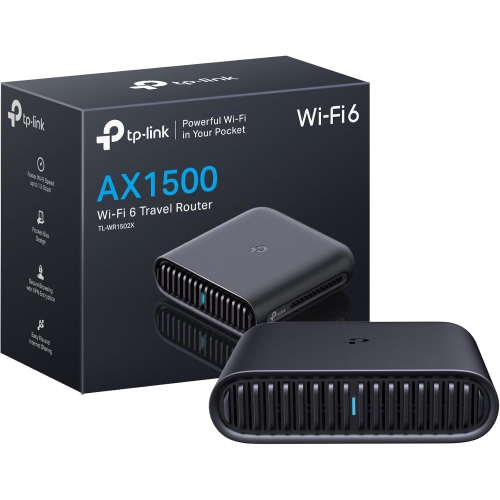
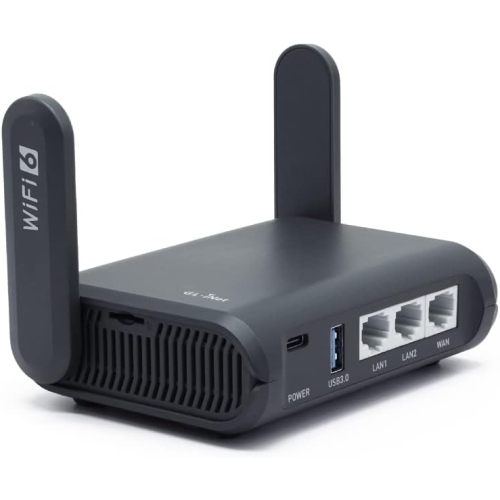
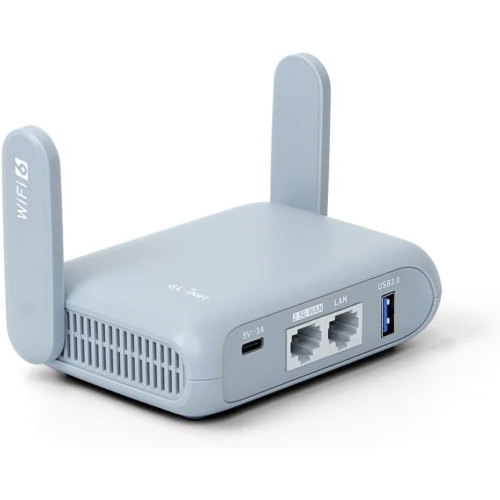
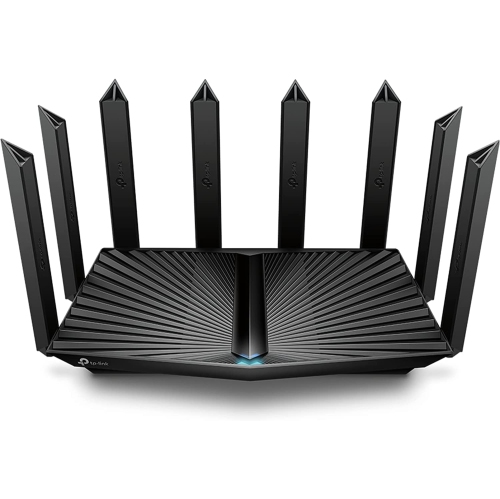
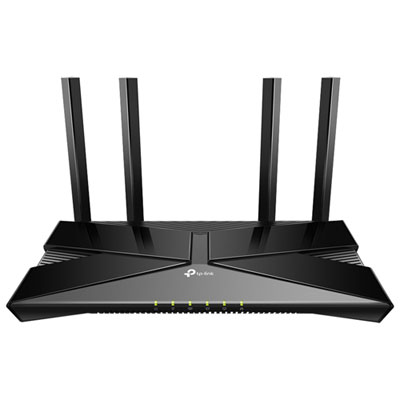
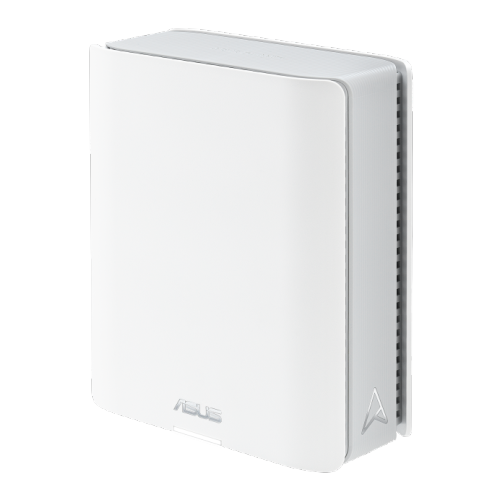
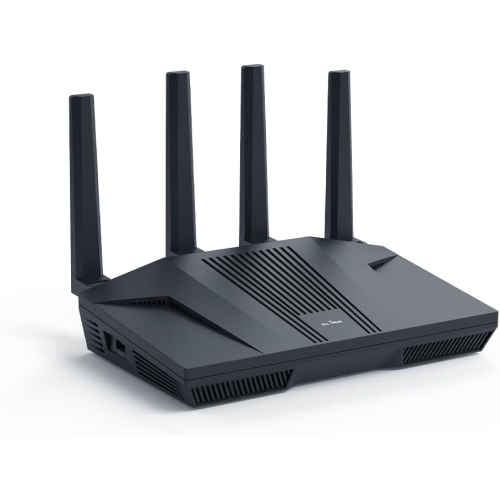
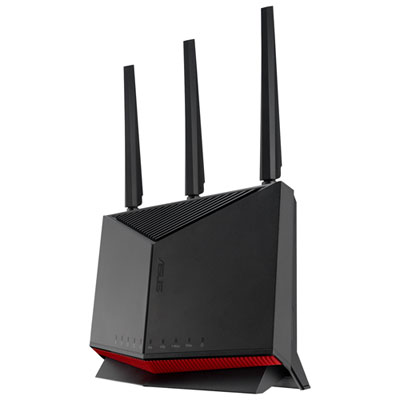
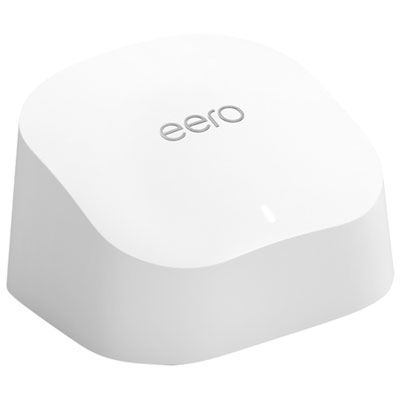
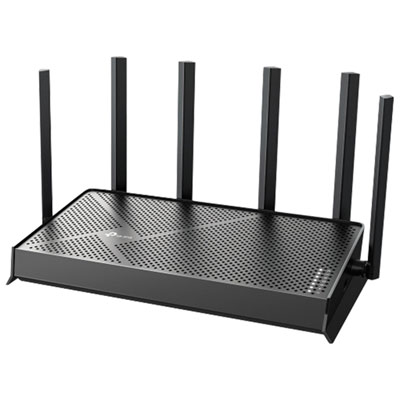
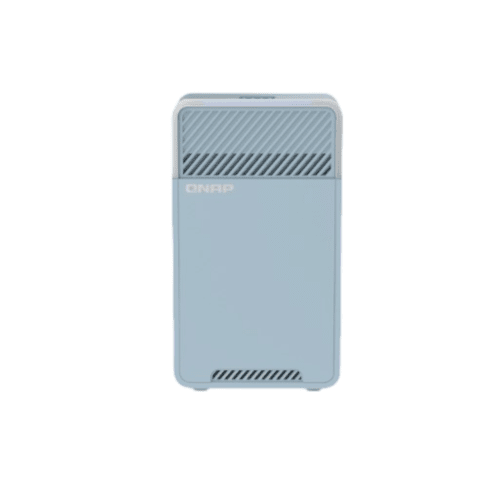
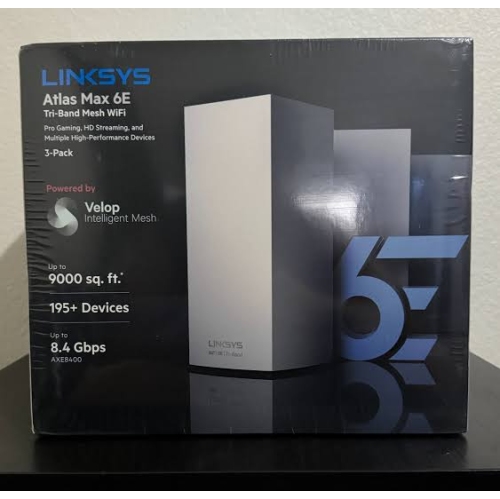
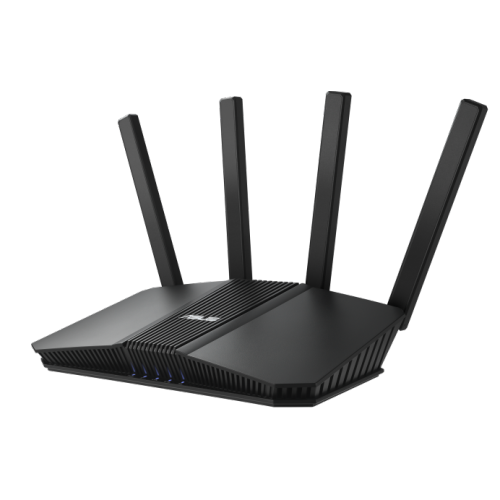
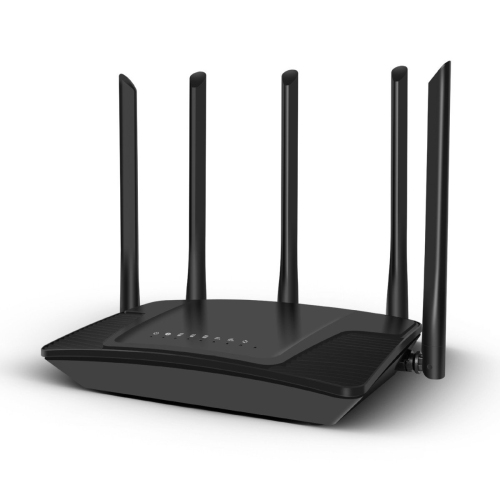
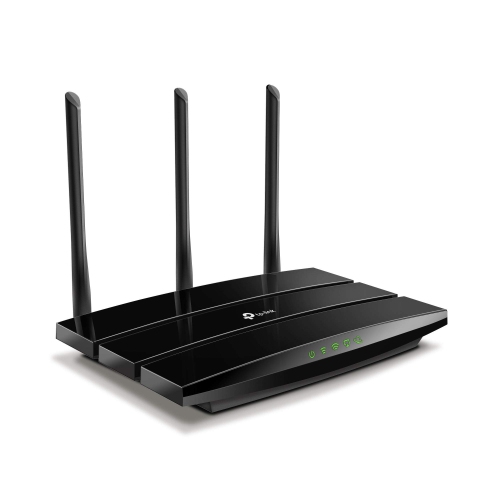
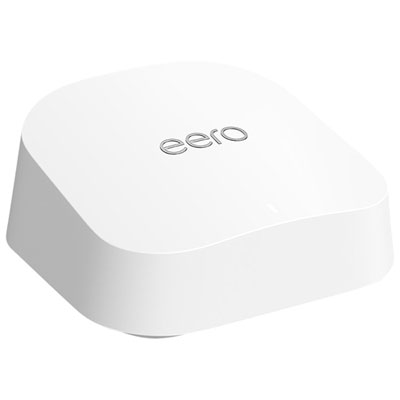
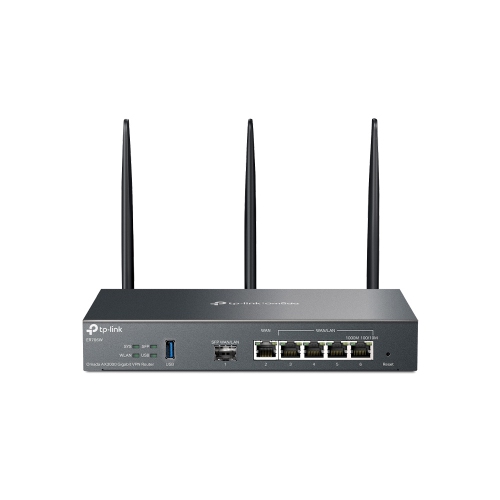
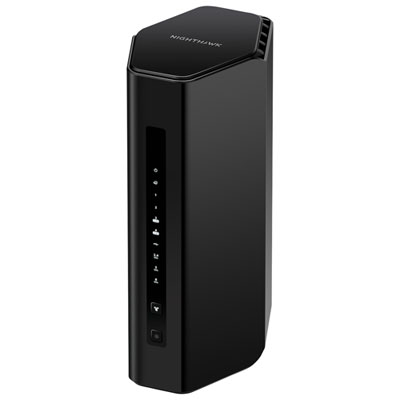
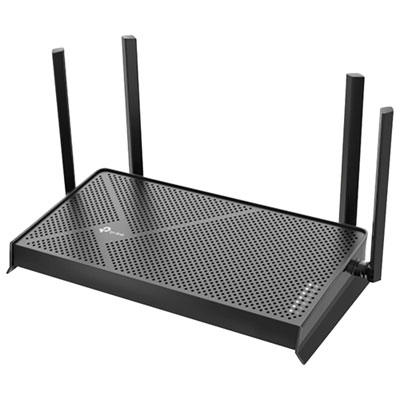
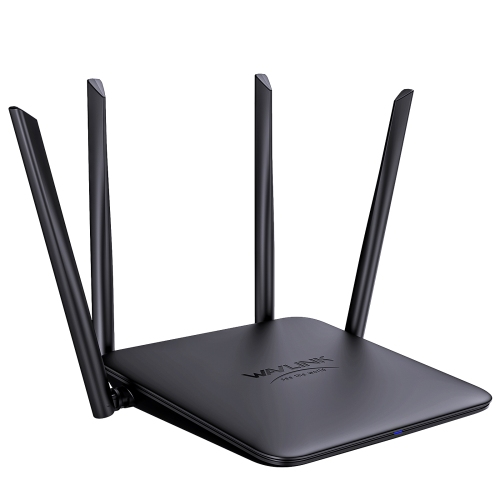
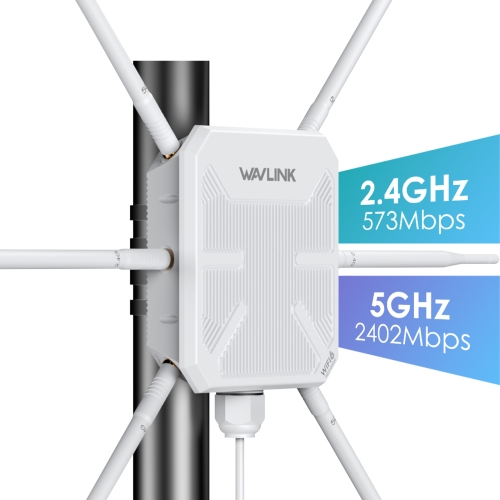
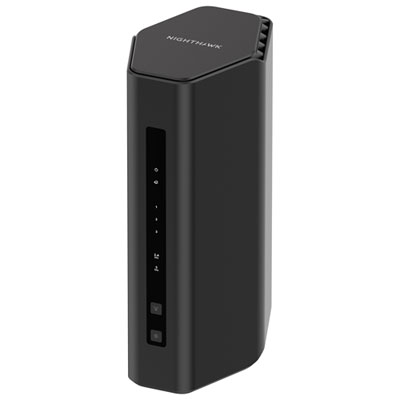
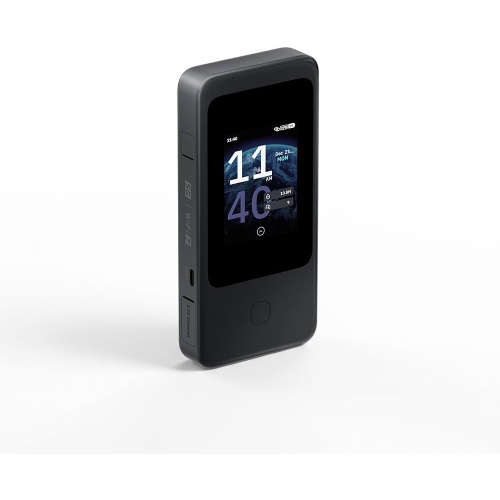
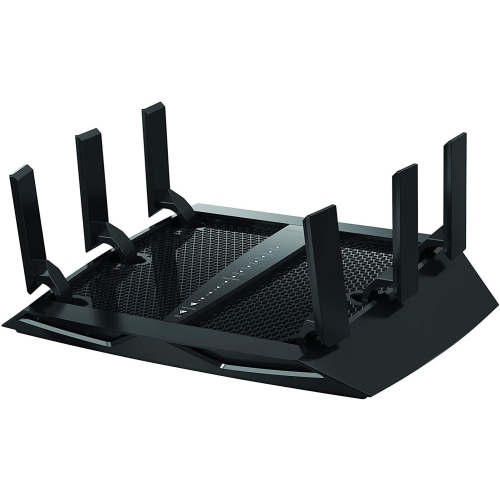
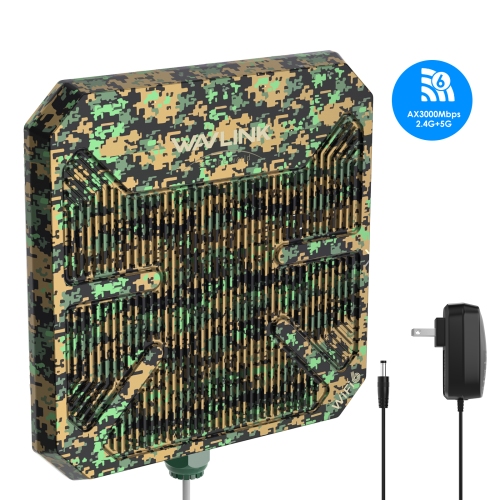
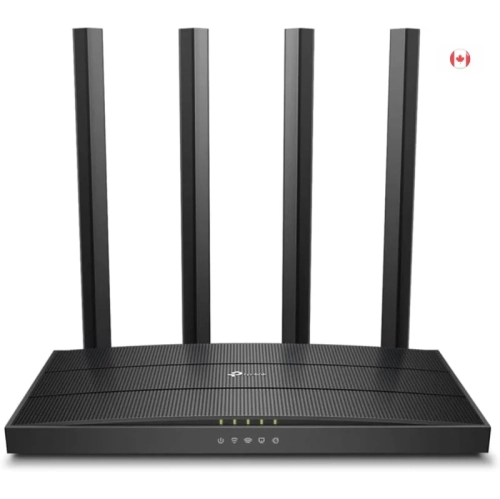
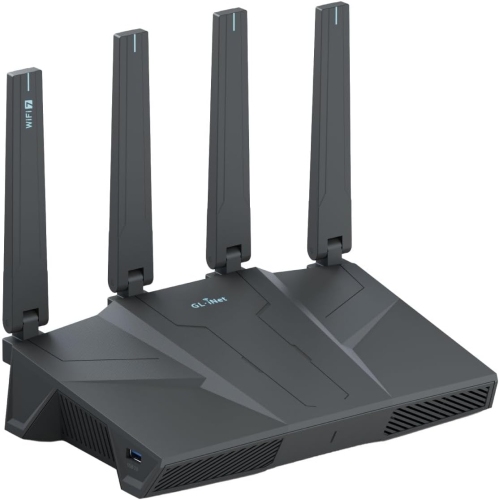
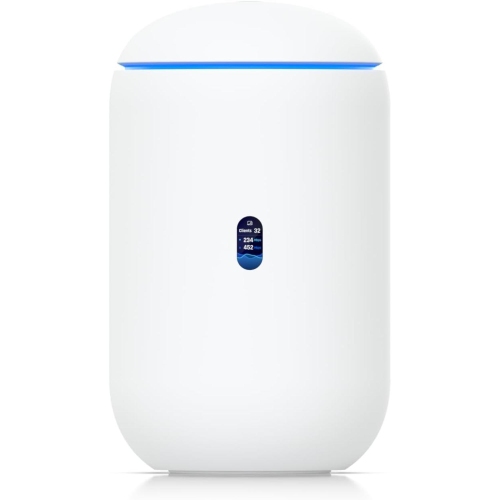

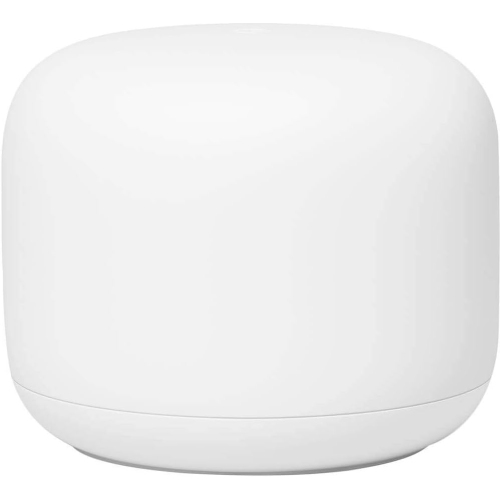
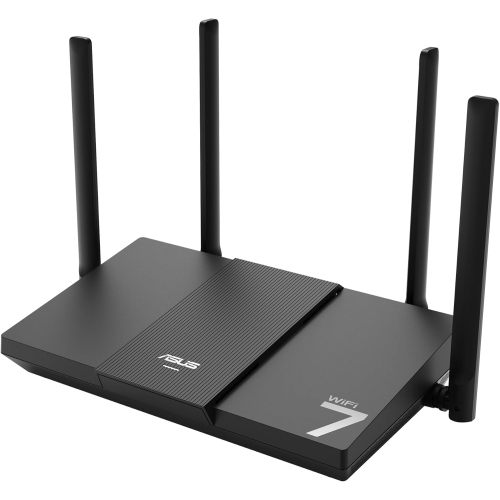
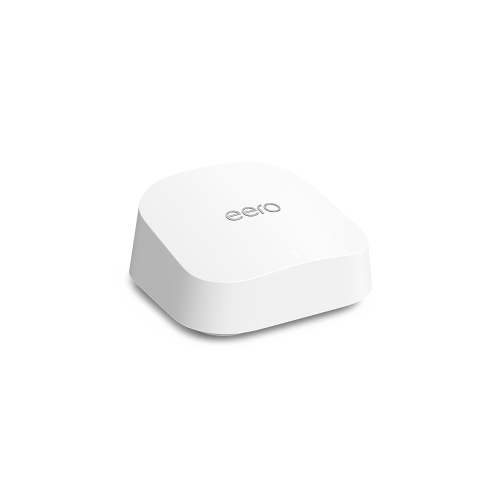
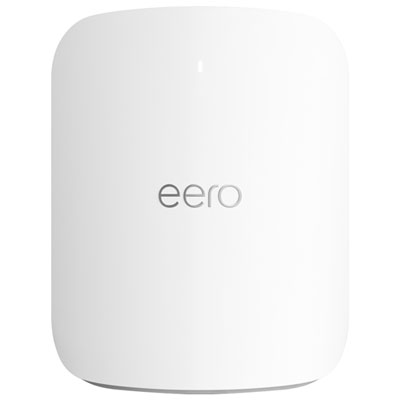
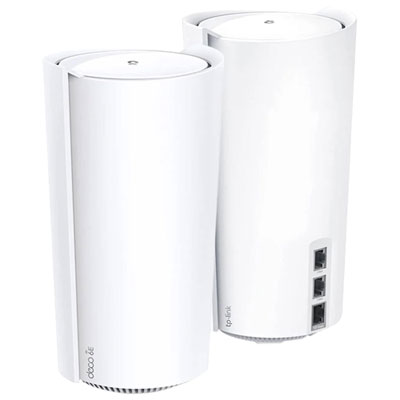
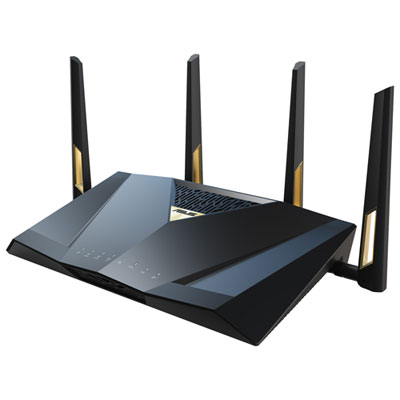
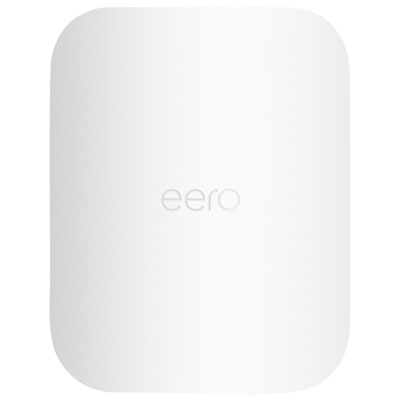
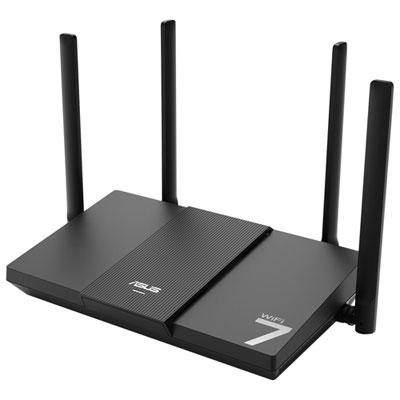
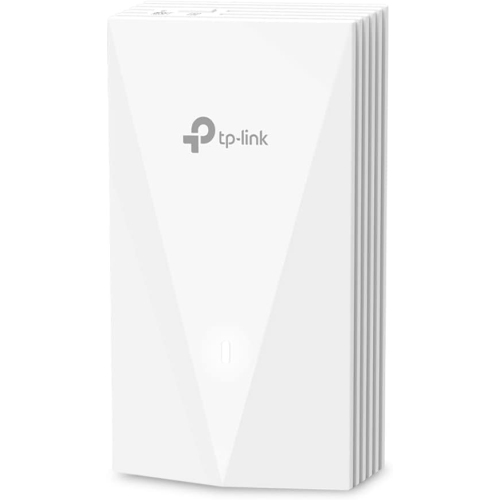
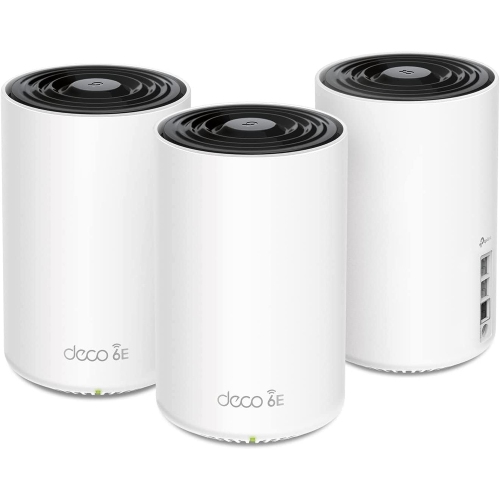
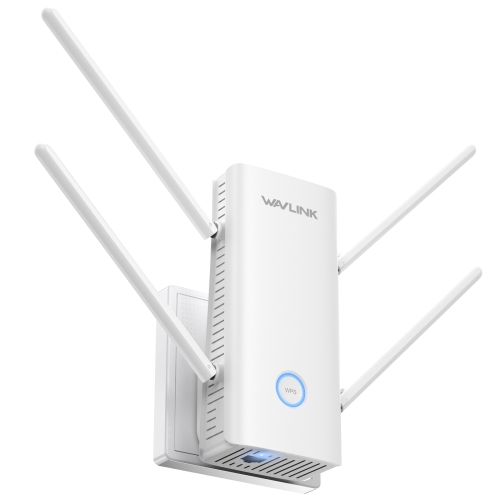
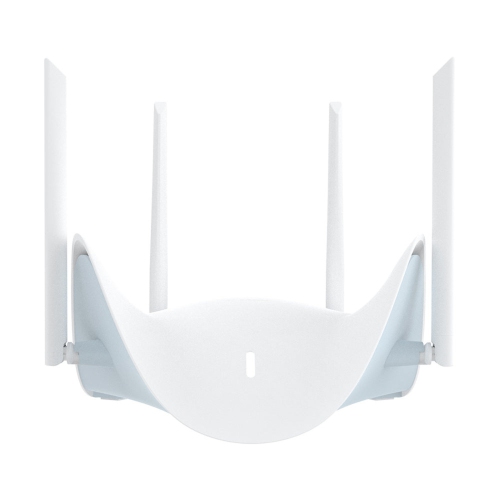
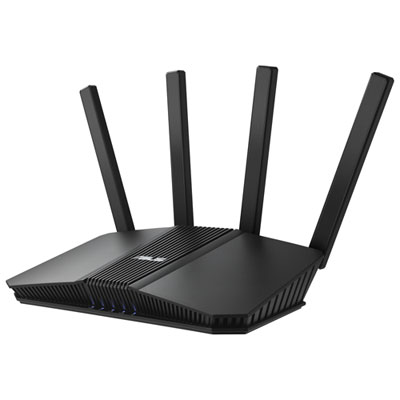

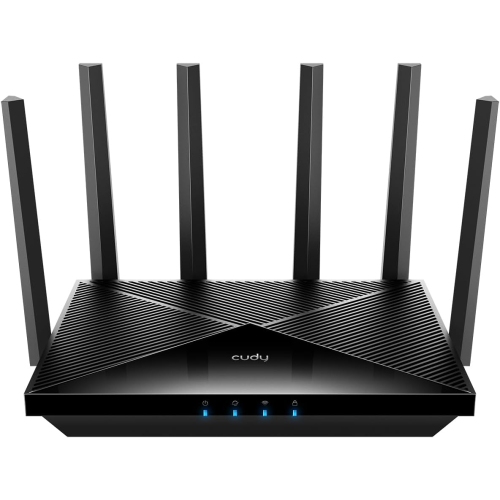
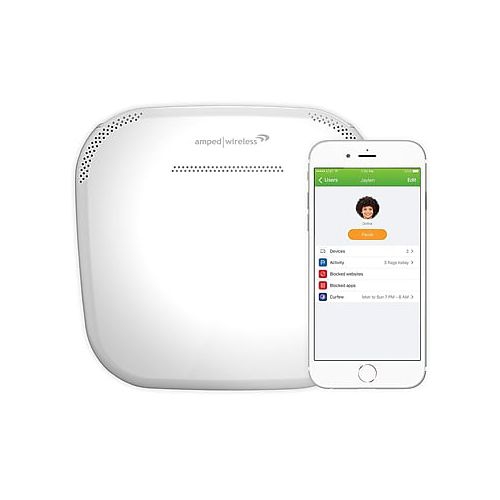

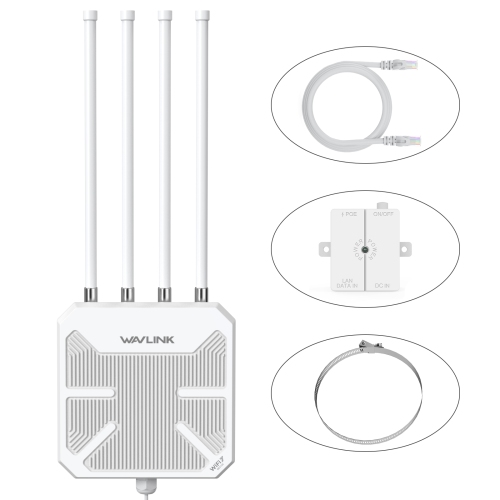
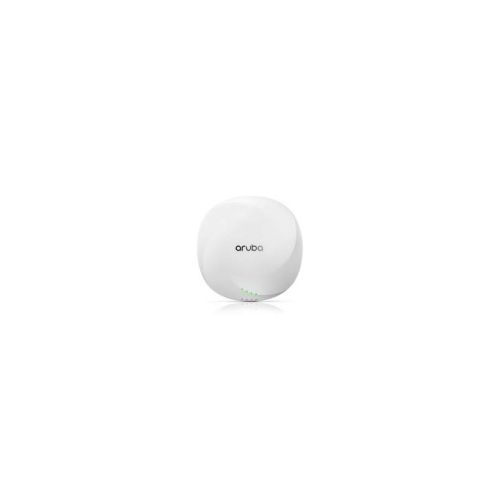
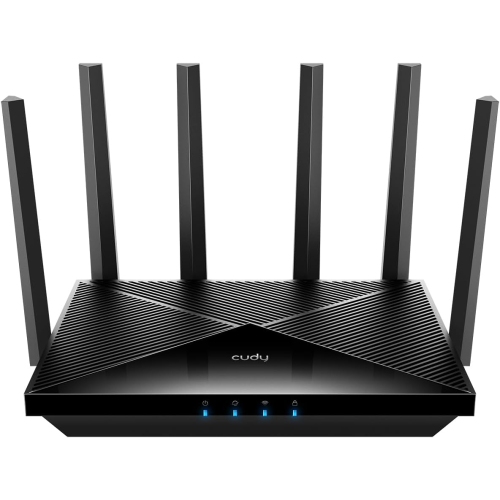
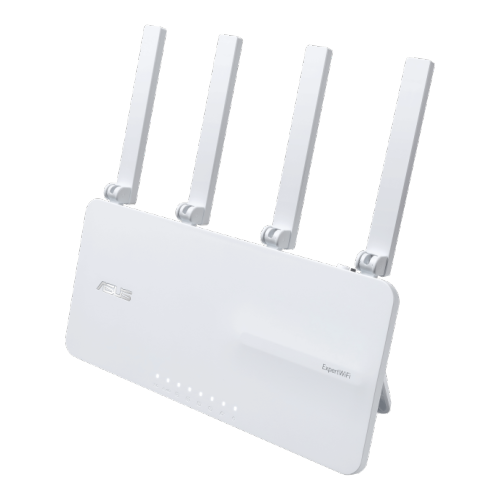

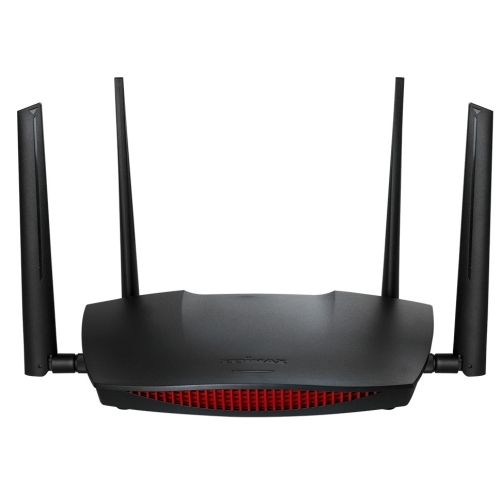
More room for compatible devices on 6 GHz
Wi-Fi 6E routers extend Wi-Fi 6 technology into the 6 GHz band, giving compatible devices additional wireless capacity alongside the familiar 2.4 GHz and 5 GHz bands. The main benefit is more room for demanding connections, rather than a guaranteed increase in every device’s speed. In a home where video meetings, online games, large downloads, and high-resolution streaming happen at the same time, that extra spectrum can help separate traffic and reduce contention. The 6 GHz band supports wide channels, including 160 MHz channels where supported, which can deliver high throughput over suitable distances. It is reserved for devices that support newer wireless standards, so older Wi-Fi devices do not connect to it directly. A Wi-Fi 6E laptop or phone can use this additional band, while an older television, printer, or smart speaker can continue connecting through 2.4 GHz or 5 GHz. Device compatibility matters: a phone labelled Wi-Fi 6 does not necessarily support Wi-Fi 6E, and access to 6 GHz requires compatible hardware and software. For households whose devices mainly use the two established bands, Wi-Fi 6 Routers provide a useful point of comparison. Wi-Fi 6E is particularly relevant when several compatible devices need fast local connections, such as a laptop transferring large files to network storage while another person streams video. It can also suit wireless virtual reality setups, provided the headset and other equipment support the connection being used. Actual results depend on the internet plan, router capabilities, client devices, distance, and interference. A router cannot make an internet connection faster than the service supplied to the home, but it can help devices make better use of that connection. Its value is often most noticeable in the way it handles a busy household, where reliable capacity matters as much as the highest speed measured on a single device.
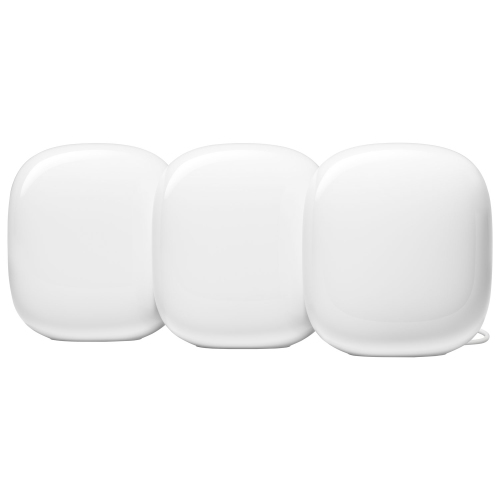
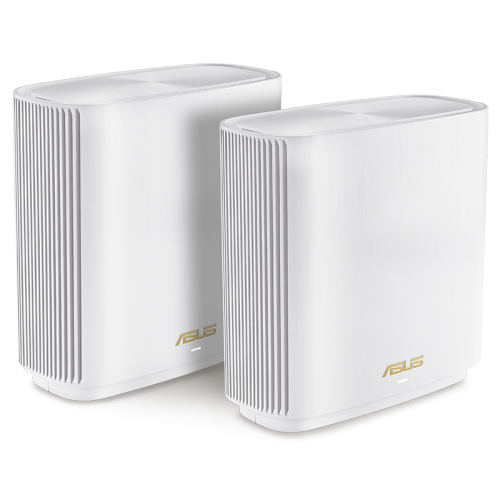
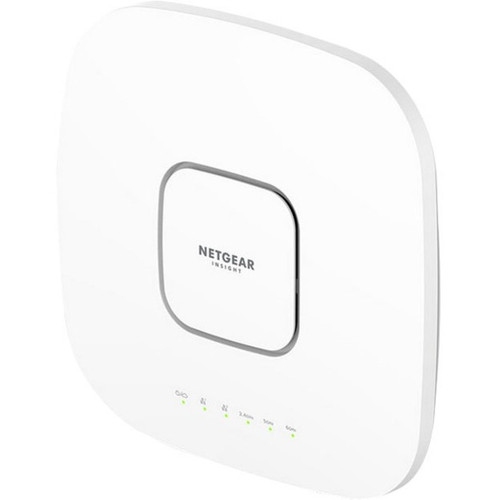
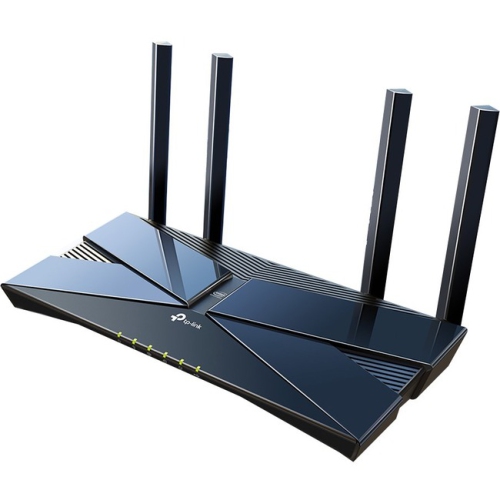
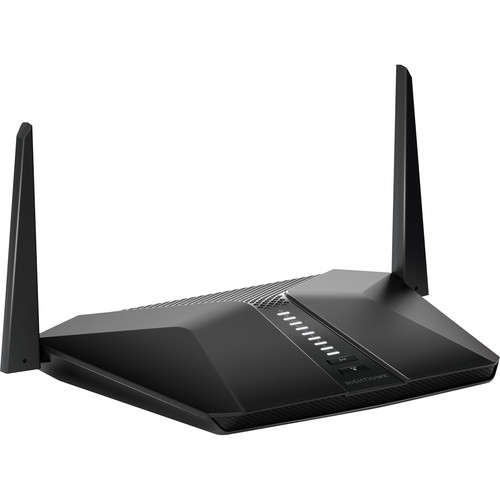
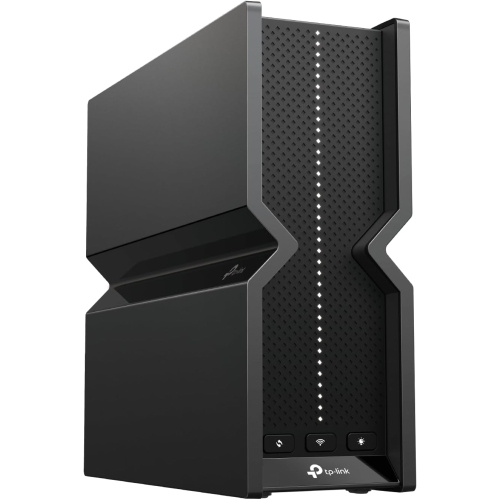
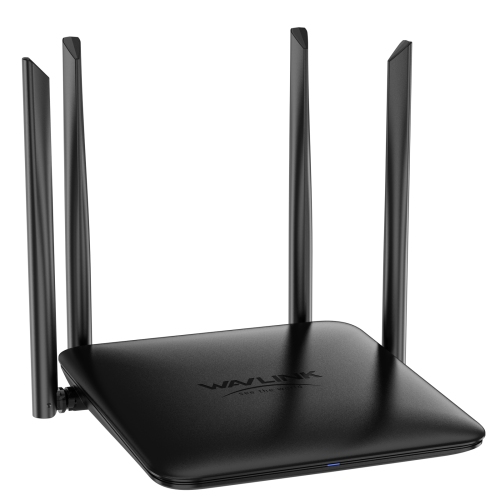
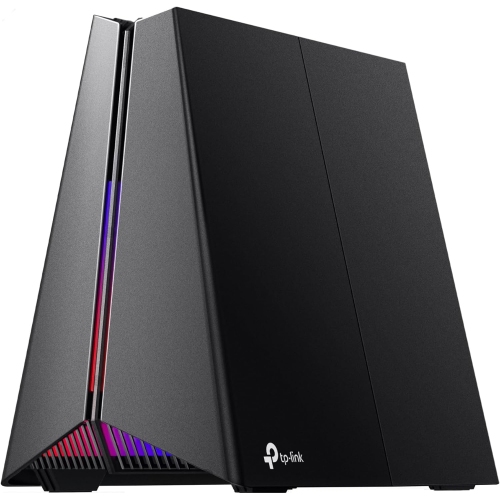
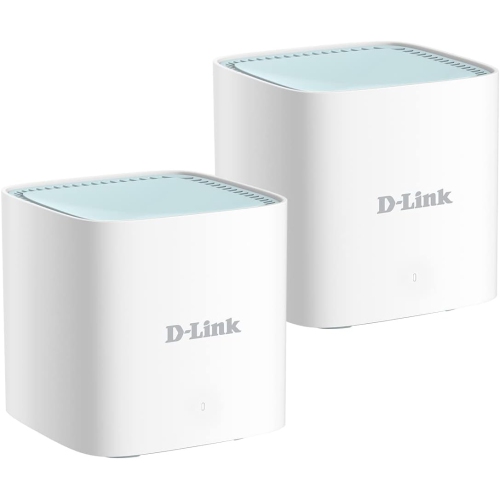
Coverage is just as important as wireless capacity when comparing Wi-Fi 6E routers. The 6 GHz band generally has a shorter useful range and passes through walls less effectively than lower-frequency bands, so a strong connection near the router does not guarantee the same performance in a distant bedroom. A centrally placed router on an open shelf may serve an apartment or compact home well, while a long floor plan, several storeys, or dense building materials can call for a different arrangement. Concrete walls, metal ductwork, and large appliances can all affect the signal path. Keeping the router out of a closed cabinet and away from the floor gives its radios a better chance of reaching the spaces where devices are used. Physical fit also deserves attention: router housings vary in footprint and height, and external antennas need clearance for positioning. Internal antennas offer a tidier profile, but appearance alone does not indicate stronger or weaker coverage. For larger spaces, a compatible mesh system can distribute coverage through multiple units under one network name. The connection between those units, called backhaul, affects performance as well. Wireless backhaul needs a dependable signal between nodes; placing a node inside a dead zone may leave it struggling to relay traffic. Ethernet backhaul, where supported, provides a wired connection between units and can free wireless capacity for connected devices. A home office upstairs and a gaming space downstairs may benefit more from well-placed mesh units or wired connections than from a single router with a higher advertised speed rating. Coverage figures are useful starting points, not promises for every floor plan. The number of active devices and the tasks they perform also matter more than a simple count of connected gadgets. A few laptops moving large files can place greater demands on a network than many sensors sending small updates. Matching the router’s layout and capabilities to everyday activity helps create a more consistent connection throughout the home.
Wired ports, security features, and day-to-day controls help distinguish Wi-Fi 6E routers beyond their wireless specifications. A multi-gigabit internet plan needs a suitably rated WAN port to carry that speed into the router, while multi-gigabit LAN ports can support fast wired connections to compatible computers, switches, or network storage. Port labels deserve a close look because some routers have only one multi-gigabit port, which may be needed for the incoming internet connection. Ethernet remains a practical choice for a stationary gaming computer, television, or workstation when predictable performance is the priority. Advertised wireless speed totals usually combine the theoretical rates of multiple bands; they do not represent the speed a single connected device will receive. Setup requirements matter too, especially in homes with an existing modem or service-provider gateway. A separate router may need to work with the gateway in bridge mode, or operate as an access point where supported, to avoid unnecessary layers of routing. Clear setup tools, useful status information, and accessible network settings make it easier to manage these arrangements. WPA3 security is required for personal networks on the 6 GHz band, while connection settings on the other bands should accommodate older devices without unnecessarily weakening protection. Automatic firmware updates, when offered, can simplify upkeep, and a guest network can give visitors internet access while keeping personal devices separate. Parental controls and traffic-prioritization features vary, so their specific functions are worth comparing rather than assuming every router handles them the same way. For shared homes, the ability to prioritize a video call or schedule a child’s access may be more useful than extensive advanced settings. Long-term care is straightforward: leave ventilation openings unobstructed, remove surface dust according to the manufacturer’s directions, and keep cables positioned so they do not strain the ports. Durable housings, secure antenna hinges where applicable, and ongoing firmware support all contribute to practical ownership. The strongest match is a router that balances compatible-device performance, dependable coverage, wired connectivity, and manageable controls for the people who use the network every day.
Top selling and popular products
-
 Your price for this item is $189.99
-
 Your price for this item is $189.99
-
 Your price for this item is $219
-
 Your price for this item is $899.99
-
 Your price for this item is $299.99
-
 Your price for this item is $139.99
-
 Your price for this item is $499.99
-
 Your price for this item is $349.99
Discover more categories related to Wi-Fi 6e Routers
Top Collections:
Best Black Friday Deals This Year, Best Black Friday Deals On Electronics, Kindle Devices, Pokemon Centers, Best Black Friday Deals On Apple Products, Best Cameras for Sports Photography, Dyson Airwrap, Pokémon 30th Celebration Cards, Apple iPhone 17 Pro, Canon G7X Cameras
Some products may be subject to Environmental Handling Fees
(EHF) depending on your province.
Learn more about EHFs.