Wireless Keyboards Under $50
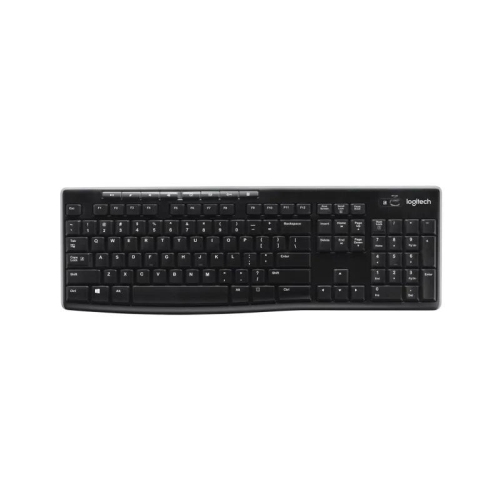
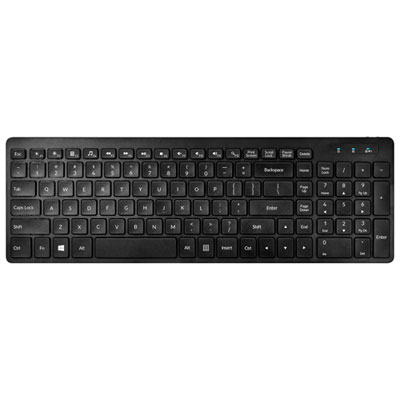
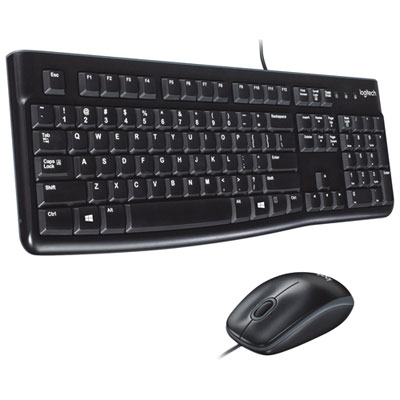
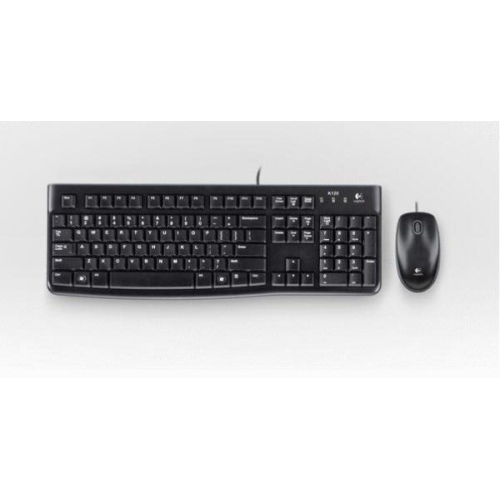
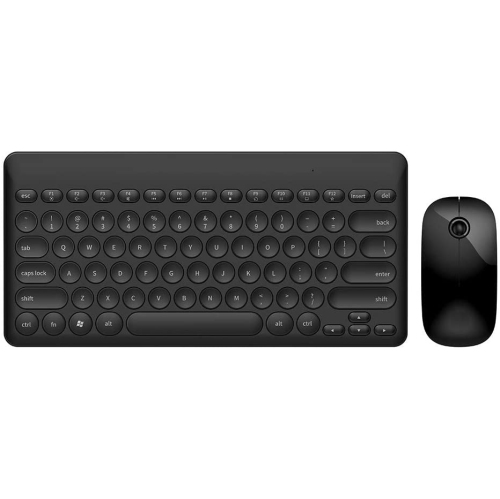
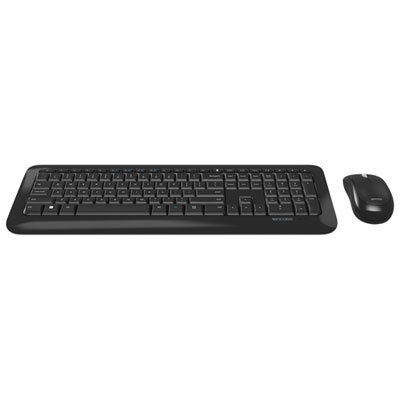
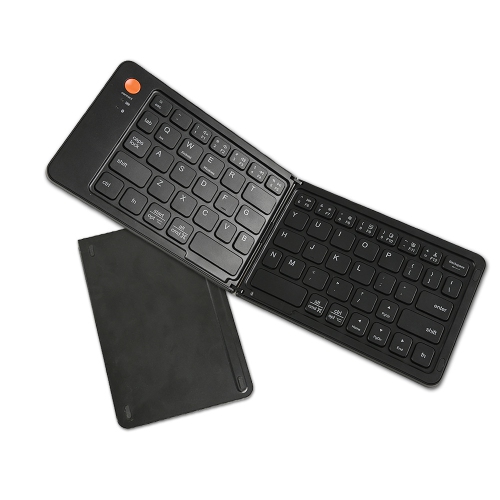
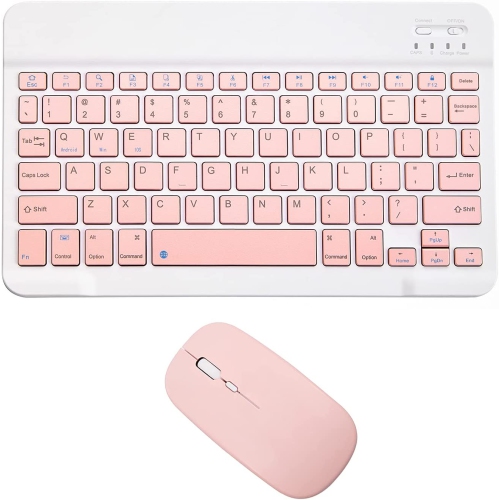
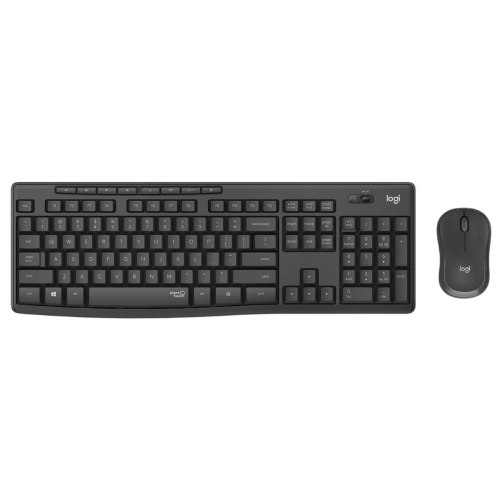
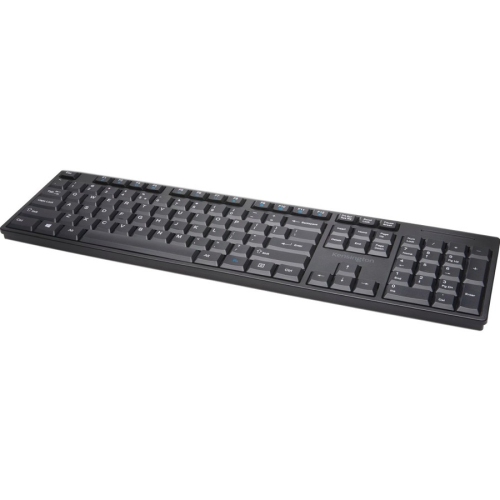
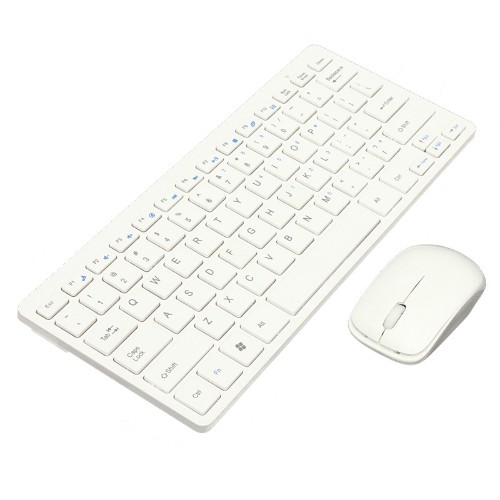
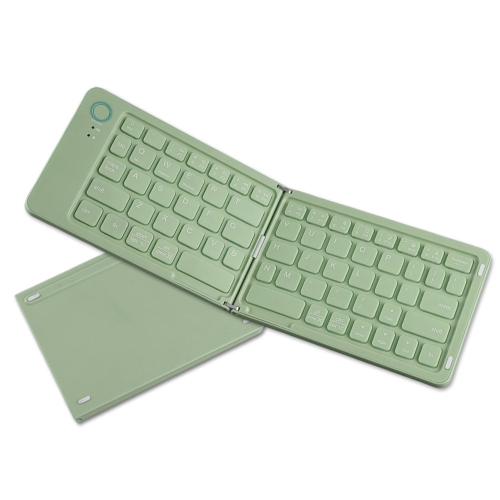
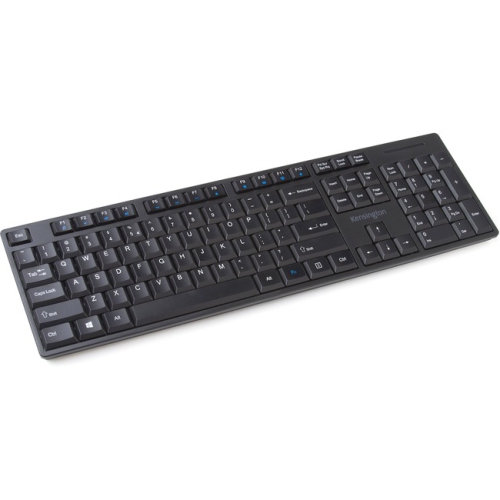
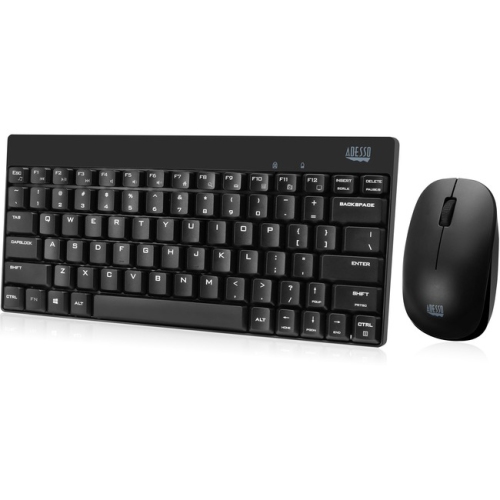
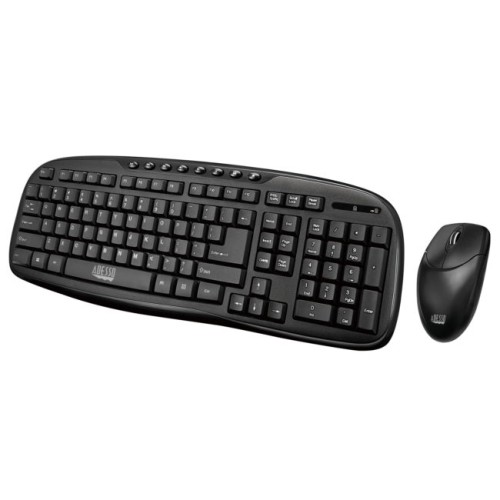
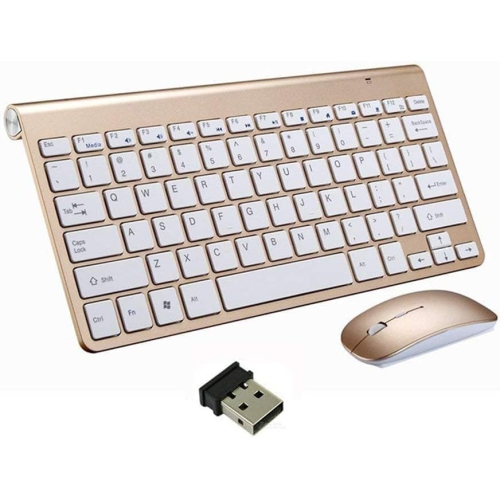
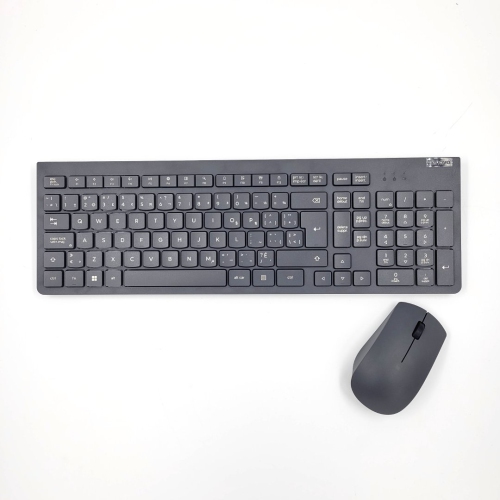
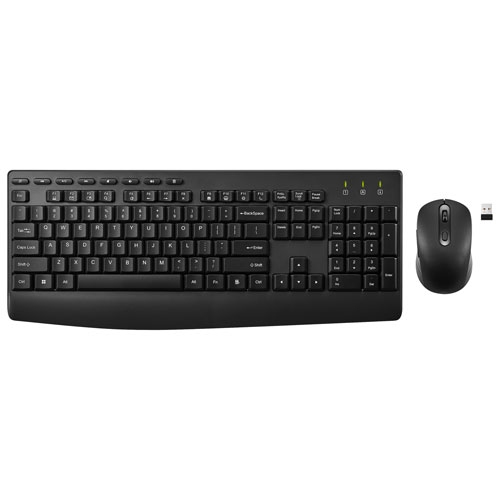
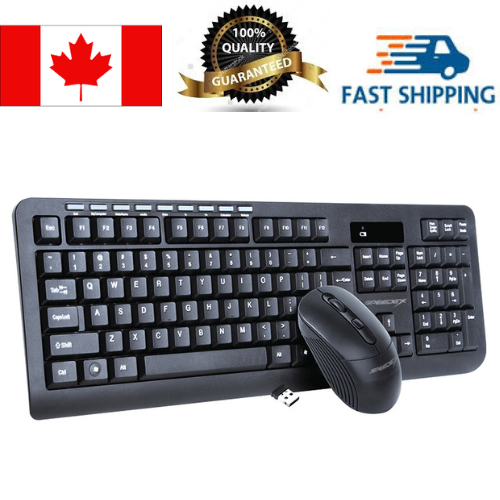
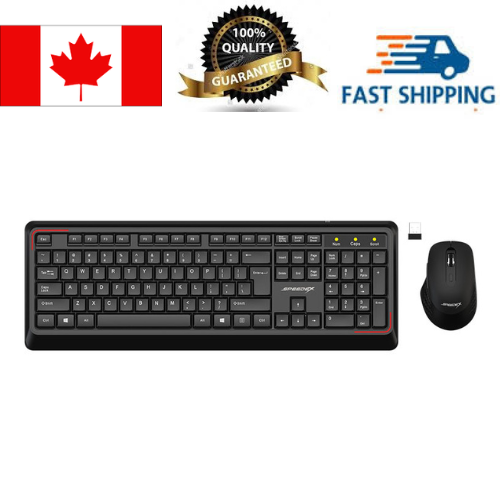
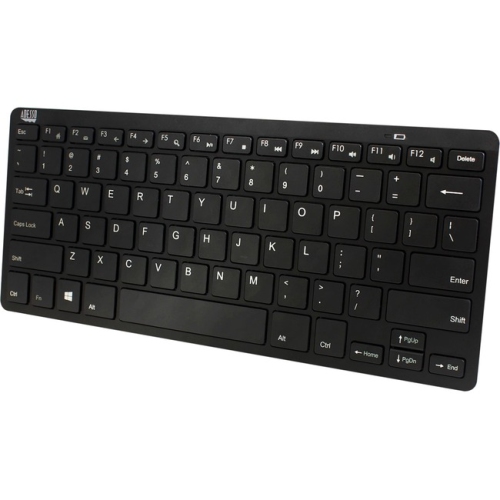
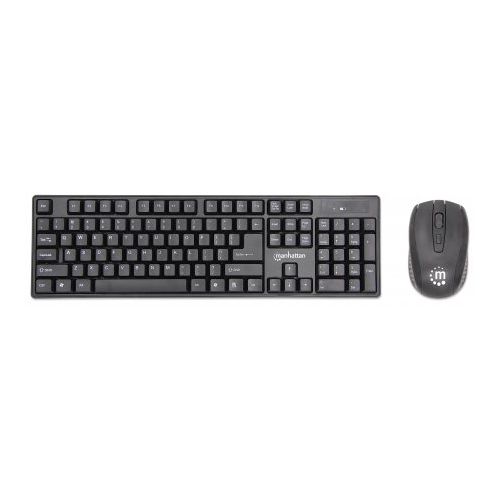
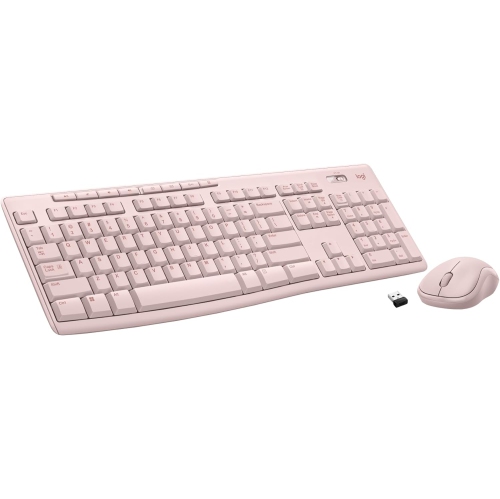
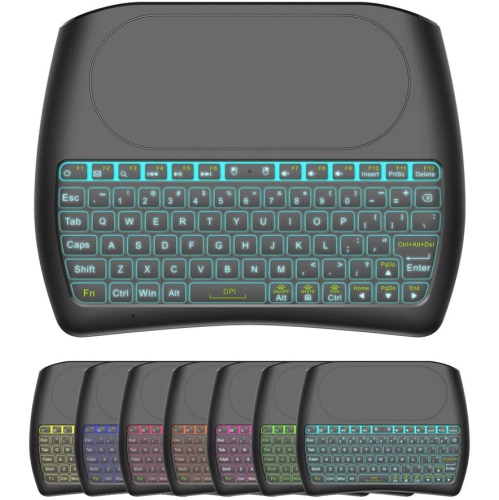
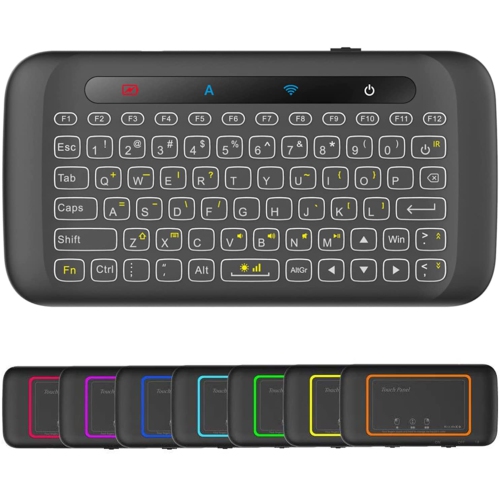
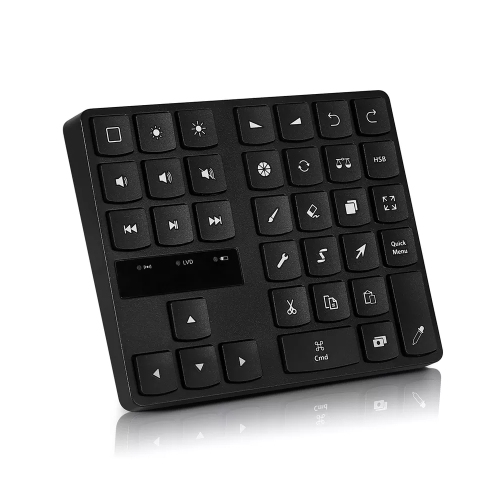
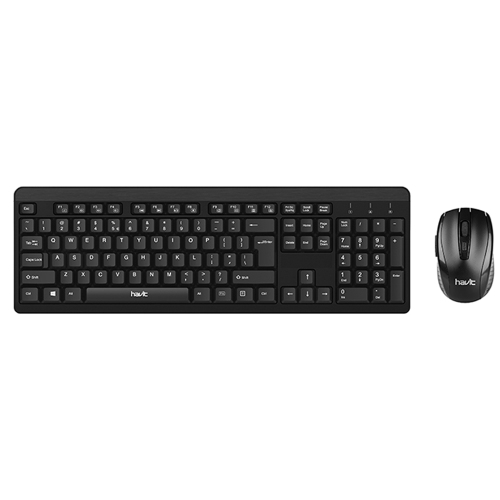
Wireless keyboards under $50 offer a budget-friendly option for those who desire the convenience of typing without the constraints of wires. They also provide greater flexibility in terms of placement and can improve ergonomics by allowing users to position their keyboard at a comfortable distance. Here are some of the wireless keyboards under $50 we have.
Sort

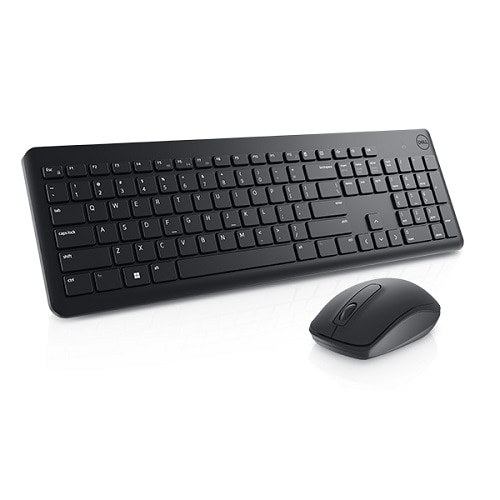
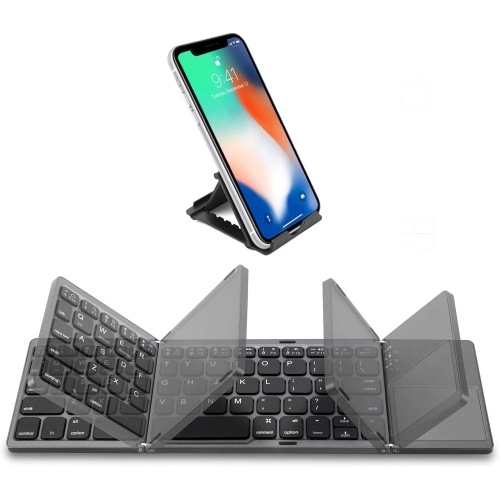
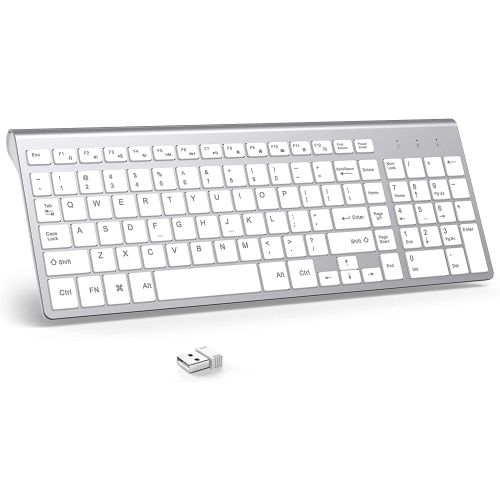
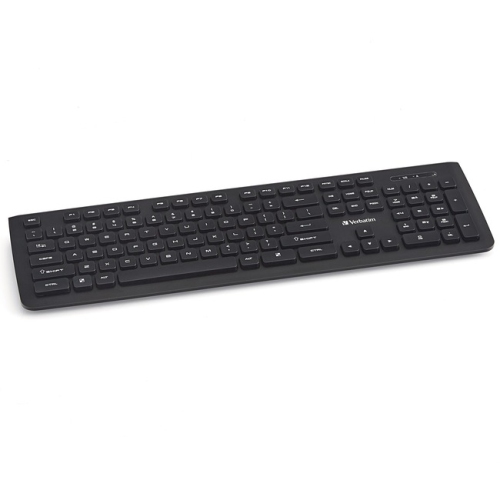






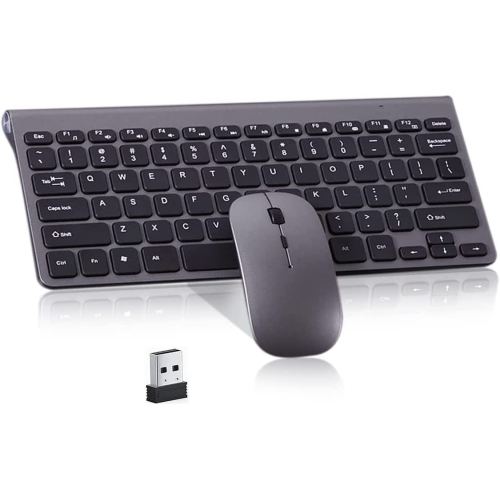
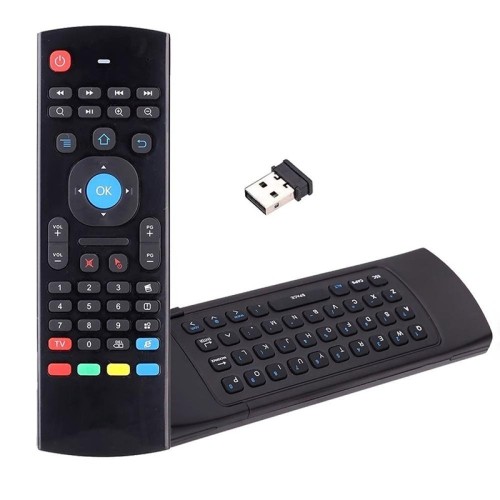
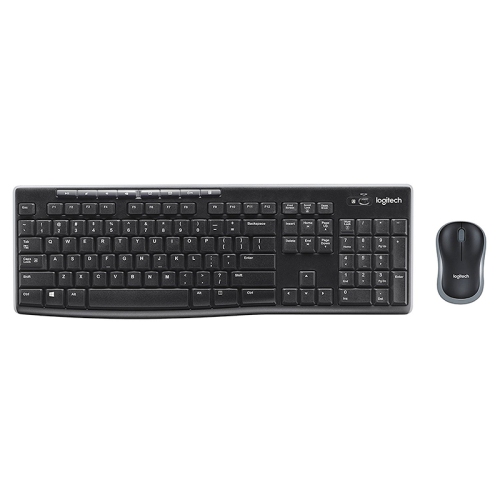
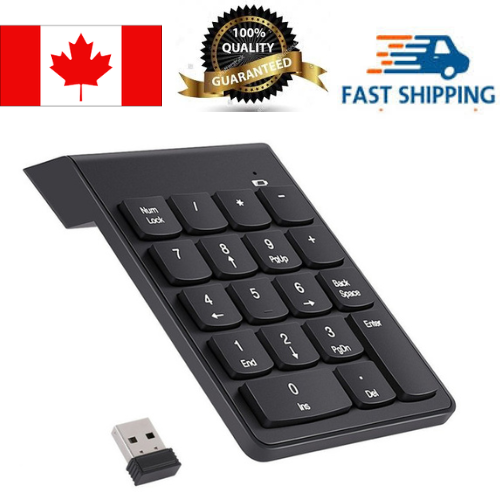
Key considerations for comfortable, flexible wireless typing
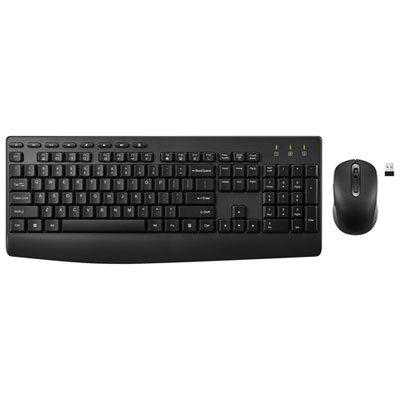
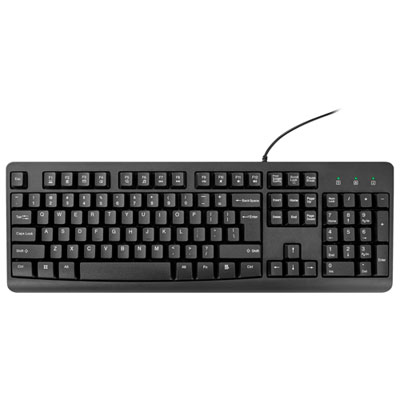
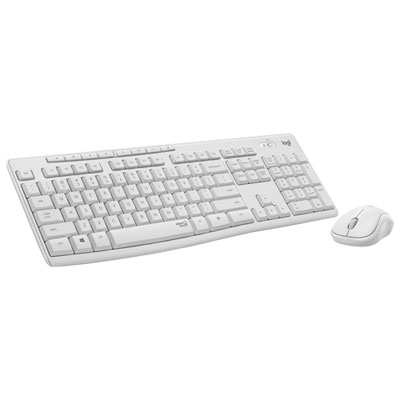
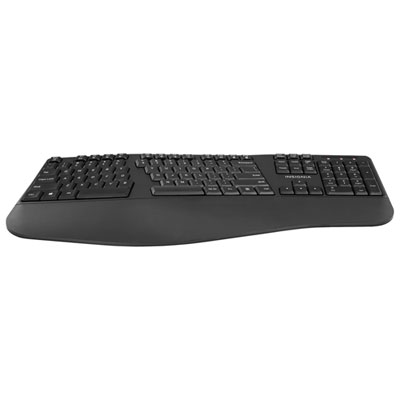
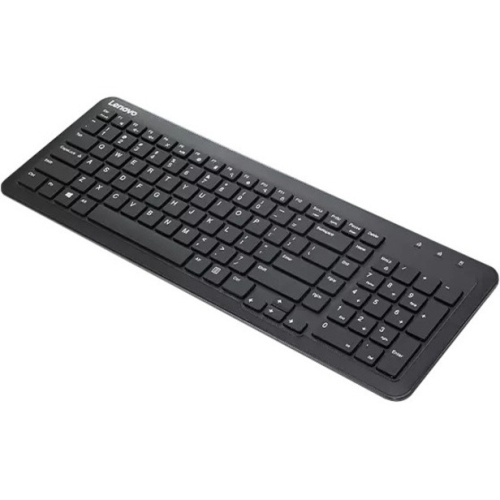
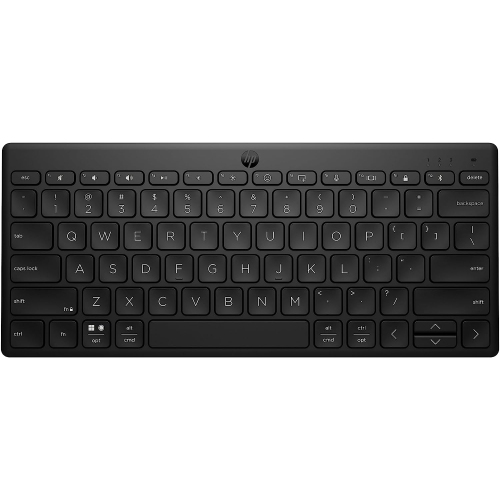
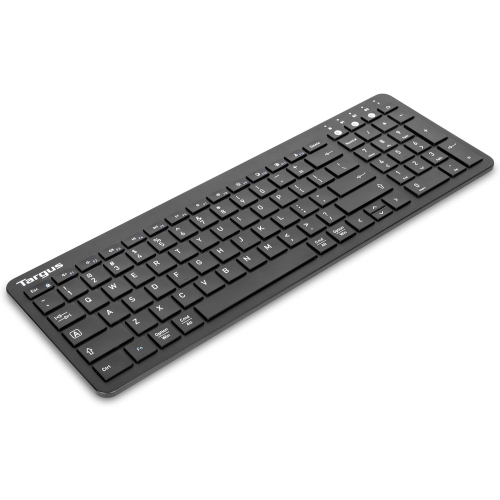
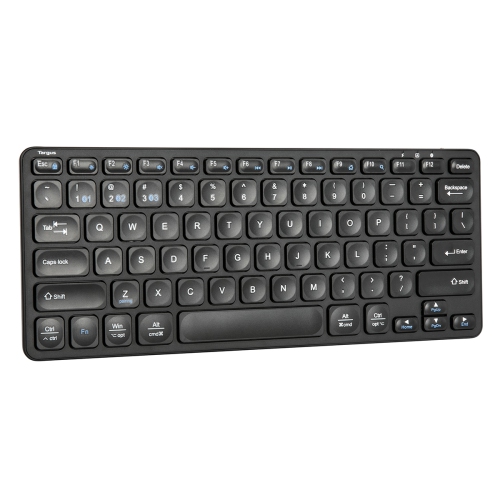
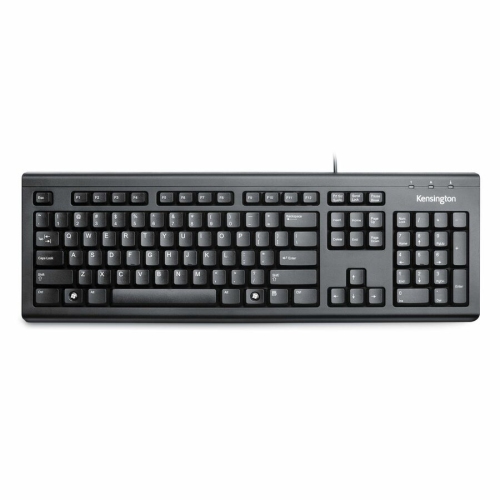
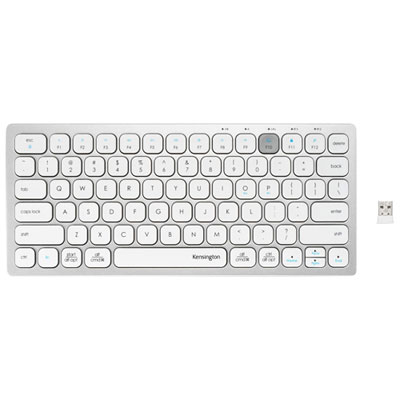
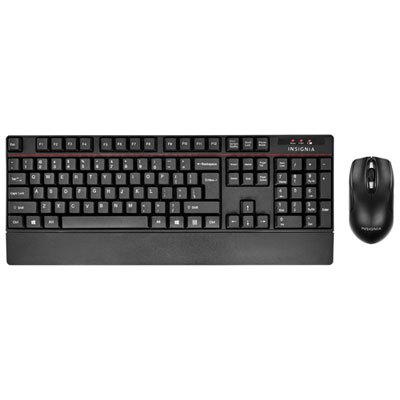
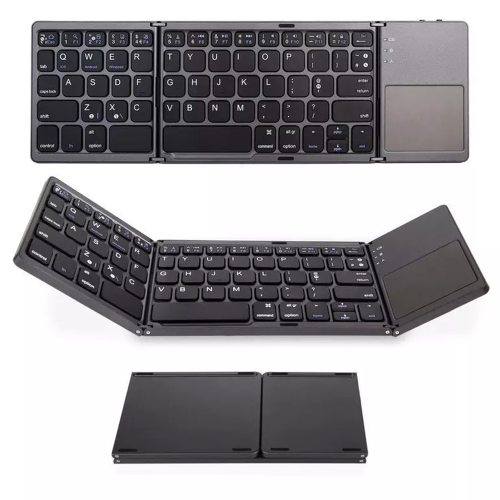
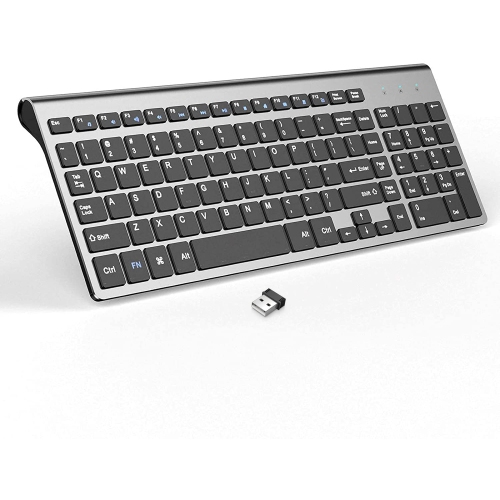
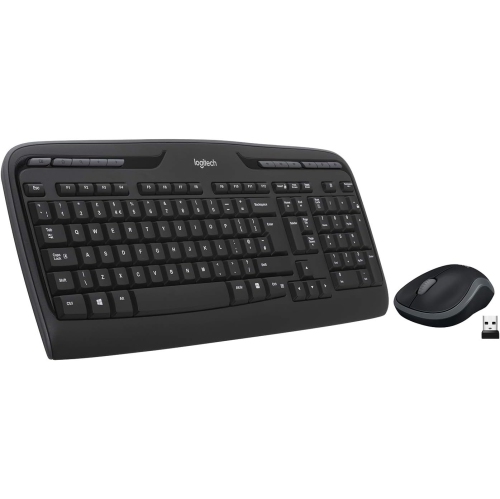
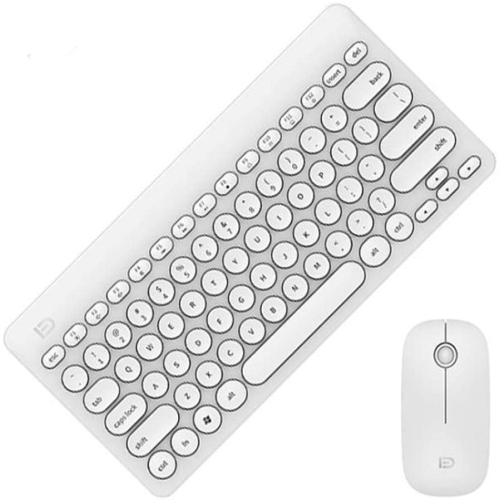
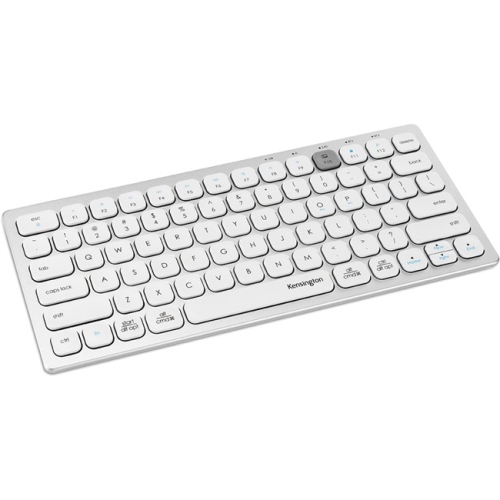
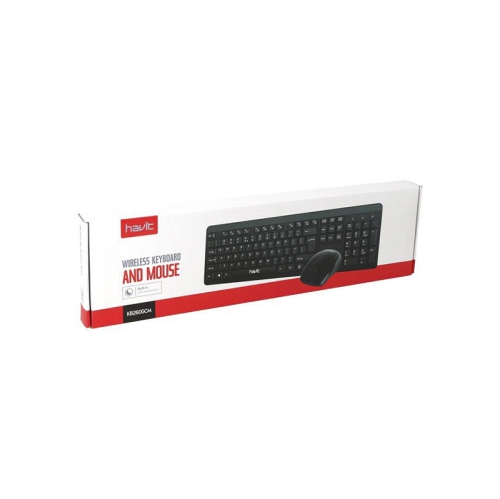
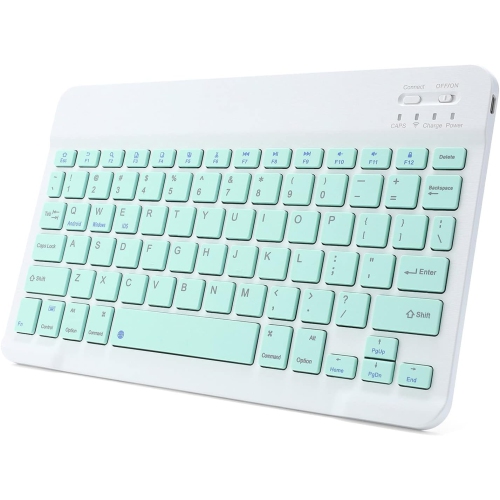
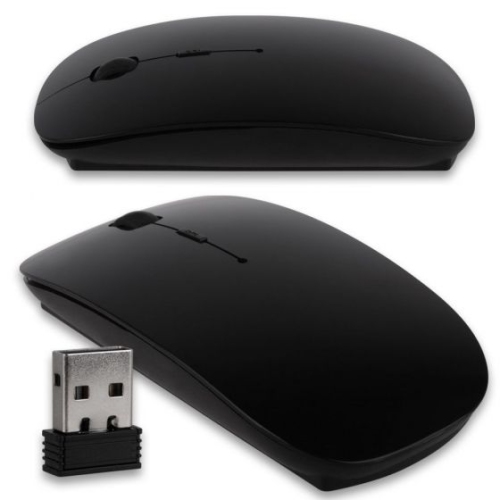
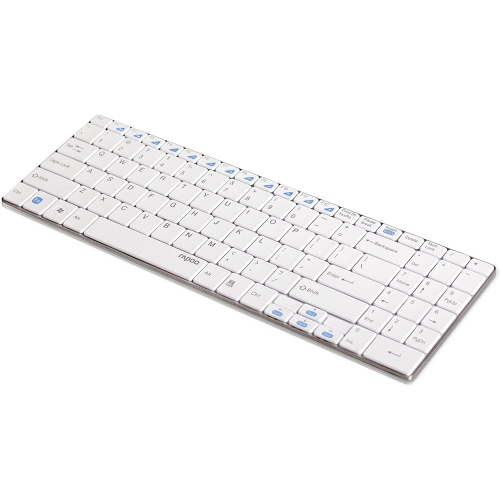
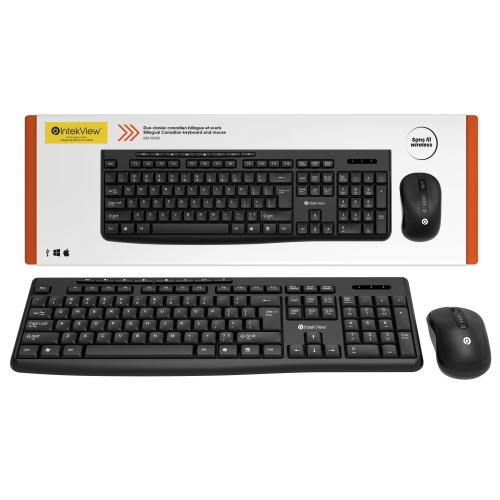
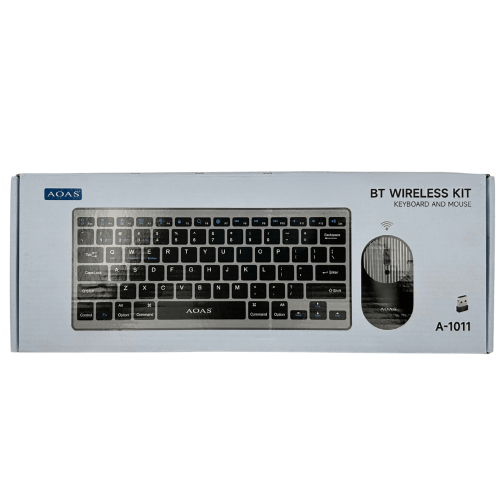
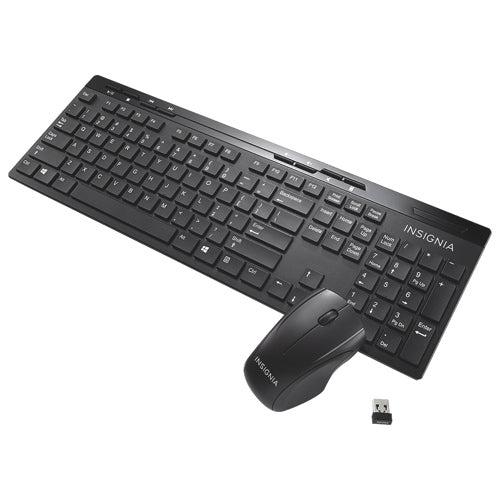
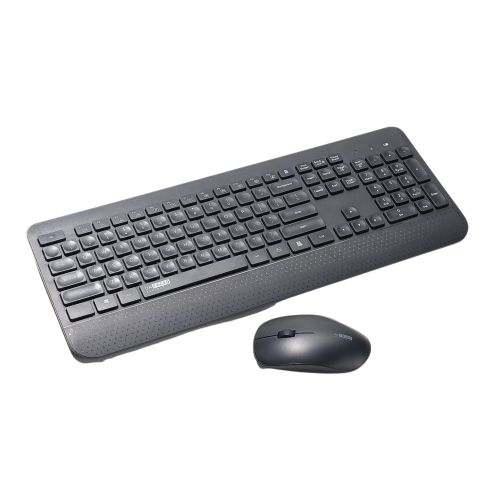
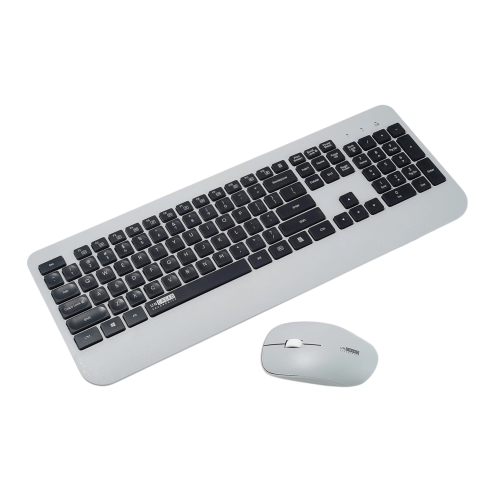
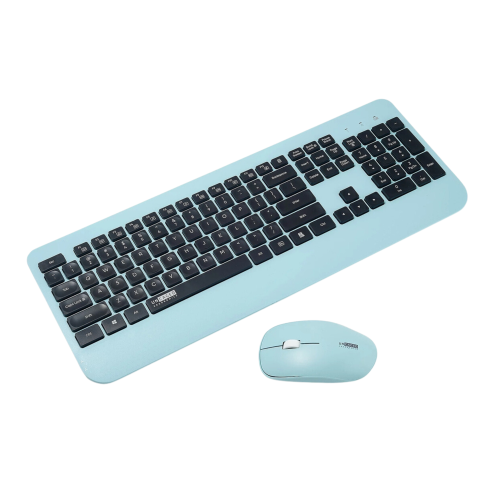
Wireless Keyboards Under $50 offer a practical way to refresh a desk, replace a worn-out keyboard, or make everyday typing more comfortable without a large investment. These keyboards can suit home offices, shared workspaces, school desks, living room media centres, and casual gaming setups. A wireless connection keeps the desktop looking tidy by removing the cable between the keyboard and computer, while the compact footprint can leave more room for a notebook, coffee mug, mouse, or other essentials. Many affordable models use either Bluetooth or a 2.4GHz USB receiver. Bluetooth is especially convenient for laptops, tablets, and other compatible devices because it does not require a dedicated receiver and can make switching between devices simple. A 2.4GHz connection uses a small USB dongle and is often a strong choice for a desktop computer, particularly when you want a straightforward connection with responsive keystrokes for long typing sessions. Before choosing a keyboard, check the connection requirements of the device it will be paired with, as some computers may have limited USB ports while others may not support Bluetooth without an adapter. It is also worth confirming the included accessories, pairing instructions, and operating system compatibility. Someone setting up a laptop at the kitchen table may appreciate Bluetooth for a cleaner arrangement, while a home-office user with a desktop tower may prefer the plug-and-use simplicity of a USB receiver.
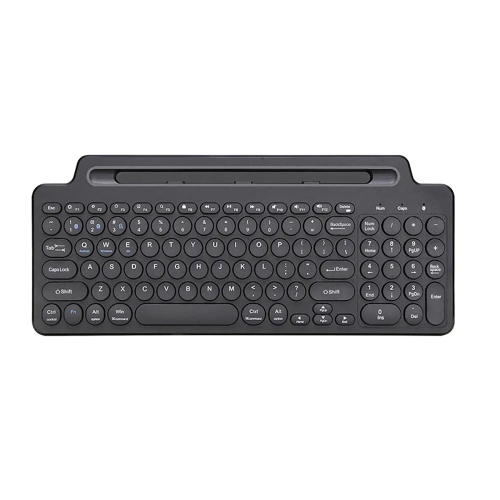
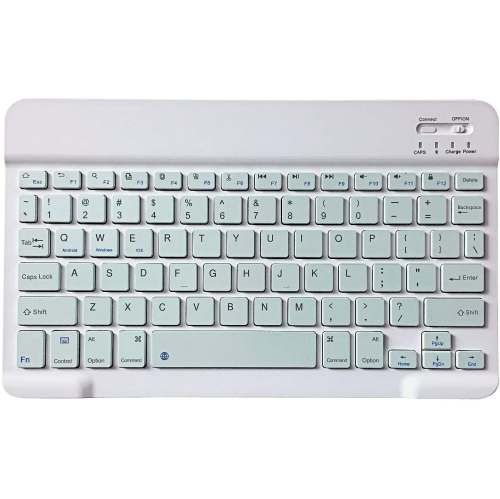
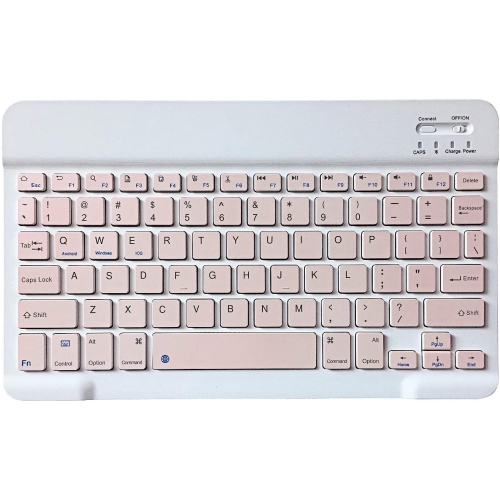
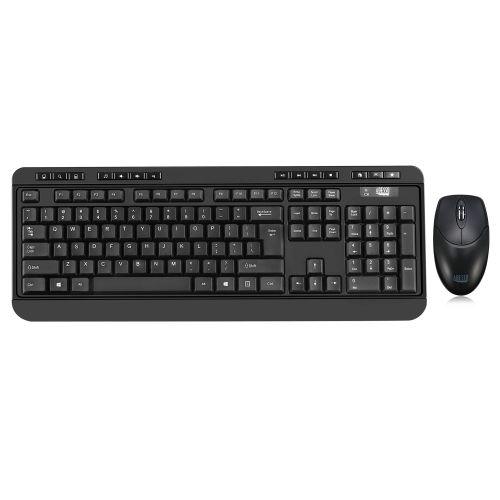
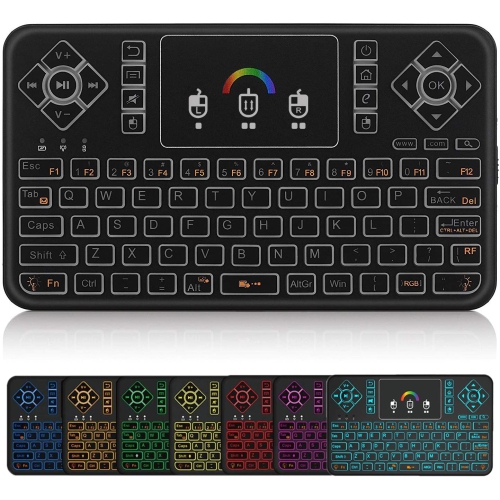
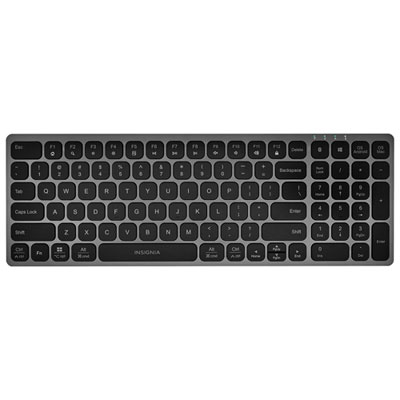
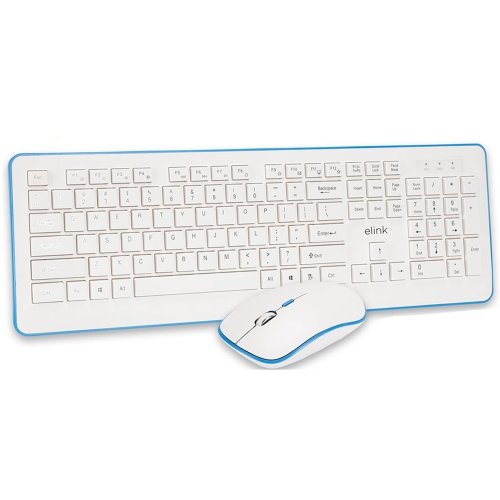
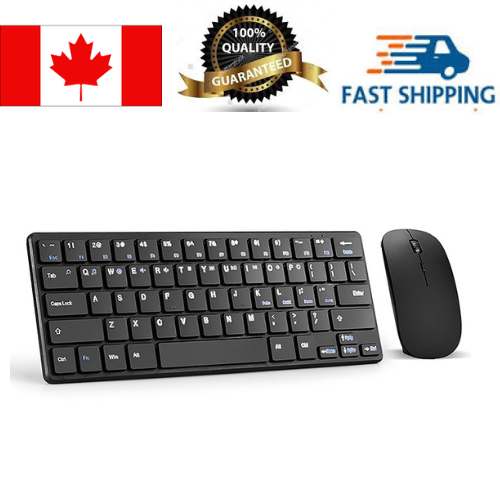
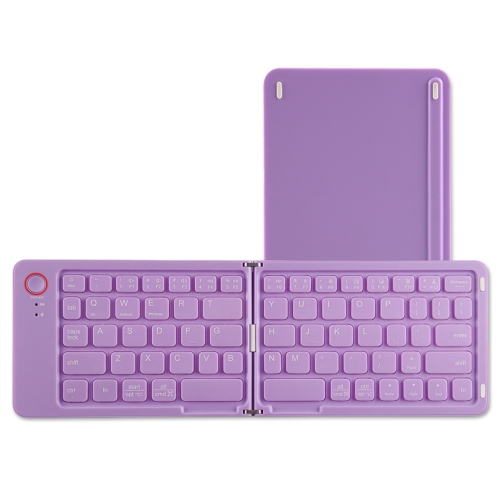
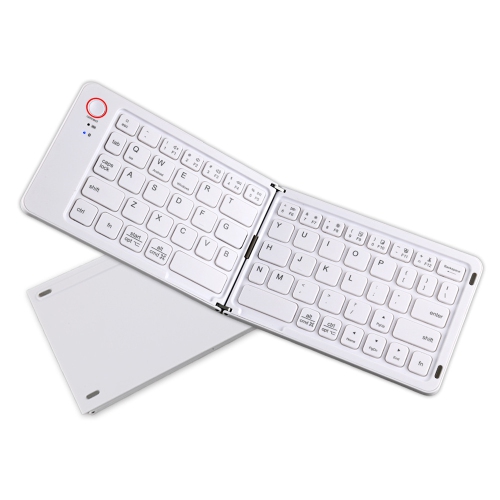
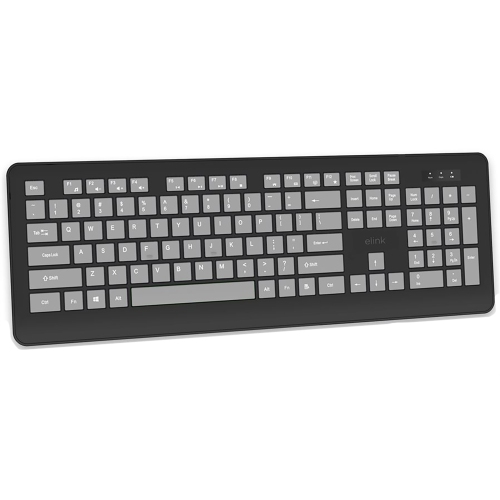
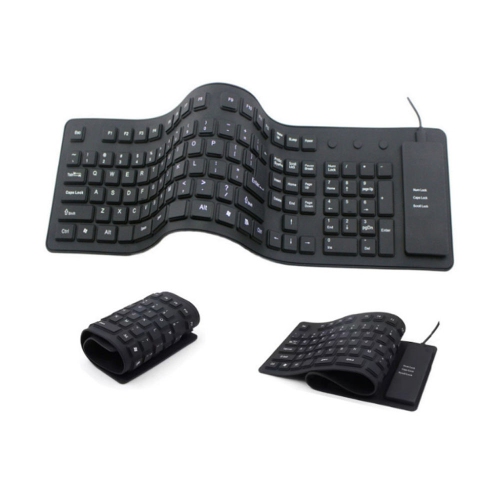
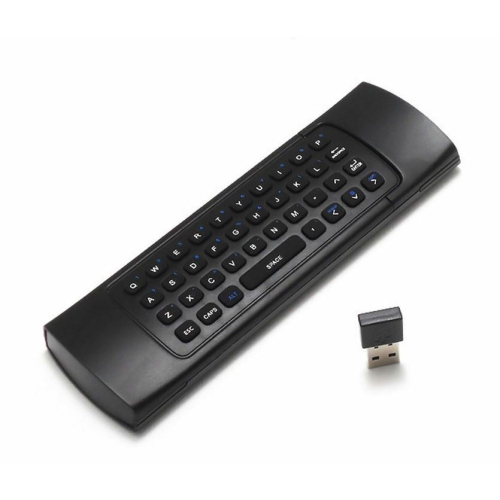
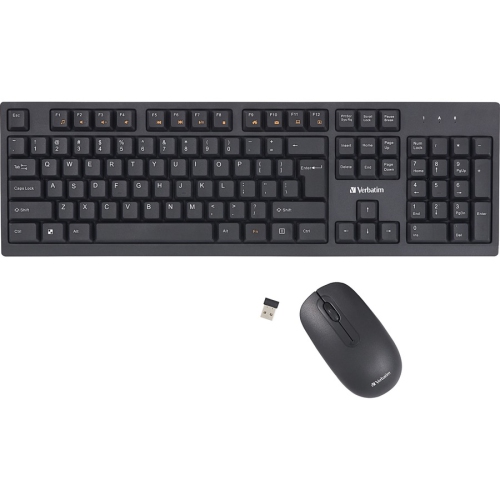
Size and layout are among the most important decisions when comparing wireless keyboards under $50. A full-size keyboard generally includes a number pad on the right, making it useful for spreadsheets, budgeting, data entry, inventory work, and anyone who regularly enters prices or figures. The wider layout can feel familiar and spacious, especially for people who have spent years typing on a traditional office keyboard. Compact and tenkeyless designs leave out some or all of the number pad to save desk space, which can be helpful on a narrow workstation or beside a laptop. A smaller keyboard may also be easier to move between rooms, pack for school, or place in front of a television for browsing and streaming. Look closely at the arrangement of the arrow keys, function row, navigation keys, and shortcut buttons, since compact layouts can place certain commands in different locations. Key shape and spacing also affect comfort. Low-profile chiclet-style keys often provide a quiet, familiar feel for email, schoolwork, and general browsing, while a deeper key design may offer more pronounced feedback for people who enjoy a more deliberate typing experience. Features such as a number pad, adjustable feet, a built-in battery indicator, quiet operation, and spill-resistant construction can make a meaningful difference in daily use. Picture a shared home office during the cooler months: a quiet keyboard lets one person finish a report while another reads nearby, and a compact design can be moved aside quickly when the desk needs to serve another purpose. For casual gaming, a wireless keyboard can handle menus, chat, strategy titles, and everyday computer use, although dedicated gaming features and highly specialized performance may be more common in higher-priced models.
Power, portability, and intended use should guide the final choice. Many budget wireless keyboards use replaceable AA or AAA batteries, which can last for months or longer depending on the model and usage. This can be convenient for a secondary keyboard or a device that is used occasionally, since a fresh set of batteries can restore operation without waiting for a recharge. Other keyboards include an internal rechargeable battery, which can reduce the need to keep spare batteries nearby and may be convenient for frequent users who already charge their devices at a desk. Check whether the charging cable is included and consider where the keyboard will be used; a keyboard for a home theatre or flexible workspace benefits from easy portability, while one that stays at a desk may prioritize long battery life and a full-size layout. Wireless keyboards can also make thoughtful gifts for students, remote workers, new computer owners, and family members who use a laptop but want a more comfortable typing position. They are easy to pair with a suitable device and can help create a more organized workstation for assignments, video calls, recipes, online forms, and personal projects. For a complete desktop setup, a compatible wireless mouse can add matching convenience; browse Wireless Mice Under $50 to explore similarly budget-conscious options. During warmer days or cooler months, a wireless keyboard can move easily from a bright desk to a quieter corner of the home, making it useful well beyond one fixed workspace. Paying attention to connection type, keyboard size, key feel, power source, device compatibility, and everyday habits will help you select an affordable model that feels natural from the first email to the last spreadsheet.
Size and layout are among the most important decisions when comparing wireless keyboards under $50. A full-size keyboard generally includes a number pad on the right, making it useful for spreadsheets, budgeting, data entry, inventory work, and anyone who regularly enters prices or figures. The wider layout can feel familiar and spacious, especially for people who have spent years typing on a traditional office keyboard. Compact and tenkeyless designs leave out some or all of the number pad to save desk space, which can be helpful on a narrow workstation or beside a laptop. A smaller keyboard may also be easier to move between rooms, pack for school, or place in front of a television for browsing and streaming. Look closely at the arrangement of the arrow keys, function row, navigation keys, and shortcut buttons, since compact layouts can place certain commands in different locations. Key shape and spacing also affect comfort. Low-profile chiclet-style keys often provide a quiet, familiar feel for email, schoolwork, and general browsing, while a deeper key design may offer more pronounced feedback for people who enjoy a more deliberate typing experience. Features such as a number pad, adjustable feet, a built-in battery indicator, quiet operation, and spill-resistant construction can make a meaningful difference in daily use. Picture a shared home office during the cooler months: a quiet keyboard lets one person finish a report while another reads nearby, and a compact design can be moved aside quickly when the desk needs to serve another purpose. For casual gaming, a wireless keyboard can handle menus, chat, strategy titles, and everyday computer use, although dedicated gaming features and highly specialized performance may be more common in higher-priced models.
Power, portability, and intended use should guide the final choice. Many budget wireless keyboards use replaceable AA or AAA batteries, which can last for months or longer depending on the model and usage. This can be convenient for a secondary keyboard or a device that is used occasionally, since a fresh set of batteries can restore operation without waiting for a recharge. Other keyboards include an internal rechargeable battery, which can reduce the need to keep spare batteries nearby and may be convenient for frequent users who already charge their devices at a desk. Check whether the charging cable is included and consider where the keyboard will be used; a keyboard for a home theatre or flexible workspace benefits from easy portability, while one that stays at a desk may prioritize long battery life and a full-size layout. Wireless keyboards can also make thoughtful gifts for students, remote workers, new computer owners, and family members who use a laptop but want a more comfortable typing position. They are easy to pair with a suitable device and can help create a more organized workstation for assignments, video calls, recipes, online forms, and personal projects. For a complete desktop setup, a compatible wireless mouse can add matching convenience; browse Wireless Mice Under $50 to explore similarly budget-conscious options. During warmer days or cooler months, a wireless keyboard can move easily from a bright desk to a quieter corner of the home, making it useful well beyond one fixed workspace. Paying attention to connection type, keyboard size, key feel, power source, device compatibility, and everyday habits will help you select an affordable model that feels natural from the first email to the last spreadsheet.
Top selling and popular products
-
 Your price for this item is $39.98
 -
 Your price for this item is $49.72
 -
 Your price for this item is $159
 -
 Your price for this item is $219.99
 -
 Your price for this item is $199.99
 -
 Your price for this item is $44.99
 -
 Your price for this item is $22.68
 -
 Your price for this item is $169.99
Discover more categories related to Wireless Keyboards Under $50
Top Collections:
Pokemon Centers, Kindle Devices, Best Budget Office Chairs, Apple iPhones 16, Best Laptops for Writers, iPhone 15 Apple, Canon G7X Cameras, Refurbished Apple Laptops, Alarm Clock, Motorola Razr Phones
Some products may be subject to Environmental Handling Fees
(EHF) depending on your province.
Learn more about EHFs.