Wireless Mouse and Keyboard for Dorm Desks
Finding the right wireless mouse and keyboard for dorm desks can help create a more organized and efficient study space. With a variety of compact and easy-to-use options available, it's simple to set up your desk for both productivity and comfort. Explore choices designed to fit small spaces while keeping your workspace free from clutter, making it easier to tackle assignments, take notes, or relax with your favorite entertainment. Whether you're working on essays or connecting with friends online, discover wireless mouse and keyboard sets that fit perfectly into any dorm room setup.
Sort
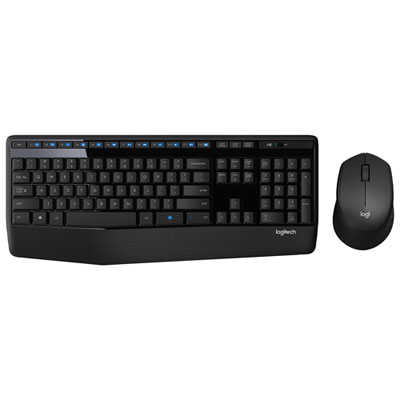
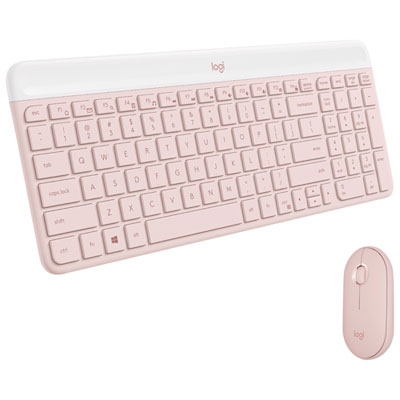
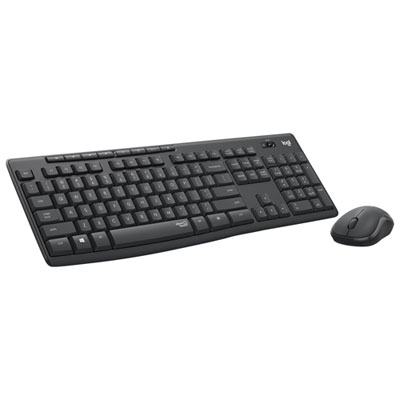
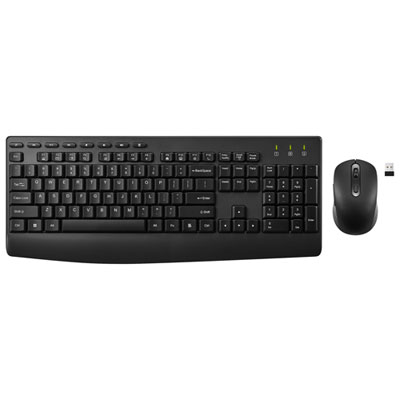
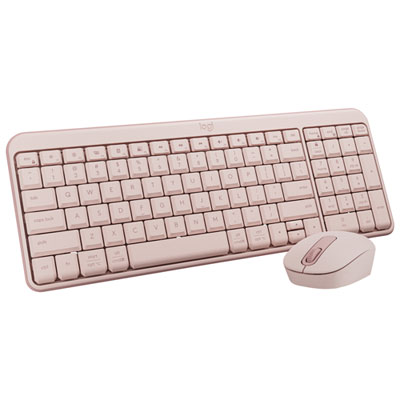

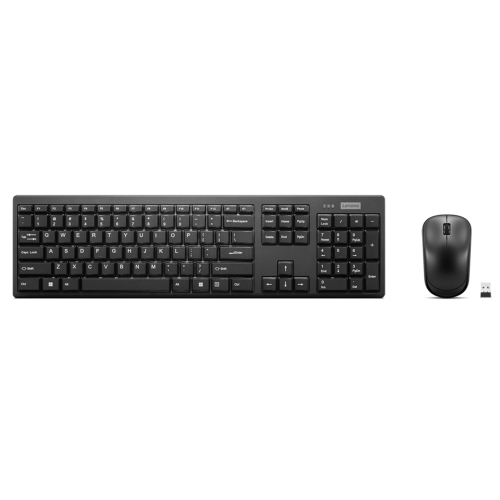
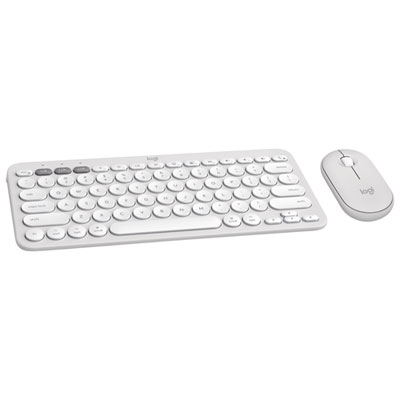
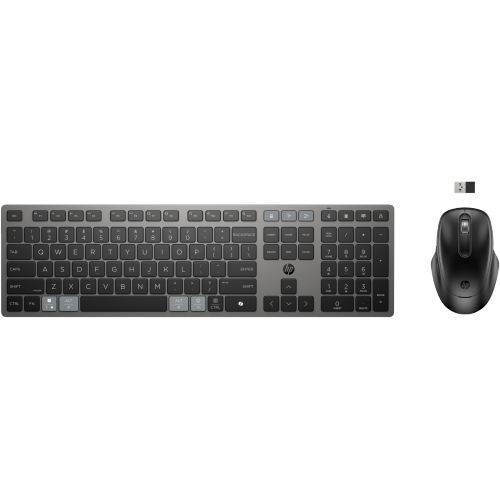
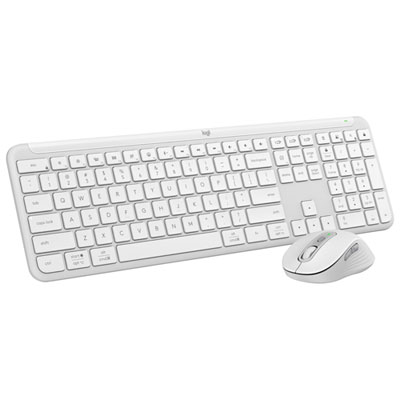
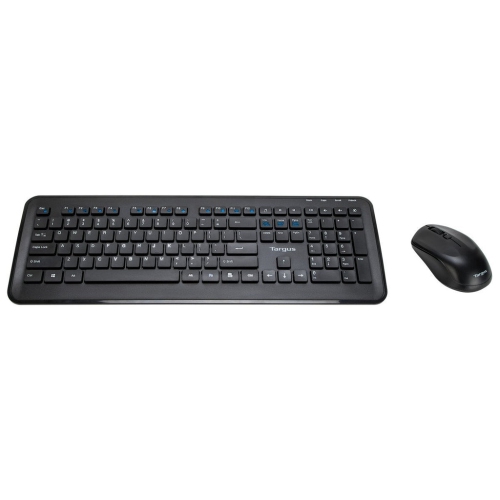

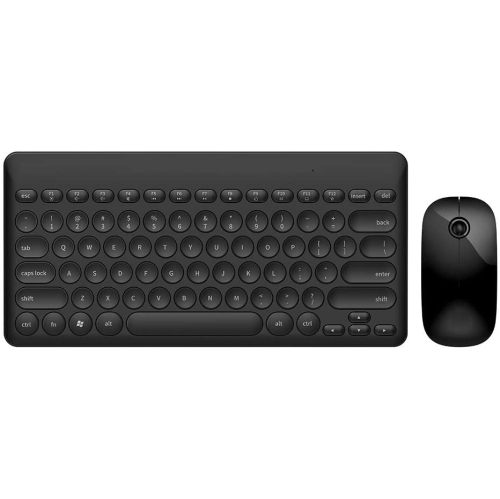
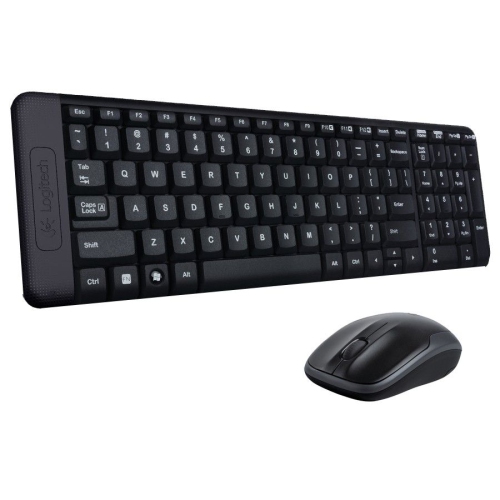
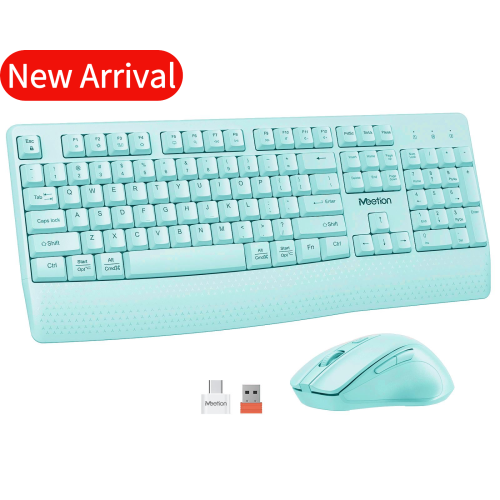

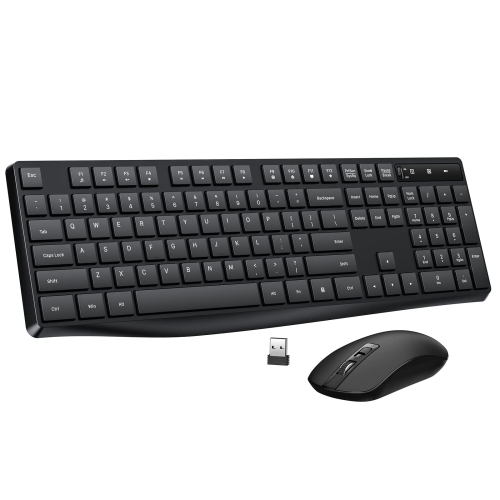
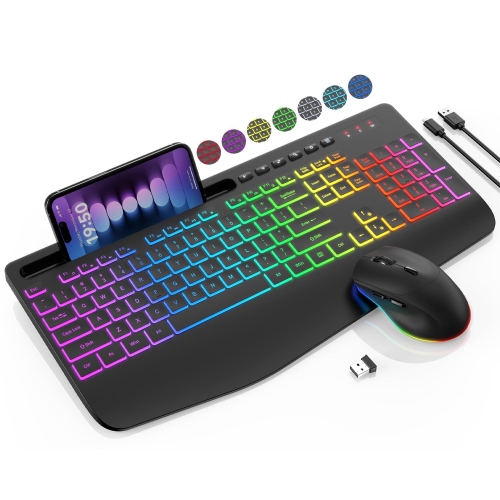
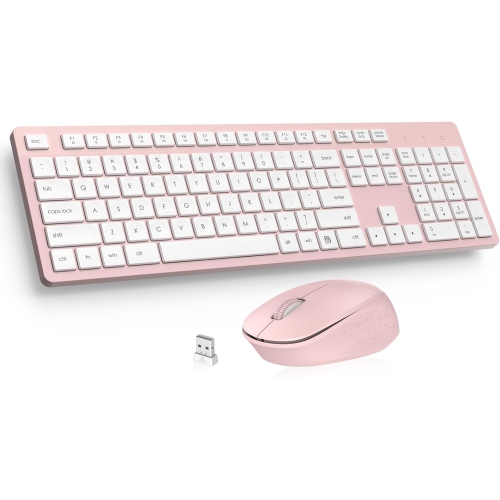
Less cable clutter and more room for coursework
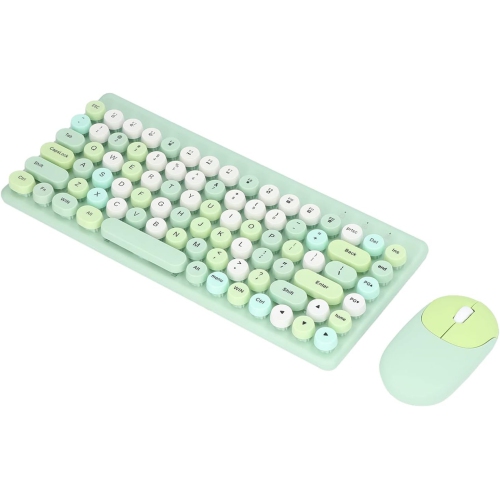
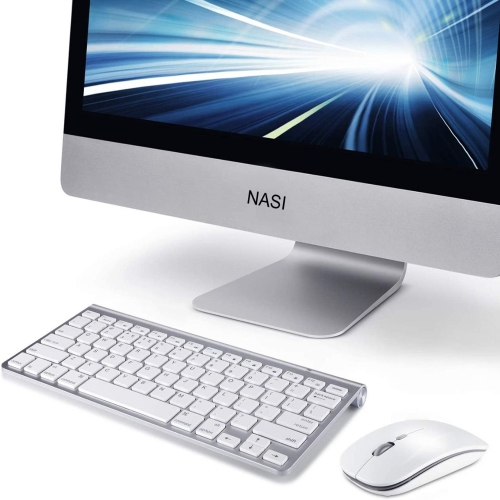
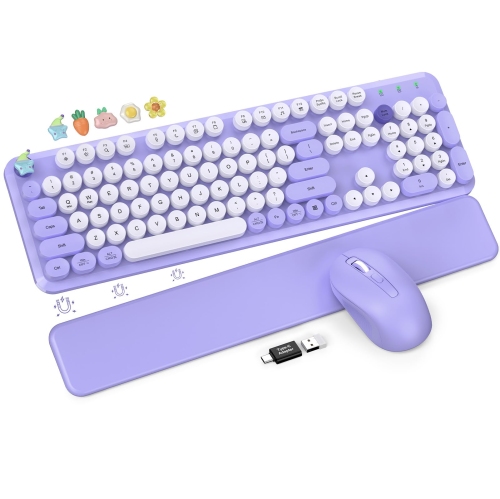
A wireless mouse and keyboard for a dorm desk can make a compact study space easier to organize by reducing cable clutter and allowing each device to sit where it feels comfortable. That flexibility matters when the same desktop holds a laptop, an open textbook, a notebook, and a water bottle, then needs to be cleared for another task. Compact keyboards leave more room for mouse movement, while layouts without a number pad can bring the mouse closer to the typing position. A full-size keyboard has a different advantage: its dedicated number pad may suit students who regularly enter figures, work through spreadsheets, or complete accounting assignments. Smaller layouts sometimes move navigation keys or other functions behind shortcuts, so physical size is only part of the fit. Familiar key placement, readable legends, and convenient access to frequently used controls all contribute to everyday usability. Key feel also shapes the experience. Low-profile keys offer a shallower typing position, while taller keys may appeal to someone who prefers more pronounced feedback. Neither style is automatically quieter; designs described as quiet or low-noise are more relevant when a roommate is sleeping or studying nearby. Mouse dimensions deserve similar attention, since a small travel mouse and a fuller palm-supporting shape can feel quite different during a lengthy writing session. Left-handed users may prefer a symmetrical design, although side-button placement can still affect accessibility. A comfortable arrangement leaves room to move the mouse without knocking into a laptop or reaching around a pile of books. Separate wireless input devices also allow a laptop to sit farther back or on a suitable stand, with the keyboard and mouse positioned independently. For students moving between essays, research, online lectures, and everyday browsing, the most useful combination is one whose layout, size, and controls suit those routines without crowding the work surface. A separate mouse can also make text selection and spreadsheet navigation feel more controlled than working entirely from a laptop trackpad, depending on personal preference.
Wireless connections generally use Bluetooth or a USB receiver, and the distinction affects how a dorm desk comes together. Bluetooth connects through a compatible computer’s built-in wireless capabilities without occupying a USB port. A receiver-based connection uses a small adapter plugged into the computer or a suitable hub. Some matched keyboard-and-mouse combinations share one receiver, which helps keep port use simple, but separate wireless devices do not necessarily work with the same adapter. Connector type matters, too: a laptop with only USB-C ports may need an adapter or hub for a USB-A receiver. Compatibility information should cover the operating system as well as the connection method, because shortcut keys, customization tools, and extra buttons may behave differently across systems. Devices with multi-device pairing can be useful for students who alternate between a personal laptop and another compatible computer, although the number of supported connections and the switching process vary. In a small room, a stable connection at the normal working distance is more useful than a long advertised range. Keeping a receiver accessible and following the device’s connection guidance can help avoid interruptions during typing or pointer movement. Power arrangements are another practical difference. Some wireless keyboards and mice use replaceable batteries, while others recharge through a cable. Battery-life estimates depend on usage and settings, and illuminated keys or other powered features can increase charging needs. A power switch, a clear battery indicator, and an easy-to-reach charging port are useful details for a student who carries the set between a residence room and study spaces. Not every rechargeable device can be used while charging, so that capability is worth confirming when uninterrupted work matters. For everyday assignments, dependable typing and accurate pointer control are central; specialized gaming or detailed creative work may call for additional performance features. Adjustable pointer sensitivity can also help a mouse feel comfortable on a smaller movement area, though it cannot fully replace the physical room needed for normal use.
Materials, construction, and care influence how well a wireless keyboard and mouse hold up to residence life. Plastic housings are common and can keep devices light enough to carry, while sturdier construction can help a keyboard feel settled during quick typing. Rubber feet and a flat, stable base reduce unwanted movement on a smooth desktop. Surface texture affects grip, and matte or textured finishes can feel different from smooth, glossy ones after extended use. Key legends need to remain easy to read, and accessible battery compartments or charging ports make routine upkeep less awkward. For equipment that travels in a backpack, a protective sleeve or separate compartment can help prevent keys from catching on other belongings and keep pressure off mouse buttons. Switching devices off before packing can also prevent accidental inputs and unnecessary battery use. At the desk, a smooth mouse pad provides a consistent tracking surface and can help protect the desktop from repeated movement. Optical sensors do not behave equally on every material, particularly clear glass or highly reflective surfaces, so tracking compatibility matters if a mouse will be used without a pad. Routine cleaning is usually straightforward: remove loose debris gently, use a soft cloth as directed by the manufacturer, and keep liquid away from openings. Cleaning products and moisture tolerance vary, so a spill-resistant description should not be treated as permission to soak a keyboard or mouse. Keeping drinks away from the typing area remains a sensible precaution on a crowded work surface. These accessories can make a practical gift for a student setting up a first residence room or replacing a less comfortable study arrangement, especially when the recipient’s laptop connections, preferred layout, and handedness are known. The same considerations apply across wireless mouse and keyboards for students: a useful pairing should fit the available space, support familiar tasks, and be easy to maintain. Colour and styling can personalize the desk, but comfort and compatibility are what make the setup useful day after day.
Top selling and popular products
-
 Your price for this item is $39.99
-
 Your price for this item is $50.49
-
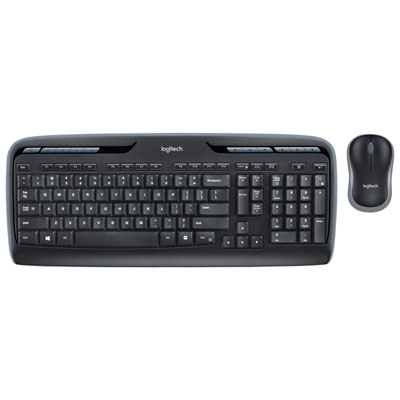 Your price for this item is $59.99
-
 Your price for this item is $59.99
-
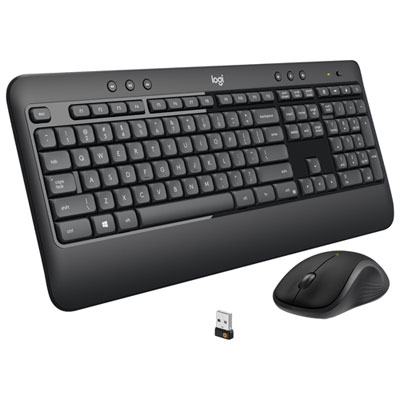 Your price for this item is $69.99
-
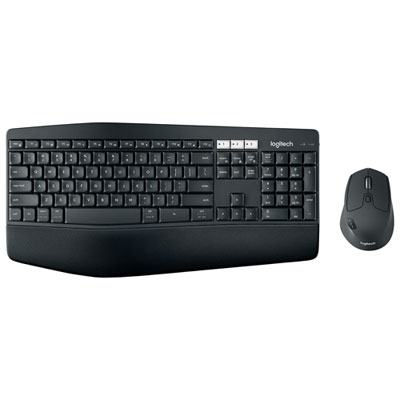 Your price for this item is $129.99
-
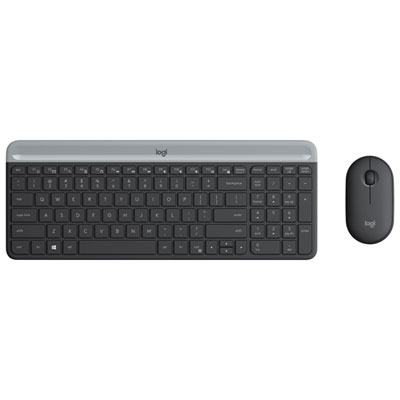 Your price for this item is $69.99
-
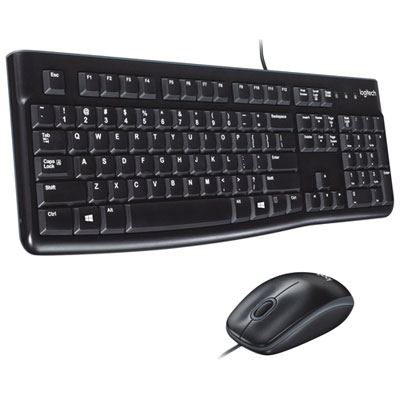 Your price for this item is $20.98
Discover more categories related to Wireless Mouse and Keyboard for Dorm Desks
Top Collections:
Best Black Friday Deals This Year, Best Black Friday Deals On Electronics, Kindle Devices, Pokemon Centers, Best Black Friday Deals On Apple Products, Best Cameras for Sports Photography, Dyson Airwrap, Pokémon 30th Celebration Cards, Apple iPhone 17 Pro, Canon G7X Cameras
Some products may be subject to Environmental Handling Fees
(EHF) depending on your province.
Learn more about EHFs.