Wireless Routers for Mac
Wireless Routers for Mac offer a seamless way to enhance your internet experience, whether you're working, streaming, or gaming on your Apple devices. Designed to provide compatibility and reliable connectivity, these routers help you make the most of your Mac’s capabilities. Explore a range of options that cater to different home and office setups, ensuring smooth online performance across all your devices. Find the perfect fit for your network needs with our selection of Wireless Routers for Mac.
Sort

What really determines your Mac’s Wi-Fi performance
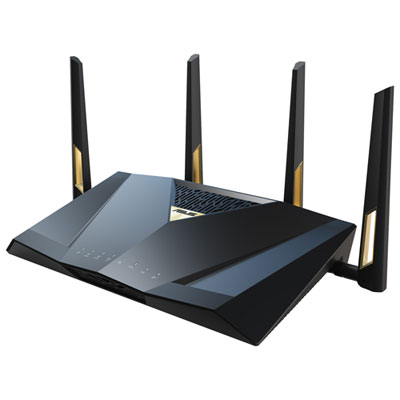
Wireless routers for Mac connect compatible computers to a home or office network using standard Wi-Fi protocols; a dedicated Mac-only router is not required. Compatibility depends on the wireless standards and security settings supported by both the router and the computer, while everyday performance also reflects the internet connection, distance from the router, and other network activity. Wi-Fi 5, Wi-Fi 6, Wi-Fi 6E, and Wi-Fi 7 describe different generations of wireless technology, but a newer router does not give an older Mac capabilities its hardware lacks. Many newer routers support earlier Wi-Fi generations, allowing computers of different ages to share a network, although security settings may need attention when older devices are involved. Wi-Fi 6 can help manage busy networks more efficiently with compatible devices. Wi-Fi 6E adds access to the 6 GHz band, and Wi-Fi 7 introduces further improvements that depend on compatible hardware and supported features. A Mac must support 6 GHz connections to use that band; otherwise, it connects through a supported band such as 2.4 GHz or 5 GHz. Advertised wireless speeds are theoretical maximums, often combined across multiple bands, rather than a promise of download speed on one computer. Internet plan speed, wireless conditions, and the router’s wired connections all affect actual results. A router distributes the connection among devices, while a cable or DSL modem links the home network to the internet provider’s service. Fibre service may use an optical network terminal instead. For setups that require a separate modem, Modems for Mac provides a related category to consider alongside the router, with provider approval and service compatibility remaining essential. This distinction matters when replacing equipment: a capable wireless router cannot remove a speed limit imposed by the internet plan or an unsuitable modem. Some provider-supplied gateways already combine modem and routing functions, so adding another router may require configuration changes to avoid running two overlapping networks unnecessarily.
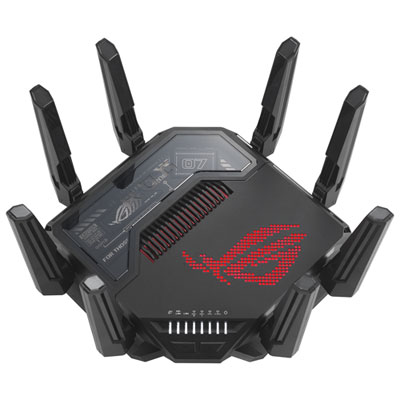
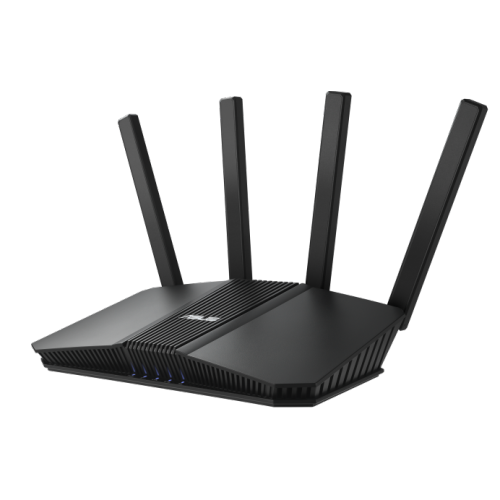
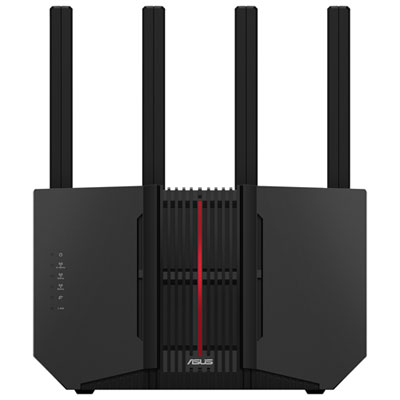
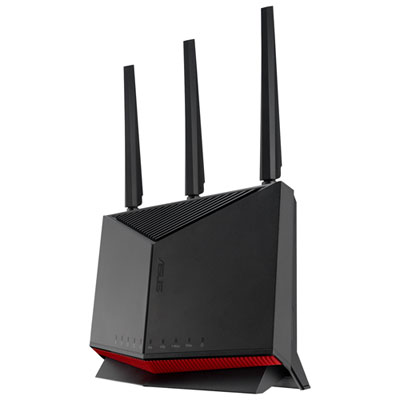
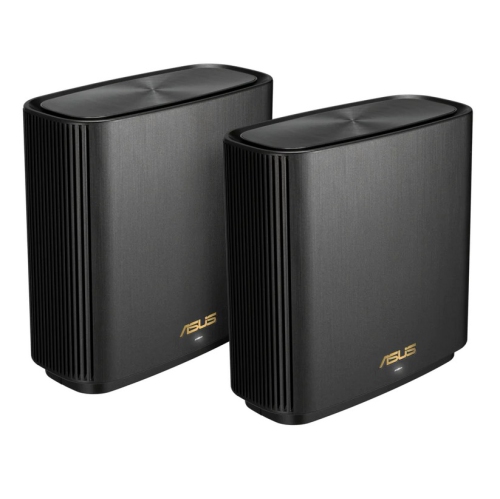
Coverage is as important as the wireless generation, particularly when a Mac moves between a desktop work surface, a dining table, and a room farther from the main connection. A single router may suit a compact apartment, while a larger or multilevel home can benefit from a mesh system with several coordinated units. Floor area alone does not tell the whole story: masonry walls, concrete floors, metal cabinets, and the position of the incoming internet connection can make coverage uneven. Mesh units need a strong connection to one another, so placing an extra unit inside an existing dead zone may not provide the expected improvement. Wired backhaul, where supported, links mesh units by Ethernet and can leave more wireless capacity for connected devices. The 2.4 GHz band generally reaches farther but can be crowded, while 5 GHz and 6 GHz connections can provide greater throughput at shorter distances under suitable conditions. Band count also deserves context. A tri-band design may use its additional band for compatible devices, communication between mesh units, or both, depending on the system. For households with video calls, online games, television streaming, and large downloads happening together, handling simultaneous connections can matter more than an impressive headline speed. Wired ports add flexibility for a stationary Mac, network storage, or other equipment near the router. A computer without an Ethernet port may need a compatible adapter, and both the internet-facing port and local network ports should match the speeds the setup is intended to carry. Physical fit matters, too. Routers range from compact upright units to wider housings with adjustable external antennas. Durable plastic casings, stable feet, accessible ports, and practical cable routing help equipment sit securely without crowding a work surface. Open shelving generally gives wireless signals and ventilation a better chance than a closed cabinet, while wall mounting is useful only when the router’s design supports it.
Day-to-day usability can make a wireless router for Mac easier to live with long after the initial connection. A browser-based management interface can allow setup and adjustments from macOS without a dedicated desktop application, while some routers rely on a compatible phone app for part or all of the process. The setup method, account requirements, and access to advanced settings are worth considering, especially for anyone who prefers managing the network directly from a computer. Clear controls for network names, passwords, connected devices, and guest access help keep a shared household network manageable. A guest network can separate visitors from personal computers and storage, although that separation may also prevent access to a shared printer or other local devices. WPA3 security is useful when supported across the devices involved, while compatibility options can help accommodate older equipment. Automatic firmware updates, a separate administrator password, and a clear software-support policy are practical features for equipment that may stay in service for years. Parental controls and scheduling tools vary by router, and some features require an additional subscription or account. For remote work, quality-of-service controls may help prioritize a video call when the connection is busy, but they cannot create bandwidth that the internet service does not supply. Built-in VPN features also differ: supporting remote access into a home network is not the same as routing household traffic through an external VPN service. Creative users transferring large files to local storage may place more value on fast Ethernet ports, whereas a student working mostly in a browser may prioritize consistent coverage and straightforward management. Care is usually simple: keep vents clear, remove surface dust with a dry cloth, and avoid stacking equipment on the casing. For a shared home or a gift, matching the router to the recipient’s internet service, floor plan, computer capabilities, and comfort with setup is more useful than choosing by maximum speed alone.
Top selling and popular products
-
 Your price for this item is $189.99
-
 Your price for this item is $189.99
-
 Your price for this item is $219
-
 Your price for this item is $899.99
-
 Your price for this item is $299.99
-
 Your price for this item is $139.99
-
 Your price for this item is $499.99
-
 Your price for this item is $349.99
Discover more categories related to Wireless Routers for Mac
Top Collections:
Best Black Friday Deals This Year, Best Black Friday Deals On Electronics, Kindle Devices, Pokemon Centers, Best Black Friday Deals On Apple Products, Best Cameras for Sports Photography, Dyson Airwrap, Pokémon 30th Celebration Cards, Apple iPhone 17 Pro, Canon G7X Cameras
Some products may be subject to Environmental Handling Fees
(EHF) depending on your province.
Learn more about EHFs.