Wireless USB Adapters for MAC
Upgrade your connectivity with a Wireless USB Adapter for MAC, designed to help you enjoy seamless wireless access on your device. Whether you're looking to enhance your internet experience at home, in the office, or on the go, these adapters offer a convenient solution for reliable network connections. Discover a range of options that are compatible with MAC systems and make it easy to stay connected wherever you need it most. Find the right Wireless USB Adapter for MAC to suit your needs and enjoy improved flexibility and performance.
Sort
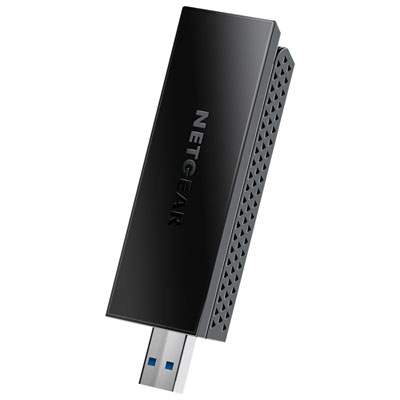
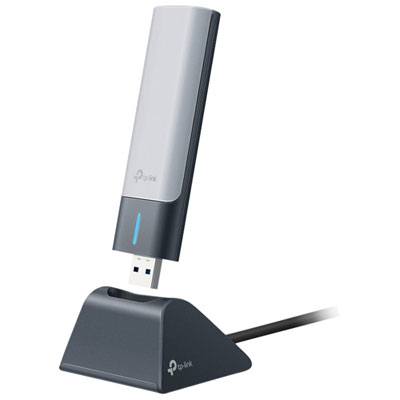
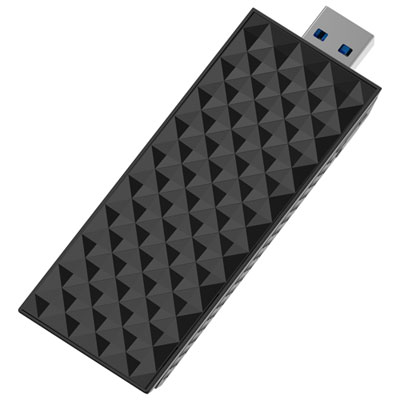
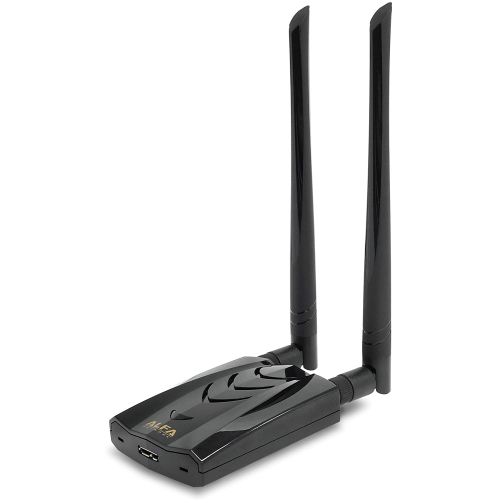
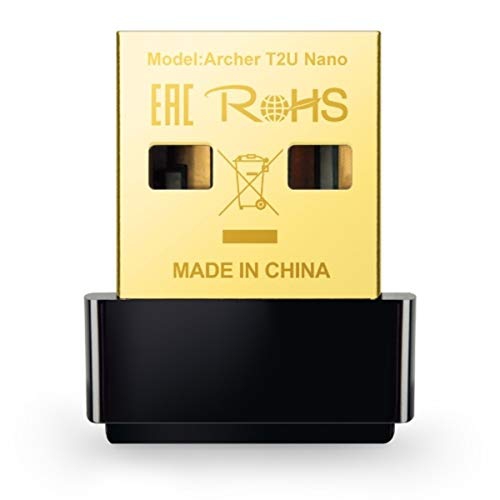

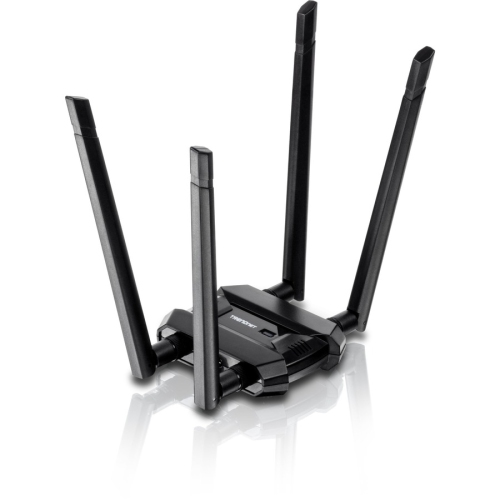
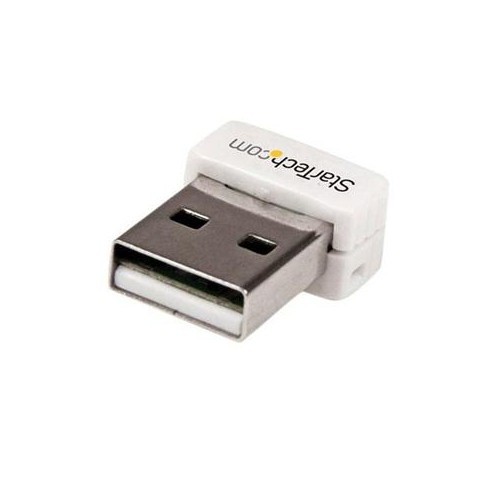
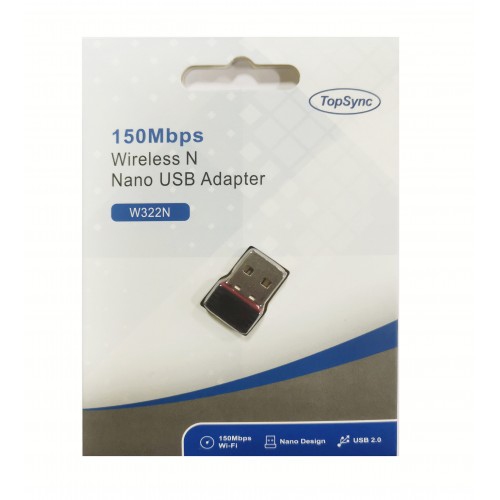
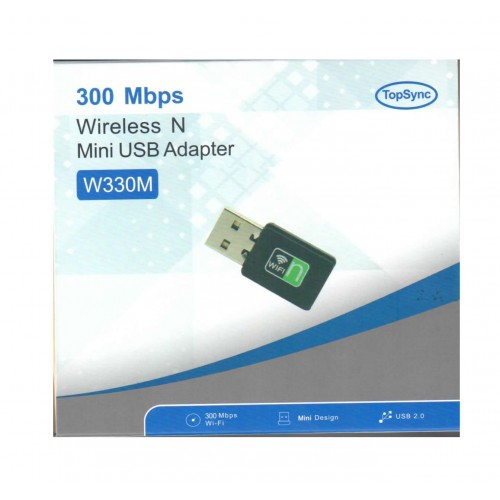

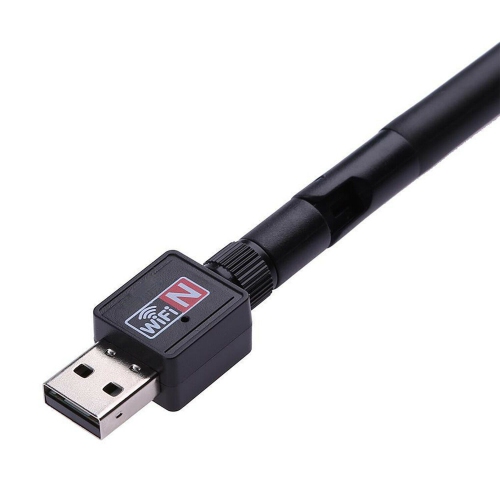
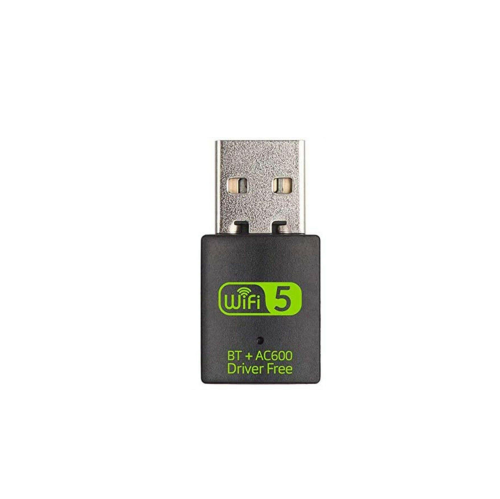
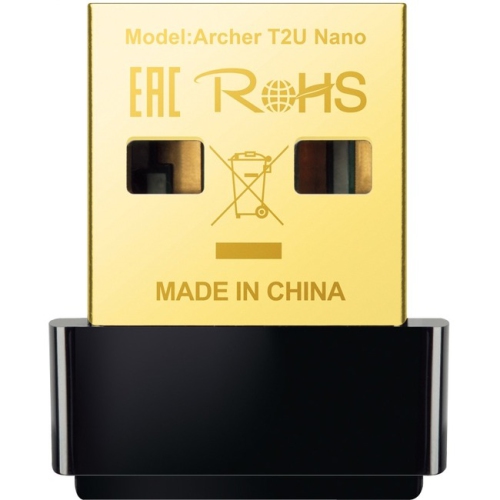
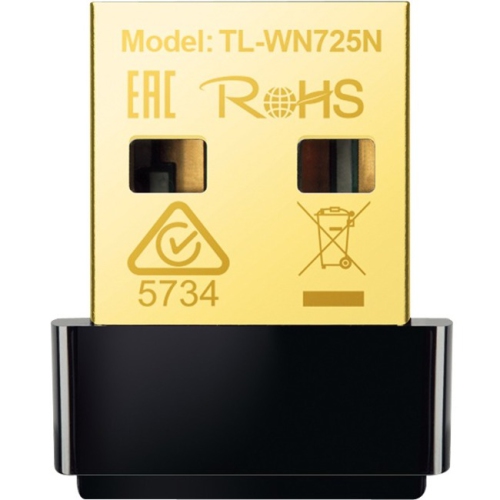
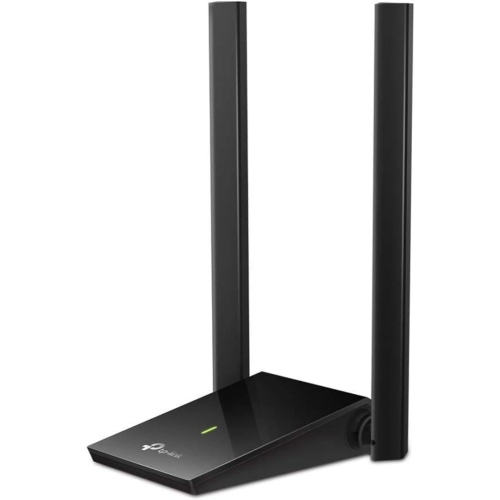
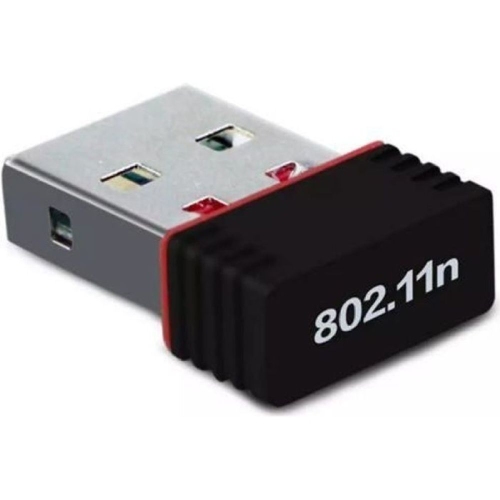
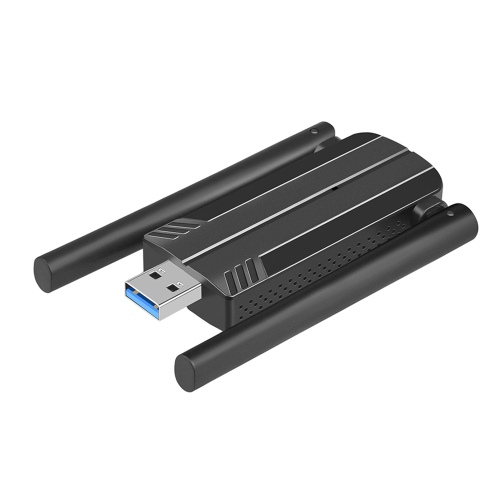
Reliable Mac connectivity wherever work study or travel takes you
Staying connected has never been more important, and for Mac users, a reliable wireless USB adapter can make all the difference—whether you’re upgrading an older iMac at home, setting up a MacBook in a new apartment, or helping a student gear up for the school year. Wireless USB adapters for Mac offer a practical solution for those who need to boost Wi-Fi performance, connect to faster 5GHz networks, or simply add wireless capability to a device that lacks built-in support. As the weather warms and routines shift from indoor study sessions to patio workspaces or cottage getaways, a dependable usb wifi adapter mac ensures seamless streaming, smooth video calls, and uninterrupted downloads. They are also a thoughtful gift for anyone transitioning to a new workspace, heading off to university, or moving into a summer sublet where Wi-Fi coverage can be unpredictable. The compact size of these adapters makes them easy to slip into a bag or even a pocket, so you’re always prepared for that unexpected dead zone or the need to quickly upgrade your connection.
When shopping for a wireless USB adapter for your Mac, there are a few key factors to keep in mind to ensure the best experience. Compatibility is crucial: check that the adapter supports your version of macOS, especially if you’re running Catalina or later. Some adapters require specific drivers—often available directly from the manufacturer’s website or, in the case of certain Realtek-based chips, from trusted third-party developers. Installation is generally straightforward, involving a quick download and a system restart, but it’s worth setting aside a few extra minutes if you’re helping a friend or family member who isn’t as tech-savvy. For modern MacBook users, USB-C compatibility is another consideration; you may need a USB-A to USB-C adapter to connect some models. Dual-band adapters are popular for their ability to access both 2.4GHz and 5GHz Wi-Fi networks, providing faster speeds and more stable connections, which is especially valuable during busy summer weekends when everyone is online. If you’re looking to extend your network range or need an alternative solution for M1 Macs, you might also explore Wireless Ethernet Adapters for even more flexibility.
Wireless USB adapters for Mac are ideal for a wide range of users, from students and remote workers to families upgrading their home office setups. They’re also a smart addition to any travel kit, ensuring you’re never caught without a reliable connection at a hotel, café, or family cottage. With the right adapter, you can transform an older Mac into a high-speed streaming hub or safeguard your connection during important video meetings. Whether you’re gifting one to a new graduate, outfitting a home for summer guests, or simply looking to enhance your own Mac experience, these adapters deliver convenience, performance, and peace of mind. As routines shift with the seasons, a quality wireless USB adapter helps keep your digital life running smoothly, wherever you set up your workspace.
When shopping for a wireless USB adapter for your Mac, there are a few key factors to keep in mind to ensure the best experience. Compatibility is crucial: check that the adapter supports your version of macOS, especially if you’re running Catalina or later. Some adapters require specific drivers—often available directly from the manufacturer’s website or, in the case of certain Realtek-based chips, from trusted third-party developers. Installation is generally straightforward, involving a quick download and a system restart, but it’s worth setting aside a few extra minutes if you’re helping a friend or family member who isn’t as tech-savvy. For modern MacBook users, USB-C compatibility is another consideration; you may need a USB-A to USB-C adapter to connect some models. Dual-band adapters are popular for their ability to access both 2.4GHz and 5GHz Wi-Fi networks, providing faster speeds and more stable connections, which is especially valuable during busy summer weekends when everyone is online. If you’re looking to extend your network range or need an alternative solution for M1 Macs, you might also explore Wireless Ethernet Adapters for even more flexibility.
Wireless USB adapters for Mac are ideal for a wide range of users, from students and remote workers to families upgrading their home office setups. They’re also a smart addition to any travel kit, ensuring you’re never caught without a reliable connection at a hotel, café, or family cottage. With the right adapter, you can transform an older Mac into a high-speed streaming hub or safeguard your connection during important video meetings. Whether you’re gifting one to a new graduate, outfitting a home for summer guests, or simply looking to enhance your own Mac experience, these adapters deliver convenience, performance, and peace of mind. As routines shift with the seasons, a quality wireless USB adapter helps keep your digital life running smoothly, wherever you set up your workspace.
Top selling and popular products
-
 Your price for this item is $138.68
 -
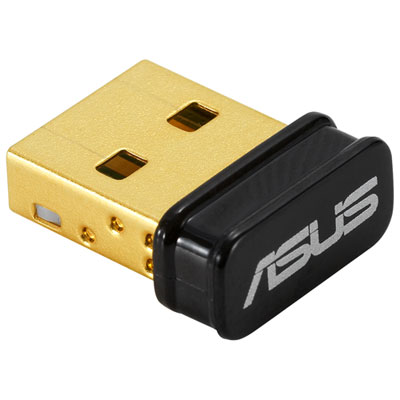 Your price for this item is $29.99
 -
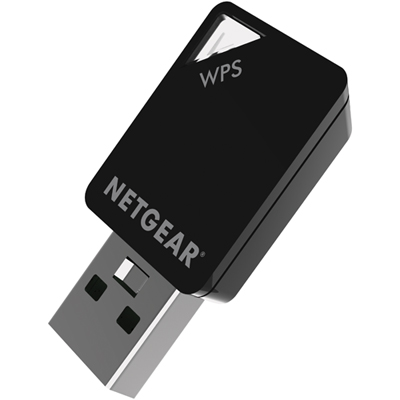 Your price for this item is $54.99
 -
 Your price for this item is $68.68
 -
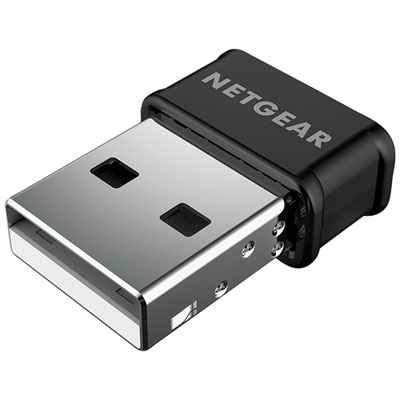 Your price for this item is $39.99
 -
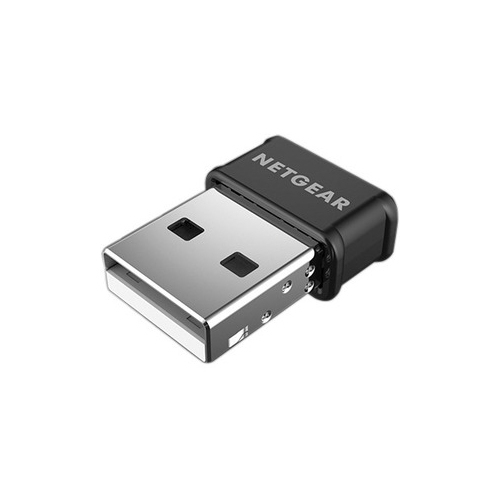 Your price for this item is $42.68
 -
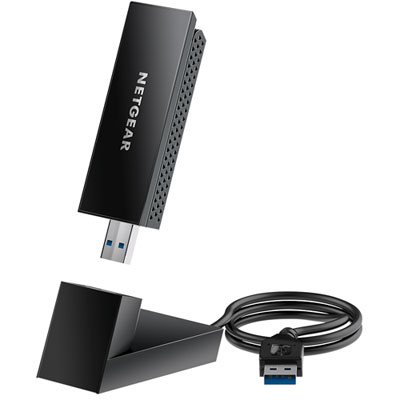 Your price for this item is $99.99
 -
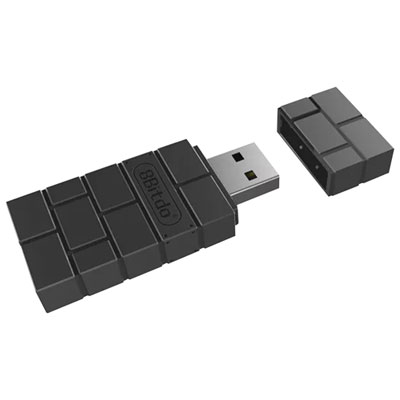 Your price for this item is $21.99
Discover more categories related to Wireless USB Adapters for MAC

Top Collections:
Pokemon Centers, Kindle Devices, Best Budget Office Chairs, Apple iPhones 16, Best Laptops for Writers, iPhone 15 Apple, Canon G7X Cameras, Refurbished Apple Laptops, Alarm Clock, Motorola Razr Phones
Some products may be subject to Environmental Handling Fees
(EHF) depending on your province.
Learn more about EHFs.