Zoom Webcams
Upgrade your video conferencing game with our selection of high-quality webcams designed to deliver crystal-clear image and sound for all your virtual meetings, online classes, or catching up with friends and family. Whether you're looking for a basic webcam for casual use or a professional-grade camera for business presentations, we have the perfect solution to suit your needs. Say goodbye to blurry video quality and muffled audio - with our range of webcams, you'll always be in sharp focus and sound your best no matter where you are.
Sort
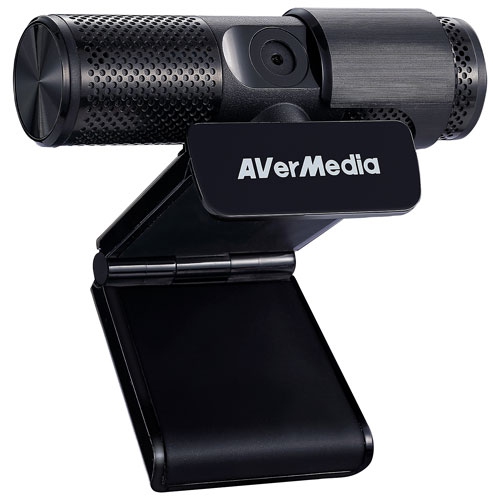
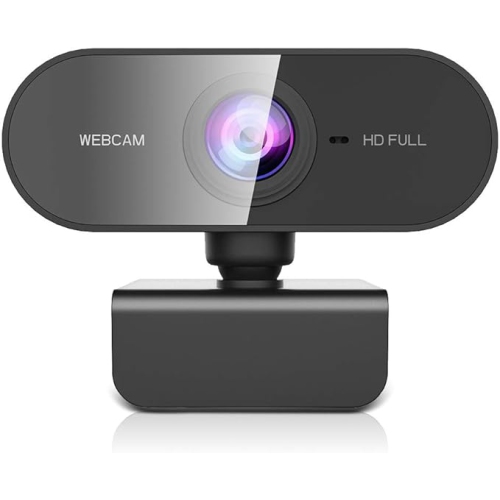
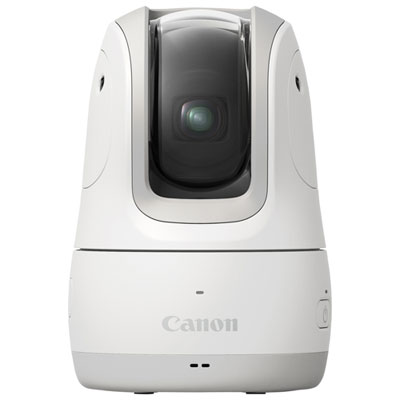
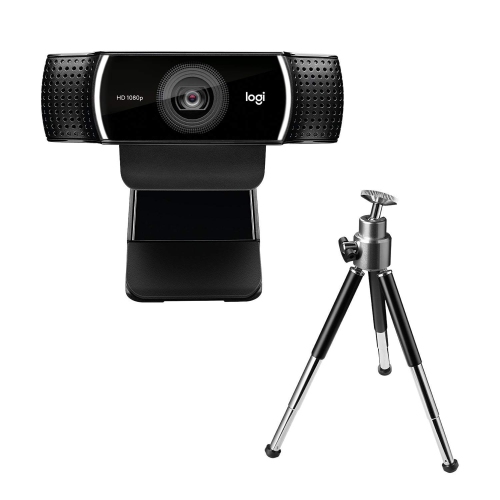
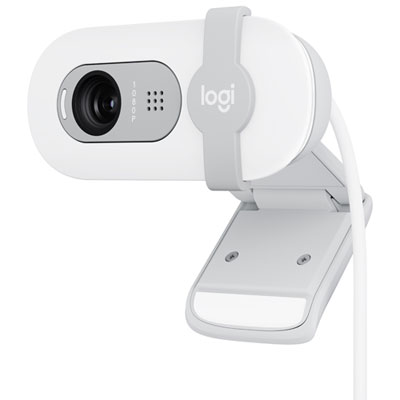
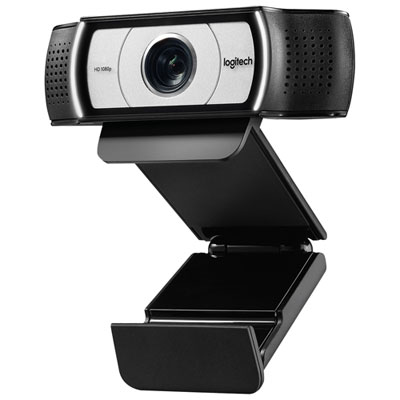

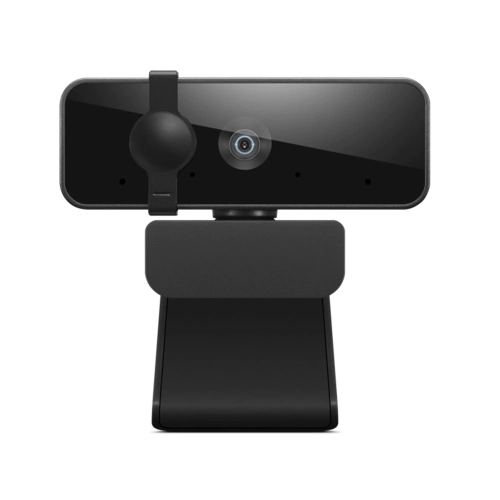
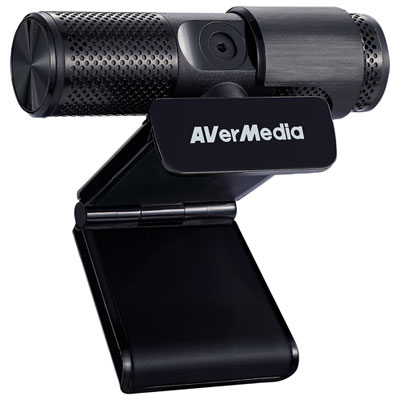
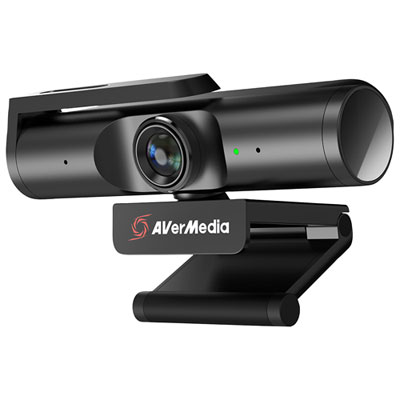
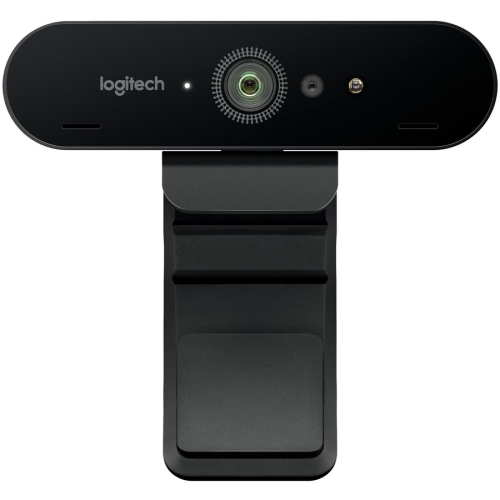
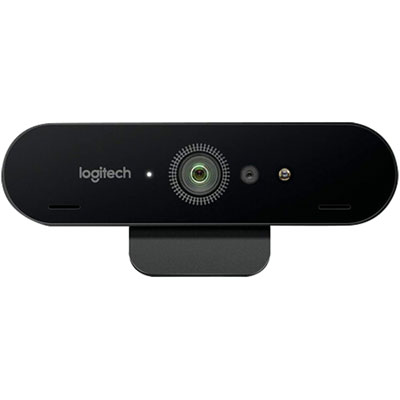
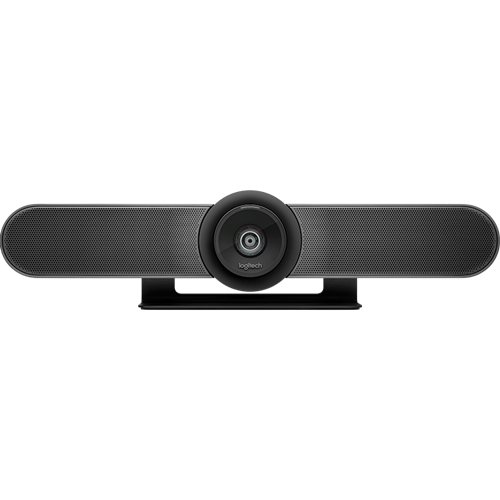
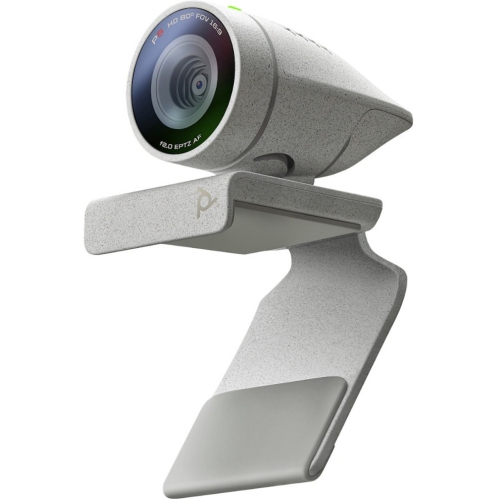
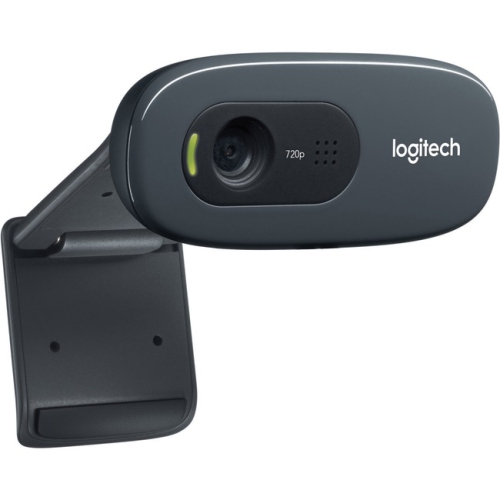

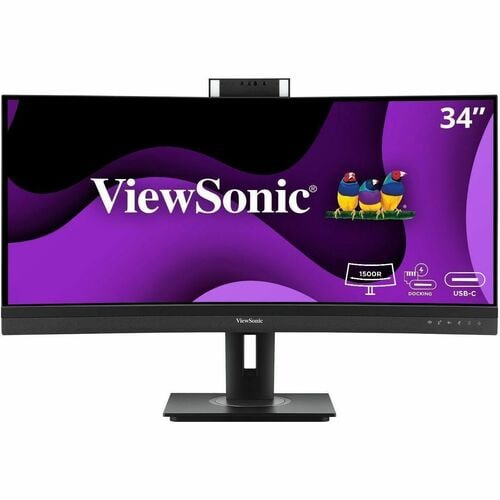
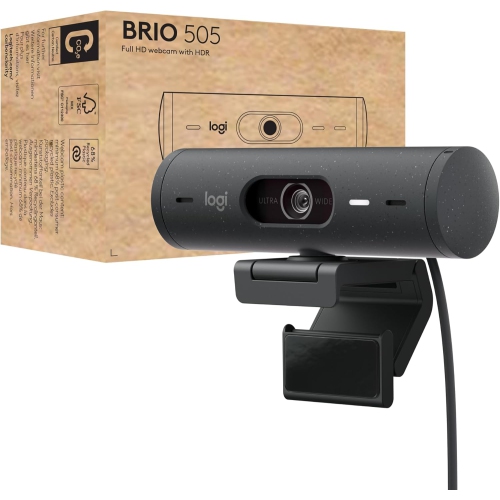
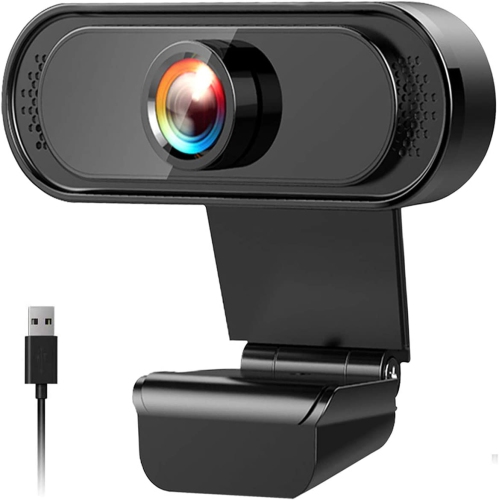
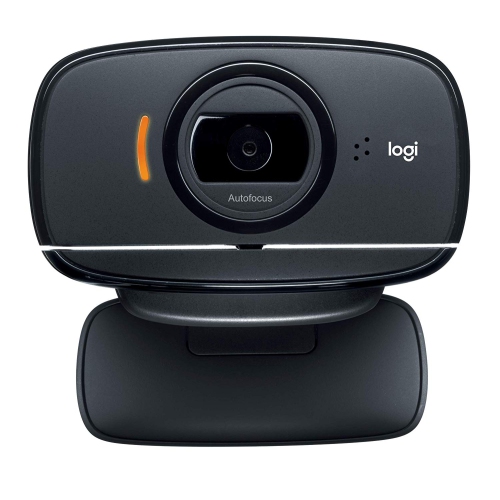
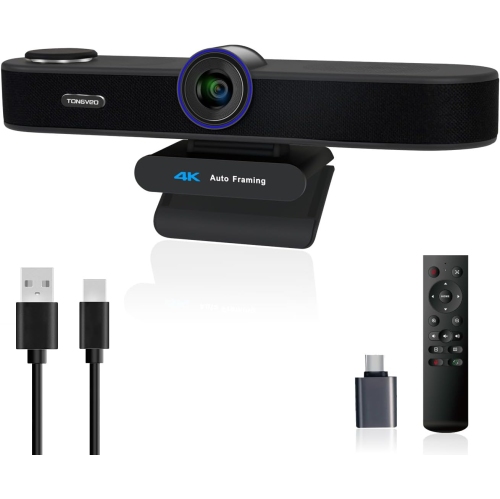
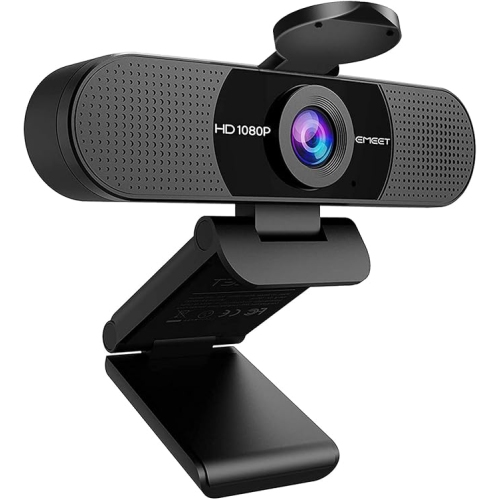

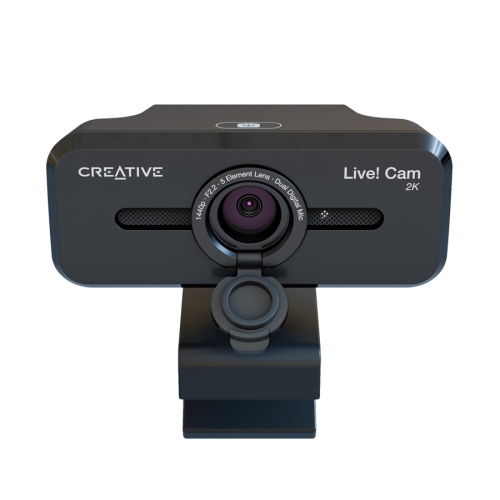
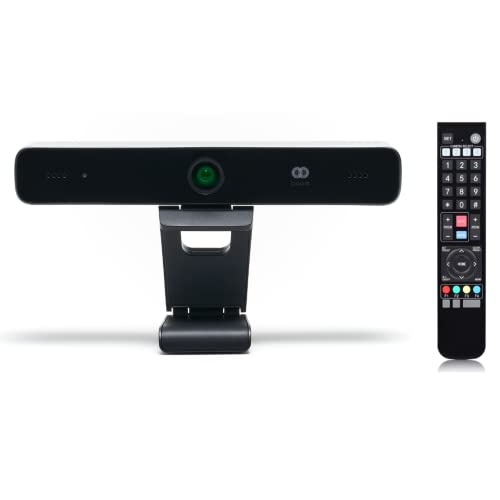
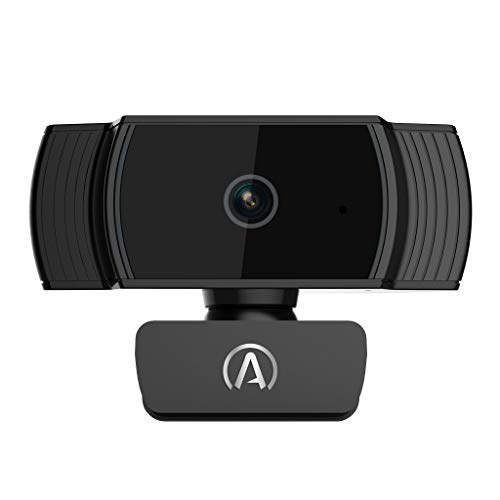
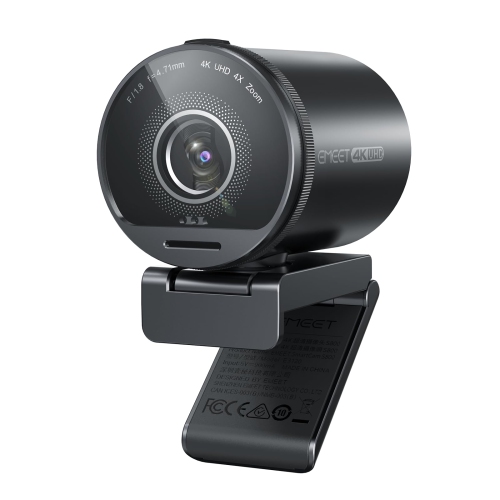
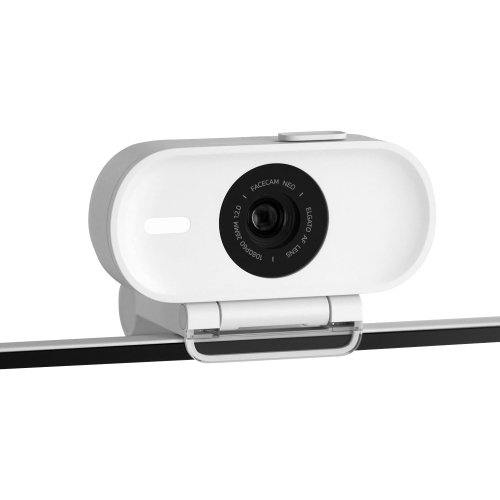
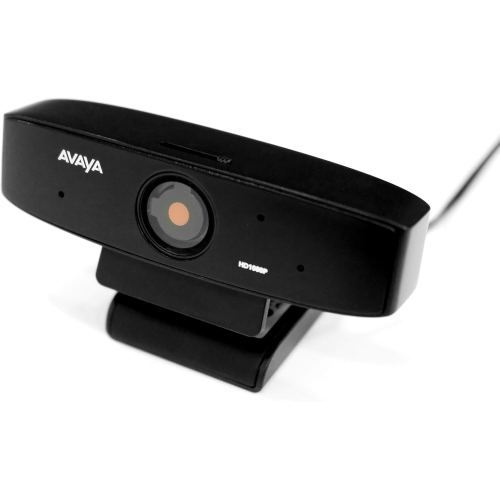
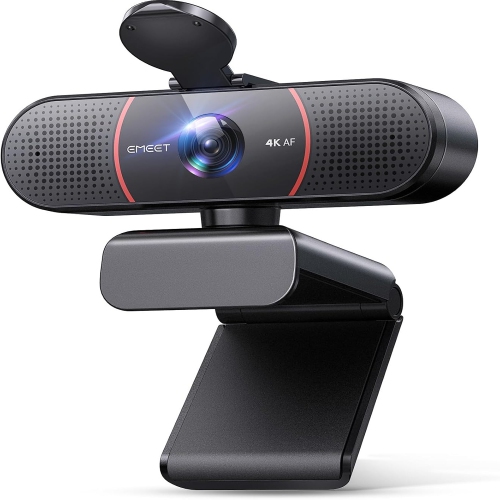
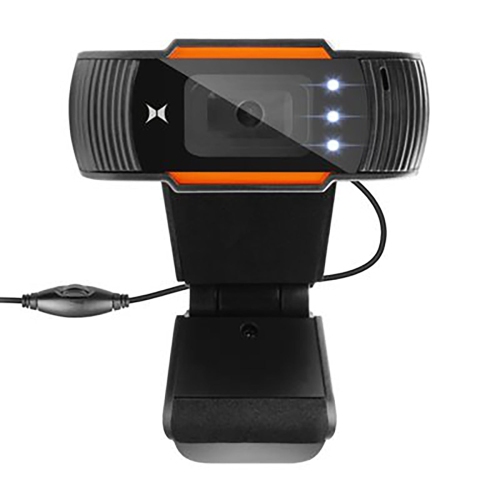
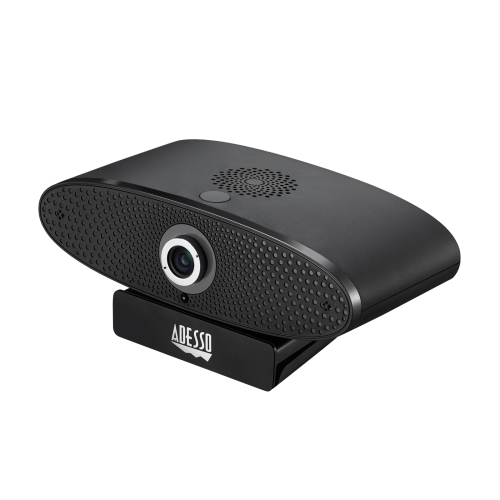
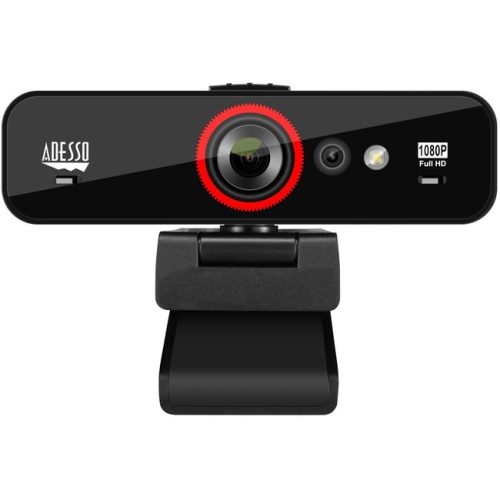
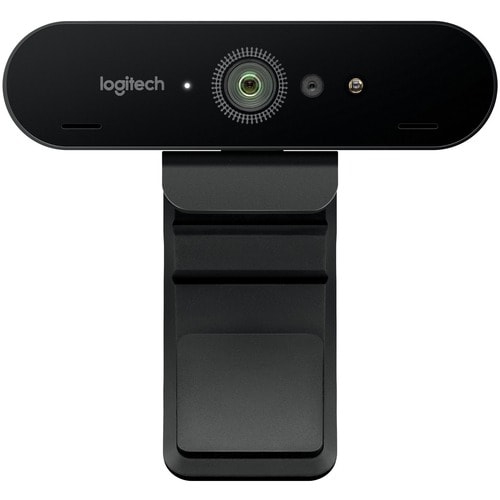
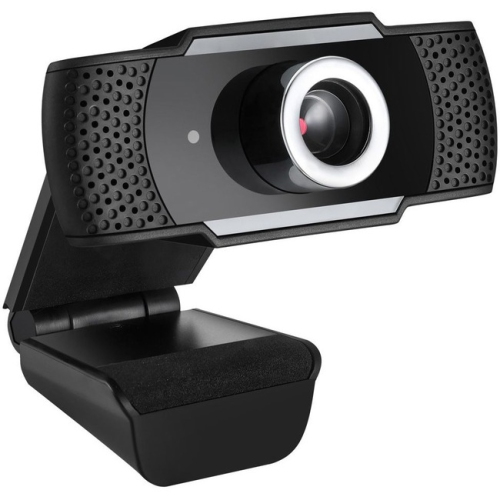
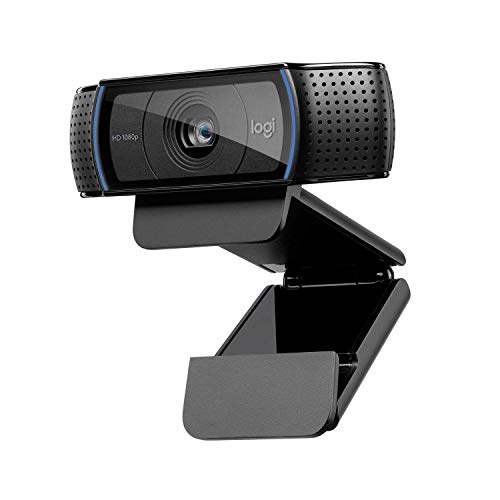
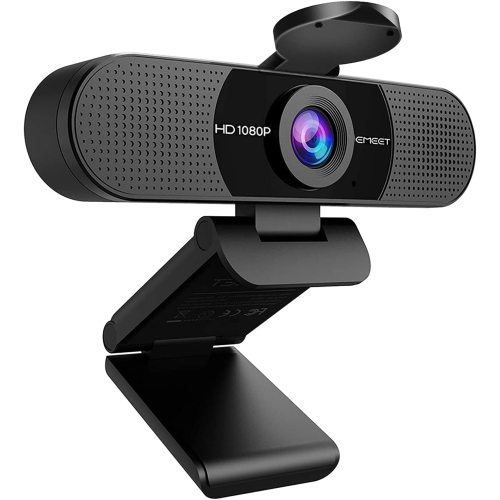
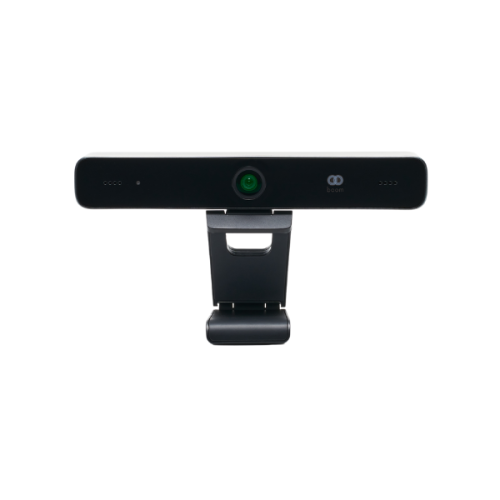
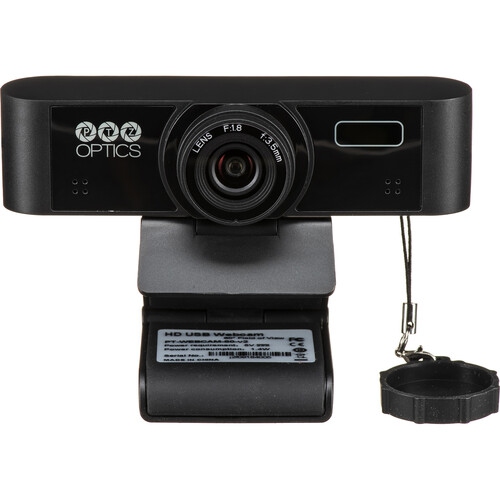
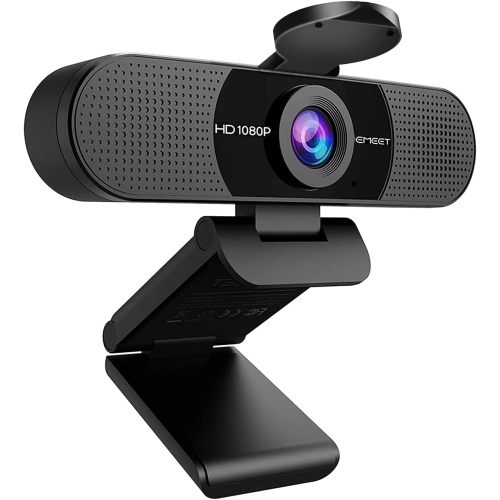
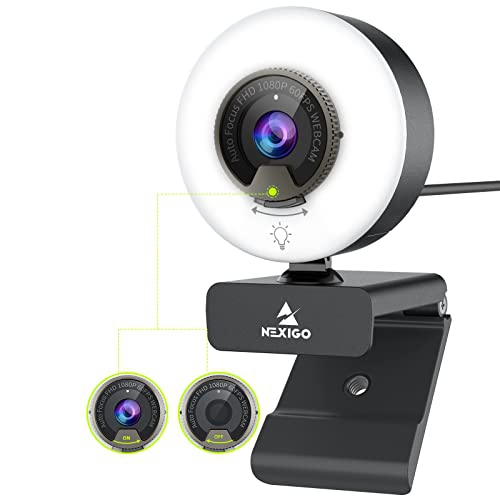
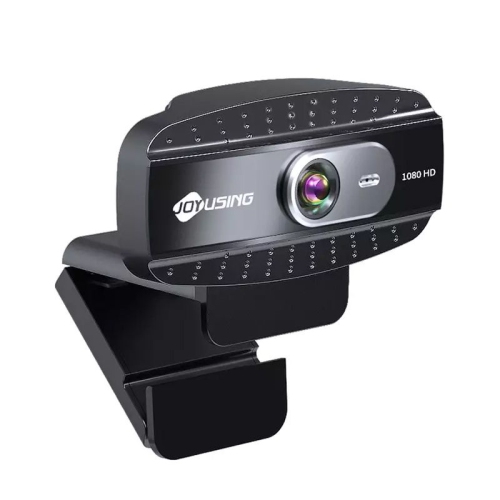
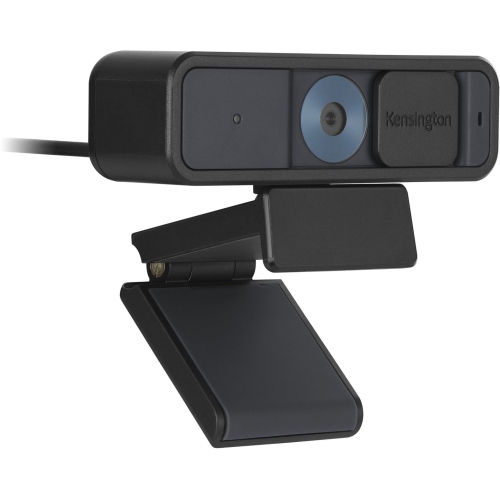
A clearer, more comfortable view for every call
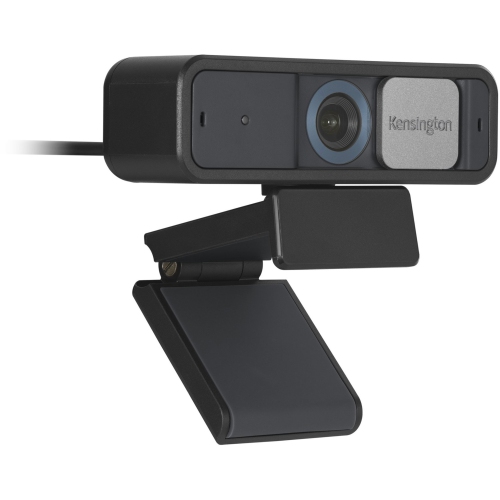
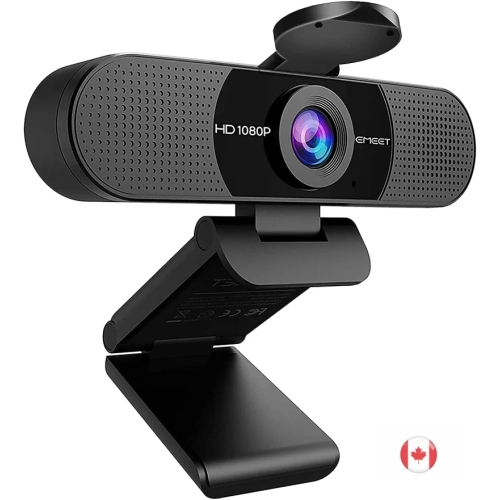
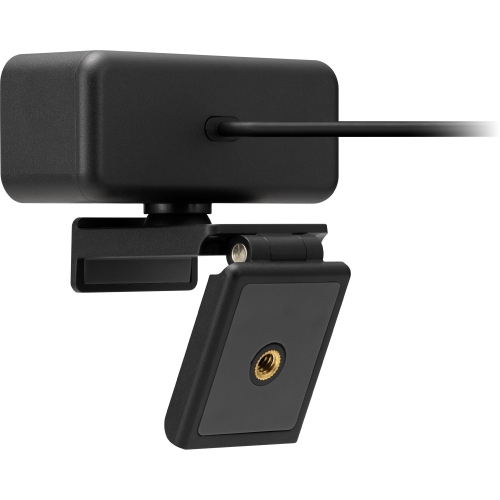
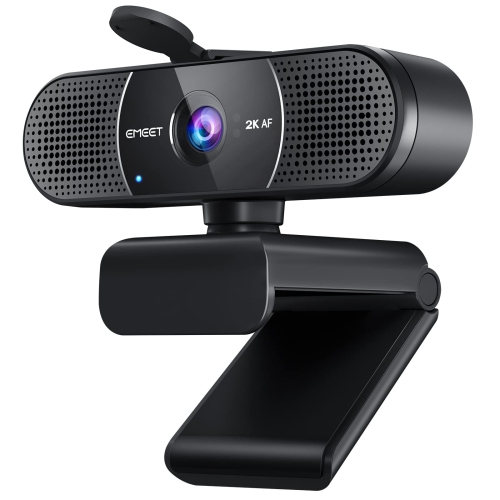
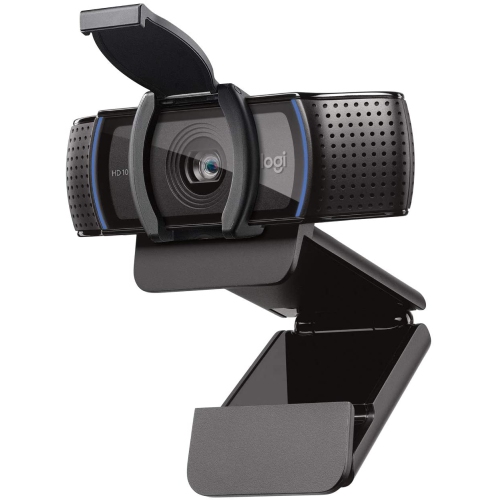
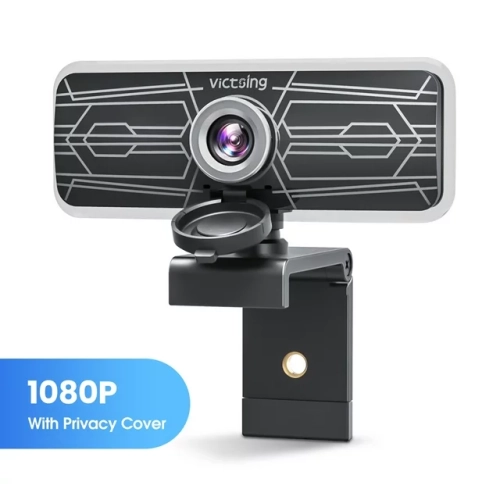
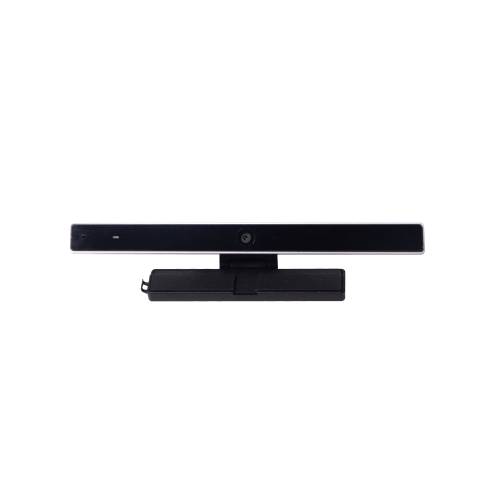
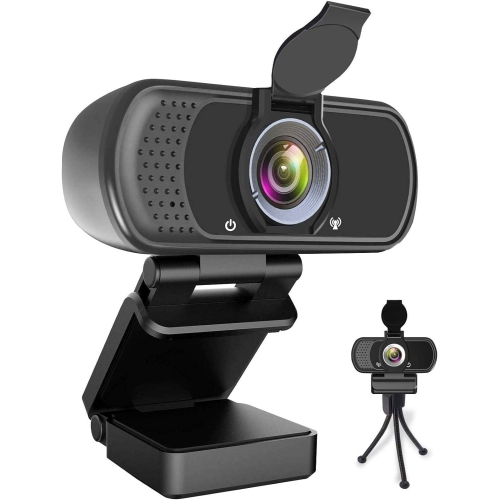
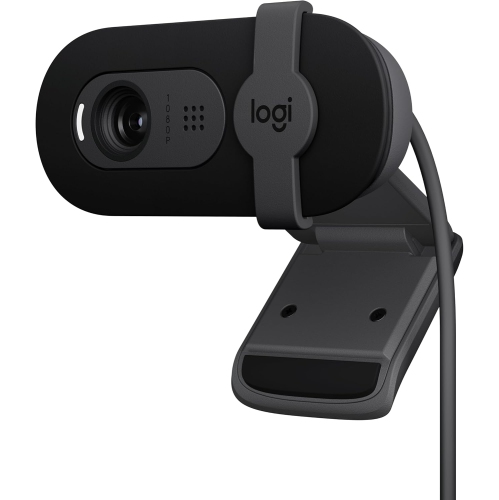
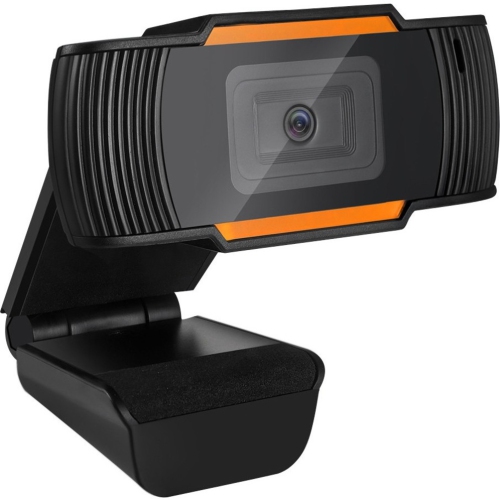
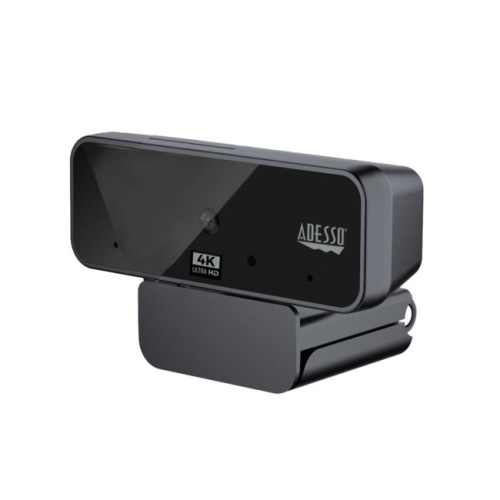
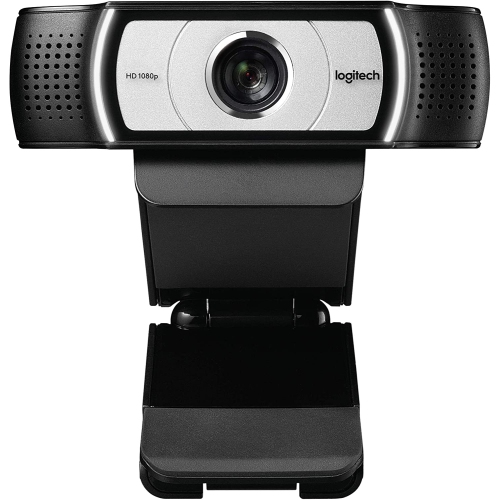
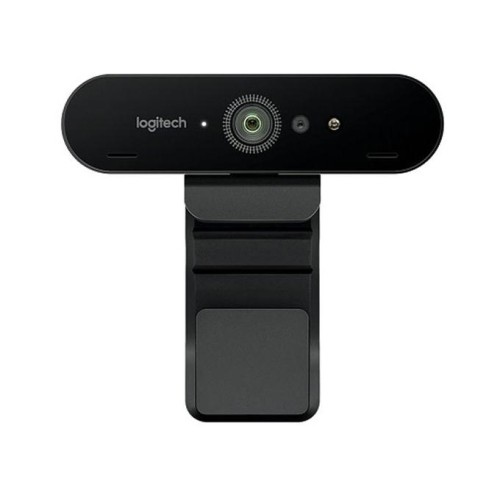
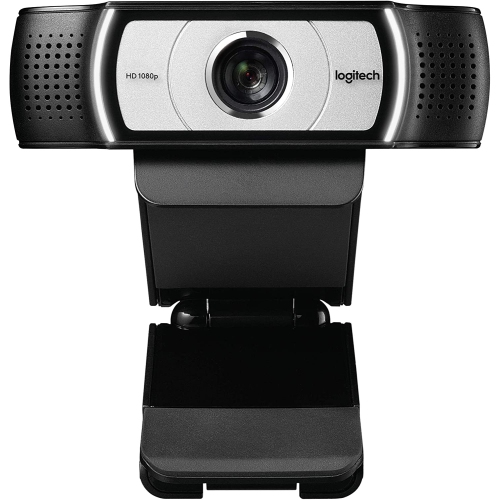
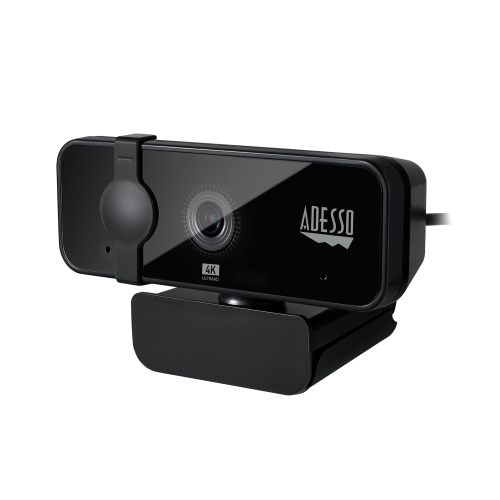
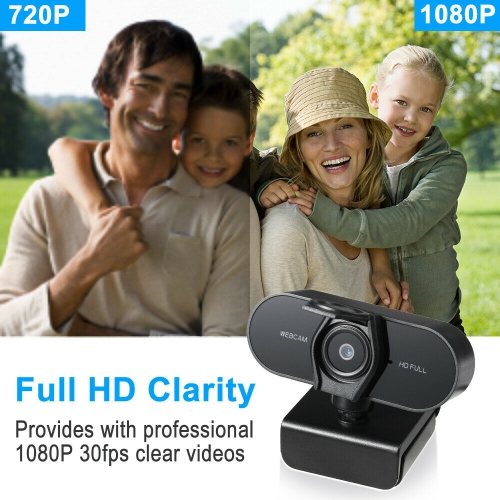
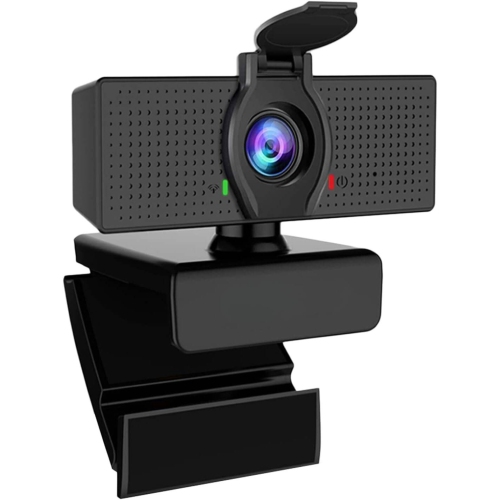
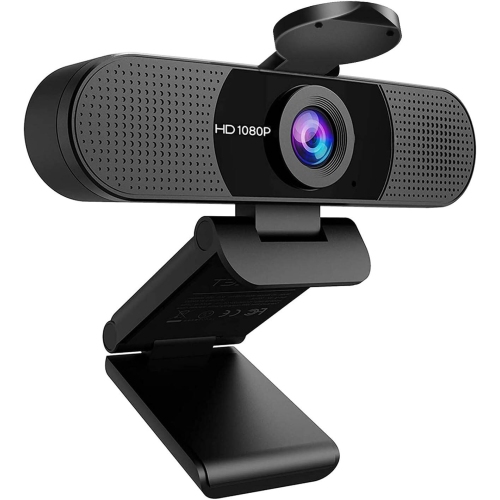
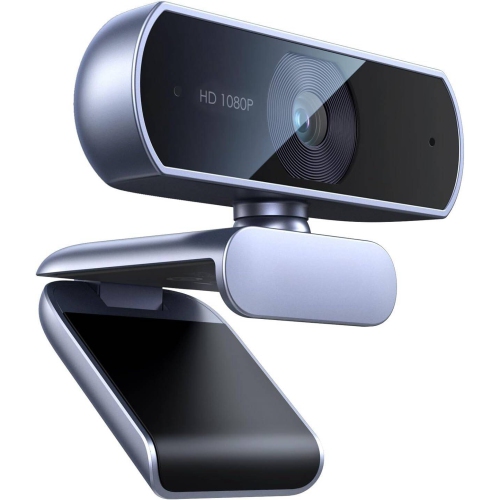
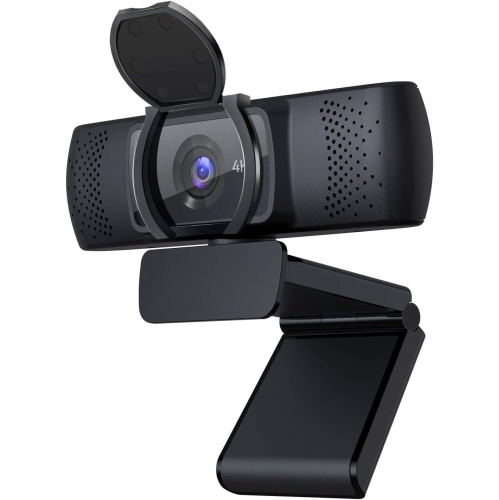
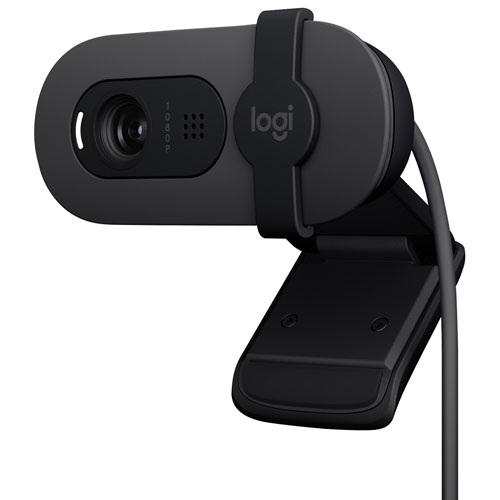
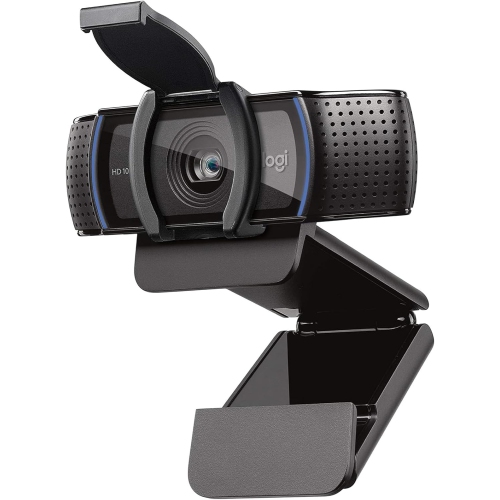
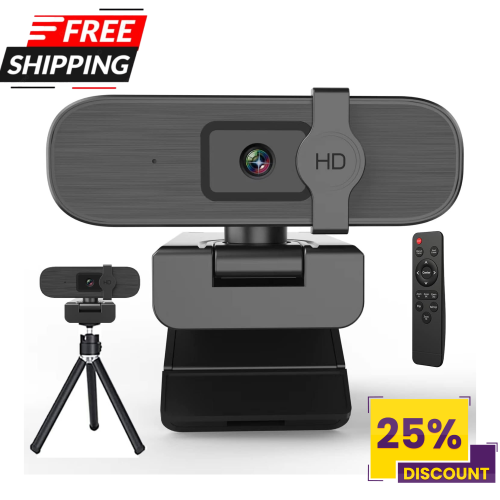
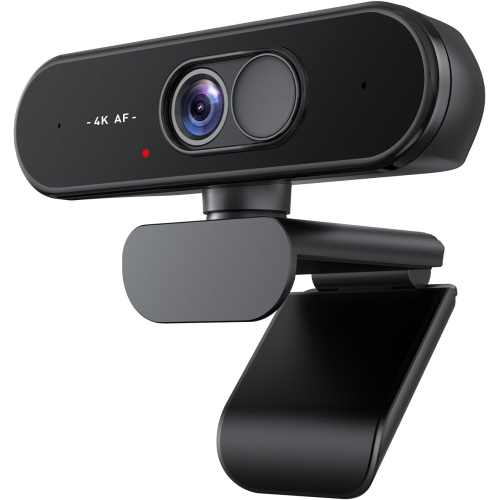
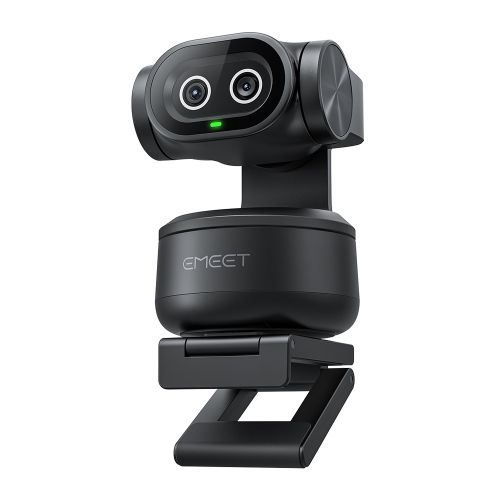
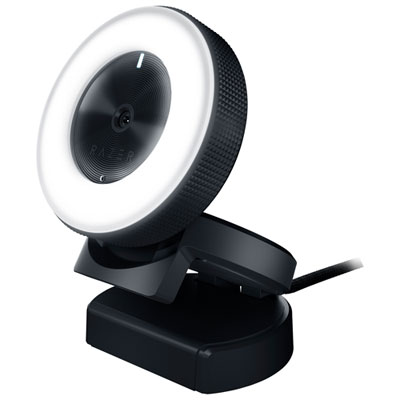
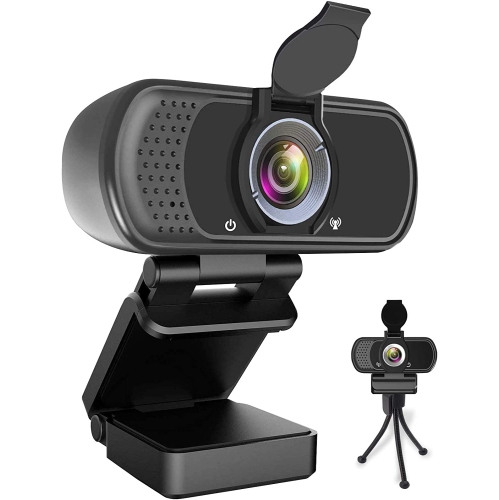
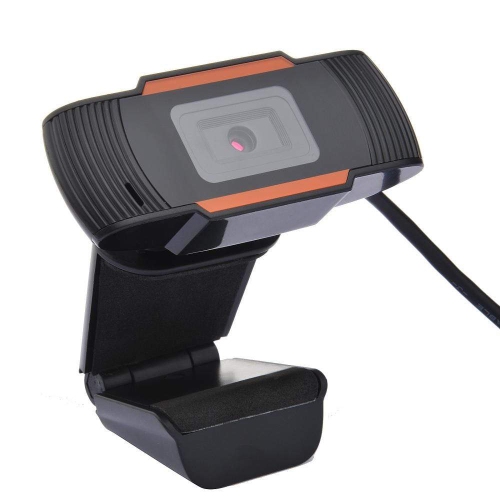
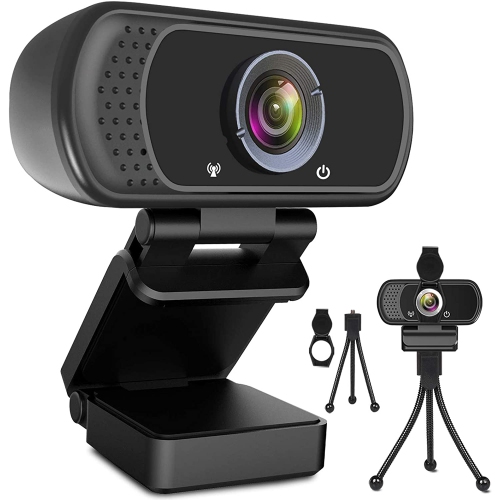
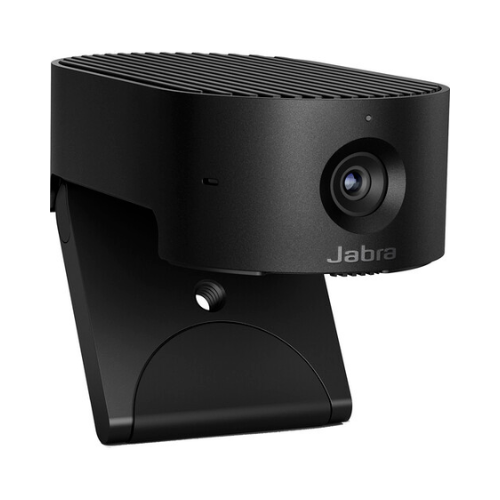
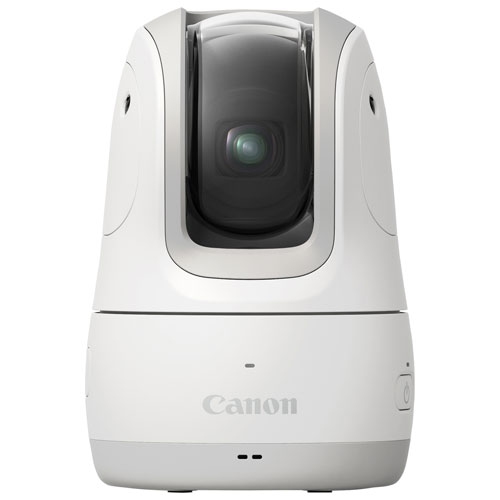
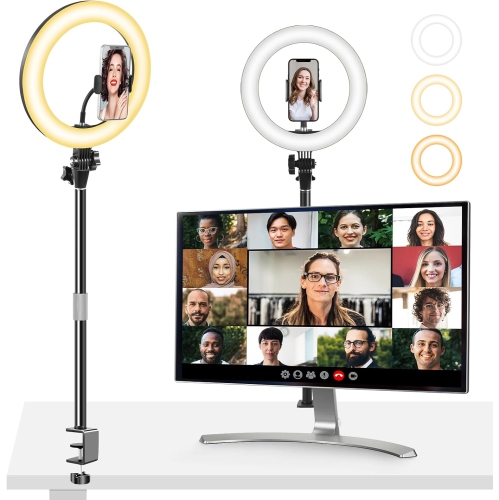
A good webcam can make Zoom meetings feel more natural, polished, and personal, whether you are joining from a home office, a shared kitchen table, a classroom, or a quiet corner of the living room. Most laptops include a built-in camera that is suitable for occasional calls, but an external webcam can offer a clearer picture, better positioning, and more consistent performance. A dedicated webcam sits at eye level rather than looking up from below the screen, which can create a more comfortable and professional view during long meetings. It is also easier to place in front of an external monitor or move between a desktop computer and laptop. For standard Zoom meetings, a 1080p webcam is often the practical choice because Zoom commonly limits meeting video to 1080p, depending on the account, meeting settings, computer, and internet connection. A 720p model may be enough for casual family calls, online appointments, or occasional school use, while a 4K webcam can be useful for recording local video, creating content, streaming, or cropping into a frame without losing as much detail. Resolution is only part of the picture. Look for autofocus to keep your face sharp when you lean forward or hold something up to the camera, and consider a wider field of view if you regularly meet with more than one person or use a whiteboard. A narrower view can be preferable for a small desk because it keeps shelves, laundry, and other household distractions outside the frame. A webcam with automatic exposure, low-light correction, or HDR can help balance a bright window behind you or a dim room during the cooler months, when natural daylight may be limited. Even the best camera benefits from a little attention to lighting: placing a lamp behind the camera and facing the light source can soften shadows and make your image easier to see.
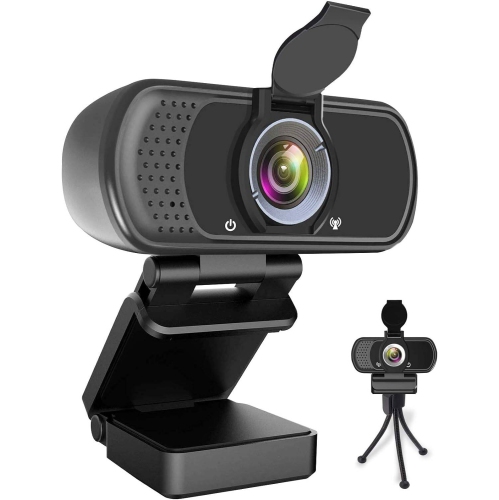
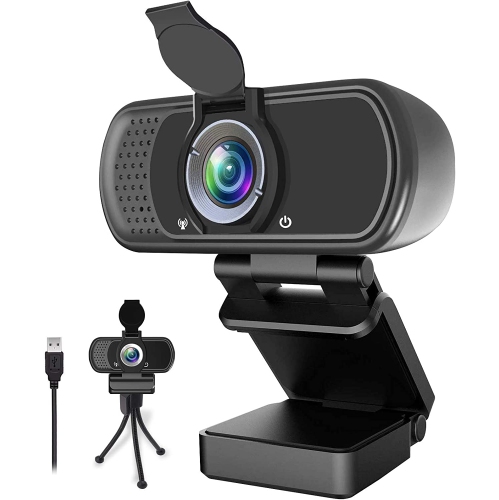
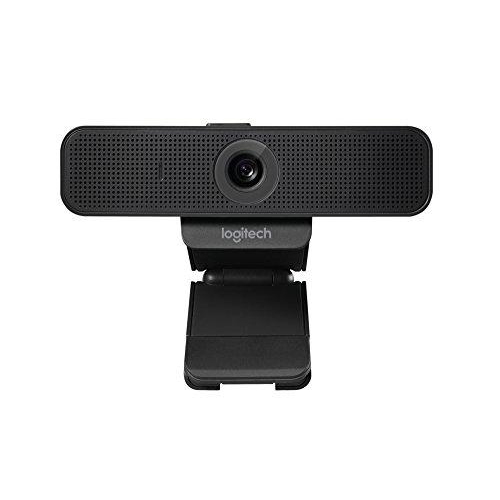
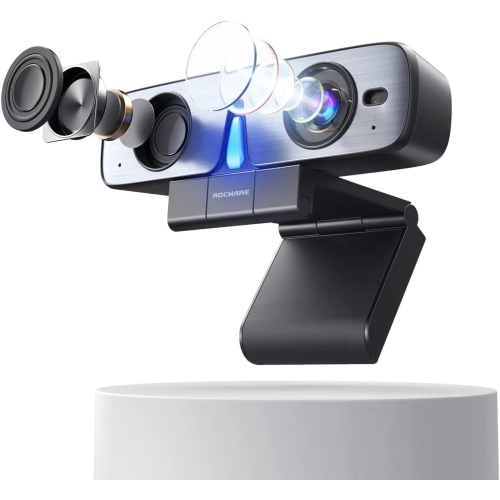
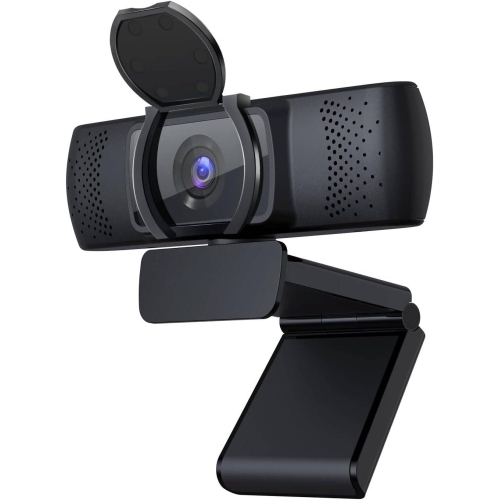
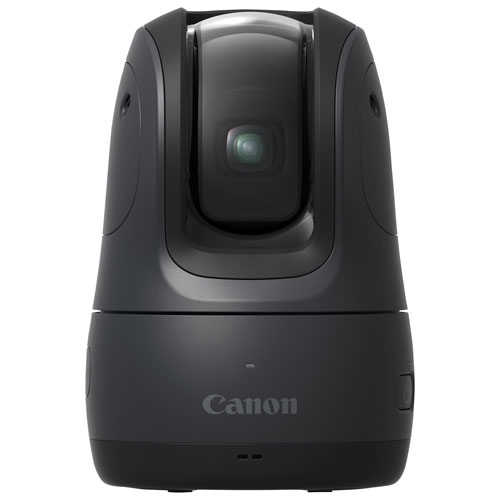
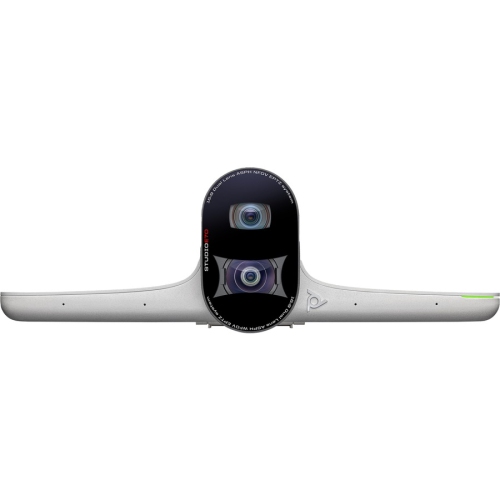
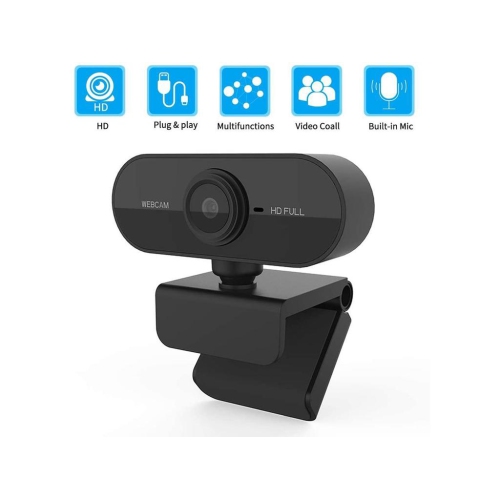
Audio is just as important as video for Zoom calls. A sharp picture cannot compensate for muffled speech, keyboard noise, or a room that sounds hollow and echoing. Built-in webcam microphones are convenient for many everyday meetings, and dual microphones with noise reduction can help focus on your voice while reducing some background sounds. If your workspace is near a busy hallway, a kitchen, or a shared family area, microphone performance may influence your experience as much as resolution. Check whether the webcam connects through USB and whether it is designed for plug-and-play use with your computer’s operating system. A simple setup can be especially helpful for students, remote workers, older adults, and anyone who prefers to spend less time adjusting technical settings before a call. Compatibility with Zoom is generally straightforward, but it is still worth checking the computer’s available ports, the webcam’s mounting method, and whether any optional software is needed for advanced controls. Many models include a universal clip for attaching to a monitor or laptop display, while a tripod mount can provide more flexibility on a desk or shelf. Privacy is another useful consideration. A physical privacy shutter, sliding cover, or folding design gives a clear tactile way to block the lens when a meeting ends, helping prevent accidental video from appearing during another call. Some webcams also include controls for brightness, colour, framing, and background effects, although software features may vary by computer and platform. For additional options designed with workplace presentation and communication in mind, explore Professional Webcams. A model with automatic framing or subject tracking may suit people who move while speaking, demonstrate products, teach lessons, or share a workspace with another presenter. Pan, tilt, and zoom features can help adjust the composition without reaching across the desk, but they are not essential for a typical seated meeting.
Zoom webcams can be useful for a wide range of people and can make a thoughtful gift for someone beginning remote work, starting a course, setting up a small business, or staying connected with relatives who live far away. A straightforward 1080p webcam may be a practical choice for a university student attending lectures from a bedroom desk, while an advanced model with tracking and framing controls could appeal to a trainer, presenter, tutor, or creator who records more active sessions. Families may appreciate an external camera for group calls, especially when a laptop’s built-in camera leaves everyone crowded around a narrow frame. A webcam can also support virtual interviews, medical and professional appointments where video is appropriate, customer consultations, language practice, gaming conversations, and online clubs. Before choosing, consider the main setting and the person using it. Someone who joins short calls from a fixed desk may value a compact design, reliable autofocus, and a privacy cover more than 4K resolution. Someone who records demonstrations or wants to reuse meeting footage may benefit from higher resolution, a wider dynamic range, or more detailed manual controls. People working in bright rooms should look for balanced exposure, while those in basements, bedrooms, or shared spaces may prefer strong low-light performance. It is also helpful to think about internet service and computer capability: higher-resolution video files and advanced effects can require more processing power and bandwidth, even when a meeting platform compresses the outgoing stream. A clean lens, a stable mount, and a camera positioned slightly above the screen can improve the image immediately. With the right webcam, a routine Zoom call can feel less like speaking into a small laptop and more like having a clear, comfortable conversation across the table.
Audio is just as important as video for Zoom calls. A sharp picture cannot compensate for muffled speech, keyboard noise, or a room that sounds hollow and echoing. Built-in webcam microphones are convenient for many everyday meetings, and dual microphones with noise reduction can help focus on your voice while reducing some background sounds. If your workspace is near a busy hallway, a kitchen, or a shared family area, microphone performance may influence your experience as much as resolution. Check whether the webcam connects through USB and whether it is designed for plug-and-play use with your computer’s operating system. A simple setup can be especially helpful for students, remote workers, older adults, and anyone who prefers to spend less time adjusting technical settings before a call. Compatibility with Zoom is generally straightforward, but it is still worth checking the computer’s available ports, the webcam’s mounting method, and whether any optional software is needed for advanced controls. Many models include a universal clip for attaching to a monitor or laptop display, while a tripod mount can provide more flexibility on a desk or shelf. Privacy is another useful consideration. A physical privacy shutter, sliding cover, or folding design gives a clear tactile way to block the lens when a meeting ends, helping prevent accidental video from appearing during another call. Some webcams also include controls for brightness, colour, framing, and background effects, although software features may vary by computer and platform. For additional options designed with workplace presentation and communication in mind, explore Professional Webcams. A model with automatic framing or subject tracking may suit people who move while speaking, demonstrate products, teach lessons, or share a workspace with another presenter. Pan, tilt, and zoom features can help adjust the composition without reaching across the desk, but they are not essential for a typical seated meeting.
Zoom webcams can be useful for a wide range of people and can make a thoughtful gift for someone beginning remote work, starting a course, setting up a small business, or staying connected with relatives who live far away. A straightforward 1080p webcam may be a practical choice for a university student attending lectures from a bedroom desk, while an advanced model with tracking and framing controls could appeal to a trainer, presenter, tutor, or creator who records more active sessions. Families may appreciate an external camera for group calls, especially when a laptop’s built-in camera leaves everyone crowded around a narrow frame. A webcam can also support virtual interviews, medical and professional appointments where video is appropriate, customer consultations, language practice, gaming conversations, and online clubs. Before choosing, consider the main setting and the person using it. Someone who joins short calls from a fixed desk may value a compact design, reliable autofocus, and a privacy cover more than 4K resolution. Someone who records demonstrations or wants to reuse meeting footage may benefit from higher resolution, a wider dynamic range, or more detailed manual controls. People working in bright rooms should look for balanced exposure, while those in basements, bedrooms, or shared spaces may prefer strong low-light performance. It is also helpful to think about internet service and computer capability: higher-resolution video files and advanced effects can require more processing power and bandwidth, even when a meeting platform compresses the outgoing stream. A clean lens, a stable mount, and a camera positioned slightly above the screen can improve the image immediately. With the right webcam, a routine Zoom call can feel less like speaking into a small laptop and more like having a clear, comfortable conversation across the table.
Top selling and popular products
-
 Your price for this item is $99.99
 -
 Your price for this item is $123.44
 -
 Your price for this item is $28.98
 -
 Your price for this item is $65.1
 -
 Your price for this item is $119.99
 -
 Your price for this item is $249.99
 -
 Your price for this item is $49.99
 -
 Your price for this item is $59.99
Discover more categories related to Zoom Webcams
Top Collections:
Pokemon Centers, Kindle Devices, Best Budget Office Chairs, Apple iPhones 16, Best Laptops for Writers, iPhone 15 Apple, Canon G7X Cameras, Refurbished Apple Laptops, Alarm Clock, Motorola Razr Phones
Some products may be subject to Environmental Handling Fees
(EHF) depending on your province.
Learn more about EHFs.