Cyber Monday Deals Coming Soon

Our Cyber Monday Sale returns in December 2026. In the meantime, shop our current top deals below.

Cyber Monday External SSD Deals

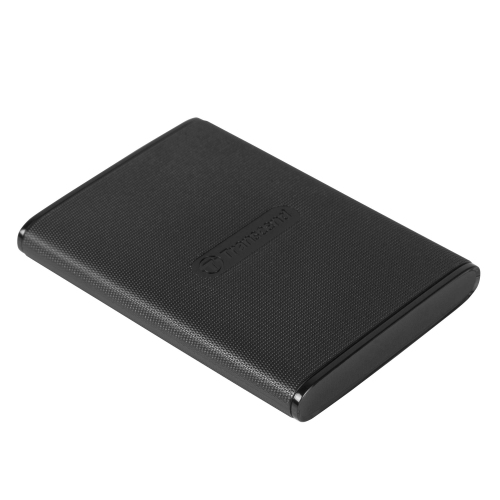
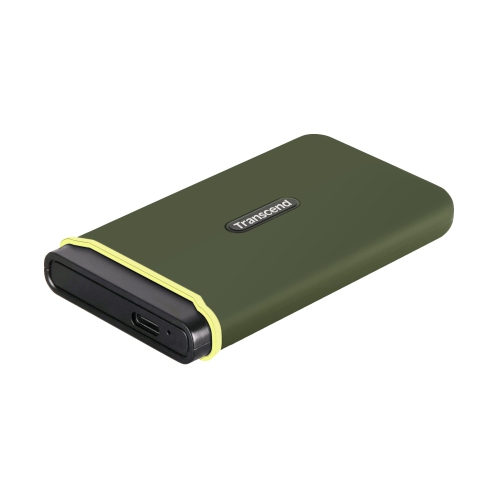
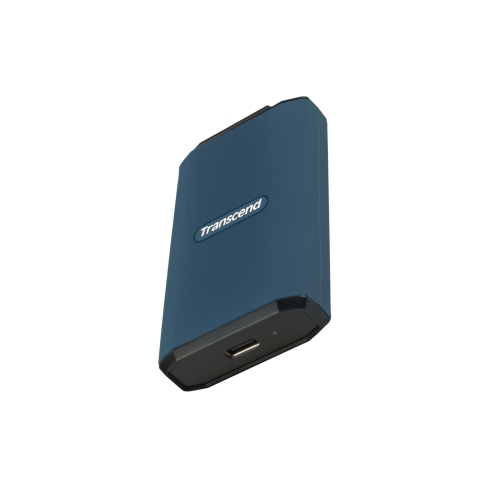
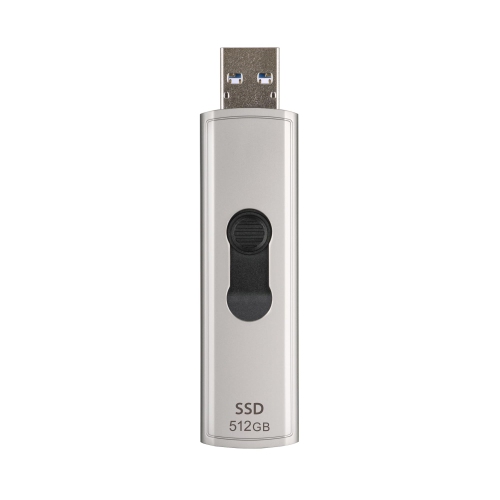
Shop Cyber Monday external SSD deals to find portable solid-state storage for backups, file transfers, and extra space. Compare external drives by capacity, connection type, and device compatibility to choose storage that fits your files, setup, and budget. Remember, our Low Price Guarantee means you can shop confidently knowing that you'll find the best price at Best Buy, all year round. We encourage you to check our website frequently for the most up-to-date information on our latest offers and savings opportunities.
Sort

More room for large files wherever work takes you

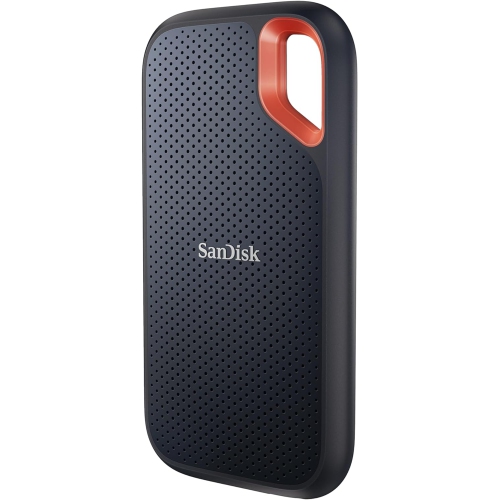
External SSDs provide a compact way to carry large files, expand storage space, and keep important work close at hand without opening a computer or replacing its internal drive. An external solid-state drive stores data on flash memory rather than spinning disks, making it well suited to frequent travel between a home desk, a classroom, and a shared workspace. Its appeal is especially clear when a laptop’s built-in storage starts filling with photographs, video projects, downloaded media, and work documents. Moving suitable files to a separate drive can free up internal space while keeping them accessible through a compatible connection. For a photographer returning from a shoot, that might mean having room for hundreds of high-resolution images and the edited versions that follow. For a student, it might mean keeping research, presentation files, and recorded lectures together in a device small enough to tuck into a laptop bag. Video editors and designers often use external SSDs for active projects, where reading and writing large files quickly can make everyday work feel more responsive. Families can use them to organize scanned photographs, home videos, and other personal records, while frequent travellers may appreciate having selected files accessible without relying on an internet connection. Some gaming systems also support external SSDs for compatible games or archived installations, although the ability to store and play a particular title depends on the system’s requirements. Capacity is an important part of that intended use: a collection of documents takes up far less room than footage from several cameras or a growing library of games. Leaving space for future projects can make a drive more useful over time, particularly when one device will serve several purposes. The practical value of portable storage comes from matching its capacity and connection to the files it will hold, whether that means a working copy of a creative project, a separate backup, or a personal media collection.

Connection type and compatibility help determine how an external SSD fits into an existing setup. A USB-C connector describes the shape of the plug, but it does not, by itself, establish the speed of the connection. The drive, the cable, and the computer’s port all need to support the appropriate data standard to deliver the expected transfer performance. A charging cable may not offer the same data capabilities as the cable supplied with a storage device, and an adapter or hub can introduce another limit. These details matter when transferring a folder of large video clips before a meeting or moving a finished project from a desktop to a laptop. Published maximum speeds are useful for comparing capabilities, but everyday results also depend on file size, the host device, and the task being performed. A single large file may transfer differently from thousands of small photographs and documents, while a sustained transfer can behave differently from a brief one. Compatibility extends beyond the physical port, too. A drive’s formatting affects which operating systems can read and write to it, and reformatting usually erases existing data. Households or workplaces that share files across different computer systems benefit from a format supported by each device, with important files copied elsewhere before any changes are made. Phones and tablets may also work with external storage, but support depends on their connection, operating system, power delivery, and file-management features. Physical fit deserves attention alongside these technical details. A short cable can keep a portable setup tidy, while a longer one may allow the drive to sit securely beside a desktop rather than hang from a port. The enclosure should have a stable place on the desk, with enough room around it to release heat. A slim shape is convenient for a bag or drawer, but comfortable handling, a secure connection, and a suitable cable can matter just as much as small dimensions.

Construction and everyday care influence how comfortably an external SSD travels and how well it holds up to regular use. Enclosures commonly use plastic, metal, or a combination of materials, sometimes with a protective outer layer for a better grip. Metal housings can help move heat away from internal components, while lightweight designs are easy to carry alongside a charger and other accessories. Some drives have stated resistance ratings for dust, water, or drops, but those claims apply only under the specified conditions; a sturdy-looking case alone does not establish that protection. A padded compartment or protective pouch can help prevent knocks and keep the connector away from loose objects in a bag. Avoiding unnecessary strain on the cable and safely ejecting the drive before unplugging it helps reduce connection problems and interrupted writes. Flash memory has a finite writing life, and no single storage device should be the only home for irreplaceable files. An external SSD can be part of a backup routine, but a working project stored solely on that drive is still just one copy. Keeping another copy in a separate location provides additional protection against loss, damage, or accidental deletion. For confidential work or personal records, password protection and encryption may be useful features where supported, with recovery information kept somewhere secure. External SSDs can also make thoughtful gifts for students, photographers, content creators, and relatives building a digital family archive, especially when the recipient’s device connections and storage needs are known. Their compact design suits people who move between locations, while their usefulness extends to a permanent desk setup with limited internal storage. For a wider view of the category, Cyber Monday Deals on SSDs connects portable storage needs with broader solid-state storage options. Whether used for a portfolio, a media library, or a separate backup, an external SSD is most useful when it fits naturally into the way its owner saves, carries, and accesses files.

FAQ

Some products may be subject to Environmental Handling Fees (EHF) depending on your province. Learn more about EHFs.